1 port
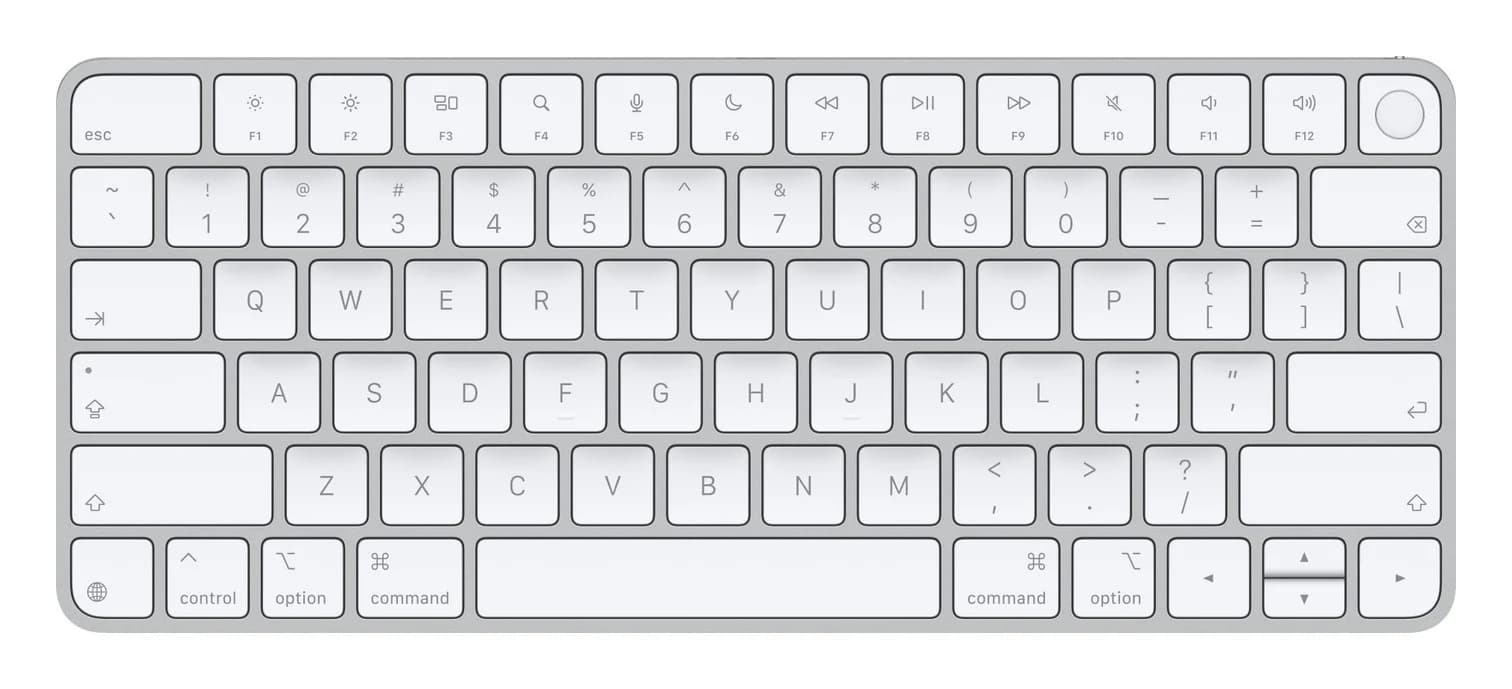
Apple Magic Keyboard with Touch ID (USB-C, US English)
Apple's slim wireless Bluetooth keyboard with a Touch ID key for Macs with Apple silicon, charged and paired through its USB-C port.
- MacBook Air
- MacBook Pro
- Desk setup
Apple
Apple's low-profile wireless Bluetooth mouse with a Multi-Touch gesture surface, recharged through a USB-C port on its underside.
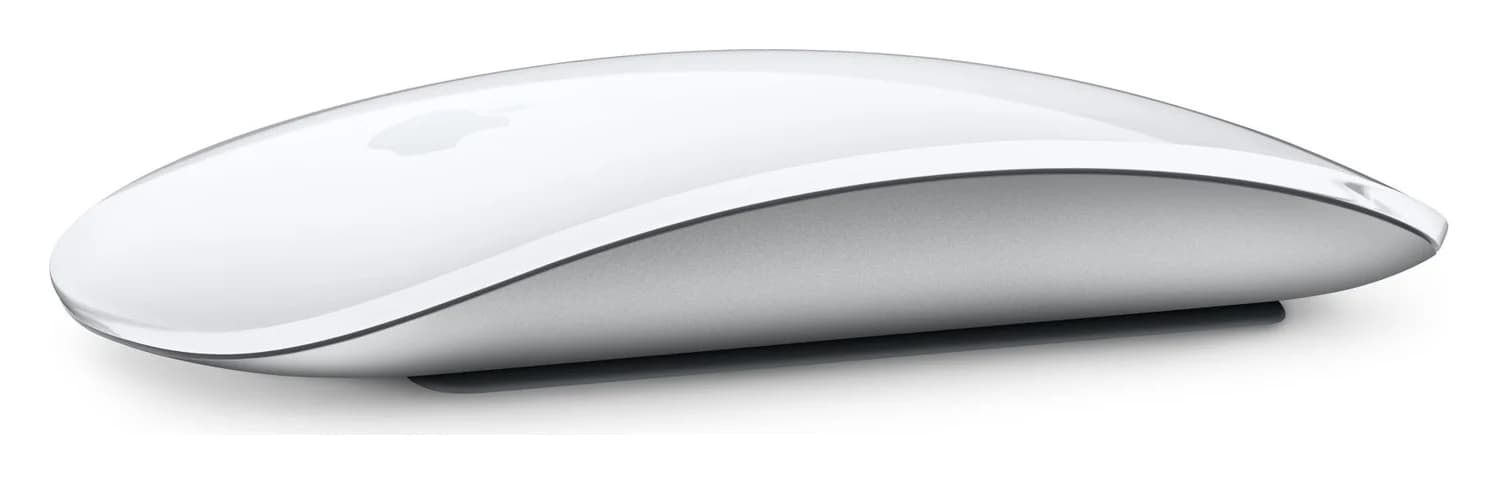
Photo: Apple
Tap a port to see what it’s for.
USB ports
1
1x USB-C on the underside (charging and pairing)
Total ports
1
Compact: the essentials for travel or a light setup.
| Connection | Bluetooth wireless; USB-C port for charging and pairing |
|---|---|
| Charging port | USB-C on the bottom of the mouse, so it can't sit flat for use while plugged in |
| Gestures | Multi-Touch surface for swiping between pages and scrolling |
| System requirements | Mac with macOS 15.1 or later; iPad with iPadOS 18.1 or later |
| Mac compatibility list | Apple's current list names only Macs with Apple silicon |
| Battery | Rechargeable; about a month or more between charges, per Apple |
| Size and weight | 11.35 x 5.71 x 2.16 cm; 99 g |
| In the box | Magic Mouse and woven USB-C Charge Cable; no power adapter |
From manufacturer documentation, checked October 19, 2026. Spotted an error? Tell us.
Apple's slim wireless Bluetooth keyboard with a Touch ID key for Macs with Apple silicon, charged and paired through its USB-C port.
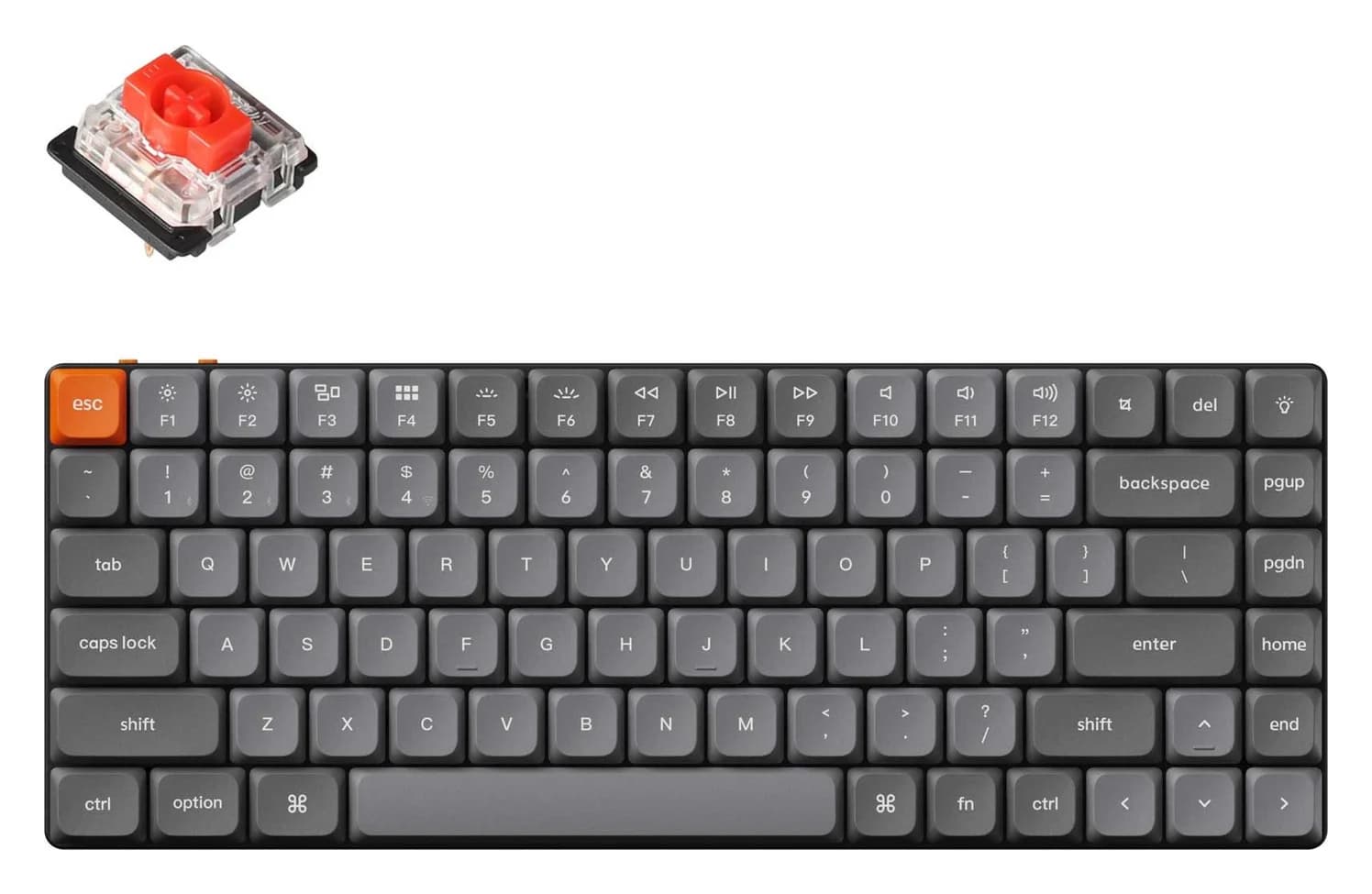
A slim 75% low-profile mechanical keyboard that connects over a 2.4GHz receiver, Bluetooth or a USB-C cable, with Mac and Windows keycaps.
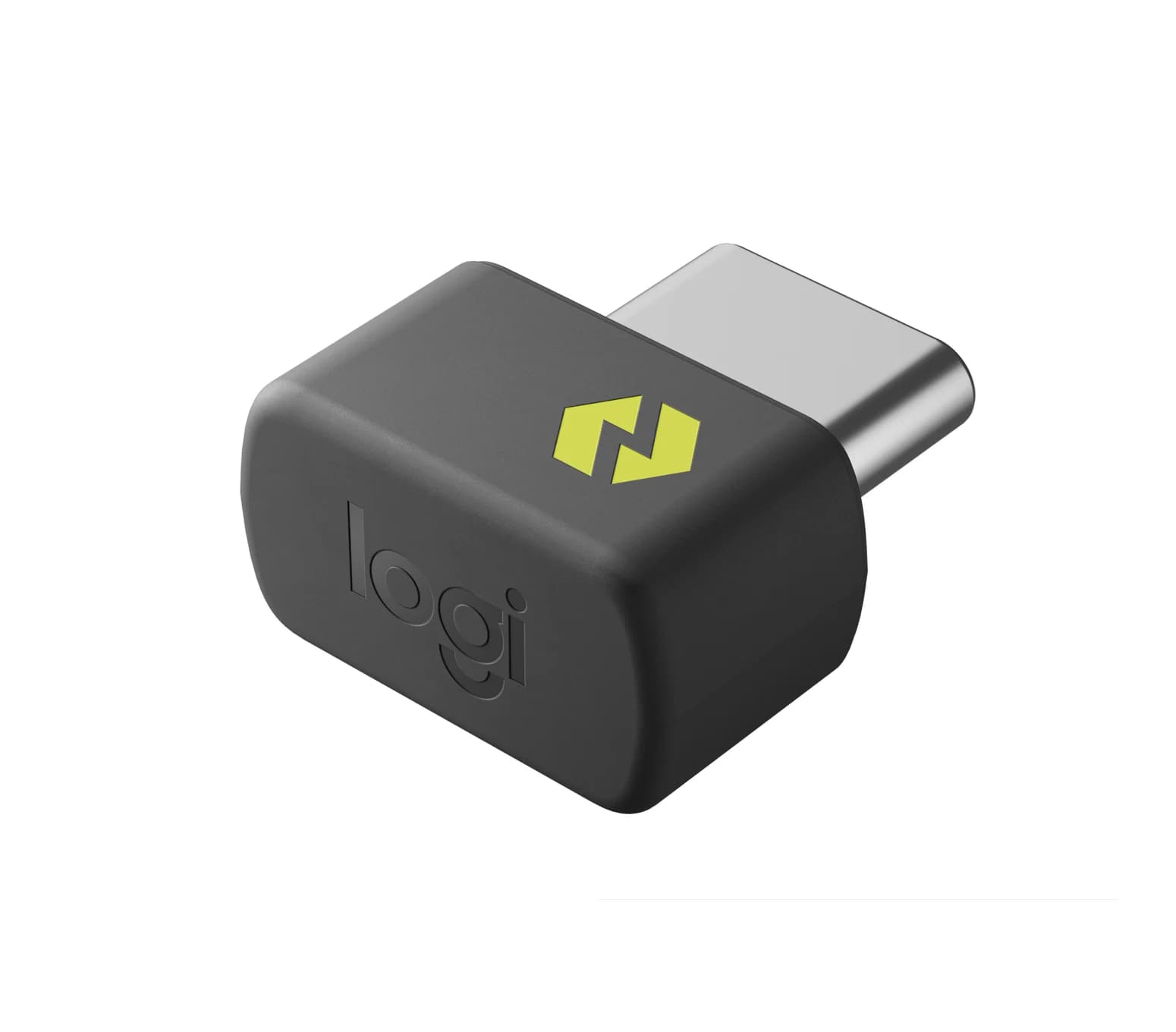
A tiny USB-C wireless receiver that connects up to six Logi Bolt keyboards and mice to one computer as a replacement, spare or add-on receiver.