Best picks
Best USB-C Keyboards and Mice in 2026: Rechargeable Picks for Mac, Windows and iPad
USB-C rechargeable keyboards and mice for Mac, Windows and iPad: receiver vs Bluetooth, multi-device switching, and how to stop receiver lag on hubs.
By thisUSB EditorialUpdated October 22, 202611 min read7 picks
Our picks at a glance
- See on Amazon
- See on Amazon
- See on Amazon
- See on Amazon
- See on Amazon5
Best mechanical keyboard
Keychron K3 Max Low-Profile Wireless Mechanical Keyboard (White Backlight, Gateron Red)1 port
- See on Amazon
- See on Amazon7
Best add-on for USB-C laptops
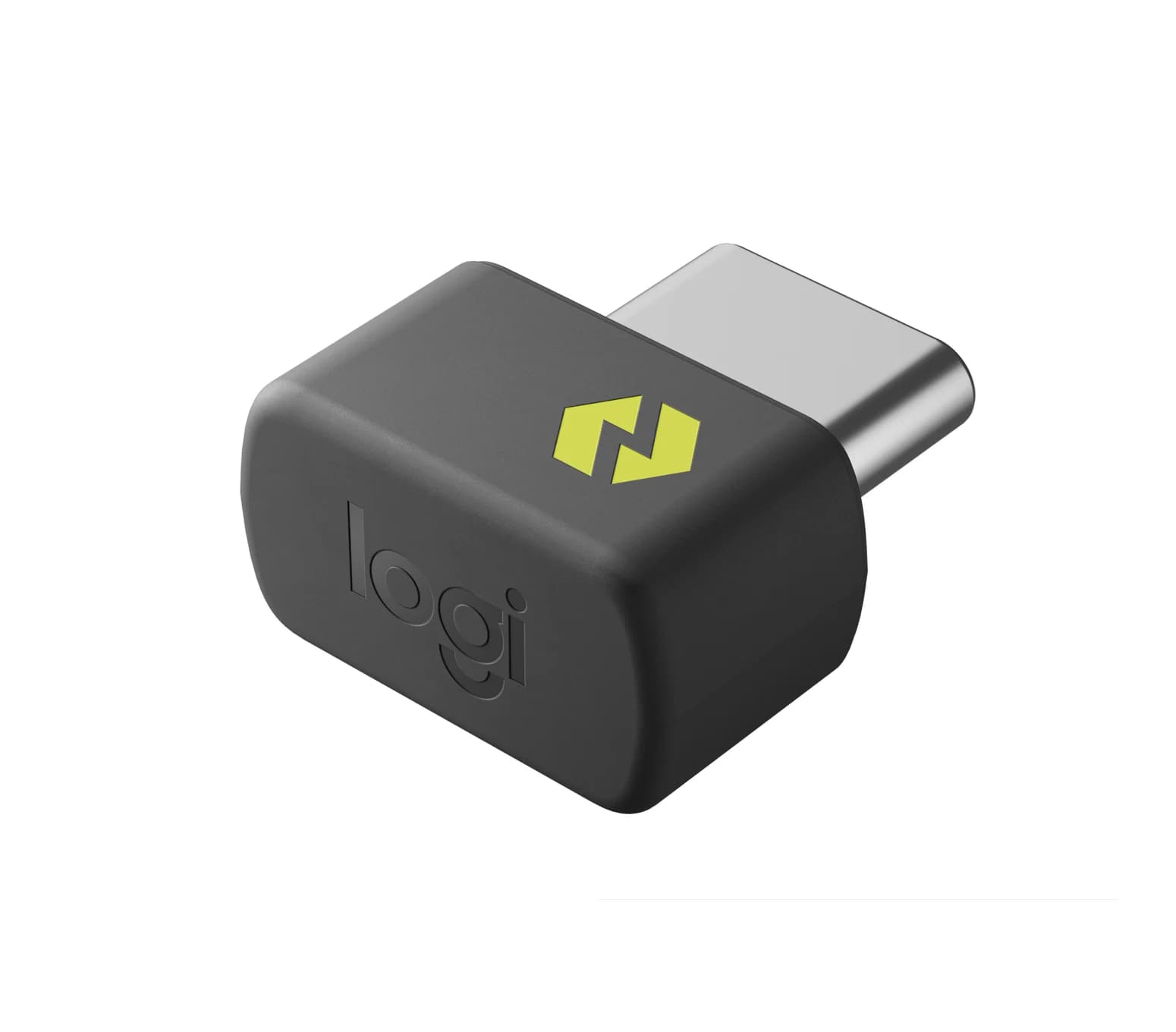
Logi Bolt USB-C Receiver (Graphite)
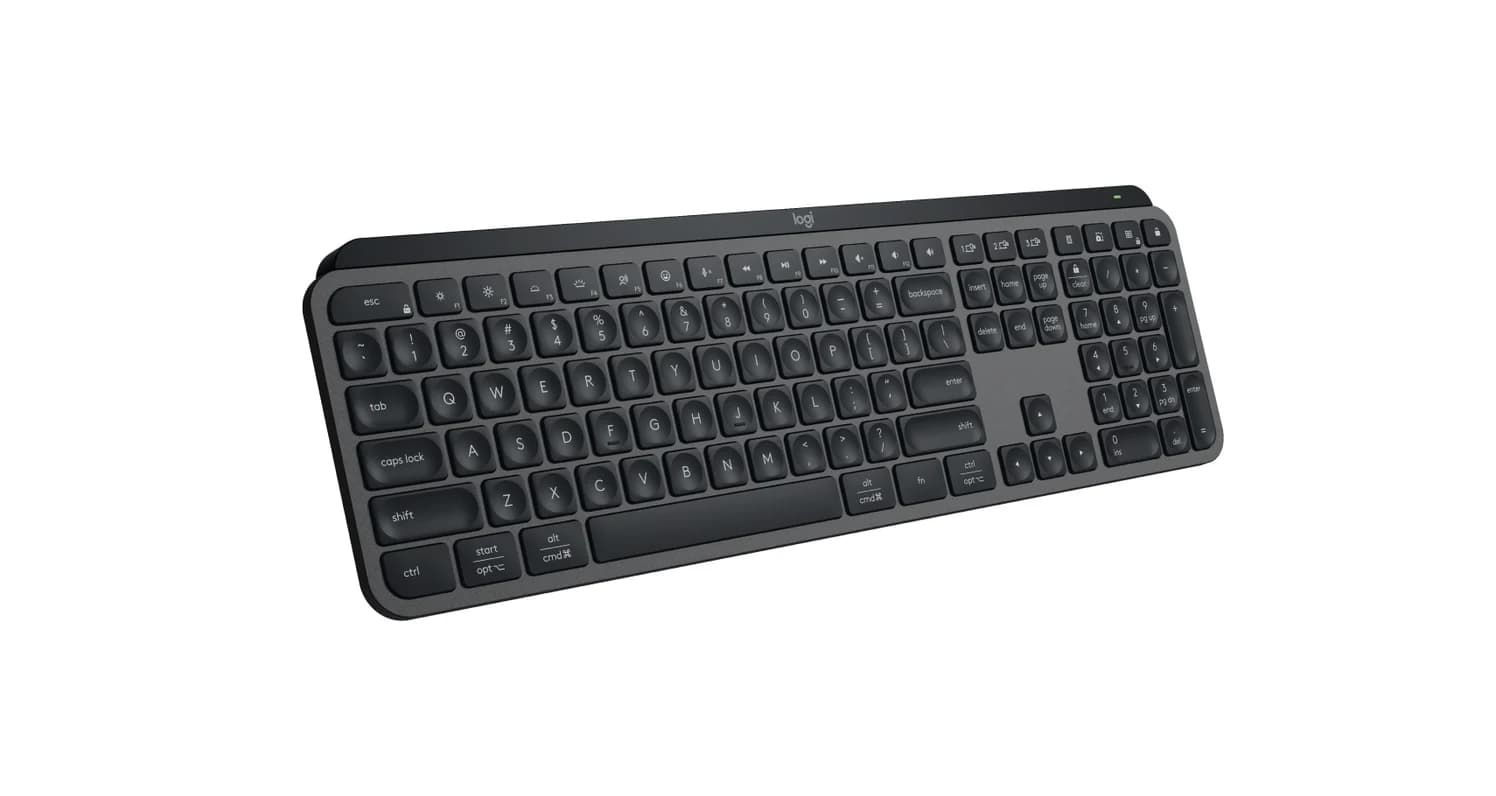
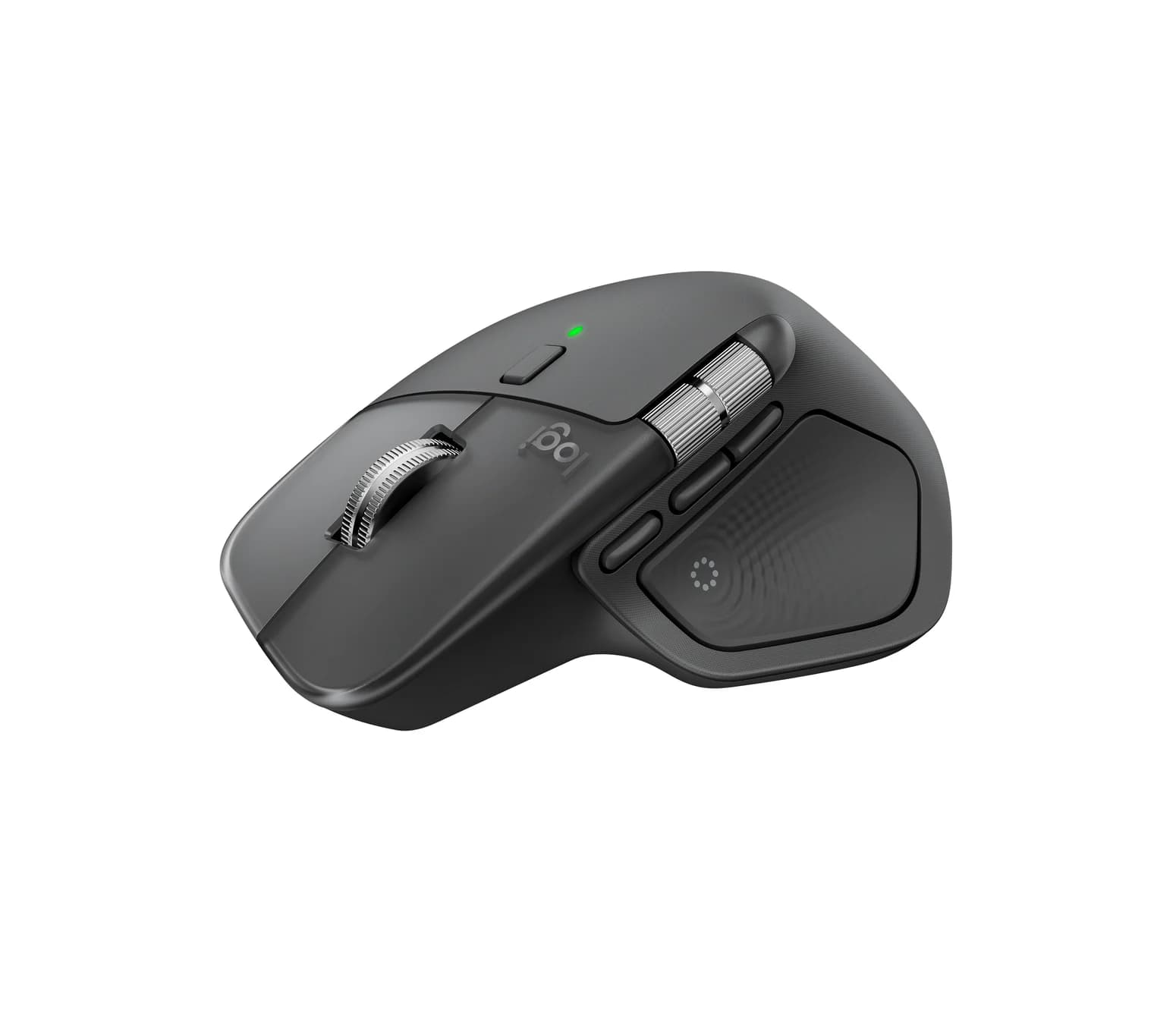
For most people the best wireless keyboard and mouse are Logitech's MX Keys S and MX Master 4. Both recharge over USB-C, switch between three devices with a button, and connect over Bluetooth or a Logi Bolt receiver, so one set can work with a Mac, a Windows PC and an iPad. Mac-only desks are better served by Apple's Magic Keyboard with Touch ID. If you want mechanical keys, get the Keychron K3 Max, and PC gamers should get the Razer DeathAdder V4 Pro.
The differences that matter most are USB ones: whether a receiver comes in the box, whether it's USB-A or USB-C, and where the charging port is.
Quick picks
| Pick | Award | Connects over | Receiver in the box | Battery (maker's rating) |
|---|---|---|---|---|
| Logitech MX Keys S | Best keyboard overall | Bluetooth or Logi Bolt, 3 devices | Logi Bolt, USB-A | Up to 10 days with backlight, 5 months without |
| Logitech MX Master 4 | Best mouse overall | Bluetooth or Logi Bolt, 3 devices | Logi Bolt, USB-C | Up to 70 days |
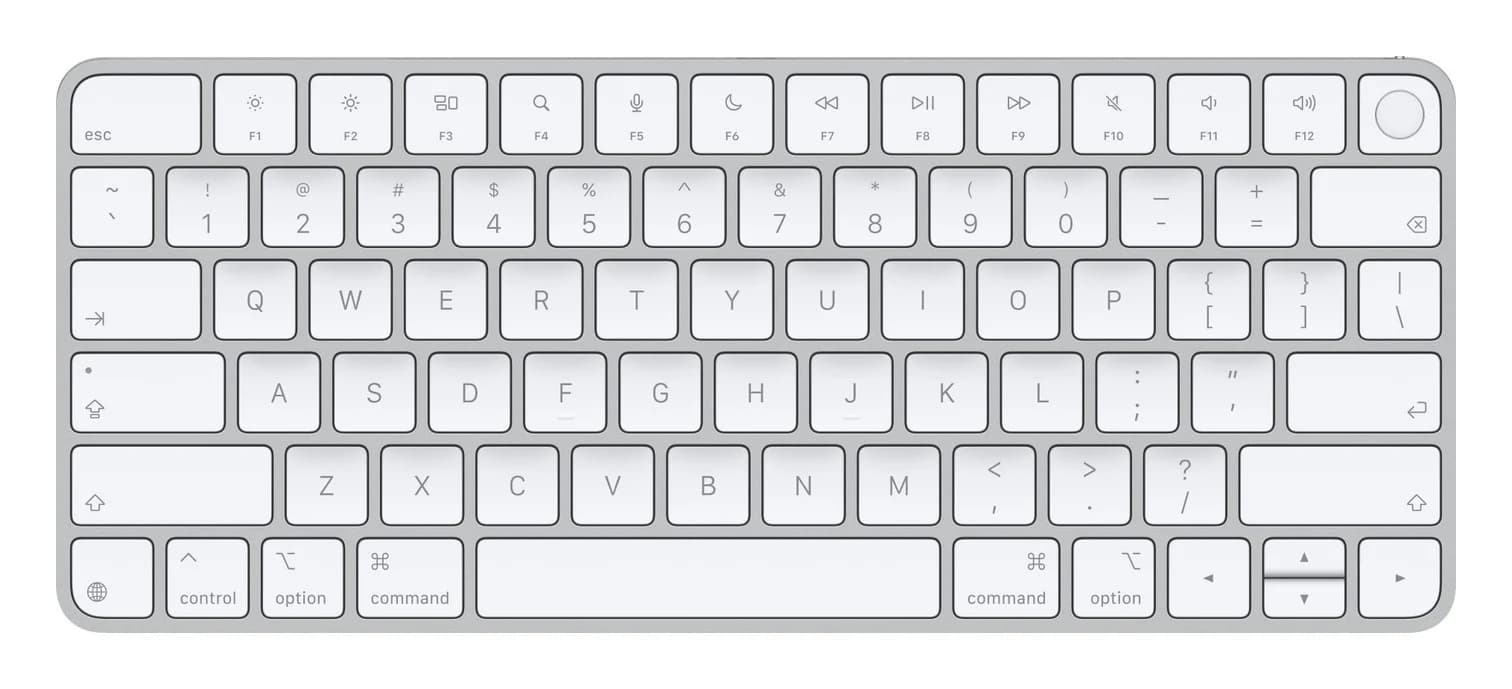
| Apple Magic Keyboard with Touch ID | Best keyboard for Mac | Bluetooth, one device at a time | None | About a month or more |
| Apple Magic Mouse | Best mouse for Mac gestures | Bluetooth, one device at a time | None | About a month or more |
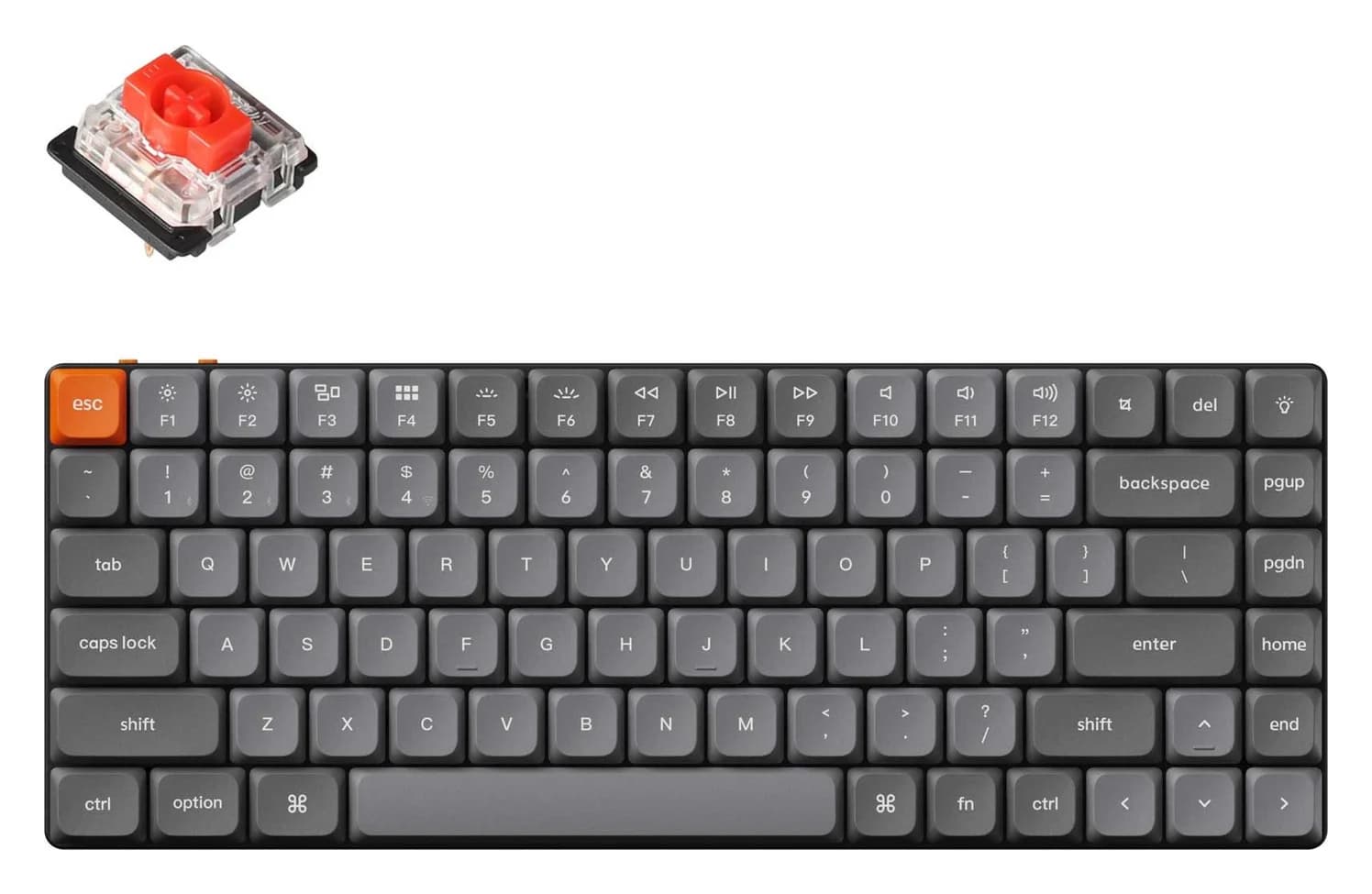
| Keychron K3 Max | Best mechanical keyboard | 2.4GHz, Bluetooth (3 devices) or USB-C cable | 2.4GHz USB receiver | About 73 hours, backlight off |
| Razer DeathAdder V4 Pro | Best gaming mouse | 2.4GHz HyperSpeed or USB-C cable | Desk dongle with USB-A cable | Up to 150 hours at 1,000Hz |
| Logi Bolt USB-C Receiver | Best add-on for USB-C laptops | Logi Bolt, up to 6 devices | It is the receiver | Not applicable |
Best keyboard overall: Logitech MX Keys S
Logitech
Logitech MX Keys S Wireless Keyboard (Graphite)
A full-size, low-profile wireless keyboard with smart backlighting that connects over Bluetooth or the included Logi Bolt USB receiver, switches between three devices and recharges over USB-C.
- 1 port
The MX Keys S is the keyboard for people who use more than one computer. Three Easy-Switch keys jump between paired devices, and it connects over Bluetooth or the Logi Bolt receiver in the box. Logitech lists Windows, macOS, ChromeOS, Linux, iPadOS and Android for Bluetooth, so one keyboard can serve a work laptop, a home PC and an iPad.
It's a full-size, low-profile keyboard with backlighting that switches on as your hands approach. Logitech rates the 1,500mAh battery at up to 10 days with backlighting on and up to 5 months with it off. It charges over USB-C, a USB-A to USB-C cable is in the box, and you can keep typing while it charges.
The USB catch is the receiver: it's USB-A. On a MacBook or another USB-C-only laptop, use Bluetooth, put the receiver in a hub, or pair the keyboard to a Logi Bolt USB-C receiver instead (see below). Bolt doesn't work with Logitech's older Unifying receivers. Logitech also sells an MX Keys S for Mac with a Mac layout and a USB-C to USB-C cable, but no receiver. Smart Actions and backlight settings need Logi Options+, and at 810g it's a desk keyboard.
See the Logitech MX Keys S on Amazon
Best mouse overall: Logitech MX Master 4
Logitech
Logitech MX Master 4 Wireless Mouse (Graphite)
Logitech's flagship ergonomic wireless mouse with haptic feedback, an 8,000 DPI sensor and MagSpeed wheel, connecting over Bluetooth or the included Logi Bolt USB-C receiver and charging over USB-C.
- 1 port
The MX Master 4 is the successor to the popular MX Master 3S, and the USB detail that sets it apart is in the box: a Logi Bolt USB-C receiver. It plugs straight into a MacBook or a USB-C-only Windows laptop with no adapter, and Bluetooth 5.1 is there too. An Easy-Switch button or the on-screen Actions Ring moves it between three devices.
Logitech rates the 650mAh battery at up to 70 days, and a 1-minute charge gives about 3 hours of use. You can keep using it while it charges over USB-C, but there's no cable in the box. It keeps the MagSpeed scroll wheel and thumb wheel, adds a Haptic Sense panel that opens the Actions Ring shortcut menu, and its 8,000 DPI sensor tracks on glass 4mm or thicker.
Two things to check. Logitech requires Windows 11 for Bluetooth on Windows, while the Bolt receiver also supports Windows 10. And at 150g it's a large, right-handed mouse. A useful trick: one Bolt receiver handles up to six Bolt devices, so you can pair the MX Keys S to this mouse's USB-C receiver in Logi Options+ and run both from a single port.
See the Logitech MX Master 4 on Amazon
Best keyboard for Mac: Apple Magic Keyboard with Touch ID
Apple
Apple Magic Keyboard with Touch ID (USB-C, US English)
Apple's slim wireless Bluetooth keyboard with a Touch ID key for Macs with Apple silicon, charged and paired through its USB-C port.
- 1 port
On a Mac with Apple silicon, this keyboard does something no other pick here does: its Touch ID key unlocks the Mac and approves purchases. Apple requires macOS 15.1 or later. Setup is the simplest here too. Plug the included woven USB-C cable into your Mac and it pairs and charges at the same time, then it runs about a month or more between charges over Bluetooth, per Apple.
This is the compact layout without a numeric keypad. It pairs with one device at a time, with no switching keys and no backlight, and Windows isn't on Apple's compatibility list. Apple lists recent iPads and iPhones as compatible, but it describes Touch ID only for Macs, so treat it as a plain Bluetooth keyboard there. In August 2026 Apple refreshed the US English version with symbols in place of words on keys like shift and tab. It works the same, and stock may be either version.
See the Apple Magic Keyboard with Touch ID on Amazon
Best mouse for Mac gestures: Apple Magic Mouse
Apple
Apple Magic Mouse (USB-C, White Multi-Touch Surface)
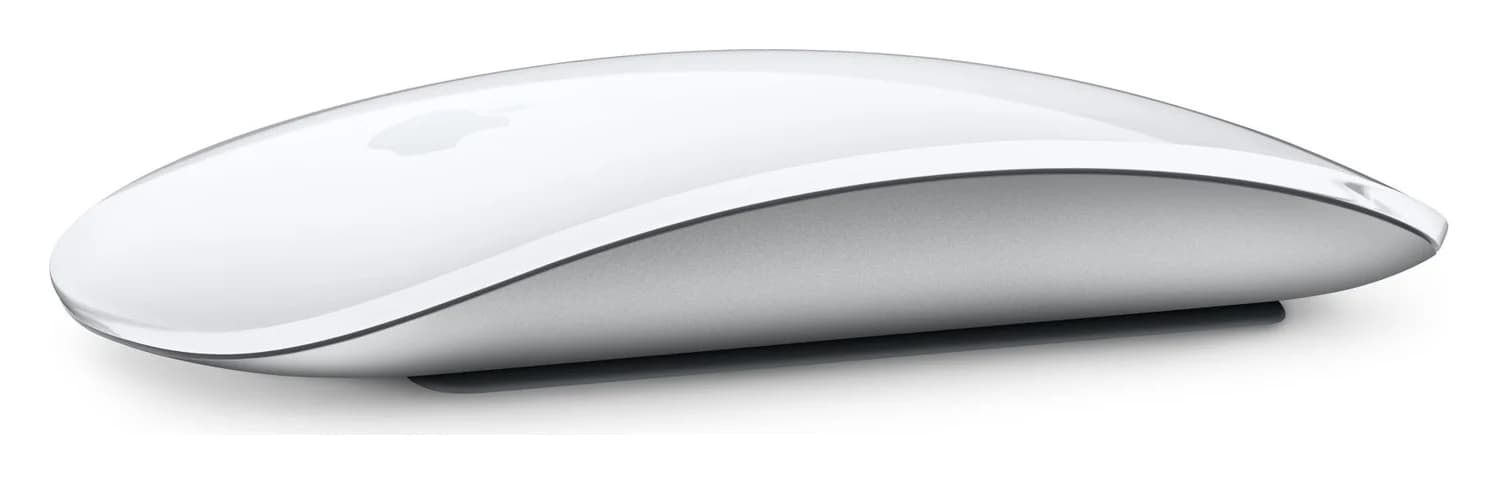
Apple's low-profile wireless Bluetooth mouse with a Multi-Touch gesture surface, recharged through a USB-C port on its underside.
- 1 port
The Magic Mouse's whole top is a Multi-Touch surface, so you swipe between pages and scroll with a fingertip, the gestures macOS is built around. It weighs 99g, lasts about a month or more per charge per Apple, and pairs and charges through the woven USB-C cable in the box. Apple requires macOS 15.1 or iPadOS 18.1 or later, and in 2026 Apple trimmed its Mac compatibility list to Macs with Apple silicon.
The USB-C quirk is well known: the port is on the underside, so you can't use the mouse while it charges. Charge it overnight or when you step away. It has no side buttons and no device switching, and Windows isn't on Apple's list. A redesigned Magic Mouse has been rumored, but Apple hadn't announced one as of this writing.
See the Apple Magic Mouse on Amazon
Best mechanical keyboard: Keychron K3 Max
Keychron
Keychron K3 Max Low-Profile Wireless Mechanical Keyboard (White Backlight, Gateron Red)
A slim 75% low-profile mechanical keyboard that connects over a 2.4GHz receiver, Bluetooth or a USB-C cable, with Mac and Windows keycaps.
- 1 port
The K3 Max puts low-profile mechanical switches (Gateron low-profile Red, a linear switch, on this model) in a slim 75% layout with 84 keys, and the switches are hot-swappable. It connects three ways: the 2.4GHz receiver for a steady desktop connection, Bluetooth 5.1 for up to three devices, or a USB-C cable. Keychron includes both Mac and Windows keycaps and lists macOS, Windows and Linux.
Keychron rates the 1,550mAh battery at about 73 hours with the backlight off, so you'll charge it more often than the Logitech or Apple keyboards. Keys can be remapped in the browser-based Keychron Launcher, thanks to its QMK firmware. The receiver takes a USB port, so on a USB-C-only laptop Bluetooth is usually simpler. Newer K3 variants, such as the K3 HE and K3 Ultra 8K, are also on sale.
See the Keychron K3 Max on Amazon
Best gaming mouse: Razer DeathAdder V4 Pro
Razer
Razer DeathAdder V4 Pro Wireless Gaming Mouse (Black)
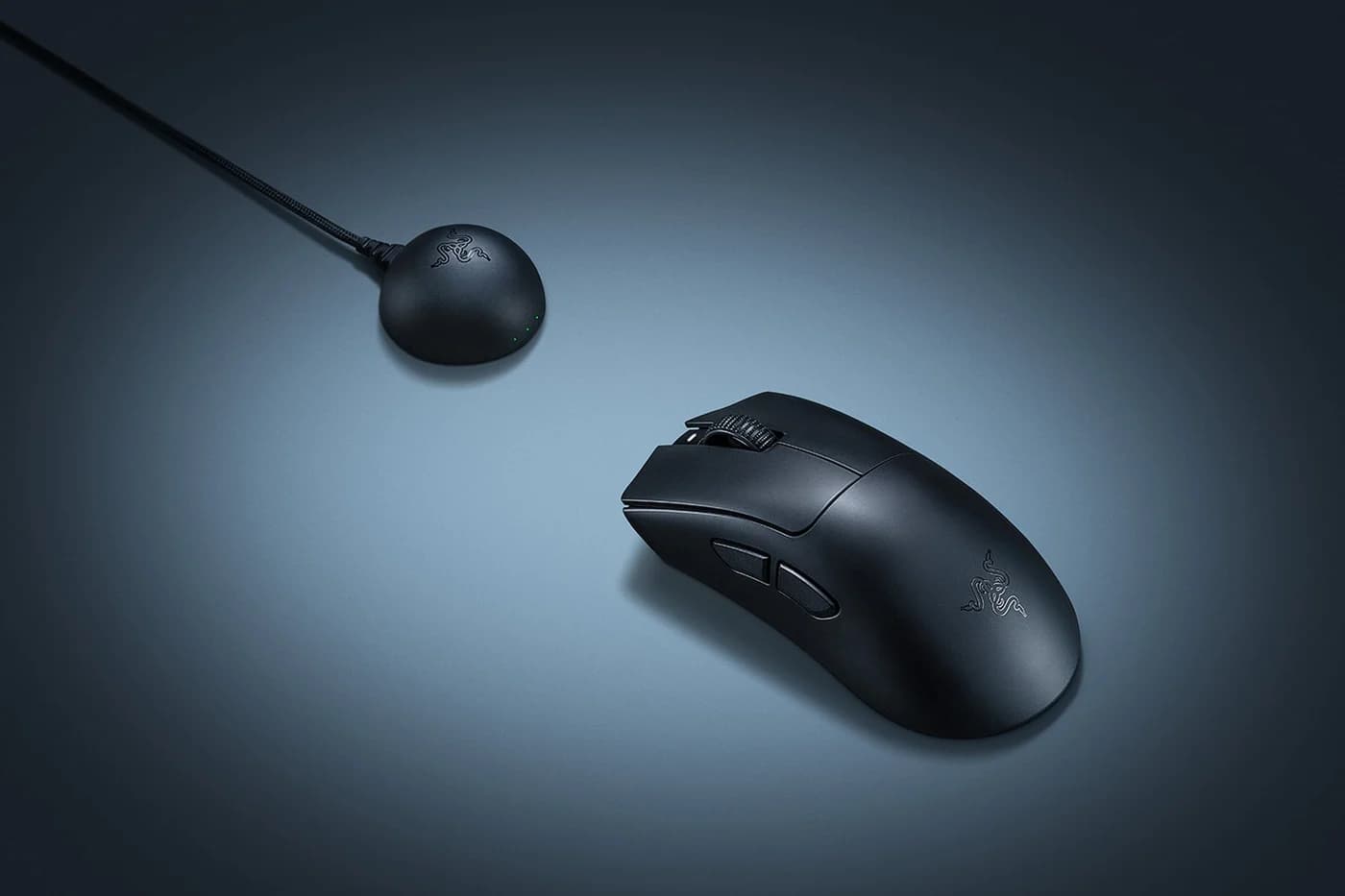
A 56 g right-handed wireless esports mouse that connects through Razer's HyperSpeed Wireless Gen-2 dongle at up to 8,000Hz and charges over USB-C.
- 1 port
The DeathAdder V4 Pro weighs 56g and supports up to 8,000Hz polling over Razer's HyperSpeed Wireless Gen-2 or the cable. Higher polling costs battery: Razer rates it at up to 150 hours at 1,000Hz and about 22 hours at 8,000Hz. It uses Razer's Focus Pro 45K Gen-2 sensor, has six programmable buttons, and its optical switches are rated for 100 million clicks.
The USB design is smart. The wireless dongle is a weighted puck that sits on your desk and connects to the PC through the included USB-A to USB-C cable. That puts the receiver close to the mouse and away from the back of the PC, which is exactly what Intel's and Logitech's interference advice recommends, and Razer advises plugging the dongle straight into the PC rather than a hub. There's no Bluetooth, so it won't pair with a tablet or phone, and a USB-C-only laptop needs an adapter for the USB-A cable. Razer Synapse 4 runs on Windows, with a preview for Apple silicon Macs. Our gamer gift guide has more PC and handheld ideas.
See the Razer DeathAdder V4 Pro on Amazon
Best add-on for USB-C laptops: Logi Bolt USB-C Receiver
Logitech
Logi Bolt USB-C Receiver (Graphite)
A tiny USB-C wireless receiver that connects up to six Logi Bolt keyboards and mice to one computer as a replacement, spare or add-on receiver.
This 0.97g USB-C receiver, which Logitech launched in 2025, connects up to six Logi Bolt keyboards and mice to one computer. It fixes the MX Keys S's USB-A receiver problem on a MacBook: pair the keyboard to this instead, and it plugs straight into USB-C. It's also a sensible spare for any Bolt device.
It works only with Bolt devices, not Unifying ones, and pairing needs Logi Options+ on Windows or macOS. Logitech lists Windows 10 and 11, macOS 10.14 or later, Linux and ChromeOS, but not iPadOS. If you're buying an MX Master 4, you already have one in the box.
See the Logi Bolt USB-C Receiver on Amazon
How we choose
We haven't used these keyboards and mice ourselves. Our picks come from research:
- Manufacturer specs. Every battery rating, connection, receiver and compatibility detail comes from Logitech's, Apple's, Keychron's and Razer's product and support pages. Where a maker publishes no figure, such as a charging wattage, we leave it out.
- The USB angle. Every pick charges over USB-C. We checked what's in each box, which receiver type you get, and where the charging port sits.
- Platform support. We use each maker's own compatibility lists for macOS, Windows, iPadOS and ChromeOS, including Apple's 2026 change to Apple silicon-only lists.
- Known patterns. For example, 2.4GHz receivers stuttering near USB 3 drives.
We chose the MX Master 4 over the still-popular MX Master 3S because it's the newer model and ships with a USB-C receiver. We also looked at Microsoft. Its classic keyboards and mice are now made and sold by Incase under a "Designed by Microsoft" label, and we couldn't confirm a current model in that range that recharges over USB-C.
Buying guide
Receiver or Bluetooth?
Most of these keyboards and mice can connect two ways, and each has a place.
| USB receiver (Logi Bolt, Keychron 2.4GHz, Razer HyperSpeed) | Bluetooth | |
|---|---|---|
| Uses a port | Yes, USB-A or USB-C | No |
| Works with iPad and phones | Usually not | Yes |
| Latency for gaming | Lower | Higher |
| Multi-device switching | One receiver per computer | Built in on most picks |
Rule of thumb: use Bluetooth for laptops, iPads and switching between devices, and a receiver for a desktop PC or a gaming setup.
USB-C charging
Every keyboard and mouse here charges over USB-C, so the cable that charges your phone charges them too. None of the makers names a minimum charger wattage, so any USB-C phone charger or computer port will do. Logitech says you can keep using the MX Keys S and MX Master 4 while they charge, and the Keychron and Razer also have wired modes. The Apple Magic Mouse is the exception: its port is on the bottom, so you can't use it while it charges. The MX Master 4 comes without a cable, and our USB-C cable guide covers good spares.
Multi-device switching
Logitech's Easy-Switch keys hold three paired devices. The Keychron K3 Max pairs with three Bluetooth devices plus its 2.4GHz receiver. Apple's Magic Keyboard and Magic Mouse pair with one device at a time, and plugging them into a Mac with a USB-C cable re-pairs them to that Mac. Razer's gaming mouse has no Bluetooth at all.
Mac, Windows and iPad
- Key layout. Mac and Windows use different modifier keys. Keychron includes both Mac and Windows keycaps, Logitech sells a separate MX Keys S for Mac, and Apple's keyboard is laid out for macOS.
- iPad. iPadOS works with Bluetooth keyboards and mice. Logitech lists iPadOS for Bluetooth on its MX devices but not for the Logi Bolt receiver, so connect an iPad over Bluetooth. Apple lists recent iPads for the Magic Keyboard and Magic Mouse. Our USB-C tablet guide covers iPad ports.
- Software. Logi Options+, Keychron Launcher and Razer Synapse handle remapping and extras like Logitech's Smart Actions. None is needed for basic typing and pointing.
Receiver tips with hubs and docks
USB receivers work on the 2.4GHz band, and USB 3 devices can drown them out. Intel documented in a white paper that USB 3 connectors and cables can radiate noise into the 2.4GHz band, and Logitech's support pages warn that USB 3.0 devices can cause erratic mouse and keyboard behavior. If your cursor stutters:
- Plug the receiver into the computer directly, not into a hub, dock, monitor USB port or KVM switch, as Logitech's troubleshooting advice recommends.
- Keep it away from USB 3 drives. Use a USB 2.0 port, or the port on the opposite side of the laptop from your SSD or flash drive. Unplugging the drive is a quick test.
- Use a short USB extension cable to bring the receiver onto the desk, in line of sight of the mouse. On a desktop tower under a desk, use a front port.
- Keep metal out of the path, and keep the receiver away from your Wi-Fi router.
On a MacBook, which has no USB-A ports, a USB-A receiver means an adapter or a hub. Bluetooth or a USB-C receiver, like the one that comes with the MX Master 4, avoids both. Razer's desk dongle solves the distance problem by design, since its cable brings the receiver right next to the mouse. If your receiver has to live in a hub, our desk hub guide and MacBook hub guide cover hubs with USB-A ports.
Verdict
Buy the Logitech MX Keys S and MX Master 4 if you switch between computers or mix Mac, Windows and iPad, and pair both to the mouse's USB-C receiver to save a port. On a Mac-only desk, the Apple Magic Keyboard with Touch ID is the one keyboard that unlocks your Mac with a fingerprint, and the Magic Mouse suits gesture fans who can live with its charging port. Typists who want mechanical switches should get the Keychron K3 Max, gamers the Razer DeathAdder V4 Pro, and anyone with a USB-A Bolt receiver and a USB-C laptop the Logi Bolt USB-C Receiver. Setting up a new Mac? Our gifts for new MacBook owners guide covers the hubs, chargers and drives that go with it.
Frequently asked questions
Can I use a Logi Bolt receiver with an older Logitech Unifying mouse?
No. Logi Bolt and Unifying are separate wireless systems, and Bolt receivers work only with Bolt devices. If you own both kinds, you need both receivers, or connect the Bolt device over Bluetooth. One Bolt receiver handles up to six Bolt keyboards and mice, so a keyboard and mouse can share a single port. Pair extra devices with Logi Options+ on Windows or macOS.
Does the Magic Keyboard with Touch ID work with an iPad or a Windows PC?
Apple lists recent iPads and iPhones as compatible, so it works as a Bluetooth keyboard there, but Apple describes Touch ID only on Macs with Apple silicon running macOS 15.1 or later. Windows isn't on Apple's compatibility list. If you split your time between a Mac, a Windows PC and an iPad, the Logitech MX Keys S fits better, with switching for three devices.
Why does my wireless mouse lag when a USB drive or hub is plugged in?
USB 3 connectors and cables can leak noise into the 2.4GHz band that wireless receivers use, a problem Intel documented and Logitech's support pages warn about. Plug the receiver directly into the computer, away from USB 3 drives, or use a short USB extension cable to put it on the desk near the mouse. Connecting over Bluetooth avoids the receiver altogether.
Can I charge a wireless keyboard or mouse with a phone charger?
Yes. Every keyboard and mouse here charges over USB-C, and none of the makers names a minimum wattage, so any USB-C phone charger or computer port works. You may need your own cable, because the MX Master 4 doesn't come with one. The Apple Magic Mouse charges through a port on its underside, so charge it when you're away from your desk.
Is Bluetooth good enough for a gaming mouse?
For casual games it's usually fine. For competitive play, use a 2.4GHz receiver or a cable, which have lower latency. The Razer DeathAdder V4 Pro reaches up to 8,000Hz polling over its HyperSpeed dongle or cable and doesn't offer Bluetooth at all. At 8,000Hz Razer rates the battery at about 22 hours, so most people will use 1,000Hz day to day.