Best picks
Best USB-C Cables for Fast Charging in 2026
USB-C cables that really carry 100W or 240W, explained: e-markers, 60W vs 240W EPR, and when you need a Thunderbolt 5 cable for fast data and displays.
By thisUSB EditorialUpdated September 27, 20266 min read4 picks
Our picks at a glance
- See on Amazon1
Best overall charging cable
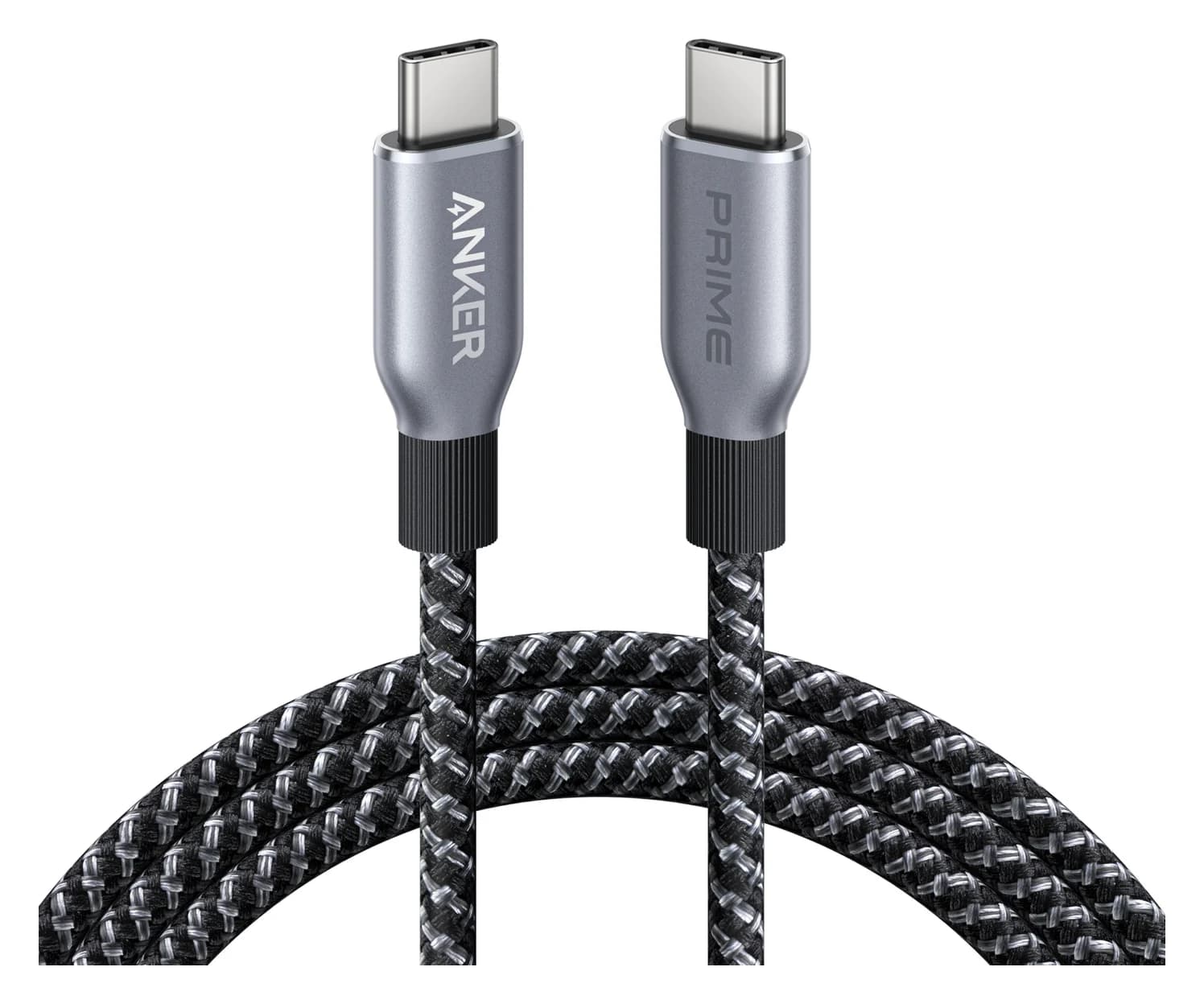
Anker Prime USB-C to USB-C Cable (240W, Upcycled-Braided, 6 ft)0.48 Gbps data
- See on Amazon
- See on Amazon3
Best value 2-pack
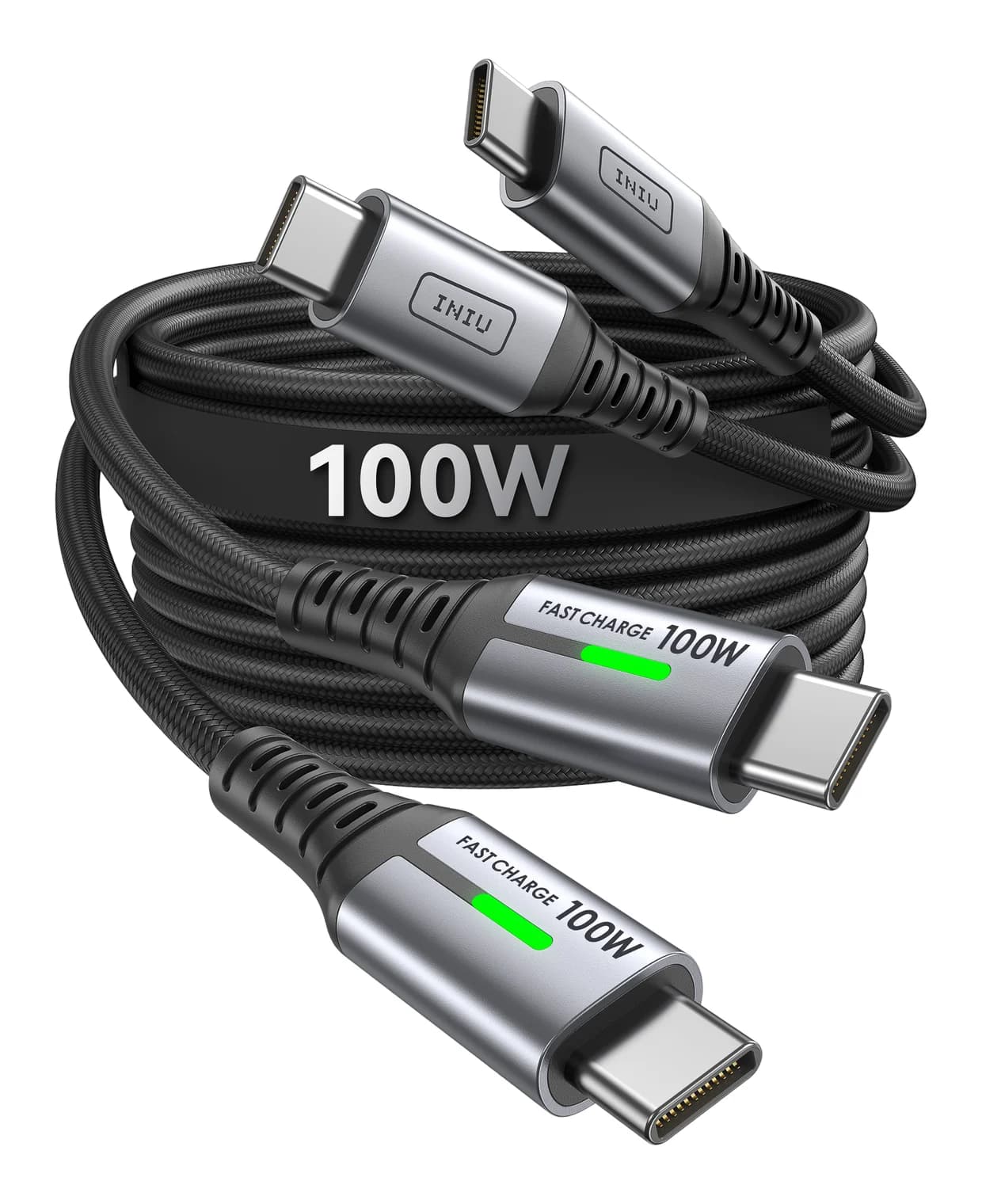
INIU 100W USB-C to USB-C Cable (6.6 ft, 2-Pack) - See on Amazon
For most people, the best fast-charging USB-C cable is the Anker Prime 240W (6 ft). It's USB-IF certified and supports up to 240W, so it works with any charger from a phone brick to a 140W MacBook Pro adapter. If you also need data, video or a dock connection, get a certified Thunderbolt cable like the Plugable Thunderbolt 5 240W. It does everything, but it's short.
The confusing part is that two cables can look identical and behave differently. One gives your laptop 100W and the other quietly caps it at 60W. The sections below explain why, and which cables avoid the problem.
Quick picks
| Pick | Award | Max power | Data | E-marker / class | Length |
|---|---|---|---|---|---|
| Anker Prime 240W | Best overall charging cable | 240W | USB 2.0 (480Mbps) | 240W (EPR class), USB-IF certified | 6 ft (3 ft also sold) |
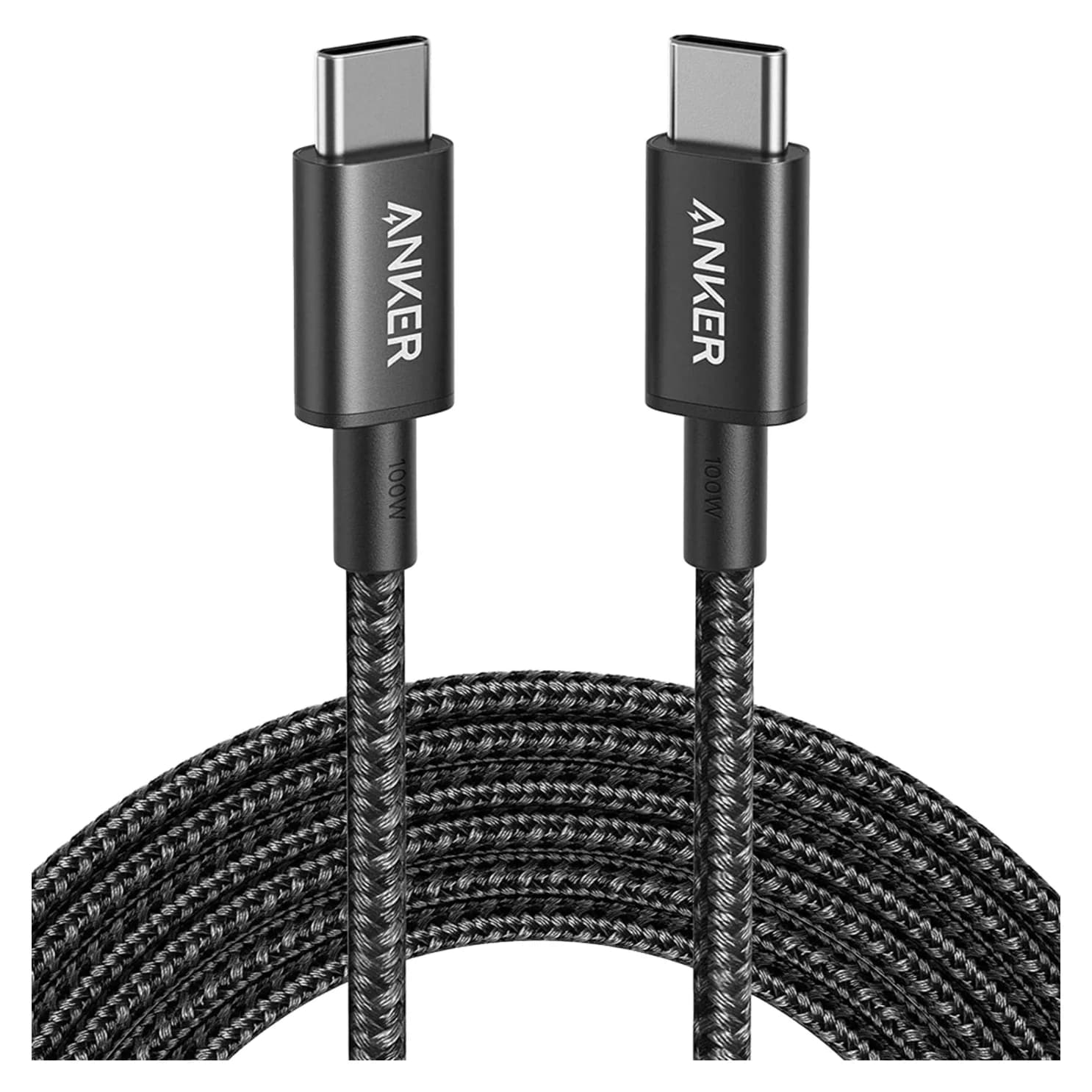
| Anker Nylon 100W 10 ft | Best long cable | 100W | USB 2.0 (480Mbps) | E-marker in each end | 10 ft |
| INIU 100W 2-Pack | Best value 2-pack | 100W | Not specified | E-marker | 6.6 ft x2 |
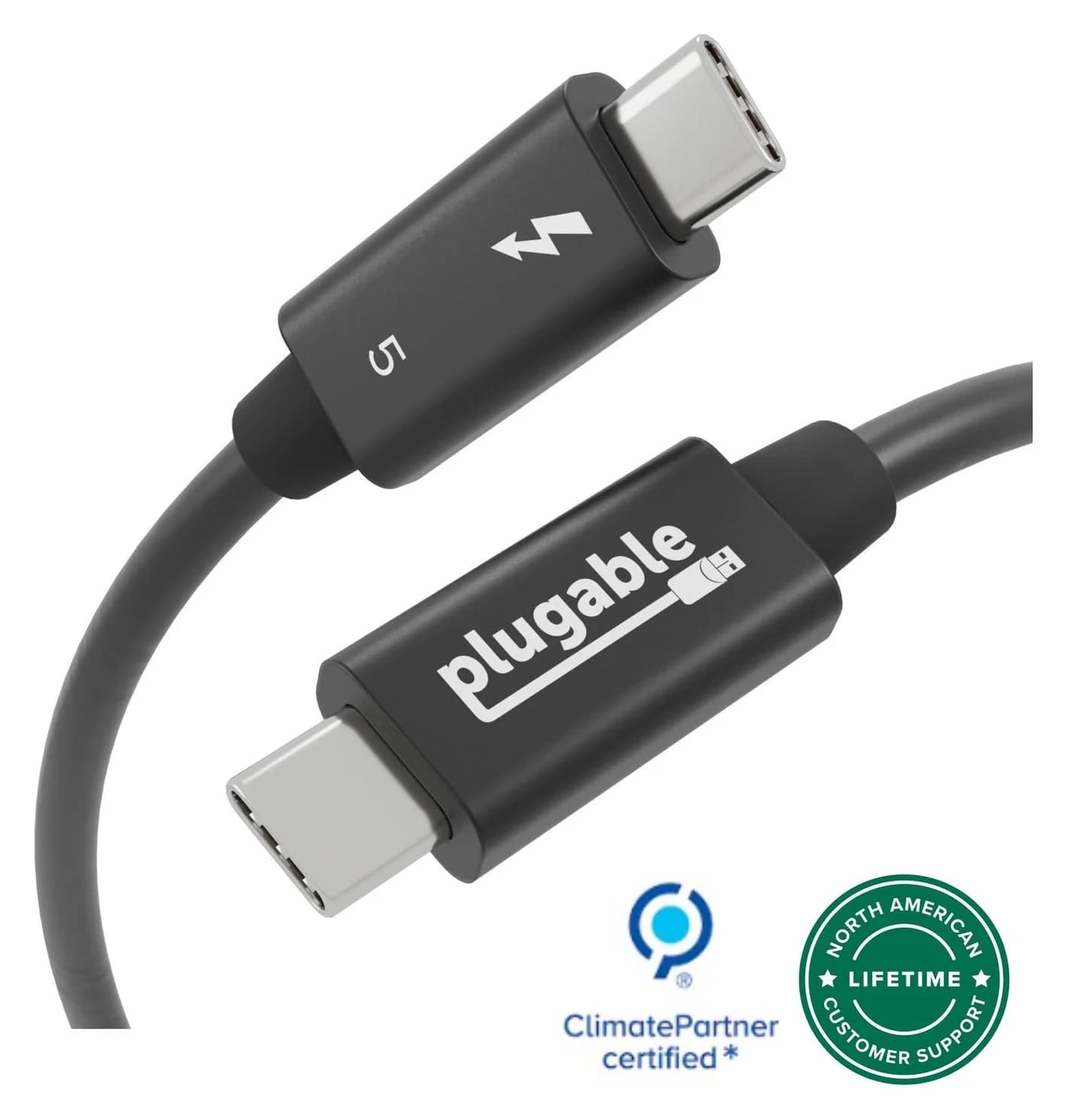
| Plugable Thunderbolt 5 | Best for docks, SSDs, displays | 240W | 80Gbps (120Gbps boost) | Thunderbolt + USB-IF certified | 1m |
60W vs 100W vs 240W: what actually changes
USB Power Delivery works in three tiers, and the cable decides which tier you get:
| Cable type | Current | Max voltage | Max power | Typical use |
|---|---|---|---|---|
| Standard USB-C (no e-marker) | 3A | 20V | 60W | Phones, tablets, small laptops |
| 5A e-marked | 5A | 20V | 100W | Most laptops up to 100W |
| 240W EPR e-marked | 5A | 48V | 240W | 140W+ laptops, PD 3.1 chargers |
If you plug a 100W laptop into a 100W charger with a basic 60W cable, the charger sees no e-marker, assumes 3A, and delivers 60W. The laptop still charges, just more slowly. Under load, it may not keep up.
Data speed is a separate axis. All three charging cables in this guide are built for power. The Anker cables are explicitly USB 2.0 (480Mbps) with no video. For a monitor, dock or 10Gbps-plus SSD, you need a USB 3.x, USB4 or Thunderbolt cable.
Best overall charging cable: Anker Prime 240W (6 ft)
Anker
Anker Prime USB-C to USB-C Cable (240W, Upcycled-Braided, 6 ft)
A 6 ft USB-IF certified USB-C cable rated for 240W (USB PD 3.1 EPR) charging with USB 2.0 data.
- 0.48 Gbps data
This is the cable to buy if you want one charging cable that will never be the bottleneck. Anker lists 240W charging, which puts it in USB PD 3.1's Extended Power Range. It's also USB-IF certified, which means it went through the USB standards body's own compliance testing, not just the maker's.
That headroom matters today for 140W chargers like the one in our USB-C charger guide, and it doesn't hurt on smaller chargers. A 240W cable connected to a 20W phone charger simply carries 20W.
Anker's spec sheet is clear about the trade-off: USB 2.0 data at 480Mbps and no screen mirroring. Anker also claims a very high bend durability for the recycled nylon jacket. It comes in 6 ft (this pick) and 3 ft.
See the Anker Prime 240W cable on Amazon
Best long cable: Anker Nylon USB-C 100W (10 ft)
Anker
Anker Nylon USB-C to USB-C 100W Cable (10 ft)
A 10 ft braided USB-C to USB-C charging cable rated for 100W, with USB 2.0 data.
- 0.48 Gbps data
Ten feet is the length that reaches from a wall outlet to a couch, bed or the far side of a desk. Anker's spec page confirms an e-marker in each end and 100W charging, so a laptop that takes 100W gets it.
Like most charging cables, it's USB 2.0 for data (480Mbps) and Anker says it doesn't support video. Anker lists a 12,000-bend lifespan for the braided nylon jacket. If you need more than 100W, for example a 16-inch MacBook Pro at 140W, use a 240W cable instead.
See the Anker 100W 10 ft cable on Amazon
Best value 2-pack: INIU 100W USB-C (6.6 ft, 2-Pack)
INIU
INIU 100W USB-C to USB-C Cable (6.6 ft, 2-Pack)
A two-pack of 6.6 ft braided USB-C to USB-C cables rated for 100W charging.
Spare cables are the ones that live in a laptop bag, a car or a bedroom. INIU's two-pack gives you two 6.6 ft braided cables, each rated by INIU for 100W with an e-marker chip, plus a 3-year warranty.
INIU's product pages focus on charging and don't state a data rate. Treat these as charging cables, not cables for monitors or fast drives. INIU sells more than one near-identical 6.6 ft 100W two-pack, so check the listing if you care about a specific connector style.
See the INIU 100W 2-pack on Amazon
Best for docks, SSDs and displays: Plugable Thunderbolt 5 (1m, 240W)
Plugable
Plugable Thunderbolt 5 Cable, 240W (1m)
A 1m passive Thunderbolt 5 cable with 80Gbps data, 120Gbps Bandwidth Boost support and 240W charging.
- 80 Gbps data
- 8K video
If the cable connects a laptop to a dock, a fast external SSD or a USB-C monitor, charging-only cables won't work. This Plugable cable is Thunderbolt and USB-IF certified, supports 80Gbps both ways (up to 120Gbps in one direction with Thunderbolt 5 Bandwidth Boost), carries video, and supports 240W charging.
It's passive and backward-compatible with Thunderbolt 4, Thunderbolt 3, USB4 and plain USB-C, so it's a good "one cable for everything" choice for a desk with a Thunderbolt dock. Plugable lists up to dual 8K60 or triple 4K144, depending on the host. The limitation is length: at 1m, it's a desk cable, not a wall-to-couch cable.
See the Plugable Thunderbolt 5 cable on Amazon
How we choose
We haven't physically tried these cables. Our picks come from research:
- Spec sheets. Every wattage, data rate and e-marker detail above comes from the manufacturer's product page. If a maker doesn't state something, such as INIU's data rate, we leave it out.
- Standards. We check claims against USB Power Delivery: 3A (60W) without an e-marker, 5A up to 20V for 100W, and EPR up to 48V for 240W.
- Certification. We prefer cables with USB-IF or Intel Thunderbolt certification, which is independent compliance testing, over cables that only claim compatibility.
- Known buyer patterns. The most common one is laptops charging at 60W because of an unmarked cable.
We replaced this guide's earlier dock-cable pick, a generic USB4 two-pack, because there was no manufacturer spec page to verify it against.
Buying guide
Decide: power only, or power plus data? For charging, a 100W or 240W e-marked USB 2.0 cable is ideal. They're thin, flexible and inexpensive. For docks, monitors and SSDs, buy a certified Thunderbolt or USB4 cable and label it so it doesn't end up as a phone cable.
When in doubt, buy 240W. A 240W cable works at every lower wattage and removes the cable as a variable if you later buy a PD 3.1 charger.
Look for the logo or the certification. USB-IF's current cable logos print the wattage (60W or 240W) and, for data cables, the speed. Thunderbolt-certified cables carry the Thunderbolt mark.
Watch the "compatible" wording. A cable described as "compatible with Thunderbolt 4" isn't necessarily certified, and some USB4 cables fall back to Thunderbolt 3 behavior on Thunderbolt 4 hosts. Anker says this about its own 515 USB4 cable. If full Thunderbolt 4 or 5 matters, buy certified.
Match length to the job. Long cables (6-10 ft) are fine for charging. High-speed passive data cables are usually 1m or shorter.
If you're still working out which port types you have, start with our USB-C vs USB-A explainer. Spare cables also make easy low-cost gifts, and our USB stocking stuffers guide has more.
Verdict
Get the Anker Prime 240W as your main charging cable. It's certified, it won't limit any charger, and it's the right cable for a 140W laptop. Add the Anker 100W 10 ft where you need reach, or the INIU two-pack for inexpensive spares. For anything involving a dock, monitor or fast SSD, use a certified Plugable Thunderbolt 5 cable, and keep it separate from your charging cables so it doesn't get mixed up.
Frequently asked questions
What is an e-marker in a USB-C cable?
An e-marker is a small chip in the connector that tells the charger and device what the cable can handle, including current (3A or 5A), maximum voltage and data speed. Without one, USB Power Delivery assumes 3A, which is 60W at 20V. Every USB-C cable sold as 100W or 240W needs an e-marker, and a 240W cable needs one that declares Extended Power Range support.
What is the difference between a 100W and 240W USB-C cable?
A 100W cable carries 5A at up to 20V. A 240W cable carries 5A at up to 48V, which is the Extended Power Range added in USB PD 3.1. Chargers above 100W, such as 140W MacBook Pro chargers, only deliver more than 100W over a 240W cable. A 240W cable works fine on lower-power chargers too, so it is the safer buy if you are unsure.
Can a fast-charging cable also connect a monitor?
Usually not. Most charging-focused cables, including 240W ones, carry USB 2.0 data at 480Mbps and no video. To drive a USB-C monitor, dock or fast SSD, you need a cable rated for USB 3.x, USB4 or Thunderbolt data. A certified Thunderbolt 5 or Thunderbolt 4 cable handles charging, data and video in one.
Does cable length affect charging speed?
Within spec, no. A properly built and e-marked 3 ft or 10 ft cable should negotiate the same wattage. Length matters more for data. Passive high-speed cables get shorter as speeds rise, which is why 40Gbps and 80Gbps cables are often 1m or less unless they are active.