Best picks
Best USB-C Chargers in 2026
The right USB-C charger for your laptop and phone: 65W, 100W and 140W GaN picks compared on real per-port power splits, not just the number on the box.
By thisUSB EditorialUpdated September 27, 20266 min read3 picks
Our picks at a glance
If you want one USB-C charger that handles a thin laptop, a phone and a pair of earbuds, get the UGREEN Nexode 65W 3-Port. If you carry a 14-inch or 16-inch performance laptop, you need more headroom. The Anker Prime 100W is the travel pick for that, and the Anker 140W 4-Port is the one that can fast-charge a 16-inch MacBook Pro.
Wattage on the box is only half the story. Once you plug in a second device, most multi-port chargers split their power, so this guide lists what each port actually delivers in each combination, taken from the manufacturer spec sheets.
Quick picks
| Pick | Award | Ports | Max single-port | With two devices |
|---|---|---|---|---|
| UGREEN Nexode 65W 3-Port | Best overall | 2x USB-C, 1x USB-A | 65W | About 45W + 20W (two USB-C) |
| Anker 715 (Nano II 65W) | Best compact single-port | 1x USB-C | 65W | Not applicable |
| Anker Prime 100W 3-Port | Best 100W travel charger | 2x USB-C, 1x USB-A | 100W | 100W total |
| Anker 140W 4-Port (PD 3.1) | Best for 16-inch MacBook Pro | 3x USB-C, 1x USB-A | 140W | 70W + 70W (two top USB-C) |
How much wattage do you need?
| Device | Practical charger target |
|---|---|
| Phones (iPhone, Pixel, Galaxy) | 20W to 45W |
| Tablets and handheld consoles | 30W to 45W |
| MacBook Air, thin Windows laptops, Chromebooks | 45W to 65W |
| 14-inch performance laptops | 65W to 100W |
| 16-inch MacBook Pro and high-power laptops | 100W to 140W |
A lower-wattage charger still works on most USB-C laptops. It just charges more slowly, and under heavy load the battery may drain even while plugged in. Gaming laptops that ship with barrel-plug adapters above 200W usually can't run at full power from USB-C at all.
Best overall: UGREEN Nexode 65W 3-Port
This is the charger most people should buy. On UGREEN's spec sheet, either USB-C port can supply the full 65W when it's the only thing plugged in (20V at 3.25A, plus PPS from 3.3 to 21V). The USB-A port tops out at 22.5W. That's enough for a MacBook Air, most 13-inch and 14-inch ultrabooks, iPads and every current phone.
The catch is the split. UGREEN's charging diagram shows the two USB-C ports dividing into roughly 45W and 20W when both are in use. With a USB-C port and the USB-A port, it's about 45W and 18W. A 45W laptop feed is fine for a MacBook Air or a thin Windows laptop doing office work. It's tight for a 14-inch MacBook Pro running an export.
It supports USB PD 3.0, PPS and Quick Charge, and it's 2.59 x 1.57 x 1.22 inches with a foldable plug. One detail from UGREEN's notes: Samsung phones get 25W Super Fast Charging here, not the 45W version.
See the UGREEN Nexode 65W on Amazon
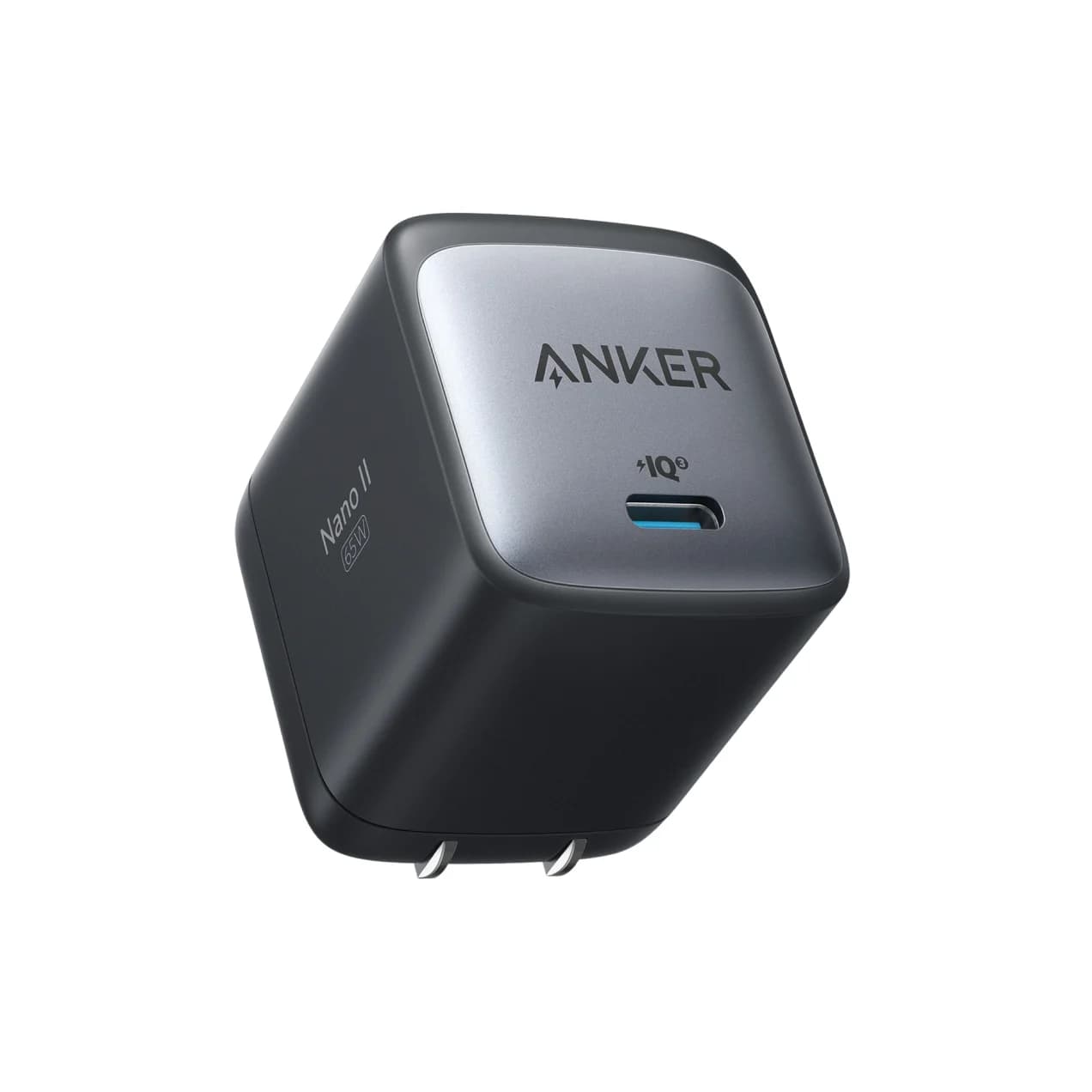
Best compact single-port: Anker 715 (Nano II 65W)
Anker
Anker 715 Charger (Nano II 65W)
A compact single-port 65W GaN USB-C wall charger with a foldable plug.
- 65W max output
- 1 port
If you only charge one thing at a time, a single-port charger has no split to worry about. Anker's spec sheet lists 5V, 9V and 15V at 3A, plus 20V at 3.25A, for 65W on one USB-C port. It measures 1.65 x 1.42 x 1.74 inches and weighs 3.96 ounces, with a foldable plug.
That makes it a good laptop-bag charger for a MacBook Air or ultrabook, and a good replacement for a bulky original adapter. The obvious limitation is one port. If you usually charge a laptop and a phone overnight, the UGREEN above is more useful. Like the UGREEN, it doesn't support Samsung's 45W Super Fast Charging 2.0.
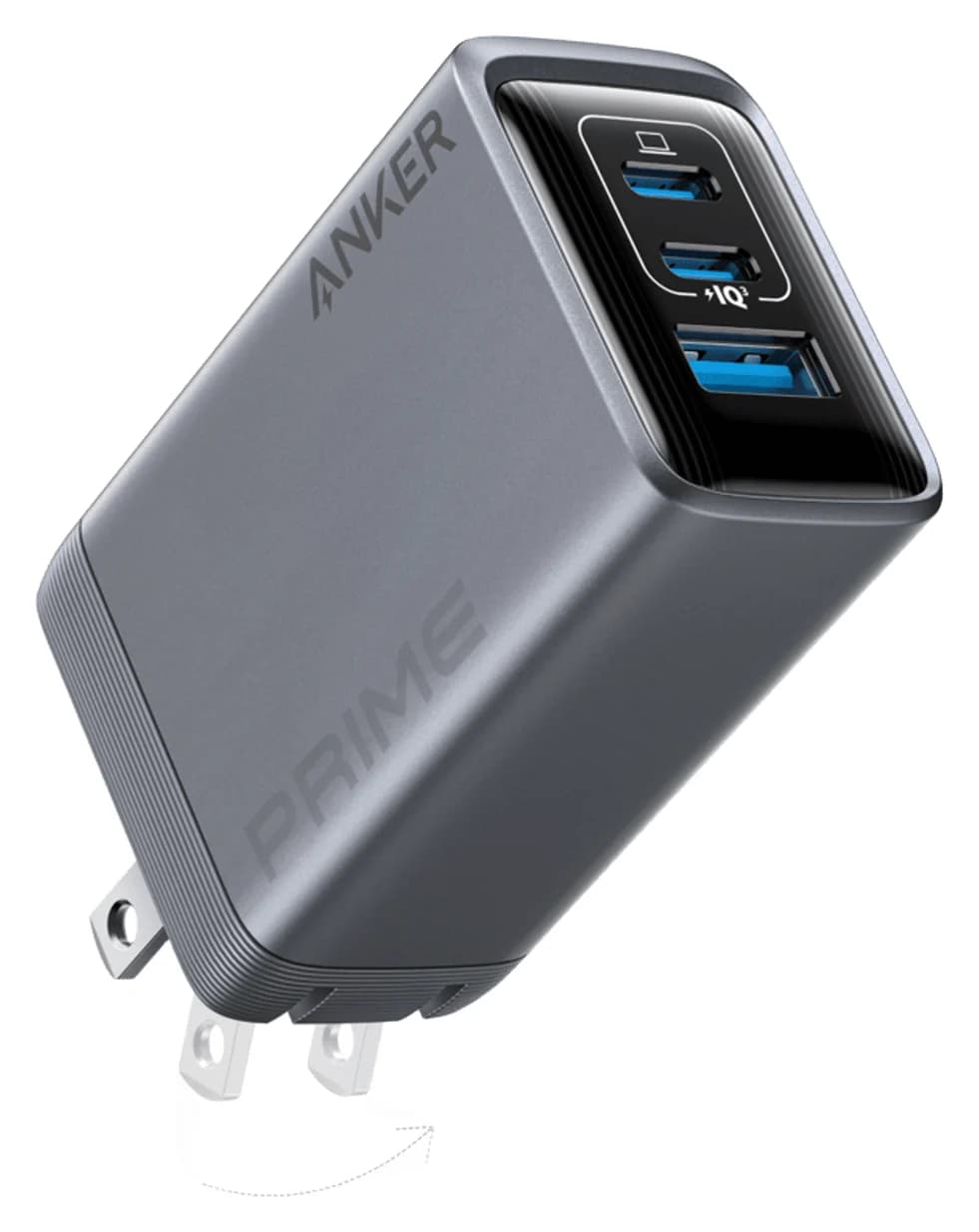
Best 100W travel charger: Anker Prime 100W 3-Port
Anker
Anker Prime Charger (100W, 3 Ports, GaN)
A 100W GaN wall charger with two USB-C ports and one USB-A port and a foldable plug.
- 100W max output
- 3 ports
A 100W charger makes sense if your laptop shipped with a 96W or 100W adapter, or if you want to charge a laptop at full speed while a phone is plugged in. Anker lists 100W from either USB-C port on its own (20V at 5A) and 22.5W from the USB-A port. The total is 100W with two ports in use and 89W with all three.
Anker publishes those combined totals but not a per-port breakdown for every combination. What's confirmed: one device can get 100W, and two devices share a 100W budget instead of the lower budgets typical of 65W chargers. It measures 1.7 x 1.1 x 2.7 inches and weighs 6 ounces, which is small for this class.
One requirement: going above 60W needs a 5A e-marked USB-C cable. A standard 3A cable limits you to 60W. Our fast-charging cable guide covers which cables qualify.
See the Anker Prime 100W on Amazon
Best for 16-inch MacBook Pro: Anker 140W 4-Port (PD 3.1)
Anker
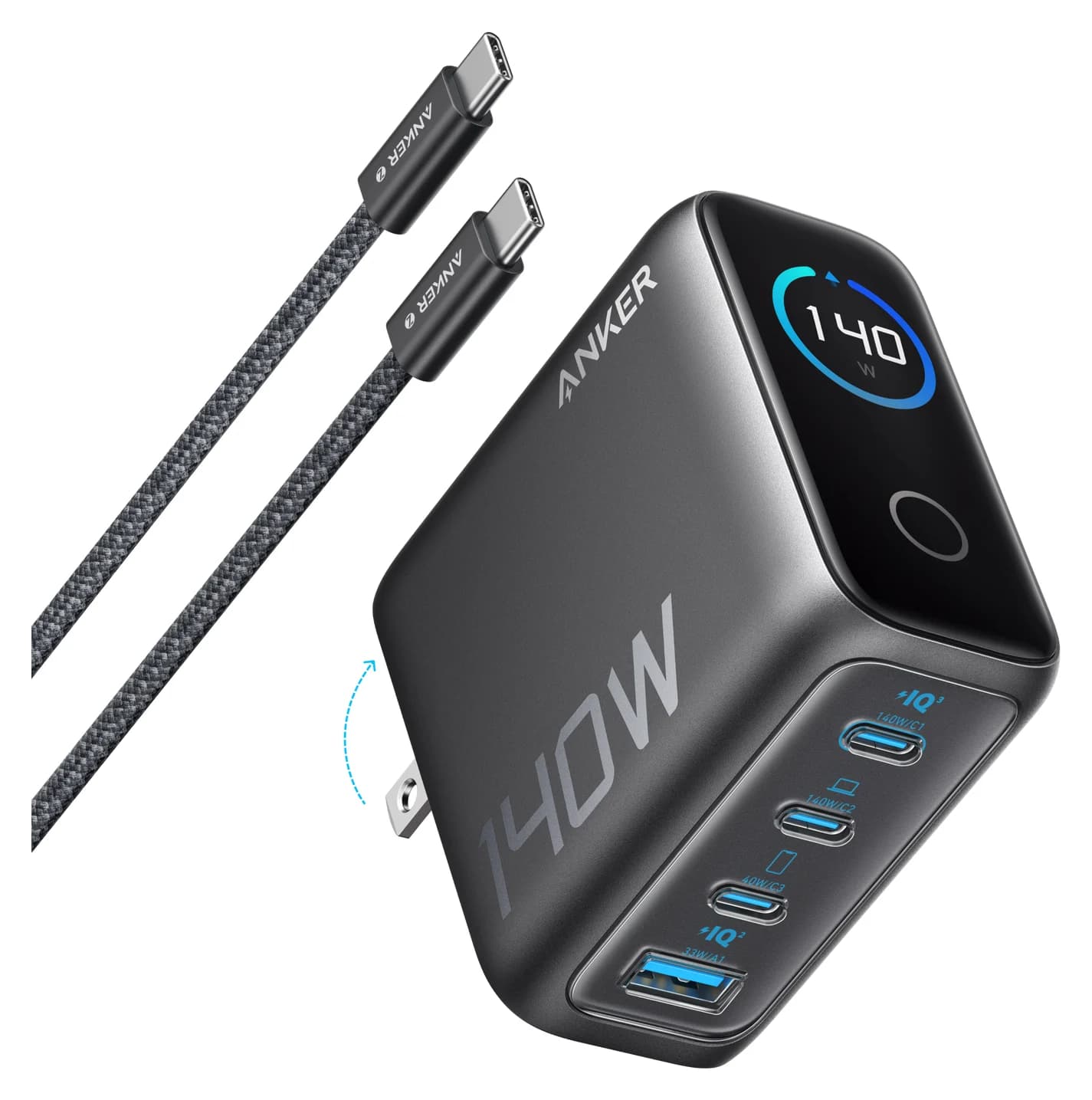
Anker Charger (140W, 4-Port, PD 3.1)
A 140W USB PD 3.1 GaN charger with three USB-C ports, one USB-A port and a smart status display, sold with a 240W USB-C cable.
- 140W max output
- 4 ports
The 16-inch MacBook Pro fast-charges at 140W, which is only possible with USB PD 3.1 Extended Power Range (EPR). This Anker charger is built for that. Its per-port table is the most detailed of any charger here:
| Ports in use | Output |
|---|---|
| USB-C1 or USB-C2 alone | Up to 140W |
| USB-C3 alone | Up to 40W |
| USB-A alone | Up to 33W |
| USB-C1 + USB-C2 | 70W + 70W |
| USB-C1/C2 + USB-C3 | 100W + 40W |
| USB-C1/C2 + USB-A | 100W + 33W |
| Three ports | 65W + 45W + 30W |
| All four | 134W total |
That makes it a good desk charger for two laptops, or one big laptop plus a phone. It also has a small display showing port status and temperature. Anker includes a 5 ft 240W USB-C cable, which matters because 140W won't negotiate over a 100W cable. At 2.72 x 2.72 x 1.42 inches, it's a desk or bag charger, not a pocket one.
See the Anker 140W 4-Port on Amazon
How we choose
We haven't physically tried these chargers. Our picks come from research:
- Manufacturer spec sheets. Every wattage, voltage and port split above comes from the maker's product page. When a maker doesn't publish a per-port split (as with the Anker Prime 100W), we say so and don't guess.
- Standards. We check each charger against USB Power Delivery: 60W without an e-marker, up to 100W for 5A standard power range, and up to 240W for PD 3.1 EPR.
- Compatibility. We match wattage to the adapters laptop makers ship, and we flag protocol gaps such as Samsung's 45W mode.
- Known buyer patterns. For example, laptops often charge more slowly than expected on multi-port chargers because of power splitting.
We also look for ASINs that match the manufacturer's model, and we replace picks when they don't. This guide originally listed a budget "INIU 65W" pick, but its ASIN actually pointed to a different Anker charger, so we replaced it with the Anker Prime 100W.
Buying guide
Look up the per-port split before you buy. A "65W" three-port charger is 65W for one device. With two devices, the laptop may get 45W. With three, it may get 40W. If you always charge a laptop and a phone together, look for a charger that still gives your laptop what it needs in that combination.
Match the cable to the charger. Above 60W you need a 5A e-marked cable. At 140W or more you need a 240W (EPR) cable. Cables are the most common reason a good charger underperforms. Our USB-C cable guide explains the markings.
GaN is worth it. Gallium nitride chargers are much smaller than older silicon adapters of the same wattage. All four picks here use GaN.
Consider a dock instead. If the charger will sit on a desk feeding a laptop and a monitor, a Thunderbolt dock with host charging may replace both. See our Thunderbolt dock guide.
Phone-specific fast charging. iPhones and Pixels use standard USB PD, so any of these work. Some Samsung models use PPS for their fastest modes. Check whether the charger supports PPS, and at what wattage.
Gifts. A compact 65W charger is a practical present. See our budget USB tech gifts guide for more ideas.
Verdict
For most people, the UGREEN Nexode 65W 3-Port is the one to buy. It's 65W on one port, it has three ports for a phone and an accessory, and the split is clearly documented. Pick the Anker 715 if you want the smallest possible 65W brick for one device. Step up to the Anker Prime 100W for a 14-inch performance laptop, or the Anker 140W 4-Port if you own a 16-inch MacBook Pro or charge two laptops at one desk. Whichever you pick, pair it with a cable that's marked for the wattage you expect.
Frequently asked questions
What wattage USB-C charger do I need for a laptop?
Check the charger that came with the laptop and match or beat it. Thin laptops like a MacBook Air usually ship with 30W to 70W adapters, so a 65W charger is a safe choice. 14-inch performance laptops often want around 100W. A 16-inch MacBook Pro fast-charges at 140W, which needs a USB PD 3.1 charger and a 240W cable. A smaller charger will still work, but it charges more slowly.
Is it safe to use a higher-wattage USB-C charger than my device needs?
Yes. USB Power Delivery is a negotiation. The phone or laptop asks for a voltage and current, and a compliant charger only supplies what is requested. A 140W charger connected to a phone gives the phone what it asks for, not 140W. The real risks are low-quality chargers and damaged cables, so stick with known brands and certified cables.
Why does my laptop charge slower when I plug in my phone too?
Multi-port chargers share one power budget. When a second device connects, the charger renegotiates and splits its output. For example, UGREEN's 65W 3-port charger drops to about 45W on one USB-C port when the other is in use. That is why per-port wattage splits matter more than the total on the box.
Do I need a special cable for a 100W or 140W charger?
Yes. Ordinary USB-C cables carry up to 3A, which is 60W at 20V. Anything above 60W needs a 5A cable with an e-marker chip. For 140W and above, which uses USB PD 3.1 Extended Power Range at 28V or higher, you need a cable marked 240W. Without it, the charger falls back to 60W.