Black Friday: the specs to check before you buy
Gift guide
Updated November 8, 2026Best USB Tech Gifts on a Budget in 2026
Short answer
For a budget USB gift, our top pick for most people is the Anker Nano Charger (30W). It charges any USB-C iPhone or Android phone, and reaches Apple's fast-charge rate on the iPhone 15, 16, 16e, 17e and Air. For an iPhone 17, 17 Pro or 17 Pro Max (Apple's fast charge needs a 40W or higher adapter) or a student with a laptop, the UGREEN Nexode 65W is the better gift; for a desk worker short on ports, get the Anker 332 hub.
Our picks at a glance
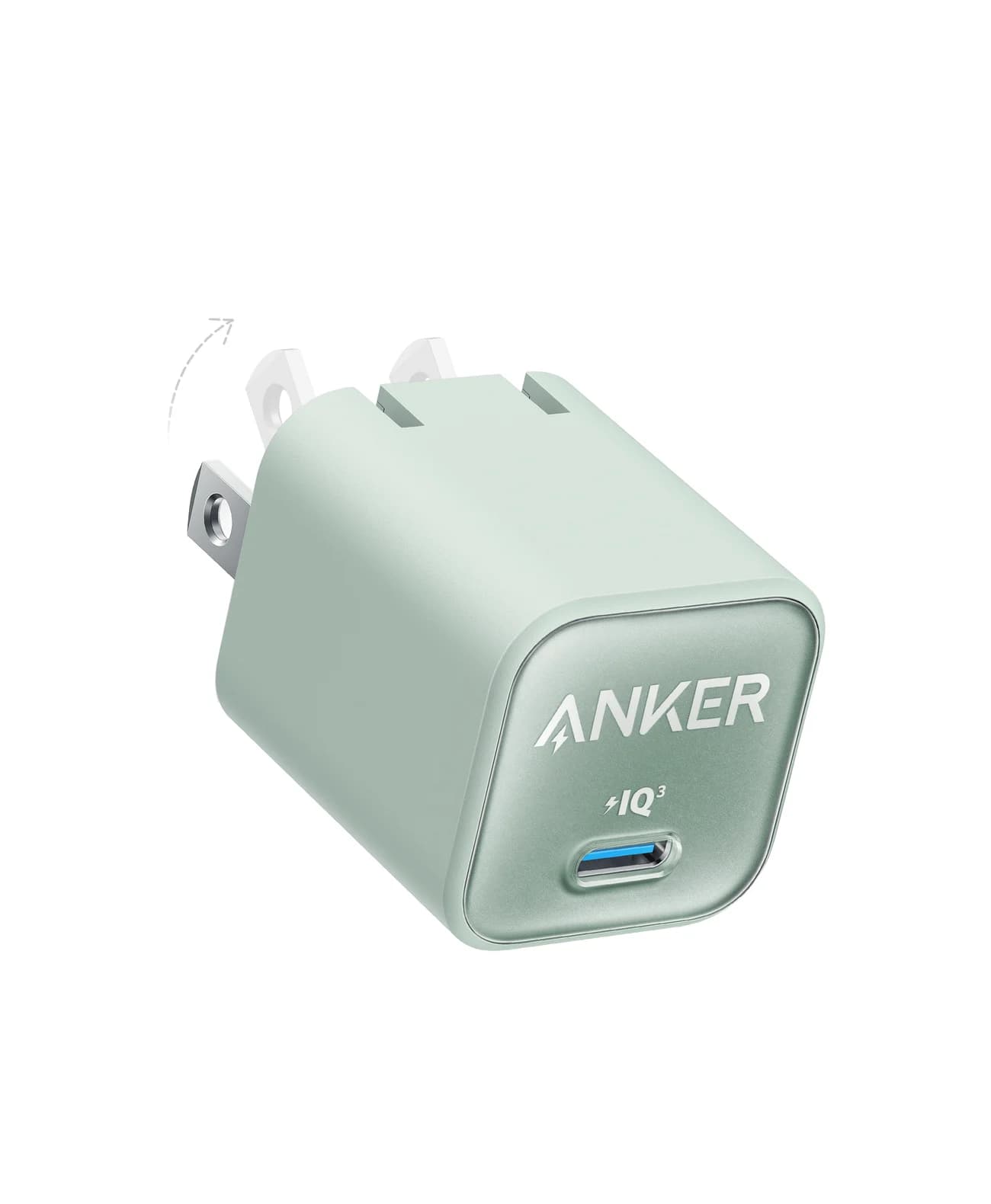
Best mini chargerAnker
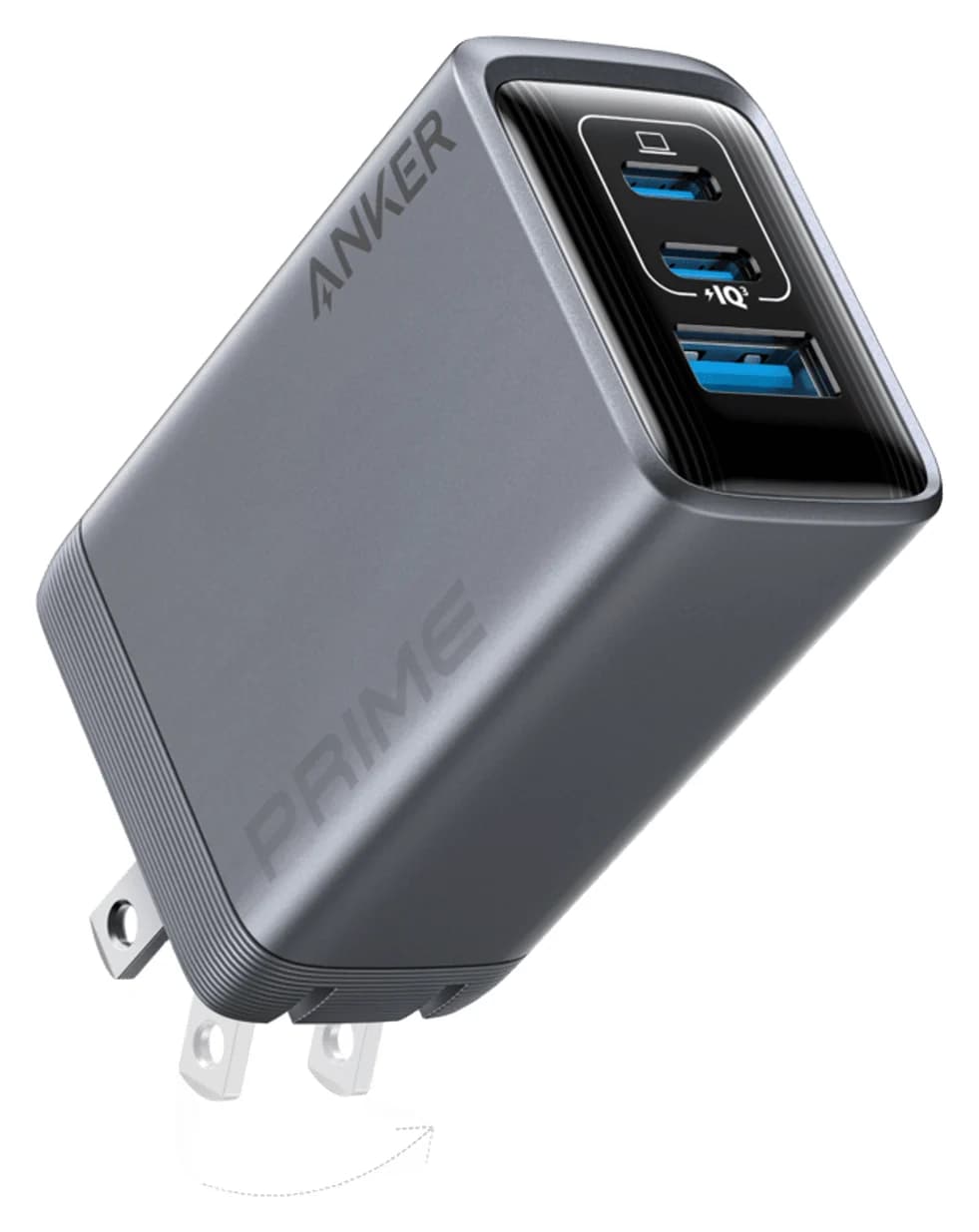
Anker Nano Charger (30W)
- max output
- 30W
- port
- 1
- Choose
- A foldable 30W USB-C PD charger with PPS that charges any USB-C iPhone or Android phone, and reaches Apple's fast-charge rate on iPhone 15, 16, 16e, 17e and Air.
- Limit
- Single port, so one device at a time
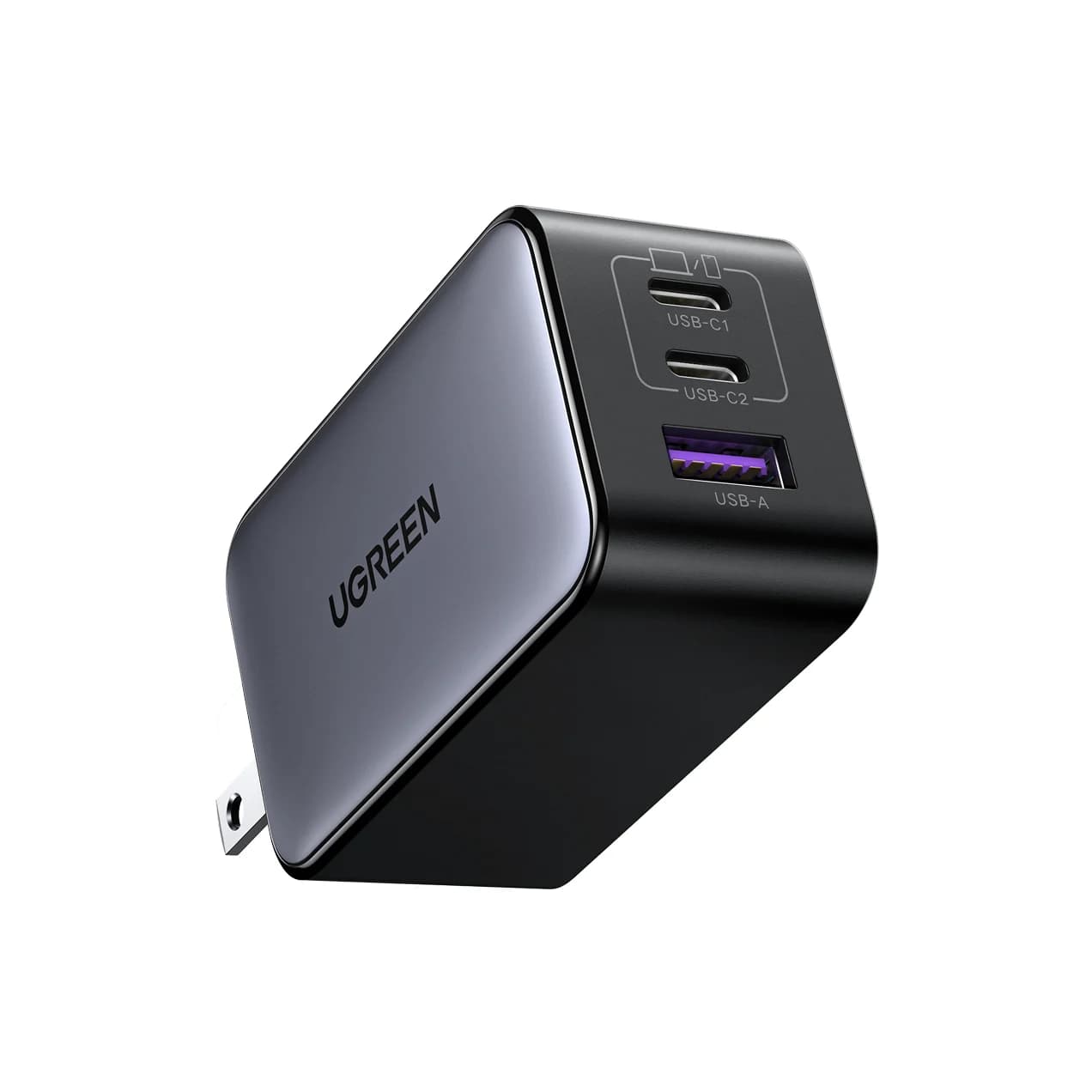
Best for students with a laptopUGREEN
UGREEN Nexode 65W 3-Port USB-C Charger
- max output
- 65W
- ports
- 3
- Choose
- Two USB-C ports rated up to 65W plus a 22.5W USB-A port, so one brick can charge a MacBook Air and a phone at once (up to 45W and 20W).
- Limit
- Power is shared: with two or three devices the laptop gets up to 45W on USB-C1, and USB-C2 and USB-A can drop to 8.5W each per UGREEN's diagram
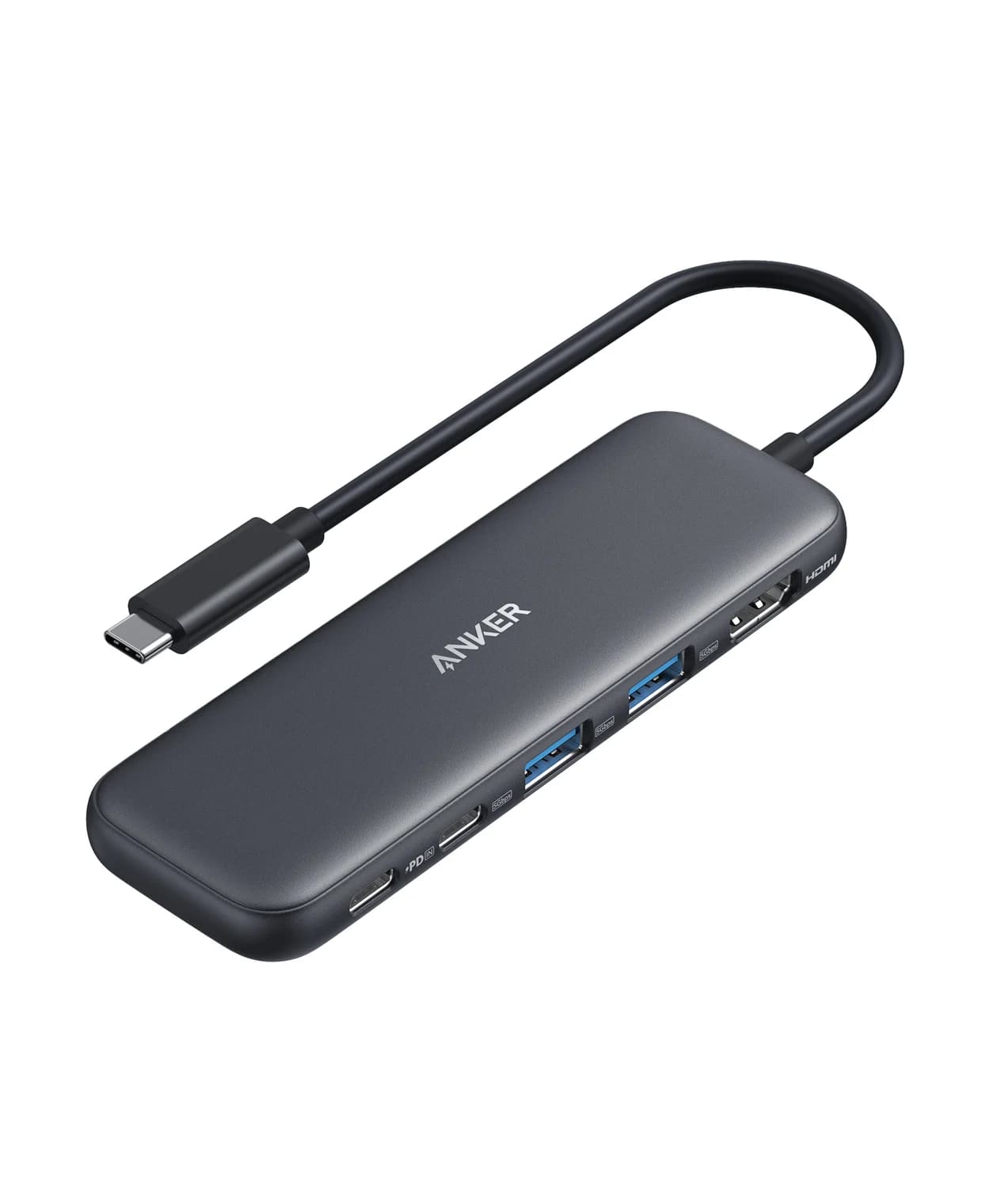
Best for desk workersAnker
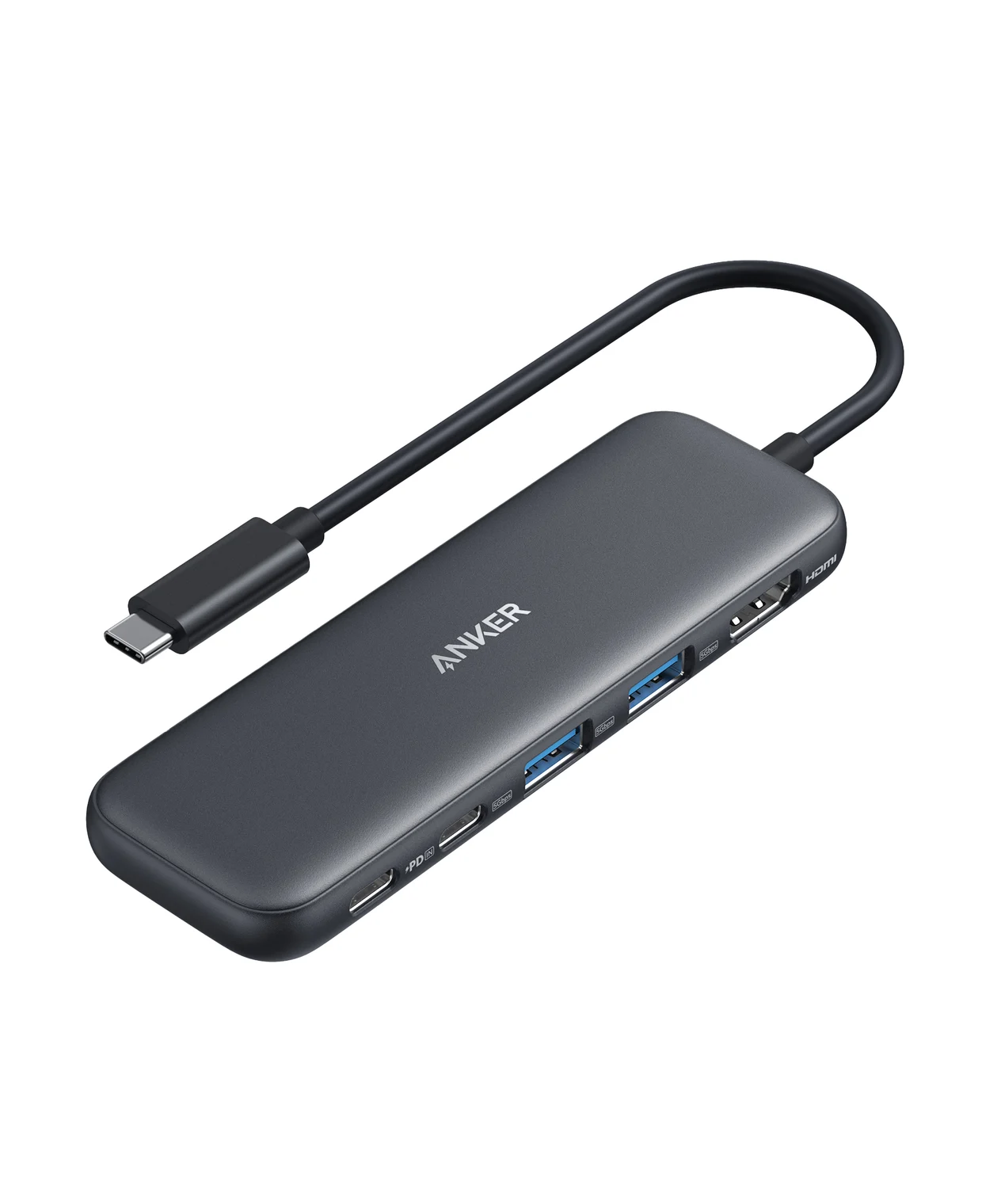
Anker 332 USB-C Hub (5-in-1)
- to laptop
- 85W
- data
- 5 Gbps
- video
- 4K30
- Choose
- Adds HDMI up to 4K@30Hz, three 5Gbps data ports and up to 85W pass-through charging from a single USB-C port.
- Limit
- HDMI 1.4 caps 4K at 30Hz
- See on Amazon4
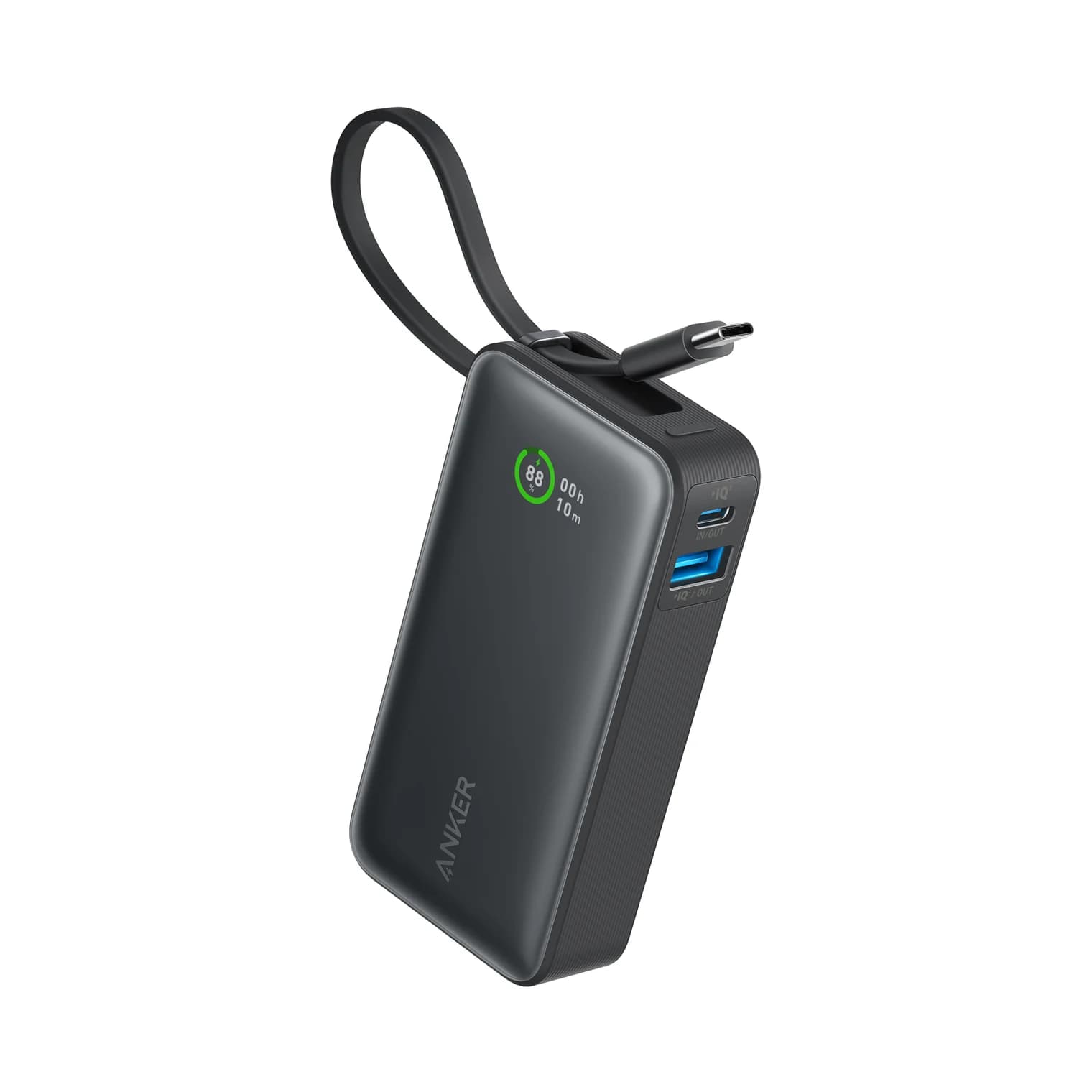
Best for travelers
Anker Nano Power Bank (10,000mAh, 30W, Built-In USB-C Cable)
30W max output · 3 ports
- See on Amazon5
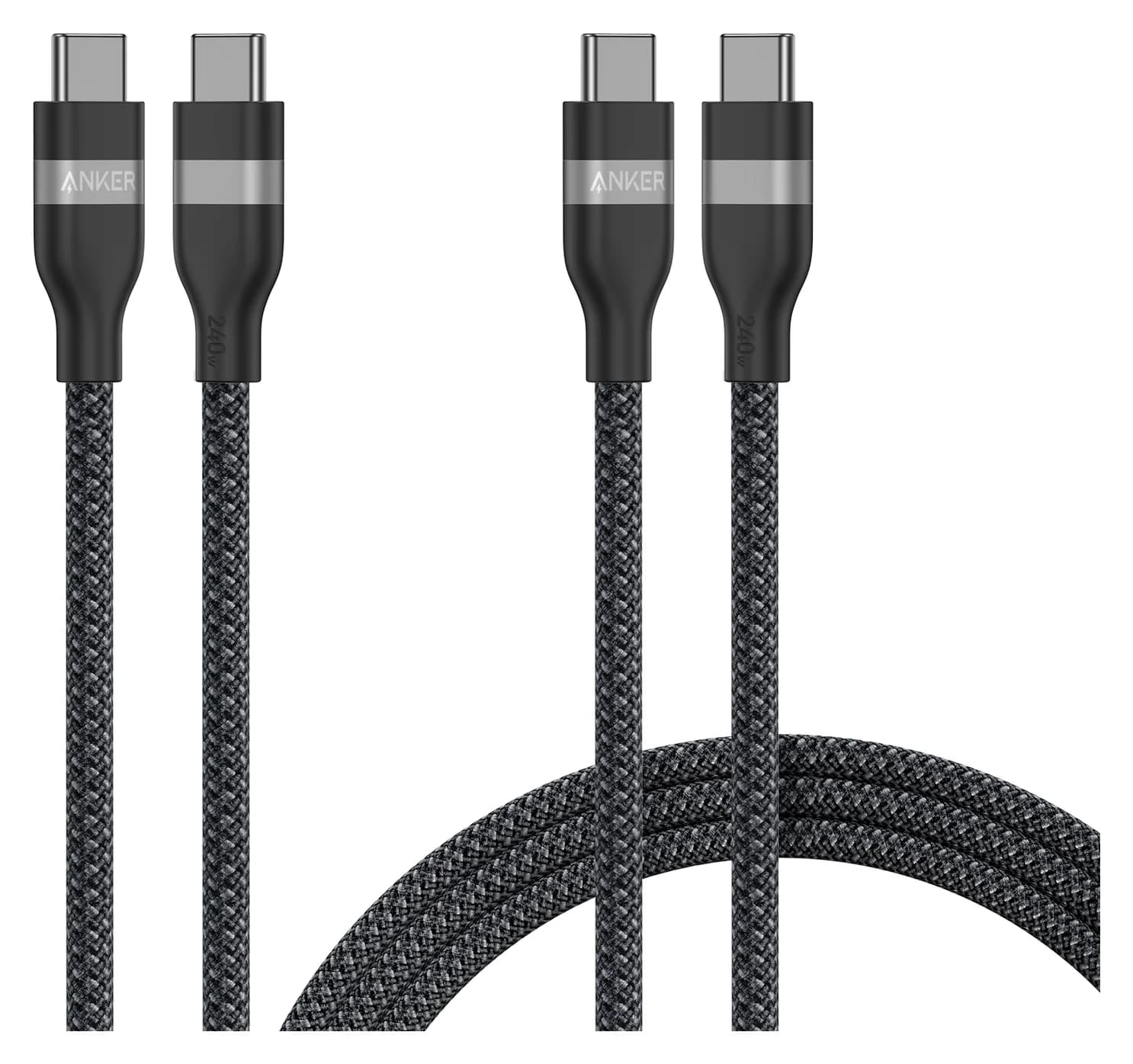
Best cable set
Anker USB-C to USB-C Cable (3 ft / 6 ft, 240W, Upcycled-Braided, 2-Pack)
240W max output · 0.48 Gbps data
- See on Amazon6
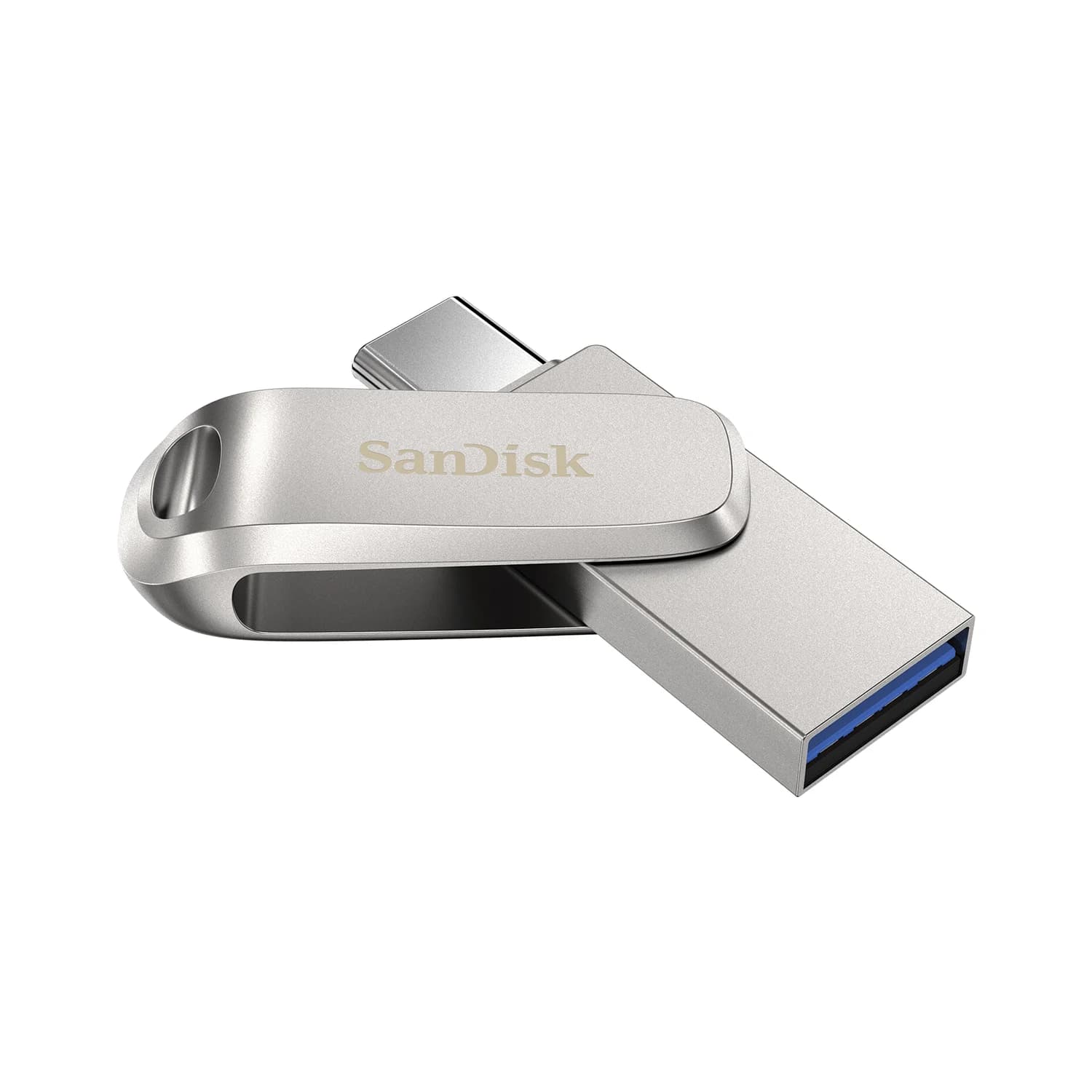
Best flash drive
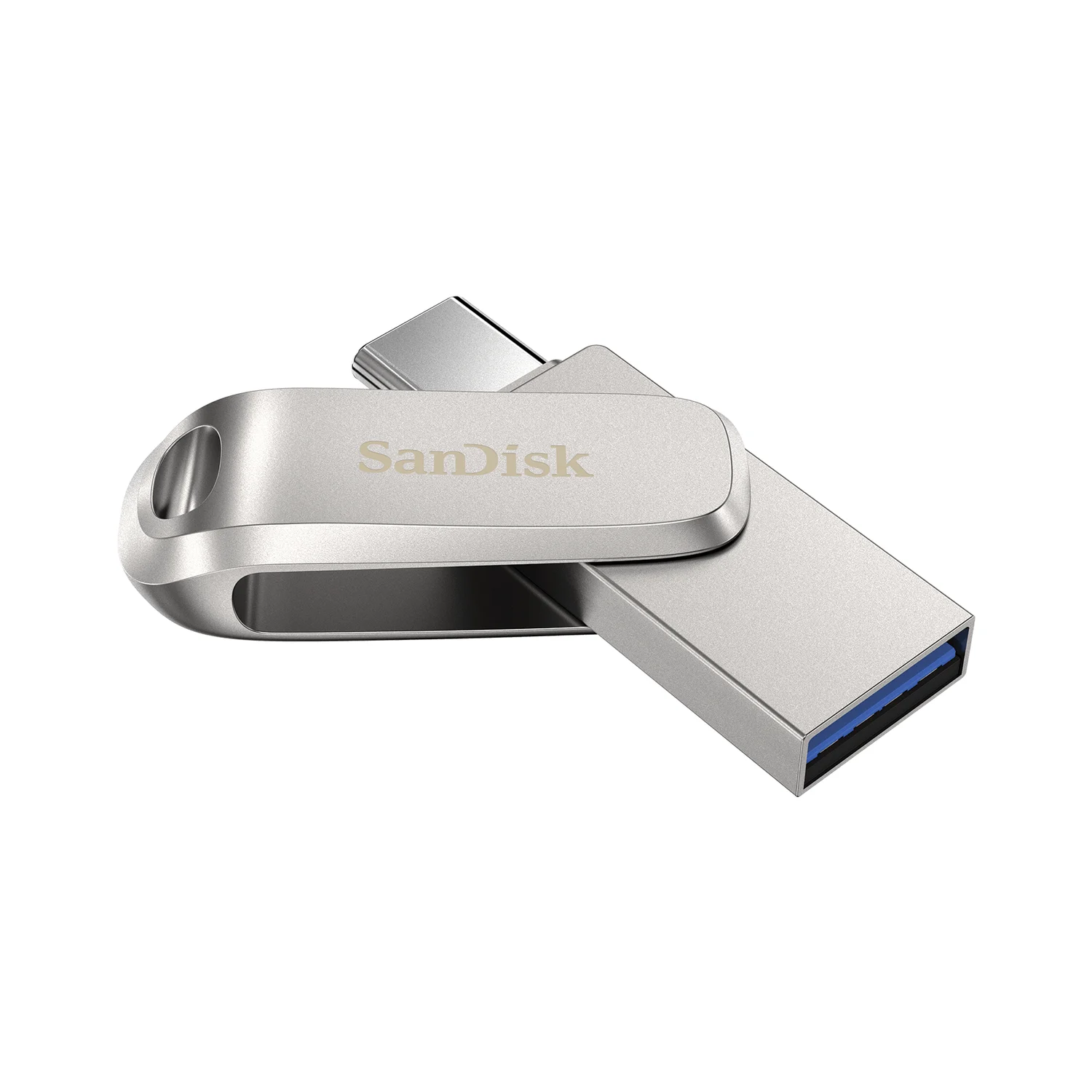
SanDisk Ultra Dual Drive Luxe USB Type-C (128GB)
5 Gbps data · 2 ports
- See on Amazon7
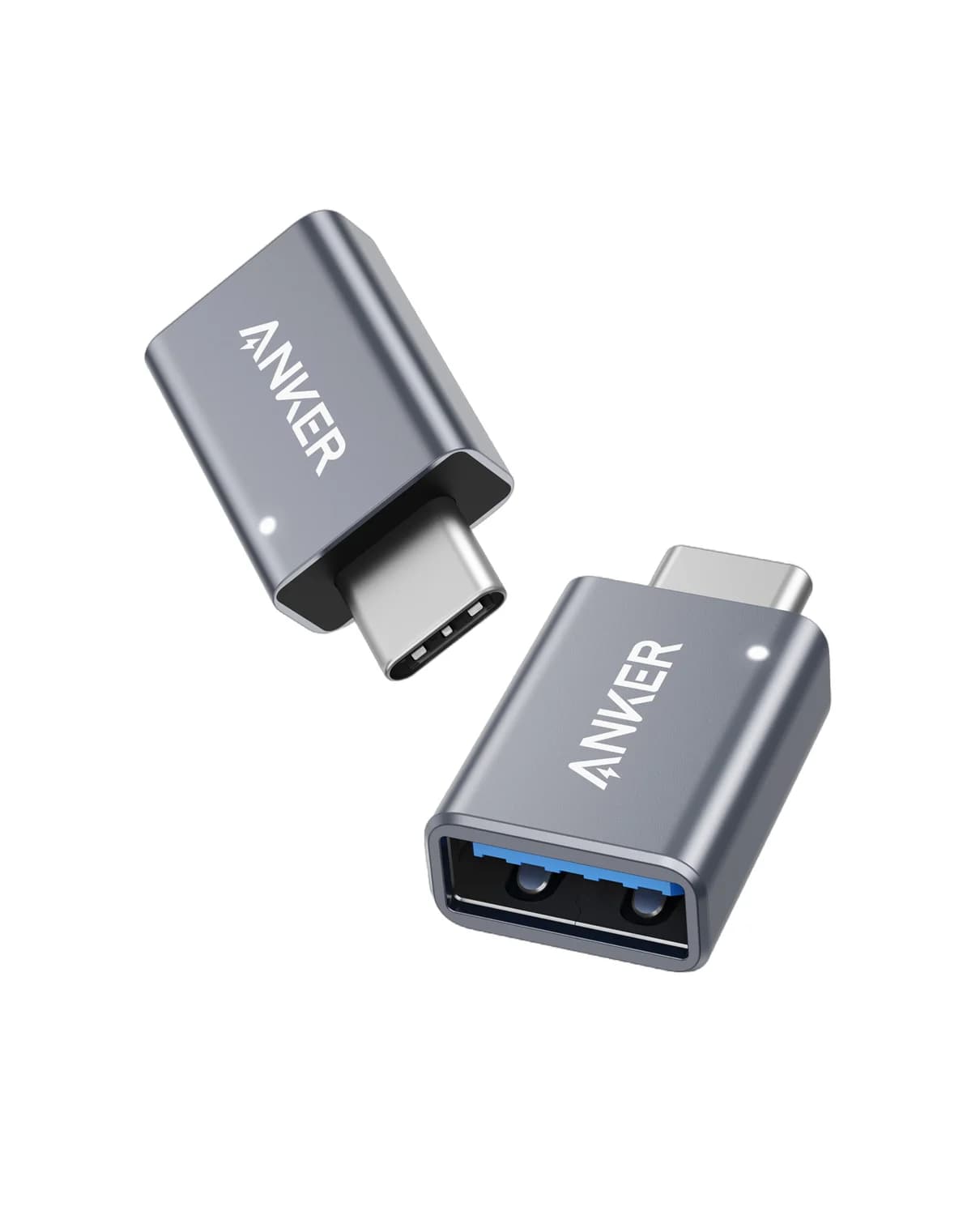
Best for keeping old USB-A gear
Anker USB-C to USB 3.0 Adapter (2-Pack)
1 port
- See on Amazon8
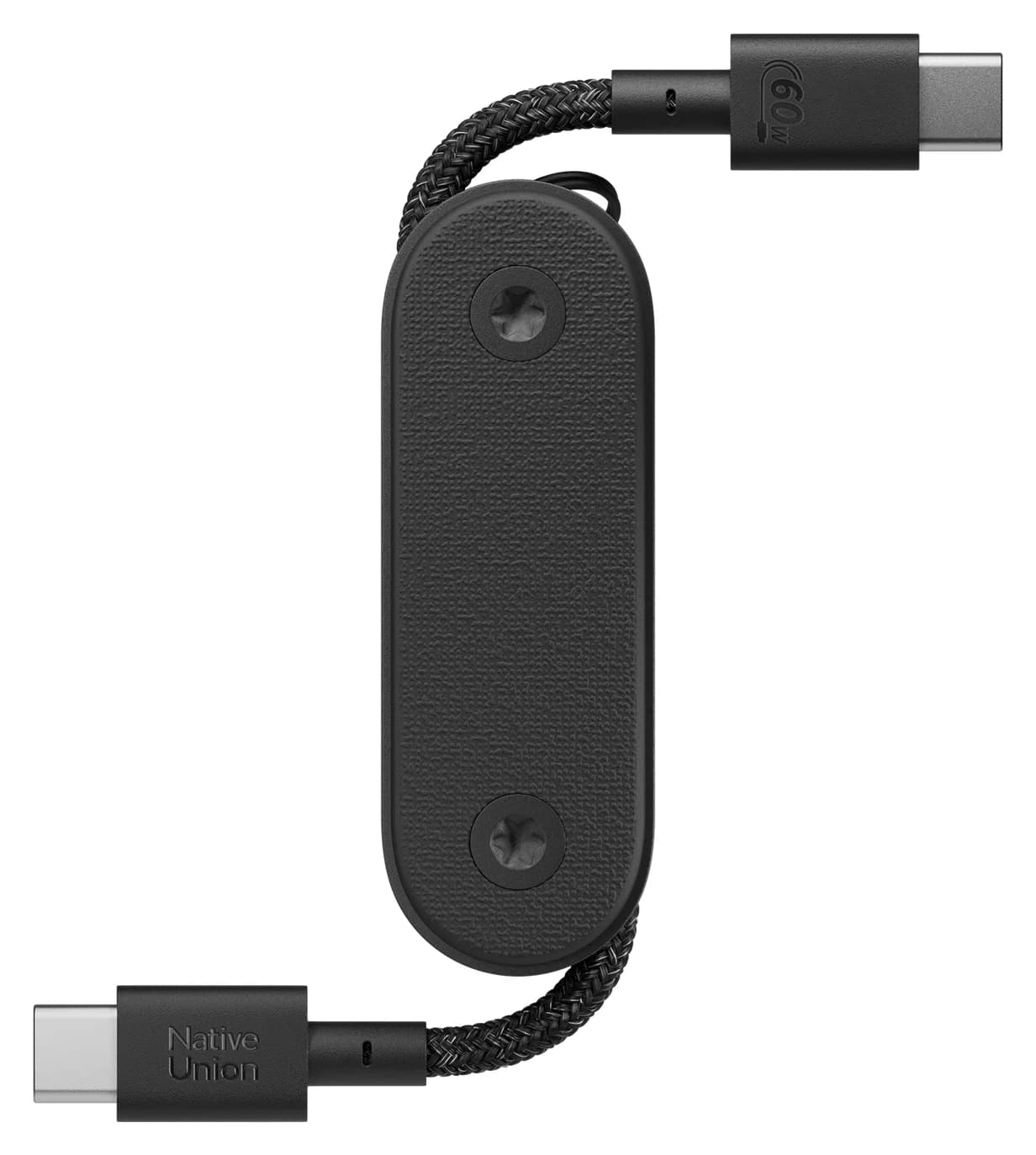
Best keychain gift
Native Union Pocket Cable (USB-C to USB-C, 60W)
60W max output · 0.48 Gbps data
Check the current price on Amazon before you buy, and see our guide to spotting a real USB-C deal for what else to check on a listing.
Quick picks by recipient
| Recipient | Pick | Why |
|---|---|---|
| iPhone 15, 16, 16e, 17e or Air owner | Anker Nano Charger (30W) | Reaches Apple's fast-charge rate; foldable plug |
| iPhone 17, 17 Pro or 17 Pro Max owner | UGREEN Nexode 65W 3-Port | Meets the 40W Apple asks for (USB-C1 when sharing) |
| Student with a laptop | UGREEN Nexode 65W 3-Port | Laptop and phone at once: up to 45W + 20W |
| Desk worker | Anker 332 USB-C Hub (5-in-1) | HDMI, USB-A and pass-through charging |
| Traveler | Anker Nano Power Bank (30W, built-in cable) | 10,000mAh and nothing extra to pack |
| Anyone | Anker 240W braided cable 2-pack | Every USB-C household needs spare cables |
| Student / photo backer-upper | SanDisk Ultra Dual Drive Luxe | USB-C and USB-A in one metal drive |
| Mac switcher | Anker USB-C to USB 3.0 Adapter (2-Pack) | Keeps old USB-A gear usable |
| Keychain gift | Native Union Pocket Cable | A cable that's always in their pocket |
- Yes: Anker Nano Charger (30W): USB-C iPhones and most Android phones, including Samsung's 25W Super Fast Charging
- Yes: UGREEN Nexode 65W: a MacBook Air or typical 13-inch ultrabook, though the laptop gets less than 65W while other devices charge
- Partly: Anker 332 hub: its HDMI port needs a laptop USB-C port with DisplayPort Alt Mode or Thunderbolt
- Partly: Anker 240W cables: charging and syncing only, with no video and no fast SSD transfers
- No: Older iPhones and some AirPods cases: Lightning, so a USB-C to Lightning cable is the right gift
Anker Nano Charger (30W): for iPhone 15, 16, 16e, 17e and Air owners
Anker
A single-port 30W USB-C GaN wall charger with a foldable plug, sized for phones, tablets and light laptops.
- 30W max output
- 1 port
Works with: any USB-C iPhone or Android phone, at Apple's fast-charge rate on the iPhone 15, 16, 16e, 17e and Air.
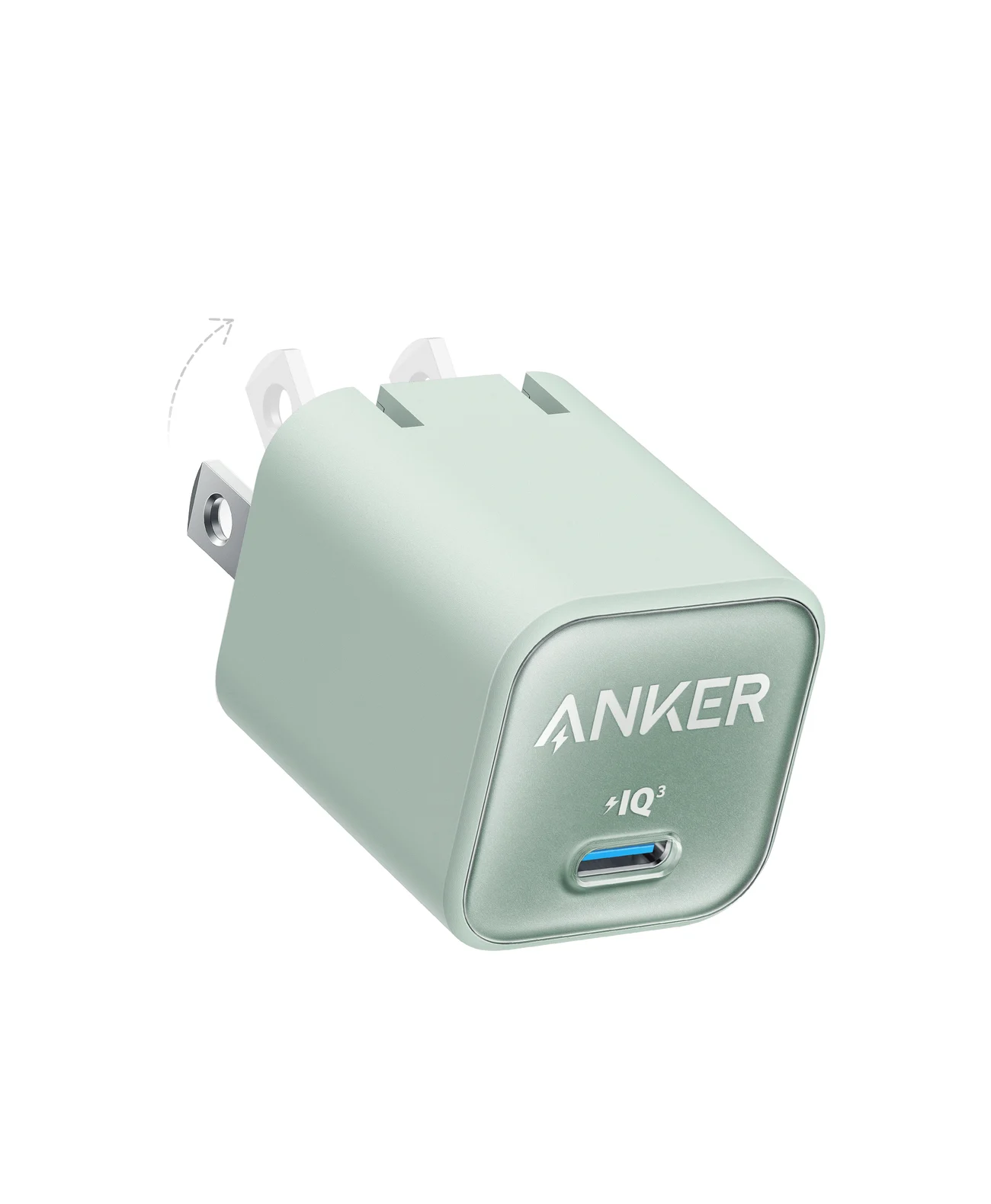
iPhone 15 and later charge over USB-C, and Apple doesn't put a power adapter in the box. A USB-C charger is the most useful gift for anyone who just upgraded. According to Anker's spec sheet, the Nano delivers up to 30W over USB Power Delivery, supports PPS, and is only 1.12 x 1.12 x 1.39 inches with a foldable plug. Anker also lists support for Samsung's 25W Super Fast Charging, so it's just as good a gift for an Android user.
The iPhone 17, 17 Pro and 17 Pro Max need a 40W or higher adapter for Apple's fast-charge rate (up to 50 percent in about 20 minutes). The Nano still charges them, but the UGREEN Nexode 65W below meets that 40W on USB-C1 or on either USB-C port alone, so it's the better gift for them. The iPhone 18 Pro models need a 60W-capable adapter with AVS for theirs, which neither charger here lists. The iPhone Duo needs a 60W-capable adapter too, and Apple's fast-charging page asks for AVS on it as well, though the Duo's spec page doesn't. For both, see our iPhone charger guide. Neither charger here lists the 45W mode on a Galaxy S26+ or S26 FE, or the 60W mode on an S26 Ultra; for those, see our Galaxy charger guide.
Keep in mind that it has one port and doesn't come with a cable. Pair it with the Anker cable set below and the gift is complete. See the Anker Nano Charger on Amazon.
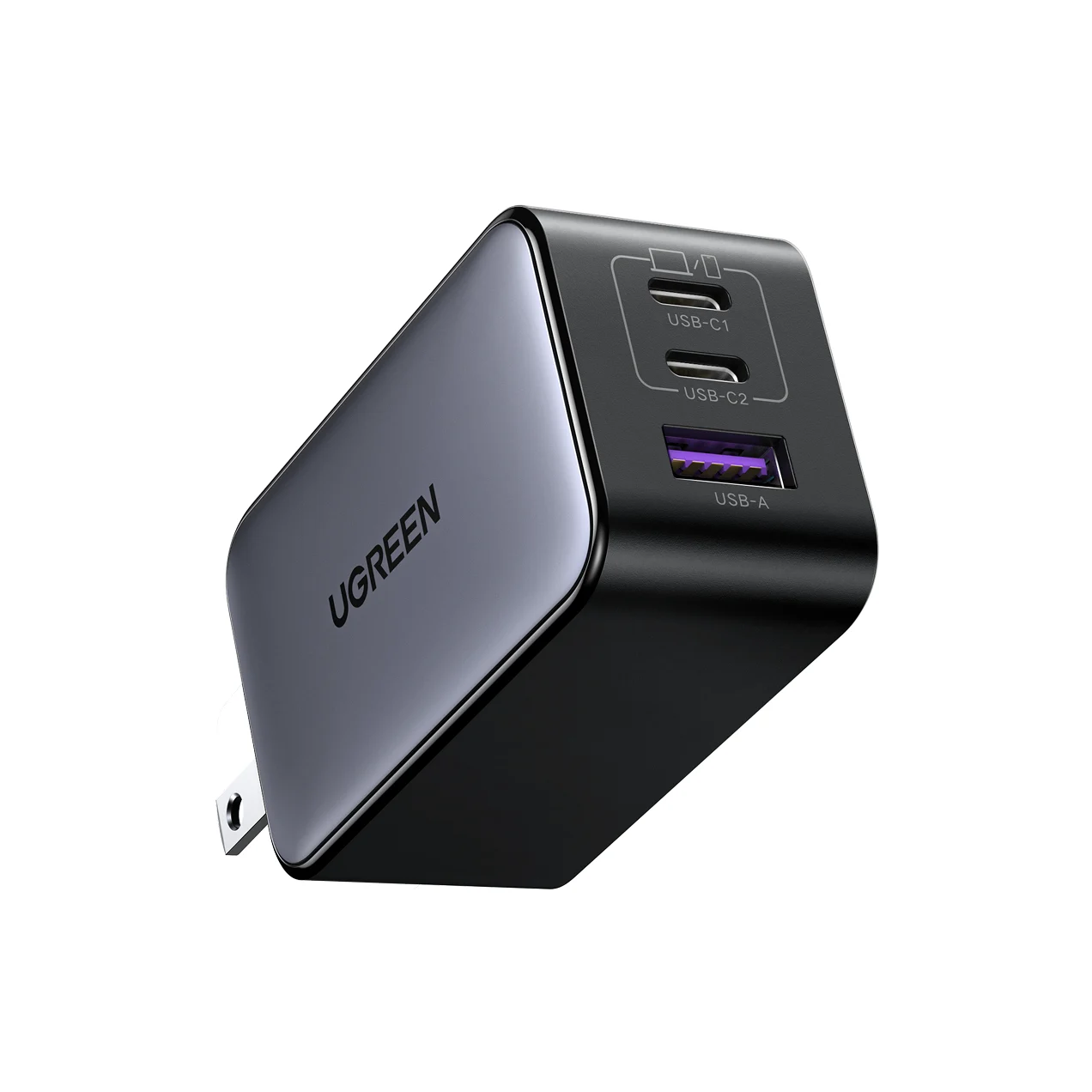
UGREEN Nexode 65W 3-Port: for the student with a laptop
UGREEN
UGREEN Nexode 65W 3-Port USB-C Charger
A compact 65W GaN wall charger with two USB-C ports and one USB-A port and a foldable plug.
- 65W max output
- 3 ports
Works with: a MacBook Air or a typical 13-inch Windows ultrabook, plus a phone and earbuds at once. It also meets the 40W Apple asks for to fast-charge an iPhone 17, 17 Pro or 17 Pro Max, on USB-C1 or on either USB-C port alone.
A student usually has a laptop, a phone and earbuds, plus one outlet near the desk or library table. UGREEN lists up to 65W from either USB-C port, which is enough for a MacBook Air or a typical 13-inch Windows ultrabook, though Apple's MacBook Air specs say it's fast-charge capable with a 70W or higher USB PD power source. The USB-A port adds up to 22.5W for older accessories. The plug folds away for backpacks.
When several devices charge at once, the power is split between them. With both USB-C ports in use, UGREEN's charging diagram gives up to 45W on USB-C1 and 20W on USB-C2. With all three ports in use, the laptop still gets up to 45W on USB-C1, but the phone and earbuds get up to 8.5W each. So plug the laptop into USB-C1, the top port, and the phone into USB-C2. For more options, including 100W and 140W bricks, see our best USB-C chargers guide. Check the UGREEN Nexode 65W on Amazon.
Anker 332 USB-C Hub (5-in-1): for the desk worker
Anker
A slim 5-in-1 USB-C hub with 4K@30Hz HDMI, one 5Gbps USB-C data port, two 5Gbps USB-A ports and 85W pass-through charging.
- 85W PD passthrough
- 5 Gbps data
- 4K30 video
- 5 ports
Works with: the MacBook Air and Pro, Dell XPS, Lenovo ThinkPad and HP laptops on Anker's list, if the laptop's USB-C port carries video. Pass-through charging needs a USB-C charger (not included).
Many thin laptops have only two USB-C ports, so there's nowhere to plug in a monitor, a mouse receiver and a thumb drive at once. On paper, the Anker 332 solves that:
- HDMI 1.4, up to 4K@30Hz
- One USB-C and two USB-A data ports, each 5Gbps
- 100W USB-C PD input that passes up to 85W through to the laptop
At 4K the HDMI port tops out at 30Hz, which is fine for spreadsheets and documents but choppy for gaming. It also has no Ethernet or SD slot. If the recipient needs those, look at our best USB-C hubs for MacBook and best USB-C hubs with HDMI roundups, or our USB-C hub picks for the MacBook Air if they use an Air. See the Anker 332 on Amazon.
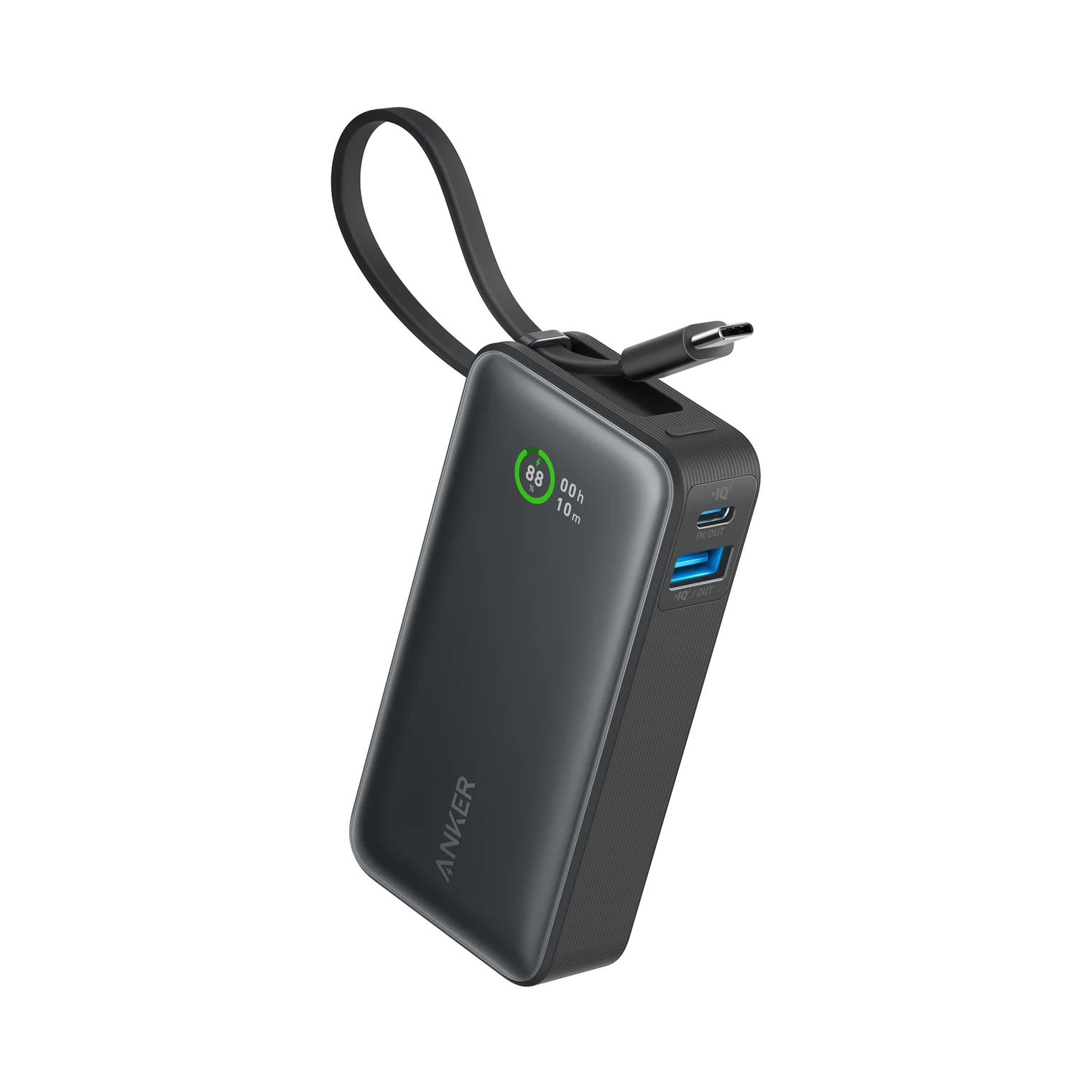
Anker Nano Power Bank (30W, built-in cable): for the traveler
Anker
Anker Nano Power Bank (10,000mAh, 30W, Built-In USB-C Cable)
A 10,000mAh power bank with a built-in USB-C cable plus separate USB-C and USB-A ports, rated up to 30W.
- 30W max output
- 3 ports
Works with: USB-C phones, tablets and laptops through the built-in cable or the USB-C port, per Anker, at up to 30W, plus older gear on the USB-A port.
People forget cables on trips all the time, so a power bank with the cable built in is a practical gift. Anker's spec sheet lists:
- 10,000mAh capacity
- Up to 30W from the built-in USB-C cable or the USB-C port
- Up to 22.5W from the USB-A port
- Recharging at up to 30W through the same cable
Anker's spec sheet also gives a lower total-output figure than the single-port maximum, so expect slower charging when two devices share it. At 215g it's not tiny, but it fits a jacket pocket. 10,000mAh gives a phone one or two top-ups, not a full laptop charge. Check the Anker Nano Power Bank on Amazon.
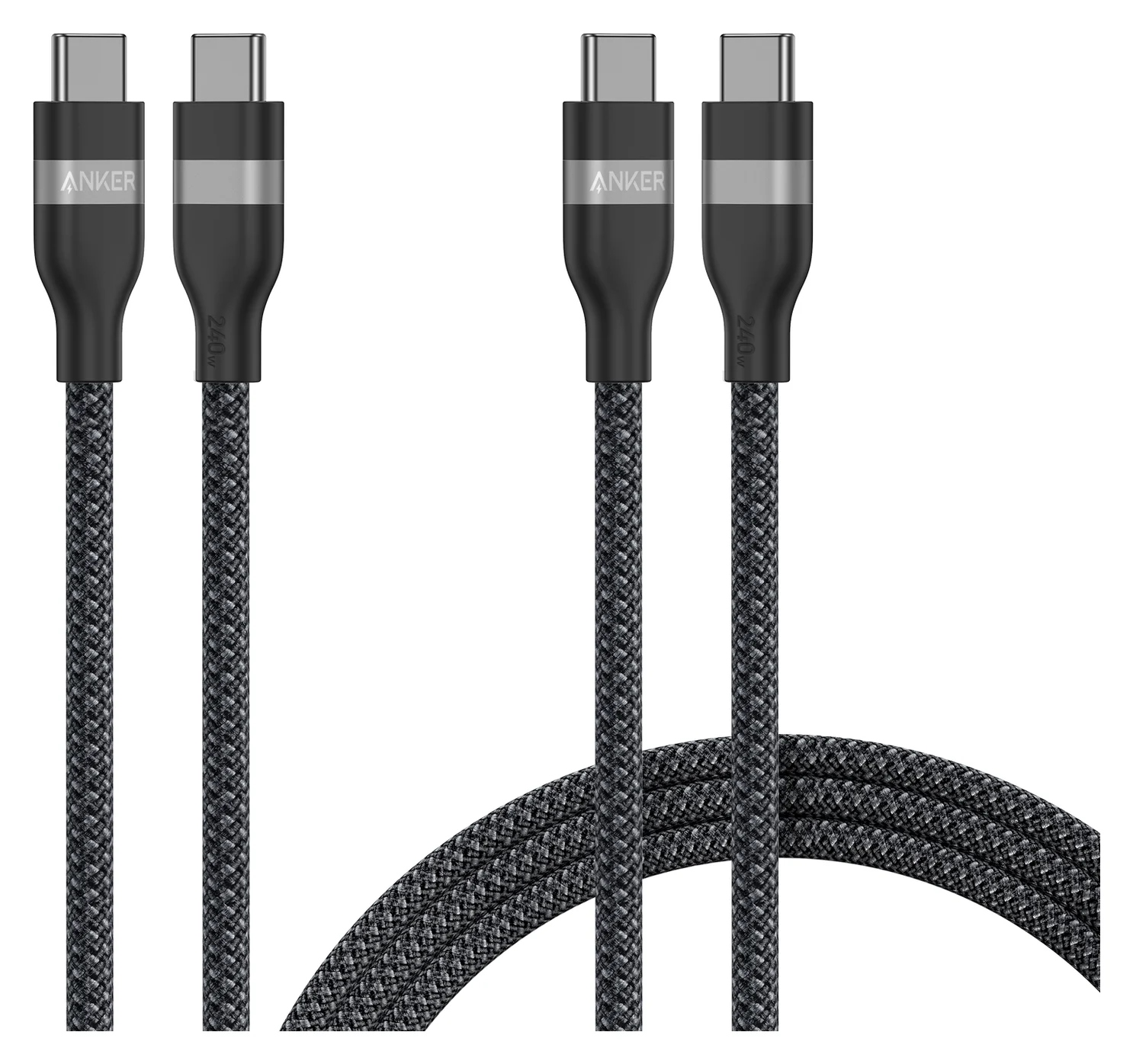
Anker 240W USB-C Cable 2-Pack: for anyone
Anker
Anker USB-C to USB-C Cable (3 ft / 6 ft, 240W, Upcycled-Braided, 2-Pack)
A two-pack of braided USB-C to USB-C charging cables (3 ft and 6 ft) rated for up to 240W.
- 240W max output
- 0.48 Gbps data
Works with: any USB-C charger and any USB-C phone, tablet or laptop, for charging at up to 240W.
Spare USB-C cables are rarely exciting, but they get used every day. This pack has a 3 ft and a 6 ft braided cable. Anker specifies each one for up to 240W, which covers everything from earbuds to high-wattage laptops, and gives a bend figure of more than 30,000 cycles. Data runs at USB 2.0 speed (480Mbps) and the cables don't carry video, so they're for charging and syncing only, not for monitors or fast SSDs.
Our best USB-C cables for fast charging guide explains how wattage and e-markers work. See the Anker 240W 2-pack on Amazon.
SanDisk Ultra Dual Drive Luxe (128GB): for the student or photo backer-upper
SanDisk
SanDisk Ultra Dual Drive Luxe USB Type-C (128GB)
An all-metal 2-in-1 flash drive with a swivel USB-C and USB-A connector for moving files between phones, tablets and computers.
- 5 Gbps data
- 2 ports
Works with: USB-C phones, tablets and laptops (SanDisk lists Android 10, macOS 12 and Windows 10 or later) and USB-A computers. Apple says iPhone 15 and later connect to external storage over USB-C.
The Luxe has a swivel metal body with a USB-C plug on one end and USB-A on the other. It moves files between a USB-C phone or tablet and an older USB-A computer without any adapter. SanDisk lists USB 3.2 Gen 1 and reads up to 400MB/s for the current production run. The keyring hole means it can live on a lanyard.
It's a flash drive, not an SSD, so large and frequent transfers are slower than on a portable SSD. For a gamer or video editor, see the Samsung T7 in our USB gifts for gamers guide. Check the SanDisk Luxe on Amazon.
Anker USB-C to USB 3.0 Adapter (2-Pack): for the Mac switcher
Anker
Anker USB-C to USB 3.0 Adapter (2-Pack)
A pair of slim aluminum adapters that turn a USB-C port into a full-size USB-A 3.0 port.
- 1 port
Works with: a laptop's or tablet's USB-C data port, for the USB-A gear Anker lists: external hard drives, phones, mice and printers.
Someone who just moved to a USB-C MacBook or iPad probably still owns USB-A flash drives, mice or card readers. These two slim aluminum adapters each turn a USB-C port into a USB-A 3.0 port. Anker says they fit side by side on a MacBook Pro and are built for up to 10,000 plug cycles. Each adapter gives one port, so for several devices a hub like the Anker 332 is the better gift. Our USB-C vs USB-A explainer covers the differences between the two connectors. See the Anker adapter 2-pack on Amazon.
Native Union Pocket Cable: for the keychain carrier
Native Union
Native Union Pocket Cable (USB-C to USB-C, 60W)
A short, foldaway USB-C to USB-C cable with a built-in keyring, rated for 60W charging.
- 60W max output
- 0.48 Gbps data
Works with: USB-C phones (Native Union names Galaxy, Pixel and iPhone 17), USB-C iPads, MacBooks and the Nintendo Switch, at up to 60W. It won't fit a Lightning iPhone.
This is a 17 cm USB-C to USB-C cable that folds into a small housing with a keyring. Native Union specifies it for up to 60W and USB 2.0 data. That's enough to fast charge a phone, a tablet or a handheld console from a power bank or a friend's charger. It's too short to use from a wall outlet unless the device sits next to it, but that's the trade-off for always having a cable. Check the Native Union Pocket Cable on Amazon.
How we choose gifts
We haven't handled these products ourselves. This list comes from research:
- Spec sheets first. Every wattage, port count and speed above comes from the manufacturer's own product page or data sheet, linked in each product card. If a number couldn't be confirmed from an official source, we left it out.
- Standards compatibility. We checked that each pick uses standard USB Power Delivery, PPS or USB 3.x, so it works with the recipient's current and next device. It shouldn't depend on one phone model.
- Recipient fit. Each pick matches a common need: a charger for someone with a new USB-C phone, a hub for a two-port laptop, a power bank for travel.
- Buyer-reported patterns. We looked at widely reported issues, like hubs that need DisplayPort Alt Mode or power split across multi-port chargers, and called them out where they apply.
- Well-known brands. We stuck to Anker, UGREEN, SanDisk and Native Union, which are widely sold and have warranty support in the US.
Gift-buying tips
Match the connector to the device. iPhone 15 and later, recent iPads, MacBooks, and almost every Android phone use USB-C. Older iPhones and some AirPods cases still use Lightning. For those, a USB-C to Lightning cable is the right gift (see our USB stocking stuffers list).
Match the wattage to the biggest device. Many phones fast charge on 20W to 30W, though Apple's fast-charge rate needs 40W on the iPhone 17, 17 Pro and 17 Pro Max, and its fast-charging page asks for a 60W-capable AVS charger on the iPhone 18 Pro models and iPhone Duo. For tablets and laptops, match or beat the wattage of the charger the maker includes or recommends. When in doubt, go higher: a USB-C PD charger only supplies what the device asks for.
Check for video support before buying a hub. The HDMI port on a USB-C hub only works if the laptop's USB-C port supports DisplayPort Alt Mode or Thunderbolt. For a heavier-duty desk setup, our best Thunderbolt docks guide covers the next step up.
Verdict
For most people on your list, the Anker Nano Charger (30W) is the safest pick. It charges any USB-C phone. For an iPhone 17, 17 Pro or 17 Pro Max, or a student or laptop user, the UGREEN Nexode 65W is the better gift, and the Anker 332 hub is the pick for someone with too few ports at their desk. Add the Anker 240W cable pair to either charger and the gift works out of the box.
Frequently asked questions
Will a USB-C charger work with an iPhone 15 or newer?
Yes. iPhone 15 and later charge over USB-C from any USB-C PD charger. A 30W charger like the Anker Nano reaches Apple's fast-charge rate on the iPhone 15, 16, 16e, 17e and Air. The iPhone 17, 17 Pro and 17 Pro Max need a 40W or higher adapter for that rate, and the iPhone 18 Pro models and iPhone Duo a 60W-capable adapter with AVS, per Apple's fast-charging page; a 30W charger still charges them, more slowly. You also need a USB-C to USB-C cable, not a Lightning one.
How many watts does a charger need to charge a laptop?
Check the wattage of the charger that came with the laptop and match or beat it. Most MacBook Air and 13-inch Windows ultrabooks ship with 30W to 70W adapters, so a 65W charger is a comfortable fit. Larger performance laptops can draw 100W or more; a lower-wattage charger will still work on many of them, just more slowly, and some may not charge while under heavy load.
Do these USB-C gifts work with Android phones?
Yes. Every charger, cable, power bank and flash drive here uses standard USB-C. Samsung phones use PPS for Super Fast Charging, which the Anker Nano (30W) and UGREEN Nexode 65W both list. The UGREEN notes it supports Samsung's 25W mode but not the 45W Super Fast Charging 2.0 mode, which matters for 45W phones such as the Galaxy S26+ and S26 FE.
What if I buy the wrong cable or adapter?
Before you buy, check the return policy shown on the product page at checkout, including whether a holiday return window applies. Keep the packaging intact, and consider including a gift receipt so the recipient can swap for a different length or connector without asking you.
Is a USB-C hub a good gift if I don't know their laptop?
It's a safe bet for most laptops made in the last few years, but not all of them. The HDMI port needs a USB-C port that supports DisplayPort Alt Mode, which almost all MacBooks and most mid-range and premium Windows laptops have. Budget laptops sometimes have data-only USB-C ports. If you can, check the laptop's spec sheet for a DisplayPort or Thunderbolt logo next to the port.
Related guides
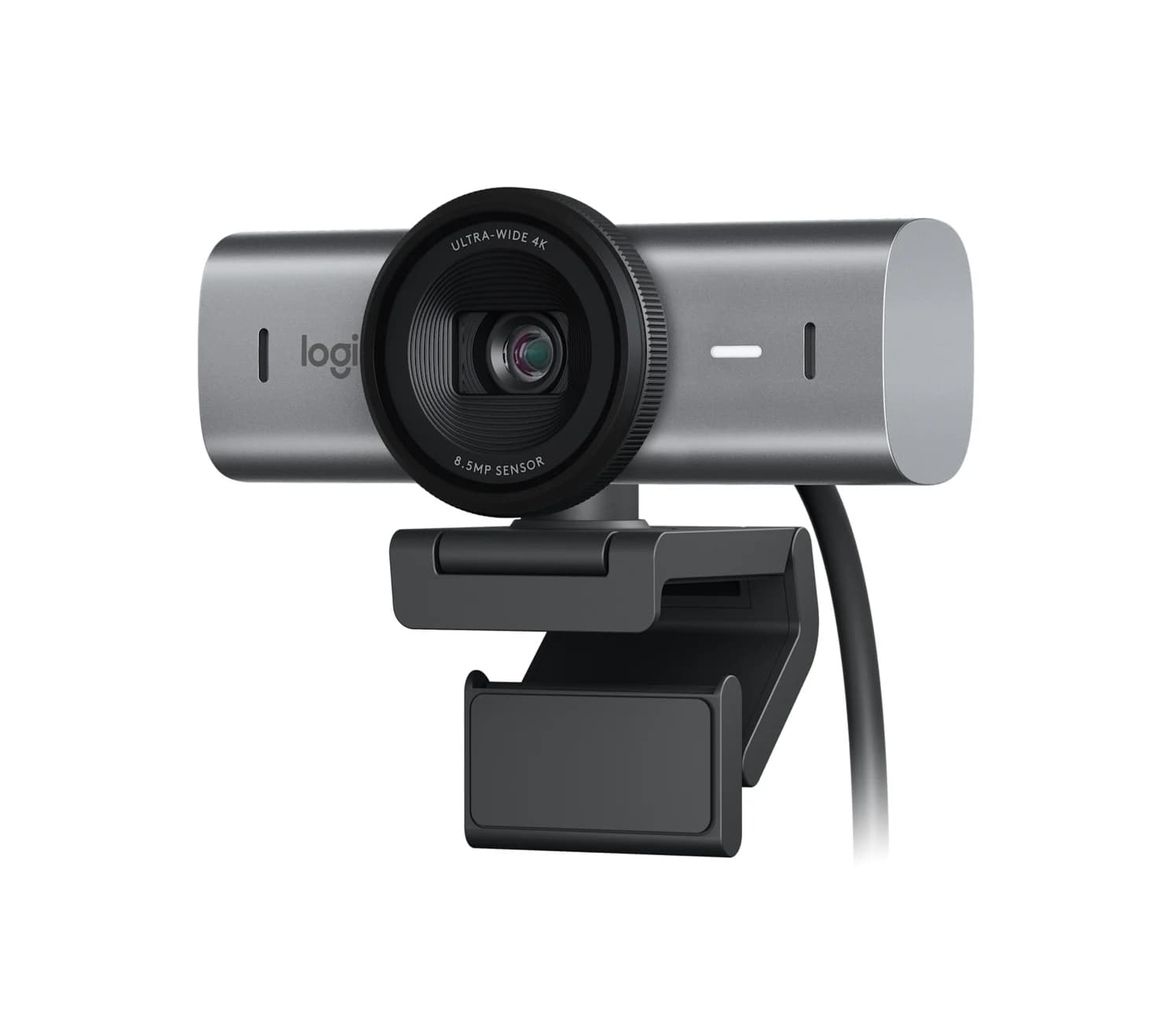
Best USB-C Gifts for Remote Workers: Calls, Power and Desk Ports
Find useful gifts for remote workers by the problem they solve: better calls, fewer chargers or more desk ports, with laptop checks and complete kit advice.
Updated November 4, 2026Read
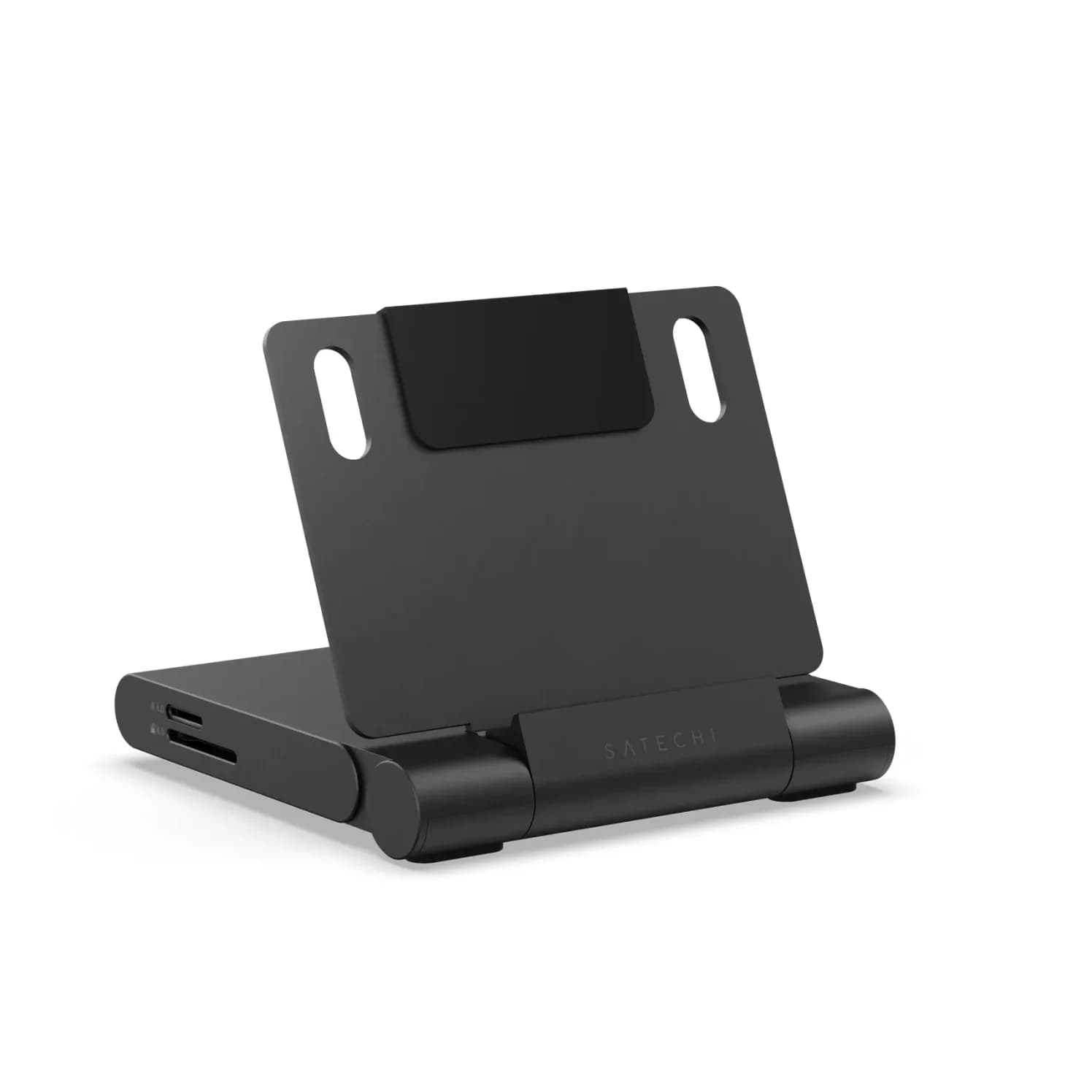
iPad Magnetic Charging Docks: Which Version Fits Your Pro or Air?
Find the KUXIU magnetic charging dock variant for your iPad Pro or Air, compare desk and arm stands, and check case fit, software and the complete power kit.
Updated November 3, 2026Read
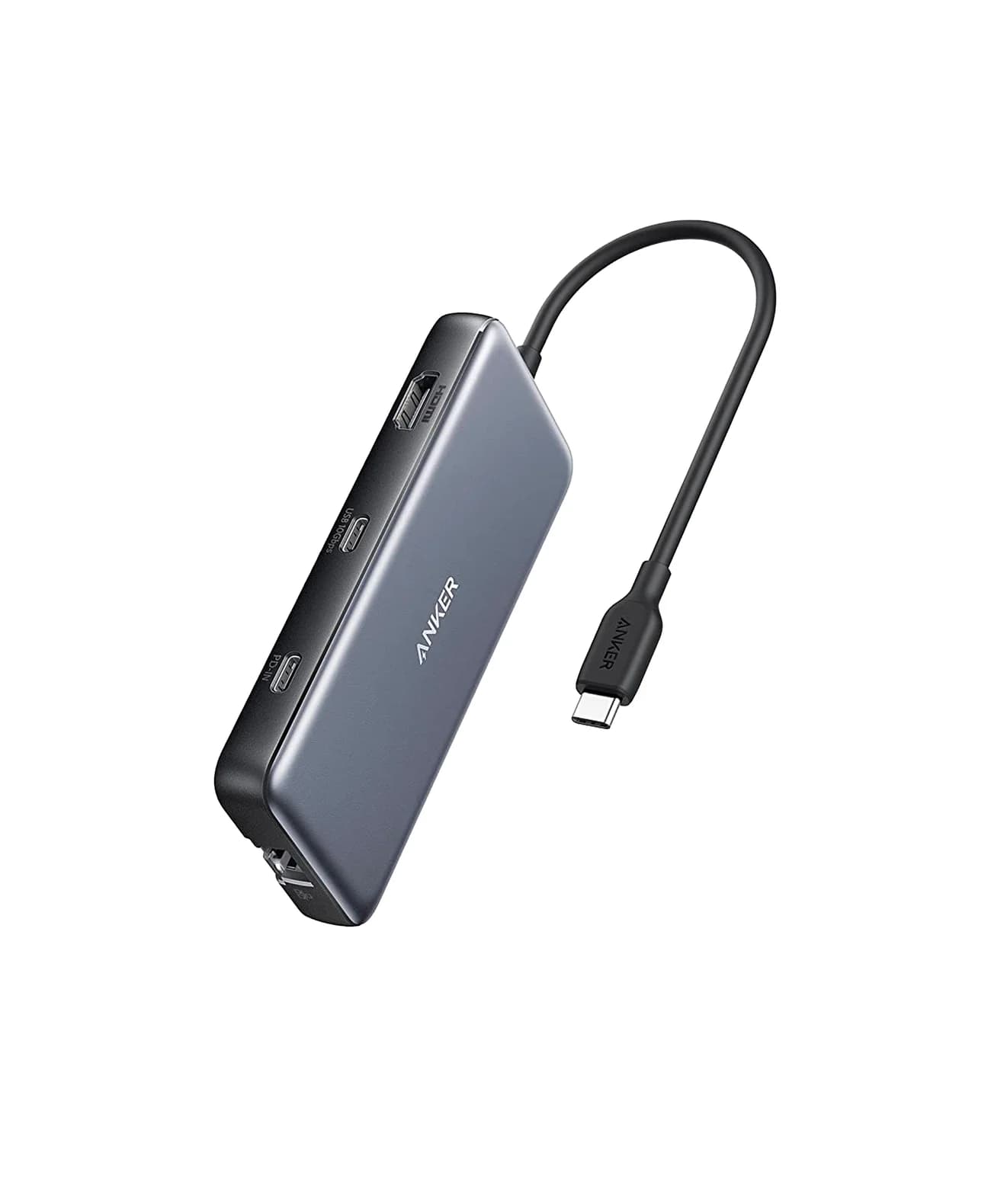
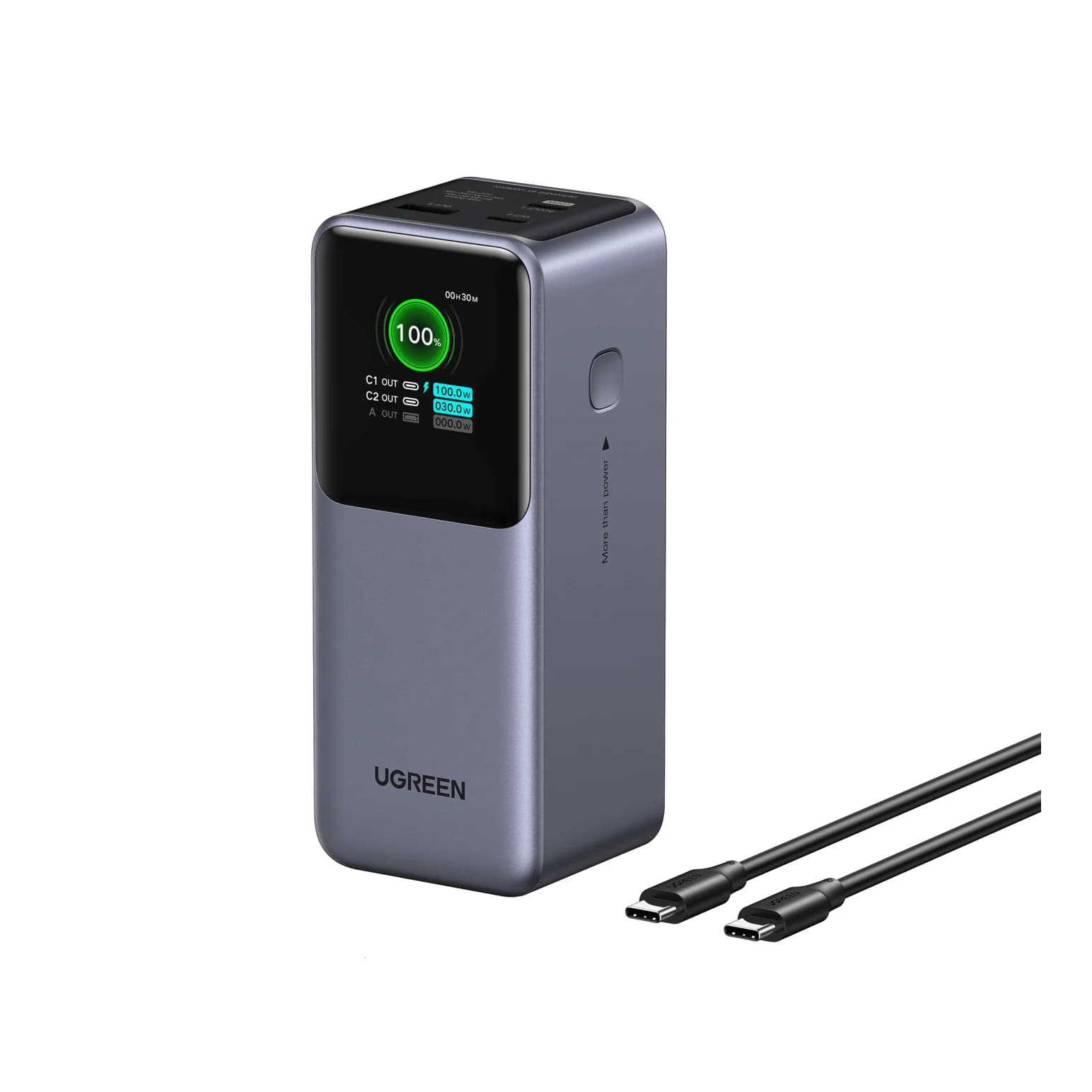
Best USB Tech Gifts Under 100 Dollars: Complete Laptop Kits
Find tech gifts under 100 dollars with complete USB charger, hub and power-bank kits. Compare laptop fit, cable bundles and the full delivered checkout total.
Updated November 5, 2026Read