Black Friday: the specs to check before you buy
Buying guide
Updated November 3, 2026iPad Magnetic Charging Docks: Which Version Fits Your Pro or Air?
Short answer
For a supported iPad Pro or Air, our default iPad magnetic charging dock pick is the KUXIU X33 Pro MAX in the exact iPad variant: it uses the rear Smart Connector for up to 18W and leaves the iPad’s USB-C port free. Choose the X36 Pro MAX for a desk-clamped arm, or the Satechi OntheGo Foldable Stand Hub for a cable-connected setup. Match the full iPad model before buying; the screen size alone does not identify the right magnetic plate.
Our picks at a glance
Best cable-connected alternativeSatechi
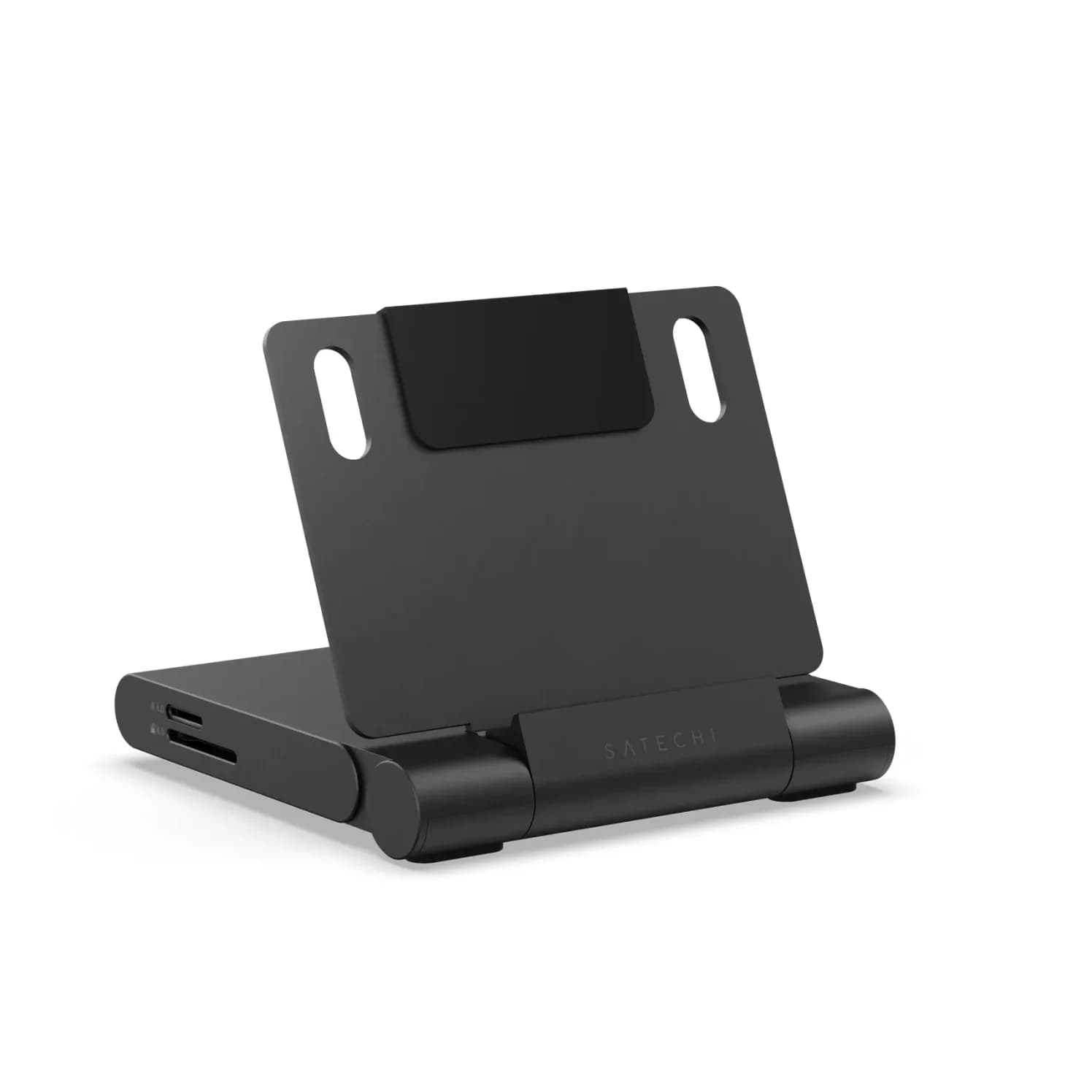
Satechi OntheGo Foldable Stand Hub (7-in-1, Space Black)
- to laptop
- 85W
- data
- 10 Gbps
- video
- 4K60
- Choose
- The Satechi OntheGo Foldable Stand Hub connects by USB-C and explicitly lists iPad A16 and iPad mini A17 Pro compatibility.
- Limit
- One fixed viewing angle
Quick picks: desk base, arm or USB-C hub
| Pick | Choose it for | Charging path | Power kit to check |
|---|---|---|---|
| KUXIU X33 Pro MAX | A stand that rests on the desk | Smart Connector, up to 18W; iPad USB-C stays free | Cable listed; bring an adapter |
| KUXIU X36 Pro MAX | An adjustable desk-clamped arm | Smart Connector, up to 18W; iPad USB-C stays free | 2m USB-C cable listed; bring an adapter |
| Satechi OntheGo Foldable Stand Hub | A USB-C iPad needing a stand and expansion ports | Through the host USB-C cable; up to 85W to host | Built-in host cable; add a PD adapter and its cable for charging |
The Satechi figure is a hub ceiling, not a promise that an iPad accepts that much power. Buy the KUXIU models for contact charging; choose the Satechi for its wired connection and ports.
Find your exact iPad before choosing a variant
Open Settings → General → About → Model Number, then tap the displayed part number to reveal the model number. Match it in Apple’s iPad identification list, then use the size and generation below. Apple’s model-number instructions show where to look if Settings is unavailable.
For example, A3357, A3358 and A3359 identify an 11-inch iPad Pro M5; A3459, A3460 and A3463 identify an 11-inch iPad Air M4. Those need different dropdown selections despite sharing the 11-inch label.
Identify the iPad
Use Apple’s model-number lookup to establish the full model.
Match the dropdown
Select the exact size and generation on the chosen stand’s own product page.
Check the working kit
Confirm case contacts, adapter, software support and selected-variant stock.
iPad-to-variant selector
These labels are independently present on the current X33 Pro MAX product page and X36 Pro MAX product page. Select the complete option shown, rather than ordering by “11-inch” or “13-inch” alone.
| Your iPad | Exact option on each stand page |
|---|---|
| Pro 11-inch, M5 or M4 | iPad Pro 11-in. M5/M4 (2025/2024) |
| Pro 13-inch, M5 or M4 | iPad Pro 13-in. M5/M4 (2025/2024) |
| Pro 11-inch, 1st–4th generation | iPad Pro 11-In. (1st/2nd/3rd/4th Generation) |
| Pro 12.9-inch, 3rd–6th generation | iPad Pro 12.9-In. (3rd/4th/5th/6th Generation) |
| Air 11-inch, M4, M3 or M2 | iPad Air 11-in. (M4/M3/M2) |
| Air 13-inch, M4, M3 or M2 | iPad Air 13-in. (M4/M3/M2) |
| Air 10.9-inch, 4th or 5th generation | iPad Air 10.9-in. (4th/5th Generation) |
Read the older charts cautiously. The X33 UK chart stops at Pro M4 and Air M3/M2; the separate X36 chart stops at Pro M4 and Air M2. Their newer product selectors explicitly add Pro M5 and Air M4. That is a documentation mismatch: newer entries above come from each current selector, not an extrapolation from an older iPad.
Compatibility is not stock. At our November 3, 2026 check, both stand pages offered the Pro 11-inch M5/M4 option; X33 also offered legacy Pro 12.9-inch and Air 13-inch options. The other X33 options and all other X36 options showed sold out. This is the manufacturer-store snapshot, not a US delivery promise; reselect your variant and region at checkout.
For iPad A16, iPad 10th generation, iPad mini A17 Pro or mini 6th generation, choose the wired Satechi alternative below. Satechi explicitly lists those devices; neither cited KUXIU selector lists them. Earlier Pro and Air generations absent from the table also need another solution—do not substitute the nearest screen size.
Best magnetic desk stand: KUXIU X33 Pro MAX
Choose this for a desk where you want to place a stand without fitting a clamp. KUXIU lists a silicone base, an adjustable magnetic panel and up to 18W through the Smart Connector. Its panel rotates through 360 degrees vertically and adjusts up to 90 degrees horizontally; the base folds up to 90 degrees.
Our starting choice is the Pro 11-inch M5/M4 variant, manufacturer SKU X33Pro-Max-11in-M4-Grey. The M4 in that SKU does not narrow the current selector’s explicit M5/M4 fit claim. For another supported iPad, change the selection using the table; a family name on a listing is insufficient.
The box list includes a charging cable and manual, but no wall adapter. KUXIU says to use the original charging adapter and cable. Unlike the X36 page, this X33 page does not publish a detailed voltage/current input table, so we do not transfer the arm’s input specification to this stand.
Choose the matched X33 Pro MAX variant at KUXIU.
Best magnetic arm: KUXIU X36 Pro MAX
Choose the X36 when you want the iPad suspended from a desk clamp. KUXIU specifies seven adjustable joints, portrait and landscape positioning, and a maximum desktop thickness of 5cm / 1.97 inches. Measure the intended clamp location and check access under the desktop before ordering.
It has the same advertised 18W maximum Smart Connector output, so choose the arm for positioning rather than a higher charging rating. The Pro 11-inch M5/M4 variant is manufacturer SKU X36Pro-Max-11in-M4-Grey. Its fit is sourced from the X36’s own selector, separately from the X33.
The X36 specifies USB-C input at 5V/3A or 9V/3A. It includes a 2m USB-C charging cable, cable clips, adhesive tape and a manual; its box list omits a wall adapter. This is the stand whose published input we can match directly to an optional power supply.
Choose the matched X36 Pro MAX variant at KUXIU.
Best cable-connected alternative: Satechi OntheGo Foldable Stand Hub
Satechi
Satechi OntheGo Foldable Stand Hub (7-in-1, Space Black)
A fold-flat aluminum tablet stand with a built-in 7-port USB-C hub: 4K@60Hz HDMI, 10Gbps USB-C and USB-A, UHS-II SD and microSD readers, a 3.5mm audio jack and 100W USB-C PD pass-through.
- 85W PD passthrough
- 10 Gbps data
- 4K60 video
- 7 ports
Choose this if your USB-C iPad is unsupported by the magnetic selector, or you want a stand that also supplies expansion ports. Satechi’s ST-GOTGFC connects using its built-in USB-C host cable; the manufacturer’s compatibility list includes Pro M5, Air M4, iPad A16 and mini A17 Pro.
The useful distinction is the wiring: the Satechi occupies the iPad’s USB-C port and routes accessories through the hub. It adds HDMI up to 4K at 60Hz, USB-A and USB-C data ports, and SD/microSD readers. Its PD input accepts up to 100W, with up to 85W to the host; those are hub limits.
Bring a USB-C PD adapter and charging cable for powered use. Connect power to the PD port: the separate USB-C data port does not provide output charging or video. Satechi requires host Power Delivery and DisplayPort Alt Mode for full functionality and excludes thick tablet cases.
Check price on Amazon. For display and storage buying advice, use our iPad USB-C hub guide.
Buying advice: contacts, cases, software and the full kit
Magnetic holding and magnetic charging are different requirements
For these KUXIU stands, the magnets hold the iPad while the Smart Connector carries charging power. Do not substitute an iPhone-style magnetic charger or a holder with no documented charging path. KUXIU’s compatibility charts explain that internal magnet positions vary between iPads; matching the panel matters even before checking power.
- Yes: X33 Pro MAX and X36 Pro MAX: documented rear Smart Connector charging
- Partly: Charging through a case: requires magnetic fit and a Smart Connector adapter function
- No: Ordinary iPad and iPad mini: no option in these KUXIU selectors
A magnetic case also needs working charging contacts
KUXIU requires a magnetic case with a Smart Connector adapter function. Its C01 case has built-in contacts, but check its own selector: for example, the cited case page labels its smaller modern Pro option M4, while the stand labels that option M5/M4. Do not carry a stand’s newer compatibility claim over to the case. Plan to remove an unconfirmed case.
Treat iPadOS support as a separate check
Both stand FAQs warn that iPadOS beta versions can disable Smart Connector charging. Those FAQs do not provide a stable-release support matrix. Before relying on contact charging, ask KUXIU about your exact iPad and installed iPadOS version; the fit table alone cannot settle software support. If that uncertainty is unacceptable, choose the wired Satechi setup.
Count everything needed to charge
| Setup | Supplied connection equipment | Add or verify |
|---|---|---|
| X33 Pro MAX | Charging cable; manual | Exact iPad plate, compatible adapter; case support if used |
| X36 Pro MAX | 2m USB-C cable, clips, tape; manual | Exact iPad plate; adapter matching 5V/3A or 9V/3A input; suitable clamp location |
| Satechi ST-GOTGFC | Built-in USB-C host cable; manual | USB-C PD adapter and its cable for charging |
For the X36, the UGREEN Nexode 65W charger is an optional electrical match on paper: its US specifications list 5V/3A and 9V/3A on USB-C1/C2, matching the stand’s stated input profiles. Use a USB-C output and the stand’s included cable, with the charger otherwise unloaded when checking operation. Its 65W headline does not raise the stand’s 18W output ceiling.
Reuse suitable equipment before adding another charger. Compare the complete basket—stand, required power supply and any essential case—after selecting the correct region and variant. Our USB Power Delivery explainer helps distinguish an adapter’s capacity from the power a connected device requests.
How we choose
These are recommendations based on manufacturer specifications, not physical performance measurements. We checked each stand’s own product selector, its separate fit chart, power and box information, case requirements and software warnings. Apple’s identification pages establish which iPad the reader owns; Satechi’s product page and manual establish the wired alternative. Manufacturer-store availability is a snapshot, and current US bundles and delivery still need a checkout check.
Verdict
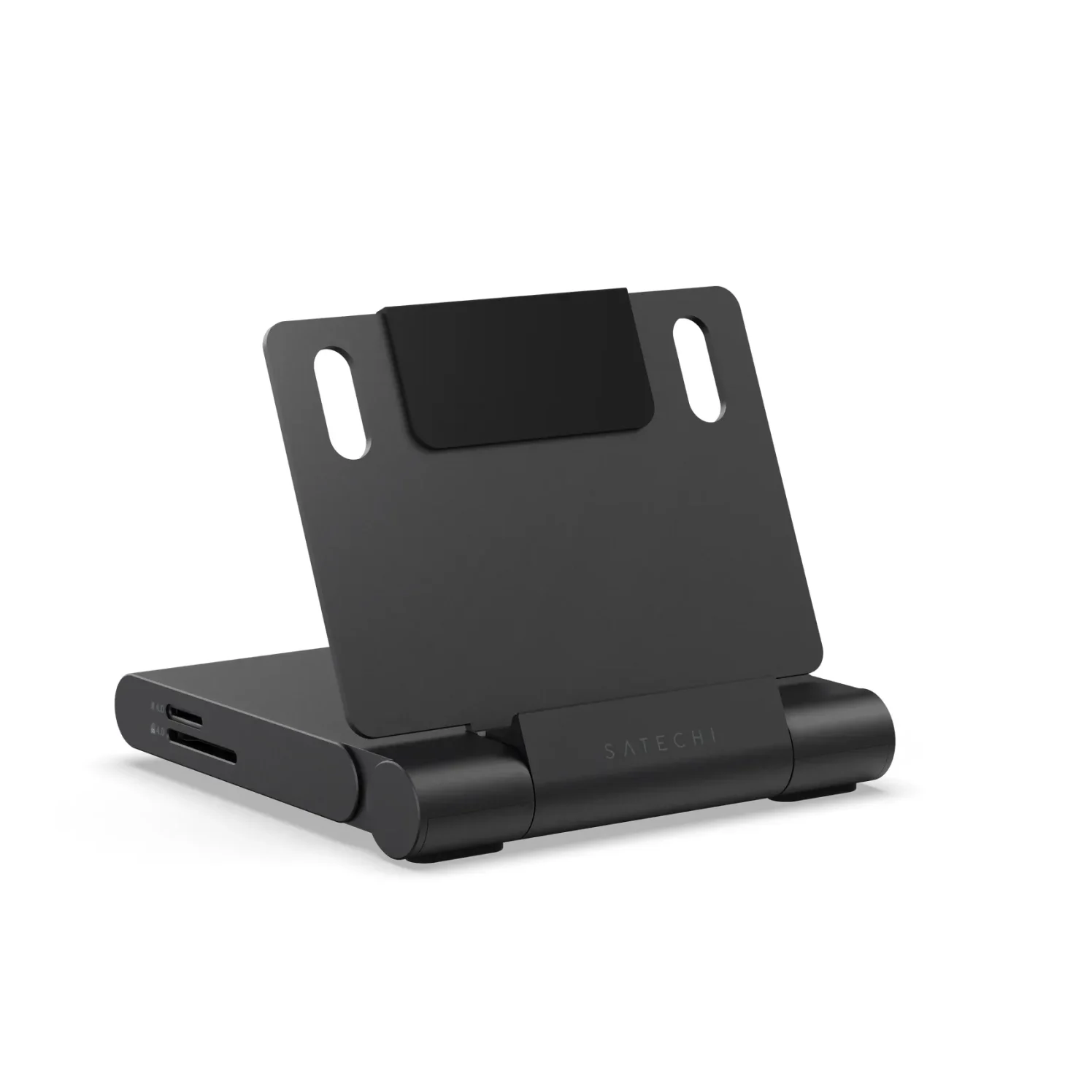
Buy the X33 Pro MAX for a matching iPad on a desk base, or the X36 Pro MAX for a matching iPad on a clamp arm. Select the exact size and generation, confirm case contacts and software support, and bring the required adapter. For an unsupported USB-C iPad or a preference for a wired hub, choose the Satechi OntheGo Foldable Stand Hub and check price on Amazon.
Frequently asked questions
Does an iPad magnetic stand charge the iPad?
Only if charging is explicitly specified. KUXIU rates the X33 Pro MAX and X36 Pro MAX for up to 18W through the iPad’s rear Smart Connector, leaving its USB-C port free. A magnetic mounting claim alone does not establish charging capability. Check the exact iPad variant, case contact support and power requirements before buying.
Which magnetic charging stand fits an 11-inch iPad Pro M5?
Select the option labeled “iPad Pro 11-in. M5/M4 (2025/2024)” on the chosen KUXIU stand page. Both the X33 Pro MAX and X36 Pro MAX currently list that option separately from the older 11-inch first-through-fourth-generation Pro option. Apple identifies A3357, A3358 and A3359 as the 11-inch M5 models. Screen size alone is insufficient.
Does the KUXIU charging stand support iPad Air M4?
Both current stand product selectors explicitly include iPad Air M4 with M3 and M2, in separate 11-inch and 13-inch options. The older compatibility charts omit M4, so this guide relies on each stand’s own current selector for that newer fit claim. Confirm the selected size and availability; a listed variant can still be sold out.
Can I charge through a case on a KUXIU iPad stand?
KUXIU says the case must support magnetic mounting and provide a Smart Connector adapter function. Do not infer charging support from a magnetic case label alone. Its C01 case has built-in contacts, but its model selector differs from the stand selectors. Confirm the case’s own exact iPad fit and stock, or plan to remove the case.
Do the X33 Pro MAX and X36 Pro MAX include a charger?
Neither cited box list includes a wall adapter. The X33 Pro MAX lists a charging cable; the X36 Pro MAX specifies a 2m USB-C cable and cable-management accessories. KUXIU tells buyers to use their original charging adapter. Check the purchased regional bundle before ordering an extra adapter, and do not assume the two stands publish identical input specifications.
Will KUXIU magnetic charging work with my current iPadOS version?
The product FAQs warn that iPadOS beta versions can disable Smart Connector charging. The cited FAQs do not give a build-by-build stable-release guarantee. Confirm support for your exact iPad and installed iPadOS version with KUXIU before making contact charging essential to your setup. For a wired alternative, Satechi describes its USB-C stand hub as plug and play.
Best cable-connected alternative
Satechi OntheGo Foldable Stand Hub (7-in-1, Space Black)
Related guides
Best USB-C Gifts for Remote Workers: Calls, Power and Desk Ports
Find useful gifts for remote workers by the problem they solve: better calls, fewer chargers or more desk ports, with laptop checks and complete kit advice.
Updated November 4, 2026Read
Best USB Tech Gifts Under 100 Dollars: Complete Laptop Kits
Find tech gifts under 100 dollars with complete USB charger, hub and power-bank kits. Compare laptop fit, cable bundles and the full delivered checkout total.
Updated November 5, 2026Read
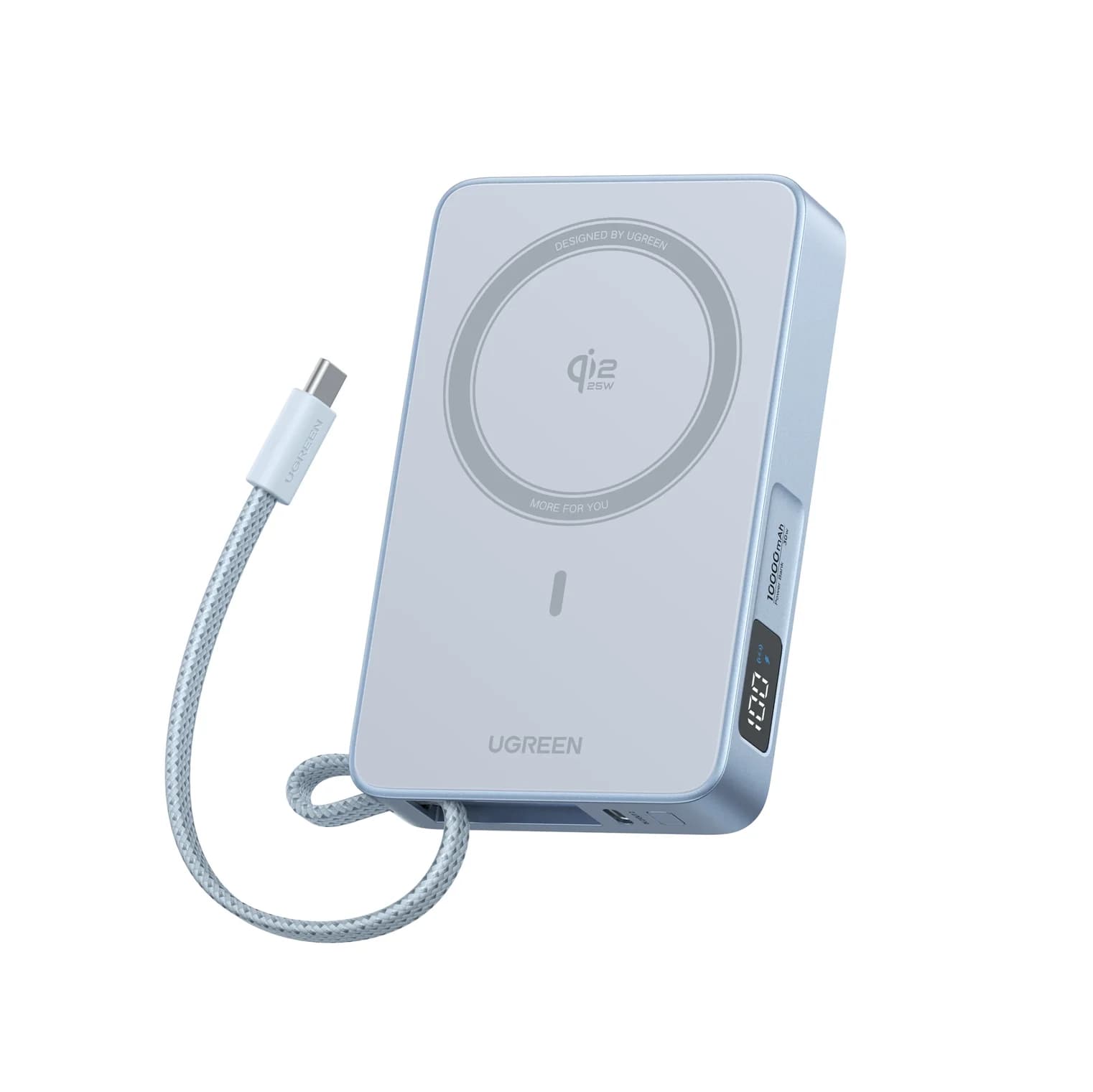
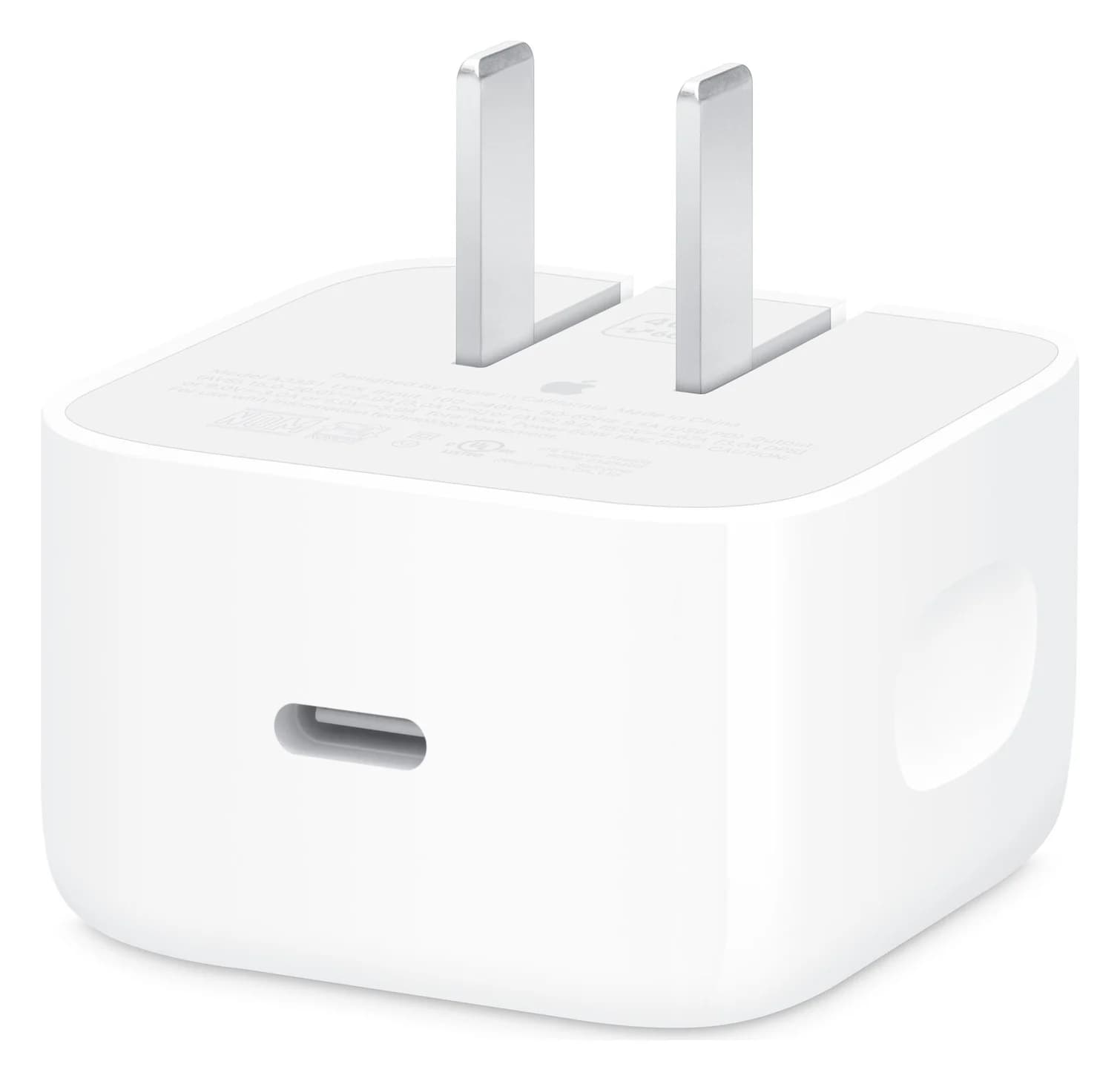
Gifts for iPhone Users in 2026: Qi2, MagSafe and USB-C Picks
USB-C gifts for iPhone 15 to iPhone 18 Pro and iPhone Duo owners: Qi2 25W chargers, a power bank, a fast charger, a car mount, AirPods and a ProRes SSD.
Updated October 30, 2026Read