Buying guide
How to Spot a Real USB-C Deal: A Black Friday Buyer's Guide for 2026
Spot fake-capacity drives, 240W cables with no e-marker, padded charger wattage, uncertified Qi2 and counterfeit sellers before you buy this Black Friday.
By thisUSB EditorialUpdated October 22, 202610 min read7 picks
Our picks at a glance
- See on Amazon
- See on Amazon2
Safe SSD pick (older generation, still smart)
Samsung T7 Portable SSD (1TB, Titan Gray)10 Gbps data · 1 port
- See on Amazon
- See on Amazon
- See on Amazon5
Safe power bank pick
Anker Laptop Power Bank (25K, 165W, Built-In and Retractable Cables)100W max output · 4 ports
- See on Amazon6
Safe hub pick
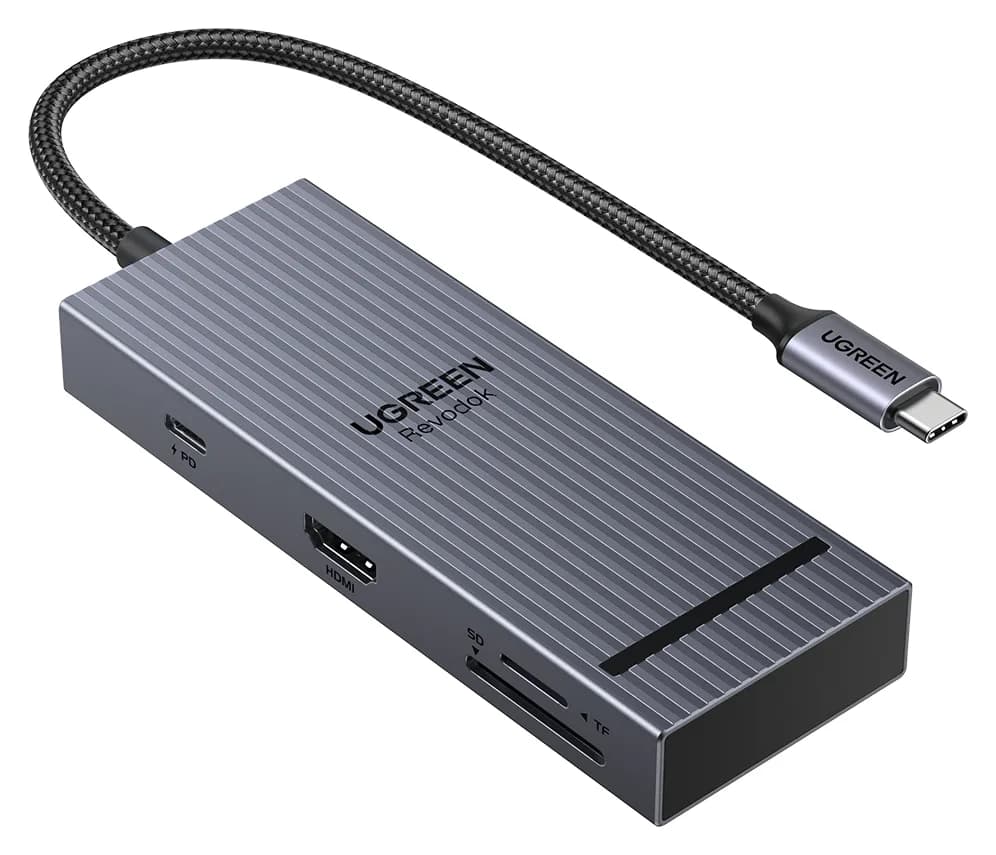
UGREEN Revodok Pro 108 USB-C Hub (8-in-1)85W PD passthrough · 10 Gbps data · 4K60 video · 8 ports
- See on Amazon7
Safe Qi2 pick
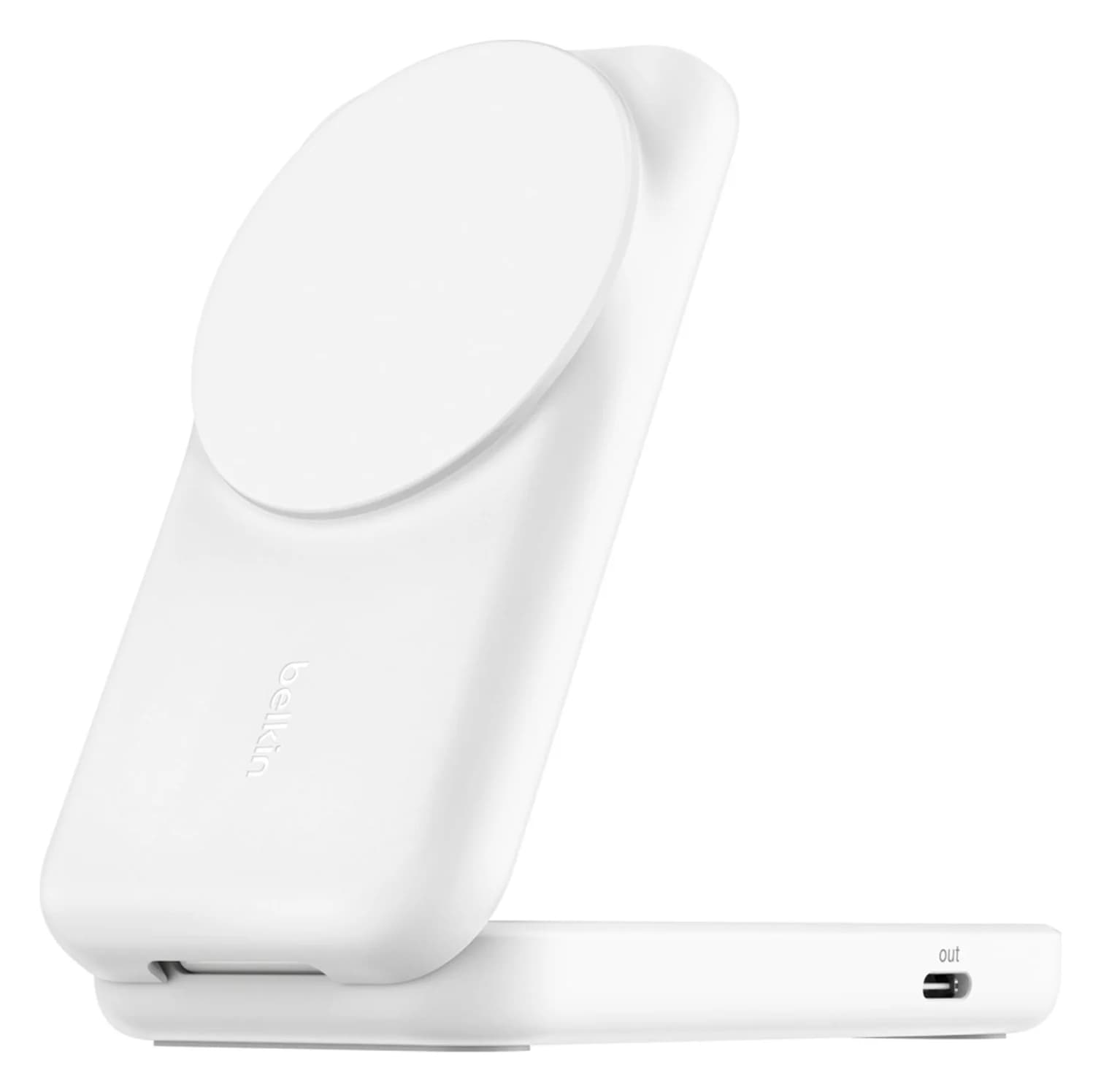
Belkin UltraCharge 2-in-1 Foldable Magnetic Charger with Qi2 25W (White)25W max output · 1 port
A real USB-C deal is a name-brand product whose spec sheet matches both the listing and your devices. The traps are the same every holiday season: flash drives that lie about capacity, "240W" cables that can't carry 240W, chargers whose headline wattage is shared across every port, and magnetic chargers that print Qi2 without the certification. For safe defaults to watch for, the Samsung T7 SSD, the Anker Prime 100W charger and Anker's USB-IF certified 240W cable all publish the specs that matter.
Here's how to check each claim in a minute or two. We haven't physically tested these products; everything comes from spec sheets, the USB-IF and Wireless Power Consortium (WPC) standards, and their certification records.
The 60-second deal check
| Gear | What to check | Safe pick worth watching |
|---|---|---|
| Flash drive | The maker's model number, a capacity test on arrival, a published write speed | Samsung USB Type-C Flash Drive (256GB) |
| Portable SSD | The same, plus whether your port can use its top speed | Samsung T7 (1TB) |
| Cable | The USB-IF 240W logo, and a separate data rating | Anker Prime USB-C Cable (240W, 6 ft) |
| Charger | A per-port table for one, two and three devices | Anker Prime Charger (100W, 3 ports) |
| Power bank | A watt-hour (Wh) rating under the 100Wh carry-on limit | Anker Laptop Power Bank (25K, 165W) |
| Hub | "4K@60Hz" and a Gbps figure for each port | UGREEN Revodok Pro 108 |
| Qi2 charger | A WPC database record with a Qi version and power profile | Belkin UltraCharge 2-in-1 (Qi2 25W) |
| Anything | The Ships from and Sold by lines, and the seller behind them |
Flash drives: fake capacity and missing write speeds
A fake-capacity drive has a controller reprogrammed to report more space than the flash inside. Your computer shows 1TB or 2TB and files appear to copy, but anything written past the real capacity is overwritten or unreadable. Most people find out when the photos are already gone.
Test every new drive as soon as it arrives, while it's still returnable:
- H2testw (Windows). A free tool from c't magazine, downloadable from heise. It fills the free space with test files of up to 1GB each, then reads them back and compares. Heise suggests formatting the drive first and warns that some USB adapters cause false errors, so test it empty and plugged straight into the computer.
- F3 (Mac and Linux). The open-source Fight Flash Fraud project. Run f3write to fill the drive and f3read to verify it. Its faster f3probe check needs Linux and erases the drive.
If the verified capacity is smaller than the label, return it. The second trap is speed: "up to 400MB/s" is almost always the read speed, and writes are usually slower. A listing with one speed and no model number is incomplete.
Samsung
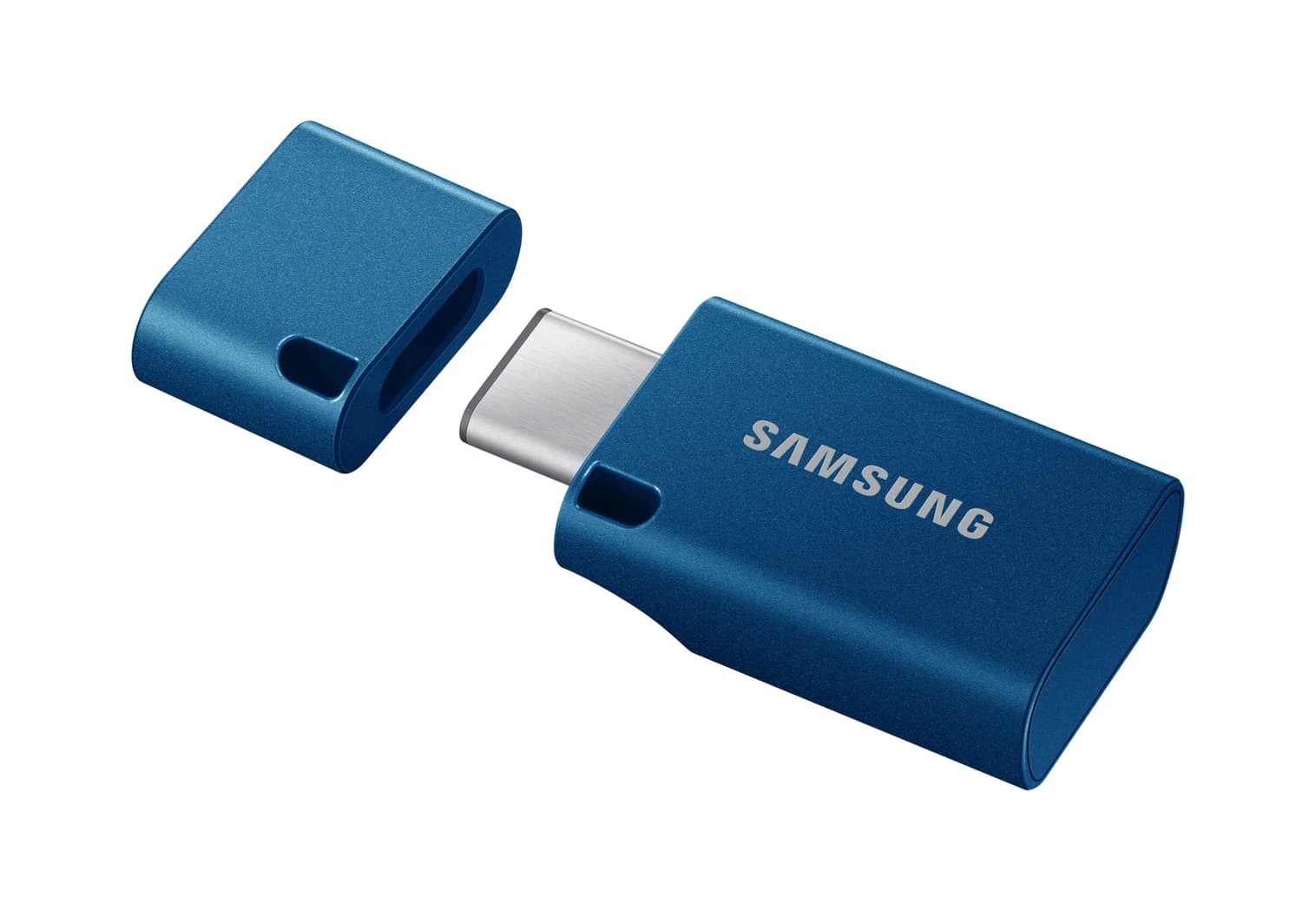
Samsung USB Type-C Flash Drive (256GB, Blue)
A thumb-sized USB-C flash drive with a removable cap, rated up to 400MB/s reads over USB 3.2 Gen 1.
- 5 Gbps data
- 1 port
Safe pick: Samsung USB Type-C Flash Drive (256GB). Samsung rates it up to 400MB/s reads over USB 3.2 Gen 1 (5Gbps), with a 5-year limited warranty. It's honest about its limits: Samsung says only that writes are slower than reads, and it's USB-C only. Our best USB-C flash drives has faster 10Gbps options.
See the Samsung USB Type-C Flash Drive on Amazon
Portable SSDs: fakes, and why last year's model can be the smart buy
Fake SSDs use the same capacity trick or copy popular models. Samsung recommends buying its storage from its own store or authorized retailers. Its free Magician software supports the T7, T7 Shield and T9 and has a Genuine Authentication check, though Samsung says features vary by product. Run H2testw or F3 as well.
Newer isn't always faster for you. Samsung's T9 runs at 20Gbps (USB 3.2 Gen 2x2), but Macs don't support Gen 2x2 and USB 3 iPhones top out at 10Gbps, so on those a T9 runs at the older T7's 10Gbps. Unless your PC has a 20Gbps port, the T7 gives up nothing. Chargers work the same way: Anker's older 715 (Nano II 65W) still delivers 65W from one port. Just make sure an older model is sold new with the maker's warranty.
Samsung
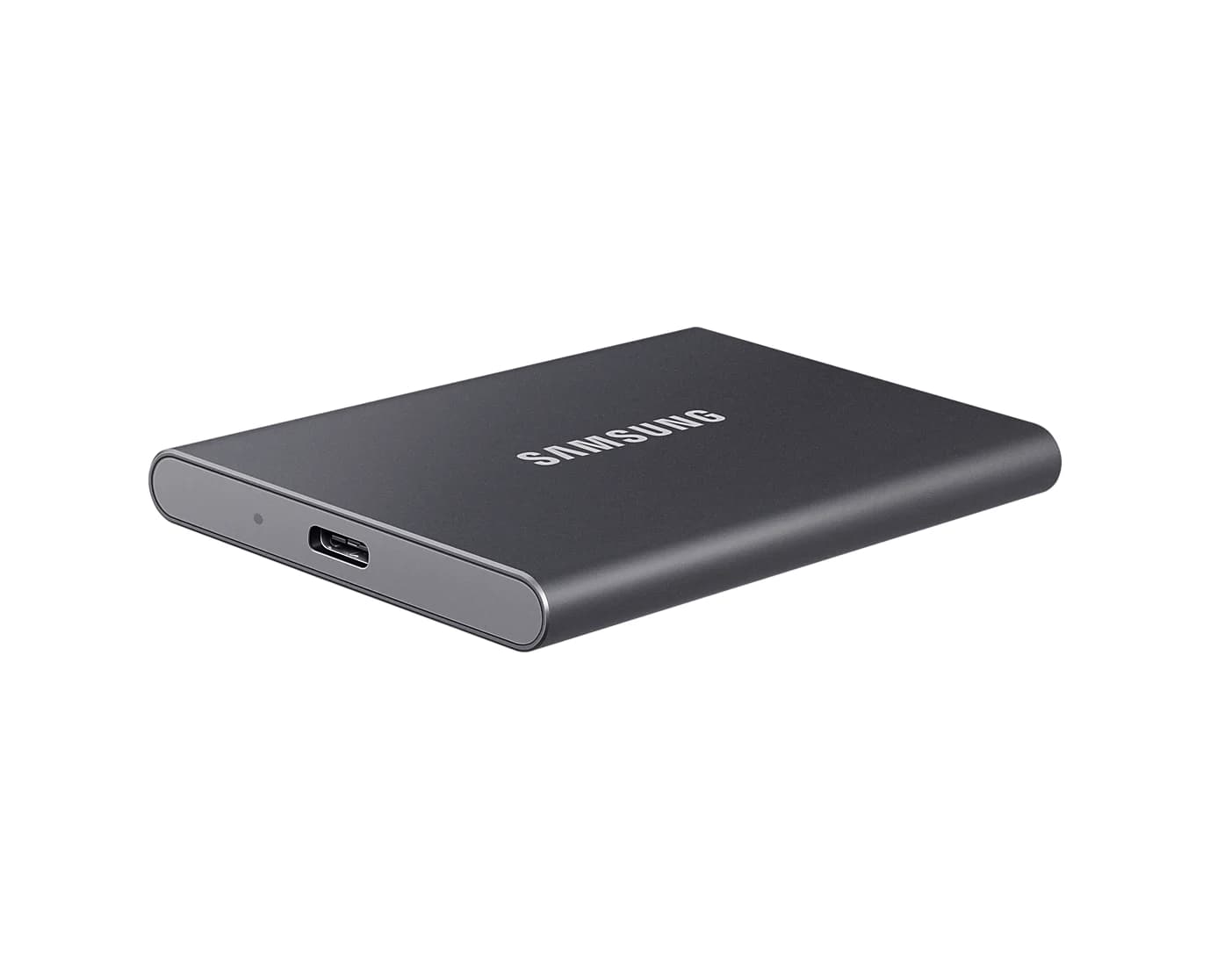
Samsung T7 Portable SSD (1TB, Titan Gray)
A pocket-size 1TB NVMe portable SSD over USB 3.2 Gen 2 with USB-C and USB-A cables in the box.
- 10 Gbps data
- 1 port
Safe pick: Samsung T7 (1TB). Samsung lists USB 3.2 Gen 2 (10Gbps), up to 1,050MB/s reads and 1,000MB/s writes, AES 256-bit hardware encryption, a 58g body and both USB-C to C and C to A cables. Password protection needs Samsung's software, and Apple doesn't support password-encrypted drives for iPhone ProRes recording. Compare more drives in our best portable SSD guide.
Cables: "240W" with no EPR e-marker
Every USB-C to USB-C cable carries at least 3A, which is 60W at 20V. Anything more needs an e-marker chip that tells the charger the cable can handle 5A. Above 100W, USB Power Delivery 3.1's Extended Power Range (EPR) runs at 28V, 36V or 48V, and the USB-C specification requires EPR cables to have an e-marker that declares it. Without one, the charger stays in the standard range, so a "240W" cable with the wrong chip quietly caps a 140W charger at 100W or less.
The USB-IF makes this checkable. Certified USB-C to USB-C cables must carry its logo on the plug housing, showing the power rating (60W or 240W) and, on data cables, the speed, such as 40Gbps/240W. A no-name "240W" listing with no logo and no e-marker mention is a gamble.
Wattage and speed are separate. Many 240W cables are USB 2.0 inside, so they won't drive a monitor or run an SSD at full speed. Our USB-C cable types explainer covers the markings.
Anker
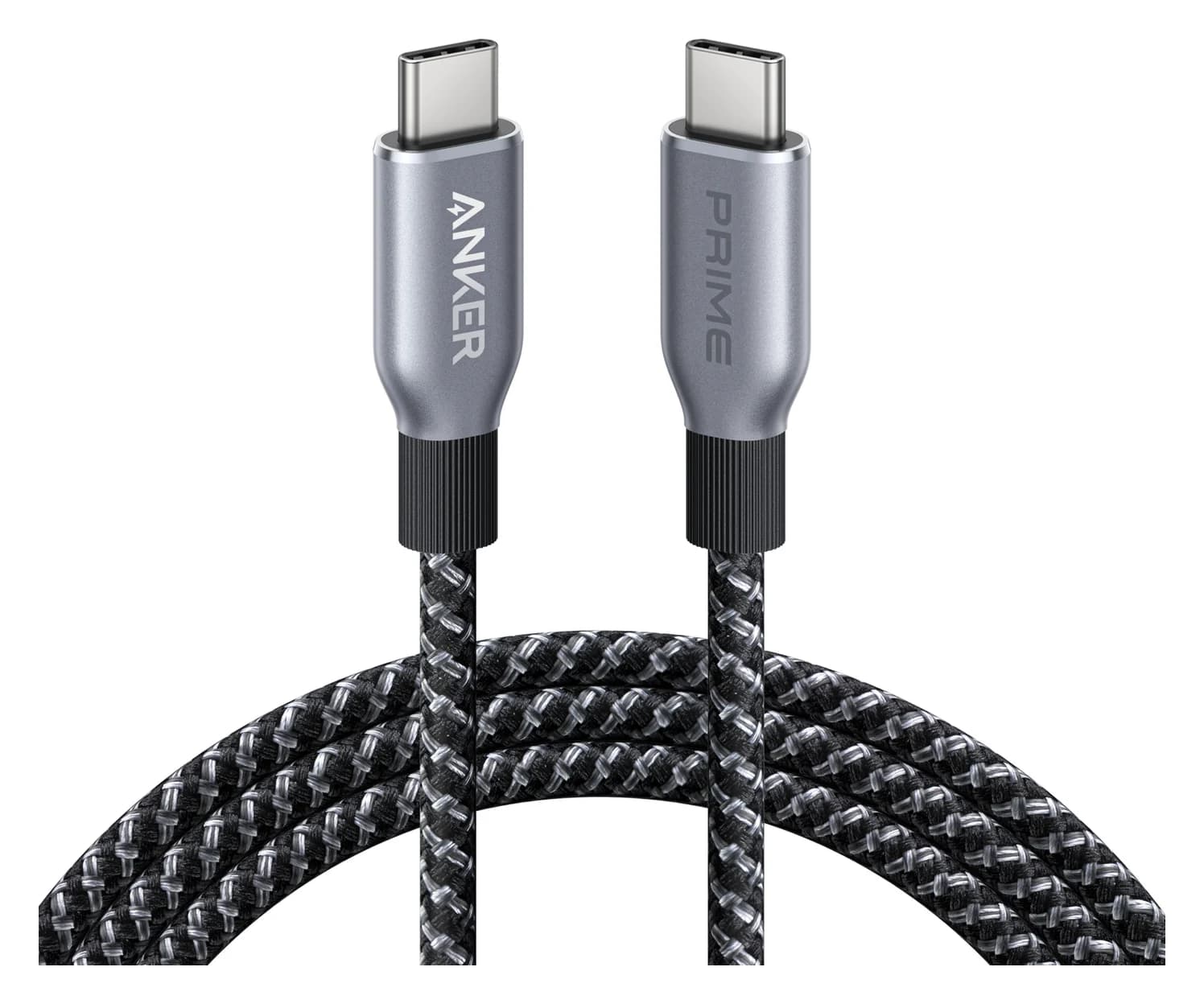
Anker Prime USB-C to USB-C Cable (240W, Upcycled-Braided, 6 ft)
A 6 ft USB-IF certified USB-C cable rated for 240W (USB PD 3.1 EPR) charging with USB 2.0 data.
- 0.48 Gbps data
Safe pick: Anker Prime USB-C Cable (240W, 6 ft). Anker lists it as USB-IF certified for 240W, with a recycled braided-nylon jacket and a 300,000-bend rating (Anker's figure). Data runs at USB 2.0's 480Mbps and it carries no video, so it's a charging cable, not a dock or SSD cable.
See the Anker Prime 240W cable on Amazon
Chargers: total watts vs per-port watts, and PD/PPS fine print
Multi-port chargers share one power budget. The number on the box is the most one port can give, or the total across all ports, and rarely what each port gets with several devices plugged in. UGREEN's Nexode 65W 3-port gives 65W to one USB-C device but splits to roughly 45W and 20W across its two USB-C ports. A trustworthy listing shows a table for one, two and three devices. If it only says "100W total" across four ports, assume your laptop won't get 100W while a phone charges.
"PD" alone tells you little. Look for the voltage lines, such as 5V/3A, 9V/3A, 15V/3A and 20V/5A. The 20V/5A line is what makes 100W, and it needs a 5A e-marked cable. "PPS" matters for the fastest Samsung and Pixel modes but can mean a narrow range, so look for the actual PPS voltage and current. The iPhone 18 Pro's fastest figure needs AVS, which few third-party chargers list yet. Our USB Power Delivery explainer goes deeper.
Anker
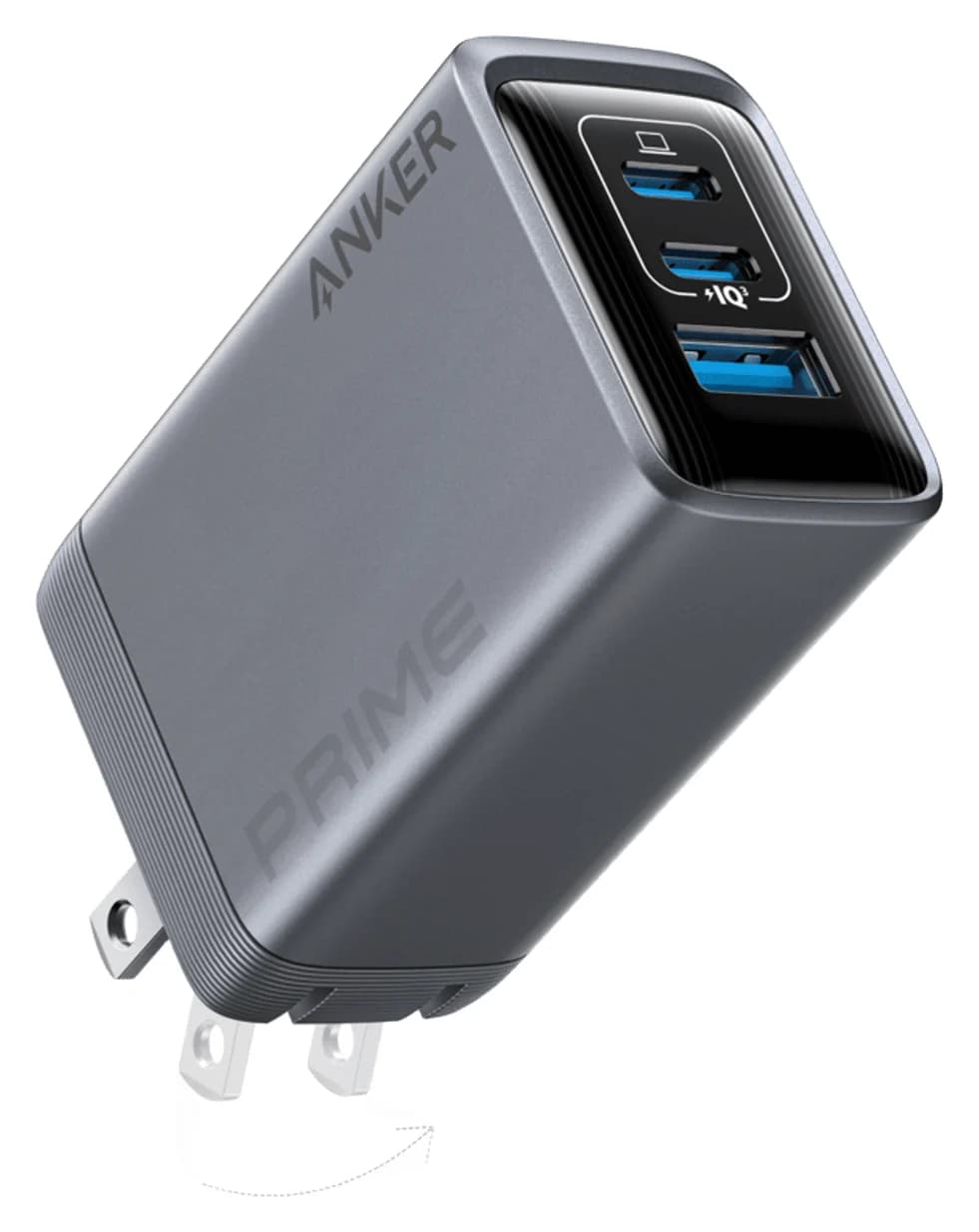
Anker Prime Charger (100W, 3 Ports, GaN)
A 100W GaN wall charger with two USB-C ports and one USB-A port and a foldable plug.
- 100W max output
- 3 ports
Safe pick: Anker Prime Charger (100W, 3 ports). Anker lists 100W from either USB-C port alone (20V/5A), 22.5W from the USB-A port, 100W combined with two devices and 89W with all three, in a 1.7 x 1.1 x 2.7-inch, 6-ounce body. More options are in our best USB-C chargers.
See the Anker Prime 100W on Amazon
Power banks: mAh isn't watt-hours
Power banks advertise milliamp-hours at the cell's own voltage of about 3.6V to 3.85V. The honest figure is watt-hours: Wh = mAh x cell voltage / 1,000. A 20,000mAh bank holds about 72Wh to 77Wh, and some of that is lost converting up to the 5V to 20V your devices use.
Watt-hours also decide whether it flies. The FAA allows spare lithium-ion batteries up to 100Wh each in carry-on bags, and up to two between 101Wh and 160Wh with airline approval. Power banks never go in checked luggage, and many airlines now limit how many you carry and ban recharging them on board. Be wary of a huge mAh figure with no Wh rating, and of "100W" banks where only one port reaches 100W.
Anker
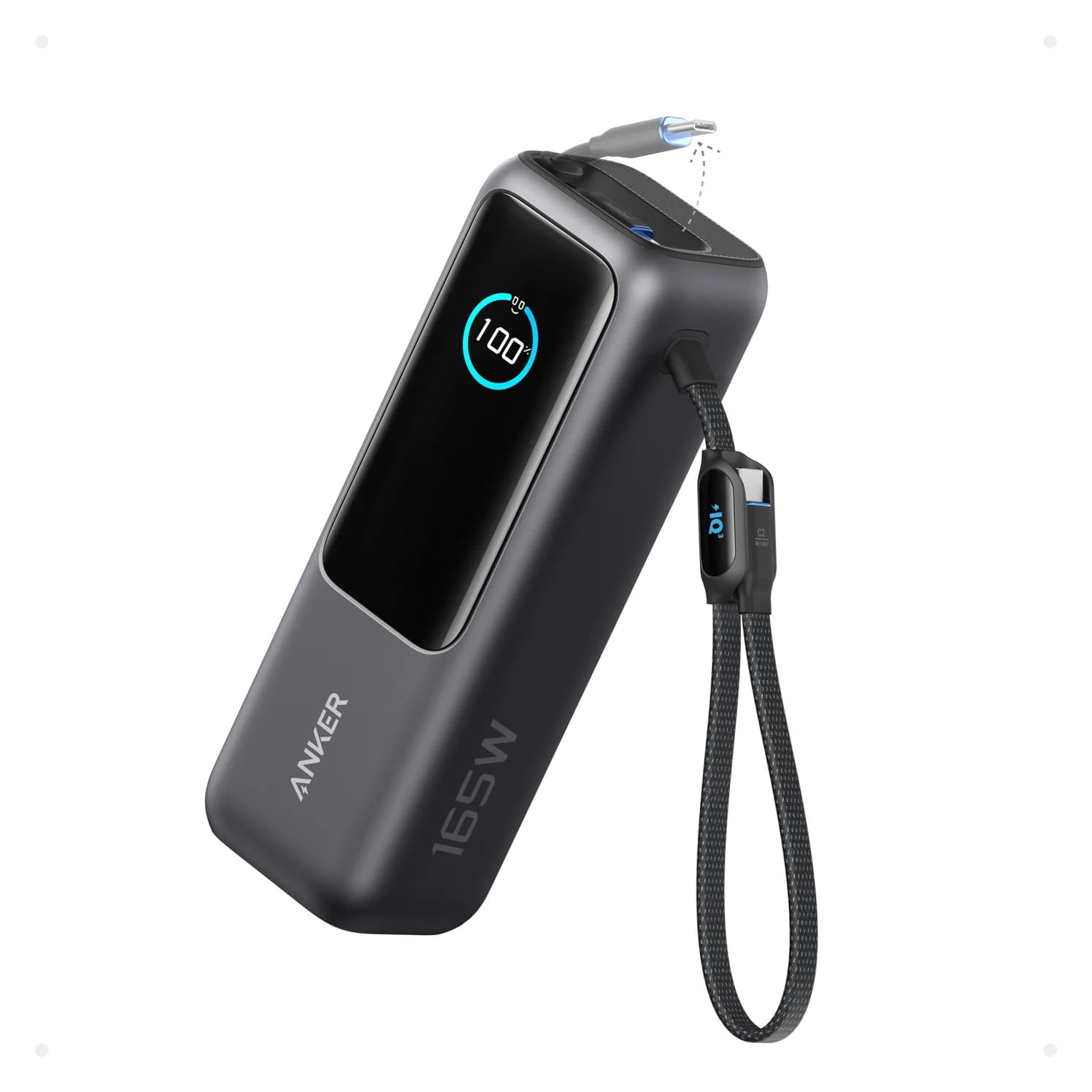
Anker Laptop Power Bank (25K, 165W, Built-In and Retractable Cables)
A 25,000mAh (90Wh) laptop power bank with two built-in USB-C cables, a USB-C port and a USB-A port, rated up to 165W total.
- 100W max output
- 4 ports
Safe pick: Anker Laptop Power Bank (25K, 165W). Rated 25,000mAh and 90Wh. Anker lists up to 100W from each USB-C output, 165W total with two devices and 130W with three or four, plus two built-in USB-C cables, one retractable. It weighs 595g, and the built-in cables can't be replaced. Our power bank guide covers smaller and magnetic banks.
See the Anker Laptop Power Bank on Amazon
Hubs: 4K@30Hz vs 4K@60Hz, and USB naming games
"4K HDMI" with no refresh rate usually means 4K@30Hz, the HDMI 1.4 limit, which makes the mouse and scrolling feel sluggish. Look for "4K@60Hz" and the host requirement next to it. Our stuck at 30Hz explainer covers the causes.
USB names are the other trap. "USB 3.2" alone can mean 5Gbps, 10Gbps or 20Gbps, and "USB 3.2 Gen 1" is the old 5Gbps USB 3.0. "USB4" covers both 20Gbps and 40Gbps tiers. The USB-IF's certified logos now state the speed outright, from USB 5Gbps to USB 80Gbps. If a listing won't give a Gbps figure for each port, assume the slowest.
UGREEN
UGREEN Revodok Pro 108 USB-C Hub (8-in-1)
A compact single-cable 8-in-1 USB-C hub with 4K@60Hz HDMI, 10Gbps USB ports, 170MB/s SD and microSD readers and 100W PD input.
- 85W PD passthrough
- 10 Gbps data
- 4K60 video
- 8 ports
Safe pick: UGREEN Revodok Pro 108. UGREEN lists HDMI at up to 4K@60Hz on laptops with DisplayPort 1.4 Alt Mode, two 10Gbps USB-C data ports, two USB-A ports (one at 10Gbps), SD and microSD readers rated up to 170MB/s, and up to 85W pass-through from a 100W charger. It drives one monitor and has no Ethernet.
See the UGREEN Revodok Pro 108 on Amazon
Wireless chargers: Qi2 certified vs "Qi2 Ready" and "MagSafe-compatible"
Qi2 is the WPC's magnetic standard, and Qi2 25W (Qi v2.2) is the version that reaches 25W on recent iPhones. A magnet ring around a plain Qi coil can still be sold as "magnetic" or "MagSafe-compatible," but iPhones charge far more slowly on plain Qi: Apple's iPhone 16 Pro specs list Qi at up to 7.5W against 25W on MagSafe. "Qi2 Ready" is a real WPC label, but it's for phones without built-in magnets that need an approved magnetic case. It says nothing about a charger.
The WPC says only certified products may use its logos, and warns that some use them illegally. So search the brand and model number in the WPC certified product database. A Qi2 25W charger shows Version 2.2.1, Power Profile MPP25 and Potential Load Power 25.0. Version 2.0 or 2.1 with MPP and 15.0 means Qi2 at 15W. No record means no certification.
Belkin
Belkin UltraCharge 2-in-1 Foldable Magnetic Charger with Qi2 25W (White)
A foldable Qi2.2-certified magnetic stand that charges an iPhone at up to 25W and AirPods at up to 5W, with a 5W USB-C port for a watch cable and a 45W USB-C power supply in the box.
- 25W max output
- 1 port
Safe pick: Belkin UltraCharge 2-in-1 (Qi2 25W). Its WPC record lists the UltraCharge 2-in-1 Foldable (Belkin part WIZ038) as Qi v2.2.1, MPP25 + BPP, at 25.0. Belkin includes a 45W USB-C power supply and a 5 ft cable, adds a 5W AirPods pad and a 5W USB-C port for a watch cable, and says it folds to about 106 x 60 x 24mm. The iPhone 16e has no MagSafe magnets, so it won't hold on.
See the Belkin UltraCharge 2-in-1 on Amazon
Counterfeit listings: check who's actually selling
The brand in a listing's title tells you who made the product page, not who ships the box. Before checkout:
- Read the Ships from and Sold by lines next to the buy button. Sold by the retailer itself or the brand's own store is safest. Third-party sellers aren't automatically bad, but that's where counterfeit storage and chargers are most often reported.
- Click through to the seller. Check how long it has sold and whether the brand lists it as an authorized reseller.
- Match the model number to the maker's site. Samsung's T7 1TB in gray is MU-PC1T0T/AM, for example.
- Type the brand's web address yourself. Ads and search results around big sales can lead to official-looking "brand stores" on unfamiliar domains.
- Distrust storage priced far below every major retailer, especially at the highest capacities.
- Test on arrival and keep the packaging until the drive passes.
How we choose
We haven't physically tested these products. Our picks come from research:
- Standards and databases. USB-IF logo rules, the USB-C and Power Delivery specs, the WPC's certified product database and the FAA's battery rules.
- Manufacturer spec sheets. Every wattage, speed and capacity comes from the maker's page. We favor brands that publish per-port splits, write speeds and watt-hours.
- Name-brand, current models, including older generations when their specs still match common ports.
- Known buyer patterns, such as fake-capacity flash drives and slow laptop charging on shared-power chargers.
We don't track prices or predict discounts.
Verdict
A good deal survives a two-minute check. Test every flash drive and SSD with H2testw or F3 on arrival. Buy 240W cables with the USB-IF logo, chargers with a per-port table and power banks with a printed Wh rating, and look up any Qi2 claim in the WPC database. The Samsung T7, Anker Prime 100W and Anker Prime 240W cable are safe defaults, and the Belkin UltraCharge 2-in-1 is certified Qi2 25W with its adapter in the box.
Frequently asked questions
How can I tell if a flash drive or SSD is fake?
Test it as soon as it arrives, while you can still return it. On Windows, run H2testw, which fills the free space with test files and reads them back. On a Mac or Linux PC, use F3's f3write and f3read. If the verified capacity is smaller than the label, or files come back corrupted, it's a fake-capacity drive. Samsung's free Magician app also includes a Genuine Authentication check, though Samsung says features vary by drive.
How do I know if a USB-C cable really supports 240W?
Look for the USB-IF's 240W logo, which certified USB-C to USB-C cables must carry on the plug housing. Above 100W, USB Power Delivery only switches to its higher voltages when the cable's e-marker chip reports EPR capability, so an uncertified cable labelled 240W can quietly cap a 140W charger at 100W. Also check the data rating separately: many 240W cables are USB 2.0 inside.
Can I take a 25,000mAh power bank on a plane?
Usually, if it's 100Wh or less. The FAA limits spare lithium-ion batteries to 100Wh each in carry-on bags, with up to two 101-160Wh spares allowed only with airline approval, and power banks can never go in checked luggage. Anker's 25,000mAh laptop bank is rated 90Wh. Many airlines also limit how many power banks you carry and ban recharging them on board, so check your carrier's rules.
What's the difference between Qi2 certified and Qi2 Ready?
A Qi2 certified charger has passed the Wireless Power Consortium's testing and appears in its public database with a Qi version and power profile. Qi2 Ready is a different WPC label for phones that lack built-in magnets and need an approved magnetic case to get the Qi2 experience. It doesn't describe a charger's speed. If a magnetic charger isn't in the database, assume it charges an iPhone at plain-Qi speed.
Is it safe to buy USB-C chargers and storage from third-party sellers?
Some third-party sellers are authorized resellers, but counterfeits are most often reported from sellers that aren't. Check the Ships from and Sold by lines before checkout, click through to the seller, and match the model number to the maker's own page. Samsung, for example, recommends buying its storage from its own store or authorized retailers. Test storage on arrival and keep the packaging until you have.
Is last year's model a bad buy?
Not if its specs still match your devices and it's sold new with the maker's warranty. Samsung's 10Gbps T7 is a good example: Macs and USB 3 iPhones top out at 10Gbps with it and with the newer 20Gbps T9 alike. Older 65W chargers still deliver 65W. The things to avoid are discontinued gear sold as renewed or open-box without the original warranty, and older standards that don't meet your device's needs.
Related guides
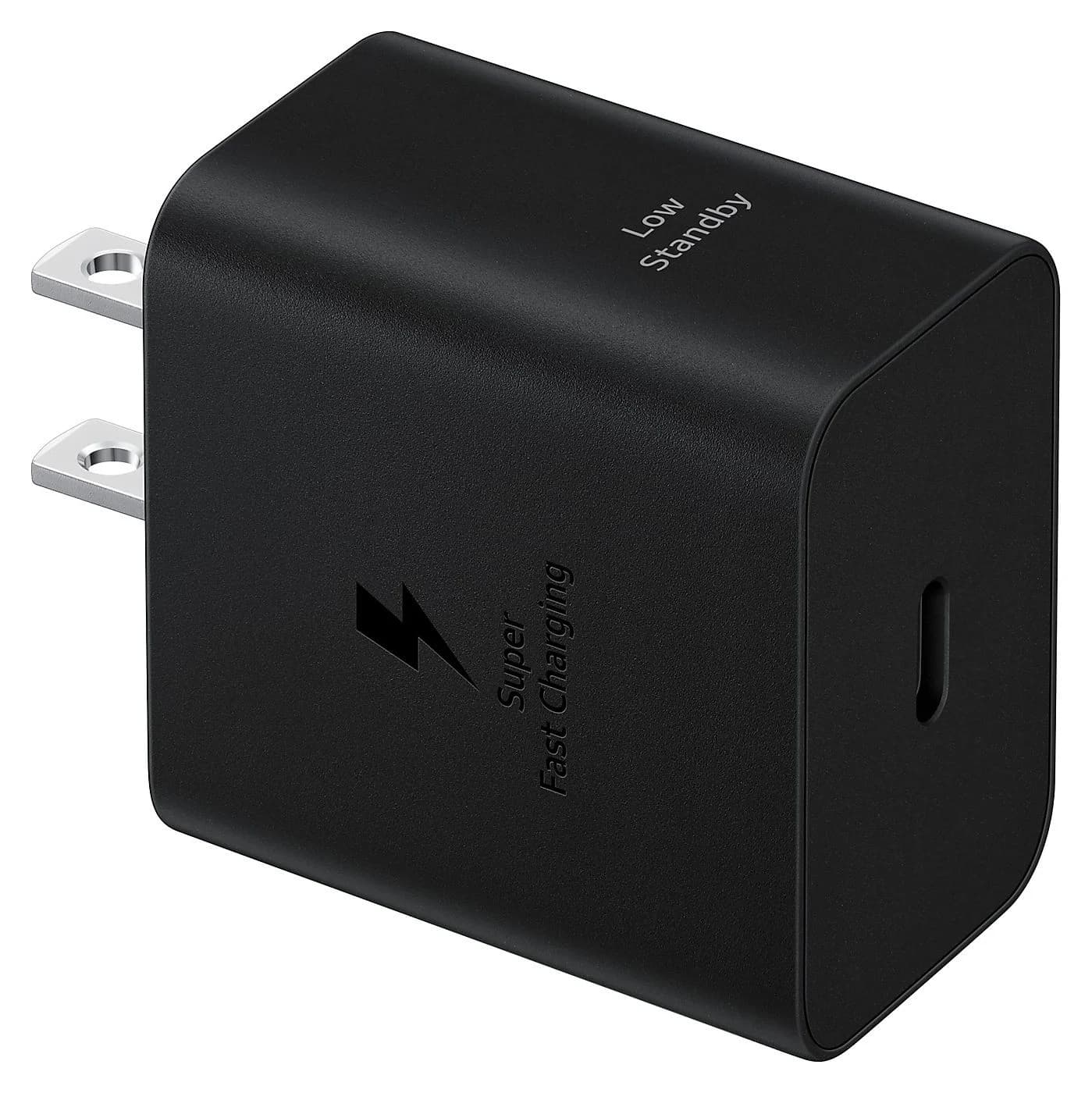
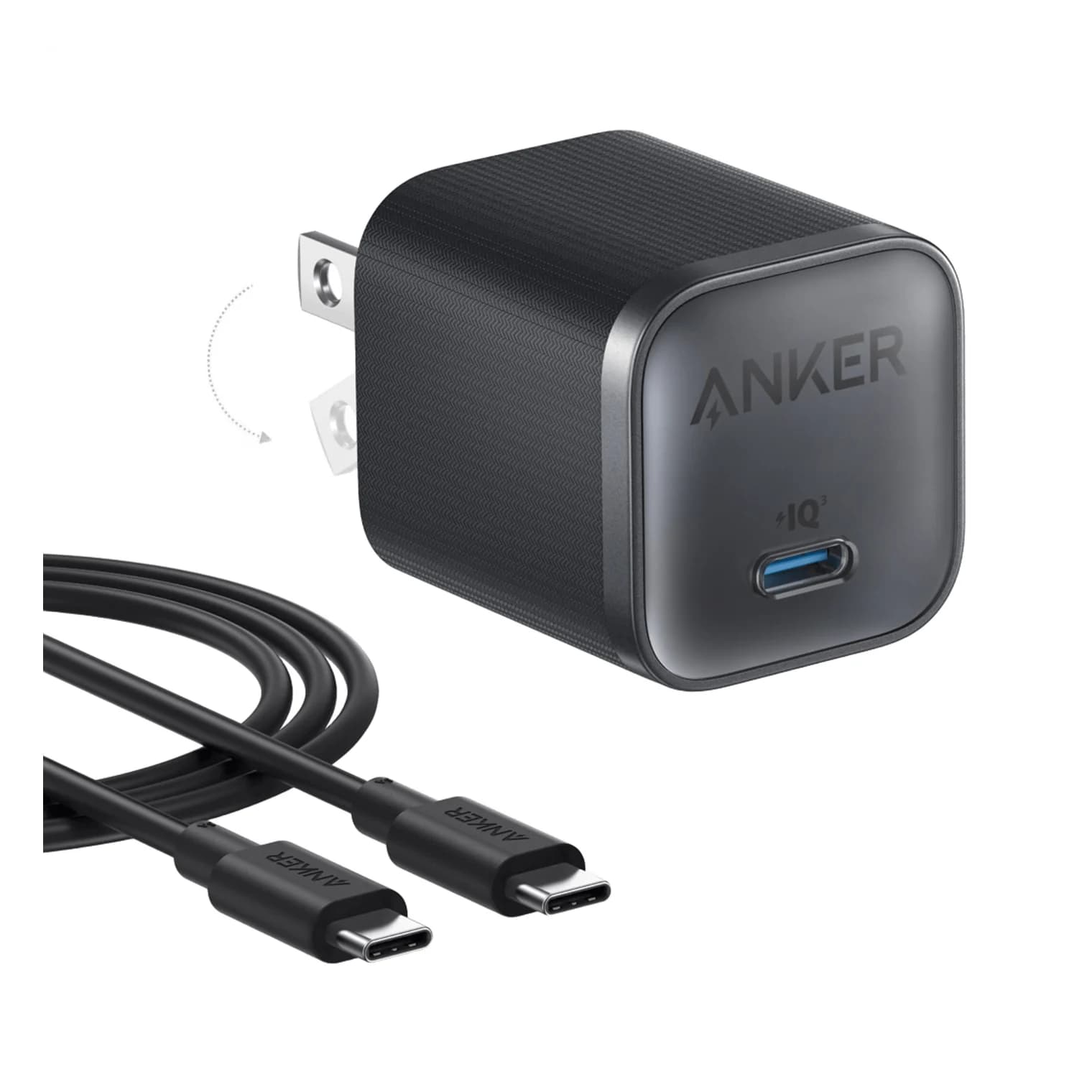
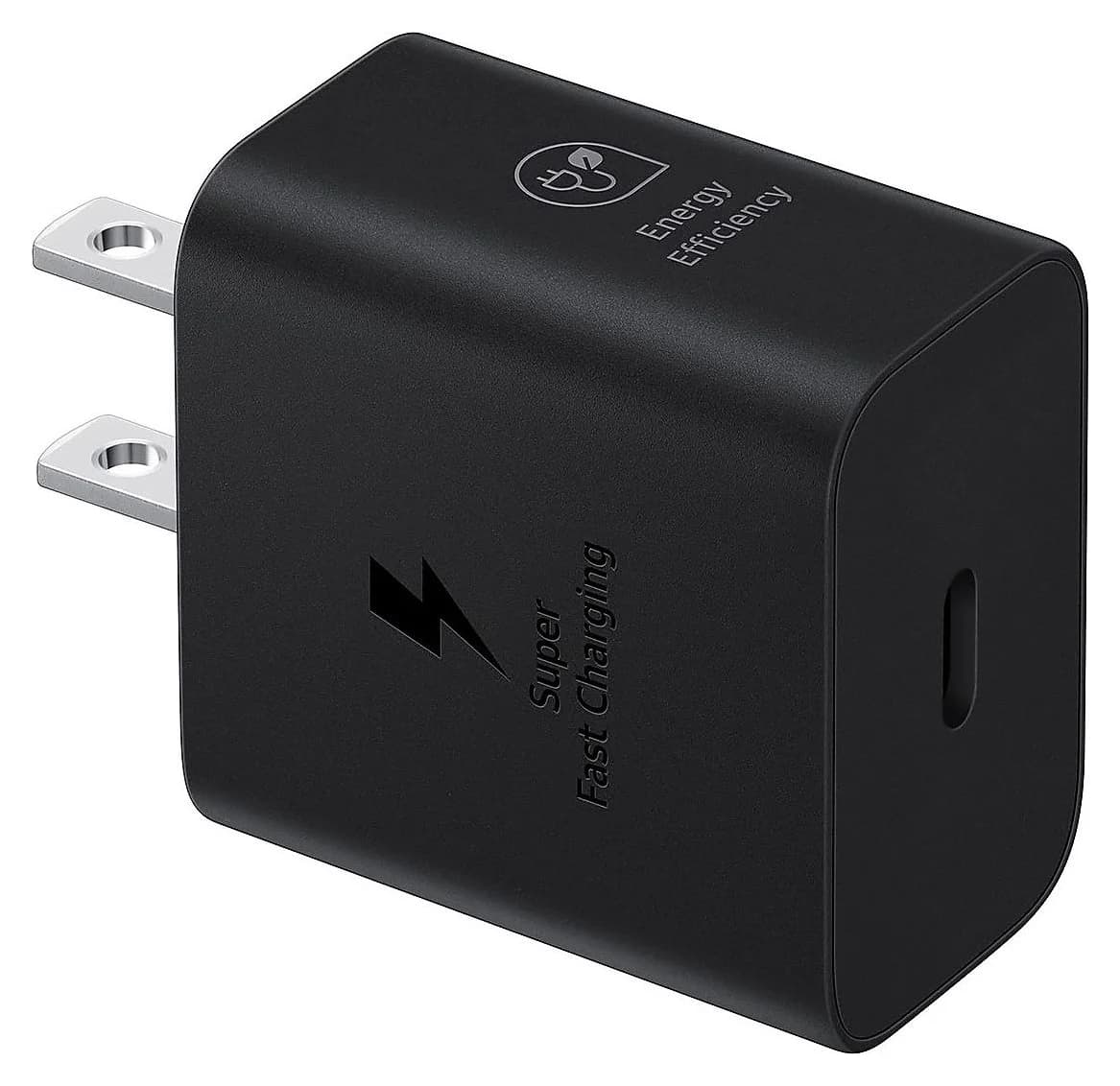
Best Samsung Galaxy Charger in 2026: 25W, 45W and 60W Super Fast Charging Explained
The right charger for your Galaxy phone or tablet from Samsung's specs: 25W, 45W or 60W, the PPS range and 5A cable behind it, plus Watch, Buds and Pixel tips.
Updated October 22, 2026Read
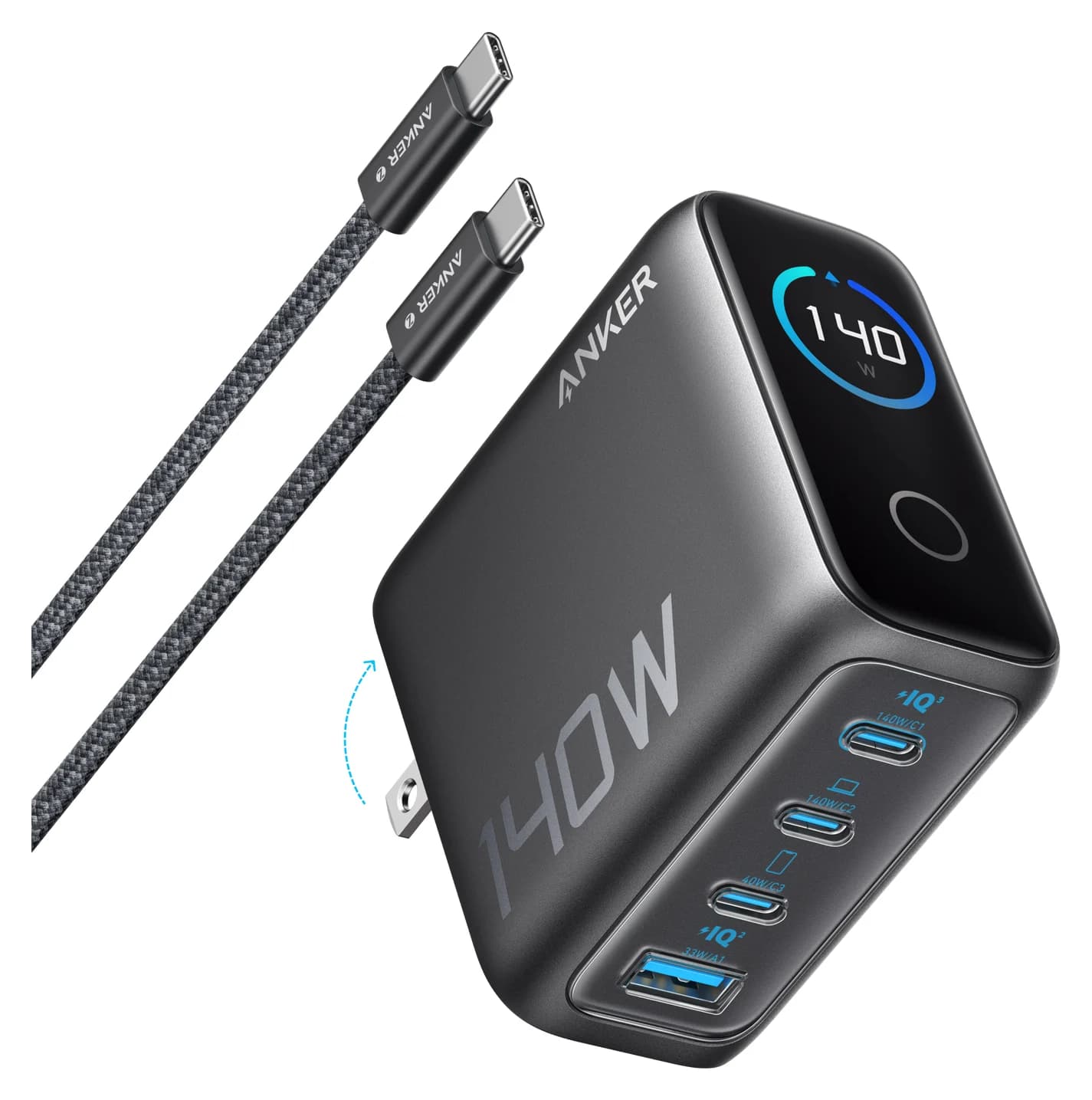
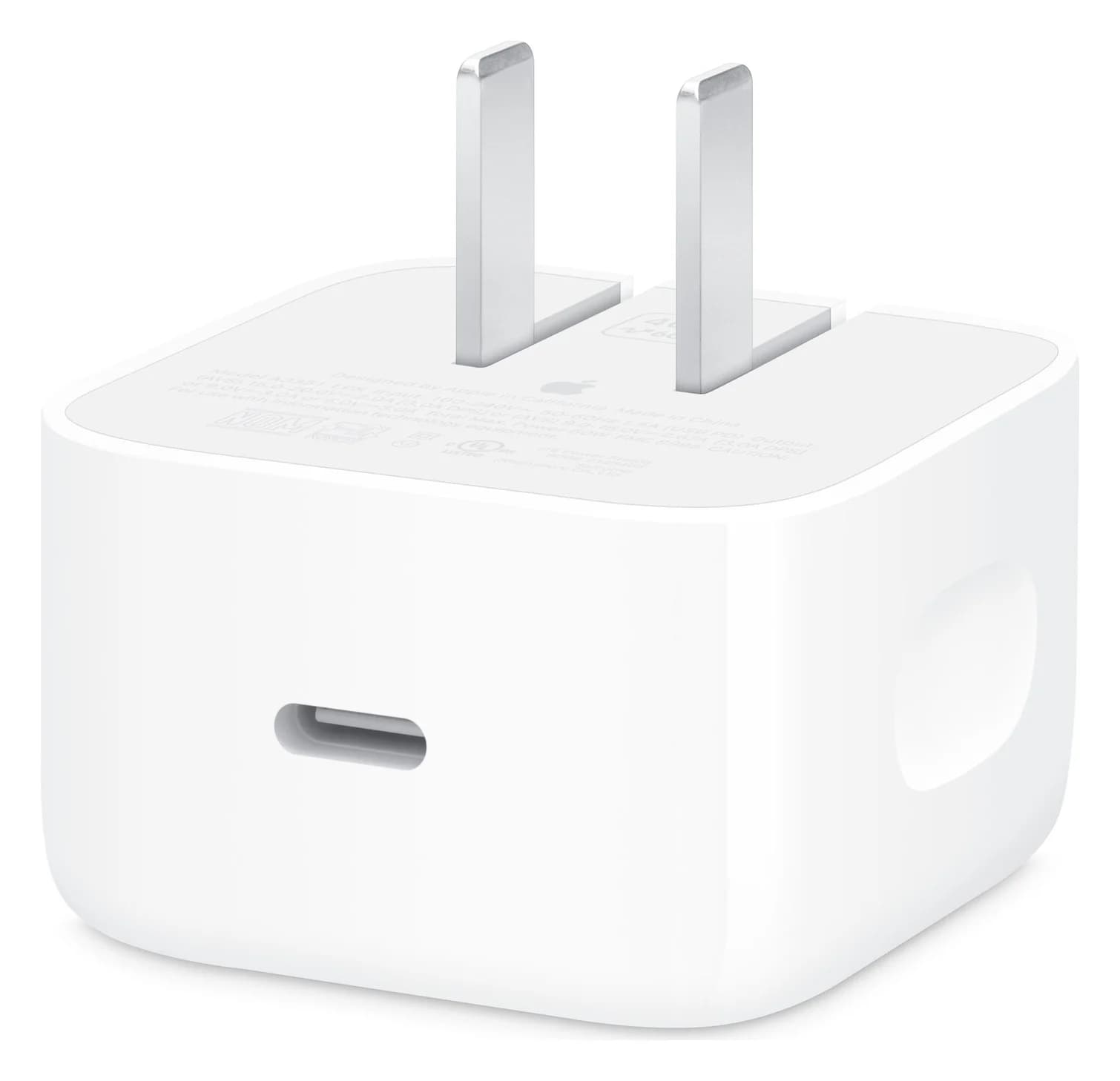
USB Power Delivery Explained: PD 3.1, PPS, AVS and 240W Charging
How USB-C Power Delivery works: fixed voltages, PPS for Galaxy and Pixel, AVS for iPhone 18 Pro, 240W EPR, why bigger chargers are safe, and port sharing.
Updated October 22, 2026Read
Best USB-C Car Chargers in 2026
USB-C car chargers for phones and laptops, compared on real per-port power splits, PD and PPS support, built-in cables and 12V or 24V ratings from maker specs.
Updated October 22, 2026Read