Detail
Anker
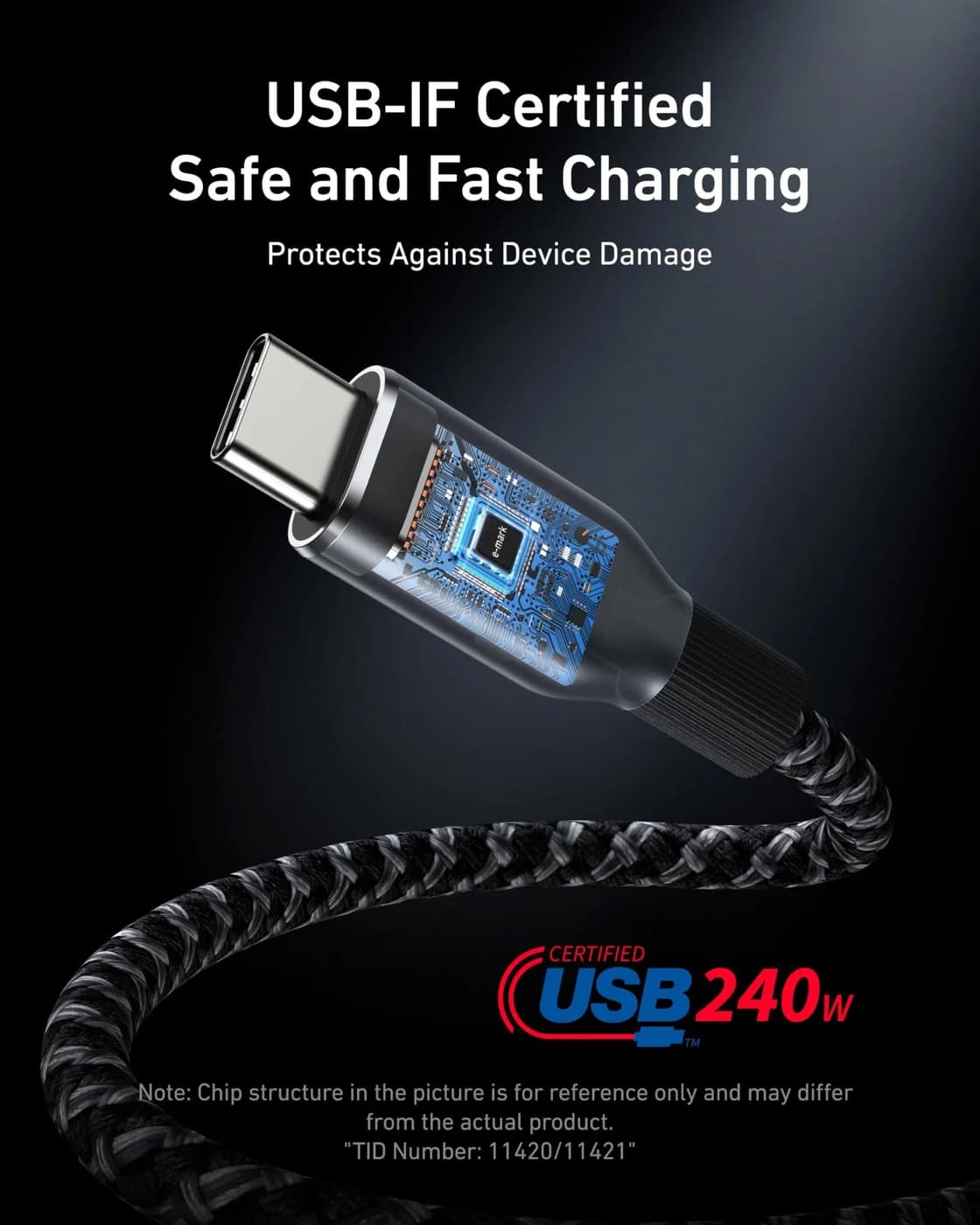
A 6 ft USB-IF certified USB-C cable rated for 240W (USB PD 3.1 EPR) charging with USB 2.0 data.
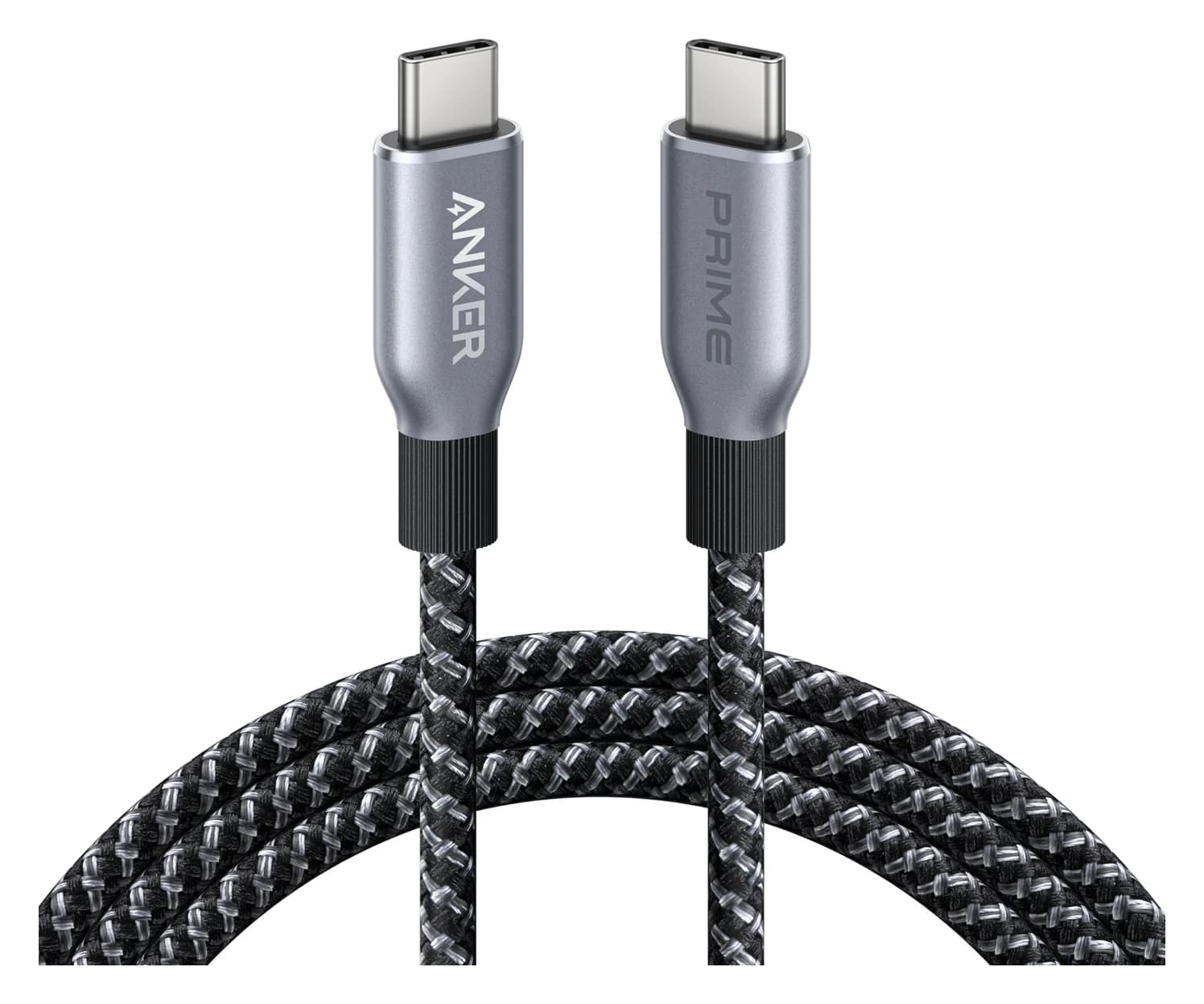
Photo: Anker
Two cables can look identical and perform completely differently. Here’s what this one is rated for:
Detail
Detail
Data speed
480 Mbps
USB 2.0 speed: fine for charging and small transfers, too slow for moving big files.
| Length | 6 ft (also sold in 3 ft) |
|---|---|
| Max power | 240W |
| Data | USB 2.0, 480Mbps |
| Certification | USB-IF certified |
| Video | Does not support screen mirroring |
| Jacket | Post-consumer recycled braided nylon |
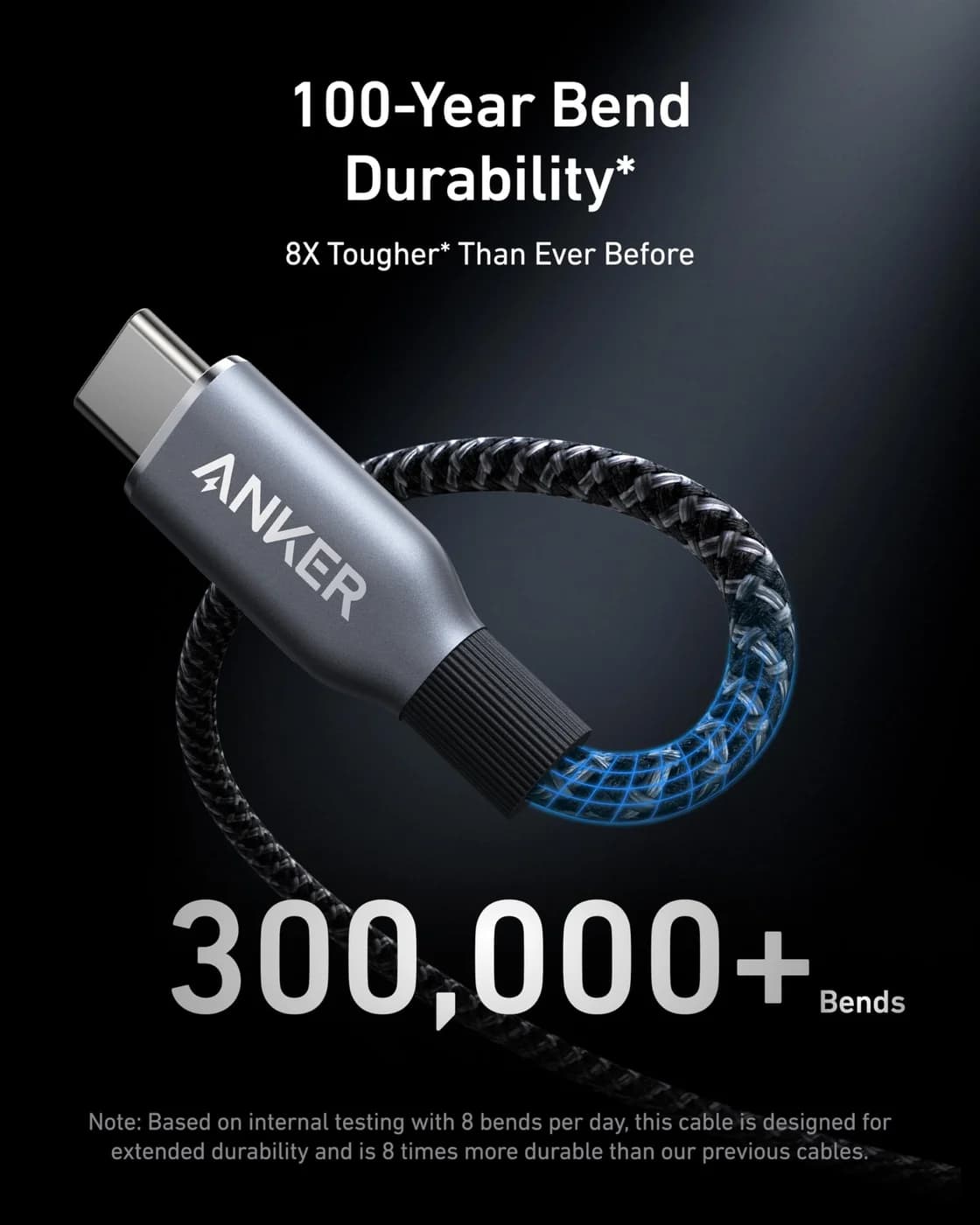
| Bend rating | 300,000+ bends (manufacturer figure) |
From manufacturer documentation, checked September 27, 2026. Spotted an error? Tell us.
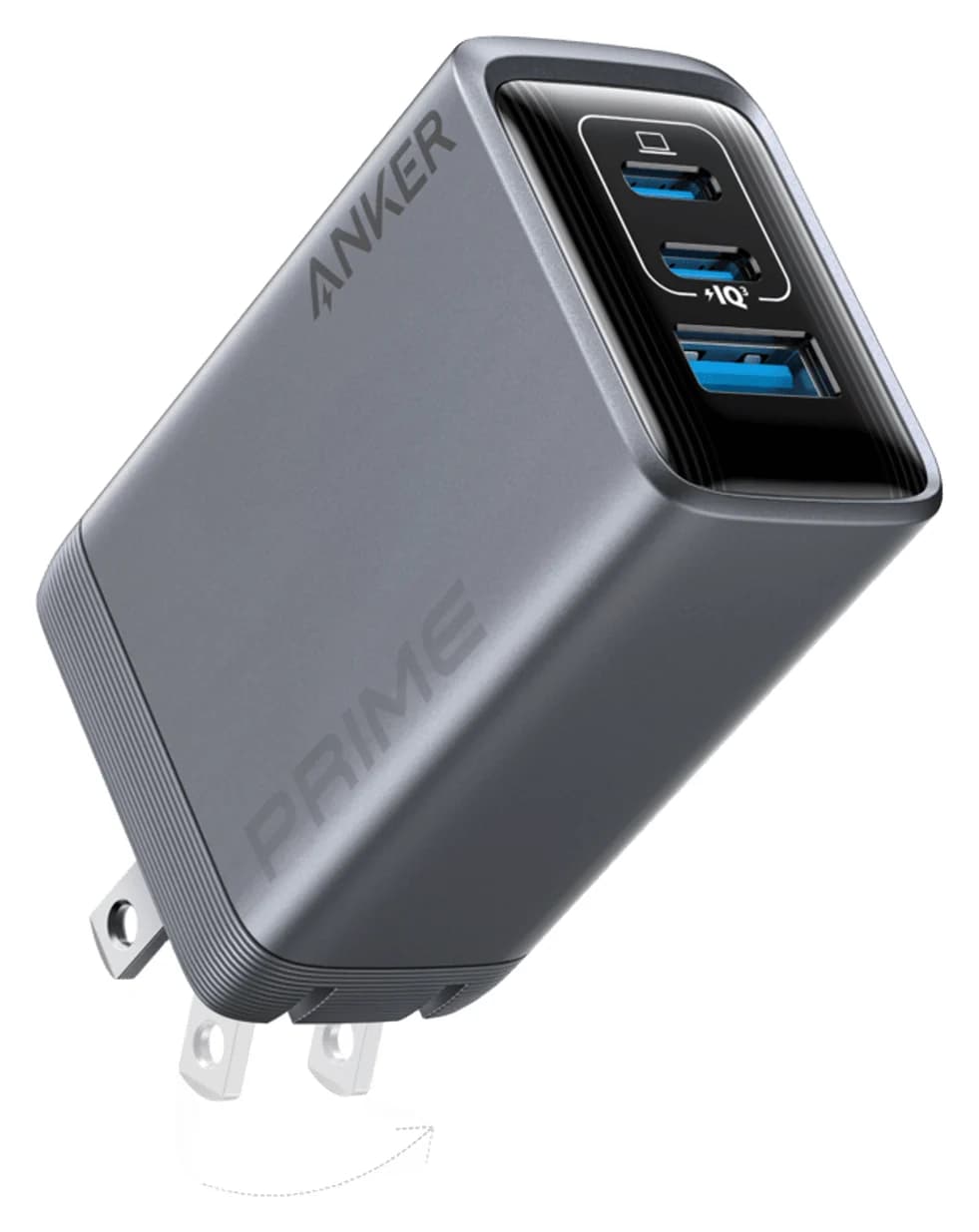
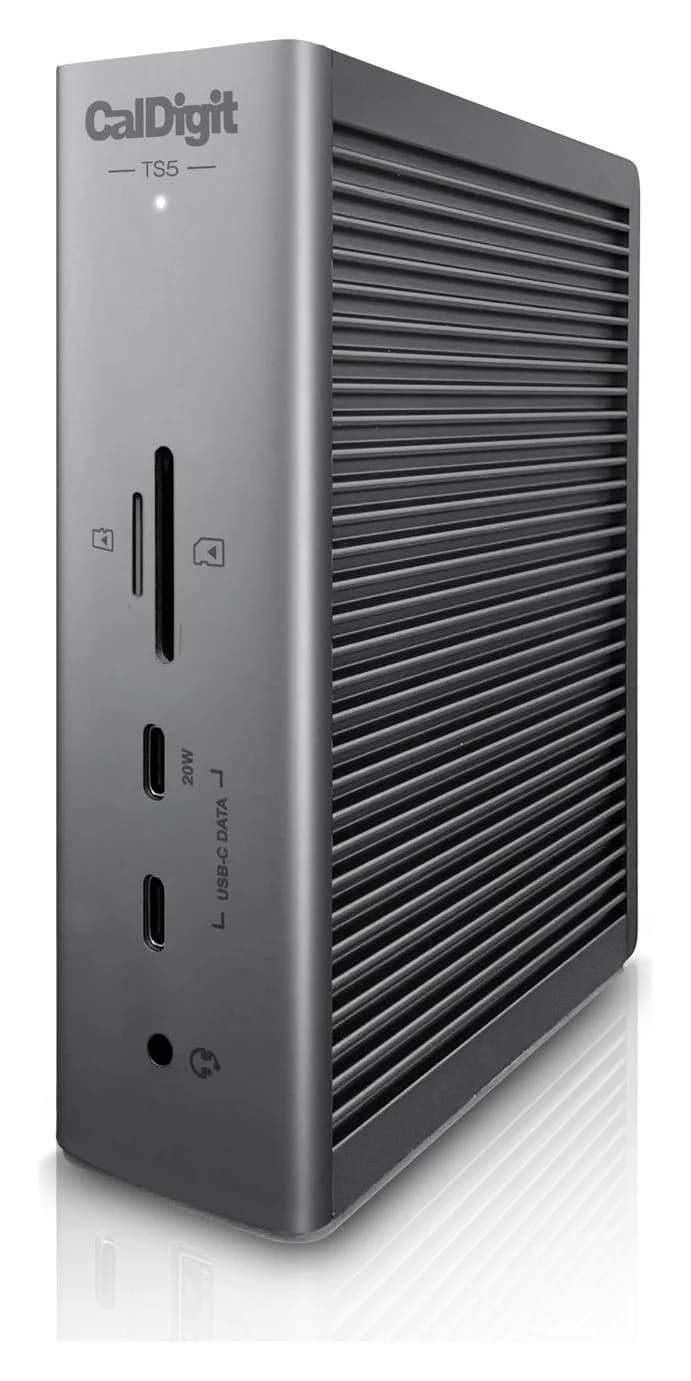
Which MacBook Pro charger you need, from Apple's specs: what ships with the M6, M5 Pro and M5 Max, the 96W and 140W fast-charge lines, and when 240W matters.
Updated November 3, 2026Read
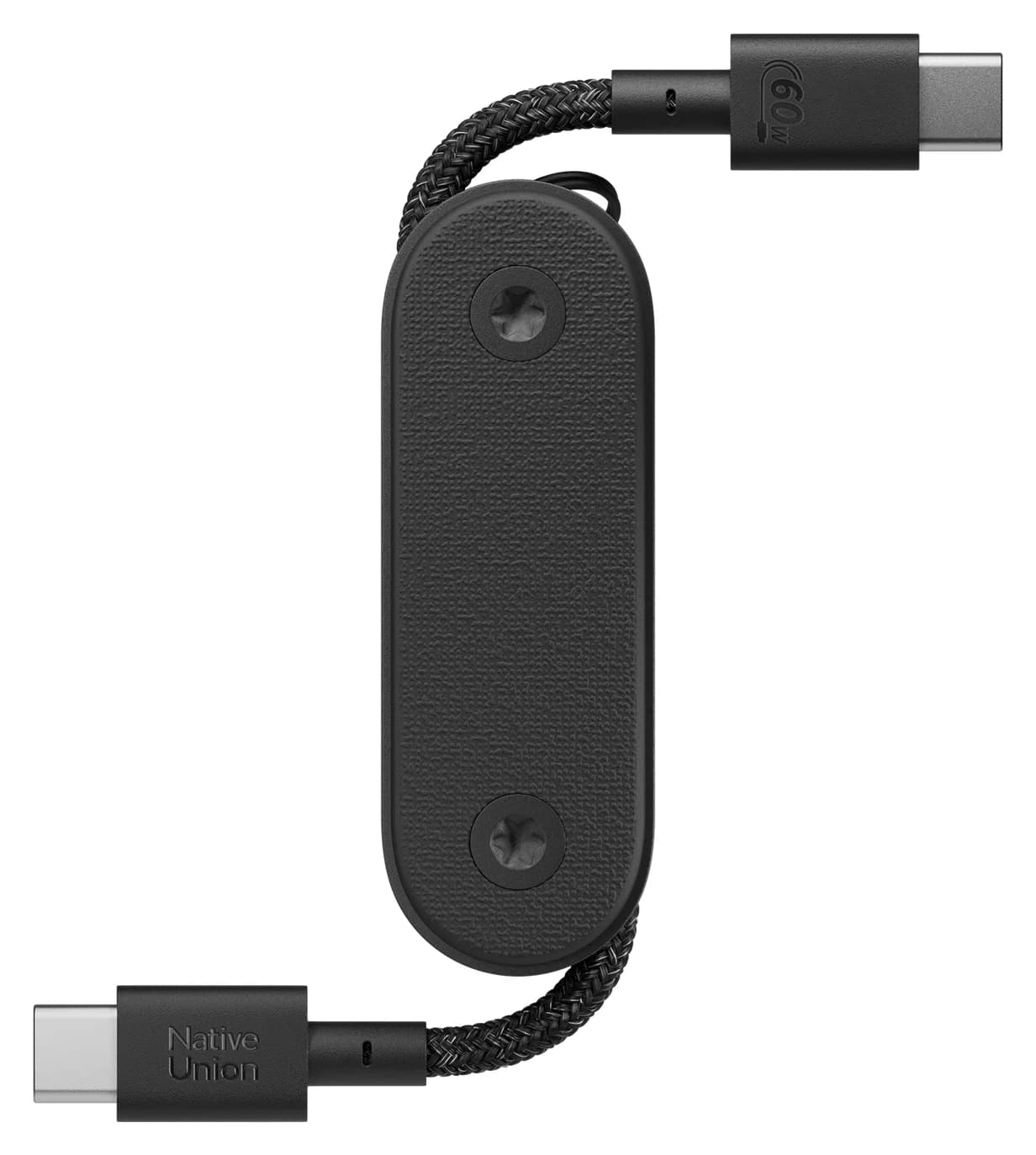
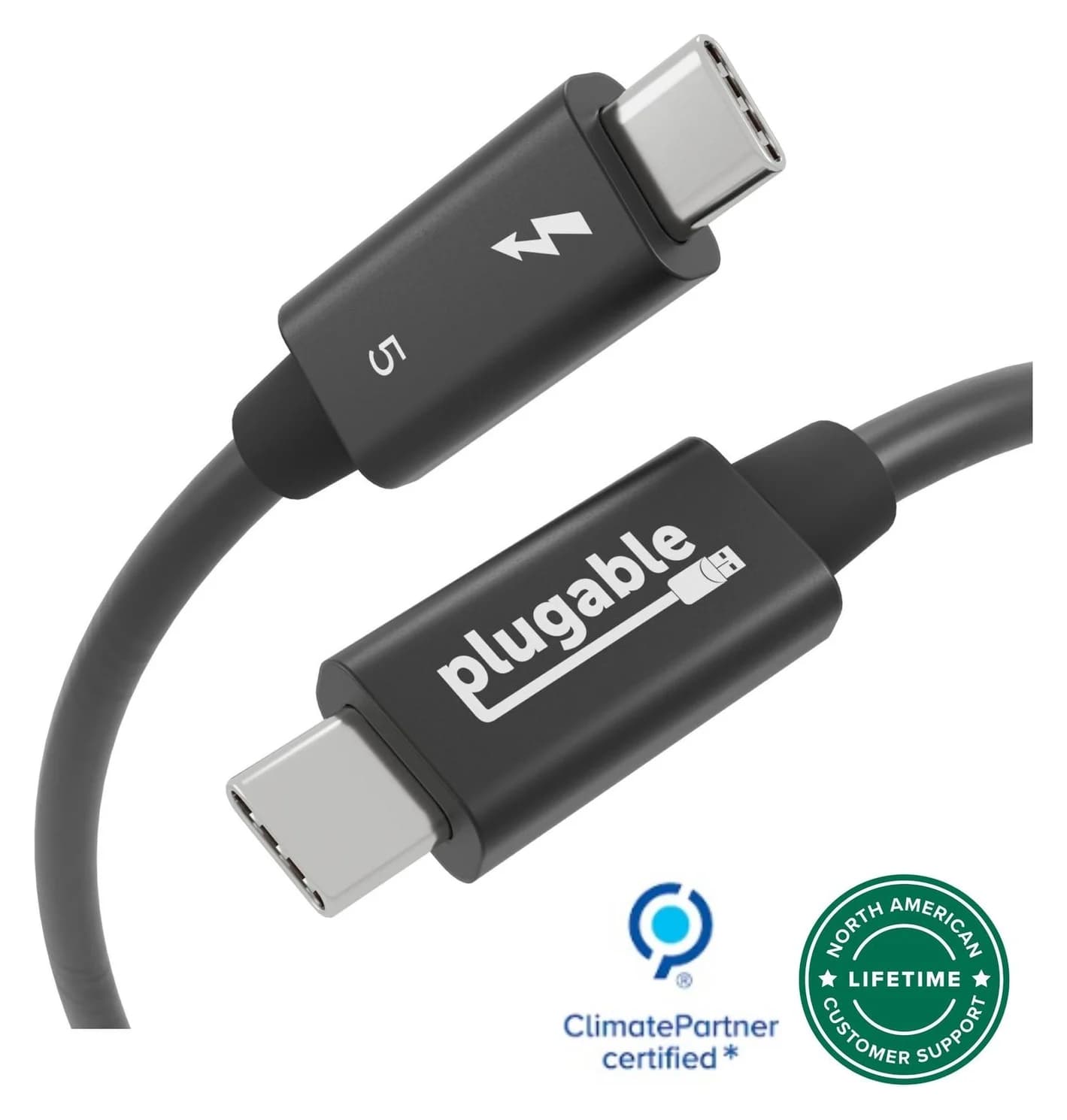
Choose the right USB-C cable for your iPad: clear charging, SSD and monitor picks, exact model limits, cable lengths, and the adapter checks before buying.
Updated November 8, 2026Read
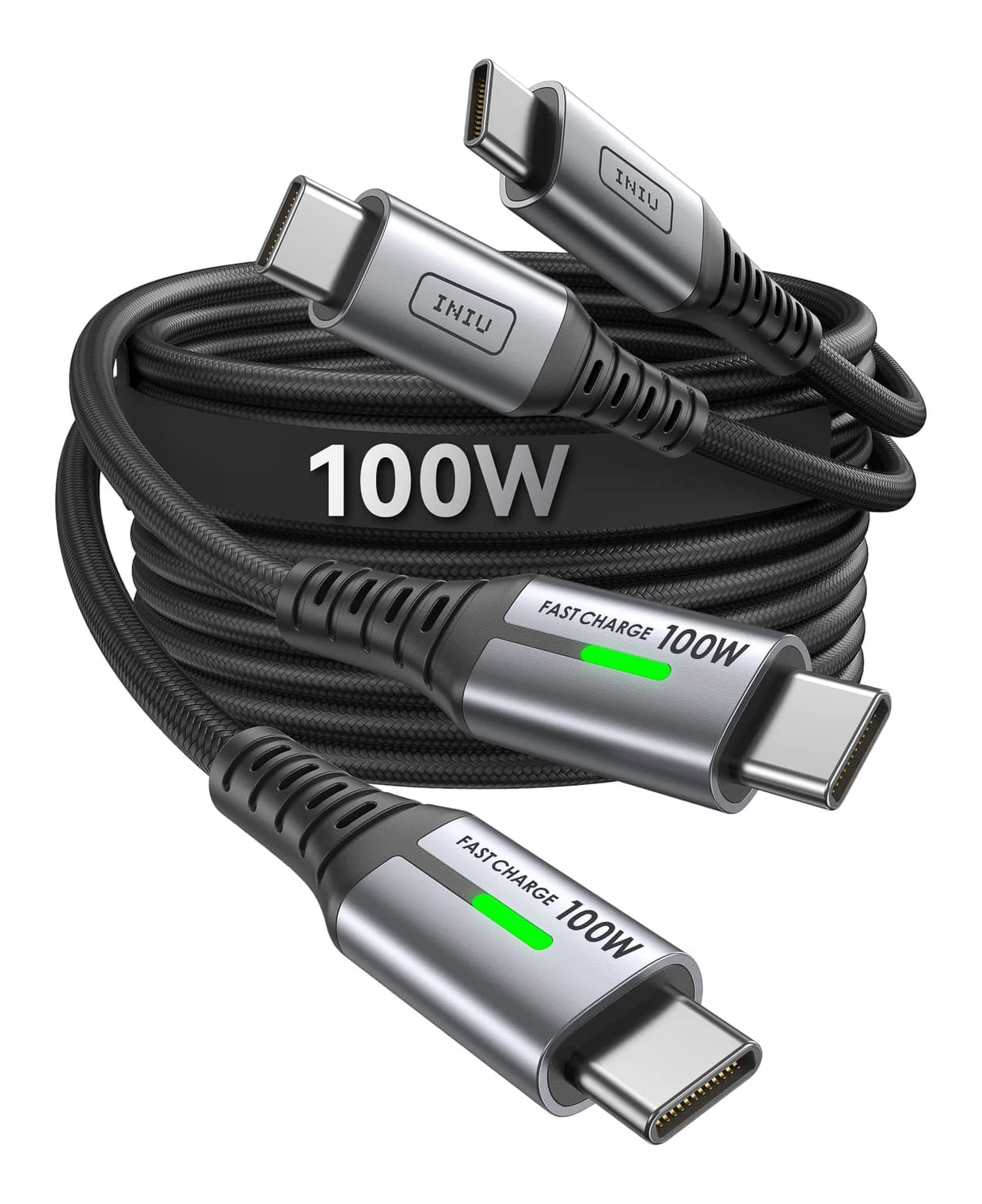
Choose an iPhone 17 USB-C cable for your bedside, car or pocket power bank, with clear length, pack and data comparisons, plus when to keep the included cable.
Updated November 5, 2026Read
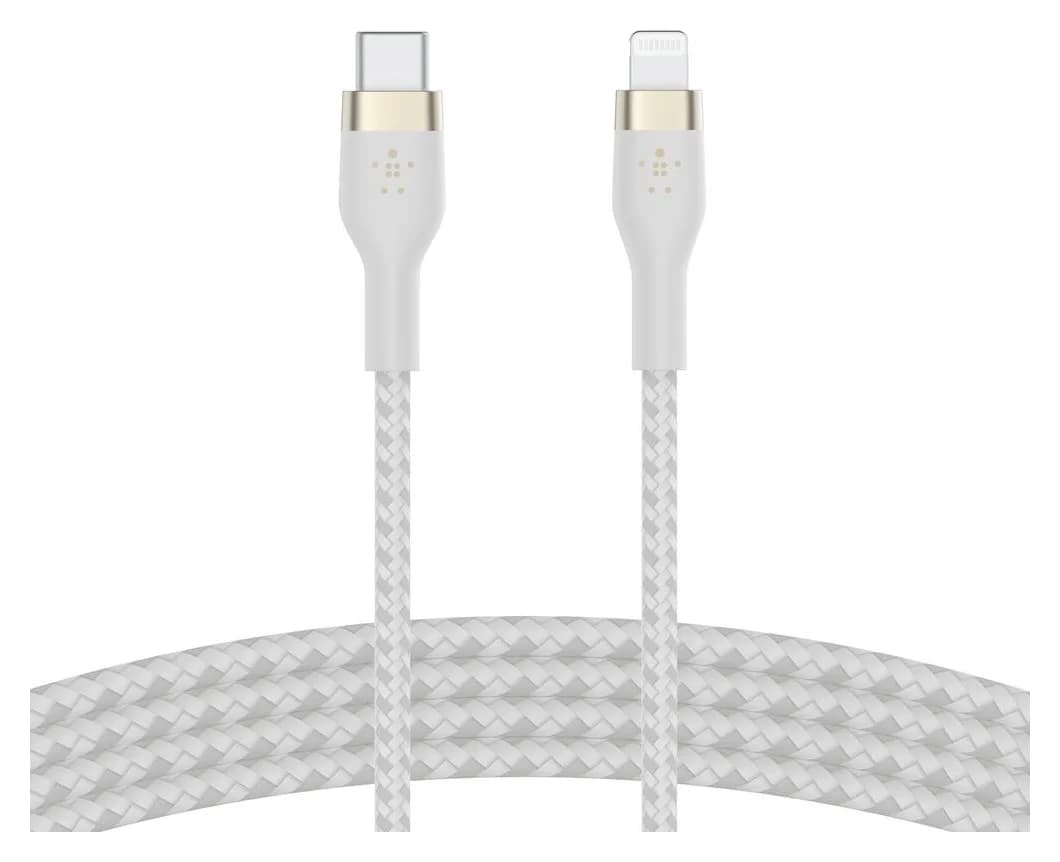
Find the right iPhone-to-Mac cable for USB-C, Lightning or USB-A. Compare exact models, data speeds and adapter options for photo imports, syncing and backups.
Updated November 8, 2026Read
Choose the right Satechi 145W travel charging kit: included regional plugs, laptop-and-phone port splits, cable requirements and the Anker 140W alternative.
Updated November 3, 2026Read
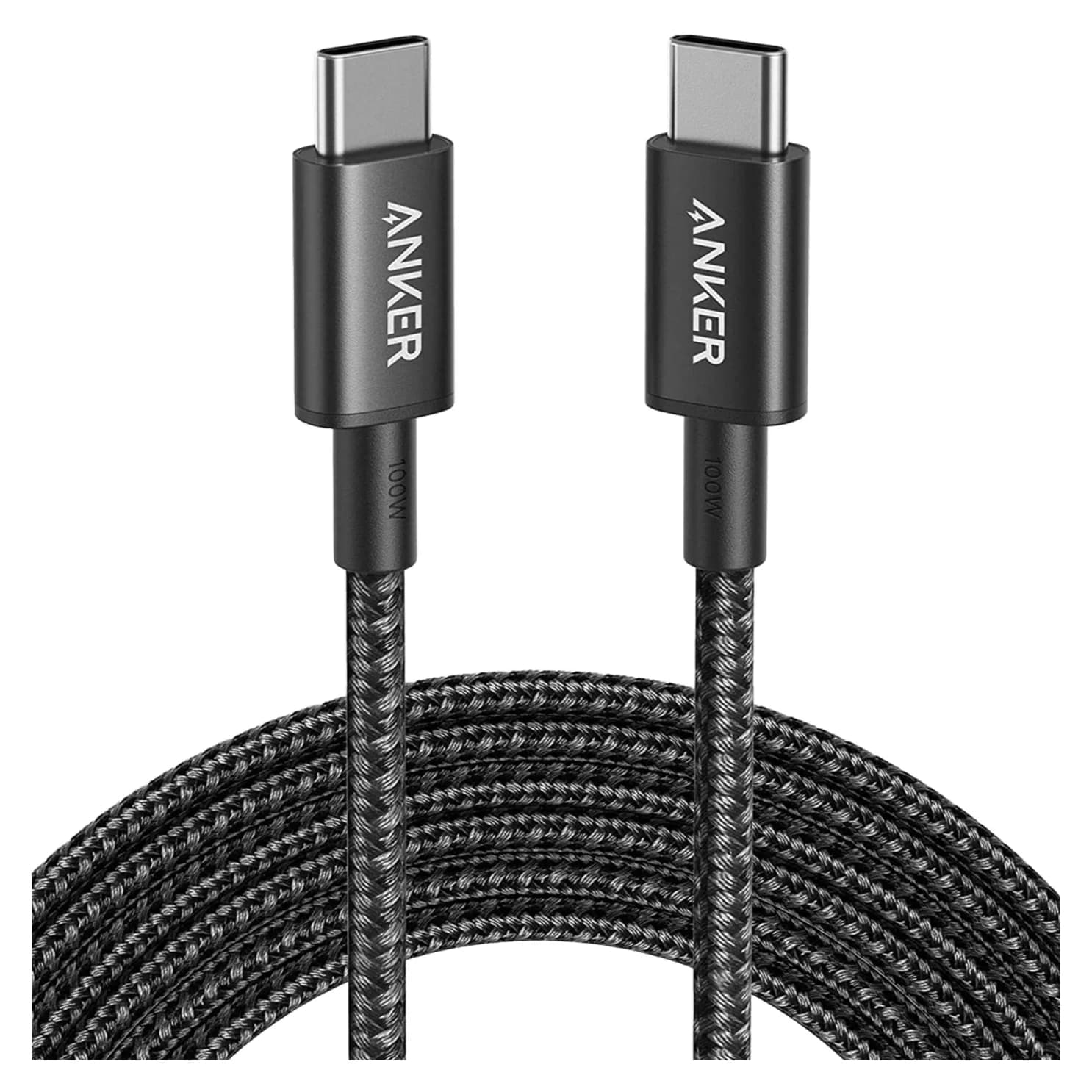
USB-C cables that really carry 100W or 240W, explained: e-markers, 60W vs 240W EPR, and when you need a Thunderbolt 5 cable for fast data and displays.
Updated October 30, 2026Read
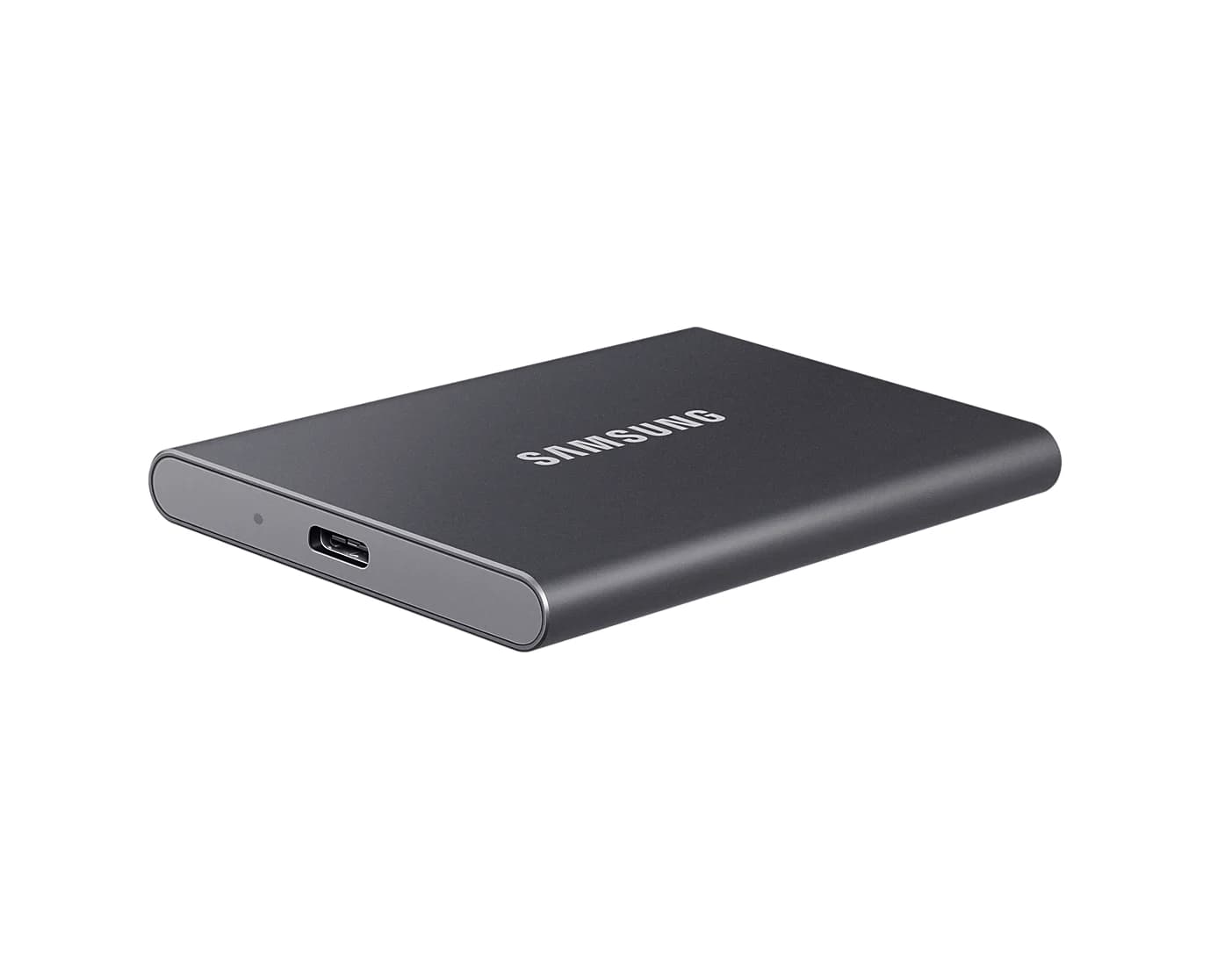
Spot fake-capacity drives, 240W cables with no e-marker, padded charger wattage, uncertified Qi2 and counterfeit sellers before you buy this Black Friday.
Updated October 30, 2026Read
Learn the types of USB-C cables and how they differ: data speed from 480Mbps to 80Gbps, 60W to 240W charging, video support, and which to pick for each job.
Updated November 8, 2026Read
Choose a USB-A to USB-C cable for charging or files. Decode Amazon Basics Gen 2 models, compare exact lengths and packs, and find documented alternatives.
Updated November 4, 2026Read
A 10 ft braided USB-C to USB-C charging cable rated for 100W, with USB 2.0 data.
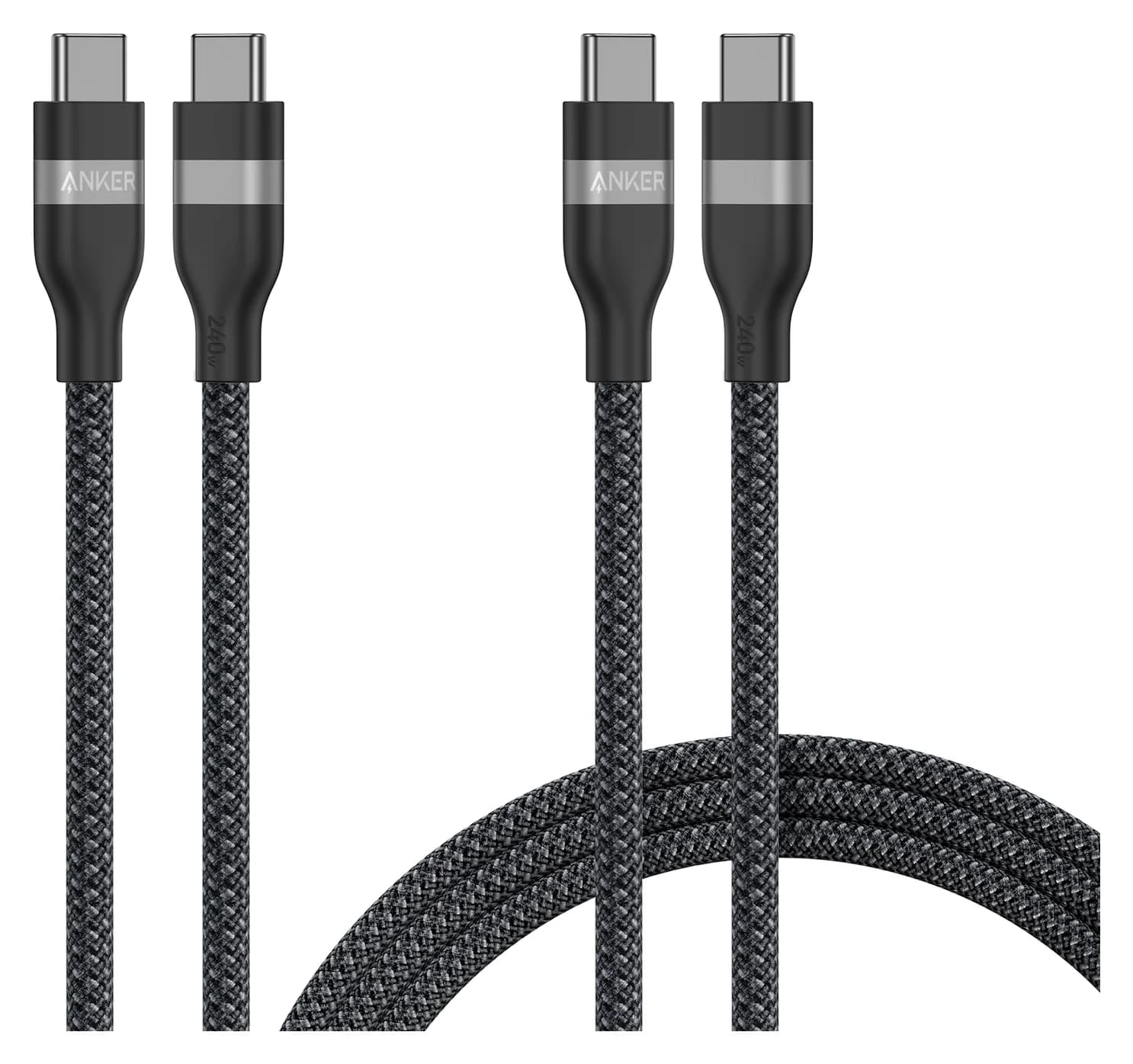
A two-pack of braided USB-C to USB-C charging cables (3 ft and 6 ft) rated for up to 240W.
A two-pack of 6.6 ft braided USB-C to USB-C cables rated for 100W charging.