Black Friday: the specs to check before you buy
Explainer
Updated November 4, 2026Amazon Basics USB-A to USB-C Cables: USB 2.0 vs Gen 2
Short answer
For an older USB-A charger or car port, choose a USB 2.0 USB-A to USB-C cable for charging and basic sync; its data ceiling is 480Mbps, while a 10Gbps Gen 2 cable is the better choice for large file transfers. Our picks are StarTech USB2AC1M for basic use and USB31AC1M for faster data, each supplied as a single black 1m cable. Amazon Basics’ B01GGKYR2O Gen 2 cable is identifiable in USB-IF’s records, but we could not verify its current retail pack, charging rating or availability, so it remains a reference rather than a current buy recommendation.
Our picks at a glance
Best when switching to USB-C chargingAnker
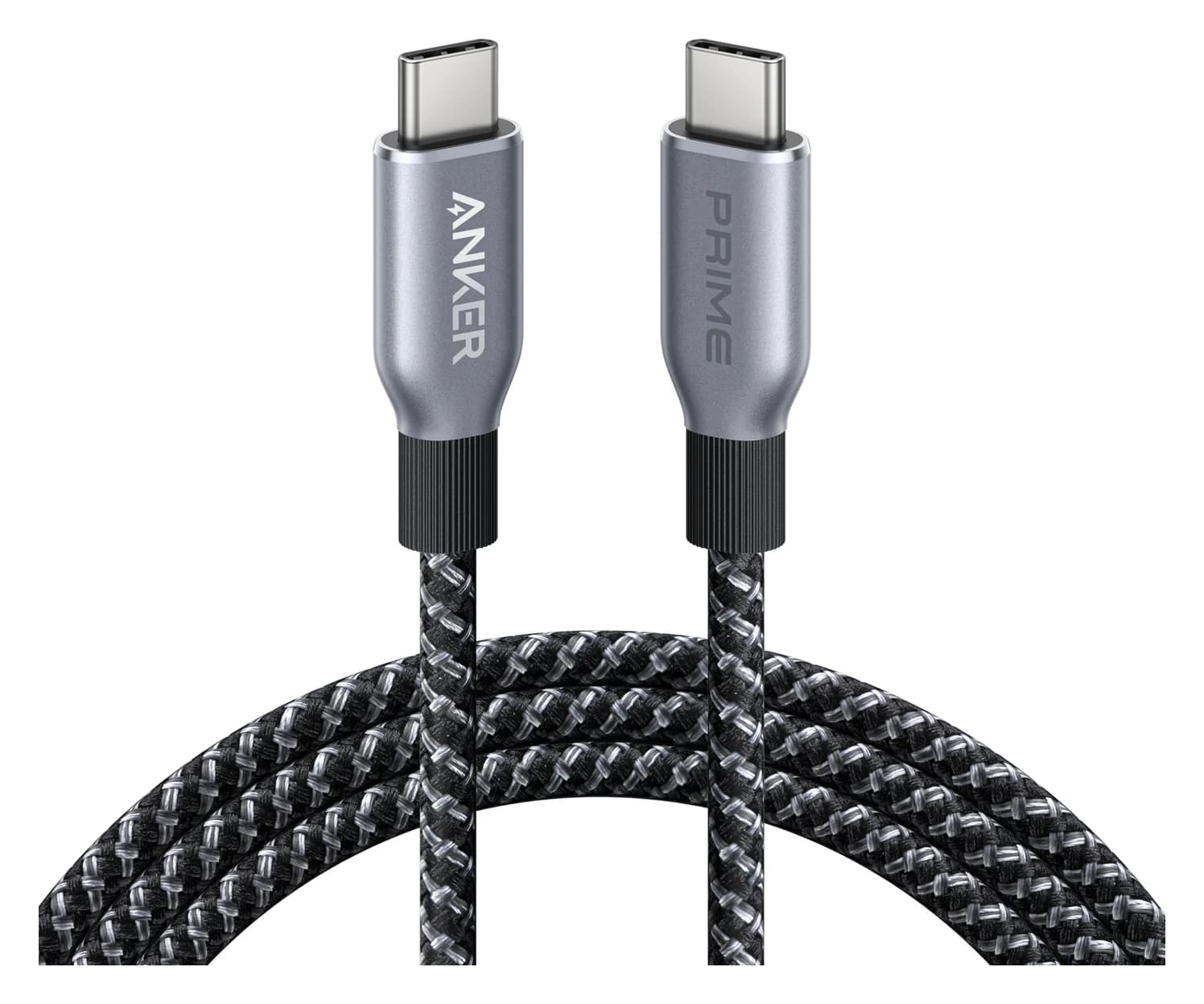
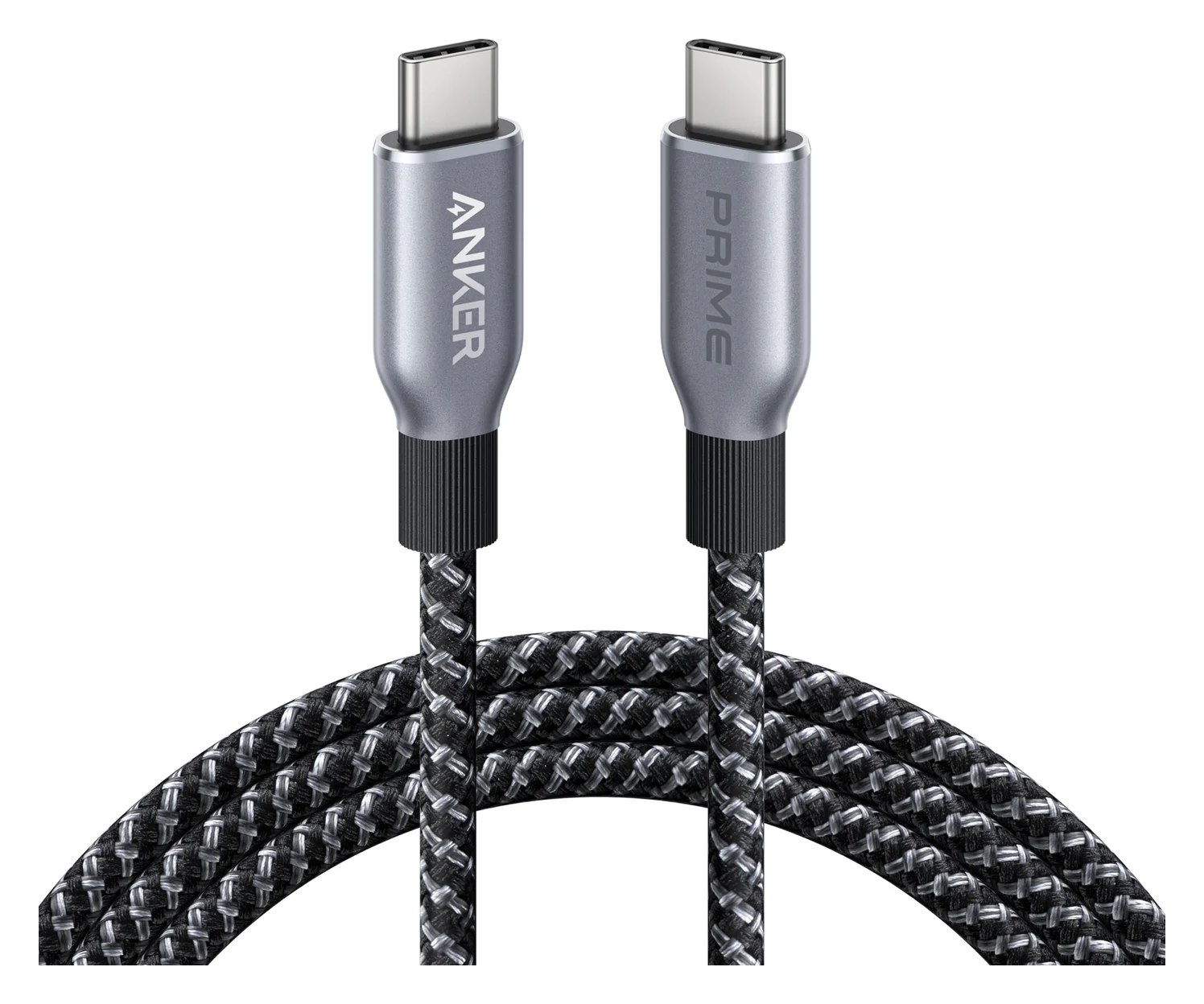
Anker Prime USB-C to USB-C Cable (240W, Upcycled-Braided, 6 ft)
- data
- 480 Mbps
- ends
- USB-C to USB-C
- Choose
- Anker Prime A88E2 is a USB-C-to-USB-C cable rated for 240W charging, with USB 2.0 data at 480Mbps.
- Limit
- 480Mbps data only
- 480MbpsUSB 2.0 data ceiling for the basic-use pick
- 10GbpsData ceiling for the faster-file pick
Quick picks
| Pick | Choose it for | Data ceiling | Exact length and pack |
|---|---|---|---|
| StarTech USB2AC1M | Keeping a USB-A charger; basic sync | 480Mbps | 1m / 3.3ft; black; one cable |
| StarTech USB31AC1M | An SSD or other fast USB-C peripheral on a USB-A computer | 10Gbps | 1m / 3.3ft; black; one cable |
| Anker Prime A88E2 | Moving to a USB-C charger; USB-C at both ends | 480Mbps | 6ft version |
For the Anker, choose it only if you also have a suitable USB-C power source; it does not fit a USB-A socket. The Anker is rated for up to 240W, but that rating describes charging capability, not faster data.
Amazon Basics versions: identify the ends before the generation
The USB-IF black Gen 2 record names a USB-C-to-USB-A cable, as does the white version’s record. By contrast, Amazon Basics model B01GGKYT7M is named USB-C to USB-C, despite also carrying a USB 3.1 generation label.
| Amazon Basics model / part number | Connector description in official record | Nominal name; retail pack |
|---|---|---|
| B01GGKYR2O | USB-C to USB-A; USB 3.1 Gen 2 | 3ft (0.9m), black; pack not stated |
| B01GGKYLW0 | USB-C to USB-A; USB 2.0 | 3ft (0.9m), white; pack not stated |
| B01GGKYS6E | USB-C to USB-A; USB 3.1 Gen 2 | 3ft (0.9m), white; pack not stated |
| B01GGKYT7M | USB-C to USB-C; USB 3.1 Gen 1 | 3ft (0.9m), black; pack not stated |
| B01GGKYVSY | USB-C to USB-C; USB 3.1 Gen 1 | 6ft (1.8m), black; pack not stated |
USB 3.1 Gen 2 corresponds to the 10Gbps class, also called USB 3.2 Gen 2; USB 3.2 Gen 1 is the 5Gbps class. These are transfer-rate classifications; confirm power capability from the product’s own power rating rather than the data-generation name.
For an Amazon Basics offer labeled USB 2.0, ask for the exact model, length and pack before comparing it with these Gen 2 records. USB 2.0 is the 480Mbps class; it is not synonymous with a charge-only cable. USB-IF identifies model B01GGKYLW0 as a white 3ft USB 2.0 A-to-C cable, but its record does not state the retail pack or current availability; the basic-use recommendation below therefore uses a documented alternative with stated pack contents.
USB-IF’s list establishes certification-related identity, not a live shopping offer, and USB-IF warns that older certifications may not satisfy the current compliance program. Neither the Amazon Basics current seller nor a return deadline was established here; do not read the table as proof of stock or discontinuation.
Best for basic charging and sync: StarTech USB2AC1M
The USB2AC1M data sheet specifies USB-A to USB-C, USB 2.0 at 480Mbps, and one black 1m cable in the package. Choose this when your purpose is to keep using a USB-A power source and occasionally sync files, with no requirement for a fast storage connection.
StarTech lists USB2AC1M as an active model. There is a charging-spec conflict: the data-sheet title says 3A, while its connector rows say 2.5W. Those inconsistent figures are insufficient to promise a maximum charging speed to your phone. Google explicitly says a Pixel charges more slowly using a USB-A adapter and A-to-C cable than with a USB-C adapter and C-to-C cable.
See the exact USB2AC1M on StarTech’s site.
Best for faster files through USB-A: StarTech USB31AC1M
The USB31AC1M data sheet specifies USB 3.2 Gen 2 at up to 10Gbps and supplies one black 1m USB-A-to-USB-C cable. This is our documented substitute when you cannot establish a matching, currently available Amazon Basics Gen 2 offer. StarTech lists this exact model as active.
Its 10Gbps claim requires a host computer that supports 10Gbps. USB operates at the lowest common speed capability, so a 5Gbps port remains the ceiling even with this cable. Check the computer’s port and the peripheral’s specification before paying for the faster data class.
The power wording also conflicts here: the title says 3A, but the connector rows say 4.5W. Choose it for its documented data capability; do not treat its higher data rate as evidence of faster charging.
See the exact USB31AC1M on StarTech’s site.
Best when switching to USB-C charging: Anker Prime A88E2
Anker
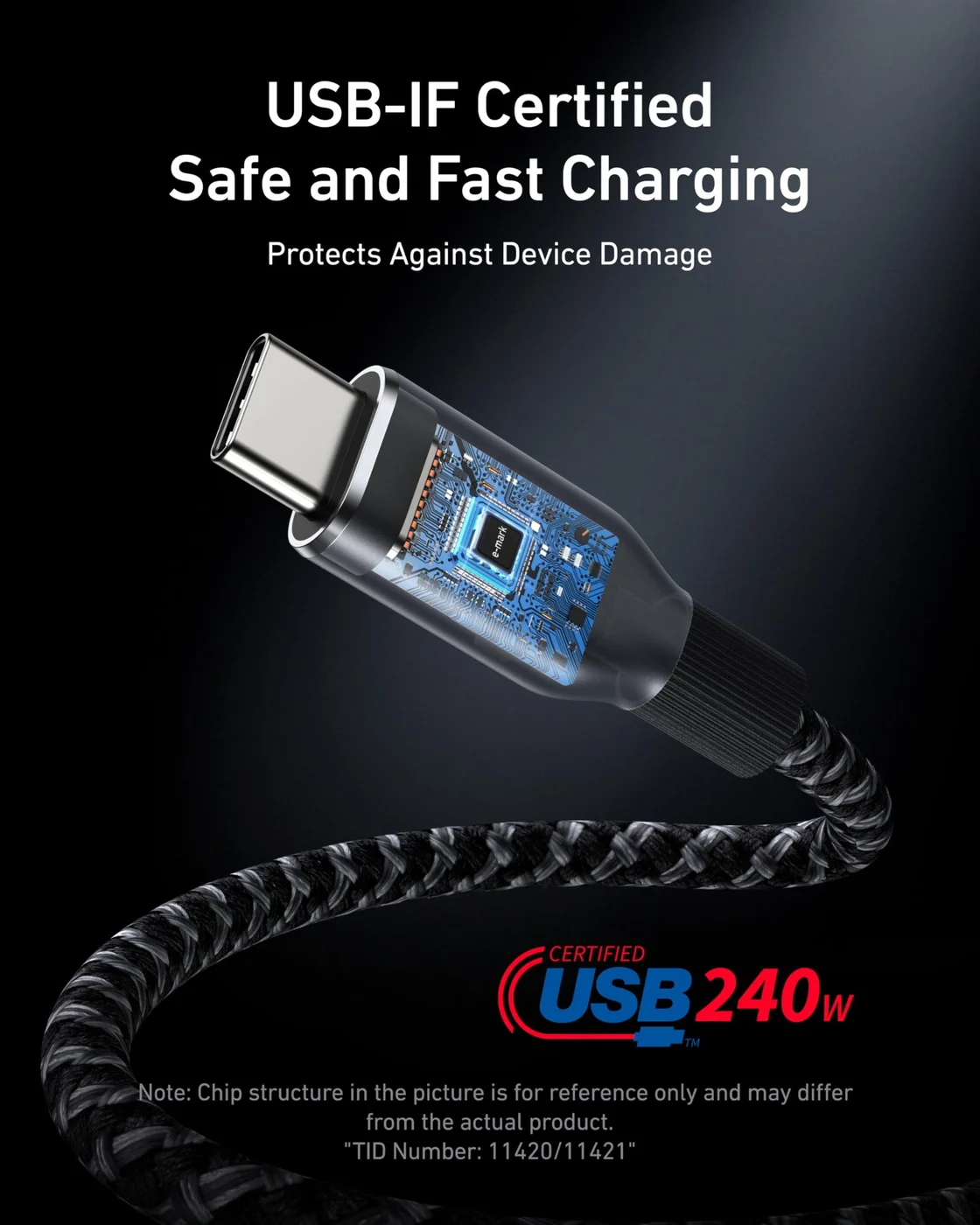
Anker Prime USB-C to USB-C Cable (240W, Upcycled-Braided, 6 ft)
A 6 ft USB-IF certified USB-C cable rated for 240W (USB PD 3.1 EPR) charging with USB 2.0 data.
- 0.48 Gbps data
Our C-to-C pick is the 6ft version of Anker Prime A88E2, a USB-C-to-USB-C cable rated for up to 240W. Choose it if you are replacing the power source as well as the cable; keep a suitable C-to-C cable you already own if it meets your device’s requirements.
It carries USB 2.0 data at 480Mbps, and Anker says it does not support screen mirroring. It is therefore a charging-oriented alternative, not the substitute for the fast-file pick. For the complete charger-and-cable choice, see our fast-charging cable guide and USB Power Delivery explainer.
Check price on Amazon for the Anker Prime 6ft cable.
How we choose
This is a comparison of official specifications, not a record of physical testing. Amazon Basics identities come from member-maintained USB-IF product records; the alternative cable specifications come from StarTech and Anker. We separate documented model identity from current offer verification, and leave conflicting charging ratings unresolved. Our picks favor an identifiable model and explicit data specification over vague charging labels; no transfer times or device charging times are claimed.
Buying guide: match the cable to the port you are keeping
Keeping a wall charger or car port
An A-to-C cable remains an appropriate connection for a USB-A source: Apple specifically permits a compliant USB-C-to-USB-A cable for a car with a USB-A connector. Choose a length that reaches with slack, then check the car’s manual for its intended phone/data port before buying a replacement. For charging, read the source’s output specification and your phone’s charging requirements; do not infer either from the cable’s USB generation.
The Amazon Basics Gen 2 records have empty power-capability fields, so they do not establish a charging-current or wattage rating. We cannot promise a universal charging ceiling for those versions from this evidence. If your current setup already meets your charging needs, buy for fit and a documented data requirement rather than a larger generation number.
Moving large files
A 10Gbps cable is useful only within a connection whose components support that speed; the USB standard falls back to the lowest common capability. Apple lists iPhone 15 Pro models among those supporting up to 10Gbit per second with an appropriate USB 3 cable. Check your exact phone model as carefully as your computer, and treat signaling rates as capability labels rather than a promised copy time. Our USB-C cable types guide covers the broader markings; this page’s decision is which complete cable matches your existing USB-A socket.
Changing the charger too
For a Pixel, Google’s recommended faster path uses a USB-C adapter and USB-C-to-USB-C cable. Apple likewise points to a USB-C adapter for faster iPhone charging. If the device’s instructions call for USB-C Power Delivery, buy that complete charger-and-cable combination instead of expecting an A-to-C data upgrade to supply it. For a display or dock, follow its specified host-cable requirements; a data-rate label alone is not a compatibility check.
Check the complete offer before ordering
Compare the selected model, length, color and cable count, then read the seller, item condition and return deadline for that exact offer. For a multipack, divide the checkout total by the number of cables you actually receive; compare the same length and data class. Save that offer information with the purchase date so a later bundle change does not confuse a return or reorder. The comparison above gives documented pack contents only where the maker specifies them; we have no verified live Amazon Basics pack or return policy to substitute for your checkout details.
Confirm the source socket
Keep USB-A only if that is the port you intend to use.
Match the exact model
Check both connector ends, then match the data class to the host and device.
Read the selected bundle
Confirm length, cable count, seller and return deadline before payment.
Change the whole charging setup if needed
Follow your device maker’s charger and cable requirements.
Verdict
For a retained USB-A charger, choose StarTech USB2AC1M for basic charging and sync; for fast files on a compatible USB-A computer, choose USB31AC1M. If buying Amazon Basics, distinguish the A-to-C Gen 2 identifiers B01GGKYR2O and B01GGKYS6E from the C-to-C Gen 1 versions, and confirm the actual offer before ordering. If the goal is faster USB-C charging, change the charger and cable together according to the device’s requirements.
Frequently asked questions
Which type C to USB A cable should I buy for charging?
Choose an A-to-C cable when you are keeping a USB-A power source; the basic-use StarTech USB2AC1M also supports USB 2.0 data at 480Mbps. Buying a higher data generation does not establish faster charging. For a Pixel, Google says a USB-C adapter with a C-to-C cable charges faster than its USB-A alternative.
What is the difference between Amazon Basics USB 2.0 and Gen 2 cables?
USB 2.0 describes the 480Mbps data class, while USB 3.1 Gen 2 corresponds to 10Gbps. USB-IF identifies Amazon Basics B01GGKYR2O as a black, nominal 3ft A-to-C Gen 2 cable and B01GGKYLW0 as a white 3ft A-to-C USB 2.0 cable. Those records do not state retail pack size or current availability, so compare the selected offer rather than assuming the brand name identifies the version.
Are Amazon Basics USB 3.1 Gen 1 and Gen 2 cables interchangeable?
Check the connector ends first: Amazon Basics B01GGKYT7M is named C-to-C, while B01GGKYR2O is C-to-A. Those particular versions do not fit the same source socket. The generation labels identify data classes, and the actual connection operates at the lowest shared speed capability.
Can I use a USB-A to USB-C cable in my car?
Apple says a compliant USB-C-to-USB-A cable can be used when the car has a USB-A connector. Start there, then check the car’s instructions for the intended phone connection and choose a length that reaches comfortably. An A-to-C connector match alone is not a promise of a particular charging speed or data capability.
Will the Anker 240W cable transfer files faster?
The Anker Prime A88E2 is rated for up to 240W charging, but Anker specifies USB 2.0 data at 480Mbps and no screen mirroring. For faster files through a USB-A computer, the documented alternative here is StarTech USB31AC1M at up to 10Gbps, provided the host supports that speed. Choose the cable’s data specification separately from its charging rating.
Best when switching to USB-C charging
Anker Prime USB-C to USB-C Cable (240W, Upcycled-Braided, 6 ft)
Related guides
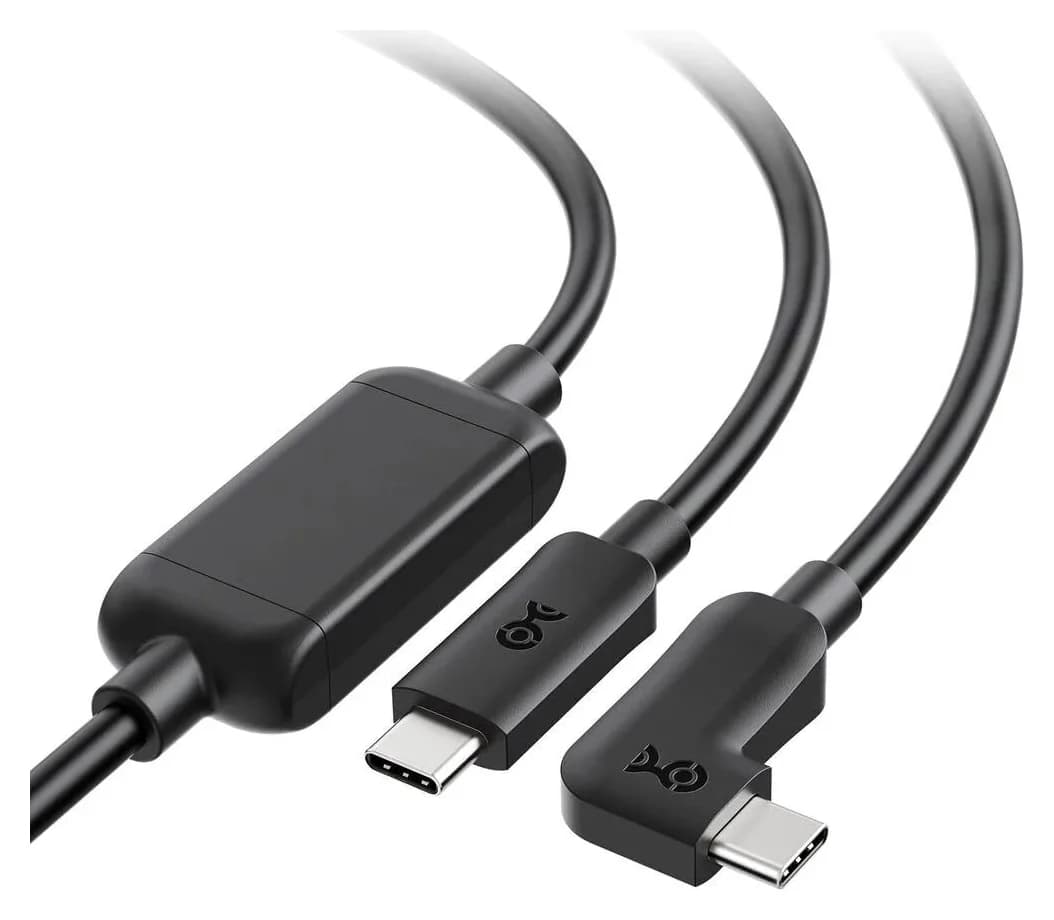
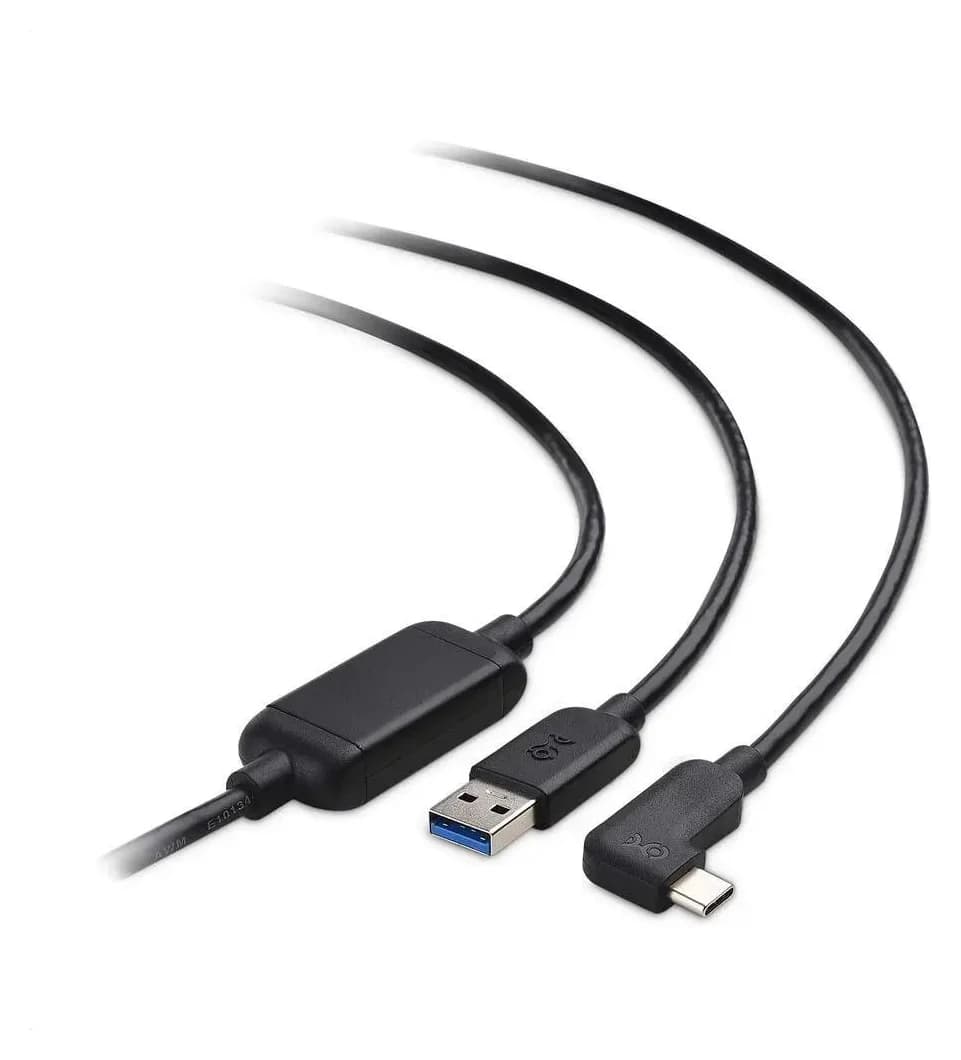
Best Link Cables for Meta Quest 3: USB-C Specs That Actually Work
The best link cable for Quest 3 and older Quest headsets: Meta's own fiber cable, a charge-while-playing pick, and long active cables, per Meta's USB rules.
Updated November 8, 2026Read
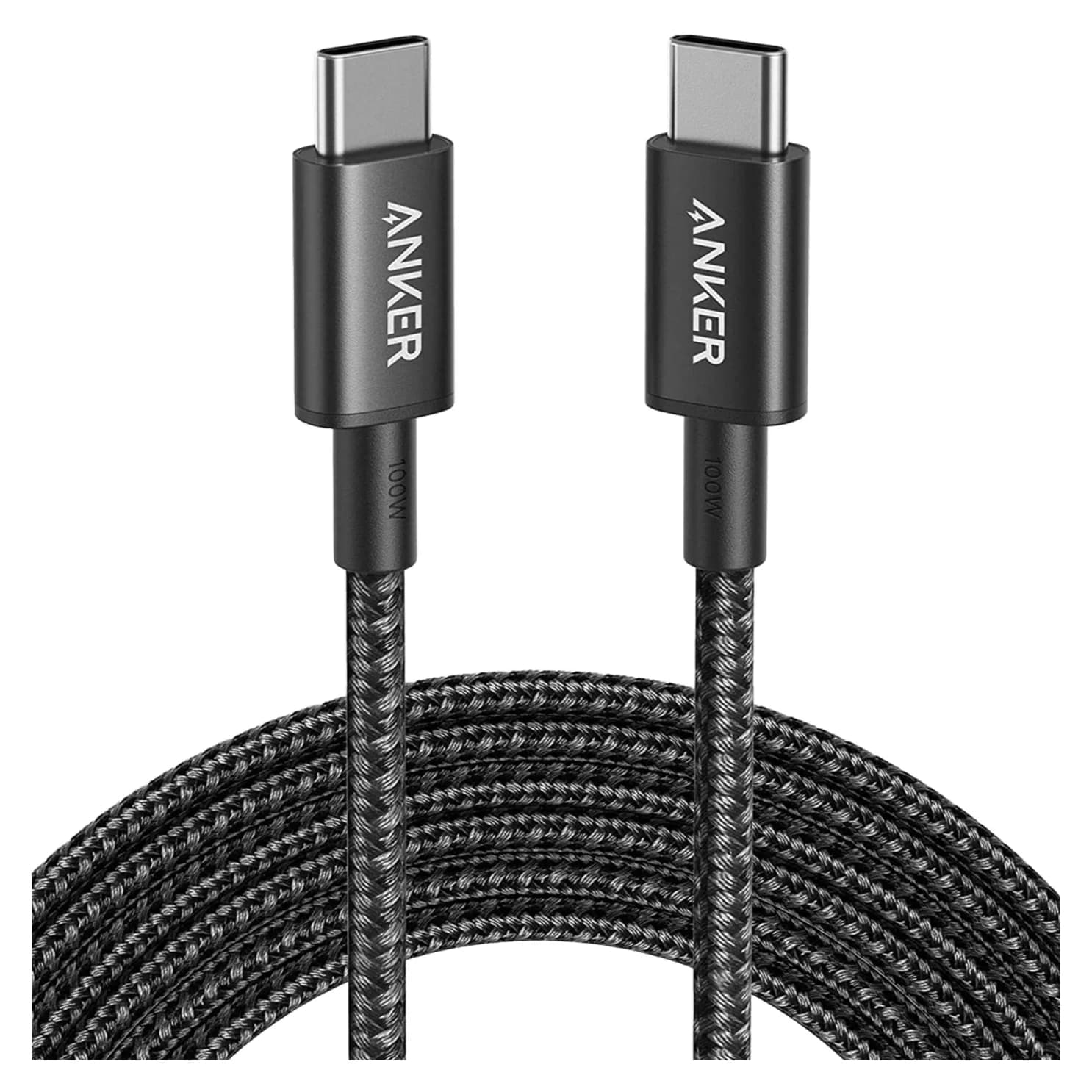
Anker 100W vs Baseus 100W USB-C Cables: Which Should You Buy?
Compare Anker A8758 10 ft with Baseus CAWJ020001 3.3 ft: charging, data, lengths, pack sizes and variant traps, plus how to judge an Anker 100W USB-C cable deal.
Updated November 5, 2026Read
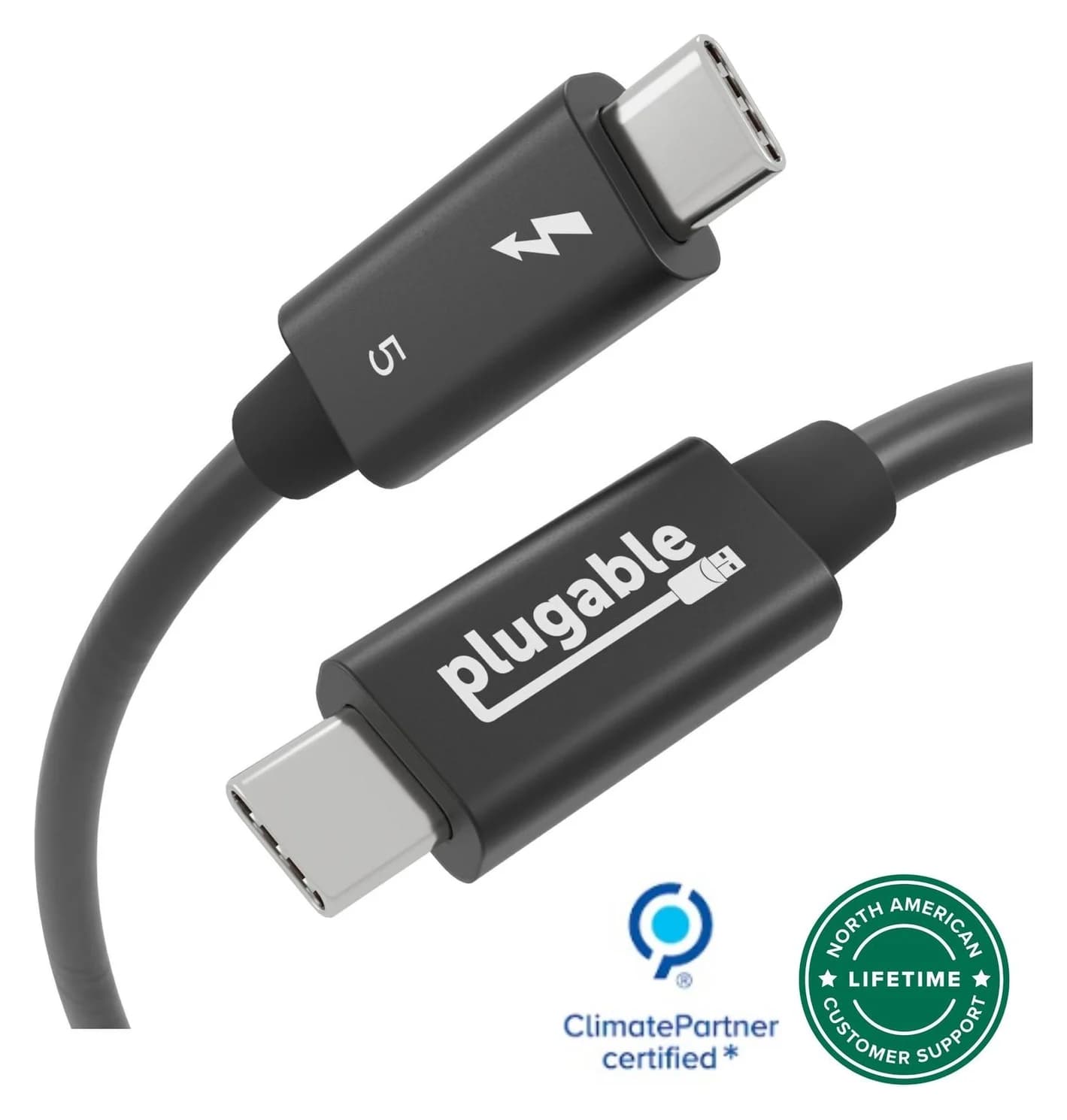
Beats USB-C vs Apple USB-C Cable: Which Should You Buy?
Choose between the Beats USB-C woven cable (60W, USB 2.0) and a full-feature Thunderbolt 5 USB-C cable: charging, data, docks, displays and the exact SKUs.
Updated November 5, 2026Read