Explainer
USB-C Cable Types Explained: Speed, Wattage, Thunderbolt and Logos
Why identical-looking USB-C cables differ: 480Mbps to 80Gbps, 60W vs 240W e-markers, Thunderbolt 4 and 5 vs USB4, active vs passive, and how to tell yours.
By thisUSB EditorialUpdated October 22, 20268 min read3 picks
Our picks at a glance
- See on Amazon
- See on Amazon2
Best charging-only cable
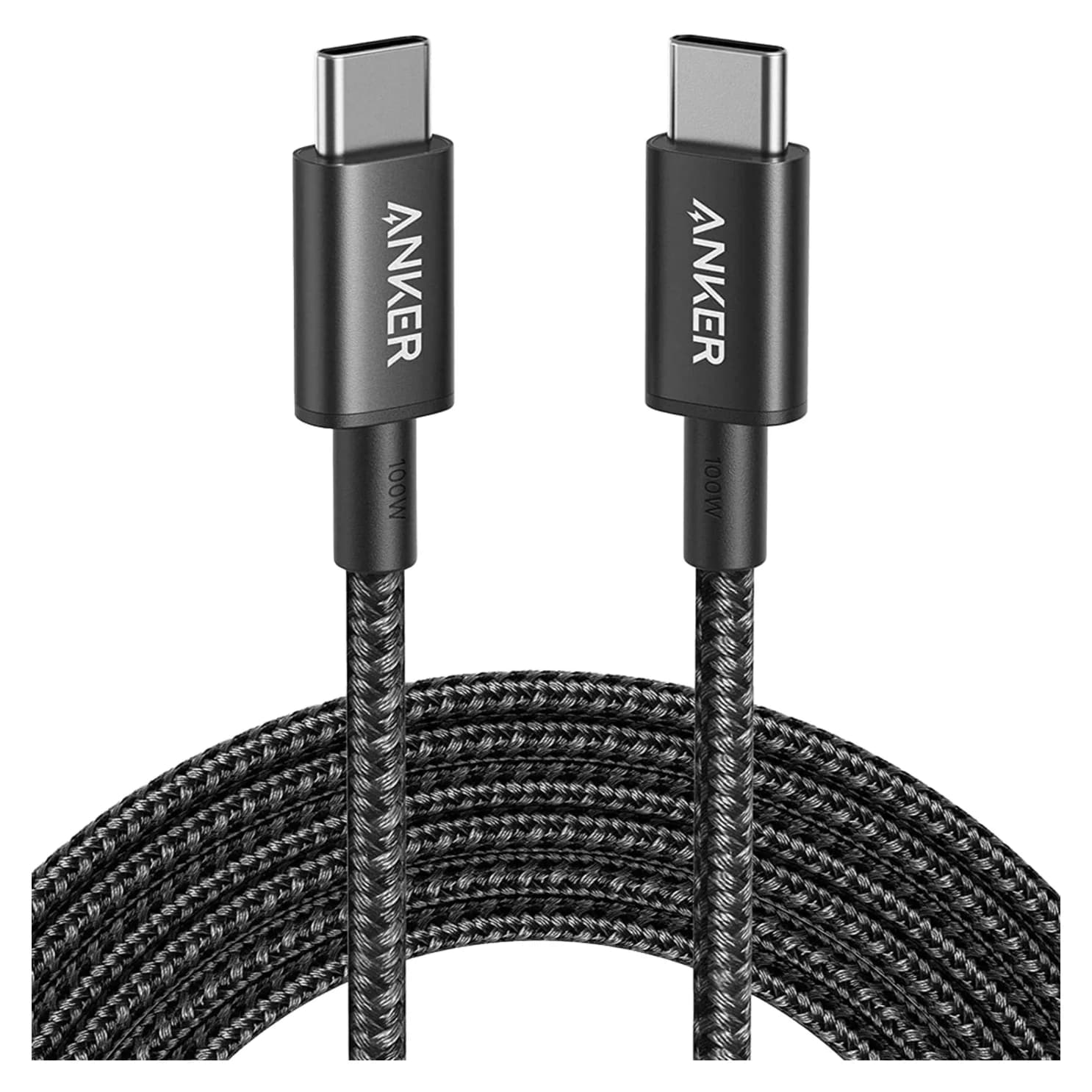
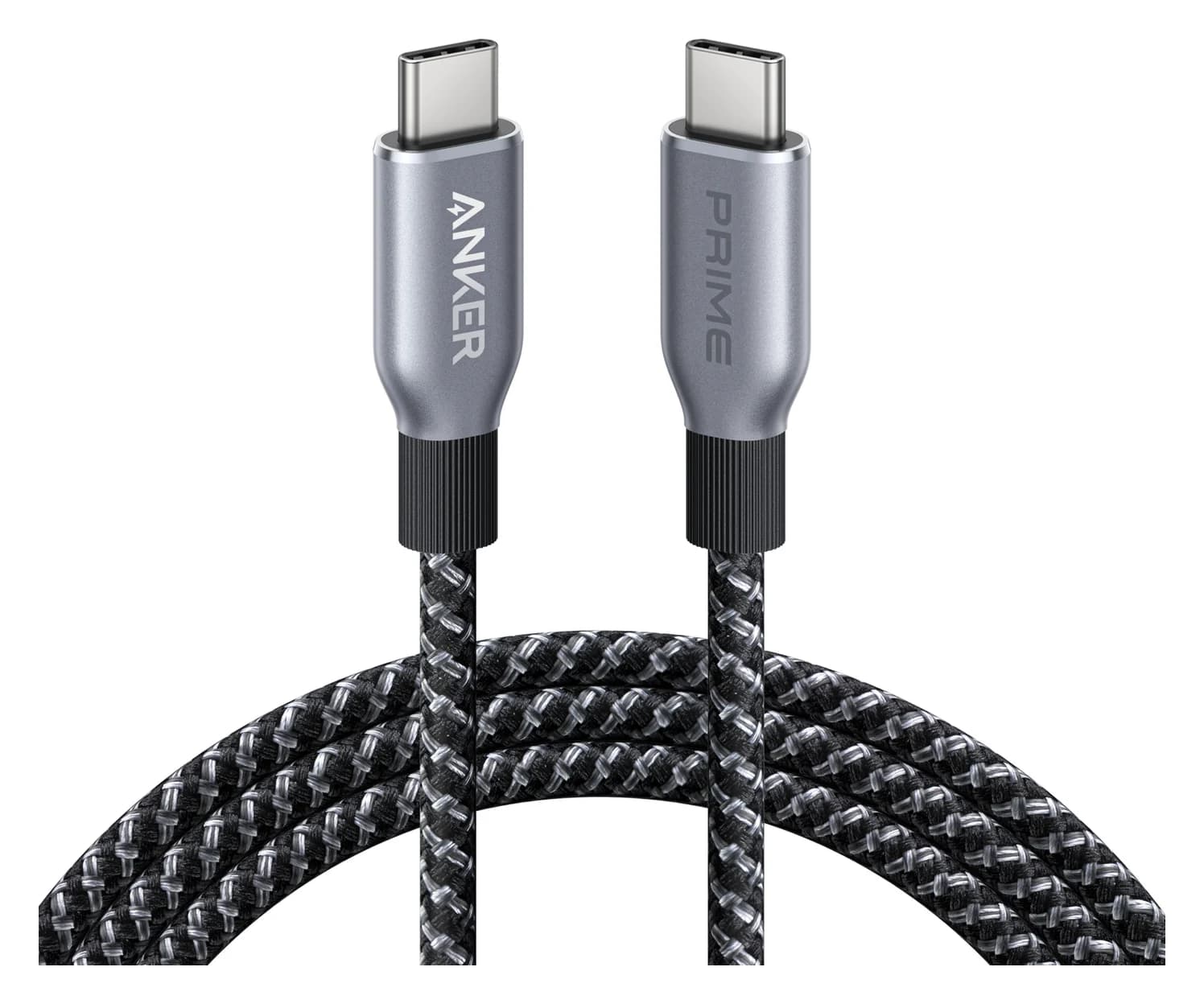
Anker Prime USB-C to USB-C Cable (240W, Upcycled-Braided, 6 ft)0.48 Gbps data
- See on Amazon
Two USB-C cables can look identical and still behave completely differently. One charges a laptop at 240W but copies files at USB 2.0 speed. Another runs a dock at 80Gbps. A third can't do either. The plug only tells you it fits. If you want one cable that does everything, get a certified Thunderbolt 5 cable such as the Plugable TBT5-240W1M. For charging only, a USB-IF certified 240W cable like the Anker Prime 240W is the safe default.
The 30-second answer
| If you need to… | Get a cable rated for |
|---|---|
| Charge a phone, tablet, earbuds or handheld | Any USB-C cable (all are rated at least 60W) |
| Charge a laptop at 61W to 100W | 5A with an e-marker (sold as 100W or 240W) |
| Charge above 100W (140W chargers, big power banks) | 240W (EPR) |
| Get full speed from a fast external SSD | 10Gbps or faster |
| Connect a USB-C monitor | 5Gbps or faster, USB4 or Thunderbolt |
| Run a Thunderbolt or USB4 dock | 40Gbps (Thunderbolt 4 or USB4) or 80Gbps (Thunderbolt 5) |
What's different inside the cable
A USB-C plug has 24 pins, but a cable doesn't have to wire all of them. The USB Type-C specification defines two main kinds of USB-C to USB-C cable:
- USB 2.0 Type-C cables carry power, the configuration wire and one USB 2.0 data pair. The USB-IF's own guidelines say these cables don't implement the high-speed TX/RX pairs or the Alt Mode wires, so they can't exceed 480Mbps and can't carry DisplayPort video. Most cables sold mainly for charging are this type.
- Full-featured USB-C cables add the high-speed pairs that carry USB 5Gbps to 80Gbps, DisplayPort Alt Mode and Thunderbolt. The spec requires every full-featured cable to contain an e-marker, a small chip in the plug that tells the charger and devices what the cable can handle.
Data speeds and cable length
Fast signals fade quickly in copper, so the USB-C spec pairs each speed with a practical length for a passive (plain wire) cable:
| Logo name | Older names you'll see | Practical passive length | Video |
|---|---|---|---|
| None (480Mbps) | USB 2.0 | Up to 4m | No |
| USB 5Gbps | USB 3.0, USB 3.1 Gen 1, USB 3.2 Gen 1 | Up to 2m | Yes, if both ends support it |
| USB 20Gbps (also covers 10Gbps) | USB 3.1 Gen 2, USB 3.2 Gen 2, Gen 2x2 | Up to 1m | Yes |
| USB 40Gbps | USB4, Thunderbolt 3 and 4 | About 0.8m | Yes |
| USB 80Gbps | USB4 Version 2.0, Thunderbolt 5 | About 0.8m | Yes |
Two details trip people up. First, the 40Gbps and 80Gbps rows share a length because they share a cable. The USB-C spec says a passive cable that reports USB4 Gen 3 supports USB4 "up to as high as 80 Gbps," and Intel says Thunderbolt 5's signaling runs over the same passive Thunderbolt cables that carried 40Gbps. Second, the lengths are guidance, not hard limits. Certified passive Thunderbolt 5 cables reach 1m, and longer high-speed cables use active electronics.
Speed is still capped by the slowest part of the chain. A 40Gbps cable won't make a 10Gbps SSD faster, and a USB 2.0 cable drags a fast port down to 480Mbps. Apple's iPhone 18 Pro specs are a good example: the phone's USB-C port runs at up to 10Gb/s, but Apple says you need a 10Gb/s USB 3 cable for that, and the cable in the box charges at USB 2 speeds.
Power: 60W, 100W and 240W
Every USB-C to USB-C cable is rated for at least 3A. At USB Power Delivery's top standard voltage of 20V, that's 60W. Going higher takes more current or more voltage, and the spec only allows more than 3A on cables whose e-marker says so.
| Cable rating | Current | E-marker | Covers |
|---|---|---|---|
| 60W | 3A | Optional on USB 2.0 cables | Phones, tablets, earbuds, handhelds, light laptops |
| 100W | 5A at up to 20V | Required | Laptops up to 100W |
| 240W (EPR) | 5A, marked for 50V | Required, with an EPR flag | Everything, including 140W to 240W chargers |
The 100W row is on its way out. The current USB-C spec says 5A cables for the standard power range "have been deprecated and replaced by USB PD EPR cables," which is why the USB-IF's cable logos come only in 60W and 240W versions. A 100W cable still works up to 100W. It can't unlock anything above that, because the USB Power Delivery spec says an EPR charger must stay in the standard power range when the cable isn't EPR-capable.
Wattage and data are separate ratings. Many 240W cables, including both Anker 240W cables in our catalog, are USB 2.0 inside: great for charging, no use for a monitor. Our USB Power Delivery explainer covers how chargers negotiate those watts.
Thunderbolt 4 and 5 vs USB4 cables
USB4 is based on a Thunderbolt protocol Intel contributed to the USB-IF, and Intel says USB4 and USB 3 cables work in Thunderbolt ports. The difference is what each cable guarantees.
| Cable | Data | Charging | Length | Certification |
|---|---|---|---|---|
| USB4 40Gbps | 40Gbps (80Gbps on USB4 v2 hosts) | 60W or 240W | About 0.8m passive | USB-IF, optional |
| Thunderbolt 4 | 40Gbps, guaranteed | Up to 100W | Up to 2m | Intel, mandatory |
| Thunderbolt 5 | 80Gbps, up to 120Gbps with Bandwidth Boost | Up to 240W | Up to 2m | Intel, mandatory |
Intel calls certified Thunderbolt 4 and 5 cables "universal": up to 2 meters long and compatible with Thunderbolt, USB4 and USB devices. Thunderbolt 5's Bandwidth Boost raises one direction to 120Gbps for high-resolution displays while the other keeps 40Gbps. A certified Thunderbolt 5 cable, or a USB-IF certified 80Gbps/240W cable, covers every job at once: top data speed, video and 240W charging. See best Thunderbolt docks for what that bandwidth is used for.
Active vs passive cables
A passive cable is just wire, plus an e-marker where required. An active cable adds repeaters, either re-drivers or re-timers, in the data path to clean up the signal. That's how high-speed cables reach 2m and beyond. Active cables must still carry at least 3A, and some are rated for 5A.
Active cables have traps the spec calls out:
- Active USB 3 cables don't support USB4. A long active 10Gbps cable will run a USB4 dock at USB 3 speeds at best.
- Some older active Thunderbolt 3 cables may not support USB4 either.
- Certified Thunderbolt 4 and 5 cables are the safe long option. Intel's certification covers the universal behavior up to 2m.
The USB-IF logos, decoded
The USB-IF moved to plain-number logos. To pass its compliance program, a USB-C to USB-C cable has to carry the logo on the plug, embossed or printed, showing both its data rate and its wattage, such as a 40Gbps/240W or 20Gbps/60W mark. USB 2.0 cables show only the wattage, 60W or 240W, because their 480Mbps speed isn't part of the logo.
On packaging, the USB-IF wants speeds named plainly: USB 5Gbps, 10Gbps, 20Gbps, 40Gbps or 80Gbps. It says spec names like "USB 3.2" or "USB4 Version 2.0" aren't meant for consumer-facing labels, though you'll still see them everywhere.
Only products that passed USB-IF compliance testing may use these logos. A missing logo doesn't mean a bad cable, since plenty of good cables aren't certified. It does mean you're relying on the maker's spec sheet.
How to tell what you have
- Check the plug. A USB-IF logo gives speed and wattage. A Thunderbolt bolt means a certified Thunderbolt cable.
- Find the model's spec page. It should list data speed, wattage and video support. If it lists only watts, assume USB 2.0.
- Ask your Mac. Hold Option and choose Apple menu > System Information. The USB and Thunderbolt/USB4 sections show the speed each connected device linked at, and Power shows the charger's wattage under AC Charger Information, as Apple's power adapter page describes.
- Use an inline USB-C power meter. It shows the voltage and current a charger negotiated, and some models read the cable's e-marker.
| Symptom | Likely cable limit |
|---|---|
| USB-C monitor stays black | USB 2.0 cable (no video wires) |
| SSD can't beat 60MB/s | USB 2.0 cable (480Mbps) |
| Laptop charges at about 60W on a bigger charger | 3A cable, no 5A e-marker |
| 140W charger tops out at 100W | 100W cable, not EPR |
| Dock connects at USB 3 speeds | Non-USB4 cable, or an active USB 3 cable |
Cables worth buying
One cable for data, displays and laptop charging.
Plugable
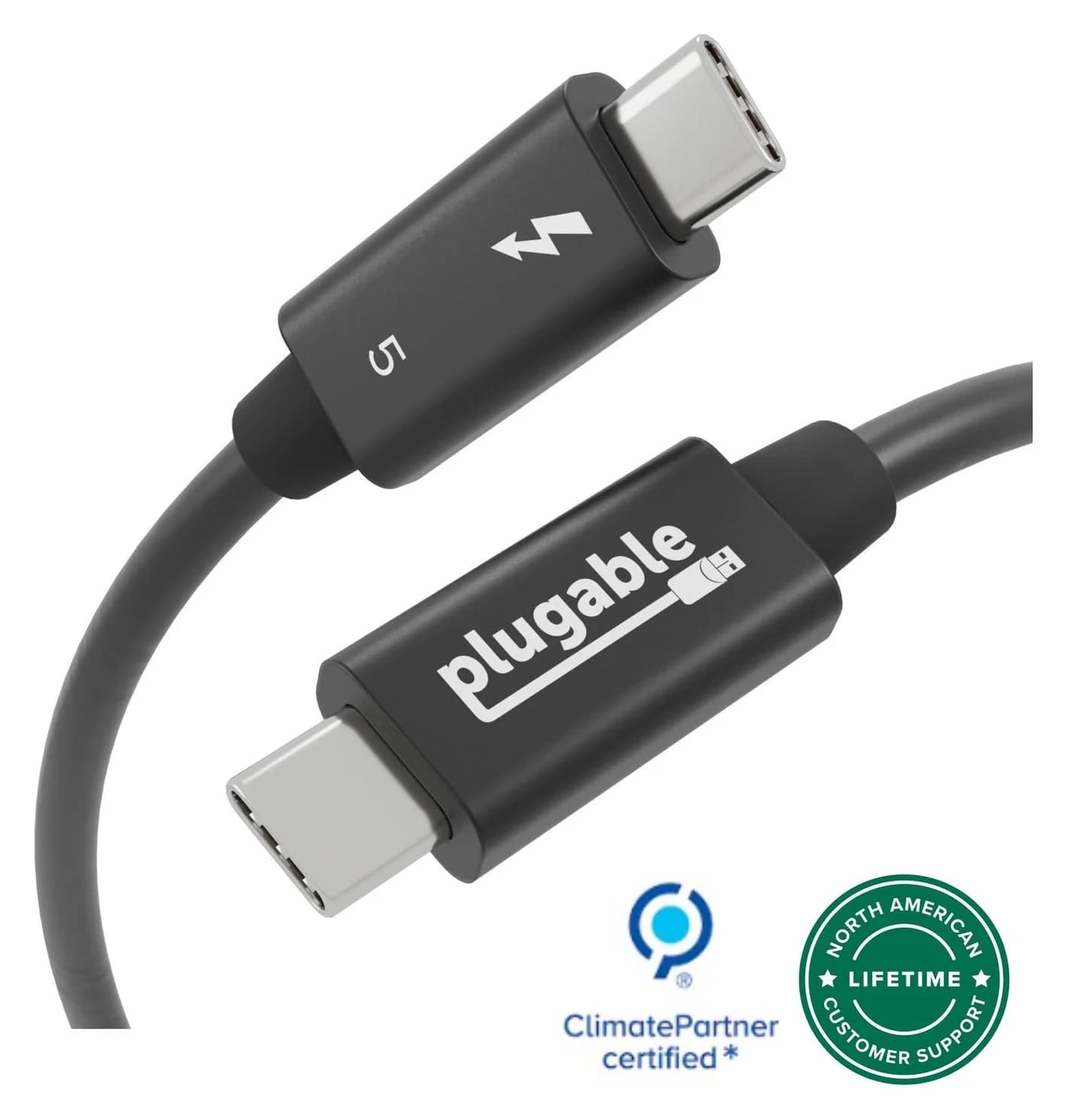
Plugable Thunderbolt 5 Cable, 240W (1m)
A 1m passive Thunderbolt 5 cable with 80Gbps data, 120Gbps Bandwidth Boost support and 240W charging.
- 80 Gbps data
- 8K video
The Plugable TBT5-240W1M is a passive 1m Thunderbolt 5 cable, certified by both Intel and the USB-IF. Plugable rates it for 80Gbps, up to 120Gbps with Bandwidth Boost, and 240W charging, and it works with Thunderbolt 4 and 3, USB4 and ordinary USB-C. It's the cable to keep with a dock, a Thunderbolt monitor or a fast SSD. At 1m it's short, and it's more than a phone needs. See it on Amazon.
Charging only, at any wattage.
Anker
Anker Prime USB-C to USB-C Cable (240W, Upcycled-Braided, 6 ft)
A 6 ft USB-IF certified USB-C cable rated for 240W (USB PD 3.1 EPR) charging with USB 2.0 data.
- 0.48 Gbps data
The Anker Prime 240W cable is USB-IF certified for 240W, so it handles the 28V to 48V levels of 140W-plus chargers as well as everyday phone charging. Data is USB 2.0 and Anker says it doesn't support screen mirroring, so keep it on charging duty. Anker rates the braid for 300,000+ bends. See it on Amazon.
A cable that lives on your keys.
Native Union
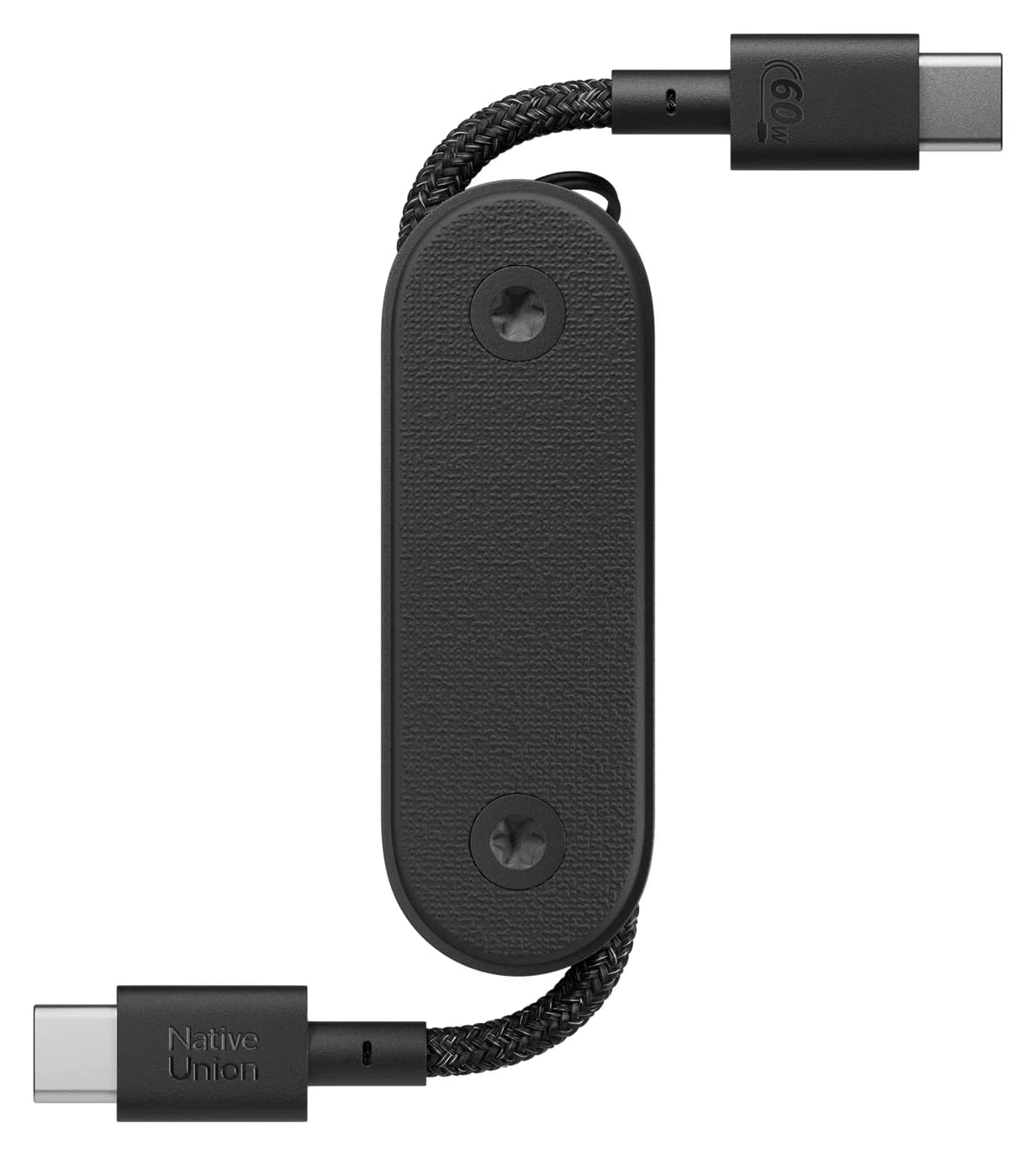
Native Union Pocket Cable (USB-C to USB-C, 60W)
A short, foldaway USB-C to USB-C cable with a built-in keyring, rated for 60W charging.
- 60W max output
- 0.48 Gbps data
The Native Union Pocket Cable folds a 17cm USB-C to USB-C cable into a keyring. Native Union lists an e-marker and a 60W rating, which covers phones, tablets, earbuds and handhelds, with USB 2.0 data. It's too short for a desk, but a cable is always on hand. See it on Amazon.
For longer charging cables, including 100W options, see our best USB-C cables for fast charging. For port basics, see USB-C vs USB-A explained.
How we put this together
This explainer is based on the USB-IF's USB Type-C Cable and Connector Specification (Release 2.5), the USB Power Delivery specification, the USB-IF's cable logo and data performance naming guidelines, and Intel's Thunderbolt 4 and Thunderbolt 5 technology pages. Product details come from Plugable's, Anker's and Native Union's spec pages. We haven't physically tried these cables.
Verdict
Don't judge a USB-C cable by its plug. Check three things: data speed (480Mbps, or 5Gbps to 80Gbps), power rating (60W or 240W), and whether a long high-speed cable is active and certified. For charging, a certified 240W cable covers every charger you'll own. For docks, monitors and SSDs, a certified Thunderbolt 5 cable covers the rest. Label your cables when they arrive, and the drawer stops being a guessing game.
Frequently asked questions
Are all USB-C cables the same?
No. They share a plug, but the insides differ. A USB 2.0 Type-C cable carries 480Mbps and no video. A full-featured cable adds the high-speed wire pairs for 5Gbps to 80Gbps and DisplayPort video. Power ratings are 60W (3A), the older 100W (5A) or 240W (5A, EPR). Thunderbolt cables add Intel certification on top, with guaranteed speed and charging levels.
Can any USB-C cable carry video to a monitor?
No. Video over USB-C travels on the cable's high-speed wire pairs, and the USB-IF says USB 2.0 Type-C cables don't include those pairs or the Alt Mode wires. Use a cable rated 5Gbps or faster, a USB4 cable or a Thunderbolt cable. Many cables sold as 100W or 240W charging cables are USB 2.0 inside and won't drive a monitor.
What's the difference between a Thunderbolt 4 cable and a USB4 cable?
Both run at 40Gbps, and Intel says USB4 cables work in Thunderbolt 4 ports. The difference is what's guaranteed. Every Thunderbolt 4 cable must pass Intel certification, and Intel rates them for 40Gbps, up to 100W charging and lengths up to 2 meters. A passive USB4 40Gbps cable is practical only up to about 0.8 meters, and USB-IF certification is optional.
Do I need a 240W USB-C cable?
Only to charge above 100W. That uses USB PD 3.1's 28V, 36V or 48V levels, found on 140W laptop chargers and large power banks. Up to 60W, any USB-C cable works. From 61W to 100W you need a 5A e-marked cable. The current USB-C spec has replaced 100W 5A cables with 240W ones, so a certified 240W cable is the safe pick for a laptop.
How can I tell what my USB-C cable supports?
Look at the plug. A USB-IF certified cable shows its speed in Gbps and a 60W or 240W rating, and a Thunderbolt cable shows the lightning bolt. With no logo, check the maker's spec page for data speed, wattage and video support. On a Mac, System Information shows the speed a device connected at and the charger's wattage. An inline USB-C power meter shows the negotiated voltage and current.
Are Thunderbolt 5 cables backward compatible?
Yes. A Thunderbolt 5 cable works with Thunderbolt 4 and 3, USB4 and ordinary USB-C ports, and connects at the fastest speed both ends share. A certified one also handles 240W charging, which makes it the most universal cable type you can buy. It's more cable than a phone needs, and passive versions are short, typically 1m or less.