Black Friday: the specs to check before you buy
Comparison
Updated November 5, 2026Beats USB-C vs Apple USB-C Cable: Which Should You Buy?
Short answer
If the "beats usb c cable" you're weighing against another Apple-store USB-C cable is the Beats USB-C to USB-C Woven Cable (1.5 m / 5 ft, Bolt Black, US part MDGA4LL/A), the decision is simple: it is a charging and syncing cable — up to 60W of power and USB 2.0 data, nothing more. Buy it for phones, tablets, Beats gear and CarPlay. The moment a dock, monitor or fast external SSD enters the picture, no charging cable will do, and the full-feature pick is the Plugable Thunderbolt 5 Cable (TBT5-240W1M): 80Gbps of data, up to three displays, and 240W of charging through one certified cable.
Our picks at a glance
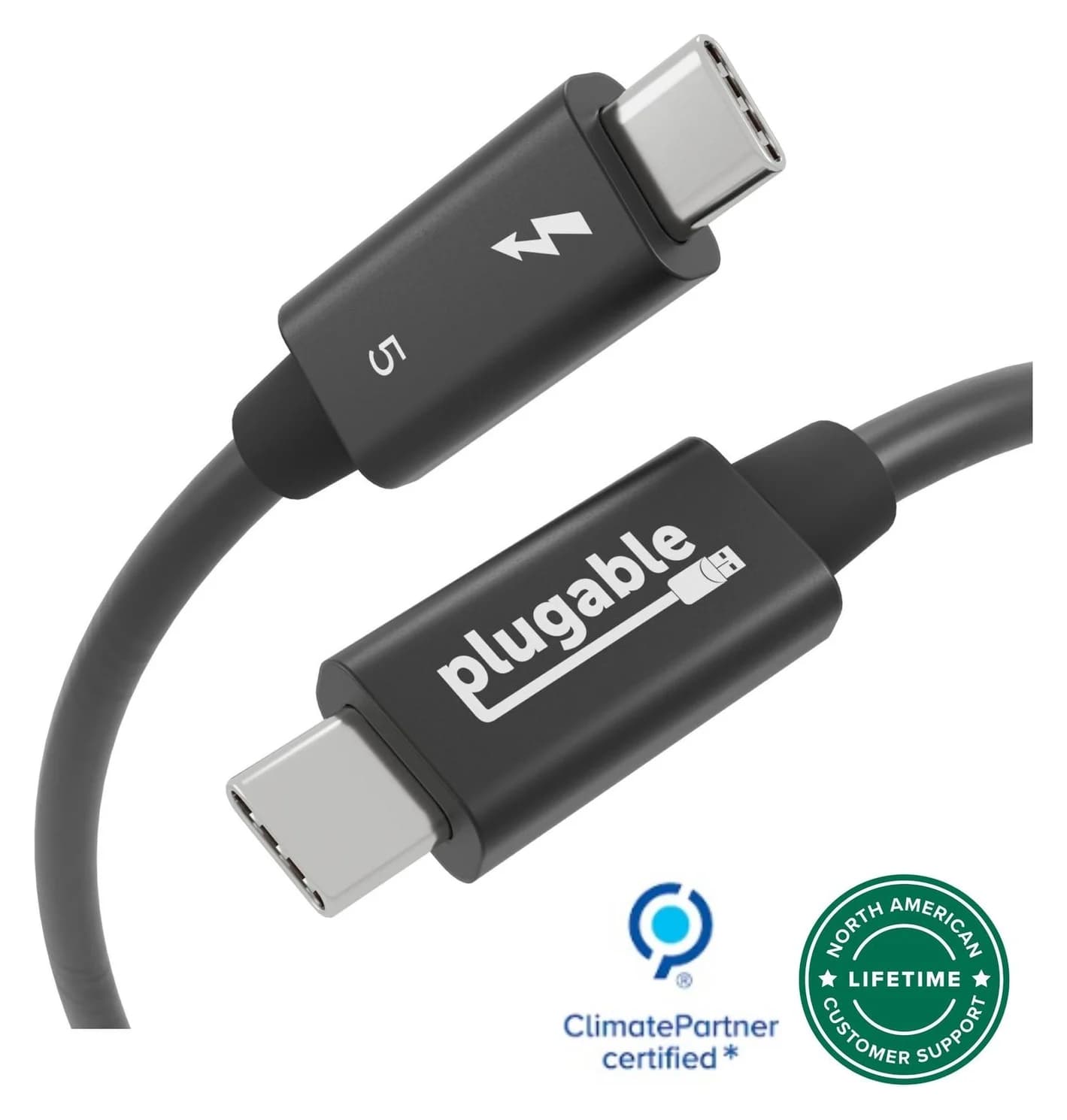
Best full-featured USB-C cablePlugable
Plugable Thunderbolt 5 Cable, 240W (1m)
- data
- 80 Gbps
- video
- 8K
- ends
- USB-C to USB-C
- Choose
- One certified 1m cable carries 80Gbps of data, display output for up to three monitors and 240W charging — every job the 60W USB 2.0 Beats cable cannot do.
- Limit
- Short 1m length
Beats USB-C to USB-C Woven, 1.5 m (MDGA4LL/A)
For shopping beyond this exact pair, our fast-charging cable guide is the general selector; this page settles only the Beats-cable-versus-full-feature-cable decision.
- 60WThe Beats cable's charging ceiling, with USB 2.0 data
- 240WCharging rating of the Plugable Thunderbolt 5 cable
- 80GbpsData the Plugable cable carries, against 480 Mbps for the Beats
Quick picks
| Your job | Pick | Why |
|---|---|---|
| Phone, iPad or Beats charging, CarPlay, USB audio | Beats USB-C to USB-C Woven, 1.5 m (MDGA4LL/A) | Up to 60W and USB 2.0 cover every one of those jobs |
| Two charging spots | Beats two-pack (MDGC4LL/A) | Two of the same 1.5 m, 60W cables |
| Dock, monitor, fast SSD or laptop above 60W | Plugable Thunderbolt 5 (TBT5-240W1M) | 80Gbps data, displays and 240W in one certified cable |
| Long-reach laptop charging only | See the Beats 3 m version | Fast charging up to 240W with more reach, still USB 2.0 data |
MDGA4LL/A vs TBT5-240W1M: the exact capability table
The Beats specifications come from the maker's product page and Apple's MDGA4LL/A listing; the Plugable figures from its TBT5-240W1M spec sheet.
| Specification | Beats USB-C to USB-C Woven (MDGA4LL/A) | Plugable Thunderbolt 5 (TBT5-240W1M) |
|---|---|---|
| Length | 1.5 m / 5 ft (precisely 4 feet 11 inches) | 1 m / 3.3 ft |
| Maximum charging | Up to 60W | Up to 240W (48V/5A) |
| Data | USB 2.0 rates | 80Gbps bi-directional; up to 120Gbps with Bandwidth Boost |
| Displays | Not supported (USB 2.0 Type-C) | Single 4K 540Hz, dual 8K 60Hz or triple 4K 144Hz, host-dependent |
| Certification | Maker-listed compatibility | Thunderbolt and USB-IF certified, UL 9990 tested |
| In the box | One cable; no power adapter | One cable; no power adapter |
| Warranty | Apple One-Year Limited Warranty; terms apply | 2 years |
These are manufacturer specifications, not measured results. The two cables are not substitutes: one is a charge-and-sync lead, the other is the single cable a Thunderbolt desk runs on.
- Yes: Beats 1.5m: charging phones, tablets and Beats gear within 60W
- Yes: Beats 1.5m: Apple CarPlay, Android Auto and lossless USB audio
- Yes: Plugable: docking stations, monitors and fast external SSDs
- Yes: Plugable: laptop charging above 60W
- No: Beats 1.5m: any laptop charging above its 60W rating
- No: Beats 1.5m: connecting a monitor, dock or fast SSD
- Partly: Plugable for phone-only charging: works, but it is overqualified and shorter
Phone and headphone charging: when the simpler cable is enough
Most people searching for a Beats cable need exactly what MDGA4LL/A is. The maker rates it for fast charging up to 60 watts, and Apple's fast-charge page puts an iPhone 17's fast-charge line at a 40W adapter or higher — comfortably inside that rating. For the iPhone 18 Pro and iPhone Duo, Apple lists a 40W Dynamic Power Adapter with 60W max, or a comparable third-party 60W-capable or greater AVS adapter, so the cable's 60W rating sits right at the top of current iPhone requirements rather than above them.
Beyond charging, this is the cable's home turf: the page lists Apple CarPlay and Android Auto support, lossless audio with compatible USB-C Beats headphones or speakers, and compatibility with all devices with USB-C ports, from Beats Studio Buds to iPhones, iPads and MacBooks. The woven jacket and reinforced plugs are the maker's anti-fray pitch — "engineered by Apple," in Beats' wording — and the cable automatically regulates power transmission for extra protection.
You do not need 240W, 80Gbps or Thunderbolt certification to charge a phone. Buy the simple cable and stop there.
Laptop charging: where the 60W limit bites
Beats lists USB-C MacBooks among the compatible devices, but compatibility and full-speed charging are different claims. The cable's rating is up to 60W; a MacBook that draws more than that will charge slowly or merely hold its battery. Apple's charging page describes the symptom directly: when the wattage delivered is too low for your Mac, "Slow Charger" appears in the battery status menu. Apple also notes a Mac charges over only one port at a time, using the source that provides the most power — a reminder that a weak cable in the chain caps the whole chain.
For USB-C laptop charging above 60W, the headroom argument favors the Plugable cable, but with a caveat about the standard rather than the brand: before USB PD Revision 3.1, USB Power Delivery was limited to 100W, and the USB-IF specification page explains that the newer 28V, 36V and 48V fixed voltages enable up to 140W, 180W and 240W. A 240W rating at 48V/5A, as Plugable lists this one, covers the maximum USB Power Delivery power level, subject to the laptop, charger and connection supporting it. If your only unmet need is reach rather than data, the Beats 3 m, 240W version is the cheaper route to the same charging ceiling — it is still USB 2.0.
Dock, monitor and fast SSD use: the job the Plugable cable is built for
This is where the comparison stops being close. A USB 2.0 cable carries 480 Mbps and, per USB-IF guidance for USB 2.0 Type-C cables, no DisplayPort Alt Mode and no USB4 signaling. Plug the Beats cable into a Thunderbolt dock or a 40Gbps SSD and you get USB 2.0 behavior: a slow drive, and no picture at all.
The Plugable TBT5-240W1M is specified for the opposite job. Plugable lists 80Gbps bi-directional bandwidth with Thunderbolt 5 Bandwidth Boost up to 120Gbps for multiple high-resolution displays, display support of a single 4K at 540Hz, dual 8K at 60Hz or triple 4K at 144Hz with a compatible host, and backward compatibility with Thunderbolt 4, Thunderbolt 3, USB4 and plain USB-C. It is Thunderbolt and USB-IF certified and third-party tested to the UL 9990 standard, and it is a passive cable, so it needs no external power. The company positions it for docking stations, external GPUs, displays, SSDs and 240W charging, with a 2-year warranty and lifetime support.
List what the cable connects
Phone or tablet charging only, or a laptop, dock, monitor or SSD?
Check the data requirement
USB 2.0 is enough for charging; docks, displays and fast drives need 40Gbps or more.
Check the power requirement
Under 60W, either cable works; above it, you need a 240W-rated cable.
Match the length to the route
1 m tethers you to the desk; 1.5 m reaches a bedside table or sofa arm.
Length, pack count and the complete connection
Neither box includes a power adapter, so the complete kit is cable plus whatever USB-C charger you already own or add — our USB-C charger guide covers those. On length: the Beats cable's 1.5 m (5 ft) beats the Plugable's 1 m for reach from a wall outlet to a couch or nightstand, and Apple's listing notes the precise length is four feet eleven inches. The Plugable cable's short tether is a fair trade for a desk cable that stays plugged into a dock.
On pack count: the Beats selector offers the single 5 ft cable, a 5 ft two-pack (two separate 60W cables, not one longer one) and an 8 in version for power banks, plus the 10 ft 240W model. If you are furnishing two rooms, the two-pack is the cheaper per-cable route. Our Beats cable lengths comparison breaks down those versions, and the Beats vs Anker 240W guide covers a third-party alternative at the same 60W tier.
Black Friday: match the SKU and certification
Discount season is when generic listings substitute lookalike cables for the one you searched for. Three checks protect you. First, match the exact part: MDGA4LL/A for the Bolt Black 1.5 m single, MDGC4LL/A for the two-pack, and TBT5-240W1M for the Plugable. Second, for a full-feature cable, require stated certification — Thunderbolt and USB-IF — rather than "compatible with" wording, because a charging-only cable sold as a Thunderbolt cable will not carry a display signal at all. Third, remember the empty box claim: no power adapter comes with either cable, so a "complete kit" offer usually means a bundle, not the standard package. Our guide to spotting real USB-C deals goes deeper on fake 240W cables.
When neither cable is the right purchase
Both of these are USB-C to USB-C cables with USB-C plugs on both ends; a device with a USB-A port or a Lightning port needs a different cable entirely — our USB-C cable types explainer maps the variants. If your goal is a longer charging-only cable, the Beats 3 m version does that job for less than a Thunderbolt cable. If your Mac fast charges over MagSafe 3, the cable in its box already handles the full wattage. And if you want the general field — Anker, UGREEN, multi-packs, every wattage tier — start from the fast-charging cable guide instead of this named-pair comparison.
Best charging cable for phones and CarPlay: Beats USB-C to USB-C Woven (MDGA4LL/A)
Buy this one when the cable's whole job is power and light data: an iPhone or iPad on the nightstand, a Beats Pill on the counter, CarPlay in the car, lossless audio to USB-C headphones. Up to 60W covers every current iPhone fast-charge requirement, the woven jacket and reinforced plugs are built for daily stuffing into a pocket, and the 5 ft reach is the more useful of the two lengths here.
The Beats cable has no ASIN in our records yet, so buy it by its exact listing — the MDGA4LL/A page at Apple — and match the Bolt Black single-cable part number on any other store's listing.
Do not buy it as a laptop's main charging cable, and do not buy it for anything that shows a picture or moves big files. Those are the next pick's jobs.
Best full-featured cable: Plugable Thunderbolt 5 (TBT5-240W1M)
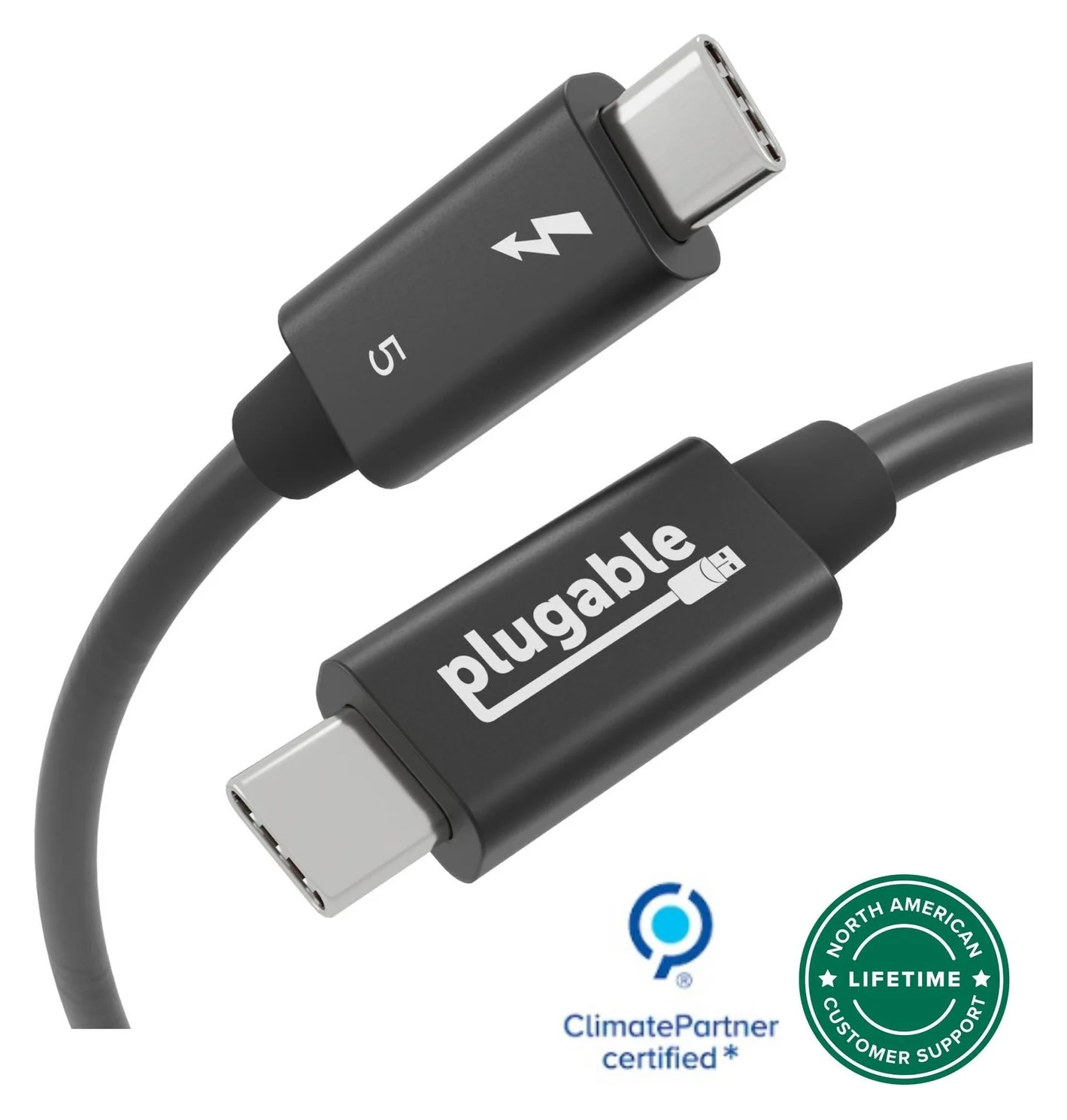
Plugable
Plugable Thunderbolt 5 Cable, 240W (1m)
A 1m passive Thunderbolt 5 cable with 80Gbps data, 120Gbps Bandwidth Boost support and 240W charging.
- 80 Gbps data
- 8K video
One cable, every job: 80Gbps of data for docks and fast SSDs, display support up to dual 8K or triple 4K with a compatible host, 240W of charging for any USB-C laptop, and Thunderbolt plus USB-IF certification with UL 9990 testing behind the numbers. It is backward compatible down to plain USB-C, so it also charges the phone the Beats cable would have charged — just at a shorter reach and a higher checkout total than a simple charging cable warrants.
Its limits are honest ones: 1 m of length, a price you pay for certification and bandwidth, and speeds still capped by the slowest device in the chain. For a Thunderbolt desk, it is the cable that replaces three specialist cables; for a phone bag, it is the wrong tool.
Check the Plugable Thunderbolt 5 cable's price on Amazon
How we choose
We have not put these cables on a test bench. Every figure here comes from the makers' own pages — Beats' product page and Apple's MDGA4LL/A listing, and Plugable's TBT5-240W1M spec sheet and FAQ — plus the USB-IF specification pages for what USB 2.0 Type-C and USB Power Delivery cables can and cannot carry. Recommendations are editorial judgments from those documents; charging times and transfer speeds depend on your charger, host and devices, and nothing here is a measured result.
Verdict
Buy the Beats USB-C to USB-C Woven Cable (1.5 m, MDGA4LL/A) if the cable will only ever charge and sync phones, tablets or Beats gear — its 60W and USB 2.0 are exactly enough for that. Buy the Plugable Thunderbolt 5 Cable (TBT5-240W1M) the moment a dock, monitor, fast SSD or a laptop above 60W is in the plan: 80Gbps, displays and 240W through one certified cable. The two are not competitors; they are answers to different questions, and knowing which question you are asking is the whole purchase.
Frequently asked questions
Is the Beats USB-C cable the same as an Apple USB-C cable?
It is a Beats-branded cable sold through Apple. The 1.5 m Bolt Black version, US part MDGA4LL/A, is rated for up to 60W charging and USB 2.0 data, according to the maker's page. That is a simple charging and syncing cable. If your 'Apple USB-C cable' search means a cable for a Thunderbolt dock, monitor or fast drive, you need a full-feature cable instead, such as the Plugable Thunderbolt 5 cable.
Will a 240W cable charge my phone faster than the Beats 60W cable?
Not by itself. A cable's wattage is a ceiling, not the power it pushes: USB Power Delivery lets the device request what it needs, and the charger must supply it. Apple says an iPhone 17 fast charges with a 40W adapter or higher, inside the Beats cable's 60W rating, so the Plugable's 240W rating buys headroom for laptops, not a faster phone charge.
Can the Beats USB-C cable charge a MacBook?
Beats lists USB-C MacBooks, including MacBook Air and MacBook Pro models, as compatible, and the cable can carry up to 60W. Compatibility is not a fast-charge promise. A MacBook that draws more than the cable's 60W rating will charge slowly or only maintain power, and macOS shows a Slow Charger warning when the wattage delivered is too low.
Can I use the Beats cable for a monitor, dock or external SSD?
No. The maker specifies USB 2.0 data rates, whose ceiling is 480 Mbps, and USB-IF says USB 2.0 Type-C cables lack DisplayPort Alt Mode and USB4 capabilities. A monitor, Thunderbolt dock or fast external SSD needs a data-and-video cable such as the Plugable Thunderbolt 5, which carries 80Gbps and up to three displays.
Does the Beats cable work with CarPlay and lossless audio?
Yes on both, per the maker. The Beats page lists Apple CarPlay and Android Auto support, and says the cable can carry lossless audio with compatible USB-C Beats headphones or speakers. Check your audio device's own USB-audio support before relying on wired audio.
Which exact version should I order?
The single Bolt Black 1.5 m cable is US part MDGA4LL/A; the two-pack is MDGC4LL/A and contains two of the same 60W cable. A separate 3 m / 10 ft Beats version supports fast charging up to 240 watts. Match the SKU, length and pack count on the listing, and note that no USB-C power adapter is included with any of them.
Related guides
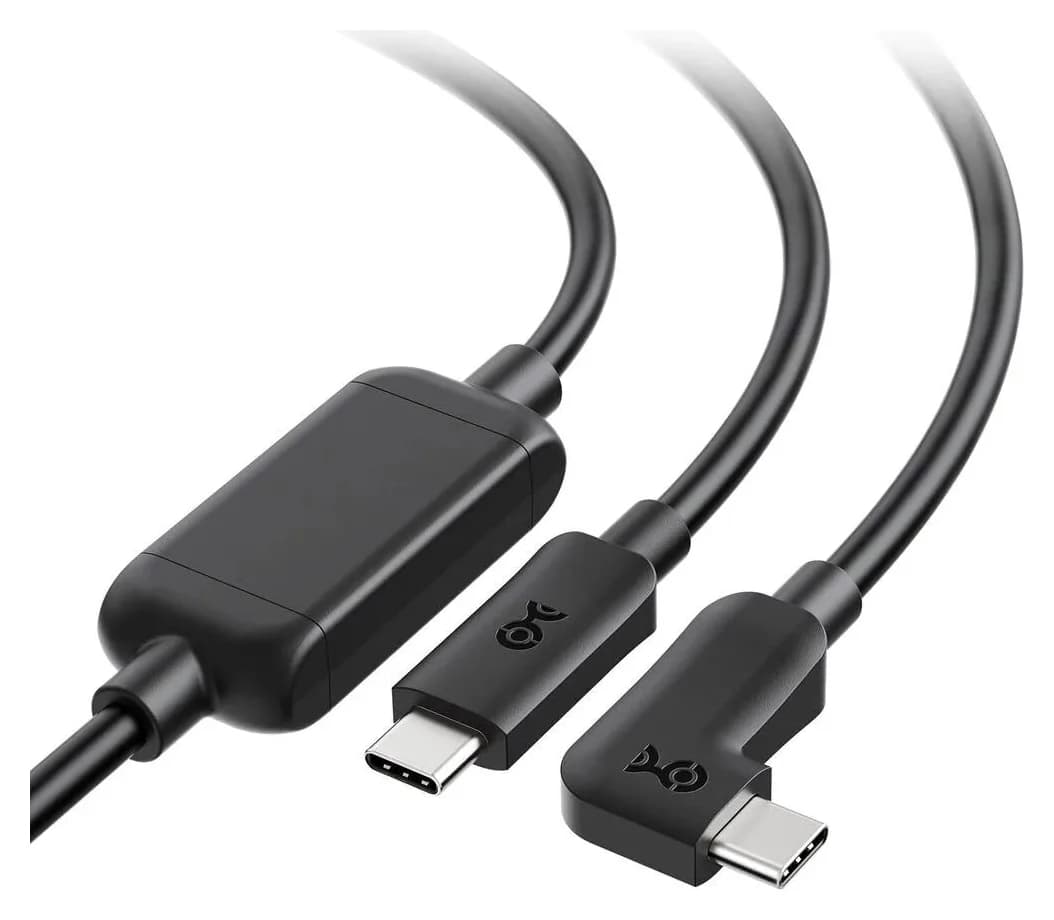
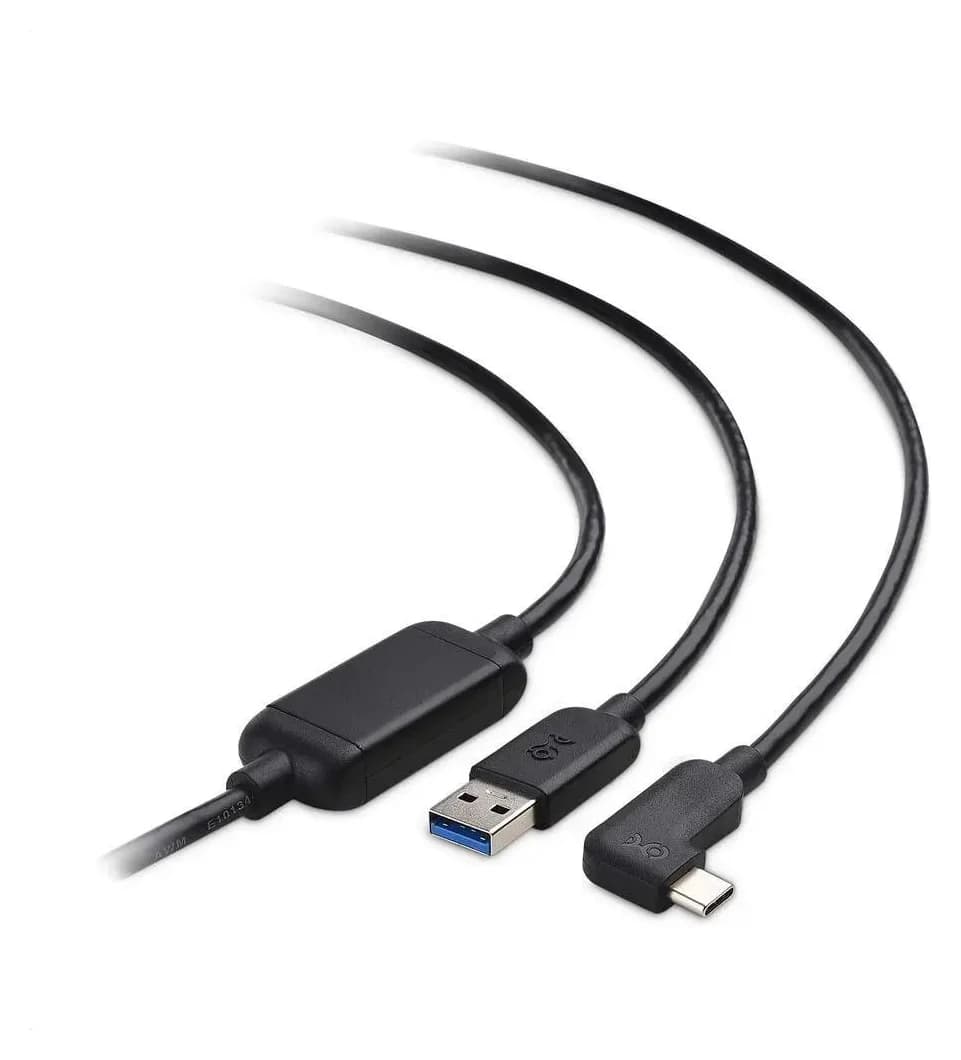
Best Link Cables for Meta Quest 3: USB-C Specs That Actually Work
The best link cable for Quest 3 and older Quest headsets: Meta's own fiber cable, a charge-while-playing pick, and long active cables, per Meta's USB rules.
Updated November 8, 2026Read
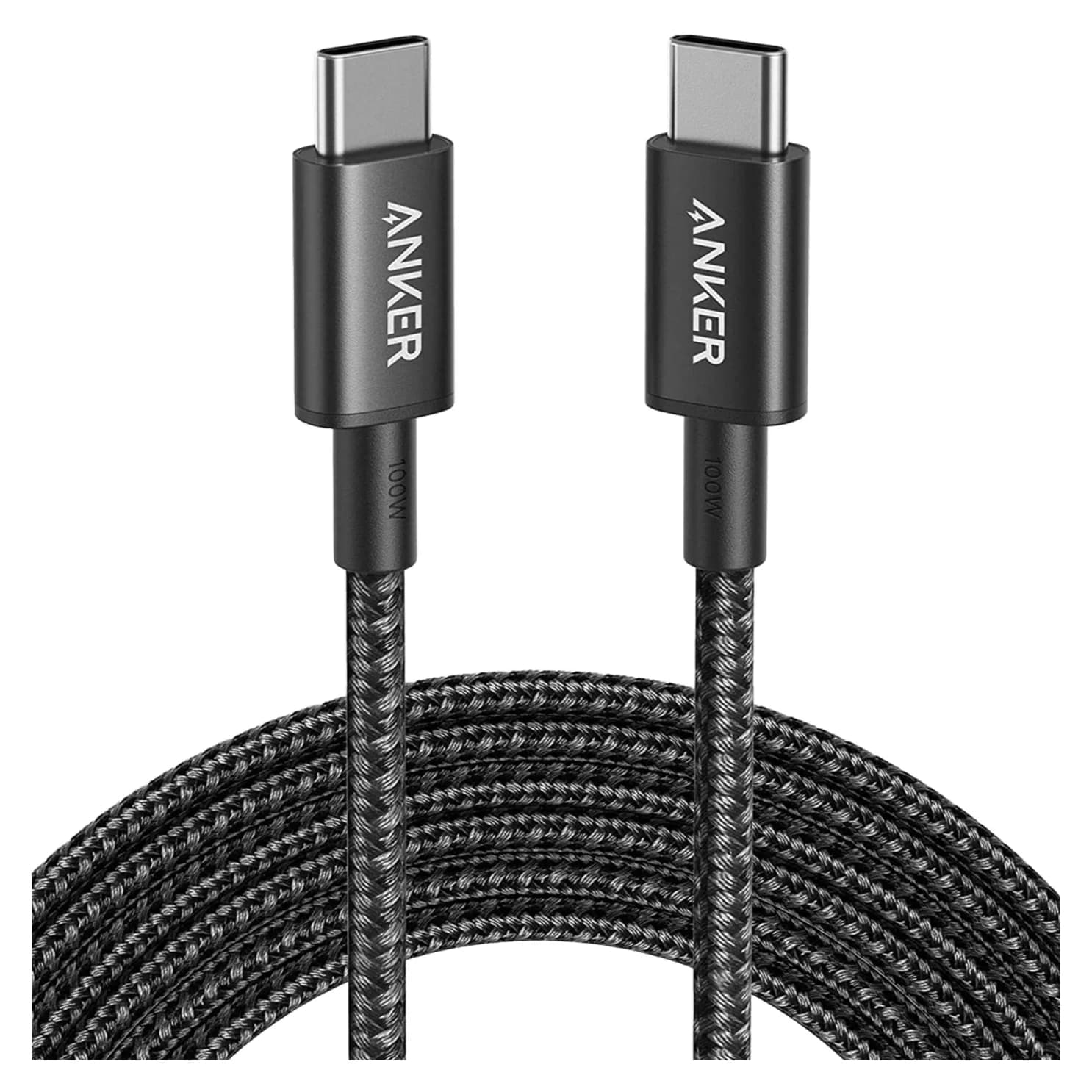
Anker 100W vs Baseus 100W USB-C Cables: Which Should You Buy?
Compare Anker A8758 10 ft with Baseus CAWJ020001 3.3 ft: charging, data, lengths, pack sizes and variant traps, plus how to judge an Anker 100W USB-C cable deal.
Updated November 5, 2026Read
The 5 Best USB-A to USB-C Cables (and Which to Avoid)
Which USB-A to USB-C cable to buy for charging, data or the car: why none of them do Power Delivery or video, and the exact picks for each port.
Updated November 8, 2026Read