Black Friday: the specs to check before you buy
Comparison
Updated November 5, 2026Beats USB-C Cable vs Anker 240W: Which Should You Buy?
Short answer
Buy the Anker A82E2 240W cable if you want a charging cable to share between a phone and a laptop that needs more than 60W; choose its 2 × 6 ft pack when both cables need that reach. Buy the Beats USB-C to USB-C cable, 1.5 m single-pack, if you want one shorter woven cable and your device's charging requirements fit its 60W rating. For a monitor or fast external SSD, choose a cable explicitly specified for that job.
Our picks at a glance
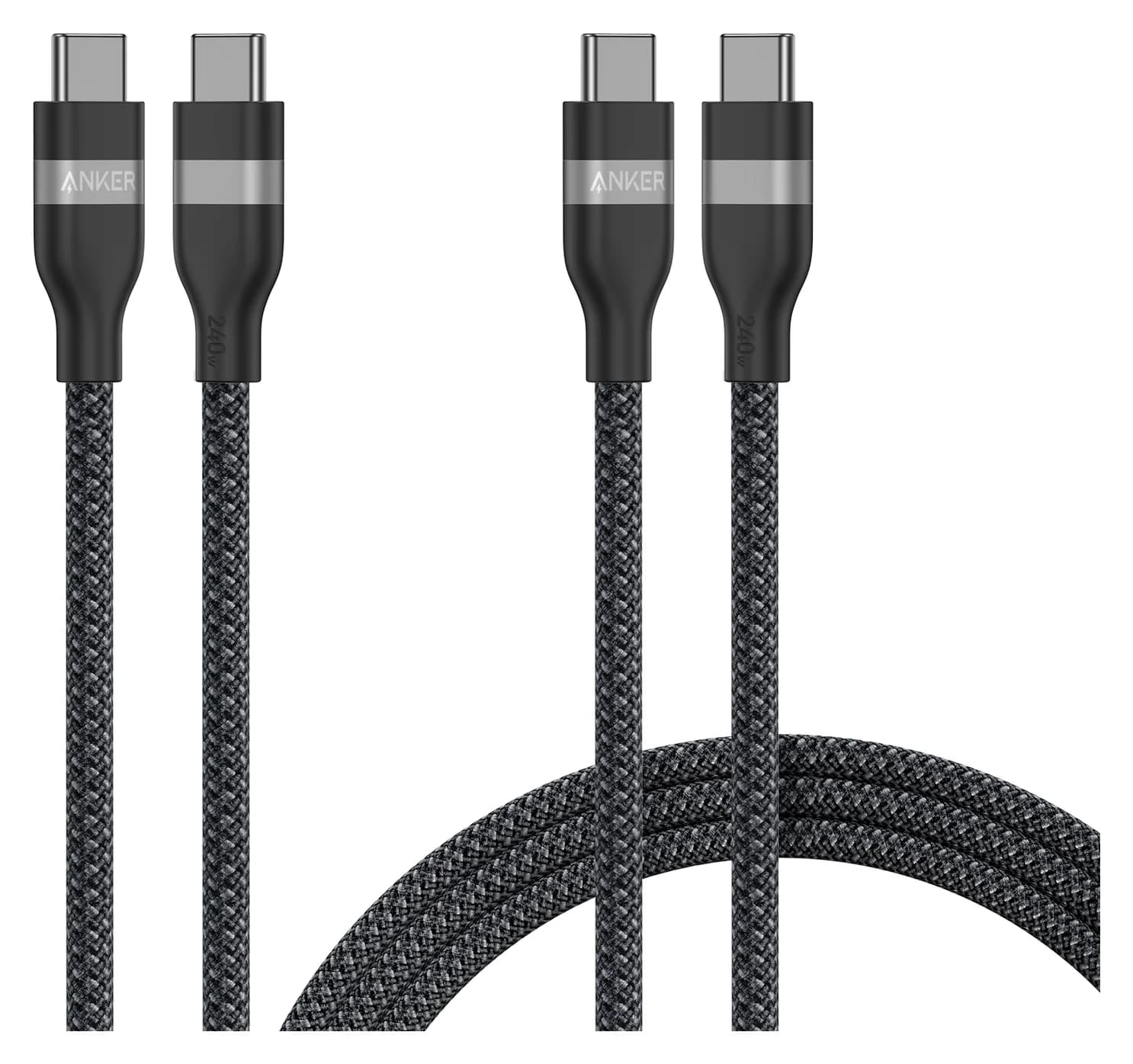
Best for charging above 60WAnker
Anker USB-C to USB-C Cable (3 ft / 6 ft, 240W, Upcycled-Braided, 2-Pack)
- power rating
- 240W
- data
- 480 Mbps
- ends
- USB-C to USB-C
- Choose
- Anker A82E2 is rated for up to 240W; choose the two-by-six-foot pack when you need two longer charging cables.
- Limit
- 480Mbps data only; slow for SSDs
Beats 1.5 m single-pack
Quick picks
| Your charging job | Pick | What decides it |
|---|---|---|
| One phone, USB-C tablet or Beats accessory, within the cable's rating | Beats 1.5 m single-pack | One woven cable; up to 60W |
| A laptop charging above 60W, or a cable shared with one | Anker A82E2 | Up to 240W; match the charger and device too |
| Two charging locations that both need a longer cable | Anker A82E2, 2 × 6 ft | Two full-length cables; confirm the selected pack |
| Display connection or fast SSD transfers | Buy a different cable | Anker excludes mirroring; Beats specifies USB 2.0 without a display promise |
These picks follow Beats' charging specification and Anker's A82E2 specification, rather than measured charging times.
Exact versions: compare these, not just the brand names
The comparison is Beats Bolt Black, US part MDGA4LL/A, against Anker A82E2 in Black Stone, selecting the 2 × 6 ft bundle, BUNDLE-A82E2012-2. These are roughly comparable lengths, not identical kits: Beats supplies one cable and Anker's selected bundle supplies two.
| Specification | Beats USB-C to USB-C, 1.5 m | Anker A82E2, selected 6 ft two-pack |
|---|---|---|
| Connectors | USB-C to USB-C | USB-C to USB-C |
| Length per cable | 1.5 m, marketed as 5 ft | 6 ft |
| Pack contents | One cable; USB-C power adapter excluded | Two cables; silicone cord organizer and welcome guide listed |
| Maximum charging rating | 60W | 240W per cable |
| Published data capability | USB 2.0 | 480 Mbps |
| Display support | No display specification stated on Apple's product page | Screen mirroring expressly excluded |
| Construction | Woven braid; reinforced plugs | Recycled nylon braid; silicone organizer |
| Manufacturer coverage | Apple one-year limited accessory warranty | Anker lists a 24-month warranty |
Sources: Apple's exact Beats SKU, Anker's bundle selector, and Apple's accessory warranty. Apple footnotes the Beats cable's precise length as 4 feet 11 inches; “5 ft” is its rounded label.
Best for charging above 60W: Anker A82E2
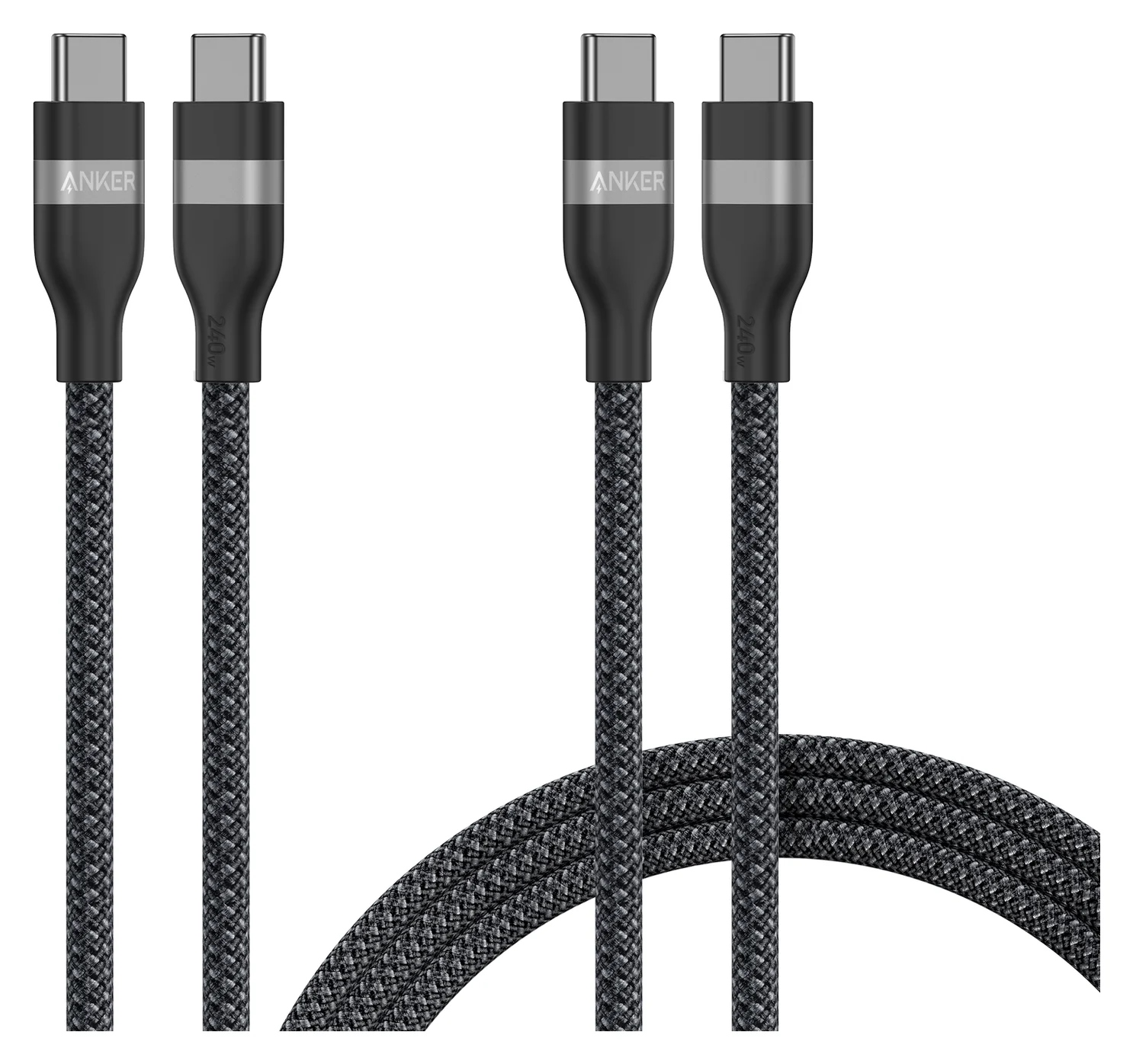
Anker
Anker USB-C to USB-C Cable (3 ft / 6 ft, 240W, Upcycled-Braided, 2-Pack)
A two-pack of braided USB-C to USB-C charging cables (3 ft and 6 ft) rated for up to 240W.
- 240W max output
- 0.48 Gbps data
Choose A82E2 when replacing a laptop charging cable or equipping two charging locations. Anker publishes a 240W maximum and lists USB-IF under its Specification Met field. That gives it a higher charging ceiling than the compared Beats cable; it does not establish a faster result on a device whose requirements both cables already meet.
The pack choice matters as much as the wattage. Select 2 × 6 ft if you need both cables to reach from an outlet to a desk or bedside. If you only need one, Anker also lists a single 6 ft Black Stone cable, A82E2012 on its separate single-cable page. Compare that option before paying for a spare you will leave unused.
There is a manufacturer-page inconsistency to watch: the bundle's main description lists two cables, while a reused feature entry says “What You Get” and describes a single 3 ft cable. Use the named bundle variant and check the order summary; the shared feature text cannot establish the pack's lengths. It also does not establish that an organizer is included for each cable.
The purchase link below is the existing A82E2 family listing, not evidence that a particular length is selected. Confirm two 6 ft cables before buying; if that option is unavailable, compare the single-cable option explicitly rather than accepting a mixed pack.
Check price on Amazon — confirm length and pack, or check Anker's bundle options.
Best for one shorter everyday cable: Beats USB-C to USB-C, 1.5 m
Choose Beats when you want a single woven cable for a compatible USB-C phone, tablet or Beats device and do not need the higher charging rating. Beats specifies charging, syncing, audio and CarPlay use, and also lists Android Auto. Those are concrete everyday uses for this cable; they do not require it to be a fast SSD or monitor cable.
The 60W limit belongs to this 1.5 m version. Beats now has a separate 3 m / 10 ft USB-C to USB-C cable rated for 240W. That changes the power comparison, as well as the length; it is not a longer copy of the cable in this table. Keep those two products separate when reading a listing or choosing a color.
Apple also lists a two-pack of 1.5 m Beats cables, with the same 60W and USB 2.0 specifications. Use that pack only if you need both cables. This page compares the single-pack; detailed length selection belongs in our Beats cable length comparison.
Check the exact Beats 1.5 m single cable at Apple.
Buying advice: match the whole charging setup
When the extra charging rating helps
USB Power Delivery allows a device to request the power it needs, according to USB-IF. A 240W cable is a capability, not a charger: it cannot make an adapter or phone provide or accept that much power. Choose Anker if the Beats rating would constrain the intended charging setup; otherwise, decide by length, quantity and checkout total.
For a concrete laptop example, Apple's fast-charge list includes a 70W adapter for MacBook Air, a 96W adapter for a 14-inch MacBook Pro, and a 140W adapter with a 240W USB-C cable for a 16-inch MacBook Pro from November 2023 onward. The compared Beats cable's 60W rating falls below those adapter ratings. Anker meets the cable-power requirement on paper; Apple's listed combinations do not establish a charging time for this Anker cable. Our MacBook Pro charger guide covers adapter selection.
For identification, look for the power rating separately from the data specification. USB-IF's cable compliance rules require 60W or 240W power markings for certification and identify 240W as 240W(EPR). Those rules do not establish the markings on an individual cable you already own: check its model and manufacturer's specification.
Phone charging needs a second check. Samsung's charging table specifies a 5A cable for some 45W Super Fast Charging 2.0 combinations, but says Galaxy S25 and later models can use their included 3A cable for that mode. Do not assume “under 60W” resolves every phone's current requirement. Follow the instructions for your exact phone and adapter; this comparison does not establish every proprietary fast-charge mode.
Data, video and the cable to keep with a dock
Beats specifies USB 2.0 data; Anker specifies 480 Mbps and explicitly excludes screen mirroring. The published specifications give no reason to choose Anker for faster file transfers, despite its higher charging rating. Beats' audio and CarPlay claims also do not establish monitor support.
For backups, choose a cable whose stated data speed matches the connection you intend to use. For a monitor or dock, require explicit video support as well as sufficient charging capability. Keep that cable with the dock instead of mixing it into a pile of charging cables. Our USB-C cable types guide explains the labels, while the fast-charging cable guide covers other charging choices.
Build, portability and warranty
Beats describes reinforced plugs and a woven design intended to resist fraying. Anker specifies a recycled nylon braid, a silicone organizer and a manufacturer bend-lifespan claim of over 30,000. These are manufacturer claims, not comparable independent durability results; they do not establish which cable survives longer in your bag. Choose the reach you need and use an organizer if it helps your packing.
Apple's accessory warranty covers Beats-branded products against defects for one year, subject to its terms. Anker's A82E2 description lists 24 months. Anker's longer stated coverage is a useful purchase difference, but it is not proof of longer physical life. Keep the receipt and check the applicable warranty terms for the seller and region.
Compare cost per usable cable
Use the final checkout total after shipping, tax and any applicable discount. For the Beats single-pack, the whole total buys the cable you need. For Anker's two-pack, divide the total by two only if both cables meet your needs; a spare of the wrong length should not make an unsuitable pack look better. If you need only one, compare the total cash outlay with Anker's single-cable option too.
Match the device
Check its charging power, required cable current and supported charging protocol.
Match the cable
Confirm USB-C at both ends, the length and the selected pack contents.
Match the job
Require an explicit data speed or video specification when that is what you need.
Compare the checkout total
Count only cables you will use; confirm seller and warranty terms.
How we choose
This is a manufacturer-specification comparison. We read the exact Beats product pages, Anker's A82E2 product and bundle data, USB-IF's cable rules, and the device makers' charging instructions. The recommendation weighs supported charging requirements, usable length, pack contents and published coverage. It makes no independent durability or charging-time claim. Prices and availability need checking at purchase; no cheapest-offer claim follows from the pack sizes.
Verdict
Choose Anker A82E2 for charging above 60W, selecting 2 × 6 ft only when both longer cables are useful. Choose the Beats 1.5 m single cable for a compatible everyday charging job within its 60W rating and when you prefer its shorter reach. Buy either for the charging requirement it actually meets; choose a cable with an explicit data or video specification for a different job.
As an Amazon Associate, thisUSB earns from qualifying purchases.
Frequently asked questions
Is the Beats USB-C cable worth buying over Anker?
Choose Beats if you want one 1.5 m woven USB-C cable and your device's charging requirements fit its 60W rating. Choose Anker A82E2 for charging above that rating or when its two-cable pack suits your setup. Neither brand name establishes faster charging for your particular phone: check its cable requirements, your adapter and the selected pack before comparing checkout totals.
Will an Anker 240W cable charge my phone faster than Beats?
Only if the Beats cable is a limitation in your charging setup. Beats rates this 1.5 m version for up to 60W; Anker rates A82E2 for up to 240W. USB Power Delivery lets a device request the power it needs, so the higher cable rating alone does not establish a shorter charging time. Phone-specific current requirements and the charger's supported charging protocol still matter.
Can the Beats USB-C cable charge a MacBook?
Beats lists USB-C MacBooks as compatible, but compatibility does not mean the 1.5 m cable meets every fast-charge requirement. Its 60W rating is below the 70W adapter option Apple lists for fast charging a MacBook Air, and below the 96W adapter option for a 14-inch MacBook Pro. Choose Anker A82E2 for that higher-power USB-C charging job, with an appropriate power source.
Can these cables connect a USB-C monitor or a fast SSD?
Anker explicitly says A82E2 does not support screen mirroring and specifies 480 Mbps data. Beats specifies USB 2.0 data for the 1.5 m cable, without promising display support on the cited product pages. For a monitor or fast external SSD, choose a cable with an explicit video specification or the data rate your drive and computer support. A charging wattage is not that specification.
Does the Beats two-pack charge faster than the single cable?
No higher power rating is specified: Apple's Beats two-pack contains two 1.5 m USB-C to USB-C cables, each rated for up to 60W with USB 2.0 data. It changes quantity rather than the published charging limit. The separate Beats 3 m USB-C to USB-C cable is rated for 240W, so check both length and connector type rather than assuming every Beats charging cable has the same specification.
Best for charging above 60W
Anker USB-C to USB-C Cable (3 ft / 6 ft, 240W, Upcycled-Braided, 2-Pack)
Related guides
Best Link Cables for Meta Quest 3: USB-C Specs That Actually Work
The best link cable for Quest 3 and older Quest headsets: Meta's own fiber cable, a charge-while-playing pick, and long active cables, per Meta's USB rules.
Updated November 8, 2026Read
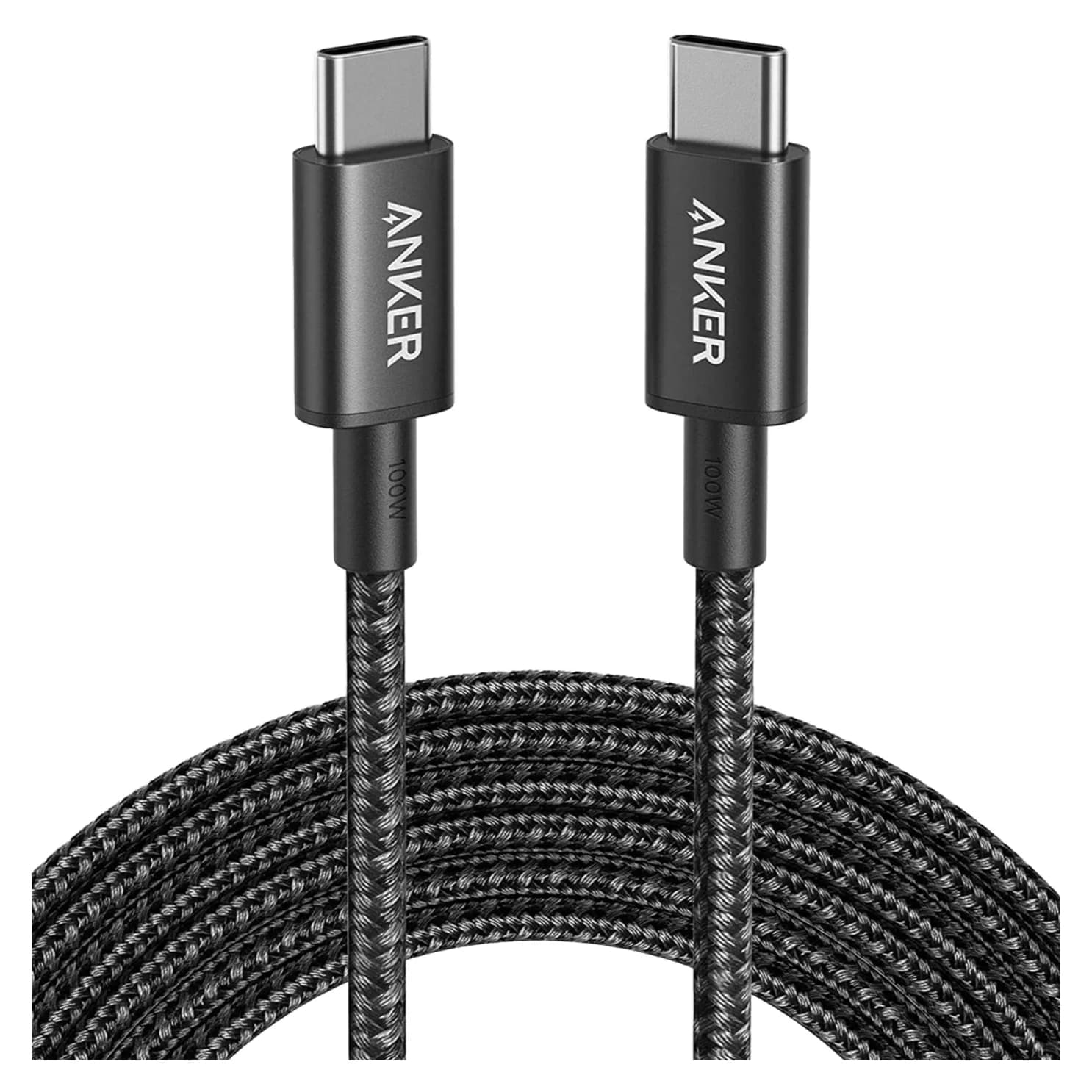
Anker 100W vs Baseus 100W USB-C Cables: Which Should You Buy?
Compare Anker A8758 10 ft with Baseus CAWJ020001 3.3 ft: charging, data, lengths, pack sizes and variant traps, plus how to judge an Anker 100W USB-C cable deal.
Updated November 5, 2026Read
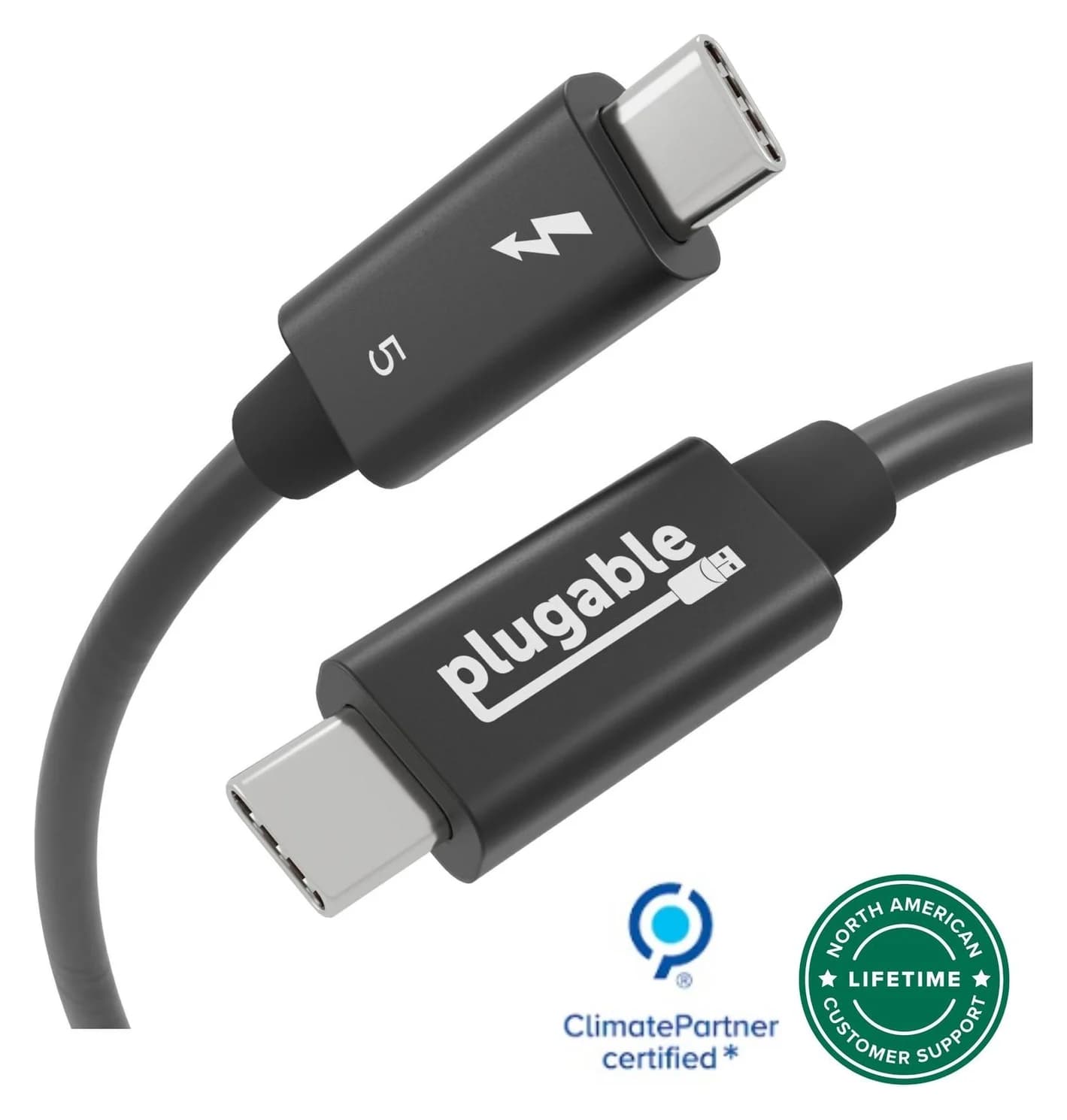
Beats USB-C vs Apple USB-C Cable: Which Should You Buy?
Choose between the Beats USB-C woven cable (60W, USB 2.0) and a full-feature Thunderbolt 5 USB-C cable: charging, data, docks, displays and the exact SKUs.
Updated November 5, 2026Read