Black Friday: the specs to check before you buy
Comparison
Updated November 3, 2026Beats USB-C Cables: 1.5m 60W vs 3m 240W — Which to Buy?
Short answer
For a Beats 10 foot USB-C cable, buy the 3m / 10ft USB-C to USB-C version: it supports up to 240W, while the 1.5m / 5ft version supports up to 60W. Choose the shorter cable when its reach and power rating meet your needs; choose the longer one for a distant outlet or a laptop that needs more than 60W. Both use USB 2.0 data, so the higher wattage is not a data-speed upgrade.
Our picks at a glance
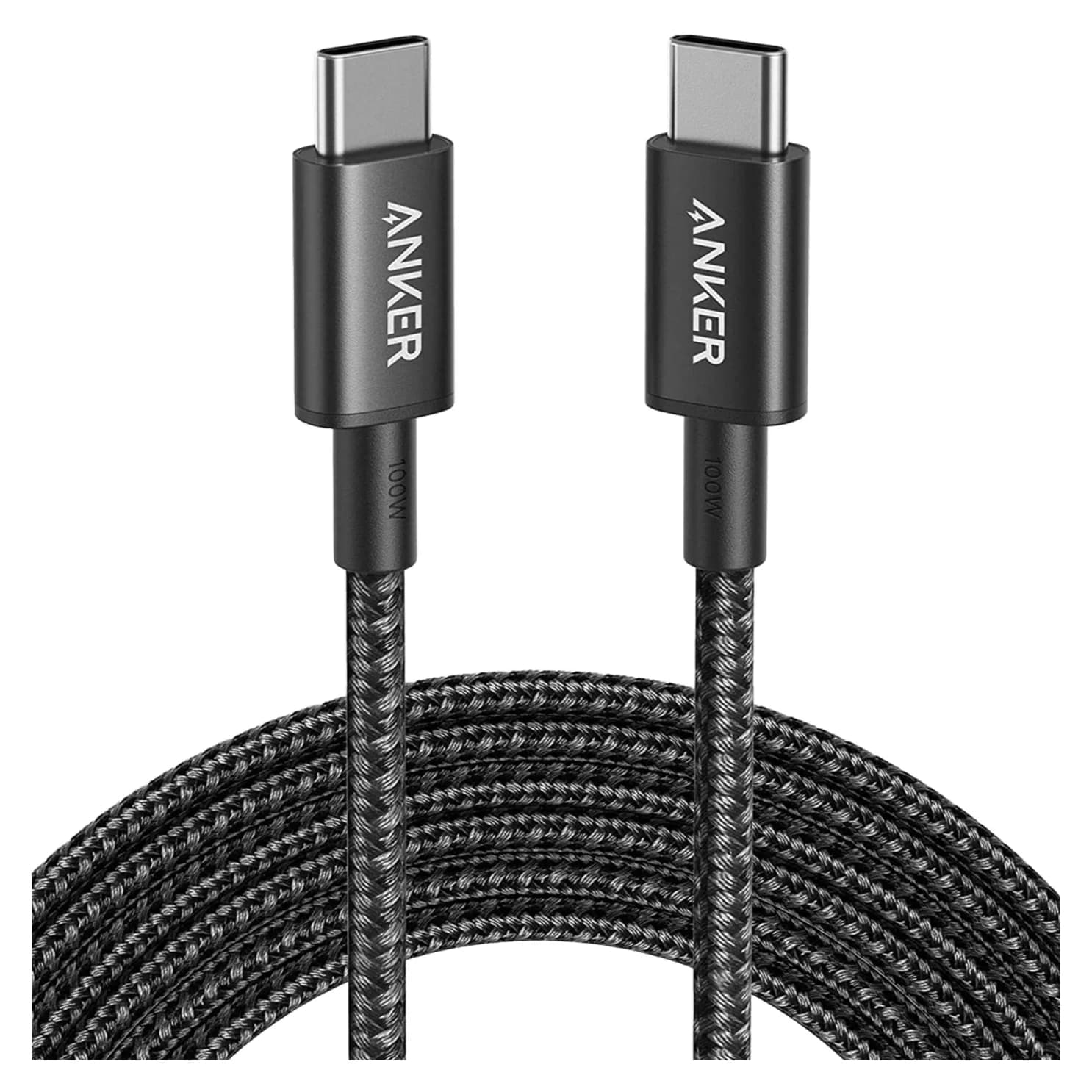
Alternative for charging up to 100WAnker
Anker Nylon USB-C to USB-C 100W Cable (10 ft)
- data
- 480 Mbps
- ends
- USB-C to USB-C
- Choose
- Anker A8758 combines 10 ft reach, up to 100W charging and up to 480 Mbps data; compare the exact selected offer.
- Limit
- 480Mbps data only; no video or fast SSD use
Quick picks
- Long reach or higher-power laptop: Beats 3m / 10ft, 240W.
- Everyday phone, tablet or compatible USB-audio setup: Beats 1.5m / 5ft, 60W, if that length reaches.
- Two charging spots: Beats Bolt Black two-pack, containing two 1.5m, 60W cables.
- Alternative to compare for a lower checkout total: Anker A8758, 10 ft and 100W; choose it only if that power rating is enough.
Beats 1.5m vs 3m: the exact versions
The Beats specifications below come from Apple’s 3m cable, 1.5m cable and two-pack pages; Anker’s figures come from its A8758 page. The SKU column identifies the Bolt Black US versions of the Beats cables.
| Version / exact model | Length per cable | Maximum cable power | Data ceiling | Package / charger |
|---|---|---|---|---|
| Beats single — MHX64LL/A | 3m / 10ft | 240W | USB 2.0 / 480 Mbps | One cable; adapter separate |
| Beats single — MDGA4LL/A | 1.5m / 5ft | 60W | USB 2.0 / 480 Mbps | One cable; adapter separate |
| Beats two-pack — MDGC4LL/A | 1.5m / 5ft each | 60W per cable | USB 2.0 / 480 Mbps | Two cables; adapter separate |
| Anker New Nylon — A8758 | 10 ft | 100W | Up to 480 Mbps | Check selected offer |
USB-IF lists 480 Mbps as the USB 2.0 ceiling; treat that as a capability limit, not a promised file-copy speed. Every cable in the comparison has USB-C connectors at both ends.
Best Beats 10 foot cable: 3m / 240W
Buy this one for the route from a wall outlet to a sofa, bedside table or desk when the shorter cable will not reach. Apple identifies the Bolt Black single cable as MHX64LL/A and rates it for up to 240W, with a reinforced woven design. A USB-C wall adapter is not included.
Its extra power capacity is useful when the shorter cable’s 60W rating would limit your chosen laptop charging setup. For a device whose charging requirements fit within 60W, the reason to choose it is reach; the cable alone does not establish a faster charge. USB-IF explains that USB Power Delivery lets each device request the power it requires.
Check the exact Beats 3m / 240W version at Apple.
Best everyday Beats cable: 1.5m / 60W
Choose the 1.5m / 5ft single cable for a nearby charging point when your device’s required cable power stays within 60W. The Bolt Black US single is MDGA4LL/A. Apple describes a woven cable reinforced against fraying, and specifies USB 2.0 data alongside charging.
Beats also lists CarPlay and Android Auto support for this version. For a car, check the socket as well as the cable length: this pick has USB-C at both ends. If the car’s data port is USB-A, choose a matching connector family instead of buying this cable for its Beats name.
Check the exact Beats 1.5m / 60W single cable at Apple.
Best pack for two charging spots: Beats 1.5m two-pack
MDGC4LL/A is the Bolt Black two-pack: two separate 1.5m cables, each supporting up to 60W and USB 2.0 data. It does not supply a 3m lead, and neither cable becomes a 240W cable because it is bundled. The USB-C power adapter is separate here too.
Choose this pack when you have a use for both cables, such as a bedside charging point and a bag. Compare the delivered pack total with the delivered total for the single cables you actually need. If the spare would sit unused, compare the whole pack against one single cable; dividing by the advertised pack count can hide unnecessary spending.
Check the exact Beats Bolt Black two-pack at Apple.
Alternative for up to 100W: Anker New Nylon A8758
Anker
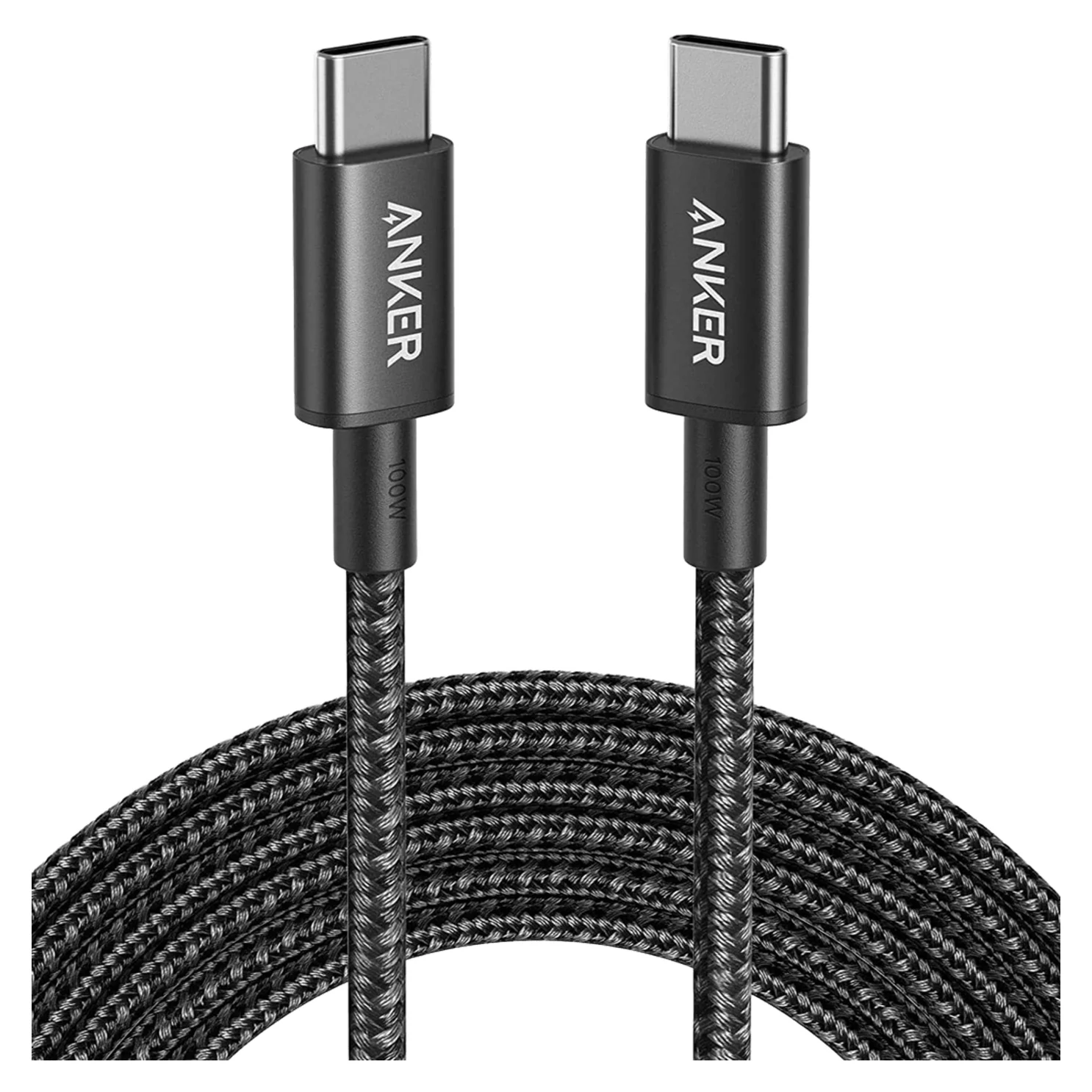
Anker Nylon USB-C to USB-C 100W Cable (10 ft)
A 10 ft braided USB-C to USB-C charging cable rated for 100W, with USB 2.0 data.
- 0.48 Gbps data
Anker’s A8758 is a 10 ft USB-C to USB-C cable rated for up to 100W, with a braided nylon jacket and an e-marker at each end. It is the alternative to compare when you want long reach but do not need the Beats cable’s 240W rating. Choose it on value only if the exact selected offer has a lower delivered total.
Anker specifies up to 480 Mbps data and explicitly excludes video output. Its 100W ceiling also leaves it below a 140W USB-C charging requirement. Match A8758 and 10 ft in the selected offer before ordering; other lengths and packs are outside this comparison.
Check price on Amazon, or compare the manufacturer’s A8758 page.
Match the charger and laptop before choosing wattage
A 240W cable is a capacity rating, not a charger: the device and power source still determine the charging agreement. Pair the Beats cable with a suitable USB-C power adapter; the Beats packages here do not include one. Check the output available from the charger port you will use, then the laptop maker’s charging requirements. For a phone’s fastest charge, check its maker’s charging-protocol and cable-current requirements as well as wattage.
For a concrete example, Apple’s Mac fast-charge page lists a 96W adapter with a USB-C charge cable for the 14-inch MacBook Pro. For a 16-inch MacBook Pro from November 2023 onward, it lists a 140W adapter plus Apple’s 240W USB-C Charge Cable. The shorter Beats cable is below those power requirements; the Anker clears the 96W cable requirement, while the Beats 3m cable clears both on paper. These are comparisons of published power ratings, not measured charging times for these replacement cables.
Source: Apple’s short cable, long cable and two-pack; Anker A8758
For the complete charging setup, see our MacBook Pro charger guide and USB Power Delivery explainer.
USB 2.0 data, monitors and lossless audio
Neither Beats length is a native USB-C monitor or Thunderbolt dock cable. USB-IF says USB 2.0 Type-C cables lack Alt Mode and USB4 capabilities. An external SSD connection is limited to USB 2.0 with these cables, even if the drive supports a faster mode. Keep the appropriate display, dock or SSD cable for those jobs; see our USB-C cable types guide.
USB audio is different: Apple says both Beats cable lengths can carry lossless audio with compatible USB-C Beats headphones or speakers. Beats’ Studio Pro support page gives a concrete example: a compatible USB-C source can provide audio and calls while charging the headphones. Look for explicit USB-audio support on the audio device’s own page before buying a cable for listening.
Connect the cable to an audio source for music; a wall-charging connection is not the USB-audio setup described by Beats. It also does not replace the separate 3.5mm analog cable that Beats documents for Studio Pro.
- Yes: Charging within the selected cable’s power rating
- Yes: USB 2.0 syncing and data transfer
- Partly: Lossless USB audio: the headphones or speaker and source must support it
- No: Native USB-C monitor video or Thunderbolt/USB4 connections
Buying checks for Black Friday and holiday gifts
Before comparing offers, write down the connector at each end, required reach, required power rating and how many cables you will use. Beats sells USB-A to USB-C and USB-C to Lightning families as well as USB-C to USB-C; those names are not interchangeable.
For this comparison, keep the Bolt Black identifiers straight: MHX64LL/A for the long single, MDGA4LL/A for the shorter single and MDGC4LL/A for the shorter two-pack. After changing a color or quantity selector, recheck the final connector, length, wattage and package description. A color preference should come after those requirements.
Compare the delivered total per useful cable, including any adapter you still need. For a gift, verify the recipient’s device port and the charger they already use, then check the selected seller’s delivery estimate and return terms at checkout. A seasonal promotion is a reason to recheck the exact variant, rather than assume that every length or pack is included.
How we choose
Our picks come from the official Apple and Beats pages for each length and package, Anker’s model-specific page, USB-IF’s cable guidance and Apple’s charging support documentation. We recommend the cable whose published connector, reach and power rating fit the job, and distinguish a device’s charging compatibility from its USB-audio or display features.
For a broader shortlist, use our best USB-C cables for fast charging.
Verdict
Buy Beats 3m / 240W for the 10 foot version or a higher-power laptop charging path. Buy the 1.5m / 60W single when it reaches and meets your power needs, or the two-pack when both shorter cables have a job. Compare Anker A8758 for long reach up to 100W if the exact offer costs less. For native USB-C video or faster-than-USB-2.0 data, choose a cable specified for that purpose.
Frequently asked questions
Which Beats cable is the 10 foot version?
It is the 3m USB-C to USB-C woven cable, rated for up to 240W charging with USB 2.0 data. The Bolt Black US SKU is MHX64LL/A, and the maker lists it as a single cable. The 1.5m / 5ft version is a different 60W product; its Bolt Black single-cable SKU is MDGA4LL/A.
Will the 240W Beats cable charge my phone faster than the 60W cable?
The cable rating alone does not establish a faster charge. USB Power Delivery lets a device request the power it needs, and the charger must supply it. If your phone and charger already operate within the shorter cable’s 60W rating, choose the 3m version for extra reach rather than an assumed charging-speed improvement.
Can I use the Beats USB-C cable for a monitor or external SSD?
Both Beats lengths carry USB 2.0 data, whose ceiling is 480 Mbps. An SSD connection is therefore limited to USB 2.0 rather than its faster USB modes. USB-IF says USB 2.0 Type-C cables lack Alt Mode and USB4 capabilities, so these are unsuitable replacements for a native USB-C video cable or Thunderbolt dock cable.
Can I use the Beats cable for lossless USB audio?
Apple says these cables can carry lossless audio with compatible USB-C Beats headphones or speakers. Check the audio device’s own USB-audio support: Beats Studio Pro, for example, can play audio and take calls while charging from a compatible USB-C source. A charging compatibility list alone is not a promise of wired audio on every listed device.
Is the Beats two-pack two 3m cables?
The Bolt Black two-pack, MDGC4LL/A, contains two separate 1.5m / 5ft USB-C to USB-C cables. Apple rates each for up to 60W and USB 2.0 data. It is neither a 3m cable nor a 240W bundle, and it does not include a USB-C power adapter. Choose it only if both shorter cables are useful.
Which length should I buy for a MacBook Pro?
For the Apple charging combinations discussed here, choose the 3m Beats cable over the 60W shorter version. Apple lists a 96W adapter for fast charging a 14-inch MacBook Pro and a 140W adapter with its 240W USB-C cable for a 16-inch from November 2023 onward. The Beats 3m cable clears those cable power requirements on paper; this is not a measured charging-time claim.
Related guides
Best Link Cables for Meta Quest 3: USB-C Specs That Actually Work
The best link cable for Quest 3 and older Quest headsets: Meta's own fiber cable, a charge-while-playing pick, and long active cables, per Meta's USB rules.
Updated November 8, 2026Read
Anker 100W vs Baseus 100W USB-C Cables: Which Should You Buy?
Compare Anker A8758 10 ft with Baseus CAWJ020001 3.3 ft: charging, data, lengths, pack sizes and variant traps, plus how to judge an Anker 100W USB-C cable deal.
Updated November 5, 2026Read
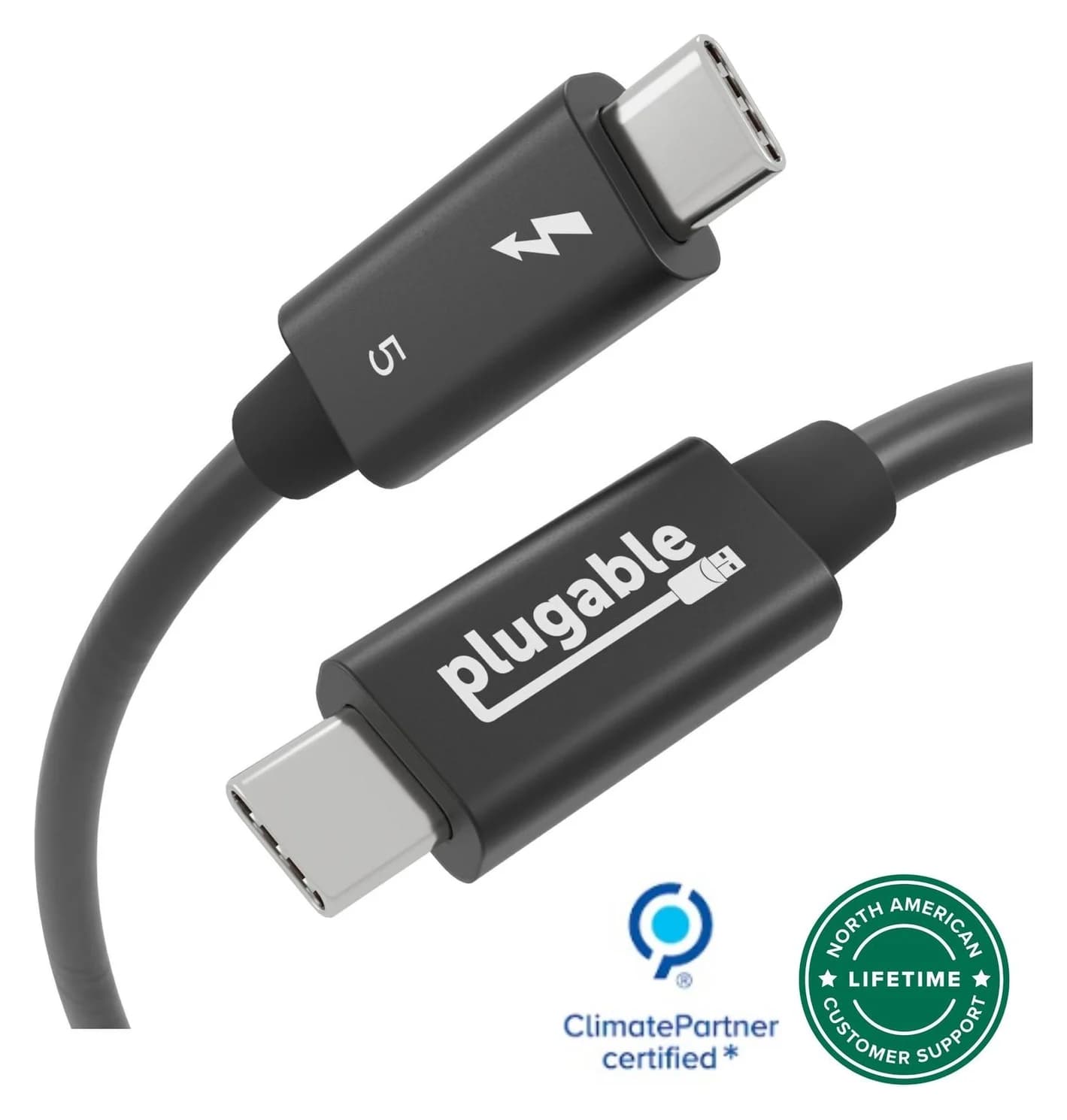
Beats USB-C vs Apple USB-C Cable: Which Should You Buy?
Choose between the Beats USB-C woven cable (60W, USB 2.0) and a full-feature Thunderbolt 5 USB-C cable: charging, data, docks, displays and the exact SKUs.
Updated November 5, 2026Read