Black Friday: the specs to check before you buy
Best picks
Updated November 3, 2026Best MacBook Pro Charger in 2026: M6, M5 Pro and M5 Max
Short answer
The best charger for most MacBook Pro owners is the Anker 140W 4-Port: on its own, one USB-C port delivers up to 140W, the line a current 16-inch needs to fast charge, and with an iPhone on its smaller USB-C port it still gives the Mac up to 100W, above the 96W Apple lists for fast charging a 14-inch. For something smaller on a 14-inch, the Anker Prime 100W clears that 96W line from either USB-C port. The trap is the USB-C cable: a standard 60W cable caps any charger at 60W, and 140W needs an EPR cable (USB-IF certifies those as 240W), while the MagSafe 3 cable in the box handles 96W and 140W.
Our picks at a glance
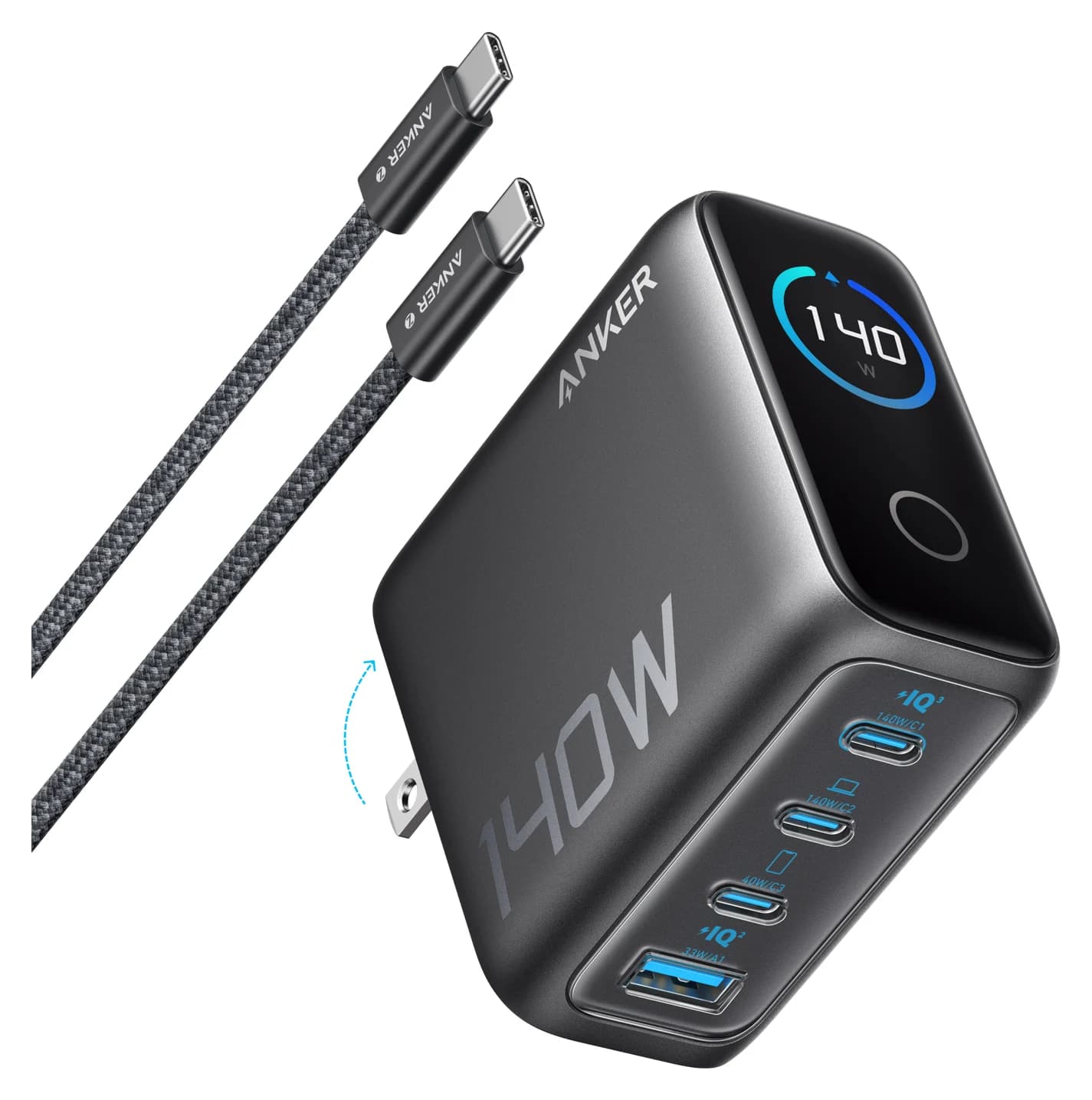
Best overallAnker
Anker Charger (140W, 4-Port, PD 3.1)
- max output
- 140W
- ports
- 4
- Choose
- One USB-C port delivers up to 140W, the 16-inch's fast-charge line, and its 100W + 40W split meets Apple's fast-charge wattage for a 14-inch and an iPhone 17 at once.
- Limit
- Desk-sized rather than pocket-sized
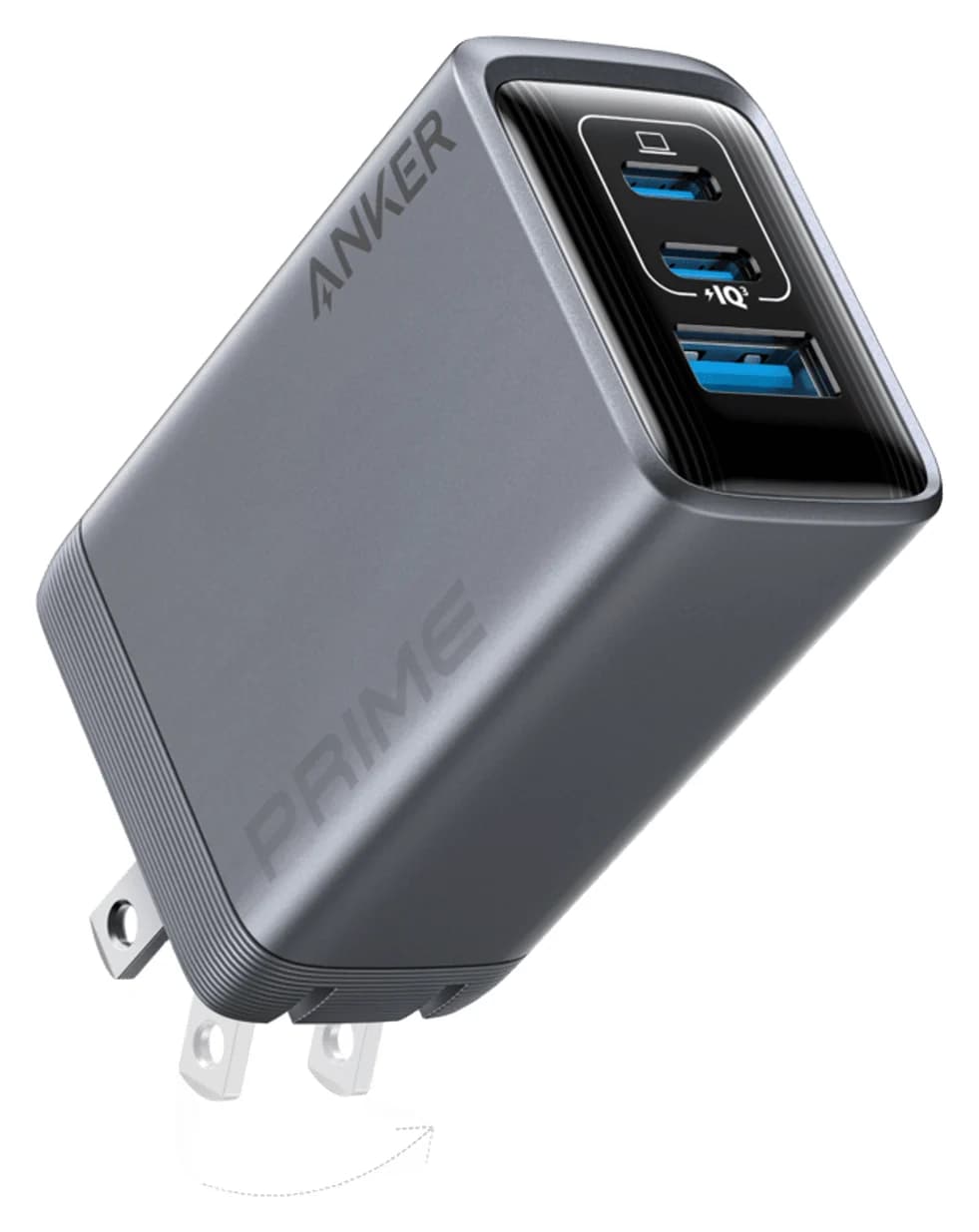
Best compact charger for the 14-inchAnker
Anker Prime Charger (100W, 3 Ports, GaN)
- max output
- 100W
- ports
- 3
- Choose
- Either USB-C port delivers up to 100W on its own, above the 96W Apple lists for fast charging a current 14-inch MacBook Pro, in a 6-ounce body.
- Limit
- Needs a 5A e-marked cable to deliver more than 60W
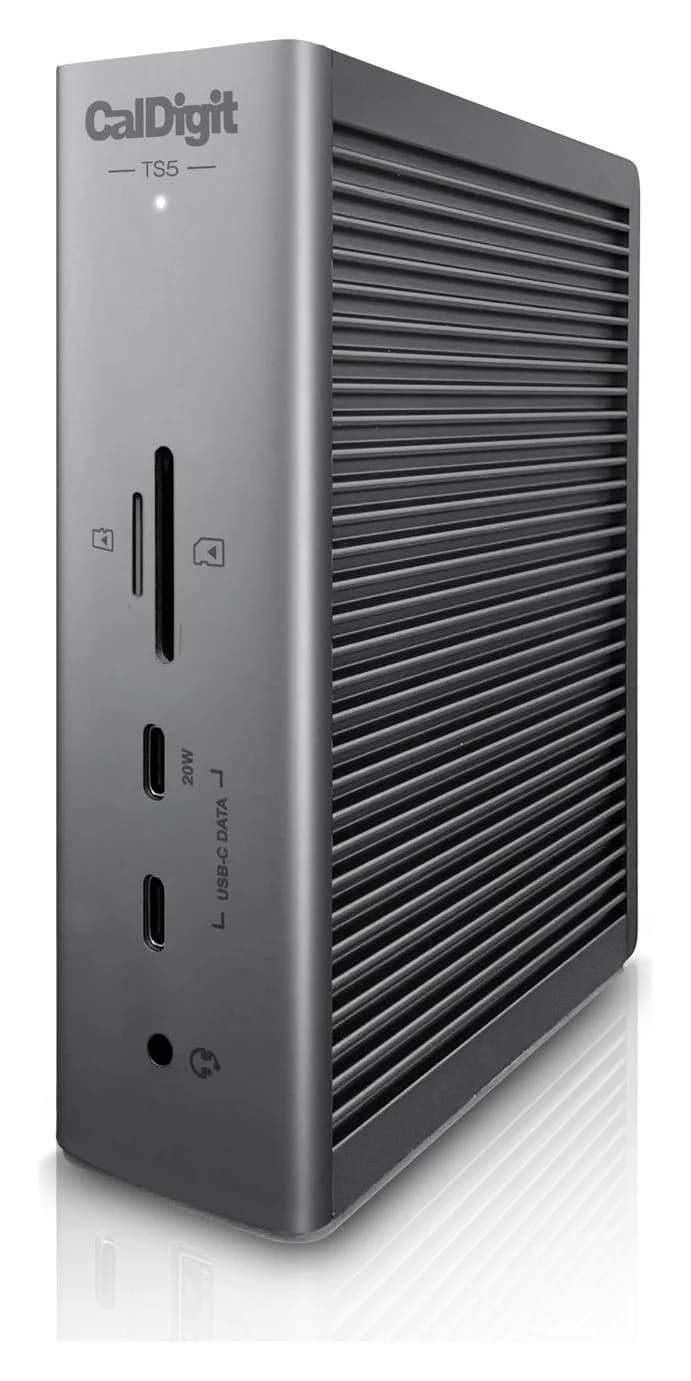
Best for a deskCalDigit
CalDigit TS5 Thunderbolt 5 Dock
- to laptop
- 140W
- data
- 80 Gbps
- ports
- 15
- Choose
- Up to 140W to the Mac through its Thunderbolt 5 host port, and CalDigit says the TS5 keeps the full 140W as you connect more devices.
- Limit
- No HDMI or DisplayPort; displays connect through Thunderbolt/USB-C
- See on Amazon4
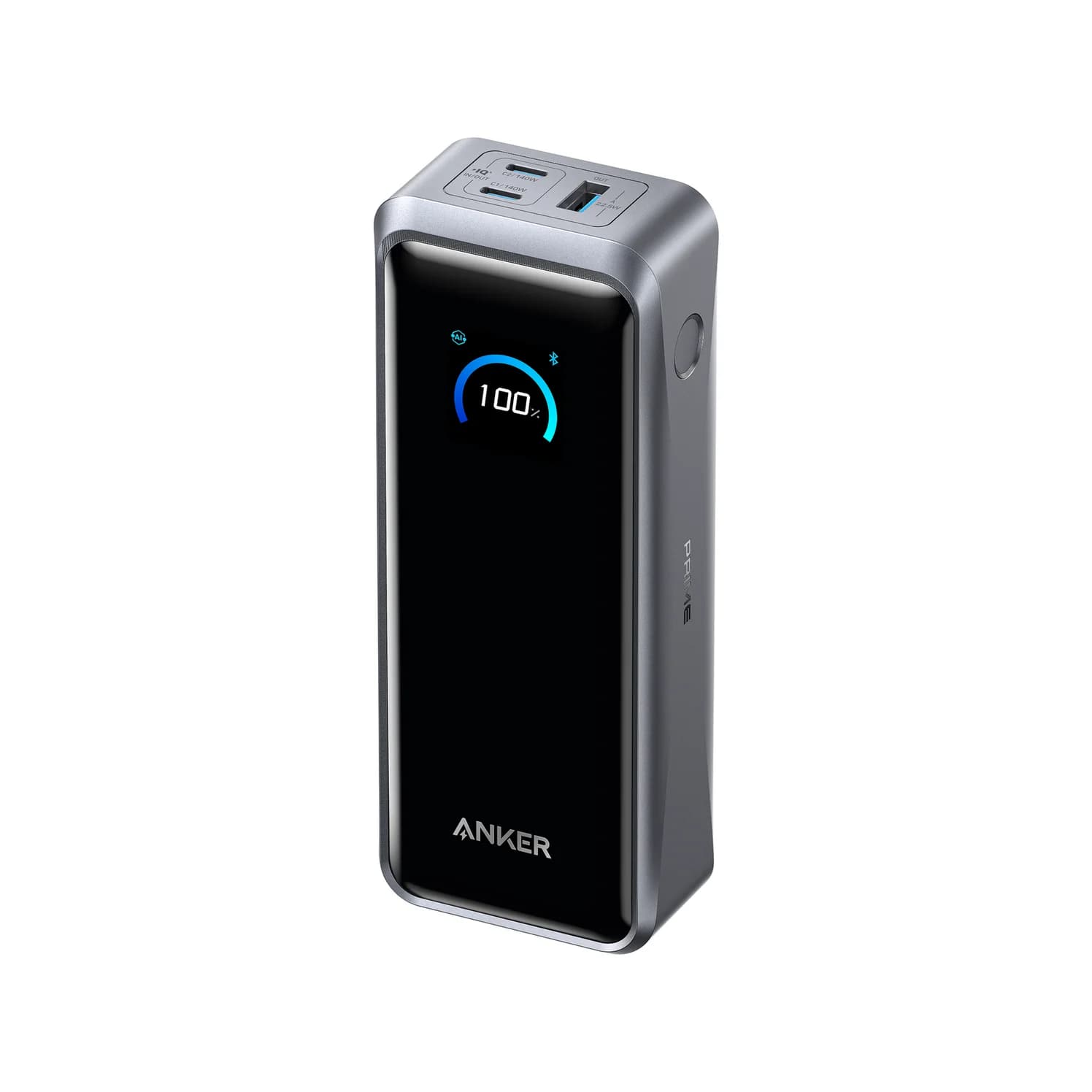
Best power bank
Anker Prime Power Bank (26K, 300W)
140W max output · 3 ports
- See on Amazon5
Best cable for 140W over USB-C
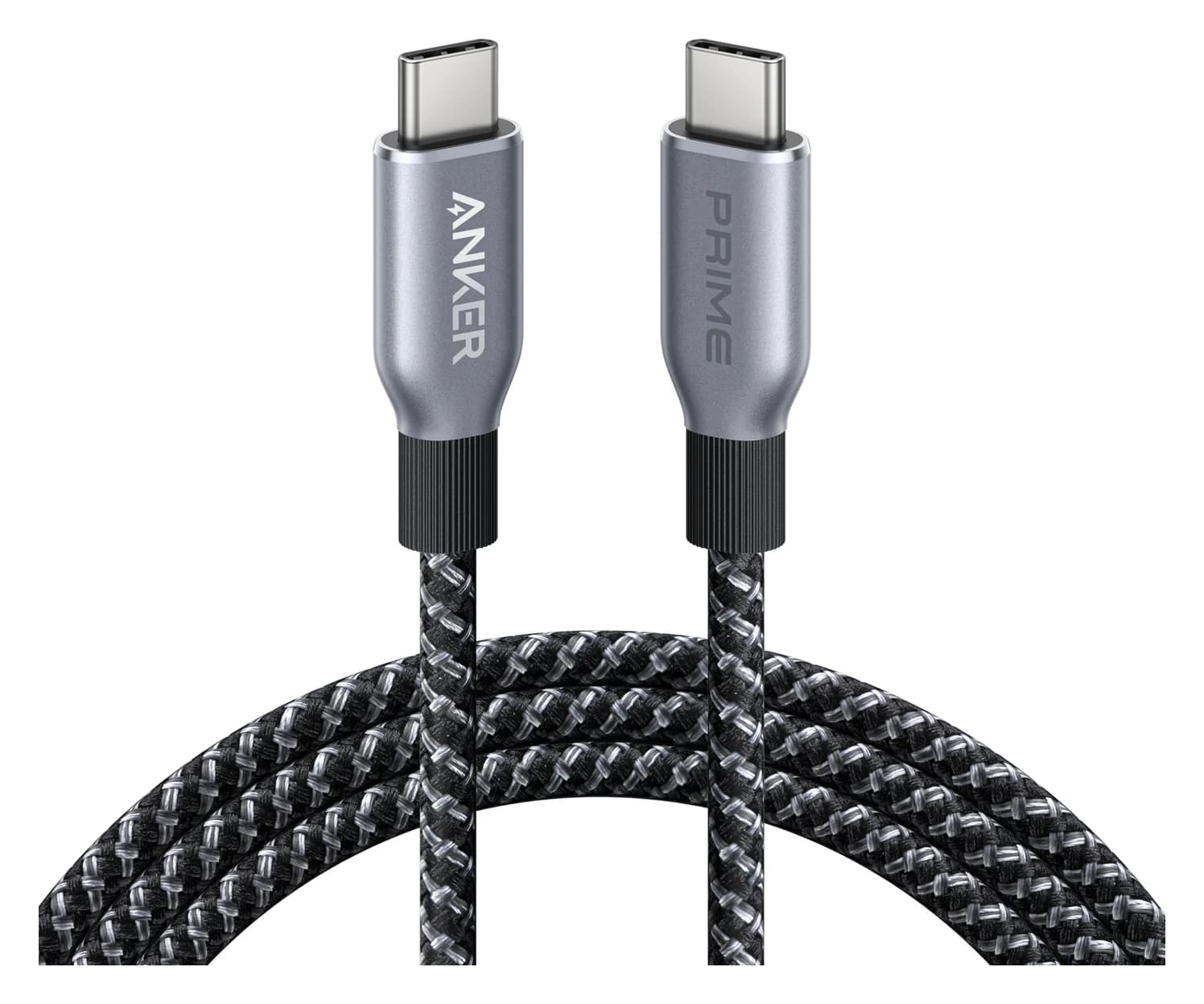
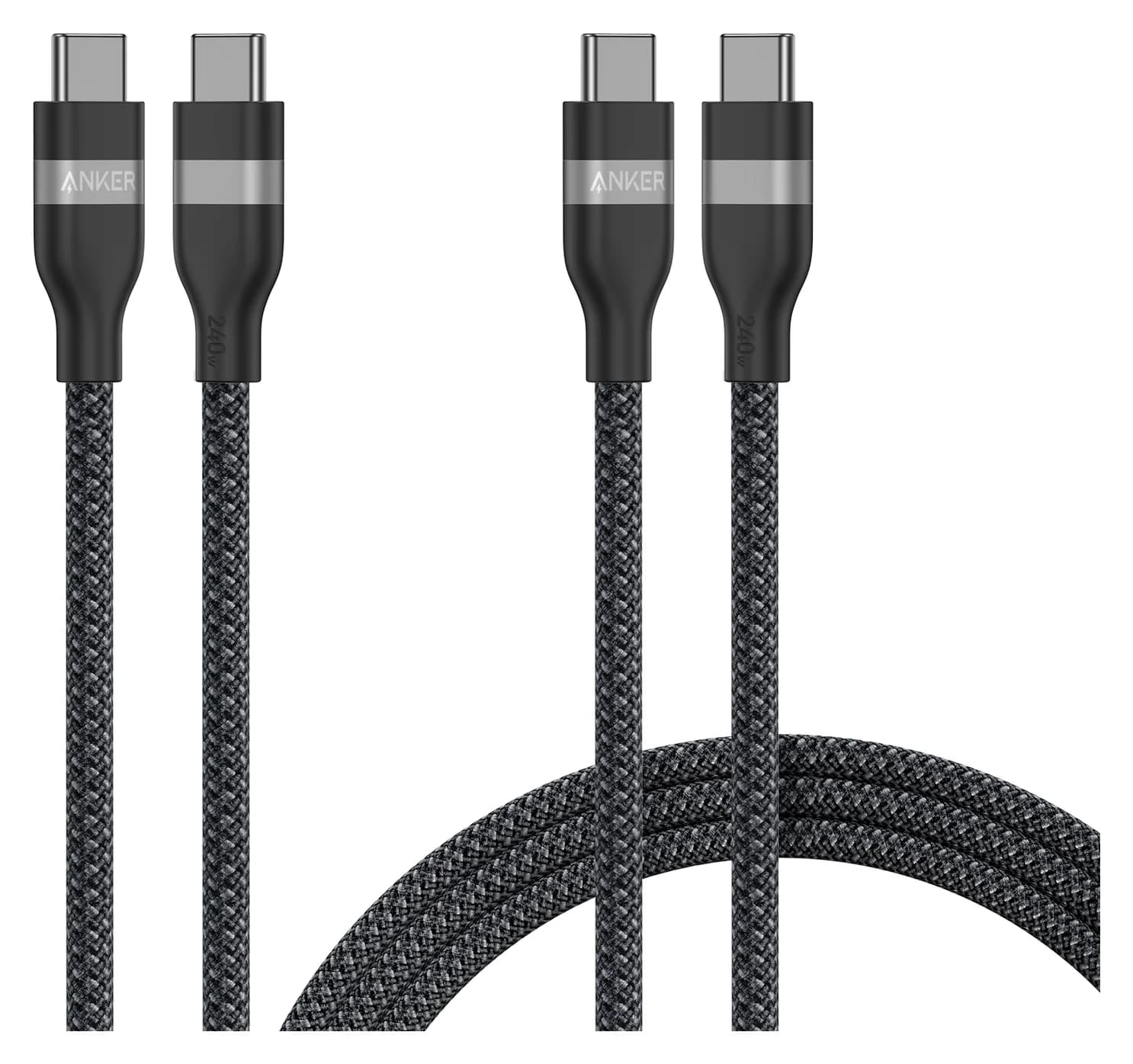
Anker Prime USB-C to USB-C Cable (240W, Upcycled-Braided, 6 ft)
0.48 Gbps data
- 96WThe USB PD power Apple's spec pages list for fast charging a current 14-inch MacBook Pro
- 140WThe same line for a current 16-inch
- 50%Apple's fast-charge figure: up to 50% in around 30 minutes, with a power source and cable that qualify
Quick picks
| Pick | Best for | Most it gives the Mac |
|---|---|---|
| Anker 140W 4-Port | Best overall | 140W alone; 100W with a phone on USB-C3 |
| Anker Prime 100W (3-port) | Best compact charger for the 14-inch | 100W from either USB-C port alone |
| CalDigit TS5 | Best for a desk | Up to 140W over Thunderbolt 5 |
| Anker Prime Power Bank (26K) | Best power bank | Up to 140W per USB-C port |
| Anker Prime 240W cable | Best cable for 140W over USB-C | Rated for 240W |
Which pick for your MacBook Pro?
| Your MacBook Pro | Our pick | Cable to use |
|---|---|---|
| 14-inch (M6, M5 Pro or M5 Max) | Anker Prime 100W, or the Anker 140W 4-Port to share with a phone | The MagSafe 3 cable from the box, or a 100W or 240W USB-C cable |
| 16-inch (M5 Pro or M5 Max) | Anker 140W 4-Port, with nothing else plugged in | The MagSafe 3 cable from the box, or the 240W cable Anker includes |
| Any current model, at a desk | CalDigit TS5 | Its 1m Thunderbolt 5 cable |
| Any current model, away from an outlet | Anker Prime Power Bank | Its 240W cable |
What charger comes with your MacBook Pro?
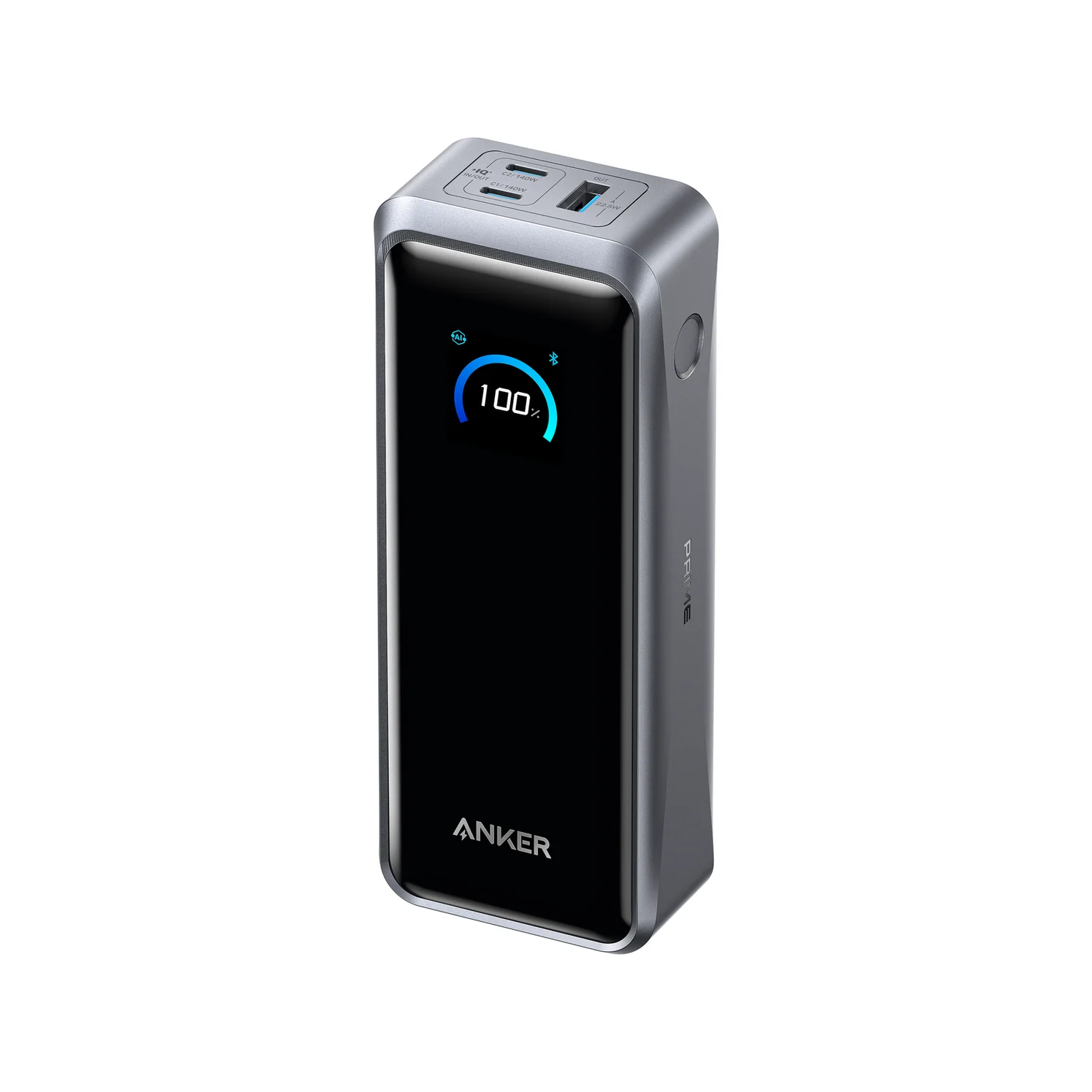
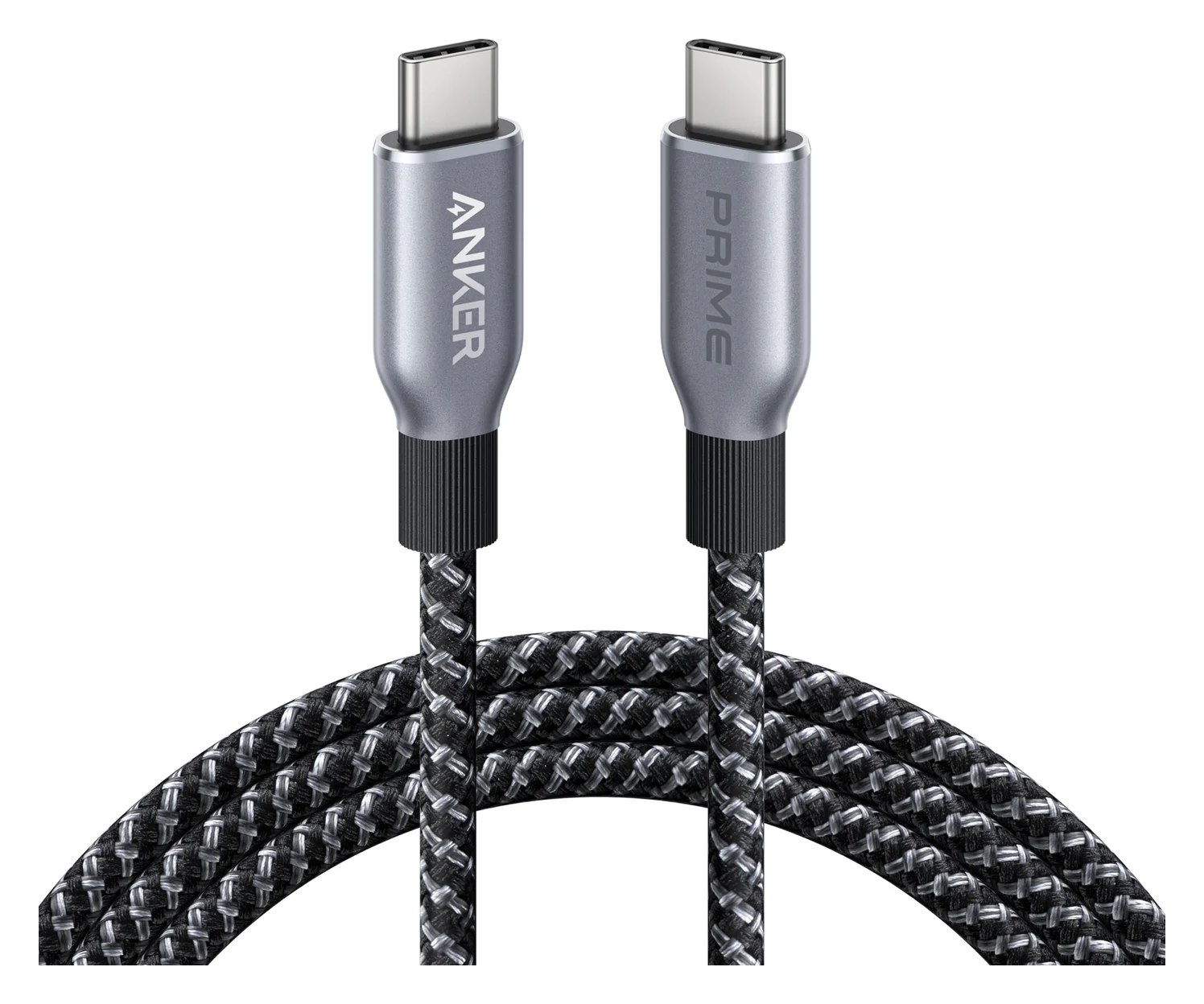
From Apple's tech specs for the MacBook Pro with Liquid Retina XDR display and the new MacBook Pro with PROLED XDR display:
| MacBook Pro | Adapter in the box (US) | Fast charging needs |
|---|---|---|
| 14-inch, M6 | 70W | 96W or higher |
| 14-inch, M5 Pro with 15-core CPU | 70W | 96W or higher |
| 14-inch, M5 Pro with 18-core CPU, or M5 Max | 96W | 96W or higher |
| 16-inch, M5 Pro or M5 Max | 140W | 140W or higher |
Every model also comes with a 2 m USB-C to MagSafe 3 cable. That's the US box: Apple's UK spec pages list the power adapter as sold separately. The PROLED XDR models (M5 Pro or M5 Max only) get the same wattages as the matching rows. They and the M6 arrive from November 6, per Apple's M6 and PROLED XDR announcements. Apple's tech specs list the 96W adapter as "configurable with M5 Pro with 15-core CPU". Older 14- and 16-inch models from 2021 on fast charge with the same Apple adapters, per its fast charge page.
Apple's spec pages also give a lower number, the "minimum wattage recommended to charge the device", separate from fast charging: 60W for the 14-inch M6, 70W for the 14-inch M5 Pro and M5 Max, and up to 94W for the 16-inch, depending on the model. Apple's charging page says to deliver at least that for the best experience, and when the wattage is too low for your Mac, macOS Tahoe 26.4 or later shows "Slow Charger" in the battery menu.
Source: Apple's MacBook Pro tech specs, plus Anker's and CalDigit's spec pages
96W vs 140W: what actually changes
Apple draws two lines: every current 14-inch model, whether M6, M5 Pro or M5 Max, is "fast-charge capable with 96W or higher USB PD power source", and every current 16-inch with 140W or higher. Fast charging means up to 50% in around 30 minutes. Apple's fast charge page lists no power adapter below those lines. A smaller charger can be slower, and Apple warns that a low-wattage adapter can give a Mac "enough power to run, but not enough power to charge the battery", while hard work can use more power than the charger provides.
Apple doesn't promise a 14-inch more past the line: its fast charge page gives the same figure for its 96W and 140W adapters. Higher wattage is safe. Apple's power adapter page says a Mac that charges over USB-C can use any USB-C power adapter that supports USB Power Delivery, "even if it provides higher or lower wattage than the adapter recommended for your Mac."
The 16-inch is stricter. Apple's fast-charge list for it names only the 140W USB-C Power Adapter and the Studio Display XDR, but its spec page says the 16-inch is "fast-charge capable with 140W or higher USB PD power source". A third-party 140W charger meets that spec; Apple just doesn't name one or publish a time for it. That's what "on paper" means on this page.
MagSafe 3 vs USB-C charging
Every current MacBook Pro has MagSafe 3, and each of its three Thunderbolt ports can charge it too. From Apple's charging page and fast charge page:
- The Mac charges over one port at a time, using the source that provides the most power, so MagSafe and USB-C together don't charge it faster.
- The 14-inch fast charges either way: Apple lists its 96W and 140W adapters with a "USB-C to MagSafe 3 Cable or USB-C charge cable".
- The 16-inch is pickier over USB-C. Apple pairs its 140W adapter with the MagSafe 3 cable, or with its 240W USB-C Charge Cable on 16-inch models from November 2023 or later. On earlier 16-inch models, Apple lists its 140W adapter with MagSafe 3 only.
- MagSafe leaves all three Thunderbolt ports free, and its light glows amber while charging and green when the battery is full.
- Yes: MagSafe 3 cable from the box with a 96W or higher adapter: fast charges a 14-inch
- Yes: MagSafe 3 cable from the box with Apple's 140W adapter: fast charges a 16-inch
- Yes: Apple's 140W adapter and 240W USB-C Charge Cable: fast charges a 16-inch from November 2023 or later
- Partly: 100W USB-C cable: enough for a 14-inch, but caps a 16-inch at 100W
- No: 60W USB-C cable: tops out at 60W, below every MacBook Pro's fast-charge line
- No: MagSafe and USB-C plugged in together: no faster, the Mac uses one source
Do you need a 240W cable?
For 140W over USB-C to a 16-inch (Apple lists that for models from November 2023 on), you need an EPR cable; for a 14-inch's 96W line, a 100W cable is enough. In USB Power Delivery terms:
- Up to 60W: any standard USB-C to USB-C cable. USB-IF's compliance program now labels these cables 60W or 240W; 240W replaced the older 100W class.
- Up to 100W: a 240W cable, or an older 100W cable if you have one. Before Extended Power Range (EPR), USB-IF says USB PD "was limited to 100W using a solution based on 20V using USB Type-C cables rated at 5A". The 14-inch's 96W line sits here.
- Above 100W: an EPR cable, which USB-IF certifies as 240W. USB PD 3.1 added 28V, 36V and 48V for up to 140W, 180W and 240W.
The MagSafe 3 cable in the box isn't the bottleneck; your spare USB-C cable might be.
A 240W rating doesn't mean fast data, either. The Anker Prime 240W cable below is USB 2.0, and Anker says it doesn't support screen mirroring. If one cable from a dock or display has to carry 140W plus video or fast data, use a certified Thunderbolt cable rated for 240W, such as the Plugable Thunderbolt 5 cable (80Gbps, 240W, 1m). Our USB-C cable types explainer shows how to read the markings.
Best overall: Anker 140W 4-Port
Anker
Anker Charger (140W, 4-Port, PD 3.1)
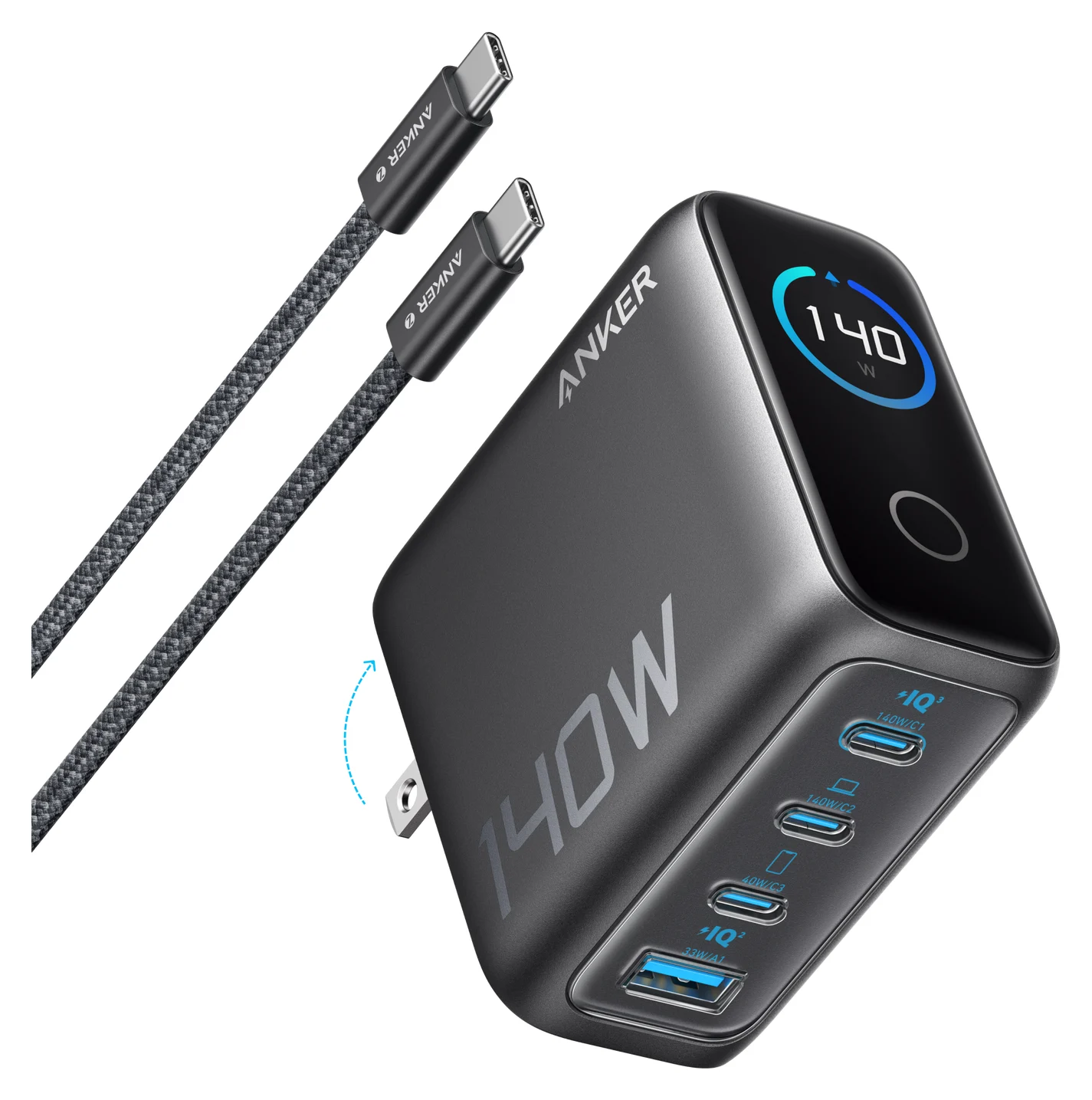
A 140W USB PD 3.1 GaN charger with three USB-C ports, one USB-A port and a smart status display, sold with a 240W USB-C cable.
- 140W max output
- 4 ports
This is the one charger here that fits every current MacBook Pro. Anker rates USB-C1 and USB-C2 at up to 140W each on their own (28V at 5A, USB PD 3.1), which meets the 16-inch's 140W line on paper and is well above the 14-inch's 96W.
The port table is why it's the best overall pick. With the Mac on USB-C1 or USB-C2 and a phone on USB-C3, Anker gives 100W + 40W. That keeps a 14-inch above Apple's 96W line, and 40W is what Apple lists for the iPhone 17, 17 Pro and 17 Pro Max to charge up to 50% in around 20 minutes. Two laptops on USB-C1 and USB-C2 get 70W each, and four devices share 134W.
The catch for 16-inch owners: with any other port in use, the Mac's port drops to 100W or less, below the 140W line. Anker also says to unplug unused cables, which can limit the other ports, and that over-temperature protection may lower the output as temperatures rise. A 5 ft 240W USB-C cable comes in the box for 140W over USB-C (16-inch, November 2023 or later). At 2.72 x 2.72 x 1.42 inches, it's a desk or bag charger. USB-C3 tops out at 40W, so an iPhone 18 Pro won't get Apple's fastest figure from it; our iPhone charger guide explains why.
See the Anker 140W 4-Port on Amazon
Best compact charger for the 14-inch: Anker Prime 100W (3 ports)
Anker
Anker Prime Charger (100W, 3 Ports, GaN)
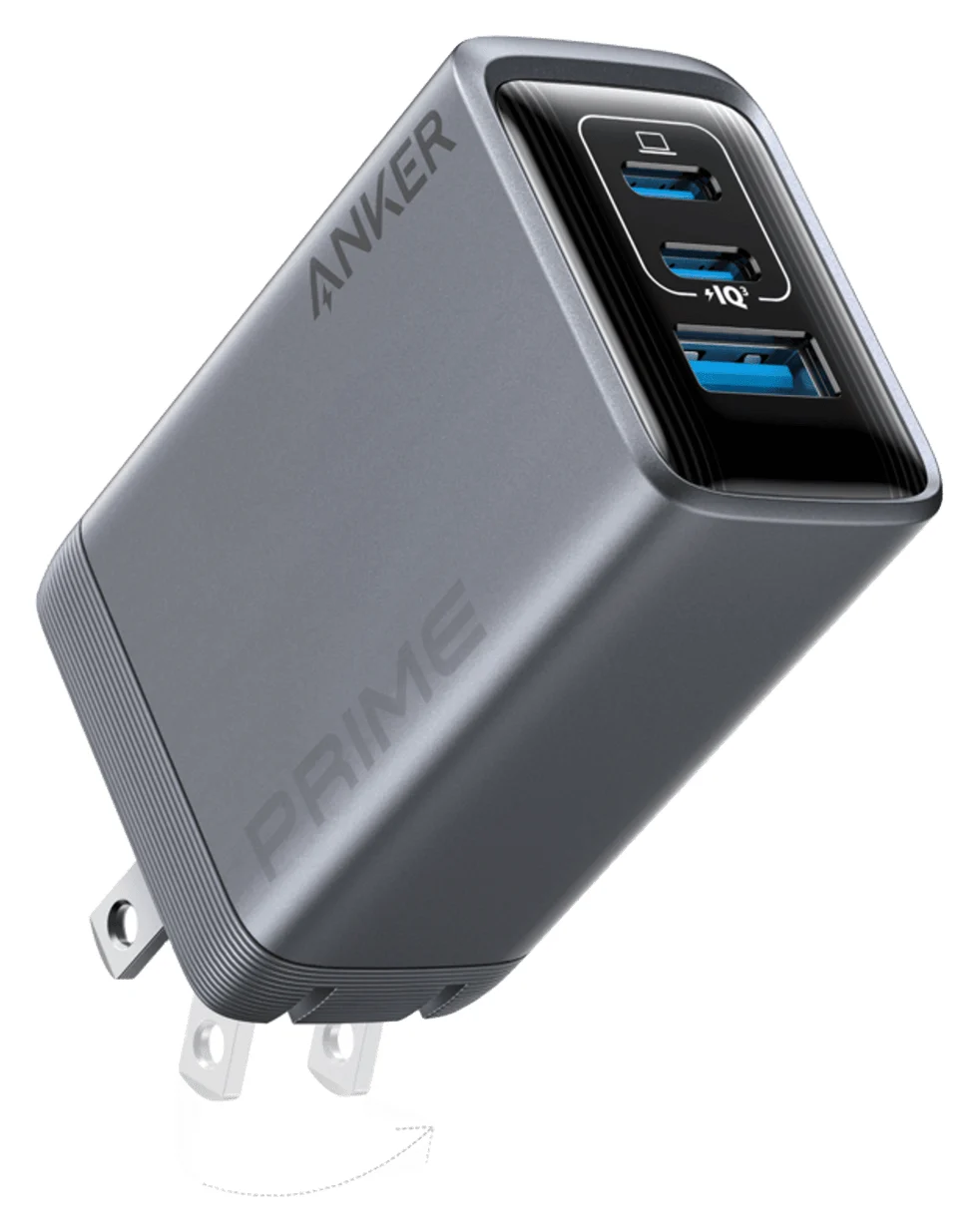
A 100W GaN wall charger with two USB-C ports and one USB-A port and a foldable plug.
- 100W max output
- 3 ports
A 14-inch MacBook Pro fast charges from 96W, and the Anker Prime 100W covers that in 1.7 x 1.1 x 2.7 inches and 6 ounces. Either USB-C port delivers up to 100W on its own (20V at 5A), above Apple's line for every 14-inch model, and there's a USB-A port too.
Two limits. Anker's support page gives the split with two devices: 65W + 35W across the two USB-C ports, 65W + 22.5W for USB-C1 and the USB-A port, and 12W each for USB-C2 and USB-A, so the Mac drops below the 96W line as soon as anything else charges. And no cable comes in the box: use the MagSafe 3 cable from your MacBook Pro, or a 100W or 240W USB-C cable. It won't fast charge a 16-inch, which needs 140W. It's also our pick in the MacBook Air charger guide.
See the Anker Prime 100W on Amazon
Best for a desk: CalDigit TS5
CalDigit
CalDigit TS5 Thunderbolt 5 Dock
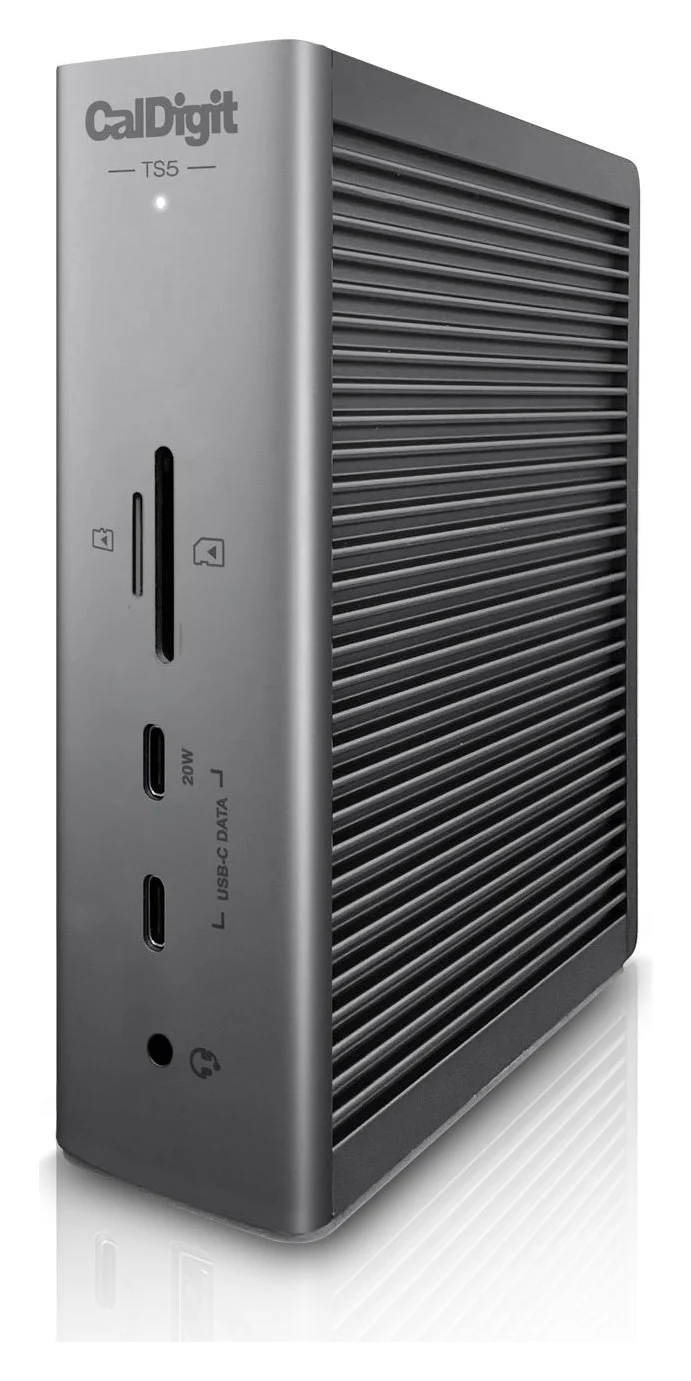
A 15-port Thunderbolt 5 dock with three downstream 80Gb/s Thunderbolt 5 ports, 2.5GbE, UHS-II readers and 140W laptop charging.
- 140W PD passthrough
- 80 Gbps data
- Via Thunderb video
- 15 ports
At a desk, a Thunderbolt dock can be the charger; the TS5 makes the clearest promise. CalDigit says it charges a laptop at up to 140W through its Thunderbolt 5 host port, and that its power supply "will always provide the full 140W power delivery, and will never drop that performance even when new devices are connected". A laptop that needs less gets only what it requires.
CalDigit lists Thunderbolt 5, Thunderbolt 4 and USB4 hosts as compatible, including M6, M5 Pro and M5 Max Macs on macOS 15 or later, and includes a 1m Thunderbolt 5 cable. Like any 140W source, it meets the 16-inch's line on paper; Apple's list names no docks. Our MacBook Pro dock guide covers its ports and monitor support.
See the CalDigit TS5 on Amazon
Best power bank: Anker Prime Power Bank (26K, 300W)
Anker
Anker Prime Power Bank (26K, 300W)
A 26,250mAh (99.75Wh) power bank with two 140W USB-C ports and a USB-A port, rated up to 300W total and 250W recharge input.
- 140W max output
- 3 ports
This is the one power bank we cover that reaches the 16-inch's 140W line. Anker rates each of its two USB-C ports at up to 140W (28V at 5A) and the bank at 300W across all three ports, from 26,250mAh (99.75Wh). That meets the 16-inch's line on paper.
A 3.3 ft 240W USB-C cable comes in the box, and the USB-A port adds up to 22.5W for a phone. At 1.32 lb (600 g) it's a bag item. Our power bank guide covers smaller banks and flying.
See the Anker Prime Power Bank on Amazon
Best cable for 140W over USB-C: Anker Prime 240W
Anker
Anker Prime USB-C to USB-C Cable (240W, Upcycled-Braided, 6 ft)
A 6 ft USB-IF certified USB-C cable rated for 240W (USB PD 3.1 EPR) charging with USB 2.0 data.
- 0.48 Gbps data
To charge a 16-inch (November 2023 or later) at 140W through a Thunderbolt port instead of MagSafe, the cable has to support EPR, and USB-IF certifies those cables as 240W. Anker lists this one as USB-IF certified and rated for 240W, in 3 ft or 6 ft. It's also the cable to add to a charger sold without one, like the Anker Prime 100W.
It's a charging cable first: Anker lists USB 2.0 data at 480 Mbps and says it "does not support screen mirroring". For a display or fast SSD, use a certified Thunderbolt cable like the Plugable above. Our fast-charging cable guide compares more options.
See the Anker Prime 240W cable on Amazon
How we choose
We haven't put these chargers on a test bench. Our picks come from research:
- Apple's own numbers first. In-box adapters, fast-charge lines, minimum wattages and cable rules come from Apple's MacBook Pro tech specs and support pages, linked above.
- Manufacturer spec sheets. Outputs, port splits and box contents come from Anker's, CalDigit's and Plugable's product and support pages.
- Standards. We check each pick against USB Power Delivery and USB-IF's cable ratings. Our USB Power Delivery explainer covers the details.
Buying tips
Check what you're getting. Hold Option, choose Apple menu > System Information, then Power, and macOS shows the connected adapter's wattage under AC Charger Information.
Want Apple's own adapter? Get its 96W or 140W for a 14-inch, or its 140W for a 16-inch; the 70W in the box with the M6 and the 15-core M5 Pro charges below the 96W line. For more multi-port options, see our best USB-C chargers.
Verdict
Buy the Anker 140W 4-Port if you want one charger for any current MacBook Pro: 140W on its own for a 16-inch, or 100W plus 40W for a 14-inch and an iPhone. The Anker Prime 100W is the compact one-device fast charger for a 14-inch. At a desk, the CalDigit TS5 charges at up to 140W over one cable, and the Anker Prime Power Bank is the bank we cover that reaches 140W. For 140W over USB-C on a 16-inch from November 2023 on, use a 240W cable such as the Anker Prime 240W.
Frequently asked questions
Does the M6 MacBook Pro come with a charger?
Yes, in the US. The 14-inch MacBook Pro with M6 comes with Apple's 70W USB-C Power Adapter and a 2 m USB-C to MagSafe 3 cable (in the UK, Apple lists the power adapter as sold separately). That charges it, but it won't fast charge it: Apple says the M6 needs a 96W or higher USB PD power source, such as its 96W adapter, to charge up to 50% in around 30 minutes.
Do I need a 240W cable for a MacBook Pro?
For 140W over USB-C to a 16-inch, which Apple lists for models from November 2023 on, you need a cable that supports Extended Power Range (EPR): USB Power Delivery stops at 100W without one, and USB-IF certifies EPR cables as 240W. Over MagSafe 3, the cable in the box already handles 140W. A 14-inch fast charges from 96W, so for fast charging a 240W cable or an older 100W cable works, but a 60W cable doesn't.
Can I use a 100W charger on a 16-inch MacBook Pro?
Yes. Apple says a Mac that charges over USB-C can use any USB-C power adapter that supports USB Power Delivery, even one with lower wattage than the adapter it recommends, and 100W is above the minimum wattage Apple lists for every current 16-inch model. It just won't fast charge: Apple's figure of up to 50% in around 30 minutes needs a 140W or higher USB PD power source on the 16-inch.
Is a 140W charger worth it for a 14-inch MacBook Pro?
Mostly for sharing. Apple lists both its 96W and 140W adapters for fast charging the 14-inch, with the same figure of up to 50% in around 30 minutes, so Apple doesn't claim 140W charges it any faster. The extra headroom helps with a second device: the Anker 140W 4-Port still gives the Mac up to 100W while an iPhone gets up to 40W on its third USB-C port.
Can I charge a MacBook Pro with a MacBook Air or iPhone charger?
Yes, any USB-C Power Delivery charger works, but a small one may only keep the Mac running: Apple says a low-wattage adapter can give a Mac enough power to run but not enough to charge the battery. Apple lists a minimum recommended wattage of 60W for the 14-inch M6 and 70W for the 14-inch M5 Pro and M5 Max, and macOS Tahoe 26.4 or later shows "Slow Charger" when the wattage is too low.
Does MagSafe charge a MacBook Pro faster than USB-C?
Apple doesn't say so for the 14-inch: it lists the same adapters, with the same figure, for fast charging over MagSafe 3 or a USB-C charge cable. The 16-inch is pickier. Over USB-C, Apple's list pairs its 140W adapter with its 240W USB-C Charge Cable, and only for models from November 2023 or later, while MagSafe 3 works on every 16-inch since 2021. Plugging into both doesn't help, because the Mac charges from one source at a time.
Related guides
Best Wireless Chargers in 2026: Qi2 Stands, Pads and 3-in-1 Stations
The best Qi2 wireless chargers of 2026, from maker spec sheets: 15W MagGo stands, foldable 3-in-1 stations, a Galaxy pad, and the adapter wattage each one needs.
Updated November 7, 2026Read
Anker Prime A2688 vs Satechi 100W Charger: Which to Buy?
Anker Prime A2688 vs Satechi 100W Compact GaN: exact port splits, sizes, cables and travel plugs from the makers, and which kit fits your laptop.
Updated November 5, 2026Read
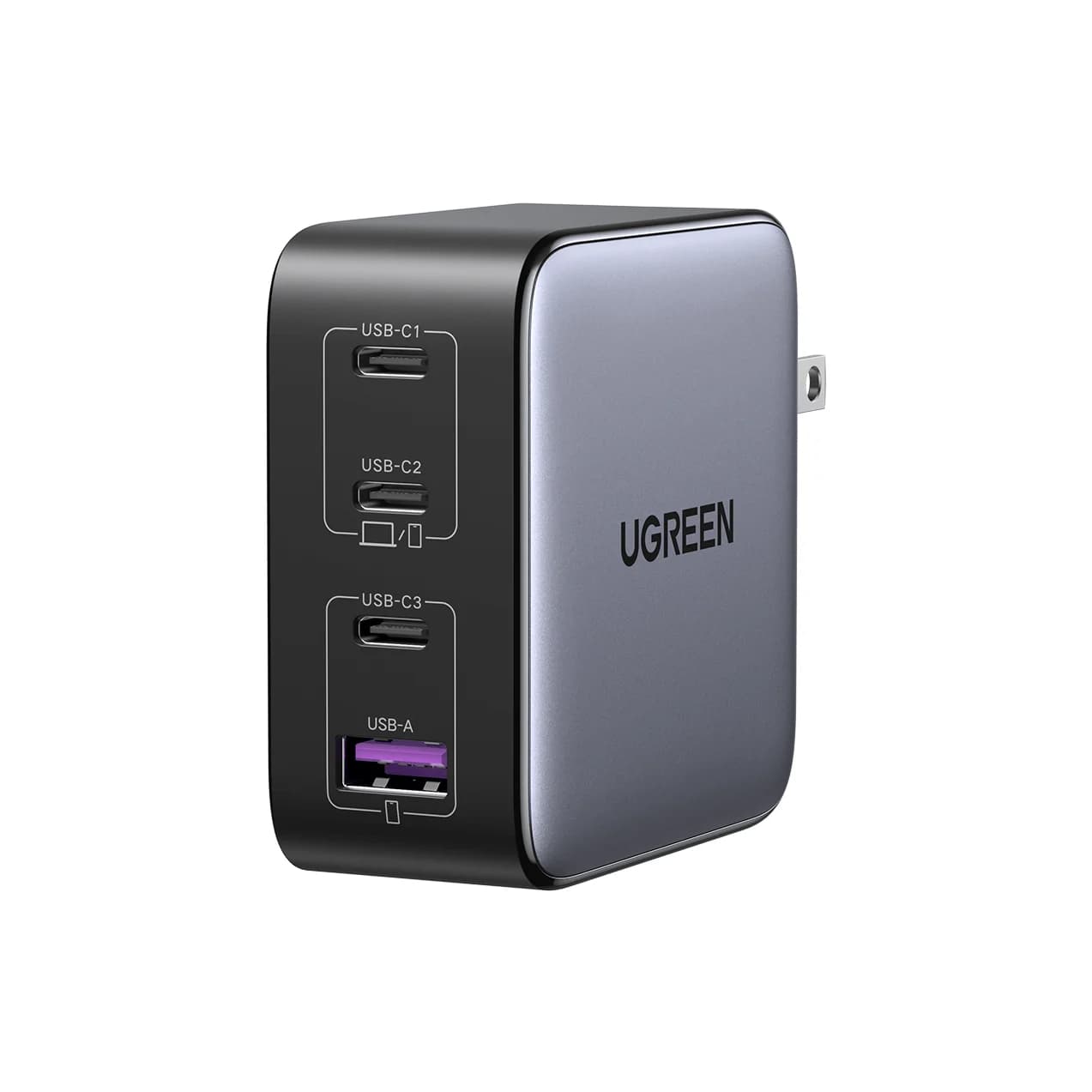
Satechi 145W vs Anker Prime Fusion: The Four-Port Travel Charger Match
Satechi 145W vs the Prime Fusion-class pick: real port splits for one or two laptops plus phones, plug kits, cables and which complete travel kit wins.
Updated November 5, 2026Read