Best picks
Best Charger for MacBook Air in 2026: What the M4 and M5 Need to Fast Charge
Which charger your MacBook Air needs, from Apple's own specs: what ships with M4 and M5 models, the 70W rule for 50% in 30 minutes, and MagSafe vs USB-C.
By thisUSB EditorialUpdated October 30, 202610 min read6 picks
Our picks at a glance
- See on Amazon
- See on Amazon
- See on Amazon3
Best for a MacBook Air and an iPhone together
Anker Charger (140W, 4-Port, PD 3.1)140W max output · 4 ports
- See on Amazon
- See on Amazon
- See on Amazon
The best charger for most MacBook Air owners is Apple's 70W USB-C Power Adapter. Apple says it charges a MacBook Air (2022 or later) to 50% in around 30 minutes, which the adapter in the box can't do: M4 models ship with a 30W or 35W adapter, and M5 models with a 40W adapter that peaks at 60W. If you want one charger for the Air and other devices, the Anker Prime 100W clears Apple's 70W line from a single USB-C port, and the Anker 140W 4-Port is the one charger here that publishes a split fast enough for a MacBook Air and an iPhone at the same time.
- 70WMinimum USB PD power Apple lists for MacBook Air fast charging
- 50%Charge in around 30 minutes, per Apple, with a 70W or higher adapter
- 40WThe adapter in the box with M5 models (up to 60W)
Quick picks
| Pick | Award | Output | Fast charges a MacBook Air? |
|---|---|---|---|
| Apple 70W USB-C Power Adapter | Best overall | 70W, 1x USB-C | Yes, it's Apple's own test adapter |
| Anker Prime 100W (3-port) | Best third-party fast charger | Up to 100W from one USB-C port | Yes, when it's the only device |
| Anker 140W 4-Port | Best for a MacBook Air and an iPhone together | 100W + 40W on two USB-C ports | Yes, with a phone charging too |
| UGREEN Nexode 65W 3-Port | Best budget everyday charger | Up to 65W from one USB-C port | No, just under 70W |
| Apple 35W Dual USB-C Port | Best for light travel | 35W shared, 2x USB-C | No |
| Apple 40W Dynamic (60W Max) | Best spare for an M5 MacBook Air | 40W, up to 60W | No |
What charger comes with your MacBook Air?
From Apple's tech specs for the M5 and M4 models:
| MacBook Air | Adapter in the box | Fast charging needs |
|---|---|---|
| 13-inch and 15-inch, M5 (2026) | 40W Dynamic Power Adapter with 60W Max | A 70W or higher USB PD power source |
| 13-inch, M4 with 8-core GPU (2025) | 30W USB-C Power Adapter | Apple's 70W USB-C Power Adapter |
| 13-inch, M4 with 10-core GPU (2025) | 35W Dual USB-C Port Compact Power Adapter | Apple's 70W USB-C Power Adapter |
| 15-inch, M4 (2025) | 35W Dual USB-C Port Compact Power Adapter | Apple's 70W USB-C Power Adapter |
Every model also comes with a 2 m USB-C to MagSafe 3 cable, and Apple's build-to-order options for both generations are the 35W Dual adapter or the 70W adapter. Apple's fast charge page lists the MacBook Air (2022 or later) as charging to 50% in around 30 minutes with its 70W, 96W or 140W USB-C adapters, the older 67W adapter on 13.6-inch models, or an external display that delivers 85W. Apple's footnotes say it ran the M4 and M5 tests with the 70W adapter and a MagSafe 3 cable.
Source: Apple's MacBook Air tech specs and fast charge page
70W vs 35W: what actually changes
Apple quotes only one charge time for the MacBook Air: up to 50% in around 30 minutes with 70W or more. It publishes no time for the 30W, 35W or 40W adapters, so the honest comparison is this. The adapter in the box is enough to charge overnight and keep up with light work, while 70W or more is what unlocks Apple's fast-charge figure and leaves headroom when the Air is busy.
Higher wattage is safe. Apple's power adapter page says a Mac that charges over USB-C can use any USB-C adapter, "even if it provides higher or lower wattage" than the one recommended. USB Power Delivery lets the Mac request what it needs, so a 100W or 140W charger supplies that and nothing more.
MagSafe 3 vs USB-C charging
Apple lists fast charging with either a USB-C to MagSafe 3 cable or a USB-C charge cable, so the port matters less than the cable. A few rules from Apple's charging page:
- The Mac charges over one port at a time. It uses whichever source supplies the most power, so plugging into MagSafe and USB-C together doesn't charge it faster.
- MagSafe keeps both Thunderbolt ports free for a hub, drive or monitor, and its light glows amber while charging and green when full.
- Either Thunderbolt port can charge if you leave the MagSafe cable at home.
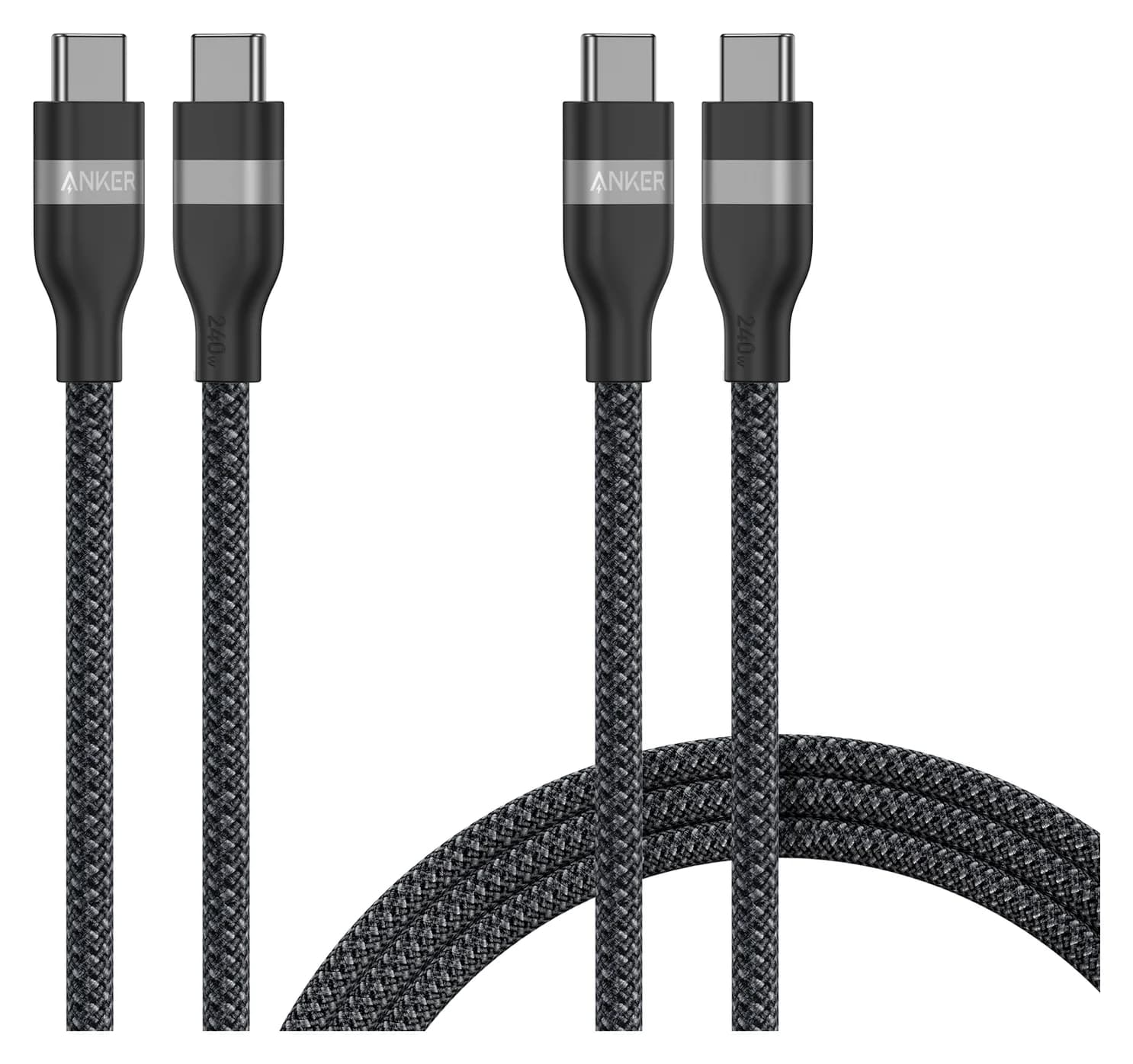
The trap is the USB-C cable. Under USB Power Delivery, a standard 3A USB-C cable carries at most 60W, which is below Apple's 70W line. For fast charging over USB-C, use a cable rated 100W or 240W (5A), such as the Anker 240W braided two-pack. The MagSafe 3 cable in the box isn't a bottleneck; Apple pairs the same cable with its 140W adapter for the 16-inch MacBook Pro. Our USB-C cable types explainer shows how to read cable ratings.
- Yes: MagSafe 3 cable from the box with a 70W or higher adapter: fast charges
- Yes: USB-C cable rated 100W or 240W with a 70W or higher adapter: fast charges
- Partly: Standard 60W (3A) USB-C cable: charges, but capped below the 70W line
- No: MagSafe and USB-C plugged in together: no faster, the Mac uses one source
Best overall: Apple 70W USB-C Power Adapter
Apple
Apple's single-port 70W USB-C wall charger, the adapter Apple names for MacBook Air fast charging.
- 70W max output
- 1 port
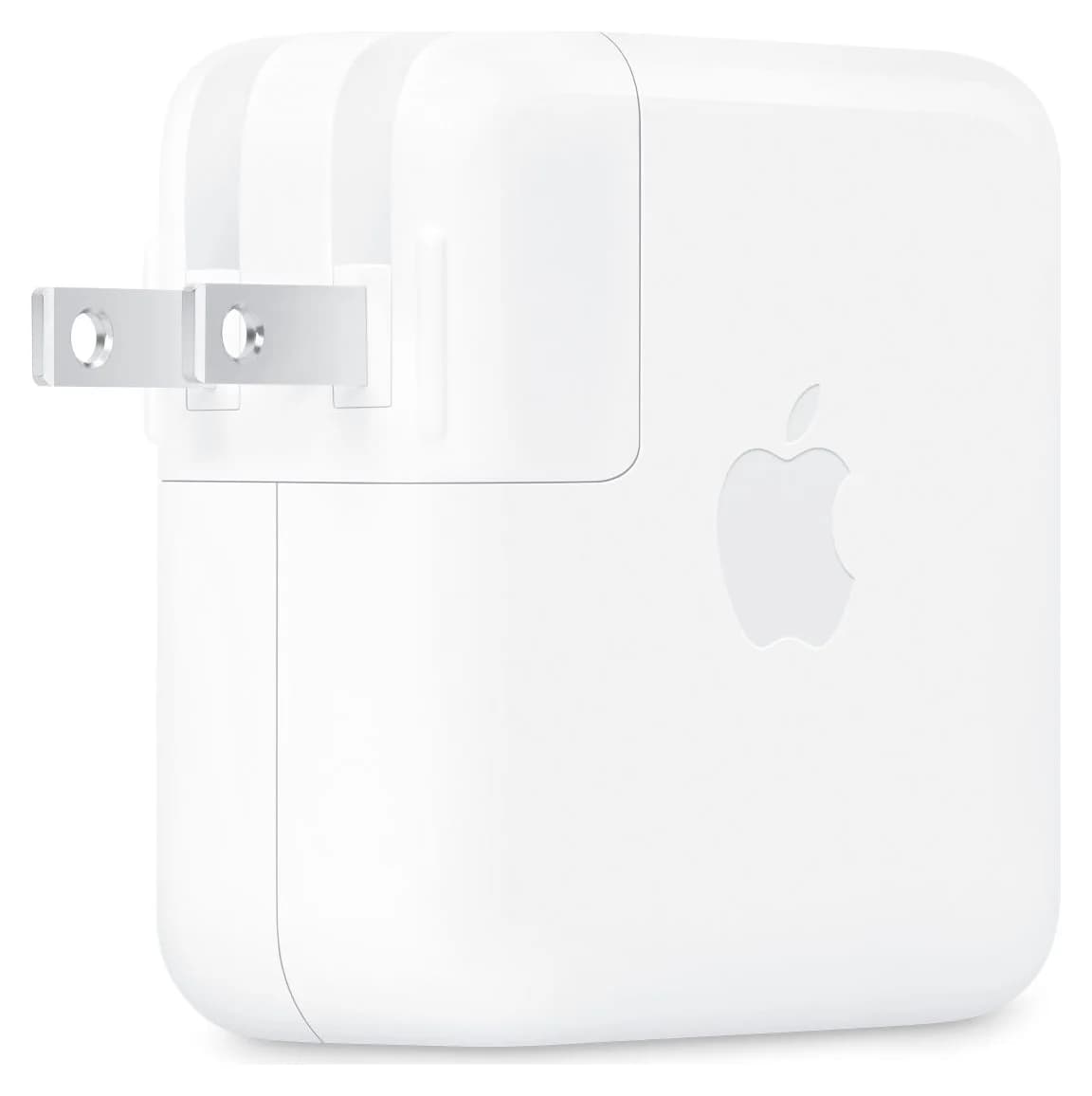
This is the adapter behind Apple's numbers. Apple's fast-charge footnotes for both the M4 and M5 MacBook Air name the 70W USB-C Power Adapter, Model A2743, with a MagSafe 3 cable, and Apple lists it as a recommended adapter for every MacBook Air from 2022 on and for 14-inch MacBook Pro models. If you want the exact setup Apple quotes, this is it.
It has one USB-C port and folding US prongs, and there's no cable in the box, so pair it with the MagSafe 3 cable that came with your Air. Apple's own store now sells a refreshed 70W Power Adapter (Model A3543) with a removable plug for Apple's travel adapter kit, and Apple makes the same 30-minute claim for it. Either version meets the spec; this listing is the A2743.
It charges an iPhone or iPad too. Apple doesn't list AVS for this adapter, though, so an iPhone 18 Pro charges at standard USB PD rates rather than Apple's 15-minute figure.
See the Apple 70W USB-C Power Adapter on Amazon
Best third-party fast charger: Anker Prime 100W (3 ports)
Anker
Anker Prime Charger (100W, 3 Ports, GaN)
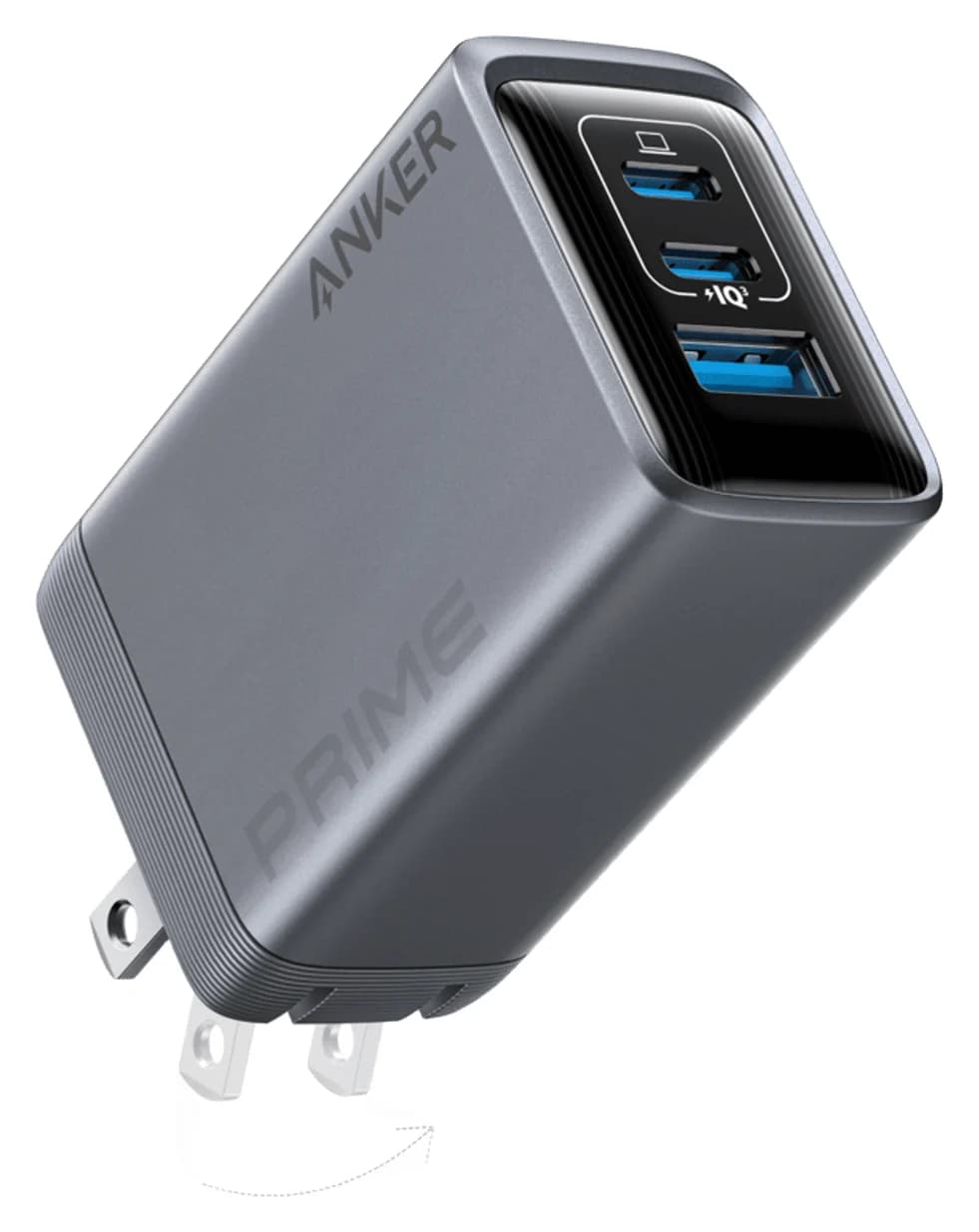
A 100W GaN wall charger with two USB-C ports and one USB-A port and a foldable plug.
- 100W max output
- 3 ports
Anker lists up to 100W from either USB-C port on its own (20V/5A), so a MacBook Air gets well past Apple's 70W line when it's the only thing plugged in. There's a second USB-C port and a USB-A port for a phone and earbuds, in a body of 1.7 x 1.1 x 2.7 inches and 6 ounces.
The limit is the split. Anker publishes a 100W total with two ports in use and 89W with all three, but not a per-port breakdown, so don't count on the Air staying above 70W while a phone charges alongside it. Above 60W it also needs a 5A cable, as explained above. It's our pick in gifts for new MacBook owners for the same reason: one small brick that fast charges the Air.
See the Anker Prime 100W on Amazon
Best for a MacBook Air and an iPhone together: Anker 140W 4-Port
Anker
Anker Charger (140W, 4-Port, PD 3.1)
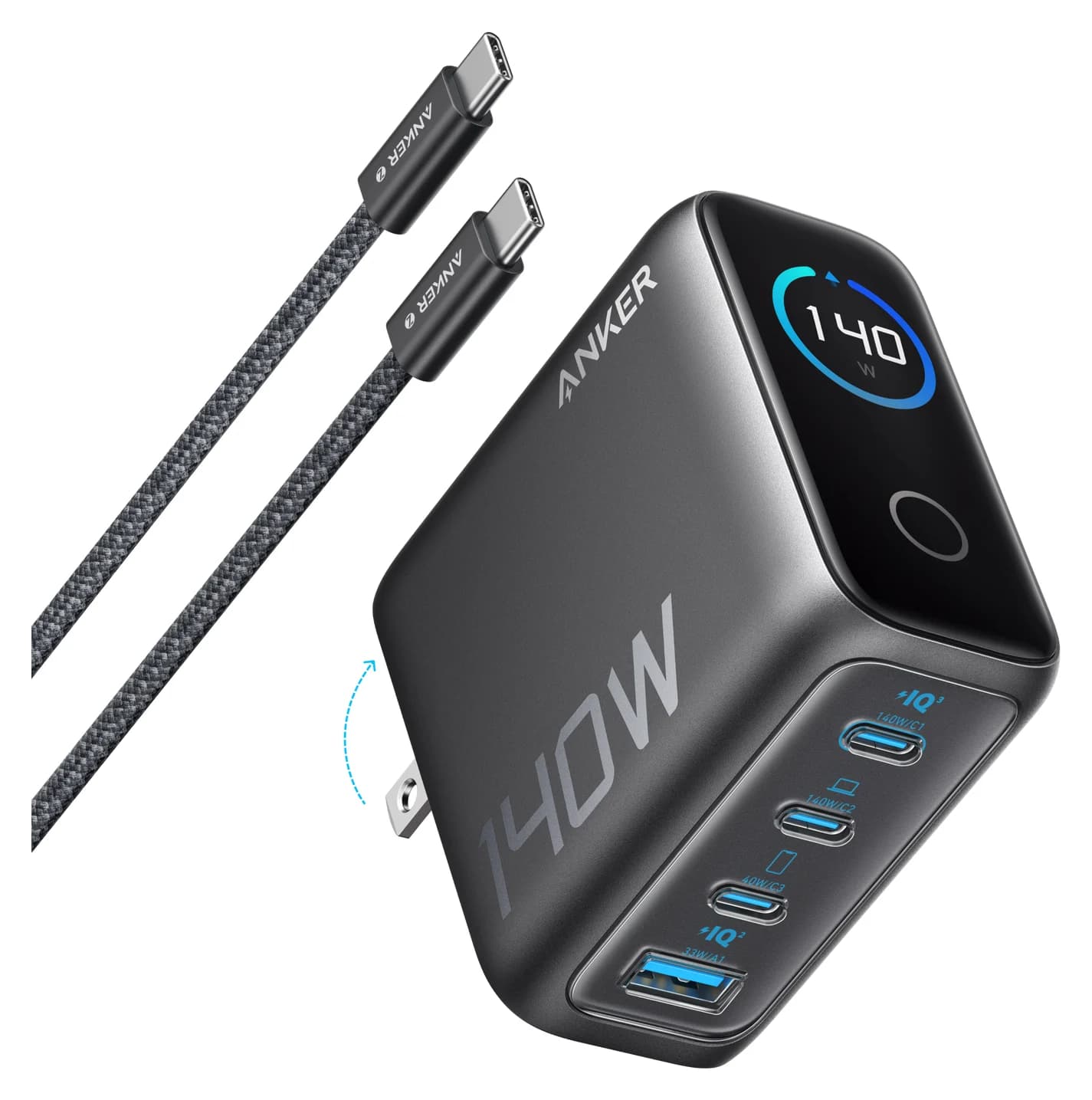
A 140W USB PD 3.1 GaN charger with three USB-C ports, one USB-A port and a smart status display, sold with a 240W USB-C cable.
- 140W max output
- 4 ports
This is the only charger here whose maker publishes a two-device split that keeps a MacBook Air fast charging. Anker's table gives 100W on USB-C1 or USB-C2 plus 40W on USB-C3 at the same time. That's above Apple's 70W line for the Air, and 40W is exactly what Apple specifies for the iPhone 17, 17 Pro and 17 Pro Max to reach 50% in about 20 minutes. Two MacBook Airs on USB-C1 and USB-C2 get 70W each.
Anker includes a 5 ft 240W USB-C cable, and a small display shows port status. At 2.72 x 2.72 x 1.42 inches it's a desk or bag charger rather than a pocket one. For more multi-port options, see our best USB-C chargers.
See the Anker 140W 4-Port on Amazon
Best budget everyday charger: UGREEN Nexode 65W 3-Port
UGREEN
UGREEN Nexode 65W 3-Port USB-C Charger
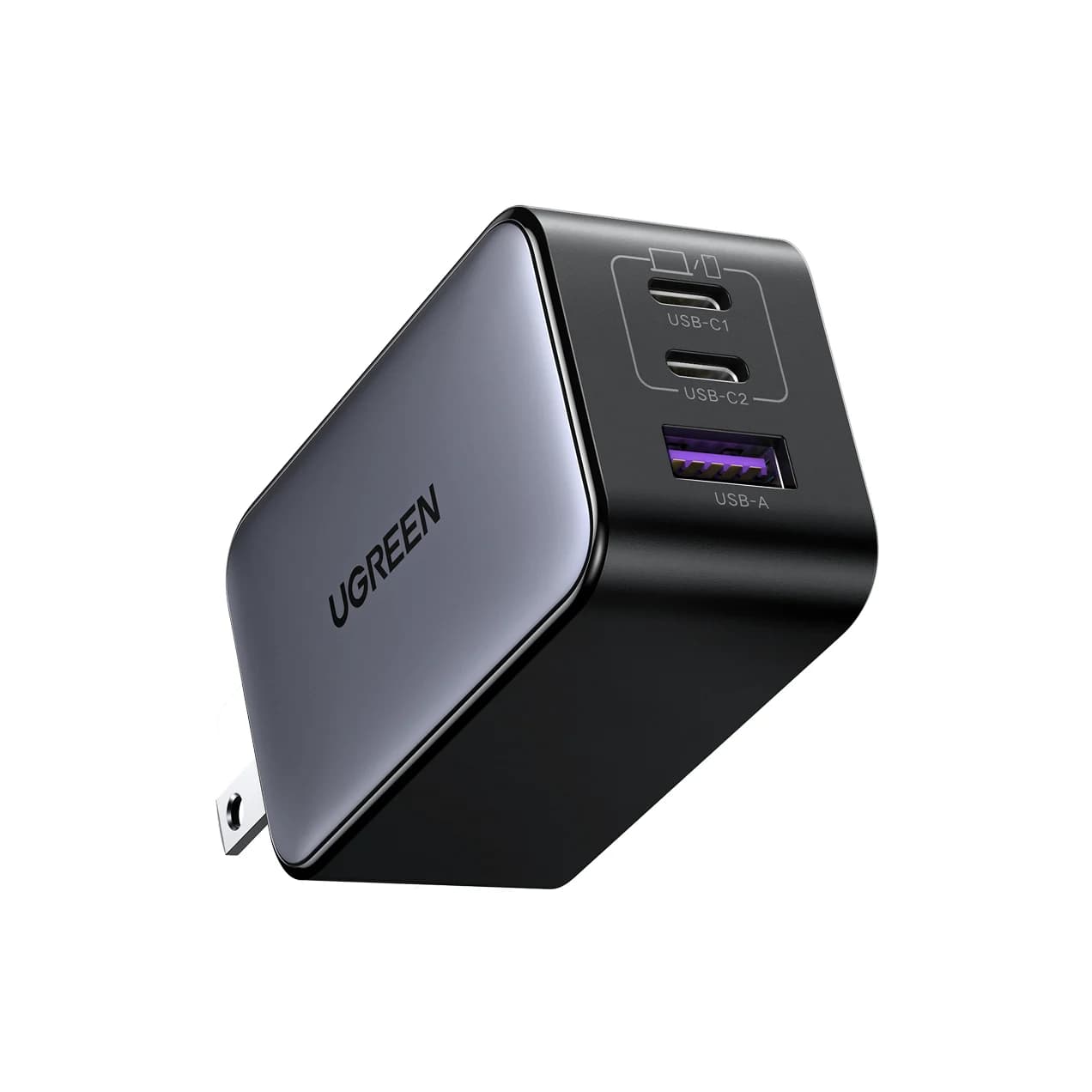
A compact 65W GaN wall charger with two USB-C ports and one USB-A port and a foldable plug.
- 65W max output
- 3 ports
UGREEN lists up to 65W from either USB-C port alone (20V/3.25A), well above any adapter Apple puts in the MacBook Air box, plus a 22.5W USB-A port and a foldable plug. On paper it's 5W short of Apple's 70W fast-charge line, so Apple's 30-minute figure doesn't apply.
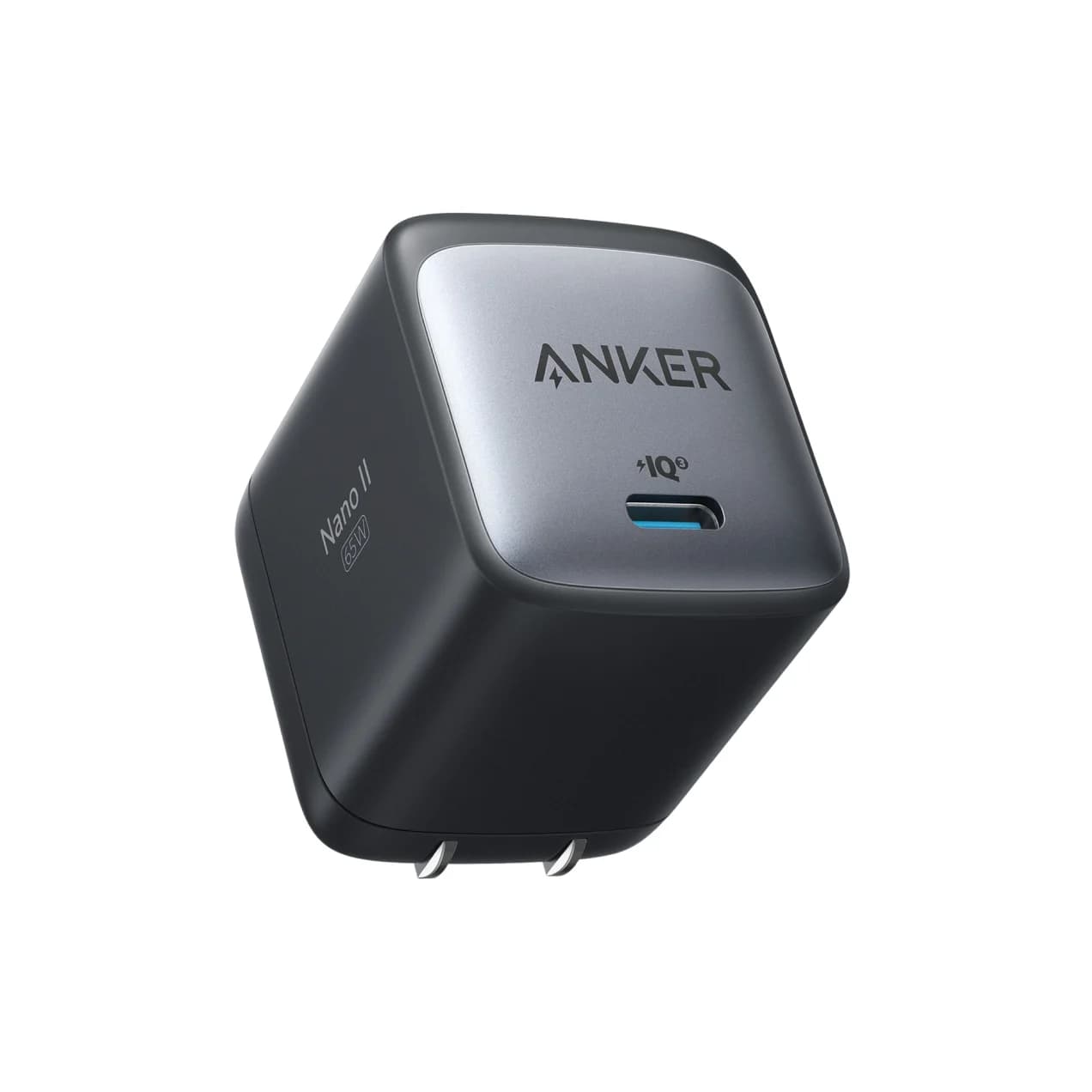
The 65W is shared once a second device is plugged in, so the Air gets less while a phone charges, and UGREEN's page text doesn't give the exact split. If you only ever charge the laptop, the single-port Anker 715 (Nano II 65W) is a smaller alternative with the same 65W rating.
See the UGREEN Nexode 65W on Amazon
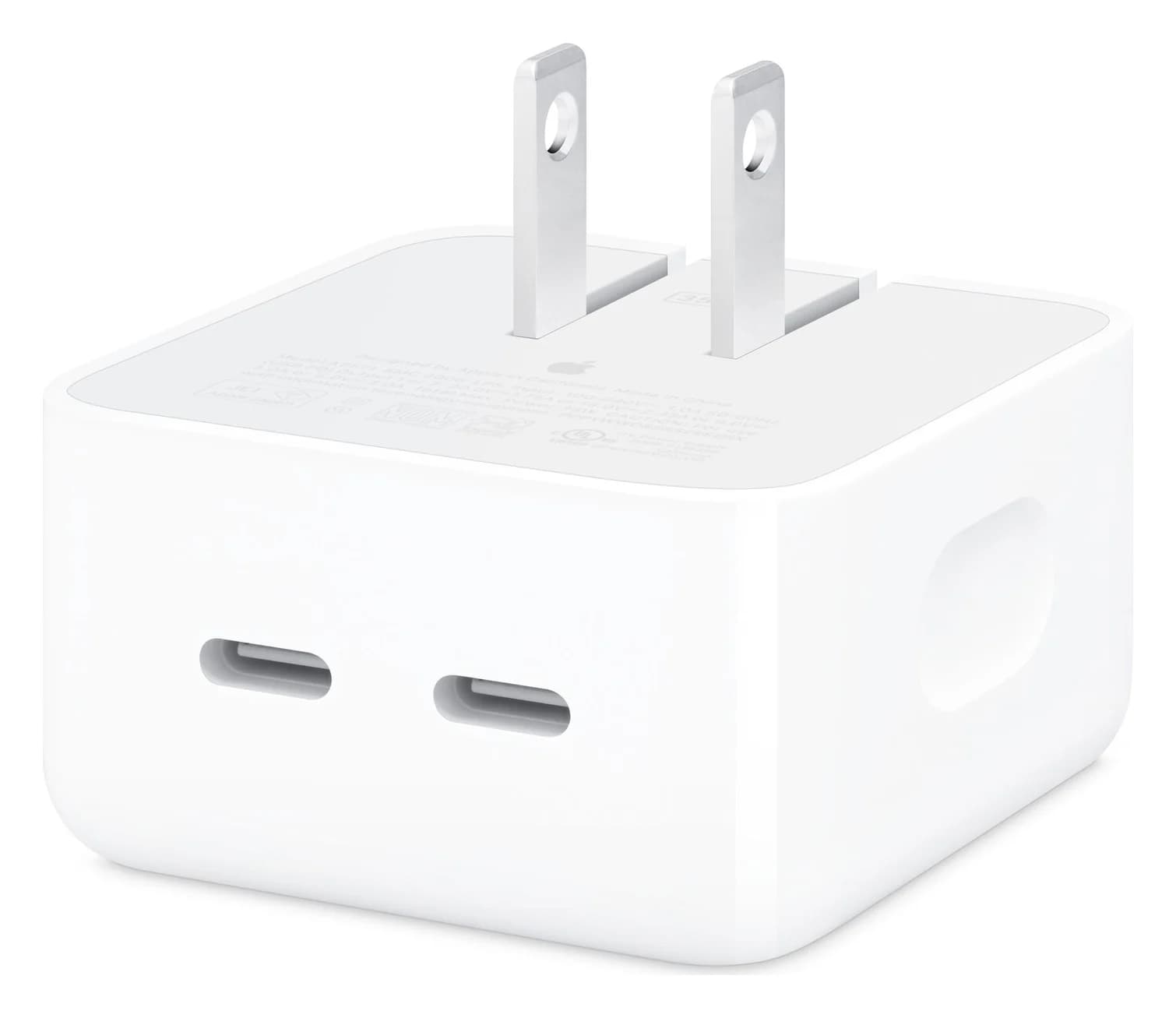
Best for light travel: Apple 35W Dual USB-C Port Compact Power Adapter
Apple
Apple 35W Dual USB-C Port Compact Power Adapter
Apple's compact two-port USB-C wall charger that shares 35W between two devices, with folding prongs.
- 35W max output
- 2 ports
Apple recommends this adapter for the MacBook Air and ships it with the 15-inch M4 and the 13-inch M4 with a 10-core GPU, and it publishes exactly how the 35W is shared. One device gets up to 35W. A Mac plus an iPhone get up to 17.5W each, and a Mac plus an Apple Watch or AirPods get up to 27.5W and 7.5W.
That makes it a compact way to charge a laptop and a phone from one outlet overnight. It won't fast charge the Air, and with a phone attached the Mac charges slowly. The prongs fold, and there's no cable in the box.
See the Apple 35W Dual USB-C Port adapter on Amazon
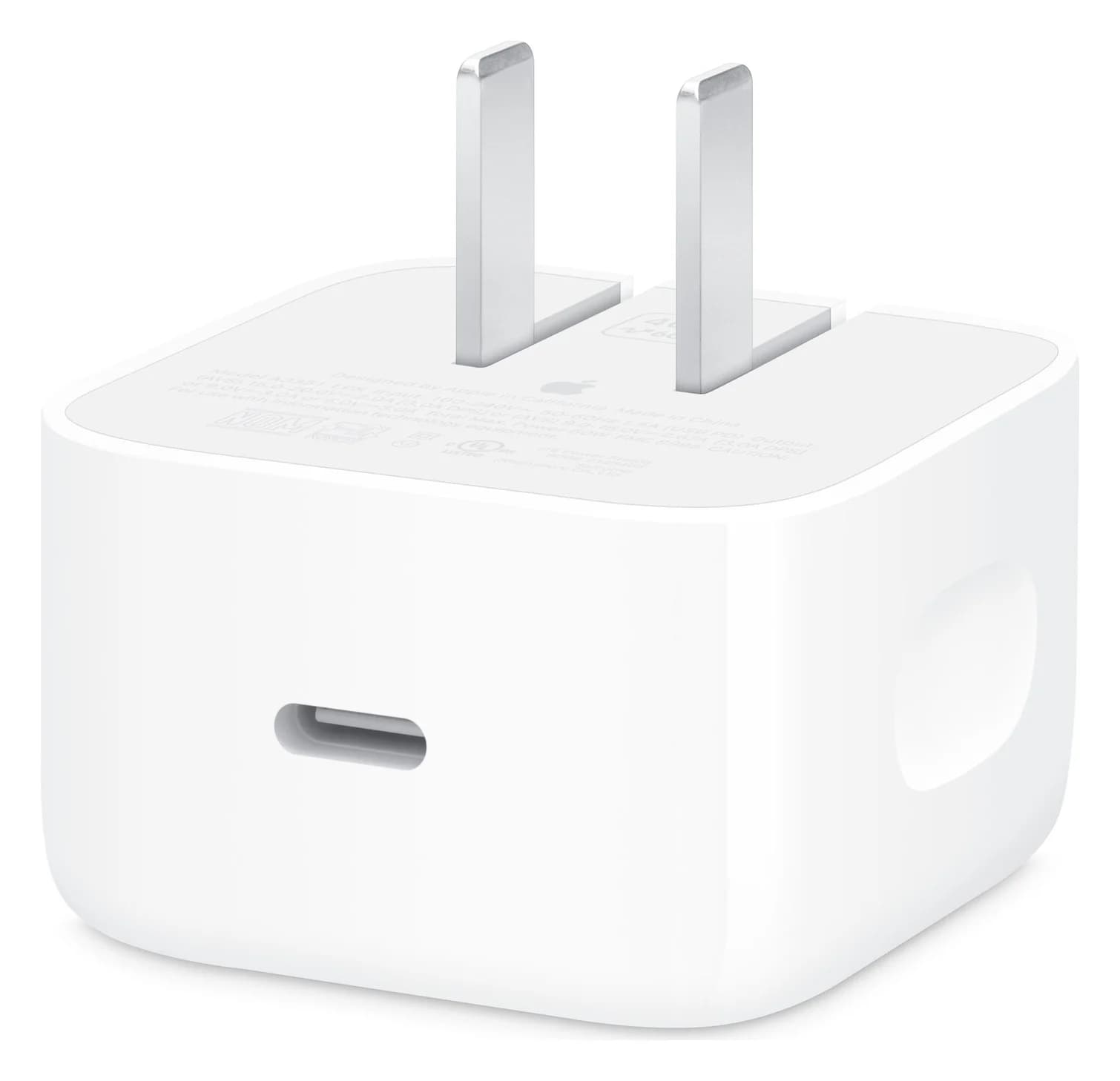
Best spare for an M5 MacBook Air: Apple 40W Dynamic Power Adapter with 60W Max
Apple
Apple 40W Dynamic Power Adapter with 60W Max
Apple's single-port USB-C wall charger, rated 40W continuous, that can dynamically deliver up to 60W and supports Adjustable Voltage Supply (AVS).
- 40W max output
- 1 port
This is the adapter that comes with the M5 MacBook Air, so a second one keeps a matching charger at the office or in a bag. Apple rates it at 40W continuous and up to 60W. That's below the 70W line, so it charges the Air at the same pace as the one in the box.
Its strength is your phone. It supports Adjustable Voltage Supply (AVS), and Apple names it for the iPhone 18 Pro's 50%-in-about-15-minutes figure and the iPhone 17 family's 20-minute figure. If you'd rather carry one charger for an M5 Air and a new iPhone than the fastest charger for the Air, this is it. There's one port and no cable. Our iPhone charger guide covers the iPhone side in detail.
See the Apple 40W Dynamic Power Adapter on Amazon
How we choose
We haven't put these chargers on a test bench. Our picks come from research:
- Apple's own numbers first. The in-box adapters, the 70W fast-charge threshold, the cable rules and the one-port-at-a-time behavior come from Apple's MacBook Air tech specs and support pages, linked above.
- Manufacturer spec sheets. Every output and port split comes from Anker's, UGREEN's or Apple's product pages. Where a maker doesn't publish a per-port split, as with the Anker Prime 100W, we say so instead of guessing.
- Standards. We check each pick against USB Power Delivery, including the 60W ceiling of standard 3A USB-C cables.
Buying tips
Plug straight into the Mac for the fastest charge. A USB-C hub with pass-through charging keeps some power for itself, so a 70W charger through a hub may land under Apple's line. Our USB-C hubs for MacBook Air guide covers pass-through ratings, or charge over MagSafe and leave the hub unpowered.
A monitor can be the charger. Apple lists an external display that delivers 85W over a Thunderbolt 3 or USB-C cable as a fast-charge source for the MacBook Air.
Check what you're getting. Hold Option, choose Apple menu > System Information, then Power, and macOS shows the wattage of the connected adapter under AC Charger Information.
Verdict
Buy the Apple 70W USB-C Power Adapter if you want Apple's 50%-in-about-30-minutes figure with the cable already in your MacBook Air box. Choose the Anker Prime 100W for a smaller third-party charger with spare ports, or the Anker 140W 4-Port to fast charge an Air and an iPhone together. The UGREEN Nexode 65W is the everyday upgrade over the in-box adapter, the Apple 35W Dual is the light travel option, and the Apple 40W Dynamic is the spare that also suits a new iPhone.
Frequently asked questions
What charger comes with the MacBook Air M4 and M5?
Apple ships the 13-inch M4 with an 8-core GPU with a 30W USB-C adapter, and the 10-core GPU 13-inch and the 15-inch M4 with the 35W Dual USB-C Port Compact Power Adapter. Both M5 sizes come with the 40W Dynamic Power Adapter with 60W Max. Every model includes a 2 m USB-C to MagSafe 3 cable. None of these adapters reaches the 70W Apple lists for fast charging.
Can I fast charge a MacBook Air with a USB-C cable instead of MagSafe?
Yes. Apple lists fast charging over either a USB-C to MagSafe 3 cable or a USB-C charge cable, with a 70W or higher adapter. The catch is the cable rating: a standard 3A USB-C cable tops out at 60W, below the 70W line, so use a cable rated 100W or 240W. The MagSafe 3 cable that comes with the Air has no such limit.
Is a 35W charger enough for a MacBook Air?
For everyday and overnight charging, yes. Apple ships the 35W Dual adapter with most M4 MacBook Air models and recommends it for the Air. It won't fast charge, though, and if a phone is plugged into the second port the Mac gets up to 17.5W. Apple doesn't publish a charge time for 35W, only the 50%-in-about-30-minutes figure for 70W and higher.
Can I use a 100W or 140W charger on a MacBook Air?
Yes. Apple says a Mac that charges over USB-C can use any USB-C power adapter, even one with higher wattage than the recommended adapter. USB Power Delivery lets the Mac ask for what it needs, so the charger supplies that and no more. Apple itself lists its 96W and 140W adapters as fast-charge options for the MacBook Air.
Can I charge a MacBook Air with my iPhone charger?
Yes, any USB-C Power Delivery charger works, but a 20W phone charger is slow. It's fine overnight or as a backup, but it may not keep up while you work, and on macOS Tahoe 26.4 or later the battery menu can show "Slow Charger" when the wattage is too low. For daily use, get at least the wattage of the adapter that came with your Air.
Does a 65W charger fast charge a MacBook Air?
Not by Apple's definition. Apple's fast-charge figure of up to 50% in around 30 minutes needs a 70W or higher power source, so a 65W charger falls just short. It can still supply more than the 30W, 35W or 40W adapter in the box, which makes it a good everyday charger, but Apple doesn't quote a 30-minute figure for it.
Related guides
USB-C Laptop Not Charging? Find the Cause: Charger, Cable, Port, Setting or Battery
Laptop plugged in but not charging over USB-C, or a slow charger warning? Check wattage, 20V, the cable, the port, hubs and charge limits, in that order.
Updated October 30, 2026Read
Best Nintendo Switch 2 Chargers, Docks and Power Banks in 2026
What powers a Switch 2: Nintendo's 60W USB-C adapter, its 54W rule for TV mode, third-party docks that list Switch 2, and the power banks that keep up.
Updated October 30, 2026Read
Best MagSafe Chargers in 2026: Qi2 25W Stands, 3-in-1s and Car Mounts for iPhone
The best MagSafe and Qi2 25W chargers for iPhone 16, 17, 18 Pro and Duo, from Apple's own specs, with the adapter you need for 25W and the traps to avoid.
Updated October 30, 2026Read