Gift guide
Gifts for New MacBook Owners in 2026: Hubs, Chargers, SSDs and Docks
Useful gifts for someone with a new MacBook: a hub that fixes the port problem, a fast charger and cable, an SSD for backups, a desk dock and small adapters.
By thisUSB EditorialUpdated October 22, 20267 min read8 picks
Our picks at a glance
- See on Amazon1
Best first hub
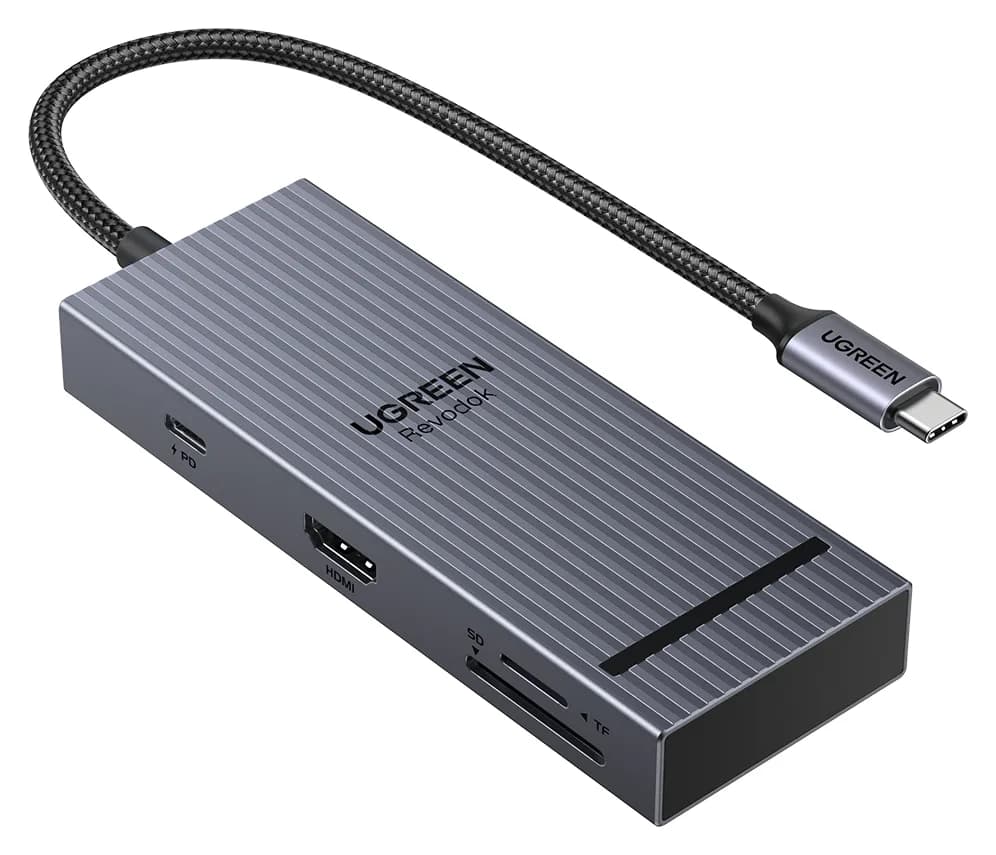
UGREEN Revodok Pro 108 USB-C Hub (8-in-1)85W PD passthrough · 10 Gbps data · 4K60 video · 8 ports
- See on Amazon
- See on Amazon3
Best cable gift
Anker USB-C to USB-C Cable (3 ft / 6 ft, 240W, Upcycled-Braided, 2-Pack)240W max output · 0.48 Gbps data
- See on Amazon
- See on Amazon5
Best desk dock
Plugable Thunderbolt 4 Dock (TBT4-UD5)96W PD passthrough · 40 Gbps data · 4K video · 13 ports
- See on Amazon6
Best dock for older MacBook Air models
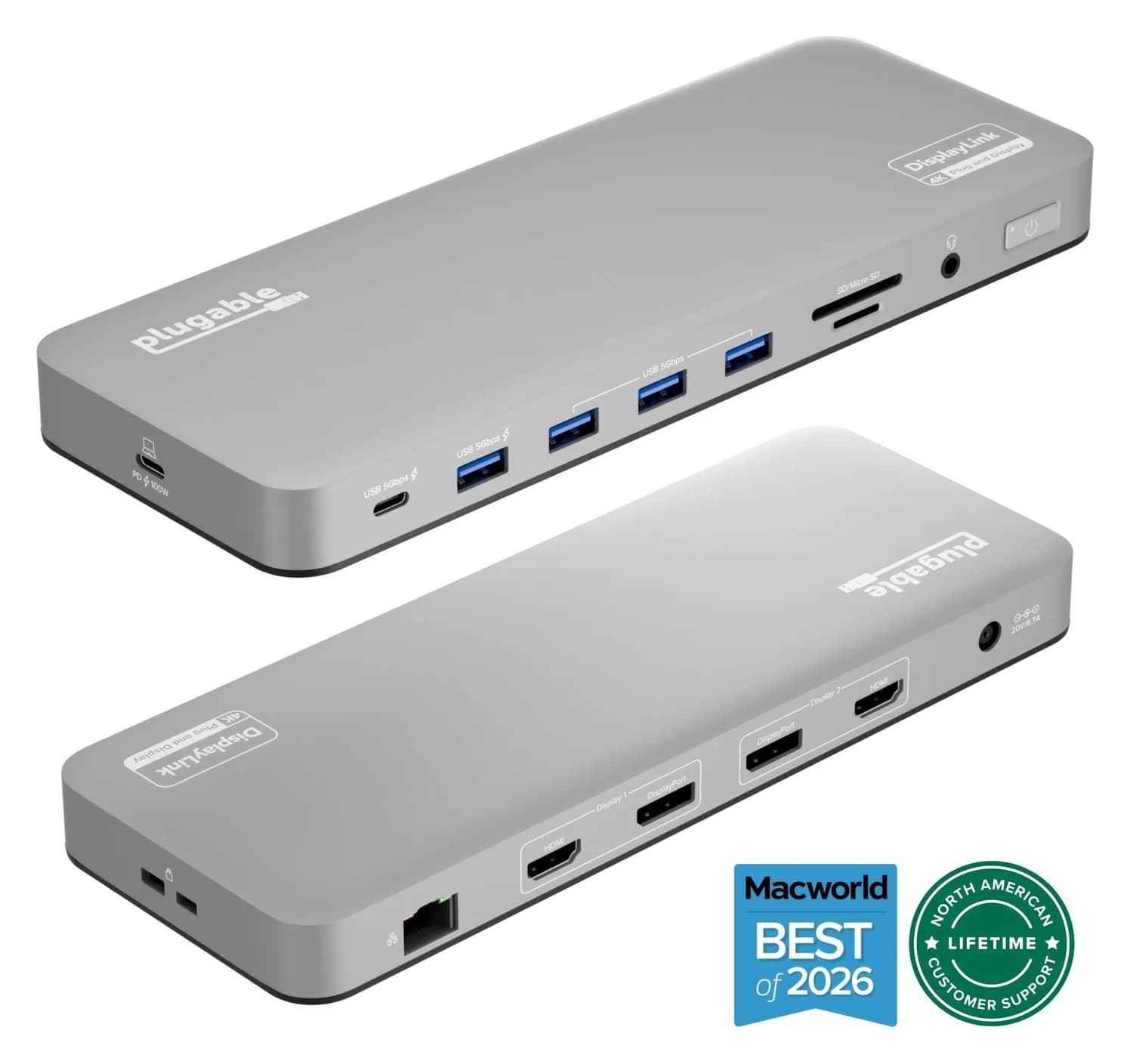
Plugable UD-6950PDH USB-C Dual 4K DisplayLink Dock (100W Charging)100W PD passthrough · 5 Gbps data · 4K60 video · 14 ports
- See on Amazon
- See on Amazon8
Best for working unplugged
Anker Laptop Power Bank (25K, 165W, Built-In and Retractable Cables)100W max output · 4 ports
The best gift for someone with a new MacBook fixes the problem they'll hit in the first week: not enough ports. The UGREEN Revodok Pro 108 hub is our top pick because it adds HDMI, fast USB-C and USB-A ports and an SD reader through a single cable, and it works with any Apple silicon MacBook. If they already have a hub, the Anker Prime 100W charger with a 240W braided cable is the next most useful upgrade.
Every pick below comes from manufacturer spec sheets and Apple's own compatibility rules. We have not physically tested these products. Prices move a lot before Black Friday, so check current prices on Amazon.
Quick picks
| Gift | Pick | Why it helps a new MacBook owner |
|---|---|---|
| Hub | UGREEN Revodok Pro 108 | HDMI, USB-A and SD from one port |
| Charger | Anker Prime 100W (3-port) | Fast-charges a MacBook Air, plus phone |
| Cable | Anker 240W braided cables (2-pack) | Desk and bag spares at full wattage |
| Backup drive | Samsung T7 Portable SSD (1TB) | Time Machine and file storage |
| Desk dock | Plugable TBT4-UD5 | One cable to two monitors and Ethernet |
| Older MacBook Air dock | Plugable UD-6950PDH | Two monitors on M1, M2 and M3 |
| Stocking stuffer | Anker USB-C to USB-A adapters (2-pack) | Old accessories keep working |
| Power bank | Anker Laptop Power Bank (25K, 165W) | Charges a MacBook away from an outlet |
Before you buy, find out which MacBook they have. "MacBook Air M3" or "MacBook Pro M5" is all you need, and it's shown in About This Mac on the Apple menu. It decides how many monitors a hub or dock can run.
Best first hub: UGREEN Revodok Pro 108 (8-in-1)
UGREEN
UGREEN Revodok Pro 108 USB-C Hub (8-in-1)
A compact single-cable 8-in-1 USB-C hub with 4K@60Hz HDMI, 10Gbps USB ports, 170MB/s SD and microSD readers and 100W PD input.
- 85W PD passthrough
- 10 Gbps data
- 4K60 video
- 8 ports
A MacBook Air has two USB-C/Thunderbolt ports and nothing else for accessories, and a MacBook Pro has no USB-A. The Revodok Pro 108 adds a 4K@60Hz HDMI port, two 10Gbps USB-C data ports, two USB-A ports and SD and microSD readers rated up to 170MB/s, according to UGREEN. A 100W PD input passes up to 85W to the laptop, so charging still works through the hub. It weighs 80g, small enough to live in a laptop sleeve.
Good to know: One HDMI port means one monitor from this hub. That's what M1 and M2 MacBook Air models support anyway. For more hub options by model, see our best USB-C hubs for MacBook Air and best USB-C hubs for MacBook.
See the UGREEN Revodok Pro 108 on Amazon
Best charger: Anker Prime Charger (100W, 3 ports)
Anker
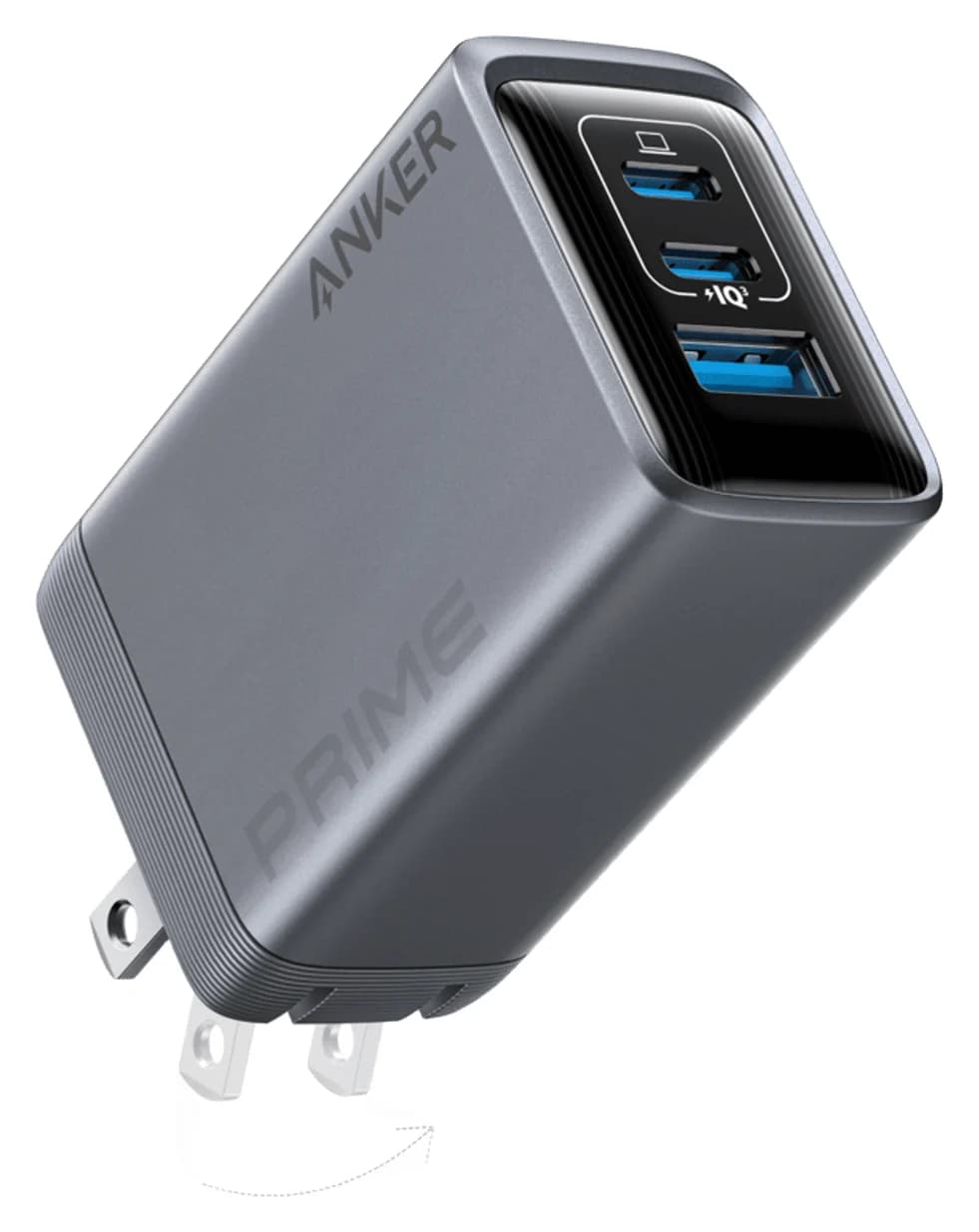
Anker Prime Charger (100W, 3 Ports, GaN)
A 100W GaN wall charger with two USB-C ports and one USB-A port and a foldable plug.
- 100W max output
- 3 ports
A second charger is the gift people don't buy themselves but use every day. Anker lists up to 100W from either USB-C port alone, 100W combined across two ports, and 89W with all three in use. Apple says MacBook Air models fast-charge with a 70W or higher USB-C adapter, so this clears that bar with room left for a phone. It also covers a 14-inch MacBook Pro for everyday use.
Good to know: Anker notes that more than 60W needs a 5A e-marked USB-C cable, which is why we pair it with the cables below. For a 16-inch MacBook Pro under heavy load, a 140W charger is the better match; see our best USB-C chargers.
See the Anker Prime 100W on Amazon
Best cable gift: Anker USB-C to USB-C Cable (240W, 2-pack)
Anker
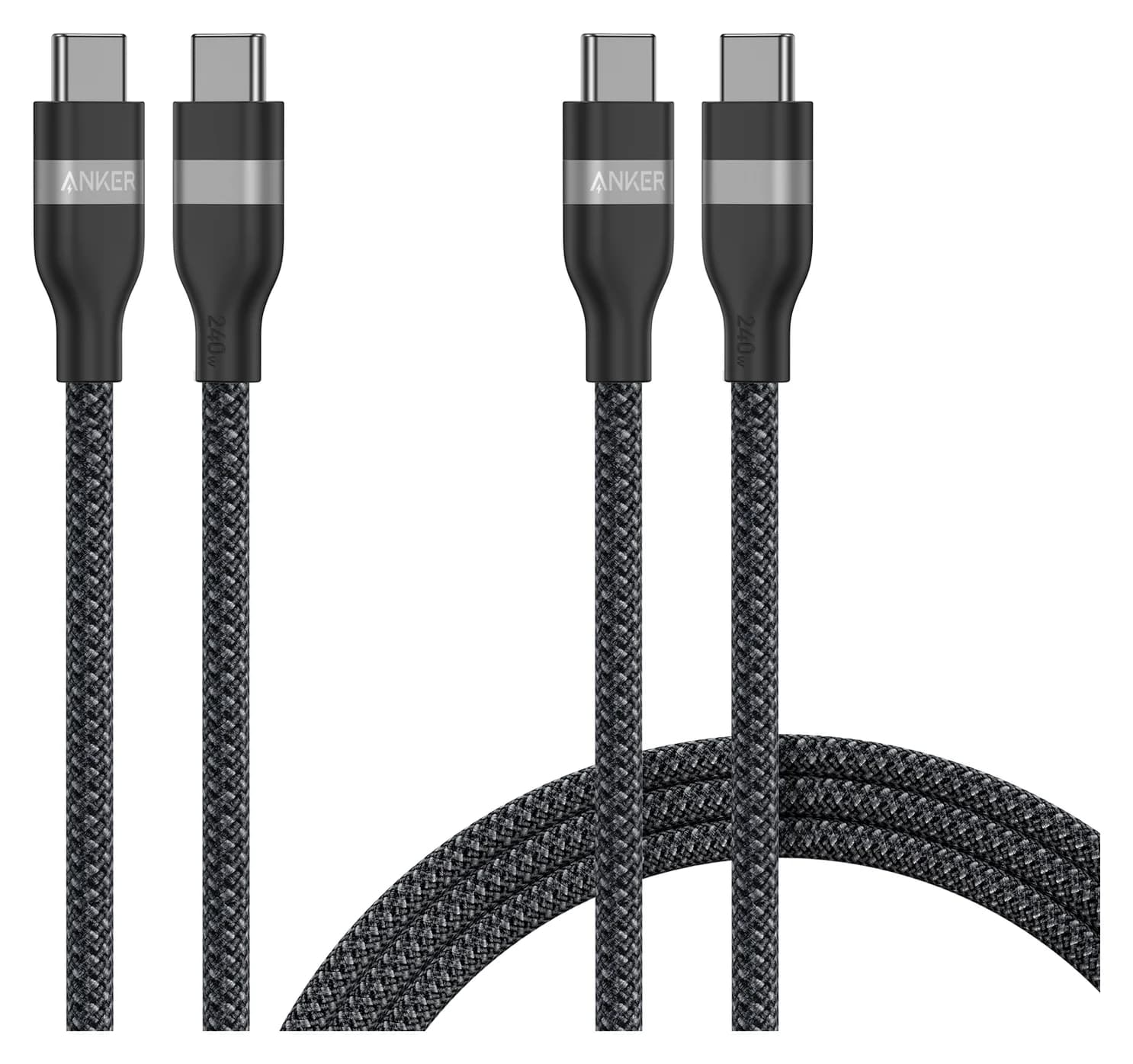
Anker USB-C to USB-C Cable (3 ft / 6 ft, 240W, Upcycled-Braided, 2-Pack)
A two-pack of braided USB-C to USB-C charging cables (3 ft and 6 ft) rated for up to 240W.
- 240W max output
- 0.48 Gbps data
Two braided USB-C cables, 3 ft and 6 ft, both rated for 240W. That means either one can carry the full output of any laptop charger, including the Anker Prime above. They're ideal as a desk-and-bag pair.
Good to know: These are charging cables. Data runs at USB 2.0 speed (480Mbps) and they don't carry video, so use the cable that came with an SSD or monitor for those jobs. Our best USB-C cables for fast charging explains the difference.
See the Anker 240W cable 2-pack on Amazon
Best for backups: Samsung T7 Portable SSD (1TB)
Samsung
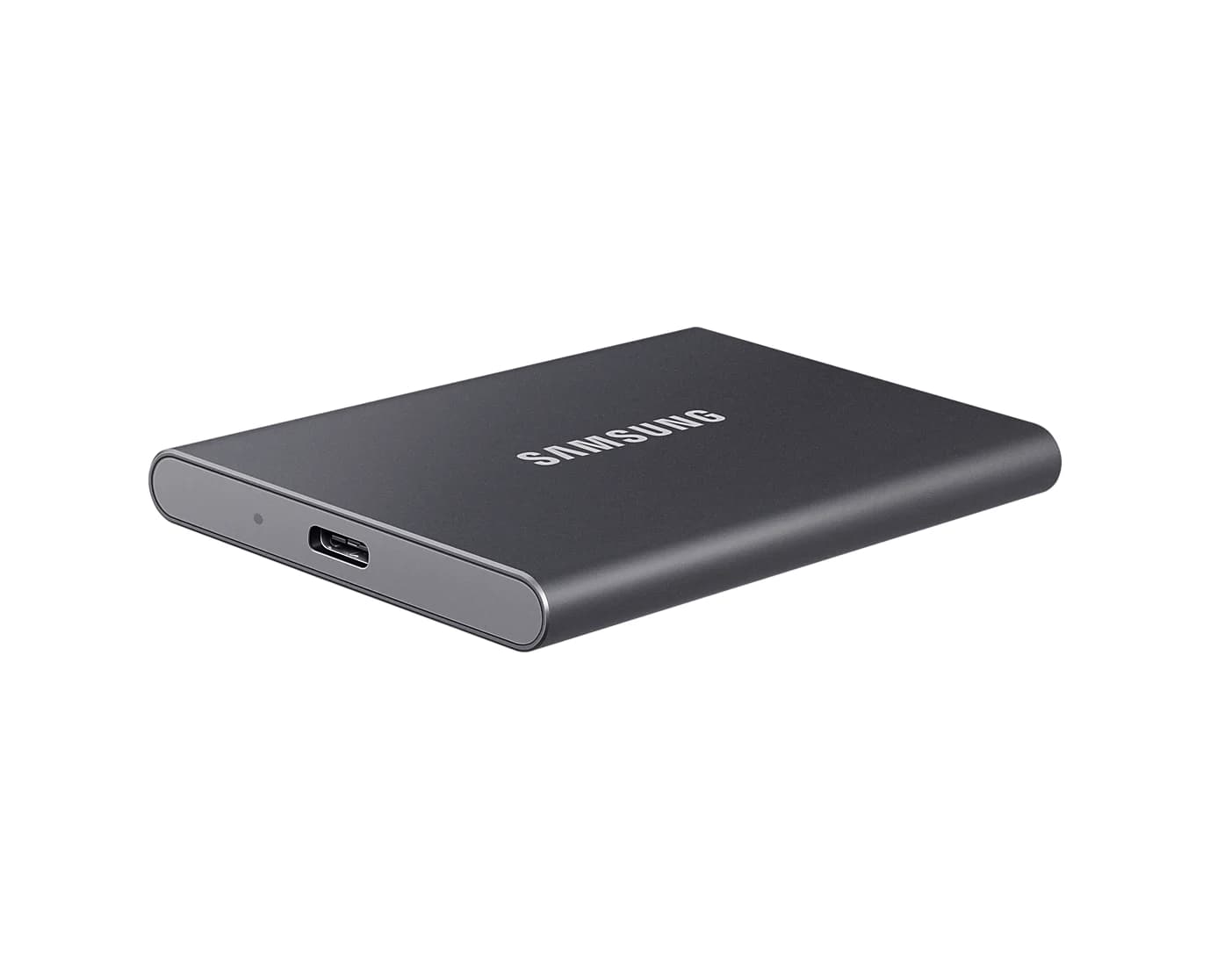
Samsung T7 Portable SSD (1TB, Titan Gray)
A pocket-size 1TB NVMe portable SSD over USB 3.2 Gen 2 with USB-C and USB-A cables in the box.
- 10 Gbps data
- 1 port
New MacBooks often come with 256GB or 512GB of storage, which fills fast. The T7 adds 1TB over USB 3.2 Gen 2 (10Gbps), with sequential reads up to 1,050MB/s and writes up to 1,000MB/s per Samsung. It has AES 256-bit hardware encryption, weighs 58g, and comes with both USB-C to C and USB-C to A cables.
Use it for Time Machine backups or as overflow for photos and video projects.
Good to know: Plug it straight into the Mac or into a 10Gbps hub port to get the rated speed. A 5Gbps port roughly halves it.
Best desk dock: Plugable Thunderbolt 4 Dock (TBT4-UD5)
Plugable
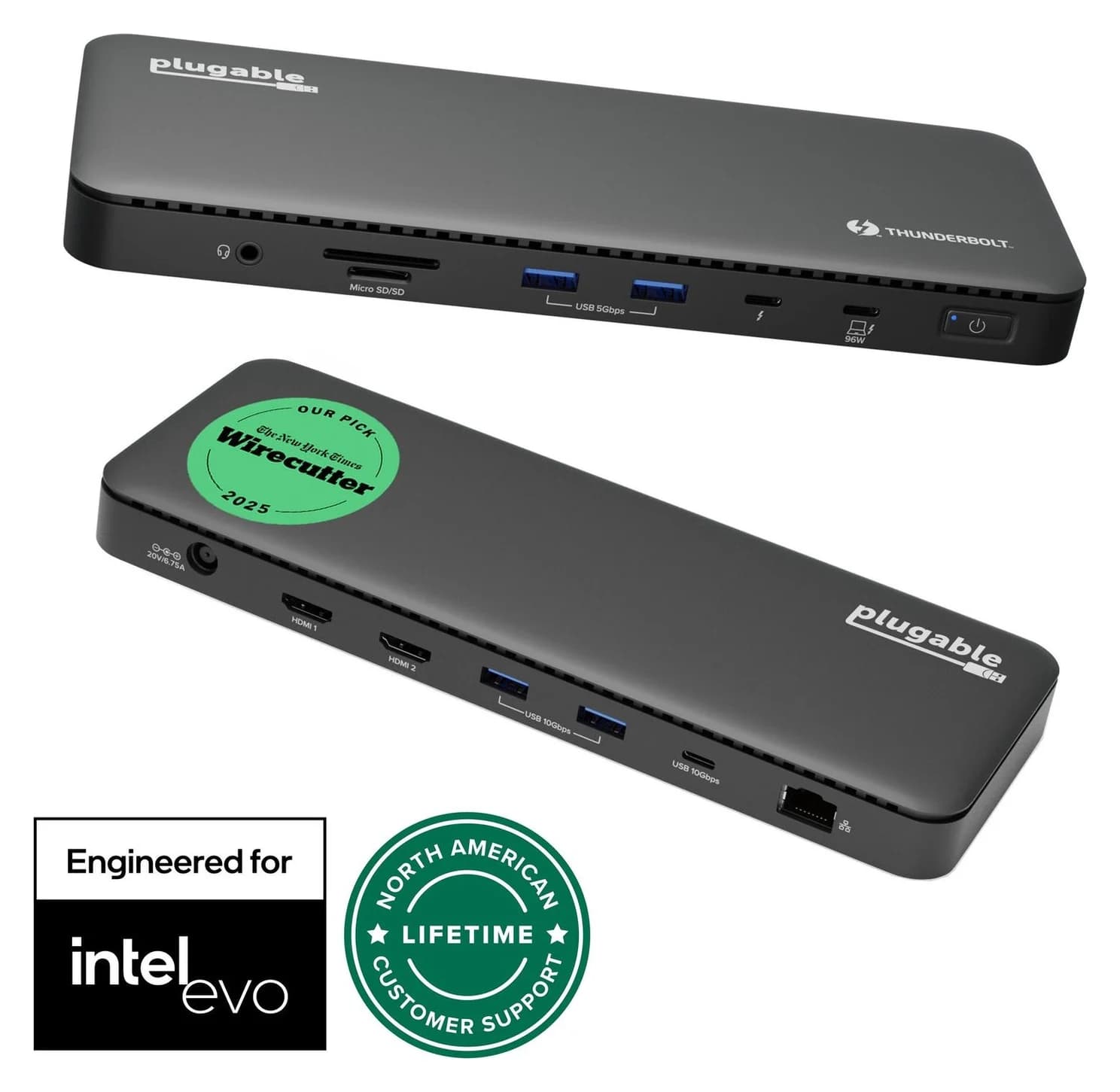
Plugable Thunderbolt 4 Dock (TBT4-UD5)
A Thunderbolt 4 dock with dual HDMI, 100W laptop charging (96W certified), Gigabit Ethernet and an SD/microSD reader.
- 96W PD passthrough
- 40 Gbps data
- 4K video
- 13 ports
For someone who works at a desk, a dock turns the MacBook into a desktop with one cable. Plugable lists two HDMI 2.0 ports (up to 4K@60Hz each), a downstream Thunderbolt 4 port, five USB ports (two 10Gbps USB-A, two 5Gbps USB-A, one 10Gbps USB-C), Gigabit Ethernet, UHS-II SD and microSD readers, a headset jack and up to 96W of laptop charging. A Thunderbolt 4 cable and power supply are included.
Good to know: Two monitors need a Mac that supports two. That covers M4 and M5 MacBook Air models, which Apple says can run two displays over a single Thunderbolt port through a supported dock, and Pro and Max MacBook Pro models. M1 and M2 Macs with base chips get one external display; for those, see the next pick. Compare more options in our best Thunderbolt docks.
See the Plugable TBT4-UD5 on Amazon
Best dock for older MacBook Air models: Plugable UD-6950PDH
Plugable
Plugable UD-6950PDH USB-C Dual 4K DisplayLink Dock (100W Charging)
A 14-in-1 DisplayLink USB-C dock that adds two extended 4K@60Hz displays over HDMI or DisplayPort, plus 100W laptop charging, Gigabit Ethernet, SD readers and five USB ports.
- 100W PD passthrough
- 5 Gbps data
- 4K60 video
- 14 ports
If the MacBook is an M1, M2 or M3 Air, a regular dock can drive only one external monitor with the lid open. Plugable's UD-6950PDH works around that with DisplayLink, driving two extended monitors at up to 4K@60Hz each over HDMI or DisplayPort. It also charges the laptop at up to 100W from its included 130W adapter and adds Gigabit Ethernet, a UHS-II SD reader, a headset jack and five 5Gbps USB ports.
Good to know: The recipient has to install Synaptics' free DisplayLink Manager app and allow Screen Recording. Plugable says Retina (HiDPI) scaling isn't available on DisplayLink screens, and that HDCP-protected video like Netflix won't play on macOS while the dock is connected. That rarely matters at a work desk, but it does for an entertainment setup. It's not for gaming.
See the Plugable UD-6950PDH on Amazon
Best stocking stuffer: Anker USB-C to USB 3.0 Adapter (2-pack)
Anker
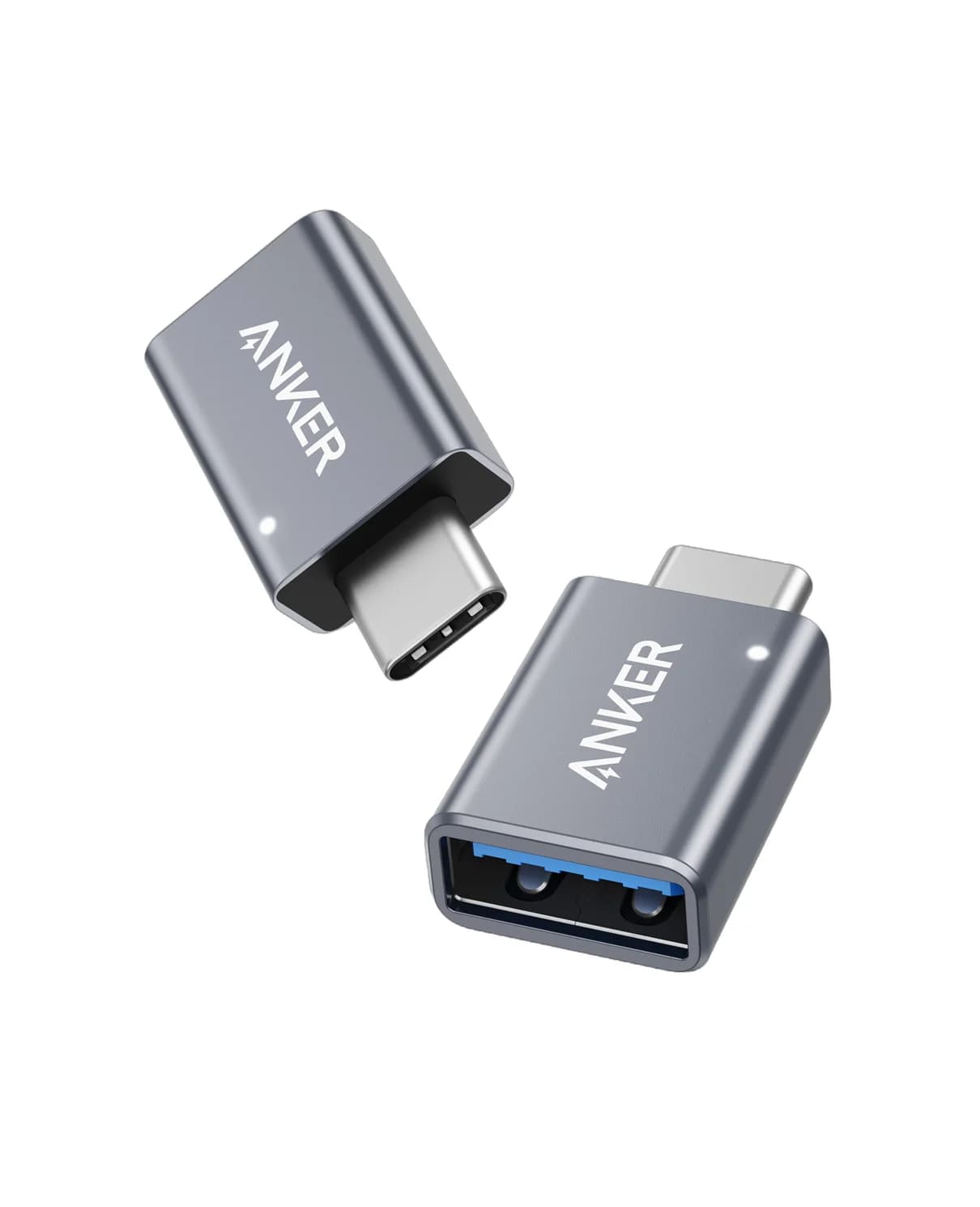
Anker USB-C to USB 3.0 Adapter (2-Pack)
A pair of slim aluminum adapters that turn a USB-C port into a full-size USB-A 3.0 port.
- 1 port
Most people still own a USB-A flash drive, mouse dongle or keyboard. These two small aluminum adapters plug into the MacBook's USB-C ports and give each a USB-A socket. They cost little and solve a real annoyance on day one.
Good to know: Each adapter gives one port. For several accessories at once, the hub above is better. If you're shopping on a budget, our USB tech gifts under 50 has more ideas.
See the Anker USB-C to USB-A adapters on Amazon
Best for working away from an outlet: Anker Laptop Power Bank (25K, 165W)
Anker
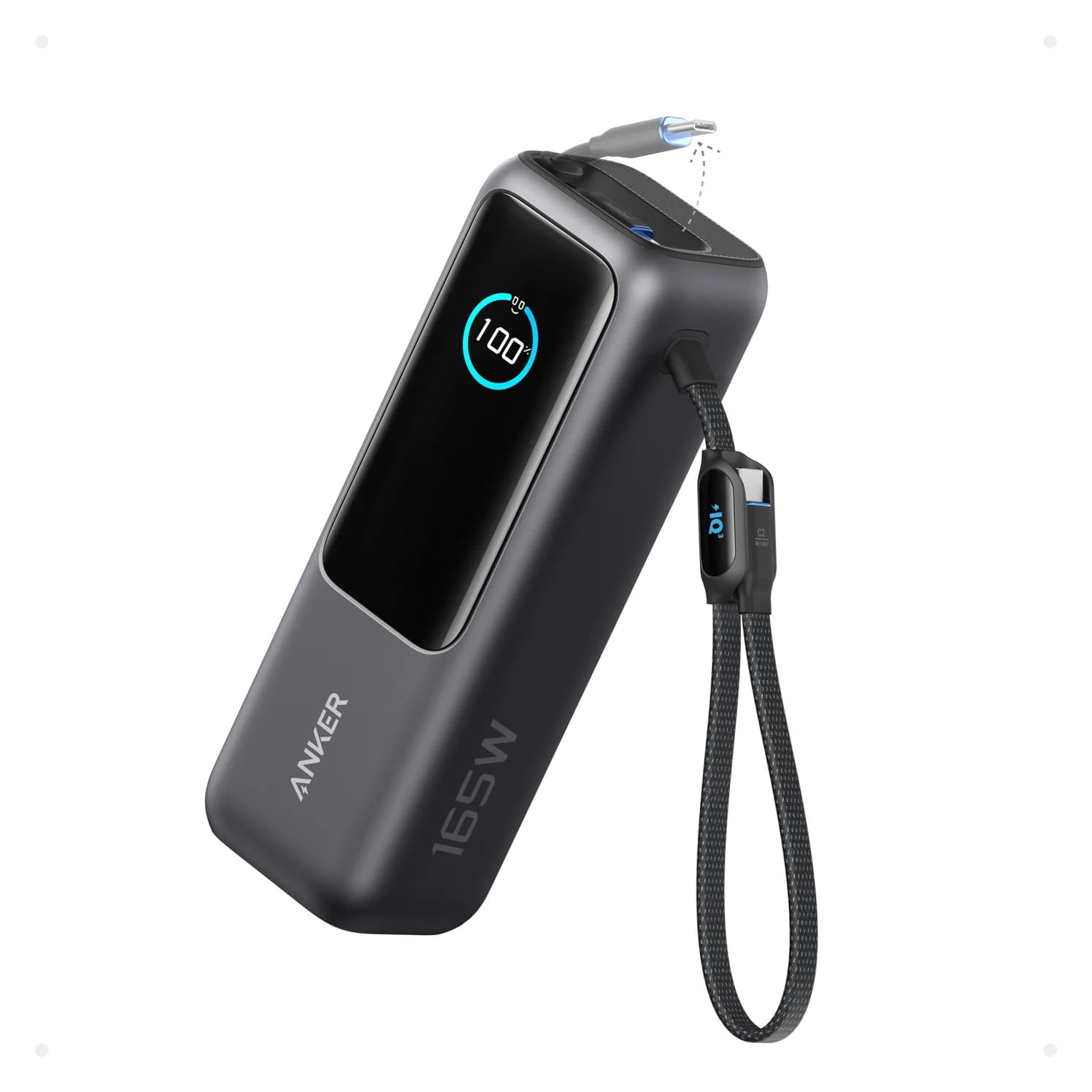
Anker Laptop Power Bank (25K, 165W, Built-In and Retractable Cables)
A 25,000mAh (90Wh) laptop power bank with two built-in USB-C cables, a USB-C port and a USB-A port, rated up to 165W total.
- 100W max output
- 4 ports
A MacBook Air lasts a long time on battery, but a long-haul flight or a day of back-to-back meetings can still drain it. Anker's 25,000mAh (90Wh) power bank has two built-in USB-C cables, one of them retractable, plus a USB-C and a USB-A port. Anker rates each USB-C output at up to 100W, above the 70W Apple lists for fast-charging a MacBook Air, and total output reaches 165W across two devices. A small display shows battery level and live wattage.
Good to know: It weighs 21 oz (595g), so it's a bag item, not a pocket one. At 90Wh it's under the 100Wh limit many airlines set for carry-on batteries, but check the airline's rules. The built-in cables can't be replaced if they wear out.
See the Anker Laptop Power Bank on Amazon
How we choose
We don't physically test products. We pick gifts from manufacturer spec sheets, Apple's tech specs and display support pages, and the USB and Thunderbolt standards, and we favor products that solve problems new MacBook owners commonly report: too few ports, no HDMI or SD slot, slow charging from a small bundled adapter, and not enough storage. We confirm each Amazon listing matches the model the manufacturer describes. Port and wattage claims come only from official pages, linked in each product card.
Buying tips
Ask which MacBook they have. It matters most for docks: base-chip Macs have stricter display limits, and macOS doesn't support MST, so dual-HDMI USB-C hubs mirror instead of extending.
Match charger and cable. Anything above 60W needs a 5A e-marked cable. A 100W charger with a cheap 3A cable will cap at 60W.
Pick 10Gbps for SSDs. A portable SSD on a 5Gbps hub port runs at about half its rated speed. Our USB-C vs USB-A explainer covers the speed labels.
Gift receipts help. Holiday purchases often get extended return windows, but check the terms at checkout.
Verdict
If you buy one thing, make it the UGREEN Revodok Pro 108: it fixes the port problem for every MacBook. Add the Anker Prime 100W and the 240W cable 2-pack for someone who charges in more than one place, and the Samsung T7 for someone who'll fill their storage. For a desk setup, choose the Plugable TBT4-UD5 on an M4 or M5 Mac and the Plugable UD-6950PDH on an older MacBook Air. For travelers, the Anker Laptop Power Bank keeps a MacBook going on a flight, and the Anker adapters are an easy stocking stuffer.
Frequently asked questions
What accessories does a new MacBook actually need?
Most new owners hit the same three gaps. MacBook Air models have only two USB-C/Thunderbolt ports and no HDMI or card slot, so a small hub is the most-used accessory. A second charger and cable lets them leave one at a desk and one in a bag. A portable SSD gives Time Machine somewhere to back up. A dock is worth it only if they work at a desk with monitors.
Does a new MacBook come with a charger?
Check the box contents for the model and country, since Apple varies it. For example, Apple lists a 30W or 35W USB-C adapter with M4 MacBook Air models and a 40W Dynamic Power Adapter, rated up to 60W, with the M5 MacBook Air. Apple also says the Air fast-charges with a 70W or higher USB-C charger, which is why a 100W charger like the Anker Prime makes a useful gift.
Can a portable SSD be used for Time Machine backups?
Yes. Time Machine can back up to an external USB or Thunderbolt drive, and macOS offers to format it as APFS the first time. Choose a drive larger than the Mac's internal storage so it can keep older versions. A 1TB drive suits a 256GB or 512GB MacBook. Note that formatting erases the drive, so use a new or empty one.
Will a USB-C hub let a MacBook Air run two monitors?
Not by itself. The chip decides. Apple lists one external display for M1 and M2 MacBook Air models, two with the lid closed for M3, and two with the lid open for M4 and M5. macOS doesn't support MST, so a dual-HDMI hub won't extend two screens from one USB-C port. For two monitors on an older Air, a DisplayLink dock is the workaround.
What's a good small gift for a MacBook owner?
USB-C to USB-A adapters are the classic one, because most people still own USB-A flash drives, mice and keyboards. A pair of 240W braided USB-C cables also works as a stocking stuffer. Both are cheap enough to include alongside a bigger gift. For more ideas, see our USB tech gifts under 50 guide.
Related guides
Gifts for iPhone Users in 2026: Qi2, MagSafe and USB-C Picks
USB-C gifts for iPhone 15 to iPhone 18 Pro and iPhone Duo owners: Qi2 25W chargers, a power bank, a fast charger, a car mount, AirPods and a ProRes SSD.
Updated October 22, 2026Read
Best USB Gifts for Travelers in 2026: Chargers, Cables and Power
USB gifts for frequent travelers: a universal adapter with 65W USB-C, a 100W charger, a carry-on power bank, short cables, a travel hub and cable ties.
Updated October 22, 2026Read
Best USB Stocking Stuffers in 2026: Small, Useful, Low-Cost
Small USB stocking stuffers people actually use: a keychain USB-C cable, braided cables, a Lightning cable, tiny adapters, a flash drive and cable ties.
Updated October 22, 2026Read