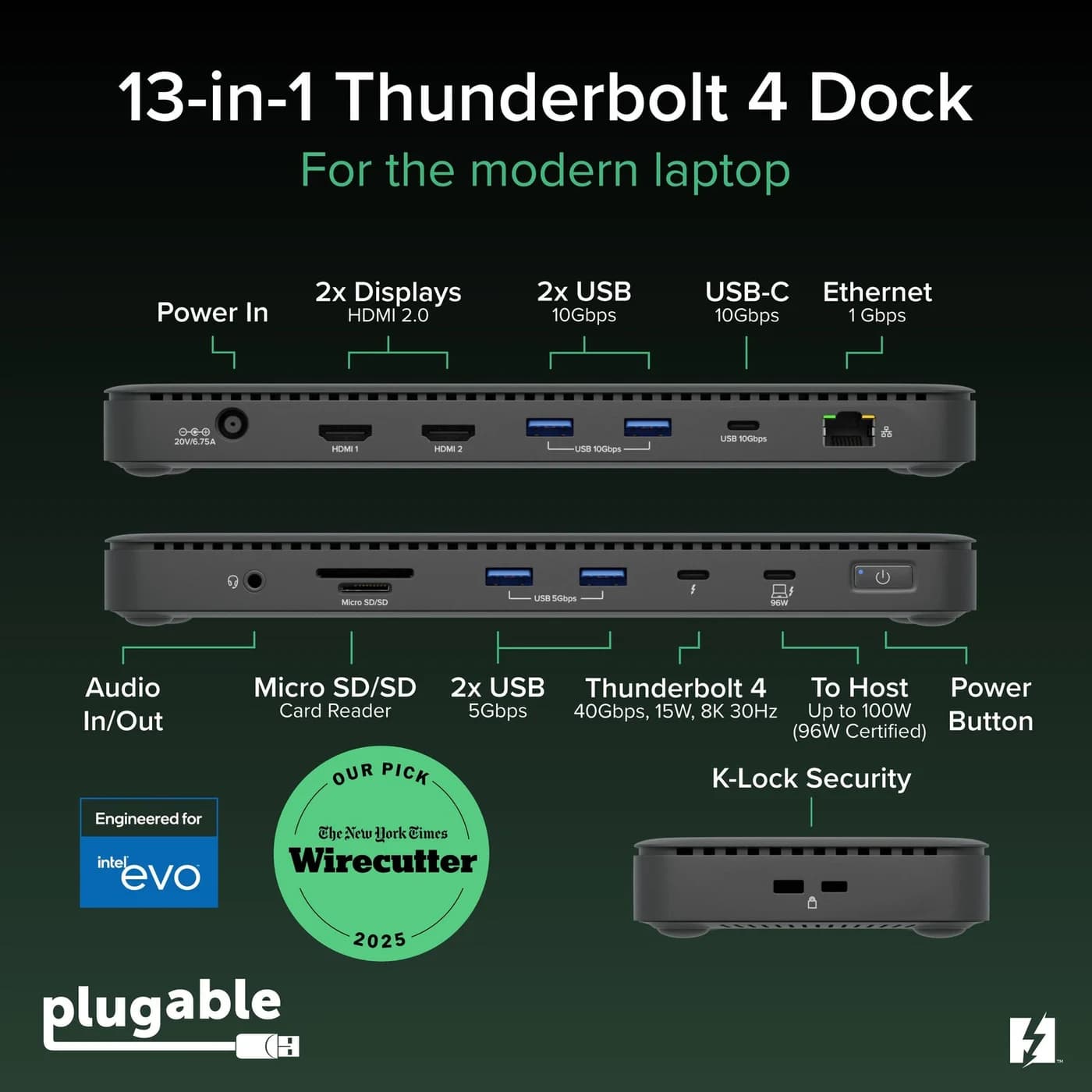
Ports
Plugable
A Thunderbolt 4 dock with dual HDMI, 100W laptop charging (96W certified), Gigabit Ethernet and an SD/microSD reader.
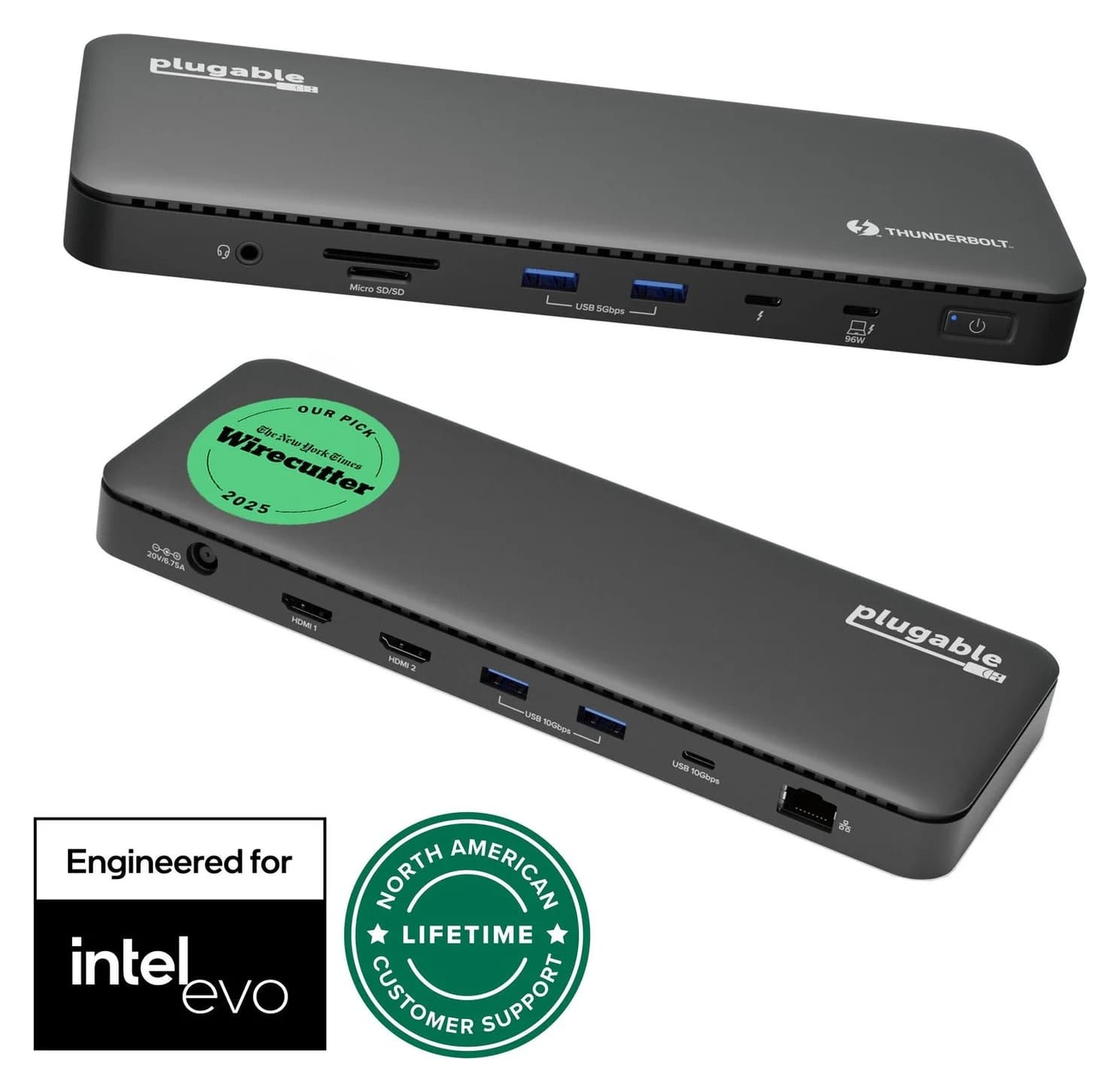
Photo: Plugable
Tap a port to see what it’s for.
Ports
Laptop charging through the hub
96W
Enough to keep almost any laptop charging at full speed while you work, including 14-inch MacBook Pros.
Data speed
40 Gbps
Thunderbolt/USB4 class: fast NVMe SSDs, docks and high-res displays over one cable.
Display output
2x HDMI 2.0
Smooth high-resolution output for a monitor or TV.
Total ports
13
A full desk’s worth of connections from one cable.
| Downstream Thunderbolt | 1x Thunderbolt 4 (40Gbps, 15W) |
|---|---|
| USB | 2x USB-A 10Gbps, 2x USB-A 5Gbps, 1x USB-C 10Gbps |
| Video | 2x HDMI 2.0, up to 4K60 each; single 8K via Thunderbolt port on supported hosts |
| Ethernet | Gigabit |
| Card reader | SD and microSD, UHS-II |
| Audio | 3.5mm combo |
| Host charging | 100W PD (96W certified) |
| Power supply | 134W (20V/6.4A) |
| Cable | 1m Thunderbolt 4 included |
| Warranty | 2 years |
From manufacturer documentation, checked September 27, 2026. Spotted an error? Tell us.
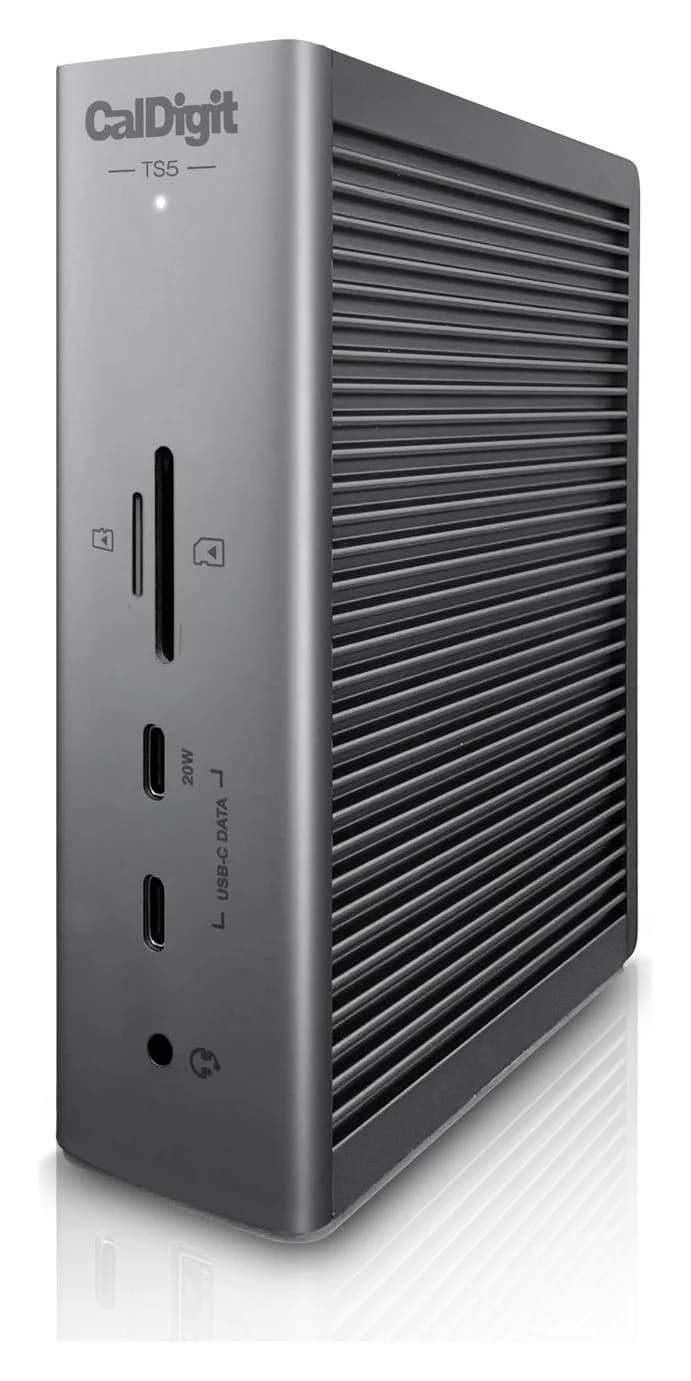
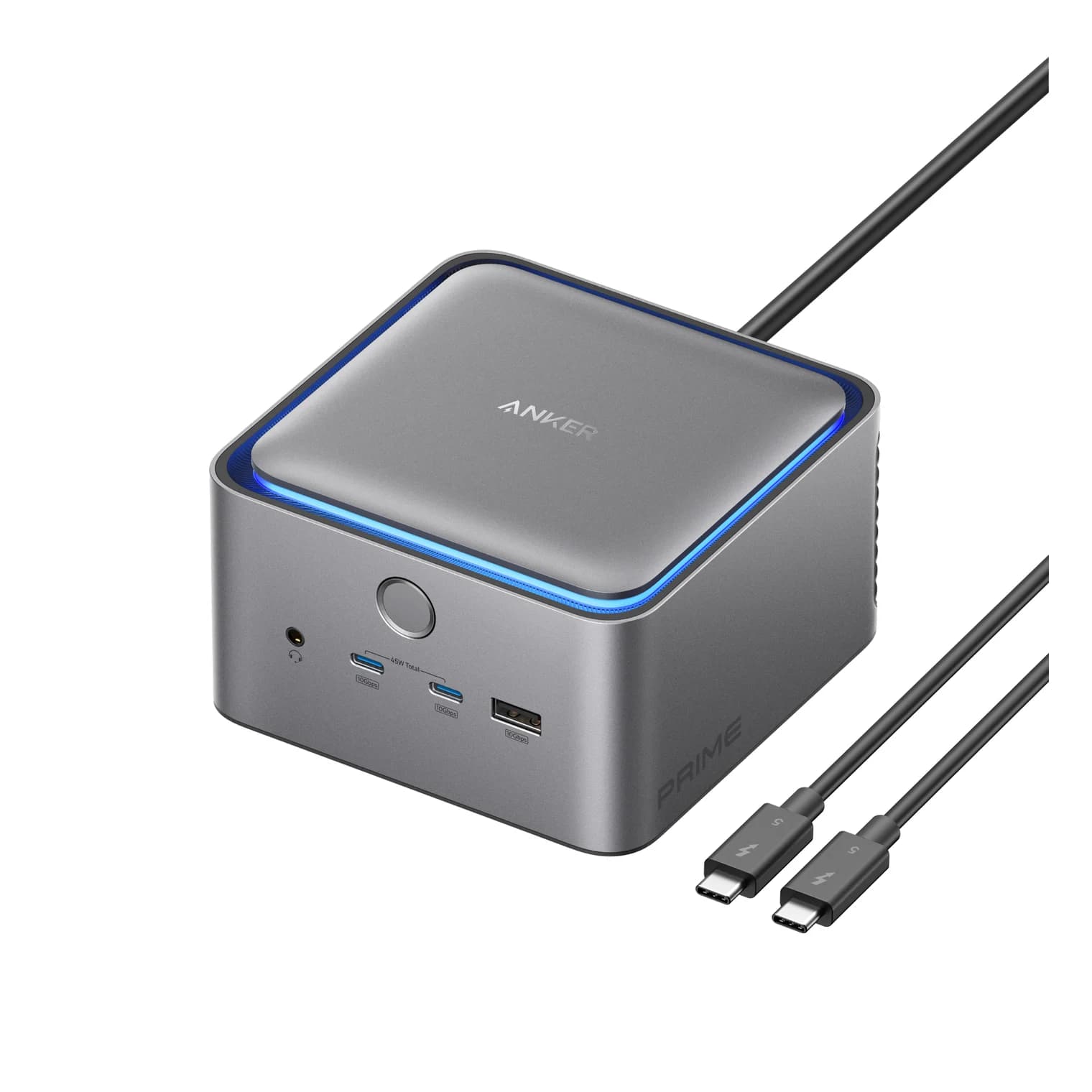
Docking stations for Dell, Lenovo and HP laptops by port: Plugable TBT4-UD5 for Thunderbolt 4 and USB4, CalDigit TS5 for Thunderbolt 5, DisplayLink for USB-C.
Updated November 3, 2026Read
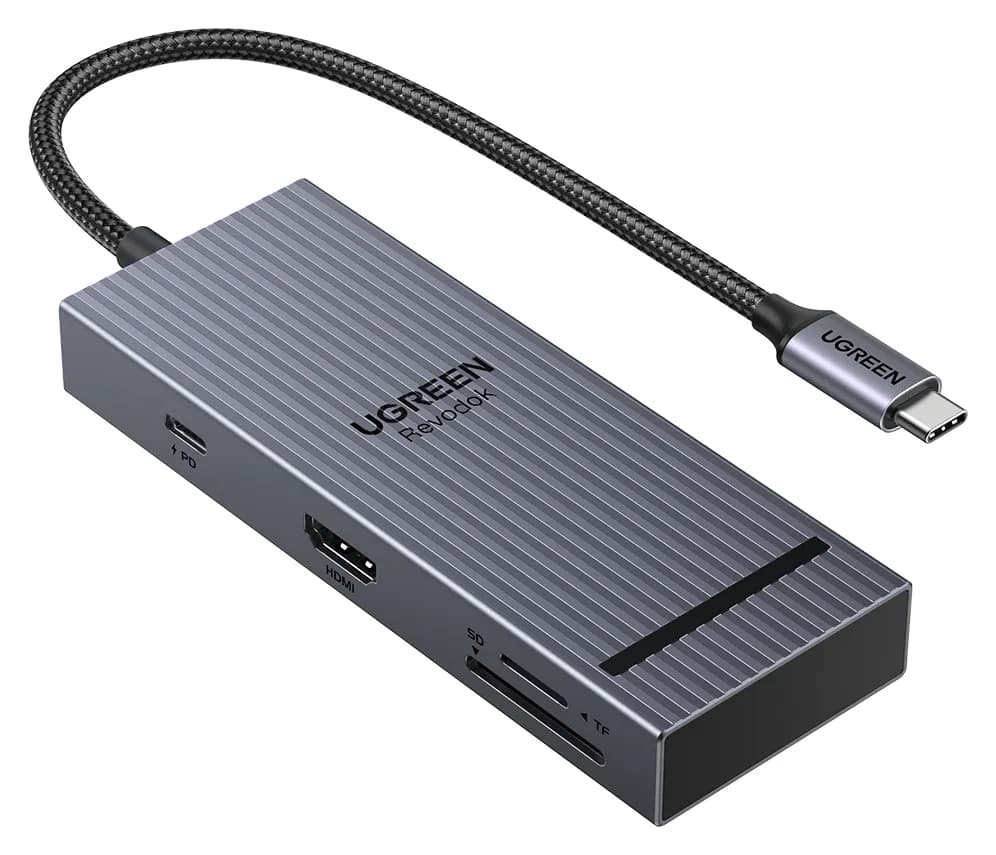
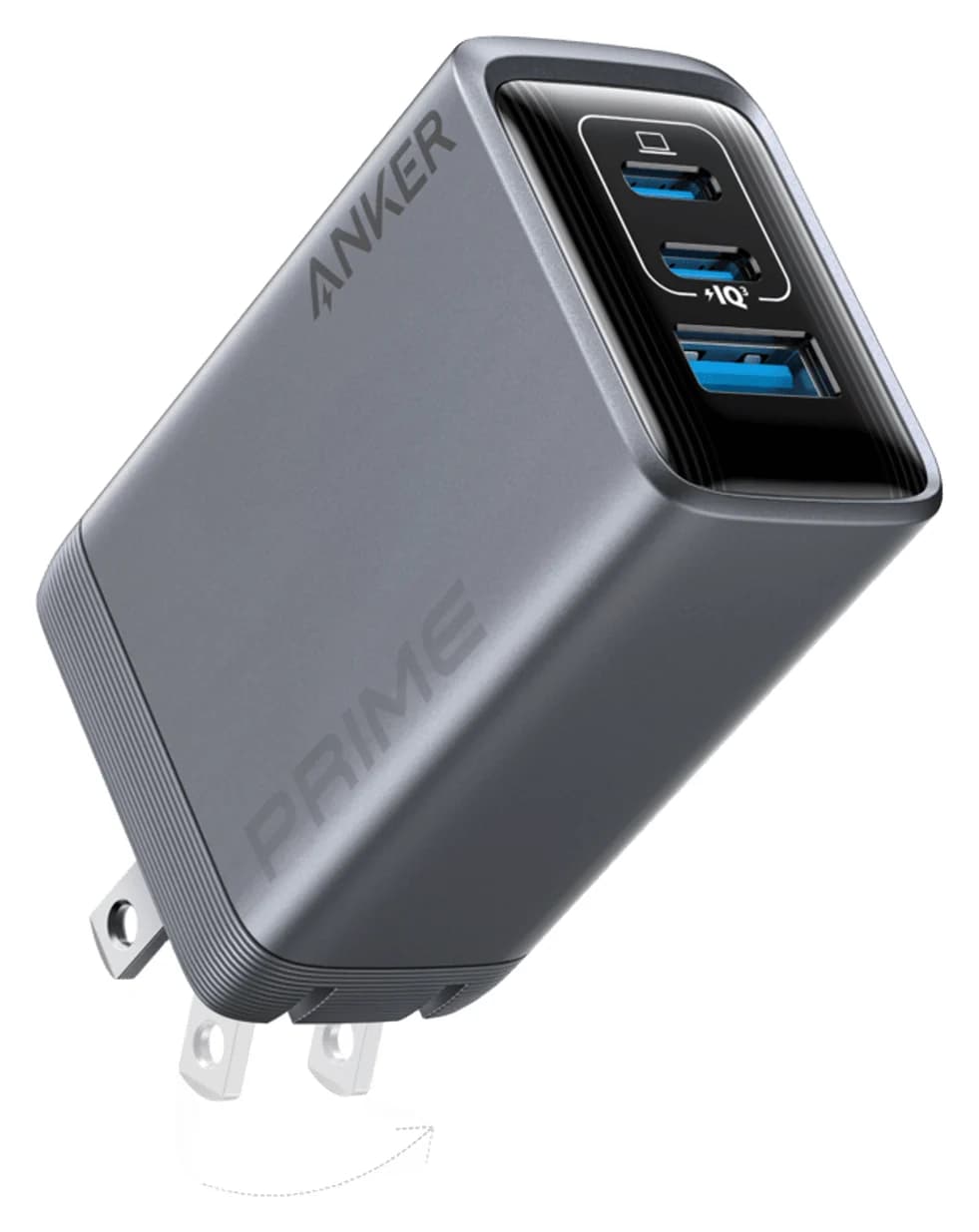
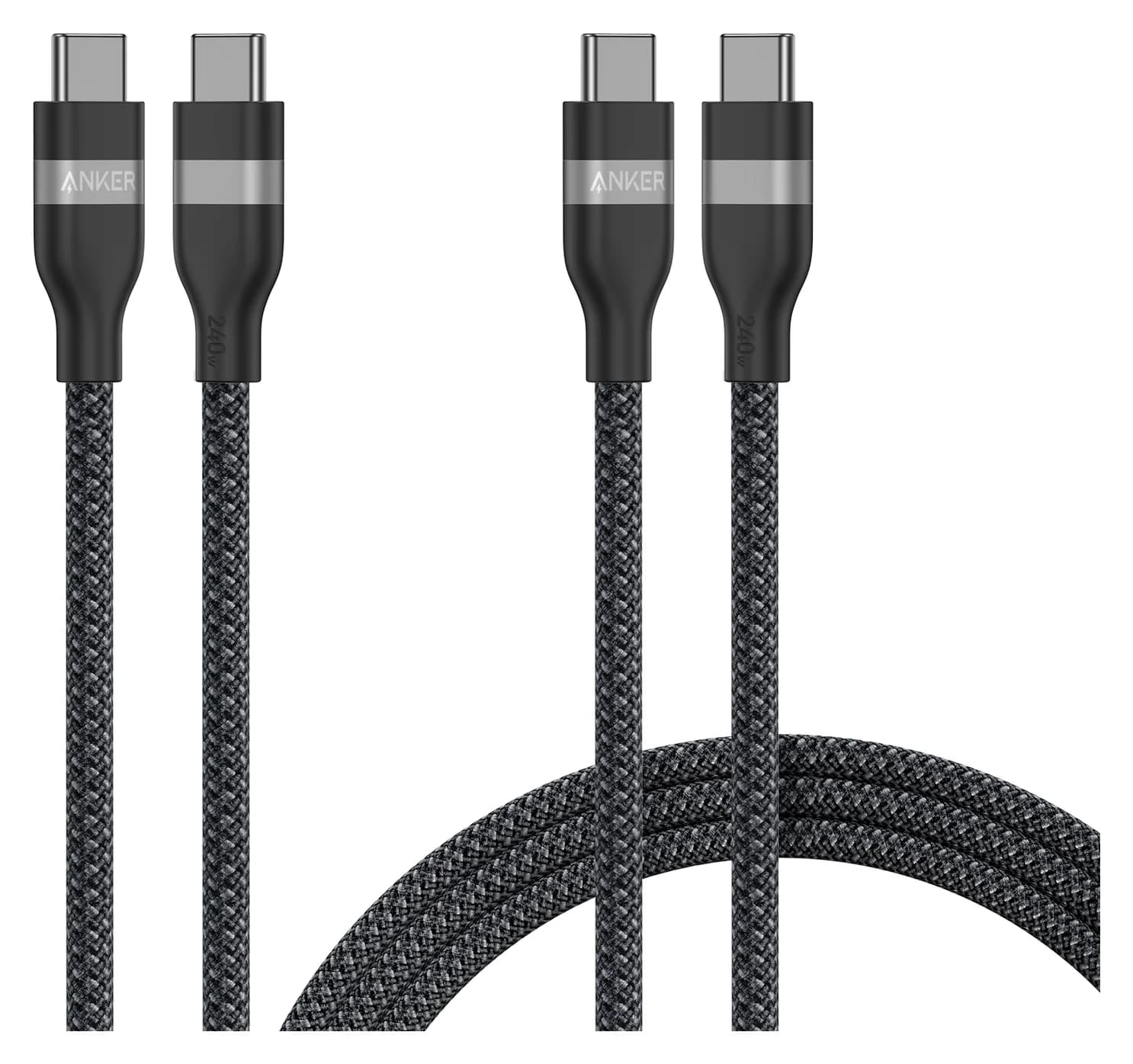
Useful gifts for someone with a new MacBook: a hub that fixes the port problem, a fast charger and cable, an SSD for backups, a desk dock and small adapters.
Updated October 30, 2026Read
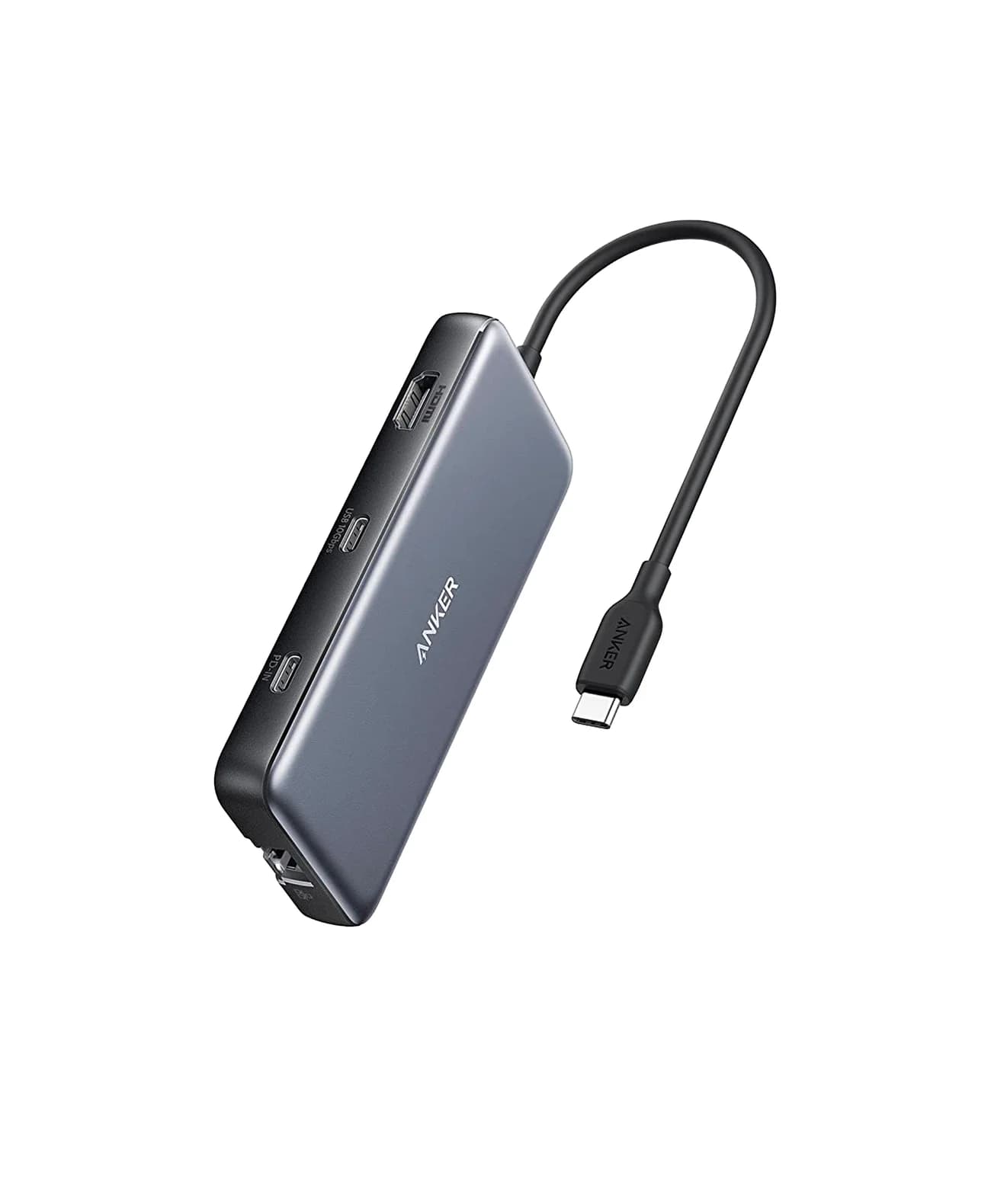
4K monitor stuck at 30Hz on a USB-C hub? The usual causes are HDMI 1.4, DisplayPort lanes shared with USB data, the cable or MST. How to check and fix it.
Updated October 30, 2026Read
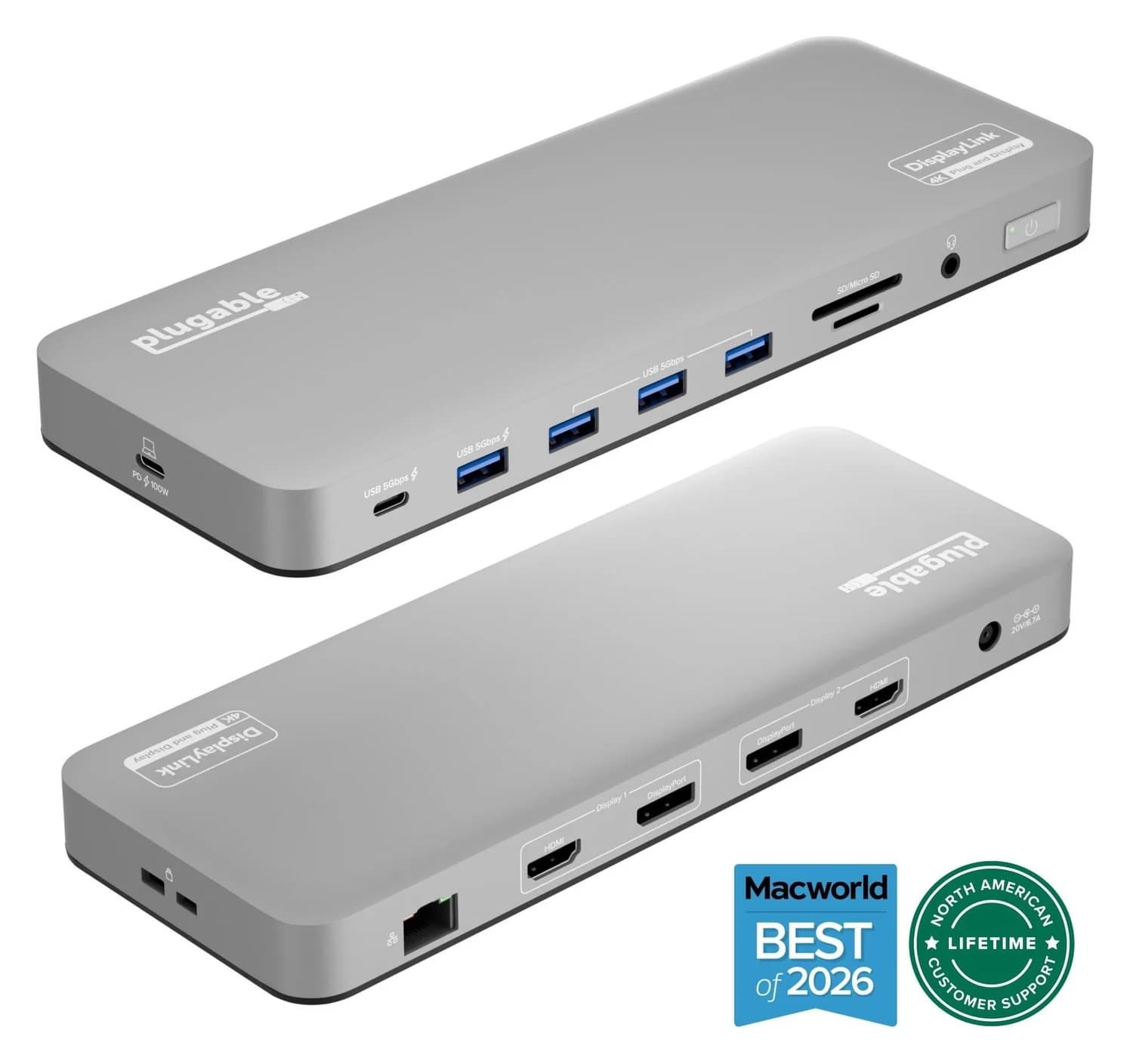
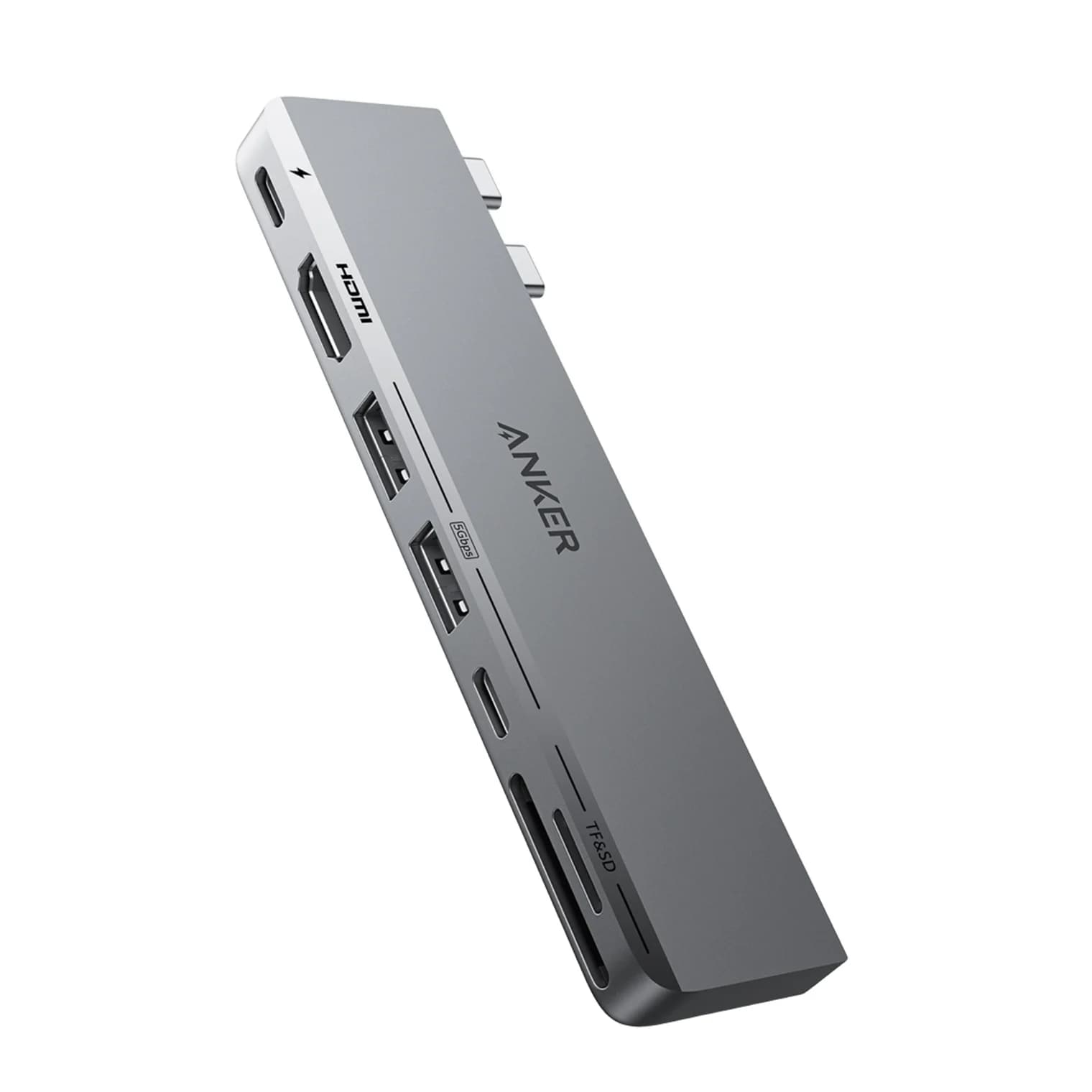
Why a second monitor mirrors or stays dark on a MacBook, what each chip from M1 to M6 and the Neo can drive, and which Thunderbolt and DisplayLink docks work.
Updated October 30, 2026Read
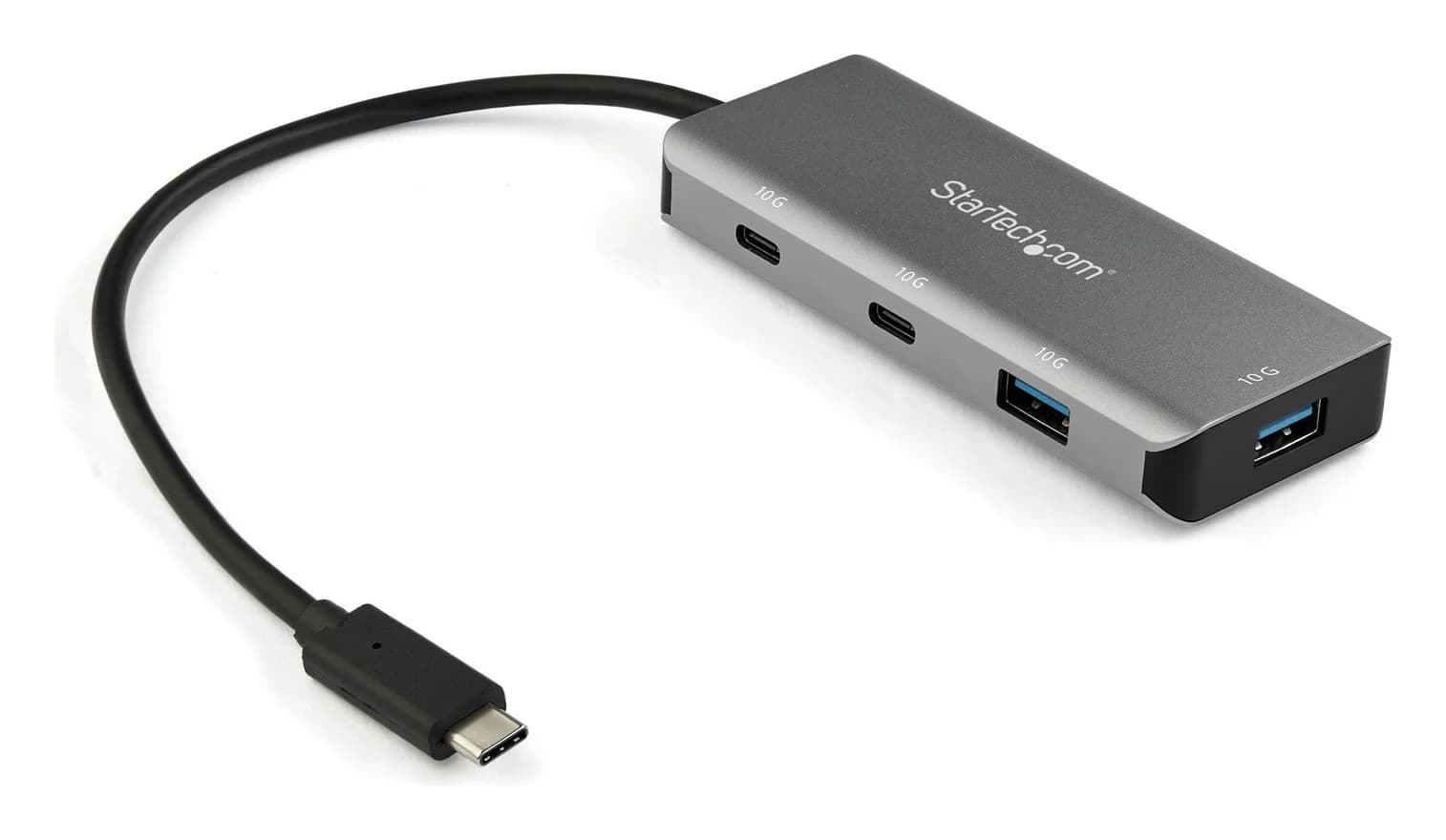
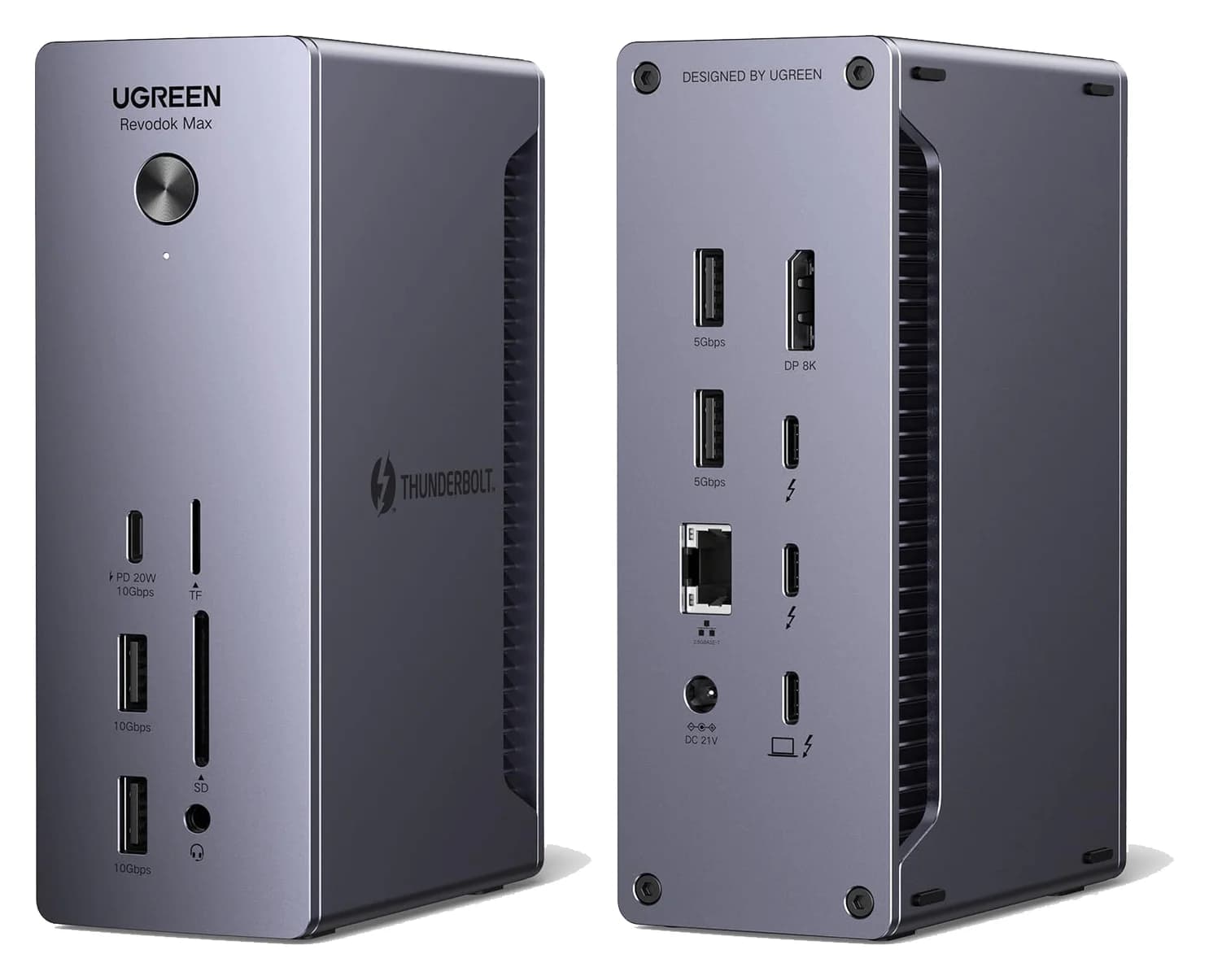
Choose a USB-C hub or Thunderbolt dock for your Mac Pro desktop. Compare exact models, monitor limits, shared bandwidth, and the cables your complete kit needs.
Updated November 5, 2026Read
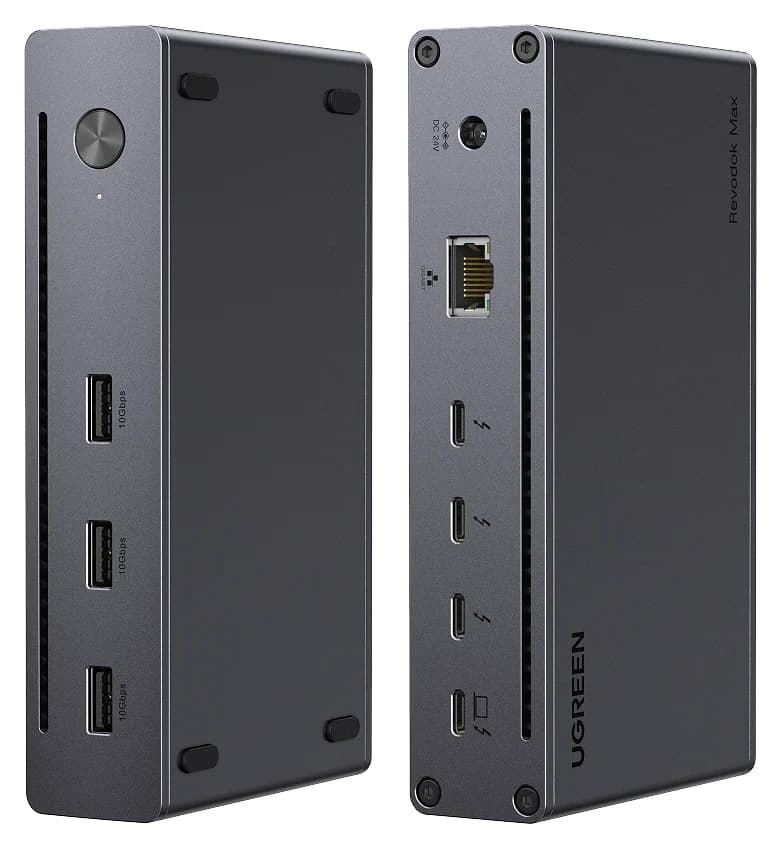
Choose a Thunderbolt 4 dock for your M4 MacBook Air: compare monitor connections, charging, Ethernet and the cables needed for a complete one-cable desktop.
Updated November 5, 2026Read
Choose the right Belkin Thunderbolt 4 dock: compare INC006 Pro, INC013 Core and INC030 ports, Mac monitor paths, charging, included cables and complete kits.
Updated November 3, 2026Read
Choose the right Dell docking station for your laptop, charging needs and monitors. Compare WD25, WD25Z, WD25TB4, Smart Docks, WD19S, WD22TB4 and UD22 kits.
Updated November 3, 2026Read
Choose between Plugable's TBT4-UD5 Thunderbolt 4 dock and UD-3900PDH DisplayLink dock: which laptop ports they need, display counts, charging and software.
Updated November 5, 2026Read
Thunderbolt 4 and Thunderbolt 5 docks compared on host charging, display support for Mac and Windows, and port mix, so one cable runs your whole desk.
Updated October 30, 2026Read
Choose a Thunderbolt 3 docking station for an older Mac or Windows laptop: compare native docks, newer alternatives, monitor limits, power supplies and cables.
Updated November 3, 2026Read
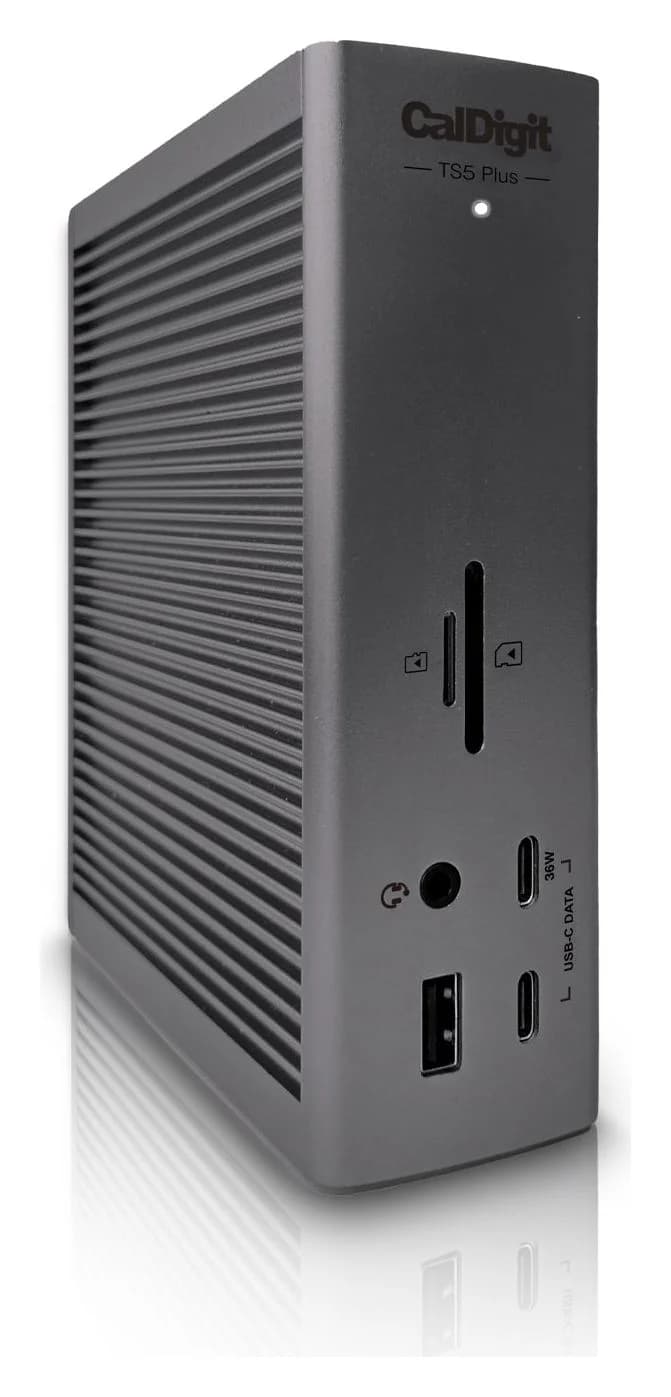
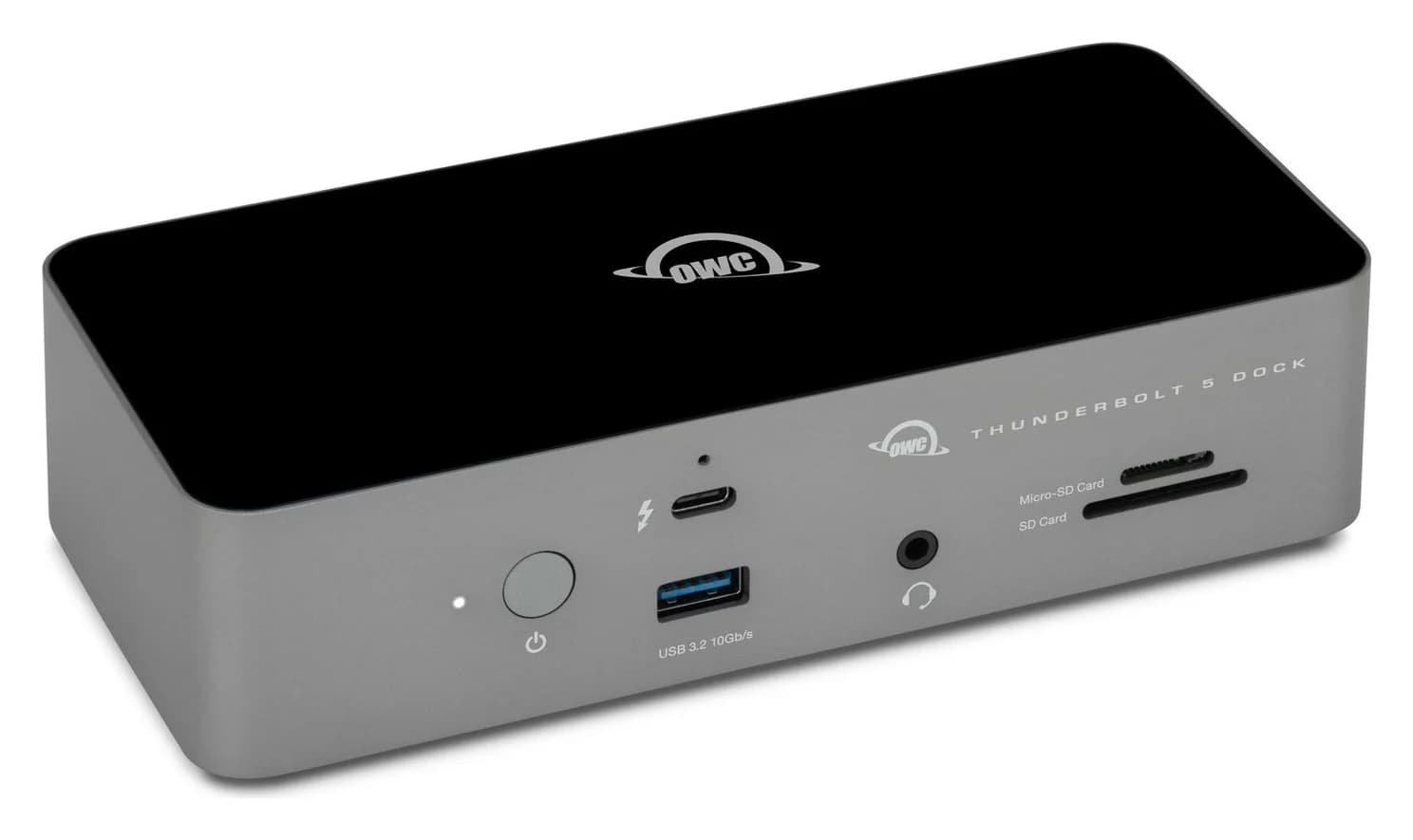
Thunderbolt 5 and 4 docking stations matched to each current MacBook Pro: 140W charging for the 16-inch, three or four displays on M5 Pro and Max, and 10GbE.
Updated November 3, 2026Read
Compare OWC Thunderbolt Go and Plugable TBT4-UD5 by monitor inputs, laptop support, power equipment and the extra parts needed for a complete docking kit.
Updated November 3, 2026Read
A 14-port Thunderbolt 5 dock with a built-in power supply, 140W laptop charging, an HDMI 2.1 or DisplayPort 2.1 output and two downstream Thunderbolt 5 ports.
A fanless 11-port Thunderbolt 5 dock with three downstream Thunderbolt 5 ports, 2.5GbE, UHS-II card readers and 140W laptop charging.
A 20-port Thunderbolt 5 dock with 10 Gigabit Ethernet, a DisplayPort 2.1 output, two 80Gb/s Thunderbolt 5 ports and 140W laptop charging.