Ports
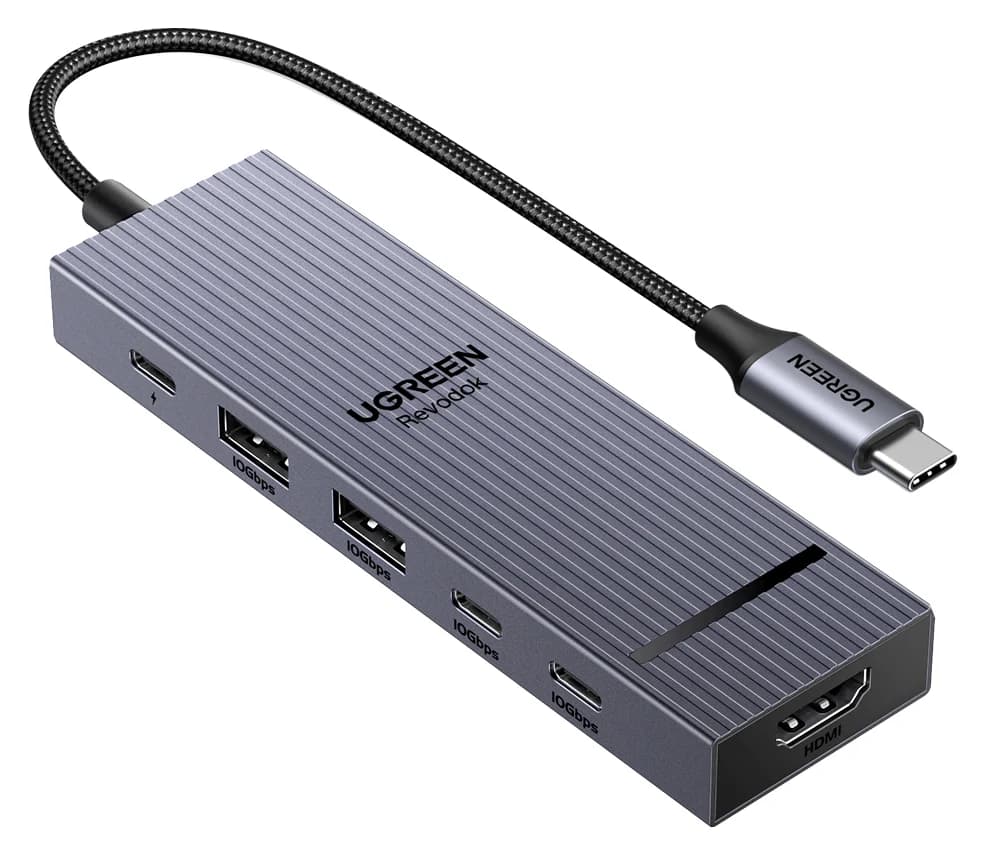
UGREEN
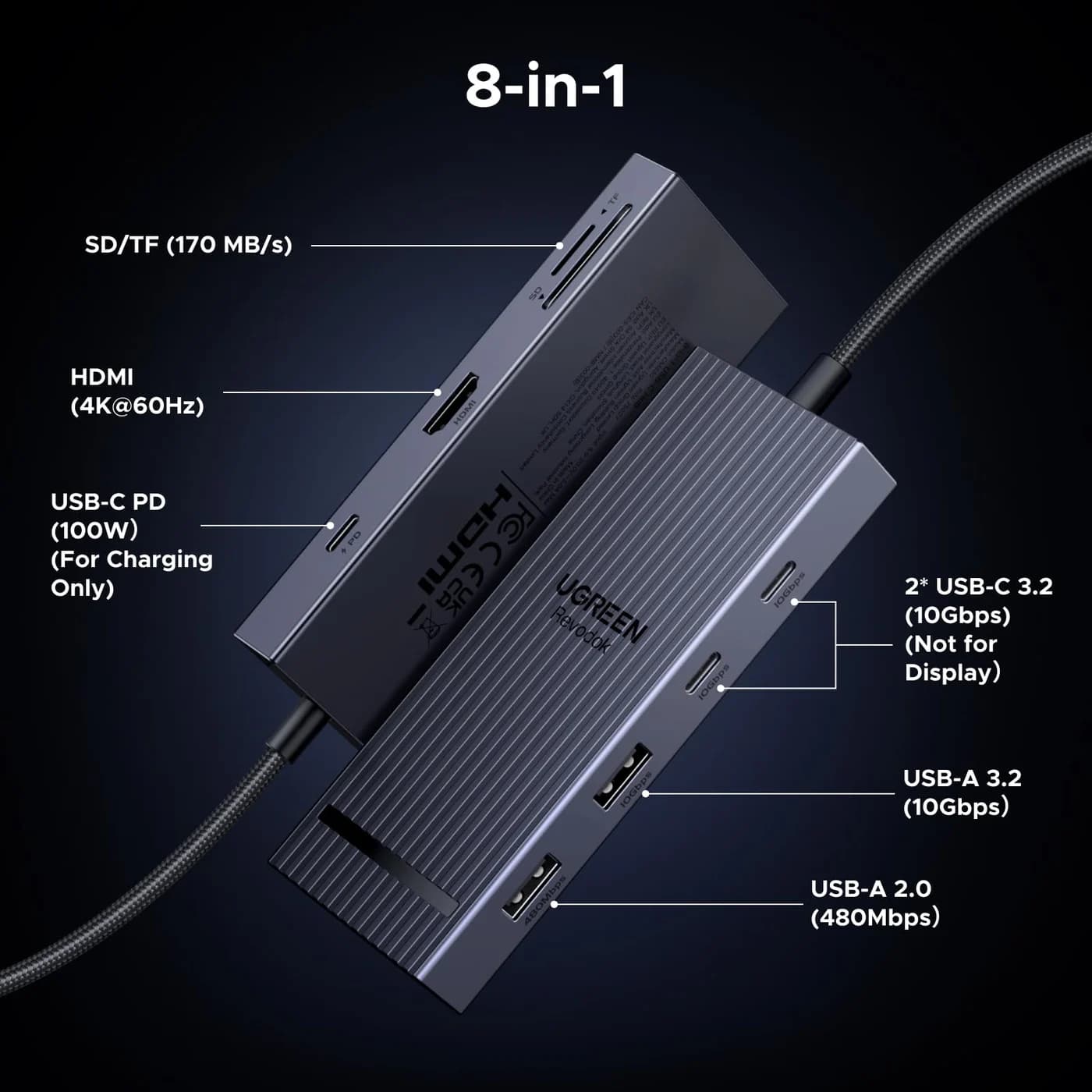
A compact single-cable 8-in-1 USB-C hub with 4K@60Hz HDMI, 10Gbps USB ports, 170MB/s SD and microSD readers and 100W PD input.
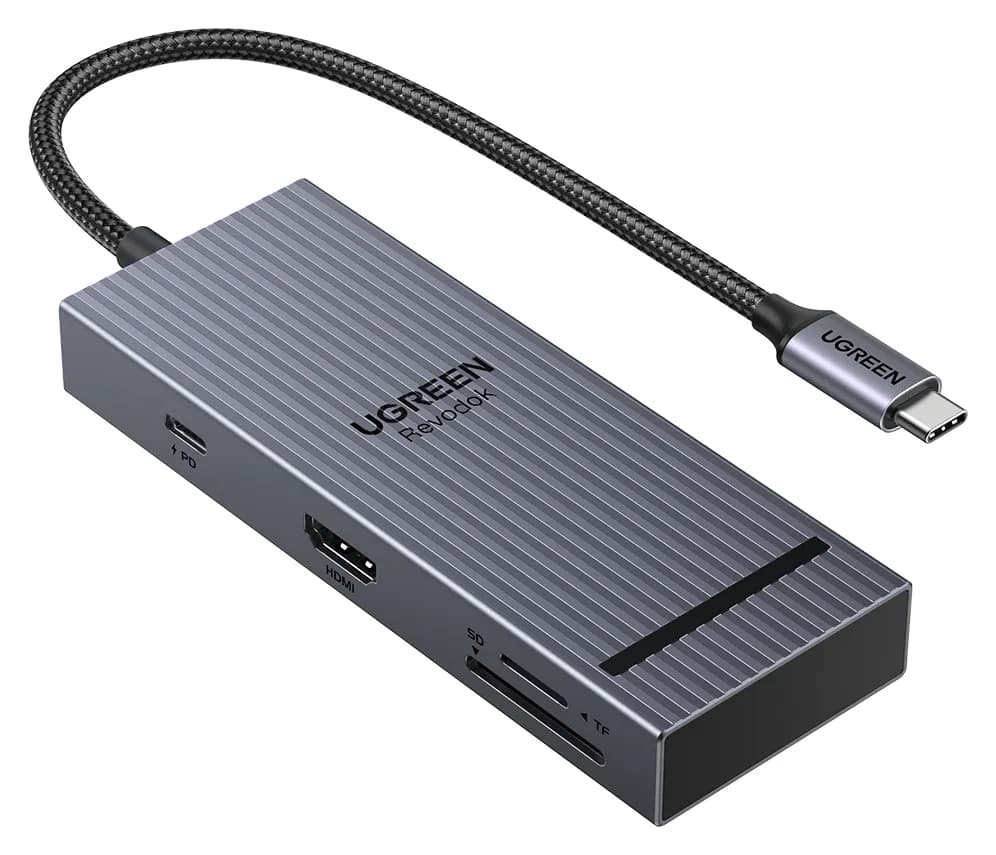
Photo: UGREEN
Tap a port to see what it’s for.
Ports
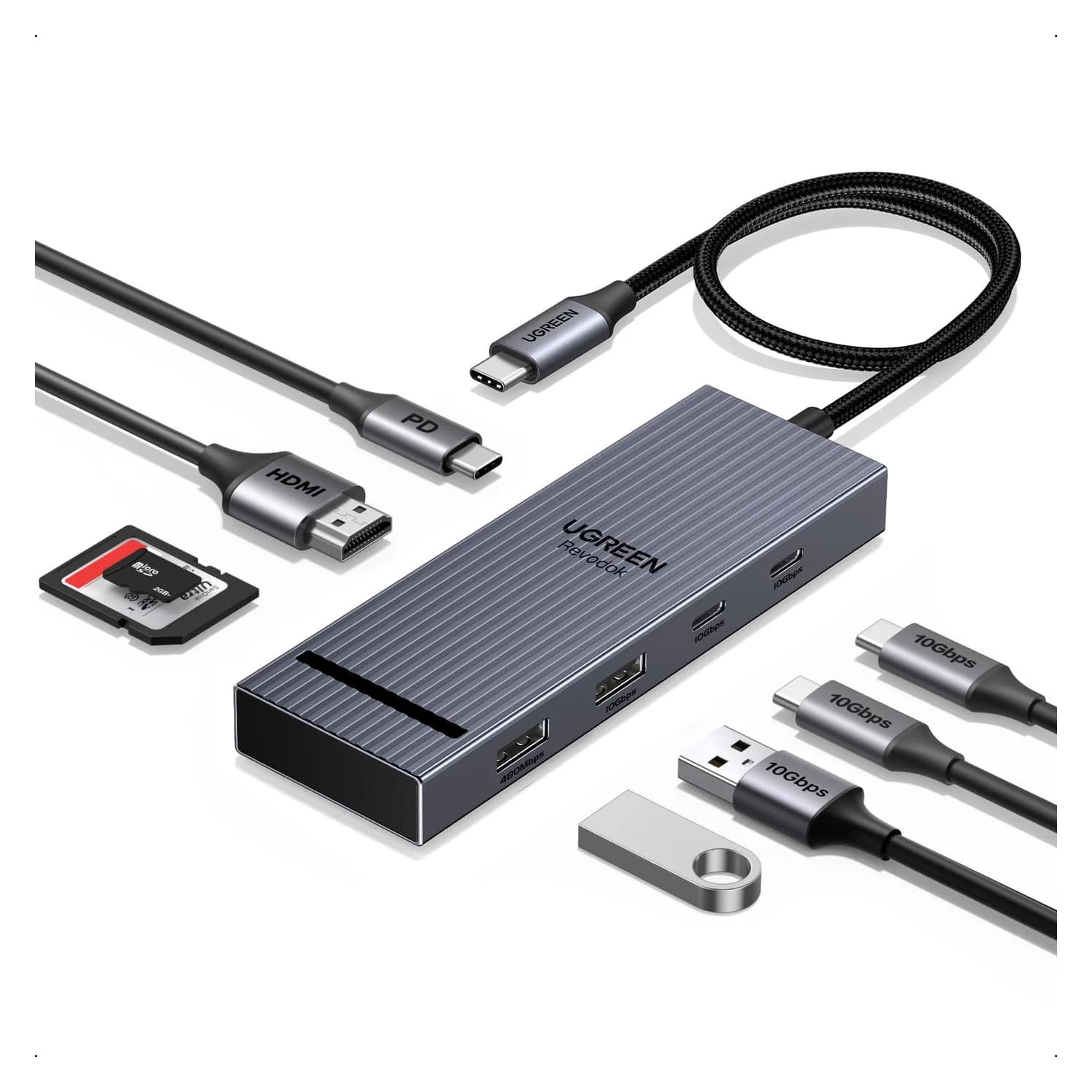
Side
Laptop charging through the hub
85W
Keeps MacBook Airs, 13-14" ultrabooks and most Windows laptops charged under normal use. A 16-inch MacBook Pro will charge slowly under heavy load.
Data speed
10 Gbps
About 900 MB/s in practice, full speed for most portable SSDs.
Display output
4K @ 60Hz
Smooth high-resolution output for a monitor or TV.
Total ports
8
Covers a typical desk setup: display, a few USB devices, cards or Ethernet.
| HDMI | 1x, up to 4K@60Hz; host must support DisplayPort 1.4 Alt Mode for 60Hz |
|---|---|
| USB-C data | 2x, 10Gbps, data only (no video, no charging) |
| USB-A data | 2x; UGREEN states three of the hub's USB data ports run at 10Gbps |
| Card readers | SD and microSD, up to 170MB/s, simultaneous read/write |
| Power Delivery | 100W PD input; up to 85W to the laptop, 15W reserved for the hub |
| Size / weight | 11.9 x 4.5 x 1.6 cm, 80g |
From manufacturer documentation, checked September 27, 2026. Spotted an error? Tell us.
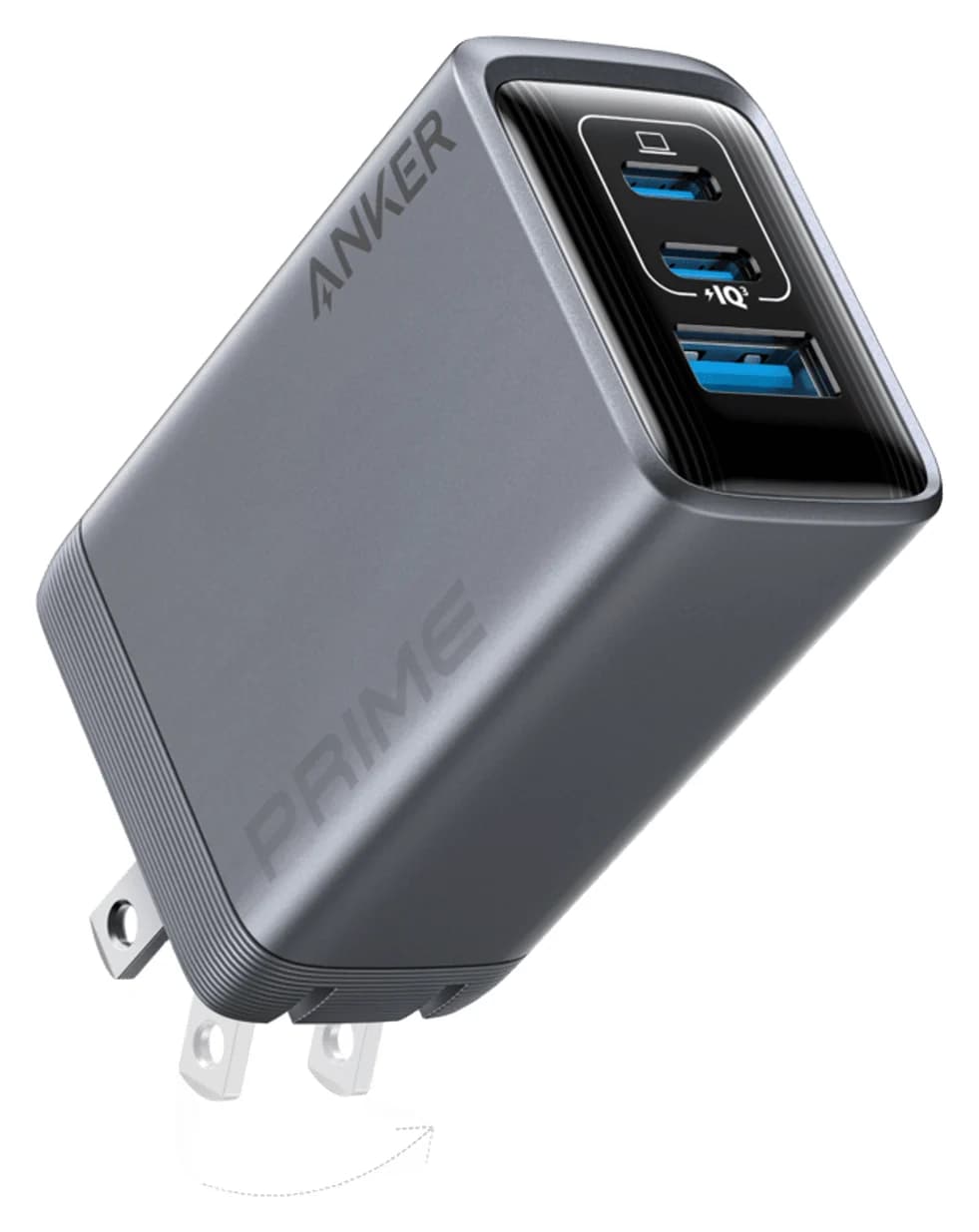
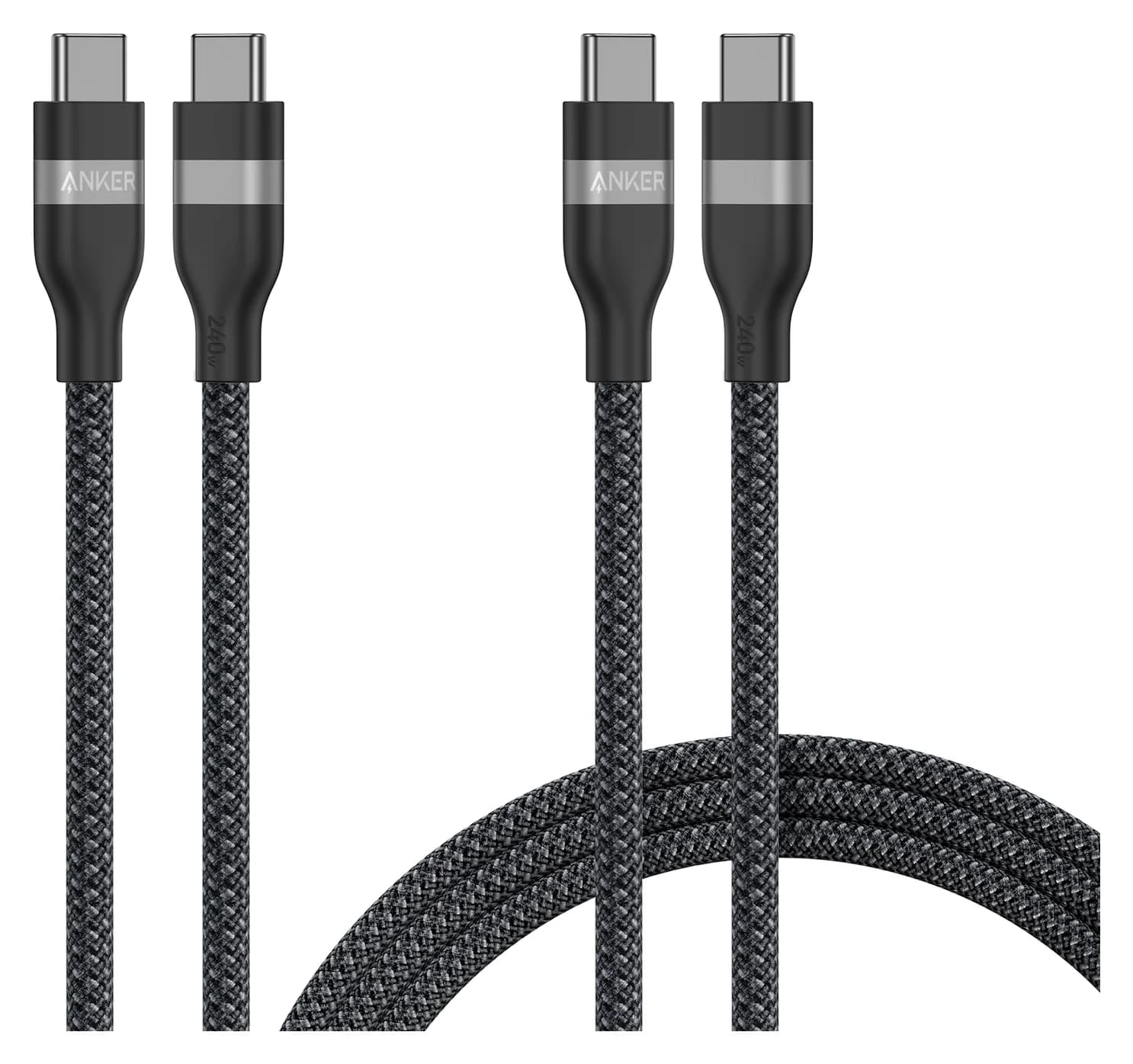
Useful gifts for someone with a new MacBook: a hub that fixes the port problem, a fast charger and cable, an SSD for backups, a desk dock and small adapters.
Updated October 30, 2026Read
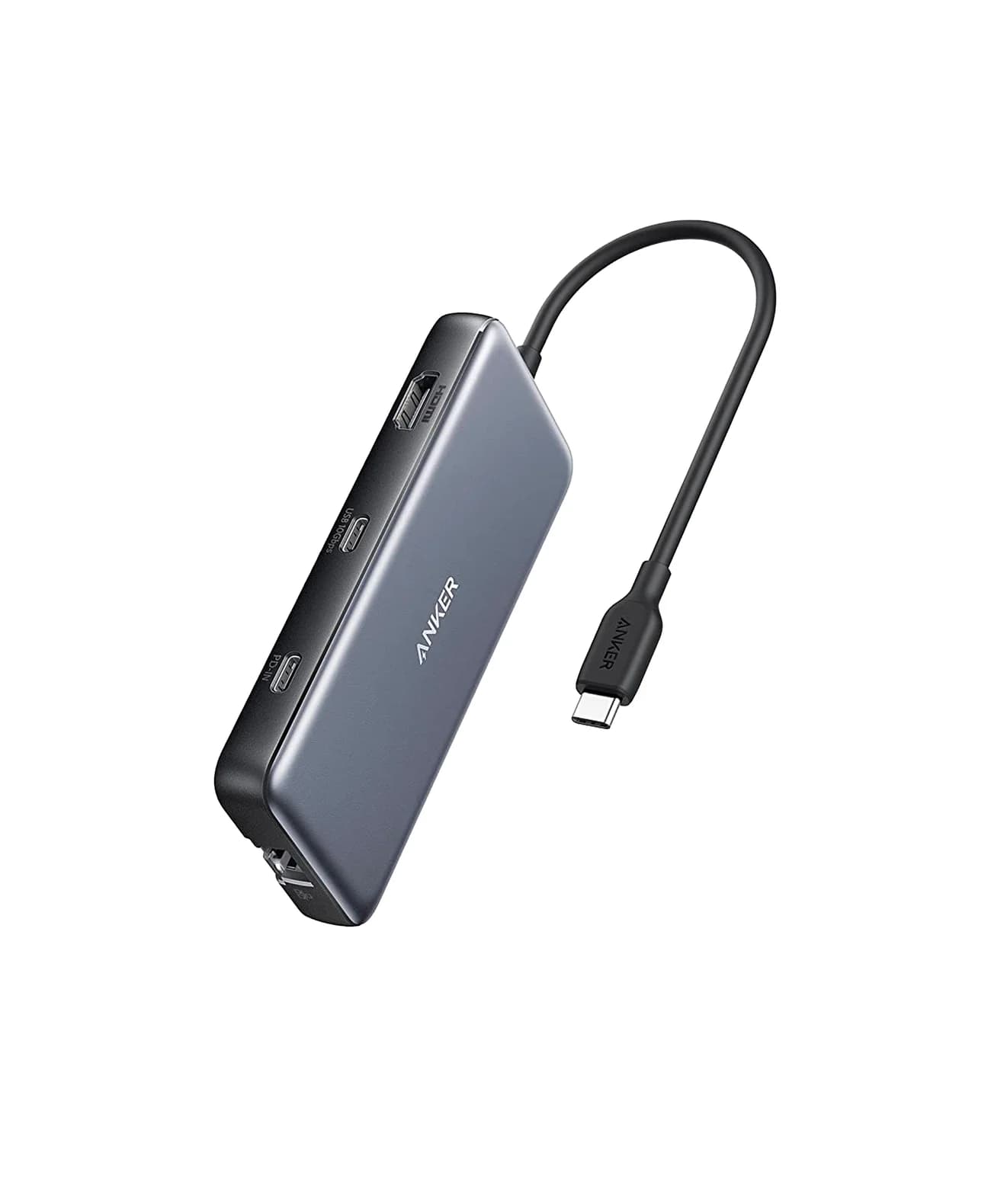
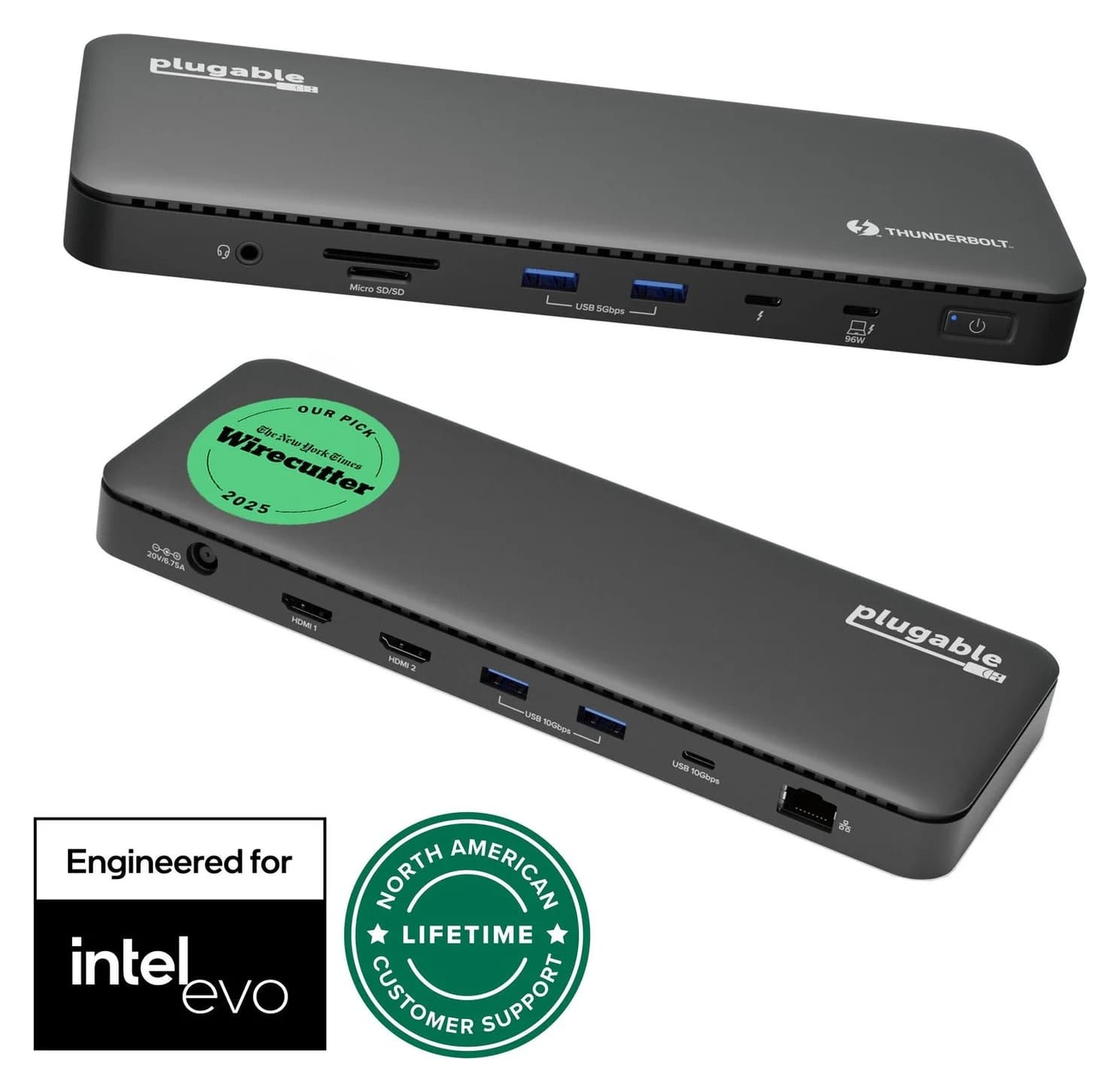
4K monitor stuck at 30Hz on a USB-C hub? The usual causes are HDMI 1.4, DisplayPort lanes shared with USB data, the cable or MST. How to check and fix it.
Updated October 30, 2026Read
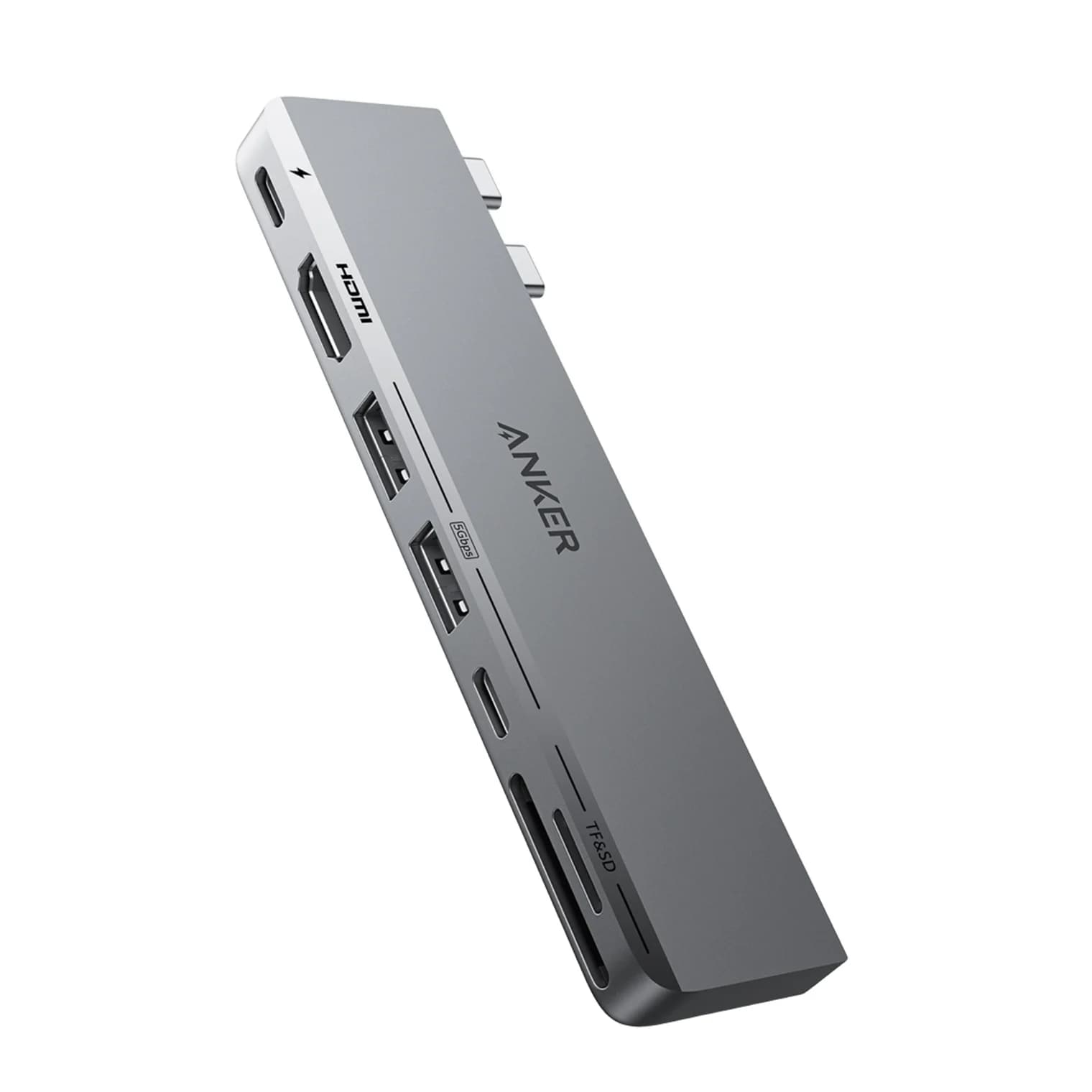
Add HDMI, USB-A, SD cards and Ethernet to your MacBook Air or Pro. We compare four USB-C hubs on spec sheets, display limits and macOS compatibility.
Updated October 30, 2026Read
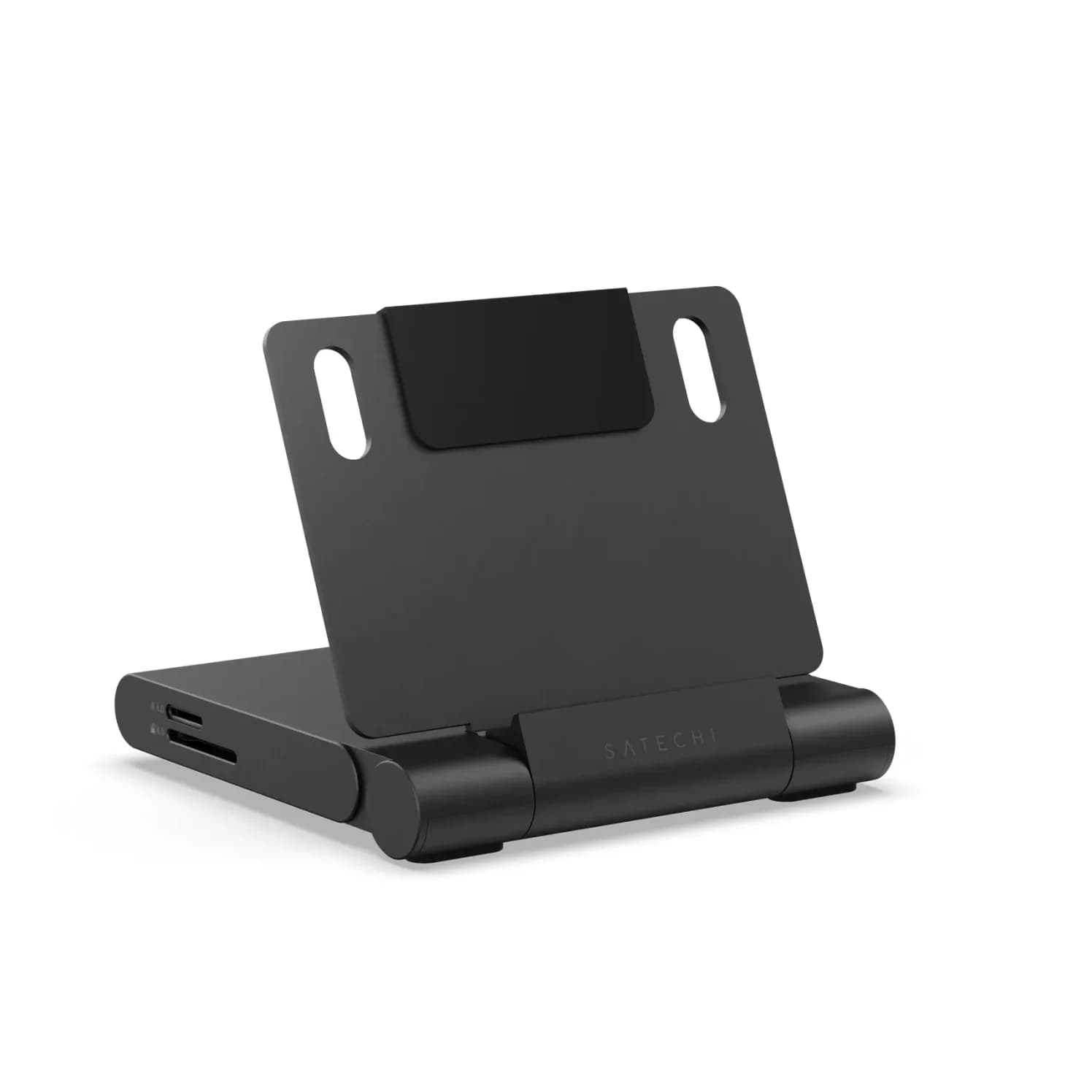
Which USB-C hub suits your iPad: port speeds, 4K vs 6K displays, extended vs mirrored screens, charging through a hub, SD readers, Ethernet and headphones.
Updated October 30, 2026Read
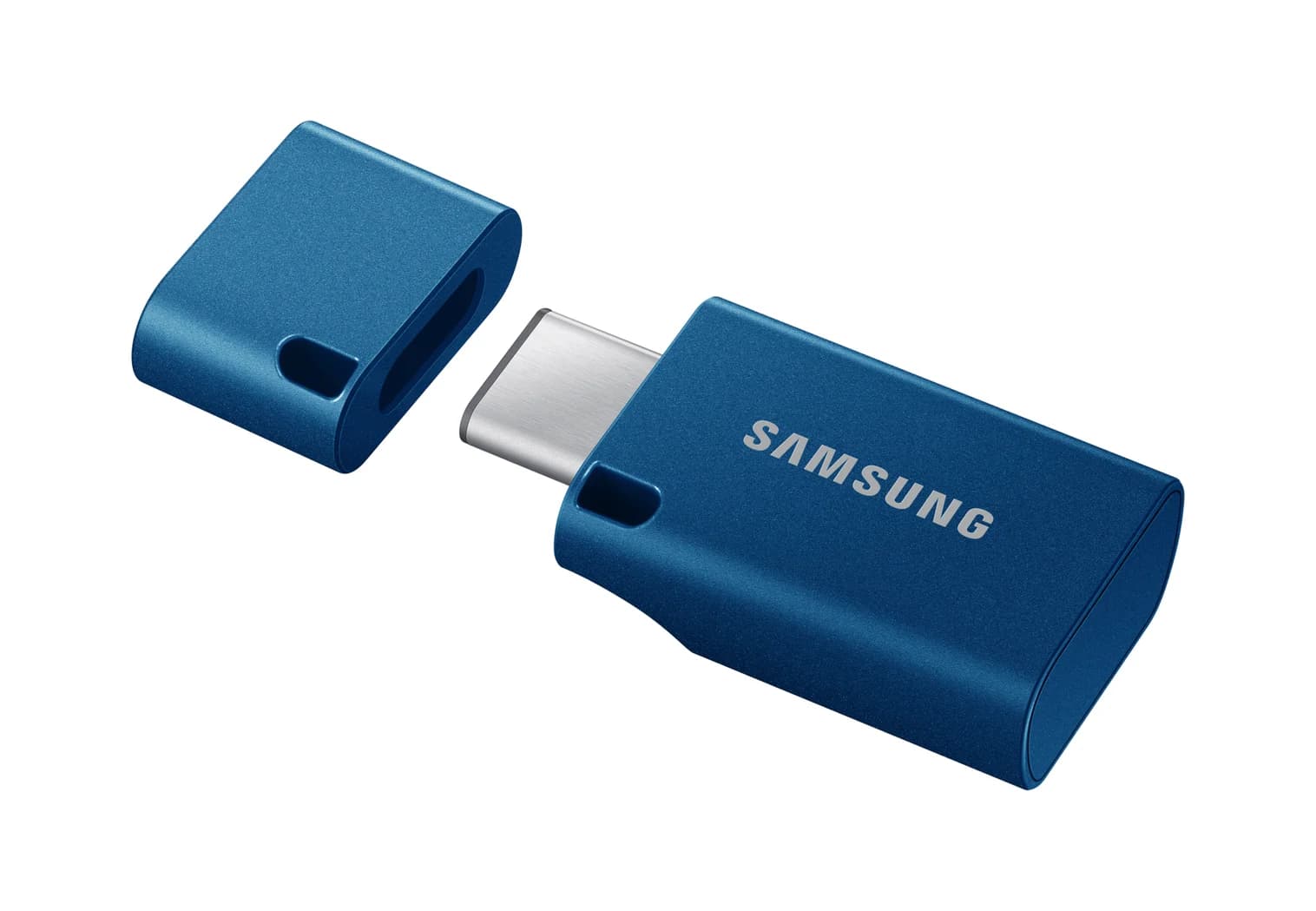
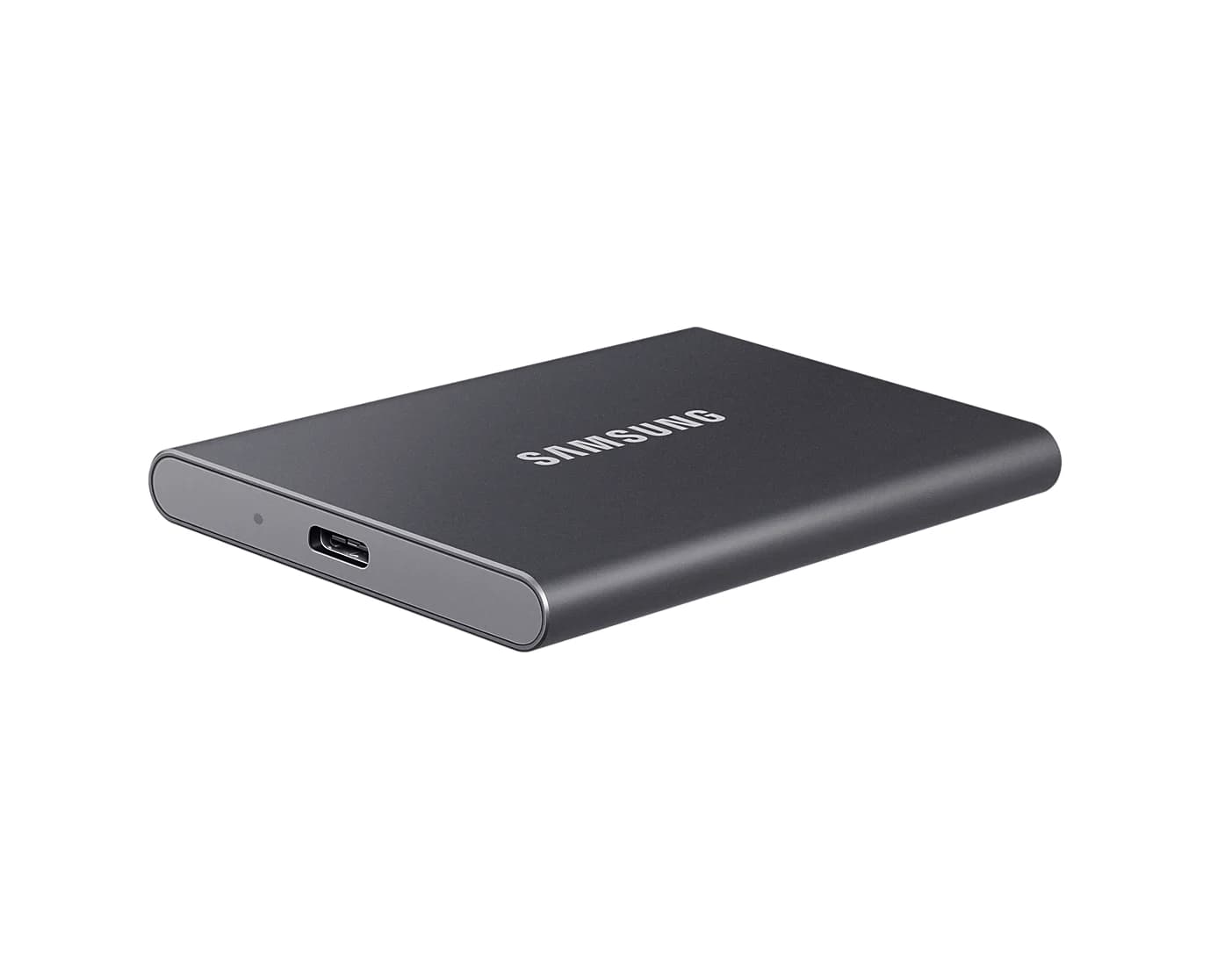
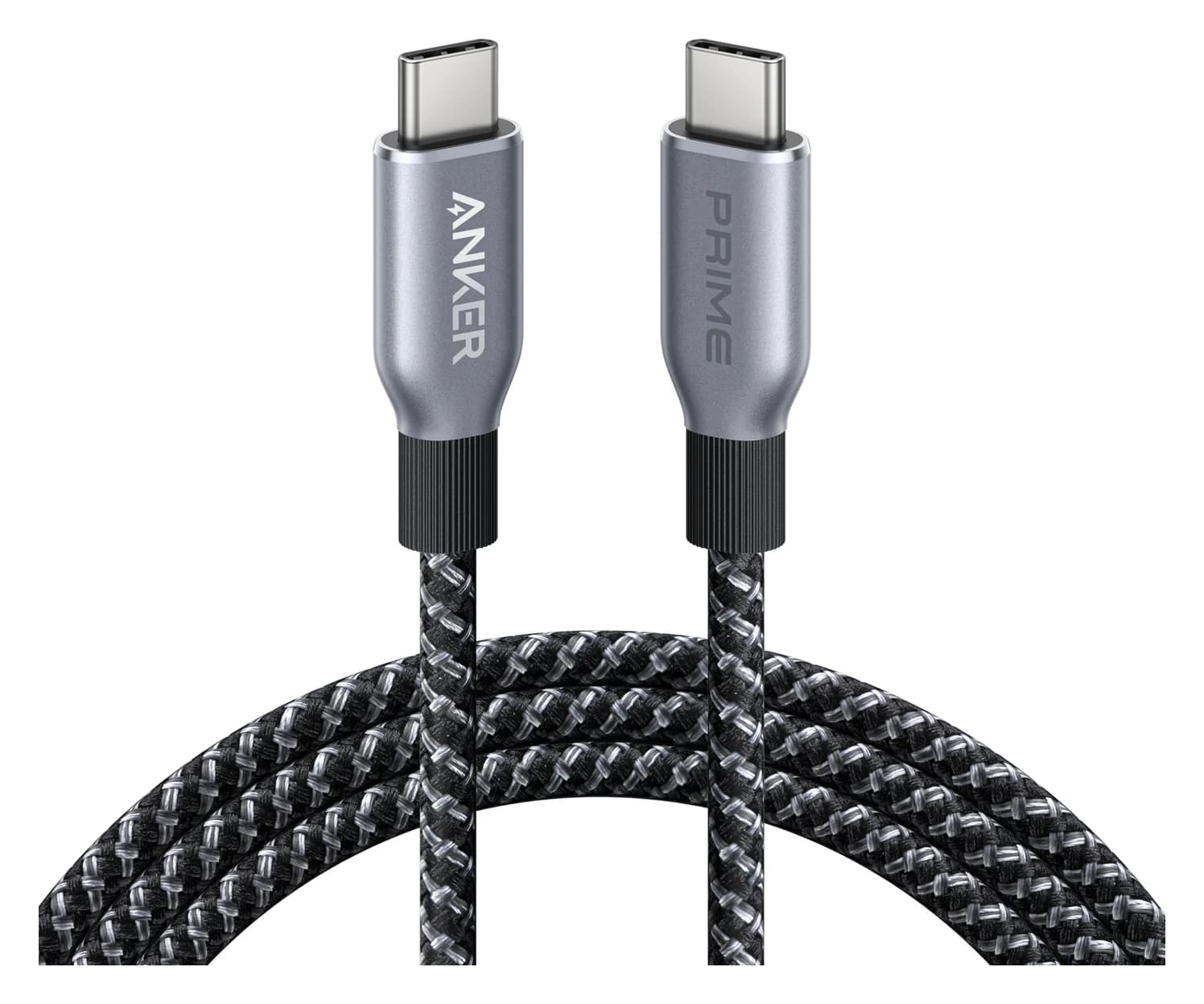
Spot fake-capacity drives, 240W cables with no e-marker, padded charger wattage, uncertified Qi2 and counterfeit sellers before you buy this Black Friday.
Updated October 30, 2026Read
Build a cleaner laptop desk with one USB-C hub for your monitor, Ethernet, SD cards and charging. Five picks chosen from spec sheets, with setup advice.
Updated October 30, 2026Read
The best USB-C hub depends on your laptop's port and your screen. Picks for 4K at 60Hz, Ethernet, travel, MacBook, Windows and iPad, plus the traps to avoid.
Updated November 3, 2026Read
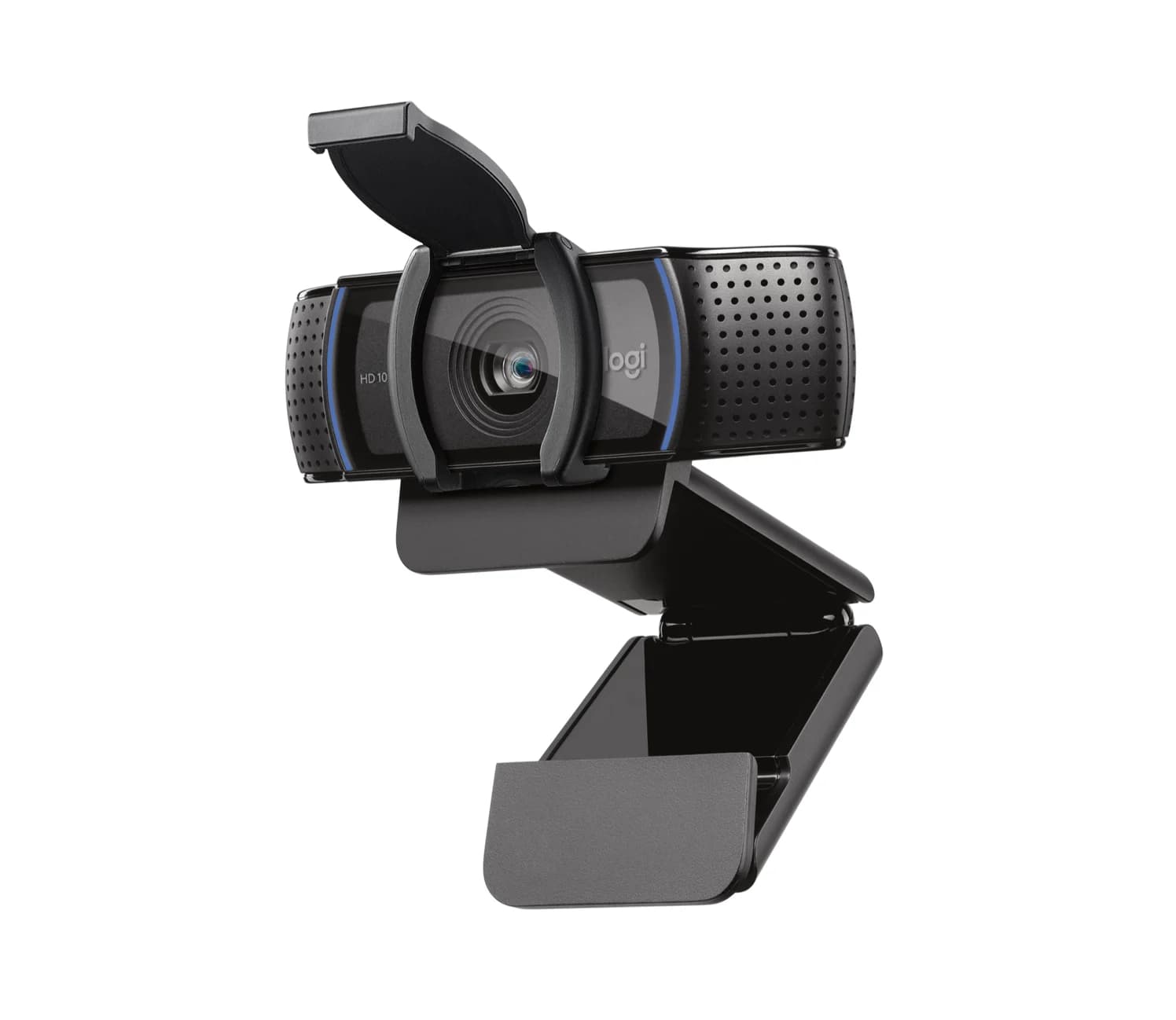
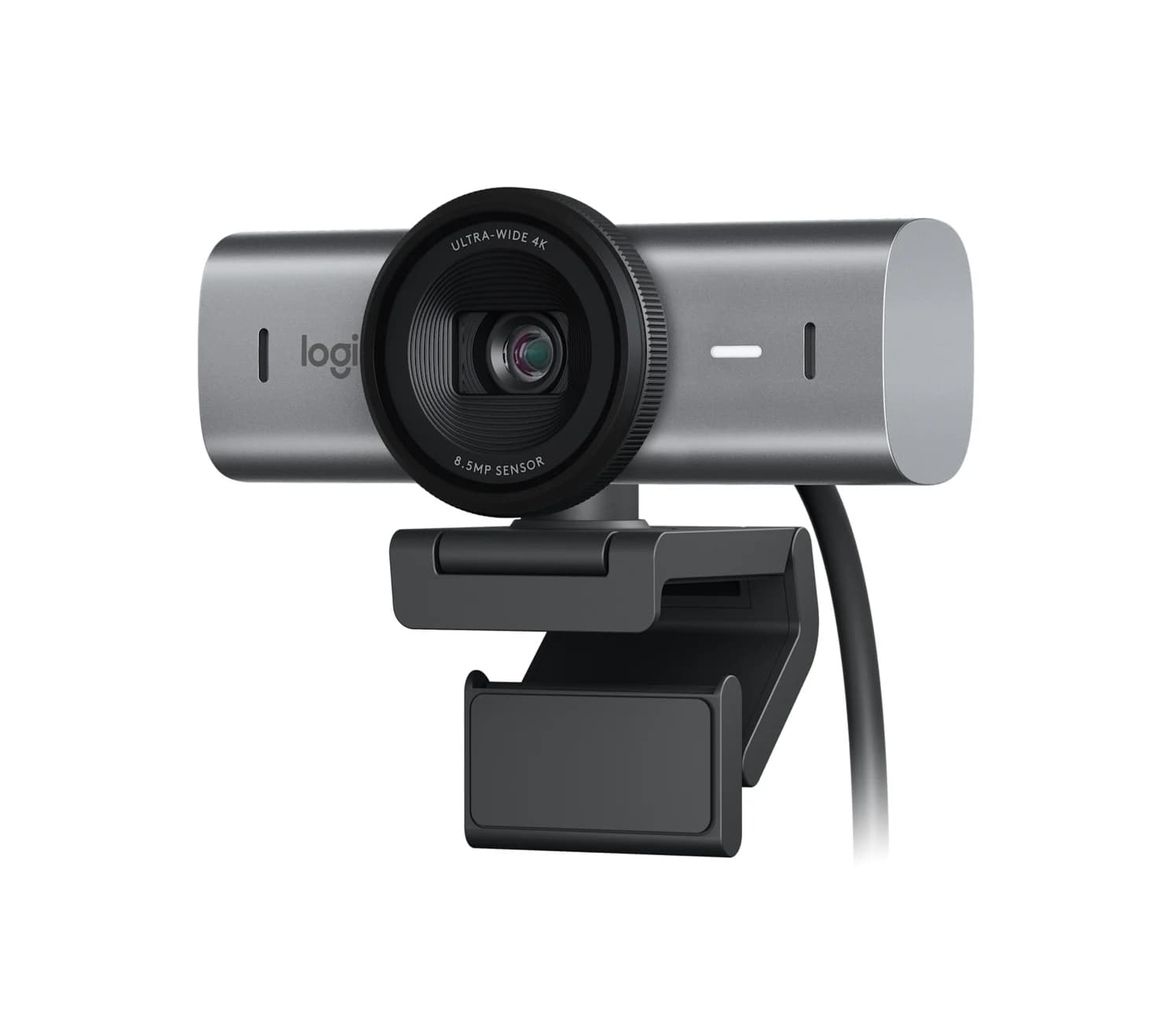
Find useful gifts for remote workers by the problem they solve: better calls, fewer chargers or more desk ports, with laptop checks and complete kit advice.
Updated November 4, 2026Read
Satechi OntheGo vs UGREEN Revodok Pro 108 for iPad Pro: stand-and-audio hub vs cable hub, case fit, the 4K display ceiling, SD card speed and the charger reserve that decides it.
Updated November 5, 2026Read
Want 4K at 60Hz, not a laggy 30Hz? These USB-C hubs with HDMI are picked from spec sheets, with clear notes on refresh rates, dual screens and host limits.
Updated October 30, 2026Read
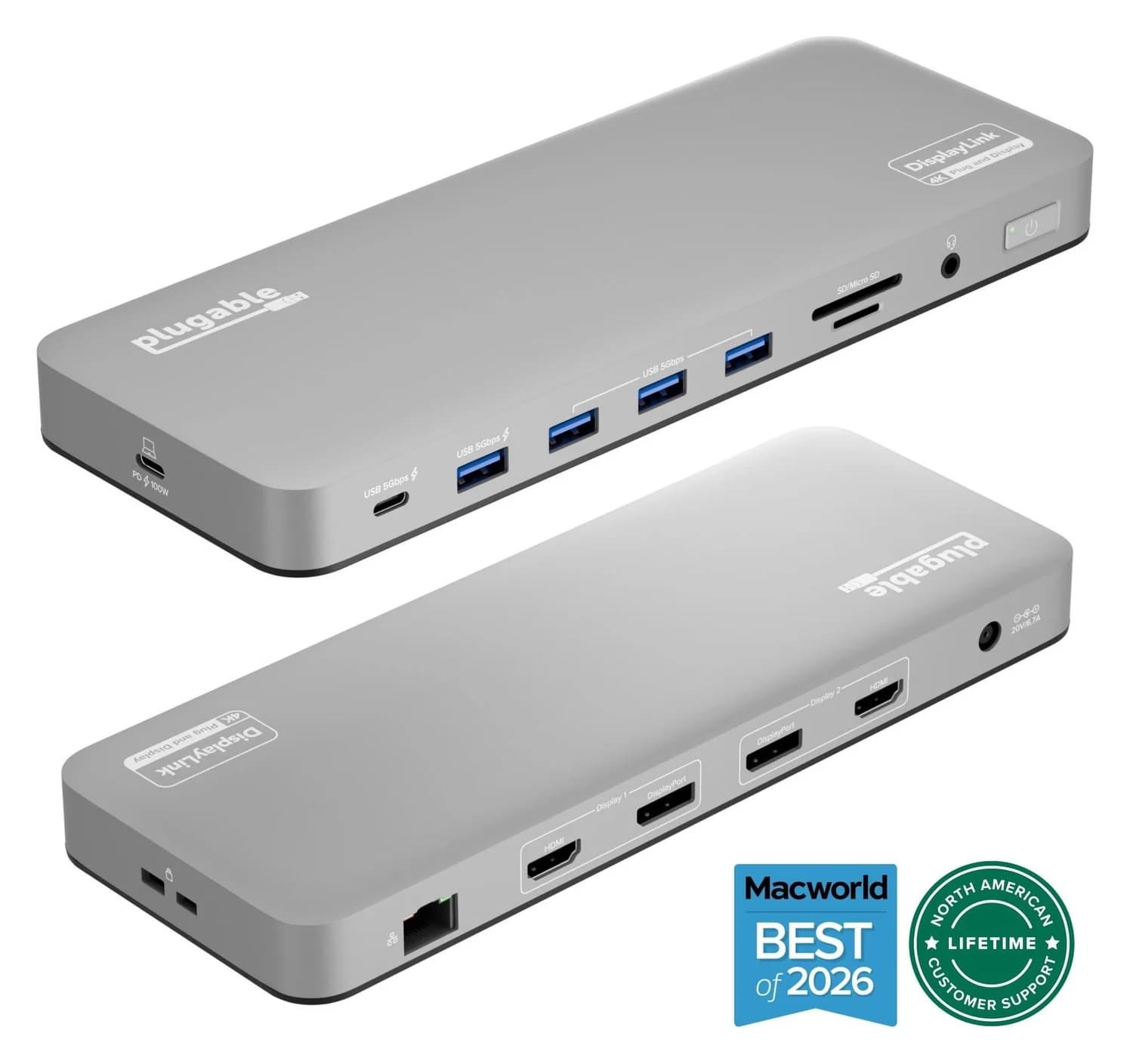
The best USB-C hub for a MacBook Air depends on the chip. Here are the picks for M2 to M5, display limits, the lid-closed rule and DisplayLink.
Updated November 8, 2026Read
A 7-in-2 hub that plugs into two adjacent USB-C/Thunderbolt ports on a MacBook and adds HDMI, a Thunderbolt-passthrough USB-C port, USB-C and USB-A data, and SD/microSD slots.
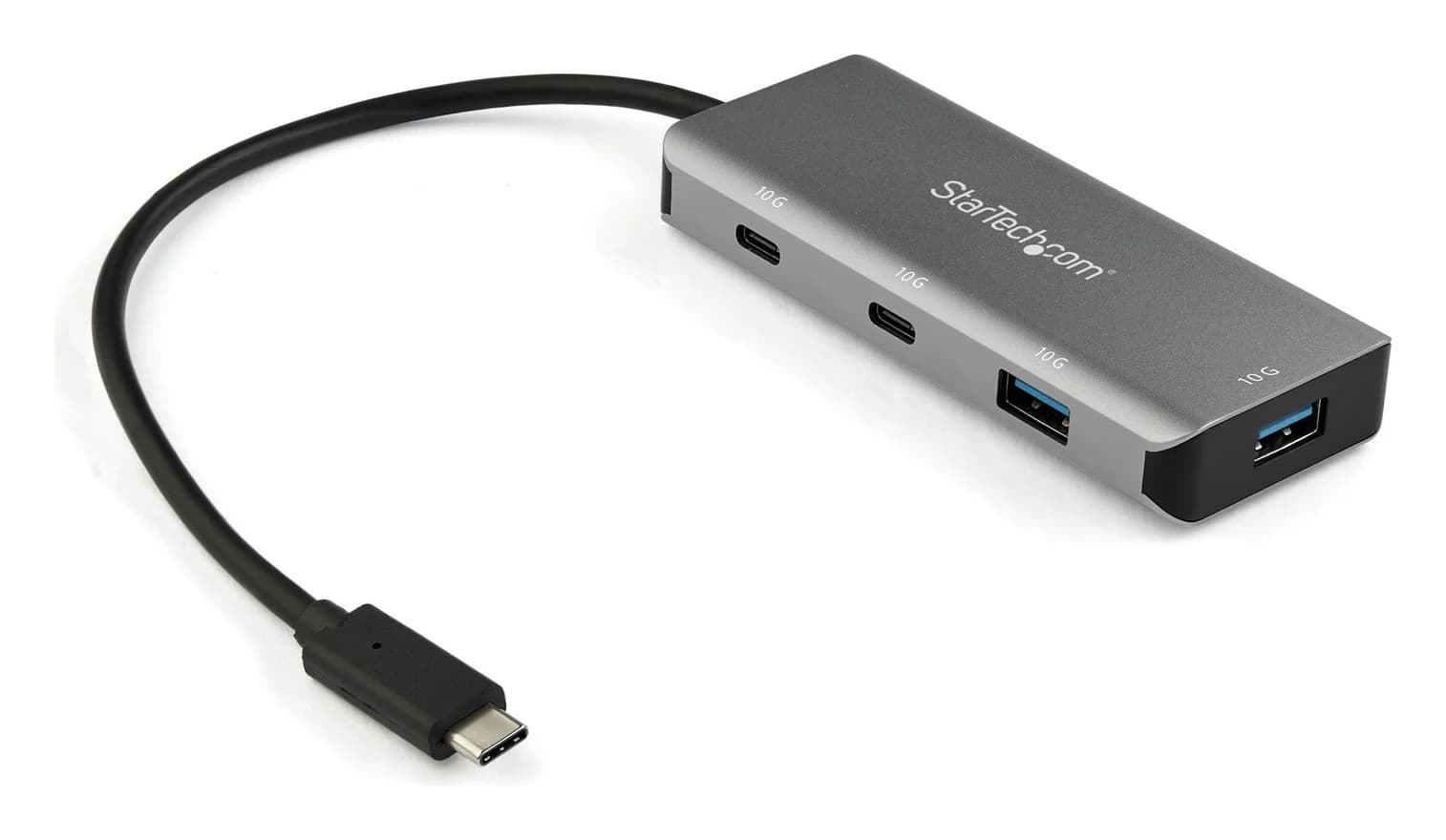
A small aluminum USB-C data hub that turns one USB-C or Thunderbolt 3 port into two USB-C and two USB-A ports at up to 10Gbps, on a 25cm attached cable.
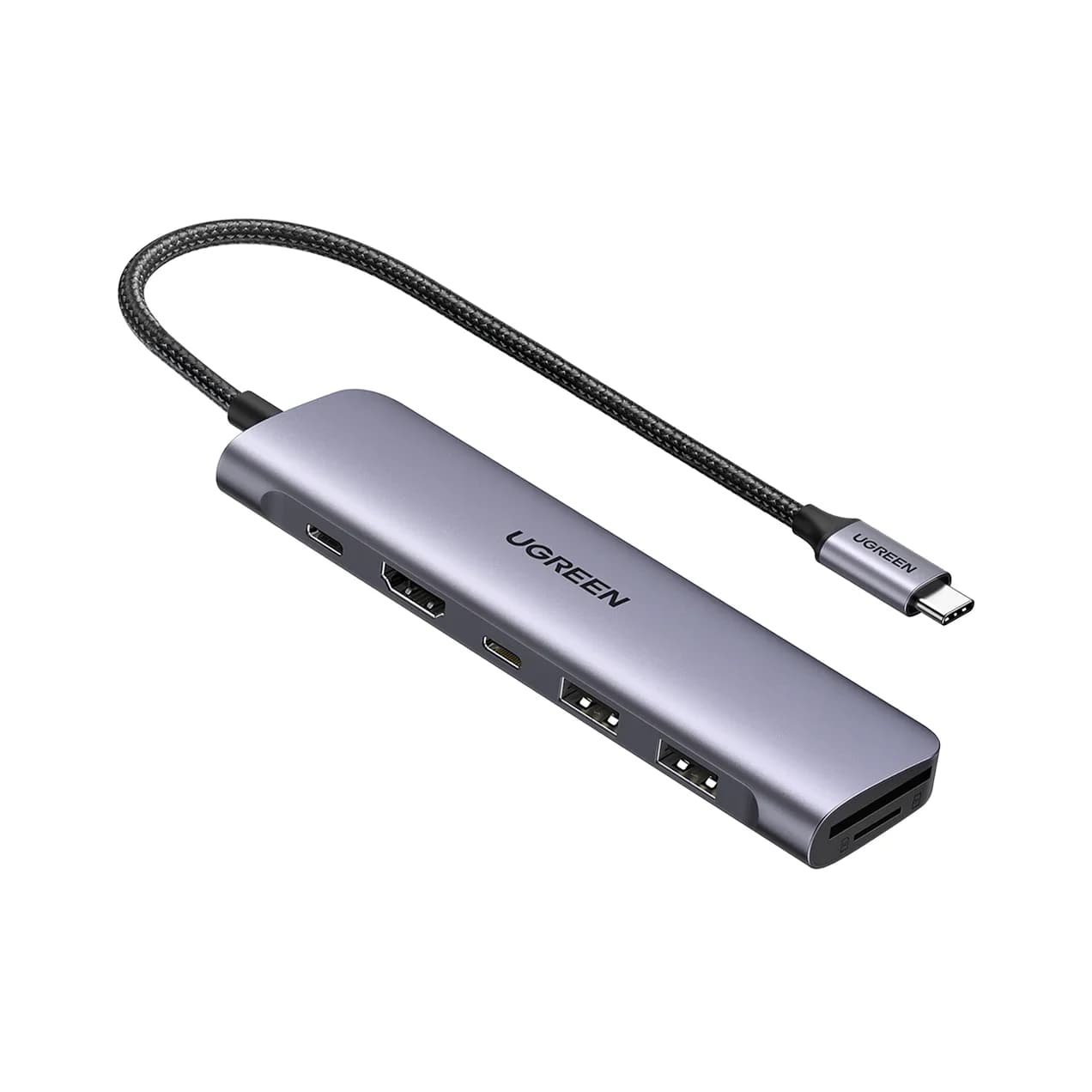
A 7-in-1 USB-C hub with 4K@30Hz HDMI, a 5Gbps USB-C data port, two 5Gbps USB-A ports, SD/microSD readers and 100W PD input.