Black Friday: the specs to check before you buy
Best picks
Updated November 3, 2026Best USB-C Hubs in 2026: Picks for Mac, Windows and iPad
Short answer
If your laptop or tablet is short on ports, one USB-C hub can add a monitor, wired internet, fast USB and a card reader while it charges the laptop. For most laptops, get the Anker 555 USB-C Hub (8-in-1): HDMI 2.0 at 4K@60Hz from DisplayPort 1.4 laptops, Gigabit Ethernet, three 10Gbps data ports and SD and microSD slots, with up to 85W passed through from a 100W charger. Like every hub here with HDMI, it needs a laptop USB-C port that outputs video, or the HDMI port stays dark.
Our picks at a glance
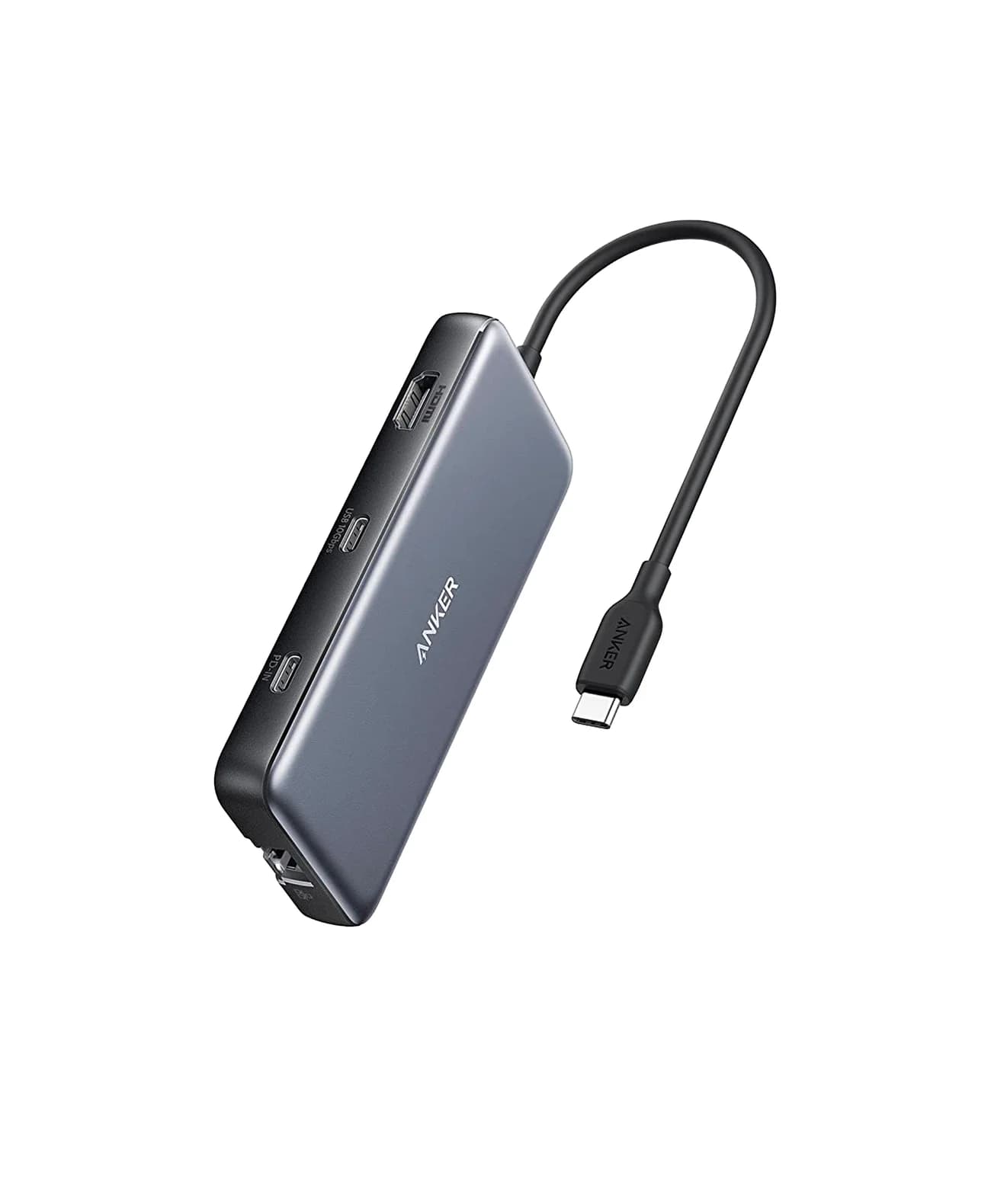
Best overallAnker
Anker 555 USB-C Hub (8-in-1)
- to laptop
- 85W
- data
- 10 Gbps
- video
- 4K60
- Choose
- HDMI 2.0 at 4K@60Hz on DisplayPort 1.4 laptops, Gigabit Ethernet, three 10Gbps data ports and SD and microSD slots from one cable, with up to 85W passed to the laptop.
- Limit
- 4K@60Hz needs a DP 1.4 host; DP 1.2 hosts get 4K@30Hz
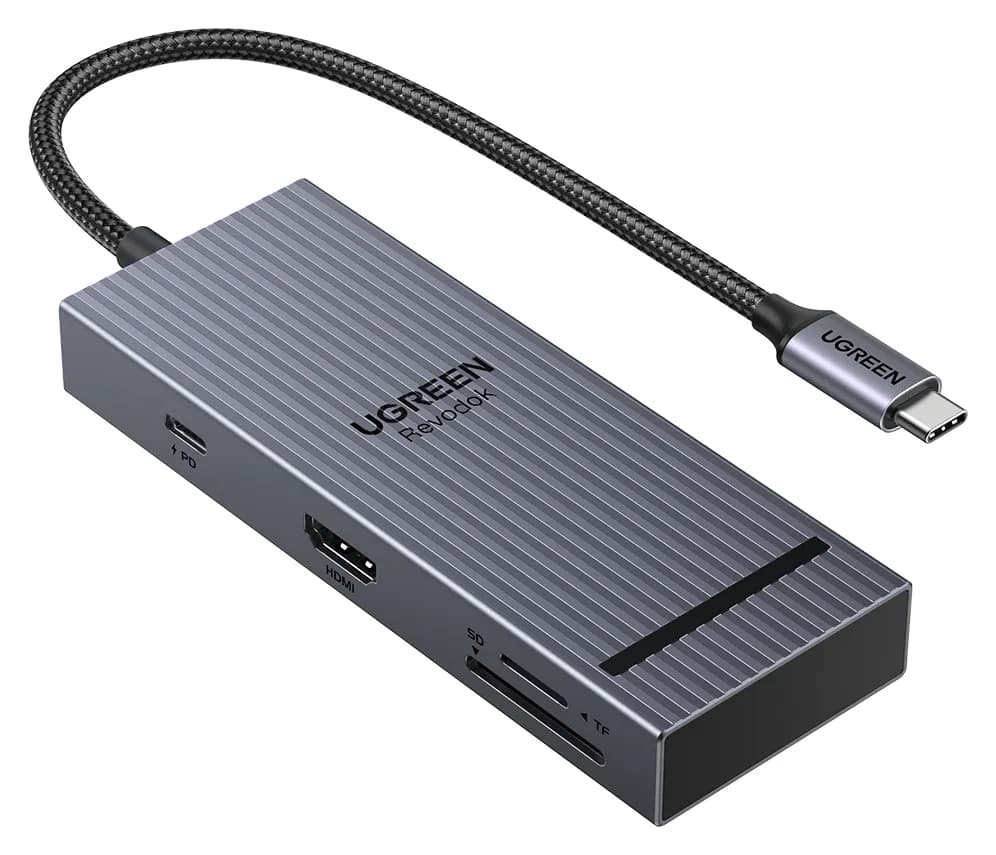
Best for travelUGREEN
UGREEN Revodok Pro 108 USB-C Hub (8-in-1)
- to laptop
- 85W
- data
- 10 Gbps
- video
- 4K60
- Choose
- 80g, with 4K@60Hz HDMI on DisplayPort 1.4 laptops, two 10Gbps USB-C data ports and SD and microSD readers rated up to 170MB/s.
- Limit
- Only one of the two USB-A ports is 10Gbps per UGREEN's port-speed note
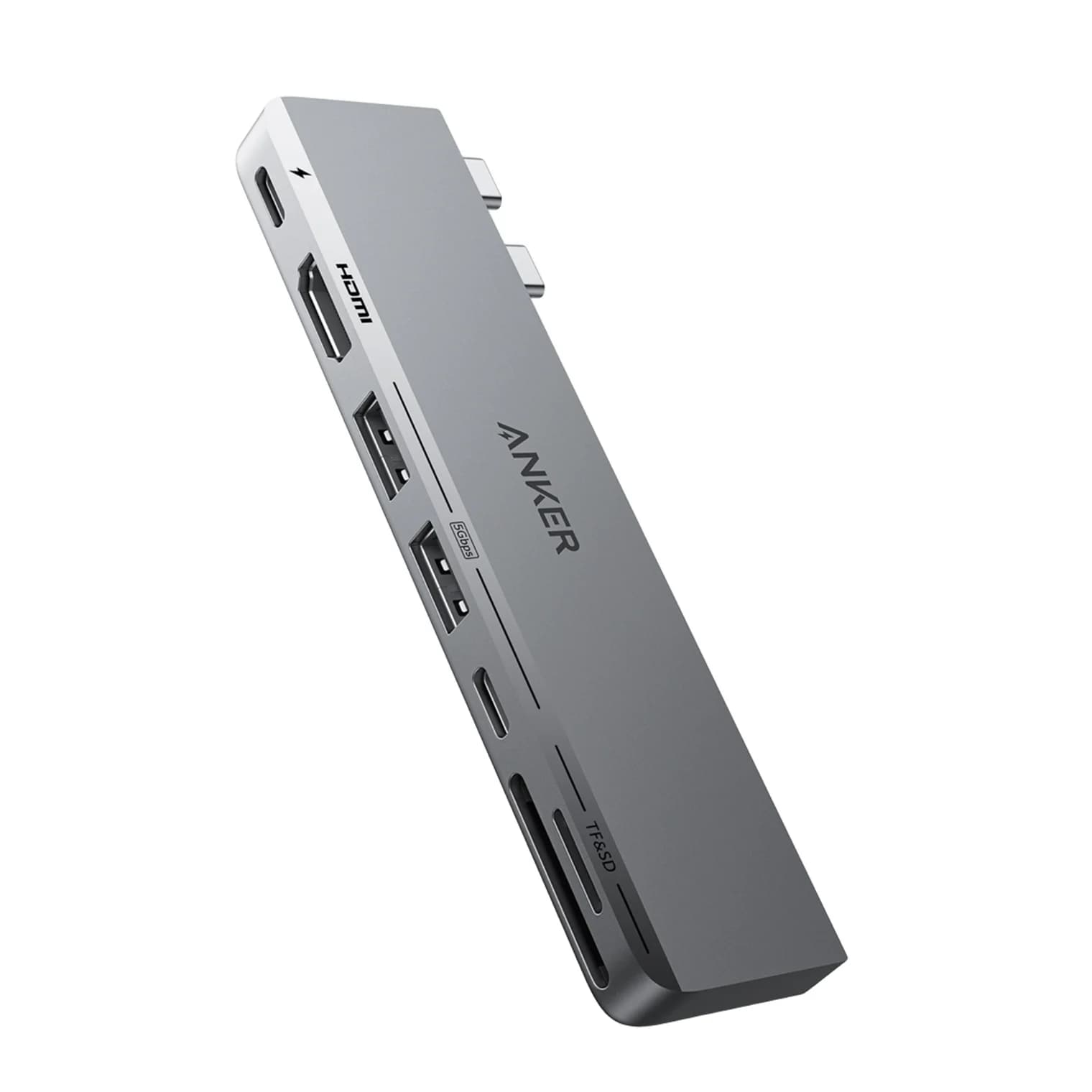
Best for MacBookAnker
Anker 547 USB-C Hub (7-in-2, for MacBook)
- to laptop
- 100W
- data
- 40 Gbps
- video
- 4K60
- Choose
- Takes two MacBook ports and gives back a multi-function port for charging or 5K@60Hz video, plus 4K@60Hz HDMI, so two displays are possible on Macs that support them.
- Limit
- MacBook-only design; not intended for Windows laptops, iPads or single-port devices
- See on Amazon4
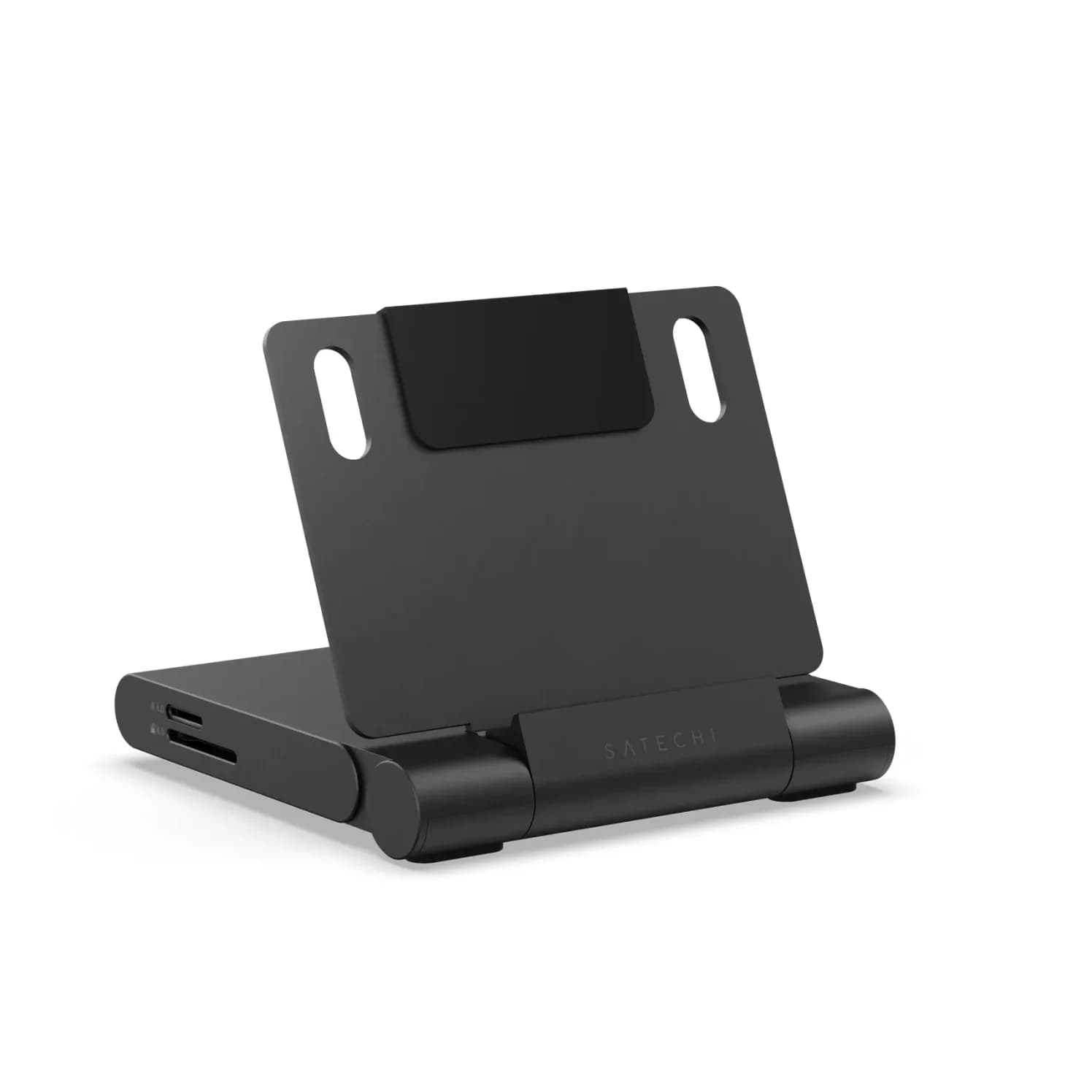
Best for iPad
Satechi OntheGo Foldable Stand Hub (7-in-1, Space Black)
85W PD passthrough · 10 Gbps data · 4K60 video · 7 ports
- See on Amazon5
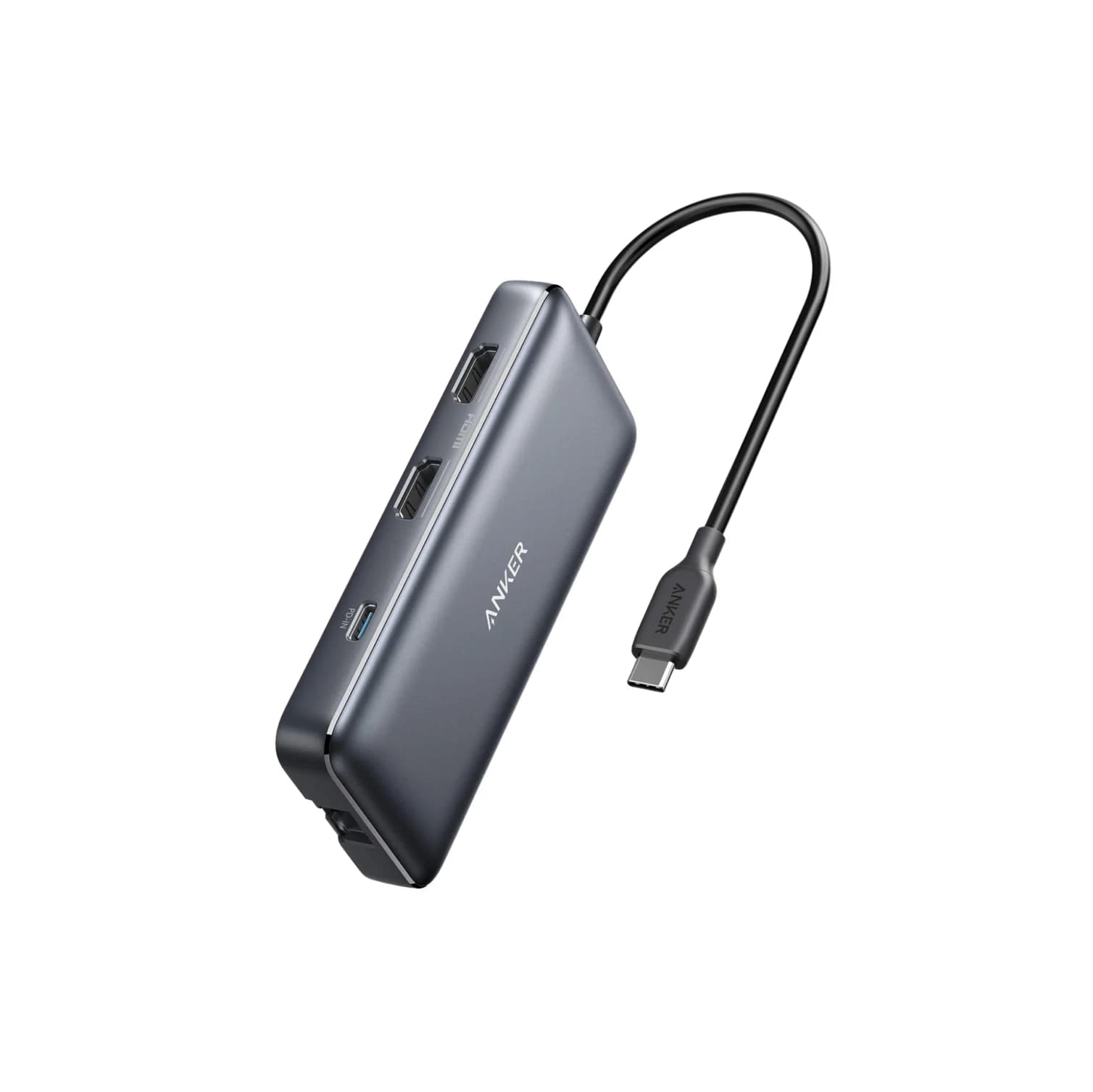
Best for two monitors on Windows
Anker 553 USB-C Hub (8-in-1, dual HDMI)
85W PD passthrough · 5 Gbps data · 4K60 video · 8 ports
- See on Amazon6
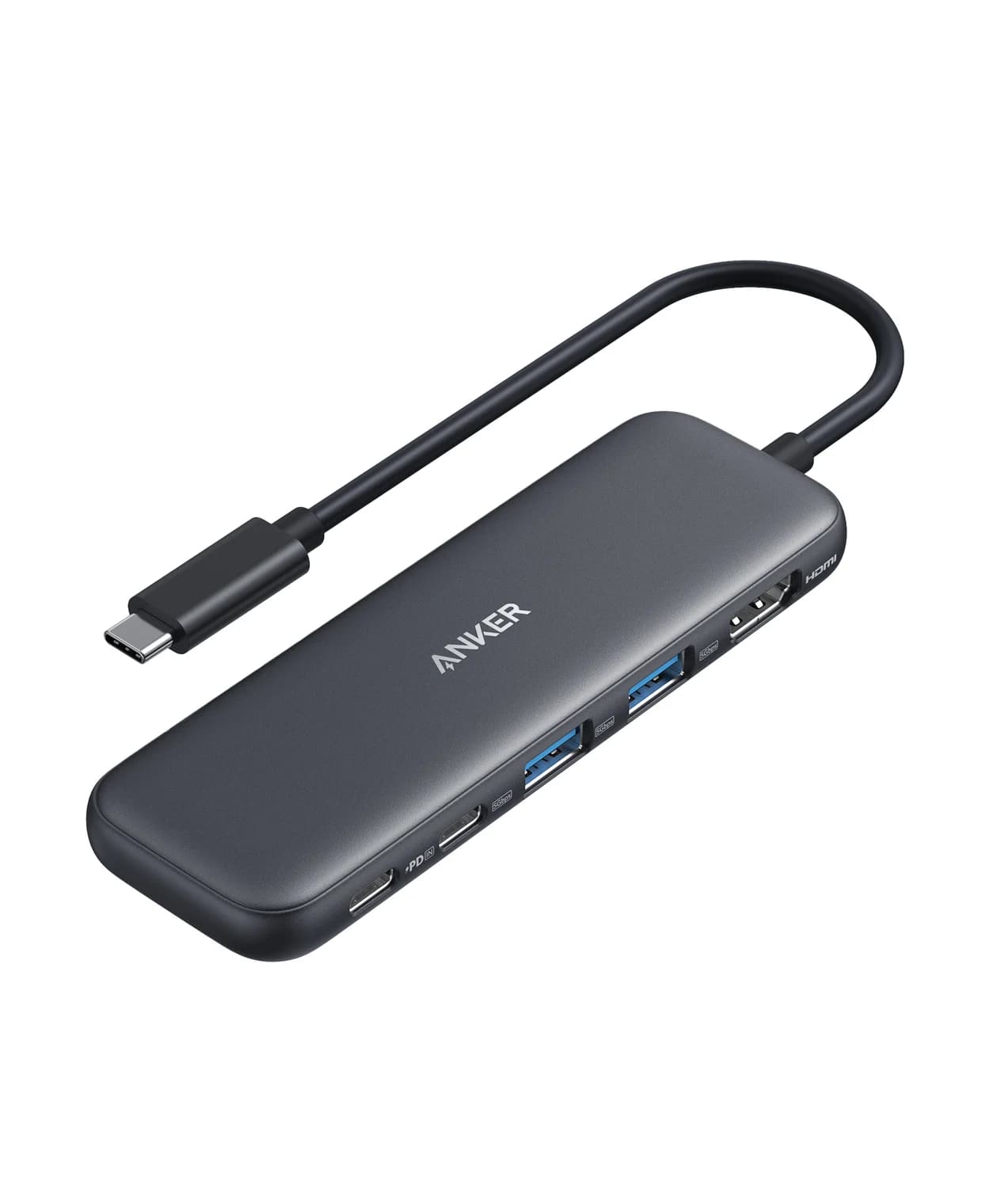
Best budget
Anker 332 USB-C Hub (5-in-1)
85W PD passthrough · 5 Gbps data · 4K30 video · 5 ports
- See on Amazon7
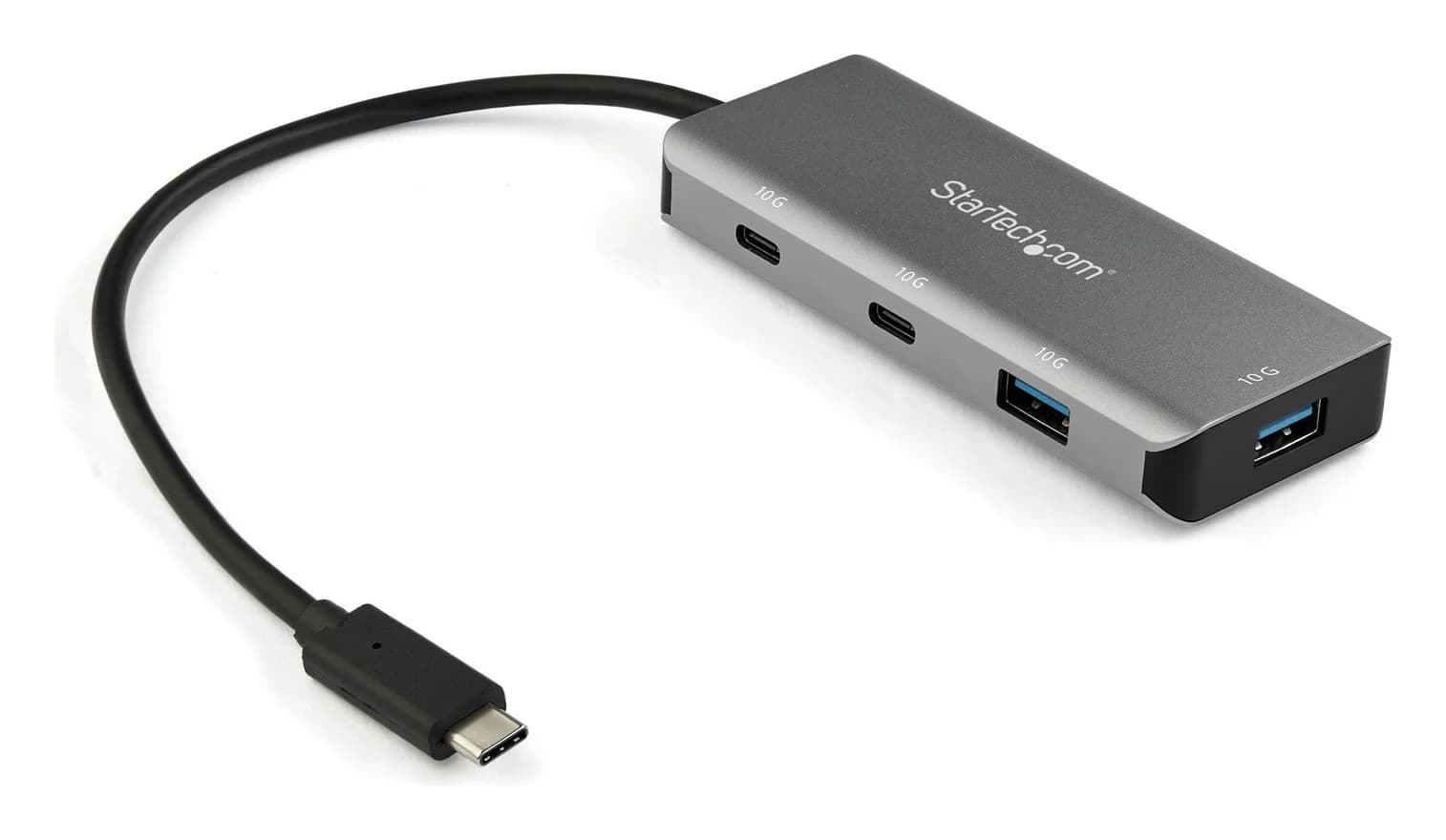
Best for fast drives, no monitor
StarTech.com 4-Port USB-C Hub 10Gbps (2x USB-C + 2x USB-A)
10 Gbps data · 4 ports
Traveling light? The 80g UGREEN Revodok Pro 108 keeps 4K@60Hz and adds faster card readers, minus the Ethernet. Every spec here comes from the makers' own pages; we haven't handled these hubs.
- 4K@60HzWhat to look for if your monitor is 4K: HDMI 1.4 hubs stop at 4K@30Hz
- 85WThe usual ceiling for laptop charging through the hubs here, from a 100W charger
- 480Mb/sTop speed of a USB 2.0 port, which some hubs still include
Which hub for your setup?
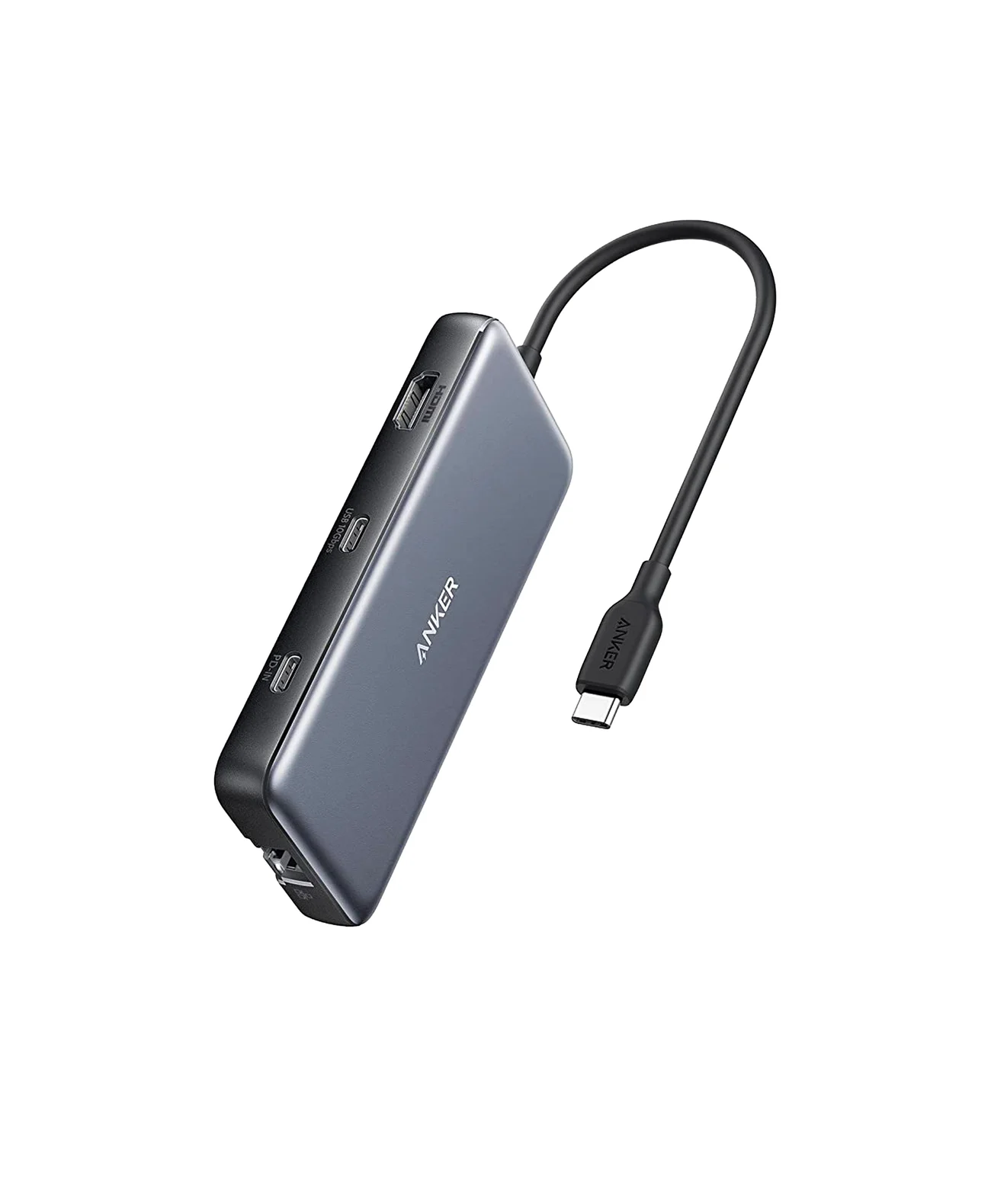
| Your setup | Get | Why |
|---|---|---|
| Most laptops: a monitor, wired internet, SD cards | Anker 555 | 4K@60Hz HDMI on DP 1.4 laptops, Gigabit Ethernet, three 10Gbps ports, up to 85W to the laptop |
| A light travel bag | UGREEN Revodok Pro 108 | 80g, 4K@60Hz HDMI on DP 1.4 laptops, 170MB/s SD and microSD |
| MacBook Air or MacBook Pro | Anker 547 | Takes two ports, gives back one for charging or 5K video |
| iPad | Satechi OntheGo Stand Hub | A stand plus 4K@60Hz HDMI, UHS-II readers and a headphone jack |
| Two monitors on a Windows laptop | Anker 553 | Two HDMI ports over MST; on a Mac they mirror |
| A 1080p screen and the basics | Anker 332 | 1080p@60Hz HDMI, three 5Gbps ports, up to 85W to the laptop |
| Fast drives, no monitor | StarTech 4-port hub | Four 10Gbps ports; no video, no laptop charging |
Check price on Amazon through the links; we don't list prices because they change often.
Best overall: Anker 555 USB-C Hub (8-in-1)
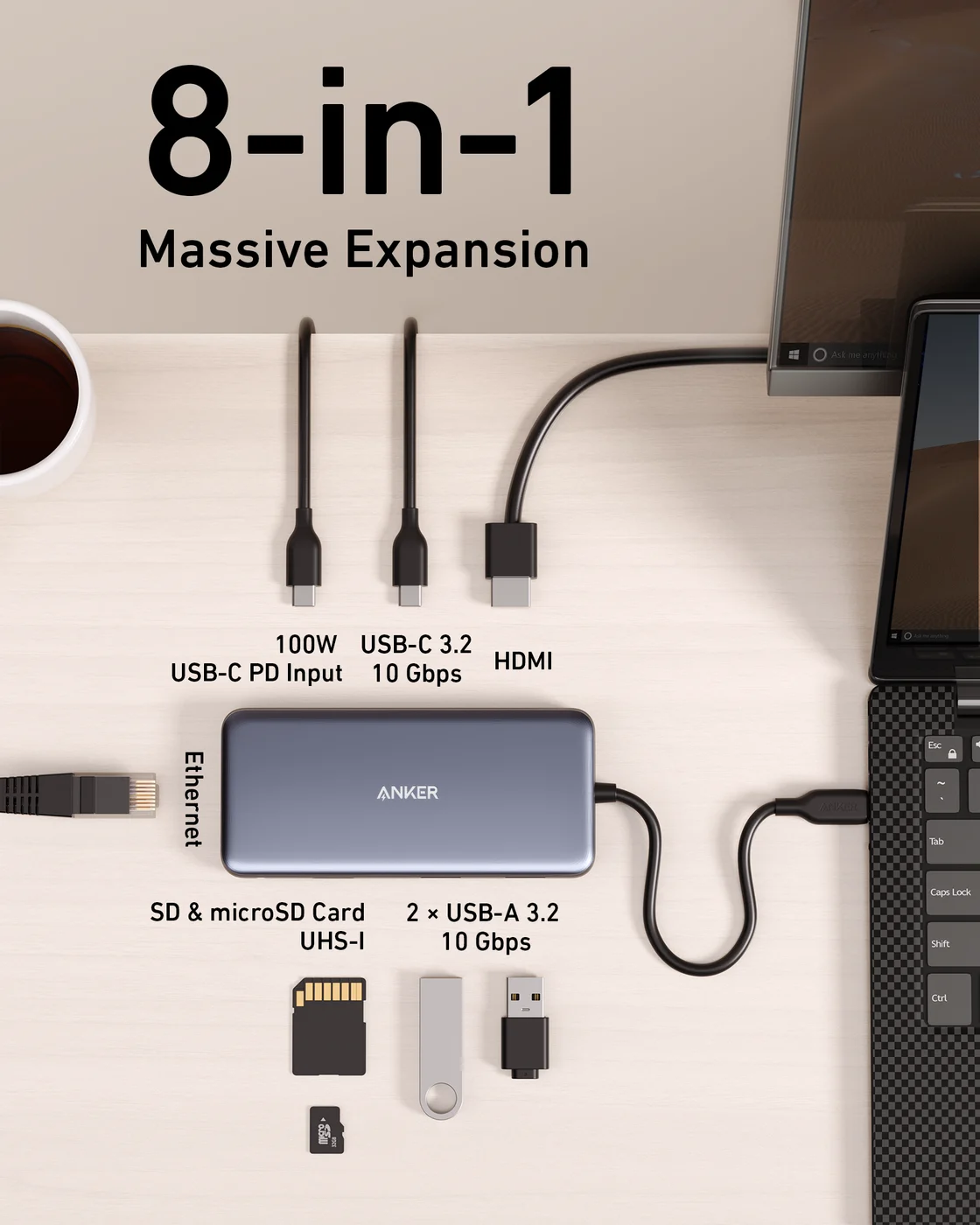
Anker
An 8-in-1 USB-C hub with 4K@60Hz HDMI, gigabit Ethernet, 10Gbps USB-C and USB-A data ports, SD/microSD readers and 85W pass-through charging.
- 85W PD passthrough
- 10 Gbps data
- 4K60 video
- 8 ports
The Anker 555 covers what most laptops lack from a single USB-C port. Anker lists an HDMI 2.0 port at 4K@60Hz with HDR and HDCP 2.2, Gigabit Ethernet, one USB-C and two USB-A data ports at 10Gbps, SD and microSD slots (UHS-I), and a 100W charging input that passes up to 85W to the laptop: "up to 100W (minus 15W for operation)."
Why it stands out: It's the only pick here with 4K@60Hz, Ethernet and 10Gbps on every data port.
Watch out for: Anker's German store lists 4K@60Hz for laptops with DisplayPort 1.4 and 4K@30Hz for DisplayPort 1.2 (the US page leaves this out). Anker also says its USB-C data port doesn't output video and its USB data ports don't charge devices. Check price on Amazon.
Best for travel: UGREEN Revodok Pro 108 (8-in-1)
UGREEN
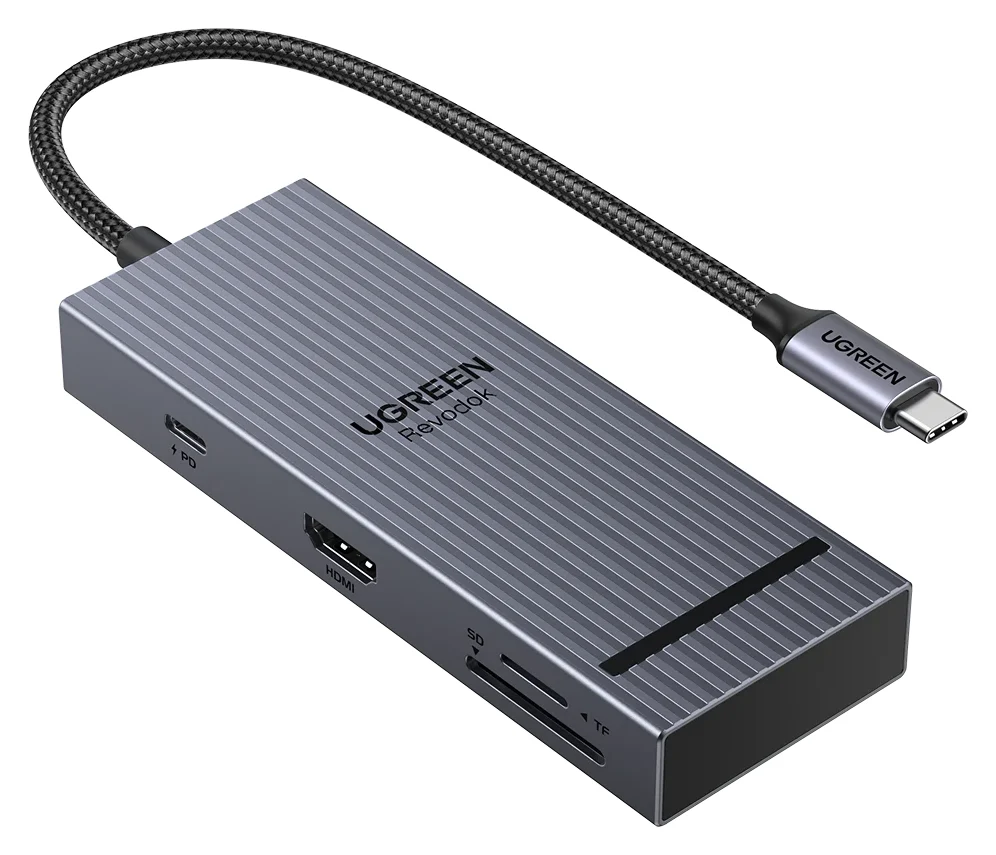
UGREEN Revodok Pro 108 USB-C Hub (8-in-1)
A compact single-cable 8-in-1 USB-C hub with 4K@60Hz HDMI, 10Gbps USB ports, 170MB/s SD and microSD readers and 100W PD input.
- 85W PD passthrough
- 10 Gbps data
- 4K60 video
- 8 ports
At 80g and 11.9 x 4.5 x 1.6 cm, the Revodok Pro 108 is the one to pack. UGREEN lists a 4K@60Hz HDMI port, two 10Gbps USB-C data ports, two USB-A ports, SD and microSD readers rated up to 170MB/s, and a 100W charging port that passes up to 85W to the laptop while it reserves 15W for itself.
Why it stands out: Card readers rated up to 170MB/s, where the Anker hubs here with card slots list UHS-I, a bus the SD Association rates at up to 104MB/s.
Watch out for: UGREEN says 4K@60Hz needs DisplayPort 1.4 Alt Mode on the laptop's port, and only three of its four data ports are 10Gbps. No Ethernet. More small hubs are in our portable hub guide. Check price on Amazon.
Best for MacBook: Anker 547 USB-C Hub (7-in-2)
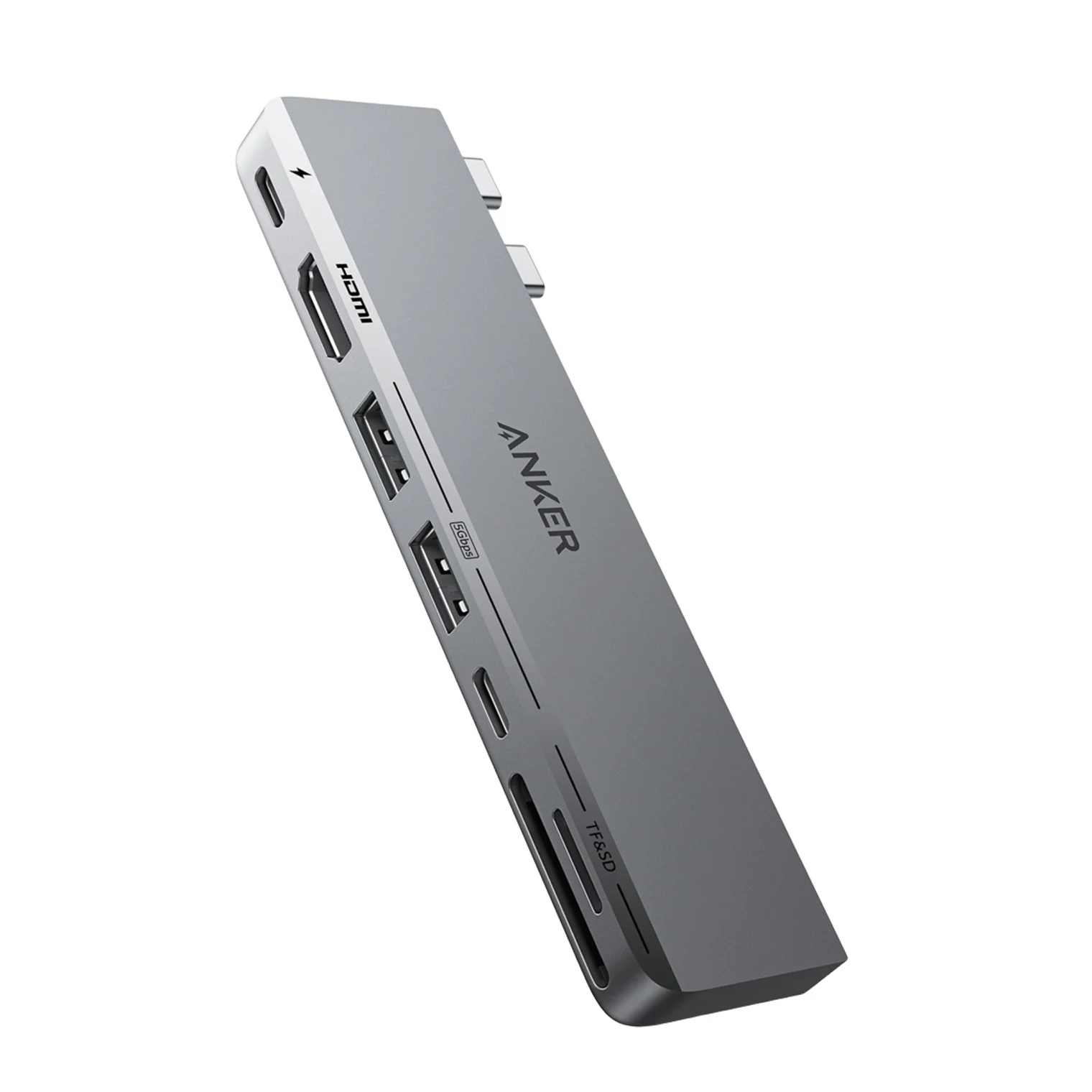
Anker
Anker 547 USB-C Hub (7-in-2, for MacBook)
A 7-in-2 hub that plugs into two adjacent USB-C/Thunderbolt ports on a MacBook and adds HDMI, a Thunderbolt-passthrough USB-C port, USB-C and USB-A data, and SD/microSD slots.
- 100W PD passthrough
- 40 Gbps data
- 4K60 video
- 7 ports
A single-cable hub takes one of a MacBook's few ports. The 547 plugs into two at once and gives one back: Anker says its multi-function USB-C port handles charging and displays up to 5K@60Hz. Around it you get HDMI 2.0 at 4K@60Hz, a 5Gbps USB-C port, two 5Gbps USB-A ports and SD and microSD slots, and Anker designed it not to block MagSafe.
Why it stands out: Two video outputs, and the port it gives back still takes your charger or a 5K display.
Watch out for: Anker contradicts itself on charging: its product page rates that port at up to 100W, while its support FAQ says the laptop gets 85W. Anker sells it for MacBooks and lists the MacBook Air and MacBook Pro, not the MacBook Neo. HDMI plus the 5K port make two displays only on Macs whose chip supports two (below). Our MacBook hub guide compares single-cable options. Check price on Amazon.
Best for iPad: Satechi OntheGo Foldable Stand Hub
Satechi
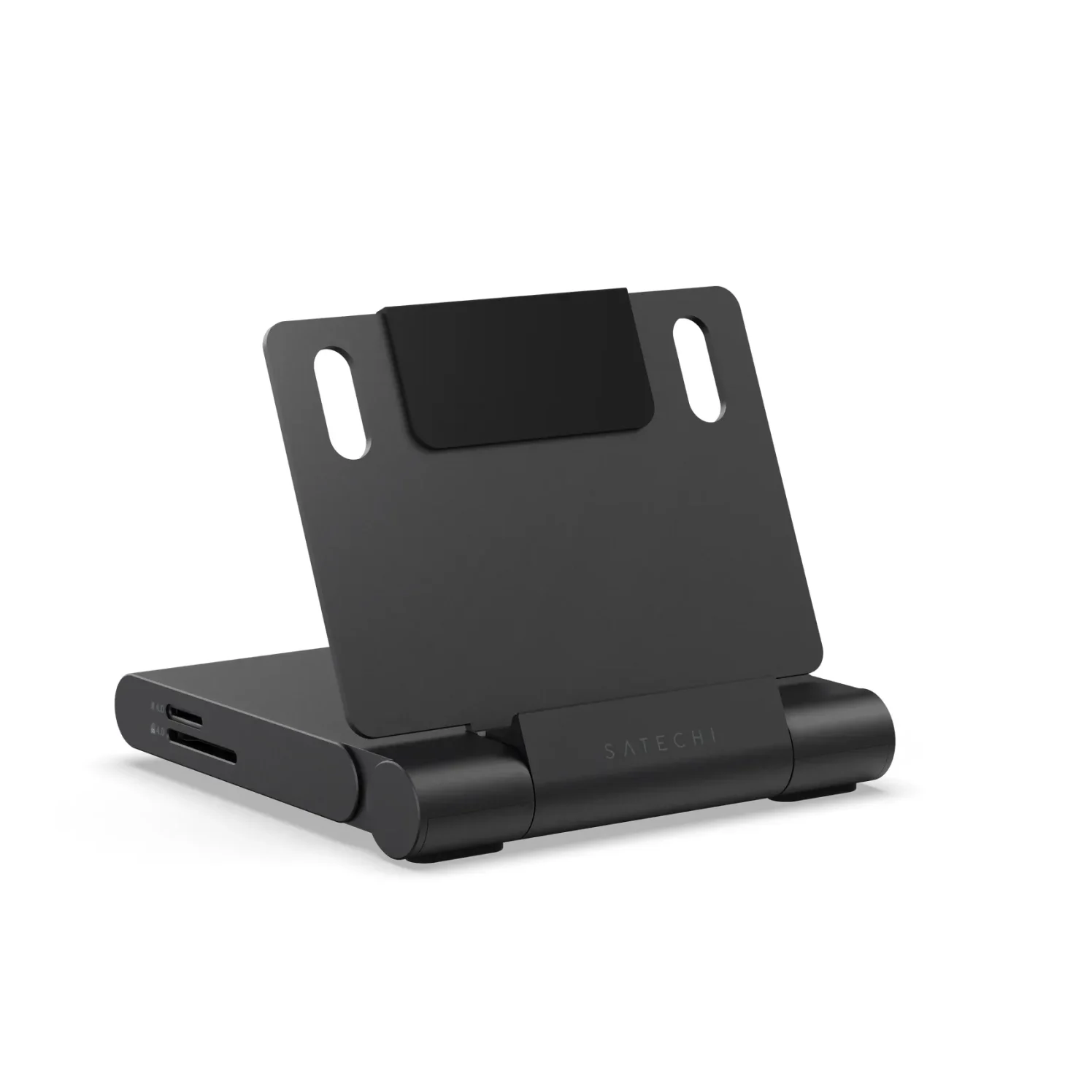
Satechi OntheGo Foldable Stand Hub (7-in-1, Space Black)
A fold-flat aluminum tablet stand with a built-in 7-port USB-C hub: 4K@60Hz HDMI, 10Gbps USB-C and USB-A, UHS-II SD and microSD readers, a 3.5mm audio jack and 100W USB-C PD pass-through.
- 85W PD passthrough
- 10 Gbps data
- 4K60 video
- 7 ports
The OntheGo is a fold-flat stand with a hub built in, so the iPad stands up while it drives a monitor, reads cards and charges. Satechi lists HDMI 2.0 at up to 4K@60Hz, 10Gbps USB-C and USB-A ports, UHS-II SD and microSD readers rated up to 312MB/s, a 3.5mm jack with audio in and out, and a 100W charging input that Satechi rates at up to 85W to the host. Its compatibility list names every iPad with USB-C.
The iPad sets the refresh rate: Apple lists 4K at 60Hz over HDMI 2.0 from the iPad Pro, iPad Air (5th generation and M2 to M4), iPad mini (A17 Pro) and iPad (A16), and 4K at 30Hz from the iPad Air (4th generation), iPad mini (6th generation) and iPad (10th generation).
Watch out for: At 187.5 g it weighs more than twice the Revodok Pro 108, the built-in cable is 17cm, and there's no Ethernet. See our iPad hub guide for more. Check price on Amazon.
Best for two monitors on Windows: Anker 553 (8-in-1)
Anker
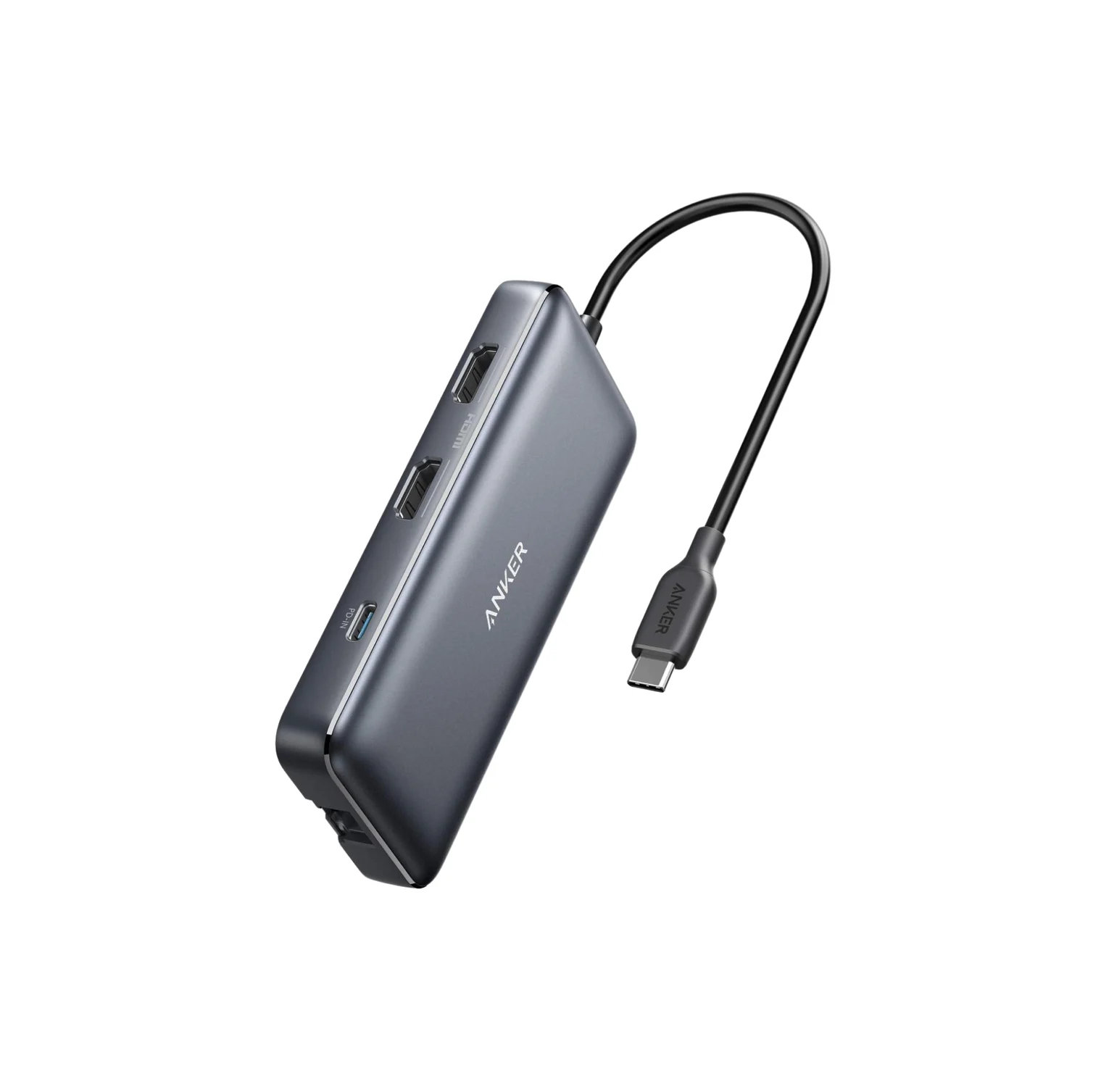
Anker 553 USB-C Hub (8-in-1, dual HDMI)
An 8-in-1 USB-C hub with two HDMI ports, gigabit Ethernet, USB-A data ports, SD/microSD readers and 85W pass-through charging; dual extended displays rely on MST, which Macs do not support.
- 85W PD passthrough
- 5 Gbps data
- 4K60 video
- 8 ports
The 553's two HDMI ports work through MST (Multi-Stream Transport), which splits one DisplayPort signal into several. Anker lists one screen at 4K@60Hz, or two at up to 2K@60Hz each on Windows, from laptops with DisplayPort 1.4; from DisplayPort 1.2, it's 4K@30Hz for one or 1080p@60Hz each for two. It adds Gigabit Ethernet, 5Gbps USB-A ports, SD and microSD slots and up to 85W of charging from a 100W charger.
Watch out for: Anker says MST isn't supported on Mac laptops, so both screens show the same image there. It also says the Surface Pro 7 and HP Spectre x360 can't run it at 4K@60Hz because they lack Display Stream Compression. More picks: Windows laptop hubs. Check price on Amazon.
Best budget: Anker 332 USB-C Hub (5-in-1)
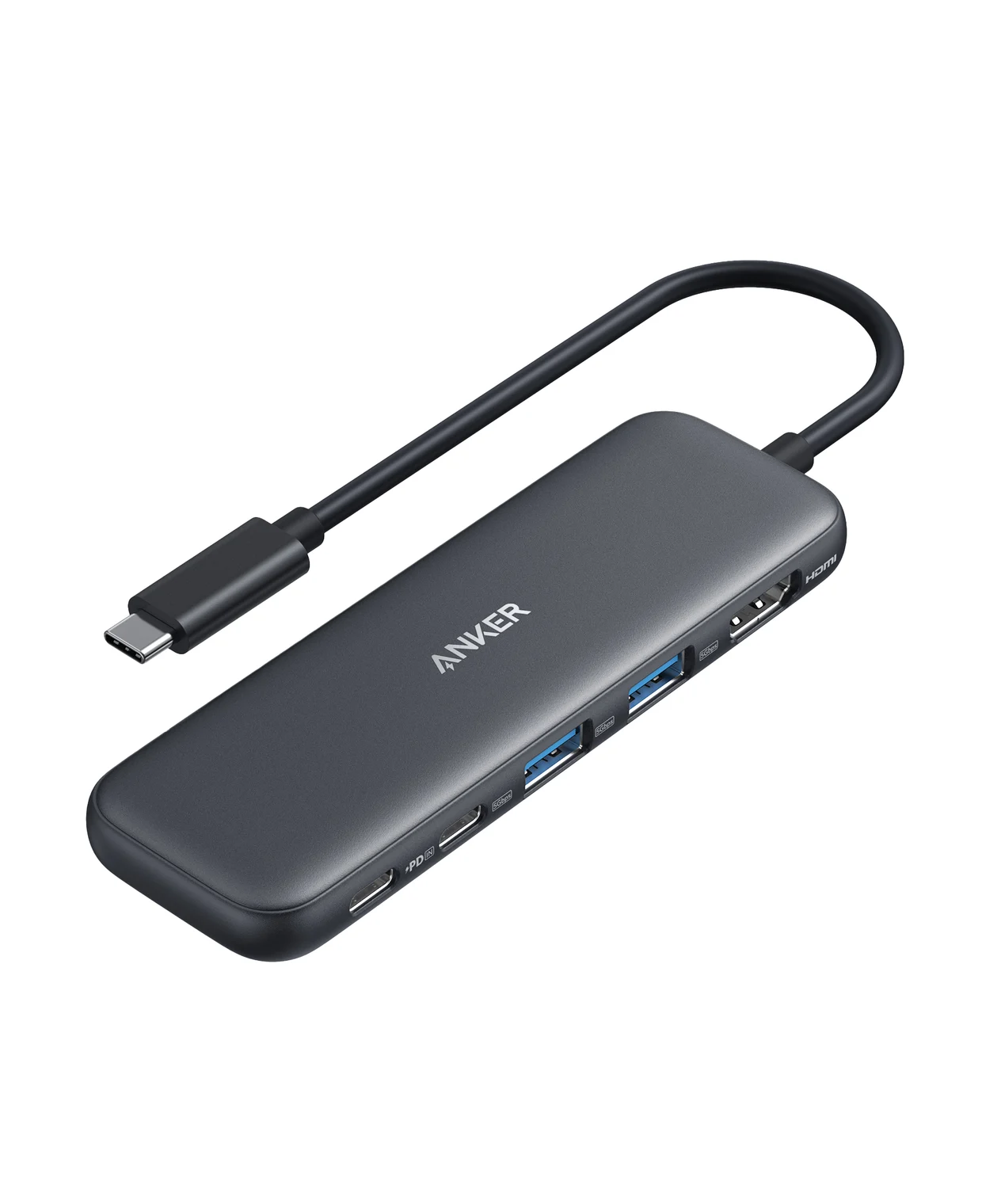
Anker
A slim 5-in-1 USB-C hub with 4K@30Hz HDMI, one 5Gbps USB-C data port, two 5Gbps USB-A ports and 85W pass-through charging.
- 85W PD passthrough
- 5 Gbps data
- 4K30 video
- 5 ports
A 1080p monitor or TV doesn't need a 4K@60Hz hub. Anker says the 332's HDMI port supports up to 4K@30Hz and 1080p@60Hz, and it adds a 5Gbps USB-C data port, two 5Gbps USB-A ports and a 100W charging input with up to 85W to the laptop. It weighs 1.4 ounces.
Watch out for: No card reader or Ethernet, and Anker says the USB-C ports don't output video. On a 4K desktop monitor, 30Hz looks less smooth (below). Check price on Amazon.
Best for fast drives, no monitor: StarTech.com 4-Port USB-C Hub
StarTech.com
StarTech.com 4-Port USB-C Hub 10Gbps (2x USB-C + 2x USB-A)
A small aluminum USB-C data hub that turns one USB-C or Thunderbolt 3 port into two USB-C and two USB-A ports at up to 10Gbps, on a 25cm attached cable.
- 10 Gbps data
- 4 ports
If you only need more fast ports, StarTech's HB31C2A2CB adds two USB-C and two USB-A ports, all 10Gbps (USB 3.2 Gen 2) with UASP, on a 25cm attached cable, in a 70g aluminum hub. It runs off the laptop: StarTech says it draws up to 15W from the host, shared with everything plugged in, and the total depends on the laptop.
Watch out for: StarTech says USB-C video (DisplayPort Alt Mode) isn't supported, and it has no pass-through charging port, so it takes a laptop port for itself. All four ports share its one 10Gbps link to the laptop. Check price on Amazon.
Why does my laptop charge slower through a hub?
Because the hub keeps part of the charger's power. Anker says the 332 accepts at most 100W, even from a 140W charger, and uses 15W itself, so the laptop gets 85W. UGREEN says the same 85W from the Revodok Pro 108 needs a 100W charger and cable. Microsoft lists "The charger is connected through an external hub or dock" as a cause of slow charging on Windows.
For chargers and cables, see our USB-C charger guide and the USB PD explainer.
4K at 30Hz or 60Hz: what decides it?
At 30Hz a monitor redraws half as often as at 60Hz, so the cursor and scrolling look less smooth on a 4K desktop. Two links decide what you get:
- The hub's HDMI port. HDMI Licensing lists 3840 x 2160 at up to 30Hz for HDMI 1.4b, so HDMI 1.4 hubs stop there. The 4K@60Hz picks here use HDMI 2.0 (Anker's 555, 547 and 553, Satechi's hub) or are rated 4K@60Hz (UGREEN's 108).
- The laptop's DisplayPort version. UGREEN says the 108 needs DisplayPort 1.4 Alt Mode for 4K@60Hz, and Anker lists the 555, and the 553 with one screen, at 4K@60Hz on DisplayPort 1.4 laptops but 4K@30Hz on DisplayPort 1.2. To find your laptop's version, check its spec sheet or ask its maker, as Anker suggests. Apple lists DisplayPort 1.4 speeds (HBR3) on the current MacBook Air's Thunderbolt ports and the MacBook Neo's USB 3 port.
The reason is lanes. VESA explains that DisplayPort Alt Mode can send video over two of a USB-C port's four high-speed lanes and keep the other two for USB data; its example drives a 4K monitor over two 8.1Gbps lanes, while DisplayPort 1.2 supports up to 5.4Gbps per lane. Our 30Hz guide covers the fixes, and the HDMI hub guide compares more 4K@60Hz hubs.
Are all the USB ports on a hub the same?
No. Check each port before you plug in a drive:
- USB 2.0 ports. UGREEN's 5-in-1 Revodok 105 has one USB-A 3.0 port and two USB-A 2.0 ports, which UGREEN says handle keyboards and mice. By Apple's figures for the MacBook Neo's two ports, USB 2 runs at up to 480Mb/s and USB 3 at up to 10Gb/s.
- Mixed speeds. UGREEN rates three of the Revodok Pro 108's four data ports at 10Gbps, and its spec list includes a USB 2.0 Type-A interface, so put an SSD on one of its USB-C ports.
- Data-only ports. The extra USB-C port on most hubs here is for data: Anker says the 555's doesn't output video, and UGREEN says the 108's don't handle video or charging.
Our USB-C vs USB-A explainer decodes the speed names.
Can a USB-C hub run two monitors on a Mac?
Not through a dual-HDMI hub that uses MST, like the Anker 553: Plugable says MST isn't supported on macOS for extended displays, so the screens mirror, and Anker says the same of its 553. The Anker 547 is different: it plugs into two of the Mac's ports, so its HDMI and 5K ports can run two screens on Macs whose chip supports two.
- No: Dual-HDMI MST hub, such as the Anker 553: both screens show the same image
- Partly: DisplayLink adapter or dock: extends, but needs the DisplayLink Manager app with Screen Recording permission, and HDCP-protected video won't play on it, or on a Mac possibly on any screen while it's connected
- Yes: Thunderbolt dock: extends, up to your Mac's display limit and the dock's own
The chip sets that number. Apple lists one external display for the M1 and M2 MacBook Air and the MacBook Neo, two for the current MacBook Air, and up to four for MacBook Pro models with a Max chip. USB graphics adapters such as DisplayLink get past that limit: Plugable says its USBC-6950M DisplayLink adapter adds two displays even to base MacBook Air models limited to one, so it's a route to two extended screens on an M1 or M2 MacBook Air. Our dual-monitor guide lists every chip.
Hub or dock?
A hub suits a bag or a simple desk: one monitor, a few USB devices, maybe Ethernet. If you want two or more monitors and one cable to a permanent desk, compare a Thunderbolt dock, or for a Mac, our MacBook Pro dock guide.
More hub guides by device
- MacBook: best USB-C hubs for MacBook and for MacBook Air, with each chip's display limit
- Two monitors on a Mac: dual-monitor hubs and docks
- Windows laptops: hubs for Dell, HP, Lenovo and ASUS
- iPad: hubs for iPad Pro, Air, mini and iPad
- Chromebook: hubs ChromeOS works with
- 4K monitors: hubs with 4K@60Hz HDMI
- Travel: portable hubs
- Desk: hubs for desk setups
- Lots of USB-A devices and drives: powered USB hubs
How we choose
We don't physically test products. We pick from:
- Makers' spec pages and FAQs from Anker, UGREEN, Satechi and StarTech, including the footnotes: the DisplayPort 1.4 condition, the watts a hub keeps, and which ports are data-only.
- Standards and platform pages: VESA on DisplayPort Alt Mode, HDMI Licensing on HDMI 1.4b, the USB-IF on USB4, Intel on Thunderbolt 4, Apple's display limits per Mac and Microsoft's USB-C troubleshooting.
- Compatibility notes from the makers, such as which Macs a hub lists and when MST mirrors.
- Well-known buyer problems: a 4K monitor stuck at 30Hz, two screens mirroring on a Mac, a laptop charging slowly through a hub.
Every pick is already in our catalog, and we check that each Amazon listing matches the maker's model.
Verdict
For most laptops, get the Anker 555: 4K@60Hz, Ethernet and fast ports from one cable. Pack the UGREEN Revodok Pro 108 for travel, the Anker 547 for a MacBook, the Satechi OntheGo for an iPad and the Anker 553 for two screens on Windows. For a 1080p screen, the Anker 332 covers the basics, and if you only need fast ports, the StarTech 4-port hub does that.
Frequently asked questions
What is a USB-C hub?
A USB-C hub turns one of your device's USB-C ports into several. Anker's 555, for example, turns one into eight: HDMI, Ethernet, USB-A, USB-C and SD and microSD slots, plus a charging input that passes your charger's power through to the laptop, minus the 15W the hub uses. On a standard hub, the HDMI port works only if the laptop's USB-C port outputs video (DisplayPort Alt Mode); hubs with USB graphics such as DisplayLink, which use a driver, are the exception.
Do USB-C hubs need power?
A typical USB-C hub runs on power from the laptop's port. Anker says its 555 doesn't need a wall charger to work; you plug one into its charging port only to charge the laptop through it. That budget is small: StarTech's 4-port hub draws up to 15W from the laptop for everything plugged into it. For several bus-powered drives, use a powered hub with its own adapter. UGREEN also recommends a charger on the hub when a phone or tablet drives a display.
Can a USB-C hub run two monitors?
On many Windows laptops, yes, if the USB-C port and graphics support MST: an MST hub like the Anker 553 runs two screens at up to 2K@60Hz each from a DisplayPort 1.4 laptop. On a Mac, not through MST: Plugable and Anker say MST doesn't extend displays on macOS, so the screens mirror. A Mac that supports two displays can extend both through a Thunderbolt dock; on one limited to a single display, such as the M1 or M2 MacBook Air, a DisplayLink adapter adds screens through a driver app.
Is it normal for a USB-C hub to get hot?
Warm, yes. Anker says its 555 may reach 122°F (50°C) when it's fully loaded or connected to a charger, and that its 332 warms up during fast charging or data transfers, which it calls within normal limits. Anker also says not to cover a hub or put objects on it, to avoid excessive heat. If a hub runs hotter than its maker describes, unplug it and contact the maker.
Related guides
Satechi OntheGo vs UGREEN Revodok Pro 108 for iPad Pro: Which Hub Should You Buy?
Satechi OntheGo vs UGREEN Revodok Pro 108 for iPad Pro: stand-and-audio hub vs cable hub, case fit, the 4K display ceiling, SD card speed and the charger reserve that decides it.
Updated November 5, 2026Read
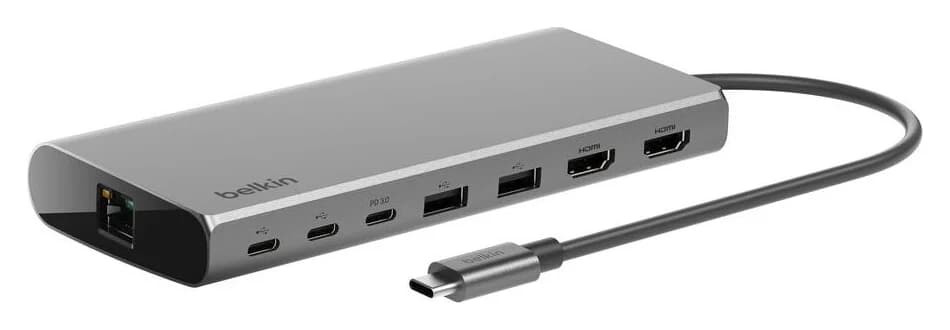
Belkin Core 8-in-1 vs Anker 553: Pick by Laptop and Monitors
Choose between Belkin's Core 8-in-1 and Anker 553 with exact models, Mac and Windows display limits, real laptop charging budgets, and a complete-kit checklist.
Updated November 5, 2026Read
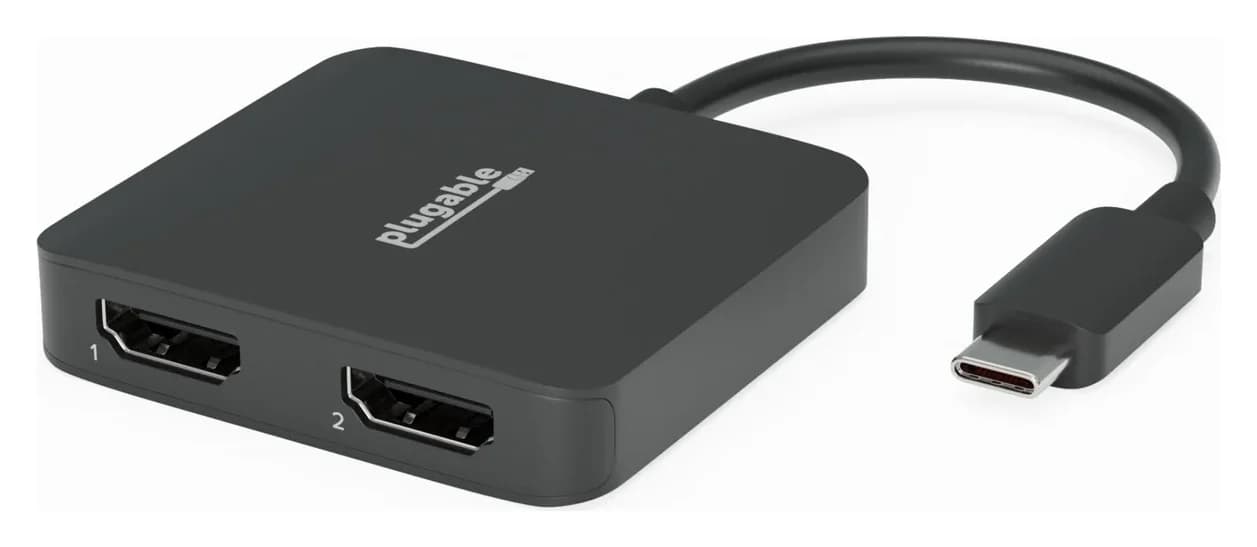
Anker 553 vs Plugable USBC-MSTH2: Hub or Display Adapter?
Choose Anker 553 or Plugable USBC-MSTH2 for dual monitors: check Windows support, 4K limits, Mac mirroring, charging and the complete setup before you buy.
Updated November 4, 2026Read