Black Friday: the specs to check before you buy
Best picks
Updated October 30, 2026Best Portable USB Hubs in 2026
Short answer
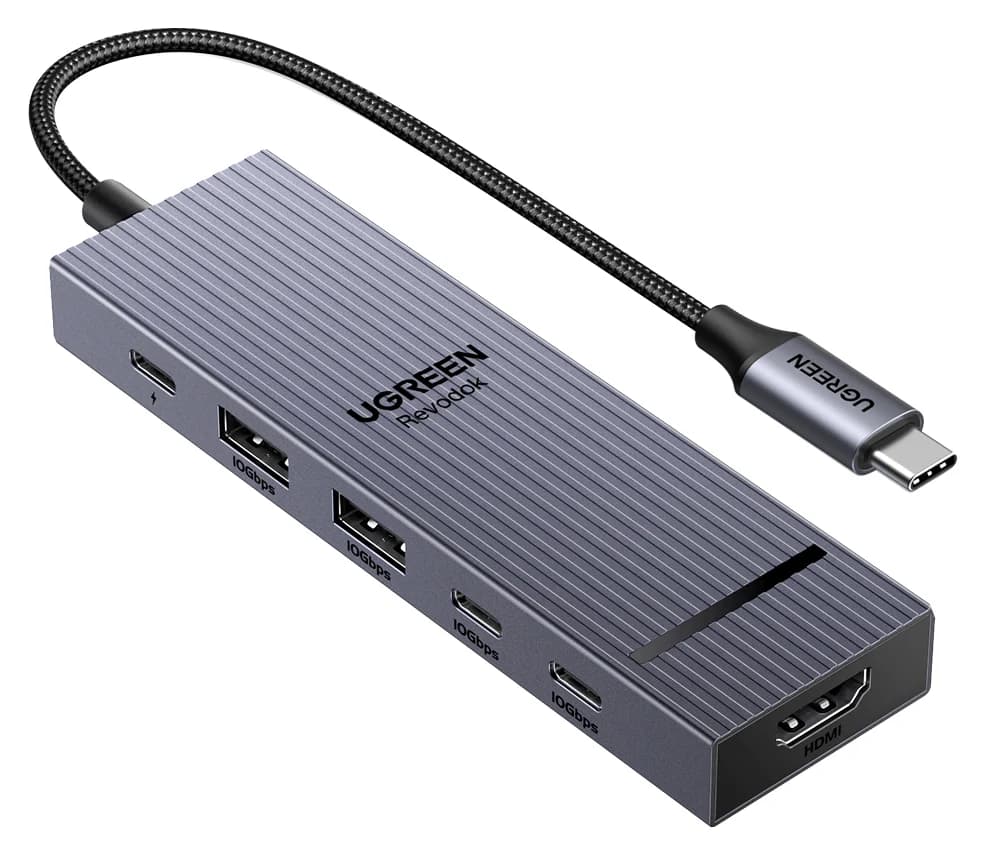
For most travelers, the UGREEN Revodok Pro 106 is the best portable hub: it's small but still gives you a 4K@60Hz HDMI port, four 10Gbps USB ports and pass-through charging. If you only need more USB ports for a fast SSD, the StarTech.com 4-Port 10Gbps USB-C Hub is the simplest way to get there.
Our picks at a glance
Best overall portable hubUGREEN
UGREEN Revodok Pro 106 USB-C Hub (6-in-1)
- to laptop
- 85W
- data
- 10 Gbps
- video
- 4K60
- Choose
- 4K@60Hz HDMI, four 10Gbps USB ports and 100W PD input in a compact 6-in-1.
- Limit
- No card reader or Ethernet
Best data-only hubStarTech.com
StarTech.com 4-Port USB-C Hub 10Gbps (2x USB-C + 2x USB-A)
- data
- 10 Gbps
- ports
- 4
- host link
- USB-C 3.2 Gen 2
- Choose
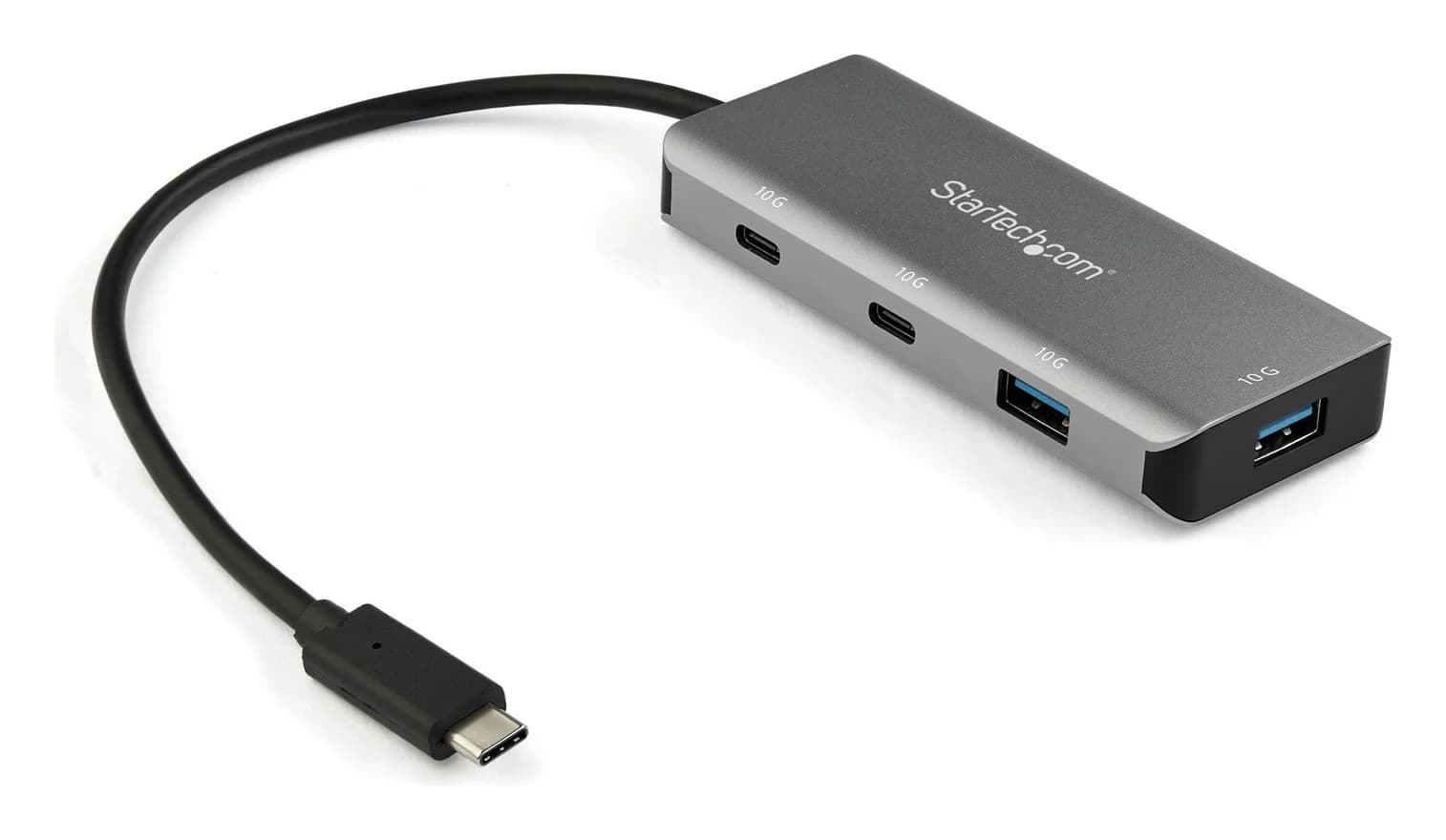
- Two USB-C and two USB-A ports, all rated 10Gbps, on a 25cm attached cable.
- Limit
- No video output: the USB-C ports do not support DisplayPort Alt Mode
Best slim all-rounderAnker
Anker 332 USB-C Hub (5-in-1)
- to laptop
- 85W
- data
- 5 Gbps
- video
- 4K30
- Choose
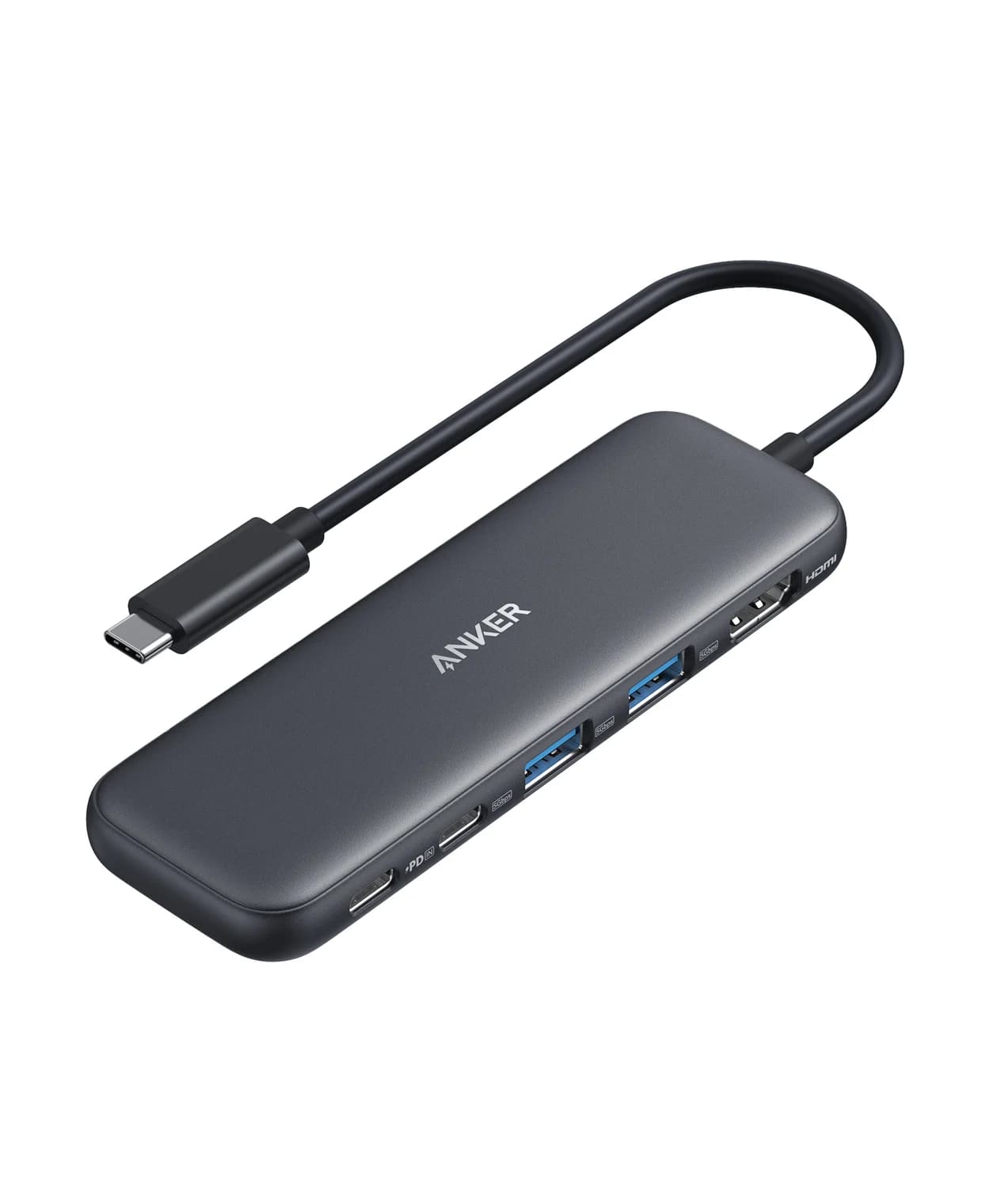
- HDMI, one USB-C and two USB-A data ports and 85W pass-through in a slim body.
- Limit
- HDMI 1.4 caps 4K at 30Hz
- See on Amazon4
Best budget travel hub
UGREEN Revodok 105 USB-C Hub (5-in-1)
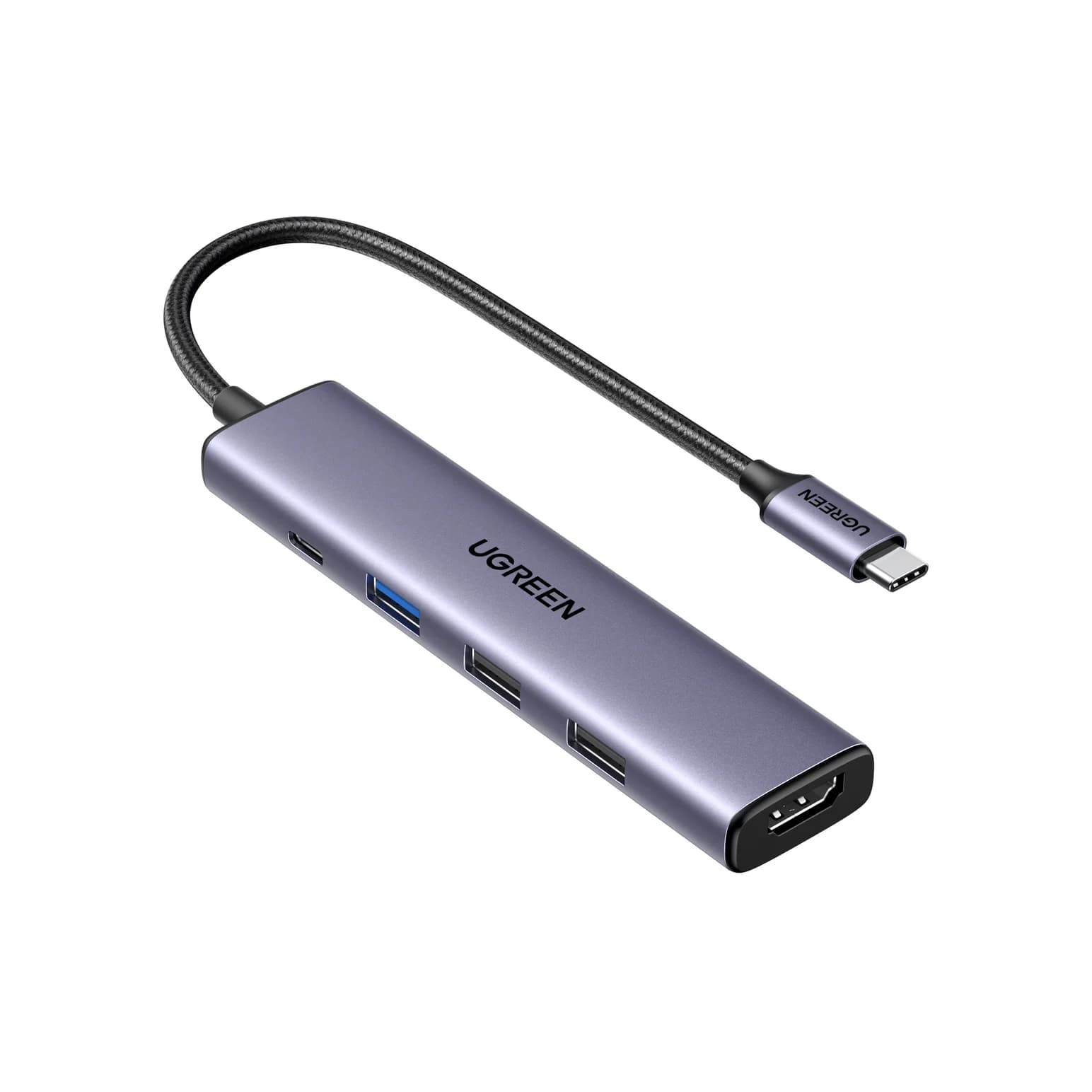
95W PD passthrough · 5 Gbps data · 4K30 video · 5 ports
- See on Amazon5
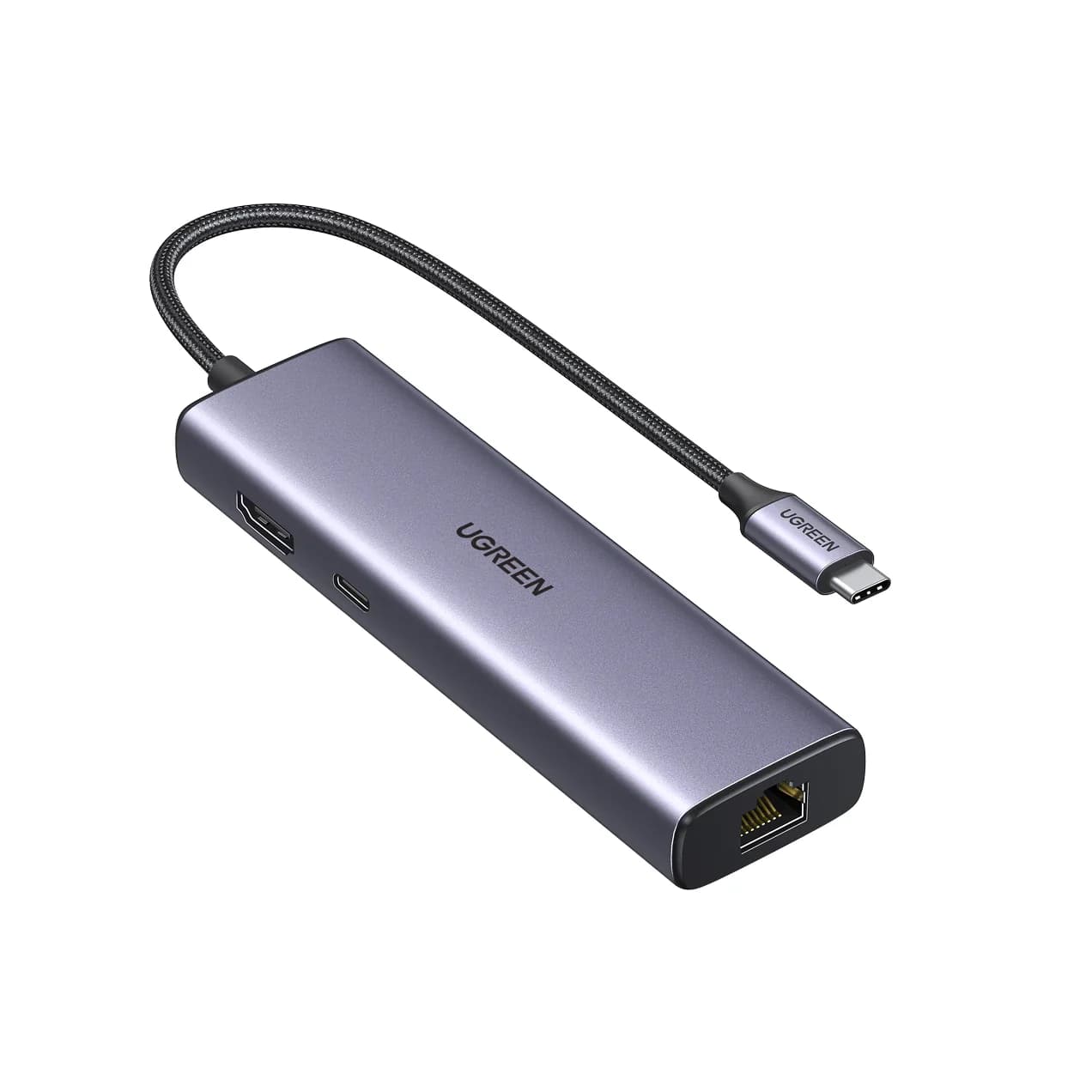
Best for hotel Ethernet
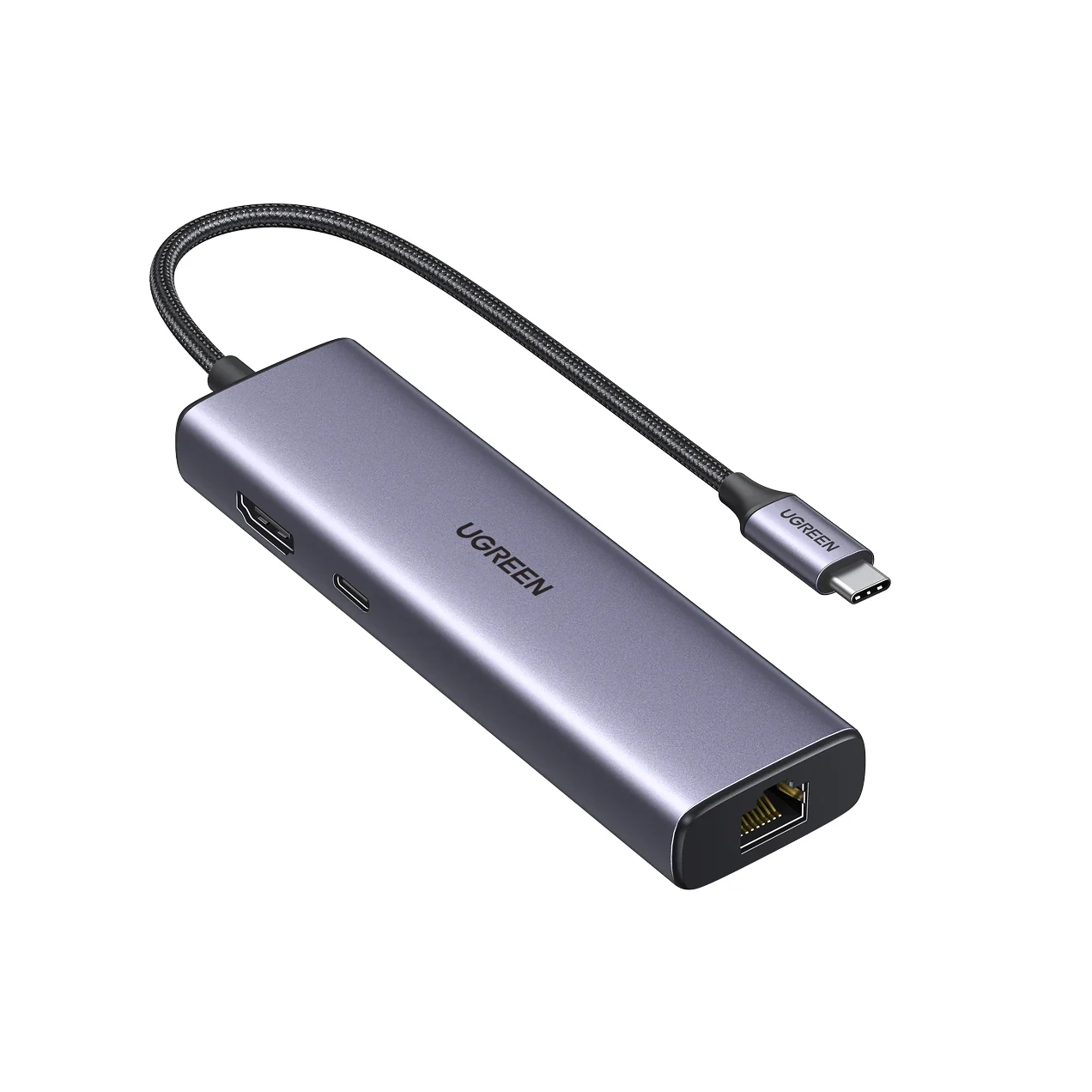
UGREEN Revodok 1061 USB-C Hub (6-in-1, Gigabit Ethernet)
85W PD passthrough · 5 Gbps data · 4K30 video · 6 ports
A good travel hub fits in a laptop sleeve, draws power from the laptop, and covers what hotel rooms, coworking spaces and client offices throw at you. These picks come from manufacturer spec sheets and compatibility notes. We have not physically handled them.
Quick picks
| Hub | Video | Data ports | Ethernet | Laptop charging |
|---|---|---|---|---|
| UGREEN Revodok Pro 106 | HDMI 4K@60Hz | 2x USB-C + 2x USB-A, 10Gbps | No | Up to 85W |
| StarTech.com 4-Port 10Gbps Hub | None | 2x USB-C + 2x USB-A, 10Gbps | No | No |
| Anker 332 (5-in-1) | HDMI 4K@30Hz | 1x USB-C + 2x USB-A, 5Gbps | No | Up to 85W |
| UGREEN Revodok 105 | HDMI 4K@30Hz | 1x 5Gbps + 2x USB 2.0 USB-A | No | Up to 95W |
| UGREEN Revodok 1061 | HDMI 4K@30Hz | 3x USB-A, 5Gbps | Gigabit | Up to 85W |
Check price on Amazon through the links; we don't list prices because they change often.
Best overall: UGREEN Revodok Pro 106 (6-in-1)
UGREEN
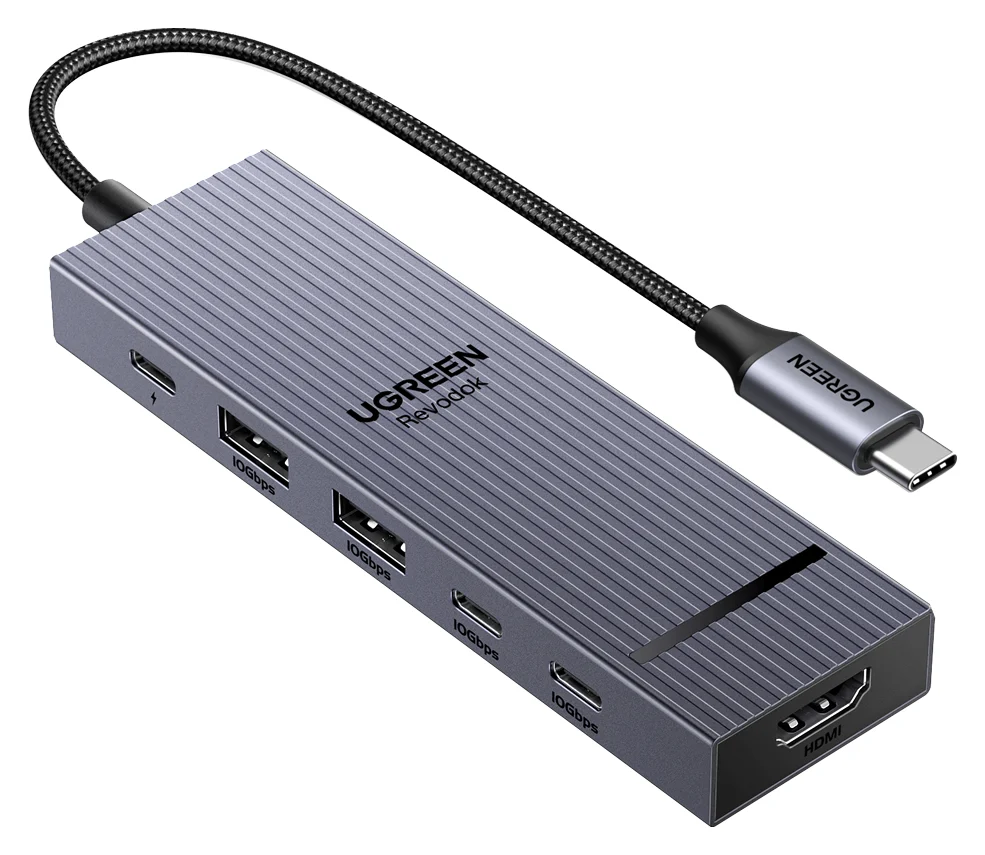
UGREEN Revodok Pro 106 USB-C Hub (6-in-1)
A 6-in-1 USB-C hub with 4K@60Hz HDMI, four 10Gbps USB ports (two USB-C, two USB-A) and 100W PD input.
- 85W PD passthrough
- 10 Gbps data
- 4K60 video
- 6 ports
The Revodok Pro 106 packs a lot into a travel-size hub. UGREEN lists a 4K@60Hz HDMI port, two 10Gbps USB-C data ports, two 10Gbps USB-A ports and a 100W PD input that passes up to 85W to the laptop.
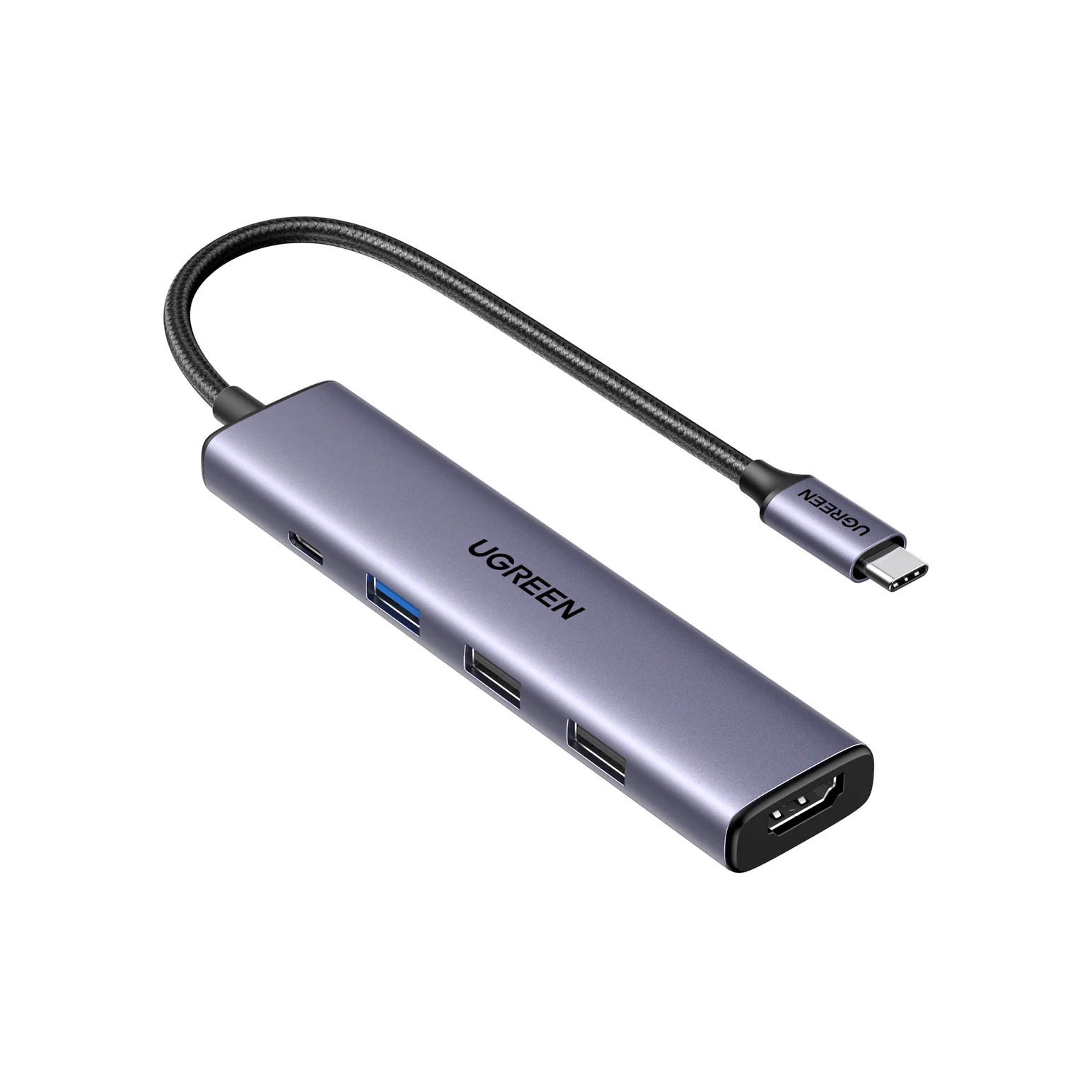
That combination covers the common travel jobs: plug into a hotel TV or conference-room monitor, run a portable SSD at full 10Gbps speed, and keep the laptop charging from one wall charger.
Why it stands out: 4K@60Hz and 10Gbps on every USB port, which is rare in a hub this size.
Watch out for: No card reader or Ethernet. The USB-C data ports don't carry video or charge devices.
See the UGREEN Revodok Pro 106 on Amazon
Best data-only hub: StarTech.com 4-Port 10Gbps USB-C Hub
StarTech.com
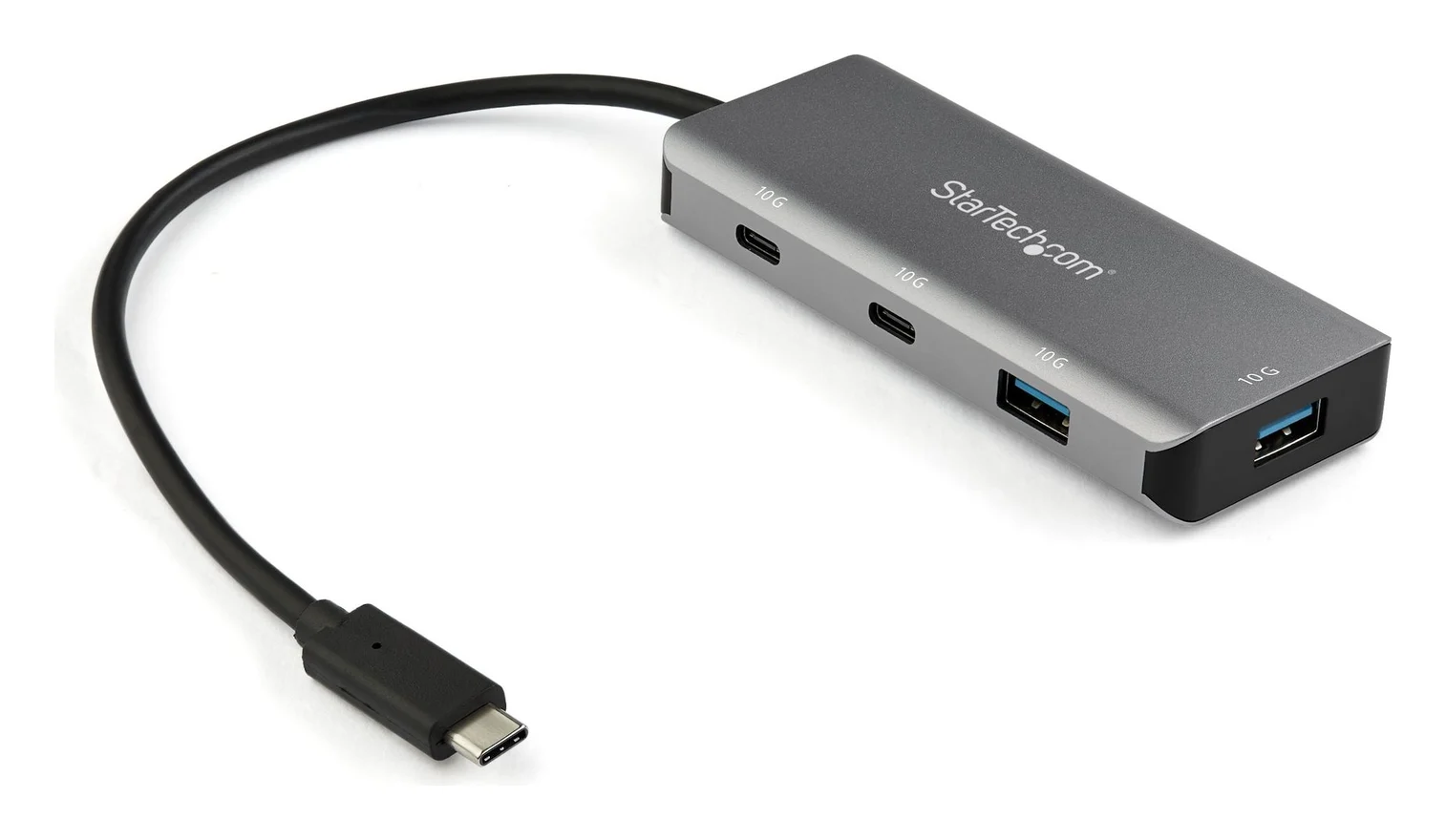
StarTech.com 4-Port USB-C Hub 10Gbps (2x USB-C + 2x USB-A)
A small aluminum USB-C data hub that turns one USB-C or Thunderbolt 3 port into two USB-C and two USB-A ports at up to 10Gbps, on a 25cm attached cable.
- 10 Gbps data
- 4 ports
If you don't need HDMI, a data-only hub is smaller and simpler. StarTech.com's 4-port hub turns one USB-C or Thunderbolt 3 port into two USB-C and two USB-A ports, all rated up to 10Gbps (USB 3.2 Gen 2), and the four ports share that one 10Gbps link to the laptop. It has an aluminum shell and a 25cm attached cable, and StarTech lists it as driver-free on Windows, macOS, Linux, iPadOS, ChromeOS and Android.
It's a good fit for photographers and video editors who carry a fast SSD plus a USB-A card reader or flash drive.
Why it stands out: Four 10Gbps ports in a pocket-size hub.
Watch out for: No video output and no PD input, so it can't charge the laptop through the hub. It relies entirely on the laptop port for power.
See the StarTech.com 4-Port 10Gbps Hub on Amazon
Best slim all-rounder: Anker 332 (5-in-1)
Anker
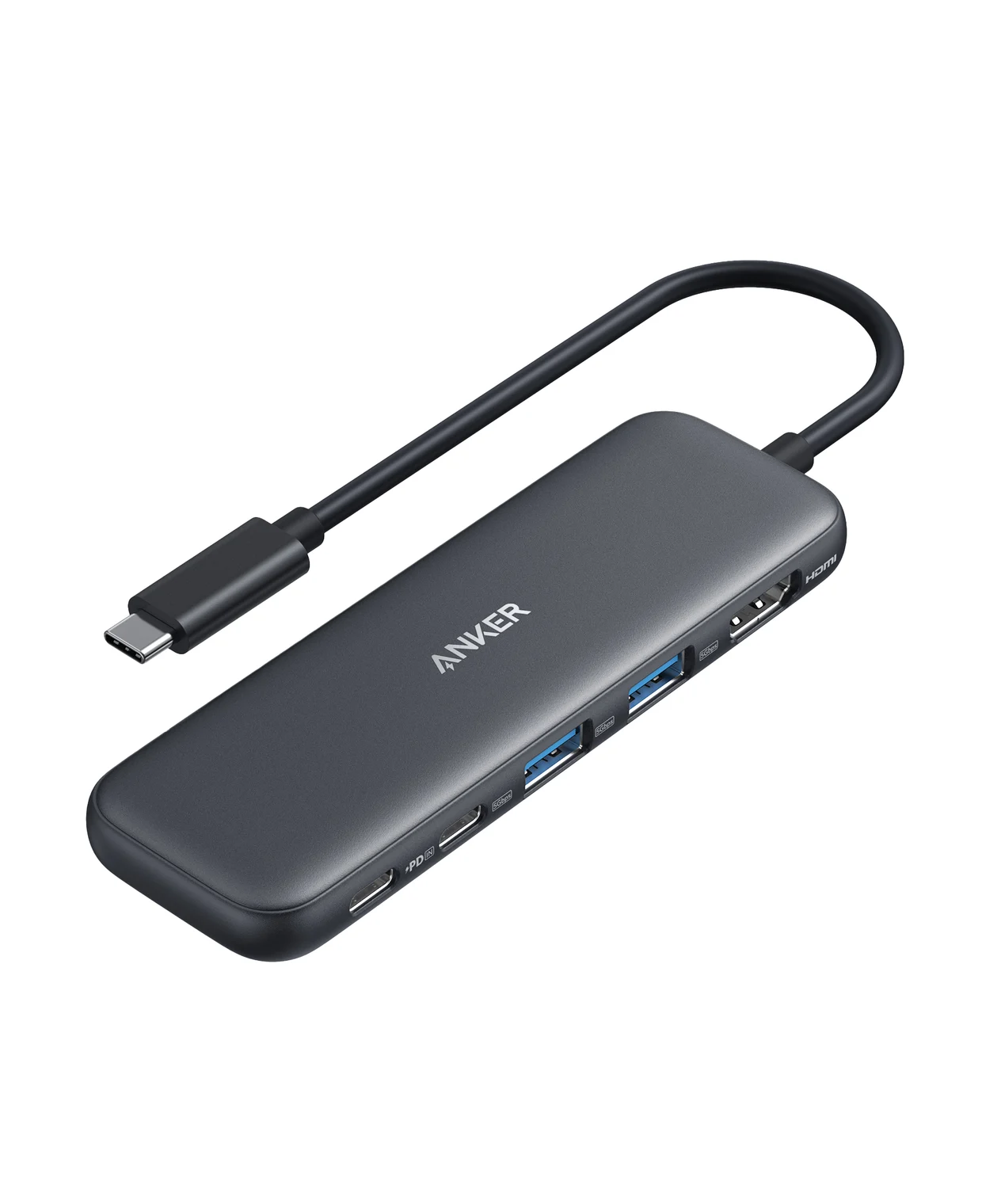
A slim 5-in-1 USB-C hub with 4K@30Hz HDMI, one 5Gbps USB-C data port, two 5Gbps USB-A ports and 85W pass-through charging.
- 85W PD passthrough
- 5 Gbps data
- 4K30 video
- 5 ports
The Anker 332 is a slim, simple hub from a major brand. Anker lists an HDMI 1.4 port rated 4K@30Hz, one 5Gbps USB-C data port, two 5Gbps USB-A ports and a 100W PD input with up to 85W to the laptop. It works with Mac, Windows and ChromeOS laptops.
Why it stands out: It includes a USB-C data port alongside USB-A, so it covers old and new accessories.
Watch out for: 4K@30Hz only. No card reader or Ethernet.
Best budget travel hub: UGREEN Revodok 105 (5-in-1)
UGREEN
UGREEN Revodok 105 USB-C Hub (5-in-1)
A small 5-in-1 USB-C hub with 4K@30Hz HDMI, one 5Gbps USB-A port, two USB 2.0 USB-A ports and 100W PD input.
- 95W PD passthrough
- 5 Gbps data
- 4K30 video
- 5 ports
For light trips where you just need to plug into a TV and use a mouse, the Revodok 105 covers the basics. UGREEN lists a 4K@30Hz HDMI port, one 5Gbps USB-A port, two USB 2.0 USB-A ports and up to 95W pass-through from a 100W charger.
The two USB 2.0 ports are fine for a mouse, keyboard or wireless receiver. Keep the 5Gbps port for drives.
Why it stands out: Up to 95W pass-through leaves more power for the laptop than most small hubs.
Watch out for: Only one fast USB port. No USB-C data port or card reader.
See the UGREEN Revodok 105 on Amazon
Best for hotel Ethernet: UGREEN Revodok 1061 (6-in-1)
UGREEN
UGREEN Revodok 1061 USB-C Hub (6-in-1, Gigabit Ethernet)
A 6-in-1 USB-C hub with gigabit Ethernet, 4K@30Hz HDMI, three USB-A 3.0 ports and 100W PD input.
- 85W PD passthrough
- 5 Gbps data
- 4K30 video
- 6 ports
Hotel Wi-Fi can be crowded; a wired port in the room is often faster and more stable. The Revodok 1061 adds gigabit Ethernet alongside three USB-A 3.0 ports, an HDMI port rated 4K@30Hz and up to 85W pass-through. UGREEN notes the USB-C port is charge-only.
Why it stands out: Ethernet and HDMI in one travel hub, with no driver needed.
Watch out for: No USB-C data port or card reader, and HDMI is capped at 4K@30Hz.
See the UGREEN Revodok 1061 on Amazon
What to look for in a portable hub
Attached cable length. Short cables keep the hub tidy but can block the neighboring port. Longer cables, like the 25cm cable on UGREEN's 4-port hub, give more room.
A PD input. Most thin laptops have only two USB-C ports. A PD input lets you charge the laptop and use the hub from a single port.
Real data speed. 10Gbps only helps with a fast SSD and a laptop port that supports 10Gbps. If you're unsure about connectors and speeds, read our USB-C vs USB-A explainer.
Source: Manufacturer spec sheets
HDMI refresh. Most travel use (TVs, projectors, 1080p monitors) is fine at 4K@30Hz. If you plug into 4K monitors at client sites, get a 4K@60Hz hub. Our best USB-C hubs with HDMI guide explains the host requirements.
- Yes: UGREEN Revodok Pro 106: 4K@60Hz, for 4K monitors at client sites
- Partly: Anker 332, Revodok 105 and Revodok 1061: 4K@30Hz, fine for TVs, projectors and 1080p monitors
- No: StarTech.com 4-Port Hub: no video output
Pack the right charger. A compact 100W GaN charger and a 100W cable pair well with any of these. See best USB-C chargers.
Match the hub to the trip
| Trip | Pick | Why |
|---|---|---|
| Client visits with 4K monitors | UGREEN Revodok Pro 106 | 4K@60Hz HDMI and fast USB |
| Photo or video shoot | StarTech.com 4-Port 10Gbps Hub | Full-speed SSD plus card reader or drive |
| Conference with projectors | Anker 332 | HDMI plus USB-C and USB-A data |
| Weekend away | UGREEN Revodok 105 | Just HDMI, a mouse and charging |
| Week in a hotel | UGREEN Revodok 1061 | Wired internet in the room |
How we choose
We don't physically test products. We build each list from:
- Manufacturer spec sheets from Anker, StarTech.com and UGREEN, linked from each product card.
- Standards: USB 3.2 data rates, USB Power Delivery and DisplayPort Alt Mode.
- Compatibility notes such as charge-only ports, iPad video quirks and power reserved by the hub.
- Common buyer patterns, like bus-powered hubs struggling with many power-hungry devices.
We confirm each Amazon listing matches the manufacturer's product, and we left out several no-name travel hubs because we couldn't find official spec sheets for them.
Verdict
The UGREEN Revodok Pro 106 is the best all-round travel hub, with 4K@60Hz and 10Gbps ports in a small body. Pick the StarTech.com 4-Port 10Gbps Hub if you only need USB ports for fast storage, the Anker 332 or Revodok 105 for simple budget trips, and the Revodok 1061 if you want wired internet in hotel rooms. For a permanent desk, see best USB hubs for desk setups, and for gift ideas, best USB tech gifts under 50.
Frequently asked questions
Do portable USB-C hubs need external power?
No. They are bus-powered from the laptop's USB-C port. That's fine for flash drives, mice and most portable SSDs. The catch is total power: a bus-powered hub shares a limited budget, so several power-hungry devices at once can disconnect. If the hub has a PD input, plugging in a charger helps keep the laptop topped up.
Is 10Gbps worth it on a travel hub?
Only if you carry a fast portable SSD. A 10Gbps port lets a USB 3.2 Gen 2 SSD run near its rated speed, while a 5Gbps port roughly halves it. For keyboards, mice, flash drives and card readers, 5Gbps is plenty. Your laptop's port must also support 10Gbps for the hub to deliver it.
Can I use a USB-C hub with an iPad or phone?
Many USB-C iPads and Android phones work with hubs for keyboards, drives and HDMI output, if the device supports video over USB-C. UGREEN notes that on some iPad Pro models, a USB 3.0 device may need to be connected before video starts. Phones may need their own charger connected for stable operation.
Can I take a USB hub on a plane?
Yes. USB hubs have no battery, so they aren't subject to the rules that cover power banks and spare lithium cells. They can go in checked or carry-on bags. Carry-on is usually more practical, because you'll want the hub at a seat-back tray, in an airport lounge or at the hotel desk before your checked bag arrives.
Related guides
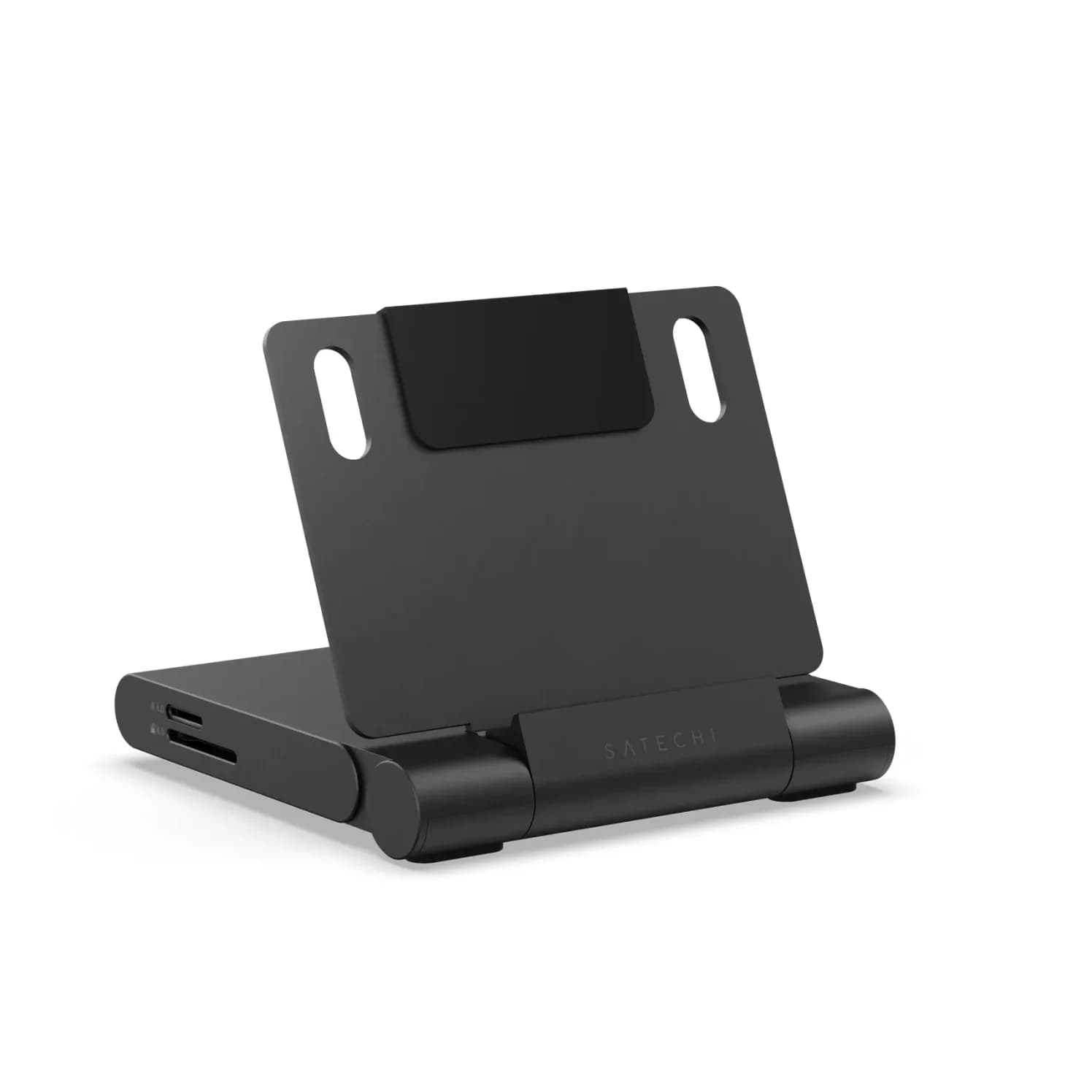
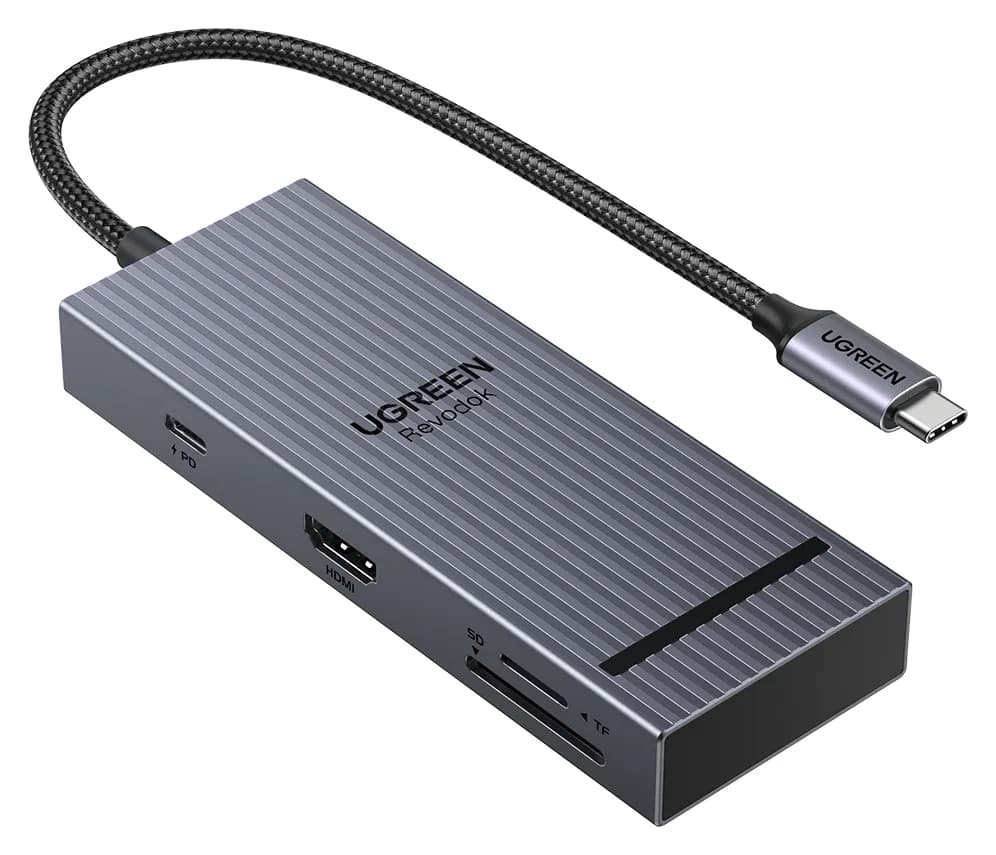
Satechi OntheGo vs UGREEN Revodok Pro 108 for iPad Pro: Which Hub Should You Buy?
Satechi OntheGo vs UGREEN Revodok Pro 108 for iPad Pro: stand-and-audio hub vs cable hub, case fit, the 4K display ceiling, SD card speed and the charger reserve that decides it.
Updated November 5, 2026Read
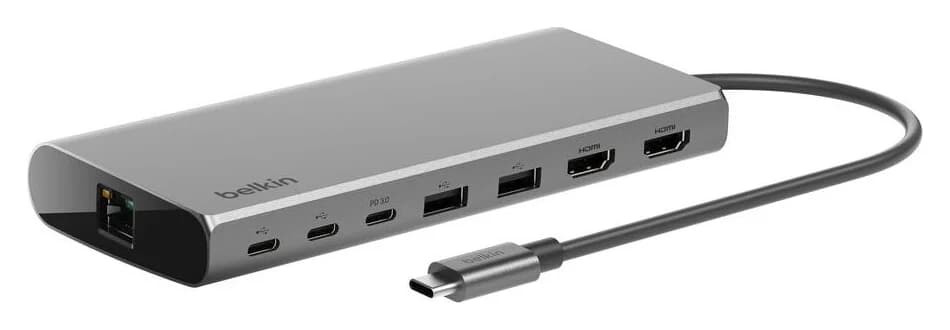
Belkin Core 8-in-1 vs Anker 553: Pick by Laptop and Monitors
Choose between Belkin's Core 8-in-1 and Anker 553 with exact models, Mac and Windows display limits, real laptop charging budgets, and a complete-kit checklist.
Updated November 5, 2026Read
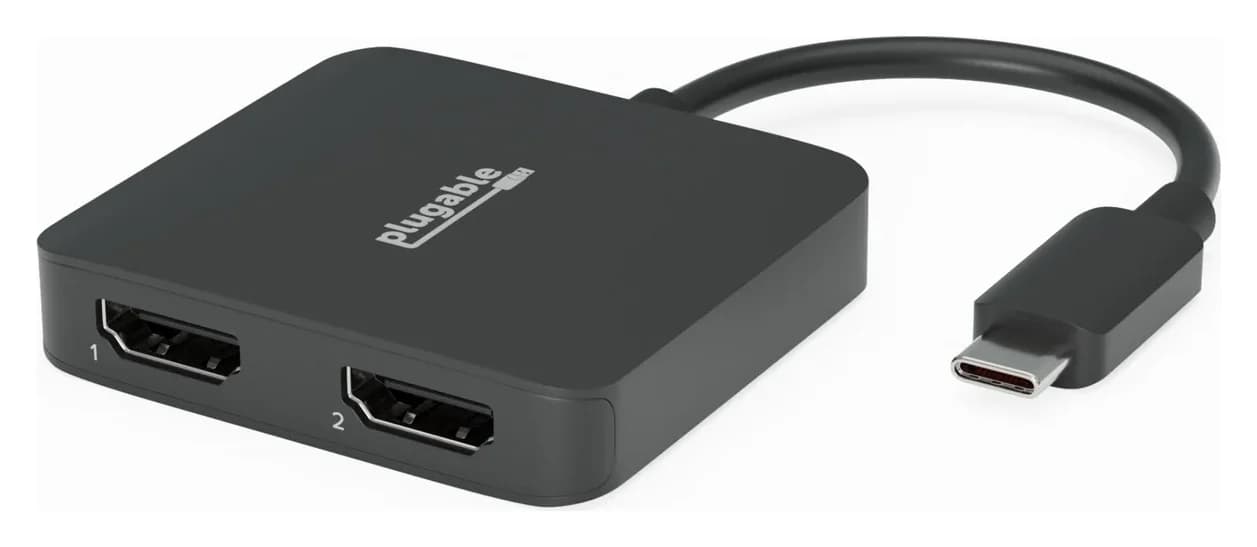
Anker 553 vs Plugable USBC-MSTH2: Hub or Display Adapter?
Choose Anker 553 or Plugable USBC-MSTH2 for dual monitors: check Windows support, 4K limits, Mac mirroring, charging and the complete setup before you buy.
Updated November 4, 2026Read