Best picks
Best USB Hubs for Desk Setups in 2026
Build a cleaner laptop desk with one USB-C hub for your monitor, Ethernet, SD cards and charging. Five picks chosen from spec sheets, with setup advice.
By thisUSB EditorialUpdated September 27, 20266 min read5 picks
Our picks at a glance
- See on Amazon1
Best overall desk hub
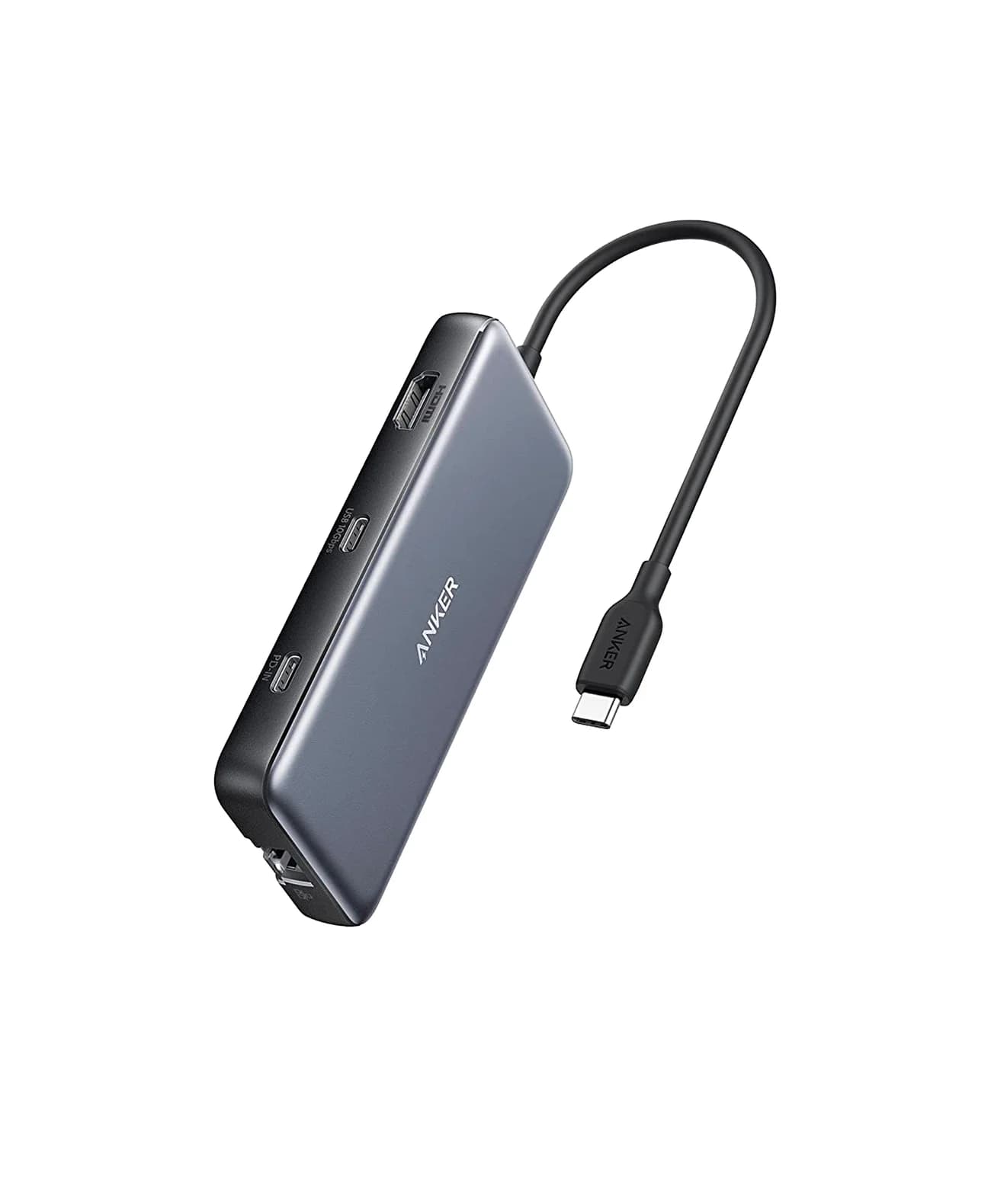
Anker 555 USB-C Hub (8-in-1)85W PD passthrough · 10 Gbps data · 4K60 video · 8 ports
- See on Amazon2
Best for creators
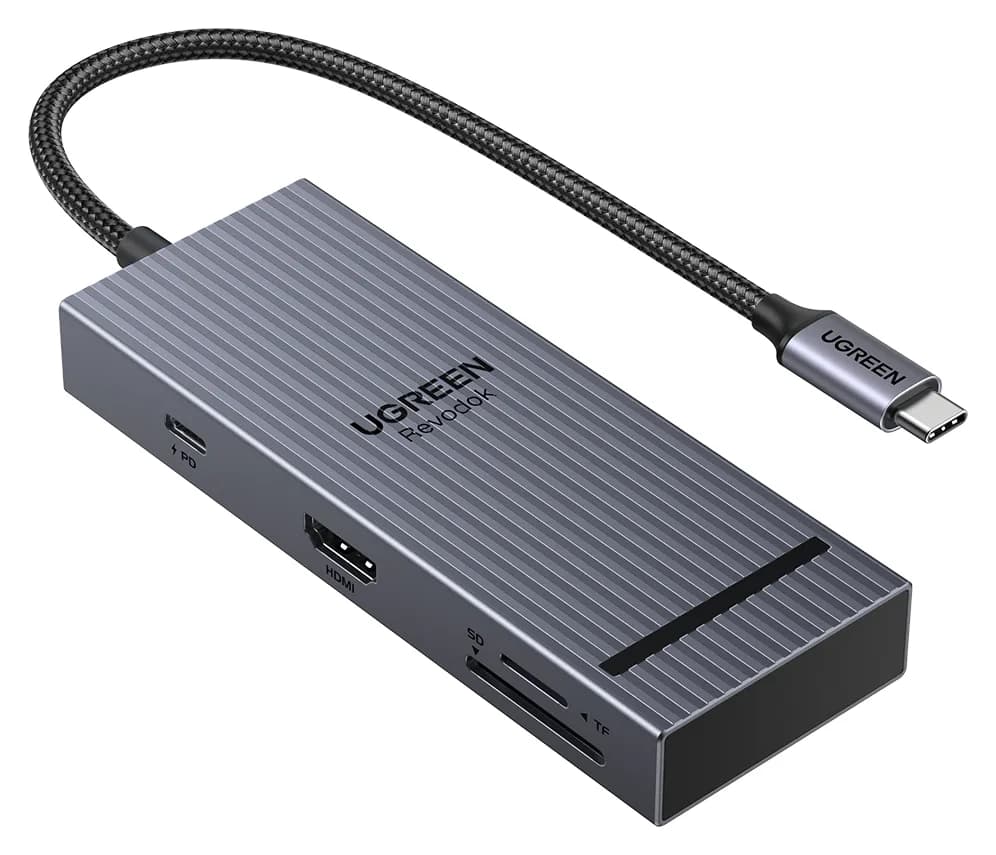
UGREEN Revodok Pro 108 USB-C Hub (8-in-1)85W PD passthrough · 10 Gbps data · 4K60 video · 8 ports
- See on Amazon3
Best for fast USB storage
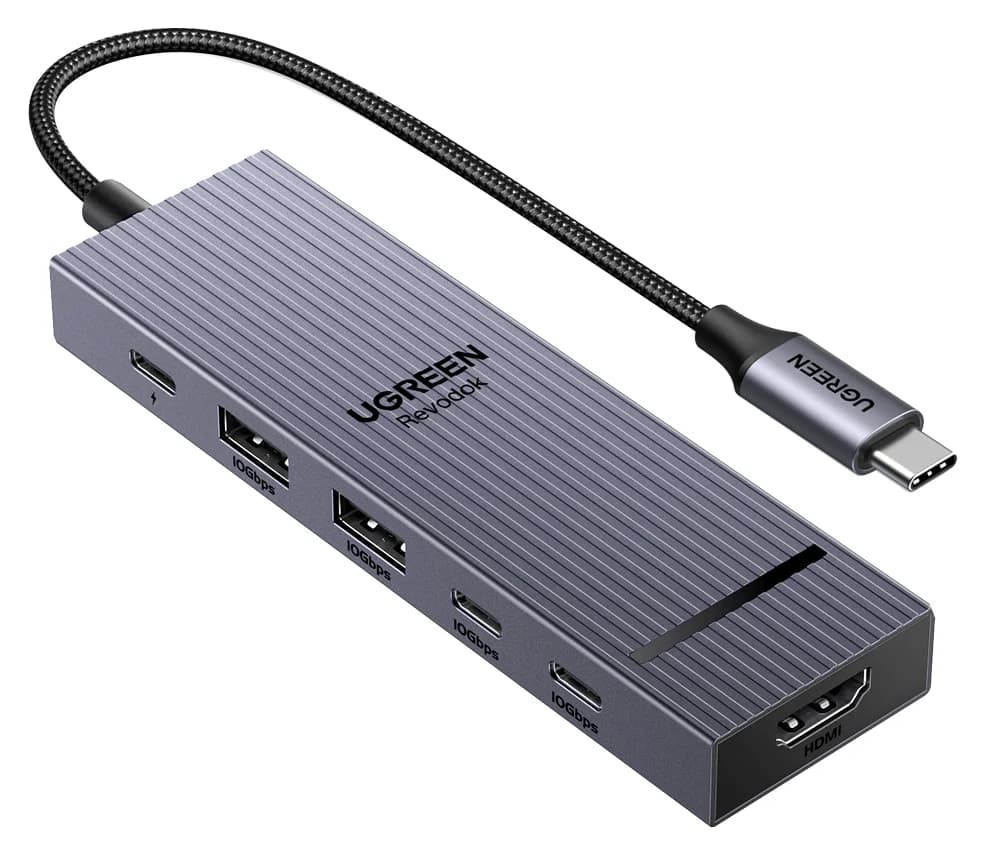
UGREEN Revodok Pro 106 USB-C Hub (6-in-1)85W PD passthrough · 10 Gbps data · 4K60 video · 6 ports
- See on Amazon4
Best for two screens on Windows
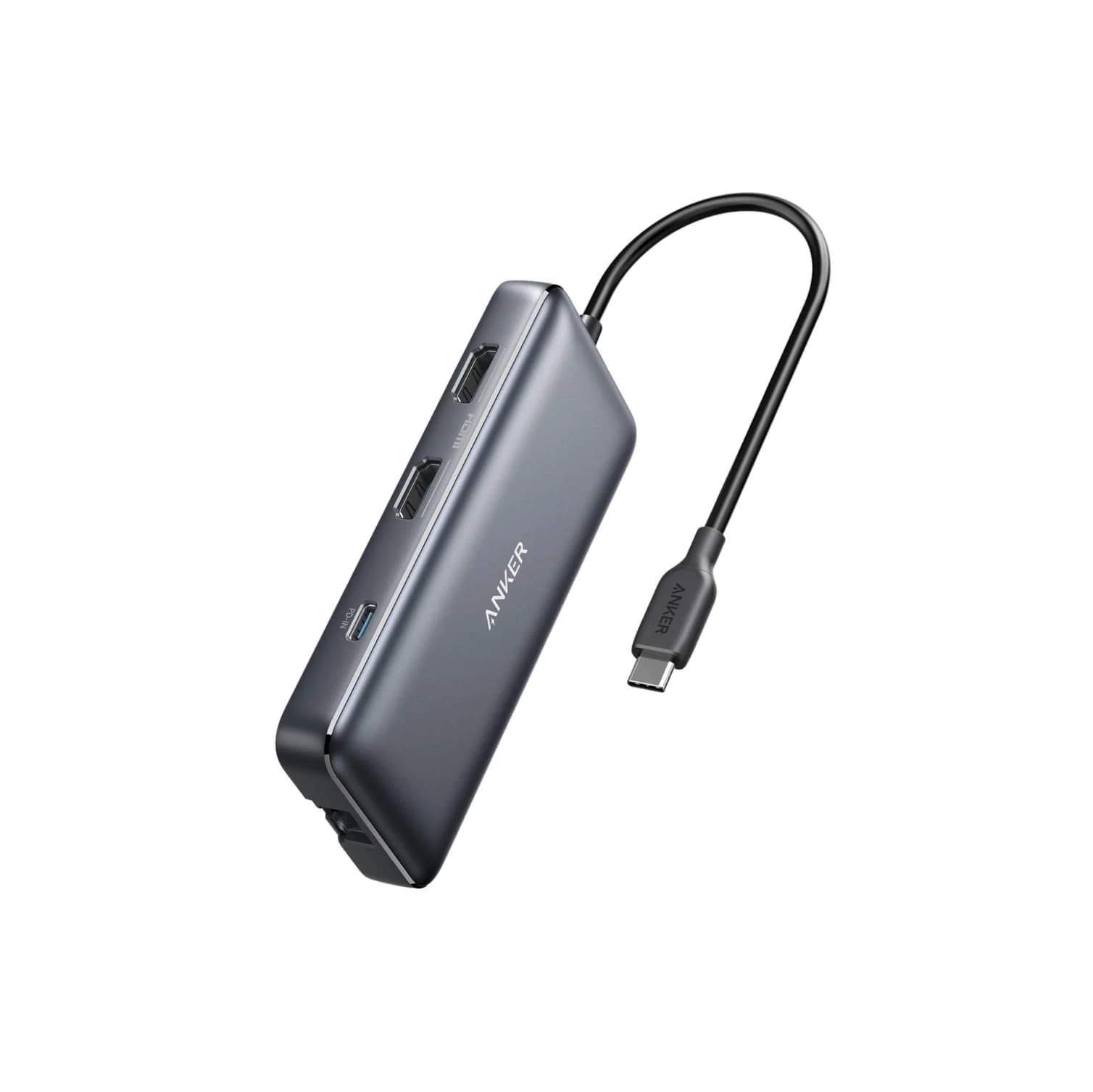
Anker 553 USB-C Hub (8-in-1, dual HDMI)85W PD passthrough · 5 Gbps data · 4K60 video · 8 ports
- See on Amazon5
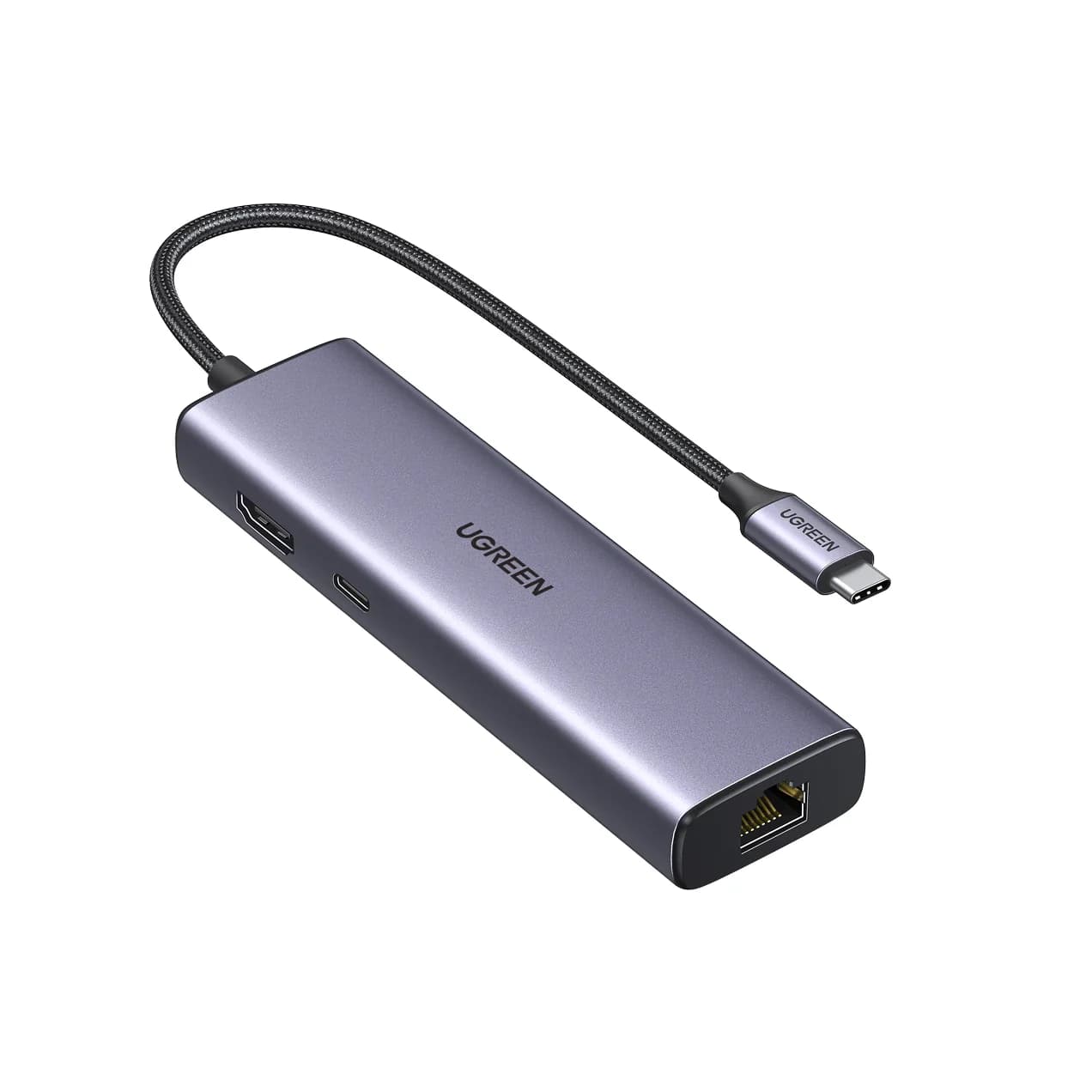
Best budget wired desk
UGREEN Revodok 1061 USB-C Hub (6-in-1, Gigabit Ethernet)85W PD passthrough · 5 Gbps data · 4K30 video · 6 ports
For most laptop desks, the Anker 555 USB-C Hub (8-in-1) is the best single hub: one cable to the laptop gives you a 4K@60Hz monitor, wired Ethernet, fast USB and a card reader, while passing up to 85W of charging through. Creators who move a lot of SD cards should look at the UGREEN Revodok Pro 108 instead.
A desk hub stays plugged in all day, so port layout, charging and network matter more than size. These picks are chosen from manufacturer spec sheets and compatibility notes. We have not physically handled them.
Quick picks
| Hub | Monitor | Network | Fast USB | Cards | Laptop charging |
|---|---|---|---|---|---|
| Anker 555 | 4K@60Hz (DP 1.4 host) | Gigabit | 3x 10Gbps | UHS-I | Up to 85W |
| UGREEN Revodok Pro 108 | 4K@60Hz (DP 1.4 host) | None | 3x 10Gbps | 170MB/s | Up to 85W |
| UGREEN Revodok Pro 106 | 4K@60Hz | None | 4x 10Gbps | None | Up to 85W |
| Anker 553 | 2x HDMI (MST) | Gigabit | 5Gbps | UHS-I | Up to 85W |
| UGREEN Revodok 1061 | 4K@30Hz | Gigabit | 3x 5Gbps | None | Up to 85W |
Check price on Amazon via the links; prices change too often to list.
What a desk hub needs
Answer these before you buy:
- What resolution is your monitor? 4K needs a 4K@60Hz hub. 1080p and 1440p work fine with 4K@30Hz hubs.
- Do you need Ethernet? For video calls and big uploads, wired internet is more consistent than Wi-Fi.
- Do you use SD or microSD cards? Card reader speed varies a lot.
- How many USB devices stay plugged in? Count the keyboard, mouse, webcam, microphone and drives.
- Does your laptop charge over USB-C? Pass-through charging only helps if it does.
Best overall: Anker 555 (8-in-1)
Anker
An 8-in-1 USB-C hub with 4K@60Hz HDMI, gigabit Ethernet, 10Gbps USB-C and USB-A data ports, SD/microSD readers and 85W pass-through charging.
- 85W PD passthrough
- 10 Gbps data
- 4K60 video
- 8 ports
The Anker 555 is the most complete compact desk hub here. Anker lists a 4K@60Hz HDMI 2.0 port (on DP 1.4 laptops), gigabit Ethernet, a 10Gbps USB-C data port, two 10Gbps USB-A ports, SD and microSD (UHS-I), and a 100W PD input with up to 85W to the laptop. It's driver-free on macOS 12 or later, Windows 10 and 11, and ChromeOS.
Why it stands out: It covers monitor, network, storage and charging with one cable.
Watch out for: One display only. DP 1.2 laptops get 4K@30Hz.
Best for creators: UGREEN Revodok Pro 108 (8-in-1)
UGREEN
UGREEN Revodok Pro 108 USB-C Hub (8-in-1)
A compact single-cable 8-in-1 USB-C hub with 4K@60Hz HDMI, 10Gbps USB ports, 170MB/s SD and microSD readers and 100W PD input.
- 85W PD passthrough
- 10 Gbps data
- 4K60 video
- 8 ports
If your desk workflow starts with a camera card, the Revodok Pro 108's SD and microSD readers are rated up to 170MB/s, with simultaneous read and write. UGREEN also lists a 4K@60Hz HDMI port (DP 1.4 laptops), two 10Gbps USB-C data ports, two USB-A ports and up to 85W laptop charging from a 100W charger.
Why it stands out: Faster card offloads than UHS-I hubs, plus 10Gbps USB-C for an SSD.
Watch out for: No Ethernet. One USB-A port is slower than 10Gbps.
See the UGREEN Revodok Pro 108 on Amazon
Best for fast USB storage: UGREEN Revodok Pro 106 (6-in-1)
UGREEN
UGREEN Revodok Pro 106 USB-C Hub (6-in-1)
A 6-in-1 USB-C hub with 4K@60Hz HDMI, four 10Gbps USB ports (two USB-C, two USB-A) and 100W PD input.
- 85W PD passthrough
- 10 Gbps data
- 4K60 video
- 6 ports
The Revodok Pro 106 trades card readers and Ethernet for speed on every USB port. UGREEN lists two 10Gbps USB-C data ports, two 10Gbps USB-A ports, a 4K@60Hz HDMI port and up to 85W pass-through. That suits a desk with a portable SSD, a fast flash drive and a USB-C microphone or audio interface.
Why it stands out: Four 10Gbps ports is more fast USB than most hubs offer.
Watch out for: No Ethernet or card reader. USB-C data ports don't output video.
See the UGREEN Revodok Pro 106 on Amazon
Best for two screens on Windows: Anker 553 (8-in-1)
Anker
Anker 553 USB-C Hub (8-in-1, dual HDMI)
An 8-in-1 USB-C hub with two HDMI ports, gigabit Ethernet, USB-A data ports, SD/microSD readers and 85W pass-through charging; dual extended displays rely on MST, which Macs do not support.
- 85W PD passthrough
- 5 Gbps data
- 4K60 video
- 8 ports
For a Windows desk with two monitors, the Anker 553 offers two HDMI ports over MST. Anker lists dual displays at up to 2K@60Hz on DP 1.4 laptops or 1080p@60Hz on DP 1.2 laptops, and a single display at up to 4K@60Hz. It also includes gigabit Ethernet, 5Gbps USB-A, SD/microSD and up to 85W pass-through.
Why it stands out: Two extended screens without a driver or a dock power brick.
Watch out for: On a Mac, both screens mirror because macOS doesn't support MST. Two 4K monitors will run below 4K.
Best budget wired desk: UGREEN Revodok 1061 (6-in-1)
UGREEN
UGREEN Revodok 1061 USB-C Hub (6-in-1, Gigabit Ethernet)
A 6-in-1 USB-C hub with gigabit Ethernet, 4K@30Hz HDMI, three USB-A 3.0 ports and 100W PD input.
- 85W PD passthrough
- 5 Gbps data
- 4K30 video
- 6 ports
For a 1080p or 1440p monitor and a wired connection, the Revodok 1061 has gigabit Ethernet, three USB-A 3.0 ports, an HDMI port rated 4K@30Hz and up to 85W pass-through. UGREEN notes its USB-C port is charge-only and HDMI has no HDR.
Why it stands out: Ethernet and three USB-A ports cover a basic remote-work desk.
Watch out for: 4K@30Hz feels slow on a 4K monitor. No card reader.
See the UGREEN Revodok 1061 on Amazon
Sample desk setups
| Desk | Recommended hub | Also add |
|---|---|---|
| Remote worker, one 4K monitor | Anker 555 | 100W USB-C charger |
| Photographer or video editor | UGREEN Revodok Pro 108 | Portable SSD on a 10Gbps port |
| Podcaster or music maker | UGREEN Revodok Pro 106 | Powered hub if you add many devices |
| Windows user with two monitors | Anker 553 | Firmware and graphics driver updates |
| Student or budget home office | UGREEN Revodok 1061 | 1080p or 1440p monitor |
What should go through the hub?
Not everything on a desk belongs on the hub. A good split:
| Through the hub | Better elsewhere |
|---|---|
| Monitor (HDMI) | Phone and earbud charging (use a multi-port charger) |
| Ethernet | Printers and spinning hard drives (use a powered hub) |
| Keyboard, mouse, receivers | High-draw gaming laptops (use the original charger) |
| Portable SSD on a 10Gbps port | Second and third monitors (use a dock) |
| SD cards | Webcams with heavy power draw, if they disconnect |
Keeping only low-power and high-value connections on the hub makes it more reliable over a long day.
Cable and layout tips
- Mount or anchor the hub. A hub dangling from the laptop port strains the connector. Let it sit flat or stick it under the desk edge.
- Leave the PD input easy to reach. You'll unplug the charger more than anything else.
- Put low-power devices on the hub. Keyboard, mouse and receivers are ideal. Move power-hungry devices to a powered USB hub.
- Use a 100W charger and a 100W-rated cable. See our best USB-C chargers and best USB-C cables for fast charging.
Hub or dock?
A hub is the right call for one monitor and a handful of accessories. Move to a Thunderbolt or USB4 dock when you need two or more full-resolution monitors, more than 85W of charging, or storage faster than 10Gbps. Our best Thunderbolt docks guide covers those.
How we choose
We don't physically test products. We select from:
- Official spec sheets from Anker and UGREEN, including power reserved by the hub and host requirements for 4K@60Hz.
- Standards: USB 3.2 data rates, USB Power Delivery, DisplayPort Alt Mode and MST.
- Compatibility notes from the manufacturers, such as ports that don't carry video.
- Common buyer patterns, like underpowered bus hubs and mirrored screens on Macs.
We confirm each Amazon listing matches the product on the maker's site before we recommend it.
Verdict
For a one-monitor laptop desk, the Anker 555 covers the most in one hub. Photo and video workers should pick the UGREEN Revodok Pro 108, and anyone with fast USB storage will like the Revodok Pro 106. Windows users who want two screens can use the Anker 553, and the Revodok 1061 is the budget wired option. MacBook owners should also see best USB-C hubs for MacBook, and Windows users best USB-C hubs for Windows laptops.
Frequently asked questions
Should I buy a USB-C hub or a docking station for my desk?
A hub is enough if you have one monitor and want Ethernet, USB and charging through a single cable. Choose a Thunderbolt or USB4 dock if you need two or more high-resolution monitors, fast external storage beyond 10Gbps, or more than 100W of laptop charging. Docks cost more and need their own power supply.
Do desk hubs get hot?
Bus-powered hubs that carry video, Ethernet and 85W or more of charging will run warm; that's normal, and it's why most use aluminum shells. Give the hub some air rather than burying it under papers or a laptop stand, and use a charger rated for the load. If a hub gets too hot to hold, disconnect it and contact the maker.
How many USB-A devices can a bus-powered hub run?
It depends on total power, not port count. A bus-powered hub shares the laptop port's limited power budget. Keyboards, mice and receivers use very little. Spinning hard drives, webcams with lights and phone charging can exceed it. For many accessories, add a powered USB hub with its own adapter.
Can a hub charge my laptop and phone at the same time?
The PD input charges the laptop. The USB data ports on these hubs are not designed as fast chargers, and Anker notes its data ports don't charge devices. For phones and earbuds, use a separate multi-port USB-C charger on the desk.
Related guides
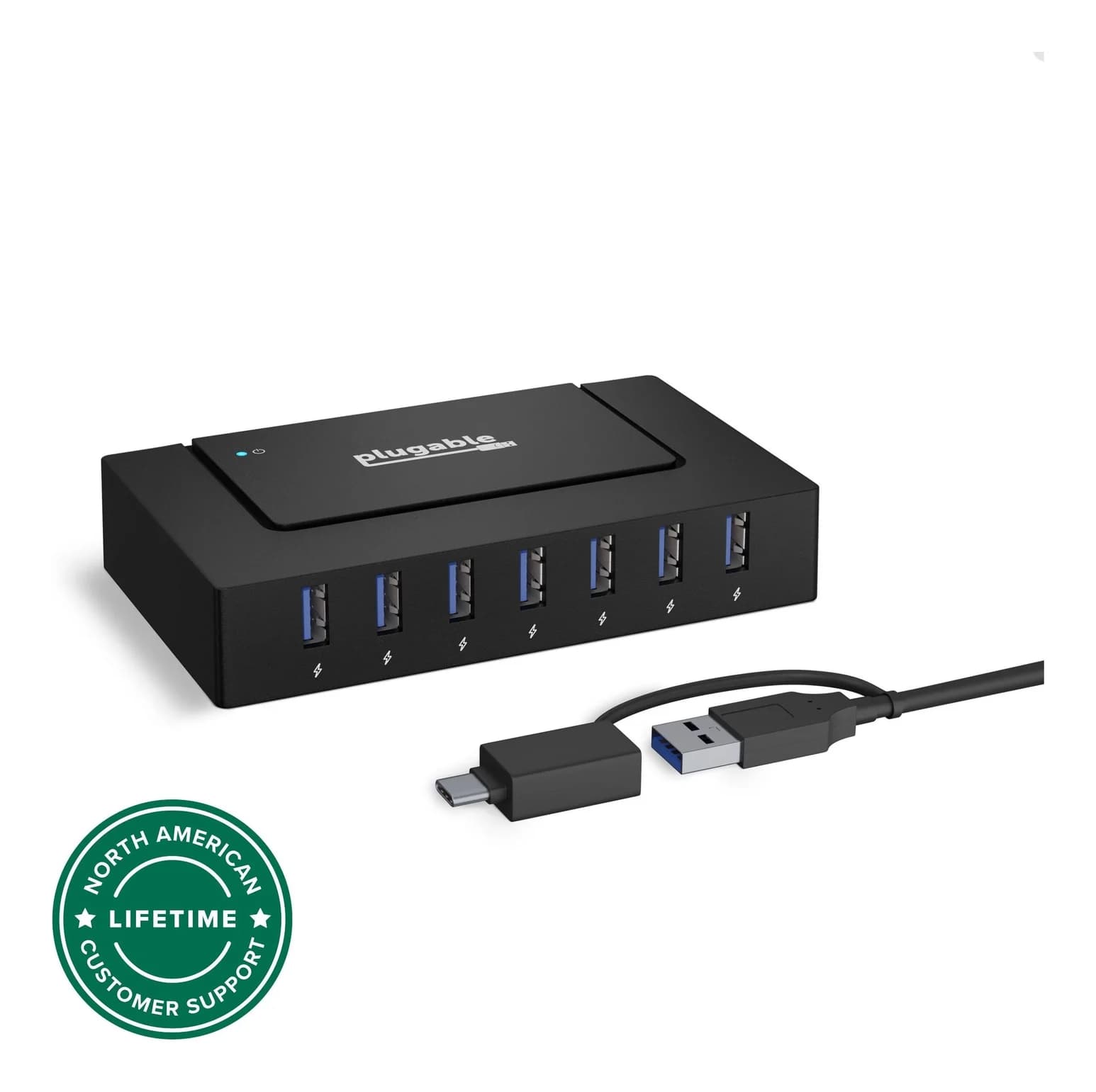
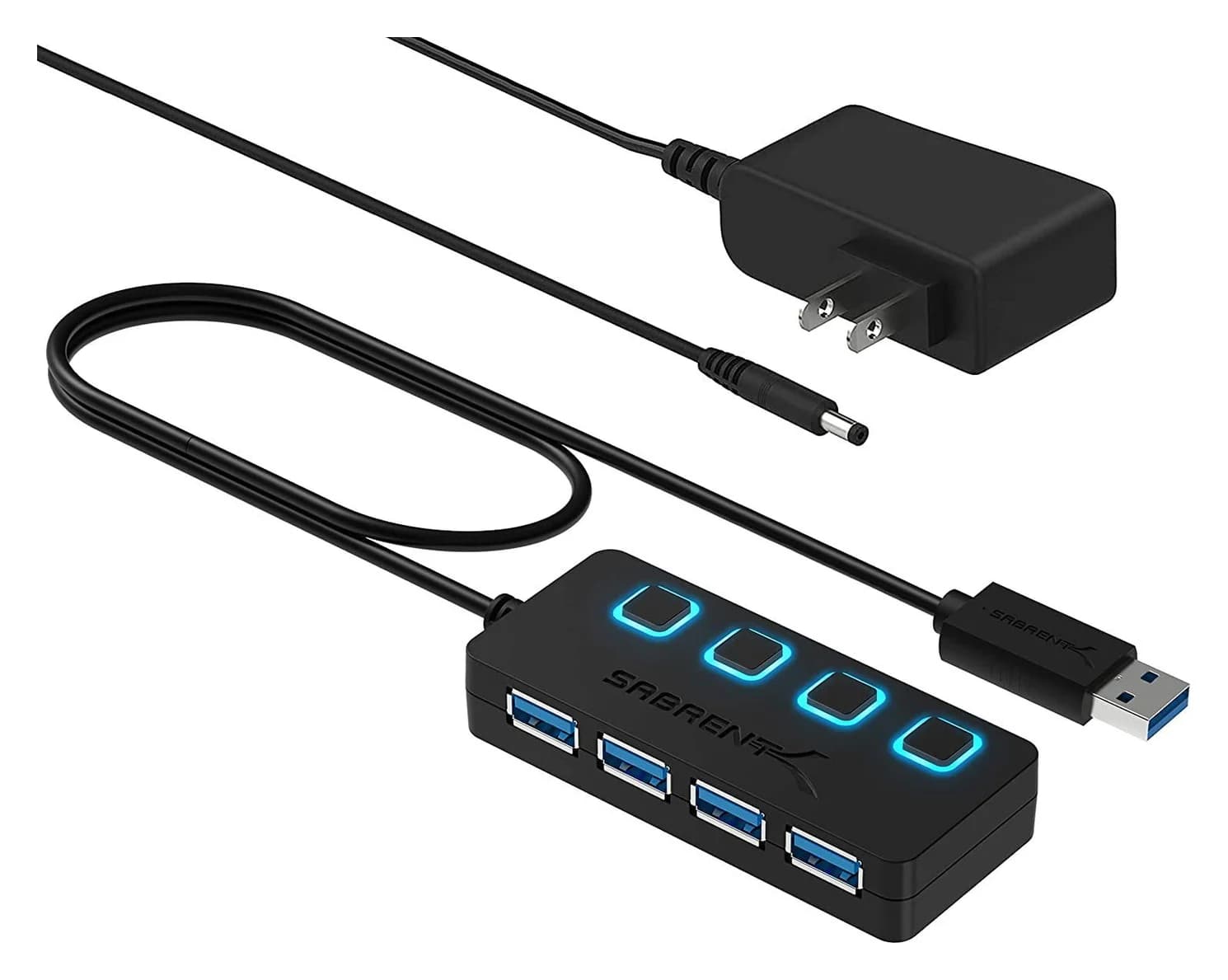
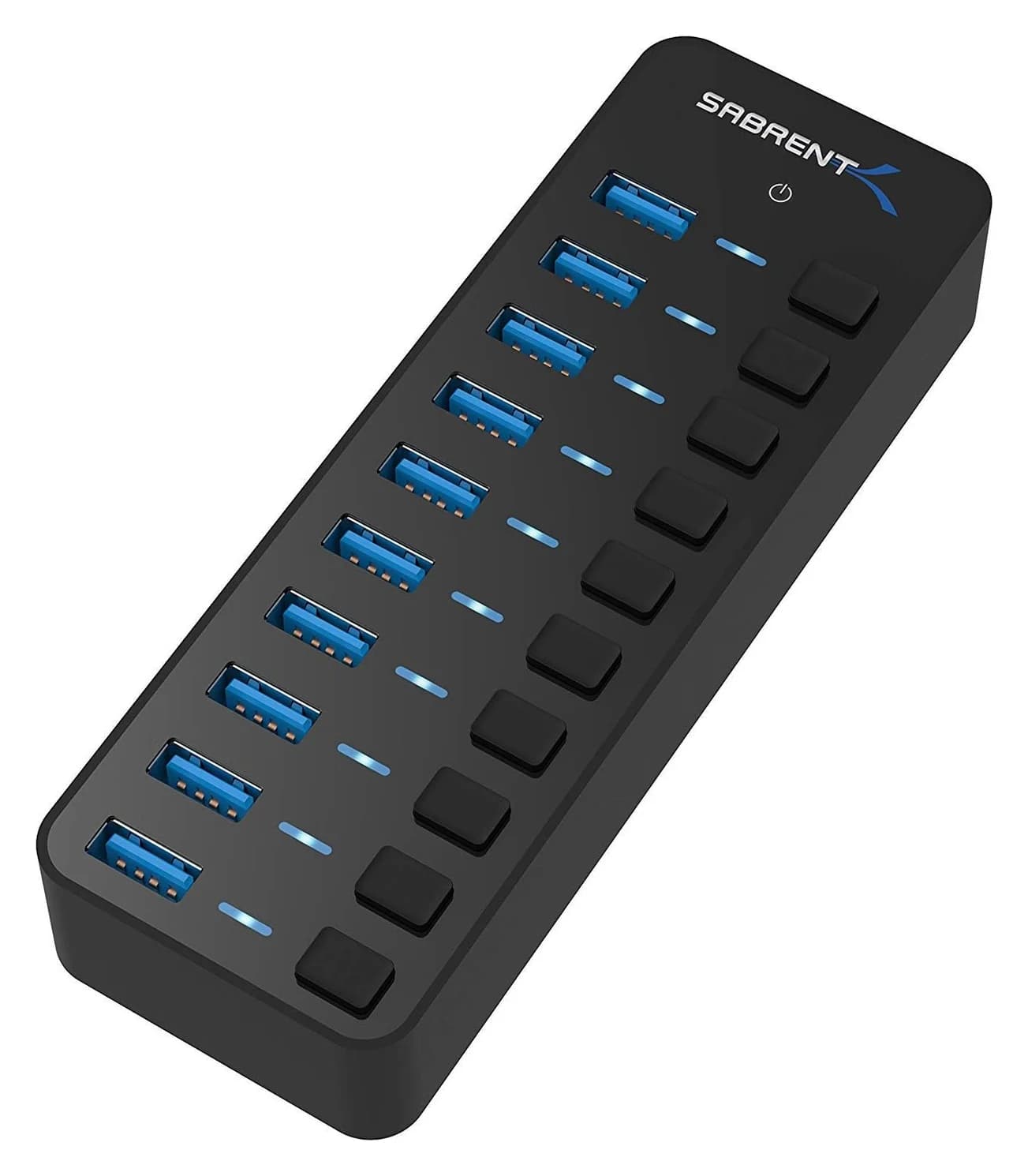
Best Powered USB Hubs in 2026
Powered USB hubs that keep drives, webcams and chargers stable. Compare 4, 7 and 10-port picks by adapter wattage, per-port charging and host connection.
Updated September 27, 2026Read
Best USB-C Hubs for Windows Laptops in 2026
USB-C hubs for Dell, HP, Lenovo and ASUS laptops, picked from spec sheets. Covers 4K HDMI, dual monitors over MST, Ethernet and pass-through charging.
Updated September 27, 2026Read
Best USB-C Hubs for MacBook in 2026
Add HDMI, USB-A, SD cards and Ethernet to your MacBook Air or Pro. We compare four USB-C hubs on spec sheets, display limits and macOS compatibility.
Updated September 27, 2026Read