Skip to content
thisUSB

Anker

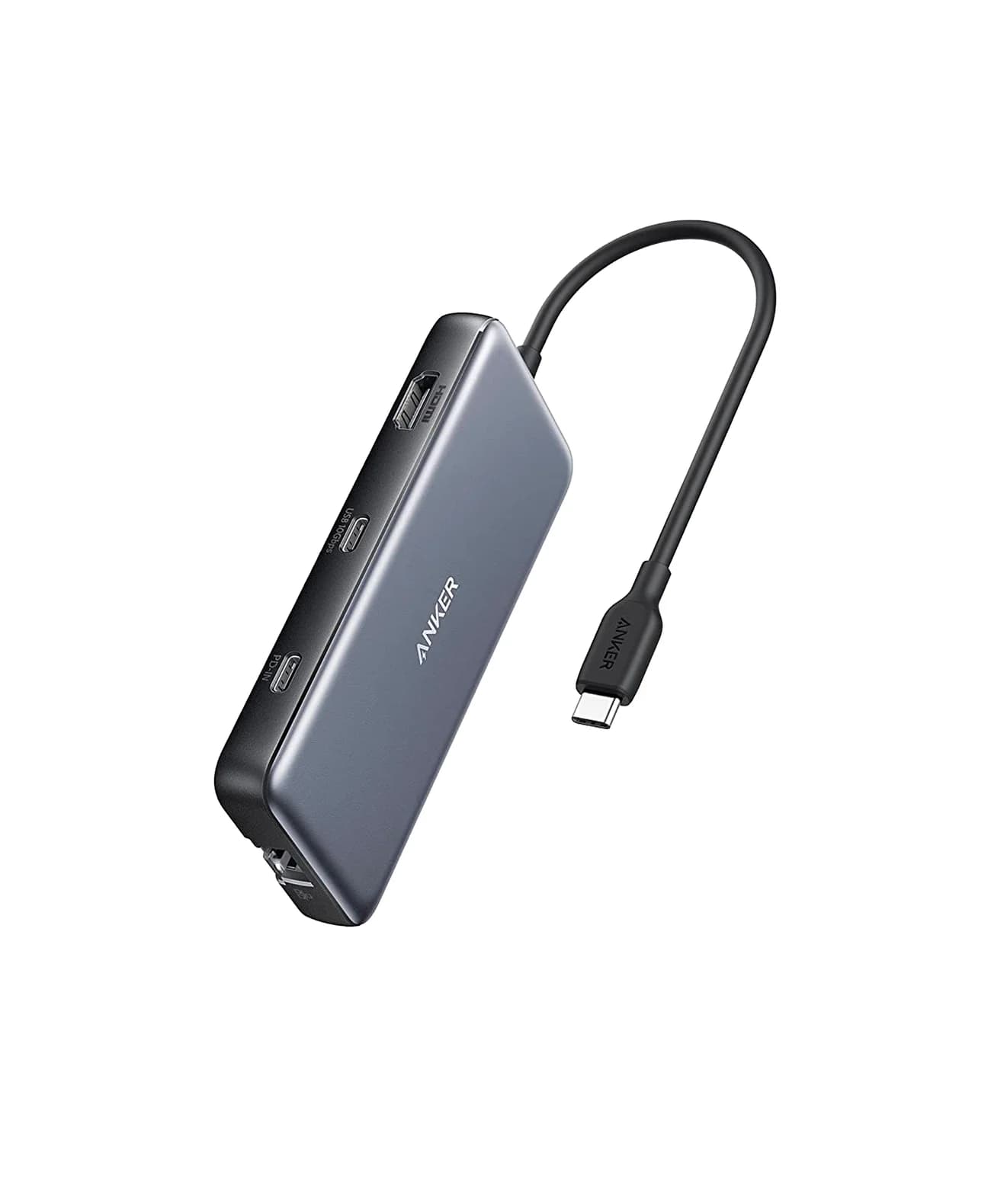
Anker 553 USB-C Hub (8-in-1, dual HDMI)

An 8-in-1 USB-C hub with two HDMI ports, gigabit Ethernet, USB-A data ports, SD/microSD readers and 85W pass-through charging; dual extended displays rely on MST, which Macs do not support.

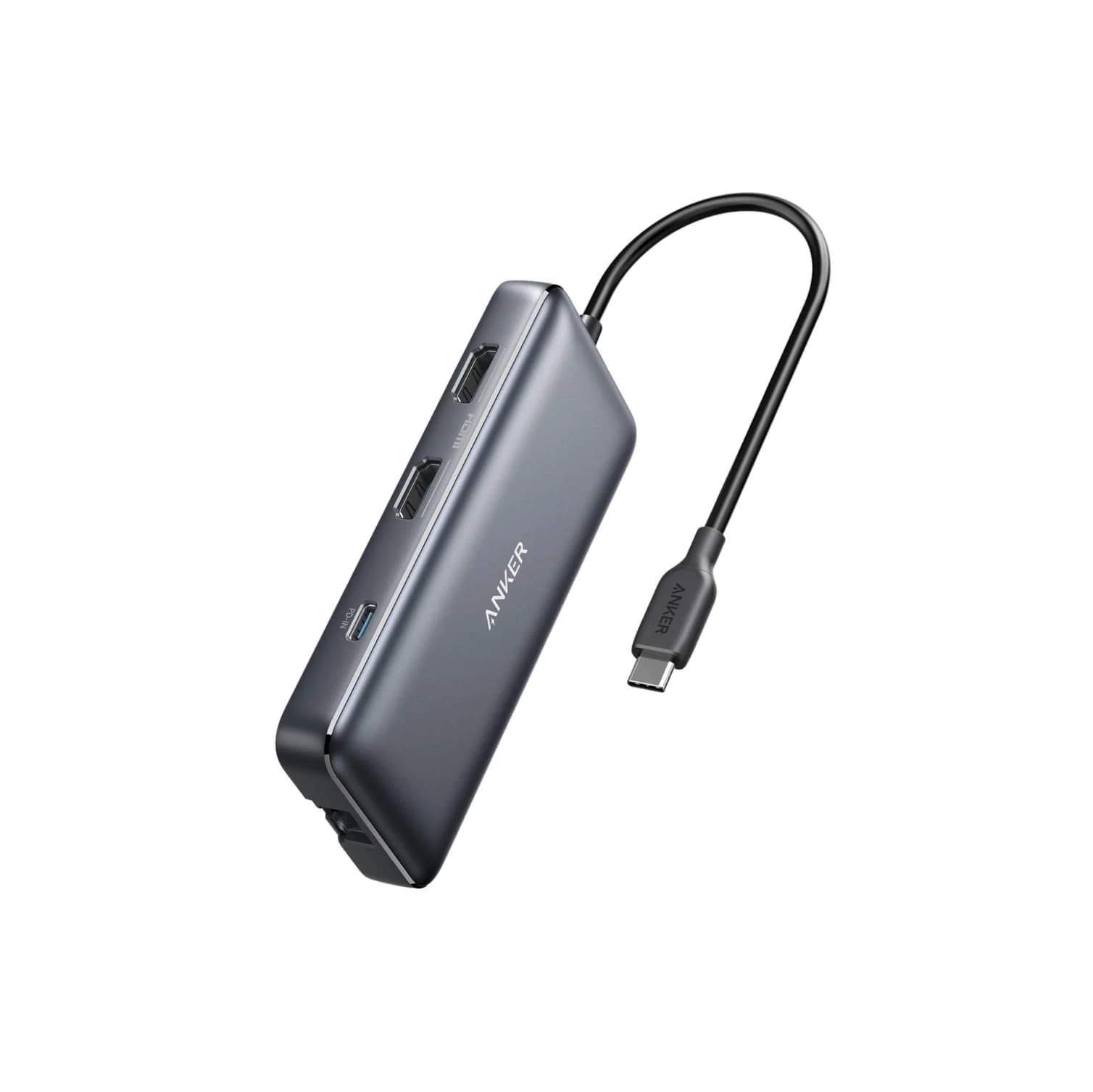
Anker 553 USB-C Hub (8-in-1) in grey, angled view showing two HDMI ports, the PD-IN USB-C port and attached USB-C cable
1 / 4 · hero

Photo: Anker

Ports & connections

Tap a port to see what it’s for.

What the specs mean for you

Laptop charging through the hub

85W

Keeps MacBook Airs, 13-14" ultrabooks and most Windows laptops charged under normal use. A 16-inch MacBook Pro will charge slowly under heavy load.

Data speed

5 Gbps

About 400 MB/s: fine for flash drives, hard drives, keyboards and webcams, and a bottleneck for fast SSDs.

Display output

4K @ 60Hz

Smooth high-resolution output for a monitor or TV.

Total ports

8

Covers a typical desk setup: display, a few USB devices, cards or Ethernet.

Why people pick it

  • Two HDMI outputs from one USB-C port on Windows laptops that support MST
  • Gigabit Ethernet and card readers included
  • No driver needed (uses DP Alt Mode, not DisplayLink)

Know before you buy

  • Macs mirror the same image on both HDMI displays because macOS does not support MST
  • Dual-display resolution drops to 2K@60Hz or 1080p@60Hz depending on the host
  • Anker notes no 4K@60Hz on hosts without DSC, such as Surface Pro 7 and HP Spectre x360
  • USB data limited to 5Gbps

Full specifications

HDMI (DP 1.4 host)Single display 4K@60Hz; dual displays 2K@60Hz on Windows; dual mirrored 4K@30Hz on macOS
HDMI (DP 1.2 host)Single display 4K@30Hz; dual displays 1080p@60Hz on Windows
USB-A dataUSB 3.0, 5Gbps
Ethernet1Gbps
Card readersSD and microSD, UHS-I
Power DeliveryUp to 100W input; up to 85W to the laptop
Video standardHDMI 2.0, HDR, HDCP 2.2

From manufacturer documentation, checked September 27, 2026. Spotted an error? Tell us.

Featured in

Alternatives to consider