Best picks
Best USB-C Hubs with HDMI for 4K Monitors in 2026
Want 4K at 60Hz, not a laggy 30Hz? These USB-C hubs with HDMI are picked from spec sheets, with clear notes on refresh rates, dual screens and host limits.
By thisUSB EditorialUpdated September 27, 20266 min read5 picks
Our picks at a glance
- See on Amazon1
Best overall 4K@60Hz hub
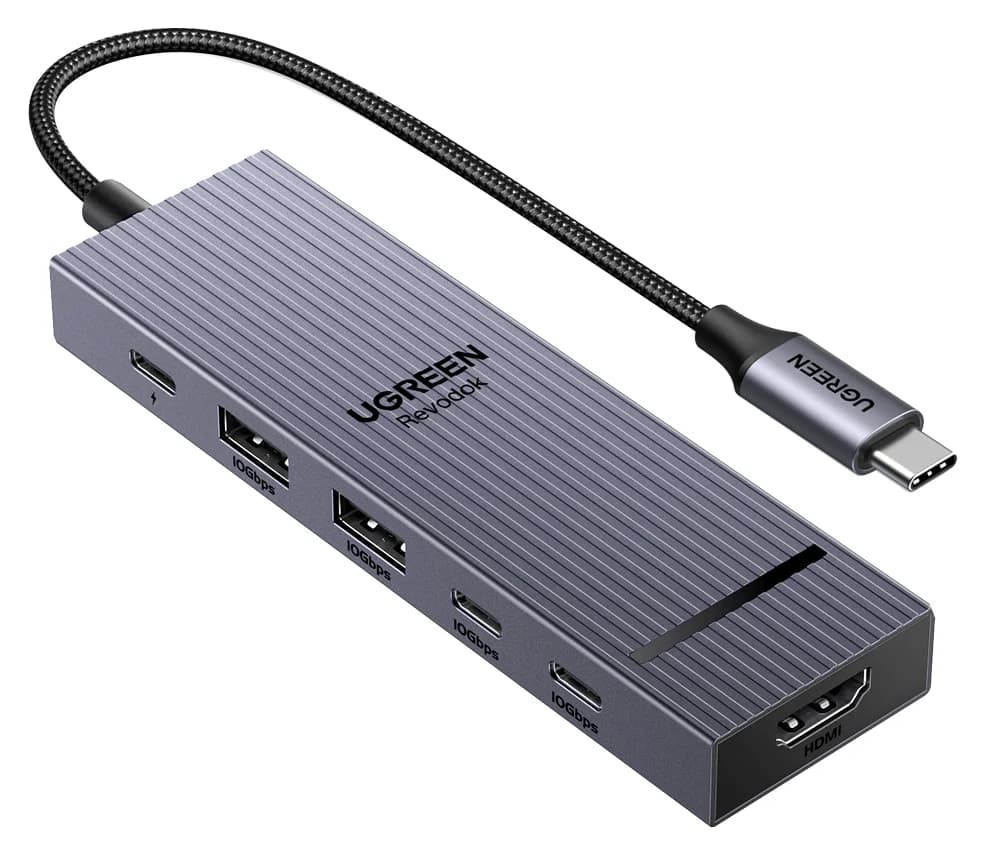
UGREEN Revodok Pro 106 USB-C Hub (6-in-1)85W PD passthrough · 10 Gbps data · 4K60 video · 6 ports
- See on Amazon2
Best 4K@60Hz with Ethernet
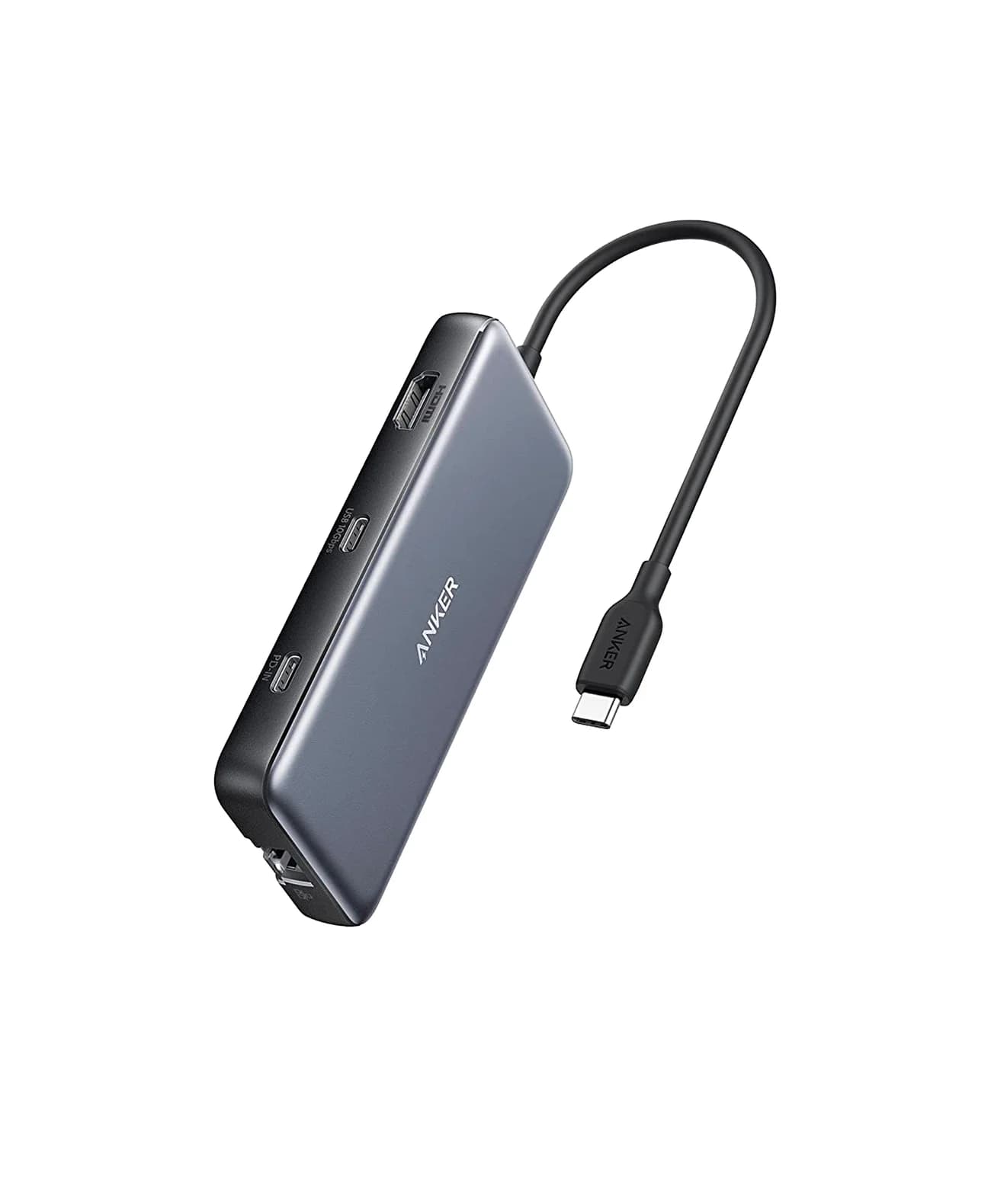
Anker 555 USB-C Hub (8-in-1)85W PD passthrough · 10 Gbps data · 4K60 video · 8 ports
- See on Amazon3
Best 4K@60Hz with card readers
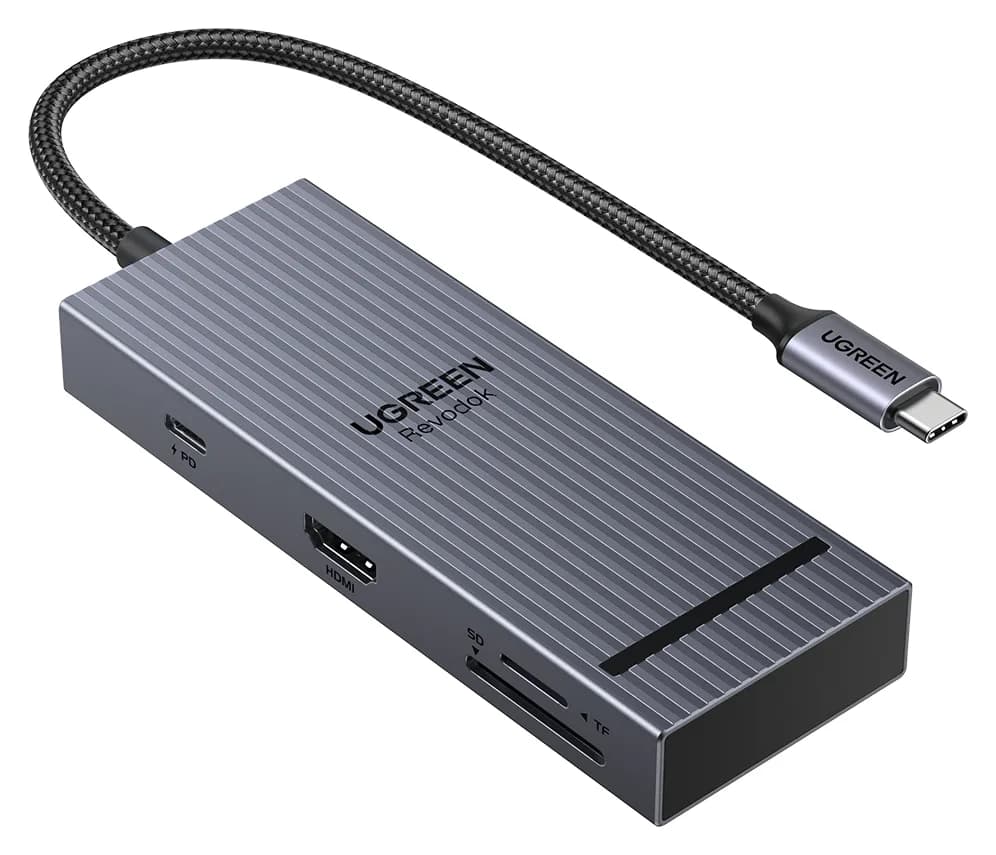
UGREEN Revodok Pro 108 USB-C Hub (8-in-1)85W PD passthrough · 10 Gbps data · 4K60 video · 8 ports
- See on Amazon4
Best dual HDMI for Windows
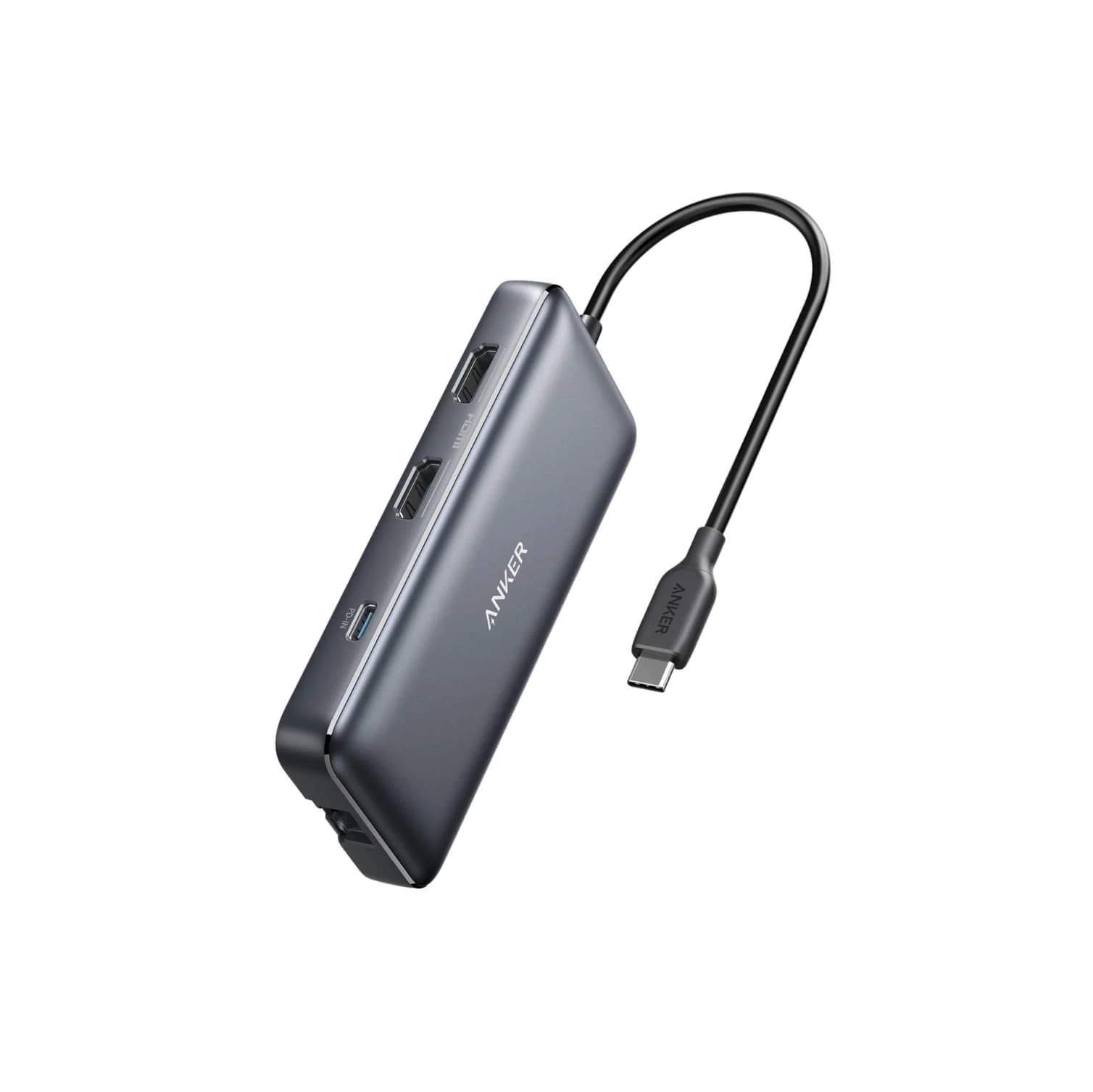
Anker 553 USB-C Hub (8-in-1, dual HDMI)85W PD passthrough · 5 Gbps data · 4K60 video · 8 ports
- See on Amazon5
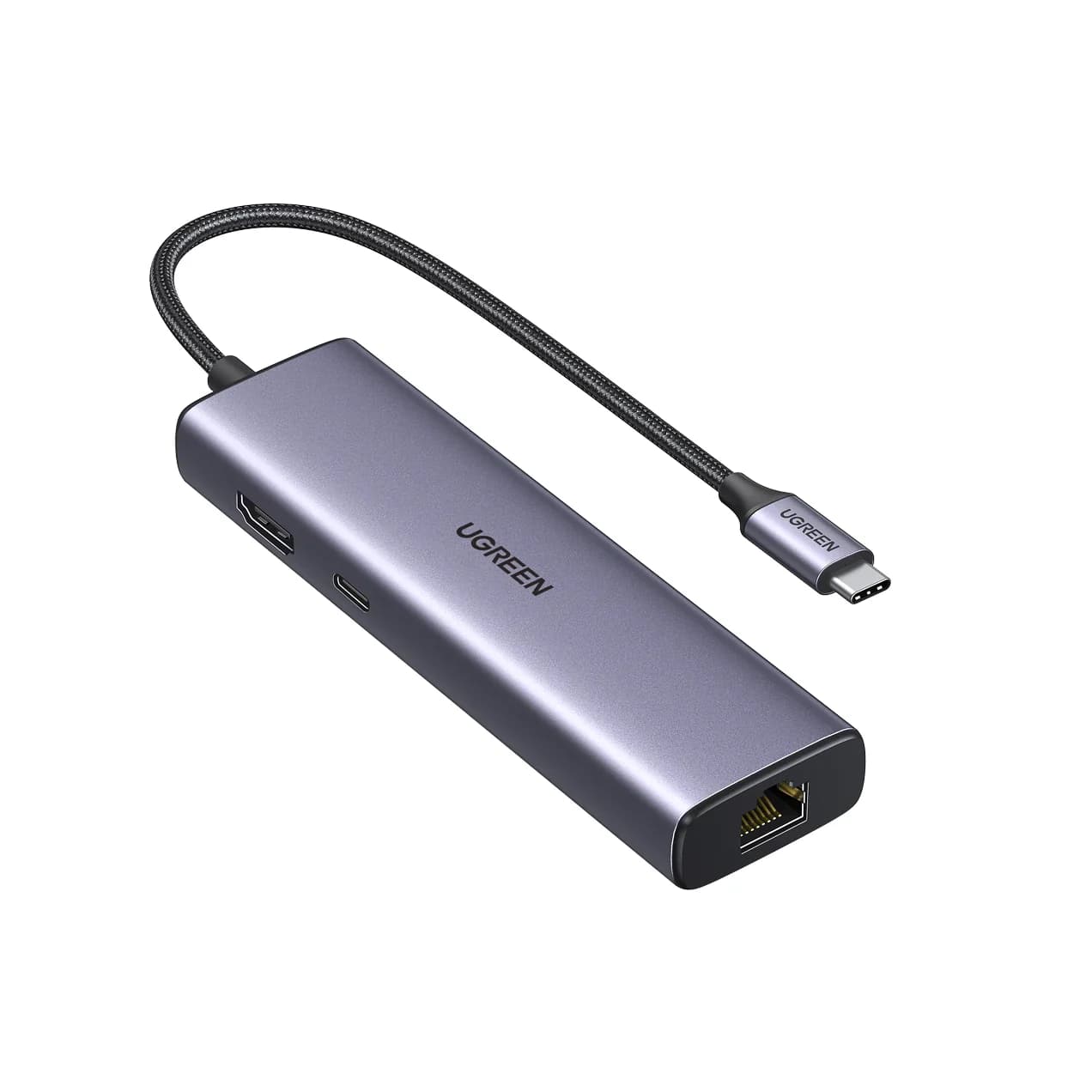
Best budget (4K@30Hz)
UGREEN Revodok 1061 USB-C Hub (6-in-1, Gigabit Ethernet)85W PD passthrough · 5 Gbps data · 4K30 video · 6 ports
If you want a USB-C hub that drives a 4K monitor smoothly, the UGREEN Revodok Pro 106 is our top pick: its HDMI port is rated for 4K@60Hz and it adds four 10Gbps USB ports. Need wired internet as well? The Anker 555 adds gigabit Ethernet with the same 4K@60Hz spec on modern laptops.
The biggest trap with HDMI hubs is refresh rate. Many hubs advertise "4K" but only run it at 30Hz, which feels laggy on a desktop. Every pick here states its refresh rate on the manufacturer's spec sheet, and we say clearly which ones are 30Hz. We have not physically handled these products; this guide is built from official specs and compatibility notes.
Quick picks
| Hub | HDMI spec | Other key ports | Laptop charging | Best for |
|---|---|---|---|---|
| UGREEN Revodok Pro 106 | 4K@60Hz | 2x USB-C + 2x USB-A, all 10Gbps | Up to 85W | Most 4K monitor setups |
| Anker 555 (8-in-1) | 4K@60Hz (DP 1.4 host) | Gigabit Ethernet, 10Gbps USB, SD/microSD | Up to 85W | Home office |
| UGREEN Revodok Pro 108 | 4K@60Hz (DP 1.4 host) | 10Gbps USB-C, 170MB/s SD/microSD | Up to 85W | Photo and video work |
| Anker 553 (8-in-1) | 2x HDMI; single 4K@60Hz | Ethernet, SD/microSD, USB-A | Up to 85W | Two screens on Windows |
| UGREEN Revodok 1061 | 4K@30Hz | Gigabit Ethernet, 3x USB-A | Up to 85W | 1080p/1440p on a budget |
Check price on Amazon via the links; we don't quote prices because they change daily.
What has to be true for 4K at 60Hz
A hub is only one link in the chain. All of these need to line up:
| Requirement | Why it matters |
|---|---|
| Laptop USB-C port supports DisplayPort Alt Mode, Thunderbolt or USB4 | Without it, the hub's HDMI port gets no signal |
| Host offers DisplayPort 1.4 | Anker and UGREEN both note 4K@60Hz needs DP 1.4; DP 1.2 hosts drop to 4K@30Hz |
| Hub's HDMI is rated 4K@60Hz | HDMI 1.4 hub chips top out at 4K@30Hz |
| HDMI cable rated for 18Gbps or more | Older cables can force a lower mode |
| Display set to 60Hz | Some systems pick 30Hz on first connection |
If any link is weak, you'll still get a picture, just not a smooth one.
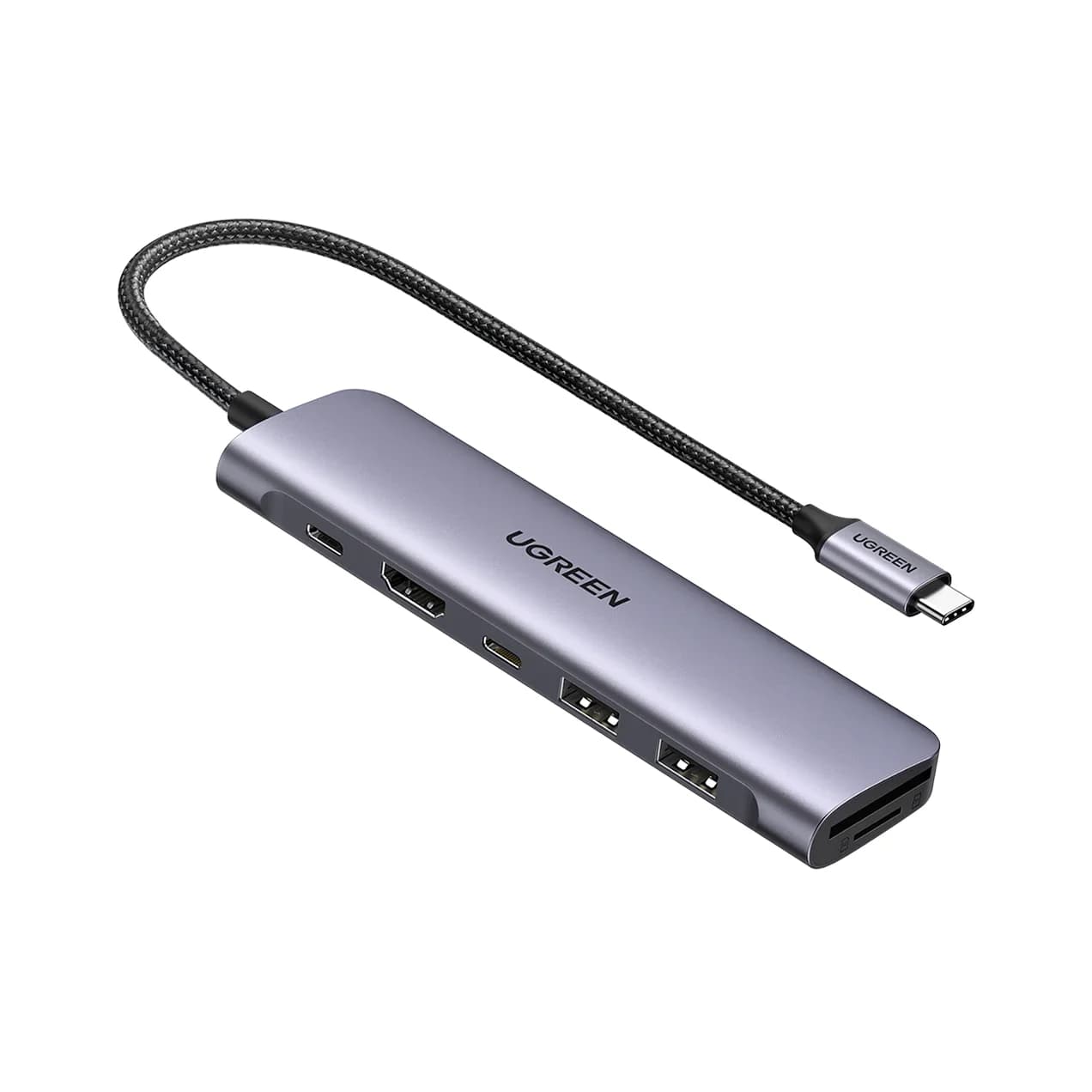
Best overall: UGREEN Revodok Pro 106 (6-in-1)
UGREEN
UGREEN Revodok Pro 106 USB-C Hub (6-in-1)
A 6-in-1 USB-C hub with 4K@60Hz HDMI, four 10Gbps USB ports (two USB-C, two USB-A) and 100W PD input.
- 85W PD passthrough
- 10 Gbps data
- 4K60 video
- 6 ports
The Revodok Pro 106 is a small, focused hub. UGREEN lists a 4K@60Hz HDMI port, two 10Gbps USB-C data ports, two 10Gbps USB-A ports and a 100W PD input that passes up to 85W to the laptop.
Four 10Gbps ports is unusual at this size. Most compact hubs give you 5Gbps, which is fine for a keyboard but slows down a portable SSD.
Why it stands out: A 4K@60Hz HDMI spec plus fast data on every USB port, with no extra bulk.
Watch out for: There's no card reader or Ethernet, and the USB-C data ports don't output video or charge devices.
See the UGREEN Revodok Pro 106 on Amazon
Best 4K@60Hz with Ethernet: Anker 555 (8-in-1)
Anker
An 8-in-1 USB-C hub with 4K@60Hz HDMI, gigabit Ethernet, 10Gbps USB-C and USB-A data ports, SD/microSD readers and 85W pass-through charging.
- 85W PD passthrough
- 10 Gbps data
- 4K60 video
- 8 ports
The Anker 555 suits a home-office desk where the monitor, network and charger all go through one cable. Anker's spec sheet lists an HDMI 2.0 port with HDR and HDCP 2.2, rated 4K@60Hz on DP 1.4 laptops and 4K@30Hz on DP 1.2 laptops. You also get gigabit Ethernet, a 10Gbps USB-C data port, two 10Gbps USB-A ports and SD/microSD readers.
Why it stands out: It's one of few compact hubs combining 4K@60Hz, Ethernet and 10Gbps USB.
Watch out for: Older laptops with DP 1.2 will get 30Hz at 4K. Pass-through is up to 85W.
Best 4K@60Hz with card readers: UGREEN Revodok Pro 108 (8-in-1)
UGREEN
UGREEN Revodok Pro 108 USB-C Hub (8-in-1)
A compact single-cable 8-in-1 USB-C hub with 4K@60Hz HDMI, 10Gbps USB ports, 170MB/s SD and microSD readers and 100W PD input.
- 85W PD passthrough
- 10 Gbps data
- 4K60 video
- 8 ports
For photographers and video editors who plug in a monitor and a card at the same time, the Revodok Pro 108 pairs 4K@60Hz HDMI with SD and microSD readers rated up to 170MB/s. UGREEN also lists two 10Gbps USB-C data ports, two USB-A ports and up to 85W laptop charging. Like the Anker 555, UGREEN notes that 4K@60Hz requires DP 1.4 Alt Mode on the laptop.
Why it stands out: Faster card readers than typical UHS-I hubs, in an 80g body.
Watch out for: No Ethernet, and UGREEN rates three of its four USB data ports at 10Gbps, not all four.
See the UGREEN Revodok Pro 108 on Amazon
Best dual HDMI for Windows: Anker 553 (8-in-1)
Anker
Anker 553 USB-C Hub (8-in-1, dual HDMI)
An 8-in-1 USB-C hub with two HDMI ports, gigabit Ethernet, USB-A data ports, SD/microSD readers and 85W pass-through charging; dual extended displays rely on MST, which Macs do not support.
- 85W PD passthrough
- 5 Gbps data
- 4K60 video
- 8 ports
The Anker 553 has two HDMI ports, so it looks like the answer to "two monitors from one cable." It is on Windows, with trade-offs. According to Anker's spec sheet:
- One monitor: 4K@60Hz on DP 1.4 hosts, 4K@30Hz on DP 1.2 hosts.
- Two monitors on Windows: up to 2K@60Hz each on DP 1.4 hosts, or 1080p@60Hz on DP 1.2 hosts.
- Two monitors on macOS: both screens mirror the same image, because Macs don't support MST.
It also adds gigabit Ethernet, 5Gbps USB-A ports, SD/microSD and up to 85W pass-through. Anker notes that some laptops without Display Stream Compression, such as the Surface Pro 7 and HP Spectre x360, won't get 4K@60Hz.
Why it stands out: Two extended displays on many Windows laptops without installing a driver.
Watch out for: Not the right choice for Mac users who want two different screens.
Best budget: UGREEN Revodok 1061 (6-in-1, 4K@30Hz)
UGREEN
UGREEN Revodok 1061 USB-C Hub (6-in-1, Gigabit Ethernet)
A 6-in-1 USB-C hub with gigabit Ethernet, 4K@30Hz HDMI, three USB-A 3.0 ports and 100W PD input.
- 85W PD passthrough
- 5 Gbps data
- 4K30 video
- 6 ports
If your monitor is 1080p or 1440p, you don't need to pay for 4K@60Hz. The Revodok 1061 has an HDMI port rated 4K@30Hz, gigabit Ethernet, three USB-A 3.0 ports and a 100W PD input with up to 85W to the laptop. UGREEN notes the HDMI port doesn't support HDR, and the USB-C port is for charging only.
Why it stands out: Ethernet and three USB-A ports for a simple wired desk.
Watch out for: 4K@30Hz feels laggy on a 4K monitor. No card reader.
See the UGREEN Revodok 1061 on Amazon
HDMI, DisplayPort and DisplayLink: what's the difference?
- HDMI through DP Alt Mode (every hub above): the laptop sends a native display signal down the USB-C cable and the hub converts it to HDMI. No driver, lowest latency, one display per stream.
- MST (Anker 553): splits one DisplayPort stream into two. Works on many Windows laptops, not on macOS.
- DisplayLink: uses a USB graphics chip and a software driver to create extra displays. It can add screens beyond the laptop's native limit, but needs a driver and uses some CPU. None of the hubs here use DisplayLink.
If you need several high-resolution screens at once, a Thunderbolt dock is usually the cleaner path.
How we choose
We don't physically test products. We pick from:
- Official spec sheets from Anker and UGREEN, including the footnotes about DP 1.4, DSC and MST.
- Standards knowledge: how DisplayPort Alt Mode, HDMI 2.0 and USB Power Delivery work, so we can spot "4K" claims that are really 30Hz.
- Compatibility limits listed by the maker, such as macOS mirroring or data ports that can't output video.
- Common buyer problems, like hubs defaulting to 30Hz or data-only USB-C ports on budget laptops.
We also confirm each Amazon listing matches the manufacturer's product before recommending it.
Buying guide
Match the hub to the monitor. 4K monitor: get a 4K@60Hz hub. 1440p or 1080p: a 4K@30Hz hub is fine.
Check your laptop port. Look for the Thunderbolt or DisplayPort icon, or "DisplayPort Alt Mode" in the spec sheet.
Plan for power. Hubs keep 5 to 15W. Use a 100W USB-C charger and a 100W-rated cable; see our best USB-C chargers.
Think about the rest of the desk. Ethernet, card readers and fast USB matter more on a permanent desk. Our desk setup hub guide goes deeper, and MacBook owners should read best USB-C hubs for MacBook.
Verdict
For most people driving one 4K monitor, get the UGREEN Revodok Pro 106. Choose the Anker 555 if you need Ethernet, the Revodok Pro 108 if you use SD cards, and the Anker 553 if you want two screens on a Windows laptop. If your monitor isn't 4K, the Revodok 1061 covers the basics for less.
Frequently asked questions
Why is my USB-C hub stuck at 4K 30Hz?
Usually one of three things. The hub's HDMI chip only supports 4K@30Hz (common on budget hubs and anything using HDMI 1.4). The laptop's USB-C port only offers DisplayPort 1.2, which limits many hubs to 4K@30Hz. Or the HDMI cable is too old. Check the hub's spec sheet for '4K@60Hz', confirm your laptop supports DP 1.4 Alt Mode, and use a High Speed HDMI cable rated for 18Gbps or more.
Does every USB-C port support HDMI through a hub?
No. The port must support DisplayPort Alt Mode, Thunderbolt or USB4. Many laptops mark this with a DisplayPort or Thunderbolt icon. Some budget laptops and many phones have data-only USB-C ports, and a hub's HDMI port will stay blank on them. Check the laptop's spec sheet before buying.
Can a USB-C hub run two monitors?
A dual-HDMI hub like the Anker 553 can extend two monitors on Windows laptops that support MST, at reduced resolution. On a Mac it will mirror the same image on both, because macOS does not support MST. For two different screens on a Mac, use a Thunderbolt dock or separate ports.
Is 4K at 30Hz good enough?
For movies and slides, it's fine. For daily desktop work on a 4K monitor, 30Hz makes the cursor and scrolling feel laggy. If your monitor is 1080p or 1440p, a 4K@30Hz hub usually runs those resolutions at 60Hz, so the limit doesn't matter.
Related guides
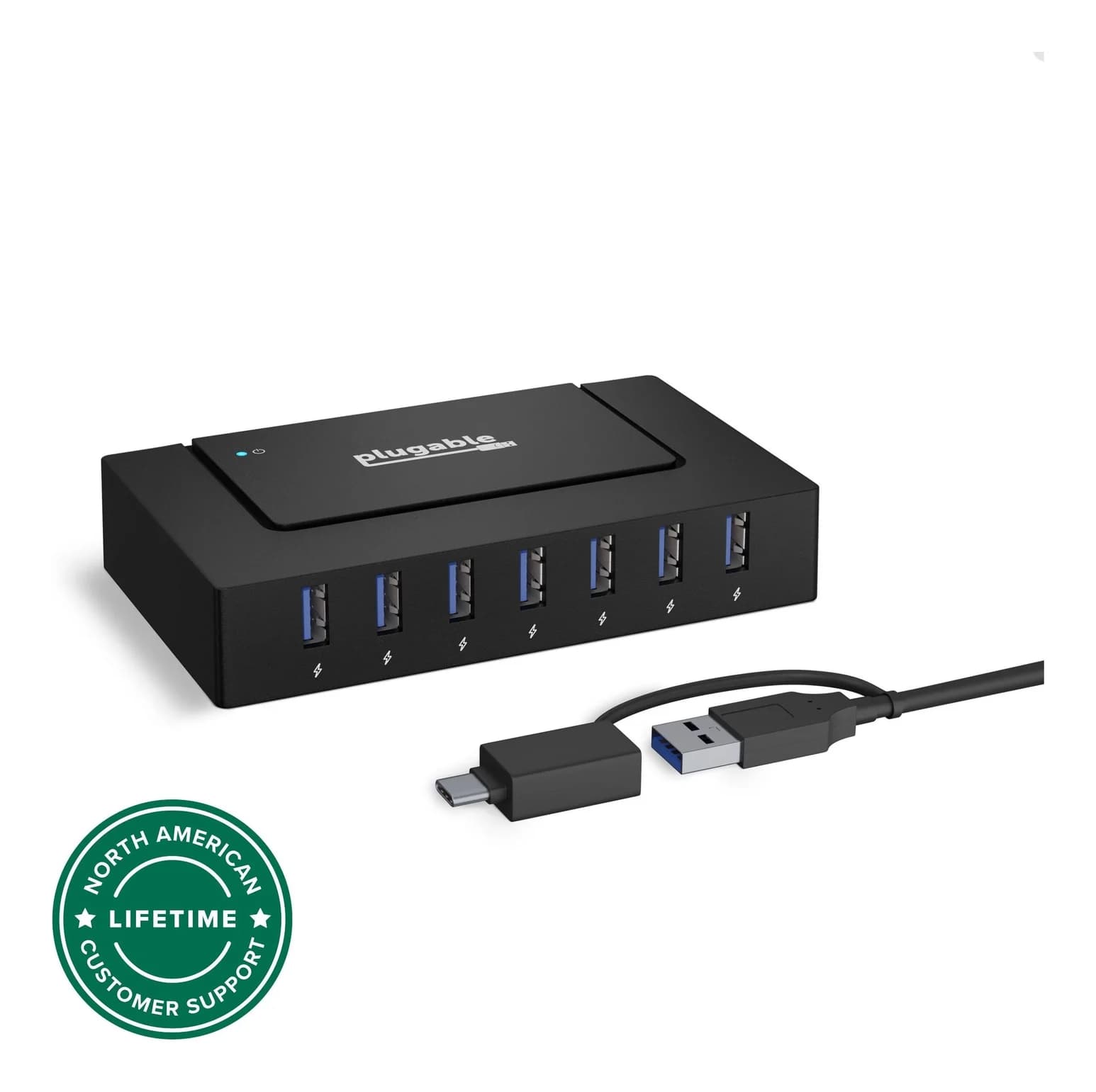
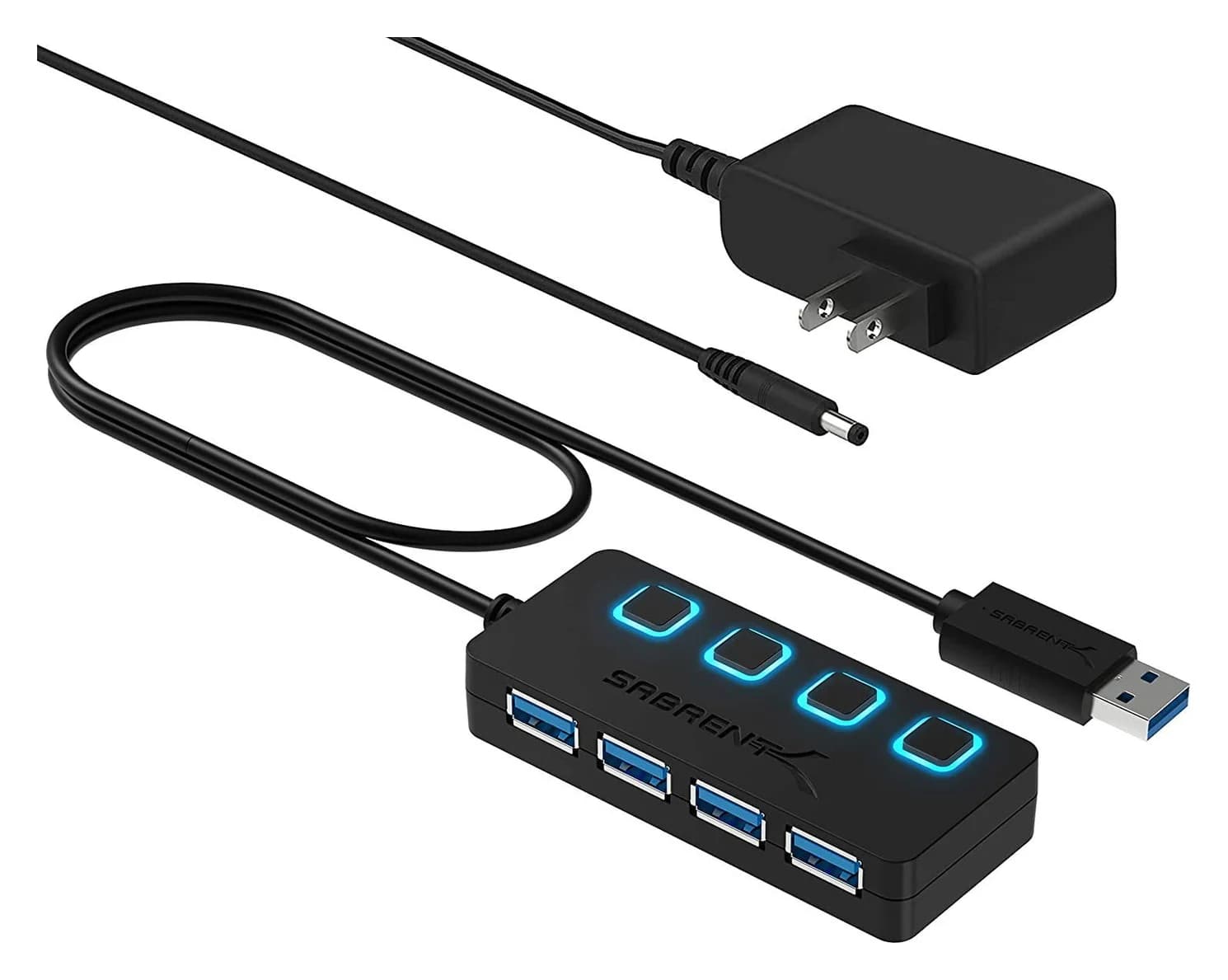
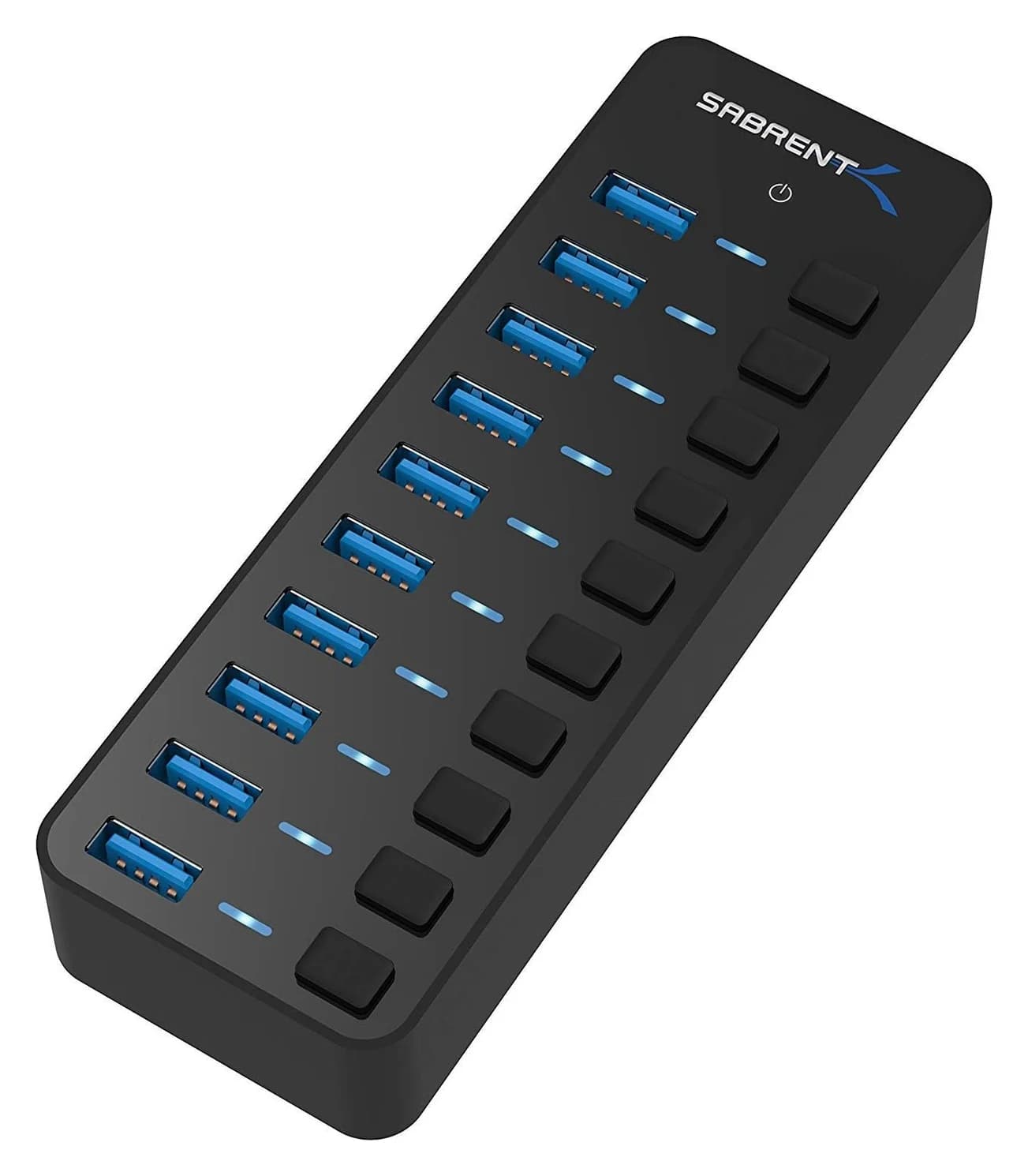
Best Powered USB Hubs in 2026
Powered USB hubs that keep drives, webcams and chargers stable. Compare 4, 7 and 10-port picks by adapter wattage, per-port charging and host connection.
Updated September 27, 2026Read
Best USB-C Hubs for Windows Laptops in 2026
USB-C hubs for Dell, HP, Lenovo and ASUS laptops, picked from spec sheets. Covers 4K HDMI, dual monitors over MST, Ethernet and pass-through charging.
Updated September 27, 2026Read
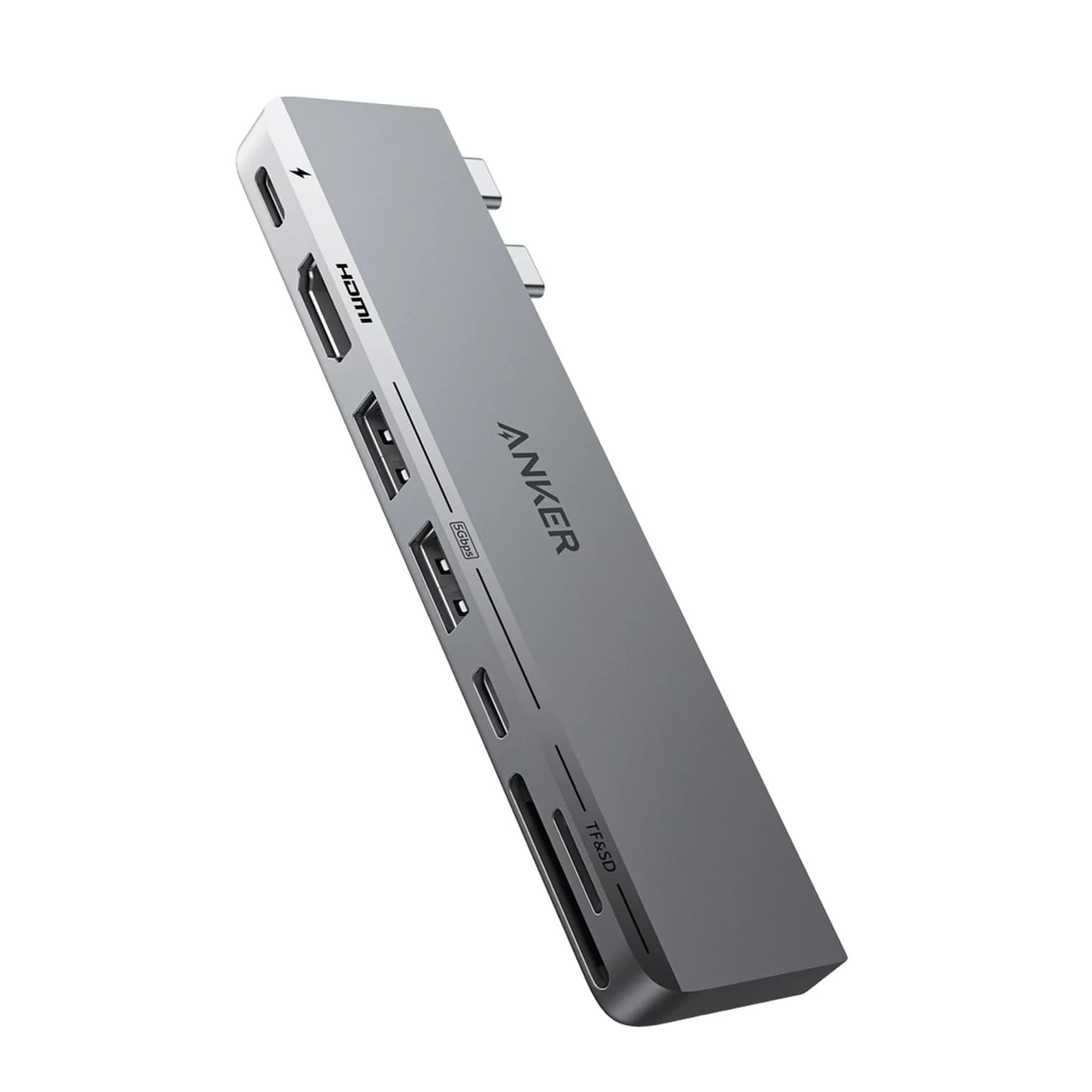
Best USB-C Hubs for MacBook in 2026
Add HDMI, USB-A, SD cards and Ethernet to your MacBook Air or Pro. We compare four USB-C hubs on spec sheets, display limits and macOS compatibility.
Updated September 27, 2026Read