Black Friday: the specs to check before you buy
Buying guide
Updated November 8, 2026The 5 Best USB-A to USB-C Cables (and Which to Avoid)
Short answer
The best USB-A to USB-C cable for most people is the Cable Matters [USB-IF Certified] 10Gbps USB-C to USB-A Gen 2 Cable (3.3 ft, Product ID 201041): it moves files at up to 10 Gbps, charges at its rated 5V/3A (15W) class, and comes from a certified product line, so it's the one cable here that handles both jobs without compromise. If you're only topping up a phone, Anker's A82G2 upcycled-braided cable (480 Mbps, Quick Charge to 18W) or Cable Matters' budget 3-pack does it for less. The cables documented here offer no Power Delivery or video: the maker pages state they are not compatible with Power Delivery, and Cable Matters additionally states that video is not supported.
Our picks at a glance
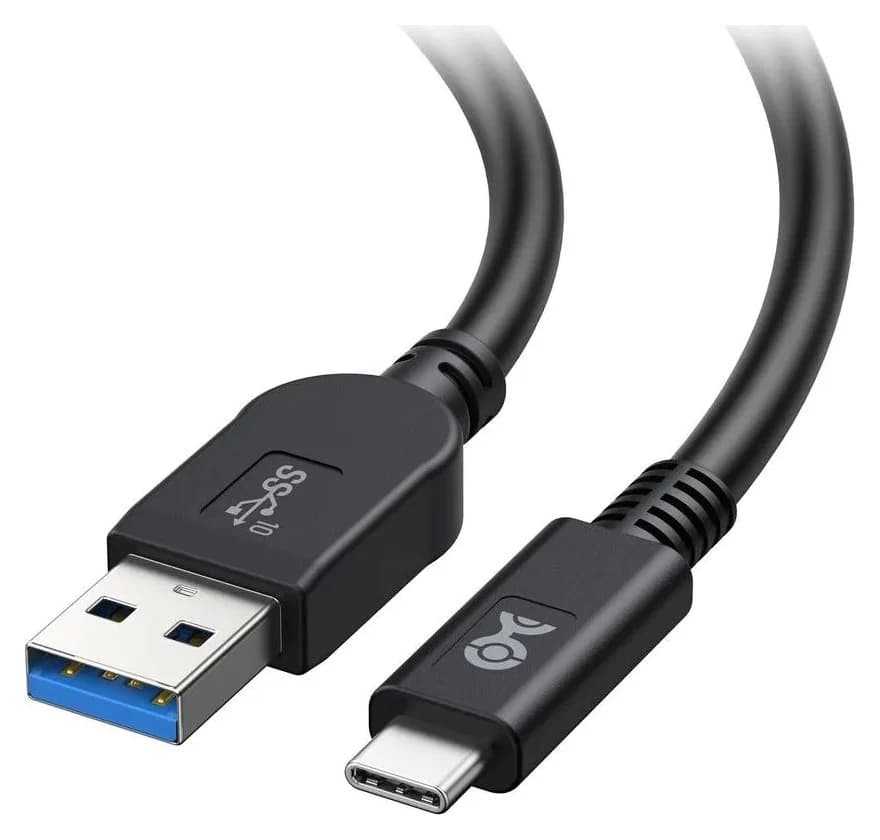
Best overallCable Matters
Cable Matters [USB-IF Certified] USB-C to USB-A Gen 2 (10 Gbps) Cable 3.3 ft
- power rating
- 15W
- data
- 10 Gbps
- ends
- USB-A 3.1 Gen 2 to USB-C
- Choose
- A USB 3.1 Gen 2 A-to-C cable rated for 10 Gbps data and 5V/3A (15W) charging, sold under the maker's USB-IF Certified product line.
- Limit
- No video output or DisplayPort Alt Mode
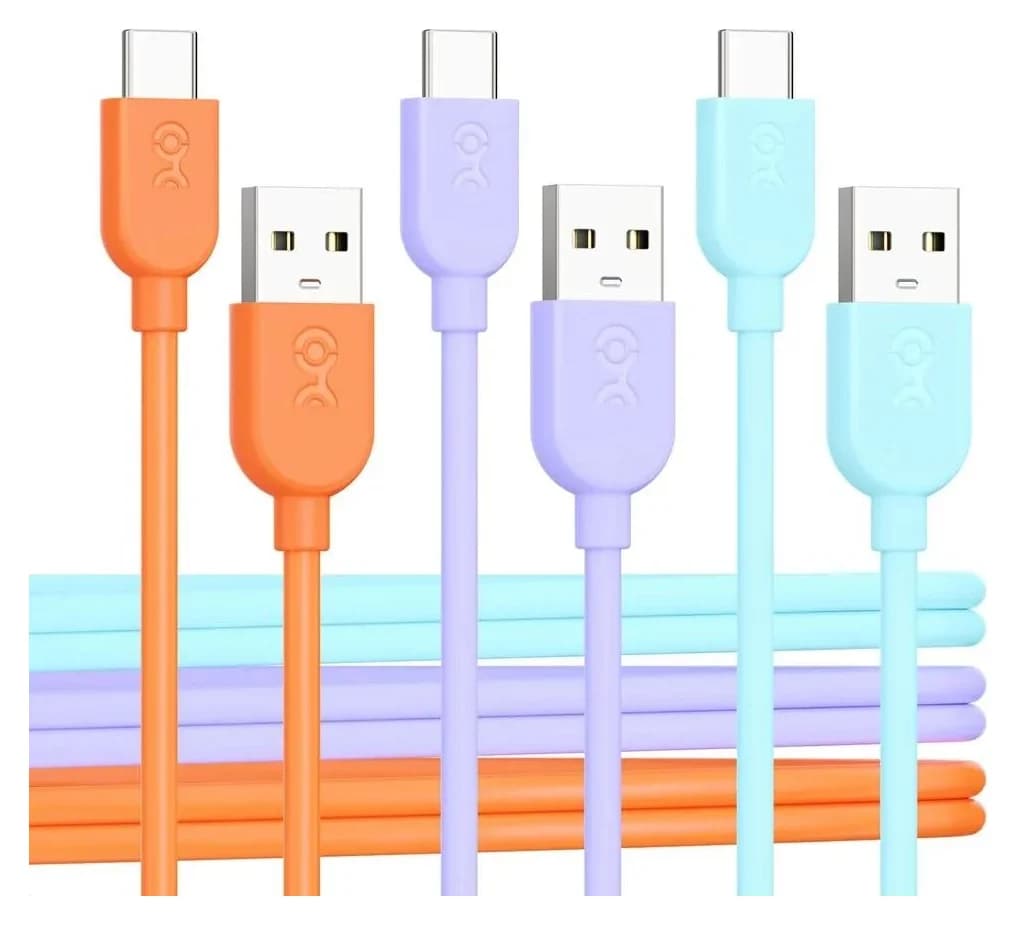
Best budget multi-packCable Matters
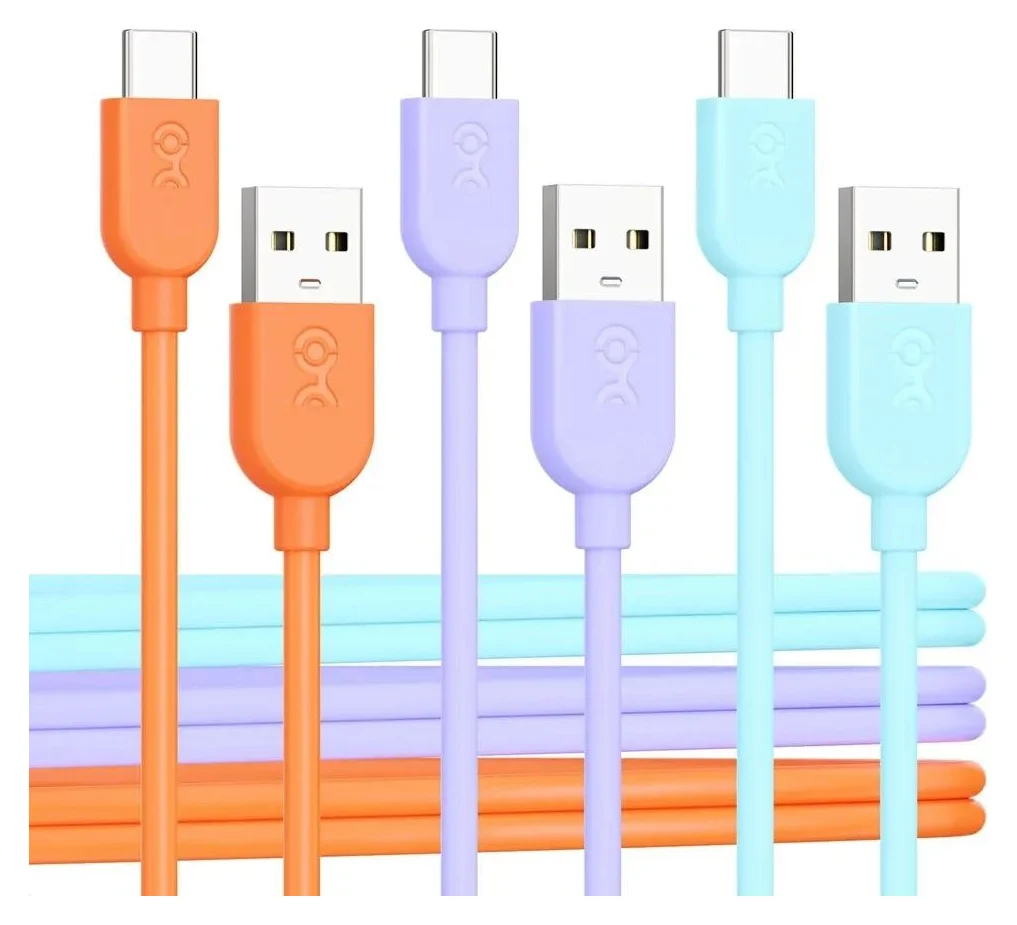
Cable Matters 3-Pack Flexible USB-A to USB-C Charging Cable, 3A/15W (1 ft, multicolor)
- power rating
- 15W
- data
- 480 Mbps
- ends
- USB-A 2.0 to USB-C
- Choose
- A 3-pack of soft, flexible 3A/15W charging cables in 1, 3 and 6 ft, with CarPlay and Android Auto support.
- Limit
- USB 2.0 data at 480Mbps; not for fast file transfers
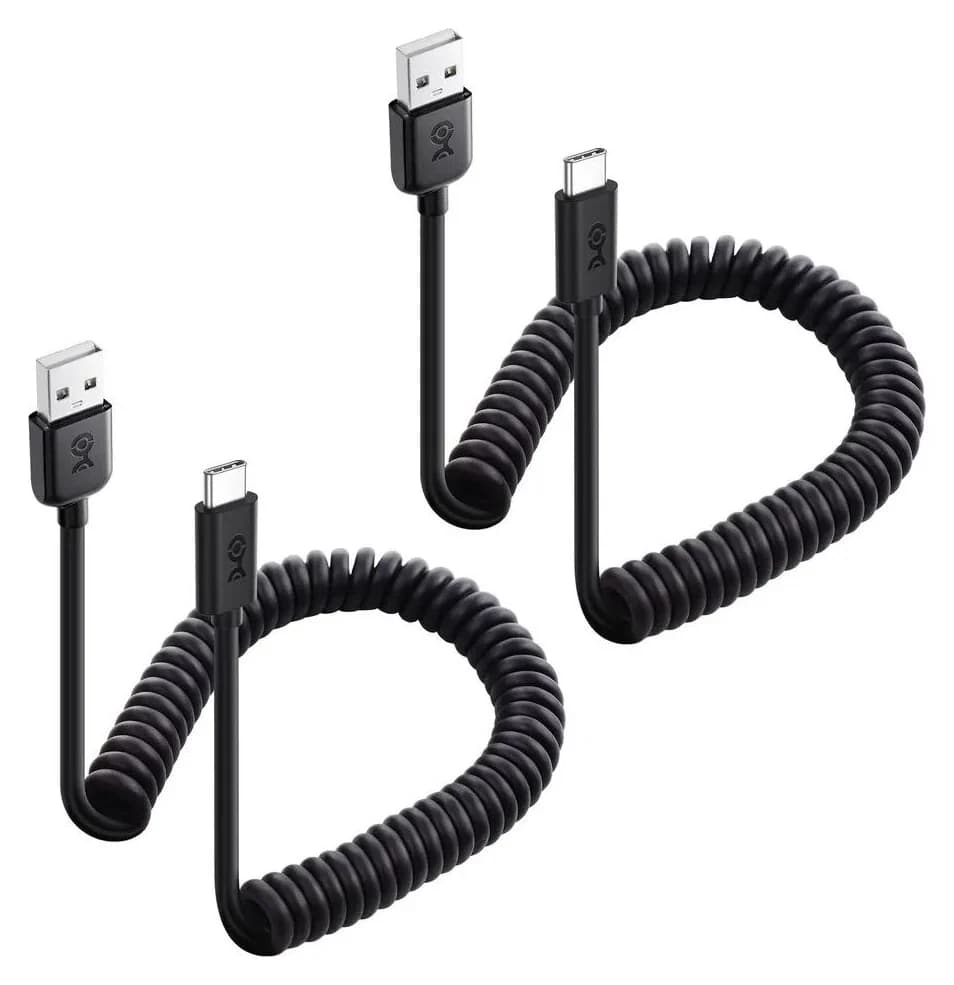
Best for the carCable Matters
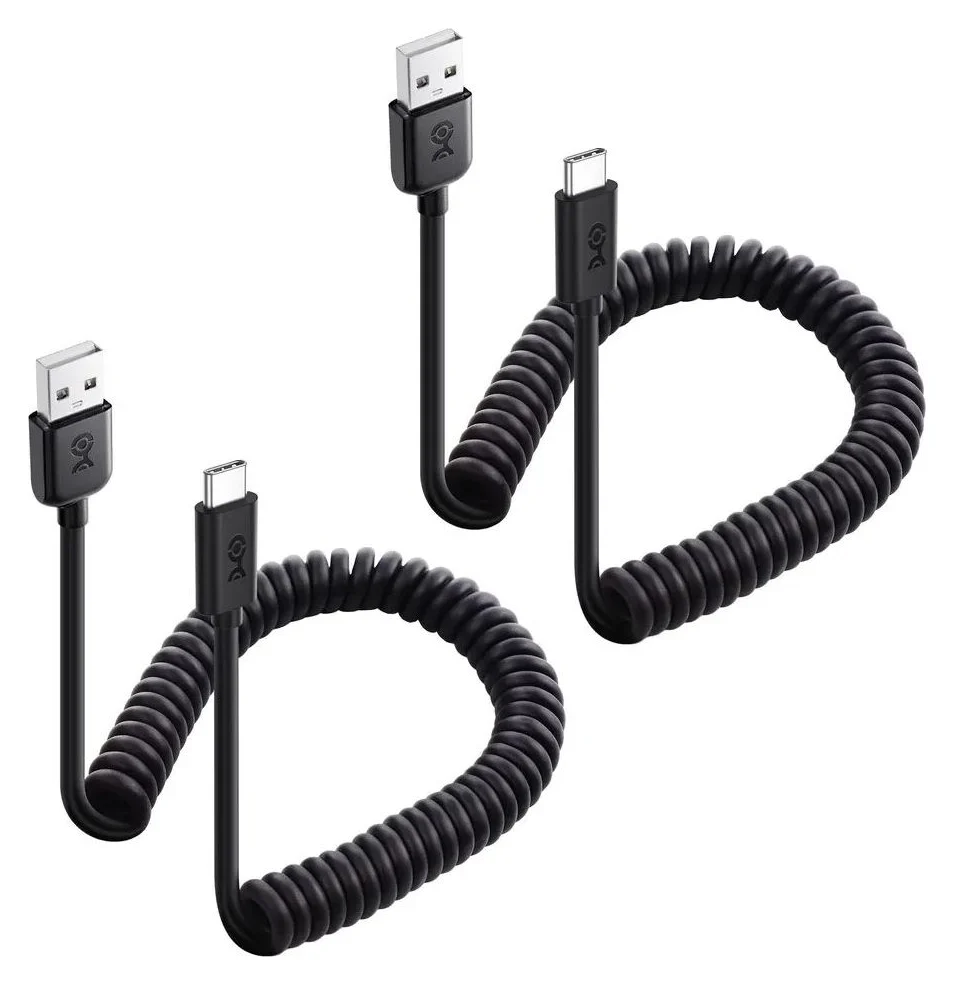
Cable Matters 2-Pack Coiled USB-C to USB-A Charging Cable, 3A/15W Fast Charging (black)
- power rating
- 15W
- data
- 480 Mbps
- ends
- USB-A 2.0 to USB-C
- Choose
- A 2-pack of coiled cables that stretch from 1 foot to 4 feet, with 3A/15W charging and CarPlay support to keep the cabin tidy.
- Limit
- USB 2.0 data at 480Mbps; file transfers are slow
- Find on Amazon
Best for charging on the couch
Anker A82G2 (Upcycled-Braided)
- Find on Amazon
Anker B8173 (Premium Nylon 2-Pack)
- Find on Amazon
Best for durability and warranty
Anker Premium Nylon USB-C to USB-A Cable (2-Pack)
- 15WThe rated 5V/3A charging class of these USB-A to USB-C cables (Quick Charge can exceed it)
- 10 GbpsThe fastest data rate a USB 3.1 Gen 2 A-to-C cable carries
- 0USB Power Delivery watts and video streams supported by the cables documented in this guide
What an A-to-C cable can and cannot do
A USB-A to USB-C cable exists for one job: connecting a USB-C phone, tablet or drive to a legacy USB-A port — an older computer, a car charger, a wall adapter or a power bank with Type-A sockets. Within that job, it has hard limits set by the USB-C specification itself, not by the brand on the jacket:
- No USB Power Delivery. USB-IF says USB PD runs over a full-featured USB Type-C cable and connector, and before its 240W update, PD "was limited to 100W using a solution based on 20V using USB Type-C cables rated at 5A". Anker states plainly on both of its A-to-C cables: "Not compatible with Power Delivery."
- Legacy charging up to about 15W. The three Cable Matters packs are rated up to 15W and Anker rates the A82G2 at 5V/3A; Anker publishes no numeric wattage for the B8173. Qualcomm Quick Charge appears where the maker supports it, and Cable Matters' coiled cable page adds the honest caveat: "Charging rate is limited by the host USB port and USB charger rating."
- Data up to 10 Gbps, never video. A USB 3.1 Gen 2 A-to-C cable such as our top pick transfers at up to 10 Gbps. Cable Matters states its A-to-C cables support no video or alternate modes; Anker states that the A82G2 does not support screen mirroring, while the B8173 page does not state a video position.
- Yes: Charging a USB-C phone from a USB-A charger, computer or power bank
- Yes: 15W-class charging (5V/3A) and Quick Charge on compatible phones
- Yes: Data at 480 Mbps, 5 Gbps or 10 Gbps depending on the cable class
- Yes: CarPlay and Android Auto over the data wires
- No: USB Power Delivery fast charging, at any wattage
- No: Charging a USB-C laptop at a useful speed
- No: Video output, DisplayPort Alt Mode or screen mirroring
One consequence of the no-PD rule: A-to-C "fast charging" claims you'll see in search results mean Quick Charge or the 3A/15W class, never the higher USB-C Power Delivery speeds that USB-IF says can range up to 240W. If your charger has a USB-C port, buy a C-to-C cable instead — our USB-C cable types explainer and fast-charging cable roundup cover those. This page is for the ports you can't change: the car, the old laptop, the power bank, the airport wall wart.
Quick picks
| Pick | Best for | Data | Charging |
|---|---|---|---|
| Cable Matters 201041 (USB-IF Certified Gen 2) | Best overall | 10 Gbps | 5V/3A (15W) |
| Anker A82G2 (Upcycled-Braided) | Charging on the couch | 480 Mbps | Quick Charge, 18W max |
| Cable Matters 201401 (3-Pack Flexible) | Budget multi-pack | 480 Mbps | 15W (3A) |
| Cable Matters 201321 (2-Pack Coiled) | The car | 480 Mbps | 3A/15W |
| Anker B8173 (Premium Nylon 2-Pack) | Durability and warranty | Not stated by maker | Quick Charge, 80% in 30 minutes |
Best overall: Cable Matters [USB-IF Certified] 10Gbps USB-C to USB-A Gen 2 Cable
Cable Matters
Cable Matters [USB-IF Certified] USB-C to USB-A Gen 2 (10 Gbps) Cable 3.3 ft
A USB-IF certified 10Gbps USB 3.1 Gen 2 cable that connects a USB-A host or charger to a USB-C device, with 15W charging support.
- 15W max output
- 10 Gbps data
If you're buying one A-to-C cable without knowing what it'll be asked to do tomorrow, buy the fastest one. Cable Matters' Product ID 201041 is a USB 3.1 Gen 2 cable rated for "a data transfer rate up to 10 Gbps between a computer card with USB 3.1 Type-A and the latest equipment with USB-C", and it charges at "up to 5V/3A (15W)" from any suitable USB-A charger. That's the ceiling of both jobs an A-to-C cable does, in one cable.
It's sold under the maker's [USB-IF Certified] product line — the name on the maker's own product page — and it's backward compatible, which matters more than it sounds: "It is backward compatible with USB 3.0 and 2.0 Type-A ports." Plug it into your old laptop and it runs at that port's speed; plug it into a Gen 2 port later and it jumps to 10 Gbps. The 3.3 ft length suits a desktop or laptop bag, and it comes in black or white. The limits are the shared ones: 15W charging, no video output or DisplayPort Alt Mode, and the full 10 Gbps requires a USB 3.1 Gen 2 Type-A host.
Check the exact cable on Cable Matters' site
Best for charging on the couch: Anker USB-A to USB-C Cable (A82G2)
For topping up a phone where the USB-A port lives across the room, Anker's A82G2 comes in 3 or 6 feet of upcycled-braided nylon with a silicone cord organizer in the box. Anker's page rates it at "480 Mbps data transfer" and "5V⎓3A, QC 18W Max" — the only cable in this guide with a published Quick Charge wattage. The fully compatible list reads like a Quick Charge phone museum, and iPhones and iPads are listed at limited charging speeds.
Anker says the A82G2 is "built to handle heavy use, capable of supporting up to 220 lbs." And the page is honest about the two things it can't do: "Note: Not compatible with Power Delivery" and "This cable does not support screen mirroring." That's exactly the disclosure we want to see — the maker isn't pretending an A-to-C cable will PD-fast-charge your phone. Choose this when you want a length option and brand-name construction for charging duty; choose our top pick when data speed matters.
Check the exact cable on Anker's site
Best budget multi-pack: Cable Matters 3-Pack Flexible USB-A to USB-C Charging Cable
Cable Matters
Cable Matters 3-Pack Flexible USB-A to USB-C Charging Cable, 3A/15W (1 ft, multicolor)
A three-pack of short, flexible USB 2.0 USB-A to USB-C charging cables rated for 15W (3A) charging and 480Mbps data, in different colors.
- 15W max output
- 0.48 Gbps data
The cheapest sane way to cover a house: three soft, tangle-resistant A-to-C cables rated "up to 15W (3A) charging" with "USB 2.0 data transfer speeds up to 480Mbps". The size selector covers 1, 3 and 6 ft, and the pack supports CarPlay and Android Auto, so one goes in the car, one at the bedside, one in the bag.
The spec sheet is candid about where it doesn't belong: "No, this cable is not recommended for charging laptops or devices requiring higher power delivery than 15W", and it supports no video output or USB-C alternate modes. The three Cable Matters packs are rated up to 15W and Anker rates the A82G2 at 5V/3A (QC 18W Max); Anker publishes no numeric wattage for the B8173.
Check the 3-pack on Cable Matters' site
Best for the car: Cable Matters 2-Pack Coiled USB-C to USB-A Charging Cable
Cable Matters
Cable Matters 2-Pack Coiled USB-C to USB-A Charging Cable, 3A/15W Fast Charging (black)
A two-pack of black coiled USB 2.0 USB-A to USB-C charging cables that stretch from 1 to 4 feet, rated for 15W (3A) charging and 480Mbps data.
- 15W max output
- 0.48 Gbps data
A straight cable in a car is either too short at a red light or a tangled snake by the weekend. Cable Matters' coiled 2-pack (Product ID 201321) "stretches from 1 foot to a maximum of 4 feet" — short between the seats, long enough to reach the passenger — and the page lists exactly the in-car protocols you'd want: "480Mbps Data, Supports CarPlay and Android Auto."
Charging is the standard 3A/15W class, and the description is refreshingly clear about the physics: "Charging rate is limited by the host USB port and USB charger rating", and "Video is NOT supported by this cable". Compatibility runs from iPhone 15 and Galaxy S23 back through Note 10, USB-C iPads and the Nintendo Switch. Two coiled cables for one car means the passenger doesn't borrow yours.
Check the coiled 2-pack on Cable Matters' site
Best for durability and warranty: Anker Premium Nylon USB-C to USB-A Cable (2-Pack)
Anker's B8173 2-pack is the pick when cables die on you. The jacket is "a tough double-braided nylon exterior", the interior is engineered "to withstand thousands upon thousands of bends", and — the standout line — "we back each one with a lifetime warranty".
Charging is Qualcomm Quick Charge: "up to 80% in just 30 minutes" on Quick Charge-compatible phones, with the same two-part honesty as the A82G2: "Not compatible with Power Delivery", and "This is a USB-C to full-size USB cable. This cable cannot connect to a micro USB port." One gap to know about: Anker's US page states no numeric data rate or wattage for this cable, so treat it as a charge-and-sync cable of unspecified speed rather than a fast-data pick. Fully compatible phones are the Quick Charge set (Galaxy S8/S9 era); the maker lists MacBooks, Switch, Chromebook/Pixel C, Huawei, Moto and OnePlus — not iPhones — at limited charging speeds.
Check the 2-pack on Anker's site
Fit table: which cable for the port you have
| Your USB-A source | Our pick | Why |
|---|---|---|
| Old laptop or desktop (USB 3.1 Gen 2 Type-A) | Cable Matters 201041 | The only pick rated for the port's full 10 Gbps |
| Old computer (USB 2.0 or 3.0 Type-A) | Cable Matters 201401 3-pack | Port caps data at 480 Mbps; don't pay for speed you can't use |
| Car charger with Type-A socket | Cable Matters 201321 coiled 2-pack | Coiled 1-to-4-foot reach keeps the cabin tidy; CarPlay listed |
| Wall charger with Quick Charge | Anker B8173 or A82G2 | A82G2: 5V/3A, QC 18W Max; B8173: Quick Charge up to 80% in 30 minutes |
| Power bank with Type-A sockets | Cable Matters 201401 or 201041 | 15W class, or 10 Gbps if you offload photos |
| USB-C-only source | None of these — a C-to-C cable | A-to-C can't carry Power Delivery |
Source: the makers' product pages linked in each section
How we rank charging and data claims
We haven't put these cables on a test bench, and you should distrust any A-to-C page that implies its reviewers did. Our rankings come from what the makers themselves publish, checked against the USB specification's own account of what a legacy-A host can do:
- The maker's own pages are the spec sheet. Every watt, volt and gigabit on this page comes from Anker's and Cable Matters' official product pages, linked in each section.
- The standards set the ceiling. USB-IF's Power Delivery page states PD needs full-featured USB Type-C and was, before the 240W update, "limited to 100W using a solution based on 20V using USB Type-C cables rated at 5A" — power that never crosses a Type-A plug. The USB Power Delivery explainer covers the C-to-C side.
- A cable is only as fast as its host port. Cable Matters' backward-compatibility notes for the 201041 are the model: the cable's rate is a maximum, and an older port slows it down.
Buying mistakes and fake-certification checks
Paying for speed the port can't deliver. A 10 Gbps cable is limited by an older Type-A host; Cable Matters says the 201041 works with USB 3.0 or 2.0 ports at their respective speeds. Match the cable class to the host: the fit table above is the short version.
Believing "fast charging" means Power Delivery. None of the A-to-C cables documented in this guide supports Power Delivery. If a listing implies otherwise, that's a listing to leave. The honest makers — Anker on the A82G2 and B8173 — print "Not compatible with Power Delivery" on the page itself.
Trusting certification words over certification lines. USB-IF's compliance program applies to cables that pass its testing, and its rules are strict enough to be a filter: "Captive cables are not eligible for USB-IF certification", and every C-to-C cable category must be labelled "with either a power capability of 60W or 240W by using the appropriate power icon and/or logo". An A-to-C cable can come from a maker's certified product line (Cable Matters names its 201041 exactly that), but a random "certified" on a marketplace listing proves nothing. USB-IF's 60W/240W marking requirement applies to its USB-C-to-USB-C cable categories; the fetched page does not address those logos on A-to-C listings.
Skipping the compatibility question on no-name cables. Vague no-name listings can omit the current, data and video limitations that matter. An unbranded page that does not state what a cable supports — or does not support — leaves you to guess at the charger and device combination.
Buying for a device that doesn't fit. Anker notes the B8173 "cannot connect to a micro USB port", and every cable here ends in USB-C. Check the device end before checkout, not after.
How we choose
- Official sources only. Each pick's specs come from the maker's own product page — Anker's A82G2 and B8173 pages, and Cable Matters' pages for Product IDs 201041, 201401 and 201321 — not from marketplace listings.
- The standard's own documents. USB-IF's Power Delivery and cable-compliance pages set the physical limits we hold every claim against.
- Disclosure as a signal. We favor makers that state what a cable can't do — Anker's "Not compatible with Power Delivery" lines and Cable Matters' laptop warning are the kind of statement that earns a pick.
- No test-bench claims. We haven't measured anything; durability claims here are the makers' own, like Anker's A82G2 support for "up to 220 lbs" and the B8173's "thousands upon thousands of bends," taken as stated.
Verdict
Most people should buy the Cable Matters [USB-IF Certified] 10Gbps USB-C to USB-A Gen 2 Cable: it combines 10 Gbps data and its rated 15W charging class in a certified product line, from a 3.3 ft length that fits desks and bags. If you're charging only, the Anker A82G2 (Quick Charge to 18W, 3 or 6 ft) or the Cable Matters 201401 3-pack covers a household for less, and the coiled 201321 2-pack is the one for the car. Whatever you choose, check whether the listing states Power Delivery and video support: none of the cables documented here supports Power Delivery, and the video disclosures vary by maker. When your chargers go all-C, our USB-C cable types explainer is the next stop.
Frequently asked questions
Does a USB-A to USB-C cable support fast charging?
It supports legacy fast charging, not USB PD. Anker's own A-to-C pages say 'Not compatible with Power Delivery', and USB-IF says USB PD runs over a full-featured USB Type-C cable and connector. The cables documented here deliver legacy charging such as 5V/3A (15W), or Quick Charge where the maker supports it; the A82G2 lists QC 18W Max.
Can a USB-A to USB-C cable charge a laptop?
Not usefully. Cable Matters says its 3A/15W pack is 'not recommended for charging laptops or devices requiring higher power delivery than 15W'. Laptops that charge over USB-C use USB Power Delivery, which an A-to-C cable cannot carry. Use a USB-C charger and a C-to-C cable instead.
What is the fastest USB-A to USB-C cable for data?
USB 3.1 Gen 2 at 10 Gbps, such as the Cable Matters 201041, our top pick. Below that, Gen 1 gives 5 Gbps, and the cheapest 'charging cable' class is USB 2.0 at 480 Mbps. The 201041 also needs a compatible USB 3.1 Gen 2 Type-A port; Cable Matters says it works with USB 3.0 or 2.0 ports at their respective speeds. The other picks are USB 2.0 cables rated at 480 Mbps.
Can I use a USB-A to USB-C cable for video or CarPlay?
Not for video output: Cable Matters states its A-to-C cables support no video or alternate modes, and Anker states that the A82G2 does not support screen mirroring; Anker's B8173 page does not state a video position. CarPlay and Android Auto are different — Cable Matters lists CarPlay and Android Auto support on its 15W A-to-C cables.
Do I need to check the resistor in an A-to-C cable?
No. Choose a maker that publishes the compatibility details, or a product line such as Cable Matters' USB-IF Certified 201041. A-to-C cable behavior depends on the cable, charger and device combination, so a generic resistor claim is not a substitute for the maker's published specifications.
Best overall
Cable Matters [USB-IF Certified] USB-C to USB-A Gen 2 (10 Gbps) Cable 3.3 ft
Related guides
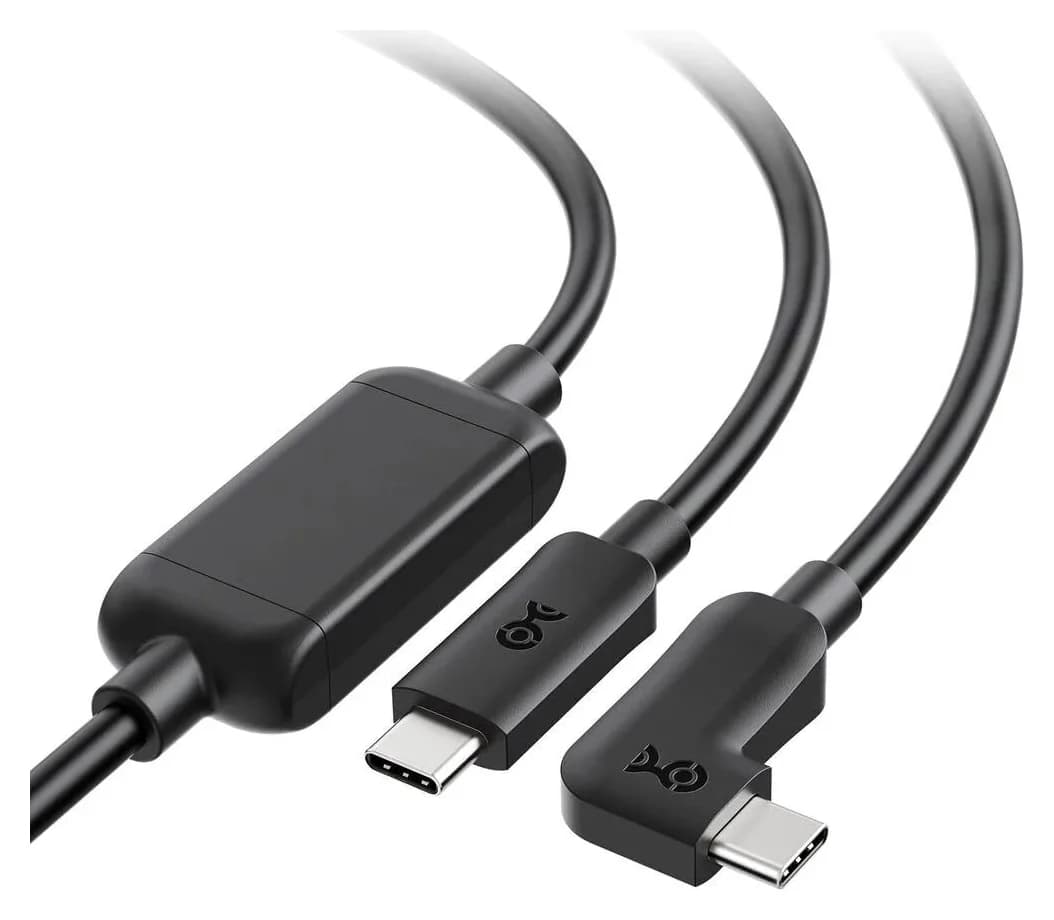
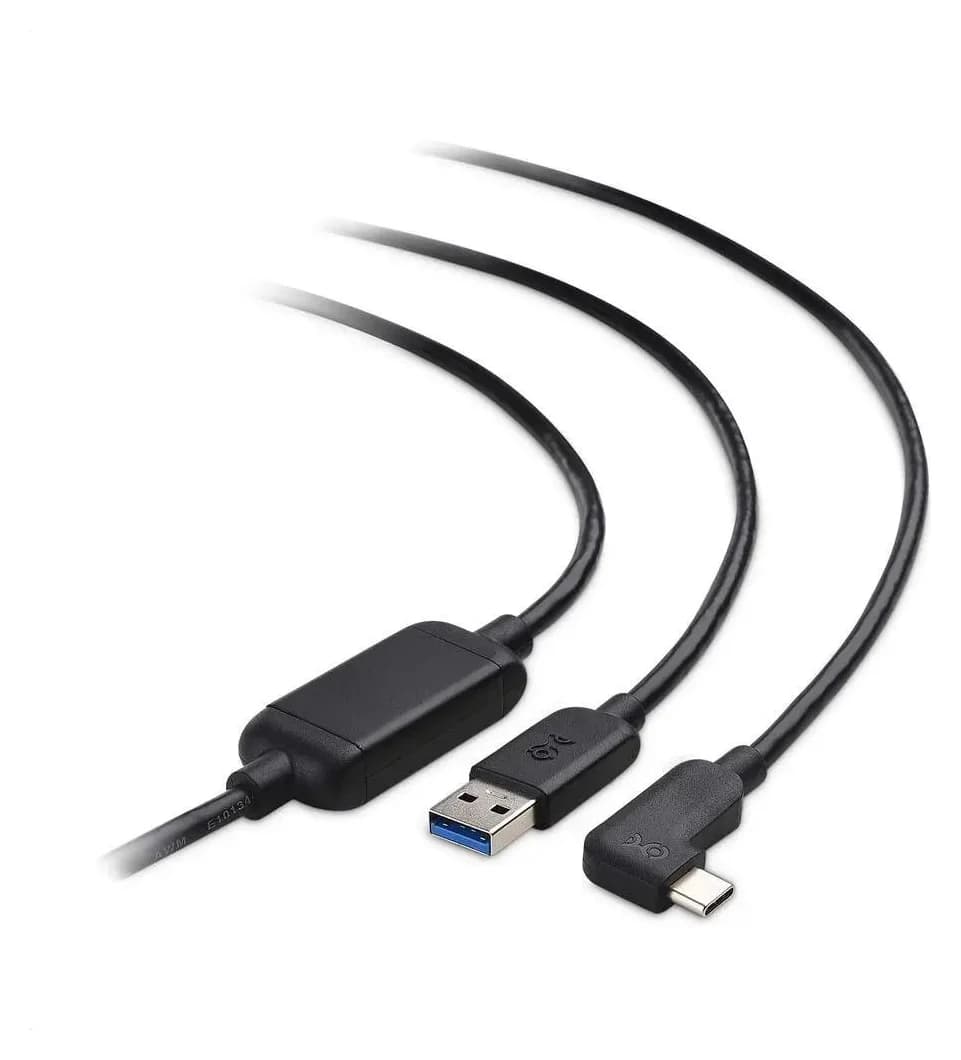
Best Link Cables for Meta Quest 3: USB-C Specs That Actually Work
The best link cable for Quest 3 and older Quest headsets: Meta's own fiber cable, a charge-while-playing pick, and long active cables, per Meta's USB rules.
Updated November 8, 2026Read
Anker 100W vs Baseus 100W USB-C Cables: Which Should You Buy?
Compare Anker A8758 10 ft with Baseus CAWJ020001 3.3 ft: charging, data, lengths, pack sizes and variant traps, plus how to judge an Anker 100W USB-C cable deal.
Updated November 5, 2026Read
Beats USB-C vs Apple USB-C Cable: Which Should You Buy?
Choose between the Beats USB-C woven cable (60W, USB 2.0) and a full-feature Thunderbolt 5 USB-C cable: charging, data, docks, displays and the exact SKUs.
Updated November 5, 2026Read