Black Friday: the specs to check before you buy
Best picks
Updated November 5, 2026Best USB-C Cables for iPhone 17: Which Length to Buy
Short answer
Keep the iPhone 17's included 1 m cable if it reaches; for a bedside spare, our pick is the Anker Prime USB-C to USB-C Cable, 6 ft, for its reach and USB-IF certification. Choose the Native Union Pocket Cable, 17cm, for a power bank that sits beside the phone. Spend on the right charger before unused cable wattage: Apple specifies a 40W or higher adapter for up to 50 percent in around 20 minutes on iPhone 17, 17 Pro and 17 Pro Max.
Our picks at a glance
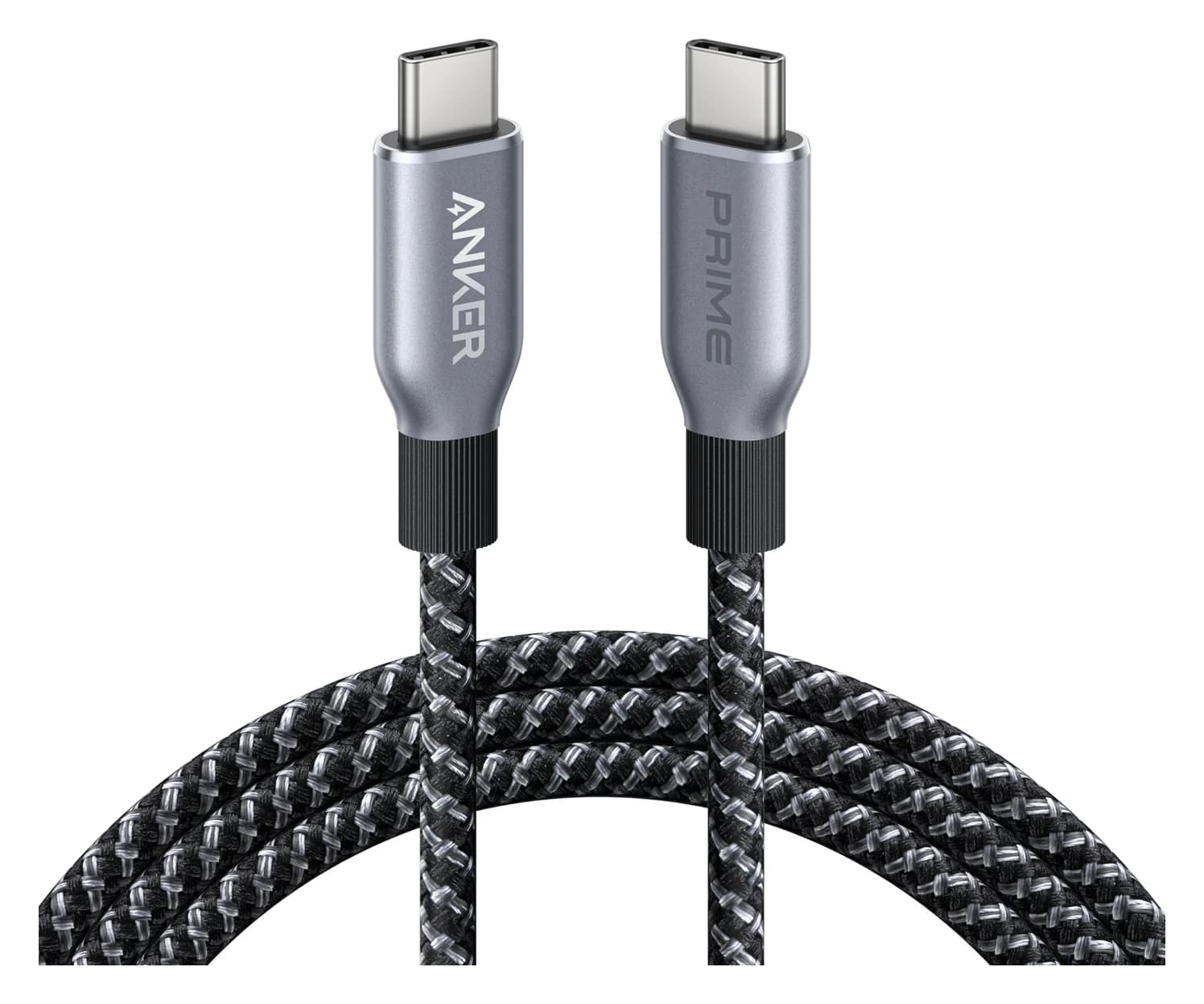
Best bedside spareAnker
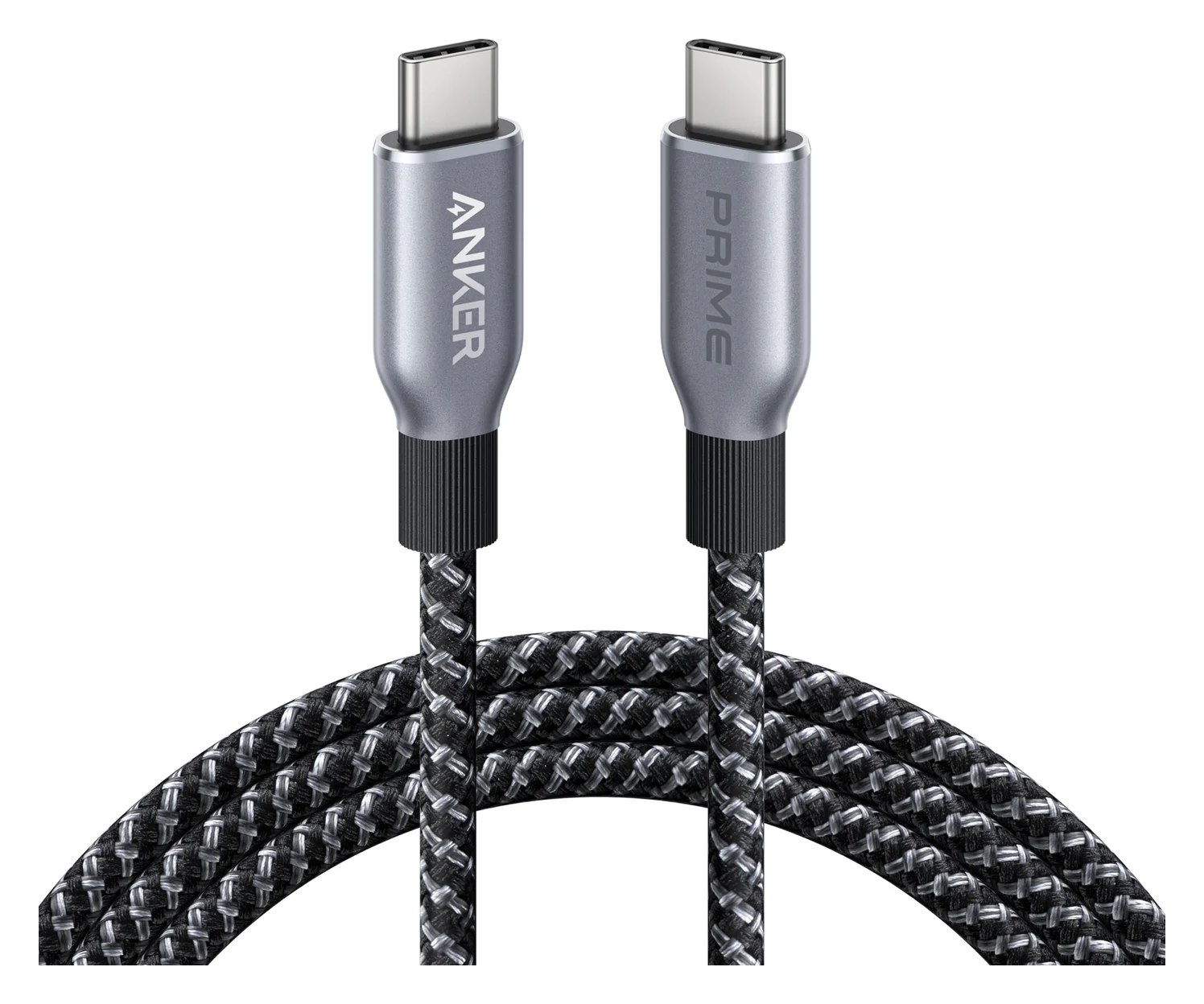
Anker Prime USB-C to USB-C Cable (240W, Upcycled-Braided, 6 ft)
- data
- 480 Mbps
- ends
- USB-C to USB-C
- Choose
- The 6 ft Anker Prime offers bedside reach and USB-IF certification; its 240W rating is useful for sharing with a laptop, rather than evidence of faster iPhone charging.
- Limit
- 480Mbps data only
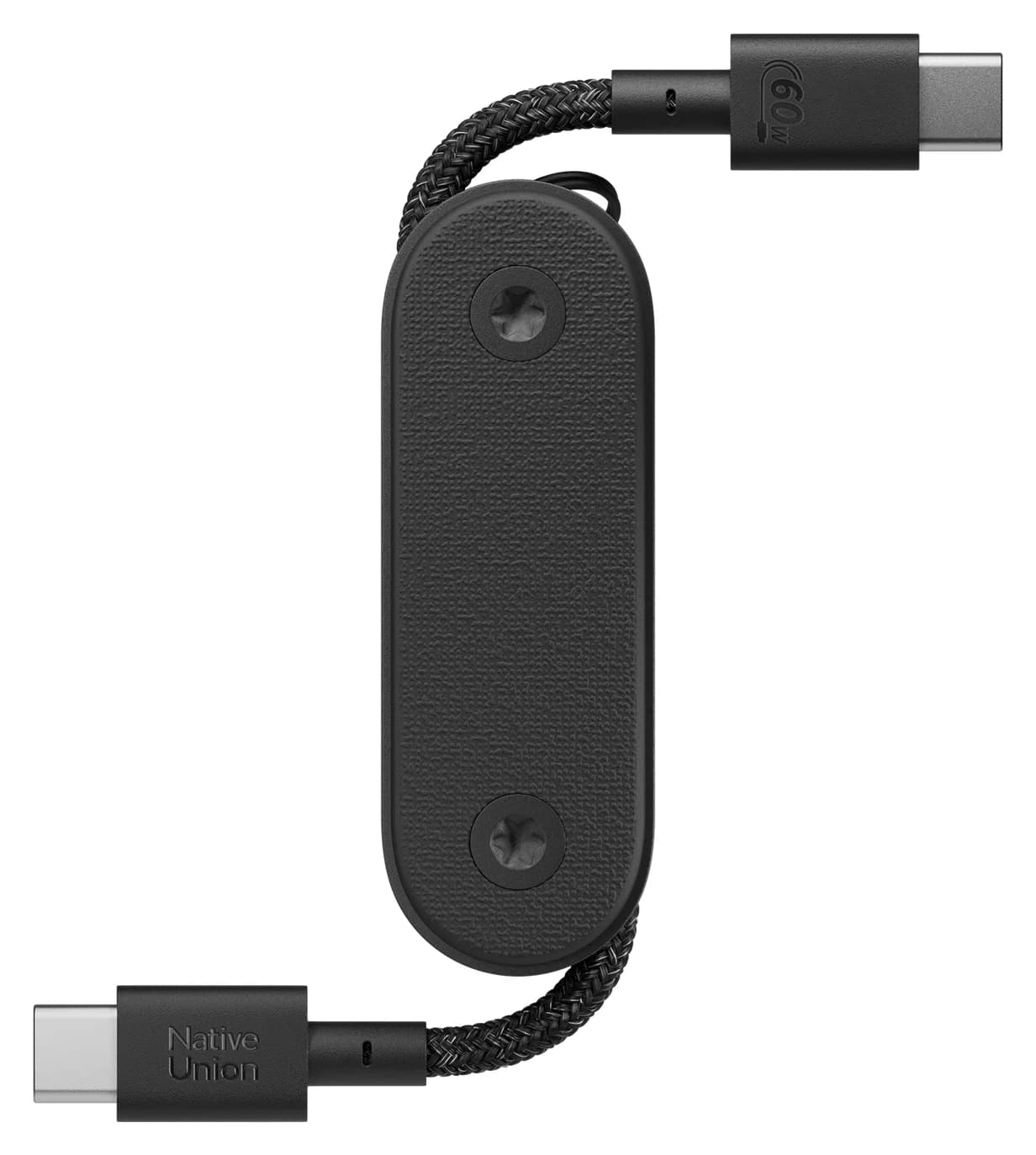
Best for a pocket power bankNative Union
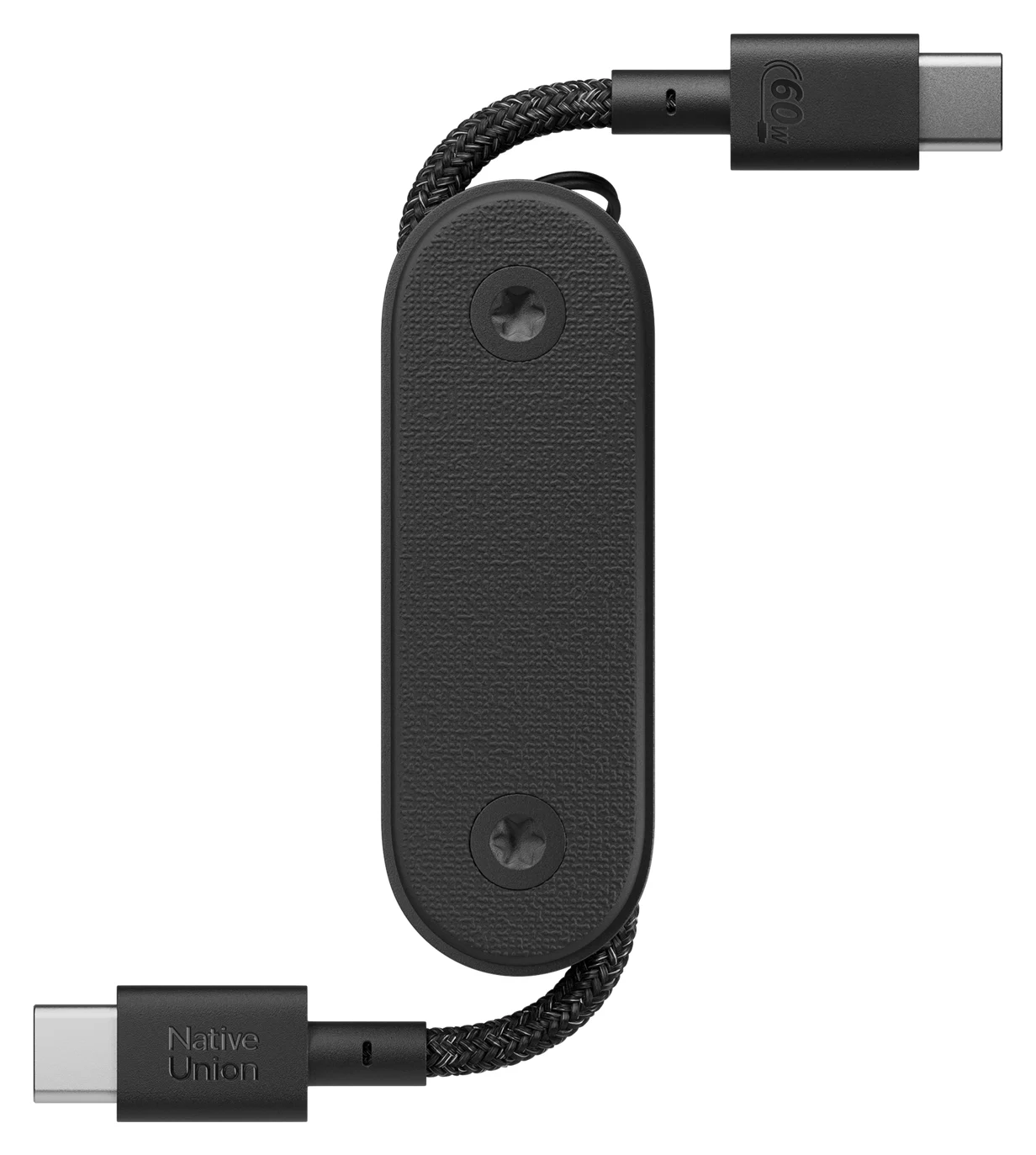
Native Union Pocket Cable (USB-C to USB-C, 60W)
- power rating
- 60W
- data
- 480 Mbps
- ends
- USB-C to USB-C
- Choose
- Native Union's 17cm Pocket Cable folds into its housing, has a built-in keyring and supports up to 60W charging.
- Limit
- Very short, so the device has to sit next to the charger or power bank
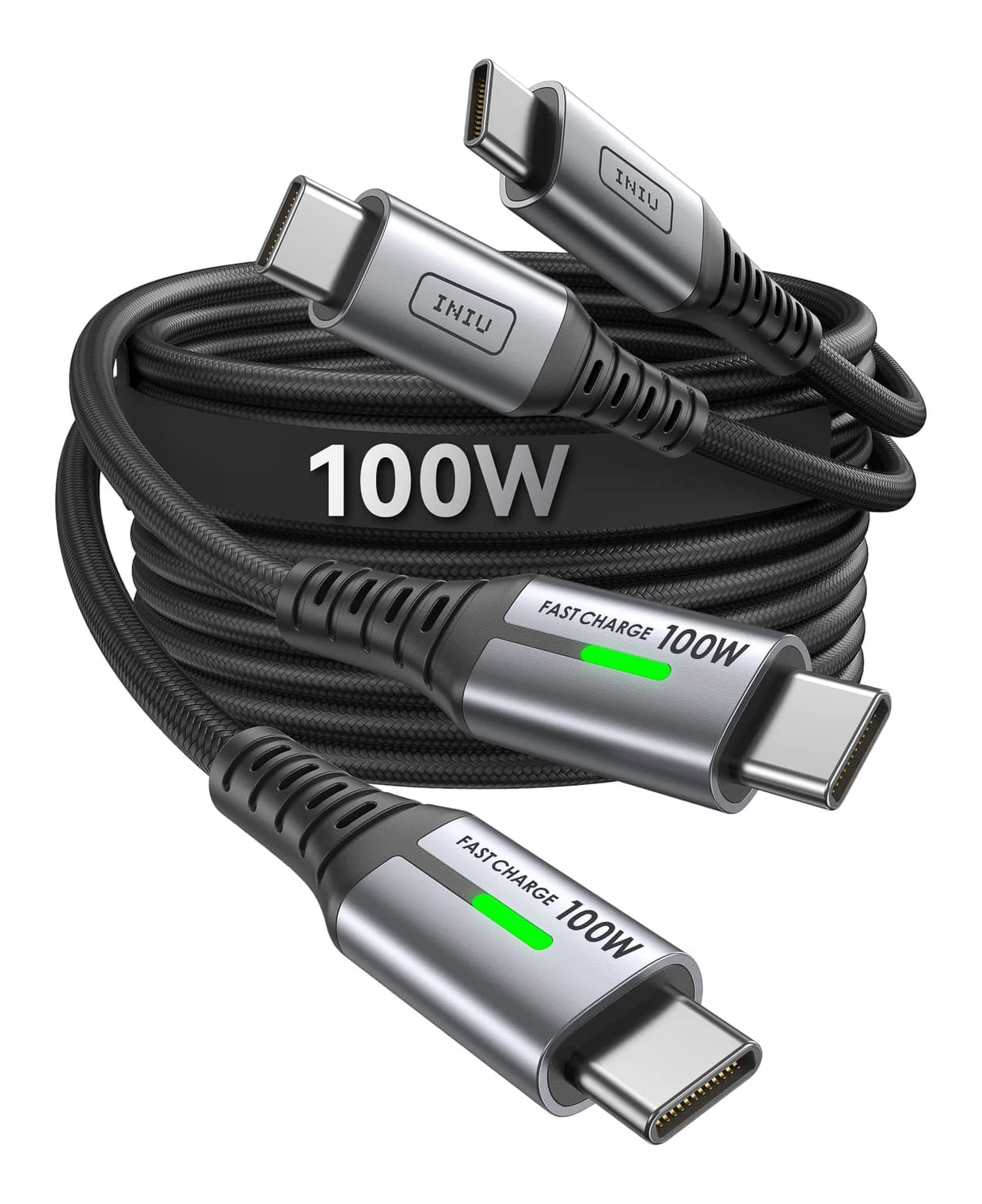
Best two-pack for separate charging spotsINIU
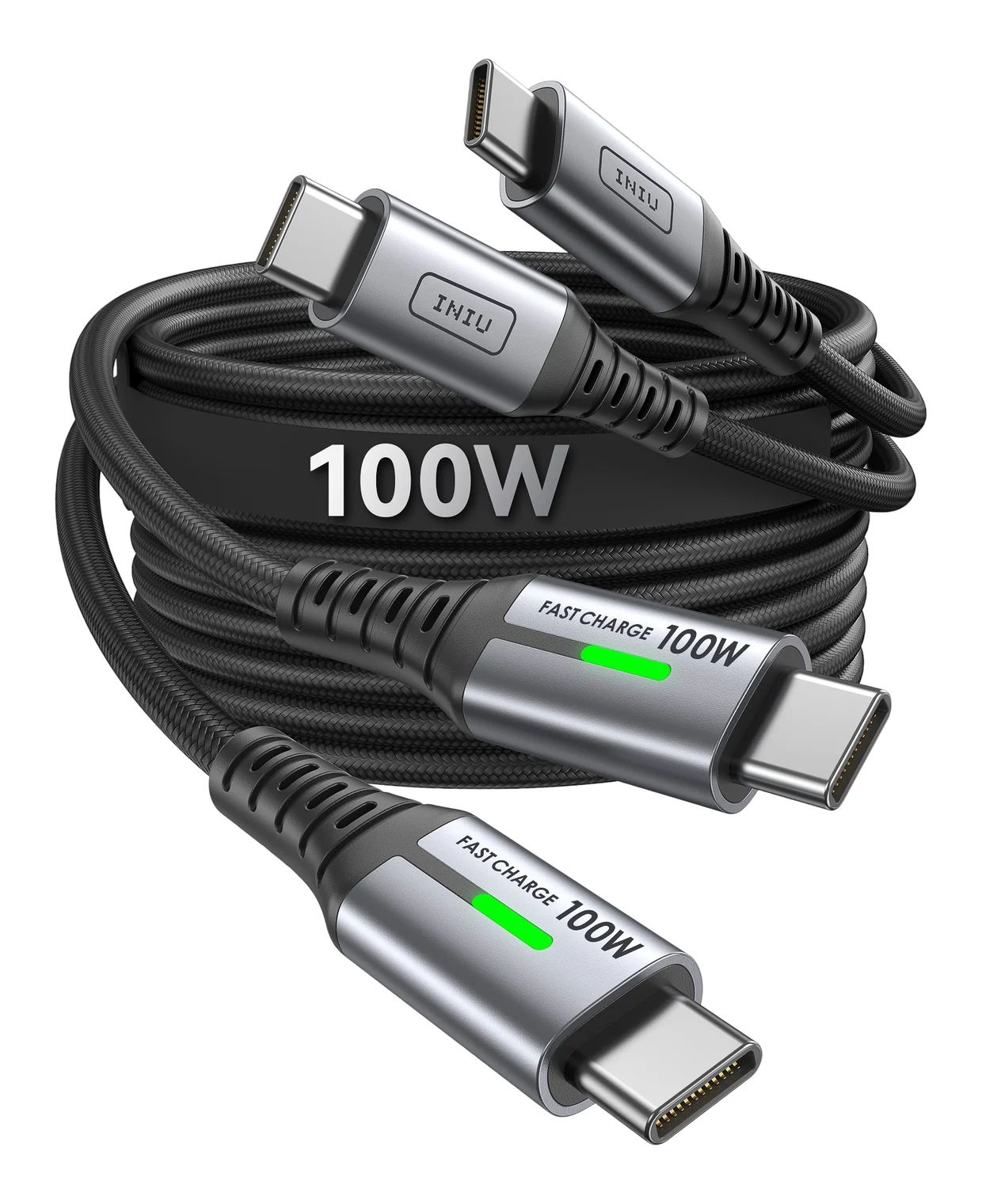
INIU 100W USB-C to USB-C Cable (6.6 ft, 2-Pack)
- ends
- USB-C to USB-C
- Choose
- Two 6.6ft USB-C cables rated for 100W provide long spares for separate charging spots; check the exact model before relying on a data-speed specification.
- Limit
- Charging-focused; INIU does not advertise USB 3 data or video
- Find on Amazon4
Best bedside spare
Anker Prime, 6 ft
- Find on Amazon
 5
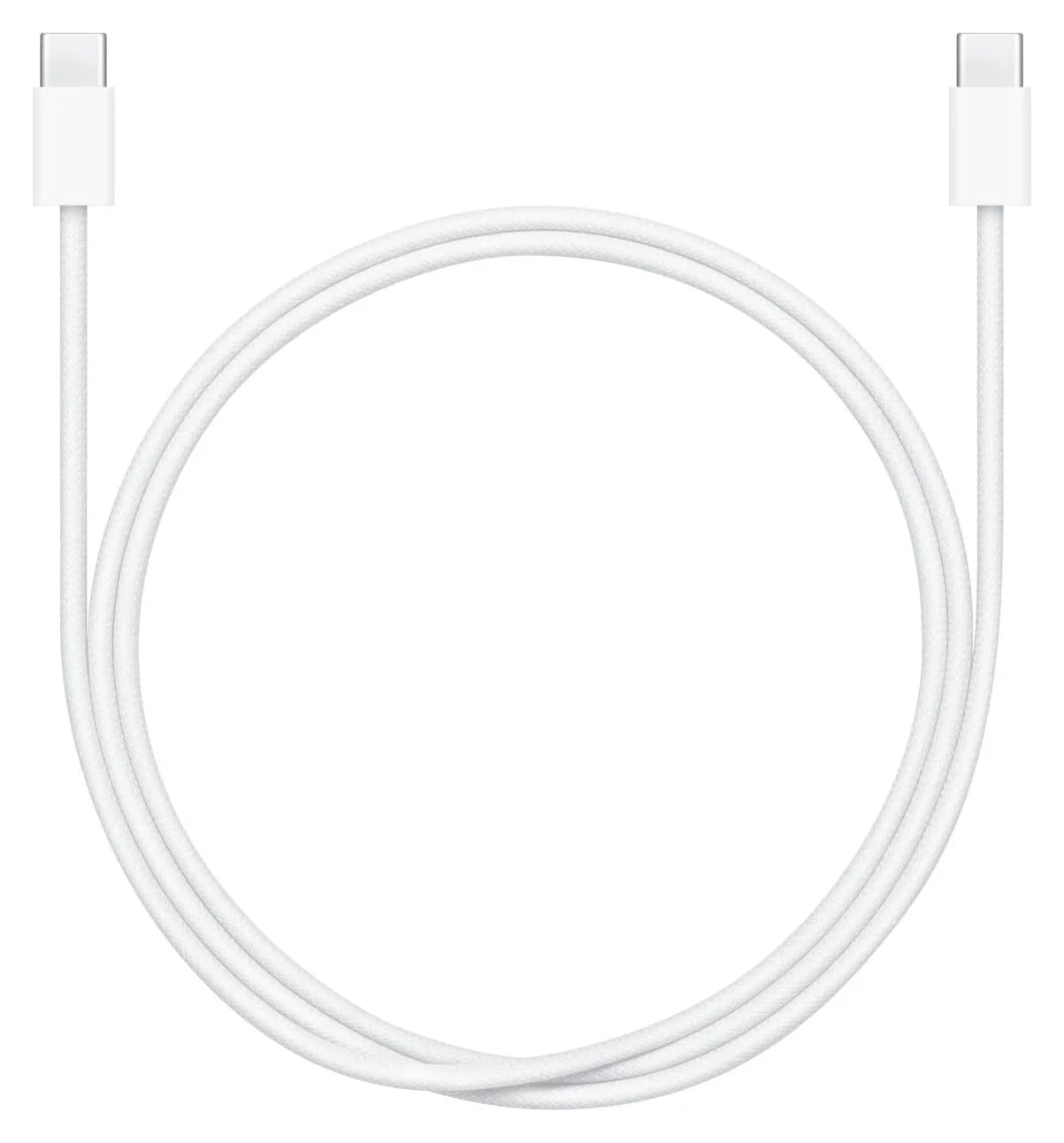
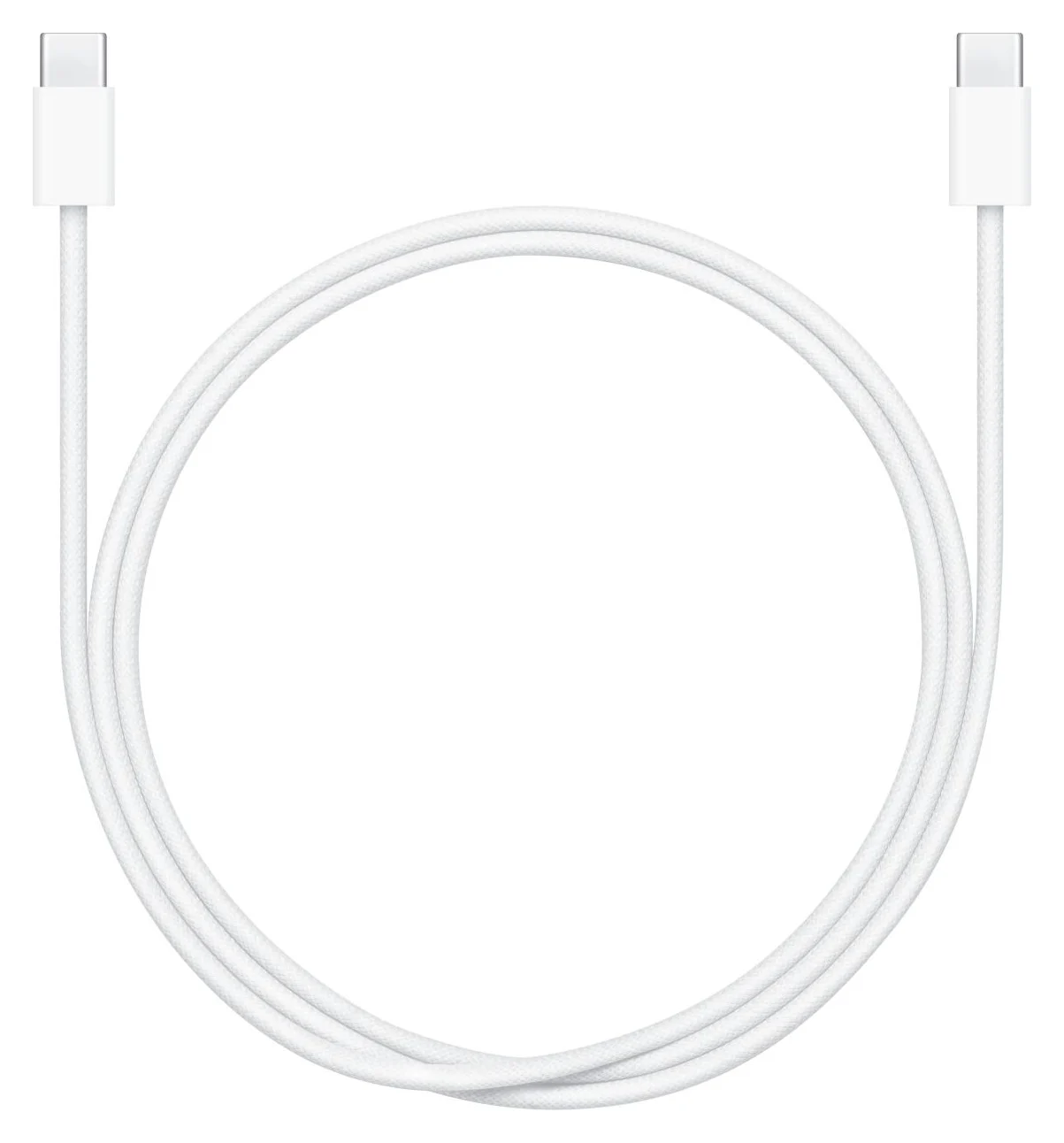
Apple 60W USB-C Charge Cable, 1 m
- 1 mCable included with iPhone 17: keep it when it reaches
- 40WMinimum adapter rating for Apple's quoted iPhone 17 fast-charge time
Quick picks for bedside, car and power bank
| Where you charge | Our recommendation | Decision to make |
|---|---|---|
| Bedside outlet or sofa | Anker Prime, 6 ft | Buy for reach; choose the correct length selector |
| Car console or nearby desk port | Keep the included 1 m cable | Check whether the source port is USB-C or USB-A |
| Pocket power bank | Native Union Pocket Cable | Its 17cm opened length needs adjacent devices |
| Replacement at the original length | Apple 60W USB-C Charge Cable, 1 m | A maker-direct option; adapter sold separately |
| Two separate charging spots | INIU 100W 6.6ft two-pack | Match length, pack contents and exact model |
Which iPhone 17 model and charger do you own?
Apple's fast-charge support page distinguishes these models:
| Phone | Adapter for Apple's quoted wired figure | Apple's charge figure |
|---|---|---|
| iPhone 17 | 40W or higher | Up to 50 percent in around 20 minutes |
| iPhone 17 Pro / Pro Max | 40W or higher | Up to 50 percent in around 20 minutes |
| iPhone 17e / iPhone Air | 20W or higher | Up to 50 percent in around 30 minutes |
These are adapter ratings associated with Apple's figures, not measurements of continuous phone input. Apple says charging time varies with adapter, settings, usage and environmental factors. Check the wattage printed on your adapter before replacing a working cable.
The phone also sets the data ceiling. The standard iPhone 17 supports USB 2 at up to 480Mb/s; Apple's USB-C support page lists the 17 Pro models for up to 10Gbit/s with an optional compatible USB 3 cable. Those differences matter for data transfers, not for choosing how far the cable should reach.
Compare cable length, ends and pack size
Every cable below has USB-C at both ends. Power ratings describe cable capability, not power delivered to an iPhone.
| Exact option | Length | Pack contents | Cable rating | Maker's data specification |
|---|---|---|---|---|
| Anker Prime A88E2, long version | 6 ft | Single cable | 240W | USB 2.0, 480 Mbps; no screen mirroring |
| Native Union Pocket Cable | 6.5in / 17cm opened | Single cable with keyring | Up to 60W | USB 2.0; see unit caveat below |
| Apple 60W Charge Cable, MW493AM/A | 1 m | Single cable; no adapter | Up to 60W | USB 2 |
| INIU 100W long two-pack | 6.6ft / 2m each | Two cables and two straps | 100W | D5CC-2P only: USB 2.0, 480 Mbps; no video |
Sources: Anker, Native Union, Apple and INIU.
Case clearance remains a check before ordering. The makers' product pages do not give plug-shell width and depth measurements that establish clearance through your particular case. Native Union's overall product dimensions are not measurements of its connector shell. Keep your case on when checking the fit, and ask for connector measurements if the opening is narrow or recessed.
Best bedside spare: Anker Prime, 6 ft
Anker
Anker Prime USB-C to USB-C Cable (240W, Upcycled-Braided, 6 ft)
A 6 ft USB-IF certified USB-C cable rated for 240W (USB PD 3.1 EPR) charging with USB 2.0 data.
- 0.48 Gbps data
Choose this for a long run from an outlet to the place you actually hold the phone. Anker offers 3 ft and 6 ft versions of the A88E2; the linked pick is the 6 ft version. Its page also describes the shorter version, so check the selected length rather than trusting a search-result title.
Anker specifies USB-IF certification and a post-consumer recycled nylon exterior. Those are the reasons to consider it alongside reach. The 240W rating adds headroom for sharing the cable with a compatible laptop charging kit; it is not an iPhone charging-speed result.
The limitation is explicit: USB 2.0 data at 480 Mbps and no screen mirroring. Buy it as a charging spare, rather than as a display cable or a fast-data upgrade for a Pro phone. If the included cable already reaches, this is an optional convenience purchase.
Best for a pocket power bank: Native Union Pocket Cable
Native Union
Native Union Pocket Cable (USB-C to USB-C, 60W)
A short, foldaway USB-C to USB-C cable with a built-in keyring, rated for 60W charging.
- 60W max output
- 0.48 Gbps data
This is our pick when portability matters more than reach. Native Union specifies 6.5in / 17cm when opened, up to 60W charging, a built-in keyring and cable management that folds away. It is a short connection, not a long cable stored inside a retractable reel.
Choose it when the phone and bank can rest next to each other. Skip it for an outlet behind the bed, or a car mount far from the console. Before buying, mock up the connection with the phone in its case and the bank in its intended position; allow the connectors to sit without pulling against either port.
Best two-pack for separate charging spots: INIU 100W
INIU
INIU 100W USB-C to USB-C Cable (6.6 ft, 2-Pack)
A two-pack of 6.6 ft braided USB-C to USB-C cables rated for 100W charging.
The long two-pack is our pick for leaving a cable at separate charging spots. INIU's current D5CC page specifies two 6.6ft / 2m USB-C cables, two straps and a 100W rating. Choose it when you actually need both cables.
Match D5CC-2P, 6.6ft / 2m, two cables before buying. INIU also has a separately documented 3.3ft / 1m D5CC two-pack. The long D5CC page explicitly states USB 2.0, 480 Mbps and no video; do not infer those specifications from a different INIU cable's wattage or similar name.
How we choose
These are recommendations based on manufacturer specifications. We compare documented length, connector ends, box contents and data capability, then check Apple's charging requirements and USB-IF's explanation of Power Delivery. We treat case fit as unresolved where connector measurements are absent. We have not physically evaluated these cables for charging time, fit or durability.
The shortlist prioritizes the charging location. A short carry cable, a long bedside spare and the cable already in the phone's box solve different problems. Manufacturer bend-life claims do not establish how long a cable will last in your use.
Choose the length and check your case
For a bedside outlet, measure the route around furniture to your normal reading position. For the car, measure to the holder with the phone installed. For a power bank, check the actual port positions rather than buying the shortest cable automatically. Our preference is the shortest length that leaves comfortable slack throughout the intended movement.
Route it first
Use string to check the path from the source port to where the phone will sit.
Check the case opening
Compare the plug housing with the opening's width and depth; request dimensions if needed.
Confirm the selected variant
Match both connector ends, length and pack contents before ordering.
For the car, Apple's USB-C connection guidance says a USB-A port can use a compliant USB-C to USB-A cable. Its CarPlay setup guidance requires a compatible car; check the vehicle manual for the appropriate connection.
- Yes: USB-C source port: the USB-C to USB-C options on this page match the connector type
- Partly: USB-A source port: choose a compliant USB-A to USB-C cable instead
- Partly: Wired CarPlay: check that the car supports it and use the appropriate vehicle USB connection
For a charging-adapter purchase, use our USB-C car charger guide.
When the included cable is enough
Apple lists a 1 m USB-C Charge Cable in the iPhone 17 box. Its support page says the included cable supports charging and USB 2 speeds. Keep using it for an adjacent desk port or car connection if the route and fit work; buy a spare for another location rather than replacing it just because a package advertises more watts.
If it is missing, Apple's 60W USB-C Charge Cable, 1 m, MW493AM/A is a same-length replacement option with a woven design, USB-C connectors on both ends and USB 2 data. Apple sells the power adapter separately.
Charging wattage versus data speed: what is worth buying?
USB-IF explains that Power Delivery allows each device to take the power it requires. Our conclusion: a cable's higher power ceiling alone cannot establish a shorter iPhone charging time. A compliant 60W cable covers the adapter class Apple specifies for iPhone 17 on paper; a 100W or 240W label is not a phone-speed measurement.
Pay for faster data when you have a specific transfer job. Apple says the Pro models need an optional compliant USB 3 cable supporting 10Gbit/s to use their faster connection; the included cable is USB 2. Faster cable data capability cannot raise the standard iPhone 17's USB 2 ceiling. See our cable types explainer for markings and the iPhone ProRes storage guide for recording equipment.
Buy a complete kit or just a spare cable
If your existing USB-C adapter meets Apple's 40W-or-higher requirement for the quoted iPhone 17 time, choose the cable by reach and fit. Apple also permits compatible higher-wattage USB-C adapters, including laptop adapters. If you need an adapter too, our iPhone charger guide covers that purchase; do not buy another cable automatically before checking the kit's contents.
For a gift or sale, match the exact length, connector ends, model and pack size. Check whether the recipient needs an adapter, and compare the complete kit at checkout. For INIU, verify availability and the D5CC variant; for Anker, verify the long version; for Native Union, make sure a keychain-length connection is the intended gift. Check delivery and return terms for the selected offer.
Verdict
Keep the included cable when it works for the location. Choose Anker Prime, 6 ft, for bedside reach, or Native Union Pocket Cable for an adjacent power bank. Choose INIU's long two-pack for separate charging spots, or Apple's same-length replacement when that is all you need.
Frequently asked questions
What USB-C cable should I buy for iPhone 17?
Keep the included 1 m cable if it reaches. For a bedside spare, our pick is the 6 ft Anker Prime; for a power bank beside the phone, choose Native Union's 17cm Pocket Cable. Both have USB-C connectors at both ends. Check your charger's port before ordering: a car with USB-A needs a USB-A to USB-C cable instead.
Is a 60W cable enough to fast charge iPhone 17?
A compliant 60W USB-C charging cable is sufficient on paper for the adapter class Apple specifies. Apple quotes up to 50 percent charge in around 20 minutes for iPhone 17, 17 Pro and 17 Pro Max with a 40W or higher adapter. That is an adapter requirement, not a statement that the phone continuously draws 40W. Charge time varies with settings, use and temperature.
Does the cable included with iPhone 17 support fast charging?
Yes. Apple includes a 1 m USB-C Charge Cable and uses its USB-C Charge Cable for its charging figures. Apple also says the included cable supports charging and USB 2 data speeds. Keep it if its reach works for you; a replacement makes sense when you need another charging location, a longer run or a much shorter power-bank connection.
Will a 240W cable charge iPhone 17 faster than a 60W cable?
The cable rating alone does not establish a faster charging time. USB Power Delivery lets a device take the power it requires, and Apple's iPhone 17 charging figure is tied to a 40W or higher adapter with a USB-C charging cable. A 240W cable can be useful for a shared laptop kit, but its rating does not mean the phone takes 240W.
Do I need a 10Gbps cable for iPhone 17 Pro charging?
No. Apple's included cable supports charging and USB 2 data. An optional compliant USB 3 cable supporting 10Gbit/s is needed to use the Pro models' faster wired data transfers. Buy that capability for a data-transfer job, rather than expecting it to improve phone charging. The standard iPhone 17 has USB 2 data at up to 480Mb/s.
Related guides
Best Link Cables for Meta Quest 3: USB-C Specs That Actually Work
The best link cable for Quest 3 and older Quest headsets: Meta's own fiber cable, a charge-while-playing pick, and long active cables, per Meta's USB rules.
Updated November 8, 2026Read
Anker 100W vs Baseus 100W USB-C Cables: Which Should You Buy?
Compare Anker A8758 10 ft with Baseus CAWJ020001 3.3 ft: charging, data, lengths, pack sizes and variant traps, plus how to judge an Anker 100W USB-C cable deal.
Updated November 5, 2026Read
Beats USB-C vs Apple USB-C Cable: Which Should You Buy?
Choose between the Beats USB-C woven cable (60W, USB 2.0) and a full-feature Thunderbolt 5 USB-C cable: charging, data, docks, displays and the exact SKUs.
Updated November 5, 2026Read