Best picks
Best USB-C Flash Drives in 2026 (USB-C and Dual USB-C/USB-A)
USB-C and dual USB-C/USB-A flash drives for iPhone, Android, Mac and PC: which speed your port can use, the format to pick, and when an SSD is better.
By thisUSB EditorialUpdated October 22, 202610 min read6 picks
Our picks at a glance
- See on Amazon
- See on Amazon2
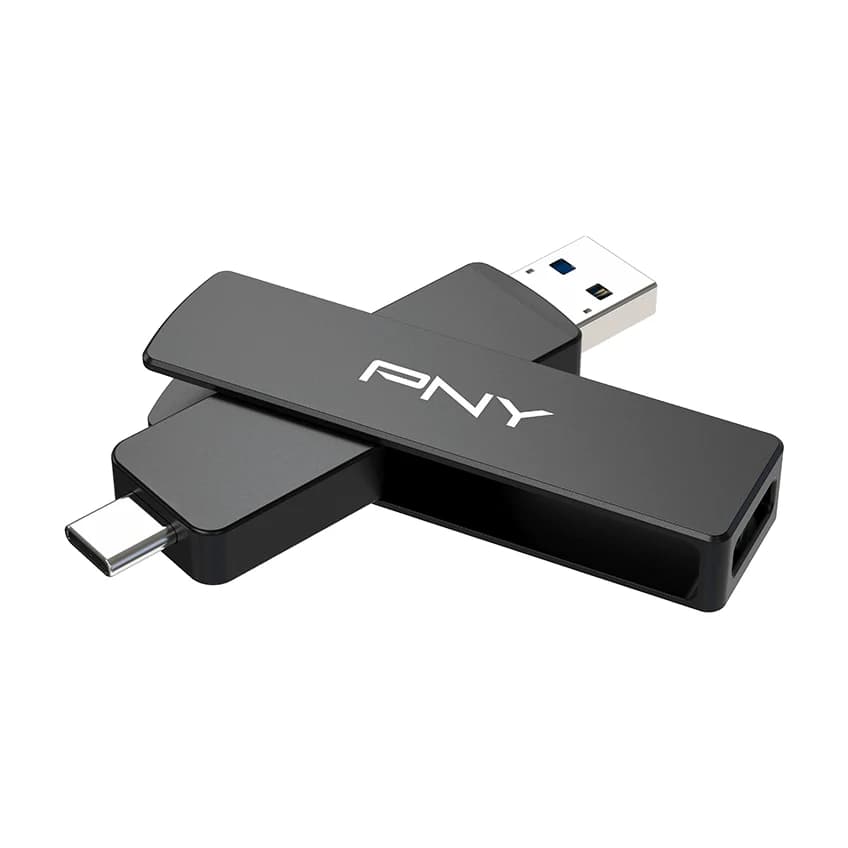
Fastest dual drive
PNY DUO LINK V3 USB 3.2 Gen 2 Type-C and Type-A Dual Flash Drive (256GB)10 Gbps data · 2 ports
- See on Amazon3
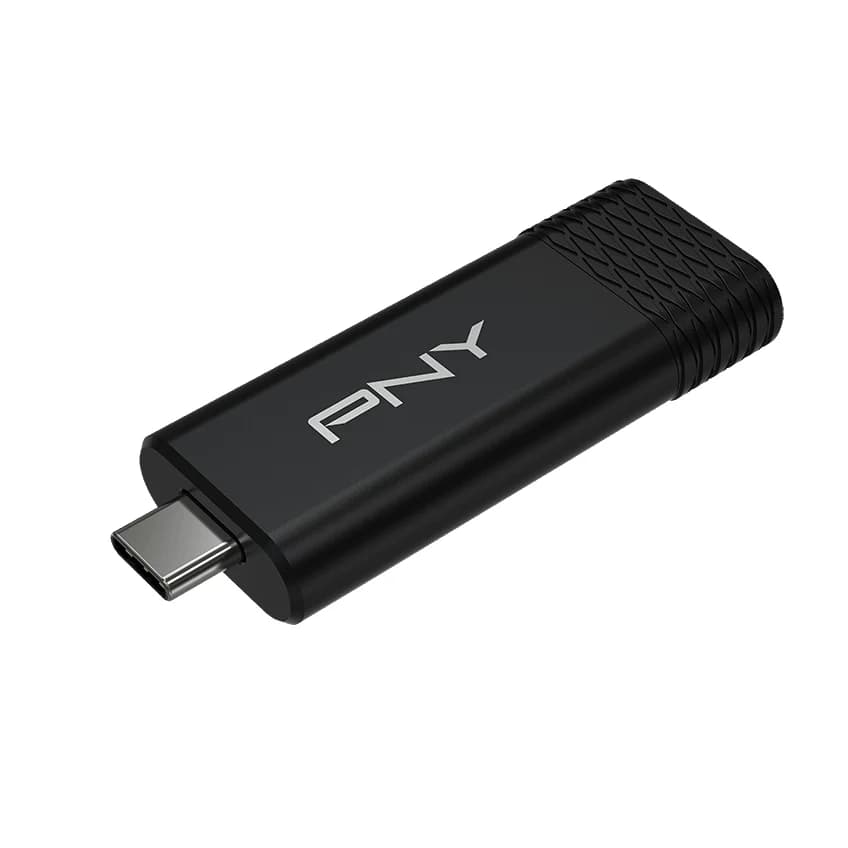
Fastest USB-C-only drive
PNY PRO Elite V3 Type-C USB 3.2 Gen 2 Flash Drive (256GB)10 Gbps data · 1 port
- See on Amazon
- See on Amazon
- See on Amazon6
Best for password-protected files
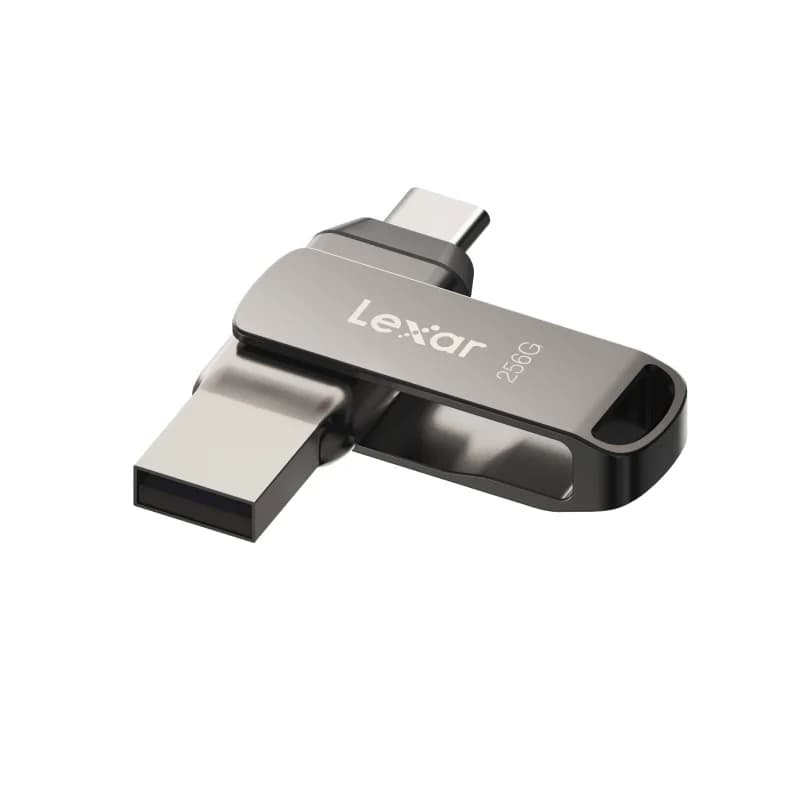
Lexar JumpDrive Dual Drive D400 (256GB, USB-C and USB-A)5 Gbps data · 2 ports
For most people the best USB-C flash drive is the SanDisk Ultra Dual Drive Luxe. It has both a USB-C and a USB-A plug in an all-metal body that hangs on a keyring, and it's rated up to 400MB/s reads, close to the most a 5Gbps port can deliver. If you move big files between computers with 10Gbps ports, the PNY DUO LINK V3 is the dual drive rated for 10Gbps, and iPhone owners who want automatic backup should look at the SanDisk Phone Drive.
A fast drive only helps if the port is fast too. The standard iPhone 15, 16 and 17 transfer data at USB 2 speed, so every drive here runs at about the same pace on them. Each pick below says what it needs to reach its rated speed.
Quick picks
| Pick | Award | Plugs | Interface | Rated read / write |
|---|---|---|---|---|
| SanDisk Ultra Dual Drive Luxe 128GB | Best overall | USB-C + USB-A (swivel) | USB 3.2 Gen 1 (5Gbps) | Up to 400MB/s / not published |
| PNY DUO LINK V3 256GB | Fastest dual drive | USB-C + USB-A (swivel) | USB 3.2 Gen 2 (10Gbps) | Up to 1,000 / 800MB/s* |
| PNY PRO Elite V3 Type-C 256GB | Fastest USB-C-only drive | USB-C (sliding cover) | USB 3.2 Gen 2 (10Gbps) | Up to 1,000 / 800MB/s* |
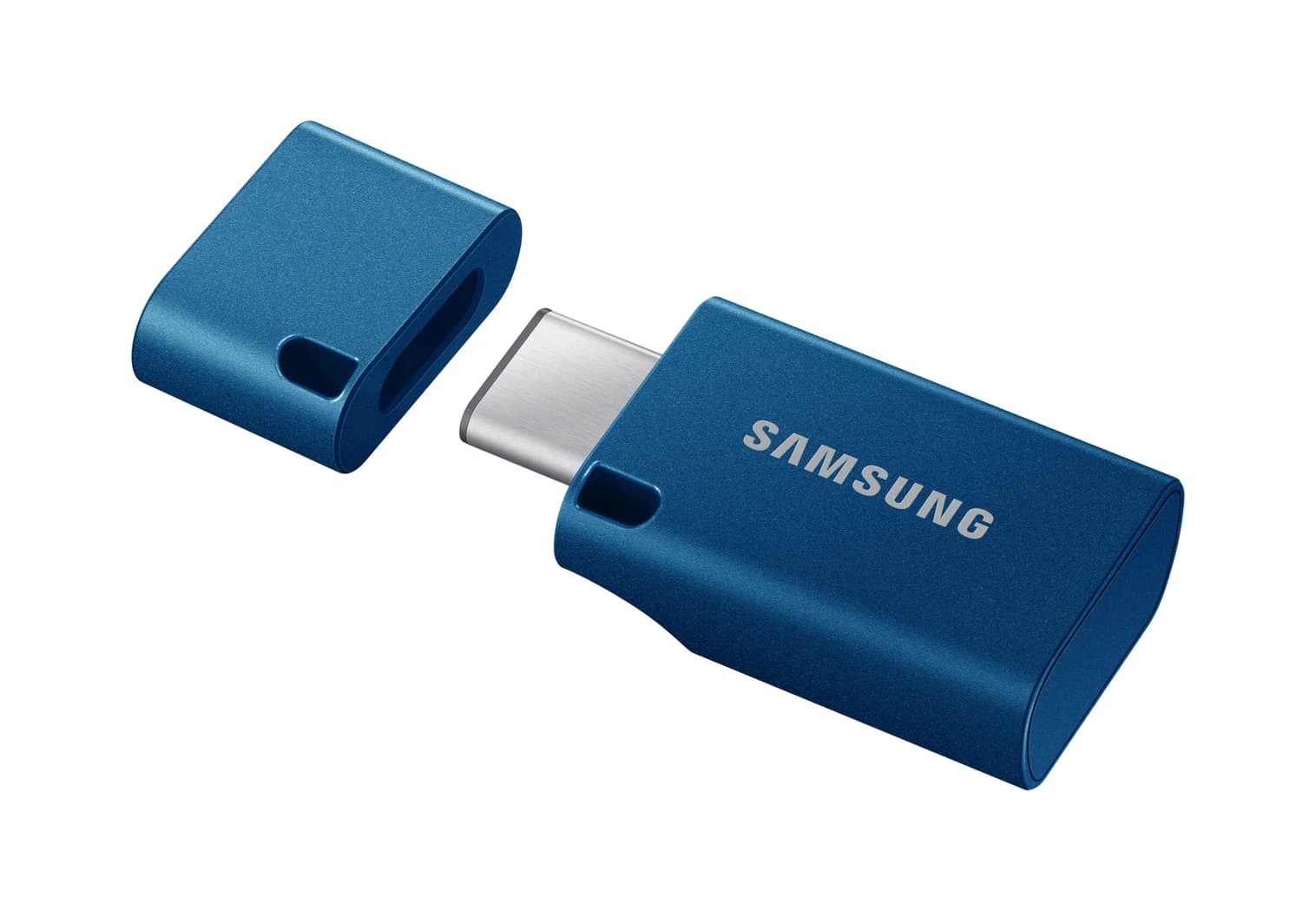
| Samsung USB Type-C 256GB | Best keychain drive | USB-C (cap) | USB 3.2 Gen 1 (5Gbps) | Up to 400MB/s / not published |
| SanDisk Phone Drive 256GB | Best for iPhone backup | USB-C | USB 3.2 Gen 1 (5Gbps) | Up to 150MB/s / not published |
| Lexar JumpDrive Dual Drive D400 256GB | Best for password-protected files | USB-C + USB-A (swivel) | USB 3.2 Gen 1 (5Gbps) | Up to 130MB/s / not published |
*PNY gives these figures for the product line and details only the 2TB model, so the 256GB version's write speed may be lower.
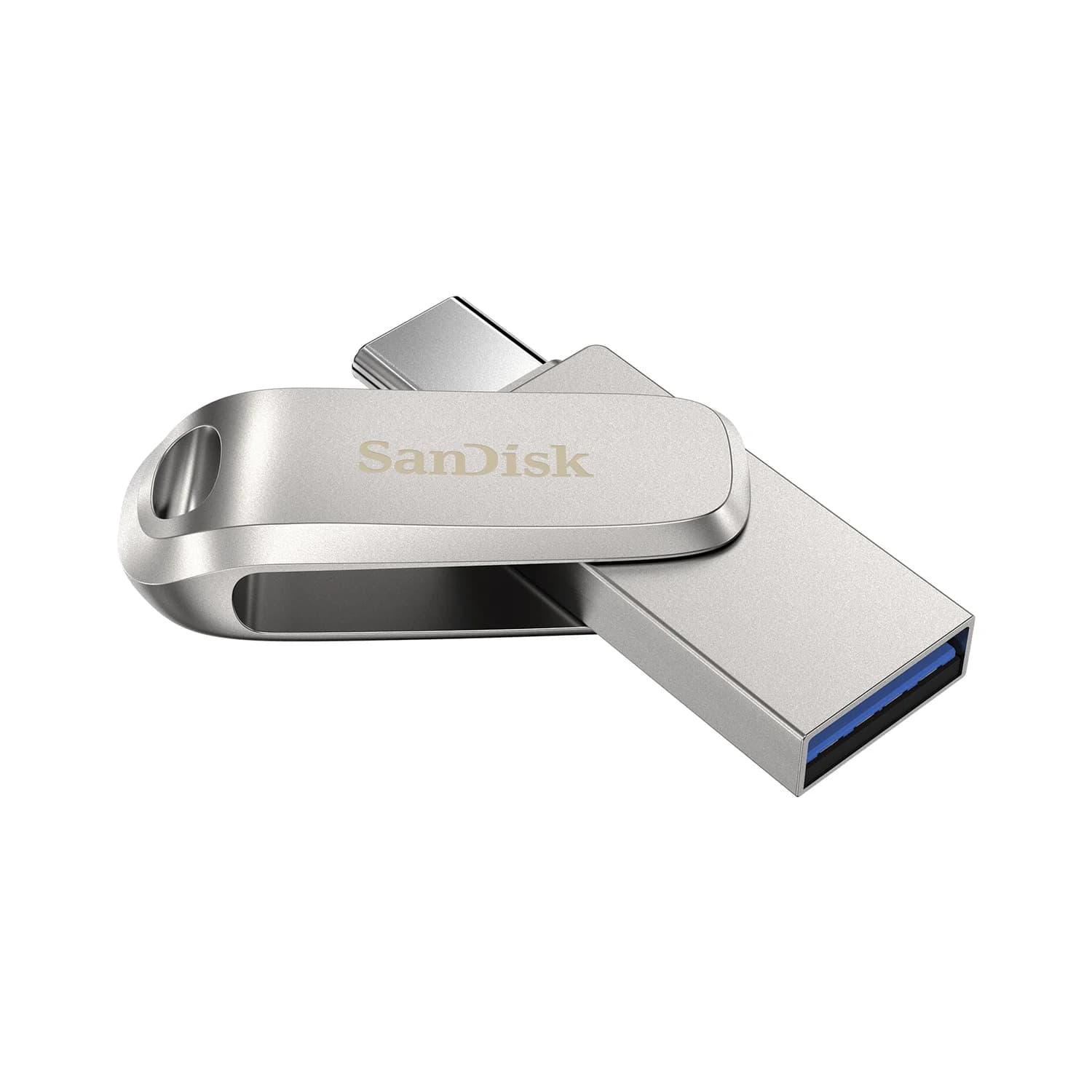
Best overall: SanDisk Ultra Dual Drive Luxe
SanDisk
SanDisk Ultra Dual Drive Luxe USB Type-C (128GB)
An all-metal 2-in-1 flash drive with a swivel USB-C and USB-A connector for moving files between phones, tablets and computers.
- 5 Gbps data
- 2 ports
The Luxe covers the most ground: USB-C for phones, tablets and current laptops, USB-A for older PCs and TVs, and a metal swivel over whichever plug you aren't using. The all-metal body is 1.75 inches long with a keyring hole.
SanDisk rates it at up to 400MB/s reads on 64GB and larger models. That's close to the ceiling of a 5Gbps USB 3.2 Gen 1 port, the speed most phones, older laptops and many hub ports offer. SanDisk doesn't publish a write speed, and flash drive writes are usually far slower than reads. Older production runs were rated lower, so treat 400MB/s as the current spec rather than a promise for every unit. On phones and tablets, SanDisk supports both the built-in Files app and the free SanDisk App, which can back up an Android phone automatically.
See the SanDisk Ultra Dual Drive Luxe on Amazon
Fastest dual drive: PNY DUO LINK V3
PNY
PNY DUO LINK V3 USB 3.2 Gen 2 Type-C and Type-A Dual Flash Drive (256GB)
A metal swivel flash drive with USB-C and USB-A plugs, rated up to 1,000MB/s reads and 800MB/s writes over USB 3.2 Gen 2.
- 10 Gbps data
- 2 ports
The DUO LINK V3 is the only dual USB-C/USB-A drive here rated for 10Gbps USB 3.2 Gen 2. PNY rates the line at up to 1,000MB/s read and 800MB/s write on a Gen 2 port, about two and a half times the Luxe's read rating. That makes it the pick for moving large files between a 10Gbps laptop and an older USB-A desktop.
Two caveats: the 256GB version may write more slowly than 800MB/s, and full speed needs a 10Gbps port. Many USB-A ports on older PCs are 5Gbps, where it runs at Gen 1 speed. PNY lists Windows, macOS, Linux and Android 7.0 or later, and shows iPhone 15 and later and USB-C iPads as compatible. It also supports S.M.A.R.T. health reporting, which is rare on a flash drive. PNY doesn't mention a keyring loop, and the warranty is 2 years.
See the PNY DUO LINK V3 on Amazon
Fastest USB-C-only drive: PNY PRO Elite V3 Type-C
PNY
PNY PRO Elite V3 Type-C USB 3.2 Gen 2 Flash Drive (256GB)
A USB-C flash drive with a sliding metal cap, rated up to 1,000MB/s reads and 800MB/s writes over USB 3.2 Gen 2.
- 10 Gbps data
- 1 port
If everything you own has USB-C, skip the USB-A plug. The PRO Elite V3 Type-C carries the same 1,000MB/s read and 800MB/s write rating as the DUO LINK V3, with the same caveat about the 256GB write speed. Its plug slides out from a metal cover, so there's no cap to lose.
PNY says it works with iPhone 15 and later, USB-C iPads and Android phones with USB OTG support through the built-in Files app, with no extra app required. It suits a laptop with 10Gbps USB-C ports or an iPhone Pro, which supports USB 3. On a standard iPhone or a 5Gbps port, it's no faster than the other drives here. It comes in sizes up to 2TB. PNY doesn't publish dimensions or weight, and the warranty is 2 years.
See the PNY PRO Elite V3 Type-C on Amazon
Best keychain drive: Samsung USB Type-C Flash Drive
Samsung
Samsung USB Type-C Flash Drive (256GB, Blue)
A thumb-sized USB-C flash drive with a removable cap, rated up to 400MB/s reads over USB 3.2 Gen 1.
- 5 Gbps data
- 1 port
Samsung's drive is the smallest and toughest here: 33.7mm long and about 3.4g, with strap slots on the body and the cap. Samsung rates it to survive 72 hours in seawater at 1m, 1,500G shocks, magnets up to 15,000 gauss, operation from 0 to 60°C and airport X-ray scanners. Those are Samsung's own ratings under controlled conditions, but they're the most detailed durability claims of any drive here, and Samsung backs it with a 5-year limited warranty.
It's rated up to 400MB/s reads at 128GB and above (300MB/s at 64GB), and Samsung says only that writes are slower. It's USB-C only with no adapter, so pair it with a USB-C to USB-A adapter if you still use older PCs. The removable cap is the weak point on a keyring, since it can come off and get lost.
See the Samsung USB Type-C Flash Drive on Amazon
Best for iPhone backup: SanDisk Phone Drive with USB-C
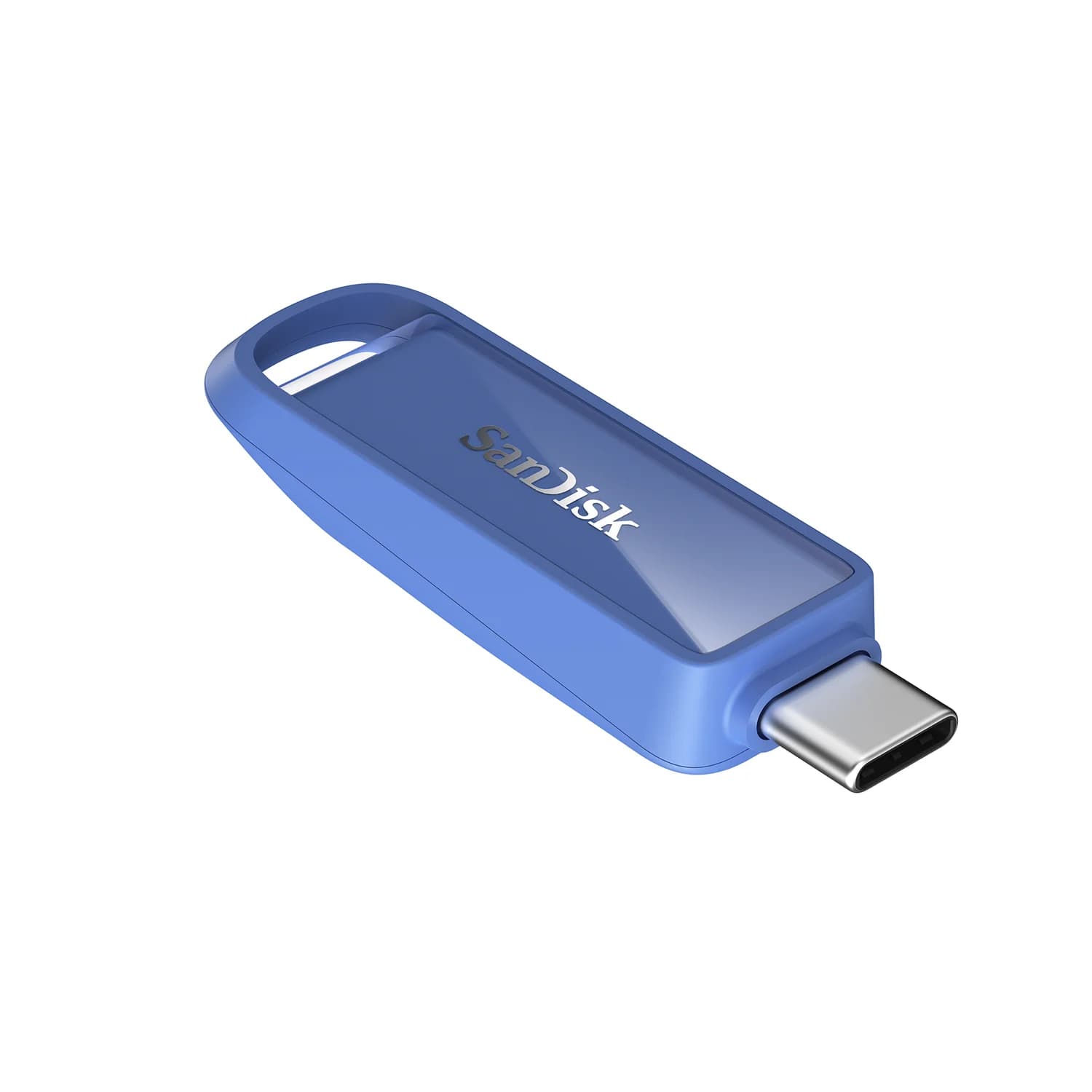
SanDisk
SanDisk Phone Drive with USB-C (256GB, Maritime Blue)
A slim USB-C flash drive with a built-in loop, designed for USB-C iPhones, iPads and Macs and rated up to 150MB/s reads.
- 5 Gbps data
- 1 port
SanDisk built the Phone Drive for USB-C iPhones, iPads and Macs. Its main draw is the SanDisk App, which can back up your photos and videos automatically, plus a copy of RescuePRO Deluxe recovery software (registration required). It has a metal exterior with a built-in loop, weighs 5.38g, and comes in four colors and in sizes up to 1TB.
On paper it's slow: SanDisk rates it up to 150MB/s read. On a standard iPhone 15, 16 or 17, that doesn't matter, because those phones transfer data at USB 2 speed, about 40MB/s, whichever drive you plug in. It matters more when you copy the backup to a computer. There's no cap, so the USB-C plug is exposed on a keyring, and the warranty is 2 years. Don't confuse it with SanDisk's Phone Drive for Android, which has a USB-A plug too, or the version with a Lightning plug.
See the SanDisk Phone Drive on Amazon
Best for password-protected files: Lexar JumpDrive Dual Drive D400
Lexar
Lexar JumpDrive Dual Drive D400 (256GB, USB-C and USB-A)
A metal swivel flash drive with both USB-C and USB-A plugs, rated up to 130MB/s reads over USB 3.2 Gen 1.
- 5 Gbps data
- 2 ports
The D400 is a metal swivel drive with USB-C and USB-A plugs and a key ring loop, like the Luxe, plus two extras. Lexar's free DataShield software creates a password-protected safe on the drive with 256-bit AES encryption, and Lexar backs it with a 5-year limited warranty.
The trade-off is speed. Lexar rates the 64GB to 256GB models at up to 130MB/s read (170MB/s at 512GB) and publishes no write speed, so it's best for documents and photos, not large video files. Files inside the DataShield safe need Lexar's software to open, so keep anything you need on your phone outside it. Lexar lists Android, PC and Mac compatibility but doesn't mention iPhone. A USB-C iPhone should read the drive's unencrypted files through the Files app, but Lexar doesn't promise it.
See the Lexar JumpDrive Dual Drive D400 on Amazon
How we choose
We haven't used these drives ourselves. Our picks come from research:
- Manufacturer specs. Every speed, rating, dimension and warranty comes from SanDisk's, PNY's, Samsung's and Lexar's product pages and data sheets. Where a maker publishes no figure, such as most write speeds, we say so instead of guessing.
- Standards and real ports. We match each drive's interface to the ports people actually have: 5Gbps on most phones, older laptops and hub ports, 10Gbps on recent laptops and iPhone Pro models, and USB 2 on standard iPhones and the A16 iPad.
- Platform rules. Apple's external storage requirements for iPhone and Google's USB storage guidance for Android come from their support pages.
- Known buyer patterns. For example, write speeds far below the headline read speed, and slow copies of large photo libraries.
We left out Kingston's 10Gbps DataTraveler Max because we couldn't confirm it's still sold new in the US.
Buying guide
USB 3.2 Gen 1 vs Gen 2: what the speed labels mean
| Interface | Link speed | Realistic ceiling for a flash drive | Drives here |
|---|---|---|---|
| USB 2.0 | 480Mb/s | About 40MB/s | Any drive, when plugged into a standard iPhone 15, 16 or 17 or the A16 iPad |
| USB 3.2 Gen 1 (also sold as USB 3.0 or USB 3.1 Gen 1) | 5Gbps | About 400-450MB/s | SanDisk Ultra Dual Drive Luxe, Samsung USB Type-C, SanDisk Phone Drive, Lexar D400 |
| USB 3.2 Gen 2 | 10Gbps | About 1,000MB/s | PNY DUO LINK V3, PNY PRO Elite V3 Type-C |
Three things the box won't tell you:
- Read and write differ. Makers lead with read speed. Write speed, which decides how long a copy to the drive takes, is often far lower or unpublished.
- Capacity changes the rating. Smaller sizes of the same drive are often rated slower.
- "Up to" is a peak. Thousands of small photos copy far more slowly than one big file, and a hot drive can slow during long copies.
The port matters as much as the drive. A Gen 2 drive in a 5Gbps hub port tops out at Gen 1 speed, and every drive drops to about 40MB/s on a USB 2 port. Our USB-C vs USB-A explainer covers why the connector shape tells you nothing about speed.
Using a flash drive with an iPhone or iPad
Every iPhone from the iPhone 15 on has a USB-C port, so a USB-C drive plugs straight in. Open the Files app, tap Browse, and the drive appears under Locations. Apple's rules: the drive must have a single partition and be formatted as APFS, APFS (encrypted), macOS Extended, exFAT, FAT32 or FAT. Files can reformat a drive if it isn't.
Speed depends on the phone, not just the drive. The standard iPhone 15, 16 and 17 and the A16 iPad use USB 2 for data, so any flash drive runs at about 40MB/s on them, and a Gen 2 drive is wasted money if that's all you'll plug it into. The Pro iPhones support USB 3 at up to 10Gbps. Our fast-charging phones guide lists the USB data speed of each current phone.
Using a flash drive with Android
Google supports USB drives on Android 7.0 and later. Plug the drive in, open Files by Google, tap the "USB available" notification, and the drive shows up under Storage devices, where you can copy, move and rename files. Samsung phones also open drives in the My Files app.
Google doesn't publish a list of supported file systems, and phone makers differ. exFAT is the safest choice for a drive you'll share between a phone and a computer. Android phones vary widely in port speed too: Samsung lists USB 3.2 Gen 1 (5Gbps) on the Galaxy S26 Ultra, while many budget phones are USB 2.
Format it exFAT
exFAT is the format to use for a drive you share. Windows, macOS, ChromeOS, iPhone, iPad and most Android phones can all read and write it. FAT32 also works almost everywhere, but it can't store a file larger than 4GB, which rules out long phone videos. APFS works only on Apple devices, and Macs can read NTFS drives but not write to them. Reformatting erases the drive, so copy anything you need first.
Keychain life and durability
A drive that lives on your keys takes a beating. Look at how the plug is protected (swivels leave it partly exposed, caps get lost, sliding covers do neither), whether the keyring loop is part of a metal body, and the warranty, which runs from two to five years among the picks here.
Always eject before you unplug, especially on a phone. Pulling a drive mid-write is the most common way to corrupt it.
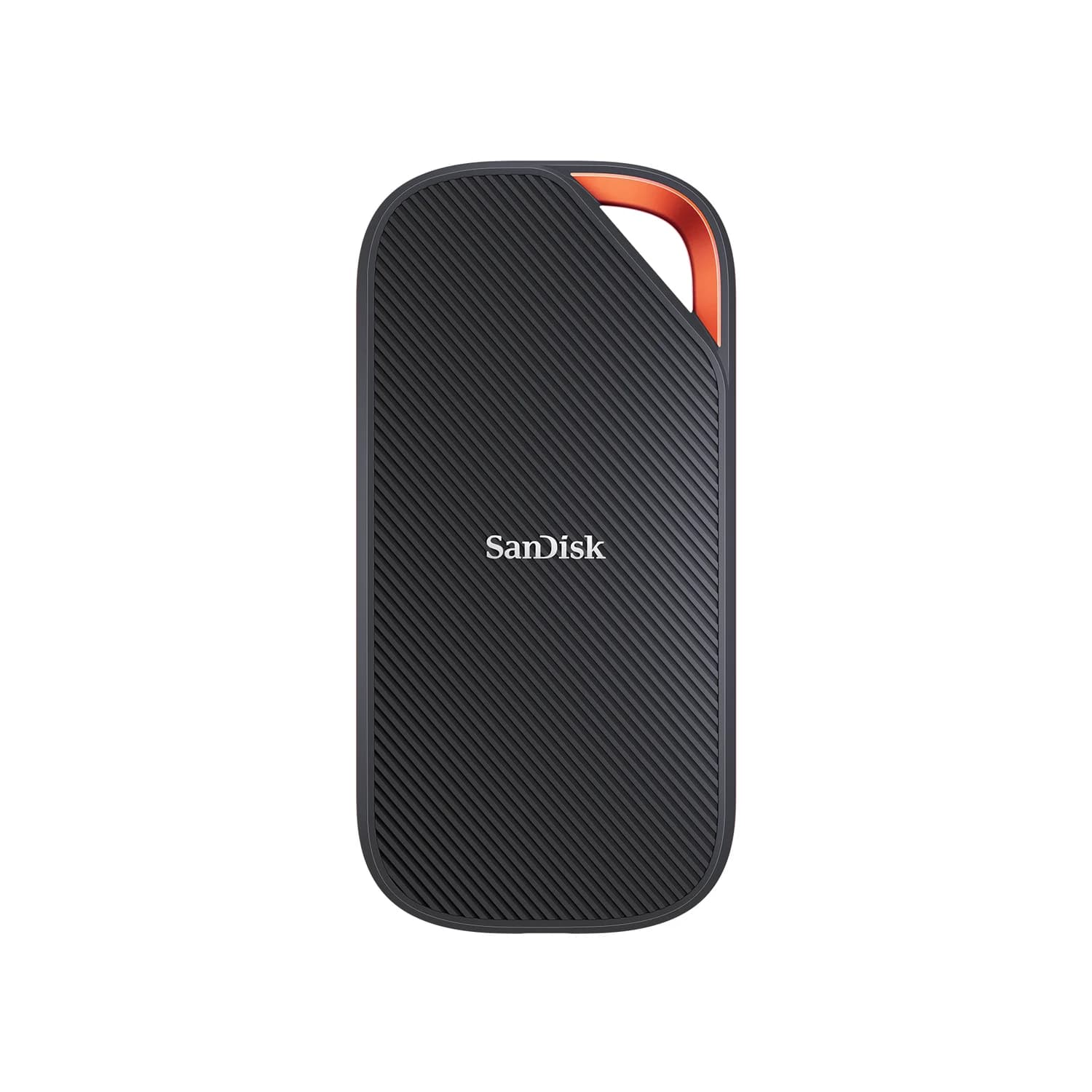
When a portable SSD is the better buy
A flash drive is for carrying files, not living on them. Get a portable SSD instead if you:
- Copy large files often, like video projects or a photo library. SSDs hold their speed through long writes, where flash drives often slow down.
- Need more than about 512GB. At that size, a portable SSD is usually the better buy and far faster at writing.
- Want to record ProRes on an iPhone Pro. Apple requires at least 220MB/s write, exFAT and no more than 4.5W of power draw, which is SSD territory.
- Want a backup drive. Time Machine and Windows backups write constantly, and SSDs are built for it.
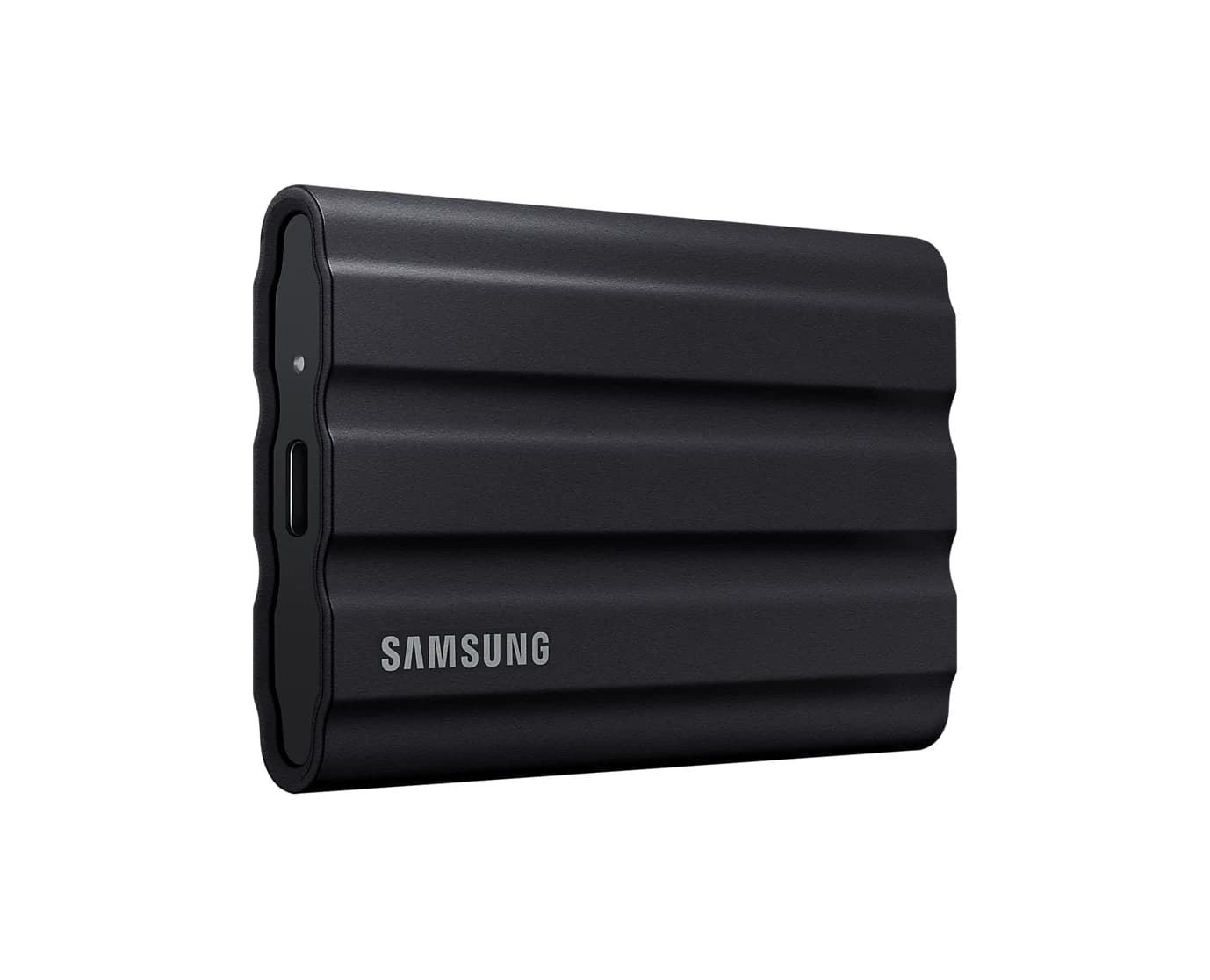
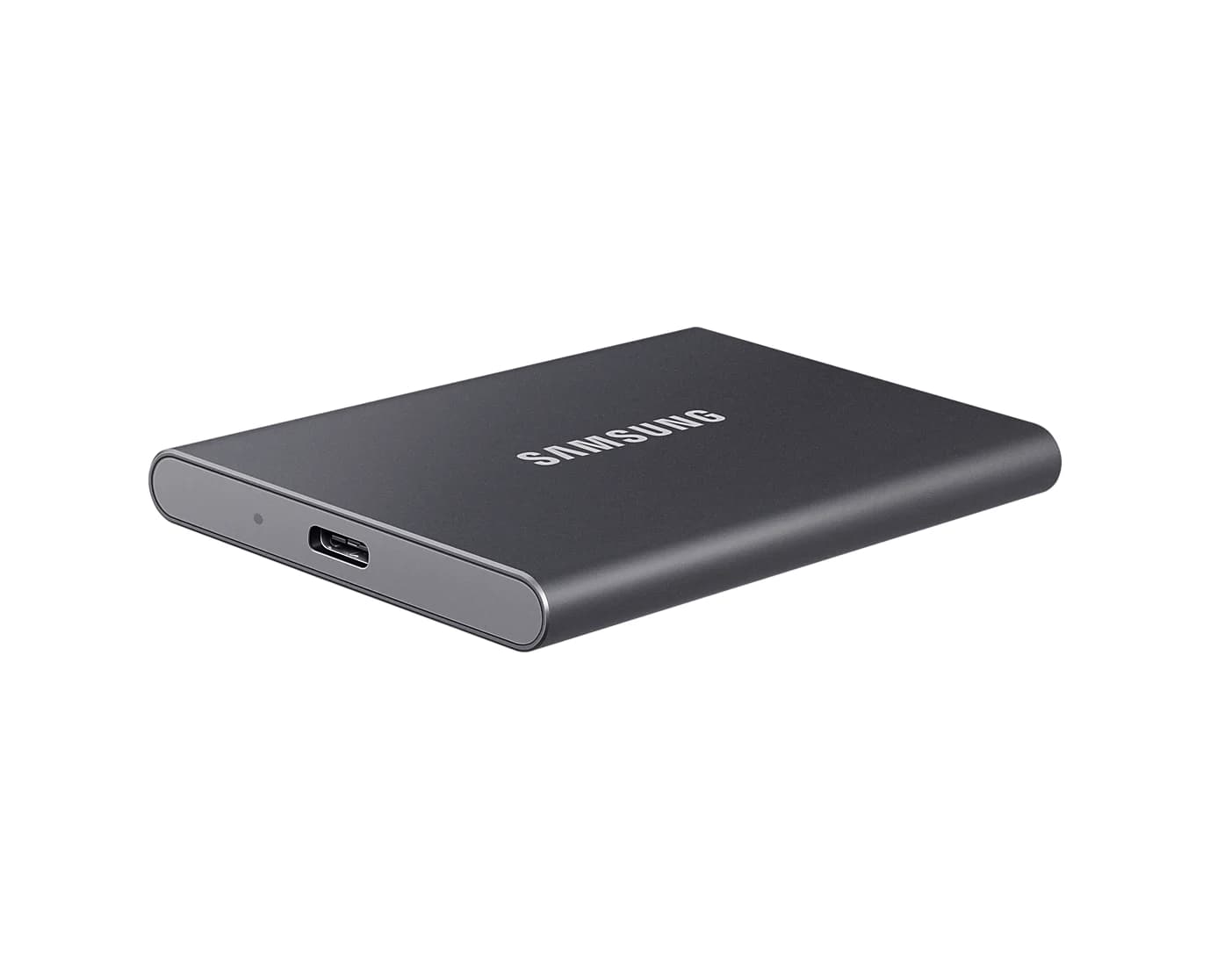
Our portable SSD guide covers 10Gbps drives like the Samsung T7, which reads at up to 1,050MB/s and is far quicker than any flash drive here at writing large files.
Verdict
Buy the SanDisk Ultra Dual Drive Luxe if you want one drive that plugs into everything. Get the PNY DUO LINK V3 for 10Gbps speed with both plugs, or the PNY PRO Elite V3 Type-C if everything you own is USB-C. The Samsung USB Type-C Flash Drive is the one to leave on your keys, the SanDisk Phone Drive makes iPhone backup simple, and the Lexar D400 adds a password-protected safe. Flash drives also make good small gifts, and our USB stocking stuffers guide has more ideas. If you're moving big video files or running backups, skip the flash drive and get a portable SSD.
Frequently asked questions
Do USB-C flash drives work with an iPhone?
Yes, on iPhone 15 and later, which have USB-C. Plug the drive in, open the Files app, tap Browse and find the drive under Locations. Apple requires a single partition formatted as APFS, macOS Extended, exFAT, FAT32 or FAT, and the Files app can reformat a drive that isn't. iPhones with Lightning need an Apple camera adapter or a drive with a Lightning plug.
Is a 10Gbps flash drive faster on an iPhone?
Only on Pro models. The standard iPhone 15, 16 and 17 use USB 2 for data, which tops out at 480Mb/s, or about 40MB/s in practice, so every drive here copies at roughly the same speed on them. Pro models from the iPhone 15 Pro on support USB 3 at up to 10Gbps, where a Gen 2 drive like the PNY PRO Elite V3 can pull ahead.
What format should a flash drive use for Mac, Windows and phones?
exFAT. Windows, macOS, ChromeOS, iPhone, iPad and most Android phones can read and write it, and unlike FAT32 it can hold files larger than 4GB, such as long phone videos. Use APFS only for a drive that stays with Apple devices. Reformatting erases everything, so copy your files off first.
Should I buy a flash drive or a portable SSD?
A flash drive is for carrying and sharing files: it's tiny, fits on a keyring and works in almost any port. A portable SSD is better for big, frequent transfers, backups and video, because it holds its speed during long writes. If you regularly copy more than a few gigabytes at a time, or want a Time Machine or iPhone ProRes drive, buy an SSD.
Why does my flash drive copy so slowly?
Usually one of three things. Write speeds are much lower than the advertised read speeds, and many makers don't publish them. Thousands of small files, like a photo library, copy far more slowly than one big file. And the port caps the drive: a 5Gbps port or hub limits a 10Gbps drive, and a USB 2 port, including on standard iPhones, holds any drive to about 40MB/s.