Best picks
Best Portable SSDs in 2026
The right portable SSD for a Mac, PC, iPhone Pro or console. 10Gbps, 20Gbps and USB4 drives compared, and why a 20Gbps drive runs at half speed on a Mac.
By thisUSB EditorialUpdated October 22, 20268 min read6 picks
Our picks at a glance
- See on Amazon
- See on Amazon
- See on Amazon
- See on Amazon4
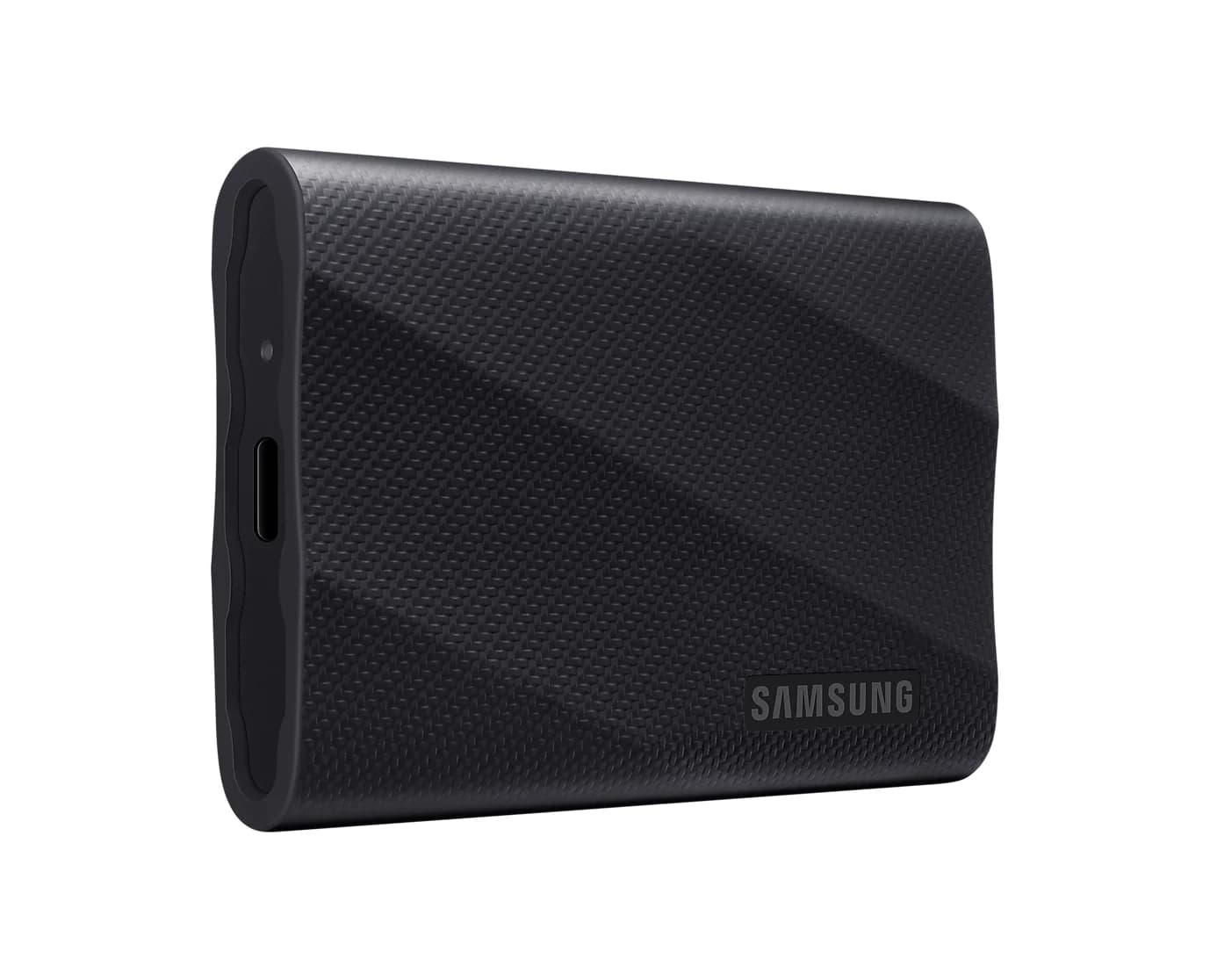
Best for Windows PCs with a 20Gbps port
Samsung T9 Portable SSD (2TB, USB 3.2 Gen 2x2)20 Gbps data · 1 port
- See on Amazon
- See on Amazon
For most people the best portable SSD is the Samsung T7 Shield. It's a 10Gbps drive that reaches its rated 1,050MB/s on any modern Mac, Windows PC, iPhone Pro or console, and Samsung rates it IP65 with 3m drop resistance. Mac video editors should step up to the SanDisk Extreme PRO with USB4, and iPhone filmmakers should look at the SanDisk Creator Phone SSD, which snaps onto the back of the phone.
Speed is where portable SSDs get confusing. A drive rated at 2,000MB/s needs a port most laptops don't have, and Macs don't support it at all. Each pick below names the port it needs.
Quick picks
| Pick | Award | Interface | Rated read / write | Needs for full speed |
|---|---|---|---|---|
| Samsung T7 Shield 2TB | Best overall | USB 3.2 Gen 2 (10Gbps) | 1,050 / 1,000MB/s | Any 10Gbps port |
| Samsung T7 1TB | Best value | USB 3.2 Gen 2 (10Gbps) | 1,050 / 1,000MB/s | Any 10Gbps port |
| SanDisk Extreme PRO with USB4 2TB | Best for Mac | USB4 (40Gbps) | 3,800 / 3,700MB/s | USB4 or Thunderbolt 4 port |
| Samsung T9 2TB | Best for 20Gbps PCs | USB 3.2 Gen 2x2 (20Gbps) | 2,000 / 1,950MB/s | A 20Gbps Gen 2x2 port (not on Macs) |
| SanDisk Creator Phone SSD 1TB | Best for iPhone ProRes | USB 3.2 Gen 2 (10Gbps) | 1,000 / 950MB/s | Any 10Gbps port |
| SanDisk Extreme Portable 2TB | Best rugged alternative | USB 3.2 Gen 2 (10Gbps) | 1,050 / 1,000MB/s | Any 10Gbps port |
Best overall: Samsung T7 Shield (2TB)
Samsung
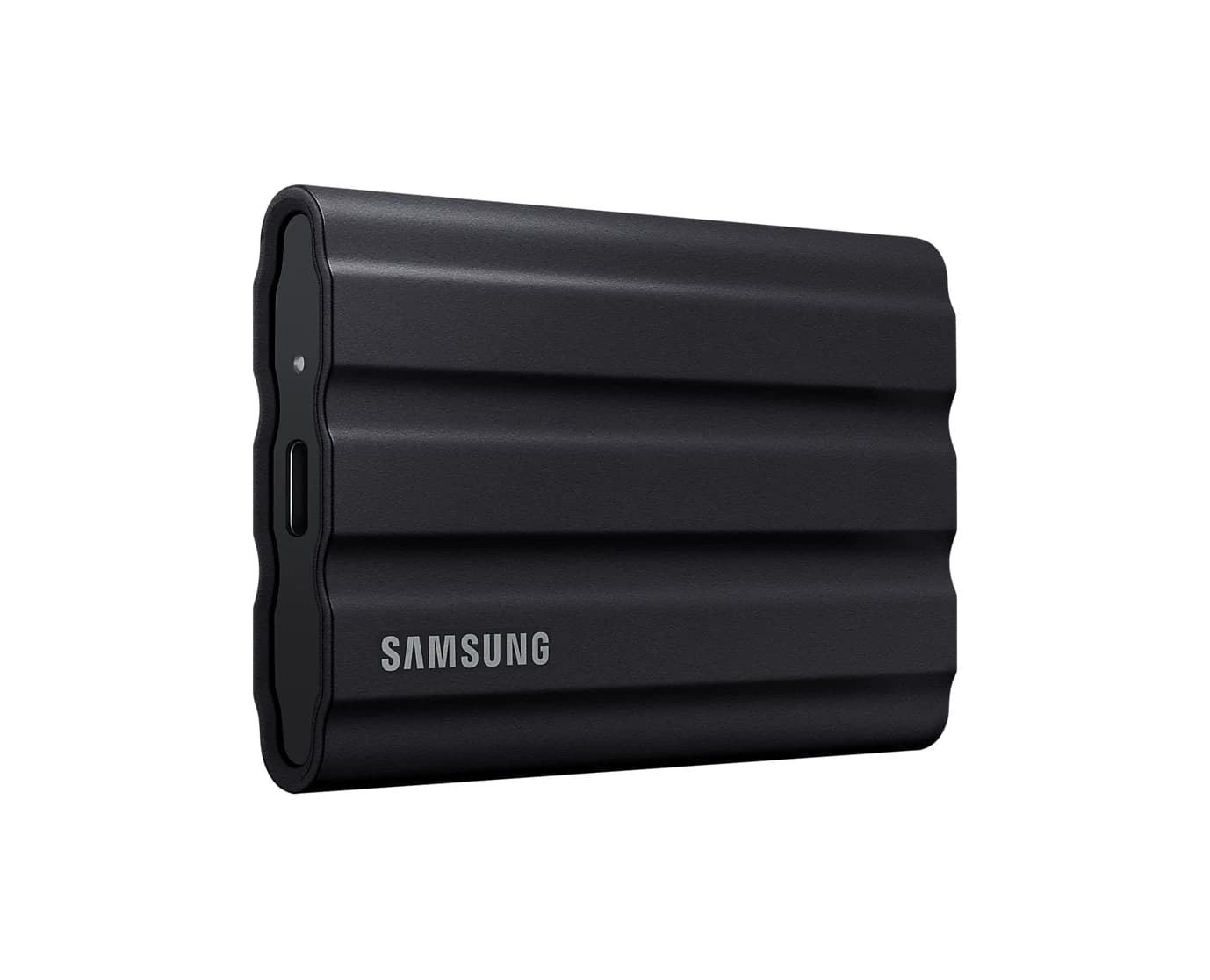
Samsung T7 Shield Portable SSD (2TB, Black)
A rugged, rubber-coated 2TB NVMe portable SSD over USB 3.2 Gen 2 with IP65 water and dust resistance.
- 10 Gbps data
- 1 port
The T7 Shield is a 10Gbps drive, and 10Gbps is the speed almost every device can actually use. It runs at its rated speed on every recent Mac, on Windows laptops, and on iPads and iPhone Pro models with USB-C, and it works with PS5 and Xbox. Samsung rates it at up to 1,050MB/s read and 1,000MB/s write.
What sets it apart from the plain T7 is the rubber-armored shell. Samsung's data sheet lists IP65 dust and water resistance and drop resistance up to 3m. Samsung's warranty doesn't cover water, dust or drop damage, though, so treat the ratings as a safety margin, not insurance. It weighs 98g, comes with USB-C to C and USB-C to A cables, and ships as exFAT for Mac and Windows. The 2TB size is the sweet spot for photo libraries, game libraries and phone video.
See the Samsung T7 Shield on Amazon
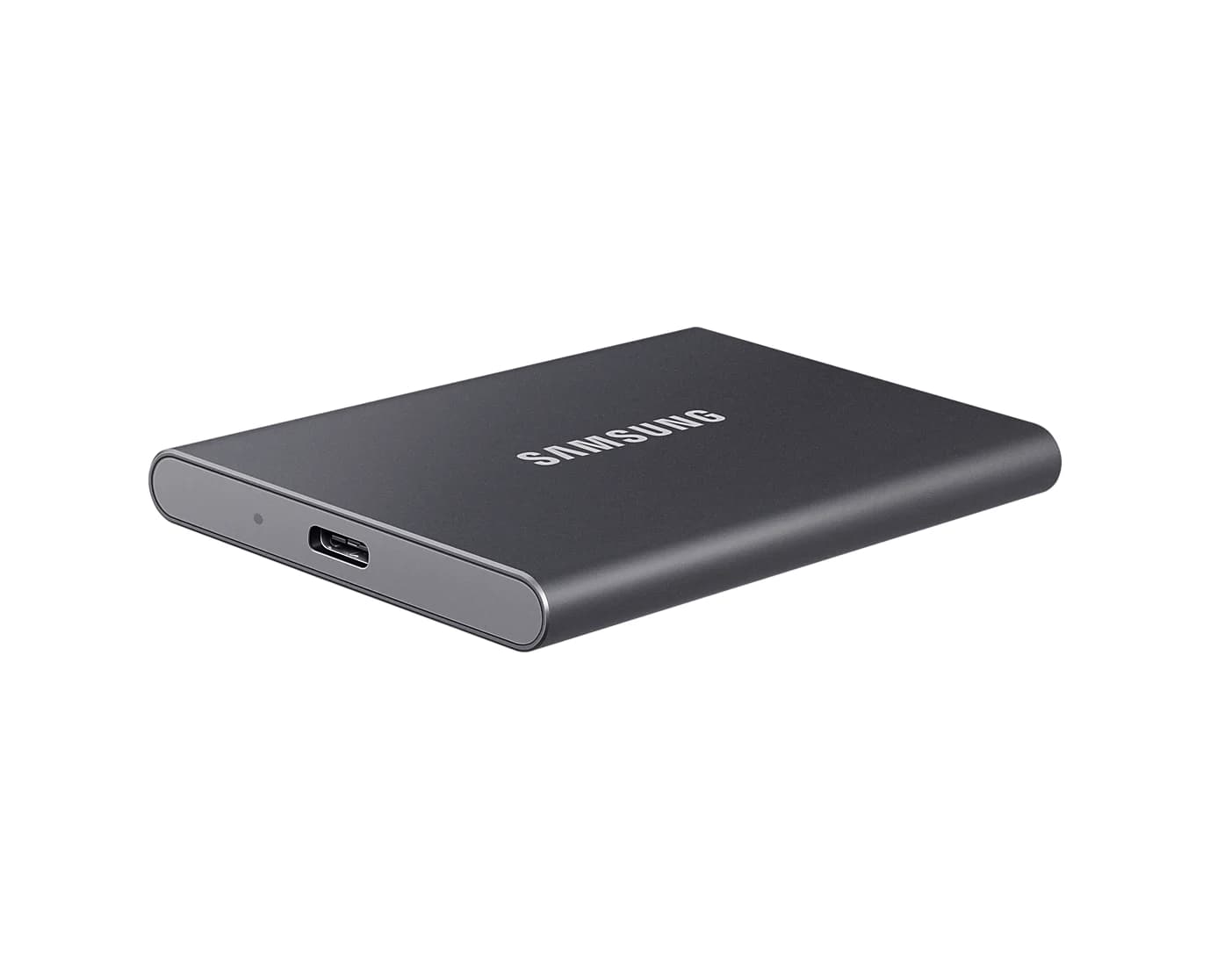
Best value: Samsung T7 (1TB)
Samsung
Samsung T7 Portable SSD (1TB, Titan Gray)
A pocket-size 1TB NVMe portable SSD over USB 3.2 Gen 2 with USB-C and USB-A cables in the box.
- 10 Gbps data
- 1 port
The original T7 has the same 10Gbps interface and the same 1,050MB/s read rating as the Shield, in a slimmer 85 x 57 x 8mm metal body that weighs 58g. You give up the IP65 rating and the rubber armor, and you get a smaller, cheaper drive.
It's the easy pick for a student laptop, a Steam Deck or ROG Ally library, or PS4 games on a PS5. Like the Shield, it includes both cable types, supports AES 256-bit hardware encryption, and works without any software. Samsung Magician is optional and handles firmware updates.
Best for Mac: SanDisk Extreme PRO with USB4 (2TB)
SanDisk
SanDisk Extreme PRO with USB4 Portable SSD (2TB)
A 2TB portable SSD with a USB4 (40Gbps) interface rated up to 3,800MB/s read, backward compatible with USB 3.2 and Thunderbolt 4 ports.
- 40 Gbps data
- 1 port
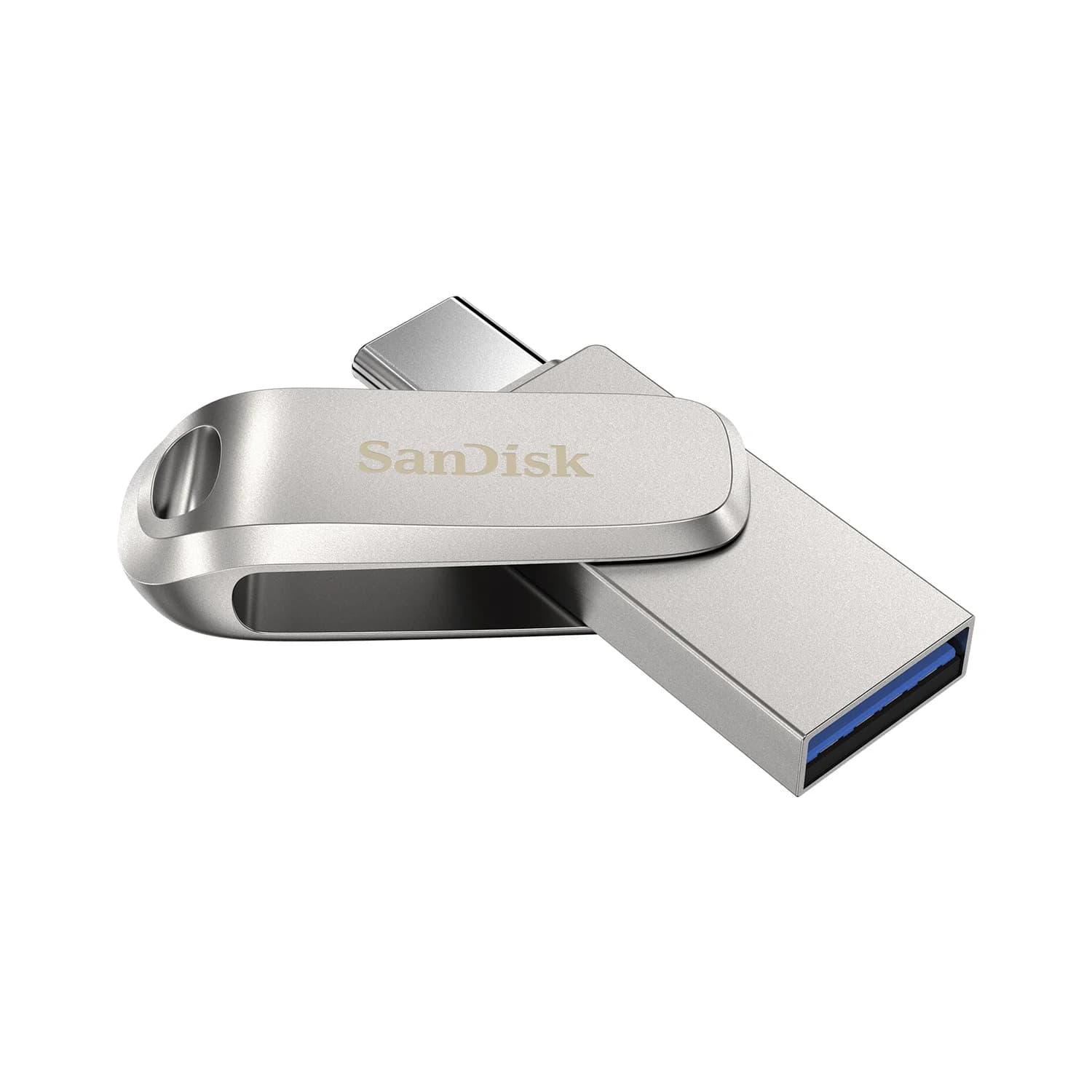
If you edit video or move large libraries on a Mac, this is the drive that's actually faster. SanDisk rates it at up to 3,800MB/s read and 3,700MB/s write over USB4, and it supports Thunderbolt 4. That matters because Macs skip the 20Gbps USB tier entirely (see the buying guide below). On a Thunderbolt or USB4 Mac, a USB4 drive runs at full speed, while a 20Gbps drive falls back to 10Gbps.
SanDisk lists macOS 14 or later, Windows 10 or later, PS5 and Xbox Series X|S. On an older USB 3.2 port, it works at that port's speed. The trade-offs: at 140mm long and 172g it's the biggest drive here, only a USB-C cable is included, and its IP65 and 2m drop ratings are a step below the T7 Shield's 3m. The 5-year warranty is longer than Samsung's 3 years on the T7 family.
See the SanDisk Extreme PRO with USB4 on Amazon
Best for Windows PCs with a 20Gbps port: Samsung T9 (2TB)
Samsung
Samsung T9 Portable SSD (2TB, USB 3.2 Gen 2x2)
A 2TB NVMe portable SSD rated up to 2,000MB/s over USB 3.2 Gen 2x2 (20Gbps), with USB-C and USB-A cables included.
- 20 Gbps data
- 1 port
The T9 is a USB 3.2 Gen 2x2 drive, rated at up to 2,000MB/s read and 1,950MB/s write. Samsung's own footnote explains the catch: you only get that speed if your computer and cable support Gen 2x2. Many Windows desktops have a 20Gbps USB-C port on the motherboard or front panel. Most laptops don't, and a Thunderbolt or USB4 port doesn't have to support Gen 2x2 either.
So buy the T9 only if you've confirmed a 20Gbps port. On a Mac or an iPhone it runs at 10Gbps, the same as a T7. In its favor, it has a 5-year warranty and a 3m drop rating, and both cable types are in the box. It has no water or dust rating.
Best for iPhone ProRes: SanDisk Creator Phone SSD (1TB)
SanDisk
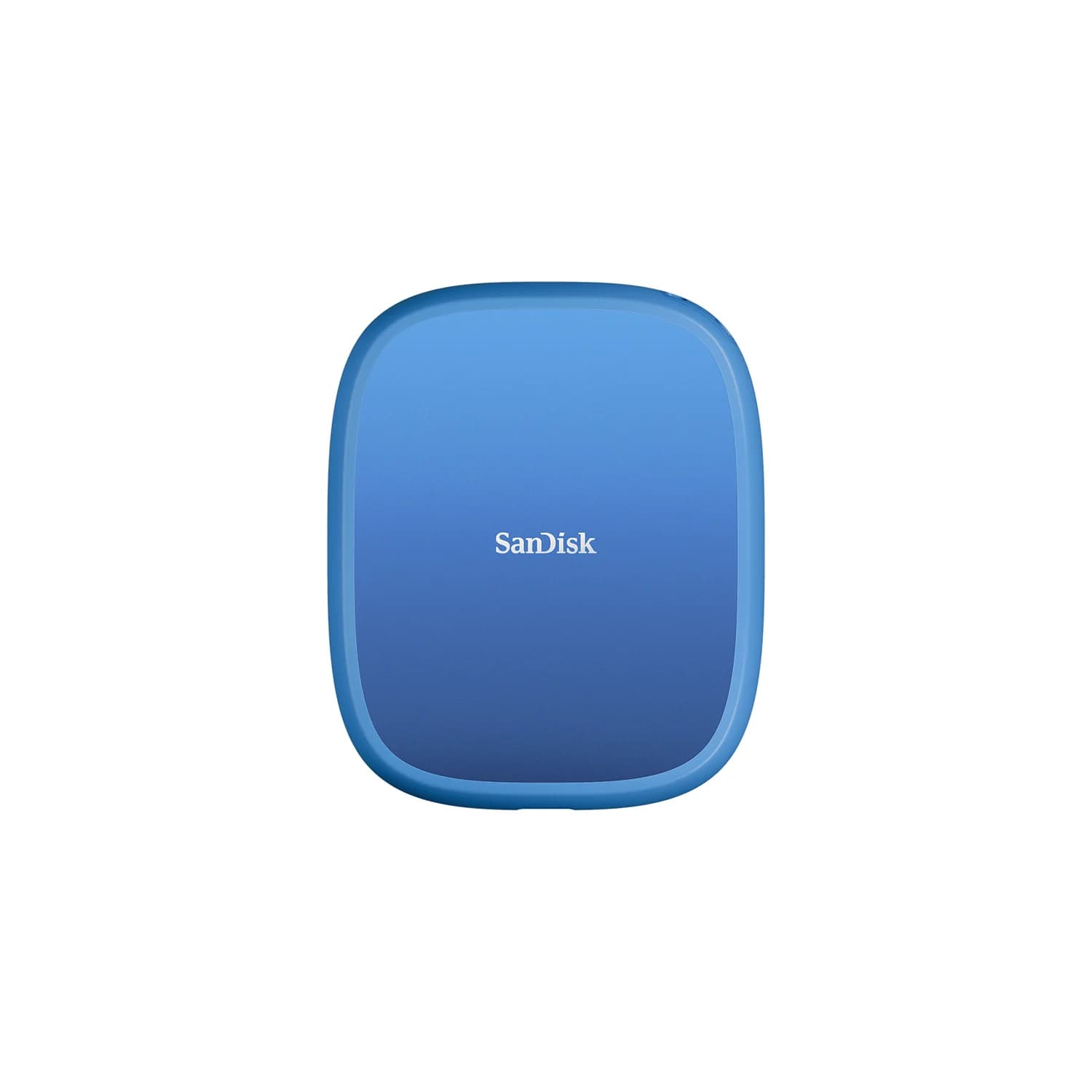
SanDisk Creator Phone SSD (1TB, MagSafe-Compatible)
A 1TB MagSafe-compatible portable SSD over USB 3.2 Gen 2 that attaches to the back of an iPhone for recording ProRes video straight to the drive.
- 10 Gbps data
- 1 port
Recording ProRes to an external drive works with any fast exFAT SSD, but a drive dangling from a cable is awkward when you're filming. The Creator Phone SSD snaps onto the back of a MagSafe iPhone, and SanDisk includes a magnetic ring so you can stick it to a laptop lid too. It weighs 54g, has an IP65 rating and 3m drop protection, and ships as exFAT, the format Apple requires.
On paper, it's rated at up to 950MB/s write, far above the 220MB/s Apple requires for 4K60 ProRes and the 440MB/s for 4K120. SanDisk lists iPhone 15 Pro and 16 Pro models. Apple's requirements are the same for newer Pro models, but check SanDisk's compatibility list for the newest phones. Two caveats: SanDisk doesn't list hardware encryption, and the 10Gbps interface makes it no faster than a T7 when you're offloading to a laptop.
See the SanDisk Creator Phone SSD on Amazon
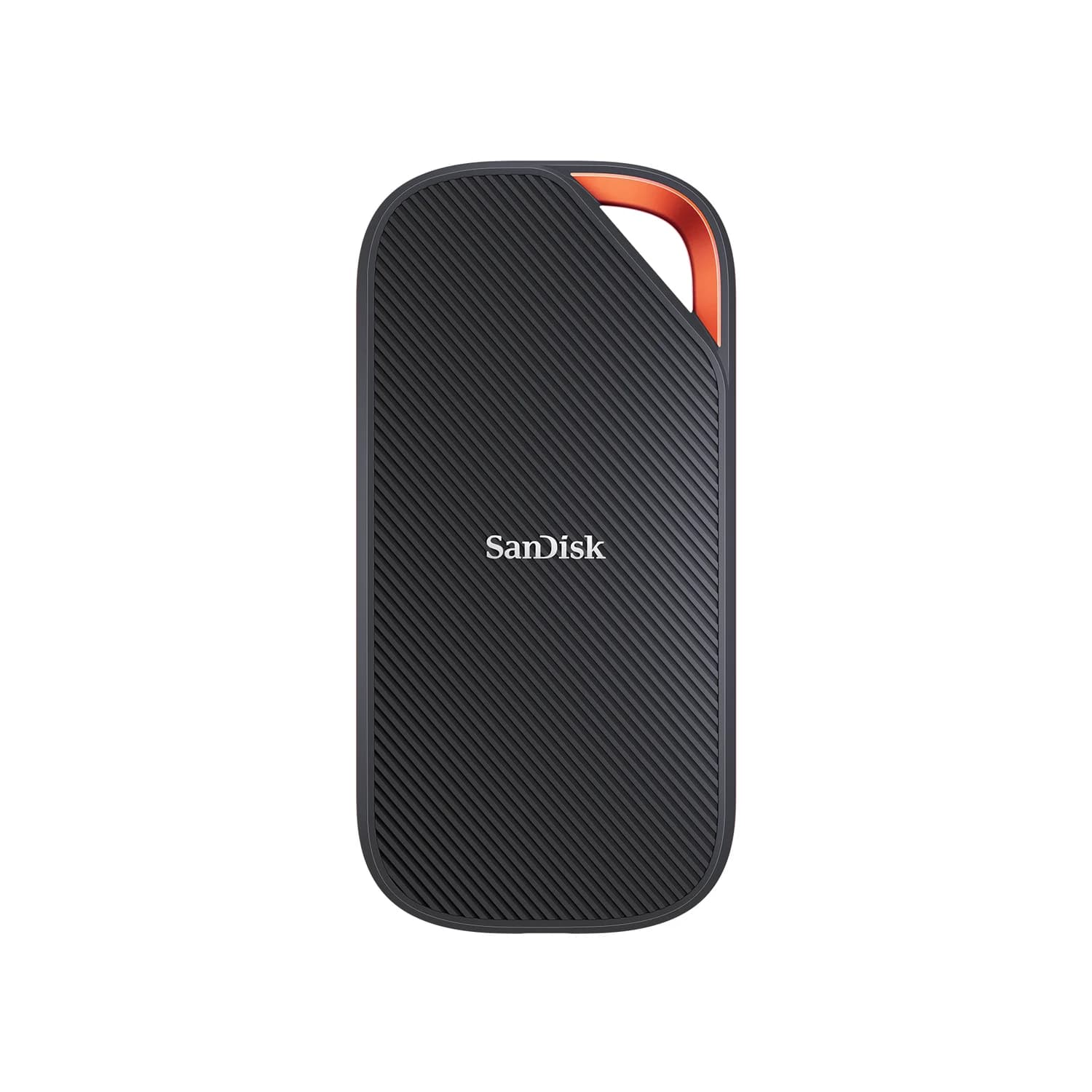
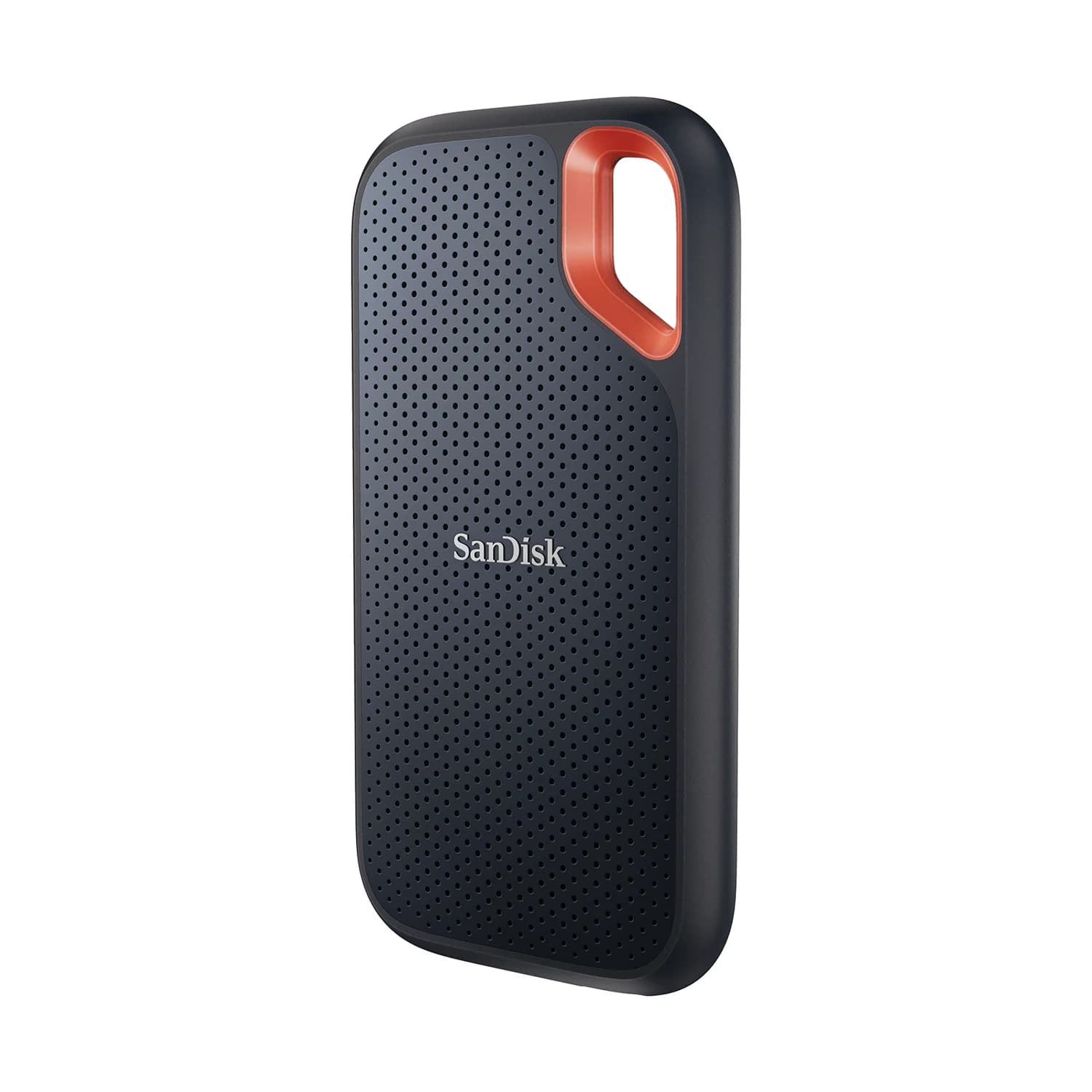
Best rugged alternative: SanDisk Extreme Portable SSD (2TB)
SanDisk
SanDisk Extreme Portable SSD (2TB, V2)
A pocket-size 2TB NVMe portable SSD over USB 3.2 Gen 2 with IP65 water and dust resistance and a carabiner loop.
- 10 Gbps data
- 1 port
This is the T7 Shield's closest rival. It's a 10Gbps drive rated at 1,050MB/s read and 1,000MB/s write, IP65 with 3m drop protection, and it has a carabiner loop for clipping to a camera bag. It also includes a USB-C to USB-A adapter and, unlike the T7 family, a 5-year warranty.
One thing to know: in 2023 SanDisk released a firmware update for some Extreme Portable SSD V2 units that could disconnect unexpectedly. The support link on this page goes to SanDisk's notice, which tells you how to check your drive's serial number. Password protection with 256-bit AES needs SanDisk's software.
See the SanDisk Extreme Portable SSD on Amazon
How we choose
We haven't tried these drives ourselves. Our picks come from research:
- Manufacturer specs. Every speed, rating and dimension comes from Samsung's or SanDisk's product pages and data sheets. Where a maker publishes no figure, such as a weight or sustained-write speed, we leave it out.
- Standards and host support. We match each drive's interface to what real ports support: 10Gbps nearly everywhere, 20Gbps Gen 2x2 only on some PCs and no Macs, and USB4 on recent Macs and laptops.
- Platform rules. Apple's ProRes requirements, Sony's PS5 storage rules and Microsoft's Xbox storage rules come from their support pages.
- Known buyer patterns. Examples include 2x2 drives disappointing Mac owners and SanDisk's 2023 firmware notice.
We left out Crucial's X9 and X10 drives. Micron exited the Crucial consumer business and stopped shipping Crucial drives in February 2026, so remaining stock is drying up. Micron says warranty support for existing Crucial drives continues.
Buying guide
USB speeds decoded: Gen 2 vs Gen 2x2 vs USB4
| Interface | Link speed | Typical drive rating | Where it runs at full speed |
|---|---|---|---|
| USB 3.2 Gen 1 | 5Gbps | About 400-450MB/s | Nearly everything |
| USB 3.2 Gen 2 | 10Gbps | About 1,000-1,050MB/s | Macs, PCs, iPads, iPhone Pro models, consoles |
| USB 3.2 Gen 2x2 | 20Gbps | About 2,000MB/s | Only PC ports labelled 20Gbps |
| USB4 / Thunderbolt | 40Gbps | About 3,800-4,000MB/s | Recent Macs and many recent laptops |
Gen 2x2 is the trap. It's an optional USB 3.2 mode that runs two 10Gbps lanes side by side. When a 2x2 drive can't get a 20Gbps link, it drops to 10Gbps and performs like a cheaper Gen 2 drive.
Why Macs don't support Gen 2x2. Apple has never built USB 3.2 Gen 2x2 into a Mac. Macs run USB 3 devices at up to 10Gbps and save higher speeds for Thunderbolt and USB4, which carry storage over a 40Gbps PCIe tunnel. That's why a USB4 drive can use the full 40Gbps link on a MacBook while a 2x2 drive is held to 10Gbps, or about 1,000MB/s. On a Mac, buy 10Gbps for value or USB4 for speed, and skip 2x2. If your Mac needs more ports for drives, our USB-C hubs for MacBook guide and Thunderbolt dock guide cover options that won't bottleneck a fast SSD.
Recording ProRes on an iPhone
iPhone 15 Pro and later Pro models can record ProRes straight to a drive. Apple's rules: at least 220MB/s write for 4K60 (440MB/s for 4K120 on models that support it), a maximum power draw of 4.5W, exFAT formatting, no password encryption, and a USB 3 cable rated for at least 10Gbps. The USB 2 cable that comes with the phone won't work. Apple also asks you to reformat before each 4K120 session. ProRes recording is a Pro-model feature. Other USB-C iPhones can still copy photos and videos to these drives, just more slowly. Our USB-C vs USB-A explainer covers why the connector tells you nothing about speed.
PS5 and Xbox
Sony requires a 5Gbps or faster drive of 250GB to 8TB, connected directly with no hub. PS4 games play from it. PS5 games can only be stored there and copied back to play. On Xbox Series X|S, Xbox One and older games play from a USB 3 drive, and Series X|S games must be moved to internal storage or an expansion card to play. For consoles, capacity beats speed: a 2TB 10Gbps drive is a better buy than a 1TB 20Gbps one. More ideas are in our gifts for gamers guide.
Other traps
- Use a good cable and a direct port. A 5Gbps hub port or a phone's USB 2 cable will cap any drive.
- Rated speeds are peaks. Long transfers can slow once a drive's cache fills, and no maker here publishes sustained-write figures.
- Encryption and formatting. Password protection needs the maker's software, and an encrypted drive won't work for iPhone ProRes.
Verdict
Buy the Samsung T7 Shield if you want one drive that works at full speed with everything you own, or the Samsung T7 if you'd rather save money and skip the armor. Mac users who move big video files should get the SanDisk Extreme PRO with USB4, the only drive here that's faster than 10Gbps on a Mac. Pick the Samsung T9 only if your PC has a 20Gbps port. iPhone filmmakers will appreciate the SanDisk Creator Phone SSD's magnetic mount, and the SanDisk Extreme is the T7 Shield alternative with a longer warranty.
Frequently asked questions
Is the Samsung T9 faster than the T7 on a Mac?
No. The T9 uses USB 3.2 Gen 2x2 (20Gbps), and Macs don't support that mode. On any Mac, including Thunderbolt and USB4 models, the T9 connects at 10Gbps, the same link the T7 and T7 Shield use, so you get T7-class speed for a higher price. For more speed on a Mac, buy a USB4 or Thunderbolt drive such as the SanDisk Extreme PRO with USB4.
What external SSD do I need to record ProRes on an iPhone?
Apple's requirements for the iPhone 15 Pro and later Pro models are a drive that writes at least 220MB/s for 4K60 ProRes (440MB/s for 4K120), draws no more than 4.5W, is formatted exFAT and isn't password-encrypted. You also need a USB 3 cable rated for 10Gbps, not the USB 2 cable that comes with the phone. Any 10Gbps drive in this guide meets the speed rating on paper.
Can you play PS5 games from an external SSD?
Not over USB. Sony lets you store PS5 games on a USB drive of 250GB to 8TB, but they must be copied back to internal storage to play. PS4 games do play directly from the USB drive. To play PS5 games from extra storage, you need an internal M.2 NVMe SSD instead. A fast USB SSD still makes moving games back and forth much quicker.
Why is my portable SSD slower than advertised?
Usually the port or cable. A 10Gbps drive on a 5Gbps USB-A port or a basic hub tops out around 400 to 450MB/s. A USB 2 cable, like the one that comes with most phones, drops it to around 40MB/s. Rated speeds are also peak sequential figures, and long writes can slow once the drive's cache fills. Plug directly into a USB-C port rated 10Gbps or faster with the cable that came with the drive.
Should I format a portable SSD as exFAT or APFS?
Leave it as exFAT if you move files between Mac and Windows, or if you record ProRes on an iPhone, which requires exFAT. Reformat to APFS only if the drive will stay with Macs, for example as a Time Machine backup drive. For a Windows-only drive, NTFS is fine, but Macs can only read NTFS by default. Reformatting erases everything on the drive.