Best picks
Best USB-C Tablets in 2026: iPad and Galaxy Tab Ports, Displays and Charging
Current iPads and the Galaxy Tab S12+ compared by USB-C speed, Thunderbolt, monitor support and charging, plus the hubs, chargers and SSDs that fit each one.
By thisUSB EditorialUpdated October 22, 20269 min read5 picks
Our picks at a glance
- See on Amazon1
Best overall
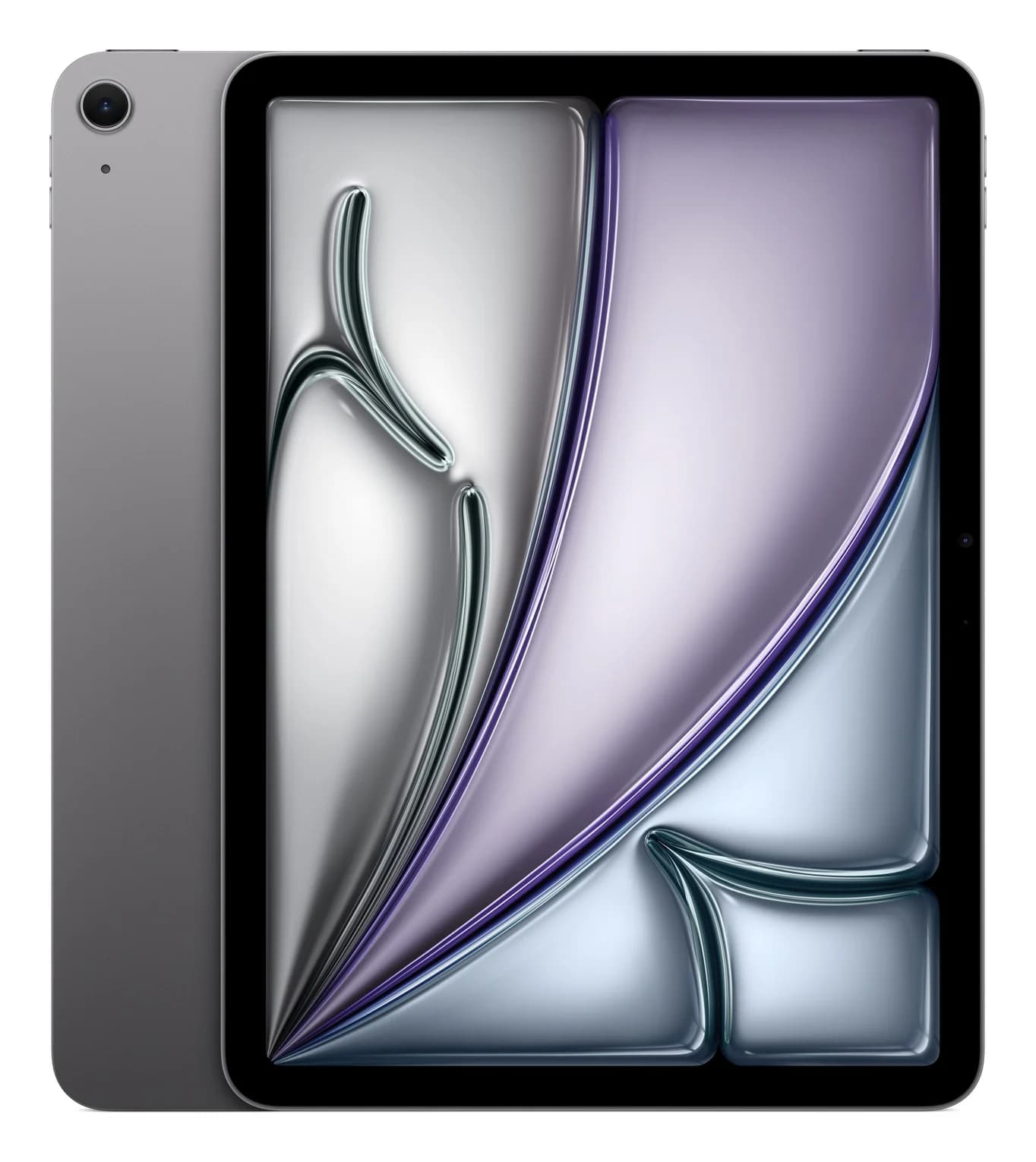
Apple iPad Air 11-inch (M4, 128GB, Wi-Fi, Space Gray)20W charger · 10 Gbps data · 1 external d video · 1 port
- See on Amazon2
Best for Thunderbolt docks and fast charging
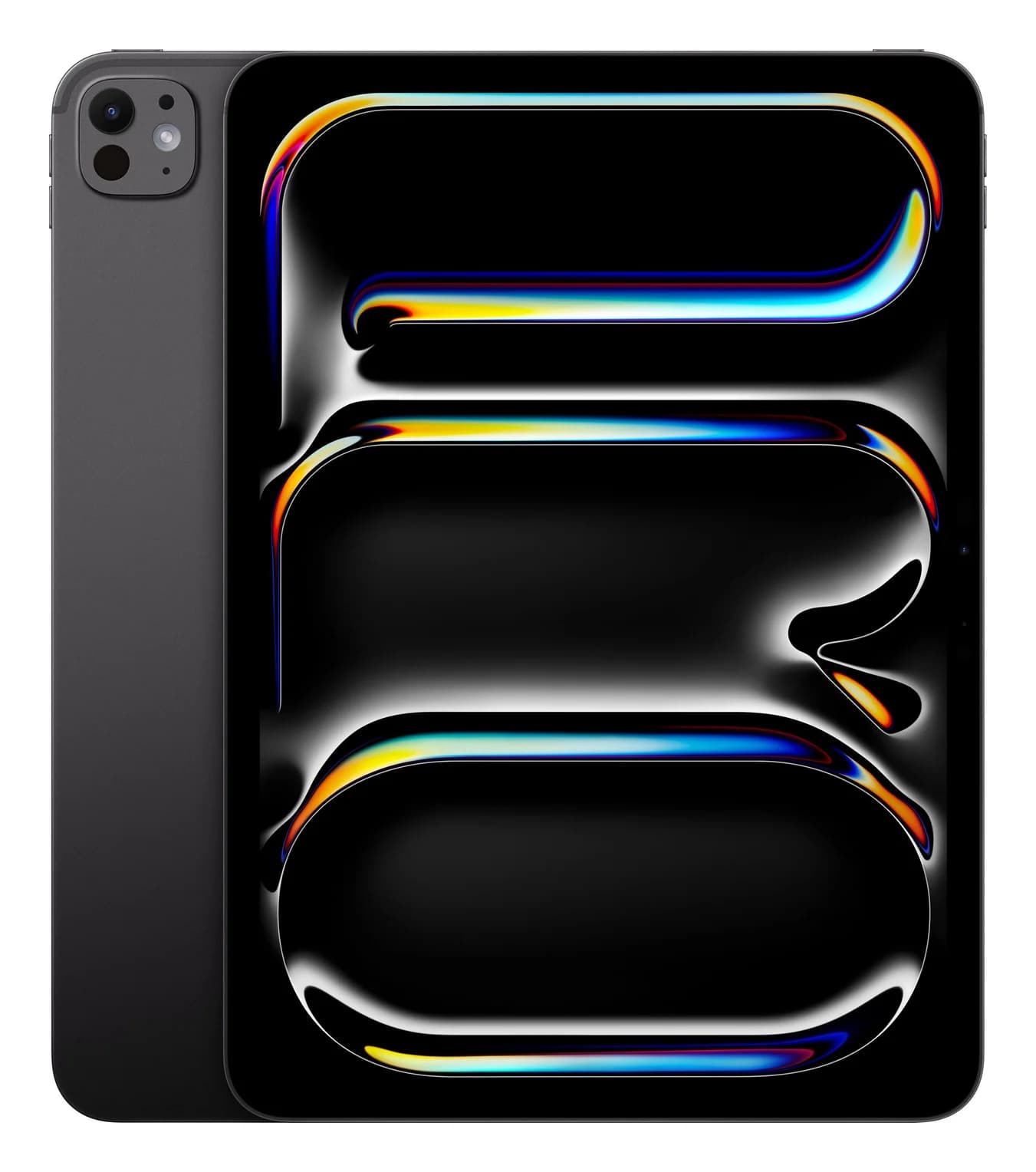
Apple iPad Pro 11-inch (M5, 256GB, Wi-Fi, Space Black)60W charger · 40 Gbps data · 5K120 video · 1 port
- See on Amazon3
Best budget
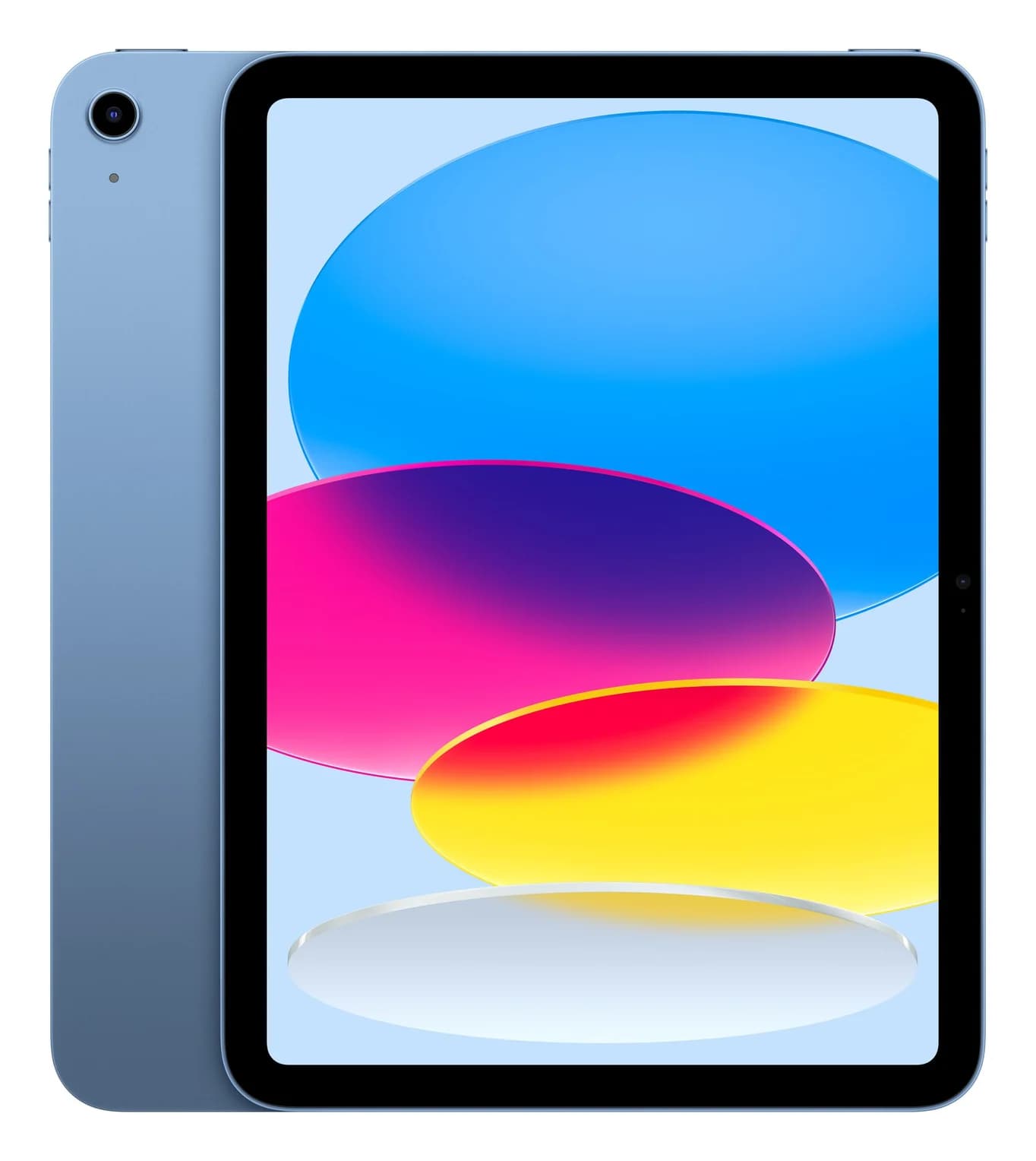
Apple iPad 11-inch (A16, 128GB, Wi-Fi, Blue)20W charger · 0.48 Gbps data · 4K60 video · 1 port
- See on Amazon4
Best small tablet
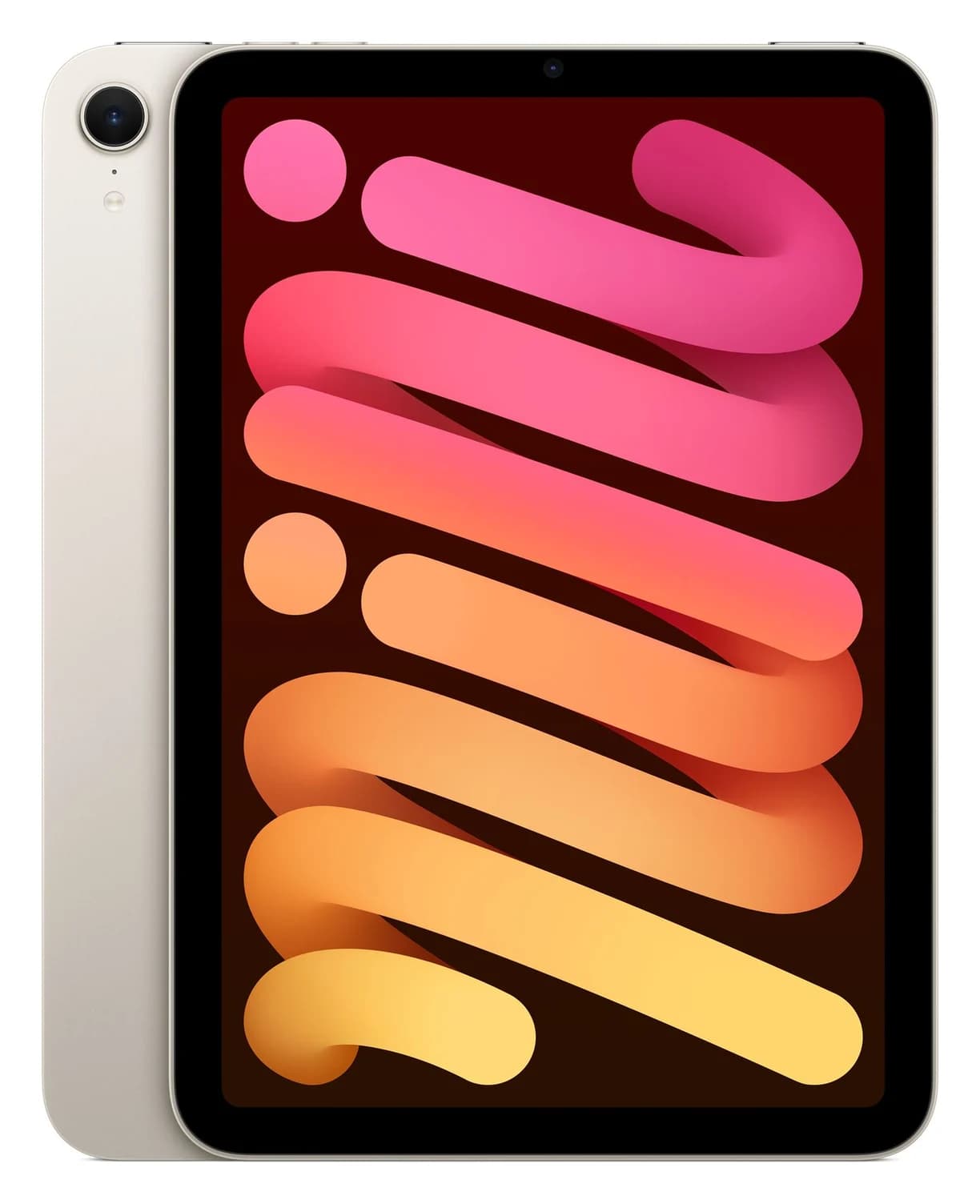
Apple iPad mini (A17 Pro, 128GB, Wi-Fi, Starlight)20W charger · 10 Gbps data · 4K60 video · 1 port
- See on Amazon5
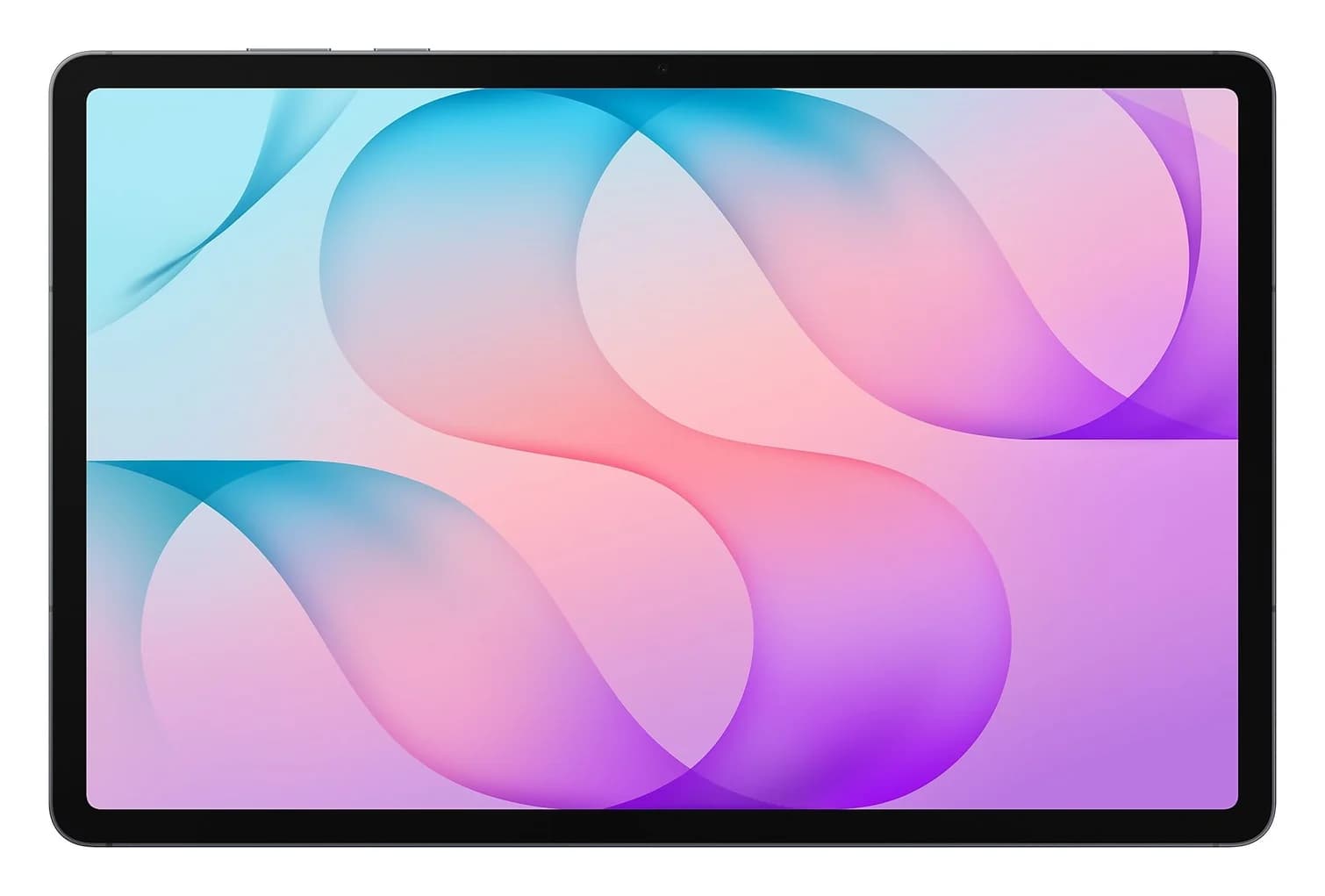
Best Android tablet
Samsung Galaxy Tab S12+ (256GB, Wi-Fi, Gray)45W charger · 5 Gbps data · Samsung DeX video · 1 port
For most people who want a tablet that works with a monitor, an SSD and a USB-C hub, the iPad Air 11-inch (M4) is the one to buy. Its USB-C port runs at 10Gb/s, and Apple lets it extend onto a second screen at up to 6K. If you want a Thunderbolt dock or the fastest charging, step up to the iPad Pro 11-inch (M5), and if you prefer Android, the Galaxy Tab S12+ brings 45W charging and Samsung DeX.
Every current iPad and Galaxy Tab has one USB-C port, but they're far from equal: data speeds range from 480Mb/s to 40Gb/s, and only some can use a monitor as a true second screen.
Quick picks
| Tablet | Award | Port and data speed | External display | Charging (maker) |
|---|---|---|---|---|
| iPad Air 11-inch (M4) | Best overall | USB-C, USB 3 up to 10Gb/s | 1 display up to 6K60, extended | 20W adapter in box; no faster Apple figure |
| iPad Pro 11-inch (M5) | Best for Thunderbolt docks and fast charging | Thunderbolt / USB 4, up to 40Gb/s | 1 display up to 6K60 or 5K120, extended | 50% in ~30 min with a 60W-capable adapter |
| iPad 11-inch (A16) | Best budget | USB-C, USB 2 (480Mb/s) | 1 display up to 4K60, mirrored | 20W adapter in box |
| iPad mini (A17 Pro) | Best small tablet | USB-C, USB 3 up to 10Gb/s | 1 display up to 4K60, mirrored | 20W adapter in box |
| Samsung Galaxy Tab S12+ | Best Android tablet | USB-C, USB 3.2 Gen 1 (5Gbps) | Samsung DeX via USB-C to HDMI | 45W; no charger in box |
Extended or mirrored: the display difference that matters most
When you plug a tablet into a monitor, one of two things happens. Extended means the monitor becomes a separate workspace: on an iPad, Stage Manager lets you put apps on the big screen while you work on the tablet. Mirrored means the monitor shows a copy of the tablet's screen, which is fine for presenting or watching video but not for working.
Apple's iPad User Guide lists only the iPad Pro and the iPad Air (M2 and later) as supporting extended displays. The iPad (A16) and iPad mini (A17 Pro) mirror, even though both output 4K at 60Hz. Samsung goes its own way with DeX, a desktop-style interface with resizable windows that launches through a standard USB-C to HDMI adapter.
All of these tablets drive one external display. A dock with two monitor ports won't give an iPad a second external screen.
Best overall: Apple iPad Air 11-inch (M4)
Apple
Apple iPad Air 11-inch (M4, 128GB, Wi-Fi, Space Gray)
Apple's 11-inch iPad Air with the M4 chip and a USB-C port rated for USB 3 at up to 10Gb/s and 6K external displays.
- 20W charger
- 10 Gbps data
- 1 external d video
- 1 port
The iPad Air is where Apple's USB-C features stop being cut down. Apple lists USB 3 at up to 10Gb/s, which is the full speed of most portable SSDs, and native DisplayPort output to one display at up to 6K 60Hz, extended rather than mirrored. Apple also lists the Studio Display, Studio Display XDR and Pro Display XDR as supported.
That makes it a good match for a 10Gbps hub. The UGREEN Revodok Pro 108 adds 4K 60Hz HDMI, SD and microSD readers and 10Gbps USB ports, and it passes up to 85W through to the iPad from a 100W charger. Note that HDMI on a hub tops out at 4K60; the iPad's 6K output needs a USB-C or Thunderbolt monitor. For storage, a 10Gbps drive such as the Samsung T7 Shield runs at its full rated speed on this port.
On charging, Apple includes a 20W adapter and a USB-C cable in the US box and publishes no fast-charge time for the Air. Apple's support page says a higher-wattage USB-C adapter, like a Mac laptop's, can charge an iPad faster. The listing is the 128GB Wi-Fi model in Space Gray.
See the iPad Air 11-inch (M4) on Amazon
Best for Thunderbolt docks and fast charging: Apple iPad Pro 11-inch (M5)
Apple
Apple iPad Pro 11-inch (M5, 256GB, Wi-Fi, Space Black)
Apple's 11-inch iPad Pro with the M5 chip and a tandem OLED display, and the only current iPad with a Thunderbolt / USB 4 port (up to 40Gb/s).
- 60W charger
- 40 Gbps data
- 5K120 video
- 1 port
The iPad Pro is the only tablet here with Thunderbolt. Apple lists Thunderbolt 3 and USB 4 at up to 40Gb/s on its USB-C port, plus DisplayPort output to one display at up to 6K 60Hz or 5K 120Hz, extended. Apple's support page says the M4 and M5 iPad Pro work with Thunderbolt and USB 4 accessories, hubs and docks, and that some of them draw power from the iPad.
So a Thunderbolt dock such as the UGREEN Revodok Max 208 can give it Ethernet, extra ports and charging from one cable, but be realistic. Dock makers write their specs for Mac and Windows hosts, so iPad support for every port isn't guaranteed, and the iPad still drives just one external display. A 40Gbps drive like the SanDisk Extreme PRO with USB4 is where the faster port pays off on paper. For both, use a cable rated for 40Gb/s, such as the Plugable Thunderbolt 5 cable.
This is also the only iPad with an Apple fast-charge claim: up to 50% in around 30 minutes with Apple's 40W Dynamic Power Adapter with 60W Max or any USB-C adapter that can supply 60W or more. The 20W adapter in the box is well below that. The listing is the 256GB Wi-Fi model in Space Black.
See the iPad Pro 11-inch (M5) on Amazon
Best budget: Apple iPad 11-inch (A16)
Apple
Apple iPad 11-inch (A16, 128GB, Wi-Fi, Blue)
Apple's entry-level 11-inch iPad with the A16 chip and a USB-C port limited to USB 2.0 data, with 4K 60Hz video out.
- 20W charger
- 0.48 Gbps data
- 4K60 video
- 1 port
The base iPad covers the USB-C basics. It charges from any USB-C charger, with a 20W adapter and cable in the US box, and its port outputs DisplayPort video to one display at up to 4K 60Hz, which also works with a TV through a USB-C to HDMI adapter. Keyboards, flash drives and card readers work without drivers.
The limits are clear on Apple's spec sheet. Data runs at USB 2 speed (480Mb/s), about a twentieth of the iPad Air's 10Gb/s, so an external SSD crawls. And the external display mirrors the iPad rather than extending it. That makes a simple hub the right accessory: the Anker 332 5-in-1 adds HDMI, USB ports and up to 85W pass-through charging, and its 5Gbps ports are already faster than this iPad can use. The listing is the 128GB Wi-Fi model in Blue.
Best small tablet: Apple iPad mini (A17 Pro)
Apple
Apple iPad mini (A17 Pro, 128GB, Wi-Fi, Starlight)
Apple's 8.3-inch iPad mini with the A17 Pro chip and a USB-C port rated for USB 3 at up to 10Gb/s and 4K 60Hz video out.
- 20W charger
- 10 Gbps data
- 4K60 video
- 1 port
The iPad mini packs the same 10Gb/s USB 3 port as the iPad Air into an 8.3-inch tablet that weighs 293 g. It outputs DisplayPort video at up to 4K 60Hz, but like the base iPad it mirrors rather than extends. It supports Apple Pencil Pro, and the US box includes a 20W adapter and a USB-C cable.
Its fast port suits travel accessories. The StarTech.com 10Gbps 4-port hub adds two USB-C and two USB-A ports, all at up to 10Gbps, without HDMI. If you also want a screen, the UGREEN Revodok Pro 106 combines 4K 60Hz HDMI with four 10Gbps ports and 85W pass-through. The 19.3 Wh battery is the smallest of the current iPads. The listing is the 128GB Wi-Fi model in Starlight.
See the iPad mini (A17 Pro) on Amazon
Best Android tablet: Samsung Galaxy Tab S12+
Samsung
Samsung Galaxy Tab S12+ (256GB, Wi-Fi, Gray)
Samsung's 12.6-inch 2026 Android tablet with an S Pen in the box, 45W USB PD charging, a 5Gbps USB 3.2 Gen 1 port and Samsung DeX on an external display.
- 45W charger
- 5 Gbps data
- Samsung DeX video
- 1 port
The Tab S12+ charges at up to 45W, which Samsung calls Super Fast Charging 2.0, over USB PD. Samsung lists 20W as the minimum charger power and 45W as the maximum, and there's no charger in the box. Samsung's own 45W adapter lists USB PD 3.0 with PPS. Among our catalog chargers, the UGREEN 65W Universal Travel Adapter lists Samsung's 45W Super Fast Charging 2.0 on its main port. UGREEN doesn't publish the current behind that mode, so pair it with a 5A cable such as the Anker 240W two-pack to be safe.
The port is USB 3.2 Gen 1 (5Gbps), with microSD up to 2TB for storage that never needs a cable. Samsung DeX turns a monitor into a windowed desktop through a plain USB-C to HDMI adapter, though Samsung doesn't publish a maximum resolution. The S Pen comes in the box. Amazon doesn't appear to stock the larger Tab S12 Ultra in the US, which is why the S12+ is our Android pick. The listing is the 256GB Wi-Fi model in Gray.
See the Galaxy Tab S12+ on Amazon
Hubs, chargers and drives that fit
One USB-C port means a hub is the most useful accessory for any of these tablets. What to check:
- Power pass-through. A hub with a USB-C PD input lets you charge while the hub is connected. Hubs keep some power for themselves, so a 100W input usually gives the tablet around 85W, which is plenty.
- HDMI at 4K60. Hubs that promise 4K 60Hz need a host that supports DisplayPort 1.4 Alt Mode. Cheaper hubs run HDMI at 4K 30Hz, which is fine for slides but choppy for scrolling. Our USB-C hubs with HDMI guide explains the difference.
- 10Gbps ports. These matter on the iPad Air, mini and Pro. On the base iPad's USB 2 port, they make no difference.
- Data-only USB-C ports. Many hubs have extra USB-C ports that carry data but no video or charging. Our portable USB hubs guide flags them.
For storage, see our portable SSD guide, and for faster charging than the in-box 20W, our USB-C charger guide. If you're considering a Thunderbolt dock for the iPad Pro, our Thunderbolt docks guide covers the options, written for Macs and PCs.
How we choose
We haven't put these tablets on a desk with a dock ourselves. Our picks come from research:
- Maker specs first. Port type and speed, external display support, charging claims and in-box contents come from Apple's and Samsung's own tech specs, user guides and support pages, linked from each product page.
- Accessory fit. We match each tablet's port against the published specs of hubs, chargers, cables and drives in our catalog: whether a hub's HDMI needs DisplayPort 1.4 Alt Mode, whether its data ports run at 10Gbps, and how much power it passes through.
- Current and popular. Every tablet is the current model on its maker's US site in October 2026, from a brand with a long support record.
- Known patterns. Well-reported issues, such as a hub's USB-C port being data-only, or a USB 2 cable capping a fast SSD.
Buying guide
Decide whether you need a second screen. If you want to work across a monitor and the tablet, only the iPad Air and iPad Pro extend. The base iPad and mini mirror. Samsung's DeX is a third option with its own desktop interface.
Match the port to your storage. A 10Gbps drive tops out around 1,000MB/s, and the iPad Pro's 40Gb/s port is the only one here with headroom beyond that. The Air and mini are fine for 10Gbps drives. Skip the base iPad if you move big video files.
Charging is mostly a non-issue. Every current iPad comes with a 20W adapter in the US. Only the iPad Pro has an Apple figure for faster charging, with a 60W-capable adapter. The Galaxy Tab S12+ has no charger in the box and tops out at 45W.
Buy the right cable. Many USB-C cables, including most charging cables, only carry USB 2 data. For SSDs and docks, use a cable rated for 10Gb/s or more; our fast-charging cable guide explains the ratings.
Verdict
Buy the iPad Air 11-inch (M4) for 10Gb/s USB and a true extended display. Get the iPad Pro 11-inch (M5) if you want Thunderbolt, 40Gb/s storage or Apple's 30-minute fast charge. The iPad (A16) is the budget pick for charging, keyboards and mirrored video, and the iPad mini keeps 10Gb/s USB in a small tablet. On Android, the Galaxy Tab S12+ brings 45W charging, microSD and DeX.
Frequently asked questions
Which iPad can use an external monitor as a second screen?
Apple lists the iPad Pro and the iPad Air (M2 and later) as supporting extended displays, so a monitor becomes a separate workspace with Stage Manager. The current iPad Air drives one display at up to 6K 60Hz and the iPad Pro up to 6K 60Hz or 5K 120Hz. The iPad (A16) and iPad mini (A17 Pro) connect to a 4K monitor too, but they mirror their own screen.
Does the iPad Pro work with Thunderbolt docks?
Yes. Apple says the iPad Pro with M4 or M5 works with Thunderbolt and USB 4 accessories, including hubs and docks, and its port runs at up to 40Gb/s. Two limits apply: the iPad drives only one external display, so a dock's second monitor port won't help, and Apple notes some accessories draw power from the iPad. Dock makers usually list Mac and Windows, so check iPad support before you buy.
What charger do I need to fast charge an iPad?
Only the iPad Pro has an Apple fast-charge claim: up to 50% in around 30 minutes with Apple's 40W Dynamic Power Adapter with 60W Max or another USB-C adapter that can supply 60W or more. Apple puts a 20W adapter in the US box of every current iPad. For the Air, mini and base iPad, Apple gives no faster figure but says a higher-wattage USB-C adapter, such as a Mac laptop's, can charge faster.
Will a portable SSD work with my iPad?
Yes. Every current iPad reads USB-C drives in the Files app without drivers. Speed depends on the port: up to 40Gb/s on the iPad Pro, 10Gb/s on the iPad Air and iPad mini, and USB 2 speed (480Mb/s) on the iPad (A16), where even a fast SSD is slow. Use a cable rated for 10Gb/s or faster, because many charging cables are USB 2 only.
Can I use Samsung DeX on the Galaxy Tab S12+ with a monitor?
Yes. Samsung lists the Tab S12 series for wired DeX and says a standard USB-C to HDMI adapter starts it on an external display. Samsung doesn't publish a maximum resolution. Because the tablet has one USB-C port, use a hub with USB-C power pass-through if you want to charge while it's connected.