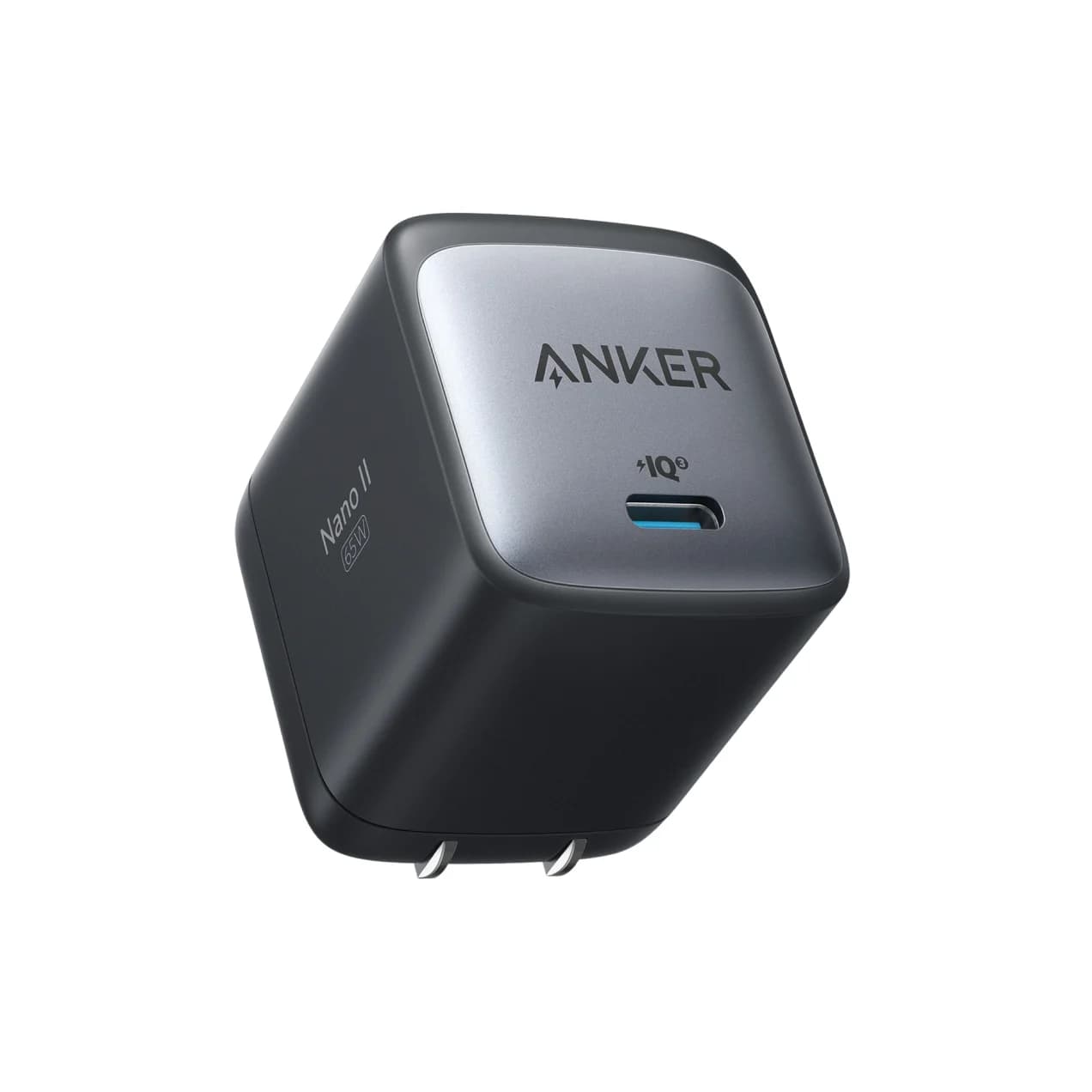
65W max output1 port
Anker 715 Charger (Nano II 65W)
Delivers 65W, enough for this device's 60W charging.
- MacBook Air
- Travel
- Windows laptop
Apple
Apple's 11-inch iPad Pro with the M5 chip and a tandem OLED display, and the only current iPad with a Thunderbolt / USB 4 port (up to 40Gb/s).
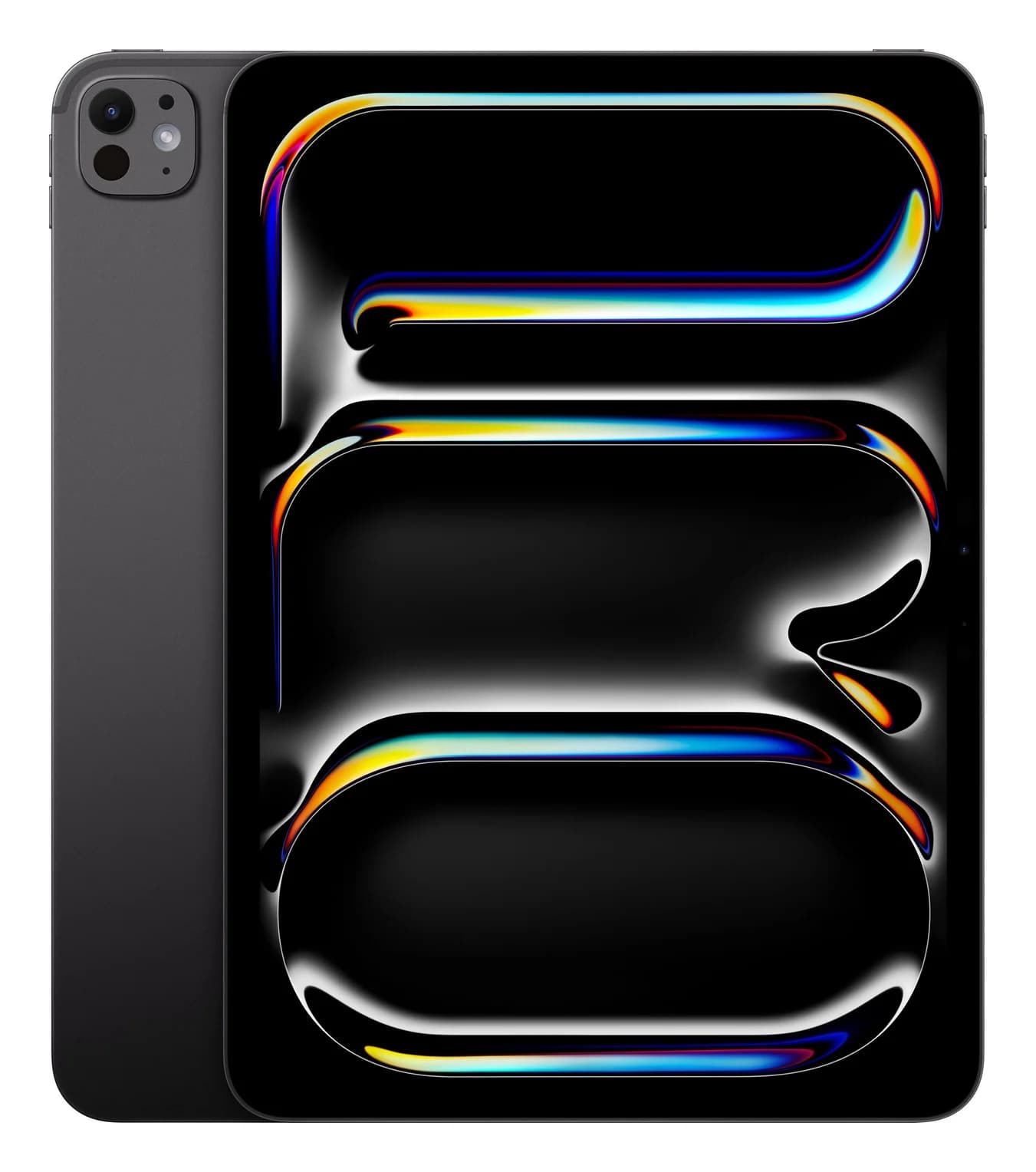
Photo: Apple
Tap a port to see what it’s for.
Charger to use
60W
For full-speed charging, use a USB-C Power Delivery charger rated 60W or more and a cable rated for at least 60W. A bigger charger is safe: the device only draws what it needs.
USB ports
1
1x USB-C with Thunderbolt / USB 4 (up to 40Gb/s)
Data speed
40 Gbps
Thunderbolt/USB4 class: fast NVMe SSDs, docks and high-res displays over one cable.
Display output
6K @ 60Hz
Smooth high-resolution output for a monitor or TV.
Total ports
1
Compact: the essentials for travel or a light setup.
| Port | 1x USB-C with Thunderbolt / USB 4 (bottom edge): charging, DisplayPort, Thunderbolt 3 (up to 40Gb/s), USB 4 (up to 40Gb/s), USB 3 (up to 10Gb/s) |
|---|---|
| External display | One external display up to 6K at 60Hz or up to 5K at 120Hz; Apple lists it among iPads that support extended displays |
| Video output | Thunderbolt 3 digital video output and native DisplayPort over USB-C; HDMI, VGA, DVI and Thunderbolt 2 via adapters (sold separately) |
| Fast charge (Apple figure) | Up to 50% in around 30 minutes with the 40W Dynamic Power Adapter with 60W Max or another USB-C adapter capable of 60W or higher (sold separately) |
| In the box | iPad Pro, USB-C Charge Cable (1 m), 20W USB-C Power Adapter |
| Battery | 31.29 Wh; up to 10 hours of web browsing on Wi-Fi or video playback |
| Display | 11-inch Ultra Retina XDR (tandem OLED), 2420 x 1668 at 264 ppi, ProMotion 10Hz to 120Hz |
| Chip | Apple M5; 256GB and 512GB models have a 9-core CPU, 10-core GPU and 12GB unified memory |
| Storage | 256GB (also 512GB, 1TB, 2TB) |
| Apple displays | Supports Studio Display, Studio Display XDR and Pro Display XDR; the iPad charges while connected over the display's Thunderbolt cable |
| Apple Pencil | Apple Pencil Pro and Apple Pencil (USB-C) |
| Weight (Wi-Fi) | 444 g (0.98 lb); 5.3 mm thick |
From manufacturer documentation, checked October 18, 2026. Spotted an error? Tell us.
Accessories whose specs match this device: charging wattage, cable rating and ports.
Delivers 65W, enough for this device's 60W charging.
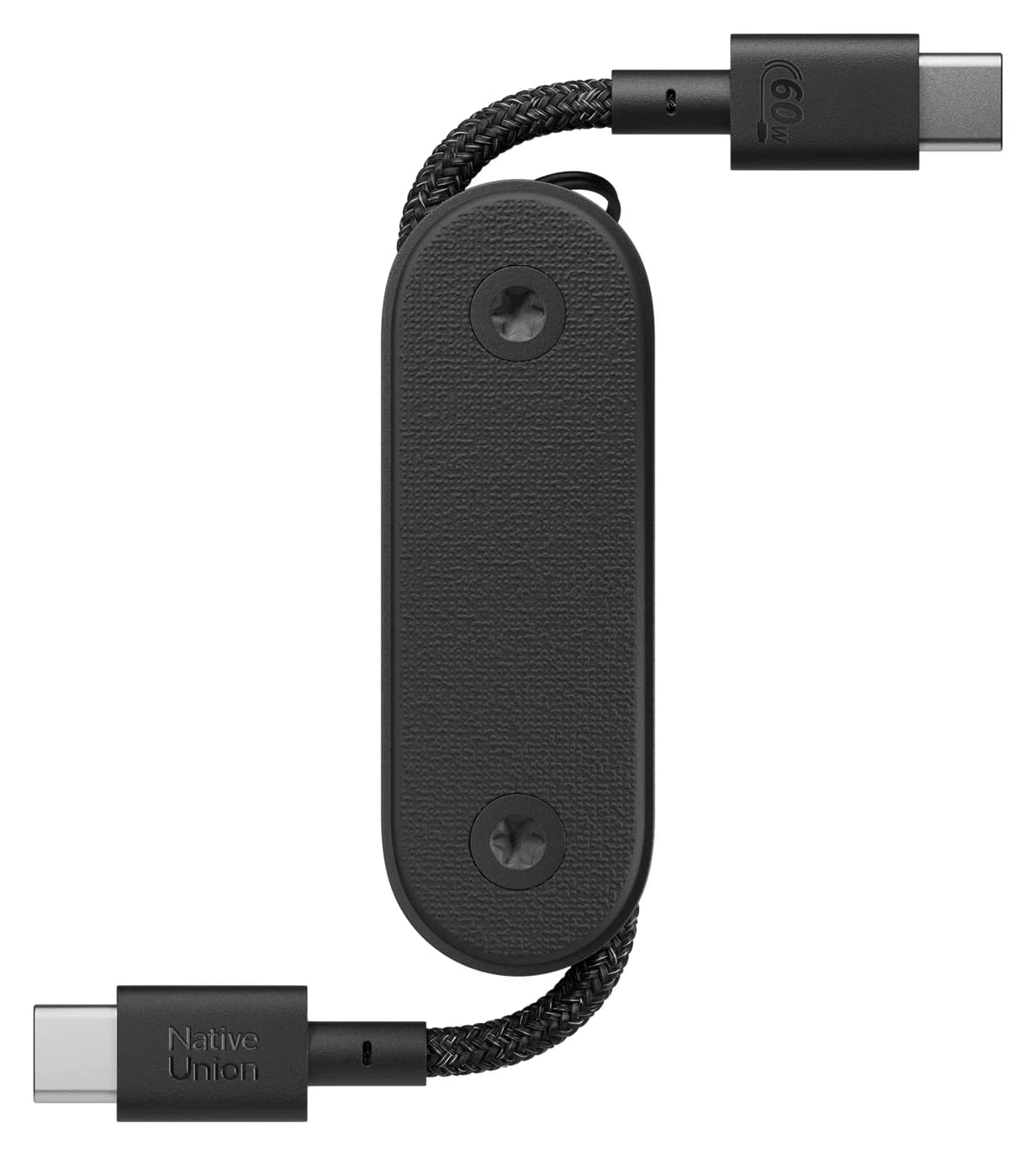
Rated for 60W, so it won't slow charging down.
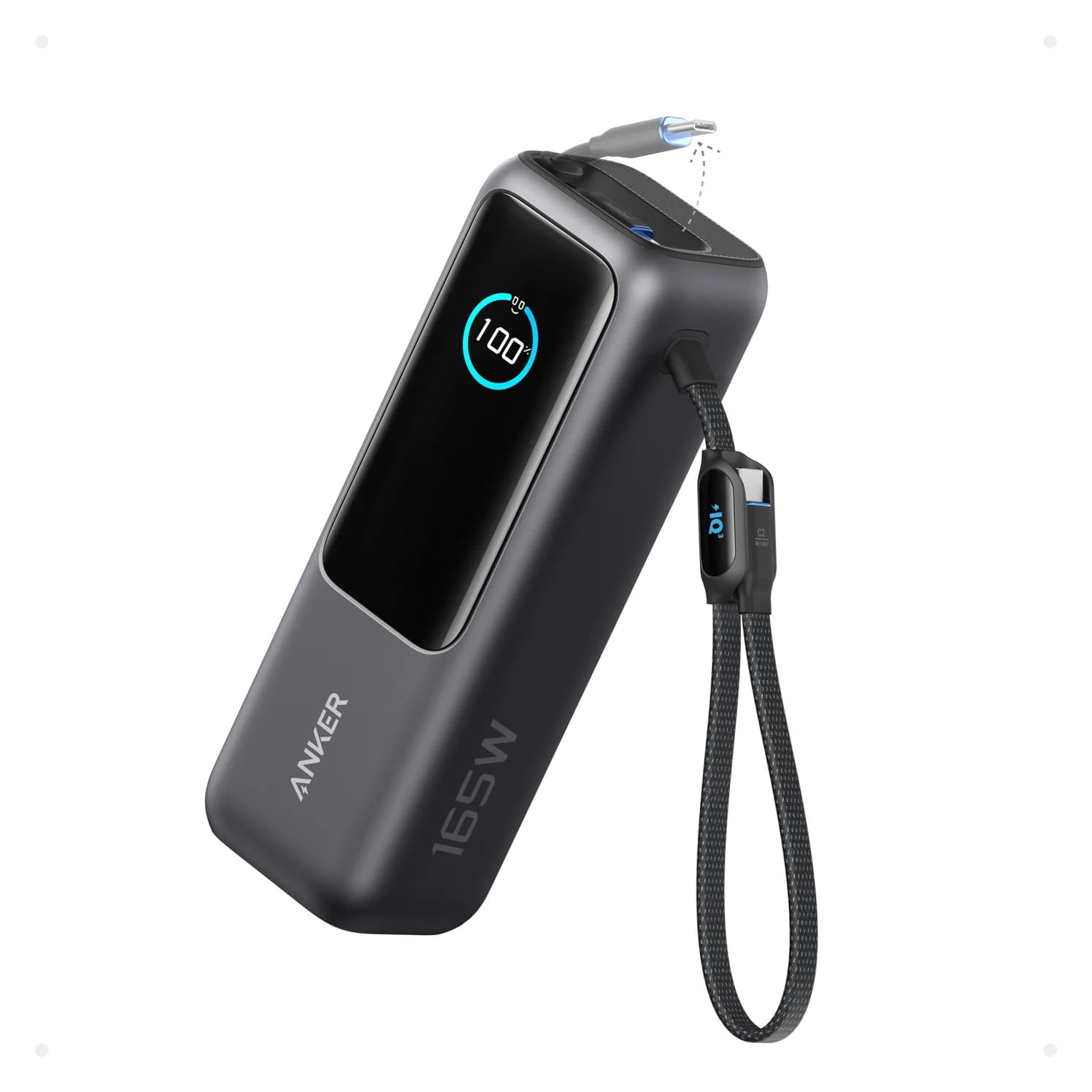
Its 100W output can keep up with this device away from a wall socket.
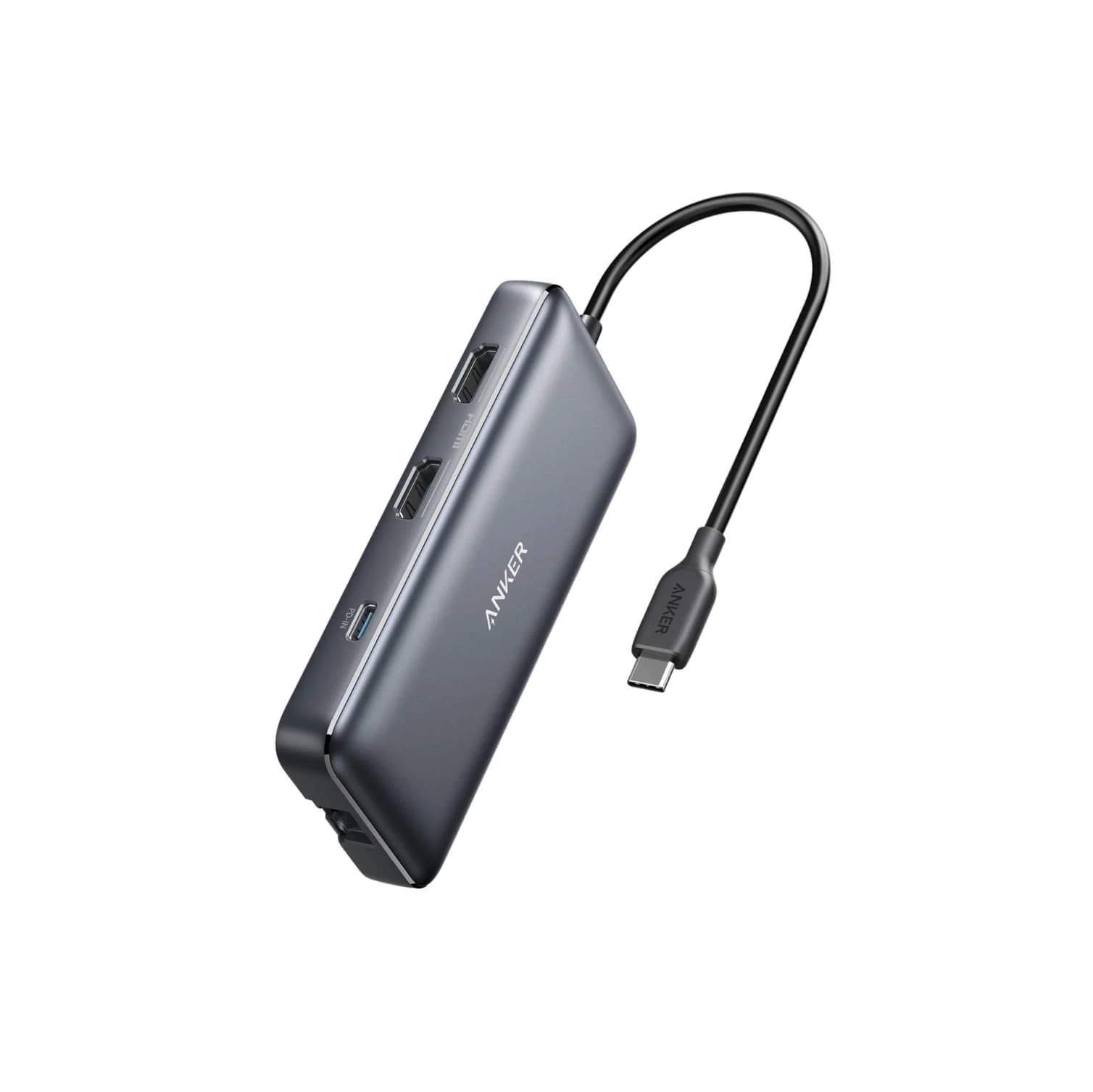
Adds HDMI, USB-A and more from one USB-C port.
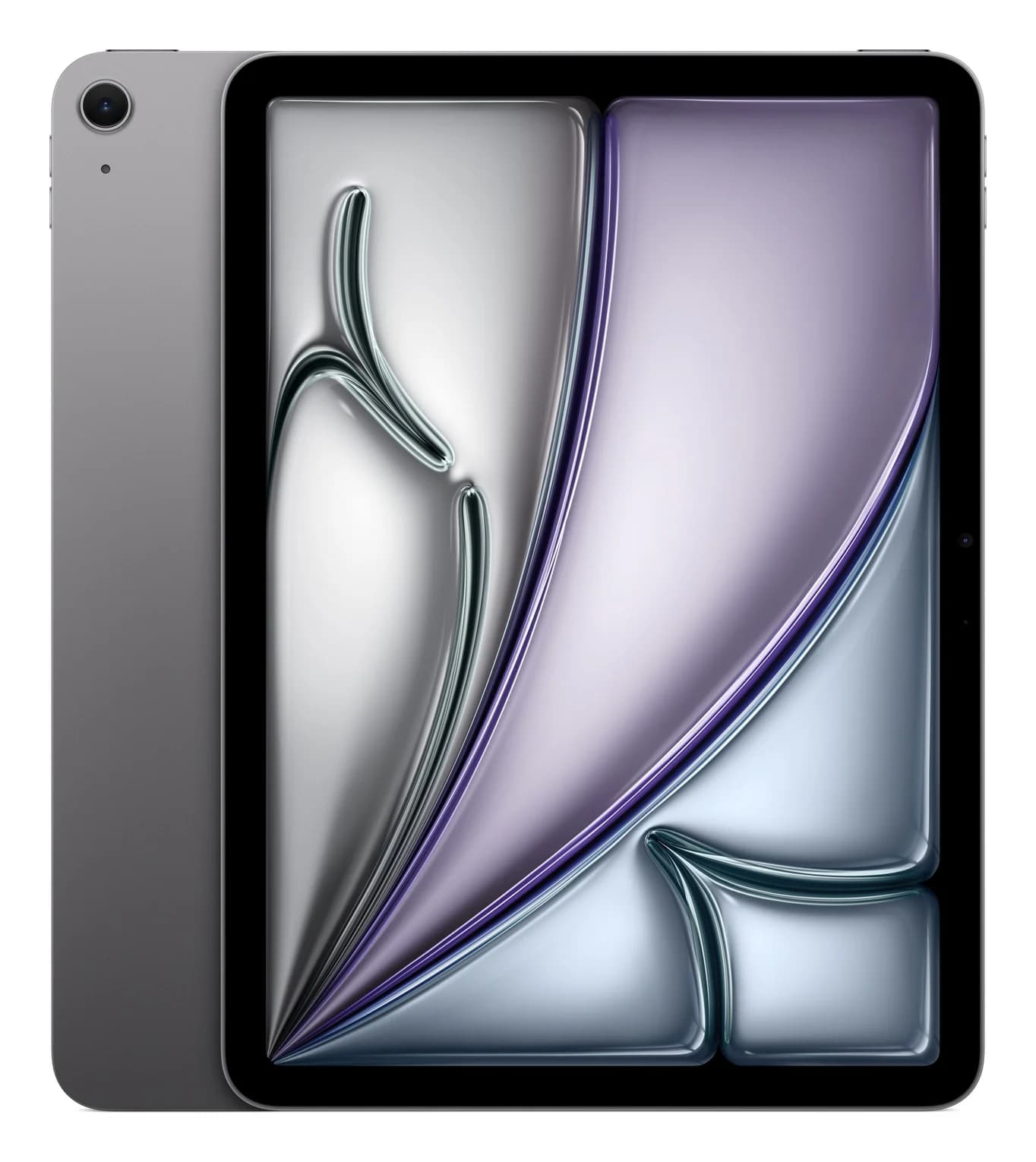
Apple's 11-inch iPad Air with the M4 chip and a USB-C port rated for USB 3 at up to 10Gb/s and 6K external displays.
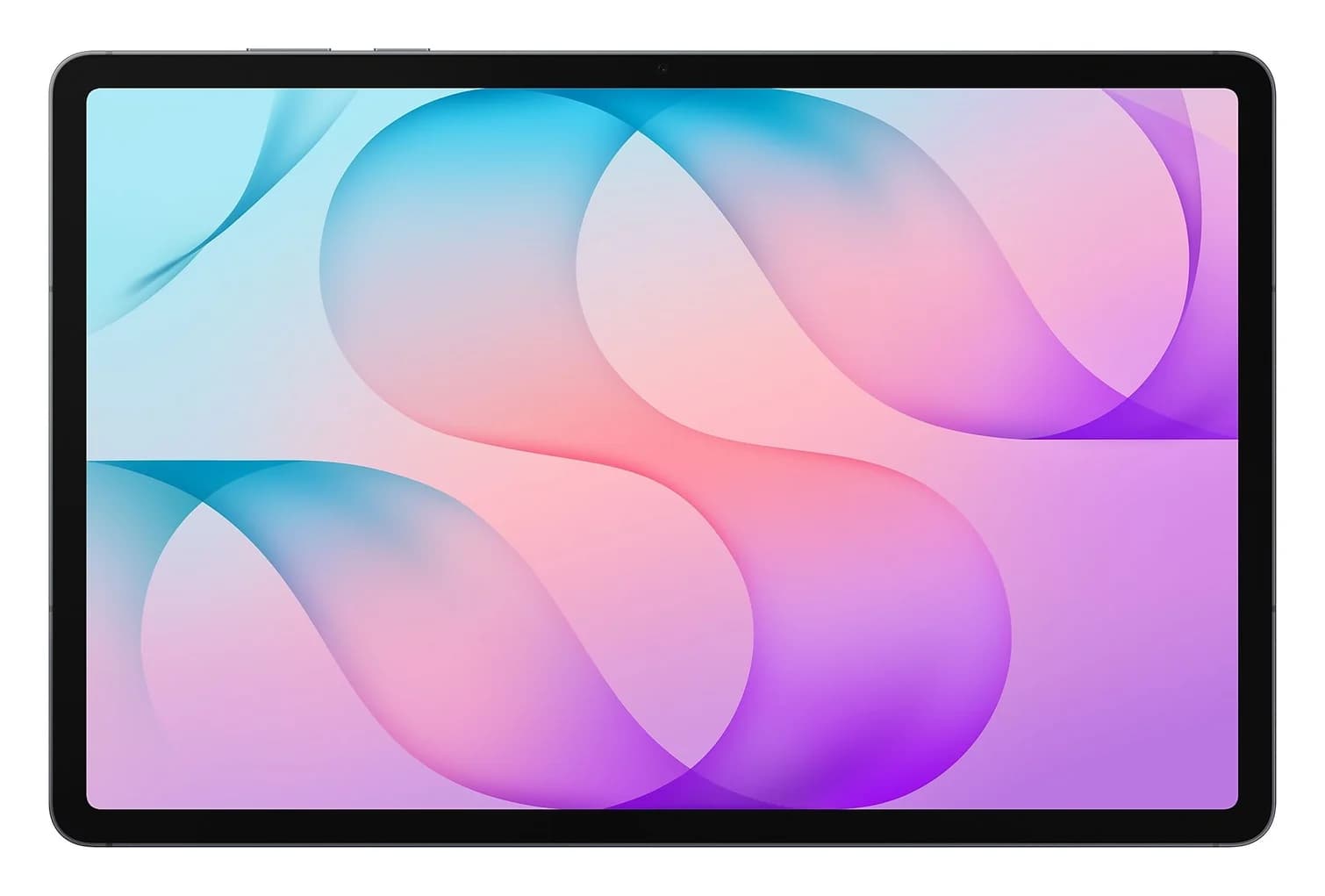
Samsung's 12.6-inch 2026 Android tablet with an S Pen in the box, 45W USB PD charging, a 5Gbps USB 3.2 Gen 1 port and Samsung DeX on an external display.
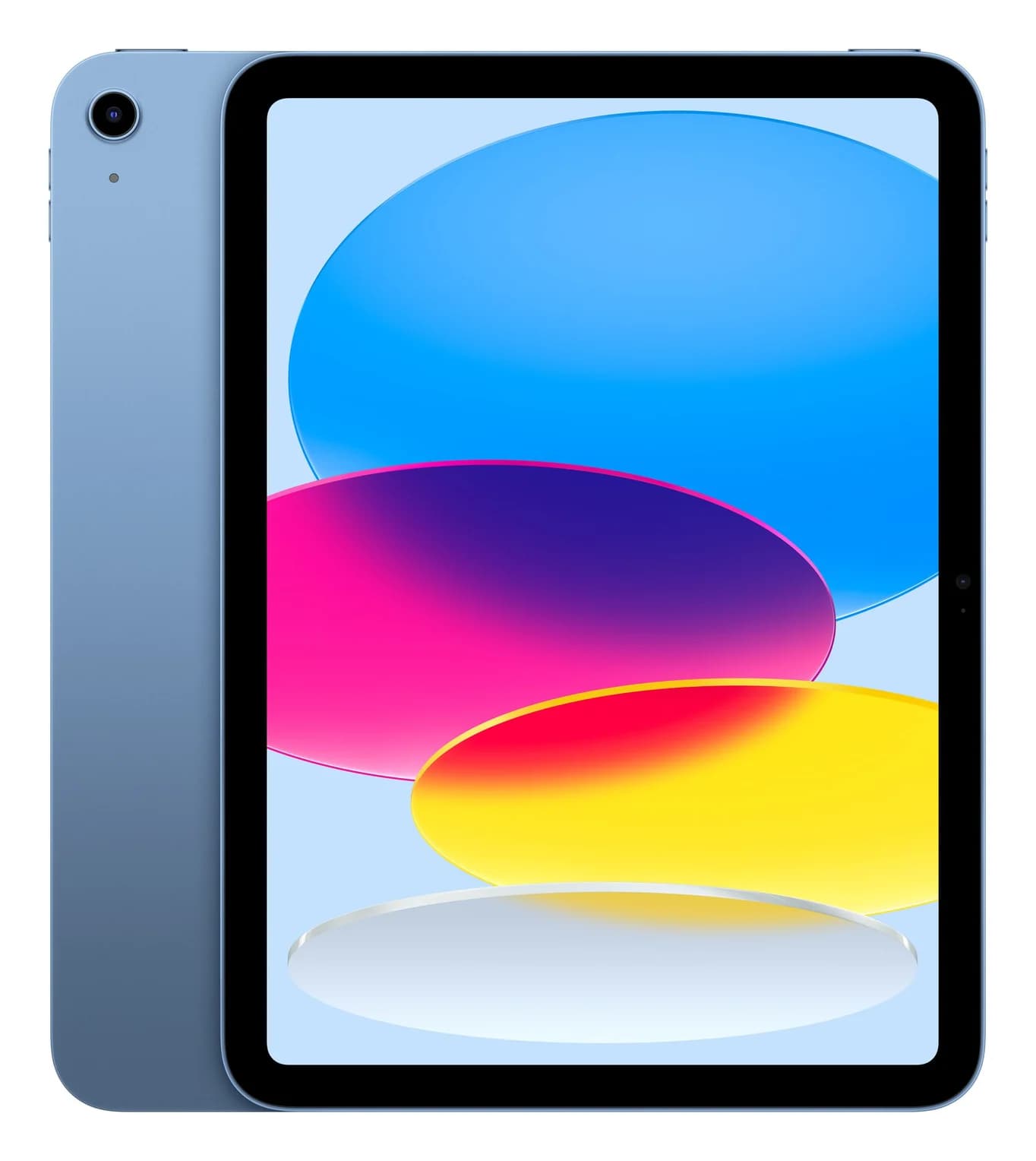
Apple's entry-level 11-inch iPad with the A16 chip and a USB-C port limited to USB 2.0 data, with 4K 60Hz video out.