Back
ASUS
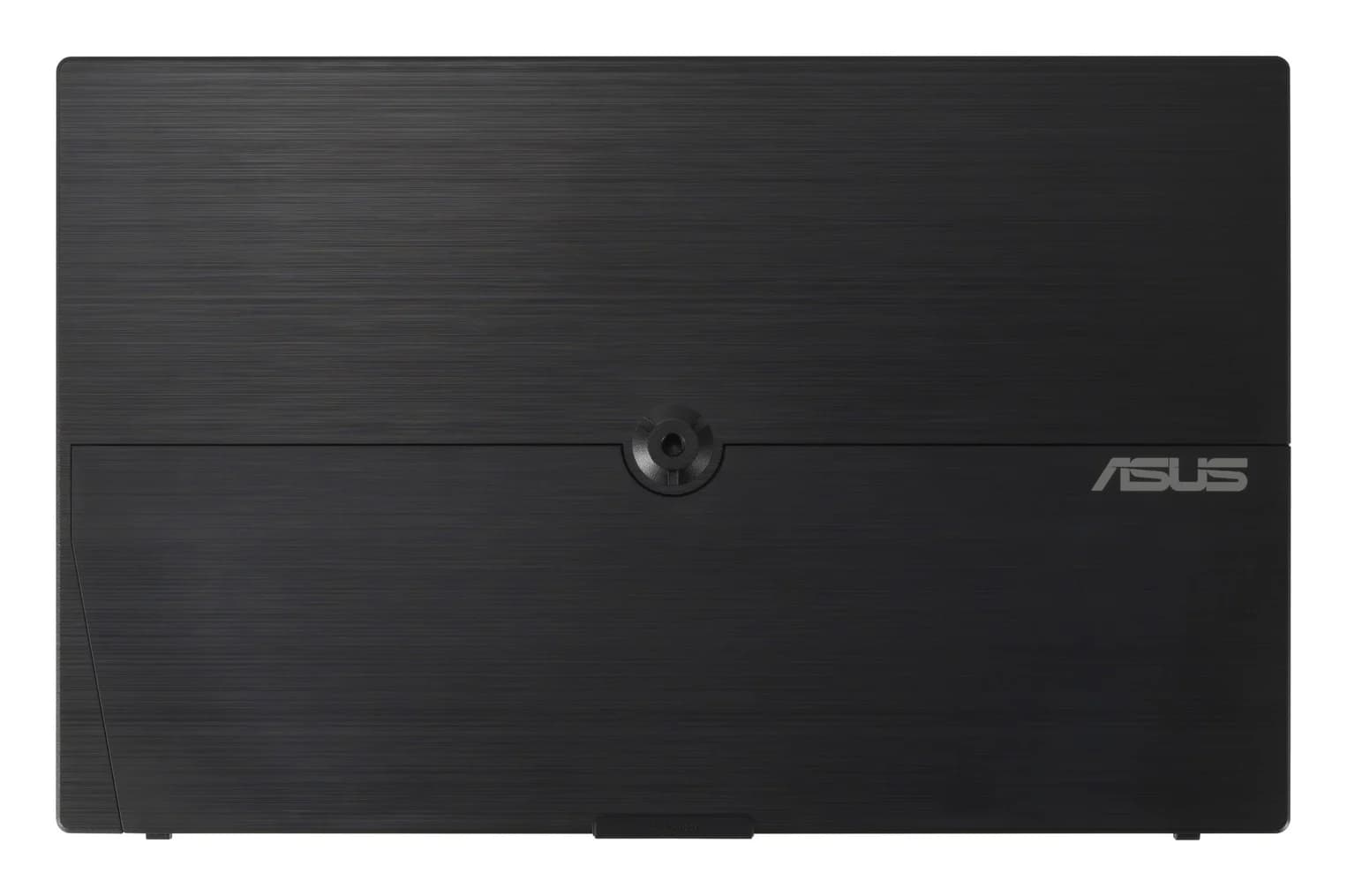
A 15.6-inch 1080p IPS portable monitor that takes power and video over a single hybrid USB-C cable and folds out an adjustable kickstand for use beside a laptop.
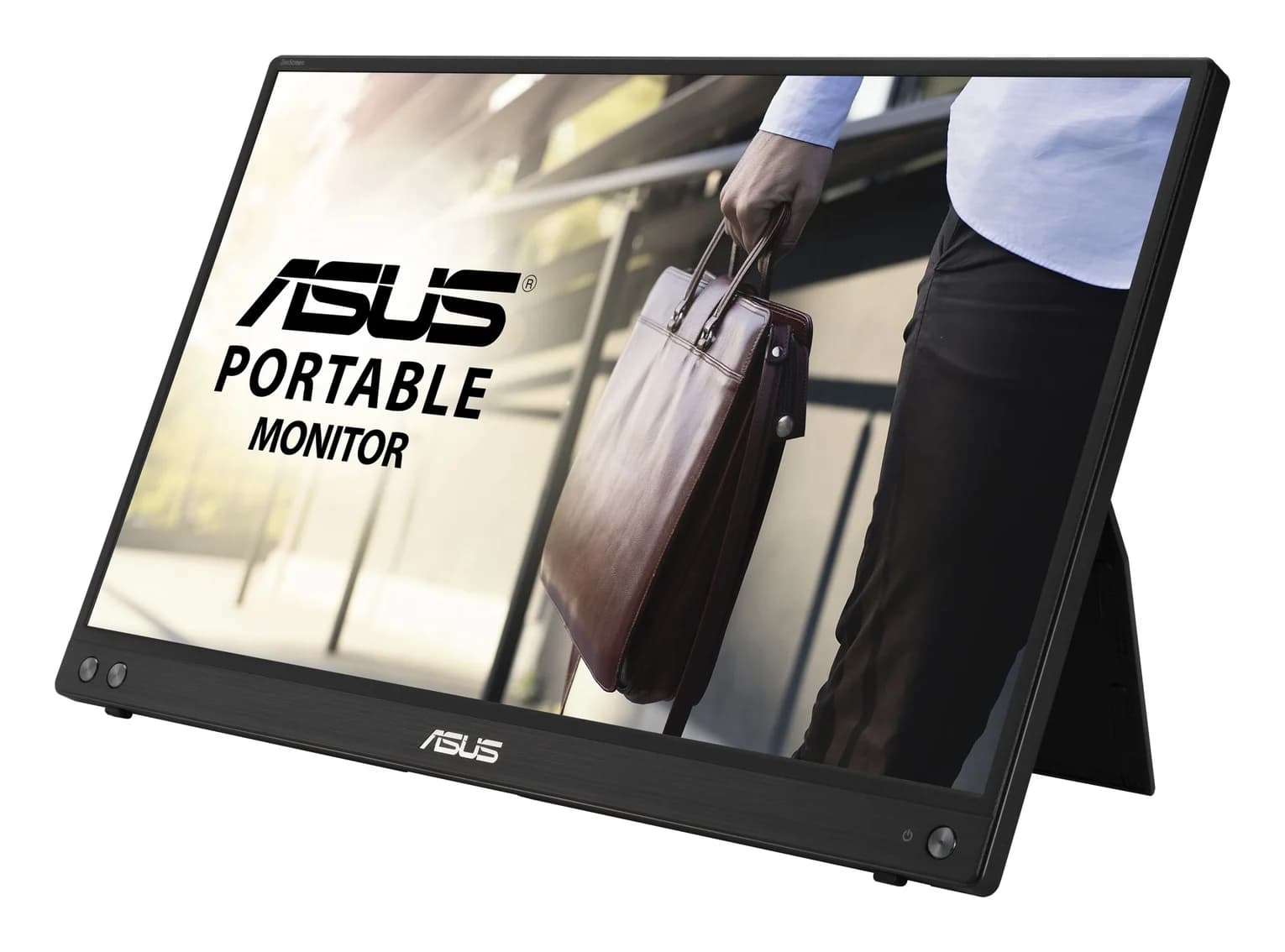
Photo: ASUS
Tap a port to see what it’s for.
Back
Data speed
5 Gbps
About 400 MB/s: fine for flash drives, hard drives, keyboards and webcams, and a bottleneck for fast SSDs.
Total ports
1
Compact: the essentials for travel or a light setup.
| Panel | 15.6-inch IPS, 1920x1080, anti-glare, 250 nits, 5ms (GTG), 60Hz, 178°/178° |
|---|---|
| USB-C | 1x USB-C (DP Alt Mode & USB 3.2) — hybrid signal: power and video over one cable |
| Power | USB bus power, 6.64 W; DC 5V, 3A; power saving <0.5 W |
| Stand | Adjustable kickstand, tilt +15° to +35°; 1/4-inch tripod socket |
| Dimensions | 35.8 x 22.5 x 1.0 cm; 0.9 kg net |
| In the box | USB-C cable, ZenScreen sleeve, quick start guide, warranty card |
| Extras | Low Blue Light mode, flicker-free, GamePlus, QuickFit, antibacterial surface treatment; no speakers |
From manufacturer documentation, checked November 6, 2026. Spotted an error? Tell us.
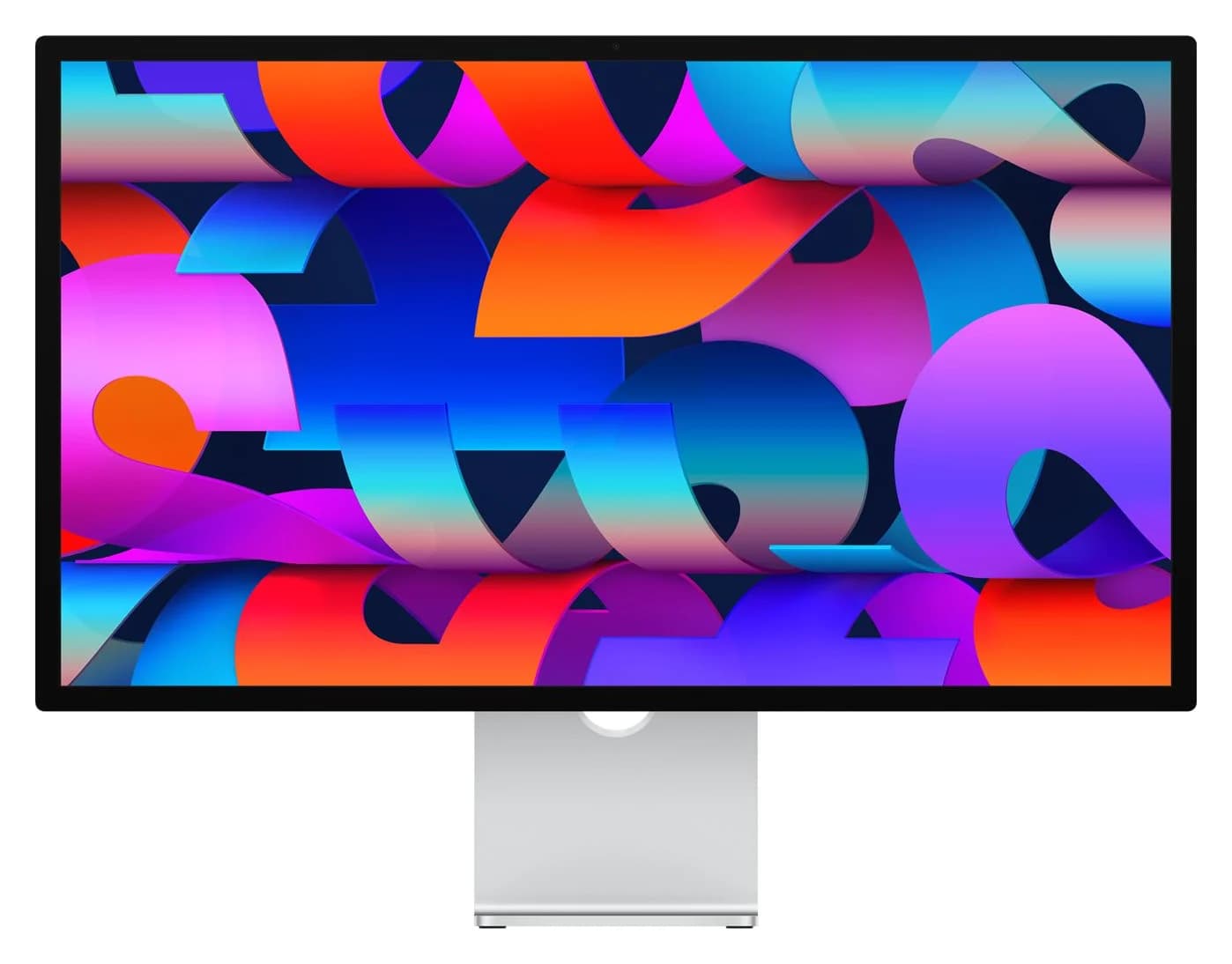
Apple's 27-inch 5K Retina display, updated in 2026 with two Thunderbolt 5 ports, 96W charging for a connected Mac laptop, a 12MP Center Stage camera and six speakers.
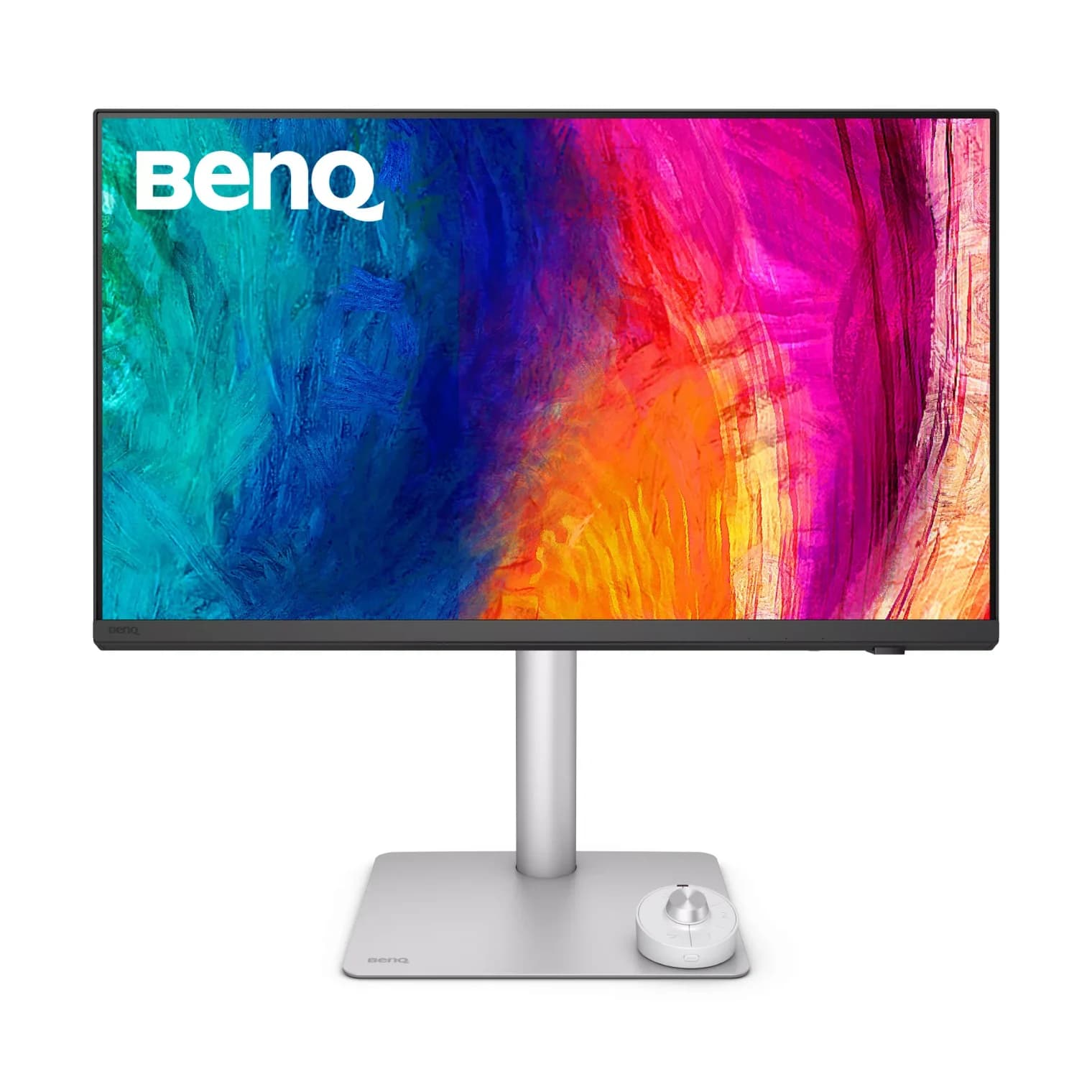
A 27-inch 5K (218 PPI) designer monitor with Thunderbolt 4 in and out, 90W laptop charging, a 10Gbps USB hub, a KVM switch and BenQ's Hotkey Puck.
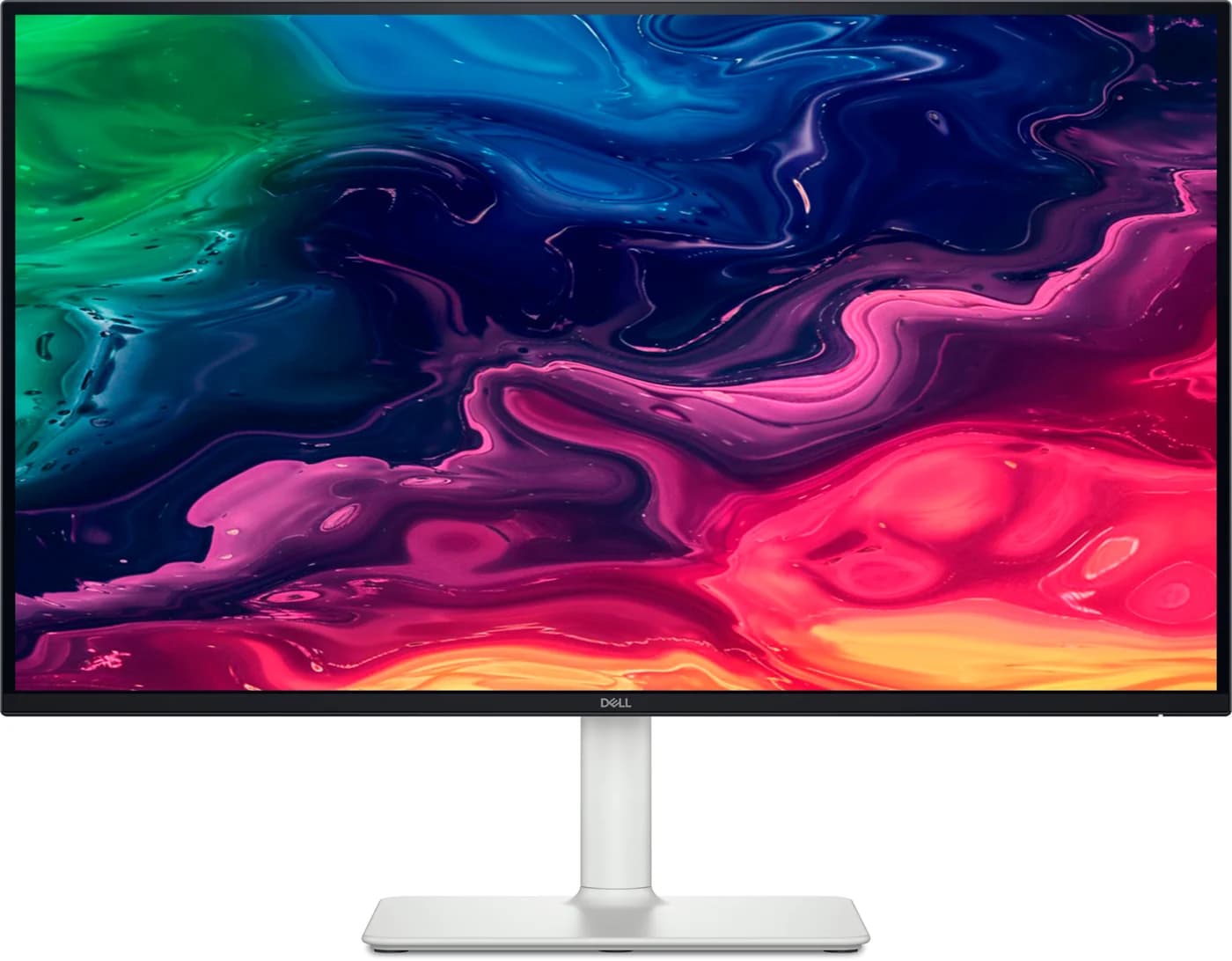
A 27-inch 4K 120Hz IPS monitor with a USB-C input that supplies up to 65W to a laptop, a small 5Gbps USB hub, two HDMI 2.1 ports and built-in speakers.