Skip to content

Dell

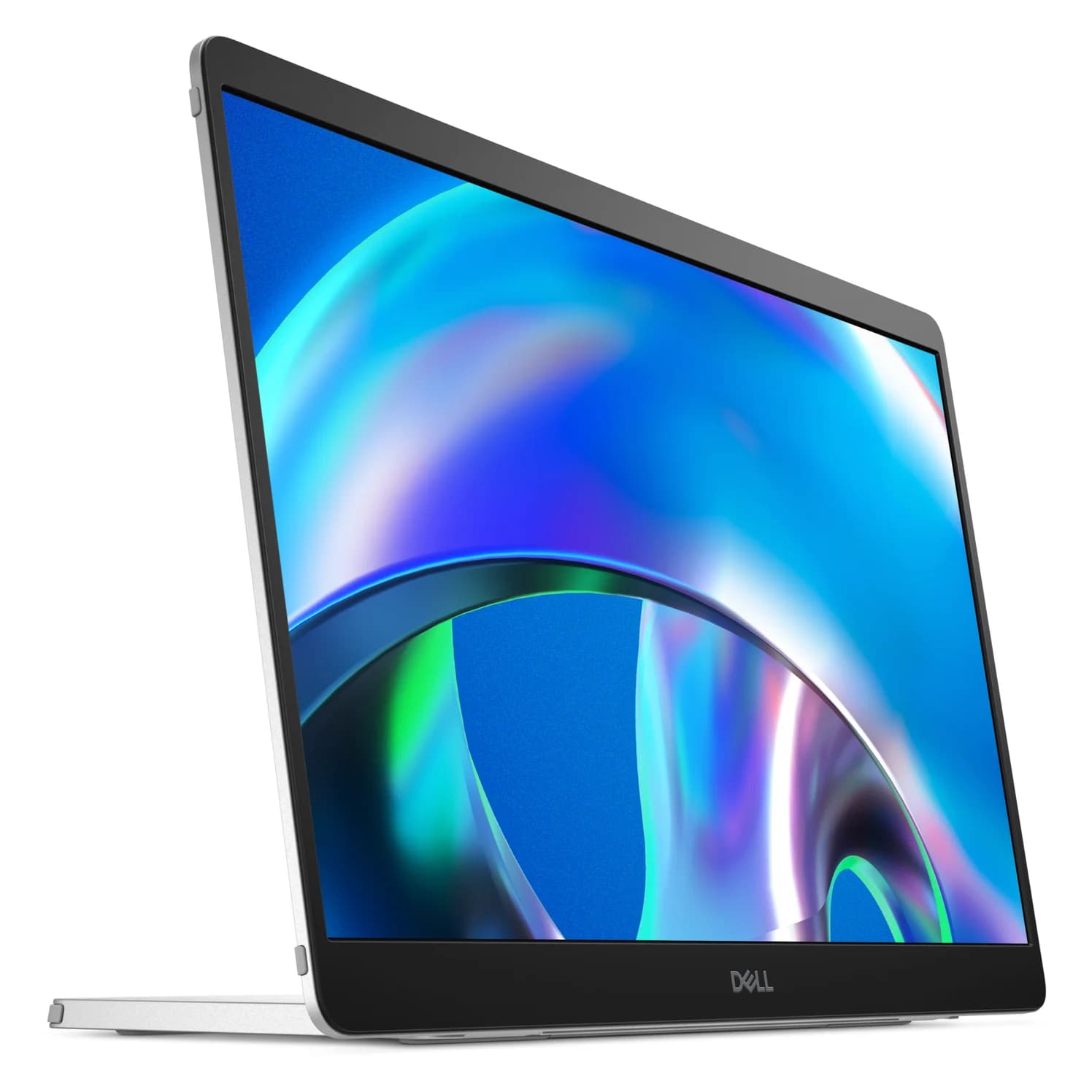
Dell Pro 14 Plus Portable Monitor (P1425)

A 14-inch 1920 x 1200 IPS portable monitor with two USB-C (DP 1.2 Alt Mode) ports, up to 65W power pass-through, a tilt stand and VESA mounting.

Dell Pro 14 Plus Portable Monitor P1425, front three-quarter view on its stand
1 / 5 · hero · hover to zoom

Photo: Dell

Ports & connections

Tap a port to see what it’s for.

Panel
14-inch IPS, 1920 x 1200, 16:10, 400 nits, 100% sRGB
Refresh rate
60Hz
Inputs
2x USB-C (DisplayPort 1.2 Alt Mode, HDCP 1.4)
Power pass-through
Up to 65W
Power consumption
5.4W operating, 7W max

What the specs mean for you

USB ports

2

2x USB-C (DP 1.2 Alt Mode, up to 65W power pass-through)

Laptop charging through the hub

65W

Keeps MacBook Airs, 13-14" ultrabooks and most Windows laptops charged under normal use. A 16-inch MacBook Pro will charge slowly under heavy load.

Total ports

2

Compact: the essentials for travel or a light setup.

Why people pick it

  • Brighter than most portable monitors at 400 nits, per Dell
  • Two USB-C ports with up to 65W pass-through, so a USB-C charger can power the monitor and the laptop
  • Light at about 0.57 kg, with a VESA mount for a desk arm
  • Low 5.4W operating power

Know before you buy

  • 60Hz and 1920 x 1200 only
  • No HDMI input, so consoles and laptops without USB-C video can't connect
  • No power adapter in the box
  • Dell's page doesn't say which USB-C port does what, so check the manual before setup

Full specifications

Panel14-inch IPS, 1920 x 1200, 16:10, 400 nits, 100% sRGB
Refresh rate60Hz
Inputs2x USB-C (DisplayPort 1.2 Alt Mode, HDCP 1.4)
Power pass-throughUp to 65W
Power consumption5.4W operating, 7W max
StandIncluded tilt stand, 10-90°; VESA 100 x 100mm
WeightAbout 0.57 kg (1.26 lb) without stand, 0.62 kg (1.37 lb) with stand
In the boxStand, 1m USB-C to USB-C cable

From manufacturer documentation, checked October 18, 2026. Spotted an error? Tell us.

Featured in

Alternatives to consider