Best picks
Best Portable Monitors in 2026: Single-Cable USB-C Screens for Laptops, Handhelds and Phones
USB-C portable monitors from ASUS, Dell and Lenovo: single-cable power, 65W pass-through, mini HDMI for a Switch 2 dock, DeX phones and DisplayLink for Macs.
By thisUSB EditorialUpdated October 22, 20269 min read5 picks
Our picks at a glance
- See on Amazon1
Best overall and best for gaming
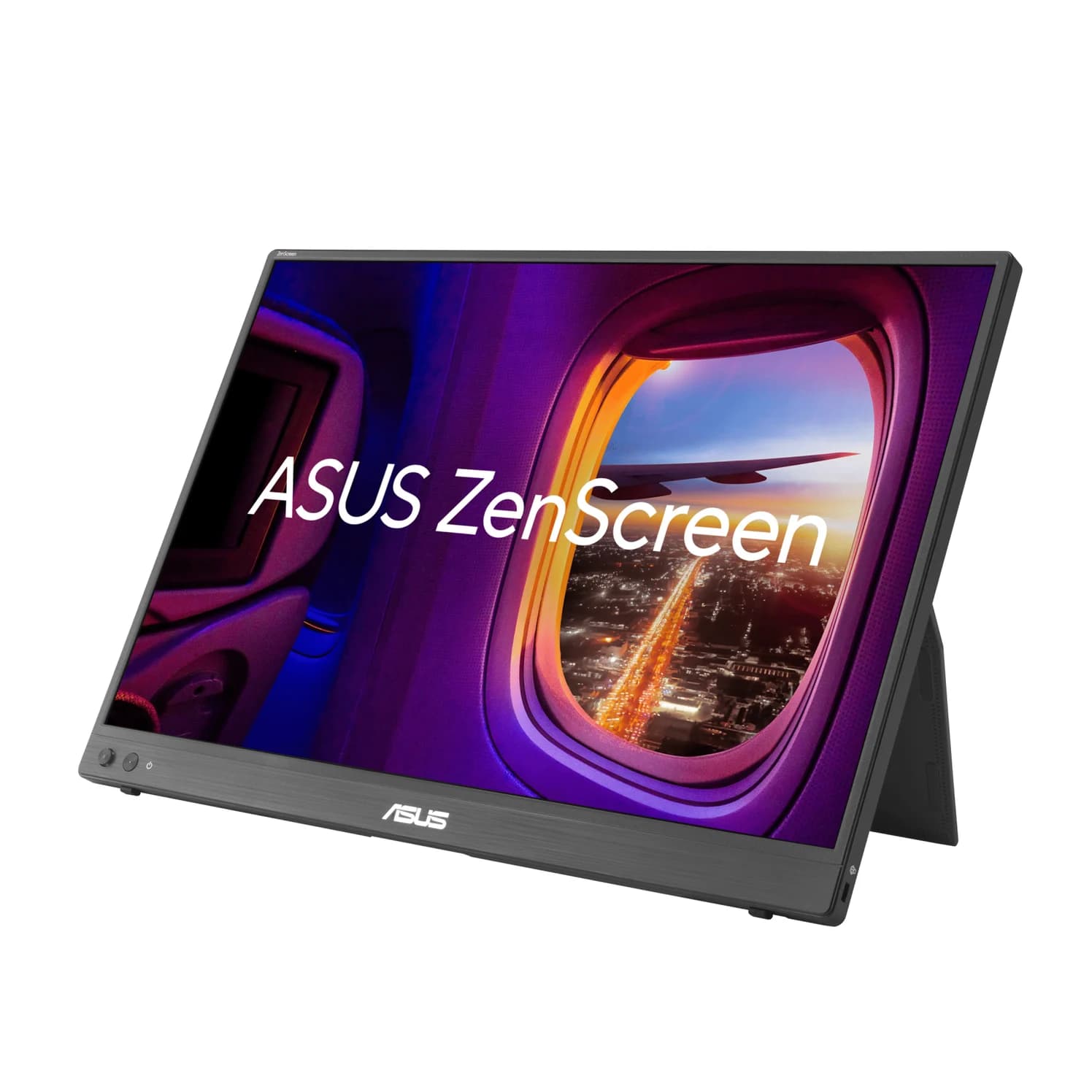
ASUS ZenScreen MB16NCG Portable USB-C Monitor (16-inch, 2560x1600, 155Hz)65W PD passthrough · 3 ports
- See on Amazon
- See on Amazon3
Best touchscreen with pen
Lenovo ThinkVision M14t Gen 2 Portable Touch Monitor (14-inch, 2.2K)65W PD passthrough · 2 ports
- See on Amazon
- See on Amazon5
Best DisplayLink add-on for base MacBooks
Plugable USBC-6950M USB-C to Dual HDMI DisplayLink Adapter (4K@60Hz)4K60 video · 2 ports
For most people, the ASUS ZenScreen MB16NCG is the portable monitor to buy. One USB-C cable carries video and power, it passes up to 65W to your laptop from a charger, and its sharp 16-inch 2560x1600 panel runs at up to 155Hz, which suits a ROG Ally or Legion Go as well as a laptop. Its mini HDMI port also takes a Nintendo Switch 2 dock. If weight matters most, the Dell Pro 14 Plus (P1425) is lighter and brighter, and if you own an M1, M2 or M3 MacBook Air, read the Mac section before you buy.
We chose these monitors from ASUS's, Dell's and Lenovo's spec sheets, Apple's, Samsung's, Valve's and Nintendo's display-output documentation, and the DisplayPort Alt Mode and USB Power Delivery standards. We have not physically handled them.
Quick picks
| Monitor | Screen | Inputs | Laptop pass-through | Weight |
|---|---|---|---|---|
| ASUS ZenScreen MB16NCG | 16" 2560x1600, up to 155Hz | 2x USB-C, mini HDMI | Up to 65W | 0.90kg |
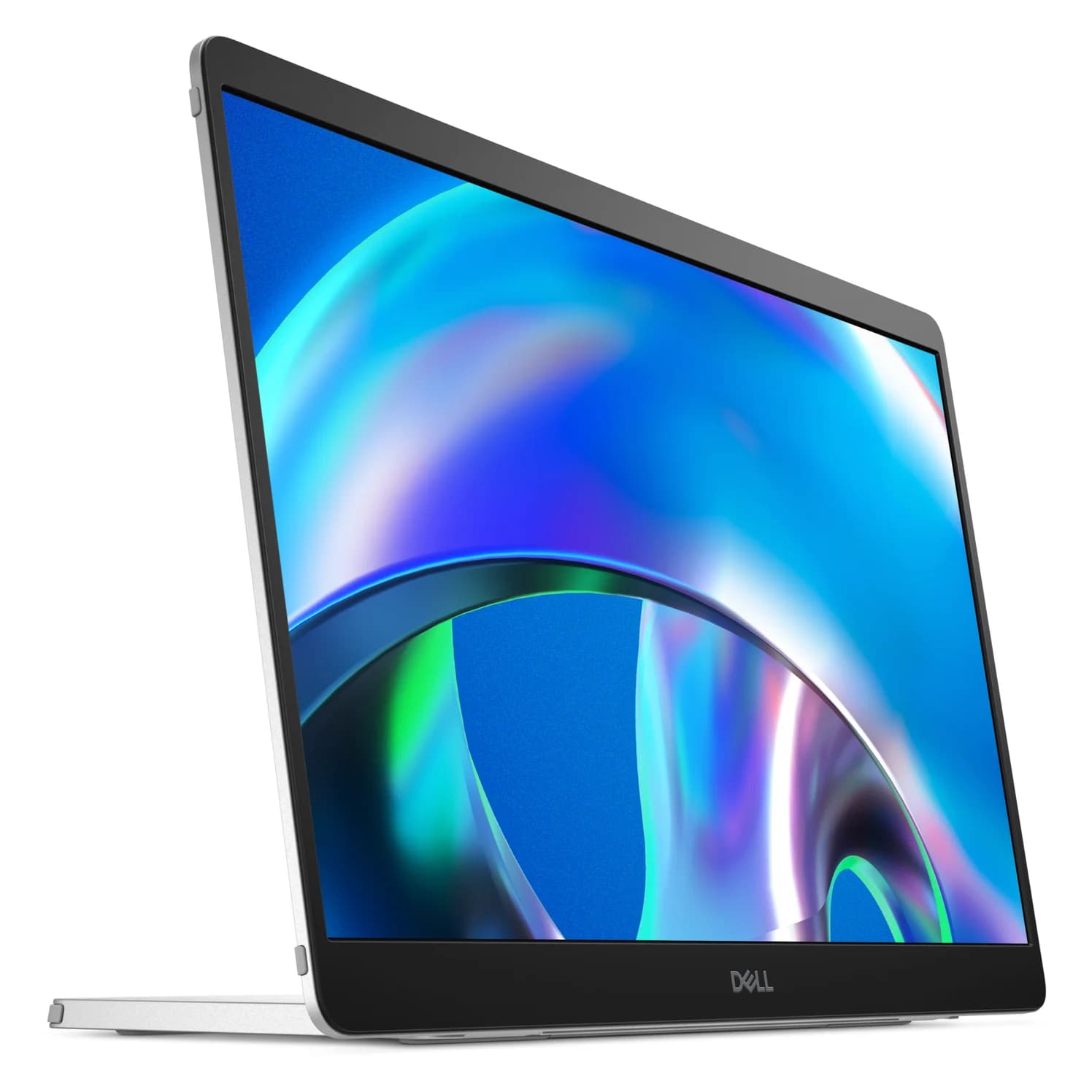
| Dell Pro 14 Plus (P1425) | 14" 1920x1200, 60Hz, 400 nits | 2x USB-C | Up to 65W | About 0.57kg |
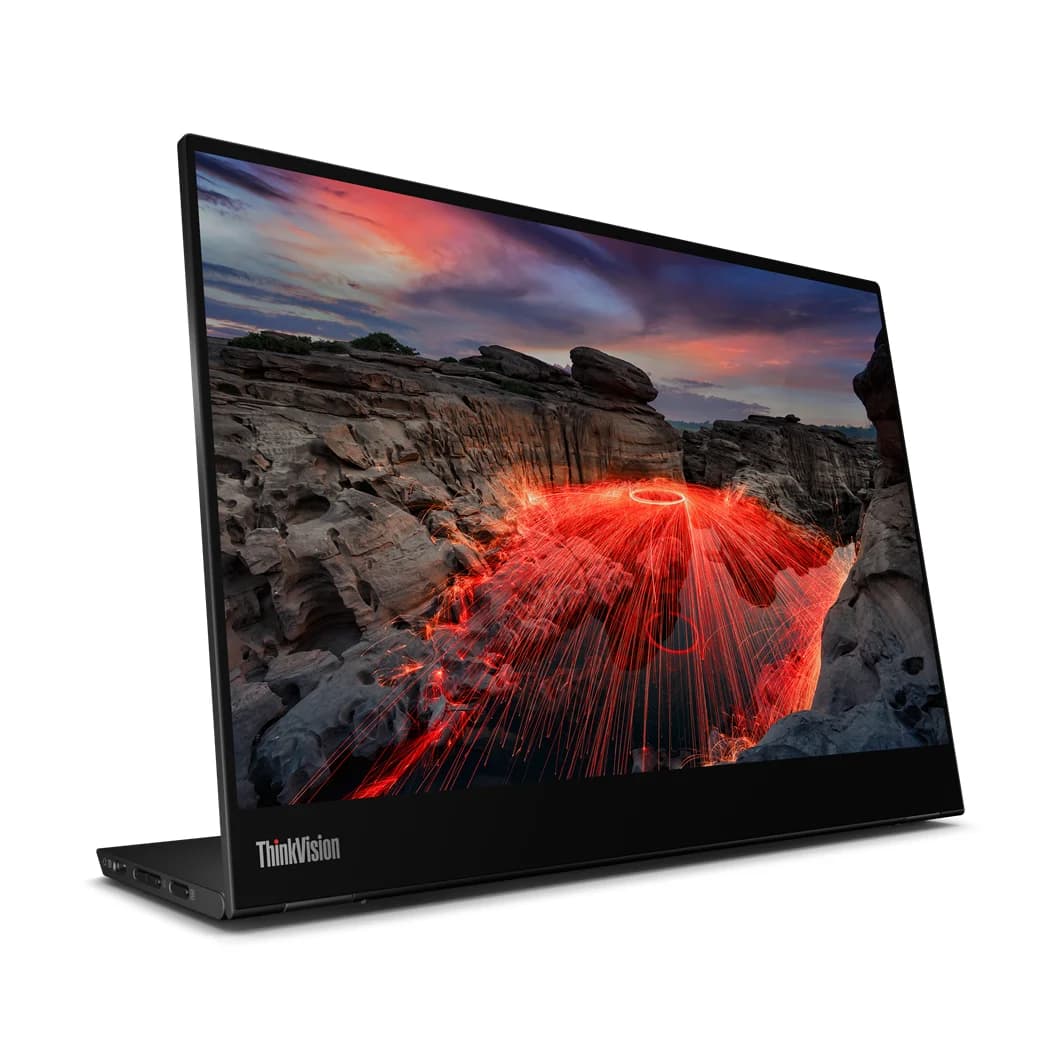
| Lenovo ThinkVision M14t Gen 2 | 14" 2240x1400 touch, 60Hz | 2x USB-C | Up to 65W | 0.7kg |
| ASUS ZenScreen MB169CK | 15.6" 1920x1080, 60Hz | 2x USB-C, mini HDMI | Not listed | 0.78kg |
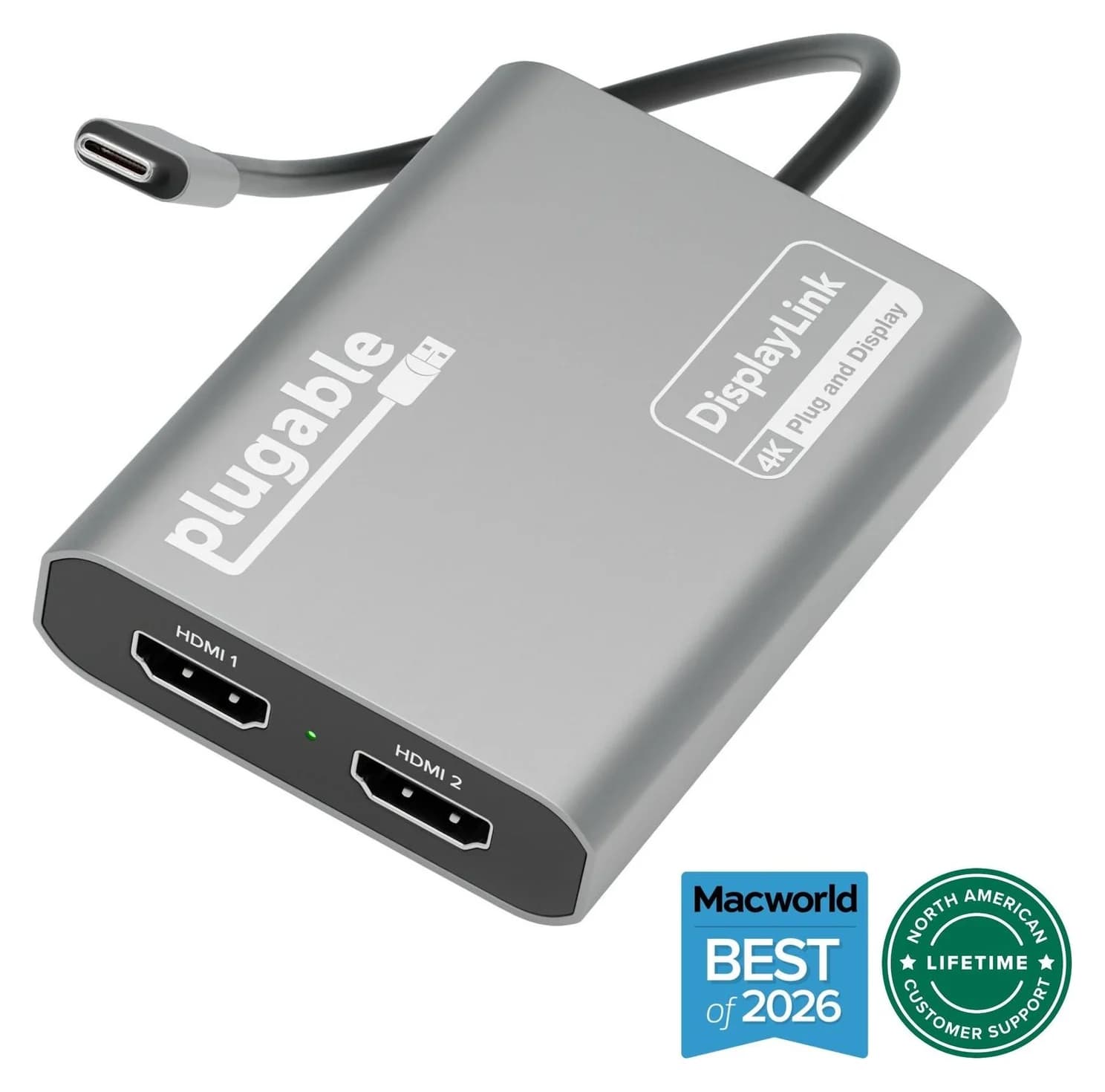
| Plugable USBC-6950M | DisplayLink adapter, 2x HDMI 4K@60Hz | 1x USB-C | None | 85g |
Holiday prices change daily, so check current prices on Amazon through the links.
How single-cable USB-C works (and when it doesn't)
A portable monitor's USB-C input expects DisplayPort Alt Mode: the source sends a DisplayPort video signal over the USB-C cable, and the same cable usually powers the monitor. Three things have to line up:
- The source's USB-C port must output video. Thunderbolt and USB4 ports always do. Plain USB-C ports on Windows laptops vary, so look for a DisplayPort or Thunderbolt symbol, or check the spec sheet. Many budget phones and some budget laptops have no video output on USB-C.
- The cable must carry video. Use the USB-C cable that comes in the box. Charge-only cables, including many 100W and 240W cables rated at USB 2.0 speed, carry no video and leave you with a blank screen. Our USB-C cable guide explains the difference.
- Something has to supply power. These monitors draw about 5W to 10W according to their makers. A laptop can usually supply that, an iPhone can't, and handhelds vary.
| Source | Video over USB-C | Can it power the monitor? |
|---|---|---|
| Windows laptop or MacBook | Yes, on DP Alt Mode, USB4 and Thunderbolt ports | Usually; the laptop battery drains faster |
| iPhone 15 and later | Yes, mirrored, up to 4K@60Hz (Apple) | No: Apple lists only 4.5W for accessories |
| Galaxy phones with DeX | Yes, on models Samsung lists | Plan on separate power |
| Steam Deck, ROG Xbox Ally X, Legion Go 2 / Go S | Yes, DisplayPort over USB-C | Legion Go 2 and Go S: 15W USB PD output (Lenovo); others not published |
| Nintendo Switch 2 | No: use the dock's HDMI | n/a |
When the source can't supply power, or you'd rather spare its battery, plug a USB-C charger into the monitor's second USB-C port. On pass-through models, that charger also feeds the laptop. ASUS notes that its full 65W pass-through needs a charger supplying up to 80W, so a 100W charger such as the UGREEN Nexode 100W is a sensible match. See our best USB-C chargers for more.
Best overall and best for gaming: ASUS ZenScreen MB16NCG
ASUS
ASUS ZenScreen MB16NCG Portable USB-C Monitor (16-inch, 2560x1600, 155Hz)
A 16-inch 16:10 portable IPS monitor with 2560x1600 resolution, up to 155Hz over USB-C, two USB-C inputs with up to 65W pass-through, and mini HDMI.
- 65W PD passthrough
- 3 ports
ASUS's newest mainstream ZenScreen covers more situations than anything else here. Its 16-inch 16:10 IPS panel is 2560x1600 with 400 nits, 100% sRGB and HDR10. It runs at up to 155Hz over USB-C (an overclocked figure) and up to 120Hz over mini HDMI, with Adaptive-Sync. It has two USB-C inputs with DP Alt Mode, plus a mini HDMI port and an earphone jack. ASUS rates power draw at 6.79W or less and pass-through at up to 65W, and its port label marks one USB-C port "65W MAX."
That combination suits handhelds especially well. The Legion Go 2, Legion Go S and MSI Claw have 16:10 screens too, and USB-C gets the full 155Hz. For a Switch 2, run the dock's HDMI into the mini HDMI port and power the monitor over USB-C. ASUS includes a mini HDMI to HDMI cable.
Why it stands out: The sharpest and fastest panel in the group, with both USB-C pass-through and HDMI.
Watch out for: At 0.90kg, it's the heaviest pick. 155Hz is an overclock that only works over USB-C, full 65W pass-through needs an 80W-capable source, and ASUS lists the power adapter as optional and region-dependent.
See the ASUS ZenScreen MB16NCG on Amazon
Best for travel: Dell Pro 14 Plus Portable Monitor (P1425)
Dell
Dell Pro 14 Plus Portable Monitor (P1425)
A 14-inch 1920 x 1200 IPS portable monitor with two USB-C (DP 1.2 Alt Mode) ports, up to 65W power pass-through, a tilt stand and VESA mounting.
- 65W PD passthrough
- 2 ports
Dell's P1425 is the one to pack. It weighs about 0.57kg without its stand, and its 400-nit panel is the brightest here, which helps in a bright café or hotel lobby. The 14-inch 1920x1200 panel covers 100% sRGB at 60Hz. Both USB-C ports support DisplayPort 1.2 Alt Mode and pass through up to 65W, and Dell rates the monitor at 5.4W in use and 7W maximum, the lowest figures in this guide. A tilt stand and VESA 100mm mounting come with it.
Why it stands out: The lightest and brightest pick, with 65W pass-through for one-charger desks.
Watch out for: There's no HDMI input, so a Switch 2 dock or an older laptop without USB-C video can't connect. Dell includes only a USB-C cable, with no charger, and its product page doesn't say whether a laptop alone can power it or which port does what. Check the manual, or plan on a charger in the second port.
Best touchscreen with pen: Lenovo ThinkVision M14t Gen 2
Lenovo
Lenovo ThinkVision M14t Gen 2 Portable Touch Monitor (14-inch, 2.2K)
A 14-inch 2240 x 1400 IPS touchscreen portable monitor with two USB-C (DP 1.2 Alt Mode) ports, up to 65W power pass-through and a pen.
- 65W PD passthrough
- 2 ports
If you sketch, sign documents or present, Lenovo's M14t Gen 2 adds 10-point touch and an included pen to a sharp 14-inch 2240x1400 16:10 panel with 100% sRGB and 300 nits. Both USB-C ports support DisplayPort 1.2 Alt Mode, and plugging a USB-C adapter into one passes up to 65W to the laptop on the other. Lenovo rates it at 8W typical and 9.5W maximum. The kickstand tilts, lifts and pivots, and there's a VESA mount for a desk arm.
Why it stands out: Touch and pen input in a 0.7kg monitor, with a sharper panel than the Dell.
Watch out for: It's 60Hz with no HDMI input, and the power adapter is sold separately. Lenovo says pass-through can drop below 65W at higher brightness or with more devices attached. Touch is aimed at Windows; macOS doesn't support touchscreens natively.
See the Lenovo ThinkVision M14t Gen 2 on Amazon
Best simple 1080p screen: ASUS ZenScreen MB169CK
ASUS
ASUS ZenScreen MB169CK Portable USB-C Monitor (15.6-inch, 1080p)
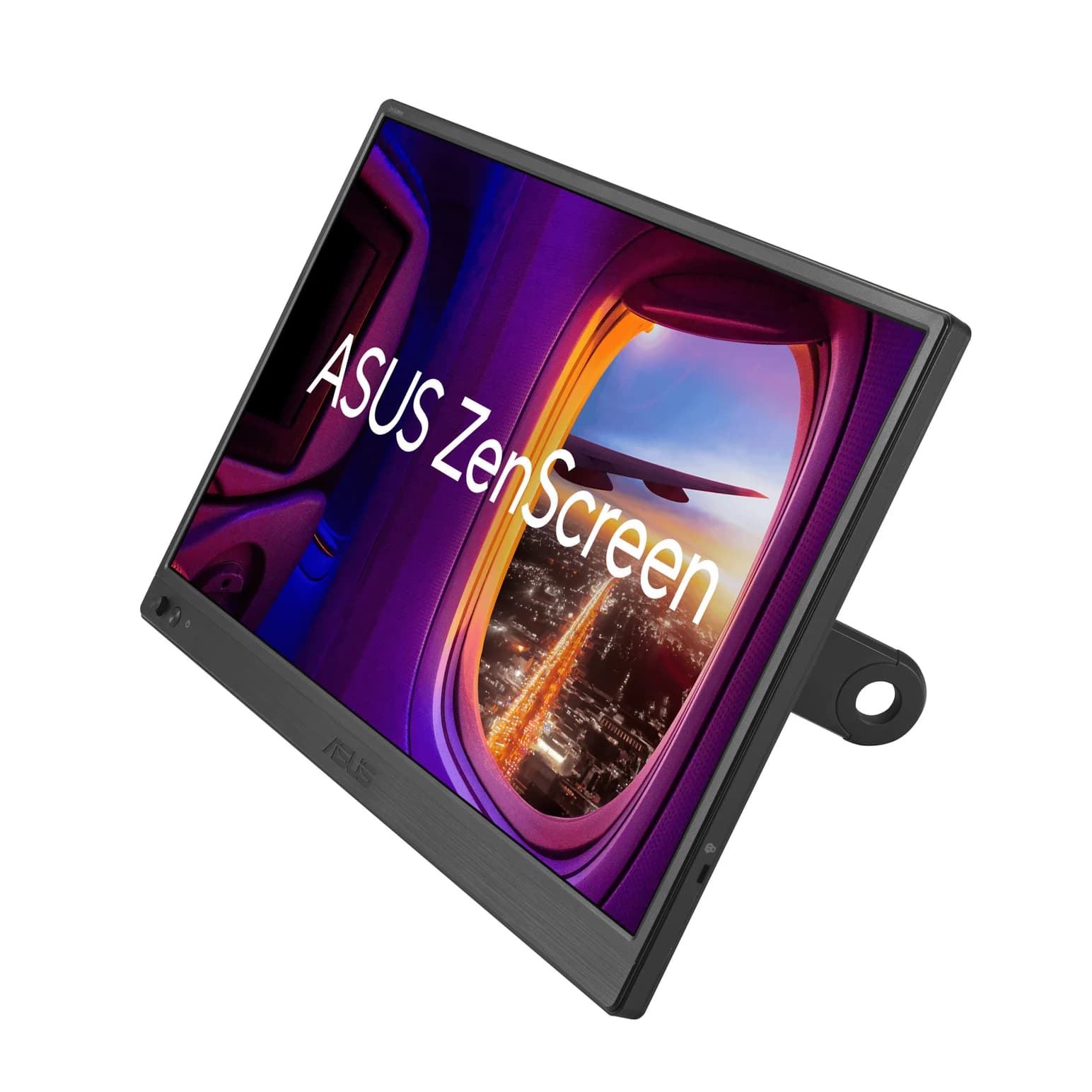
A 15.6-inch 1080p IPS portable monitor with two USB-C (DP Alt Mode) ports, a mini HDMI input and a detachable 360° kickstand.
- 3 ports
For a second screen for spreadsheets, notes or a video call, the MB169CK keeps things simple. It has a 15.6-inch 1080p IPS panel at 60Hz with 250 nits, two USB-C inputs with DP Alt Mode, and a mini HDMI input. Run it from one USB-C cable on a laptop with DP Alt Mode, or use mini HDMI for video with a USB-C port as the power input. ASUS rates it at 7.64W. The detachable kickstand screws into a tripod socket and rotates 360° for portrait use.
Why it stands out: HDMI and single-cable USB-C in a straightforward 1080p screen.
Watch out for: ASUS lists no laptop pass-through charging, and no adapter comes in the box. At 250 nits it's the dimmest pick, and it's 1080p at 60Hz only.
See the ASUS ZenScreen MB169CK on Amazon
Using a portable monitor with a handheld, a Switch 2 or a phone
Steam Deck, ROG Xbox Ally X, Legion Go, MSI Claw. All of them output DisplayPort over USB-C, so one USB-C cable is enough for video. The Steam Deck has a single port, so the monitor's pass-through is the easiest way to keep it charged; otherwise use a Steam Deck dock. Handhelds with two USB-C ports can take a charger in the other port. Our best handheld gaming PCs guide lists each one's ports and charger.
Nintendo Switch 2. Don't expect a picture from a plain USB-C cable. Nintendo's TV-mode setup is its dock, its AC adapter and an Ultra High Speed HDMI cable, so run the dock's HDMI into a monitor with an HDMI input, such as the ASUS MB16NCG or MB169CK.
iPhone. Apple says iPhone 15 and later mirror to USB-C displays at up to 4K@60Hz with a USB 3.1 or faster cable, and some apps, mainly video apps, show content on the second screen instead. Because the iPhone supplies only 4.5W to accessories, give the monitor its own power.
Samsung DeX. Samsung's support page lists wired DeX on the Galaxy S8 through S26 series, the Note8 through Note20, the Z Fold line and the Z Flip7, plus most Tab S tablets. From the A series, only the A90 5G is listed. DeX gives you a desktop-style interface with resizable windows on the monitor.
MacBooks: display limits and DisplayLink
A USB-C portable monitor counts as an external display, and the Mac's chip sets how many you get. Apple lists one external display for M1 and M2 MacBook Airs, two on the M3 Air only with the lid closed, and two with the lid open on M4 and M5 models. Our MacBook Air hub guide has the full table.
If you already use one external monitor on an M1, M2 or lid-open M3 Air, a portable monitor won't add a second extended screen over DP Alt Mode. DisplayLink gets around the limit by sending compressed video over plain USB.
Plugable
Plugable USBC-6950M USB-C to Dual HDMI DisplayLink Adapter (4K@60Hz)
A compact DisplayLink adapter that adds two extended HDMI displays, each up to 4K@60Hz, from one USB-C or Thunderbolt port, with no charging or extra ports.
- 4K60 video
- 2 ports
Plugable's USBC-6950M adds two extended HDMI outputs, each up to 4K@60Hz, from one USB-C port. It outputs HDMI only, so pair it with a monitor that has an HDMI input: both ASUS picks work through their mini HDMI ports, with USB-C power. The Dell and Lenovo picks don't, because they're USB-C only.
Watch out for: You'll need Synaptics' free DisplayLink Manager app and to allow Screen Recording in macOS. Plugable notes that HDCP-protected streaming shows a black screen on DisplayLink outputs, and it isn't meant for gaming. It doesn't charge the Mac either.
See the Plugable USBC-6950M on Amazon
We didn't find a current name-brand portable monitor with DisplayLink built in, so an adapter is the cleaner route.
How we choose
We don't physically test products. Our picks come from:
- Manufacturer spec sheets. Panel, refresh rate, inputs, power draw, pass-through wattage and weight come from ASUS's, Dell's and Lenovo's official pages, linked in each product card.
- Source-device documentation. Apple's iPhone and MacBook display pages, Samsung's DeX support page, Valve's Steam Deck specs, Lenovo's PSREF sheets and Nintendo's TV-mode instructions tell us what each device can send and power.
- Standards. DisplayPort Alt Mode, USB Power Delivery and DisplayLink explain why a screen stays blank, mirrors instead of extending, or drains a battery.
- Known owner patterns. The most common problems are charge-only cables, USB-C ports without video output, phones that can't power the screen, and MacBook Airs that stop at one external display.
We also confirm that each Amazon listing matches the exact model the manufacturer describes.
Buying guide
Pick a size you'll carry. 14-inch models weigh around 0.6kg to 0.7kg and fit a laptop sleeve. 15.6-inch and 16-inch models are easier to read but closer to a kilogram.
Two USB-C ports beat one. A second USB-C port lets one charger power both the monitor and, on pass-through models, the laptop or handheld.
Get HDMI if you own a console. A Switch 2 dock, PlayStation, Xbox or a laptop without USB-C video needs an HDMI input. Of our picks, only the two ASUS models have one (mini HDMI).
Refresh rate matters for gaming, not spreadsheets. 60Hz is fine for documents. For a handheld or gaming laptop, the MB16NCG's 120Hz to 155Hz is the upgrade.
Brightness. 250 to 300 nits is fine indoors, and 400 nits copes better near windows.
Check your Mac's display limit first. See the section above. If you need more ports as well as a screen, a USB-C hub with HDMI may be the better first purchase.
Verdict
Buy the ASUS ZenScreen MB16NCG if you want one portable monitor for a laptop, a handheld and a Switch 2 dock. Choose the Dell P1425 for the lightest, brightest travel screen, the Lenovo ThinkVision M14t Gen 2 for touch and pen, and the ASUS MB169CK for a simple 1080p second screen with HDMI. On an M1, M2 or M3 MacBook Air that already drives one display, add the Plugable USBC-6950M and pair it with an HDMI-equipped ASUS. Whatever you buy, use the cable from the box, and a 100W charger if you want pass-through charging.
Frequently asked questions
Can a laptop power a portable monitor over one USB-C cable?
Usually, if the laptop's USB-C port supports DisplayPort Alt Mode and supplies power. These monitors are frugal on paper: Dell rates the P1425 at 7W maximum, ASUS the MB16NCG at 6.79W and the MB169CK at 7.64W, and Lenovo the M14t Gen 2 at 9.5W. Your laptop battery drains faster, though. Plug a USB-C charger into the monitor's second port and pass-through models charge the laptop instead.
Does a portable monitor work with a Steam Deck, ROG Ally or Legion Go?
Yes. These handhelds output DisplayPort over USB-C, so one USB-C video cable is enough. Power is the catch. Lenovo lists 15W of USB PD output on the Legion Go 2 and Go S ports, well above these monitors' draw, but Valve doesn't publish the Steam Deck's output. With a pass-through monitor, a charger in its second port can power the screen and, in most setups, the handheld.
Can I connect a Nintendo Switch 2 to a portable monitor?
Use the dock. Nintendo's TV-mode setup is the Switch 2 dock, its AC adapter and an Ultra High Speed HDMI cable, so the reliable route is the dock's HDMI output into a monitor with an HDMI input. On the ASUS MB16NCG and MB169CK, that's the mini HDMI port, with a USB-C cable powering the monitor. The Dell and Lenovo picks have no HDMI input.
Why does my MacBook Air only show one portable monitor?
It's the chip. Apple lists one external display for M1 and M2 MacBook Airs, and the M3 supports two only with the lid closed. M4 and M5 models support two with the lid open. A USB-C portable monitor counts as an external display, so on M1, M2 or a lid-open M3, a second screen needs DisplayLink, such as the Plugable USBC-6950M into a monitor with an HDMI input.
Will my phone work with a portable monitor?
If its USB-C port outputs video. Apple says iPhone 15 and later mirror to USB-C displays at up to 4K@60Hz, but they supply only 4.5W to accessories, so give the monitor its own power. Samsung lists wired DeX on Galaxy S8 through S26, Note and Z Fold models and most Tab S tablets; the only A-series phone listed is the A90 5G. Many budget phones have no video output.