Best picks
Best Steam Deck Docks in 2026 (Also for ROG Ally and Legion Go)
Steam Deck, ROG Ally and Legion Go docks compared: HDMI 2.0 vs 2.1 for 4K120 and VRR, the charger each handheld needs, and the Nintendo Switch 2 trap.
By thisUSB EditorialUpdated October 22, 20269 min read5 picks
Our picks at a glance
- See on Amazon1
Best overall
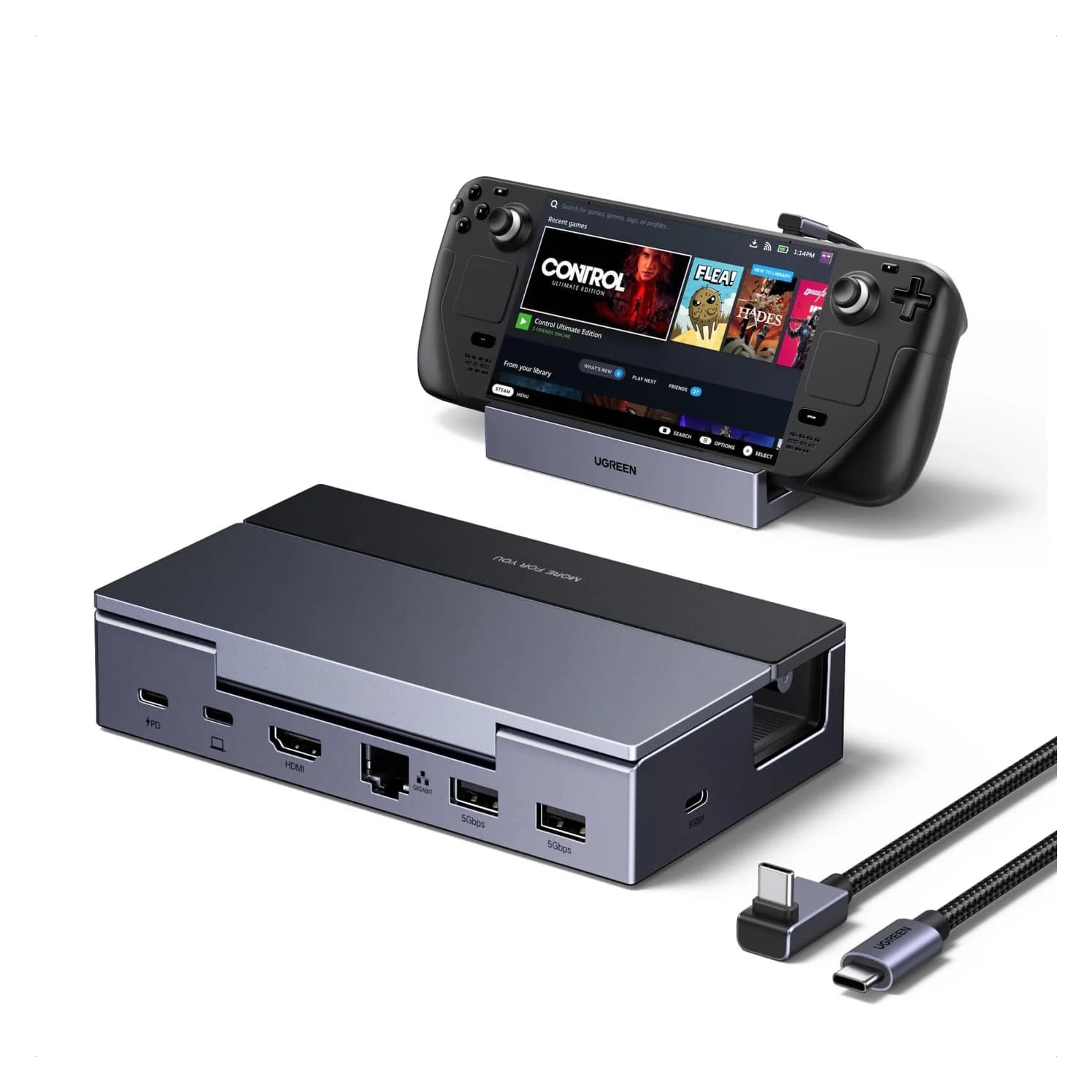
UGREEN Steam Deck Docking Station (6-in-1, 4K@120Hz, 100W PD)85W PD passthrough · 5 Gbps data · 4K120 video · 6 ports
- See on Amazon2
Best for ROG Ally X and Xbox Ally
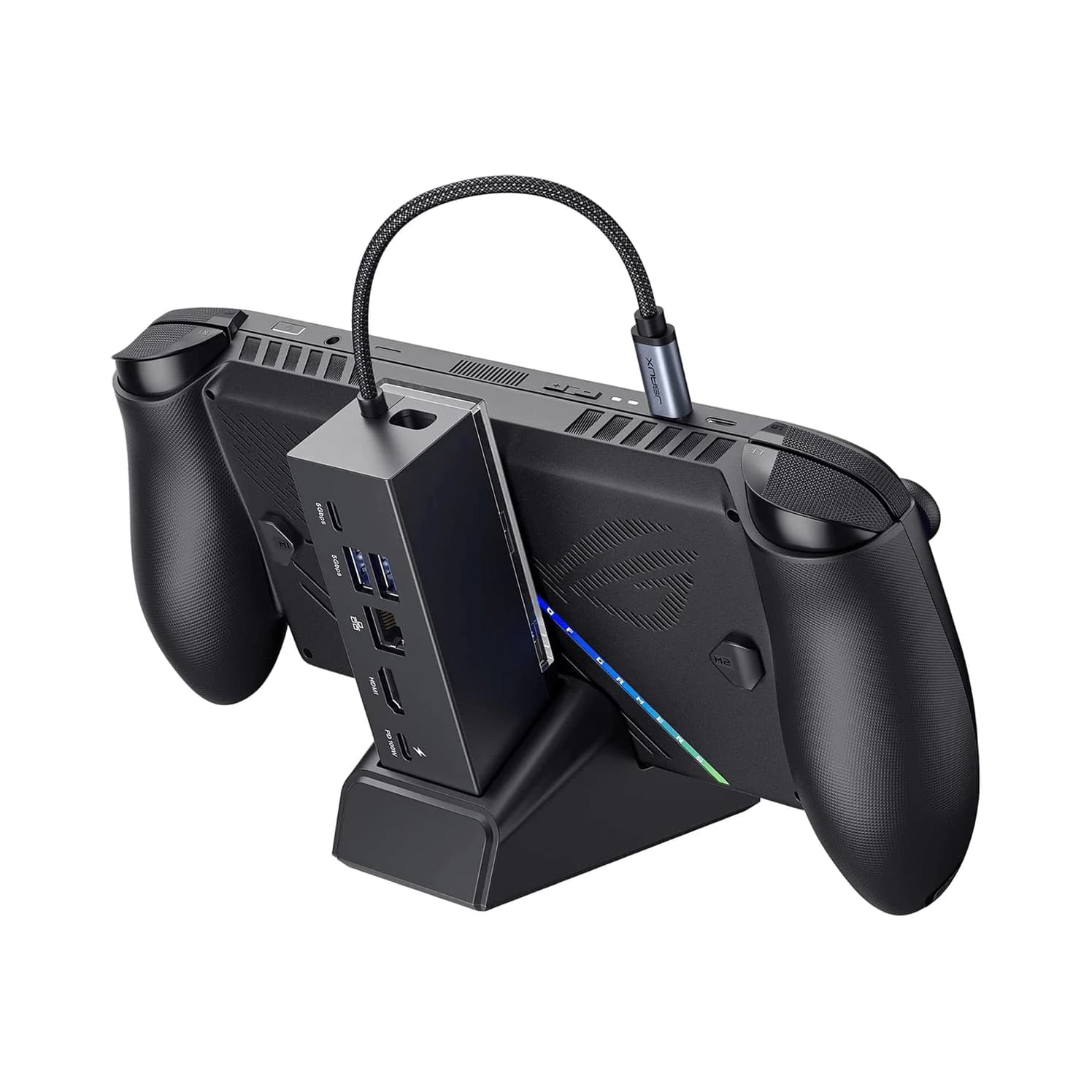
JSAUX 6-in-1 Multifunctional Docking Station (HB0609, HDMI 2.1 4K@120Hz)5 Gbps data · 4K120 video · 6 ports
- See on Amazon3
Best for 4K@60Hz TVs
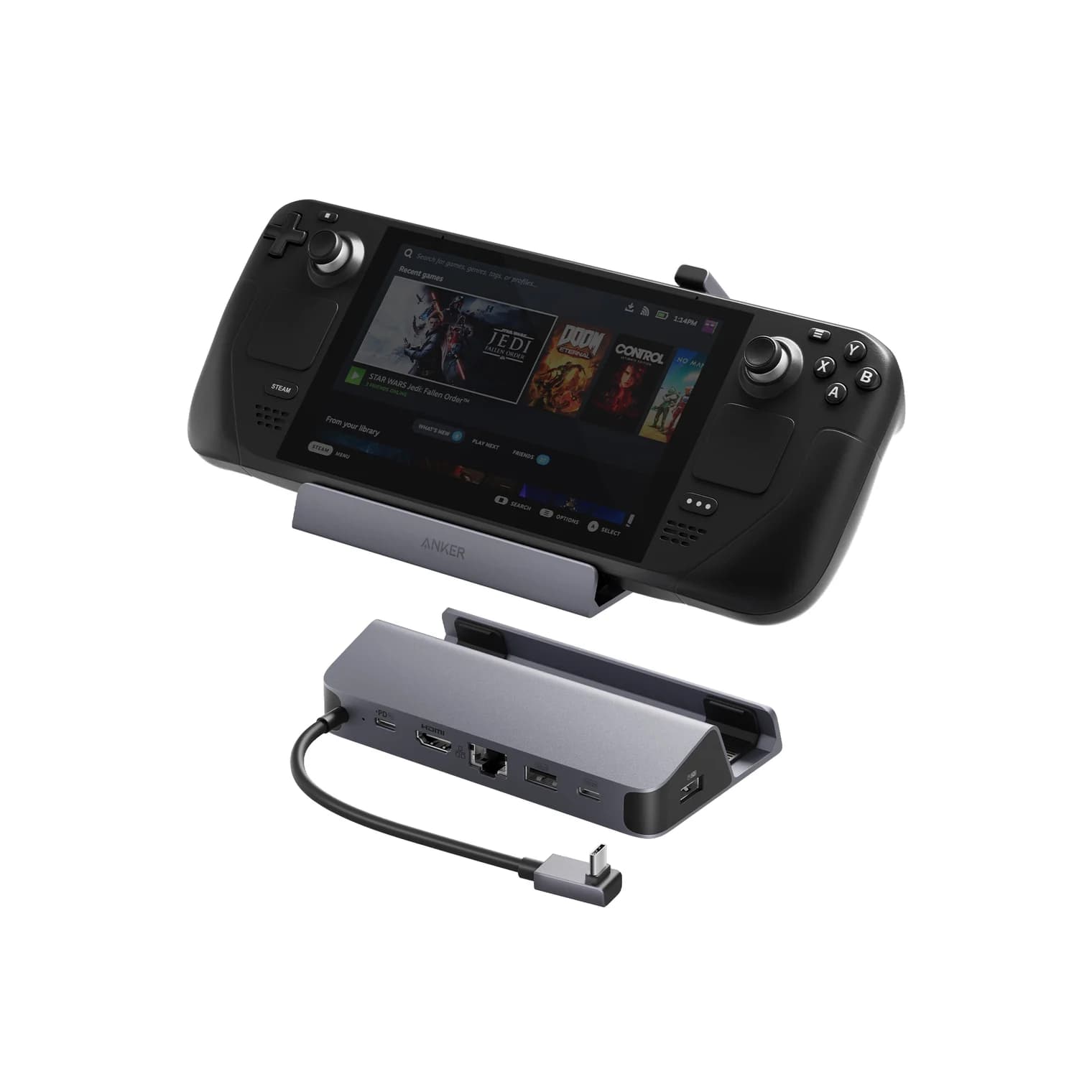
Anker USB-C Hub (6-in-1, For Handheld Game Console)90W PD passthrough · 5 Gbps data · 4K60 video · 6 ports
- See on Amazon4
Best with built-in storage
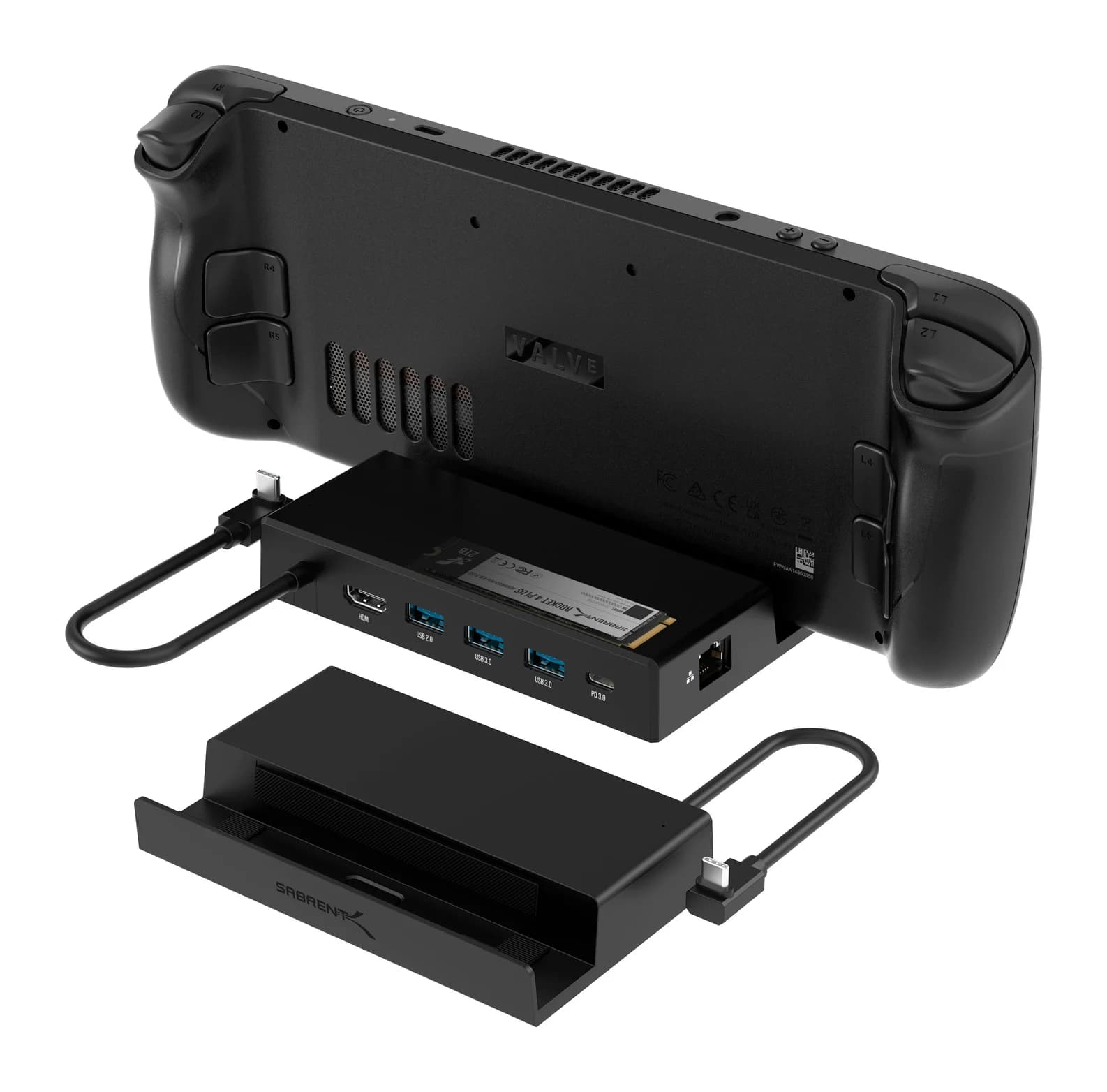
Sabrent USB-C 6-Port Docking Station with M.2 Slot (DS-SDNV)90W PD passthrough · 4K60 video · 6 ports
- See on Amazon
For most Steam Deck owners, the UGREEN Steam Deck Docking Station (6-in-1, 4K@120Hz) is the dock to buy: it has an HDMI 2.1 port rated for 4K@120Hz, Gigabit Ethernet and three USB ports, and it also works with ROG Ally and Legion Go handhelds. If you own a ROG Ally X or one of the 2025 ROG Xbox Ally models, the JSAUX HB0609 has the broadest official compatibility list. None of these docks include a charger, so budget for a 100W USB-C one, and don't expect any of them to put a Nintendo Switch 2 on your TV.
We chose these docks from manufacturer spec sheets, Valve's, ASUS's and Lenovo's own hardware specs, and the HDMI and USB Power Delivery standards. We have not physically handled them.
Quick picks
| Dock | Best for | HDMI | Extras | Charging |
|---|---|---|---|---|
| UGREEN 6-in-1 (4K@120Hz) | Most handheld owners | HDMI 2.1, up to 4K@120Hz | Gigabit Ethernet, 3x 5Gbps USB | 100W in, up to 85W to handheld |
| JSAUX HB0609 | ROG Ally X and Xbox Ally | HDMI 2.1, 4K@120Hz or 1080p@240Hz | Gigabit Ethernet, 3x 5Gbps USB, detachable stand | 100W in |
| Anker 6-in-1 (A83S1) | 4K@60Hz TVs | Up to 4K@60Hz | Gigabit Ethernet, 3x 5Gbps USB | 100W in, up to 90W to handheld |
| Sabrent DS-SDNV | Extra storage | HDMI 2.0, up to 4K@60Hz | M.2 SSD slot, Gigabit Ethernet, 3x USB-A | Up to 90W pass-through |
| UGREEN Nexode 100W | Powering any dock | n/a | 3x USB-C, 1x USB-A | 100W total |
Prices swing ahead of Black Friday, so check current prices on Amazon through the links.
Three things to know before you buy
1. HDMI 2.0 or 2.1. HDMI 2.0 carries up to 4K@60Hz. HDMI 2.1 adds 4K@120Hz and, on some docks, variable refresh rate (VRR). Valve says the Steam Deck outputs up to 4K@120Hz or 8K@60Hz over USB-C DisplayPort, so an HDMI 2.1 dock can pass 120Hz to a TV that supports it. That's most useful for 1080p or 1440p at 120Hz, or for lighter games, because few demanding games will reach 120fps at 4K on any handheld. If your TV is 4K@60Hz, HDMI 2.0 is enough.
2. The charger is not optional. None of these docks include a charger, and docks keep some power for themselves. The handheld's own charger is the baseline:
| Handheld | Charger the maker specifies | Video over USB-C |
|---|---|---|
| Steam Deck (LCD and OLED) | 45W USB-C PD (Valve) | DisplayPort, up to 4K@120Hz or 8K@60Hz |
| ROG Ally X (2024) / ROG Xbox Ally X | 65W USB-C (ASUS) | USB4 with DisplayPort 1.4 (ASUS) |
| Legion Go, Legion Go S, Legion Go 2 | 65W USB-C (Lenovo) | Legion Go 2: USB4 with DisplayPort 2.1 (Lenovo) |
Behind a dock, go one step up. UGREEN recommends 65W for a Steam Deck and 100W for a ROG Ally or Legion Go on its dock. A 100W USB-C PD charger such as the UGREEN Nexode 100W covers all of them; see our best USB-C chargers for more.
3. The Nintendo Switch 2 trap. A Switch 2 isn't a standard USB-C video device, so a Steam Deck dock will usually charge it without putting a picture on the TV. UGREEN explicitly lists its dock as not compatible with Switch and Switch 2. Even docks sold for the Switch 2 have been caught out: Nintendo's firmware 21.0.0, released in November 2025, stopped many of them from outputting video until their makers shipped firmware fixes. Nintendo said it did not intend to block third-party docks. If a household shares one dock between a Steam Deck and a Switch 2, budget for two docks instead.
Best overall: UGREEN Steam Deck Docking Station (6-in-1, 4K@120Hz)
UGREEN
UGREEN Steam Deck Docking Station (6-in-1, 4K@120Hz, 100W PD)
A 6-in-1 USB-C dock and stand for handheld gaming PCs with HDMI 2.1, Gigabit Ethernet, three 5Gbps USB ports and 100W PD input.
- 85W PD passthrough
- 5 Gbps data
- 4K120 video
- 6 ports
UGREEN's dock covers what most handheld owners want at a TV: an HDMI 2.1 port rated up to 4K@120Hz with VRR, FreeSync and G-Sync listed, Gigabit Ethernet, two USB-A ports and one USB-C data port (all 5Gbps), and a 100W PD input that passes up to 85W to the handheld. It's a stand with a detachable angled USB-C cable, and UGREEN says it's plug-and-play on SteamOS, Windows, macOS and Linux, so it doubles as a laptop dock.
UGREEN is specific about power: 45W minimum and 65W recommended for a Steam Deck, and a 100W charger for a ROG Ally or Legion Go.
Why it stands out: HDMI 2.1 with VRR listed, plus wired Ethernet, in one stand that works with all three major handheld families.
Watch out for: UGREEN says it's not compatible with Nintendo Switch or Switch 2. No charger is included, and the refresh rate you actually get depends on the handheld, the game and the TV.
See the UGREEN Steam Deck dock on Amazon
Best for ROG Ally X and Xbox Ally: JSAUX 6-in-1 Multifunctional Docking Station (HB0609)
JSAUX
JSAUX 6-in-1 Multifunctional Docking Station (HB0609, HDMI 2.1 4K@120Hz)
A 6-in-1 handheld dock with a detachable stand, HDMI 2.1 output up to 4K@120Hz, Gigabit Ethernet, three 5Gbps USB ports and 100W PD input.
- 5 Gbps data
- 4K120 video
- 6 ports
Owners of ASUS's newer handhelds should check compatibility first, because some docks, including the Anker below, exclude the ROG Ally X. JSAUX's HB0609 lists the ROG Xbox Ally X, ROG Xbox Ally, ROG Ally X and original ROG Ally, alongside the Steam Deck LCD and OLED and the Legion Go, Go S and Go 2. It has an HDMI 2.1 port rated for 4K@120Hz or 1080p@240Hz, Gigabit Ethernet, one USB-C and two USB-A ports at 5Gbps, and a 100W PD input.
The hub detaches from its stand, so it doubles as a compact travel dock, and JSAUX includes a silicone pad to fit different handhelds.
Why it stands out: The broadest official compatibility list here, including the 2025 Xbox Ally models and the Legion Go 2.
Watch out for: JSAUX says the ROG Ally's 30W Turbo mode needs a 100W charger, and it doesn't publish how much of the 100W input reaches the handheld. VRR isn't clearly listed for this model. Switch and Switch 2 aren't on its compatibility list.
See the JSAUX HB0609 on Amazon
Best for 4K@60Hz TVs: Anker USB-C Hub (6-in-1, For Handheld Game Console)
Anker
Anker USB-C Hub (6-in-1, For Handheld Game Console)
A 6-in-1 stand-style dock for Steam Deck, ROG Ally and Legion Go with 4K@60Hz HDMI, Gigabit Ethernet, three 5Gbps USB ports and a 100W PD input.
- 90W PD passthrough
- 5 Gbps data
- 4K60 video
- 6 ports
Many living-room TVs top out at 4K@60Hz, and few demanding games run near 120fps at 4K on a handheld anyway. Anker's A83S1 dock matches that reality: an HDMI port rated for 4K@60Hz, Gigabit Ethernet, two USB-A ports and one USB-C port at 5Gbps, and a 100W PD input with up to 90W going to the handheld. Anker lists the Steam Deck, ROG Ally, Legion Go and USB-C iPads as compatible.
Anker's power guidance is to use a 100W PD charger for full output and for the ROG Ally's 30W Turbo mode, and to keep at least a 45W adapter connected to a Steam Deck for a stable picture.
Why it stands out: The 4K@60Hz basics, Ethernet and up to 90W of charging in a compact stand.
Watch out for: Anker says it's not compatible with the ROG Ally X, AYANEO devices or any Nintendo Switch, or with cases that are thicker than 2mm or have a kickstand. There's no 120Hz output. Anker's own store has listed it as sold out, so check availability.
See the Anker 6-in-1 dock on Amazon
Best with built-in storage: Sabrent USB-C 6-Port Docking Station with M.2 Slot (DS-SDNV)
Sabrent
Sabrent USB-C 6-Port Docking Station with M.2 Slot (DS-SDNV)
A Steam Deck and ROG Ally dock with an internal M.2 SSD slot, 4K@60Hz HDMI 2.0, Gigabit Ethernet, three USB-A ports and up to 90W PD pass-through.
- 90W PD passthrough
- 4K60 video
- 6 ports
A Steam Deck's internal storage fills quickly. Sabrent's DS-SDNV has an internal M.2 slot that takes 2242, 2260 or 2280 NVMe or SATA SSDs, so a spare SSD becomes extra storage whenever the handheld is docked. Around it are an HDMI 2.0 port (4K@60Hz), Gigabit Ethernet, three USB-A ports (one of them USB 2.0) and USB-C PD pass-through up to 90W, in an aluminum body.
Why it stands out: Storage that lives in the dock, plus the usual TV and network ports.
Watch out for: The M.2 slot runs at up to 5Gbps, far below an NVMe drive's internal speed, and anything stored on it is only available while docked. Sabrent's firmware updater is Windows-only. No charger or SSD is included.
See the Sabrent DS-SDNV on Amazon
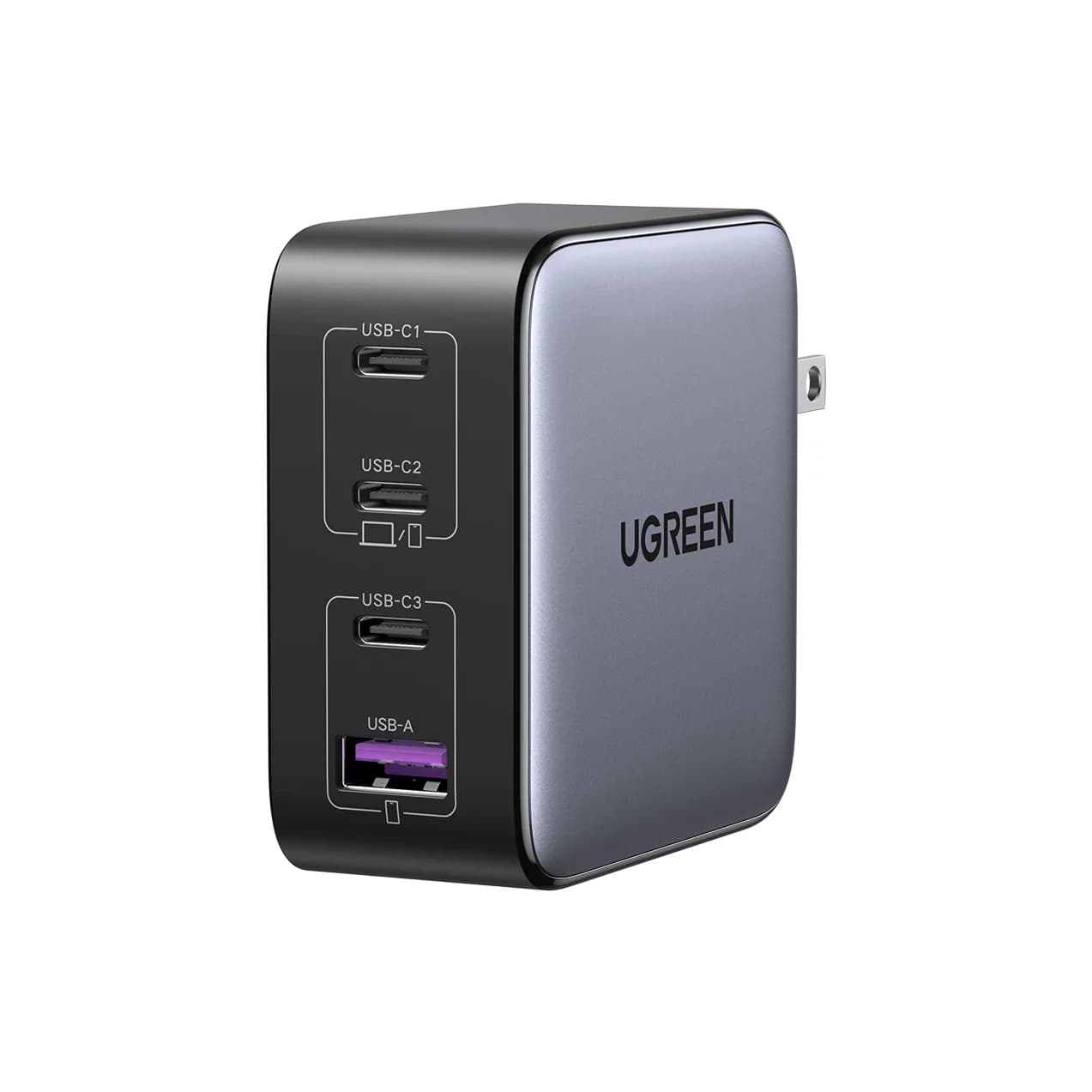
Best charger for any dock: UGREEN Nexode 100W 4-Port
UGREEN
UGREEN Nexode 100W 4-Port USB-C Charger
A 100W GaN wall charger with three USB-C ports and one USB-A port and a foldable plug.
- 100W max output
- 4 ports
Every dock above needs a USB-C PD charger, and an underpowered charger is a commonly reported cause of docks dropping video or charging slowly. UGREEN's Nexode 100W has three USB-C ports and one USB-A port with 100W total, which meets the 100W that UGREEN, Anker and JSAUX recommend for a ROG Ally or Legion Go on their docks. The spare ports can top up controllers or a phone.
Watch out for: The 100W is shared. The dock gets the full 100W only when it's the only device connected, and only over a 5A USB-C cable.
See the UGREEN Nexode 100W on Amazon
What about Valve's official Steam Deck Dock?
Valve's Steam Deck Docking Station is sold through Steam rather than as a Valve listing on Amazon, so it isn't in our product list. Valve lists HDMI and DisplayPort outputs, three USB-A 3.1 Gen 1 ports, Gigabit Ethernet and a USB-C power input, and says it can drive up to two external displays at a time. It's shaped for the Deck and Valve says it holds both the LCD and OLED models. Valve doesn't put an HDMI version on its dock page, so if 4K@120Hz over HDMI matters, or you also own a ROG Ally or Legion Go, the third-party docks above are the more flexible choice.
How we choose
We don't physically test products. Our picks come from:
- Handheld specs from Valve, ASUS and Lenovo. Video output limits and charger wattages set the bar every dock must meet.
- Manufacturer spec sheets. HDMI versions, refresh rates, ports and PD figures come from UGREEN's, JSAUX's, Anker's and Sabrent's official pages, linked in each product card.
- Standards. HDMI 2.0 versus 2.1 bandwidth, USB Power Delivery, and DisplayPort Alt Mode tell us which claims make sense.
- Known owner patterns. The most common complaints with handheld docks are underpowered chargers, unexpected 30Hz or 60Hz caps, and buying the wrong dock for a Switch.
We also confirm that each Amazon listing matches the model the manufacturer describes.
Buying guide
Match the dock to the TV. A 4K@60Hz TV gets nothing from HDMI 2.1. A 120Hz TV or monitor does, and only an HDMI 2.1 dock can carry 4K@120Hz. Use a certified Ultra High Speed HDMI cable for 4K@120Hz.
VRR is a bonus, not a given. Variable refresh rate needs support from the handheld, its operating system, the dock's video chip and the TV. Treat VRR on a dock spec sheet as "possible" rather than guaranteed.
Ethernet helps for streaming and downloads. Remote Play, cloud gaming and large game downloads benefit from a wired connection. Gigabit is plenty.
Fit matters. The Legion Go is larger and heavier than a Steam Deck, and the ROG Ally's port position differs. Check that the stand suits your handheld, or use the dock flat with a cable.
Storage. USB ports on these docks are 5Gbps or slower, fine for controllers and a USB drive. For a bigger library, a fast portable SSD on the dock's USB port works well; see our best USB gifts for gamers for SSD and charger ideas, and our best USB-C hubs with HDMI for HDMI basics.
Verdict
Buy the UGREEN 6-in-1 (4K@120Hz) if you want the most capable all-round dock for a Steam Deck, ROG Ally or Legion Go. Choose the JSAUX HB0609 for a ROG Ally X or Xbox Ally, the Anker 6-in-1 if your TV is 4K@60Hz and you have a Steam Deck or original Ally, and the Sabrent DS-SDNV if storage is the problem. Pair any of them with a 100W charger such as the UGREEN Nexode 100W, and keep the Switch 2 on Nintendo's own dock.
Frequently asked questions
Does a Steam Deck dock work with the Nintendo Switch 2?
Usually not for TV output. The Switch 2 doesn't use plain USB-C DisplayPort Alt Mode the way a Steam Deck does, so a generic handheld dock may charge it but show no picture. UGREEN states its Steam Deck dock isn't compatible with Switch or Switch 2. Nintendo's firmware 21.0.0 in November 2025 also broke many docks sold as Switch 2-compatible until their makers shipped fixes. Use Nintendo's dock, or one sold for Switch 2 with firmware updates.
Do I need HDMI 2.1 for a Steam Deck dock?
Only for 4K above 60Hz. HDMI 2.0 tops out at 4K@60Hz, which already exceeds what most games run at on a Steam Deck. HDMI 2.1 matters if your TV supports 4K@120Hz or 1440p@120Hz and you play lighter or older games that can hold high frame rates, or if you have a faster handheld such as a ROG Ally X or Legion Go 2. Valve says the Steam Deck outputs up to 4K@120Hz over USB-C.
What charger do I need for a Steam Deck dock?
Valve ships the Steam Deck with a 45W USB-C PD charger, and that is enough for the Deck on most docks. UGREEN's guidance for its dock is 45W minimum and 65W recommended for a Steam Deck, and 100W for a ROG Ally or Legion Go, because the dock and its accessories take a share of the power. A 100W USB-C PD charger covers every handheld here.
Will a Steam Deck dock work with a ROG Ally or Legion Go?
Most third-party docks do, because these handhelds all output video over standard USB-C. Check the dock's compatibility list for your exact model, though. Anker's 6-in-1 excludes the ROG Ally X, not every dock lists the 2025 ROG Xbox Ally models, and the larger Legion Go may not sit well in every stand. Valve's own dock is shaped for the Steam Deck.
Can I use a Steam Deck dock with a laptop?
Generally yes. A handheld dock is a USB-C hub with a stand, so a laptop with USB-C DisplayPort Alt Mode and Power Delivery charging gets HDMI, USB and Ethernet from it. Laptop charging is limited by the dock's pass-through rating, often about 85W from a 100W charger. For a laptop-first setup, a regular USB-C hub or dock is usually a better fit.
Related guides
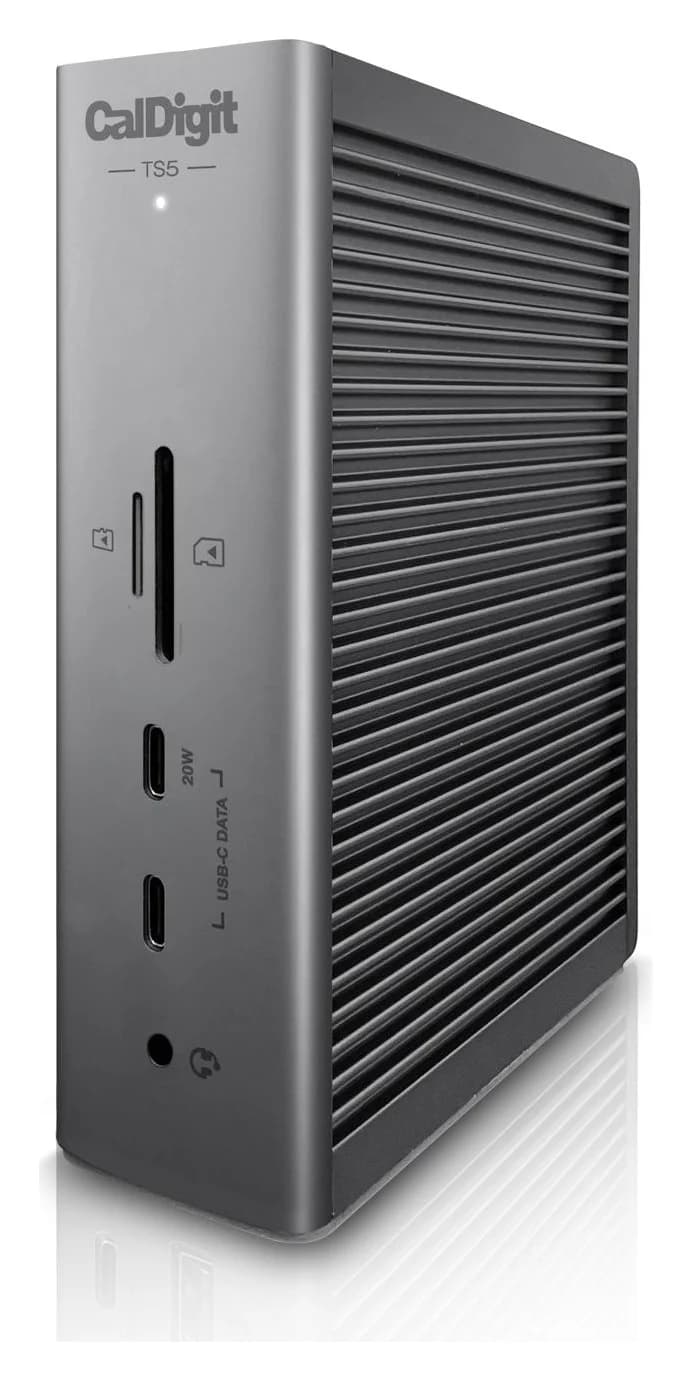
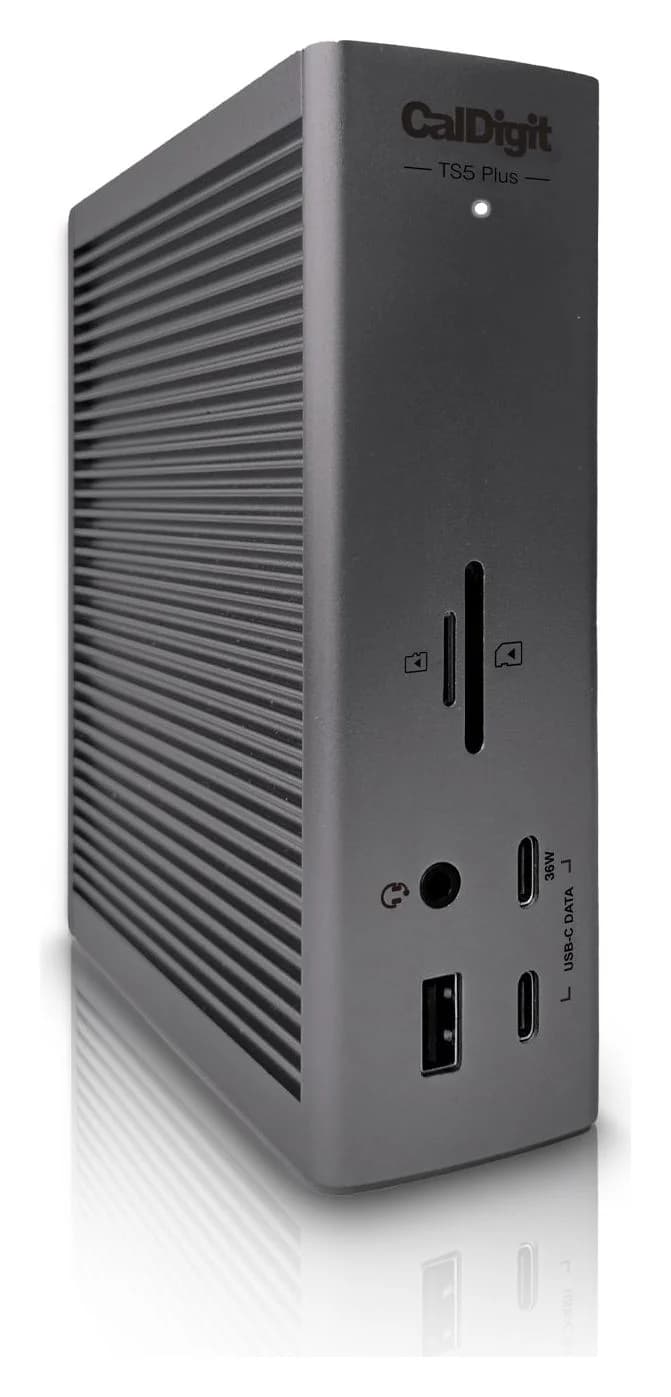
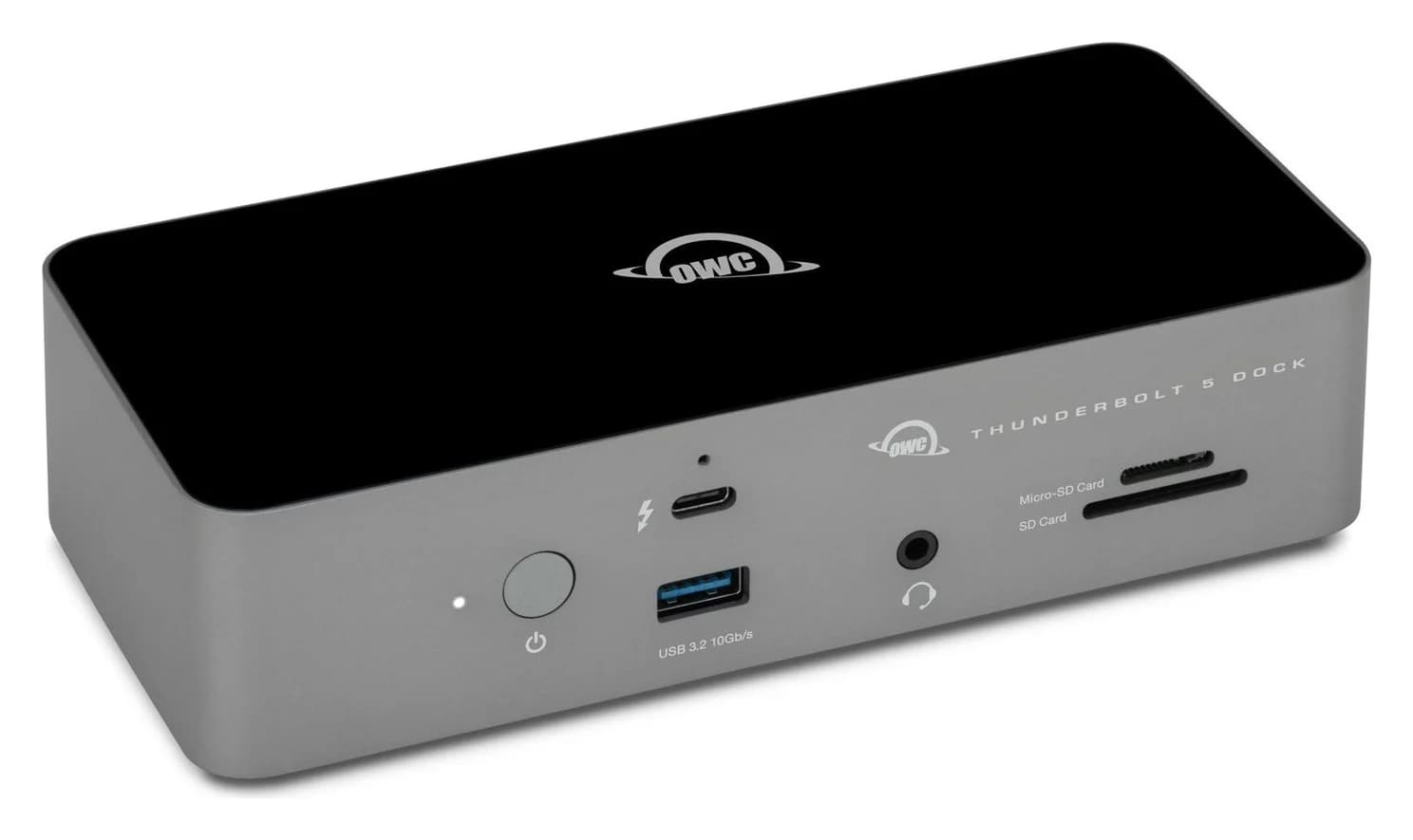
Best Docks for MacBook Pro in 2026 (M5, M5 Pro and M5 Max)
Thunderbolt 5 and 4 docks matched to each current MacBook Pro: 140W charging for the 16-inch, three or four displays on M5 Pro and Max, 10GbE and more.
Updated October 22, 2026Read
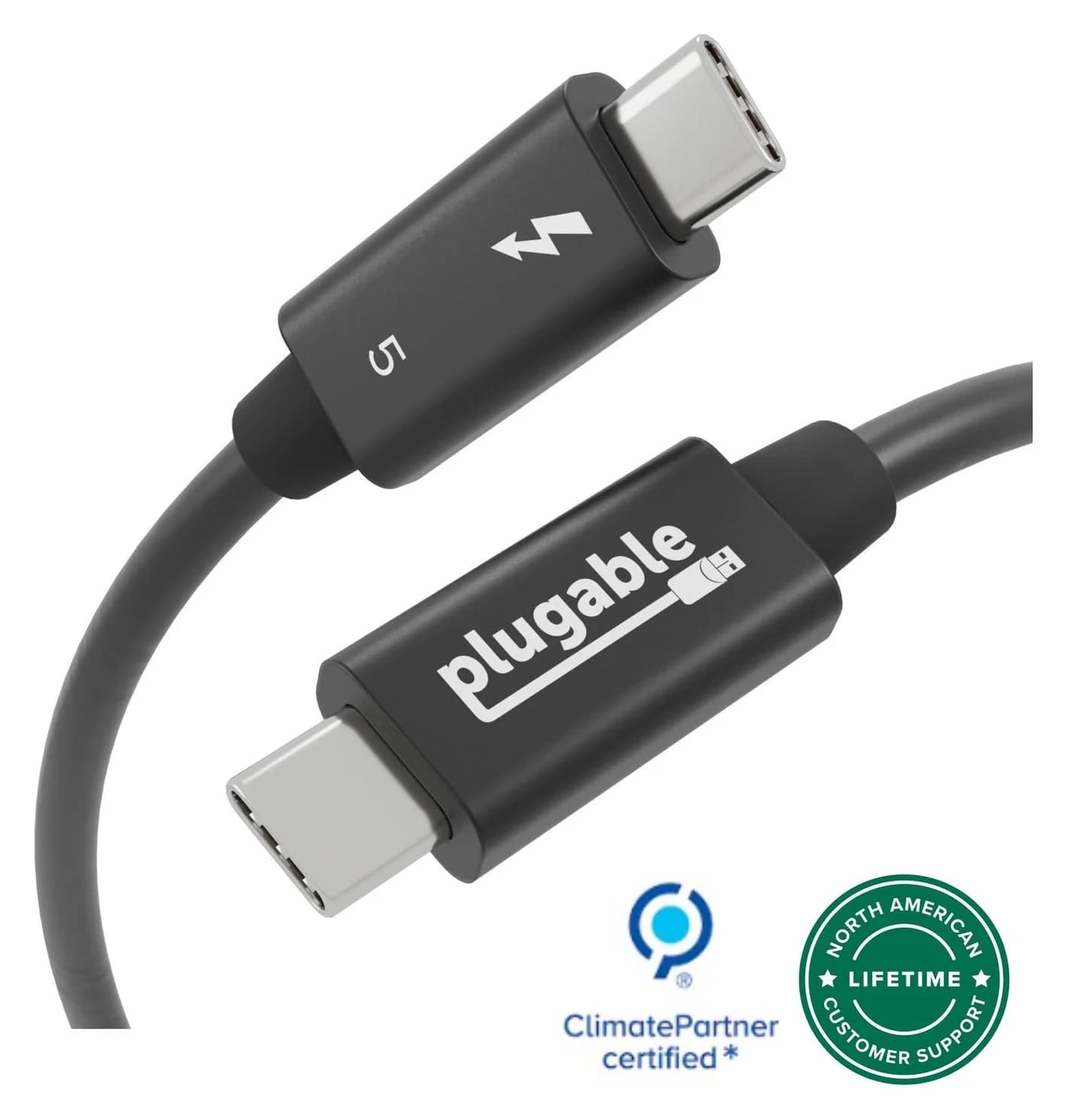
Thunderbolt 5 vs USB4: What's the Difference in 2026?
Thunderbolt 5 vs USB4 and USB4 v2 explained: 80Gbps, 120Gbps Bandwidth Boost, PCIe, displays, 140W to 240W charging, cables, and which Macs and PCs have it.
Updated October 22, 2026Read
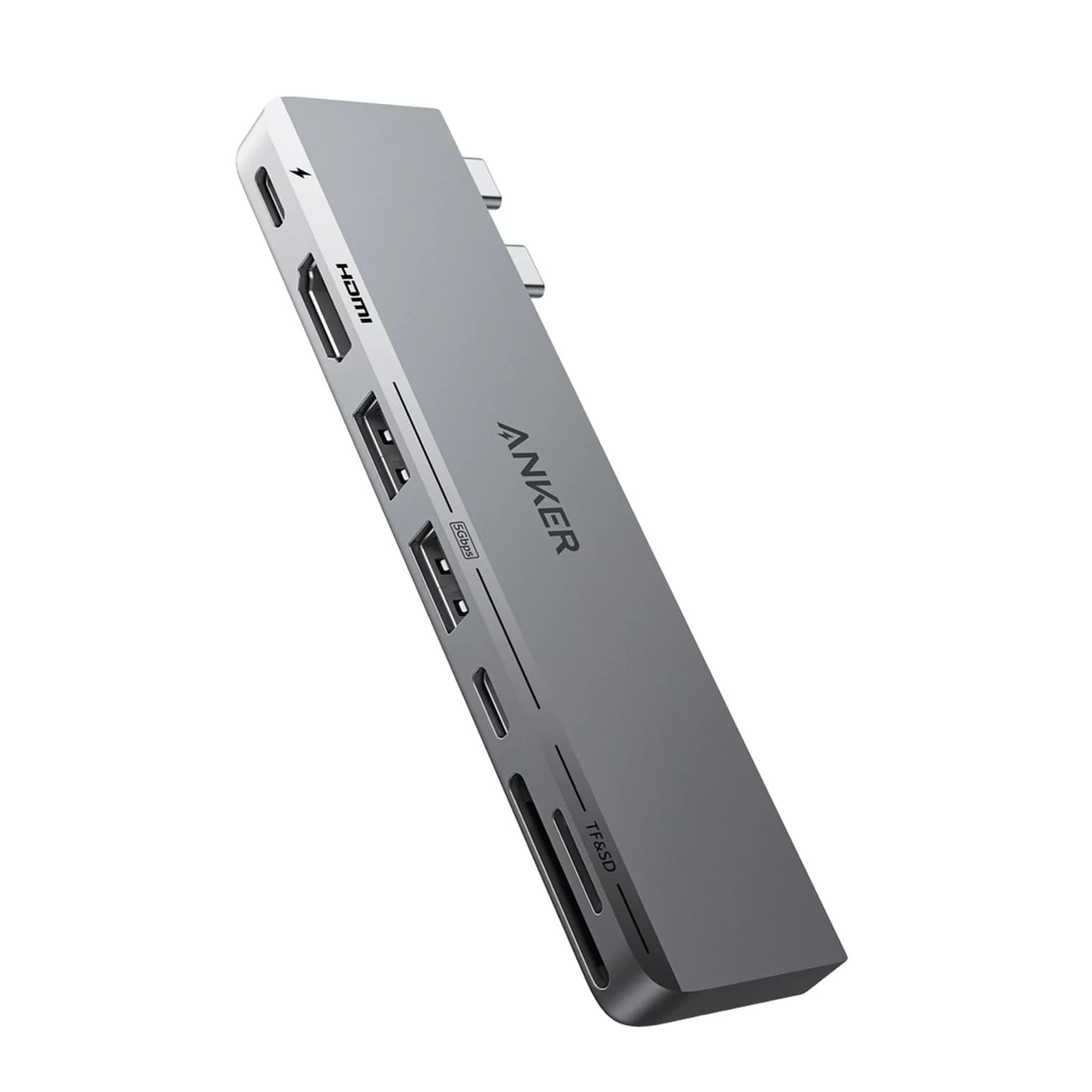
Best Dual-Monitor Docks and Hubs for MacBook in 2026 (M1 to M5 and Neo)
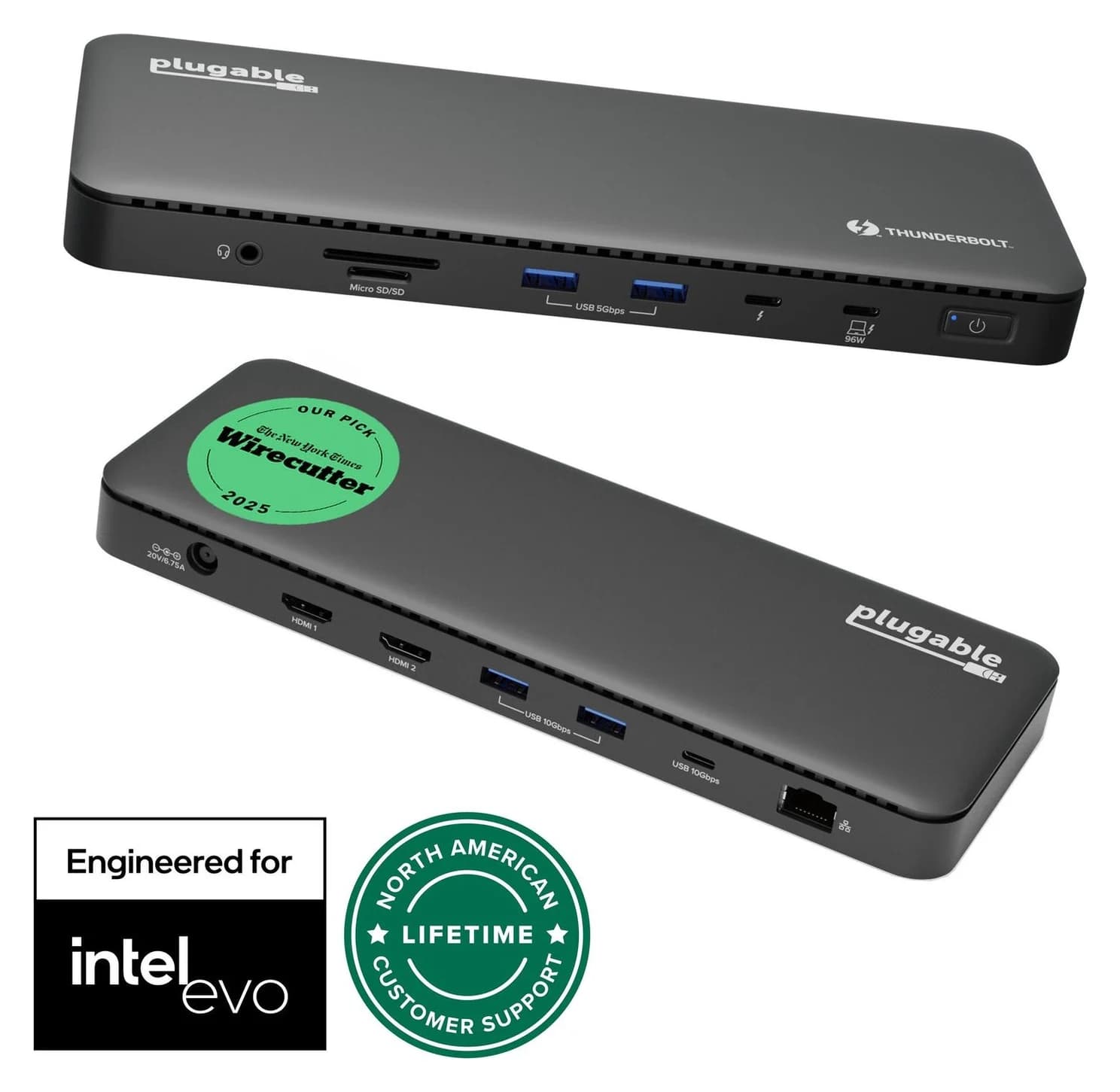
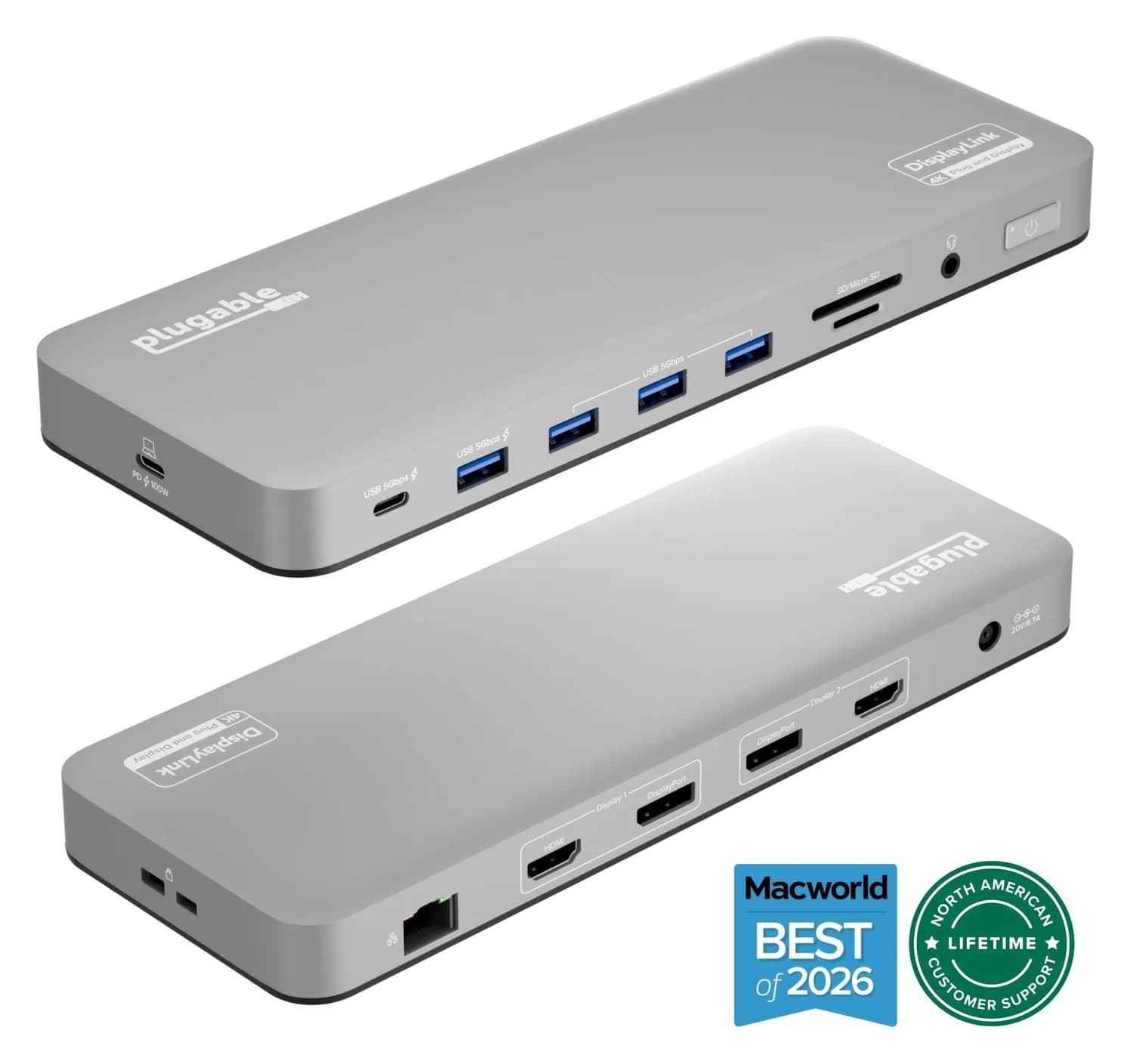
Why a second monitor mirrors or stays dark on a MacBook, what each chip from M1 to M5 and the Neo can drive, and which Thunderbolt and DisplayLink docks work.
Updated October 22, 2026Read