Comparison
Thunderbolt 5 vs USB4: What's the Difference in 2026?
Thunderbolt 5 vs USB4 and USB4 v2 explained: 80Gbps, 120Gbps Bandwidth Boost, PCIe, displays, 140W to 240W charging, cables, and which Macs and PCs have it.
By thisUSB EditorialUpdated October 22, 20269 min read4 picks
Our picks at a glance
- See on Amazon1
Best Thunderbolt 5 dock
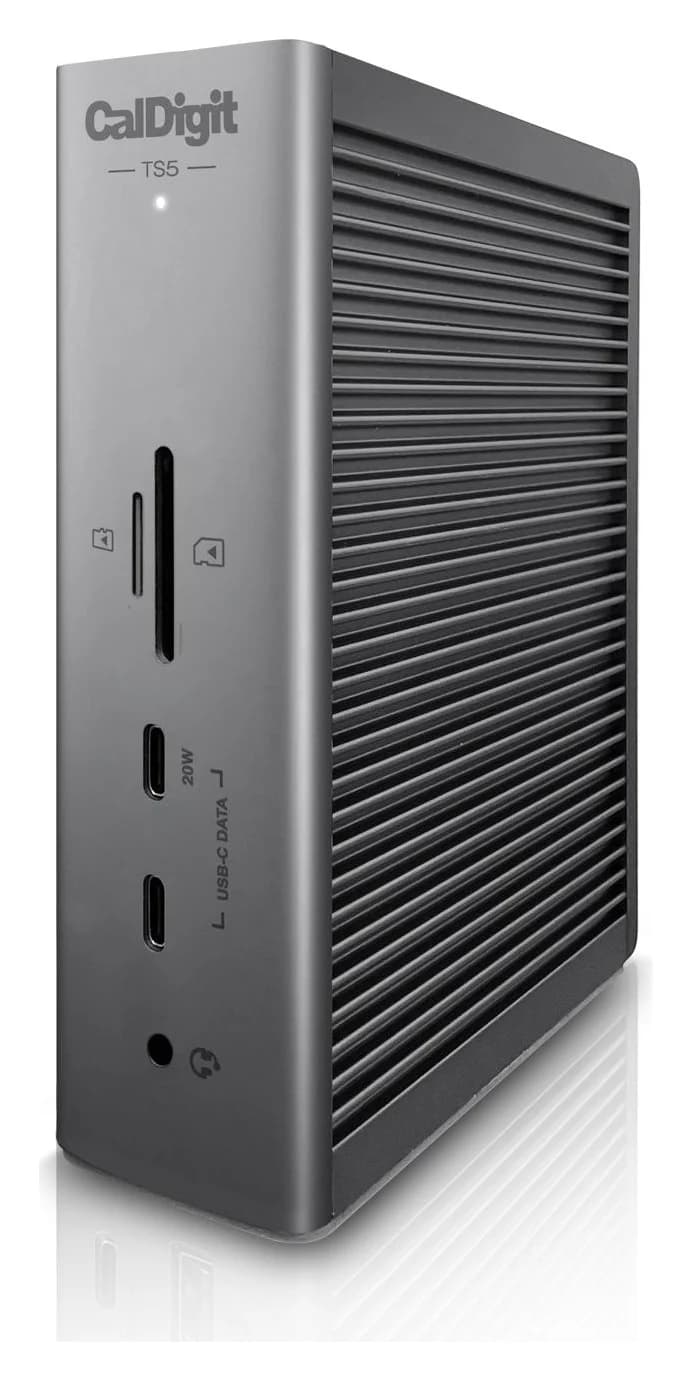
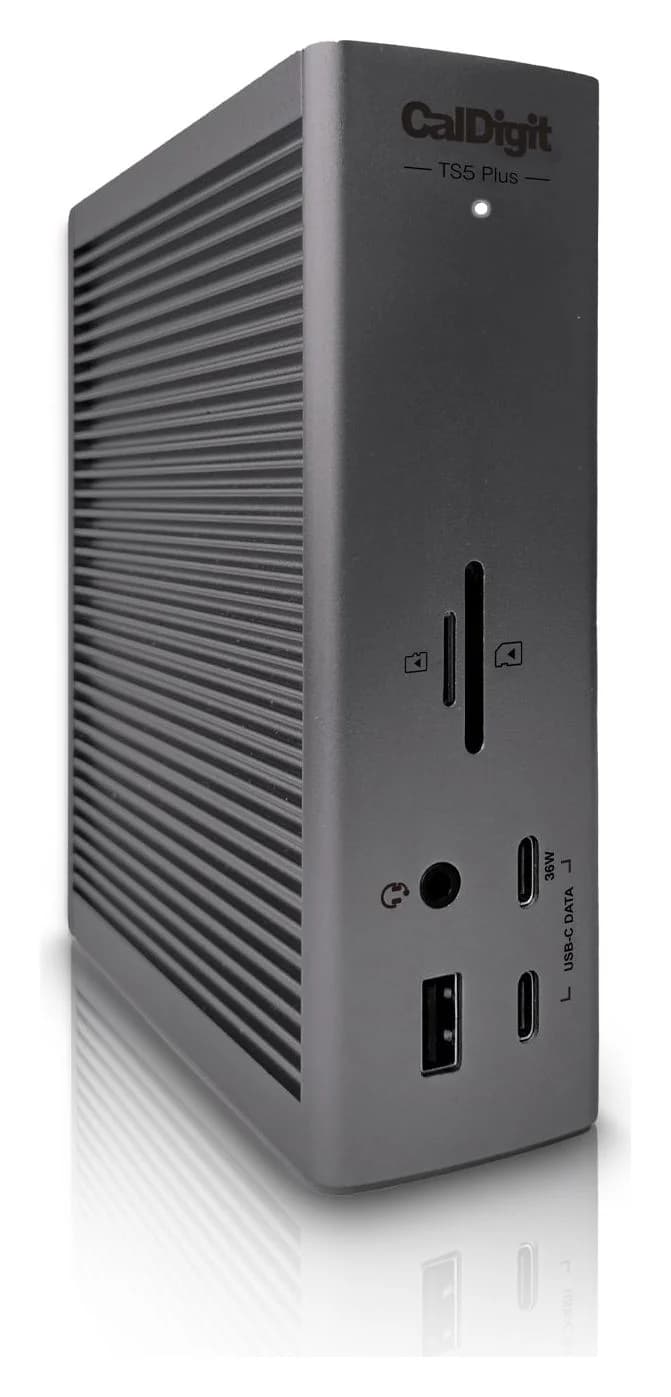
CalDigit TS5 Thunderbolt 5 Dock140W PD passthrough · 80 Gbps data · Via Thunderb video · 15 ports
- See on Amazon
- See on Amazon3
Best 80Gbps storage
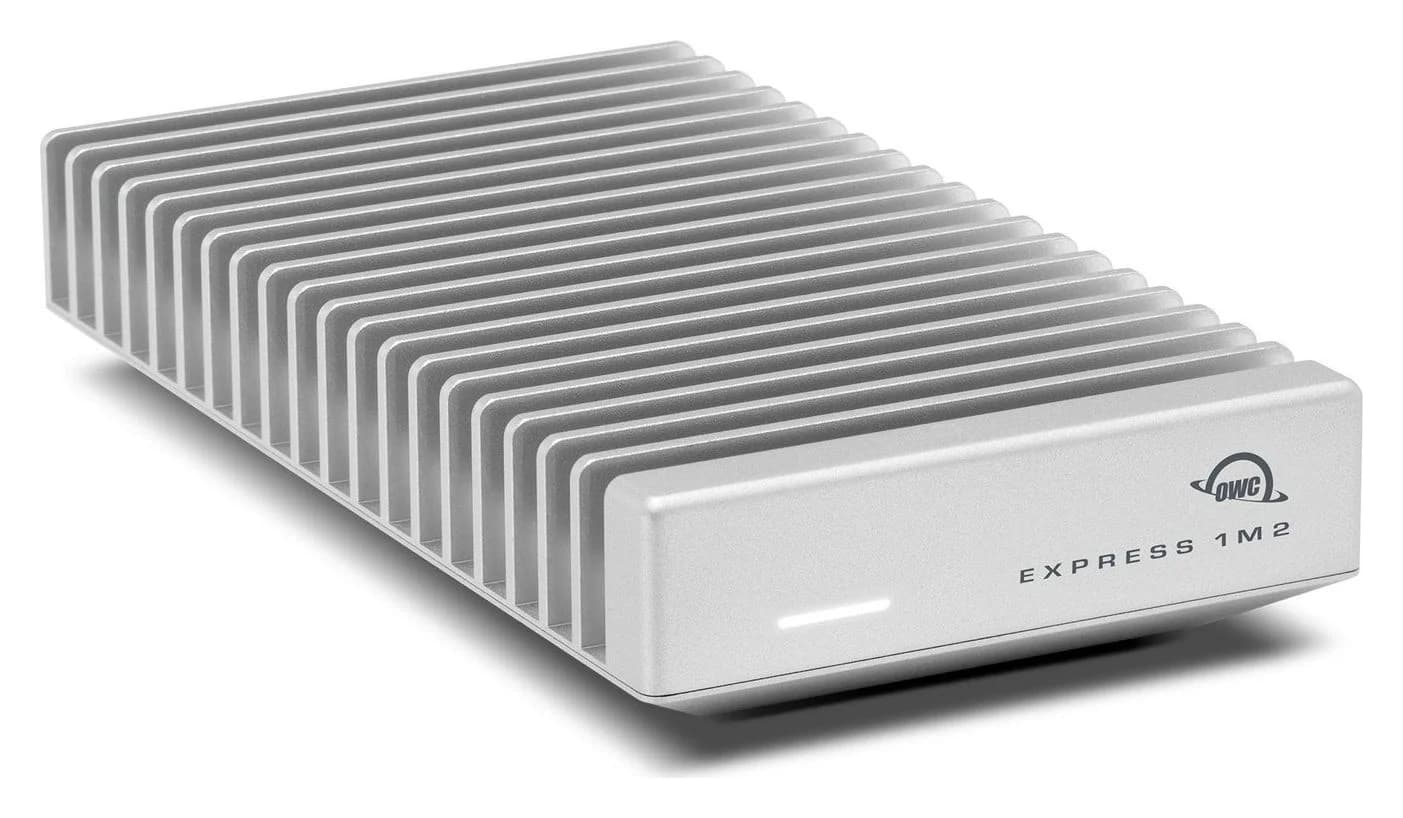
OWC Express 1M2 80G USB4 80Gb/s NVMe M.2 SSD Enclosure (Enclosure Only)80 Gbps data · 1 port
- See on Amazon
Thunderbolt 5 and USB4 version 2.0 use the same 80Gbps signalling over the same USB-C connector. The difference is what's guaranteed. Every Thunderbolt 5 port must deliver 80Gbps, the 120Gbps Bandwidth Boost, fast PCIe for drives and docks, two high-resolution displays and laptop charging. A USB4 port only has to reach 20Gbps, and the rest depends on the laptop. If your computer has Thunderbolt 5, buy Thunderbolt 5 docks and cables. If it has USB4 or Thunderbolt 4 at 40Gbps, 40Gbps gear still covers most jobs.
Below, we compare the standards using Intel's Thunderbolt 5 technology brief and comparison table, the USB-IF's USB4 version 2.0 announcement, and Apple's Mac spec pages.
The short version
| USB4 (v1) | USB4 v2 | Thunderbolt 4 | Thunderbolt 5 | |
|---|---|---|---|---|
| Top speed | 40Gbps | 80Gbps; optional 120Gbps one way | 40Gbps | 80Gbps; 120Gbps one way (Bandwidth Boost) |
| Minimum computer speed | 20Gbps | 20Gbps | 40Gbps | 80Gbps and 120Gbps |
| PCIe for drives and docks | Not guaranteed | Not guaranteed | 32Gbps minimum | 64Gbps minimum |
| Displays (minimum) | Varies | Varies | Two 4K | Two 6K |
| Laptop charging | Varies | Varies | Required (laptops under 100W) | Required (laptops under 140W), up to 240W allowed |
| Power for accessories | 7.5W | 7.5W | 15W | 15W |
| Certification | Optional (USB-IF) | Optional (USB-IF) | Mandatory (Intel) | Mandatory (Intel) |
Intel's comparison has a single USB4 column, so its USB4 minimums apply to both versions. Consumer packaging should say USB 40Gbps or USB 80Gbps. The USB-IF's naming guidelines say "USB4 Version 2.0" isn't meant for product names, though you'll still see it.
USB4 version 1 vs USB4 version 2
USB4 version 1 runs at 20 or 40Gbps. It tunnels USB, DisplayPort and PCIe traffic over one link, and it's based on a Thunderbolt protocol Intel contributed to the USB-IF. That's why the USB-IF says USB4 is compatible with Thunderbolt 3 hosts and devices.
USB4 version 2.0, published in October 2022, doubles that. According to the USB-IF's announcement:
- It reaches 80Gbps using a new PAM3 signal encoding, over existing 40Gbps passive USB-C cables and newly defined 80Gbps active cables.
- Optionally, the link can run asymmetrically at 120Gbps in one direction and 40Gbps in the other, for demanding displays.
- USB data tunnelling can exceed 20Gbps, and the protocols align with DisplayPort 2.1 and PCIe 4.0.
- It stays backward compatible with every earlier USB version and Thunderbolt 3.
"Optionally" is the important word. A USB4 v2 port might run 80Gbps without the 120Gbps mode, PCIe or a particular display capability.
Thunderbolt 4 vs Thunderbolt 5: Intel's minimums
Thunderbolt is Intel's certified layer on top of USB4, and Intel's Thunderbolt 5 brief lists the requirements side by side:
| Requirement | Thunderbolt 5 | Thunderbolt 4 |
|---|---|---|
| Computer speed | 80 and 120Gbps | 40Gbps |
| Video | Dual 6K | Dual 4K |
| PCIe data | 64Gbps | 32Gbps |
| USB 3 data | 10Gbps (up to 20Gbps available) | 10Gbps |
| Charging on at least one port | Required up to 140W, available up to 240W | Required up to 100W, available up to 140W |
| Port power for accessories | 15W | 15W |
| Thunderbolt networking | 64Gbps | 32Gbps |
| Certified cables up to 2m | 120Gbps | 40Gbps |
Both also require USB4 compliance, wake from sleep on a Thunderbolt dock, Intel VT-d DMA protection, accessories with up to four Thunderbolt ports, and certification of every computer, accessory and cable. Thunderbolt 5 is built on USB4 v2, DisplayPort 2.1 and PCIe 4.0.
Bandwidth Boost: 120Gbps one way
Normally a Thunderbolt 5 link carries 80Gbps in each direction. When a lot of display traffic is needed, Intel says Bandwidth Boost rebalances the link to send 120Gbps and receive 40Gbps. Intel calls that up to 3x the video bandwidth of Thunderbolt 4. It's the feature that lets one cable drive several high-resolution, high-refresh monitors. It's mandatory on Thunderbolt 5 and optional on USB4 v2, which is a good reason to choose Thunderbolt 5 docks for multi-monitor desks.
PCIe tunnelling: the hidden difference
PCIe is what makes external NVMe SSDs fast, and it also connects network chips and extra USB controllers inside docks. Thunderbolt 5 guarantees 64Gbps of PCIe and Thunderbolt 4 guarantees 32Gbps. Intel's table lists no PCIe minimum for USB4.
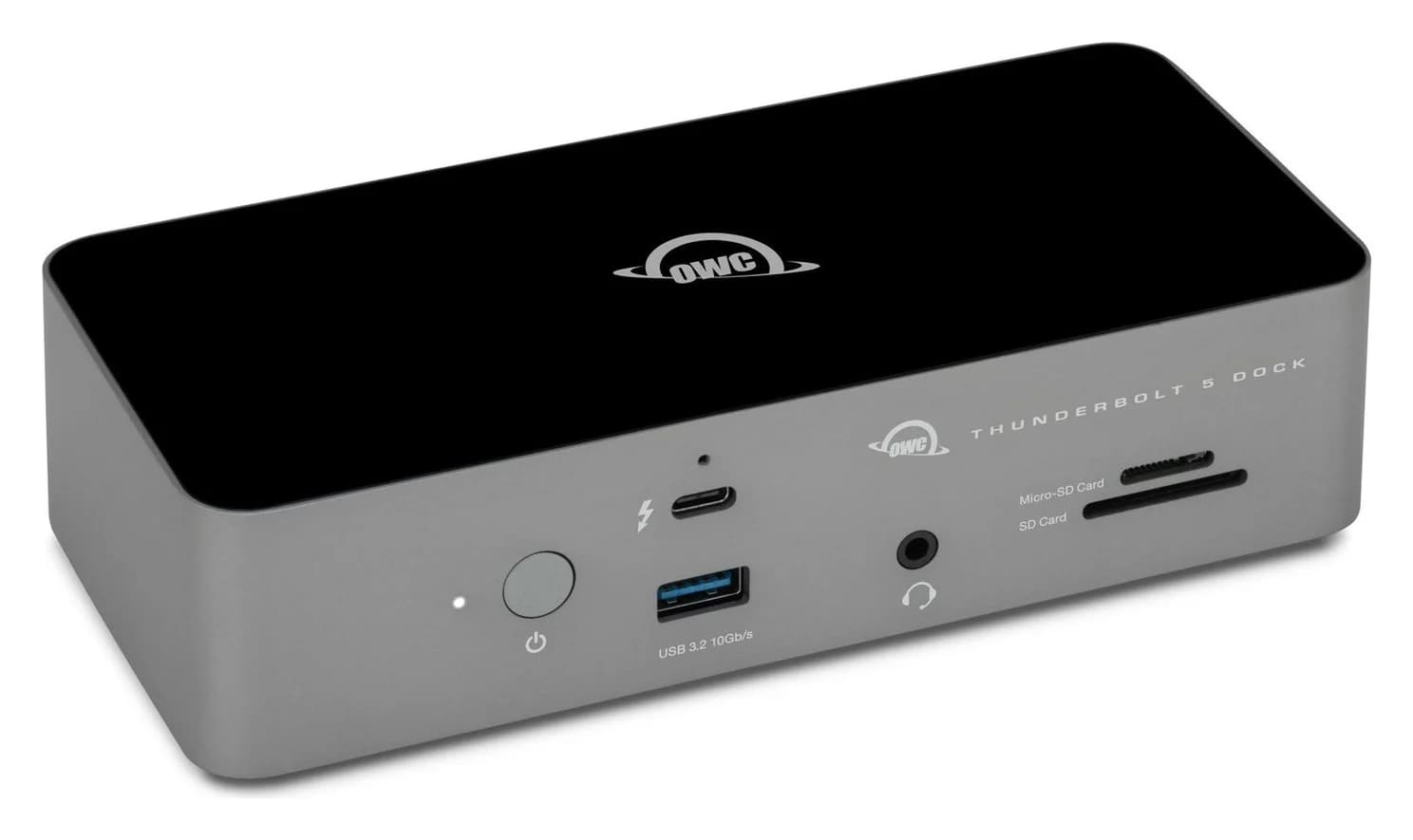
You can see this in real products. CalDigit says the TS5 Plus's 10GbE port and second USB controller work only on Thunderbolt hosts and on USB4 hosts that support PCIe. OWC says PCs need Thunderbolt 4, Thunderbolt 5 or USB4 for its Express 1M2 80G enclosure. On a USB4 Windows laptop, check the spec sheet before buying a PCIe-dependent dock or drive.
Displays
Thunderbolt 4 guarantees two 4K displays, and Thunderbolt 5 guarantees two 6K displays (Intel's marketing goes up to two 8K). USB4 display support depends on the laptop. In every case, the computer's graphics chip sets the real limit. Apple says its Thunderbolt 5 ports support native DisplayPort 2.1 speeds. The MacBook Pro runs up to three external displays with M5 Pro and four with M5 Max, all over one Thunderbolt port with a supported dock. Our dock guide for MacBook Pro shows which docks support that.
Charging
Intel's footnote is specific. Thunderbolt 4 must charge thin-and-light laptops that need less than 100W through a Thunderbolt port. Thunderbolt 5 must charge those that need less than 140W, and can be designed to deliver up to 240W using USB Power Delivery's Extended Power Range (supported but not required). That's why Thunderbolt 5 docks such as the CalDigit TS5, TS5 Plus, OWC and Anker all deliver 140W. USB4 has no charging minimum. For how the wattages work, see USB Power Delivery explained.
Cables
- Thunderbolt 5 cables are certified by Intel. Intel says certified Thunderbolt cables run up to 2m and carry 120Gbps. Passive ones are typically 1m or shorter, and longer ones use active electronics.
- USB 80Gbps cables follow the USB-IF's rules. Existing 40Gbps passive cables also carry 80Gbps, and new 80Gbps active cables extend the reach.
- Thunderbolt 4 and USB 40Gbps cables often still work at 80Gbps, because Intel says Thunderbolt 5's PAM-3 signalling runs over the same passive cables that carried 40Gbps. Only a certified Thunderbolt 5 or 80Gbps cable guarantees it, along with 240W charging.
A USB 2.0 charging cable won't carry any of this, even if it's rated 240W. Our USB-C cable types explainer explains how to tell them apart.
Backward compatibility
Everything connects to everything, at the speed of the slowest part. A Thunderbolt 5 dock or drive on a Thunderbolt 4 or USB4 40Gbps laptop runs at 40Gbps. OWC says its Thunderbolt 5 Dock reaches 80Gb/s on USB4 v2 hosts. One common exception: CalDigit, OWC and Anker all say their Thunderbolt 5 docks don't support Thunderbolt 3 Windows PCs, and Anker's doesn't support Thunderbolt 3 at all.
Which computers have Thunderbolt 5 now
| Mac (current models) | Ports |
|---|---|
| MacBook Pro 14 and 16-inch, M5 Pro or M5 Max | 3x Thunderbolt 5, up to 120Gb/s |
| Mac mini, M5 Pro | 3x Thunderbolt 5 |
| Mac Studio, M5 Max | 4x Thunderbolt 5 |
| Mac Studio, M5 Ultra | 6x Thunderbolt 5 (4 rear, 2 front) |
| MacBook Pro 14-inch M5, MacBook Air M5, Mac mini M6, iMac M4 | Thunderbolt 4, 40Gb/s |
One detail for spec-sheet readers: Apple lists the Thunderbolt 5 ports' USB 4 speed as up to 120Gb/s on the MacBook Pro and Mac Studio, but up to 40Gb/s on the Mac mini with M5 Pro. Thunderbolt 5 accessories aren't affected. If you're buying a USB4 80Gbps device that isn't Thunderbolt-certified for a Mac mini, check with its maker.
On Windows, Thunderbolt 5 needs a separate controller. Intel's spec page for the Core Ultra X9 388H, a 2026 Core Ultra Series 3 laptop chip, lists Thunderbolt 4. Thunderbolt 5 appears where the laptop maker adds Intel's discrete controller, usually on high-end models. The Razer Blade 16 (2026), for example, has one Thunderbolt 5 port and one Thunderbolt 4 port. Our laptops with Thunderbolt guide has more.
Who should care
- You have a Thunderbolt 5 Mac or PC and want three or four monitors, 140W charging and fast SSDs on one cable. Buy Thunderbolt 5 docks and a certified Thunderbolt 5 cable.
- You have Thunderbolt 4 or USB4 at 40Gbps. Thunderbolt 4 docks and 40Gbps USB4 SSDs give you nearly everything. Buy Thunderbolt 5 only for 140W charging or to plan ahead.
- You have a USB4 Windows laptop. Check the spec sheet for PCIe tunnelling, display output and charging wattage. "USB4" alone doesn't promise any of them.
Best Thunderbolt 5 dock: CalDigit TS5
CalDigit
CalDigit TS5 Thunderbolt 5 Dock
A 15-port Thunderbolt 5 dock with three downstream 80Gb/s Thunderbolt 5 ports, 2.5GbE, UHS-II readers and 140W laptop charging.
- 140W PD passthrough
- 80 Gbps data
- Via Thunderb video
- 15 ports
The TS5 is a good example of what Thunderbolt 5 adds. It has three 80Gb/s downstream Thunderbolt 5 ports, 140W host charging, 2.5GbE and UHS-II card readers. CalDigit lists three displays on M5 Pro and up to four on M5 Max over one cable. On a Thunderbolt 4 or USB4 40Gbps laptop, it runs at 40Gbps and still charges at up to 140W. See our best Thunderbolt docks for Thunderbolt 4 alternatives.
See the CalDigit TS5 on Amazon
Best cable for both standards: Plugable Thunderbolt 5 Cable
Plugable
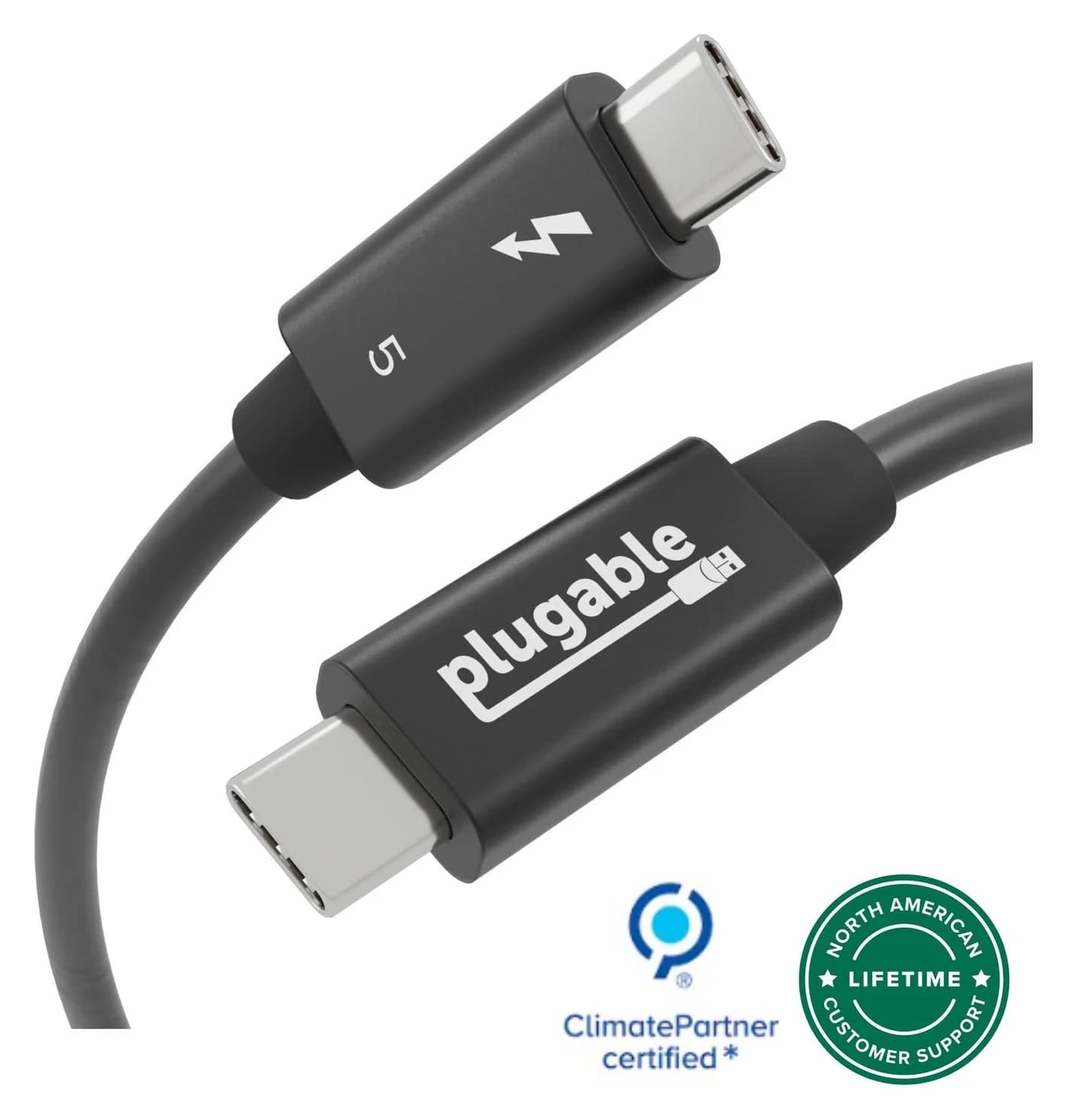
Plugable Thunderbolt 5 Cable, 240W (1m)
A 1m passive Thunderbolt 5 cable with 80Gbps data, 120Gbps Bandwidth Boost support and 240W charging.
- 80 Gbps data
- 8K video
This passive 1m cable is certified by both Intel and the USB-IF. Plugable rates it for 80Gbps, 120Gbps with Bandwidth Boost and 240W, and it works with Thunderbolt 4 and 3, USB4 and ordinary USB-C. One cable covers docks, Thunderbolt monitors and 80Gbps drives on either standard. It's short, as passive high-speed cables have to be.
See the Plugable Thunderbolt 5 Cable on Amazon
Best 80Gbps storage: OWC Express 1M2 80G
OWC
OWC Express 1M2 80G USB4 80Gb/s NVMe M.2 SSD Enclosure (Enclosure Only)
A bus-powered, fanless USB4 80Gb/s enclosure for a user-installed NVMe M.2 SSD, rated over 6,000MB/s on Thunderbolt 5 and USB4 80Gb/s hosts.
- 80 Gbps data
- 1 port
This enclosure shows how the two standards overlap. OWC calls it a USB4 80Gb/s device optimized for Thunderbolt 3, 4 and 5, not a certified Thunderbolt 5 product. It's bus-powered and fanless, and you fit your own 2280 or 2242 NVMe SSD. OWC rates it at:
- Over 6,000MB/s on Thunderbolt 5 or USB4 80Gb/s hosts
- Over 3,800MB/s on USB4 40Gb/s, and up to 3,800MB/s on Thunderbolt 4
- Up to 2,800MB/s on Thunderbolt 3 Macs
OWC measured those figures with its own Aura IV SSD, so your drive will vary. PCs need Thunderbolt 4, Thunderbolt 5 or USB4: it's not meant for plain USB 3 ports. The included cable is only 0.3m.
See the OWC Express 1M2 80G on Amazon
Best 40Gbps USB4 drive: SanDisk Extreme PRO with USB4
SanDisk
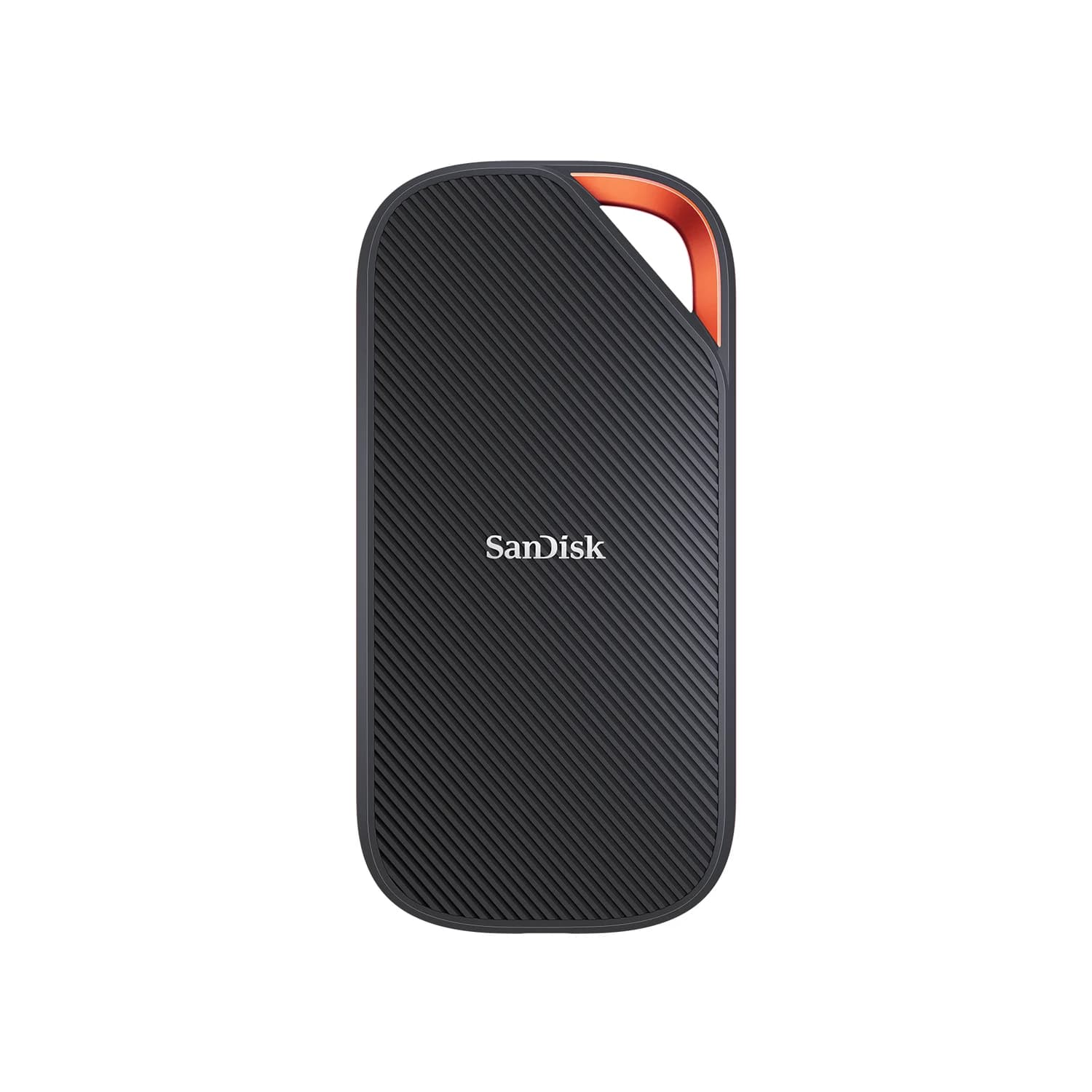
SanDisk Extreme PRO with USB4 Portable SSD (2TB)
A 2TB portable SSD with a USB4 (40Gbps) interface rated up to 3,800MB/s read, backward compatible with USB 3.2 and Thunderbolt 4 ports.
- 40 Gbps data
- 1 port
On a 40Gbps port, you don't need an 80Gbps drive. SanDisk rates this USB4 SSD up to 3,800MB/s read and 3,700MB/s write. It supports Thunderbolt 4, and unlike the OWC, it still works on USB 3.2 ports at their lower speed. It adds IP65 water resistance, 2m drop protection and a 5-year warranty. For more drives, see our portable SSD guide.
See the SanDisk Extreme PRO with USB4 on Amazon
How we research this
We haven't physically tried these products. This comparison is based on:
- Intel's Thunderbolt 5 technology brief, its Thunderbolt overview and comparison table, and its Core Ultra X9 388H spec page
- The USB-IF's USB4 version 2.0 announcement, its USB4 overview and its data performance naming guidelines
- Apple's tech specs for MacBook Pro, MacBook Air, Mac mini and Mac Studio
- Product details from CalDigit's, OWC's, Anker's, Plugable's and SanDisk's own spec pages and manuals
Verdict
Thunderbolt 5 is USB4 v2 with the options made mandatory: 80Gbps plus 120Gbps Bandwidth Boost, 64Gbps PCIe, two 6K displays, 140W charging and certified cables. If your Mac or PC has it, Thunderbolt 5 docks like the CalDigit TS5 and a certified cable like the Plugable Thunderbolt 5 Cable let you use all of it. On a 40Gbps USB4 or Thunderbolt 4 machine, a drive like the SanDisk Extreme PRO with USB4 gives you nearly the same speed today, and the OWC Express 1M2 80G is ready for a Thunderbolt 5 upgrade.
Frequently asked questions
Is USB4 the same as Thunderbolt 5?
They share technology but not guarantees. Thunderbolt 5 is built on USB4 version 2.0, so both can run at 80Gbps and up to 120Gbps in one direction. USB4 only requires 20Gbps, and PCIe, display and charging support are up to the laptop maker. Thunderbolt 5 requires 80Gbps and 120Gbps, 64Gbps PCIe, two 6K displays, 140W charging on qualifying laptops, and Intel certification.
Will a Thunderbolt 5 dock work on a USB4 laptop?
Usually, at the laptop's speed. A Thunderbolt 5 dock on a 40Gbps USB4 laptop connects at 40Gbps, and the dock's charging still works. Features that need PCIe, such as 10GbE on the CalDigit TS5 Plus, only work if the laptop supports PCIe tunnelling. Thunderbolt 5 docks from CalDigit, OWC and Anker don't support Thunderbolt 3 Windows PCs.
Do I need a special cable for Thunderbolt 5?
For full speed, use a certified Thunderbolt 5 cable or a USB-IF certified 80Gbps cable. Intel says Thunderbolt 5 runs over the same passive cables that carried 40Gbps, but only a certified Thunderbolt 5 cable guarantees 80Gbps, 120Gbps Bandwidth Boost and 240W together. Charging cables and USB 3 cables won't do. Passive high-speed cables are short, usually 1m or less.
Does the MacBook Air have Thunderbolt 5?
No. Apple lists two Thunderbolt 4 ports at 40Gb/s on the M5 MacBook Air, and the base 14-inch MacBook Pro with M5 also has Thunderbolt 4. Thunderbolt 5 is on the MacBook Pro with M5 Pro or M5 Max, the Mac mini with M5 Pro, and the Mac Studio. Thunderbolt 5 docks and drives still work on Thunderbolt 4 Macs, at 40Gb/s.
Related guides
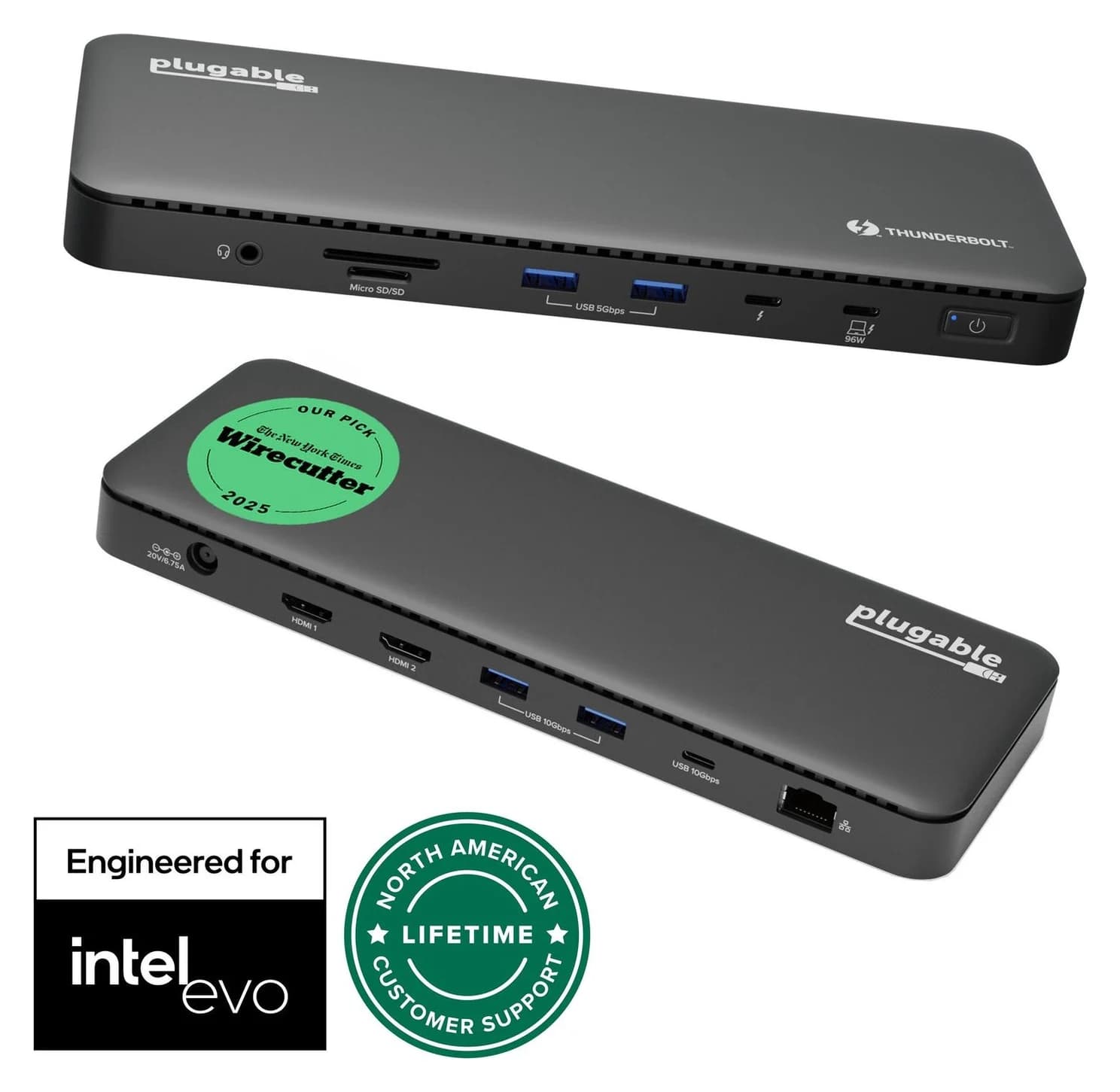
Best Docks for MacBook Pro in 2026 (M5, M5 Pro and M5 Max)
Thunderbolt 5 and 4 docks matched to each current MacBook Pro: 140W charging for the 16-inch, three or four displays on M5 Pro and Max, 10GbE and more.
Updated October 22, 2026Read
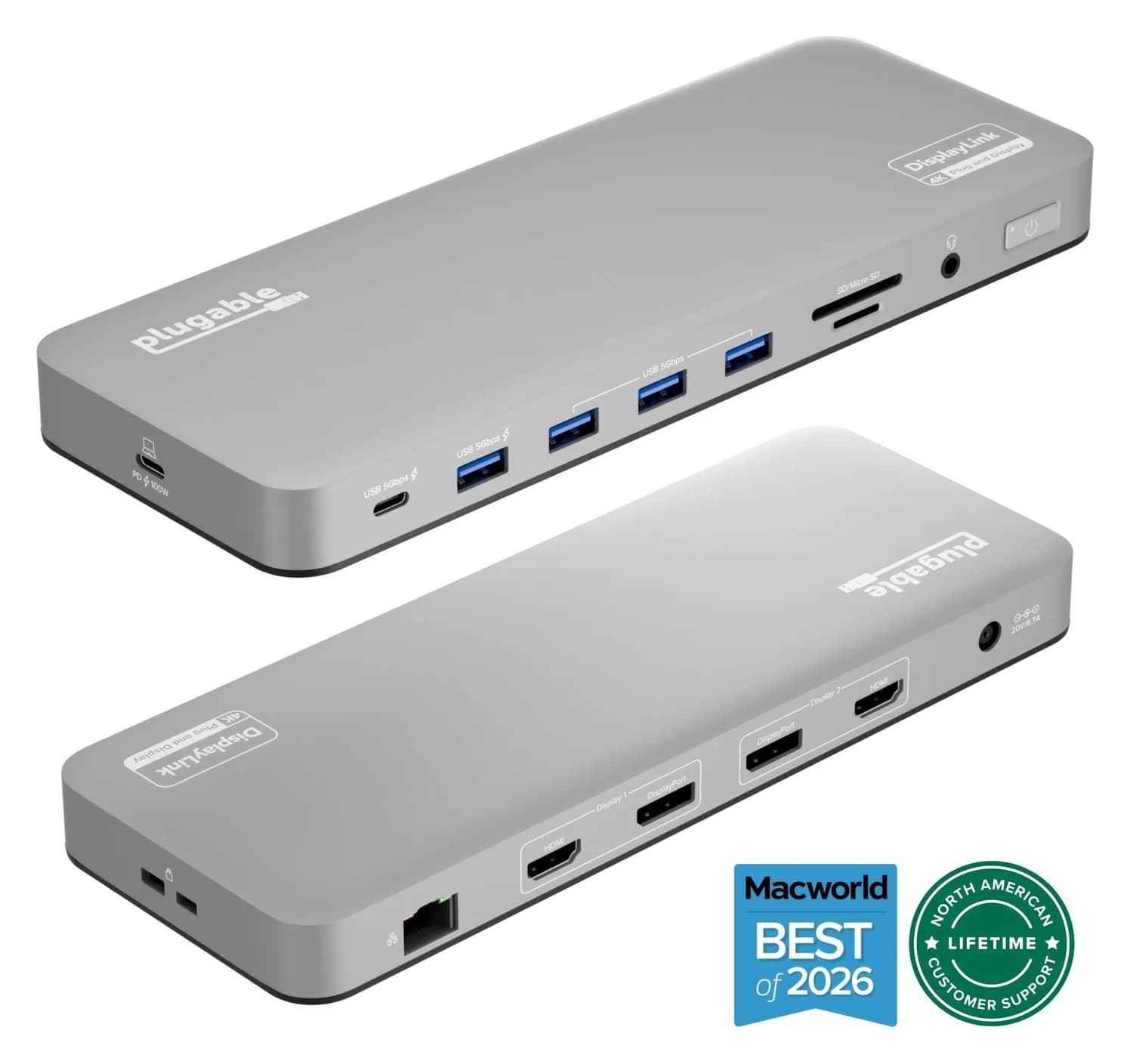
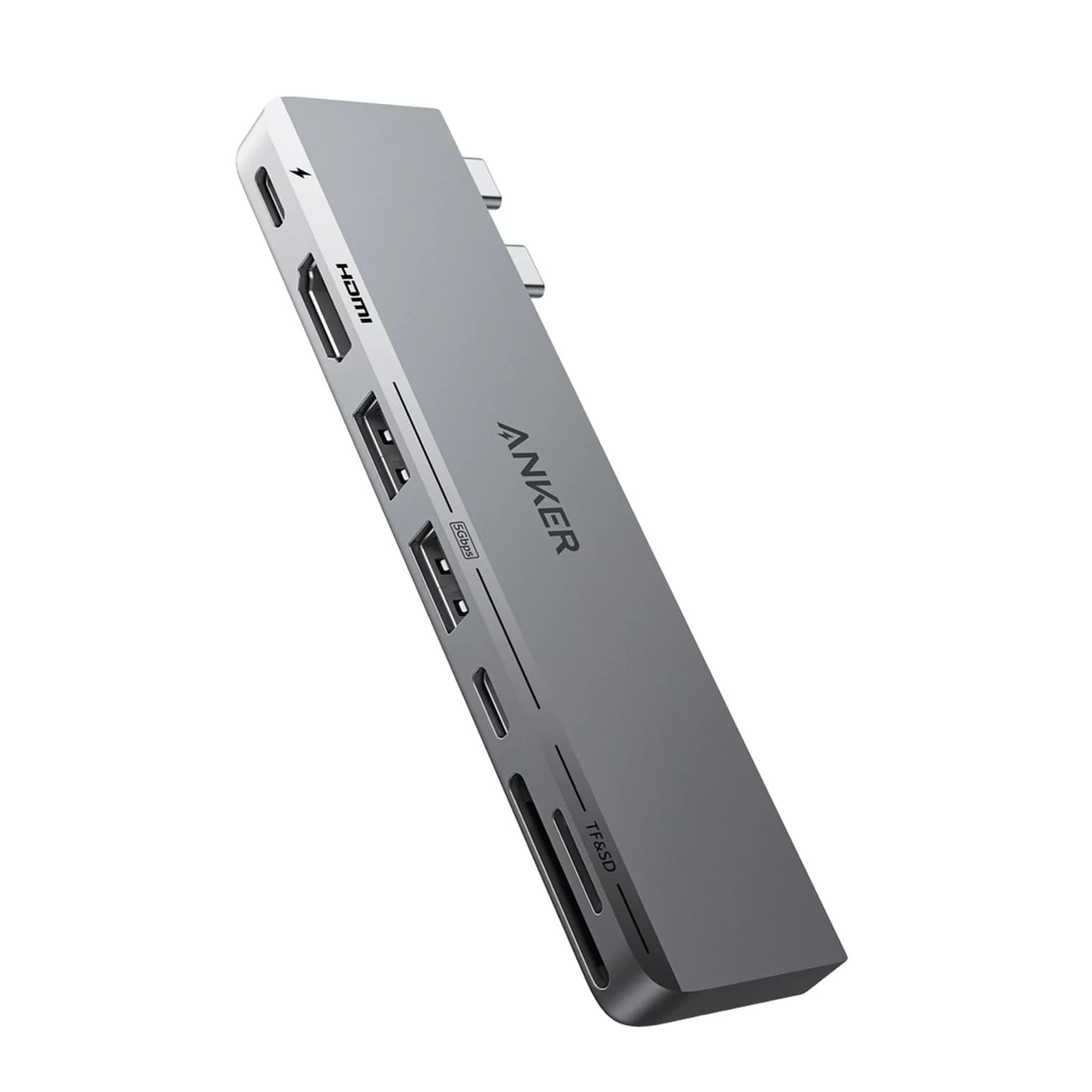
Best Dual-Monitor Docks and Hubs for MacBook in 2026 (M1 to M5 and Neo)
Why a second monitor mirrors or stays dark on a MacBook, what each chip from M1 to M5 and the Neo can drive, and which Thunderbolt and DisplayLink docks work.
Updated October 22, 2026Read
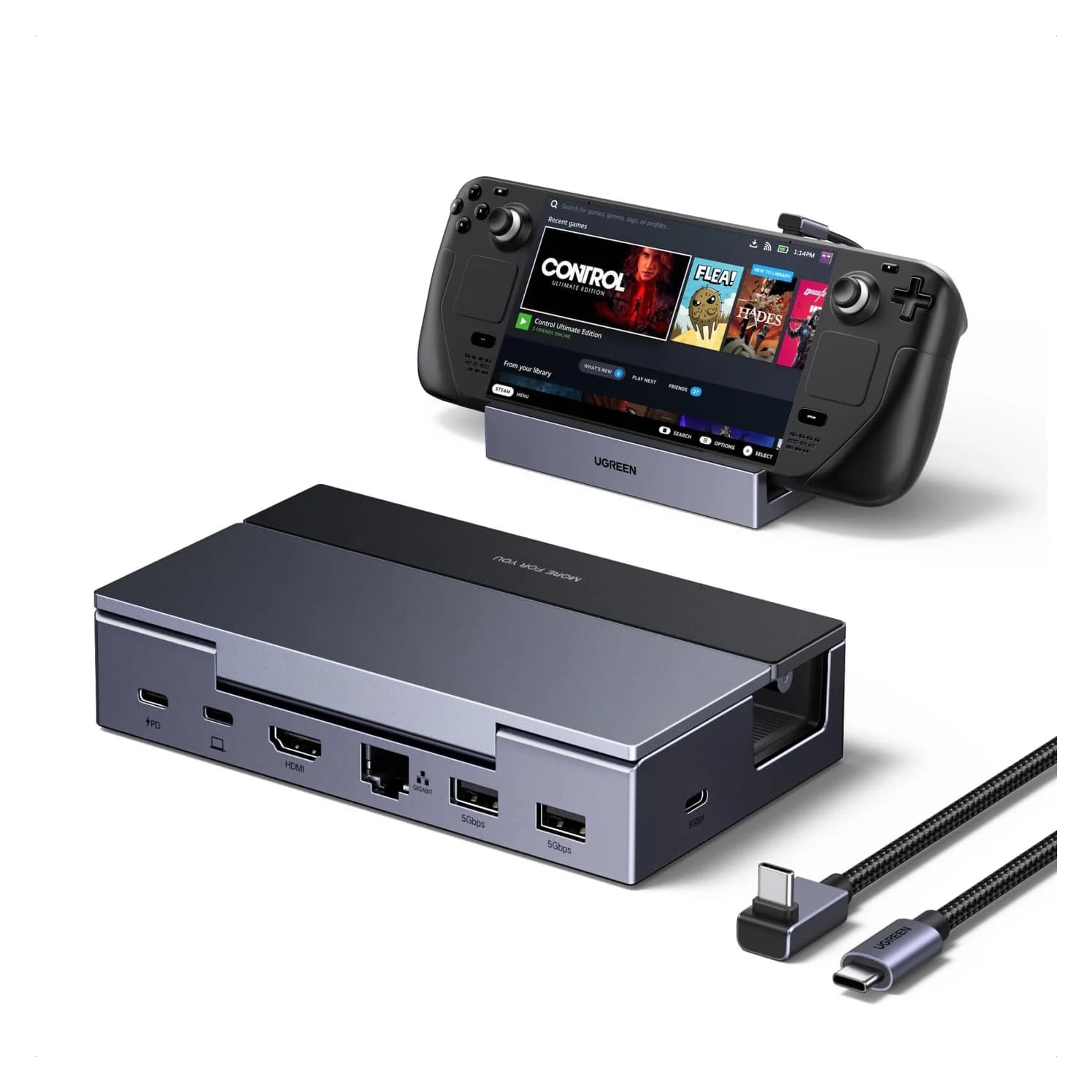
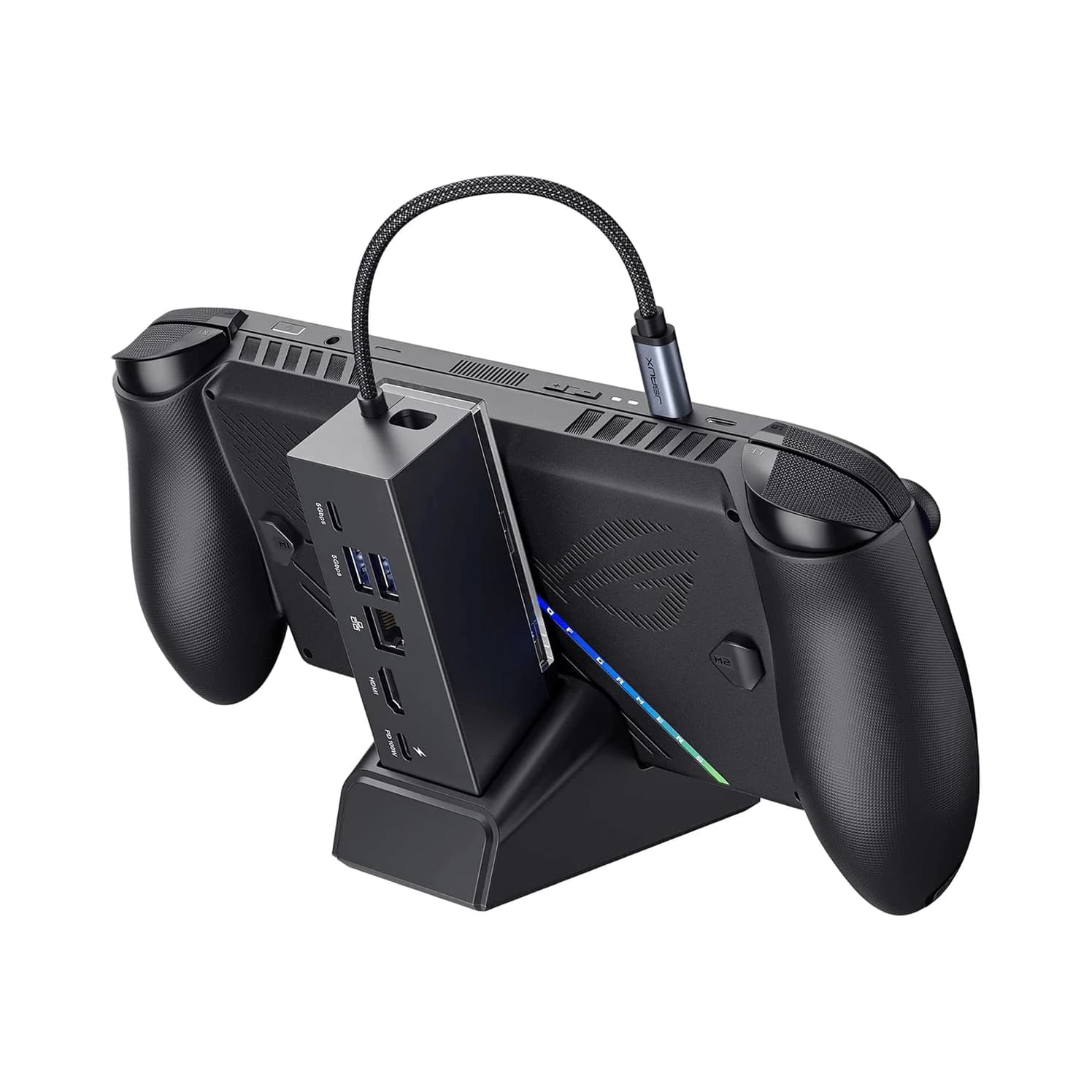
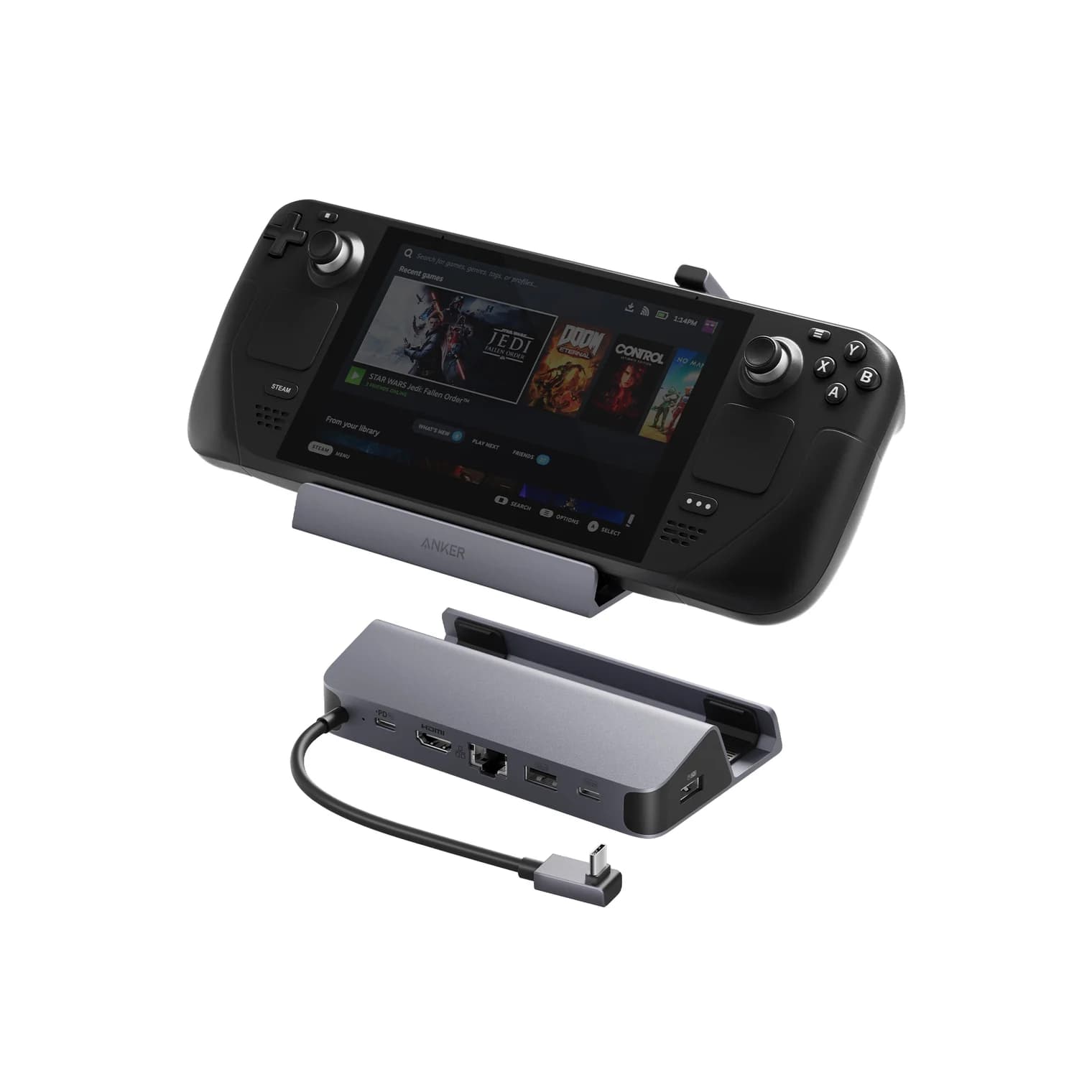
Best Steam Deck Docks in 2026 (Also for ROG Ally and Legion Go)
Steam Deck, ROG Ally and Legion Go docks compared: HDMI 2.0 vs 2.1 for 4K120 and VRR, the charger each handheld needs, and the Nintendo Switch 2 trap.
Updated October 22, 2026Read