Best picks
Best USB-C Monitors in 2026 (One-Cable Charging for Mac and Windows)
USB-C and Thunderbolt monitors that charge your laptop over one cable: 65W vs 90W vs 96W+, built-in hubs, KVM, daisy-chaining, and what works on Mac vs Windows.
By thisUSB EditorialUpdated October 22, 20269 min read6 picks
Our picks at a glance
- See on Amazon1
Best overall
Dell UltraSharp 27 4K Thunderbolt Hub Monitor (U2725QE)140W PD passthrough · 10 Gbps data · 4K video · 15 ports
- See on Amazon2
Best for Mac
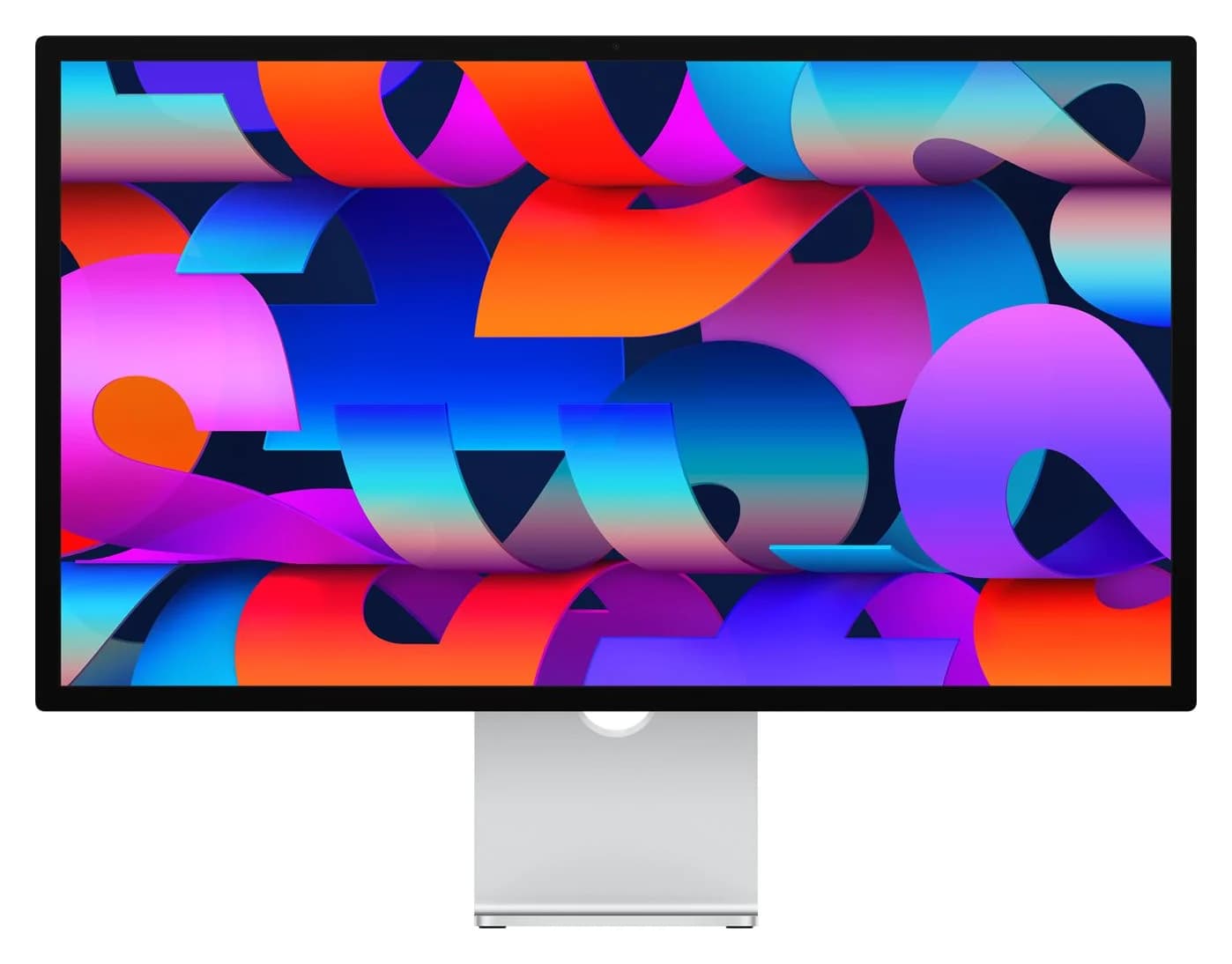
Apple Studio Display (2026, Standard Glass, Tilt-Adjustable Stand)96W PD passthrough · 10 Gbps data · 5K video · 4 ports
- See on Amazon3
Best 5K for Mac and Windows
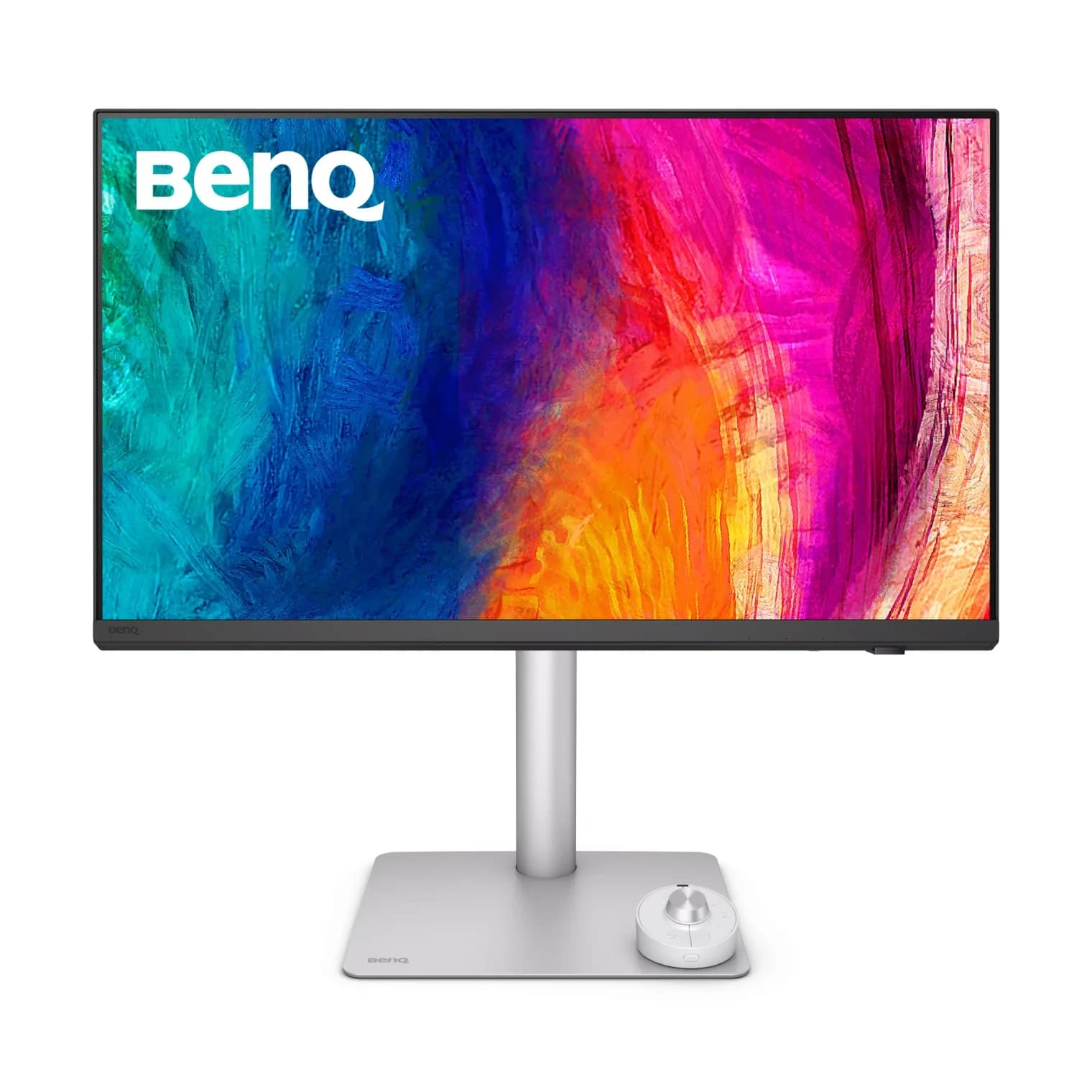
BenQ PD2730S 27-inch 5K Thunderbolt 4 Designer Monitor90W PD passthrough · 10 Gbps data · 5K video · 10 ports
- See on Amazon4
Best Thunderbolt 5 monitor
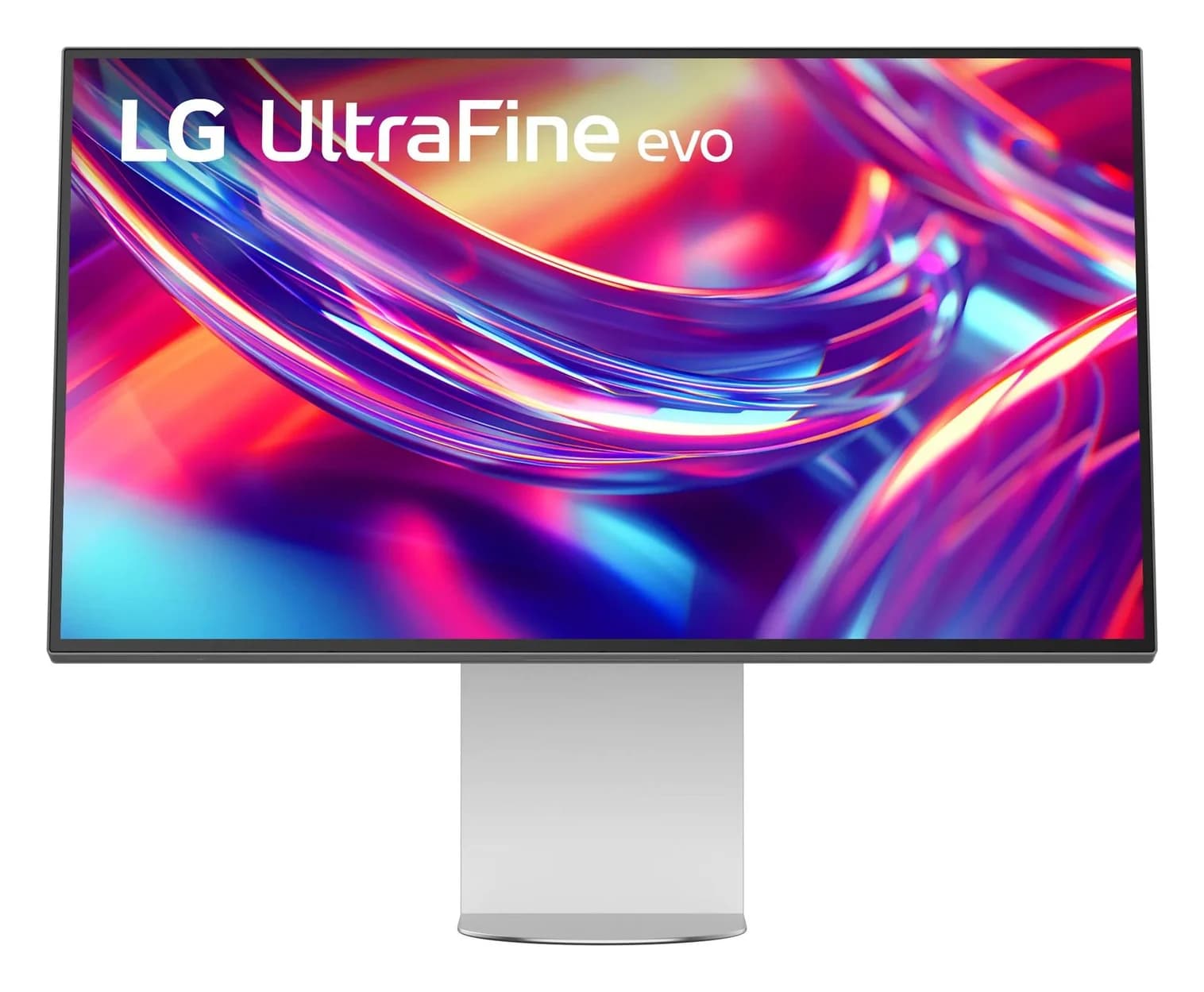
LG UltraFine evo 32-inch 6K Thunderbolt 5 Monitor (32U990A-S)96W PD passthrough · 10 Gbps data · 32-inch 6K video · 7 ports
- See on Amazon5
Best 96W USB-C monitor for color work
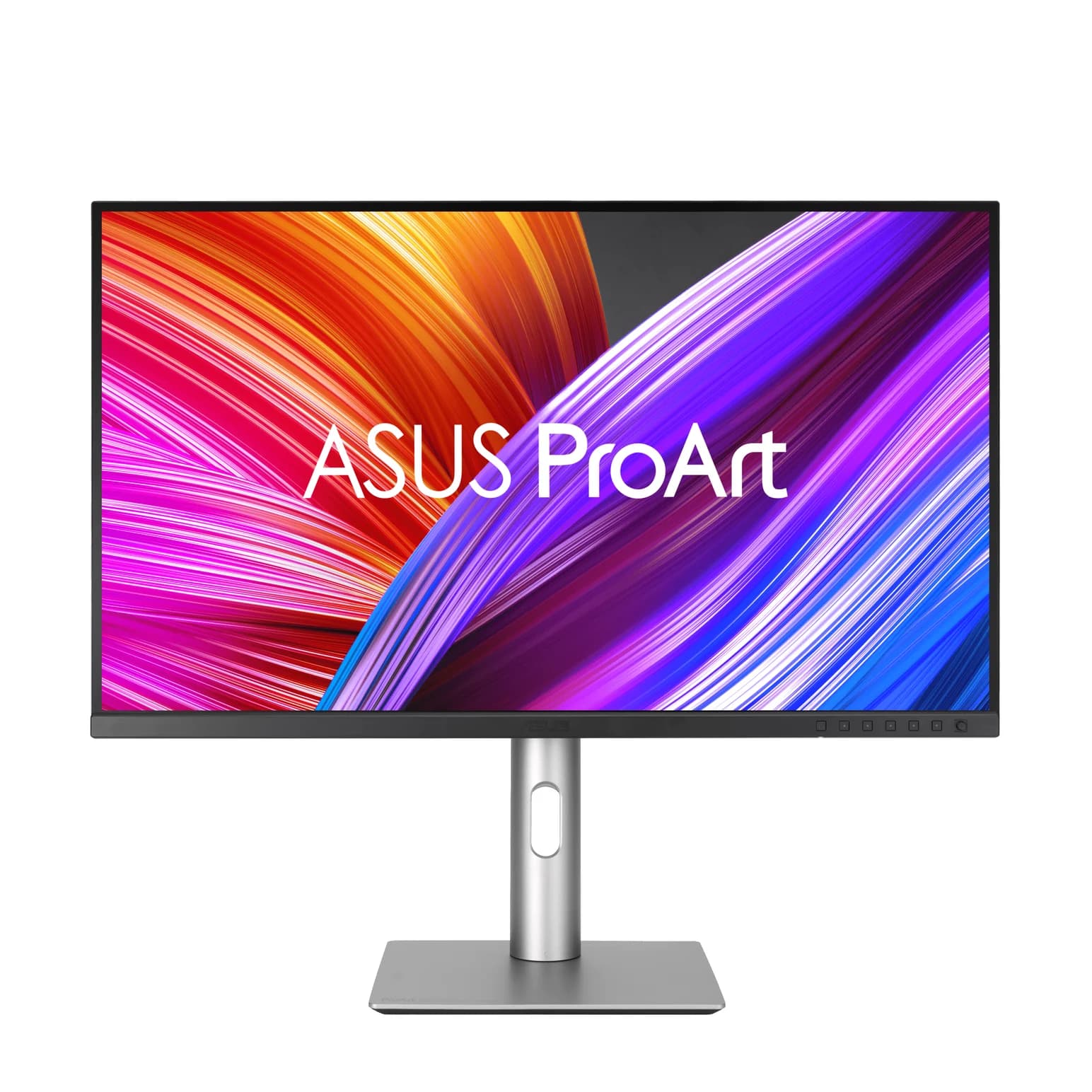
ASUS ProArt Display PA279CRV 27-inch 4K USB-C Monitor96W PD passthrough · 5 Gbps data · 4K video · 10 ports
- See on Amazon6
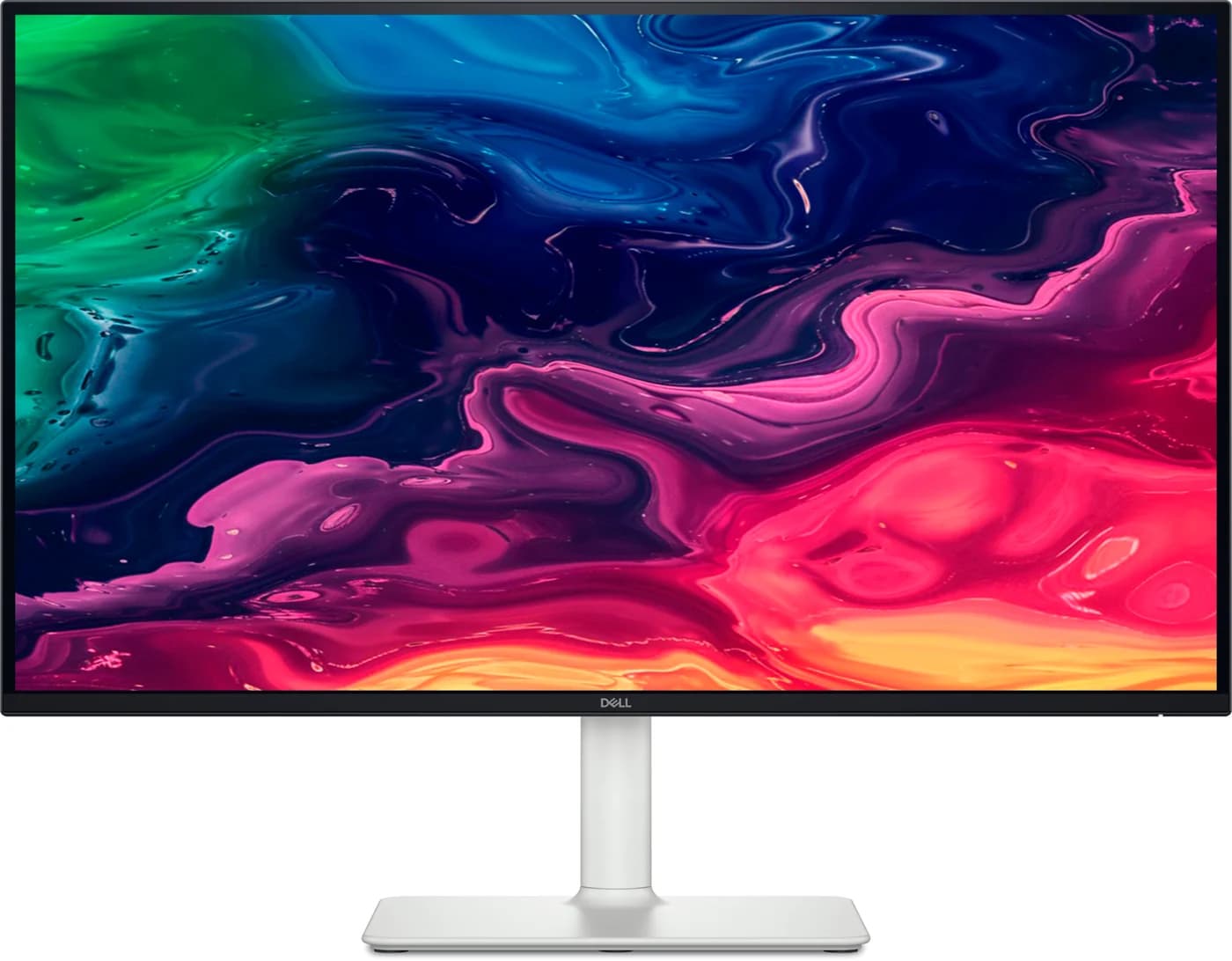
Best budget
Dell 27 Plus 4K USB-C Monitor (S2725QC)65W PD passthrough · 5 Gbps data · 4K video · 6 ports
For most people with a Thunderbolt or USB-C laptop, the Dell UltraSharp 27 4K Thunderbolt Hub Monitor (U2725QE) is the one to get: one cable carries 4K 120Hz video, up to 140W of charging, a 10Gbps USB hub and 2.5GbE Ethernet. Mac owners who want the sharpest text and a built-in camera should get the Apple Studio Display (2026), and the Dell 27 Plus 4K (S2725QC) covers the basics, including 65W charging, on a budget.
We built this list from Dell's, Apple's, BenQ's, LG's and ASUS's spec pages and user guides, plus Apple's charging documentation. We have not physically tested these monitors, and where a maker doesn't publish a figure, we leave it out.
Quick picks
| Monitor | Best for | Connection | Laptop charging | USB hub | Daisy chain | Panel |
|---|---|---|---|---|---|---|
| Dell UltraSharp U2725QE | Most laptops | Thunderbolt 4 | Up to 140W (90W without EPR) | 2x USB-C, 5x USB-A 10Gbps, 2.5GbE | Thunderbolt 4 or DP out | 27" 4K 120Hz |
| Apple Studio Display (2026) | Mac | Thunderbolt 5 | 96W | 2x USB-C 10Gbps | Thunderbolt 5 out | 27" 5K 60Hz |
| BenQ PD2730S | 5K on Mac and Windows | Thunderbolt 4 | 90W | 1x USB-C, 3x USB-A 10Gbps | Thunderbolt 4 out | 27" 5K 60Hz |
| LG UltraFine evo 32U990A | 6K and Thunderbolt 5 | Thunderbolt 5 | 96W | 2x USB-C 10Gbps | Thunderbolt 5 out | 32" 6K 60Hz |
| ASUS ProArt PA279CRV | Color work over USB-C | USB-C (DP Alt Mode) | 96W | 1x USB-C, 3x USB-A 5Gbps | DP out (Windows only) | 27" 4K 60Hz |
| Dell 27 Plus 4K S2725QC | Tight budgets | USB-C (DP Alt Mode) | 65W | 1x USB-C, 2x USB-A 5Gbps | None | 27" 4K 120Hz |
Monitor prices swing a lot around Black Friday, so check current prices on Amazon.
How a one-cable monitor works
A USB-C monitor does three jobs over one cable:
- Video travels as DisplayPort Alt Mode, or inside a Thunderbolt link on Thunderbolt monitors. Your laptop's port must support video out. Thunderbolt and most USB4 ports do; a data-only USB-C port won't light up any monitor.
- Power flows back to the laptop over USB Power Delivery. The monitor's rating is the most it sends, and the laptop takes what it needs up to that.
- USB data runs the monitor's hub, so your keyboard, webcam and Ethernet ride along on the same cable.
Use the cable in the box. A charging cable such as the Anker 240W USB-C cable is great for power but runs at USB 2.0 and doesn't carry video. For a spare that does everything, a certified Thunderbolt cable like the Plugable Thunderbolt 5 cable carries video, 80Gbps data and 240W.
65W, 90W or 96W+: how much charging you need
| Laptop | Full-speed charging | Monitors here that cover it |
|---|---|---|
| MacBook Air (M2 to M5) | Fast charge at 70W+; Apple lists displays that supply 85W | All six; the 65W Dell charges it, just not at fast-charge speed |
| 13-14" Windows ultrabooks | Usually a 65-100W USB-C adapter | 65W for most; the 96W LG and ASUS come closest for 100W laptops like the Zenbook DUO |
| 14" MacBook Pro (M5, M5 Pro) | 96W adapter; Apple lists displays that supply 94W | The 96W Studio Display, LG and ASUS |
| 16" MacBook Pro | 140W | None is on Apple's fast-charge list; expect top-up charging |
| Gaming laptops | Large barrel adapters | Use the laptop's own charger |
Two details matter. Dell's 140W only reaches laptops that support USB PD EPR (Extended Power Range); everything else gets up to 90W. And Apple's fast-charge list for the 16-inch MacBook Pro names only its own 140W adapter and the Studio Display XDR.
Best overall: Dell UltraSharp 27 4K Thunderbolt Hub Monitor (U2725QE)
Dell
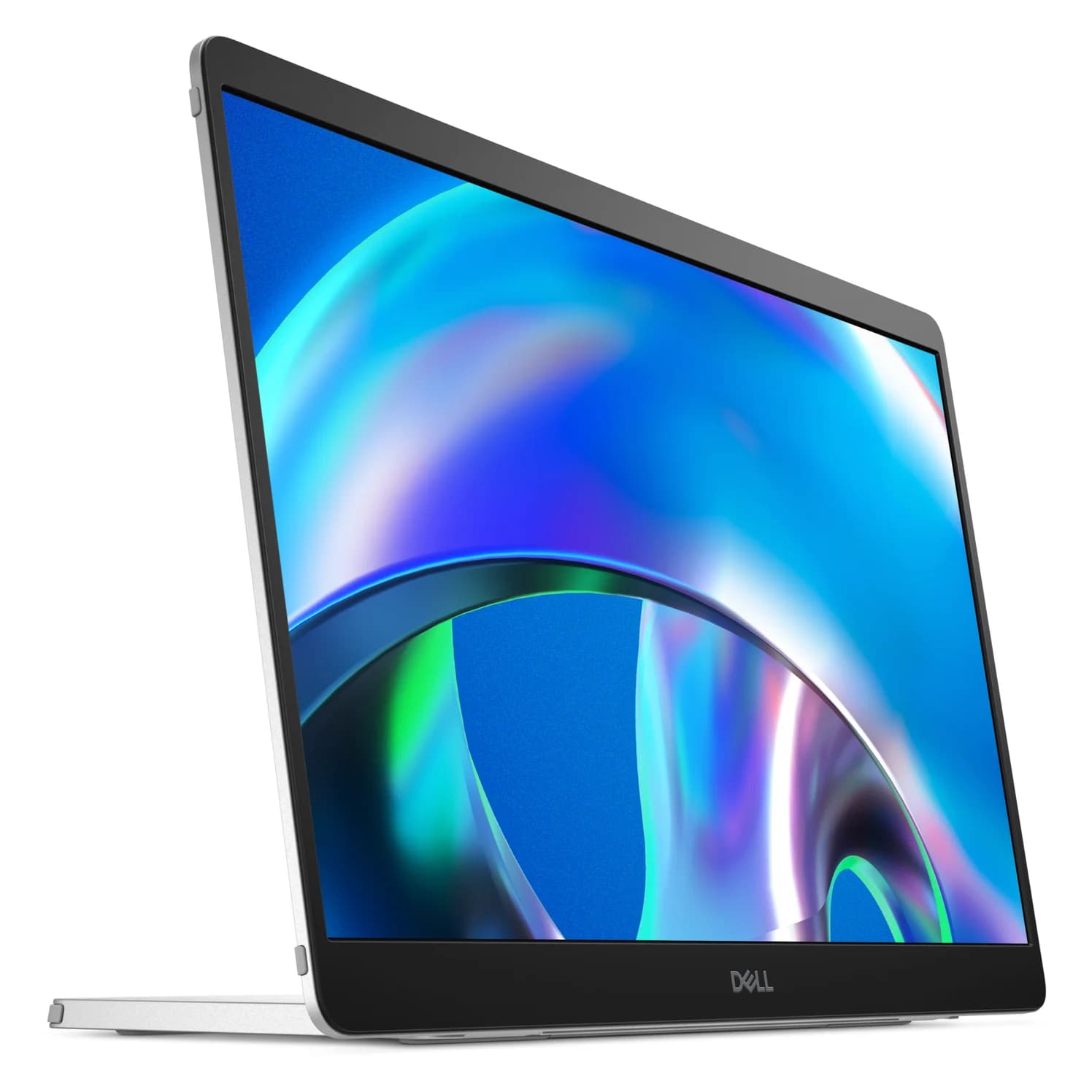
Dell UltraSharp 27 4K Thunderbolt Hub Monitor (U2725QE)
A 27-inch 4K 120Hz IPS Black monitor with a built-in Thunderbolt 4 hub that can charge a laptop at up to 140W over one cable, plus 2.5GbE Ethernet, a USB KVM and daisy-chaining.
- 140W PD passthrough
- 10 Gbps data
- 4K video
- 15 ports
The U2725QE is a monitor and a Thunderbolt dock in one. According to Dell's user guide, the Thunderbolt 4 input carries 4K at 120Hz, data and up to 140W of charging. The hub has two USB-C and five USB-A ports, all at 10Gbps, plus 2.5GbE Ethernet with MAC address pass-through.
A Thunderbolt 4 output daisy-chains a second monitor on Mac or Windows. A DisplayPort out handles MST chaining on Windows. A separate USB-C upstream port feeds the built-in KVM, so a second computer can share the keyboard, mouse and webcam. The IPS Black panel adds 3000:1 contrast and DisplayHDR 600.
Why it stands out: The most laptop power and the most complete hub here, at 120Hz.
Watch out for: 140W needs a USB PD EPR laptop; others get 90W. Over plain USB-C instead of Thunderbolt, Dell's tables show the hub dropping to USB 2.0 at full 4K. No speakers or webcam, and it weighs about 7kg with the stand.
See the Dell UltraSharp U2725QE on Amazon
Best for Mac: Apple Studio Display (2026)
Apple
Apple Studio Display (2026, Standard Glass, Tilt-Adjustable Stand)
Apple's 27-inch 5K Retina display, updated in 2026 with two Thunderbolt 5 ports, 96W charging for a connected Mac laptop, a 12MP Center Stage camera and six speakers.
- 96W PD passthrough
- 10 Gbps data
- 5K video
- 4 ports
The 2026 Studio Display moves to Thunderbolt 5. Apple lists two Thunderbolt 5 ports, one upstream with 96W of charging for the Mac and one downstream for fast accessories or another display, plus two 10Gb/s USB-C ports. Apple says you can daisy-chain up to four Studio Displays, within your Mac's display limit.
The 27-inch 5K panel runs at 218 PPI, the density macOS is designed around, so text looks crisper than on a 27-inch 4K monitor. A 12MP Center Stage camera, three mics and six speakers replace a webcam and desk speakers. Apple includes a 1m Thunderbolt 5 Pro cable.
Why it stands out: One cable, no setup, the sharpest 27-inch picture on a Mac, and 96W is enough for Apple's 14-inch MacBook Pro fast-charge threshold.
Watch out for: Thunderbolt is the only input, with no HDMI or DisplayPort for a console or second computer, and Apple lists only Macs and iPads as compatible. It's 60Hz. This standard configuration tilts but doesn't adjust for height.
See the Apple Studio Display on Amazon
Best 5K for Mac and Windows: BenQ PD2730S
BenQ
BenQ PD2730S 27-inch 5K Thunderbolt 4 Designer Monitor
A 27-inch 5K (218 PPI) designer monitor with Thunderbolt 4 in and out, 90W laptop charging, a 10Gbps USB hub, a KVM switch and BenQ's Hotkey Puck.
- 90W PD passthrough
- 10 Gbps data
- 5K video
- 10 ports
The PD2730S gives you the Studio Display's 5K sharpness with the connectivity of a PC monitor. BenQ lists Thunderbolt 4 in with 90W charging and Thunderbolt 4 out for daisy-chaining, plus HDMI 2.1 and DisplayPort 1.4 inputs. The hub has three USB-A ports and one USB-C port, all at 10Gbps. A KVM lets a second computer on the USB-C upstream port share them.
BenQ adds an M-book color mode tuned to match MacBook screens, a Hotkey Puck controller and Display Pilot 2 software for settings and window layouts. The stand adjusts for height, tilt, swivel and pivot.
Why it stands out: 5K on a Mac or Windows laptop, with ports for a second computer.
Watch out for: 90W is just under Apple's 94W fast-charge figure for the 14-inch MacBook Pro, so it charges at a normal pace. No Ethernet or webcam, and 60Hz.
See the BenQ PD2730S on Amazon
Best Thunderbolt 5 monitor: LG UltraFine evo 6K (32U990A)
LG
LG UltraFine evo 32-inch 6K Thunderbolt 5 Monitor (32U990A-S)
LG's 32-inch 6K Nano IPS Black monitor with Thunderbolt 5 in and out, 96W laptop charging, a USB-C hub and a built-in KVM.
- 96W PD passthrough
- 10 Gbps data
- 32-inch 6K video
- 7 ports
LG's 32-inch 6K panel (6144 x 3456, 224 PPI) is as sharp as the Studio Display but noticeably larger. LG lists Thunderbolt 5 in and out, 96W of charging over Thunderbolt, HDMI 2.1 and DisplayPort 2.1 inputs, two 10Gbps USB-C ports and a KVM. LG also lists Mac keyboard brightness control, which most third-party monitors lack.
It suits Thunderbolt 5 laptops like the MacBook Pro M5 Pro and the Razer Blade 16; see our best laptops with Thunderbolt.
Why it stands out: The most screen and resolution here, on Mac and Windows, with 96W charging.
Watch out for: The hub is just two USB-C ports, with no USB-A or Ethernet. LG lists a daisy-chained display at UHD 60Hz, not a second 6K screen. It uses an external power brick, and it's 60Hz.
See the LG UltraFine evo 32U990A on Amazon
Best 96W USB-C monitor for color work: ASUS ProArt PA279CRV
ASUS
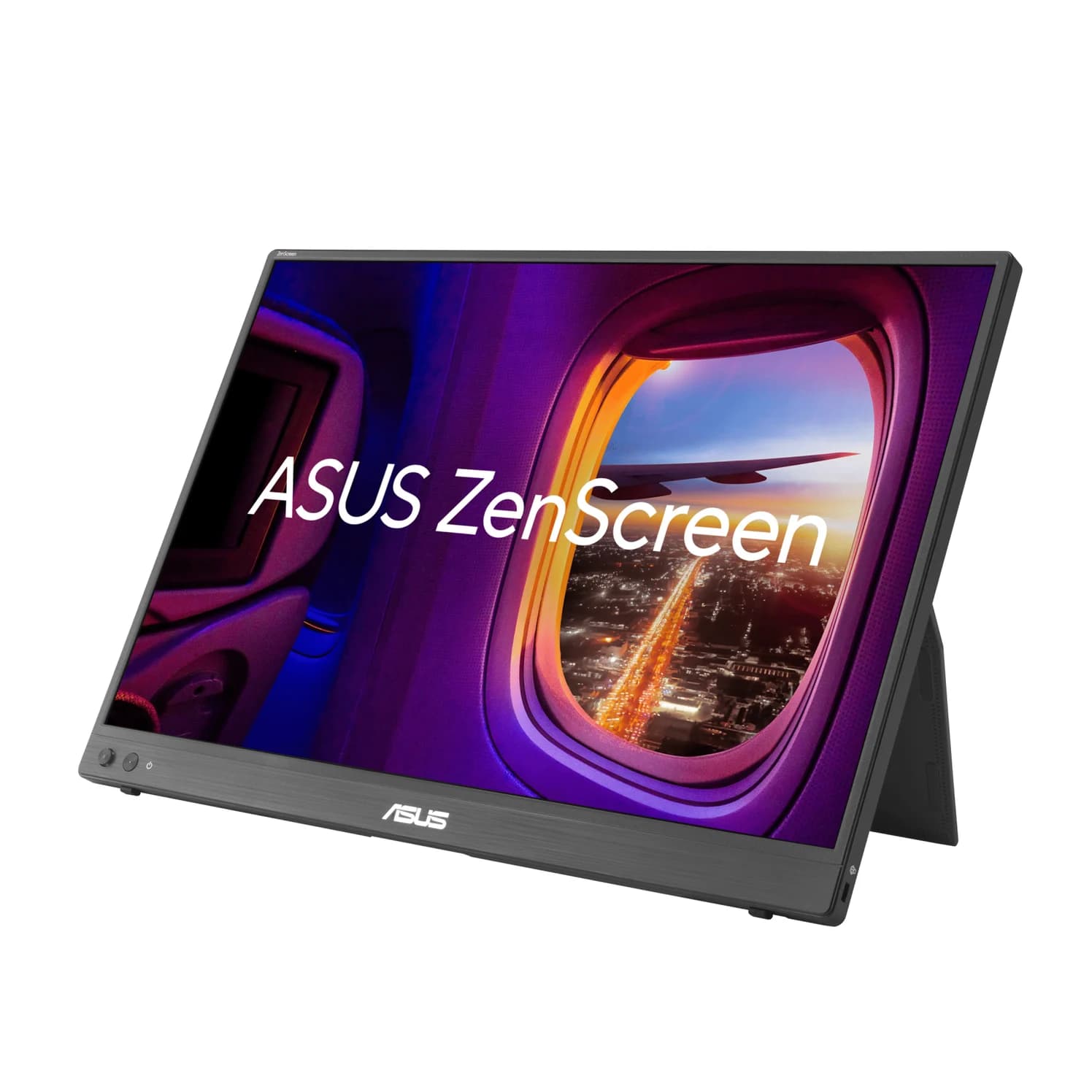
ASUS ProArt Display PA279CRV 27-inch 4K USB-C Monitor
A 27-inch 4K IPS monitor for color work with a USB-C input that supplies 96W to a laptop, a 5Gbps USB hub and DisplayPort daisy-chaining.
- 96W PD passthrough
- 5 Gbps data
- 4K video
- 10 ports
If your laptop has USB-C with DisplayPort Alt Mode but not Thunderbolt, the PA279CRV still gets you 96W of charging over one cable. ASUS lists 99% DCI-P3 and Adobe RGB coverage, a Calman Verified calibration report, two HDMI 2.0 ports, a DisplayPort input and a DisplayPort output for chaining a second monitor.
Why it stands out: Thunderbolt-level charging and color-work specs on a laptop without Thunderbolt.
Watch out for: The hub runs at 5Gbps, which bottlenecks fast SSDs. The DisplayPort daisy chain needs MST, which macOS doesn't support. No KVM or Ethernet, and it's 60Hz. It's an older design: ASUS lists its security update period as ending December 31, 2026.
See the ASUS ProArt PA279CRV on Amazon
Best budget: Dell 27 Plus 4K USB-C Monitor (S2725QC)
Dell
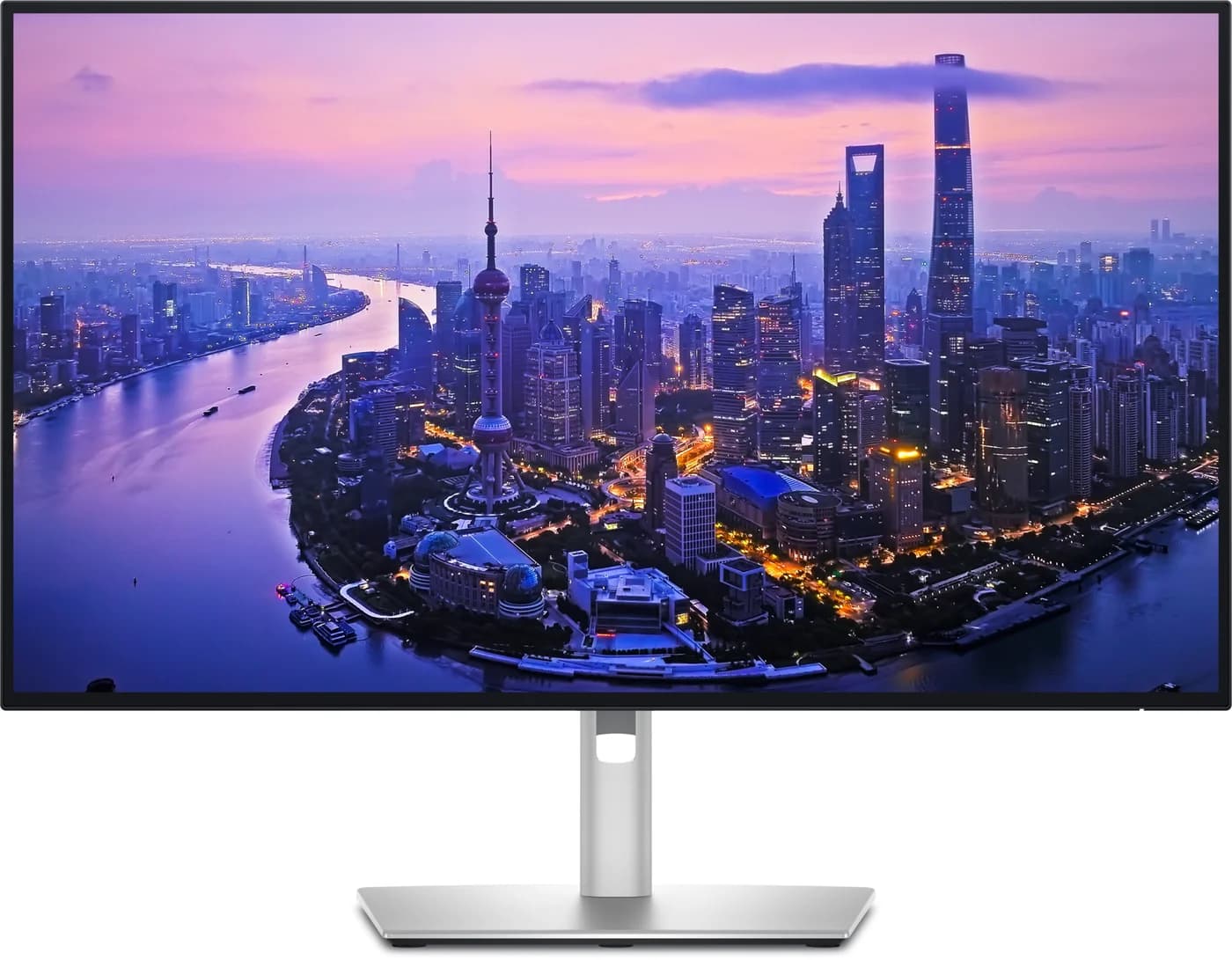
Dell 27 Plus 4K USB-C Monitor (S2725QC)
A 27-inch 4K 120Hz IPS monitor with a USB-C input that supplies up to 65W to a laptop, a small 5Gbps USB hub, two HDMI 2.1 ports and built-in speakers.
- 65W PD passthrough
- 5 Gbps data
- 4K video
- 6 ports
The S2725QC covers what most home offices need: a 27-inch 4K IPS panel at up to 120Hz, a USB-C input with 65W charging, two HDMI 2.1 ports and two 5W speakers. Dell includes a 1.8m 100W USB-C cable and a stand that adjusts for height, swivel and pivot.
Why it stands out: 4K at 120Hz over one USB-C cable, uncommon at this level.
Watch out for: 65W won't keep a 14- or 16-inch MacBook Pro or a gaming laptop fully charged under load. The hub is small (5Gbps, three ports), and there's no DisplayPort, daisy chain, KVM or Ethernet. Set USB-C Prioritization to High Data Speed if your laptop supports DisplayPort 1.4.
See the Dell 27 Plus 4K S2725QC on Amazon
How we choose
We don't physically test monitors. Each pick comes from:
- Maker documentation. Charging wattage, ports, hub speeds and daisy-chain rules come from Dell's user guides and Apple's, BenQ's, LG's and ASUS's spec pages, linked in each product card.
- Laptop charging rules. Apple's fast-charge page sets the thresholds we quote: 85W for MacBook Air and 94W for the 14-inch MacBook Pro.
- Standards. We check claims against DisplayPort Alt Mode, USB Power Delivery (including EPR) and Thunderbolt 4 and 5.
- Known buyer patterns. The common surprises are a slow USB hub at 4K, DisplayPort daisy chains that don't extend on a Mac, and 65W monitors that can't keep a big laptop charged.
We also check that each Amazon listing matches the maker's model.
Buying guide
Check your laptop's port first. Thunderbolt and USB4 ports carry video and charging. On other USB-C ports, look for a DisplayPort logo or check the spec sheet.
Hub speed. On a plain USB-C monitor, 4K can take all four high-speed lanes and leave the hub at USB 2.0. Laptops with DisplayPort 1.4 can keep USB 3 speed. Thunderbolt monitors avoid the trade-off. For a fast hub on any monitor, a Thunderbolt dock is the alternative.
Two monitors. Windows can chain monitors over DisplayPort MST. macOS can't, so Mac users need Thunderbolt daisy-chaining or a second port, within the chip's limit. On an M1, M2 or lid-open M3 MacBook Air, a DisplayLink dock such as the Plugable UD-6950PDH is the workaround; see our best USB-C hubs for MacBook.
Mac sharpness. A 27-inch 4K monitor works fine on a Mac at a scaled resolution. For the crispest text, choose 5K at 27 inches or 6K at 32 inches.
KVM and Ethernet. A KVM lets a work laptop and a personal computer share one keyboard and mouse. Only the Dell U2725QE here has Ethernet built in. For a separate charger on the desk, see our best USB-C chargers.
Verdict
The Dell UltraSharp U2725QE is the best single-cable monitor for most laptops: 140W charging, a full 10Gbps hub, Ethernet, a KVM and 120Hz. Mac owners should get the Apple Studio Display (2026). Choose the BenQ PD2730S for 5K that also suits Windows, and the LG UltraFine evo 6K for a big Thunderbolt 5 screen. The ASUS ProArt PA279CRV brings 96W to plain USB-C laptops, and the Dell 27 Plus 4K S2725QC is the budget pick.
Frequently asked questions
Will a USB-C monitor charge my laptop?
Yes, if your laptop charges over USB-C and that port carries video. The monitor's power delivery rating is the most it sends: 65W keeps a MacBook Air or most 13-14-inch Windows laptops charged, while Apple lists 94W displays for fast-charging a 14-inch MacBook Pro. If the monitor supplies less than the laptop wants, it charges more slowly and can drain under heavy load. Gaming laptops usually need their own charger.
What's the difference between a USB-C monitor and a Thunderbolt monitor?
A USB-C monitor takes video over DisplayPort Alt Mode and shares the cable's four high-speed lanes between the picture and its USB hub, so the hub can drop to USB 2.0 at 4K. A Thunderbolt monitor runs everything over a 40Gbps or faster link, so the hub keeps its full speed, and it usually adds a downstream Thunderbolt port for daisy-chaining. Many Thunderbolt monitors also accept plain USB-C video; check the spec sheet.
Can I daisy-chain two monitors from a MacBook?
Only over Thunderbolt. macOS doesn't support DisplayPort MST, so a monitor's DisplayPort-out daisy chain mirrors or stays dark on a Mac. A monitor with a downstream Thunderbolt port, like the Studio Display, BenQ PD2730S, LG 32U990A or Dell U2725QE, can pass a second display along. Your Mac's chip still sets the limit: M4 and M5 MacBook Airs support two external displays.
Does the Apple Studio Display work with Windows?
Apple lists only Apple silicon Macs and recent iPad Pro and iPad Air models as compatible. It has no HDMI or DisplayPort input, only Thunderbolt 5, and Apple says other devices may output video with resolution and refresh rate depending on the device. Camera features and firmware updates need a Mac. If you use Windows, the BenQ PD2730S gives you 5K at the same sharpness with Thunderbolt, HDMI and DisplayPort inputs.
Why is my USB-C monitor's USB hub so slow?
On a plain USB-C monitor, a 4K picture can use all four high-speed lanes in the cable, which leaves the hub at USB 2.0 (480Mbps). Laptops with DisplayPort 1.4 can fit 4K@60Hz into two lanes and keep USB 3 speed. Dell monitors expose this as a USB-C Prioritization setting: High Data Speed keeps USB 3. Thunderbolt monitors don't have this trade-off.