Skip to content

Dell

Dell UltraSharp 27 4K Thunderbolt Hub Monitor (U2725QE)

A 27-inch 4K 120Hz IPS Black monitor with a built-in Thunderbolt 4 hub that can charge a laptop at up to 140W over one cable, plus 2.5GbE Ethernet, a USB KVM and daisy-chaining.

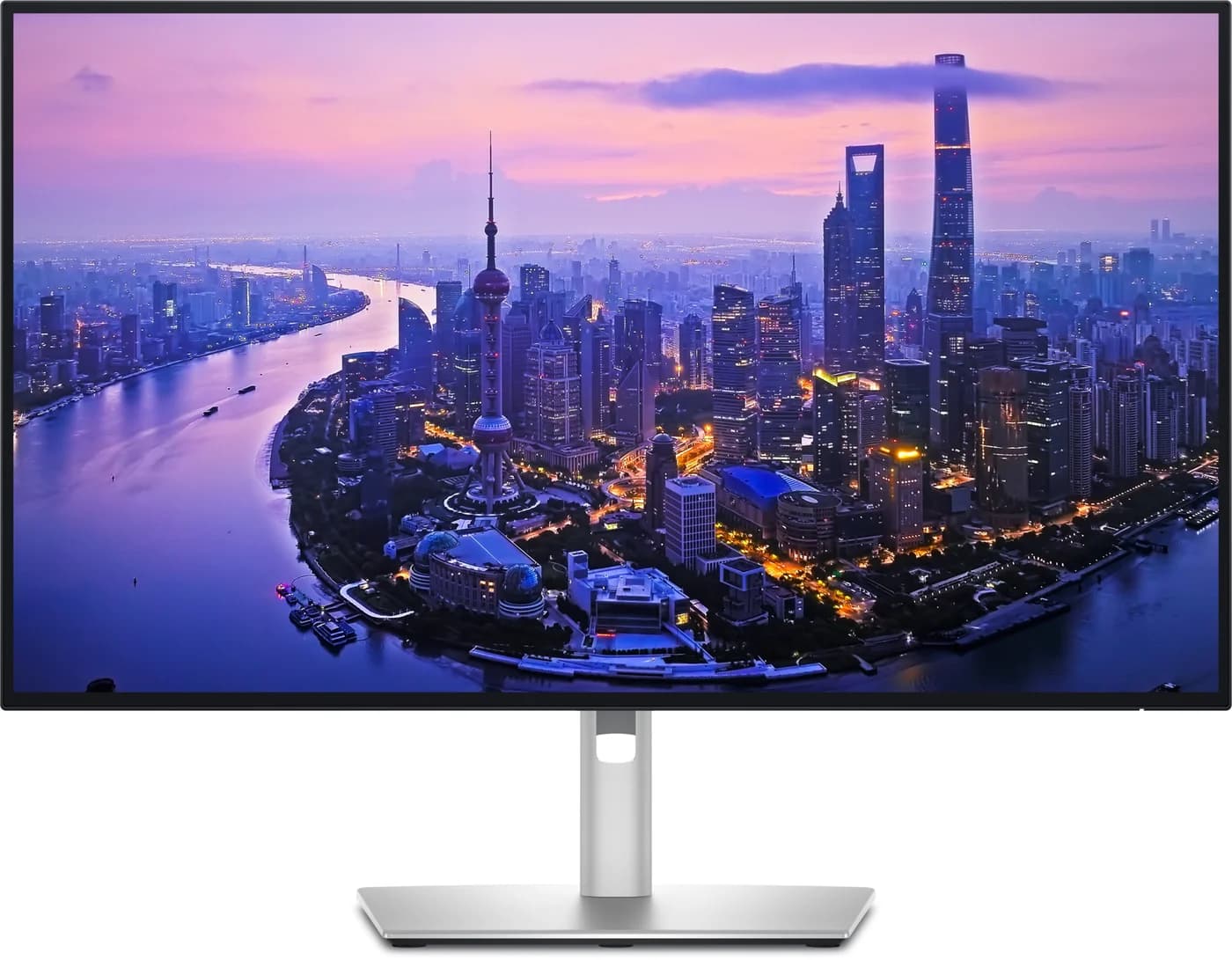
Dell UltraSharp 27 4K Thunderbolt Hub Monitor U2725QE, front view on its silver stand
1 / 4 · hero · hover to zoom

Photo: Dell

Ports & connections

Tap a port to see what it’s for.

What the specs mean for you

USB ports

10

1x Thunderbolt 4 upstream (up to 140W to the laptop), 1x Thunderbolt 4 downstream (15W, daisy chain), 1x USB-C upstream (10Gbps, data only for KVM), 2x USB-C 10Gbps downstream (15W), 5x USB-A 10Gbps downstream

Laptop charging through the hub

140W

Enough to keep almost any laptop charging at full speed while you work, including 14-inch MacBook Pros.

Data speed

10 Gbps

About 900 MB/s in practice, full speed for most portable SSDs.

Display output

27-inch 4K

Supports an external display. Check the resolution you need.

Total ports

15

A full desk’s worth of connections from one cable.

Why people pick it

  • Up to 140W over one Thunderbolt 4 cable, the most laptop power in this group
  • Thunderbolt 4 in and out lets you chain a second monitor from one laptop port
  • Full 10Gbps USB hub plus 2.5GbE Ethernet, so it doubles as a dock
  • 4K at 120Hz and DisplayHDR 600 on an IPS Black panel
  • Built-in KVM for a work laptop and a personal computer on one desk

Know before you buy

  • 140W only reaches laptops that support USB PD EPR; others top out at 90W
  • Over basic USB-C (not Thunderbolt) at full 4K resolution, the hub can fall back to USB 2.0 speed
  • macOS does not support DisplayPort MST, so the DP-out daisy chain is for Windows; Macs chain over Thunderbolt
  • No built-in speakers or webcam
  • Heavy at about 7kg with the stand

Full specifications

Panel27-inch IPS Black, 3840x2160 (163 PPI), up to 120Hz, 3000:1 contrast, VESA DisplayHDR 600, anti-glare
Color100% sRGB, 99% DCI-P3 (typical), factory Delta E under 1.5 (Dell)
Thunderbolt 4 upstreamVideo, data and charging over one cable; DisplayPort 1.4 with DSC; Dell rates 4K at 120Hz
Laptop chargingUp to 140W (28V/5A) over the Thunderbolt 4 upstream port. Dell notes the laptop must support USB PD EPR for 140W; otherwise the maximum is 90W (20V/4.5A)
Thunderbolt 4 downstream1x, video and data for daisy-chaining a second monitor, 15W
Other video inputs1x HDMI 2.1 (4K 120Hz, FRL, VRR), 1x DisplayPort 1.4 in
DisplayPort out1x DisplayPort 1.4 out for MST daisy-chaining (Dell: MST must be turned on)
USB hub4x USB-A 10Gbps on the back; front quick-access 1x USB-A 10Gbps (BC 1.2) and 2x USB-C 10Gbps (15W)
Hub speed trade-offIn Thunderbolt mode the hub runs at 10Gbps at 4K 120Hz. Over a plain USB-C DisplayPort Alt Mode connection using all four lanes for video, Dell's tables show the hub dropping to USB 2.0
EthernetRJ45, 2.5GbE, with MAC address pass-through and Wake on LAN
KVMBuilt-in USB KVM: share keyboard, mouse and USB devices between a Thunderbolt and a USB-C upstream computer
Audio3.5mm line out (Dell says headphones are not supported on it); no built-in speakers
StandHeight 150mm, tilt -5 to 21 degrees, swivel -45 to 45 degrees, pivot -90 to 90 degrees; VESA 100x100mm
In the boxThunderbolt 4 40Gbps cable (1.0m), DisplayPort 1.4 cable (1.8m), USB-C to USB-A 10Gbps cable (1.0m), power cord
Weight7.06kg with stand (15.56lb)

From manufacturer documentation, checked October 18, 2026. Spotted an error? Tell us.

Featured in

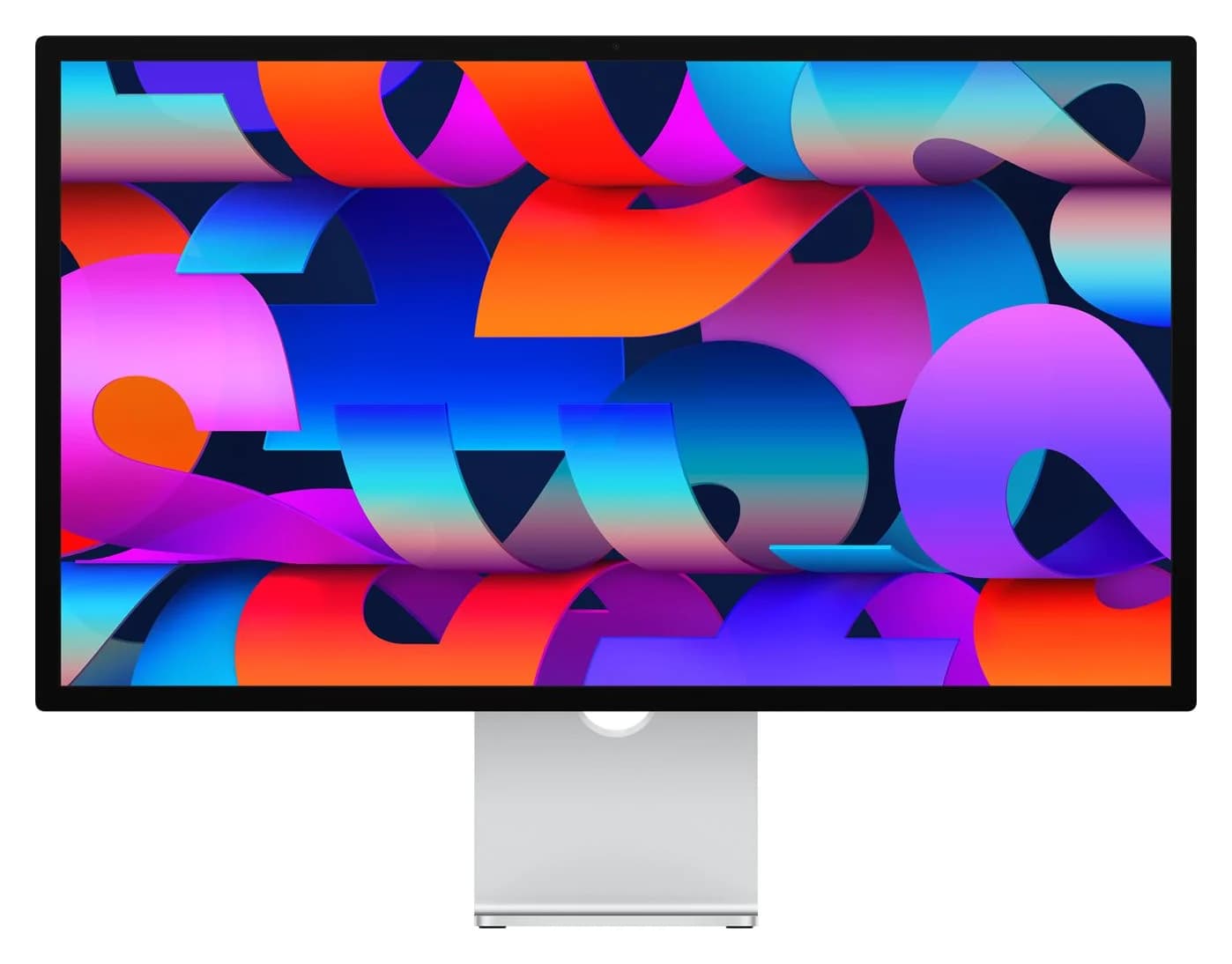
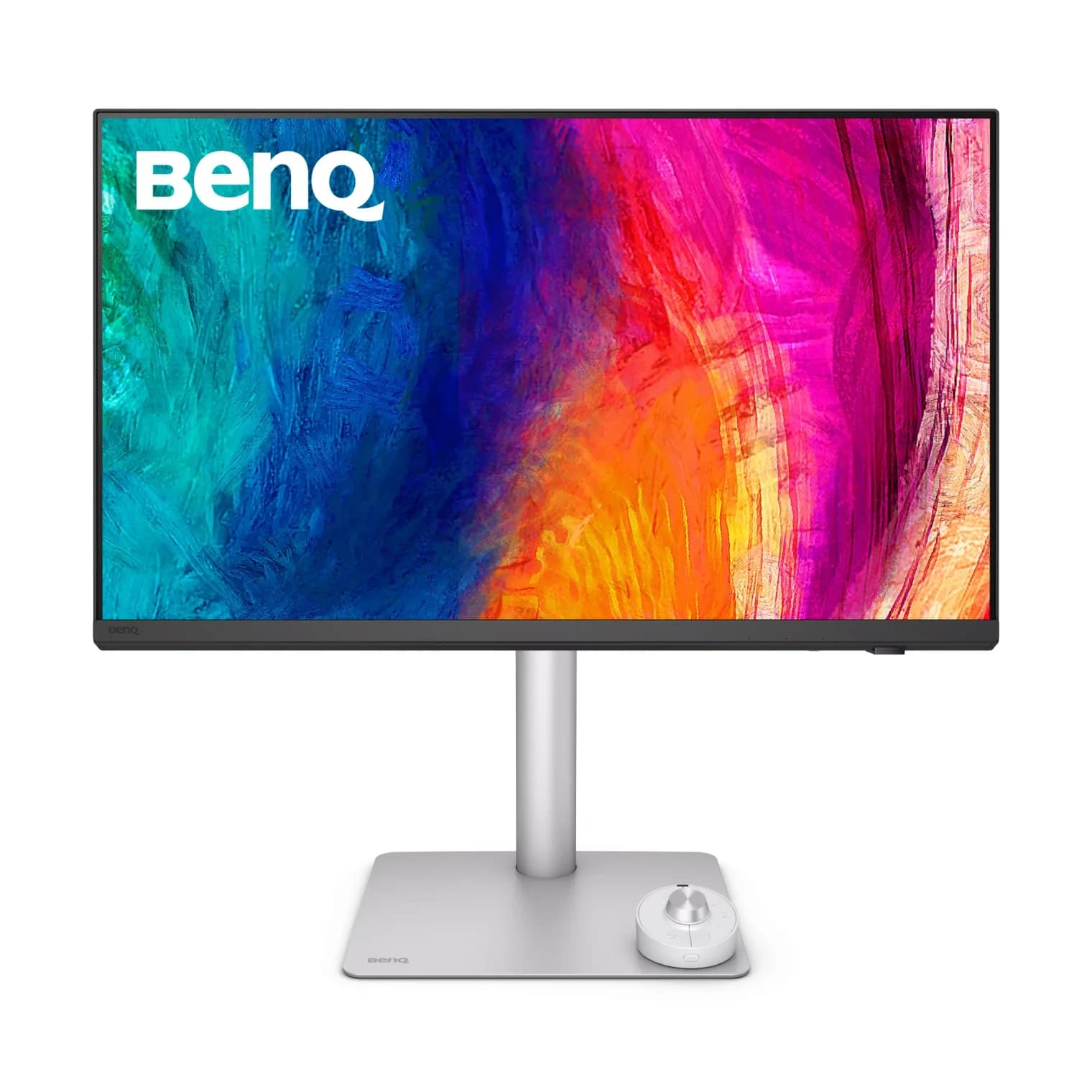
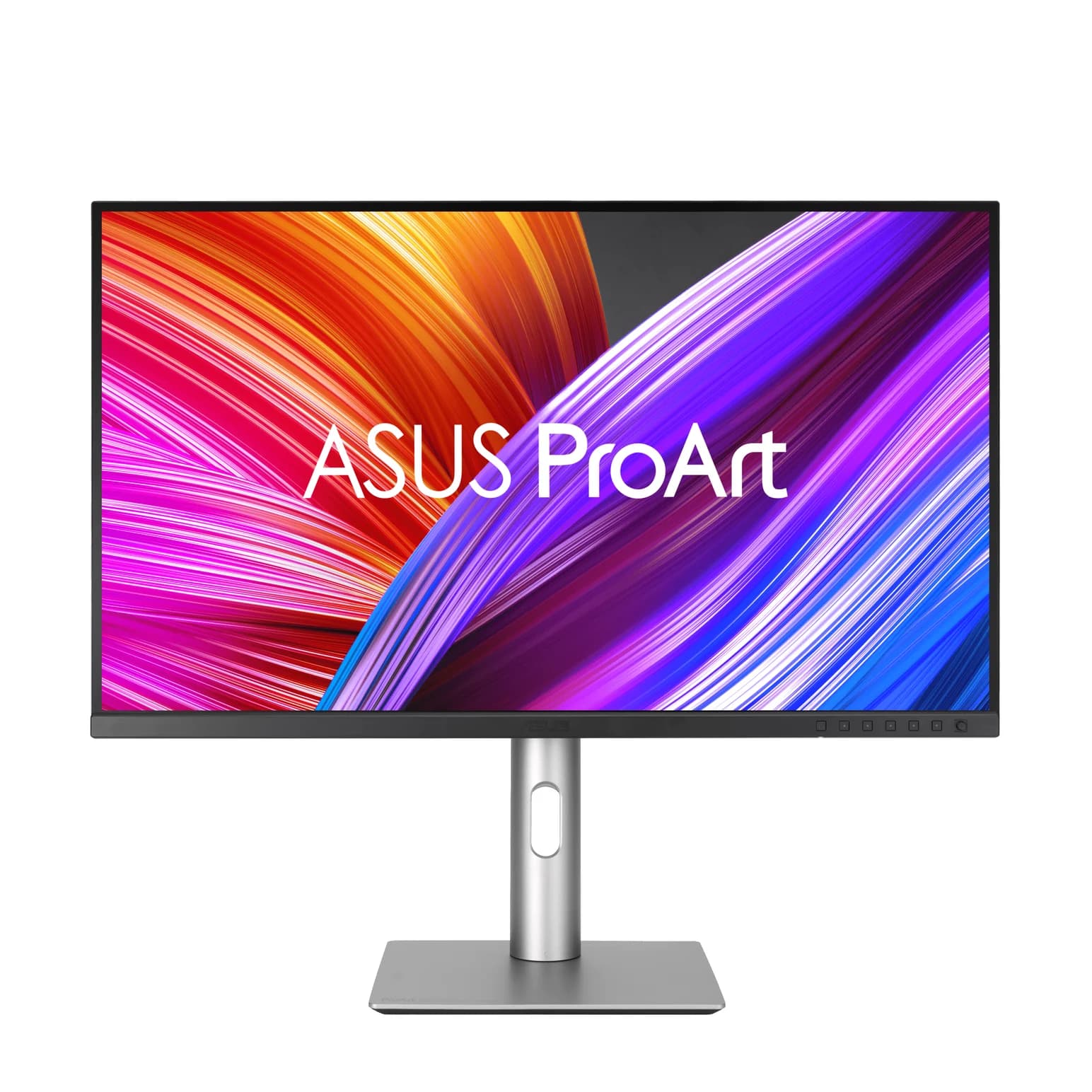
Alternatives to consider