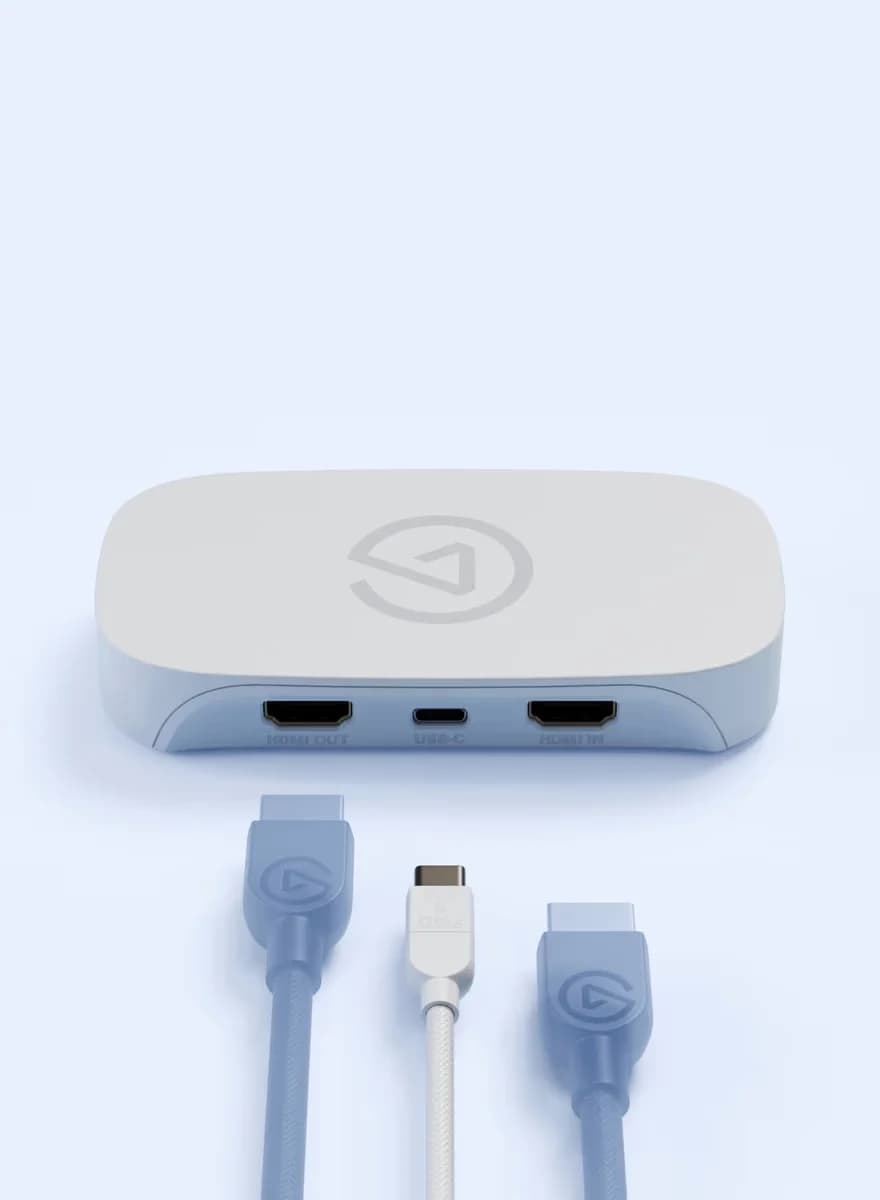
Ports
Elgato
A compact USB capture card for starting out: lag-free 4K60 HDR passthrough with recording up to 1080p60 over USB 3.0.
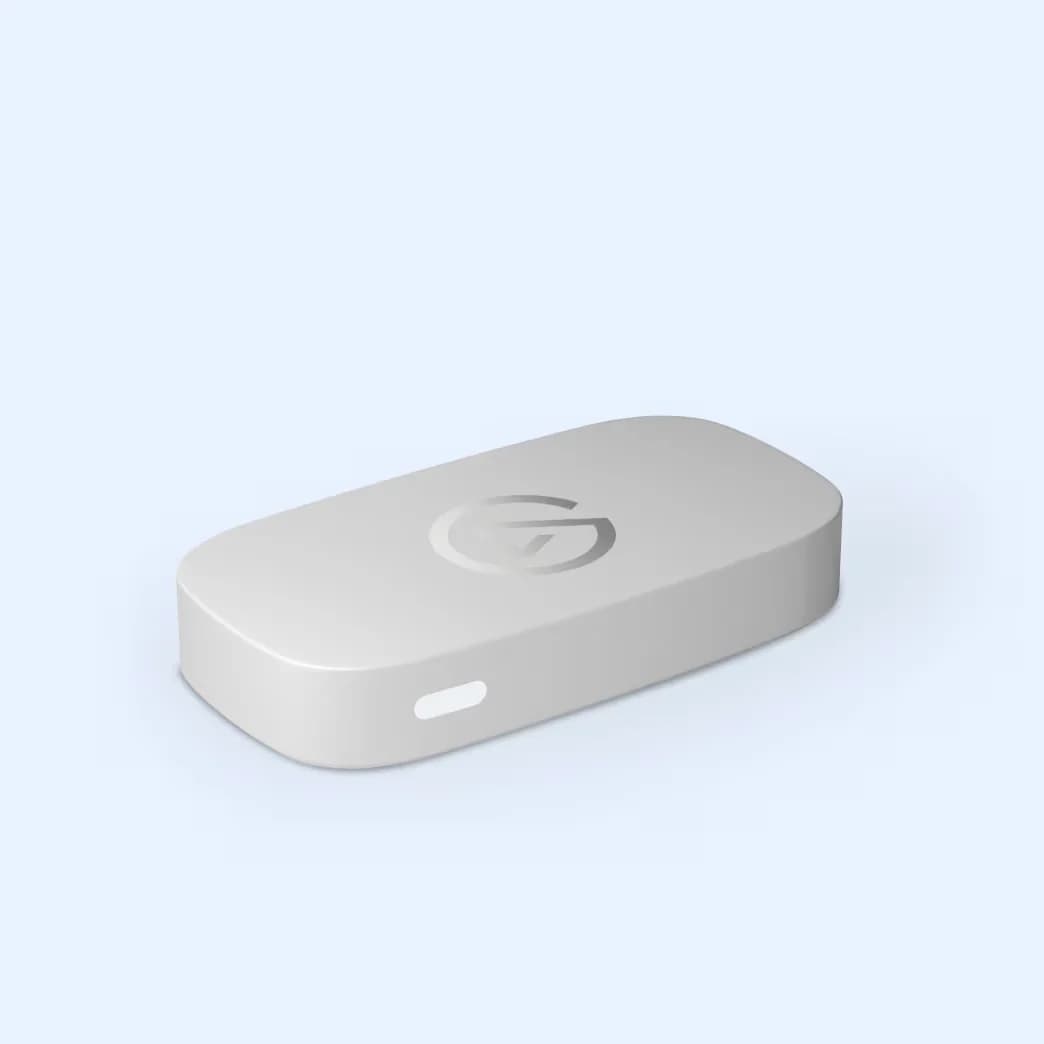
Photo: Elgato
Tap a port to see what it’s for.
Ports
Data speed
5 Gbps
About 400 MB/s: fine for flash drives, hard drives, keyboards and webcams, and a bottleneck for fast SSDs.
Display output
HDMI passthrough
Supports an external display. Check the resolution you need.
| HDMI input | HDMI (unencrypted) |
|---|---|
| HDMI output | HDMI lag-free passthrough |
| Passthrough | Up to 4K60 HDR |
| Recording resolution | Up to 1080p60 |
| Connection | USB 3.0 port |
| Dimensions | 123 x 65 x 20 mm / 4.8 x 2.6 x 0.8 in |
| Weight | 90 g / 3.2 oz |
| System requirements | macOS 12 / iPadOS 17 or newer with Apple M1 or Intel i5-4xxx quad-core; Windows 10 64-bit or newer with 6th-gen Core i5 / Ryzen 7, GTX 10xx GPU, 8GB RAM |
From manufacturer documentation, checked November 6, 2026. Spotted an error? Tell us.
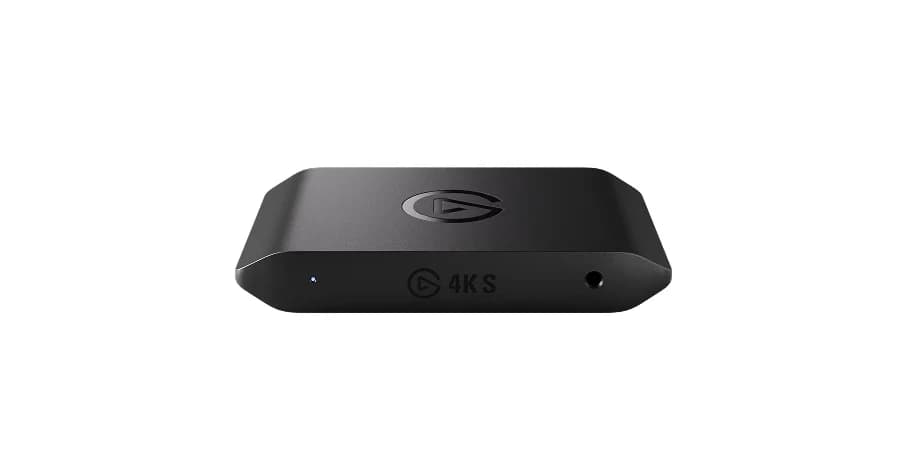
A portable USB-C capture card that records up to 4K60 and passes through lag-free 4K60 HDR gameplay from HDMI 2.0 sources.
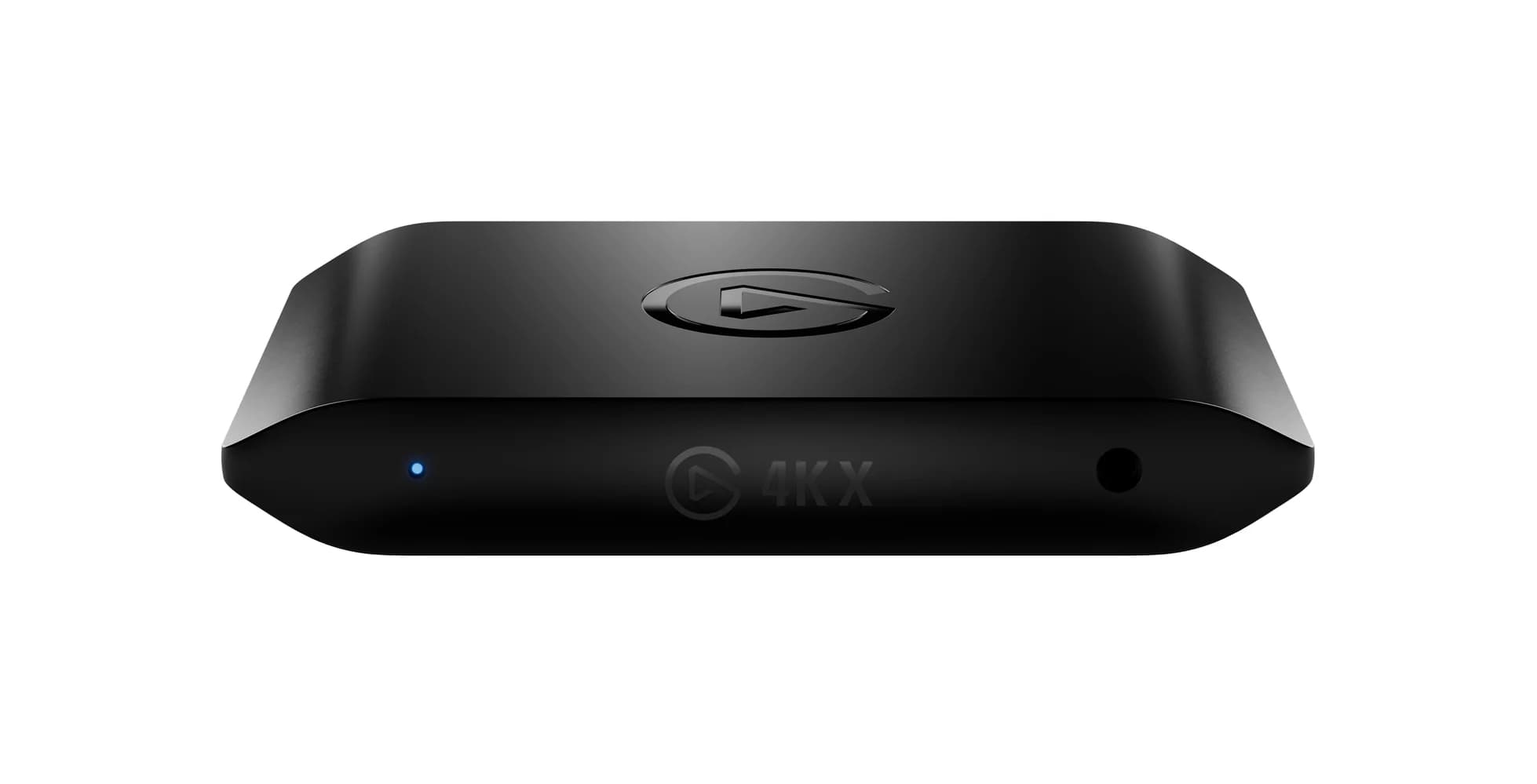
Elgato's flagship USB-C capture card with HDMI 2.1, capturing and passing through up to 4K144 gameplay over a 10Gbps USB 3.2 Gen 2 link.
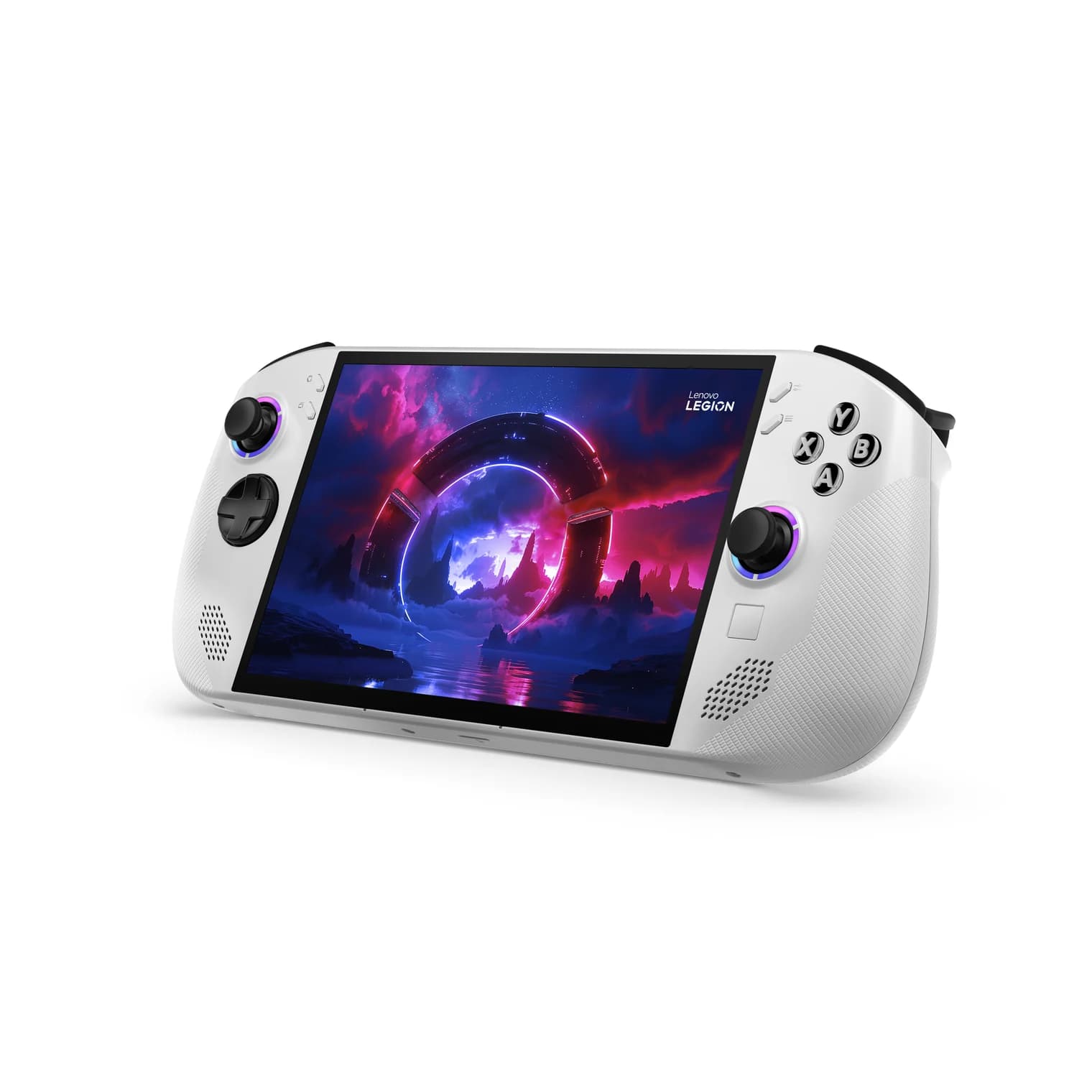
An 8-inch, 120Hz handheld gaming PC with AMD's Ryzen Z2 Go, two USB4 ports that both charge and output video, and a microSD reader.