Black Friday: the specs to check before you buy
Best picks
Updated November 6, 2026Best Capture Cards for Streaming in 2026
Short answer
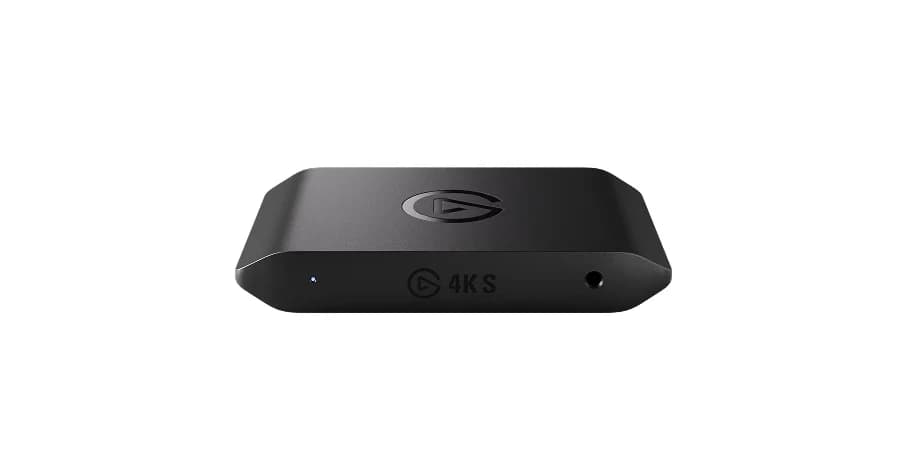
For most people streaming console gameplay, the best capture card is the Elgato Game Capture 4K S: it records up to 4K60, passes the signal to your TV lag-free, and works on Windows, Mac and iPad. If you chase high frame rates on PS5, PS5 Pro or Xbox Series X, step up to the Elgato Game Capture 4K X, whose HDMI 2.1 input captures up to 4K144.
Our picks at a glance
Best overallElgato
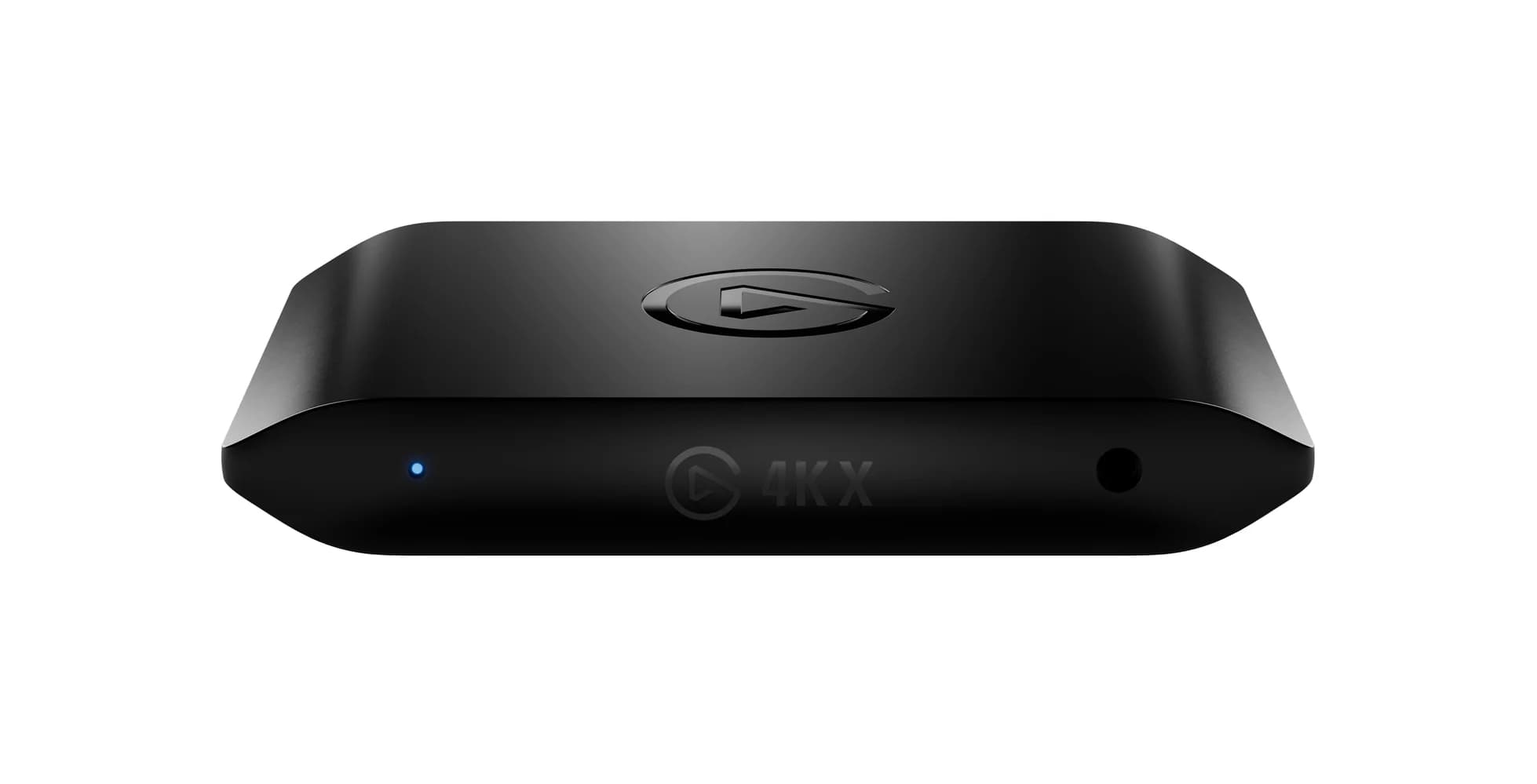
Elgato Game Capture 4K S
- data
- 5 Gbps
- video
- 4K
- host link
- USB-C
- Choose
- The Elgato Game Capture 4K S records up to 4K60 with lag-free HDMI 2.0 passthrough and works on Windows, Mac and iPad.
- Limit
- HDMI 2.0 only, so it cannot pass through 4K120 or 8K from newer consoles at full frame rate
Best high-end capture cardElgato
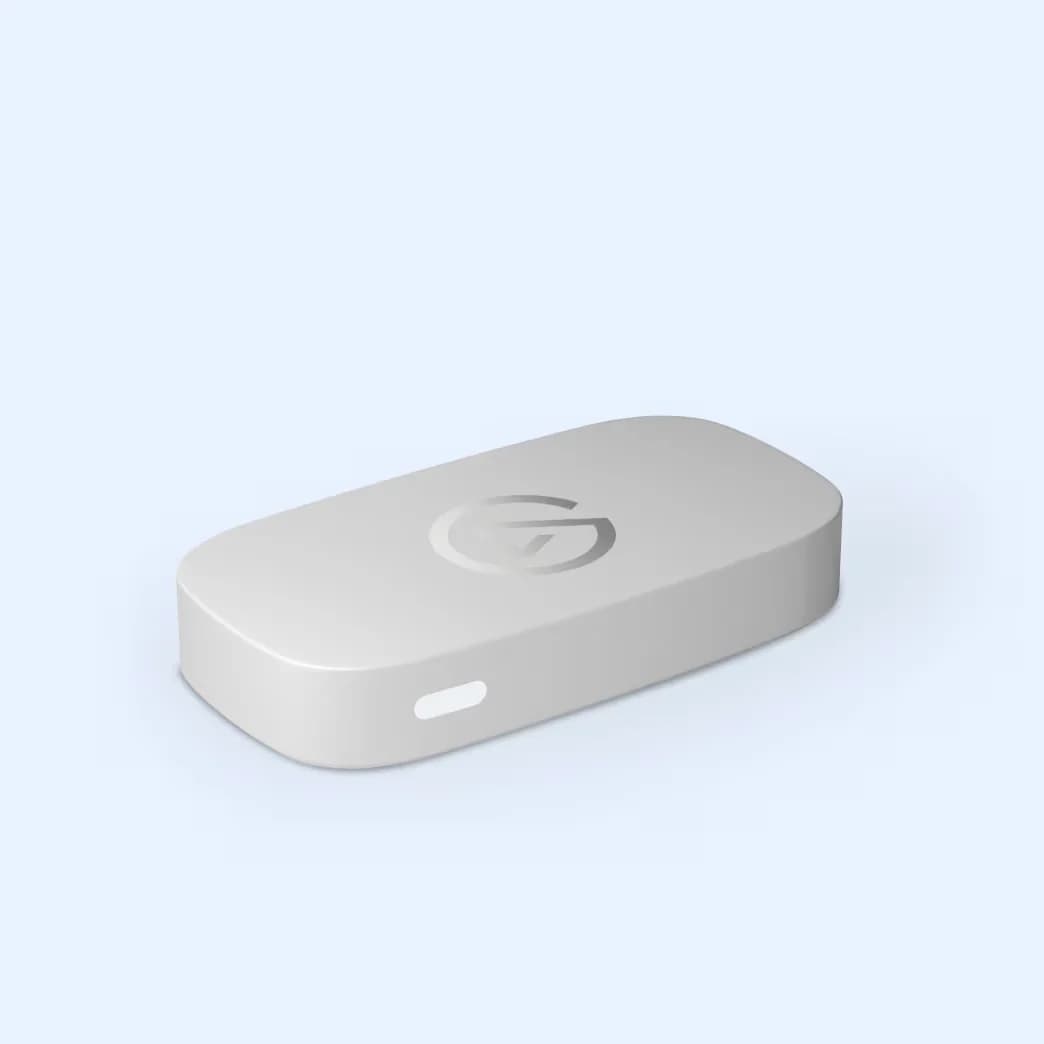
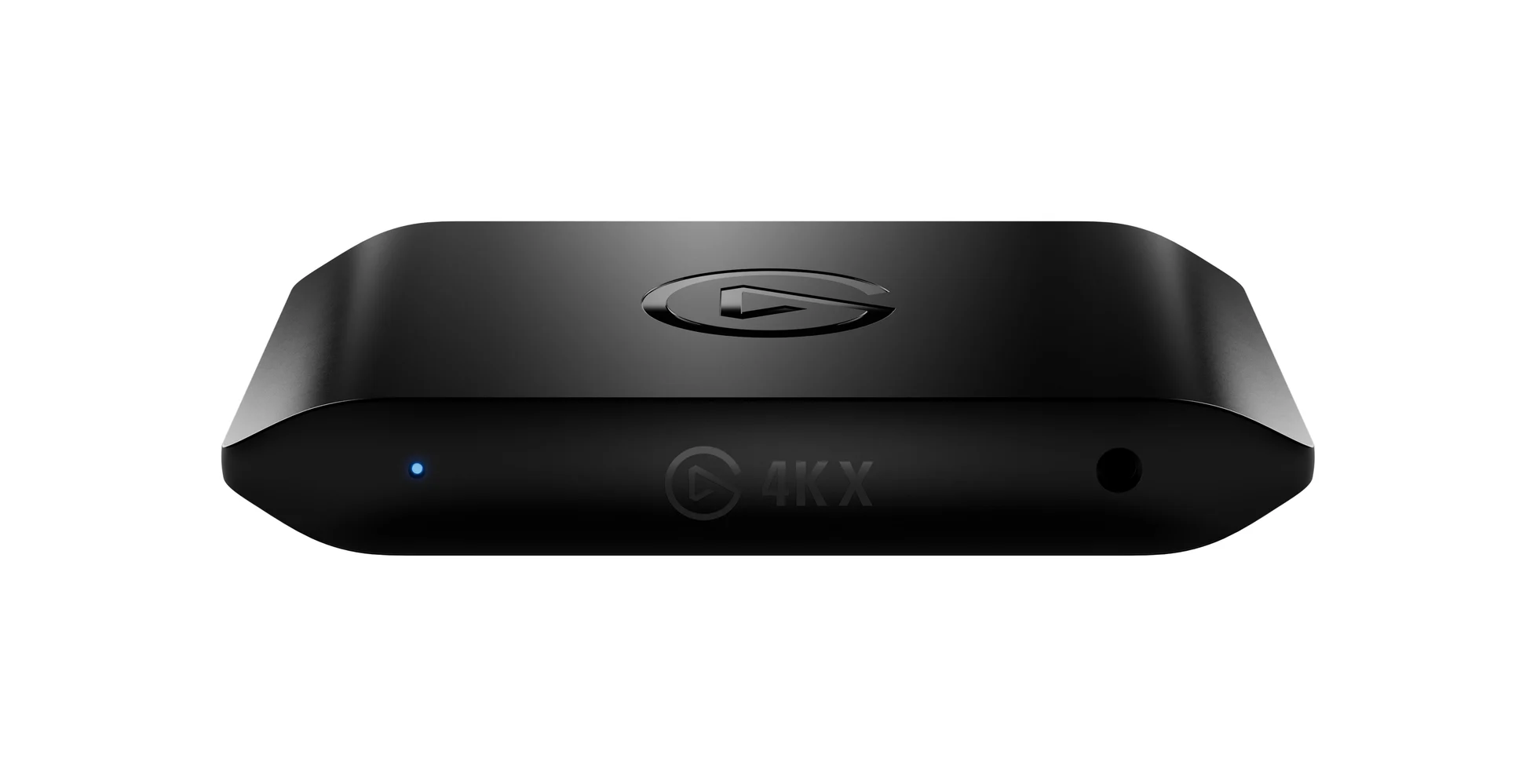
Elgato Game Capture 4K X
- data
- 10 Gbps
- video
- 4K
- host link
- USB-C 3.2 Gen 2
- Choose
- The 4K X is Elgato's most powerful USB card, with HDMI 2.1, 4K144 capture and passthrough.
- Limit
- Needs a USB 3.2 Gen 2 (10Gbps) port for full performance; on Gen 1 the capture resolution drops
Best budget entry pointElgato
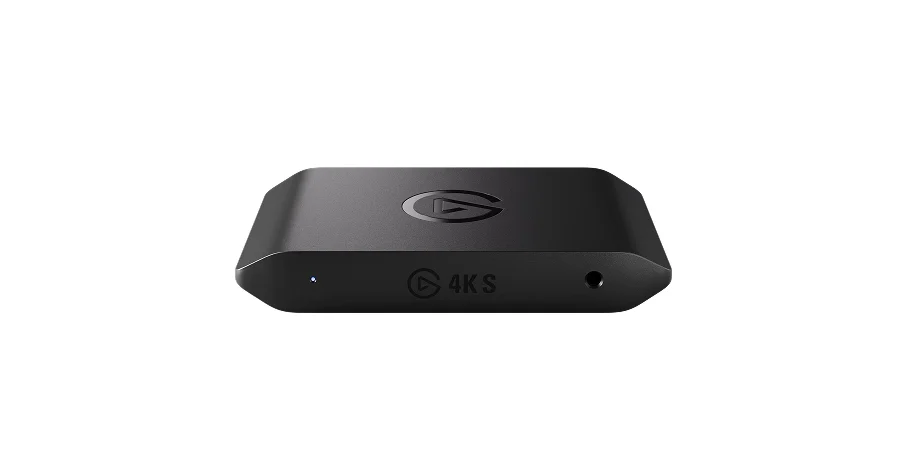
Elgato Game Capture Neo
- data
- 5 Gbps
- video
- 4K
- host link
- USB-C
- Choose
- Game Capture Neo gives you 4K60 HDR passthrough and 1080p60 recording, and works with any app on a laptop or iPad (third-party app required on iPad).
- Limit
- Recording tops out at 1080p60, so it is not for 4K uploads
- Find on Amazon
Best for dual-PC and party chat
ASUS TUF GAMING CAPTURE BOX-4KPRO
- 4K60Capture resolution of the Elgato 4K S, our top pick
- 4K144Capture and passthrough ceiling of the Elgato 4K X
- 1080p60Recording resolution of the budget Elgato Neo and AVerMedia LGP2 PLUS
Buy based on three things: the capture resolution you actually stream at, the passthrough your TV or monitor needs, and the USB port your computer has. Everything below is grounded in the manufacturers' official spec sheets, not physical testing.
Quick picks
- Best overall: Elgato Game Capture 4K S — 4K60 capture, 1080p240-capable HDMI 2.0 passthrough, Windows/Mac/iPad.
- Best high-end: Elgato Game Capture 4K X — HDMI 2.1, 4K144 capture and passthrough.
- Best without a PC: AVerMedia Live Gamer Portable 2 PLUS — records 1080p60 to microSD in PC-free mode.
- Most portable: Genki ShadowCast 3 — the world's smallest 4K60 card; play a console on a laptop, iPad or phone.
- Best for dual-PC and party chat: ASUS TUF GAMING CAPTURE BOX-4KPRO — 4K144 HDR passthrough, 4K60 capture, two 3.5mm jacks.
- Best budget entry: Elgato Game Capture Neo — 4K60 HDR passthrough, 1080p60 recording, works with any app.
Comparison table
| Card | Capture | Passthrough | USB link | Works on |
|---|---|---|---|---|
| Elgato 4K S | Up to 2160p60 | 2160p60, 1440p120, 1080p240 | USB-C 3.2 Gen1 5Gbps | Windows, Mac, iPad |
| Elgato 4K X | Up to 4K144 SDR | 4K144 | USB-C 3.2 Gen 2 10Gbps | Windows, Mac, iPad |
| AVerMedia LGP2 PLUS | 1080p60 | 4Kp60 | USB 2.0 (USB Micro) | Windows, Intel Mac |
| Genki ShadowCast 3 | 4K60 | Zero latency passthrough | USB-C | PC, tablets, smartphones |
| ASUS TUF Capture Box-4KPRO | 4K60 | 4K144 HDR | USB 3.2 Gen 2 Type-C | PC or laptop |
| Elgato Neo | 1080p60 | 4K60 HDR | USB 3.0 | Windows, Mac, iPad |
Passthrough vs. capture: the spec that matters most
A capture card sits between your console and your display. Passthrough is what your TV or monitor receives — it should be exactly what the console sends, with no added lag. Capture is what your computer records and streams, and it is often lower than passthrough.
Plug the console's HDMI cable into the card's HDMI input
The card accepts the video signal; inputs must be unencrypted.
Run an HDMI cable from the card to your TV or monitor
This is the lag-free passthrough path you play on.
Connect the card's USB cable to your computer
The USB link carries the captured video to your streaming software.
Open OBS, Elgato Studio or any capture app
The card appears as a camera-like video source.
This is why the 4K X matters even for people who stream at 1080p: its HDMI 2.1 passthrough keeps 4K144-class signals intact on your display while the recording runs at whatever resolution you choose. And it is why an HDMI 2.0 card like the 4K S cannot pass through PS5's 4K120 modes — HDMI 2.0 tops out at 2160p60.
The picks
Elgato Game Capture 4K S — best overall
Elgato
A portable USB-C capture card that records up to 4K60 and passes through lag-free 4K60 HDR gameplay from HDMI 2.0 sources.
- 5 Gbps data
- 4K video
The 4K S is the card most streamers should buy. It captures up to 2160p60, 1440p60 or 1080p120, records HDR up to 1080p60 (Windows only), and passes through 2160p60, 1440p120 or 1080p240 with zero perceptible lag — Elgato cites latency as low as 30ms on capable setups. The USB-C 3.2 Gen1 5Gbps connection needs a USB 3.0 Type-C port on your computer. Elgato recommends it for Switch 2, PlayStation 5, Xbox Series S and mobile devices, and its 90 g body comes with both a USB C-to-C cable and an HDMI 2.0 cable in the box. Limitations worth knowing: HDR capture is Windows-only and maxes at 1080p60; 1440p120 capture is SDR; and HDMI 2.0 passthrough means no 4K120 for PS5 or Xbox Series X high-frame-rate modes.
Elgato Game Capture 4K X — best high-end
Elgato
Elgato's flagship USB-C capture card with HDMI 2.1, capturing and passing through up to 4K144 gameplay over a 10Gbps USB 3.2 Gen 2 link.
- 10 Gbps data
- 4K video
Equipped with HDMI 2.1, this is Elgato's most powerful USB card, capturing the latest titles up to 4K144 in SDR. Passthrough reaches 4K144 (limited to 4K120 on screens using Display Stream Compression); HDR capture is supported at up to 4K30, 1440p60 or 1080p120. It needs a USB 3.2 Gen 2 port; a Gen 1 port works with reduced capture resolution. Elgato recommends it for Switch 2, PlayStation 5, PlayStation 5 Pro, Xbox Series X and PC, and its FAQ confirms dual-PC setups as a supported use. The box includes a USB 3.2 C-to-C cable and an 8K HDMI cable.
AVerMedia Live Gamer Portable 2 PLUS — best for recording without a PC
The GC513's party trick is PC-free mode: a tap on the hot button initiates 1080p60 recording, keeping all your road games on the microSD card — no computer, no stream, no capture software. Back at your desk, its card reader mode offloads the files. On a PC it captures 1080p60 over a USB 2.0 (USB Micro) interface with hardware encoding, so the encoding load stays off your CPU, and a 4-pole 3.5mm jack captures party chat. Passthrough runs up to 4Kp60. AVerMedia supports Windows 10/11 and lists requirements for iMac 2013, MacBook Pro 2013 and MacBook Pro 2017; it notes the card does not support Apple silicon (M1) processors. The microSD slot tops out at 128GB Class 10 cards.
Genki ShadowCast 3 — most portable
Genki's ShadowCast 3 is the world's smallest 4K60 capture card, aimed at a different job than the Elgato cards: turning your laptop or iPad into a portable gaming display. Instead of streaming to Twitch, you plug a docked Switch 2 or PS5's HDMI output into the ShadowCast and play on your own screen with ultra-low latency, anywhere. It has a modular design and turns HDMI output into USB-C input for PC, tablets and smartphones. Its official product page lists zero latency passthrough, though it does not describe the ShadowCast 3 as an HDMI TV-output card; Genki separately sells ShadowCast 3 Pro for HDMI passthrough. The trade-off is a leaner published spec sheet than the bigger brands and frequent sell-outs at Genki's store.
ASUS TUF GAMING CAPTURE BOX-4KPRO — best for dual-PC and party chat
ASUS's capture box supports up to 4K144 HDR passthrough via its HDMI 2.1 ports and keeps gameplay smooth by offloading up to 4K60 video to your external workstation or laptop via a USB 3.2 Gen 2 connection — which is exactly the dual-PC streaming workflow. It is certified for OBS, supports VRR passthrough and upscaling up to 4K, and its USB class video support means PC or laptop hookup without dedicated drivers. Two 3.5mm jacks connect a controller and headset for game console party mode, a neat answer to capturing chat on a console. The half-palm-sized aluminum chassis hides behind your monitor.
Elgato Game Capture Neo — best budget entry
Elgato
A compact USB capture card for starting out: lag-free 4K60 HDR passthrough with recording up to 1080p60 over USB 3.0.
- 5 Gbps data
- 4K video
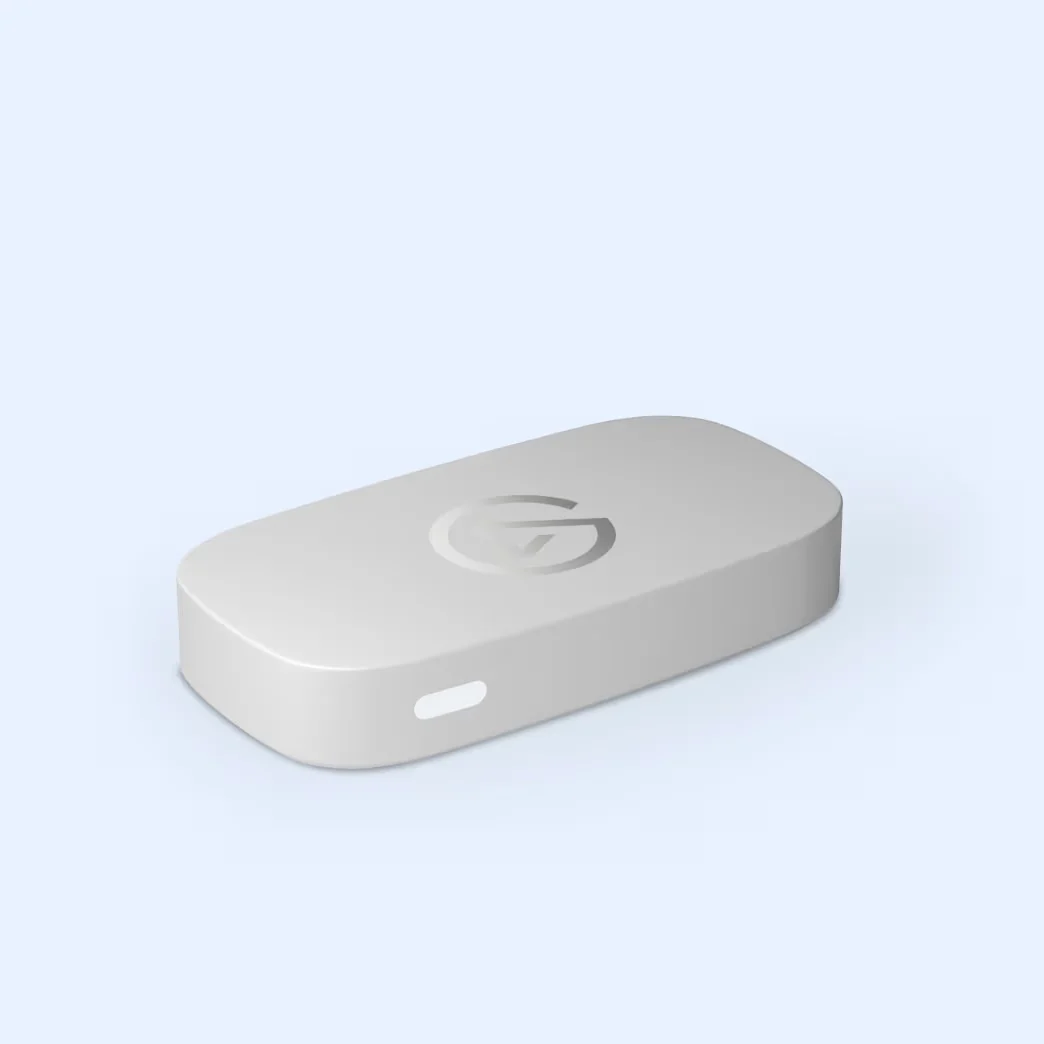
The Neo is an affordable name-brand entry: it offers 4K60 HDR lag-free passthrough to your TV, up to 1080p60 recording to your computer, and support for macOS 12, iPadOS 17 or newer plus Windows 10 64-bit or later, subject to Elgato's listed CPU, GPU, RAM and USB 3.0 requirements. It works with any app — Elgato Studio (a free download) or OBS — and on iPad with a third-party application like Camo Studio. A USB-C to USB-A USB 3.0 cable is in the box. If your computer meets those requirements and you stream at 1080p60, its 90 g body and clean white design suit a desk setup, and it is also an easy pick for capturing a handheld console docked at your desk.
How we choose
We build these picks from official spec sheets and product pages — Elgato, AVerMedia, ASUS and Genki — not from physical testing. For each card we check the capture and passthrough resolution tables, the USB interface and port requirement, operating-system support, HDR behavior, and what is actually included in the box. We prefer cards whose makers keep current product pages with full spec tables and software downloads, and we exclude discontinued products from the picks (Elgato's HD60 X is marked no longer available, which is why the 4K S leads here). Where a maker does not publish a spec, we say so instead of guessing.
Buying advice: match the card to your setup
Match passthrough to your display first. If your TV is 4K60, an HDMI 2.0 card is fine. If you use a 4K120 or 4K144 monitor with a PS5 or Xbox Series X, you need an HDMI 2.1 card — the 4K X or the ASUS box. For high-refresh 1080p play, the 4K S supports up to 1080p240 passthrough and capture.
Then match capture to how you actually stream. Most streamers deliver 1080p60; the Neo and the LGP2 PLUS cover that. Streaming 4K content means the 4K S (4K60) or 4K X (up to 4K144 in SDR). A 1440p capture card fits in between: the 4K S records 1440p120 in SDR, and the 4K X records 1440p144 in SDR or 1440p60 with HDR.
Check your USB port before your card. A 5Gbps USB-C port runs the 4K S; the 4K X and ASUS box want USB 3.2 Gen 2 (10Gbps), with the 4K X falling back to reduced capture resolution on a Gen 1 port. Cables matter too — see our USB-C cable types explainer and, if you are wiring a desk around the card, the best USB-C hubs with HDMI.
Check your platform. Mac, iPad and phone capture is well supported by Elgato's current cards and Genki's, with different minimum OS versions listed above. AVerMedia lists Windows 10/11 and specific 2013–2017 Intel Macs for the LGP2 PLUS. Gamers setting up a full battlestation may also want our fast-charging USB-C cable picks for controllers and headsets.
Internal cards still exist. If your streaming computer is a desktop PC and you want a fixed install, Elgato's 4K Pro (PCIe, 8K60 passthrough, 4K60 capture, Windows) and AVerMedia's Live Gamer 4K GC573 (PCI-Express Gen 2 x4, 2160p60 HDR capture) fit inside the case. Elgato positions the 4K Pro for PC or dual PC setups. For laptops, tablets and most desks, the USB cards above are the practical choice.
Verdict
The Elgato Game Capture 4K S is the best capture card for most streamers: current, well-supported on every platform, and 4K60-capable in both directions. Spend up to the 4K X only if your display and console run 4K at high frame rates. If your goal is recording gameplay rather than streaming it, the AVerMedia LGP2 PLUS records without a computer at all; if your goal is playing a console on your own screen, the Genki ShadowCast 3 does that from a pocket. Whatever you choose, verify the USB port and operating system first — those two, not the headline resolution, are what actually stop a capture card from working.
Frequently asked questions
What is the best capture card for streaming in 2026?
For most streamers the Elgato Game Capture 4K S is the best starting point: it records up to 4K60, passes through 4K60 to your TV with no added lag, and works on Windows, Mac and iPad. Choose the 4K X instead if you play PS5 or Xbox Series X games at 4K120-class frame rates, since its HDMI 2.1 path handles up to 4K144. These are spec-based picks from manufacturer pages, not results from physical testing.
What is the difference between the Elgato HD60 X and HD60 S, and what replaced them?
Both were 1080p60-class USB cards, and Elgato no longer sells the HD60 X. The 4K S captures 1080p240 and 1440p144, compared with the HD60 X's 1080p120 and 1440p60 ceilings, and adds 4K60 capture over the same USB-C 3.2 Gen1 5Gbps interface. If you see an HD60 X or HD60 S listed new today, check that the listing is current stock, since Elgato's own store marks it no longer available.
What is the best capture card for Nintendo Switch or Switch 2?
Elgato's own comparison recommends the 4K S for Switch 2, PlayStation 5, Xbox Series S and mobile devices, and the 4K X for Switch 2, PlayStation 5, PlayStation 5 Pro, Xbox Series X and PC. The 4K S supports 4K60 and HDR passthrough but does not support 4K120 capture. For playing a docked Switch 2 on a laptop or iPad screen instead of a TV, the pocket-size Genki ShadowCast 3 is a popular alternative.
Is a 1440p capture card a good middle ground?
Yes, if you stream at 1440p. The Elgato 4K S captures 1440p120 in SDR, and the 4K X captures up to 1440p144 in SDR or 1440p60 with HDR, so both cover 1440p output. Note the 4K S limit: HDR capture maxes at 1080p60, while 1440p120 capture is SDR and passthrough can run 1440p120. If you want 1440p144 capture, the 4K X is the match.
Can I use a capture card with an older HDMI console?
Yes — an HDMI-based card such as the AVerMedia Live Gamer Portable 2 PLUS works with legacy consoles, and its PC-free mode records 1080p60 to a microSD card without a computer, which suits consoles you keep away from your desk. Two cautions: the console must output unencrypted HDMI, since capture cards do not record HDCP-protected signals, and legacy 3.5mm party-chat cabling differs from modern controllers. AVerMedia's card includes a 4-pole 3.5mm audio cable for party chat.
Do I need a capture card to stream at all?
Not always. If you stream PC games, capture software alone records the gameplay. A capture card matters when the gameplay lives on a console, a second computer or a handheld: the card takes the console's HDMI output and turns it into a USB video source your streaming computer can record. A card also enables dual-PC streaming, where one machine plays and another encodes — Elgato's 4K X FAQ explicitly covers that use, and its 4K Pro is built for dual PC setups.
Can I capture on a Mac, iPad or phone instead of a Windows PC?
Check each card's requirements before buying. The Elgato 4K S needs macOS 14.2 or later and iPadOS 18 with USB-C; the 4K X supports macOS 11 and iPadOS 17 or later; Game Capture Neo supports macOS 12 and iPadOS 17 or newer, subject to Elgato's listed CPU, GPU, RAM and USB 3.0 requirements. On iPad, Elgato notes a third-party app such as Camo Studio is required. The Genki ShadowCast 3 explicitly turns HDMI output into USB-C input for PC, tablets and smartphones. The AVerMedia LGP2 PLUS supports Windows 10/11 or listed 2013–2017 Intel Macs, and does not support Apple silicon (M1) processors.
Which USB port does a capture card need?
Match the card to your computer's port. The Elgato 4K S needs a USB 3.0 Type-C port and carries 5Gbps; the 4K X wants USB 3.2 Gen 2 and works at reduced capture resolution on a Gen 1 port. The ASUS TUF Capture Box uses USB 3.2 Gen 2 Type-C. Slower ports can drop frames or force lower capture resolutions, so check the port before the card, not after. Our guide to [USB-C cable types](/guides/usb-c-cable-types-explained) explains the generations in plain terms.