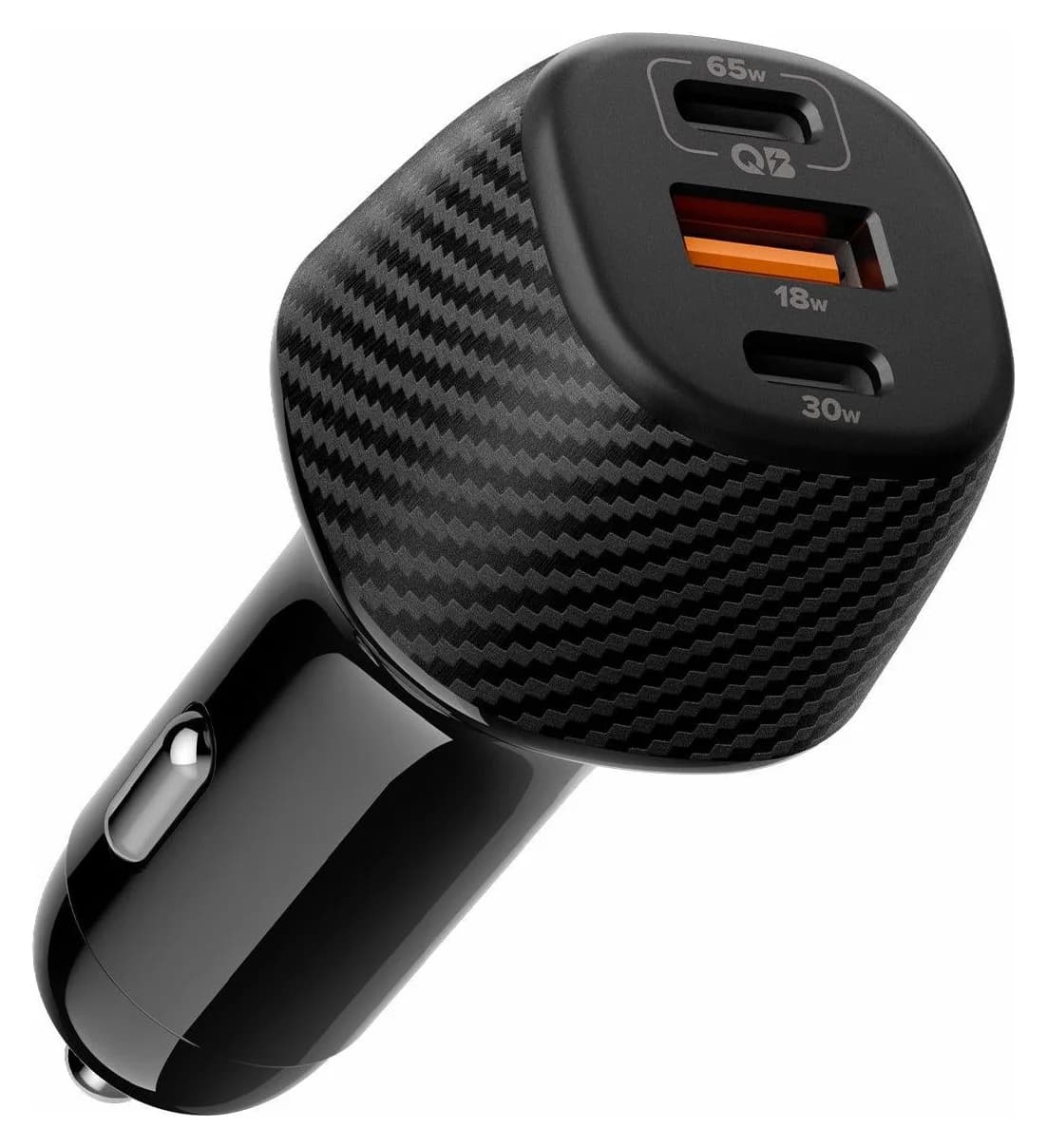
65W max output3 ports
Spigen ArcStation Essential 113W USB-C Car Charger (EV1133)
Delivers 65W with the PPS support it needs, enough for this device's 60W charging.
- Android phone
- iPhone 15+
- MacBook Air
Samsung
Samsung's 2026 flagship phone with a built-in S Pen, 60W Super Fast Charging 3.0 over USB-C, a 5Gbps USB 3.2 Gen 1 port and Samsung DeX on an external monitor.
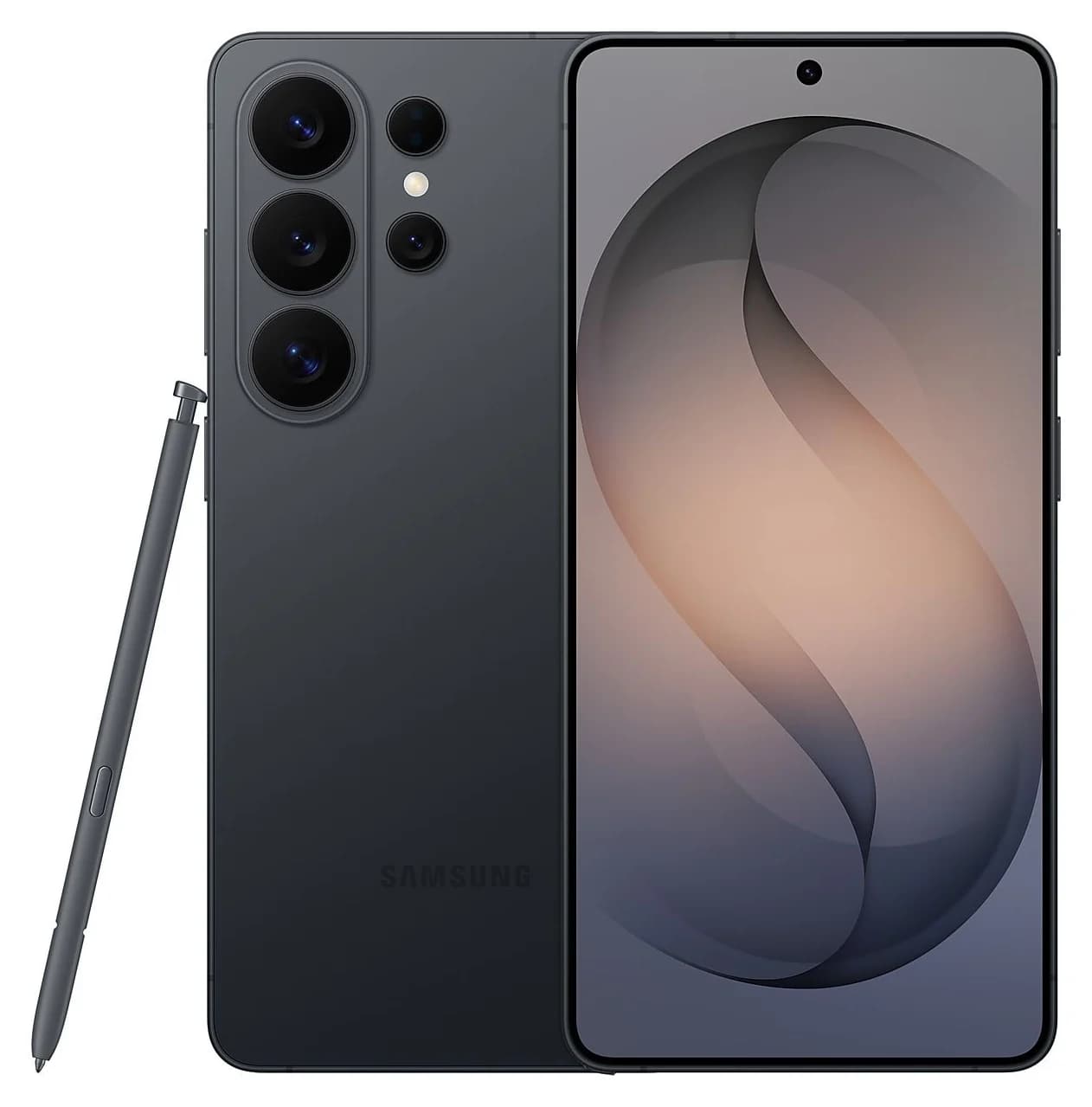
Photo: Samsung
Tap a port to see what it’s for.
Charger to use
60W
For full-speed charging, use a USB-C Power Delivery charger rated 60W or more and a cable rated for at least 60W. A bigger charger is safe: the device only draws what it needs.
USB ports
1
1x USB-C (USB 3.2 Gen 1, 5Gbps)
Data speed
5 Gbps
About 400 MB/s: fine for flash drives, hard drives, keyboards and webcams, and a bottleneck for fast SSDs.
Display output
Samsung DeX or screen
Supports an external display. Check the resolution you need.
Two monitors on a Mac
Mirrored
macOS can’t extend two screens through this kind of hub (MST). Both monitors show the same image on a Mac; Windows can extend them.
Total ports
1
Compact: the essentials for travel or a light setup.
| Wired charging | Super Fast Charging 3.0, up to 60W (Samsung lists it as up from 45W on the previous generation) |
|---|---|
| Charge time (Samsung figure) | Up to 75% in around 30 minutes |
| Charger for full speed | Samsung 60W Power Adapter (EP-T6010), sold separately: USB PD 3.1 with PPS, PDO 9V/15V/20V at 3A and PPS 5-20V at 3A; Samsung recommends genuine Samsung 3A cables; no cable included with the adapter |
| Wireless charging | Super Fast Wireless Charging up to 25W, plus Wireless PowerShare |
| Magnets | Samsung pairs it with a Magnet Case, whose built-in magnetic ring aligns the phone with magnetic wireless chargers and accessories |
| USB | USB Type-C, USB 3.2 Gen 1 |
| Video output | Samsung DeX supported; Samsung says a standard USB-C to HDMI adapter starts DeX on a monitor |
| Battery | 5,000mAh typical (4,855mAh rated) |
| In the box | Phone with S Pen, USB-C 3A charging cable, SIM ejector tool; no power adapter |
| Display | 6.9-inch (6.7-inch with rounded corners) QHD+ 120Hz |
| Size and weight | 163.6 x 78.1 x 7.9 mm, 214 g |
| This listing | 256GB storage, 12GB RAM, Black, unlocked US model (SKU SM-S948UZKAXAA) |
From manufacturer documentation, checked October 18, 2026. Spotted an error? Tell us.
Accessories whose specs match this device: charging wattage, cable rating and ports.
Delivers 65W with the PPS support it needs, enough for this device's 60W charging.
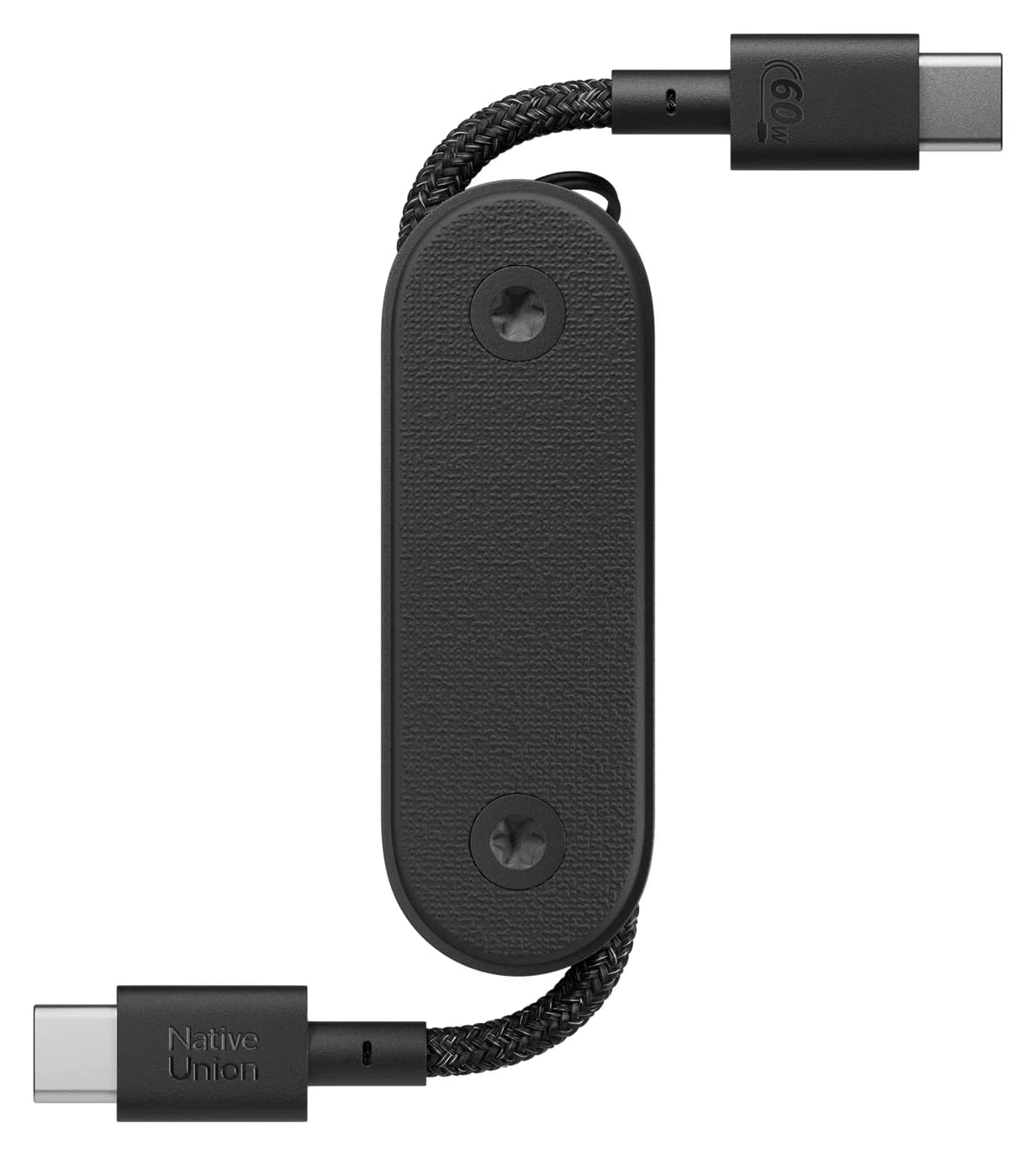
Rated for 60W, so it won't slow charging down.
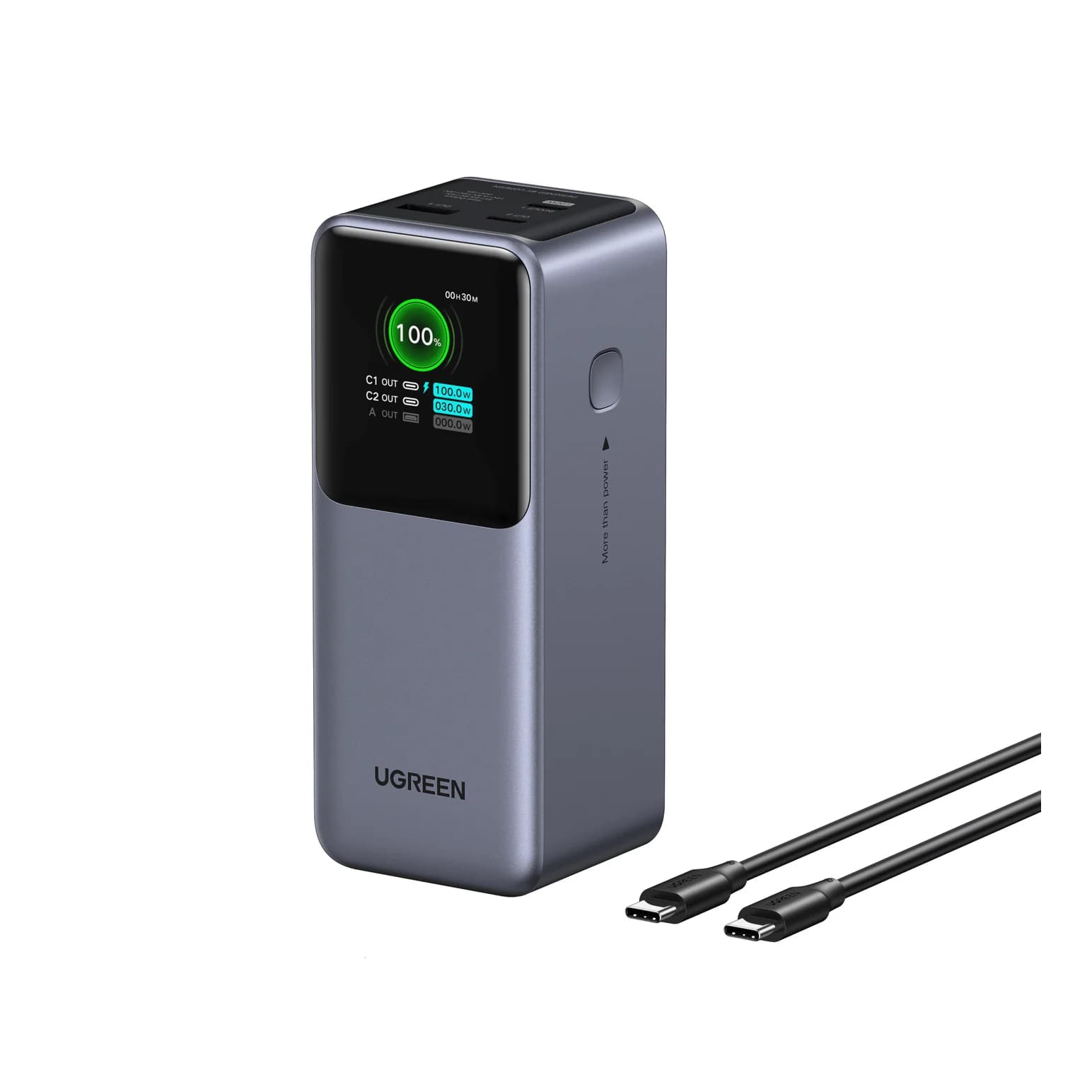
Its 100W output can keep up with this device away from a wall socket.
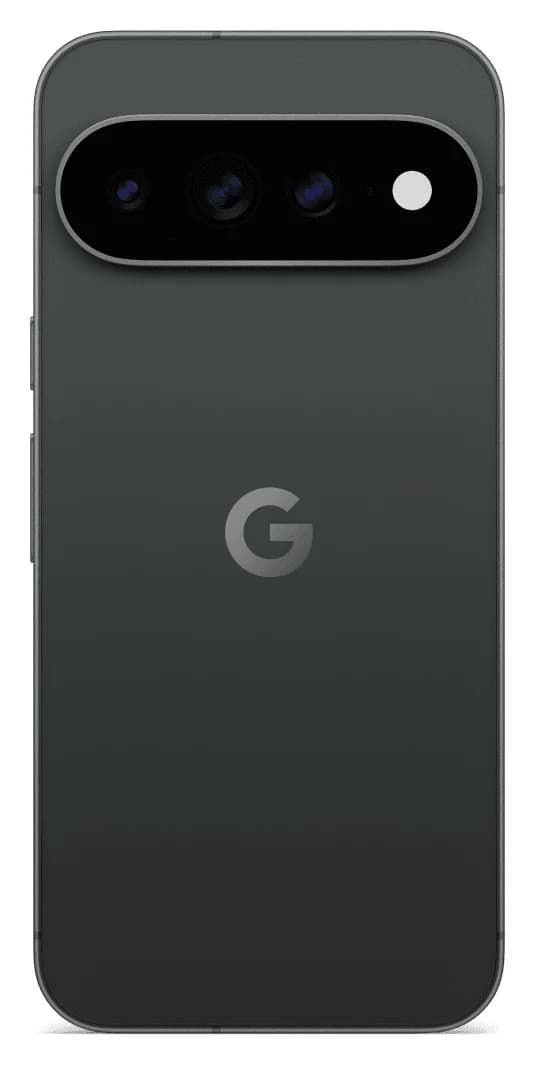
Google's 6.8-inch 2026 Pixel with 45W USB-C PPS fast charging, a USB 3.2 port and Pixelsnap Qi2.2 magnetic wireless charging at up to 25W.
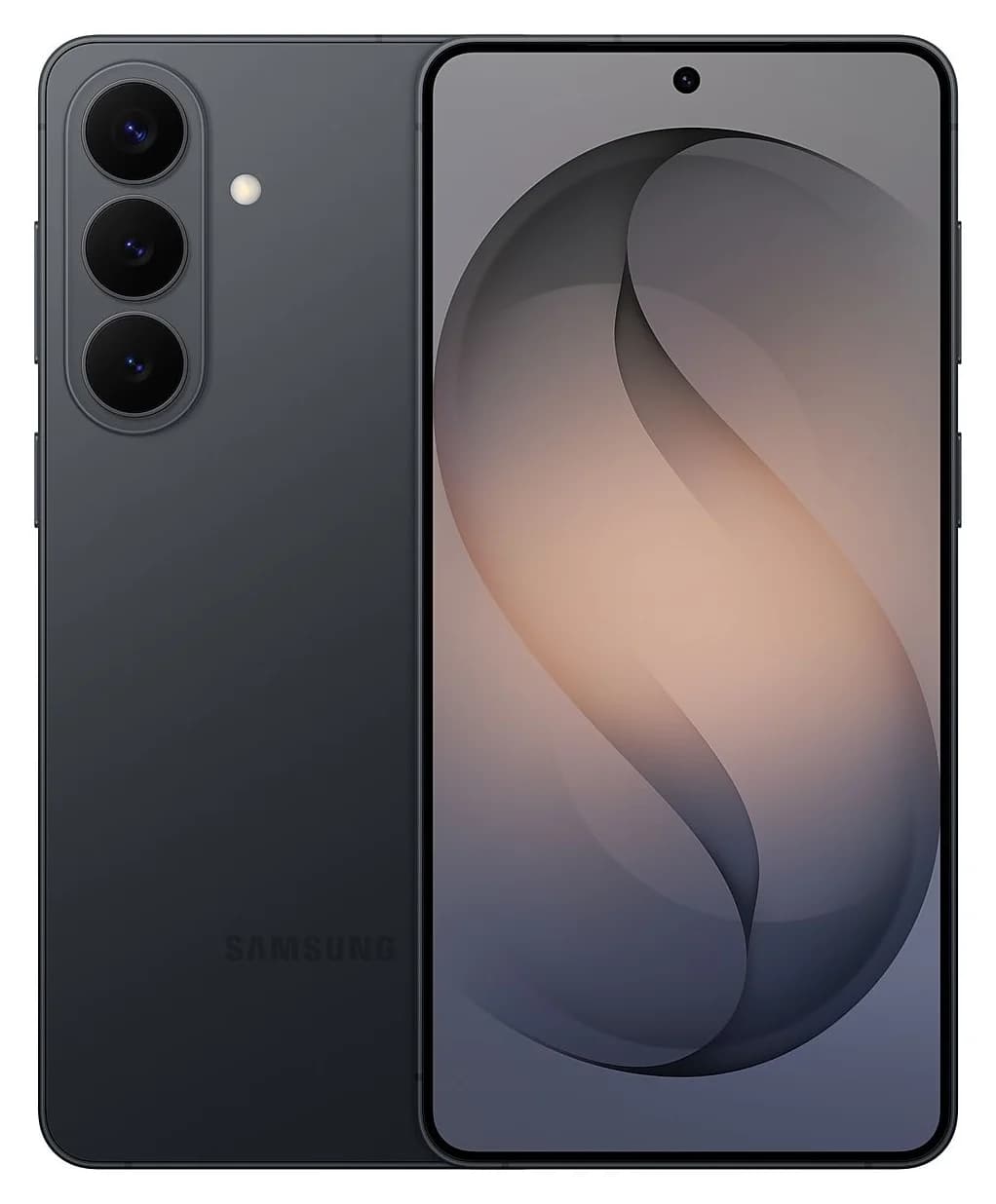
Samsung's 6.7-inch 2026 Galaxy S phone with 45W Super Fast Charging 2.0 over USB-C, a 5Gbps USB 3.2 Gen 1 port and Samsung DeX support.