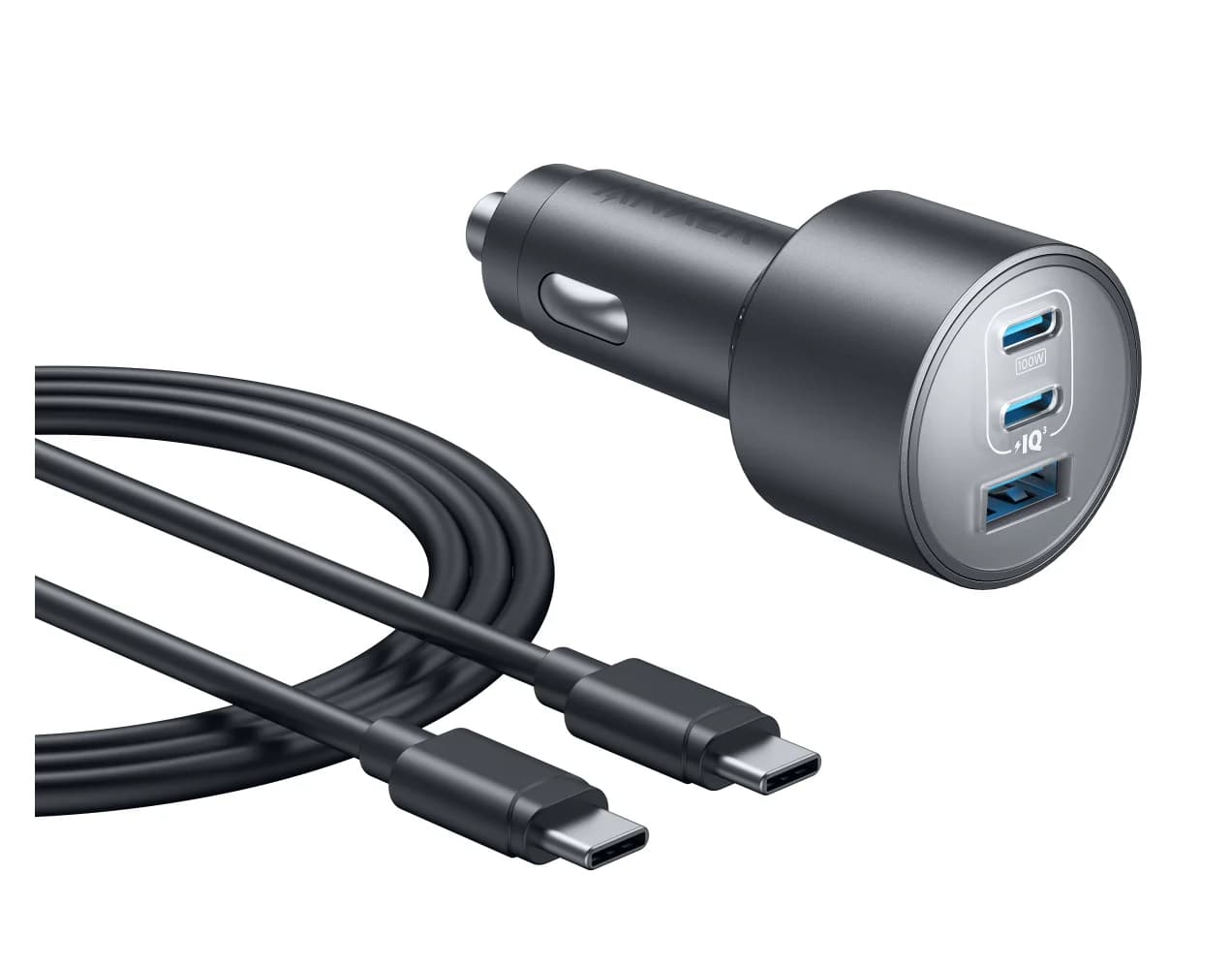
100W max output3 ports
Anker Nano Car Charger (167.5W, 3 Ports)
Delivers 100W, enough for this device's 96W charging.
- Laptop charging
- MacBook Air
- MacBook Pro
Apple
Apple's 14-inch MacBook Pro with the M5 Pro chip, three Thunderbolt 5 ports, HDMI, an SDXC slot, MagSafe 3 and support for three external displays.
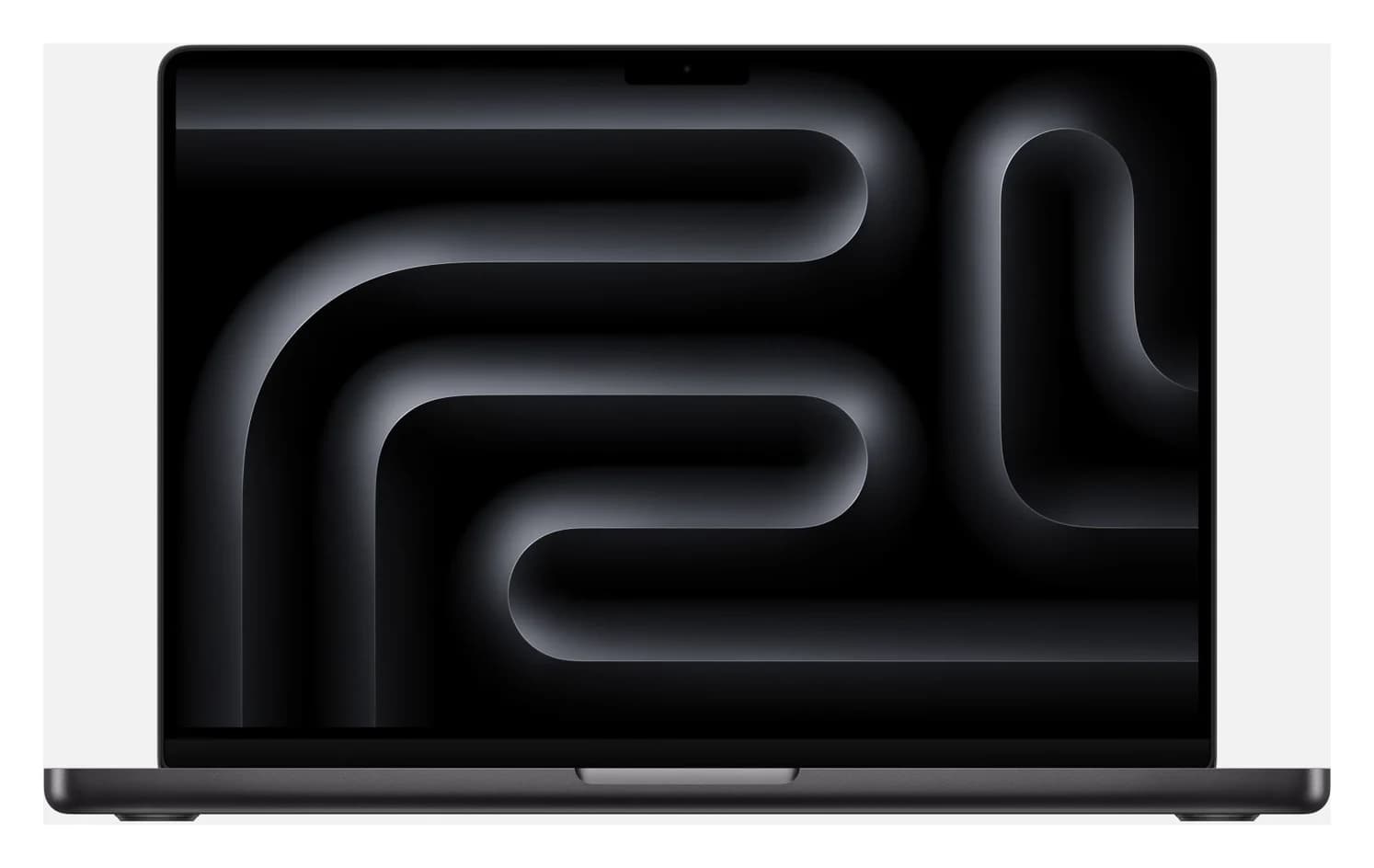
Photo: Apple
Tap a port to see what it’s for.
Charger to use
96W
For full-speed charging, use a USB-C Power Delivery charger rated 96W or more and a cable rated for at least 100W. A bigger charger is safe: the device only draws what it needs.
USB ports
3
3x Thunderbolt 5 / USB 4 (USB-C, up to 120Gbps)
Data speed
120 Gbps
Thunderbolt/USB4 class: fast NVMe SSDs, docks and high-res displays over one cable.
Display output
6K @ 60Hz
Smooth high-resolution output for a monitor or TV.
Total ports
7
Covers a typical desk setup: display, a few USB devices, cards or Ethernet.
| Configuration | 14.2-inch, Apple M5 Pro (15-core CPU, 16-core GPU), 24GB unified memory, 1TB SSD, Space Black; Apple part MGDR4LL/A |
|---|---|
| Thunderbolt / USB-C | 3x Thunderbolt 5 (USB-C), each with charging, DisplayPort, Thunderbolt 5 (up to 120Gb/s) and USB 4 (up to 120Gb/s) |
| HDMI | 1x HDMI port with multichannel audio; Apple's display support page lists a single display up to 8K@60Hz, 5K@120Hz or 4K@240Hz over Thunderbolt or HDMI on M5 Pro |
| SD card | SDXC card slot |
| Charging port | MagSafe 3, plus charging over any Thunderbolt 5 port |
| External displays | Up to three: three at up to 6K@60Hz or 4K@144Hz, or one at up to 8K@60Hz, 5K@120Hz or 4K@240Hz plus a second at up to 5K@120Hz or 4K@200Hz. Apple says up to three can run over a single Thunderbolt port; closing the lid does not add more |
| DisplayPort | Apple says the Thunderbolt 5 ports support native DisplayPort 2.1 speeds |
| Included charger | 70W USB-C Power Adapter (with the 15-core M5 Pro; 96W is a configure-to-order option) and a 2 m USB-C to MagSafe 3 cable |
| Fast charging | With a 96W or higher USB PD power source, over MagSafe 3 or a USB-C charge cable; Apple quotes up to 50% in around 30 minutes |
| Charging from a monitor | Apple lists third-party displays that deliver 94W over a Thunderbolt 3 or USB-C cable among the 14-inch model's fast-charge sources |
| USB-A / Ethernet | None |
| Audio | 3.5 mm headphone jack with support for high-impedance headphones |
| Battery | 72.4Wh; Apple quotes up to 22 hours video streaming (M5 Pro) |
| Weight | 3.5 lb (1.60 kg) |
From manufacturer documentation, checked October 18, 2026. Spotted an error? Tell us.
Accessories whose specs match this device: charging wattage, cable rating and ports.
Delivers 100W, enough for this device's 96W charging.
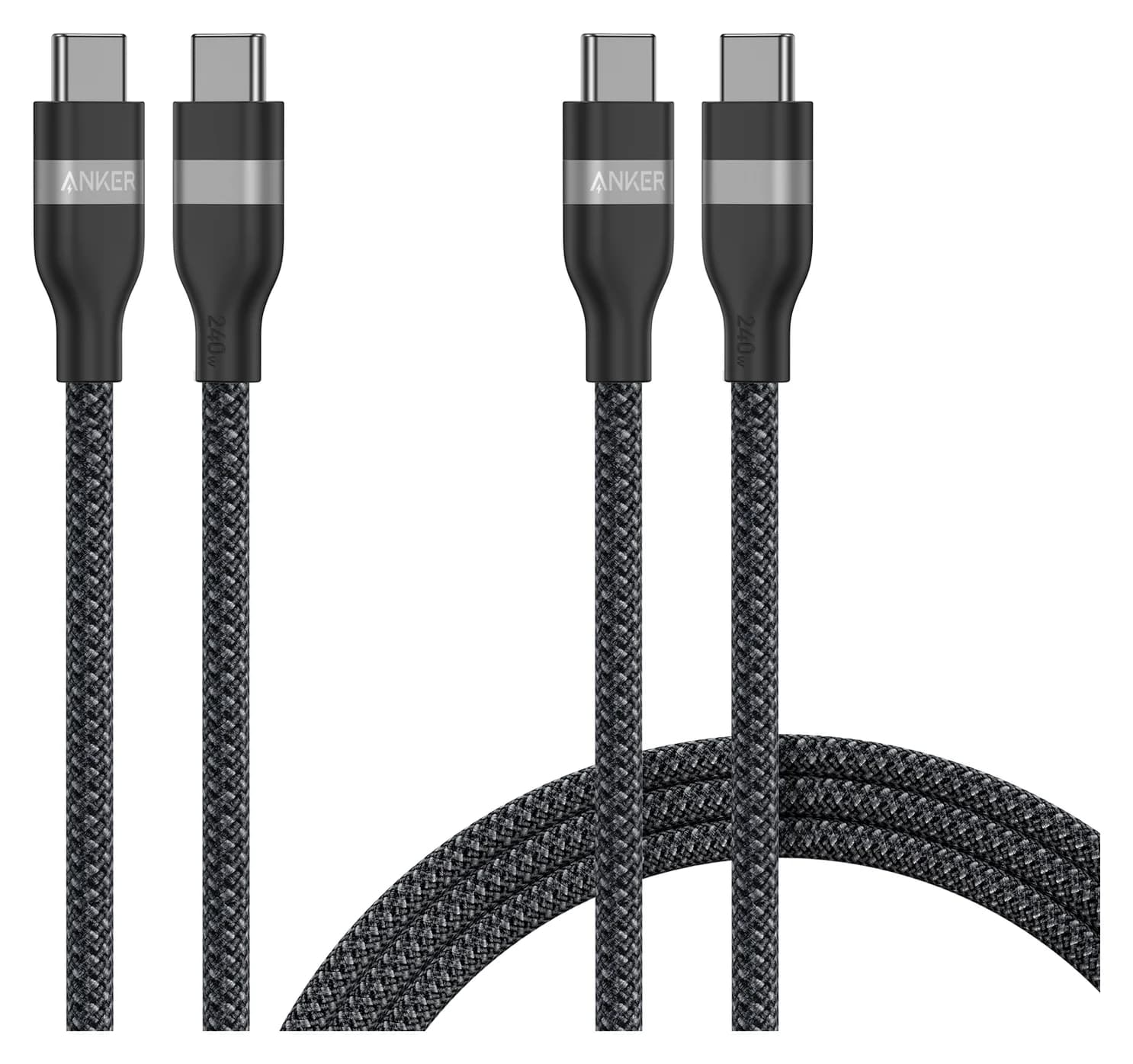
Rated for 240W, so it won't slow charging down.
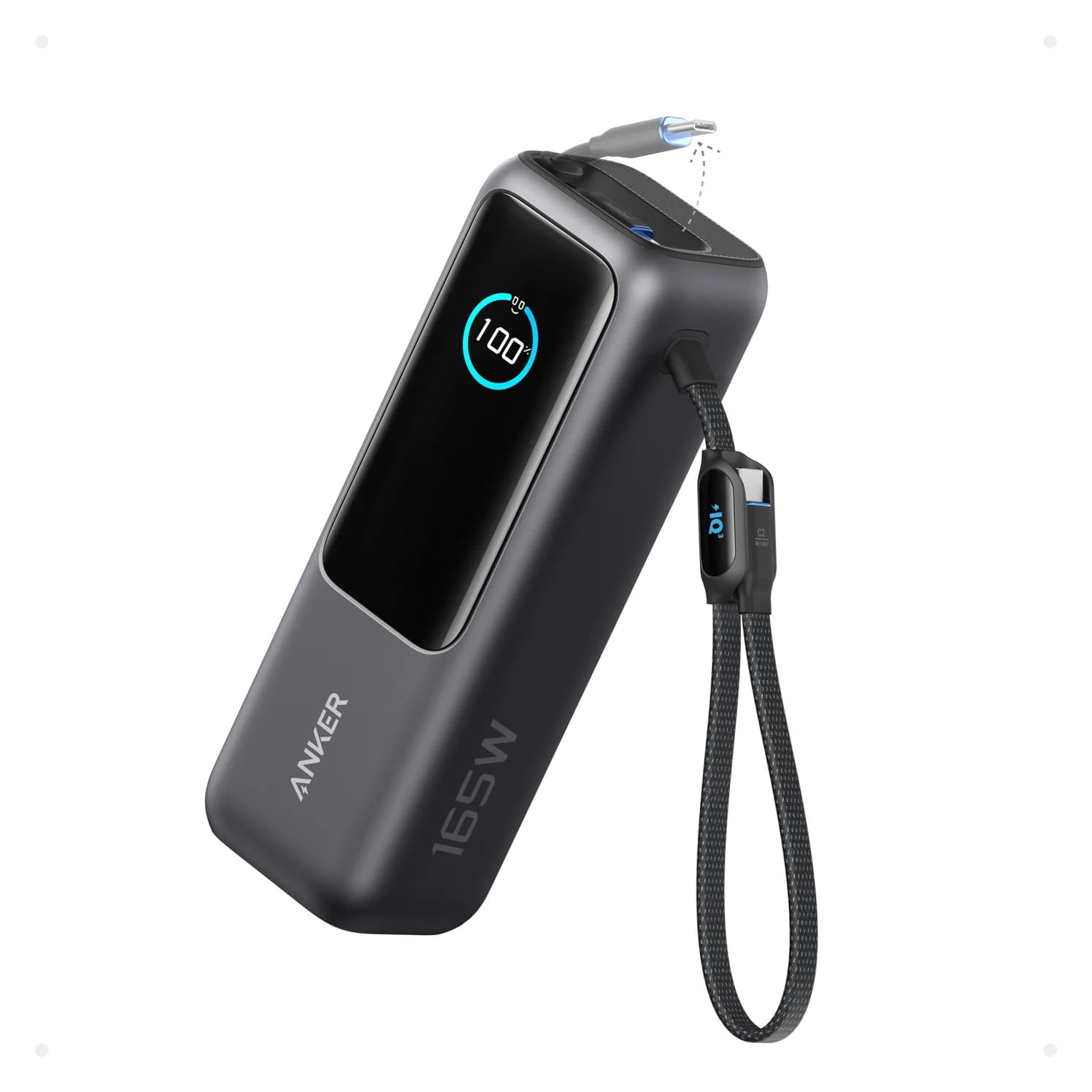
Its 100W output can keep up with this device away from a wall socket.
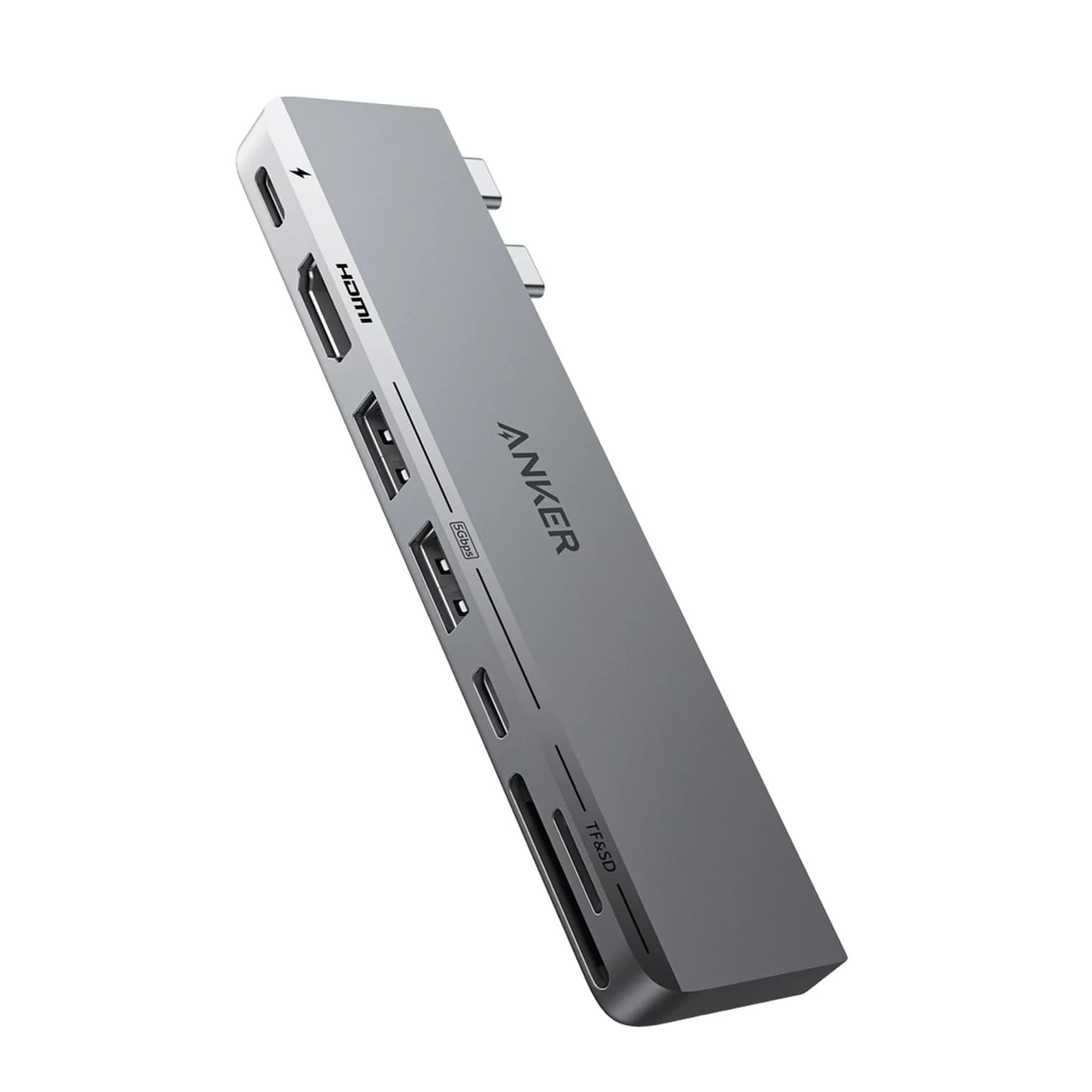
Adds HDMI, USB-A and more from one USB-C port.
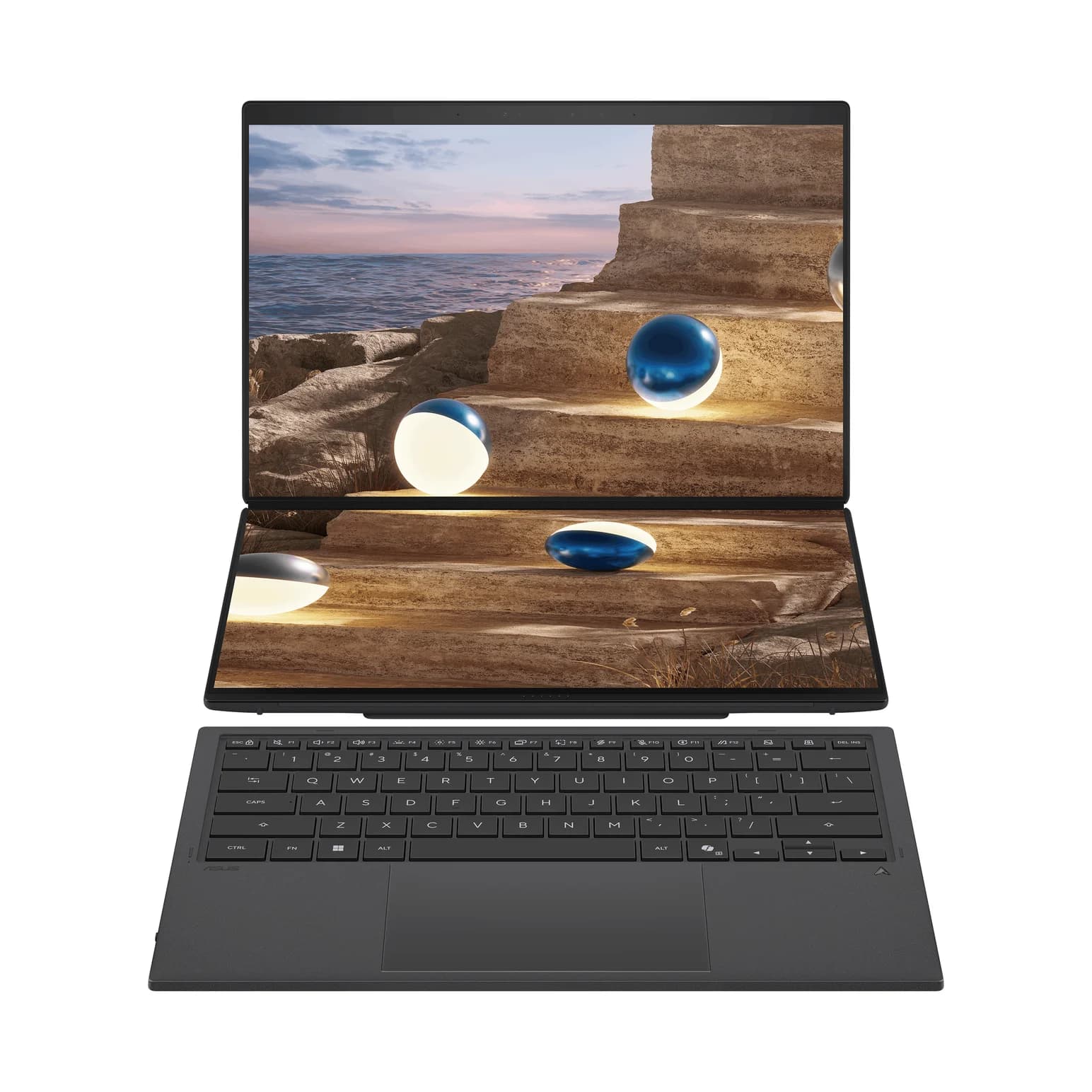
ASUS's dual-screen 14-inch laptop with two 3K OLED touchscreens, two Thunderbolt 4 ports, USB-A, HDMI 2.1 and 100W USB-C charging.
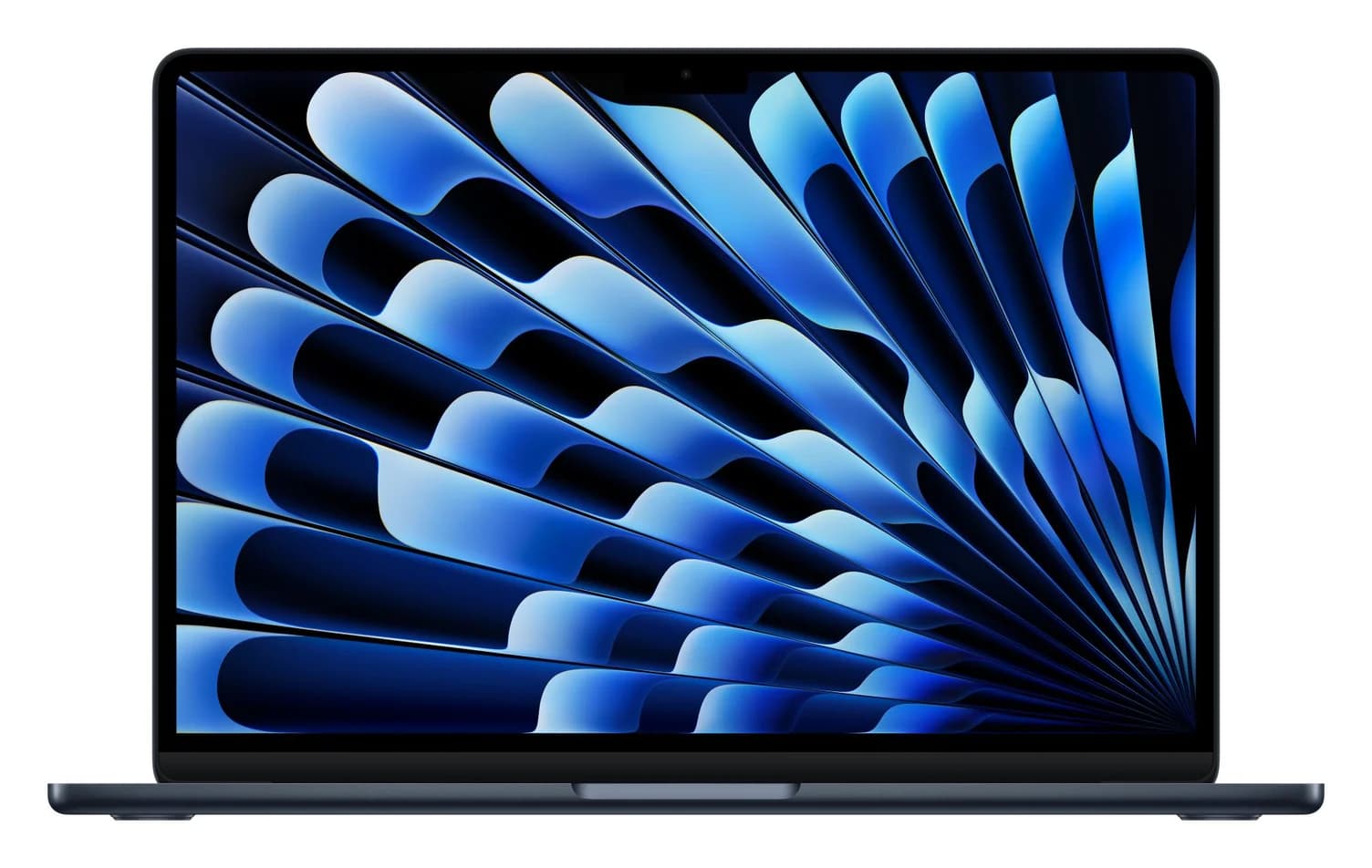
Apple's 13.6-inch MacBook Air with the M5 chip, two 40Gbps Thunderbolt 4 ports, a separate MagSafe 3 charging port and support for two external displays.