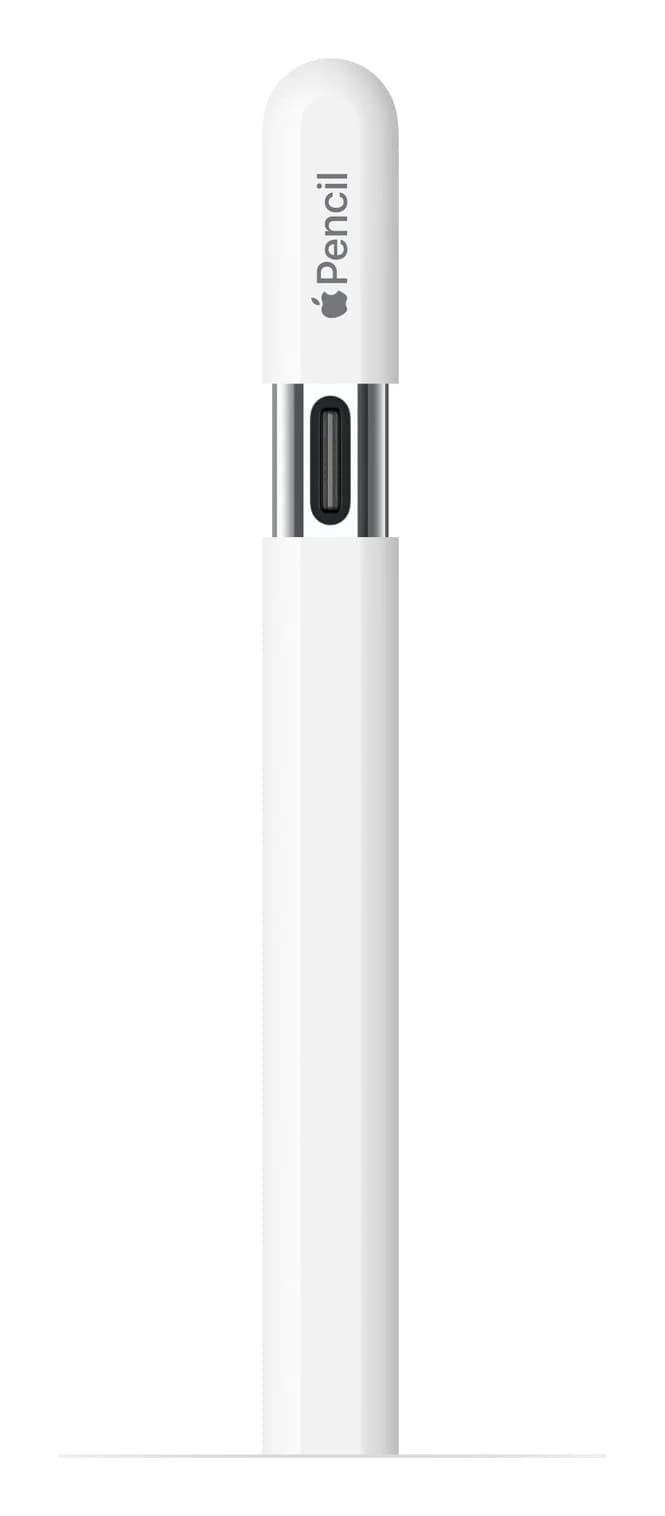
Ports
Apple
Apple's entry-level Pencil, with pixel-perfect precision and tilt sensitivity over USB-C charging.
We may earn a commission when you buy through links on this page. As an Amazon Associate, thisUSB earns from qualifying purchases. How we earn
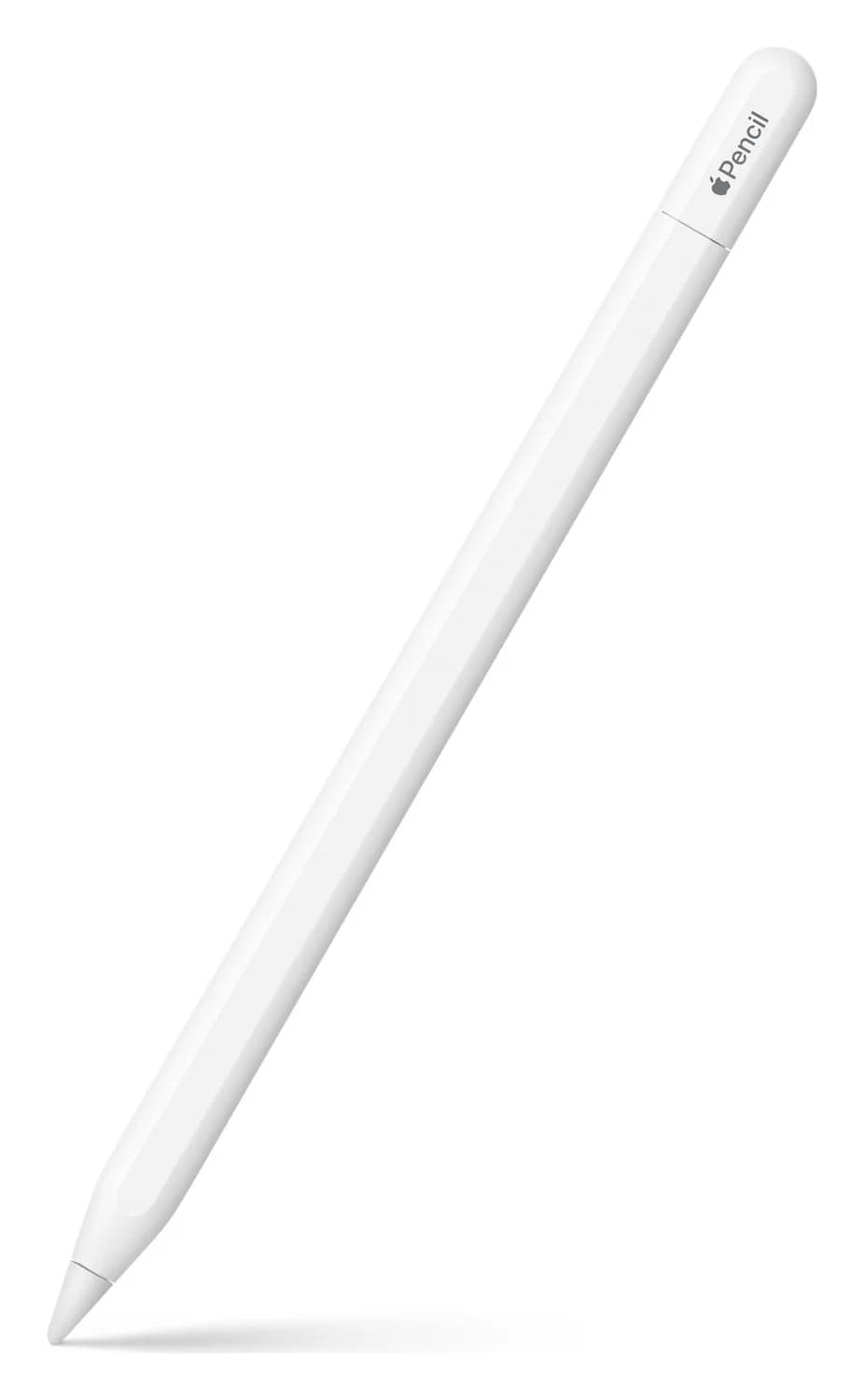
Photo: Apple
Tap a port to see what it’s for.
Ports
| Pressure sensitivity | No |
|---|---|
| Tilt sensitivity | Yes |
| Connections | Bluetooth, wireless |
| Charging | USB-C cable |
| iPad charging | No magnetic charging |
| Find My | No |
| Connector | USB-C, for pairing and charging |
| Apple Pencil hover | Yes, on supported iPad Pro, iPad Air and iPad mini models (not with iPhone Duo) |
| Requires | iPadOS 17.1.1 or later |
From manufacturer documentation. Spotted an error? Tell us.
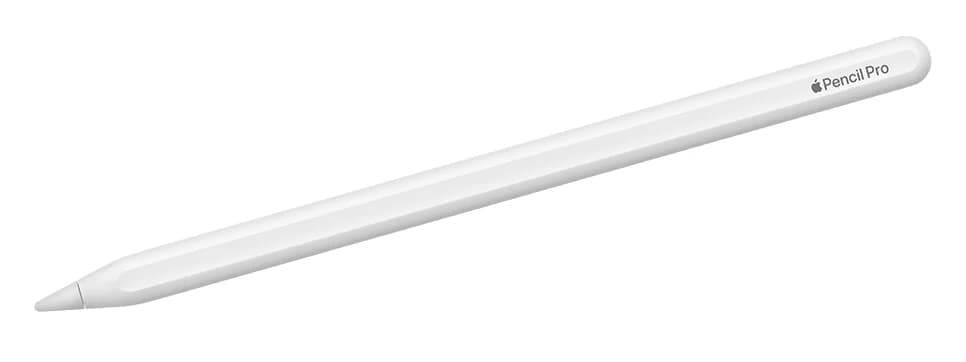
Which Apple Pencil works with your iPad, from Apple's own compatibility list: Pencil Pro for current iPad Pro, Air and mini; Pencil (USB-C) for almost every USB-C iPad.
Updated November 23, 2026Read
Find the right Apple Pencil for your iPad — Pro for creators, USB-C for most owners, and 1st generation for older models with a Lightning port.
Updated November 26, 2026Read
Apple's most advanced Pencil with squeeze, barrel roll, haptic feedback, Find My, and magnetic charging — for iPad Pro, iPad Air, and iPad mini.
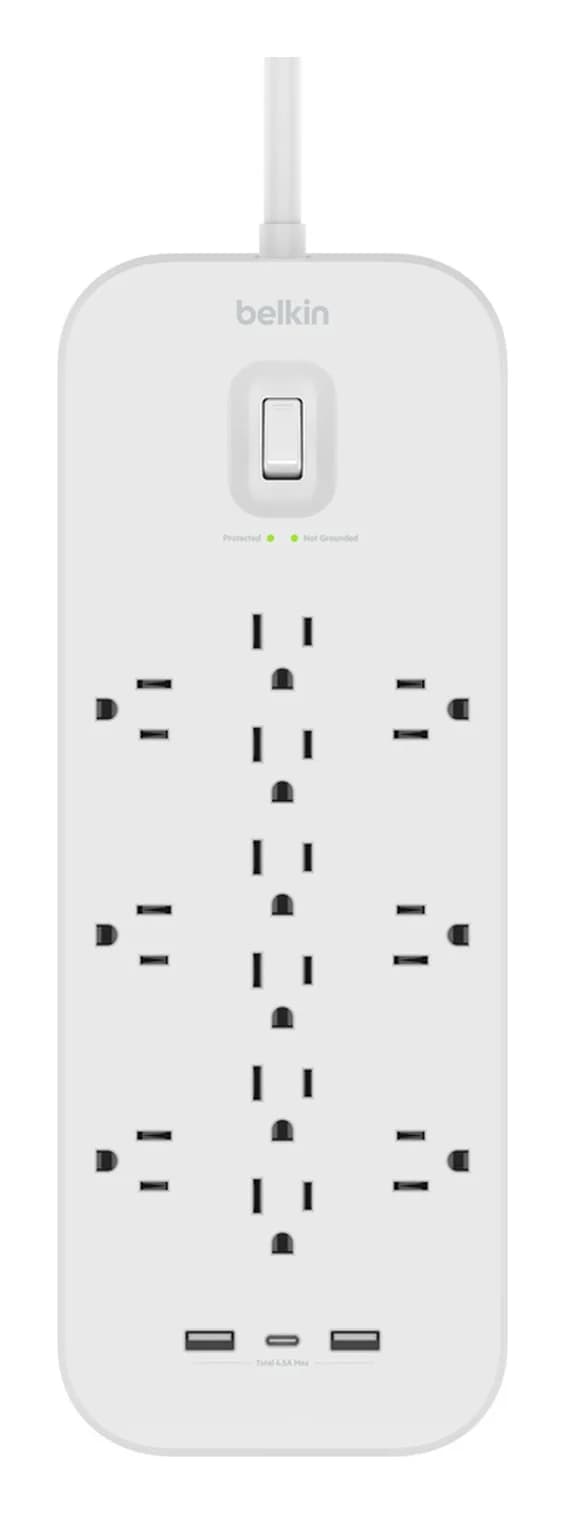
A 12-outlet surge protector strip with two USB-A and one USB-C port (22.5W shared), a 6-foot cable, on/off switch and Belkin's 300,000 Connected Equipment Warranty.
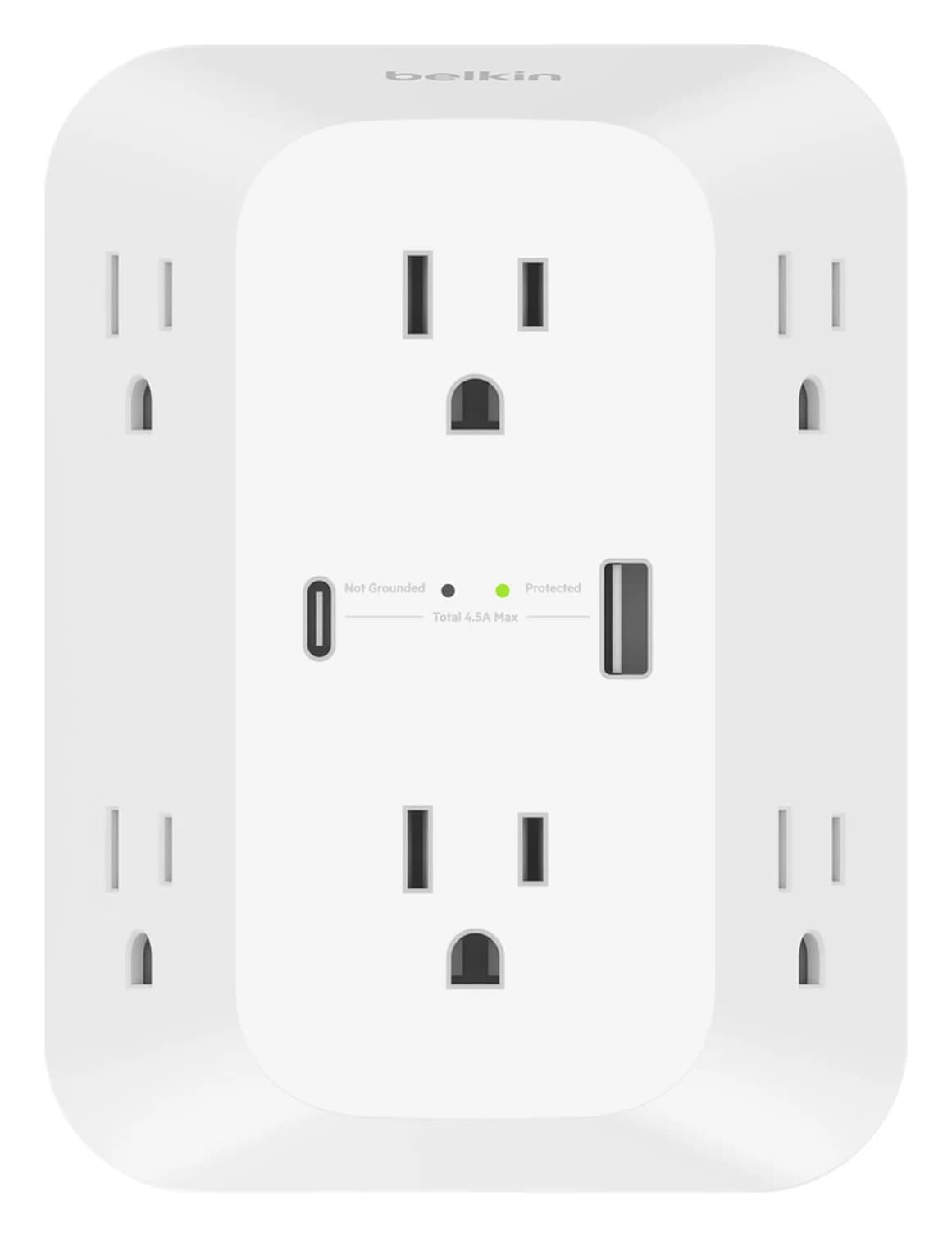
A compact wall-mount surge protector that plugs over an existing outlet: 6 AC outlets (1,875W AC total) plus USB-A and USB-C charging at 22.5W combined, protected at 1,680 joules.