Cyber Monday: the specs to check before you buy
Best picks
Updated November 26, 2026Best Stylus for iPad in 2026
Short answer
Apple Pencil Pro is the stylus to get if you use your iPad for drawing, design or any precision work: it has pressure and tilt sensitivity, plus advanced features like squeeze, barrel roll and haptic feedback. For most iPad owners, Apple Pencil (USB-C) covers the essentials — tilt sensitivity, hover on newer iPads, and the widest compatibility list of any Pencil. On older iPads with a Lightning port, Apple Pencil (1st generation) is the only Apple Pencil that works, and it also works on the iPad (A16) and iPad (10th generation) with Apple's USB-C to Apple Pencil Adapter.
We may earn a commission when you buy through links on this page. As an Amazon Associate, thisUSB earns from qualifying purchases. How we earn
Our picks at a glance
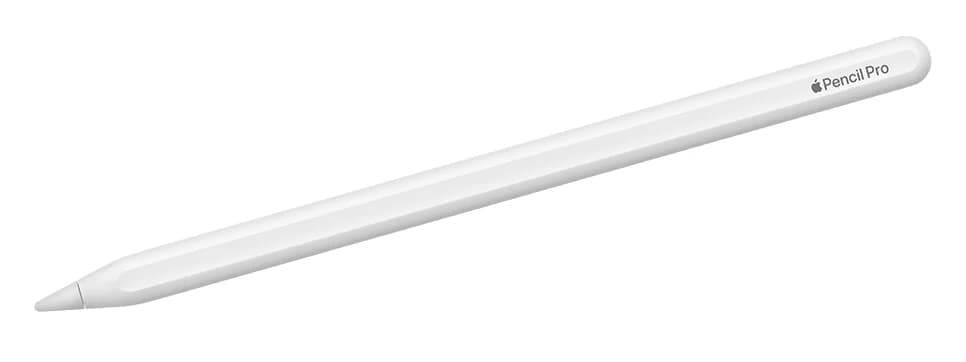
Best OverallApple
Apple Pencil Pro
- Choose
- Apple Pencil Pro adds squeeze gestures, barrel roll, haptic feedback and Find My tracking to a pressure-sensitive stylus that magnetically pairs, charges and stores on the side of compatible iPad Pro, iPad Air and iPad mini models.
- Limit
- Only works with iPad Pro (M4/M5), iPad Air (M2-M4) and iPad mini (A17 Pro, A20 Pro)
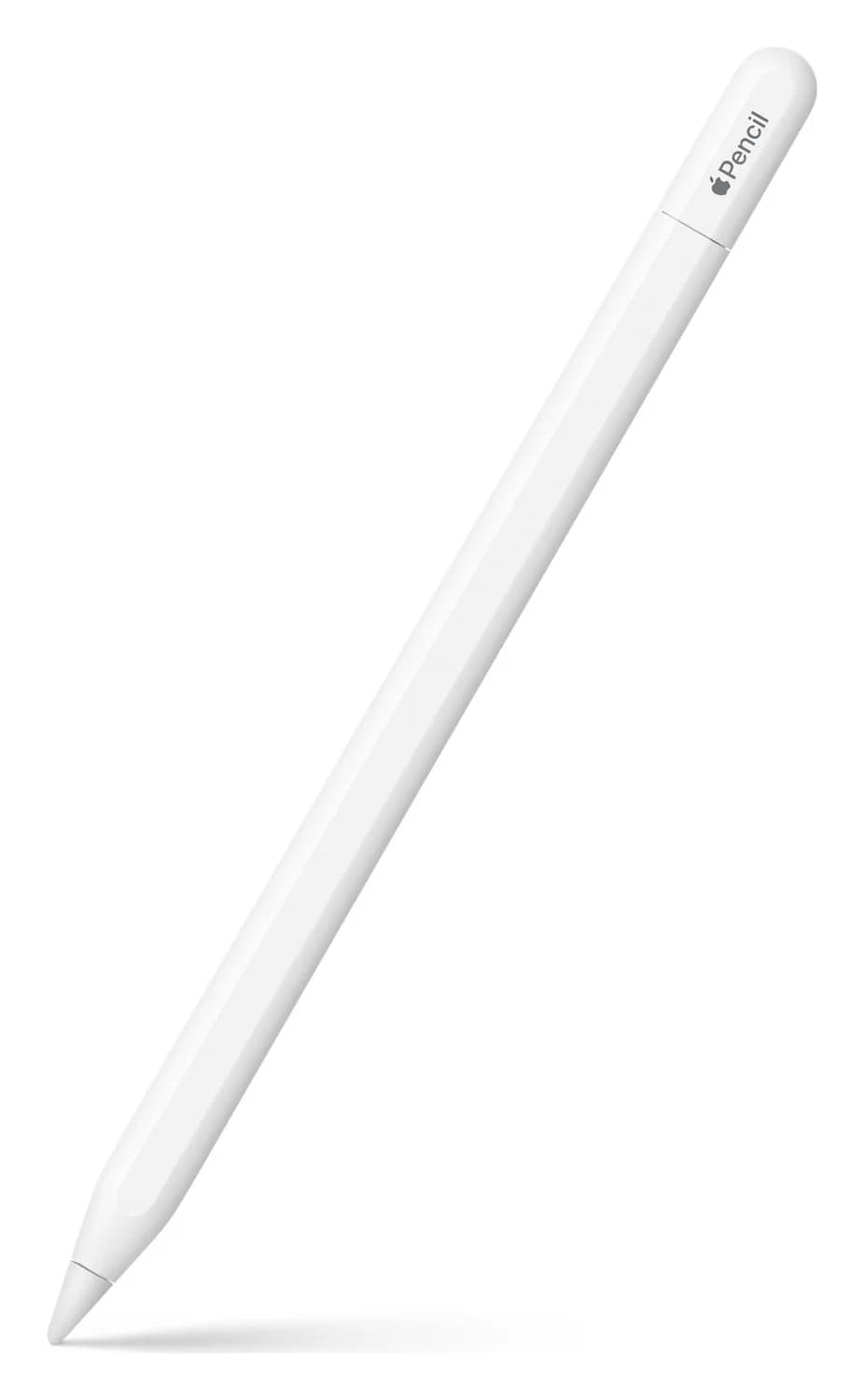
Best for most iPadsApple
Apple Pencil (USB-C)
- Choose
- Apple Pencil (USB-C) covers the widest iPad and iPhone compatibility list and includes Apple Pencil hover on newer iPad models.
- Limit
- No pressure sensitivity
This guide is based on Apple's tech specs, its Apple Pencil compatibility article and the feature table on Apple's Apple Pencil page. We have not physically tested any of these products.
- Yes: Apple Pencil Pro: iPad Pro (M4/M5), iPad Air (M2–M4), iPad mini (A17 Pro, A20 Pro)
- Yes: Apple Pencil (USB-C): all of the above, plus iPad Pro 11" (1st–4th gen), iPad Pro 12.9" (3rd–6th gen), iPad Air (4th/5th gen), iPad (A16), iPad (10th gen), iPad mini (6th gen) and iPhone Duo
- Partly: Apple Pencil (1st gen): iPad mini (5th gen), iPad (6th–9th gen), iPad Air (3rd gen), iPad Pro 12.9" (1st/2nd gen), iPad Pro 10.5", iPad Pro 9.7"; iPad (A16) and iPad (10th gen) only with the USB-C to Apple Pencil Adapter
Quick picks
| Stylus | Best for | Pressure | Tilt | Hover | Magnetic attach | Magnetic charge |
|---|---|---|---|---|---|---|
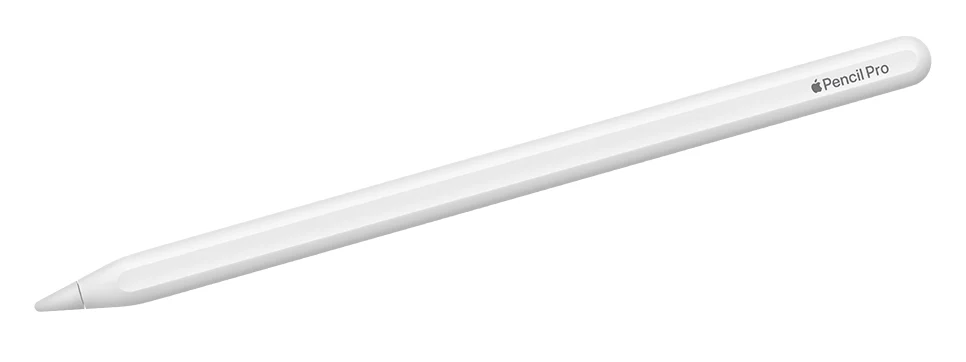
| Apple Pencil Pro | Creators, top performance | Yes | Yes | Yes | Yes (wireless) | Yes |
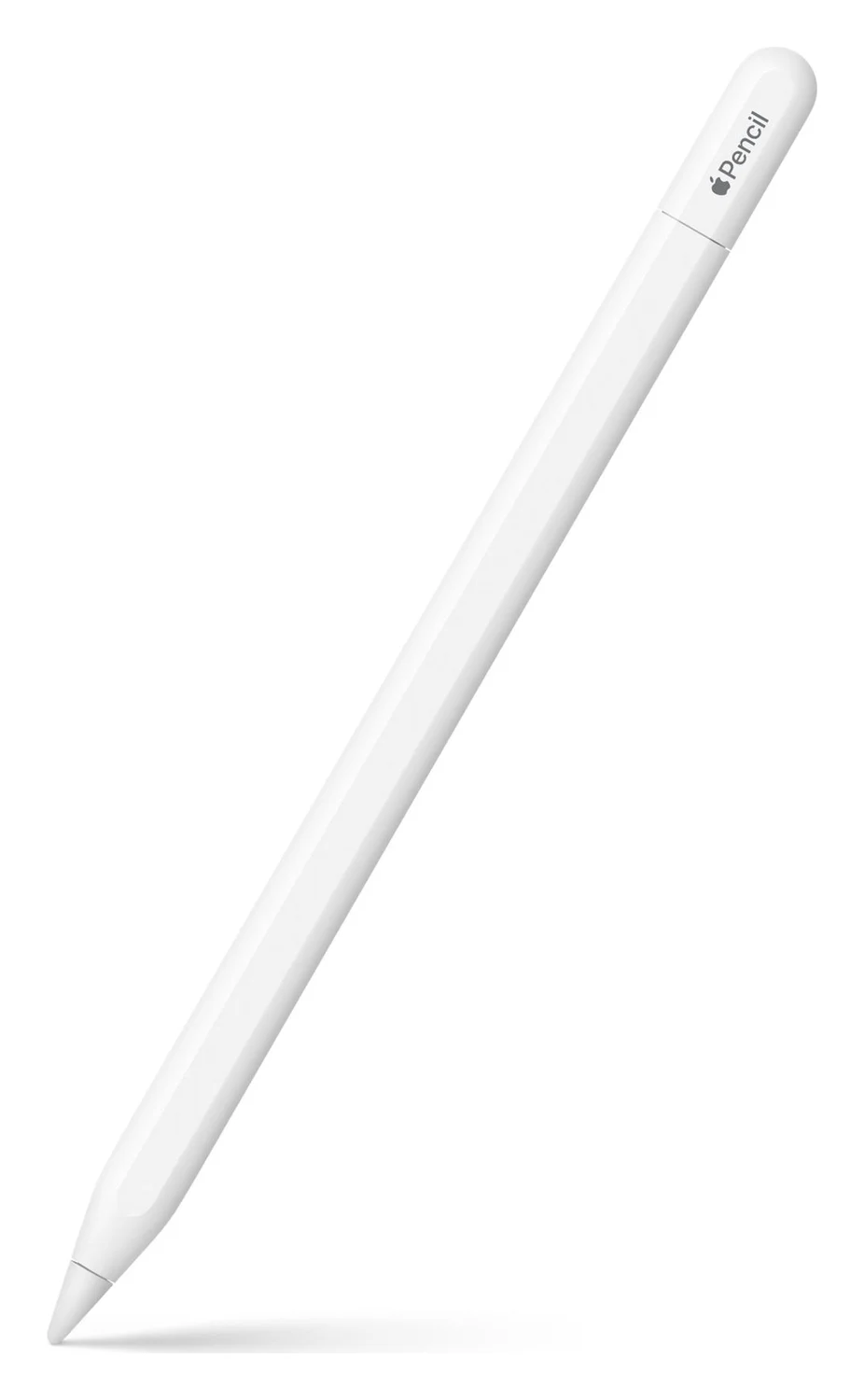
| Apple Pencil (USB-C) | Most iPad owners, best compatibility | No | Yes | Yes* | Yes (storage only) | No |
| Apple Pencil (1st gen) | Older iPads with Lightning | Yes | Yes | No | No | No (Lightning) |
*Apple Pencil hover with USB-C Pencil: iPad Pro (M4/M5), iPad Pro 11-inch (4th gen), iPad Pro 12.9-inch (6th gen), iPad Air (M2–M4), iPad mini (A17 Pro, A20 Pro) — not iPhone Duo.
Apple Pencil Pro: Best Overall
Apple
Apple's most advanced Pencil with squeeze, barrel roll, haptic feedback, Find My, and magnetic charging — for iPad Pro, iPad Air, and iPad mini.
Apple Pencil Pro (model MX2D3AM/A) measures 166 mm long, 8.9 mm in diameter and weighs 19.15 g. It magnetically attaches, pairs and charges on the side of compatible iPads, so it is always ready and always topped up. That magnetic mount also means no cap to lose and no cable to find.
The features that set it apart are squeeze (a grip on the barrel opens a tool palette without breaking flow), barrel roll (rotate the Pencil to steer shaped brush tools), haptic feedback (you feel a pulse on squeeze and double-tap), and Find My support for tracking a misplaced Pencil. Apple Pencil hover previews exactly where the Pencil will mark, which helps line up drawings and handwriting on supported iPad Pro, iPad Air and iPad mini models.
Double-tap switches between the pen and eraser — useful when painting or annotating. Free engraving at Apple makes it easy to tell your Pencil apart from someone else's.
Why it stands out: The most complete Apple Pencil, with pressure and tilt sensitivity, squeeze, barrel roll, haptic feedback, hover and Find My all in one stylus that magnetically charges on the iPad.
Watch out for: Only works with iPad Pro (M4 and M5), iPad Air (M2, M3 and M4) and iPad mini (A17 Pro and A20 Pro) — it will not work on older iPads. No cable charging; it charges magnetically on a compatible iPad.
Apple Pencil (USB-C): Best for most iPads
Apple
Apple's entry-level Pencil, with pixel-perfect precision and tilt sensitivity over USB-C charging.
Apple Pencil (USB-C) pairs and charges via USB-C and magnetically attaches to the side of iPad for storage. According to the spec sheet, it has pixel-perfect precision and tilt sensitivity, and supports Apple Pencil hover on iPad Pro (M4 and M5), iPad Pro 11-inch (4th generation), iPad Pro 12.9-inch (6th generation), iPad Air (M2, M3 and M4), and iPad mini (A17 Pro and A20 Pro). Hover does not work when the USB-C Pencil is used with iPhone Duo.
Where it differs most from the Pro is pressure sensitivity: the Apple Pencil feature comparison table marks pressure sensitivity as not compatible with the USB-C Pencil, so line weight can't respond to how hard you press; tilting the Pencil still gives you shading. The USB-C Pencil also lacks squeeze, barrel roll, haptic feedback, double-tap and Find My. Pairing requires physically plugging into USB-C on first setup rather than tapping to pair wirelessly.
Why it stands out: The widest iPad and iPhone Duo compatibility list of any Pencil, and hover on newer iPads.
Watch out for: No pressure sensitivity, no haptic feedback and no magnetic wireless charging. Pairing and charging both need a USB-C cable.
Apple MYQW3AM/A (Apple Pencil, 1st generation) — Best for Older iPads
Apple Pencil (1st generation) (model MYQW3AM/A) is 175.7 mm long (measured from tip to cap), 8.9 mm in diameter, and weighs 20.7 g. It has pressure and tilt sensitivity — the same drawing fundamentals as the newer Pencils — but charges over Lightning, has a magnetic cap over its connector instead of attaching to the iPad, and does not support hover, squeeze, barrel roll, haptic feedback, double-tap or Find My.
On the iPad models that launched with a Lightning port — iPad mini (5th generation), iPad (6th through 9th generation), iPad Air (3rd generation), iPad Pro 12.9-inch (1st and 2nd generation), iPad Pro 10.5-inch and iPad Pro 9.7-inch — it works directly. On USB-C iPads such as the iPad (A16) and iPad (10th generation), it requires Apple's USB-C to Apple Pencil Adapter, which Apple says is needed to pair and charge the Pencil on those models.
Why it stands out: The only Apple Pencil for older iPads with Lightning, and it brings pressure sensitivity to them.
Watch out for: Lightning connector only — needs the USB-C to Apple Pencil Adapter on the iPad (A16) and iPad (10th generation). No hover, no magnetic attachment or wireless charging, and no squeeze, barrel roll, haptic feedback or Find My.
For Apple's own pencils, our Apple Pencil compatibility guide shows which one works with each iPad.
How we choose
These picks come from Apple's official Apple Pencil compatibility article, the Apple Pencil feature table on Apple's website, and each Pencil's product page on apple.com. We matched each Pencil to the iPad models that Apple specifically lists as compatible, and focused on current name-brand Pencils. We have not physically tested any of these products.
Key factors in the picks:
- Compatibility: Each Apple Pencil works only with the iPad models Apple lists for it, so the iPad you own narrows the choice before anything else.
- Drawing features: Pressure sensitivity, tilt sensitivity and hover narrow the field for precision work.
- Convenience: Magnetic attachment, wireless pairing and magnetic charging all reduce friction versus cables and caps.
Compatibility and buying guide
Match the Pencil to your iPad's port
The most important buying decision is which Pencil your iPad supports. Apple's compatibility article spells it out by iPad model. USB-C iPads with Apple Pencil support fall into two groups: those that support Apple Pencil Pro (iPad Pro M4/M5, iPad Air M2–M4, iPad mini A17 Pro and A20 Pro), and those whose newest option is the USB-C Pencil (iPad Pro 1st–4th gen 11", iPad Pro 3rd–6th gen 12.9", iPad Air 4th/5th gen, iPad A16, iPad 10th gen, iPad mini 6th gen, plus iPhone Duo). Lightning iPads support Apple Pencil (1st generation) only.
Third-party styluses are the other route: Logitech lists its Crayon for all iPads from 2018 and above, with tilt sensitivity and palm rejection. This guide sticks to Apple's own Pencils because Apple publishes exact per-model compatibility for them.
The USB-C to Apple Pencil Adapter
Apple's iPad comparison page notes that the USB-C to Apple Pencil Adapter is required when using Apple Pencil (1st generation) with USB-C iPads such as the iPad (A16) and iPad (10th generation), and Apple's compatibility article says it is needed to pair and charge the Pencil with those iPads. It bridges a USB-C cable to the Pencil's Lightning connector, since those iPads have no Lightning port.
Quick iPad model guide
For iPad Pro (M4/M5), iPad Air (M2–M4), and iPad mini (A17 Pro or A20 Pro): Apple Pencil Pro is the full-featured pick. Apple Pencil (USB-C) works on the same models and covers the essentials, but sacrifices pressure sensitivity.
For iPad Pro 11-inch (1st–4th gen), iPad Pro 12.9-inch (3rd–6th gen), iPad Air (4th/5th gen), iPad (A16), iPad (10th gen), and iPad mini (6th gen): Apple Pencil (USB-C) is the newest Apple Pencil these models accept and the one this guide picks; all of them except the iPad (A16) and iPad (10th gen) also work with Apple Pencil (2nd generation), per Apple's compatibility list in the FAQ below. iPad (A16) and iPad (10th gen) also support Apple Pencil (1st generation) via the USB-C to Apple Pencil Adapter.
For iPad mini (5th gen), iPad (6th–9th gen), iPad Air (3rd gen), and older iPad Pro models: Apple Pencil (1st generation) is the only Apple Pencil that works.
Apple Pencil hover
Hover previews where the Pencil tip will touch the display before you make contact, helping with precise placement for drawing and handwriting. According to the hover footnote on Apple's Apple Pencil hub page, hover works with iPad Pro (M4 and M5), iPad Pro 11-inch (4th generation), iPad Pro 12.9-inch (6th generation), iPad Air (M2, M3 and M4), and iPad mini (A17 Pro and A20 Pro). Apple's feature table lists hover for both Apple Pencil Pro and Apple Pencil (USB-C), each on the iPads it works with; Apple Pencil (1st generation) has no hover.
USB-C cables and hubs
All current iPads charge over USB-C, and a USB-C hub can add ports while passing charging through to the iPad — our best USB-C hubs for iPad guide covers the options. A well-made cable matters too: our best USB-C cables for iPad guide explains which cables safely charge and sync an iPad. Apple Pencil (USB-C) charges from the same cable or hub USB-C port. Apple Pencil Pro charges magnetically on the iPad and does not need a separate cable for routine top-ups. For typing on the same iPad, see our best Bluetooth keyboards for Mac and iPad.
iPadOS software
Apple Pencil (USB-C) requires iPadOS 17.1.1 or later. Apple Pencil Pro requires iPadOS 17.5 or later.
Verdict
Apple Pencil Pro is the best stylus for most power users: pressure and tilt sensitivity, squeeze, barrel roll, haptic feedback and Find My tracking, all in a magnetically charged package for iPad Pro, Air and mini. Get it if your iPad supports it and you do precision creative work.
Apple Pencil (USB-C) is the right pick for most people: it covers the widest iPad and iPhone Duo compatibility list, includes hover on newer iPads, and has tilt sensitivity for shading. The lack of pressure sensitivity matters for drawing but is fine for note-taking and general use.
Apple Pencil (1st generation) is the only Apple Pencil that works on older iPads with Lightning, and it brings genuine pressure sensitivity to those models. On the iPad (A16) and iPad (10th gen) it works with the USB-C to Apple Pencil Adapter.
Frequently asked questions
Which iPad models are compatible with Apple Pencil?
It depends on the model. Apple Pencil Pro works with iPad Pro 13-inch and 11-inch (M4 and M5), iPad Air 13-inch and 11-inch (M2, M3 and M4), and iPad mini (A17 Pro and A20 Pro). Apple Pencil (USB-C) supports those plus iPad Pro 11-inch (1st to 4th generation), iPad Pro 12.9-inch (3rd to 6th generation), iPad Air (4th and 5th generation), iPad (A16), iPad (10th generation), iPad mini (6th generation) and iPhone Duo. Apple Pencil (2nd generation) works with iPad mini (6th generation), iPad Air (4th and 5th generation), iPad Pro 12.9-inch (3rd to 6th generation) and iPad Pro 11-inch (1st to 4th generation). Apple Pencil (1st generation) covers older iPads: iPad mini (5th generation), iPad (6th to 9th generation), iPad Air (3rd generation), iPad Pro 12.9-inch (1st and 2nd generation), iPad Pro 10.5-inch and iPad Pro 9.7-inch, plus iPad (A16) and iPad (10th generation) with an adapter.
What's the difference between Apple Pencil Pro and Apple Pencil (USB-C)?
Apple's feature table marks pressure sensitivity, wireless pairing and charging, double-tap, barrel roll, squeeze, haptic feedback, Find My and free engraving as Pro-only. Both have pixel-perfect precision, low latency, tilt sensitivity, magnetic attachment and Apple Pencil hover on supported iPads. The USB-C model pairs and charges over a USB-C cable and attaches magnetically only for storage; the Pro pairs, charges and stores magnetically on the side of the iPad.
Can I use Apple Pencil 1st generation with a USB-C iPad?
Yes, on the iPad (A16) and iPad (10th generation), but only with Apple's USB-C to Apple Pencil Adapter. Apple's compatibility article says the adapter is required with those iPads to pair and charge Apple Pencil, because they have no Lightning port for the Pencil's Lightning connector. Apple's iPad comparison page carries the same footnote.
Does Apple Pencil (USB-C) have pressure sensitivity?
No. Apple's Apple Pencil feature table shows pressure sensitivity as compatible with Apple Pencil Pro but marks it as not compatible with Apple Pencil (USB-C). The USB-C Pencil does have tilt sensitivity, which allows shading effects when you hold the Pencil at an angle, so it suits note-taking and markup better than pressure-based drawing.
Which Apple Pencils support hover?
Apple says Apple Pencil hover works with iPad Pro (M4 and M5), iPad Pro 11-inch (4th generation), iPad Pro 12.9-inch (6th generation), iPad Air (M2, M3 and M4) and iPad mini (A17 Pro and A20 Pro), and its feature table lists hover for both Apple Pencil Pro and Apple Pencil (USB-C), each on the iPads it is compatible with. Hover is not supported when using Apple Pencil (USB-C) with iPhone Duo, and Apple Pencil (1st generation) has no hover.
Related guides
Apple Pencil (USB-C) vs Pencil Pro vs 1st and 2nd Generation: Which One Works With Your iPad
Which Apple Pencil works with your iPad, from Apple's own compatibility list: Pencil Pro for current iPad Pro, Air and mini; Pencil (USB-C) for almost every USB-C iPad.
Updated November 23, 2026Read
Thunderbolt vs USB-C: Same Connector, Different Capabilities
USB-C is the plug shape; Thunderbolt and USB4 are the protocols running through it. Here's how to tell what you have, what works together, and what to buy.
Updated November 23, 2026Read
MacBook Space Gray Wear and Fading: What Apple Says and How to Protect the Finish
A Space Gray MacBook shows wear on the palm rest and edges over time. Here's what Apple says about cleaning, carrying and cosmetic damage on its laptops.
Updated November 25, 2026Read