Cyber Monday: the specs to check before you buy
Explainer
Updated November 25, 2026MacBook Space Gray Wear and Fading: What Apple Says and How to Protect the Finish
Short answer
MacBooks with a darker aluminum finish — Space Gray, and now Midnight on the MacBook Air — show handling marks more visibly than lighter colors. The anodized coating is designed to be durable, but the palm rest, keyboard edges and bottom corners pick up subtle wear over time from contact, oils and friction. Apple describes exactly what you can and cannot use to clean the finish, how to carry the machine safely, and what its warranty does and does not cover.
We may earn a commission when you buy through links on this page. As an Amazon Associate, thisUSB earns from qualifying purchases. How we earn
Which MacBooks have a darker finish
Apple names the current finishes on each model's tech specs page. The MacBook Pro (14-inch and 16-inch, current) comes in Space Black and Silver. The MacBook Air (13-inch and 15-inch, current, M5 chip) comes in Sky Blue, Silver, Starlight and Midnight.
"Space Gray" is a legacy finish name that no longer appears on any MacBook Apple sells today. It was used on Intel-based MacBooks and some early Apple-silicon models, but Apple now uses Space Black (Pro) and Midnight (Air) for its darker aluminum colors. If you are looking for a replacement cable or hub to go with a newer model, see our guide to the best USB-C hub for MacBook Air or the best MacBook replacement charging cables.
Cleaning the finish Apple's way
Apple's handling guide for the MacBook Pro and MacBook Air covers the exterior and the screen separately.
For the case, keyboard deck and palm rest: shut down the MacBook, unplug the charge cable and the power adapter, then dampen a clean, soft, lint-free cloth with water and wipe the exterior. Apple explicitly says: don't spray liquid directly on the computer, avoid getting moisture in any openings, and don't use aerosol sprays, solvents, abrasives, or cleaners containing hydrogen peroxide — "that might damage the finish."
For the screen: dampen a clean, soft, lint-free cloth with just water and wipe the screen. Don't spray liquid directly on it.
For hard-to-remove smudges or fingerprints: Apple's cleaning page also allows a cloth moistened with a 70-percent isopropyl alcohol (IPA) solution, used to gently wipe the display or enclosure of a Mac laptop. A damp, soft, lint-free cloth stays the everyday method.
- Yes: Damp, soft, lint-free cloth on the exterior
- Yes: Cloth moistened with 70-percent isopropyl alcohol, for hard-to-remove smudges
- Yes: Lint-free cloth dampened with just water, for the screen
- No: Spraying liquid directly on the computer or screen
- No: Aerosol sprays, solvents or abrasives
- No: Cleaners containing hydrogen peroxide
What Apple's warranty says about cosmetic wear
Apple's one-year limited warranty covers defects in materials and workmanship. Apple's repair terms confirm that its repair service applies to products that are not covered by the warranty — meaning the warranty is designed to handle defective products, not routine damage. Cosmetic damage from normal wear (scratches, dents, finish fading) is not a defect in materials or workmanship, so it falls outside warranty coverage.
AppleCare+ for Mac adds accidental-damage coverage with a per-incident service fee. It covers things like a cracked screen or liquid spill, but it does not specifically extend coverage to cosmetic wear alone. For refurbished MacBooks with AppleCare+, the same terms apply.
Protecting the finish: cases, sleeves and covers
A hard-shell case clips onto the top and bottom halves of a MacBook, covering the surfaces most exposed to daily contact. The palm rest and keyboard edges are the areas that show wear first, and a case keeps those surfaces protected throughout the day.
Speck SmartShell for MacBook Pro 14-inch
The Speck SmartShell for MacBook Pro 14-inch (M6/M5/M4/M3/M2/M1) Case snaps onto the top and bottom case and is designed to stay on during regular use. Speck lists exact compatibility with the 14-inch MacBook Pro generation on its product page, and the case is available in multiple colors.
Speck SmartShell for MacBook Air 13-inch
The Speck SmartShell for MacBook Air 13-inch (M5/M4/M3/M2) follows the same design — a hard-shell body that covers the palm rest and bottom edges. It is available in multiple colors and is designed to fit the listed MacBook Air models.
If you are looking for a hub to use alongside your MacBook while it is cased, see our roundup of the best USB-C hubs for MacBook or the best charger for MacBook Air.
When a case is the wrong idea
Apple specifies that the MacBook Pro operates between 50° and 95° F (10° and 35° C). Heavy sustained workloads — video export, 3D rendering, large parallel compilations — already push a MacBook warm; a fully enclosed case can trap that heat against the chassis. Apple also warns that loose items in a bag (paper clips, coins, and similar objects) can damage the computer through vent openings or become lodged in a port. Before putting a fully enclosed case on your MacBook, consider whether it fits tightly enough to avoid restricting airflow or pressing against the display.
Sleeves are a better choice if you carry the MacBook in a bag with other items and want display protection, or if you prefer no added bulk during use. Hard-shell cases make more sense for desk use where you want permanent coverage of the palm rest and edges.
- Yes: Desk use, where you want the palm rest and edges covered all day
- Partly: Carrying in a bag with other items: a sleeve may suit you better
- Partly: Long heavy workloads (video export, 3D): consider taking the case off
- No: A case that presses against the display or blocks the vents
How we put this together
This guide draws on Apple's official handling guides for the MacBook Pro and MacBook Air (Apple Support), each model's tech specs page for current finish names, and Speck's product collection pages for the SmartShell case specifications. Apple's repair terms clarify the scope of what is covered under warranty versus repair. We have not tested these products ourselves; product specifications come from the makers' own pages.
Verdict
Space Gray MacBooks (Apple's current darker finishes are Space Black on the Pro and Midnight on the Air) show handling marks most visibly on the palm rest and edges because those surfaces see the most contact. Apple says to clean the exterior with a damp, lint-free cloth and water; for hard-to-remove smudges Apple also permits a 70-percent isopropyl alcohol solution. Avoid sprays, solvents and abrasives, which can damage the anodized finish. The warranty does not cover cosmetic wear; AppleCare+ covers accidental damage but charges a per-incident service fee.
A slim hard-shell case like the Speck SmartShell (available for MacBook Pro 14-inch and MacBook Air 13-inch) covers the surfaces that matter most without adding much bulk. Remove it during heavy workloads to avoid trapping heat, and keep the MacBook inside a sleeve when carrying it in a bag with other items.
Frequently asked questions
Does Apple still sell MacBooks in Space Gray?
No. Apple replaced Space Gray on its MacBooks with two different naming systems. The current MacBook Pro comes in Space Black and Silver. The current MacBook Air comes in Sky Blue, Silver, Starlight and Midnight. Space Gray was used on older Intel-based MacBooks and early Apple-silicon MacBooks, but it no longer appears on any model Apple sells today.
What causes the finish on a Space Gray or Midnight MacBook to wear?
The anodized aluminum finish on MacBooks is durable but not immune to everyday wear. The areas that contact skin — the palm rest, the edges of the keyboard deck, and the bottom corners — can show subtle fading, shine or micro-scratches from oils, friction and objects in the same bag.
What can I use to clean my MacBook without damaging the finish?
Apple's handling guide says to shut down the MacBook, unplug the charger, and dampen a clean, soft, lint-free cloth with water, then wipe the exterior. For hard-to-remove smudges on the exterior, Apple also permits a cloth moistened with a 70-percent isopropyl alcohol (IPA) solution. Don't spray liquid directly on the computer or get moisture in any openings. Apple specifically warns against aerosol sprays, solvents, abrasives, and cleaners containing hydrogen peroxide — all of which can damage the anodized finish. For the screen, use just water on a lint-free cloth.
Does Apple's warranty cover finish wear and cosmetic scratches?
Apple's one-year limited warranty covers defects in materials and workmanship. Apple's repair terms confirm that repair service applies to products that are not covered by the warranty. Cosmetic damage from normal wear — scratches, dents, and finish fading — is not a defect in materials or workmanship, so it falls outside warranty coverage. AppleCare+ for Mac adds accidental-damage coverage with a per-incident service fee, but it does not specifically cover cosmetic wear alone.
Does a hard-shell case prevent finish wear?
A hard-shell case covers the palm rest and bottom surfaces that collect contact marks, which is where most visible wear shows up. This guide does not test whether they prevent wear in every situation, and case makers do not guarantee a case will stop finish degradation from occurring.
Are there any cases I should avoid using with my MacBook?
Apple specifies that the MacBook Pro operates reliably between 50° and 95° F (10° and 35° C). Heavy sustained workloads like video export or 3D rendering already generate significant heat; a fully enclosed case can trap that warmth against the chassis. Apple also cautions that loose items in a bag — paper clips, coins, and similar objects — can damage the computer through vent openings or become lodged in a port. A case that fits tightly and does not restrict airflow is the safer choice.
What finish options are on the current MacBook Pro and MacBook Air?
The current MacBook Pro (14-inch and 16-inch) is available in Space Black and Silver. The current MacBook Air (13-inch and 15-inch, M5 chip) is available in Sky Blue, Silver, Starlight and Midnight. Among current MacBooks, Midnight is offered only on the MacBook Air.
Related guides
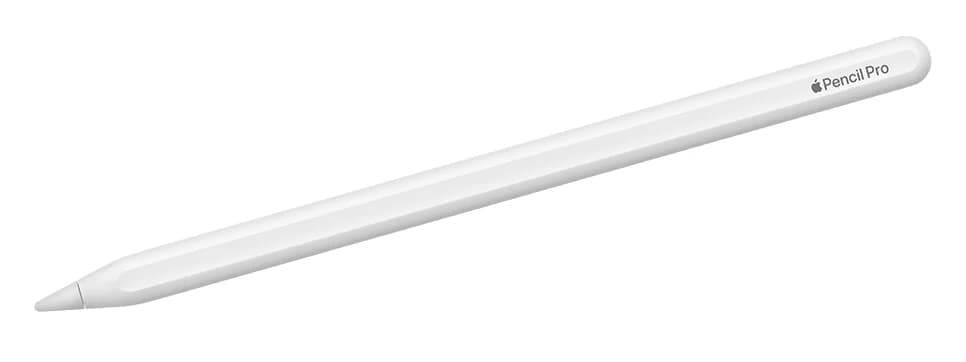
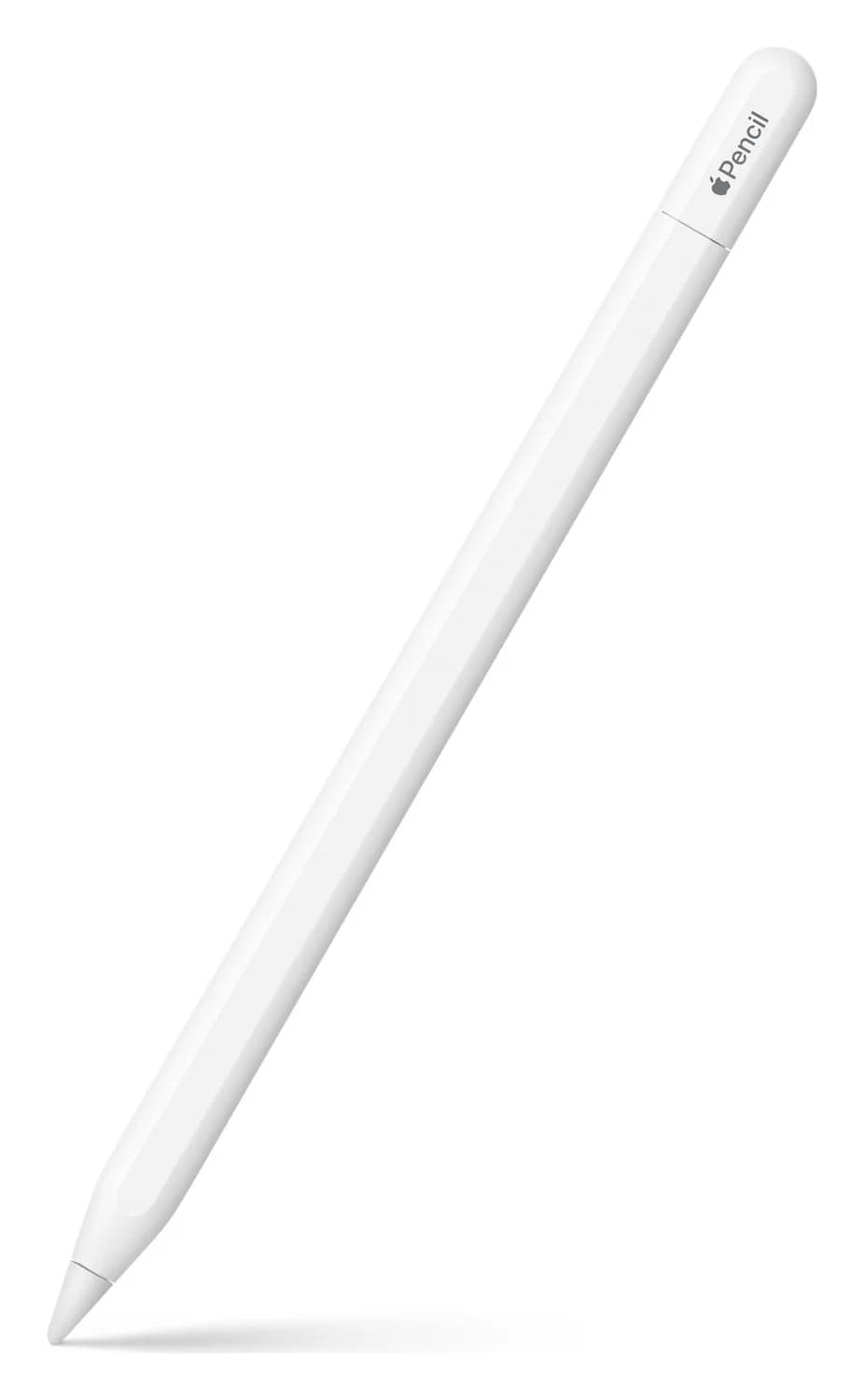
Apple Pencil (USB-C) vs Pencil Pro vs 1st and 2nd Generation: Which One Works With Your iPad
Which Apple Pencil works with your iPad, from Apple's own compatibility list: Pencil Pro for current iPad Pro, Air and mini; Pencil (USB-C) for almost every USB-C iPad.
Updated November 23, 2026Read
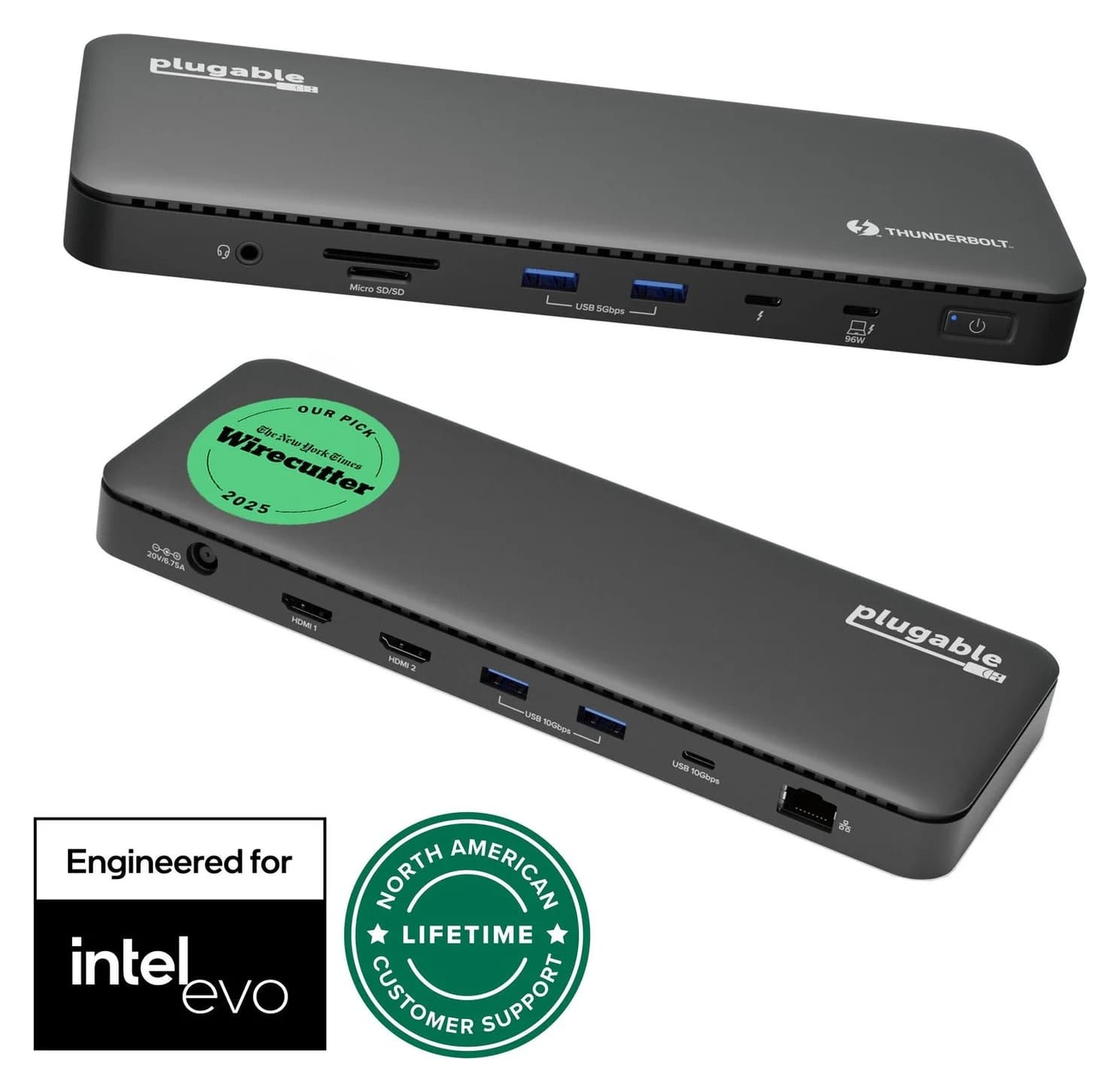
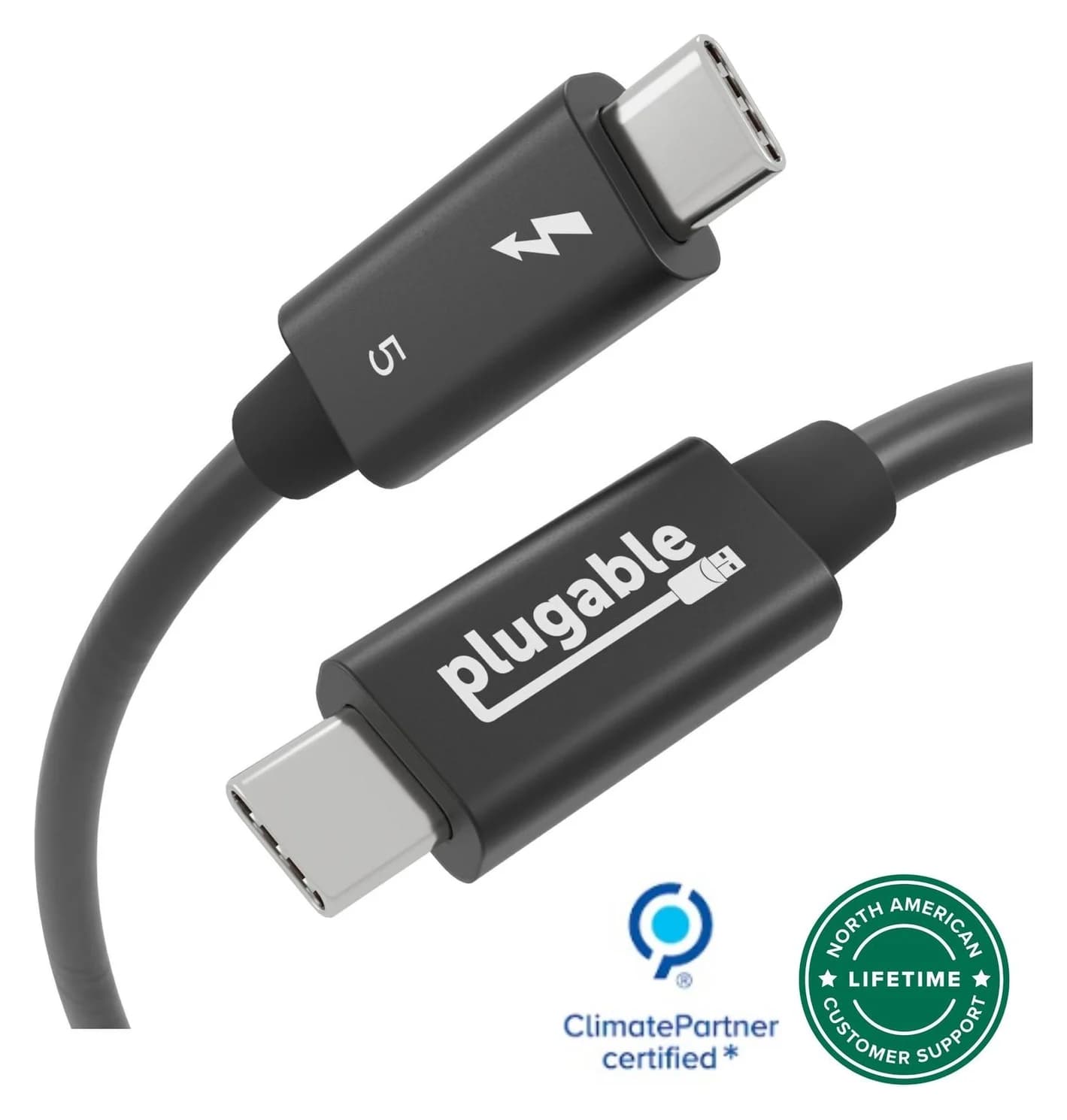
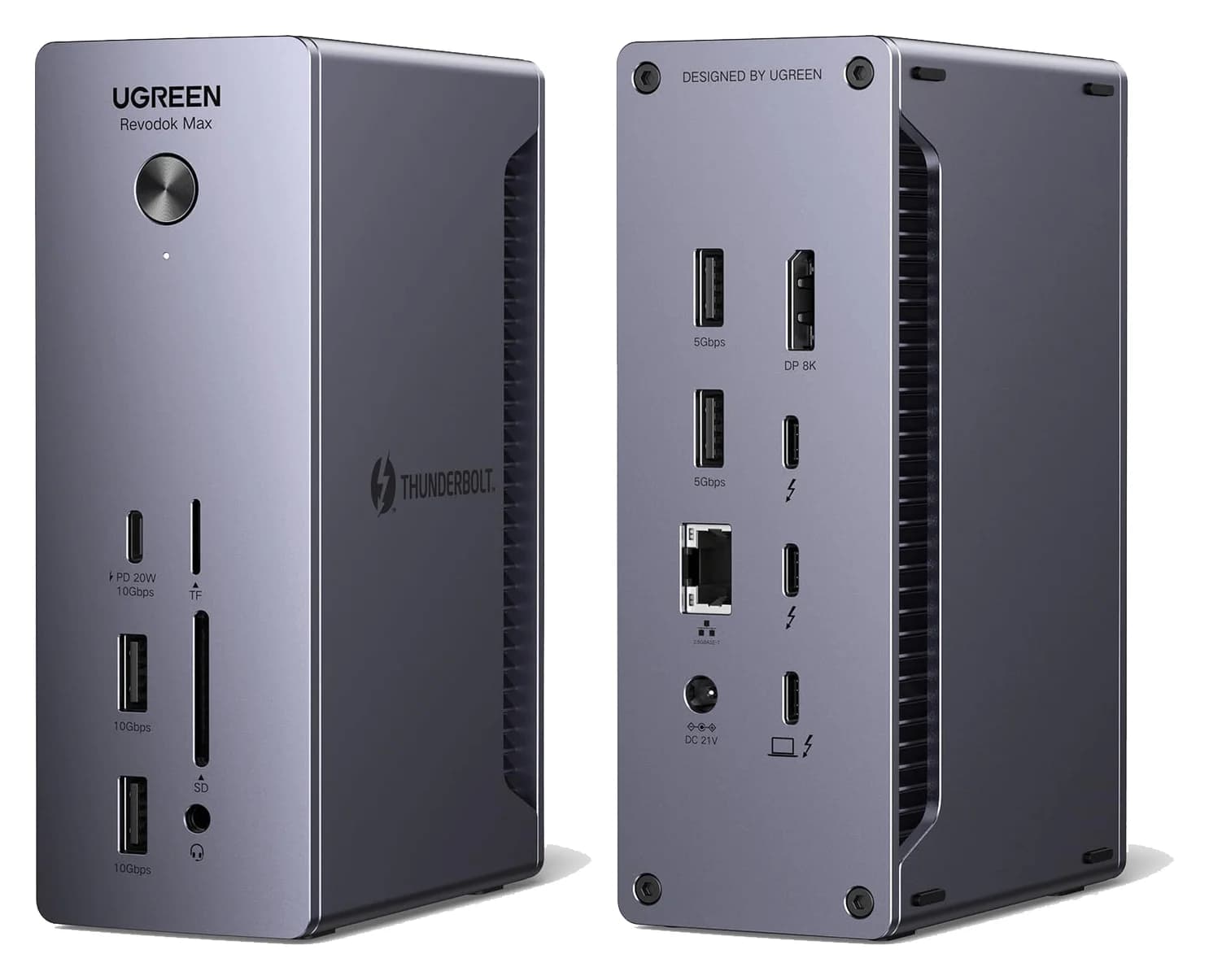
Thunderbolt vs USB-C: Same Connector, Different Capabilities
USB-C is the plug shape; Thunderbolt and USB4 are the protocols running through it. Here's how to tell what you have, what works together, and what to buy.
Updated November 23, 2026Read
Best Stylus for iPad in 2026
Find the right Apple Pencil for your iPad — Pro for creators, USB-C for most owners, and 1st generation for older models with a Lightning port.
Updated November 26, 2026Read