Black Friday: the specs to check before you buy
Buying guide
Updated November 3, 2026MacBook Replacement Charging Cables: USB-C or MagSafe?
Short answer
For a MacBook with MagSafe 3, buy Apple’s USB-C to MagSafe 3 Cable (2 m); for charging through a USB-C port, our pick is the Anker A82E2 240W two-pack. An original MagSafe or MagSafe 2 Mac needs the matching adapter assembly or service, because the MagSafe 3 cable does not fit those earlier connectors. Match the model and port below before choosing a finish or length.
Our picks at a glance
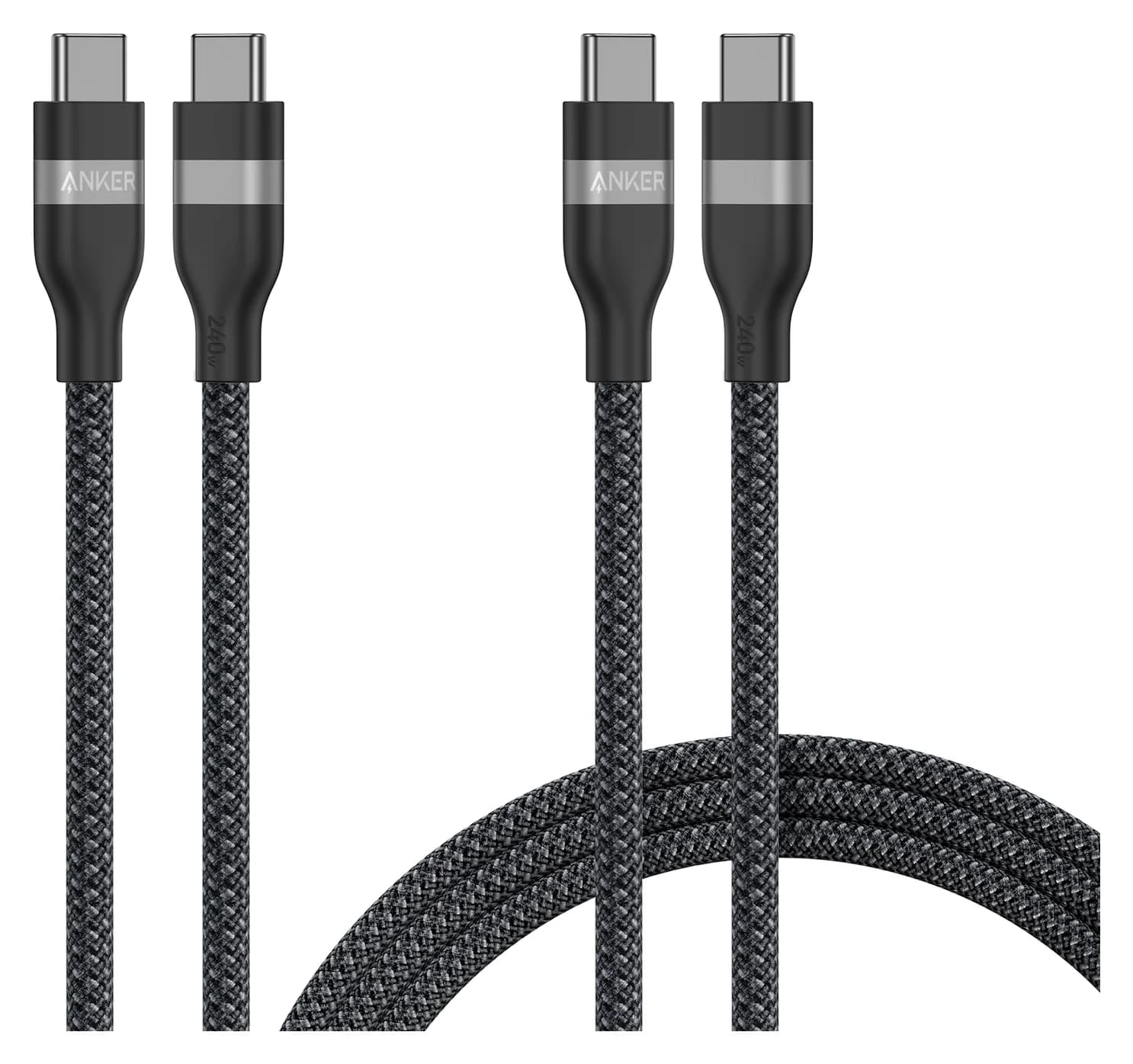
Best USB-C bag-and-desk pickAnker
Anker USB-C to USB-C Cable (3 ft / 6 ft, 240W, Upcycled-Braided, 2-Pack)
- power rating
- 240W
- data
- 480 Mbps
- ends
- USB-C to USB-C
- Choose
- Anker A82E2 is rated for 240W; select the mixed 3 ft and 6 ft two-pack for different charging locations.
- Limit
- 480Mbps data only; slow for SSDs
Best MagSafe replacement
Apple USB-C cable, including the newer 16-inch fast-charge route
Quick picks: what to order
| Your replacement job | Exact pick | Complete charging setup | Order link |
|---|---|---|---|
| Replace a MagSafe 3 lead | Apple USB-C to MagSafe 3, Silver, MW613AM/A, 2 m | Cable plus a compatible USB-C adapter; adapter sold separately | See Apple’s cable |
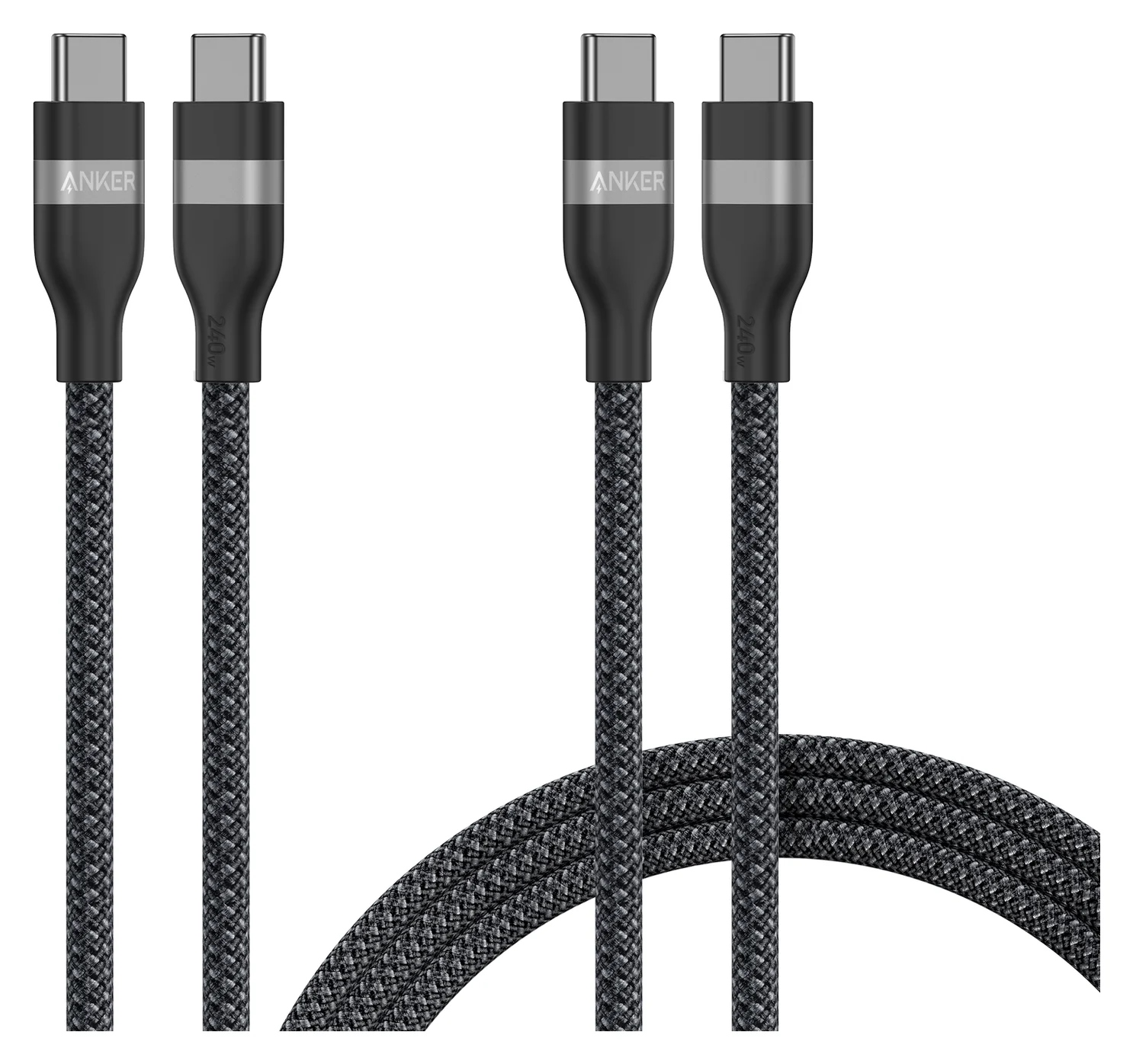
| USB-C cable for a bag and desk | Anker A82E2, 240W, mixed 3 ft + 6 ft two-pack | Cables plus your compatible USB-C PD adapter | Check price on Amazon |
| Apple USB-C cable, including the newer 16-inch fast-charge route | Apple MYQT3AM/A, 240W, 2 m | Cable plus compatible adapter; adapter sold separately | See Apple’s cable |
For an original MagSafe or MagSafe 2 Mac, use the legacy adapter lookup below. Those identifiers help match a replacement; they are not a promise of current stock.
Identify the Mac and its charging port
Choose Apple menu > About This Mac to find the model name. If it will not start, use the serial number on the underside or original packaging with Apple’s model lookup. Apple’s identification instructions explain both routes. Record the screen size and year as well as the chip name.
| MacBook family | Charging connector to shop for |
|---|---|
| MacBook Air introduced in 2022 or later; 14- or 16-inch MacBook Pro introduced in 2021 or later | MagSafe 3, or USB-C to USB-C if charging through a USB-C port |
| MacBook Air introduced in 2018–2021, including the M1 Air | USB-C to USB-C |
| 13-inch MacBook Pro introduced in 2016 or later, including the 13-inch M2 model from 2022 | USB-C to USB-C; the 13-inch M2 has no MagSafe 3 |
| 15-inch MacBook Pro introduced in 2016 or later; 16-inch MacBook Pro from 2019 | USB-C to USB-C |
| 12-inch Retina MacBook, 2015–2017 | USB-C to USB-C |
| Mac with an original MagSafe or MagSafe 2 port | Matching legacy power-adapter assembly; see lookup below |
Apple’s MagSafe to MagSafe 2 Converter can connect an older MagSafe adapter to a MagSafe 2 computer, but cannot convert anything to MagSafe 3. The charging-port guide from Apple is the deciding reference when a seller’s title says only “MacBook compatible.”
- Yes: USB-C to USB-C cable: fits a Mac that charges through USB-C
- Yes: USB-C to MagSafe 3 cable: fits the Mac’s MagSafe 3 port
- No: MagSafe 3 cable: does not fit original MagSafe or MagSafe 2
- No: MagSafe to MagSafe 2 Converter: does not work with MagSafe 3
Best MagSafe replacement: Apple USB-C to MagSafe 3 Cable
Choose this if the replaceable cable is damaged and the USB-C power adapter still works: Apple sells the 2 m cable separately from the adapter. It has a USB-C connector at the charger end and MagSafe 3 at the Mac end, with a woven jacket. The magnetic connection releases if someone trips over the lead, according to Apple; its light shows amber while charging and green when full.
Exact Apple color and part numbers
These are the US part numbers in Apple’s selected-product data. Every finish below is listed as a 2 m USB-C to MagSafe 3 cable. We treat color as a finish choice, not evidence of a different charging capability.
| Finish | Apple US part number |
|---|---|
| Silver | MW613AM/A |
| Space Gray | MW623AM/A |
| Starlight | MW633AM/A |
| Midnight | MW643AM/A |
| Space Black | MUVQ3AM/A |
| Sky Blue | MDF14AM/A |
Apple’s Silver product page still uses image names containing MLYV3, although the selected item is MW613AM/A. Its archived US catalog lists the earlier MLYV3AM/A as a 2 m USB-C to MagSafe 3 cable. Check the full part number on the selected package, rather than identifying a revision from an image filename. Do not assume an earlier listing includes an adapter.
Best USB-C bag-and-desk pick: Anker A82E2 two-pack
Anker
Anker USB-C to USB-C Cable (3 ft / 6 ft, 240W, Upcycled-Braided, 2-Pack)
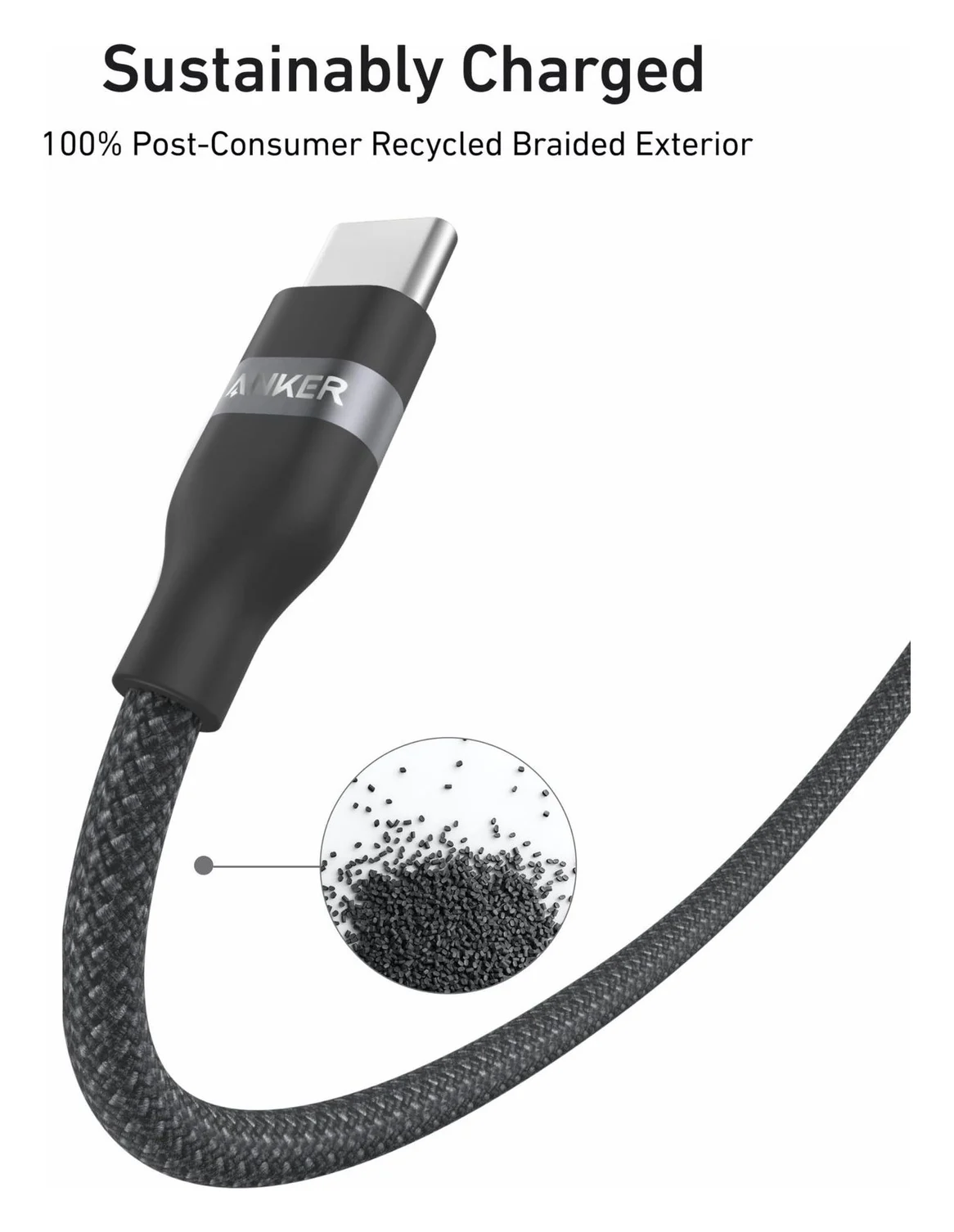
A two-pack of braided USB-C to USB-C charging cables (3 ft and 6 ft) rated for up to 240W.
- 240W max output
- 0.48 Gbps data
The A82E2 is rated for 240W and has USB-C at both ends. Anker’s bundle offers two 3 ft cables, two 6 ft cables, or a mixed 3 ft and 6 ft pair. We would choose the mixed pair for a bag and a desk; check the selected option rather than assuming every two-pack has different lengths.
The bundle and single-cable listings are separate: match the pack count as well as the model. Anker places the 16-inch MacBook Pro (2021/2022) under “Limited Charging Speeds,” despite the cable’s higher power rating. That distinction matters more than the large wattage on the package.
Anker specifies 480 Mbps data and excludes screen mirroring. Choose it for the charging lead, and use our USB-C cable types guide when the replacement must also connect a display or fast storage. For other Anker versions, use the Anker cable version selector.
Best Apple USB-C option: 240W USB-C Charge Cable
Apple’s MYQT3AM/A is a 2 m woven USB-C to USB-C cable supporting up to 240W and USB 2 data rates. The adapter is separate. Choose it if you want Apple’s own cable, especially when matching Apple’s documented fast-charge combination.
For a 16-inch MacBook Pro from November 2023 or later, Apple lists its 140W adapter plus 240W USB-C Charge Cable for fast charging. For earlier 16-inch models from 2021, its adapter-based fast-charge combination uses MagSafe 3 instead. Do not order a more powerful USB-C cable expecting it to remove that model limitation. See Apple’s cable and package contents.
Older MagSafe Macs: replace the correct adapter assembly
Apple describes the laptop-side lead as a thin DC cord attaching the MagSafe or MagSafe 2 connector to the adapter. Its MagSafe 2 user guide instructs you to attach the AC plug or AC power cord; that wall-side connection is different from the laptop lead. For a failed thin lead, choose the matching complete adapter or service, rather than a bare repair cable. Apple says to stop using the lead if it separates at either end and have the cable and power supply evaluated.
The table uses historical US catalog identifiers for identification. Check the exact Mac, connector, regional plug and package before buying remaining stock; current US availability is unverified here.
| Mac / connector to match | Complete Apple adapter | Historical US part |
|---|---|---|
| MacBook Air with original MagSafe | 45W MagSafe | MC747LL/A |
| MacBook / 13-inch MacBook Pro with original MagSafe | 60W MagSafe | MC461LL/A |
| 15- or 17-inch MacBook Pro with original MagSafe | 85W MagSafe | MC556LL/B |
| MacBook Air with MagSafe 2 | 45W MagSafe 2 | MD592LL/A |
| 13-inch Retina MacBook Pro, Late 2012–2015 | 60W MagSafe 2 | MD565LL/A |
| 15-inch Retina MacBook Pro, Mid 2012–2015 | 85W MagSafe 2 | MD506LL/A |
Sources: Apple’s archived US accessory catalog and earlier Air adapter entry. Apple’s Canadian 85W MagSafe 2 listing uses MYH83LL/A, whereas the archived US entry uses MD506LL/A. These are different listing identifiers; this guide does not assume identical regional box contents.
The year alone can mislead. Apple’s 13-inch Mid 2012 MacBook Pro uses 60W original MagSafe, while the 13-inch Retina Pro from Late 2012 uses 60W MagSafe 2. The 13-inch Mid 2011 Air uses 45W original MagSafe; its Mid 2012 replacement uses 45W MagSafe 2. Match the full model name and physical port, not just “2012 MacBook.”
If only the wall-side AC plug or extension fails, Apple says to replace that part when another plug or cord makes the adapter work. That can avoid ordering an unnecessary complete adapter. Use Apple’s cable and adapter service instructions for a damaged laptop-side lead.
How we choose
These are research-based recommendations. We compare Apple’s model compatibility, package descriptions and part identifiers with Anker’s model-specific specifications and USB-IF’s power-label rules. The old adapter table is a historical identification aid, separate from the current cable shortlist. We do not use buyer anecdotes to infer fit, charging speed or durability, and make no claims of physical product testing.
Buying advice: power rating and package traps
USB-IF’s current cable-label rules distinguish 60W and 240W capabilities; the newer 240W class replaced 100W in its certification program. An existing 100W cable covers power up to that rating, but does not cover a 140W requirement. Our recommendation for a new general-purpose Mac charging lead is the higher-rated class to avoid an unnecessary second purchase.
For a MacBook Air from 2022 or later, Apple lists its 70W adapter with either MagSafe 3 or USB-C for fast charging; for a 14-inch Pro, it lists its 96W adapter with either cable type. A 60W cable cannot carry those listed adapter wattages. Above 100W, look for an Extended Power Range cable—the 240W/EPR class. The Mac still takes only the power it requires. Use the MacBook Air charger guide or MacBook Pro charger guide if the brick also needs replacing.
A colored MagSafe 3 box contains the 2 m cable, and Apple sells the adapter separately. Buying an adapter does not reverse that rule: Apple’s current 70W Power Adapter page also says the charging cable is separate. Compare complete usable kits, including any adapter you still need. For broader cable shopping, see our fast-charging cable guide.
Final order check
Read the model
Use About This Mac, or Apple’s serial-number lookup if it cannot start.
Match both ends
Choose USB-C to USB-C, USB-C to MagSafe 3, or the matching older adapter assembly.
Verify the selected package
Check the full Apple part or Anker model, length and pack option.
Complete the kit
Keep or add the compatible power adapter when buying a separate charging cable.
If a MagSafe 3 light repeatedly flashes amber, Apple advises checking the connectors and trying another MagSafe 3 or USB-C cable. Diagnose that before assuming a different color or length will fix it.
Verdict
Buy Apple’s 2 m MagSafe 3 cable for the magnetic replacement, the Anker A82E2 two-pack for USB-C charging in different locations, or Apple MYQT3AM/A for Apple’s own USB-C option. For an older MagSafe Mac, match the complete adapter assembly or arrange service. Finish the order by checking both connectors, the exact package identifier and the adapter you intend to keep.
Frequently asked questions
Which USB-C cable should I buy for my MacBook?
For a Mac that charges through USB-C, our replacement pick is the Anker A82E2 240W two-pack; check the selected lengths before ordering. Apple’s MYQT3AM/A 240W cable is the alternative if you want an Apple cable. Both are charging-focused choices. Anker specifies 480 Mbps and no screen mirroring, while Apple lists USB 2 data rates. Choose a display or data cable separately when those functions matter.
Does a USB-C to MagSafe 3 cable include the charger?
No. Apple lists the 2 m USB-C to MagSafe 3 cable in the box and sells the USB-C power adapter separately. Keep your existing compatible adapter if only the cable needs replacing. The cable’s USB-C end connects to that adapter and its magnetic end connects to a Mac with MagSafe 3. Check the connector generation before choosing a color.
Will MagSafe 3 work with a MagSafe 2 MacBook?
No. Apple says MagSafe 3 is incompatible with earlier MagSafe power adapters and charge cables. Its MagSafe to MagSafe 2 Converter lets an older MagSafe adapter connect to a MagSafe 2 computer, but it does not work with MagSafe 3. For an older Mac, identify the original connector and adapter wattage, then replace or service the matching adapter assembly.
Does a 240W USB-C cable make every MacBook charge faster?
No. The rating is the cable’s power capability; the Mac and power source still determine what power is used. Apple lists its 140W adapter with its 240W USB-C Charge Cable for fast charging a 16-inch MacBook Pro from November 2023 or later. For earlier 16-inch models, its adapter-based fast-charge combination uses MagSafe 3. A higher cable rating does not change that model restriction.
Can I replace only the thin cable on an older MagSafe charger?
Use the matching complete adapter or arrange service for a damaged laptop-side lead. Apple describes that thin DC cord as attaching the MagSafe or MagSafe 2 connector to the power adapter, and says to stop using it if it separates at either end. The removable AC plug and wall-side extension are different parts. A USB-C to MagSafe 3 cable is incompatible with those earlier connectors.
Best USB-C bag-and-desk pick
Anker USB-C to USB-C Cable (3 ft / 6 ft, 240W, Upcycled-Braided, 2-Pack)
Related guides
Best Link Cables for Meta Quest 3: USB-C Specs That Actually Work
The best link cable for Quest 3 and older Quest headsets: Meta's own fiber cable, a charge-while-playing pick, and long active cables, per Meta's USB rules.
Updated November 8, 2026Read
Anker 100W vs Baseus 100W USB-C Cables: Which Should You Buy?
Compare Anker A8758 10 ft with Baseus CAWJ020001 3.3 ft: charging, data, lengths, pack sizes and variant traps, plus how to judge an Anker 100W USB-C cable deal.
Updated November 5, 2026Read
Beats USB-C vs Apple USB-C Cable: Which Should You Buy?
Choose between the Beats USB-C woven cable (60W, USB 2.0) and a full-feature Thunderbolt 5 USB-C cable: charging, data, docks, displays and the exact SKUs.
Updated November 5, 2026Read