Cyber Monday: the specs to check before you buy
Buying guide
Updated November 26, 2026Refurbished MacBook and iPad Air: Which Chip, Which Ports, Which Charger
Short answer
Buying a certified refurbished MacBook or iPad from Apple means the device has been tested and certified by Apple and comes with a one-year warranty; per Apple's refurbished shop, every unit goes through full functional testing. But the ports, chargers, and accessory compatibility that actually matter for your desk setup vary a lot between chip generations — and a refurb listing does not spell them out.
We may earn a commission when you buy through links on this page. As an Amazon Associate, thisUSB earns from qualifying purchases. How we earn
Our picks at a glance
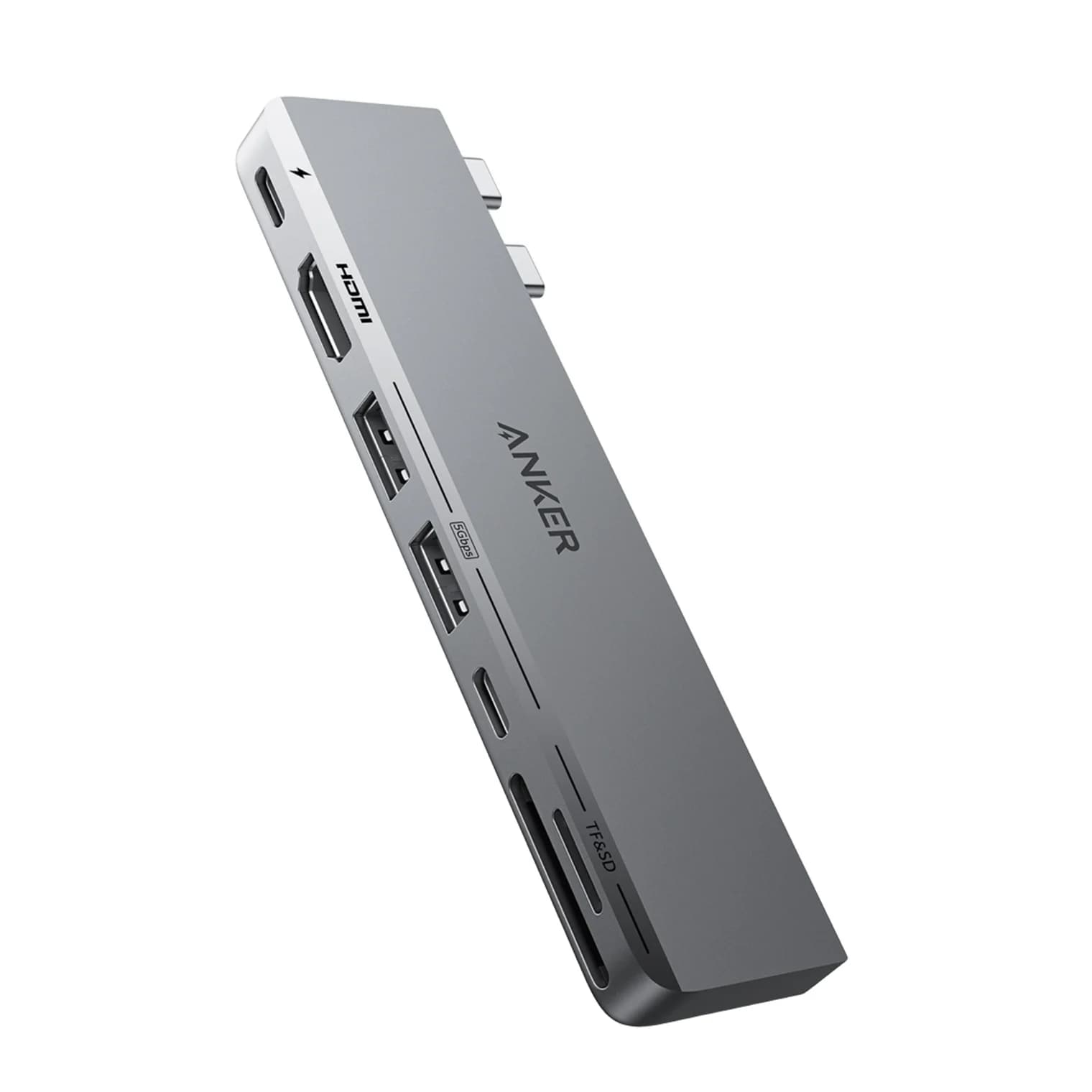
Best hub for MacBook AirAnker
Anker 547 USB-C Hub (7-in-2, for MacBook)
- to laptop
- 100W
- data
- 40 Gbps
- video
- 4K60
- Choose
- 7-in-2 design that slides onto the MacBook Air side for a clean desk setup, 40Gbps, 100W PD passthrough, and 4K@60Hz HDMI. Anker's product page lists it for the MacBook Air M1 and M2, and its user guide also covers base M3 chips, with one monitor through this hub.
- Limit
- MacBook-only design; not intended for Windows laptops, iPads or single-port devices
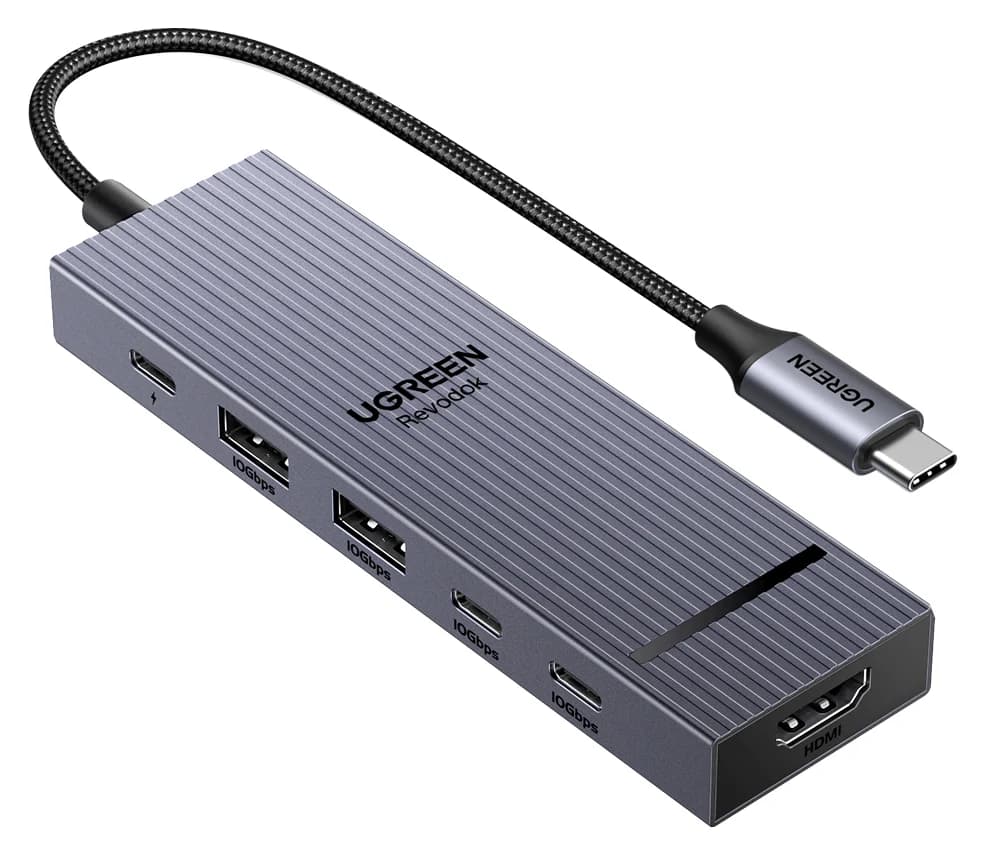
Best hub for MacBook ProUGREEN
UGREEN Revodok Pro 106 USB-C Hub (6-in-1)
- to laptop
- 85W
- data
- 10 Gbps
- video
- 4K60
- Choose
- Four 10Gbps data ports, 85W PD passthrough and HDMI 4K@60Hz from one cable. Works with the base 14‑inch MacBook Pro's Thunderbolt 4 / USB 4 ports (M3 and M5).
- Limit
- No card reader or Ethernet
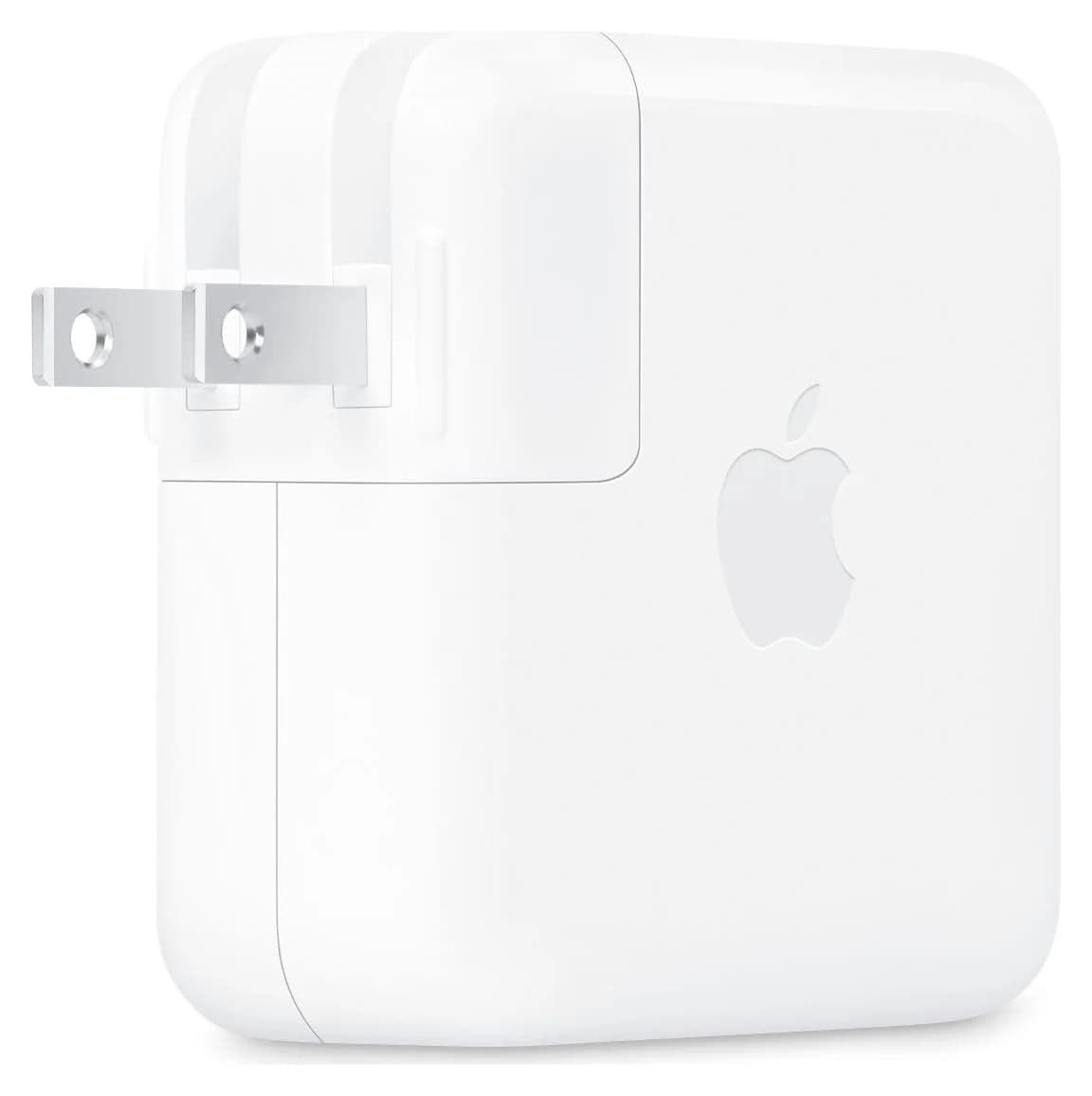
Best charger for MacBook Air (M2/M3)Apple
Apple 70W USB-C Power Adapter
- max output
- 70W
- port
- 1
- Choose
- Apple's own 70W USB-C Power Adapter, one of the adapters Apple lists for fast-charging the MacBook Air M2 and M3.
- Limit
- One port, so it charges one device at a time
- See on Amazon4
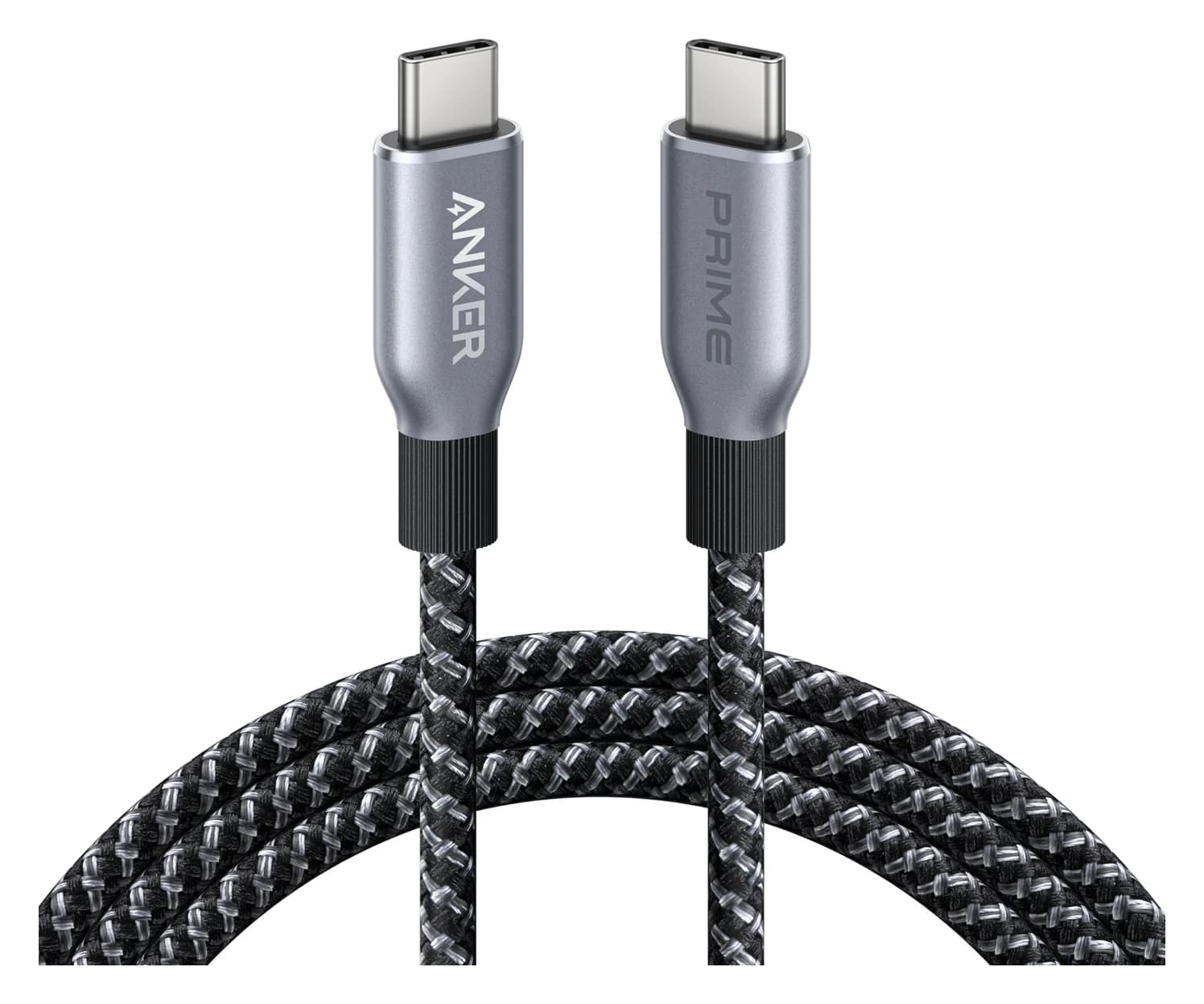
Best cable for MacBook Pro and high-watt charging
Anker Prime USB-C to USB-C Cable (240W, Upcycled-Braided, 6 ft)
0.48 Gbps data
- See on Amazon5
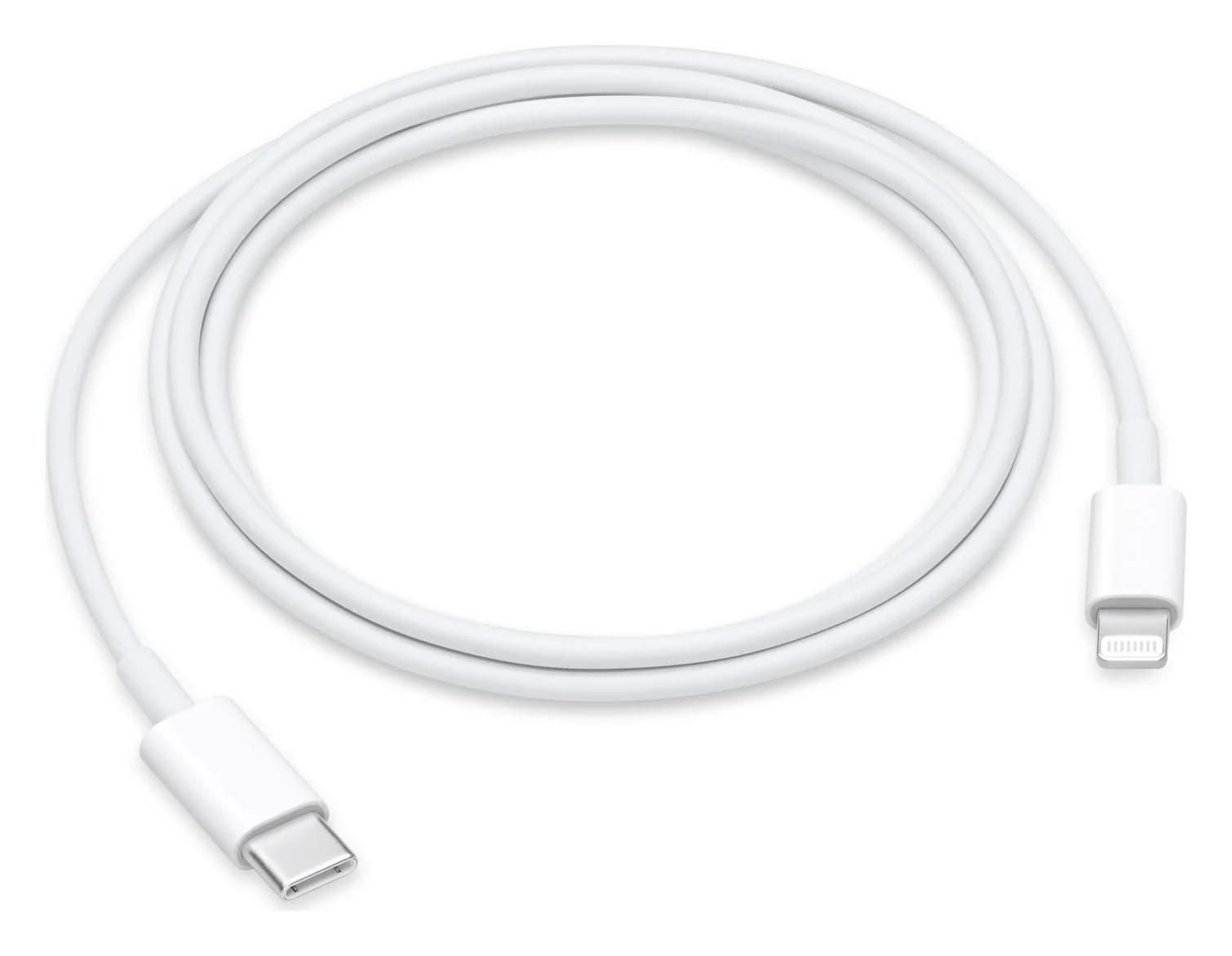
Best cable for iPad Air (3rd generation)
Apple USB-C to Lightning Cable (1 m)
- Find on Amazon6
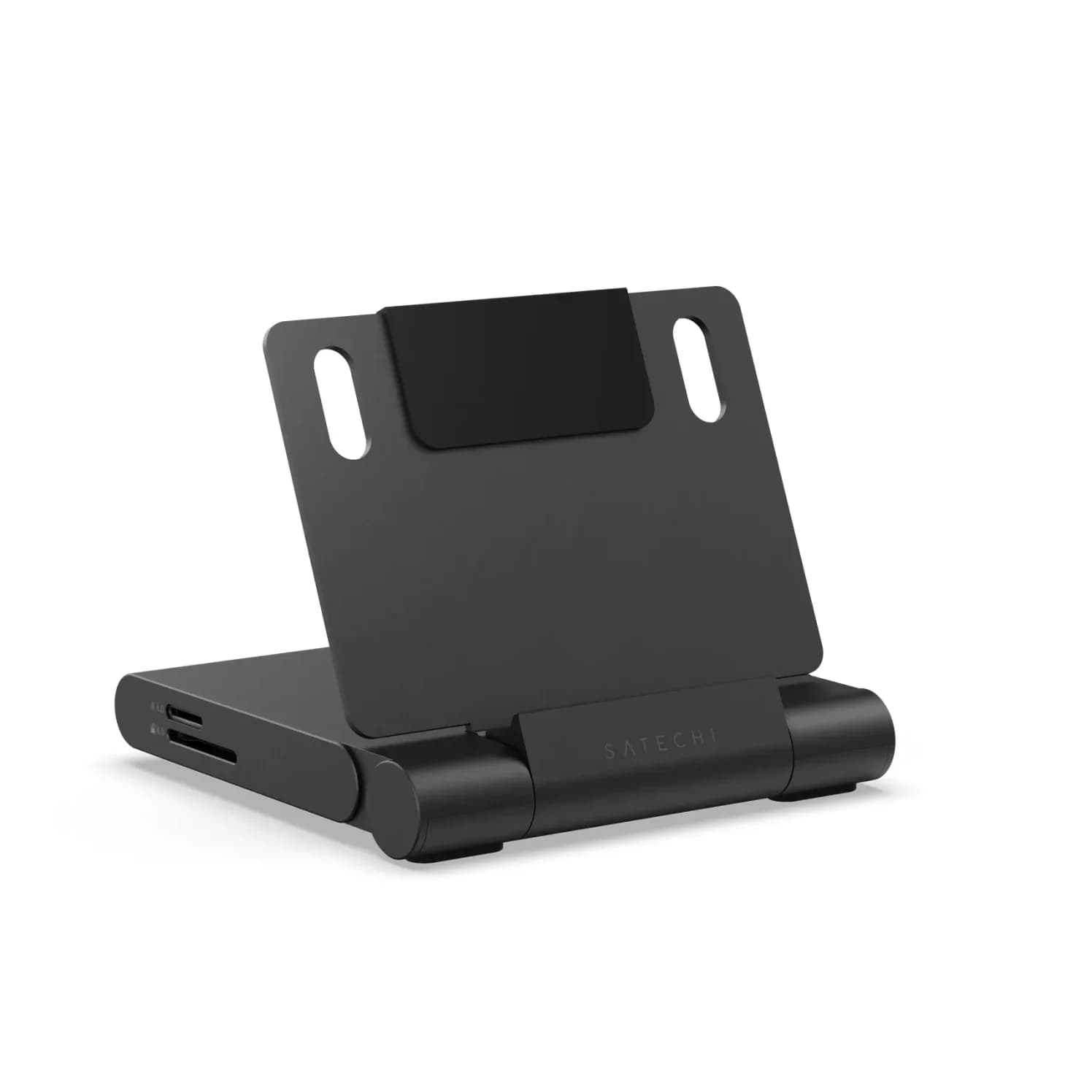
Best hub for iPad Air (4th and 5th generation)
Satechi OntheGo Foldable Stand Hub (7-in-1, Space Black)
85W PD passthrough · 10 Gbps data · 4K60 video · 7 ports
This guide walks through the MacBook Air (M1, M2, M3), MacBook Pro (M3 and M5 families) and iPad Air (3rd to 5th generation) models you'll see sold refurbished — stock on Apple's own refurbished store changes, so check it for what's available today — covering what USB ports each has, how it charges, which external displays it supports, and the accessories that fit each one. If you already know the machine you want, jump to the best USB-C hub for MacBook Air or the best charger for MacBook Air deep dives.
- 1 yearWarranty included with every Apple Certified Refurbished Mac and iPad
- 120Gb/sThunderbolt 5 speed on the newest refurbished MacBook Pro models
- 6K@60HzTop external display resolution across the MacBook Air line
MacBook Air: M1, M2, and M3 compared
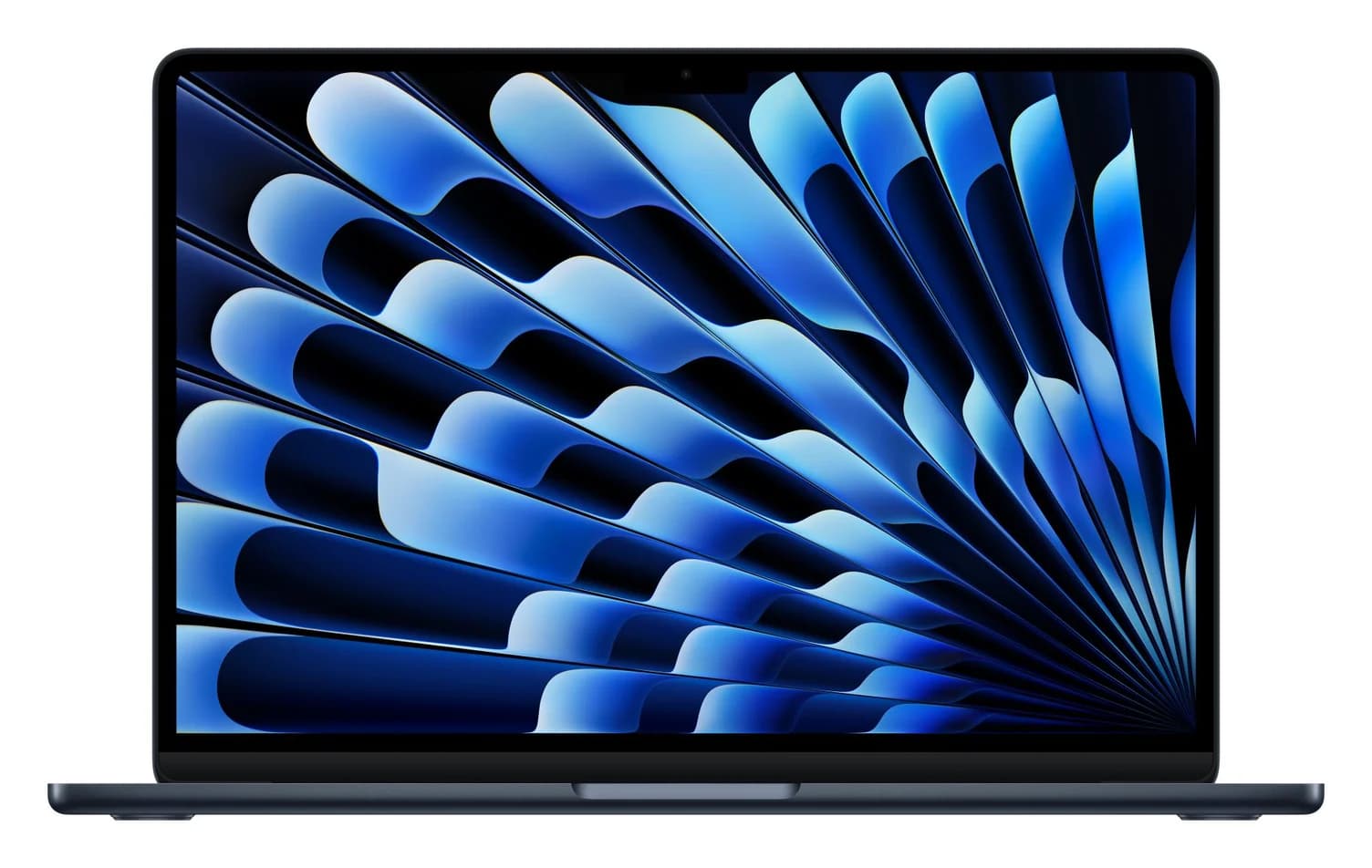
The MacBook Air was redesigned with the M2 chip in 2022 and received the M3 chip in 2024. All three generations have two Thunderbolt / USB 4 ports, but the charging and display behaviour differ in ways that affect every accessory you connect.
MacBook Air (M1, 2020) — two Thunderbolt / USB 4 ports, USB-C charging only
Per Apple's tech specs, the first Apple-silicon MacBook Air has two Thunderbolt / USB 4 ports, each up to 40Gb/s with DisplayPort support. There is no MagSafe 3 port — it charges through one of the two USB-C ports with the included 30W USB-C Power Adapter.
The M1 Air supports one external display with up to 6K resolution at 60Hz over one of its Thunderbolt ports. It does not support fast charging: Apple's fast-charge guidance covers the "MacBook Air introduced in 2022 or later", so the included 30W USB-C Power Adapter remains the charging setup for this refurb.
MacBook Air (M2, 2022) — same ports, adds MagSafe 3
The M2 Air keeps the same two Thunderbolt / USB 4 ports at up to 40Gb/s and the same one-external-display support (6K at 60Hz). The key change is the MagSafe 3 charging port, with a USB-C to MagSafe 3 Cable (two metres) in the box. Configurations ship with either a 30W USB-C Power Adapter (8-core GPU) or a 35W Dual USB-C Port Compact Power Adapter (10-core GPU with 512GB storage). The Mac charging page confirms MagSafe 3 charging applies to the "MacBook Air introduced in 2022 or later".
MacBook Air (M3, 2024) — the lid-closed second display
The M3 Air's headline desk-setup feature is dual-display support with the lid closed: per Apple's tech specs, you can "Close the MacBook Air lid to use a second external display with up to 5K resolution at 60Hz" on top of the primary 6K at 60Hz display. It is also "Fast-charge capable with 70W USB-C Power Adapter", making the Apple 70W adapter the natural upgrade for an M2 or M3 refurb (the M1 can't fast charge).
| Model | Ports | In-box charger | External displays |
|---|---|---|---|
| MacBook Air M1 (2020) | 2× Thunderbolt / USB 4, 40Gb/s | 30W USB-C (no MagSafe, no fast charge) | One 6K at 60Hz |
| MacBook Air M2 (2022) | 2× Thunderbolt / USB 4, 40Gb/s | 30W or 35W Dual USB-C, MagSafe 3 | One 6K at 60Hz |
| MacBook Air M3 (2024) | 2× Thunderbolt / USB 4, 40Gb/s | 30W or 35W Dual USB-C, MagSafe 3 | One 6K at 60Hz, plus 5K at 60Hz lid-closed |
Source: Apple's fast charge guidance and tech specs
MacBook Pro: M3 and M5 compared
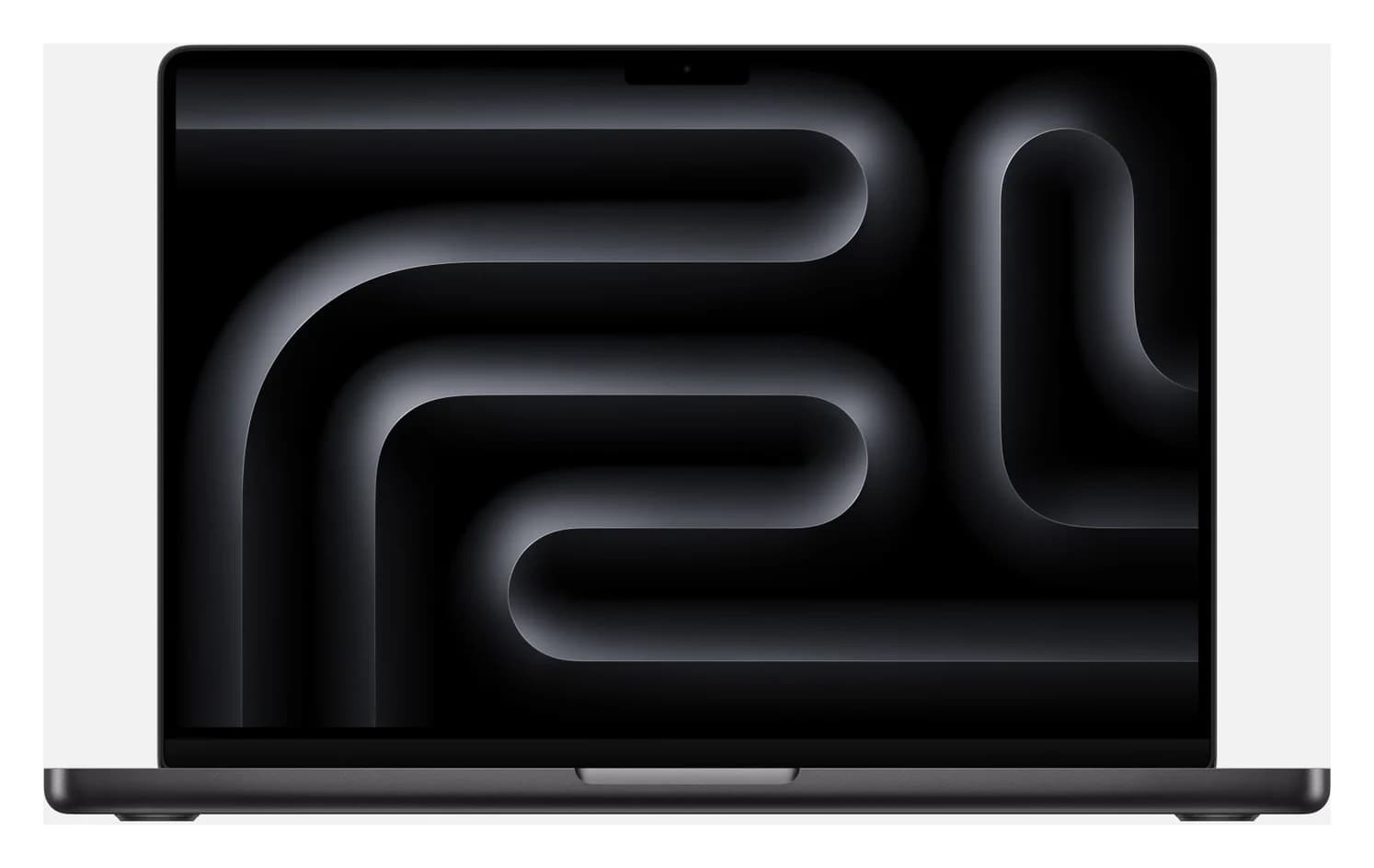
The 14- and 16-inch MacBook Pro is the port-richest refurb option, and the difference between base and Pro/Max chips is bigger than any other spec here.
MacBook Pro 14‑inch (M3, 2023) — two ports, one 4K 120Hz display
The base M3 14‑inch MacBook Pro has two Thunderbolt / USB 4 ports (up to 40Gb/s), a MagSafe 3 port, and an HDMI port. It ships with a 70W USB-C Power Adapter and is "Fast-charge capable with 96W USB-C Power Adapter". Per the tech specs it supports one external display with up to 6K resolution at 60Hz (or one display at up to 4K resolution at 120Hz), and with the lid closed it can drive a second external display at up to 5K at 60Hz — the same trick as the M3 Air.
MacBook Pro 14- and 16-inch (M3 Pro / M3 Max, 2023) — three ports, up to four displays
Per Apple's tech specs, the M3 Pro and M3 Max have three Thunderbolt 4 ports at up to 40Gb/s plus HDMI. The M3 Pro supports up to two external displays — two 6K at 60Hz over Thunderbolt, or one 6K over Thunderbolt plus one 4K at 144Hz over HDMI. The M3 Max supports up to four: three 6K at 60Hz over Thunderbolt plus one 4K at 144Hz over HDMI. The 14‑inch models include a 70W (11-core M3 Pro) or 96W adapter; the 16-inch includes the 140W USB-C Power Adapter.
MacBook Pro 14‑inch (M5, 2025) — three ports, two 6K displays
The base M5 14‑inch MacBook Pro has three Thunderbolt 4 (USB-C) ports (up to 40Gb/s) plus MagSafe 3 and HDMI — one more Thunderbolt port than the M3 base. It ships with the 70W adapter in the box and 96W fast-charge capability. Per the tech specs it supports "up to two external displays over any combination of Thunderbolt and HDMI ports: Two displays up to a native resolution of 6K at 60Hz or 4K at 144Hz or One display up to a native resolution of 8K at 60Hz or 5K at 120Hz or 4K at 240Hz". That makes the base M5 a genuinely dual-monitor laptop — a step up from the base M3.
MacBook Pro 14- and 16-inch (M5 Pro / M5 Max, 2026) — Thunderbolt 5, up to four displays
Per Apple's tech specs, the M5 Pro and M5 Max MacBook Pros have three Thunderbolt 5 (USB-C) ports at up to 120Gb/s. The M5 Pro supports up to three external displays (three 6K at 60Hz or 4K at 144Hz, or one 8K at 60Hz plus a second 5K at 120Hz); the M5 Max supports up to four. The 14‑inch M5 Pro ships with a 70W adapter (15-core CPU) or 96W (18-core CPU); the 16-inch ships with the 140W USB-C Power Adapter and is fast-charge capable with 140W or higher. These are the refurb models where a Thunderbolt 5 dock is worth considering.
| Chip | Thunderbolt ports | In-box charger | External displays |
|---|---|---|---|
| M3 (14" base) | 2× TB4, 40Gb/s | 70W | One 4K 120Hz, or 6K + lid-closed 5K |
| M3 Pro | 3× TB4, 40Gb/s | 70W / 96W | Up to two (6K + 4K 144Hz HDMI) |
| M3 Max | 3× TB4, 40Gb/s | 96W | Up to four |
| M5 (14" base) | 3× TB4, 40Gb/s | 70W | Up to two (6K 60Hz / 4K 144Hz) |
| M5 Pro | 3× TB5, 120Gb/s | 70W / 96W | Up to three |
| M5 Max | 3× TB5, 120Gb/s | 96W / 140W (16") | Up to four |
iPad Air: 3rd, 4th, and 5th generation
Apple's iPad Air line switched from Lightning to USB-C starting with the 4th generation in 2020. For refurb buyers that creates two accessory families — and one generation that needs a different cable from everything else on this page.
iPad Air (3rd generation, 2019) — Lightning and Apple Pencil 1st gen
Per Apple's tech specs, the iPad Air 3rd generation is the last Air with a Lightning connector. It ships with a Lightning to USB Cable and a USB Power Adapter, and supports Apple Pencil (1st generation). Video mirroring tops out at "Up to 1080p through Lightning Digital AV Adapter and Lightning to VGA Adapter" — much lower than any USB-C iPad here. The essential accessory is a USB-C to Lightning cable such as Apple's own for charging and syncing from any modern charger; our USB-C cables for iPad guide covers more options.
iPad Air (4th generation, 2020) — USB-C arrives
The iPad Air 4th generation introduces the USB-C connector, ships with a 20W USB-C Power Adapter, and supports Apple Pencil (2nd generation) and Apple Pencil (USB-C). Its video out is "Up to 4K through USB-C Digital AV Multiport Adapter and USB-C VGA Multiport Adapter", and Apple's USB-C iPad page specifies 4K at 30Hz over HDMI adapters — fine for a single 4K monitor, not for high-refresh panels.
iPad Air (5th generation, 2022) — USB 3 at 10Gb/s and 6K out
The iPad Air 5th generation keeps USB-C but upgrades the port to "USB 3 (up to 10Gb/s)" with DisplayPort support, and "Supports one external display with up to 6K resolution at 60Hz". HDMI adapters drive it at 4K 60Hz. It supports Apple Pencil (2nd generation) and Apple Pencil (USB-C), and charges via the same 20W-class USB-C charging as the 4th generation. A hub like the Satechi OntheGo adds HDMI, USB-A and card slots while passing power through.
| Model | Connector | Apple Pencil | Video out |
|---|---|---|---|
| iPad Air 3rd gen (2019) | Lightning | 1st generation | Up to 1080p via Lightning adapters |
| iPad Air 4th gen (2020) | USB-C | 2nd gen, USB-C | Up to 4K (4K 30Hz over HDMI) |
| iPad Air 5th gen (2022) | USB-C, 10Gb/s | 2nd gen, USB-C | One 6K at 60Hz; 4K 60Hz over HDMI |
For hub and dock pairings per iPad model, see the best USB-C hub for iPad guide; if you're buying a refurb Air to draw on, the best stylus for iPad guide covers Apple Pencil alternatives.
How we choose
Every spec in this guide comes from Apple's own tech specs and support pages, fetched and quoted in our sources — not from listings or third-party reviews. Charger picks follow Apple's stated fast-charge wattage for each model: 70W for the MacBook Air M2/M3, 96W for every 14‑inch MacBook Pro (base, Pro and Max) and 140W for the 16-inch models; the M1 MacBook Air doesn't fast charge at all. Hub picks are existing thisUSB records whose ports match what each machine can actually do — DisplayPort-level video for the MacBooks, 10Gb/s data ports for the iPad Air 5th generation. Cable picks carry the wattage (up to 240W) and, for the iPad Air 3rd generation, the Lightning connector that model still requires.
Verdict
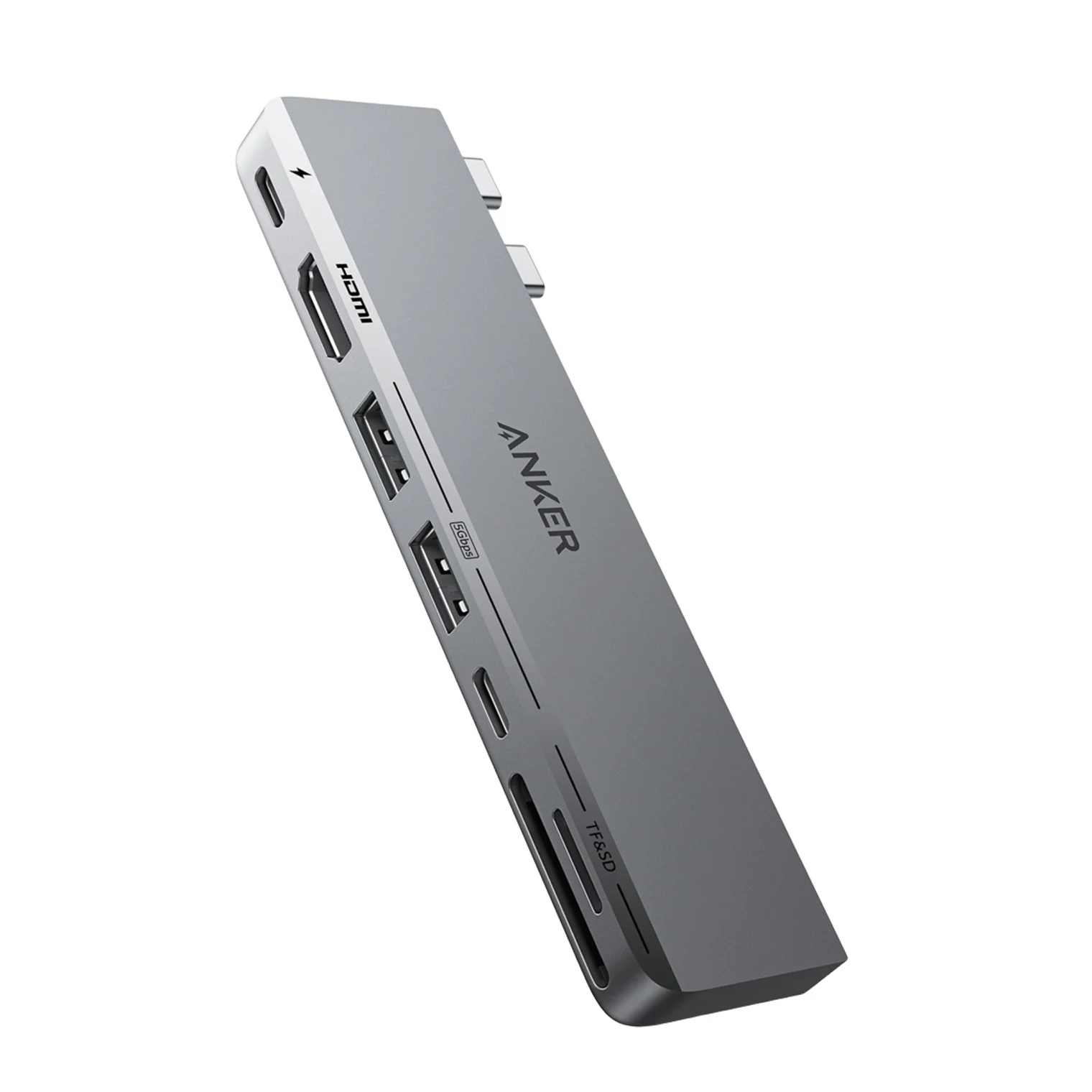
For MacBook Air (M1/M2/M3): the Anker 547 is the pick — its 7-in-2 form wraps around the Air's side, its HDMI carries 4K at 60Hz, and its 100W passthrough keeps the Air charged while an HDMI monitor runs. Anker's product page lists it for the MacBook Air M1 and M2; its user guide also covers base M3 chips and lists one monitor through this hub for all three. Add the Apple 70W adapter if fast charging matters; it applies to the M2/M3 with the included MagSafe 3 cable, while the M1 does not support fast charging.
For MacBook Pro (M3/M5 base, 14‑inch): the UGREEN Revodok Pro 106 adds HDMI 4K at 60Hz, four 10Gbps data ports and 85W passthrough from one Thunderbolt port, leaving the rest free. Fast charging needs a 96W or higher adapter; the 70W adapter in the box charges at normal speed. Our Apple USB-C power adapter versions guide sorts Apple's wattages if you need a second one.
For MacBook Pro (M3 Pro/Max, M5 Pro/Max): with three Thunderbolt ports you can dedicate one to charging, one to a hub, and one to a direct display connection. The Anker 140W charger meets the "140W or higher USB PD power source" Apple lists for fast-charging the 16-inch M5 Pro/Max, and the Anker Prime 240W cable handles every wattage tier here.
For iPad Air (3rd generation): the Apple USB-C to Lightning cable is the one mandatory purchase — it's how the last Lightning iPad talks to modern chargers and Macs.
For iPad Air (4th/5th generation): the Satechi OntheGo is the pick — a 7-in-1 hub with a foldable stand built in, HDMI at 4K 60Hz, and 10Gbps USB-C and USB-A data ports that match the 5th generation's full port speed. If you're also weighing an iPhone refurb, our refurbished iPhones guide covers the same refurbished-program questions for phones. And if the finish matters to you, our MacBook Space Gray wear guide covers what Apple says about cleaning and cosmetic damage.
Frequently asked questions
What does Apple Certified Refurbished actually include?
Per Apple's refurbished shop page, Apple Certified Refurbished products include a one-year warranty and full functional testing, and the shop sums the program up as 'tested, certified, guaranteed'. Other sellers that call a laptop or tablet refurbished set their own grading, battery and warranty terms, so read them before you buy.
Do refurbished MacBooks include a charger?
Apple's tech specs list the adapter each model came with when new, so check that a refurbished listing includes the same one: MacBook Air M1 ships with a 30W USB-C Power Adapter; MacBook Air M2 and M3 ship with either a 30W or a 35W Dual USB-C Port Compact Power Adapter depending on the configuration; the 14‑inch MacBook Pro M3 and M5 base include a 70W adapter, the M3 Pro and M5 Pro include 70W or 96W depending on the CPU configuration, and the 16-inch models include a 140W adapter.
Which MacBooks can fast-charge, and what do I need?
The M1 MacBook Air does not support fast charging; it charges through USB-C with the included 30W adapter. The M2 and M3 MacBook Air fast-charge with a 70W USB-C Power Adapter plus the USB-C to MagSafe 3 Cable; the M3 13-inch is explicitly 'Fast-charge capable with 70W USB-C Power Adapter'. The base 14‑inch MacBook Pro M3 is 'Fast-charge capable with 96W USB-C Power Adapter', and the base M5 and the 14-inch M5 Pro/Max are 'Fast-charge capable with 96W or higher USB PD power source'; the 16-inch models need 140W. Apple states that fast charging brings the battery to 50% in about 30 minutes.
Can I use a USB-C hub with any of these refurbished MacBooks?
Yes. Every MacBook in this guide has USB-C or Thunderbolt ports that support DisplayPort video and power delivery, so any USB-C hub or dock with PD passthrough will work. The MacBook Air M1, M2 and M3 each has two Thunderbolt / USB 4 ports at up to 40Gb/s; the base 14‑inch MacBook Pro M3 has two Thunderbolt / USB 4 ports while the M5 base has three Thunderbolt 4 ports; the M3 Pro/Max and M5 Pro/Max models have three Thunderbolt ports, and the M5 Pro/Max ports are Thunderbolt 5 at up to 120Gb/s. With a hub you can add HDMI, USB-A, Ethernet or card readers while still charging the laptop.
How many external displays does each MacBook support?
MacBook Air M1 and M2 support one external display with up to 6K resolution at 60Hz. MacBook Air M3 (13-inch) supports one 6K display, plus a second external display with up to 5K resolution at 60Hz when the lid is closed. The base 14‑inch MacBook Pro M3 supports one external display (up to 6K at 60Hz, or 4K at 120Hz) plus a second up to 5K at 60Hz with the lid closed, while the base M5 supports up to two external displays (two 6K at 60Hz or 4K at 144Hz, or one 8K at 60Hz). The M3 Pro and the M5 Pro support up to two or three external displays respectively, while the M3 Max and M5 Max support up to four. Apple publishes the exact resolution combinations in its support documentation.
What's the difference between iPad Air models for USB accessories?
The iPad Air 3rd generation is the only one here with a Lightning connector — it uses Apple Pencil (1st generation), which charges through the Lightning port, and its video out tops at 1080p through the Lightning Digital AV Adapter. The iPad Air 4th generation moved to USB-C with the 20W USB-C Power Adapter, Apple Pencil (2nd generation) and Apple Pencil (USB-C) support, and video out up to 4K (4K at 30Hz over HDMI adapters). The iPad Air 5th generation keeps USB-C but adds USB 3 at up to 10Gb/s, one external display up to 6K at 60Hz, and HDMI at 4K 60Hz through adapters.