Cyber Monday: the specs to check before you buy
Comparison
Updated November 23, 2026Apple Pencil (USB-C) vs Pencil Pro vs 1st and 2nd Generation: Which One Works With Your iPad
Short answer
Which Apple Pencil you need depends on your iPad, not on which pencil is newest. If your iPad is a current iPad Pro (M4 or M5), iPad Air (M2 to M4) or iPad mini (A17 Pro or A20 Pro), get Apple Pencil Pro: it's the only current pencil with pressure sensitivity and magnetic charging. For iPad (A16) or iPad (10th generation), or if you want one pencil that works across almost every USB-C iPad, get Apple Pencil (USB-C). The trap: Apple Pencil (USB-C) has no pressure sensitivity, so it suits notes and markup better than drawing.
We may earn a commission when you buy through links on this page. As an Amazon Associate, thisUSB earns from qualifying purchases. How we earn
Our picks at a glance
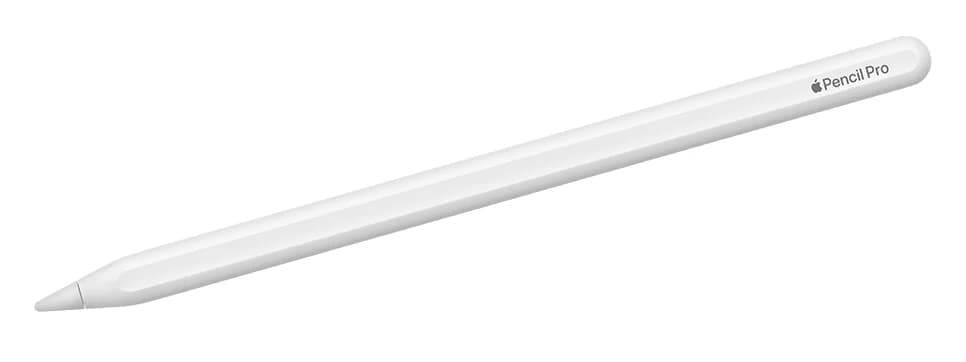
Best Apple Pencil for current iPad Pro, iPad Air and iPad miniApple
Apple Pencil Pro
- Choose
- Pressure sensitivity, squeeze, barrel roll, haptic feedback and Find My, and it pairs and charges magnetically on the side of a supported iPad.
- Limit
- Only works with iPad Pro (M4/M5), iPad Air (M2-M4) and iPad mini (A17 Pro, A20 Pro)
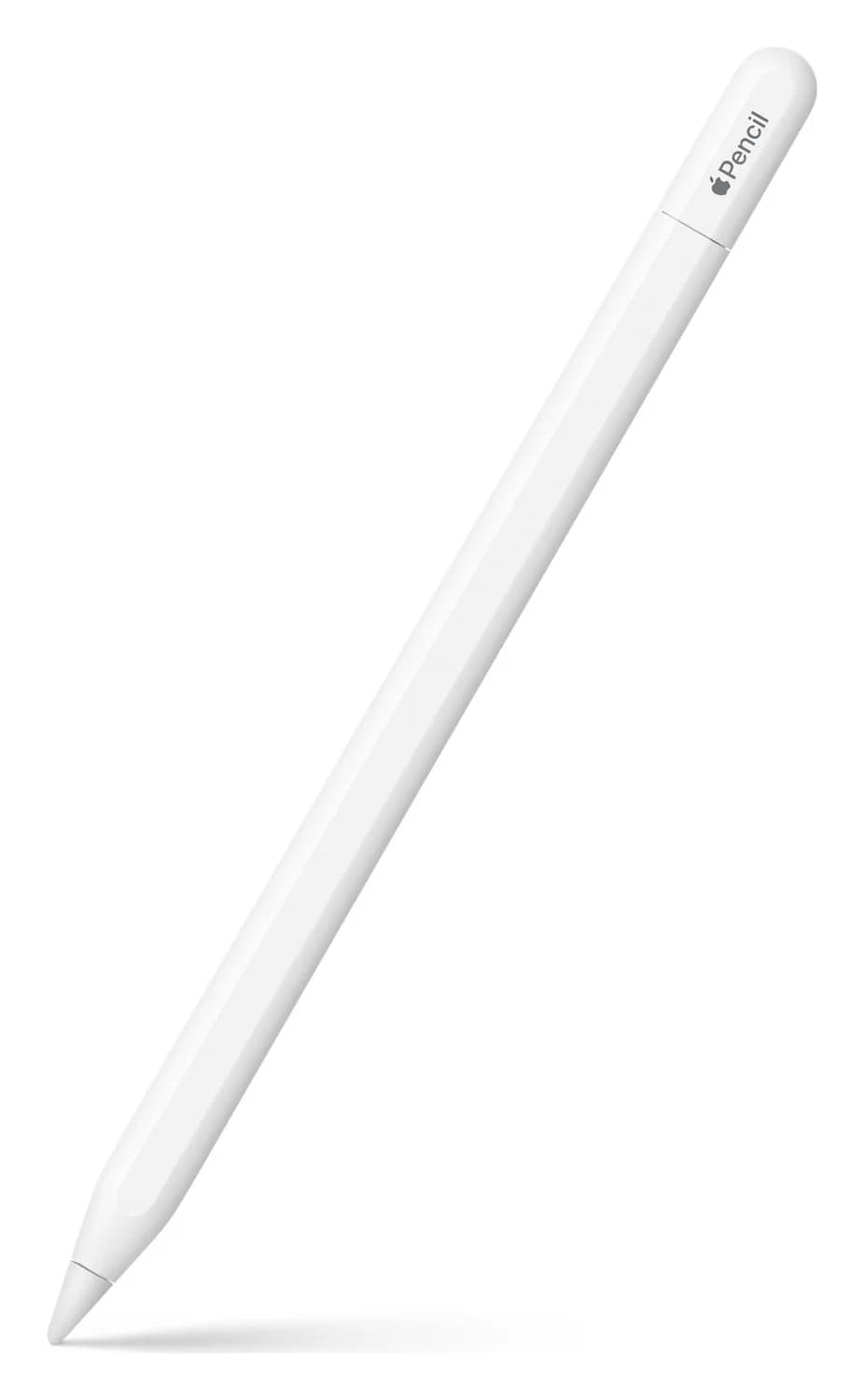
Best Apple Pencil for the widest range of iPadsApple
Apple Pencil (USB-C)
- Choose
- Works with every USB-C iPad on Apple's list, including iPad (A16) and iPad (10th generation); tilt and hover, but no pressure sensitivity, and it charges by USB-C cable.
- Limit
- No pressure sensitivity
- 5iPad lines that work with Apple Pencil Pro, per Apple
- 11iPad lines on Apple's Pencil (USB-C) list, plus iPhone Duo
- 17.5The iPadOS version Apple Pencil Pro needs, or later
Which Apple Pencil works with your iPad?
From Apple's Apple Pencil compatibility page, published November 5, 2026:
| Your iPad | Apple Pencils that work |
|---|---|
| iPad Pro 13-inch and 11-inch (M4 and M5) | Pencil Pro, Pencil (USB-C) |
| iPad Air 13-inch and 11-inch (M2, M3 and M4) | Pencil Pro, Pencil (USB-C) |
| iPad mini (A17 Pro and A20 Pro) | Pencil Pro, Pencil (USB-C) |
| iPad (A16) and iPad (10th generation) | Pencil (USB-C); Pencil (1st generation) with the USB-C to Apple Pencil Adapter |
| iPad mini (6th generation) | Pencil (USB-C), Pencil (2nd generation) |
| iPad Air (4th or 5th generation) | Pencil (USB-C), Pencil (2nd generation) |
| iPad Pro 11-inch (1st to 4th gen) and 12.9-inch (3rd to 6th gen) | Pencil (USB-C), Pencil (2nd generation) |
| iPad (6th to 9th generation), iPad mini (5th gen), iPad Air (3rd gen), iPad Pro 9.7, 10.5 and 12.9-inch (1st and 2nd gen) | Pencil (1st generation) only |
Apple Pencil Pro needs iPadOS 17.5 or later, and Apple Pencil (USB-C) needs iPadOS 17.1.1 or later. Apple also lists iPhone Duo with iOS 27.2 for Apple Pencil (USB-C). If you're not sure which iPad you have, Apple's page links a guide to identifying your model.
- Yes: Current iPad Pro, iPad Air or iPad mini: Apple Pencil Pro (or Pencil USB-C to save on features you don't need)
- Yes: iPad (A16) or iPad (10th generation): Apple Pencil (USB-C)
- Yes: iPad mini 6, iPad Air 4 or 5, or an older USB-C iPad Pro: Apple Pencil (USB-C) or 2nd generation
- Partly: iPad (A16) or 10th generation with a 1st-generation Pencil you already own: works with Apple's USB-C to Apple Pencil Adapter
- No: Lightning iPads (iPad 9th generation and earlier): only Apple Pencil (1st generation)
Source: Apple Pencil compatibility
Apple Pencil Pro vs Apple Pencil (USB-C)
Apple's own comparison lists what each current pencil does:
| Feature | Pencil Pro | Pencil (USB-C) |
|---|---|---|
| Precision, low latency, tilt sensitivity, hover | Yes | Yes |
| Attaches magnetically | Yes | Yes |
| Pressure sensitivity | Yes | No |
| Pairs and charges when attached | Yes | No (USB-C cable) |
| Double-tap, squeeze, barrel roll, haptic feedback | Yes | No |
| Find My | Yes | No |
The two biggest differences in daily use are pressure and charging. Pressure sensitivity changes line weight as you press harder, which matters for drawing and handwriting styles in apps like Procreate. Charging is where the USB-C name comes from: Apple Pencil (USB-C) attaches magnetically to store it, but it pairs and charges through a USB-C cable, while Pencil Pro pairs and charges on the side of the iPad.
What about the 1st and 2nd generation?
Apple's current Pencil page compares only Pencil Pro and Pencil (USB-C), but the compatibility list still covers the older two. The 2nd generation works with iPad mini (6th generation), iPad Air (4th and 5th generation) and the USB-C iPad Pro models from the 11-inch 1st generation and 12.9-inch 3rd generation onward, and every one of those iPads also works with Apple Pencil (USB-C). The 1st generation is the only pencil for Lightning iPads, from iPad (6th generation) to iPad (9th generation) and the older iPad Pro, iPad Air and iPad mini models on the list. On iPad (A16) and iPad (10th generation), Apple says the 1st generation needs the USB-C to Apple Pencil Adapter to pair and charge.
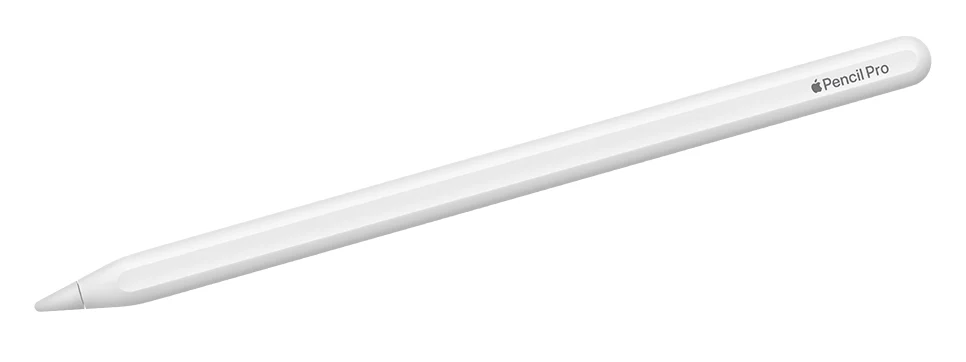
Best for current iPad Pro, iPad Air and iPad mini: Apple Pencil Pro
Apple
Apple's most advanced Pencil with squeeze, barrel roll, haptic feedback, Find My, and magnetic charging — for iPad Pro, iPad Air, and iPad mini.
If your iPad is on Apple's Pencil Pro list, this is the one to get. It has everything Apple Pencil (USB-C) does plus pressure sensitivity, squeeze to open a tool palette, barrel roll for shaped brushes, haptic feedback and Find My. It pairs and charges magnetically on the side of the iPad, so there's no cable to carry. It weighs 19.15 g and needs iPadOS 17.5 or later.
See Apple Pencil Pro on Amazon
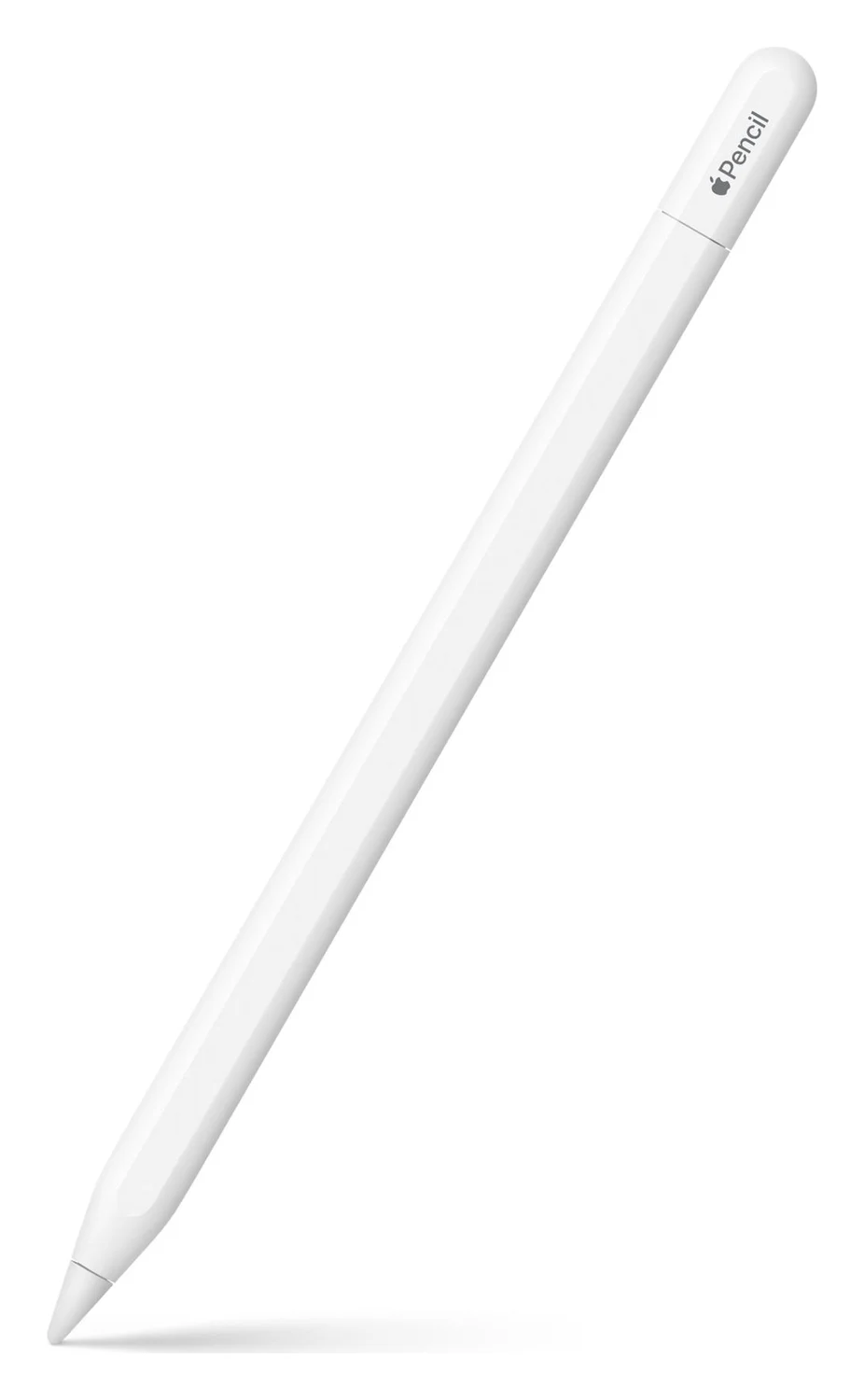
Best for the widest range of iPads: Apple Pencil (USB-C)
Apple
Apple's entry-level Pencil, with pixel-perfect precision and tilt sensitivity over USB-C charging.
Apple Pencil (USB-C) works with every iPad on its list, from iPad (A16) and iPad (10th generation) to the current iPad Pro, which makes it the safe pick for a gift or a household with more than one iPad. It has precision, low latency, tilt sensitivity and hover (on supported iPad Pro, iPad Air and iPad mini models), and it attaches magnetically for storage. It has no pressure sensitivity and charges by USB-C cable.
See Apple Pencil (USB-C) on Amazon
How we choose
Everything here comes from Apple: the compatibility list (support article 108937, published November 5, 2026) and Apple's Pencil comparison page, plus Apple's tech specs for each iPad, linked in the product cards. We have not tested these pencils; this is a compatibility guide. For third-party styluses and alternatives, see our best stylus for iPad, and for ports and accessories on the same iPad, best USB-C hubs for iPad.
Verdict
Let the iPad decide. A current iPad Pro, iPad Air or iPad mini gets Apple Pencil Pro for pressure, magnetic charging and the extra controls. An iPad (A16) or 10th generation, or anyone who wants one pencil that fits almost every USB-C iPad, gets Apple Pencil (USB-C), accepting no pressure sensitivity. Only a Lightning iPad needs the 1st generation.
Frequently asked questions
Which Apple Pencil works with my iPad?
Check Apple's compatibility list by model. In short: Apple Pencil Pro works with iPad Pro (M4 and M5), iPad Air (M2, M3 and M4) and iPad mini (A17 Pro and A20 Pro). Apple Pencil (USB-C) works with all of those plus iPad (A16), iPad (10th generation), iPad mini (6th generation), iPad Air (4th and 5th generation) and earlier USB-C iPad Pro models.
Apple Pencil Pro vs Apple Pencil (USB-C): what's the difference?
Apple's comparison lists pressure sensitivity, wireless pairing and charging, double-tap, barrel roll, squeeze, haptic feedback and Find My on Apple Pencil Pro, and not on Apple Pencil (USB-C). Both have pixel-perfect precision, low latency, tilt sensitivity, hover support and magnetic attachment.
Is Apple Pencil (USB-C) better than the 1st generation?
It depends on your iPad. On iPad (A16) and iPad (10th generation), both work, but Apple says the 1st generation needs the USB-C to Apple Pencil Adapter to pair and charge. On older Lightning iPads such as iPad (9th generation), only the 1st generation is on Apple's list.
Does the Apple Pencil (USB-C) have pressure sensitivity?
No. Apple's own comparison marks pressure sensitivity as not compatible with Apple Pencil (USB-C). It does support tilt sensitivity, so shading by angle works, but line weight won't change with pressure. For that, you need Apple Pencil Pro on a supported iPad.
Does Apple Pencil (USB-C) work with iPhone?
Apple's compatibility list includes iPhone Duo with iOS 27.2 for Apple Pencil (USB-C). Hover is not supported on iPhone Duo, according to Apple. No other iPhone is on the list.
Related guides
Thunderbolt vs USB-C: Same Connector, Different Capabilities
USB-C is the plug shape; Thunderbolt and USB4 are the protocols running through it. Here's how to tell what you have, what works together, and what to buy.
Updated November 23, 2026Read
Best Stylus for iPad in 2026
Find the right Apple Pencil for your iPad — Pro for creators, USB-C for most owners, and 1st generation for older models with a Lightning port.
Updated November 26, 2026Read
MacBook Space Gray Wear and Fading: What Apple Says and How to Protect the Finish
A Space Gray MacBook shows wear on the palm rest and edges over time. Here's what Apple says about cleaning, carrying and cosmetic damage on its laptops.
Updated November 25, 2026Read