Cyber Monday: the specs to check before you buy
Best picks
Updated November 26, 2026Best Bluetooth Keyboards for Mac and iPad in 2026
Short answer
The best Bluetooth keyboard for a Mac and iPad depends on what you do: Apple's Magic Keyboard with Touch ID is the pick for a Mac with Apple silicon because it unlocks the Mac and pairs and charges from one USB-C cable. Logitech's MX Keys S is the best multi-device board for anyone who also uses a Windows PC or iPad, and the Keychron K3 Max and Satechi SM3 cover low-profile mechanical typing.
We may earn a commission when you buy through links on this page. As an Amazon Associate, thisUSB earns from qualifying purchases. How we earn
Our picks at a glance
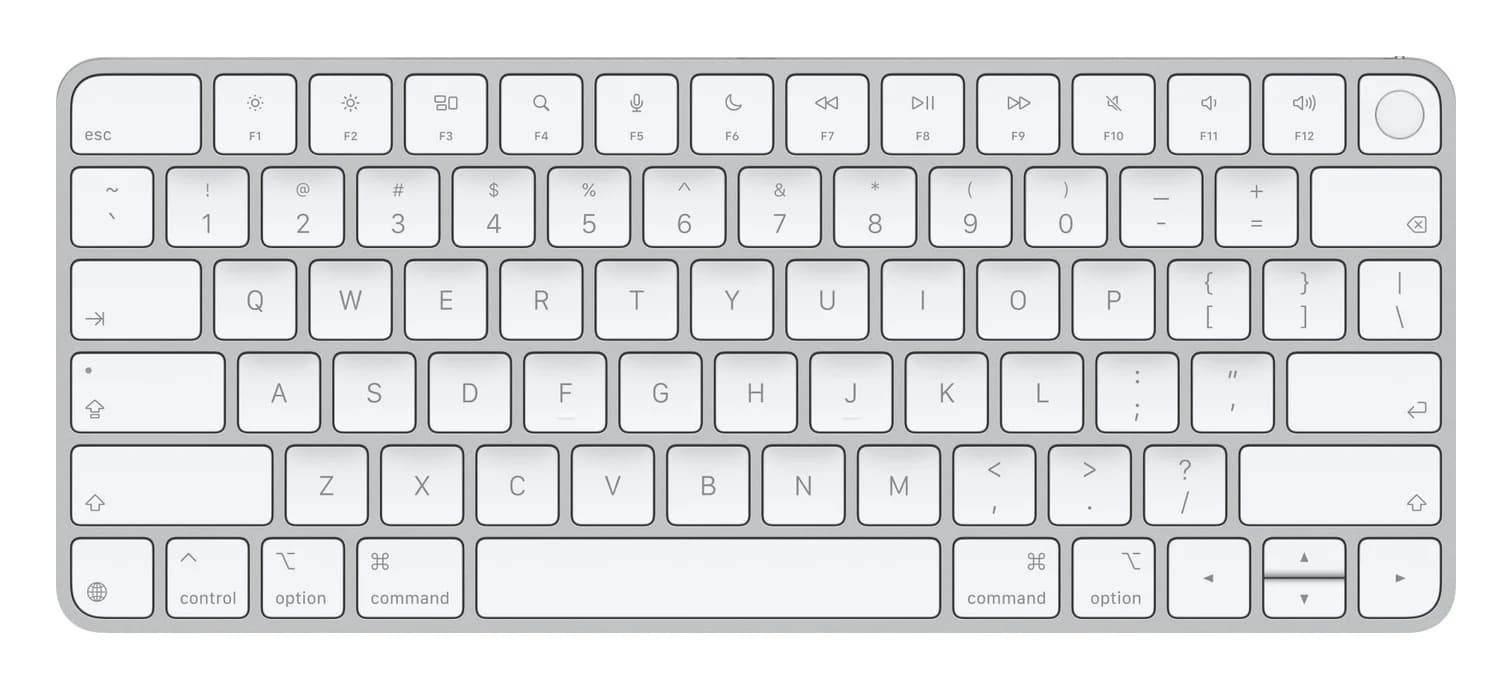
Best for Mac overallApple
Apple Magic Keyboard with Touch ID (USB-C, US English)
- Choose
- The only pick with a Touch ID key, and it pairs and charges the moment you plug its woven USB-C cable into an Apple silicon Mac.
- Limit
- Touch ID needs a Mac with Apple silicon and macOS 15.1 or later; Apple doesn't list Intel Macs
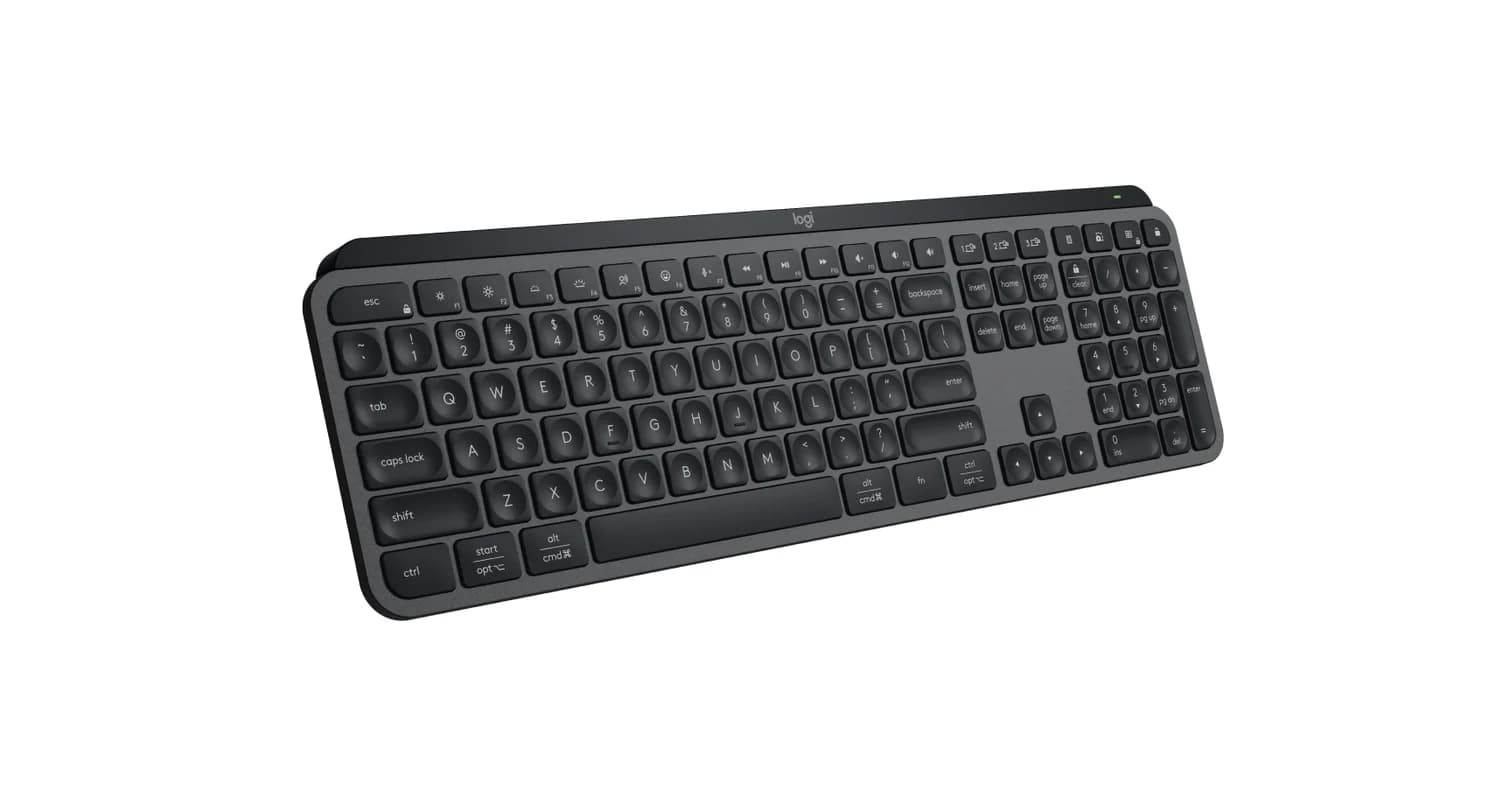
Best multi-device keyboardLogitech
Logitech MX Keys S Wireless Keyboard (Graphite)
- Choose
- Switches between three devices over Bluetooth or the included Logi Bolt receiver.
- Limit
- The included Bolt receiver is USB-A, so a USB-C-only laptop needs a hub, an adapter or a Logi Bolt USB-C receiver
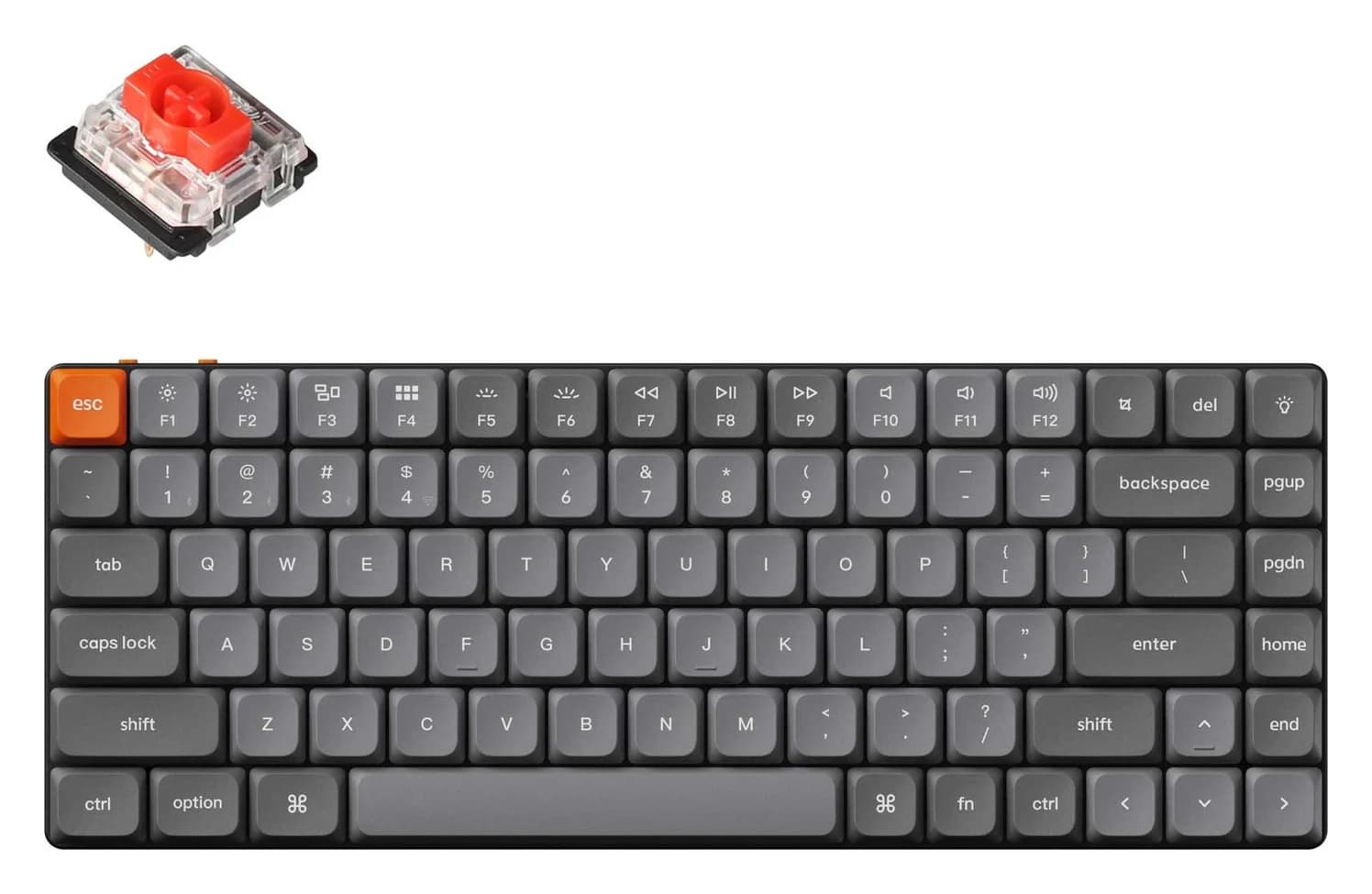
Best low-profile mechanicalKeychron
Keychron K3 Max Low-Profile Wireless Mechanical Keyboard (White Backlight, Gateron Red)
- port
- 1
- host link
- 2.4GHz
- Choose
- Low-profile mechanical switches with three ways to connect (2.4GHz, Bluetooth 5.1 for three devices, or USB-C cable) and Mac and Windows keycaps.
- Limit
- The 2.4GHz receiver takes a USB port, so a USB-C-only laptop may need an adapter or hub; Bluetooth avoids that
- See on Amazon4
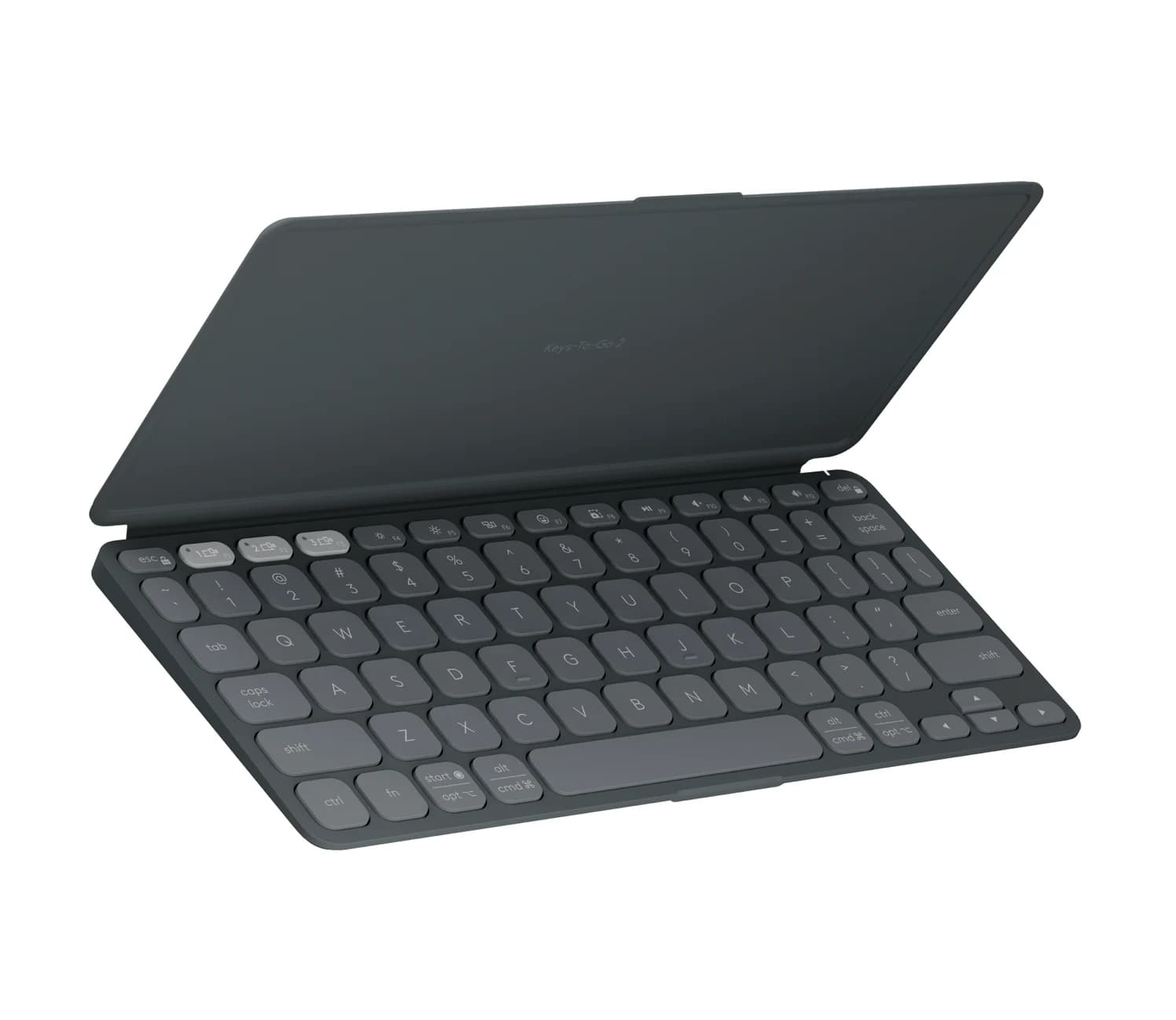
Best for iPad and travel
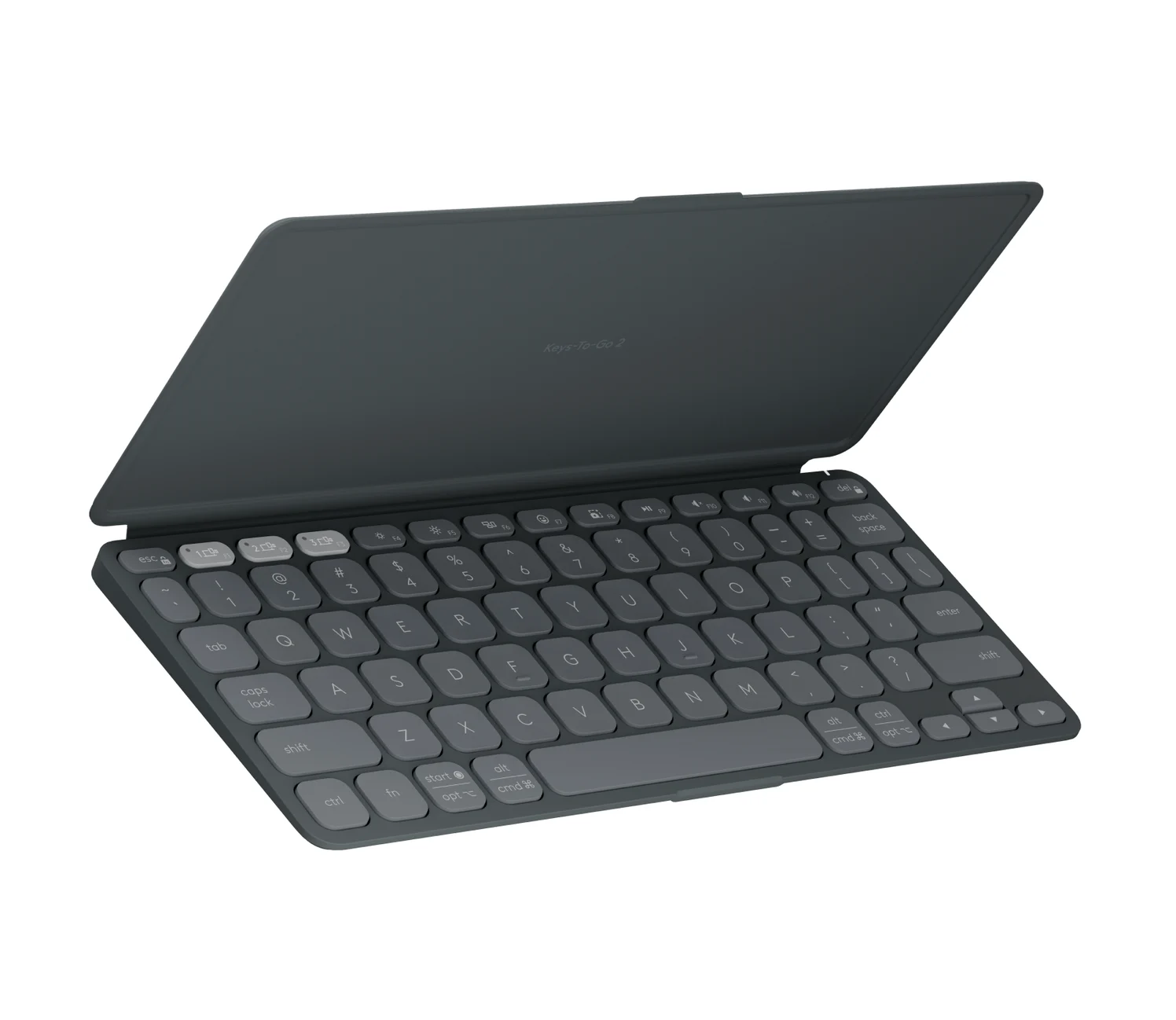
Logitech Keys-To-Go 2
- See on Amazon5
Best keyboard-and-mouse combo
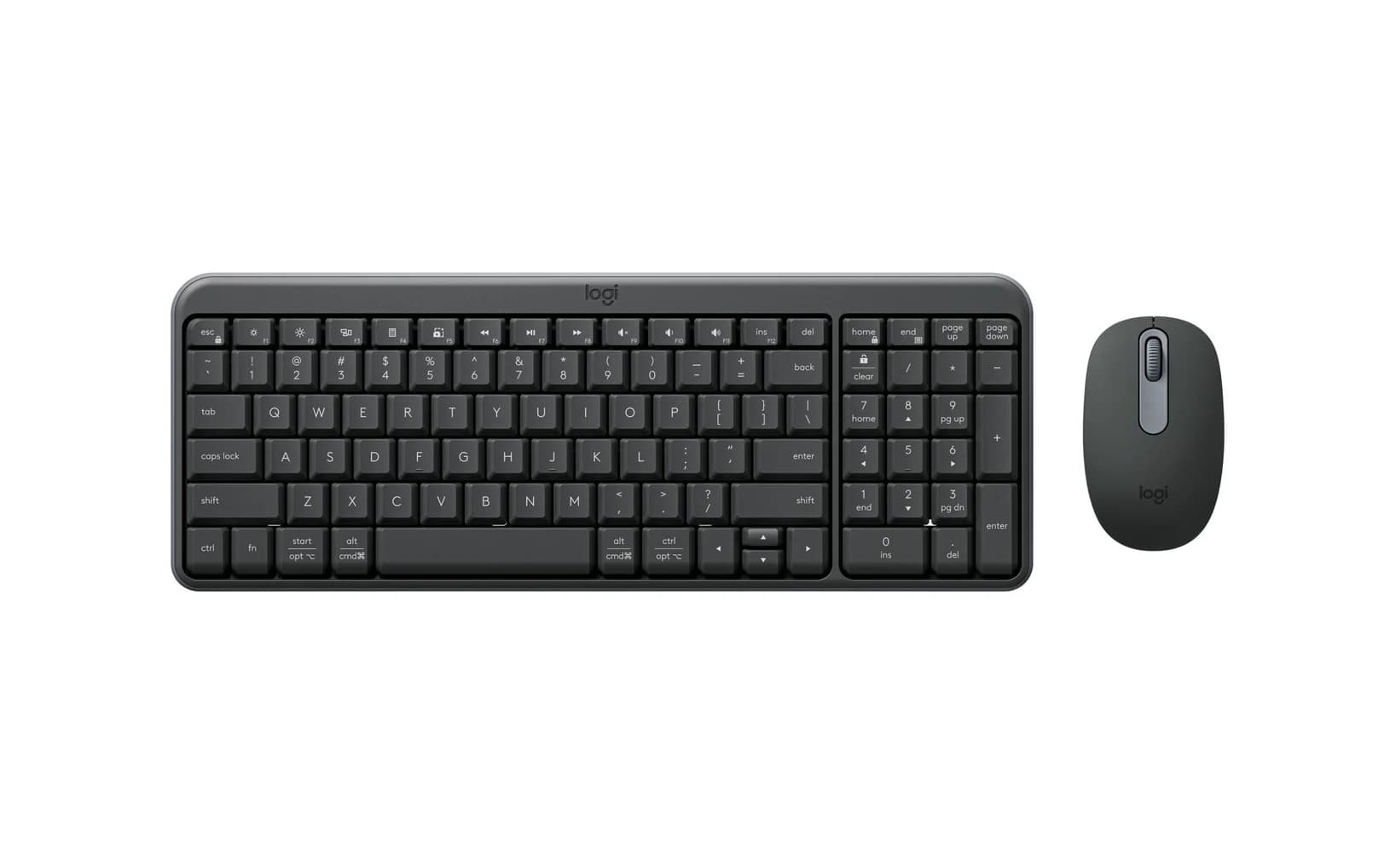
Logitech MK250 Wireless Combo
- Find on Amazon
Best full-size mechanical
Satechi SM3 Slim Mechanical
- Find on Amazon
Also great
Logitech MX Keys Mini for Mac
- Find on Amazon
Also great
Satechi Slim X3
- Find on Amazon
Also great
Satechi Slim X2
All of the picks here pair over Bluetooth, and the differences that matter most are USB ones: whether a receiver comes in the box, whether it is USB-A or USB-C, how many devices it switches between, and where the charging port is.
Quick picks
| Pick | Award | Connects over | Devices | USB-C charging |
|---|---|---|---|---|
| Apple Magic Keyboard with Touch ID | Best for Mac overall | Bluetooth (one device at a time) | 1 | Yes, rear port, cable in box |
| Logitech MX Keys S | Best multi-device | Bluetooth or Logi Bolt receiver | 3 | Yes |
| Keychron K3 Max | Best low-profile mechanical | 2.4GHz, Bluetooth 5.1 or USB-C cable | 3 over Bluetooth | Yes |
| Satechi SM3 Slim Mechanical | Best full-size mechanical | Dual Bluetooth 5.0, 2.4GHz receiver or USB-C | 4 | Yes |
| Logitech Keys-To-Go 2 | Best for iPad and travel | Bluetooth | 3 | No, replaceable coin cells |
| Logitech MK250 | Best keyboard-and-mouse combo | Bluetooth (no dongle) | 1 | No, replaceable batteries |
- Yes: Apple Magic Keyboard with Touch ID: Bluetooth; Touch ID only on Apple silicon Macs
- Yes: Logitech MX Keys S and MX Keys Mini for Mac: Bluetooth LE, up to 3 devices
- Yes: Keychron K3 Max: Bluetooth 5.1 (3 devices), 2.4GHz receiver or USB-C
- Yes: Satechi SM3, Slim X3 and Slim X2: Bluetooth with multi-device switching
- Yes: Logitech Keys-To-Go 2: Bluetooth on iPadOS, iOS, macOS and more
- Yes: Logitech MK250: Bluetooth with no dongle, so USB ports stay free
Best for Mac overall: Apple Magic Keyboard with Touch ID
Apple
Apple Magic Keyboard with Touch ID (USB-C, US English)
Apple's slim wireless Bluetooth keyboard with a Touch ID key for Macs with Apple silicon, charged and paired through its USB-C port.
- 1 port
On a Mac with Apple silicon, this keyboard does something no other pick here does: its Touch ID key unlocks the Mac and approves logins and purchases by fingerprint. Apple requires macOS 15.1 or later. Setup is the simplest here too — you plug the included woven USB-C cable into a USB-C port on your Mac and it pairs and charges at the same time, then it runs about a month or more between charges over Bluetooth, per Apple.
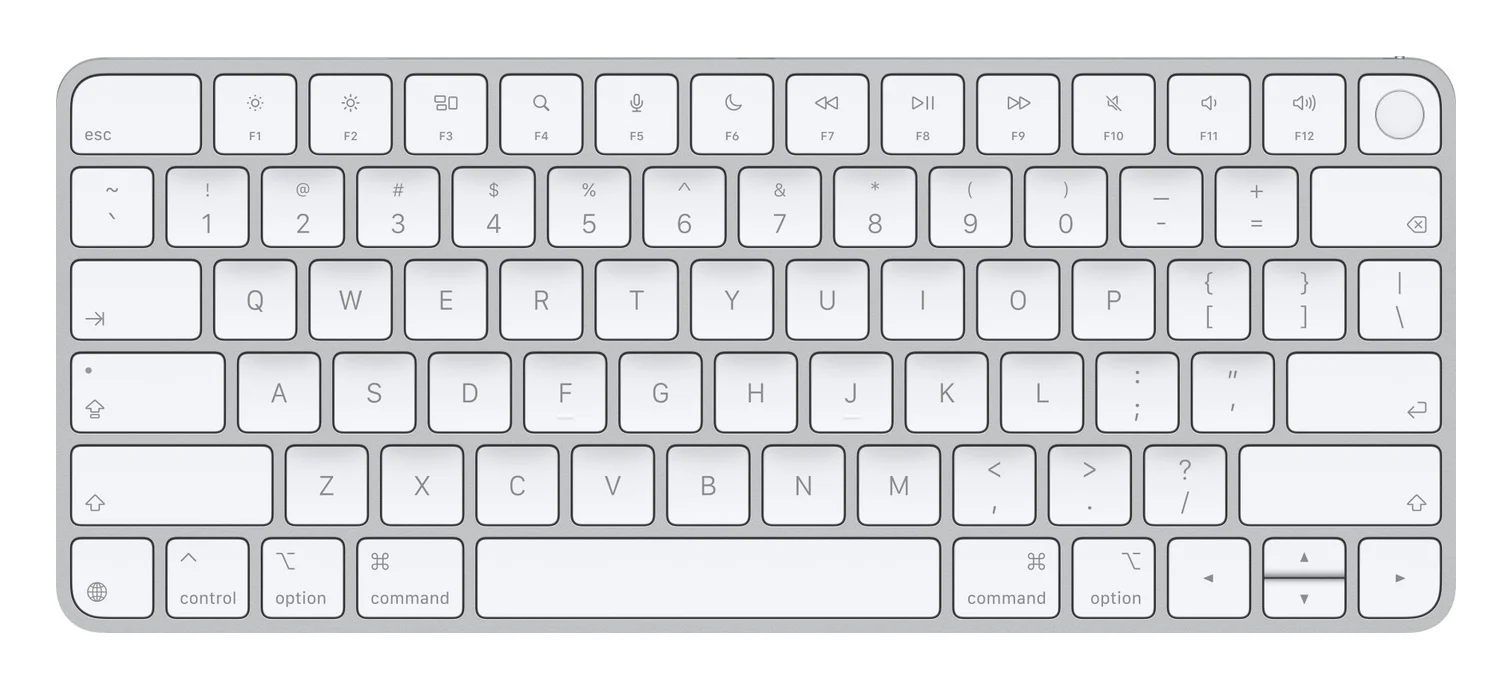
It is the compact layout without a numeric keypad, at 0.243 kg. It pairs with one device at a time, with no switching keys and no backlight, and Windows is not on Apple's compatibility list. Apple lists recent iPhones and iPads as compatible, but it describes Touch ID only for Macs, so treat it as a plain Bluetooth keyboard on an iPad.
See the Apple Magic Keyboard with Touch ID on Amazon
Best multi-device keyboard: Logitech MX Keys S
Logitech
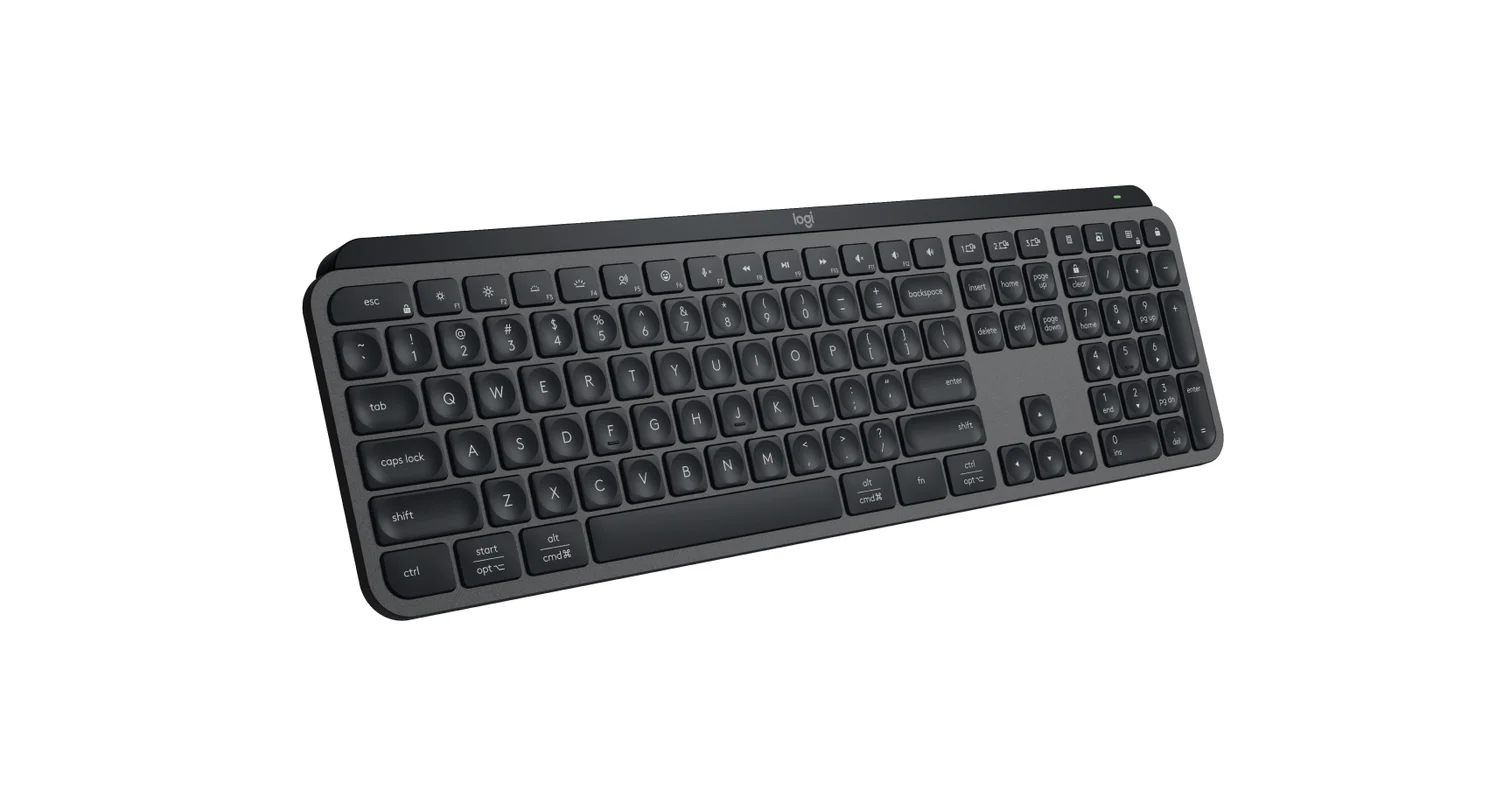
Logitech MX Keys S Wireless Keyboard (Graphite)
A full-size, low-profile wireless keyboard with smart backlighting that connects over Bluetooth or the included Logi Bolt USB receiver, switches between three devices and recharges over USB-C.
- 1 port
The MX Keys S is the keyboard for people who use more than one computer. Three Easy-Switch keys jump between paired devices, and it connects over Bluetooth Low Energy or the Logi Bolt receiver in the box. Logitech lists Windows, macOS, Chrome OS, Linux, and iPadOS for Bluetooth, so one board can serve a work Mac, a Windows PC and an iPad.
It is a full-size, low-profile keyboard with backlighting that turns on as your hands approach. Logitech rates the battery at up to 10 days with the backlight on and up to 5 months with it off, and it charges over USB-C with a USB-A to USB-C cable in the box, so you can keep typing while it charges. At 810g it is a desk keyboard.
The USB catch is the receiver: it is USB-A. On a USB-C-only MacBook, use Bluetooth, put the receiver in a hub, or pair it to a Logi Bolt USB-C receiver instead. Logitech also sells an MX Keys S for Mac with a Mac layout, but as a separate model. Smart Actions and backlight settings need Logi Options+.
See the Logitech MX Keys S on Amazon
Best low-profile mechanical: Keychron K3 Max
Keychron
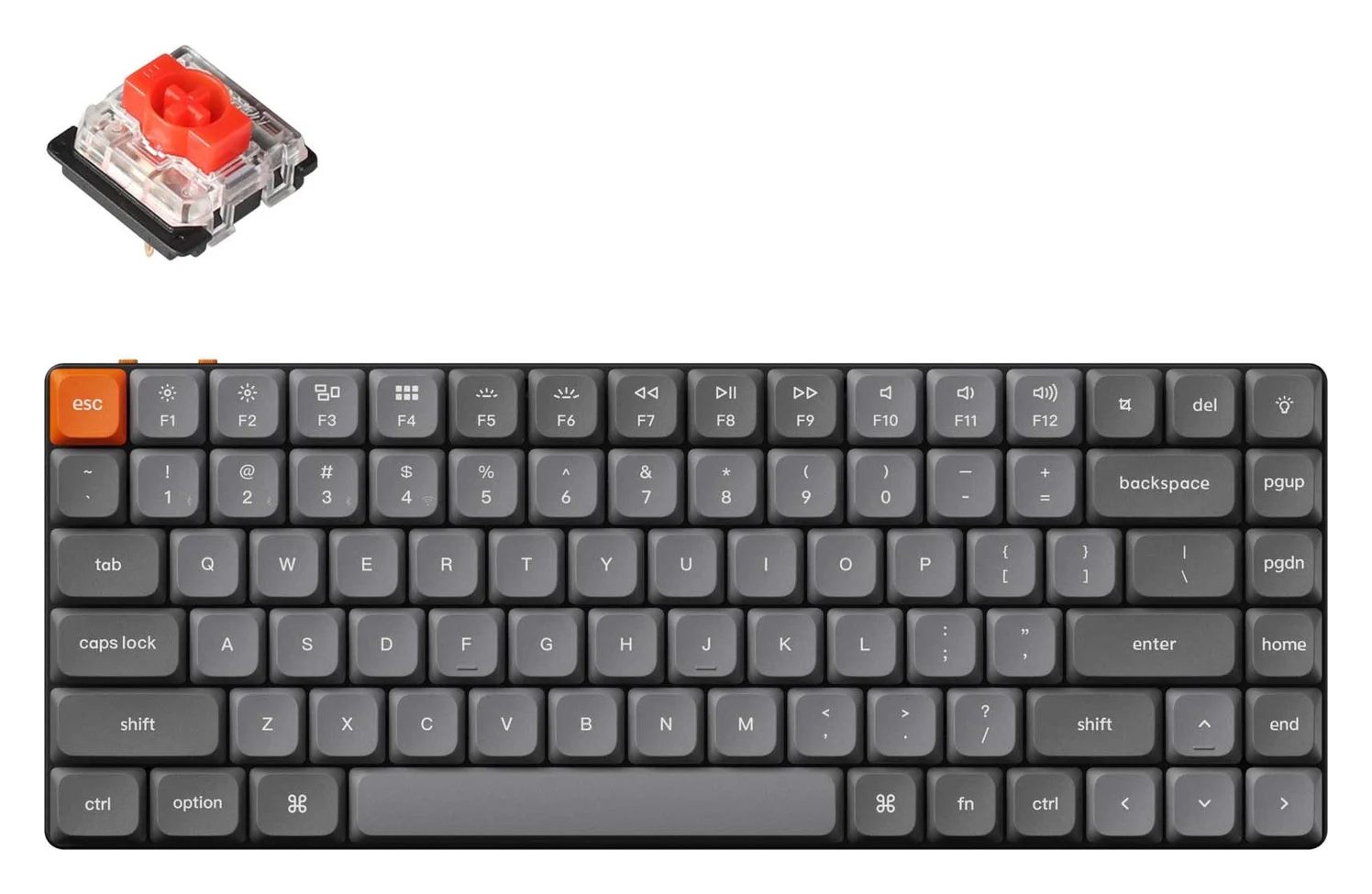
Keychron K3 Max Low-Profile Wireless Mechanical Keyboard (White Backlight, Gateron Red)
A slim 75% low-profile mechanical keyboard that connects over a 2.4GHz receiver, Bluetooth or a USB-C cable, with Mac and Windows keycaps.
- 1 port
If you want mechanical keys in a slim board that fits a laptop bag, the K3 Max is a good balance. It is a 75% layout with 84 keys, Gateron low-profile Red (linear) switches, and it connects three ways: a 2.4GHz USB receiver, Bluetooth 5.1 for up to three devices, or a USB-C cable. Keychron rates the 1,550mAh battery at about 73 hours of wireless use with the backlight off.
It ships with keycaps for both macOS and Windows, and keys can be remapped in the Keychron Launcher web app — useful if you want the Modifier keys arranged for your setup. The catch is USB: the 2.4GHz receiver takes a USB port, so on a USB-C-only MacBook you will use Bluetooth, which is usually simpler. There is no Touch ID.
See the Keychron K3 Max on Amazon
Best full-size mechanical: Satechi SM3 Slim Mechanical
The SM3 skips the compact layout and gives you a full-size 108-key board with a numeric keypad, with low-profile brown mechanical switches that Satechi describes as quiet and tactile. It connects up to two devices over dual Bluetooth 5.0 channels, one over its 2.4GHz USB-A receiver, and one wired over USB-C — all switchable on the keyboard. A rechargeable 2,500mAh battery powers it, and the USB-C port handles both charging and wired mode.
The layout is Mac by default, with Windows keycaps in the box if you switch the toggle. It is the heaviest board here, but it is the mechanical option if you want both the numpad and a firm key feel, and the 2.4GHz receiver and wired USB-C give you fallbacks if Bluetooth misbehaves. The 2.4GHz receiver is USB-A, so a USB-C-only MacBook needs a hub or adapter for that route.
Best for iPad and travel: Logitech Keys-To-Go 2
Logitech
Ultra-portable Bluetooth keyboard with built-in cover, low-profile scissor keys, and multi-device pairing for tablets, phones and laptops.
The Keys-To-Go 2 is the most portable pick here, aimed at typing on a tablet, phone or laptop when you are out. It has a built-in cover that protects the keys in a bag, low-profile scissor keys, and it connects over Bluetooth to up to three devices, switched with a tap. Logitech lists Android, ChromeOS, Windows, iPadOS, iOS and macOS, so it pairs with both an iPad and a Mac.
It runs on two replaceable coin cell batteries that Logitech rates at 3 years, so there is no charging port, and it has no backlight and no numeric keypad. If travel is the job, this is the one to slide in a bag.
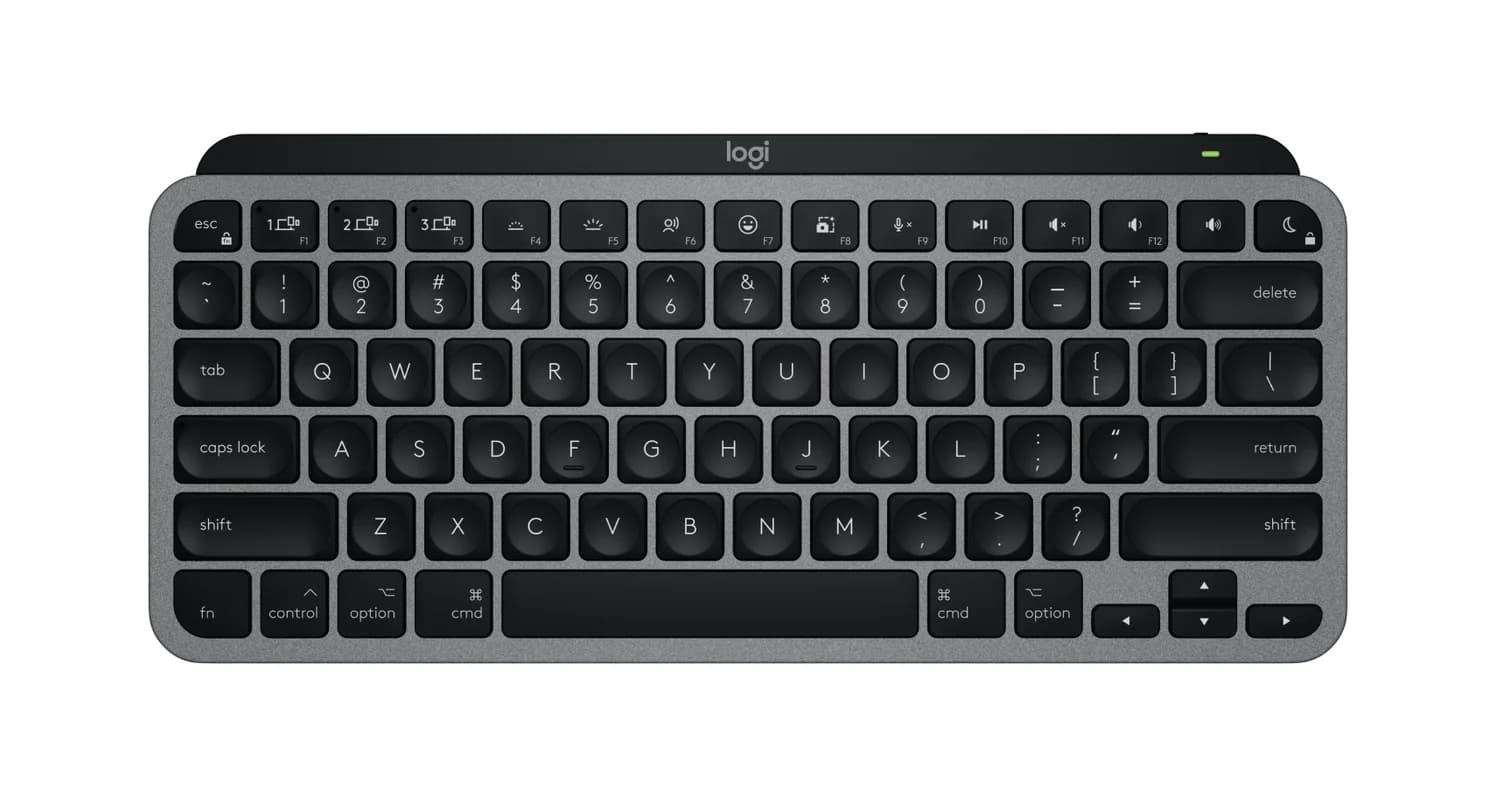
Also great: Logitech MX Keys Mini for Mac
Logitech
Minimalist wireless illuminated keyboard with a dedicated Mac key layout, Apple-matching finishes, smart backlighting and three-device Bluetooth switching.
For a compact Mac-layout board that stays at a desk or in a small setup, the MX Keys Mini for Mac pairs with up to three Macs and iPads over Bluetooth Low Energy, with a dedicated Mac key layout and Apple-matching space gray and pale gray finishes. Its smart illumination turns the keys on as your hands approach and adjusts to the light. There is no numeric keypad, and Logi Options+ is needed for Smart Actions and backlight customization.
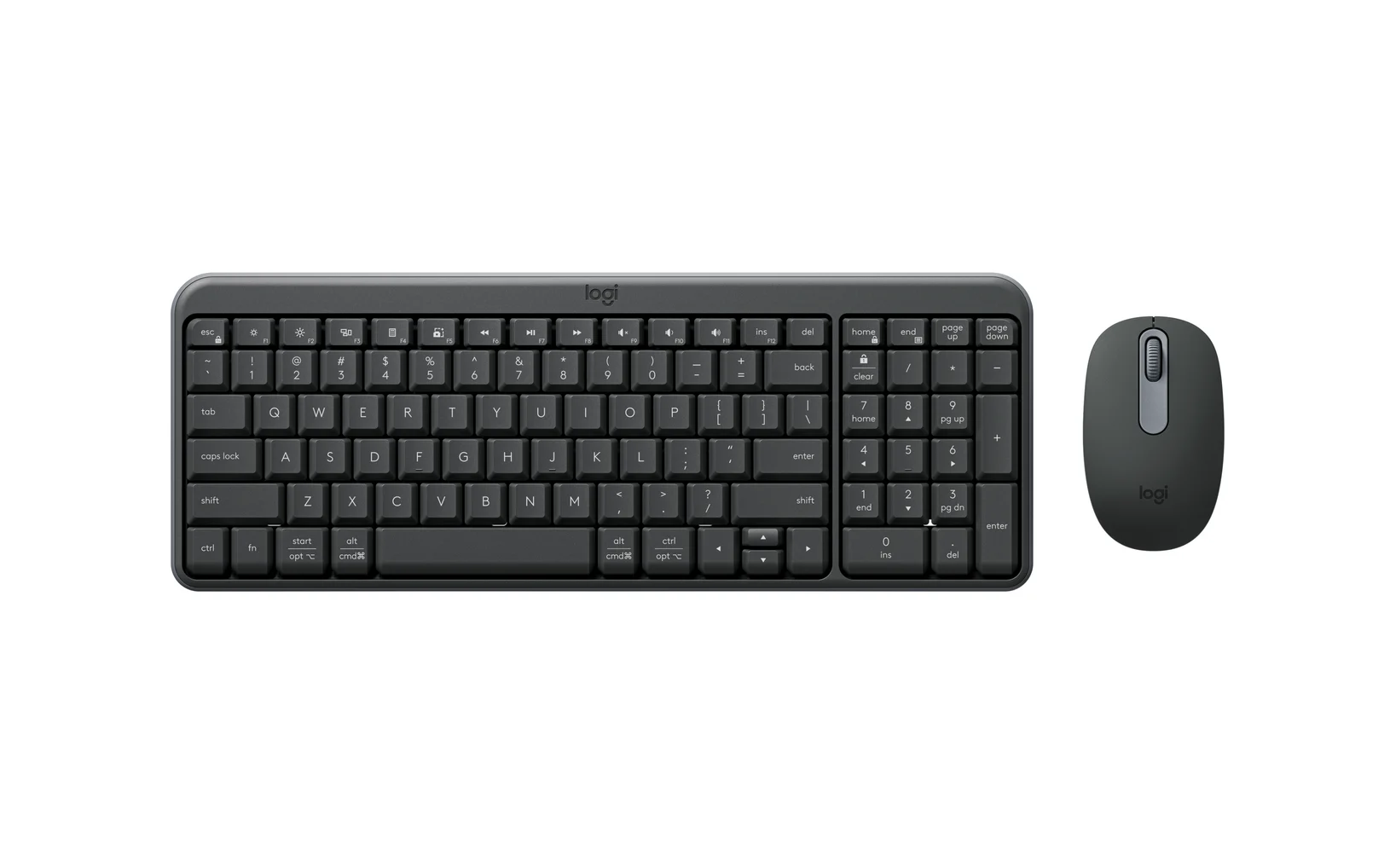
Best keyboard-and-mouse combo: Logitech MK250
Logitech
Bluetooth keyboard and mouse combo with a space-saving full-size layout, spill-resistant keyboard and 12-month battery life per the maker.
The MK250 adds a full keyboard and mouse to a computer that already has Bluetooth. It pairs over Bluetooth with no dongle, so USB ports stay free, and the space-saving keyboard still includes a numpad and all essential keys. Logitech rates the battery at 12 months (it varies with use) and sells it with spill resistance tested to a maximum of 60 ml of liquid. The keyboard uses a minimum of 64% post-consumer recycled plastic and the mouse 66%.
It is not Mac-first: Logitech lists Windows, macOS and ChromeOS, there is no backlight, and it runs on replaceable batteries rather than USB-C charging. If you mostly want a spare or shared board, it is a reasonable pick.
Also great: Satechi Slim X3
The Slim X3 is Satechi's extended-layout Bluetooth board, built around Apple users with a slim profile and an extended layout with macOS function keys. It pairs with up to four devices over Bluetooth 5.0 (switch with the 1/2/3/4 buttons), has USB-C for charging and wired mode, and offers ten adjustable backlight brightness levels. Two caveats: it cannot type a FileVault password at startup (pair again after login, or use an Apple keyboard), and under Windows 10 it pairs only through the Control Panel, with some F1–F12 keys not behaving as on Apple devices.
Also great: Satechi Slim X2
The Slim X2 is the smaller, full-size option in Satechi's line: it keeps the numeric keypad in an ultra-slim design, is described as designed for Mac and iOS, pairs with up to three devices over Bluetooth 5.0, and charges and runs wired over USB-C, with a USB-C recharging cable in the box. It covers you if you want a numpad without the extended layout, but L1 function keys and backlight need a paired host, and the backlighting is a simpler tier than the X3's ten levels.
How we choose
Every keyboard here is a current model from Apple, Logitech, Satechi or Keychron, judged on the manufacturer's own product page and spec sheet rather than our own testing: how it pairs over Bluetooth, how many devices it switches between, its USB-C charging and battery figures, whether it ships with a receiver and what shape that receiver is, and whether the layout suits a Mac. We favor boards that pair over Bluetooth so a MacBook or iPad needs no receiver, and we note the cases where a 2.4GHz receiver or a wired USB-C connection is a better fallback. We drop models the makers no longer list.
Bluetooth vs a USB receiver on a Mac
Bluetooth is the simplest connection for a Mac or iPad because there is nothing to plug in — every board here pairs directly, and a MacBook stays dongle-free. A 2.4GHz receiver can be more responsive and lets one receiver carry several devices, but it occupies a USB port, and on a USB-C-only MacBook that means a USB-A port, a hub or an adapter. Most people switching fairly low-latency keyboard keys will find Bluetooth fine; choose a receiver option (Satechi SM3, Keychron K3 Max) if you want it and have a port to spare. Wired USB-C is a useful fallback for charging or when Bluetooth is unavailable on the Satechi models.
Mac vs Windows layouts
A Mac layout puts Command (⌘) and Option beside the Space bar and often labels keys with symbols; a Windows layout puts Ctrl and Alt there. On Apple silicon Macs, only the Magic Keyboard with Touch ID adds a fingerprint sensor. If you use both a Mac and a Windows PC, boards with both keycap sets (Satechi SM3, Keychron K3 Max) or multi-device switching (MX Keys S, Satechi Slim X3/X2) make the switch painless.
Verdict
For the most Mac-specific experience, get the Apple Magic Keyboard with Touch ID — the fingerprint unlock alone justifies it on an Apple silicon Mac. For a multi-device desk, the Logitech MX Keys S switches three machines from one board. For mechanical typing, the Keychron K3 Max or Satechi SM3 are the low-profile options, and for travel the Keys-To-Go 2 slips into a bag.
If you are pairing a matching mouse, see our best mouse for MacBook roundup, and for wired boards and USB-C desk sets read best USB-C keyboards and mice. Ports on the iPad can matter too, so pair a USB-C hub for iPad, and for an iPad as a laptop stand-in see best USB-C tablets.
Frequently asked questions
Does the Magic Keyboard with Touch ID work with an iPad?
Apple lists it as compatible with recent iPhones and iPads, so it works as a regular Bluetooth keyboard there, but Apple describes the Touch ID key only for Macs with Apple silicon running macOS 15.1 or later. If you switch between a Mac, an iPad and a Windows PC, a multi-device board like the Logitech MX Keys S switches between three devices and is the easier fit.
Do I need a USB receiver, or is Bluetooth enough on a Mac?
Bluetooth is enough for typing on a MacBook, Mac mini or iPad, since all of these pair directly with no receiver. A 2.4GHz receiver (Satechi SM3, Keychron K3 Max) can be more responsive and can carry several devices, but it takes a USB port, and on a USB-C-only MacBook you need a USB-A port, a hub or an adapter. Bluetooth avoids the receiver entirely, which is usually the simpler call on a Mac.
Can I use one keyboard with my Mac, iPad and PC?
Yes, if the keyboard supports multi-device switching. The Logitech MX Keys S and MX Keys Mini for Mac switch between up to three devices; the Keychron K3 Max pairs three over Bluetooth; the Satechi Slim X2 switches three and the Satechi Slim X3 switches up to four; the SM3 switches two Bluetooth devices plus one 2.4GHz receiver and one wired USB-C connection. Just note that a Mac-layout board keeps Command and Option where Apple puts them, while a Windows-layout board swaps them.
How do I charge a wireless keyboard?
Most current boards charge over USB-C. The Apple Magic Keyboard with Touch ID charges through its rear USB-C port with the woven cable in the box, and pairs at the same time. Logitech's MX Keys S includes a USB-A to USB-C cable and can charge while you type. Satechi specifies the included USB-C cable supports up to 60W; other makers do not publish minimum wattage requirements, so any USB-C phone charger or computer port works.
What is the difference between a Mac layout and a Windows layout?
A Mac layout puts Command (⌘) and Option next to the Space bar where macOS expects them, and often labels keys like ⌘, ⌥ and caps lock with symbols. A Windows layout puts Ctrl and Alt in those spots. Keyboards such as the Satechi SM3 and Keychron K3 Max ship with both sets of keycaps, and on Apple silicon Macs the Touch ID key is Apple-only. If you type mostly in one OS, pick the layout that matches.
Are mechanical keyboards worth it on a Mac?
If you type a lot and want a firmer, more positive key feel, a low-profile mechanical board like the Keychron K3 Max or the Satechi SM3 is worth considering. Both are quieter than full-height mechanical boards, both have Mac and Windows keycaps, and both connect over Bluetooth plus a 2.4GHz receiver and USB-C. If you prefer a thin, quiet membrane feel, the Apple Magic Keyboard or the Logitech MX Keys S is the closer fit.
Related guides
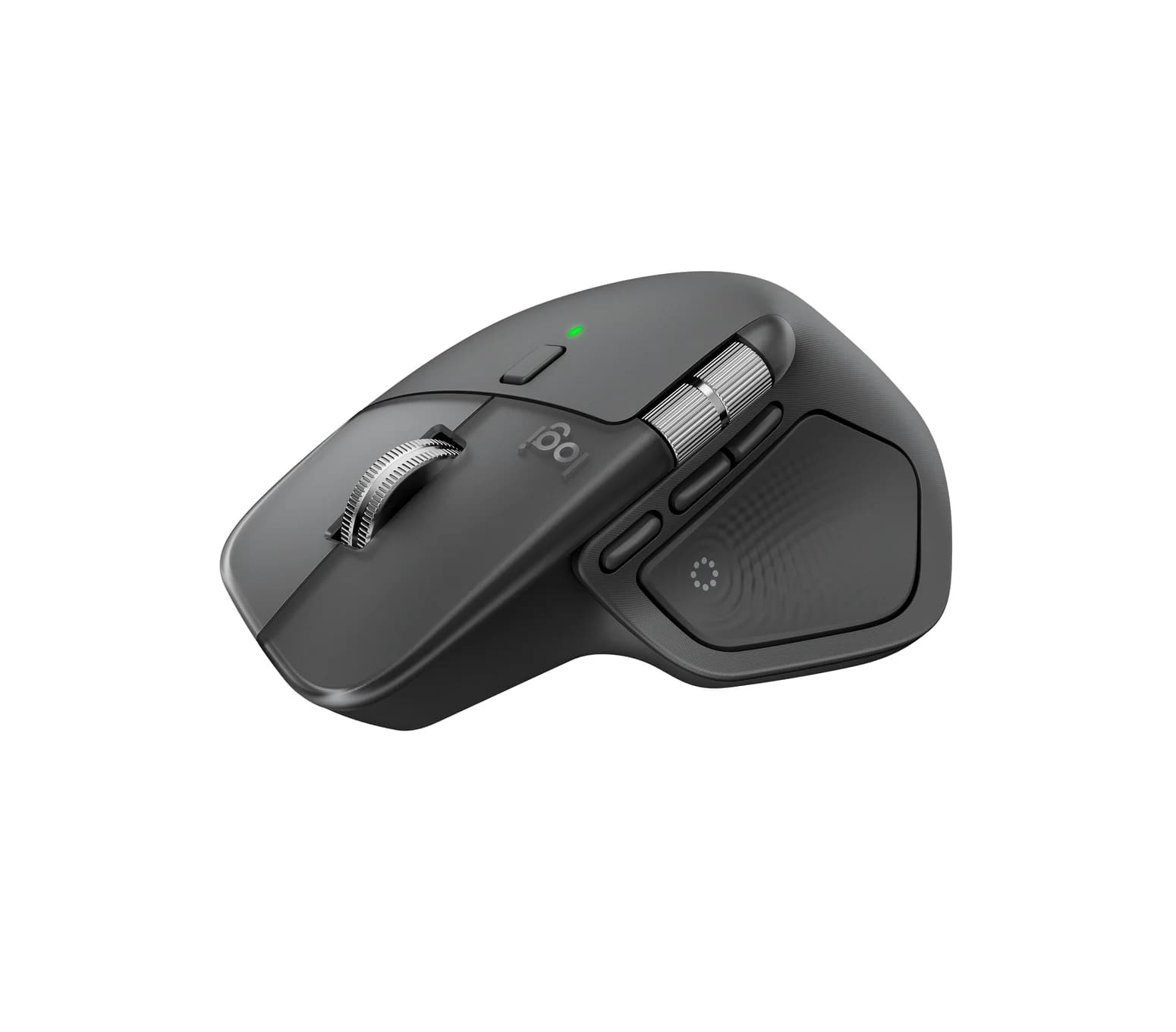
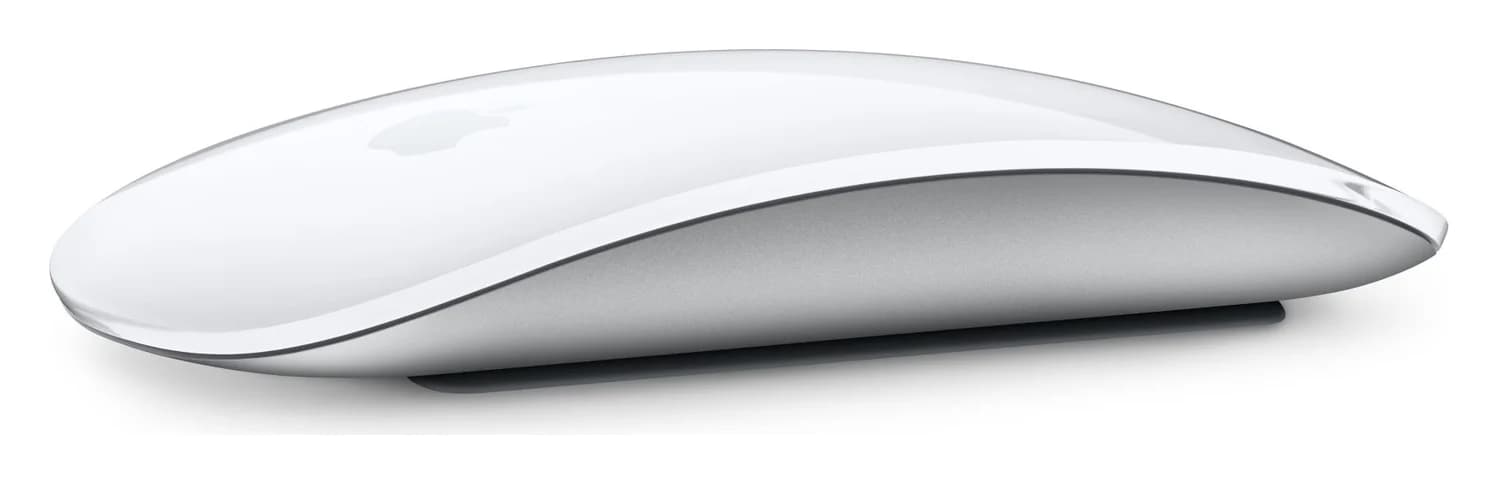
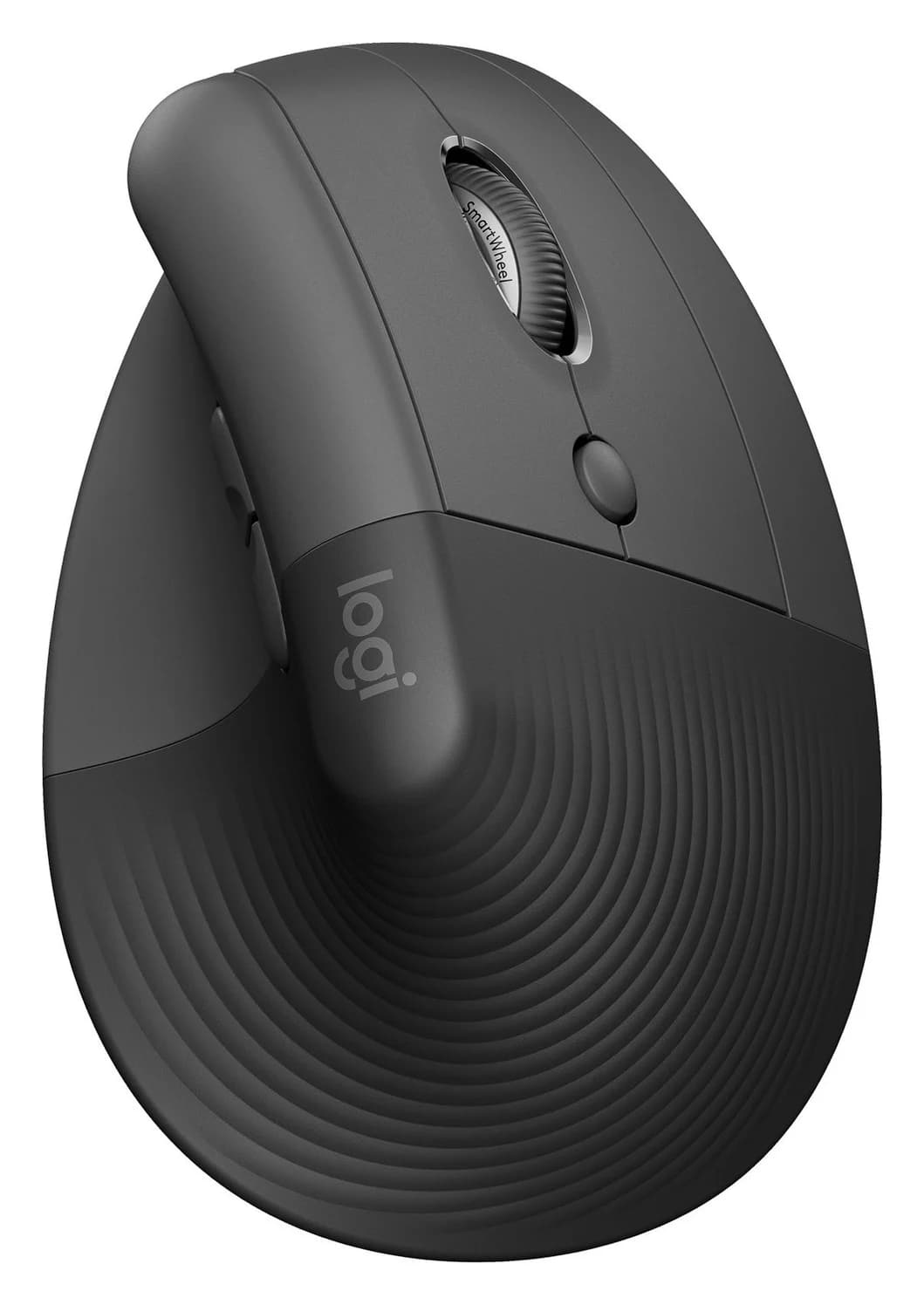
Best Mouse for MacBook: Bluetooth and USB-C Mice That Work Well with macOS
Bluetooth vs USB receiver, USB-C charging, macOS gestures, Logitech Options+, and size for travel versus desk — the picks that fit MacBook Air and Pro owners.
Updated November 22, 2026Read
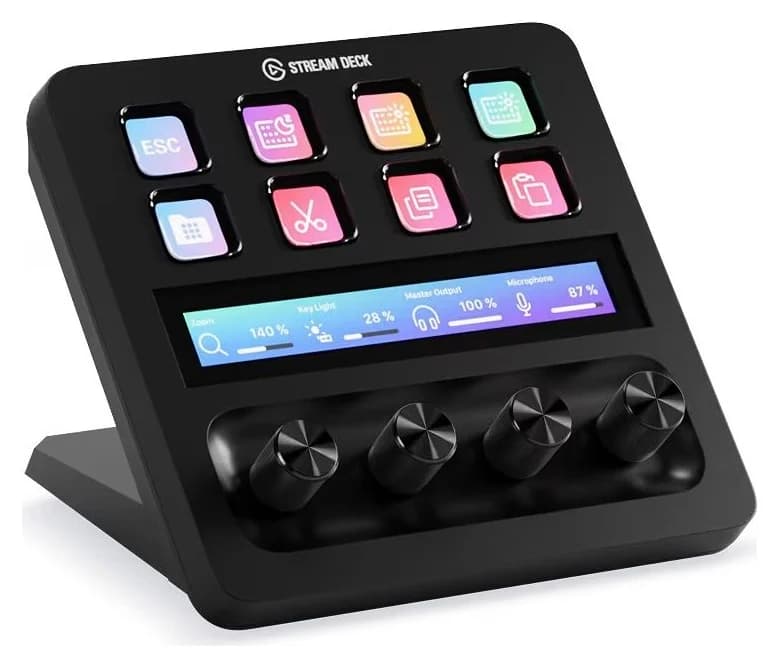
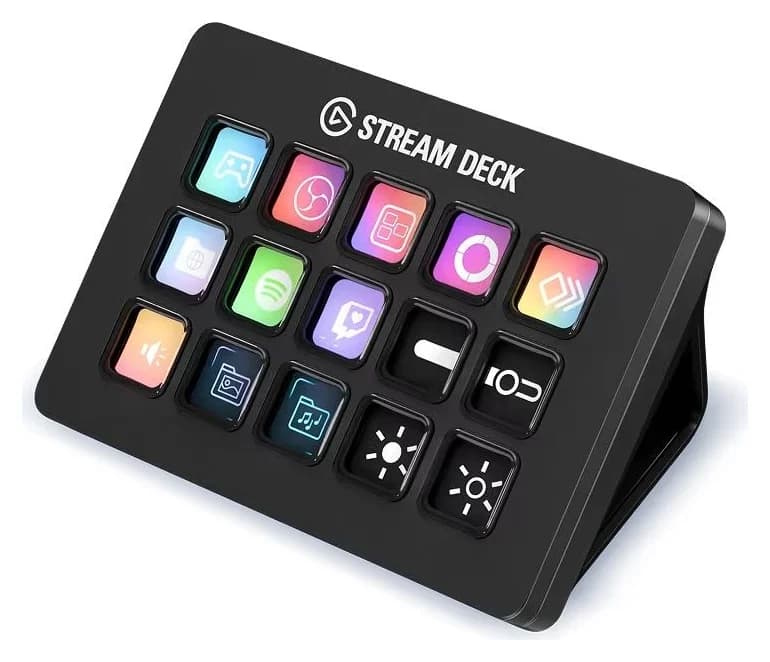
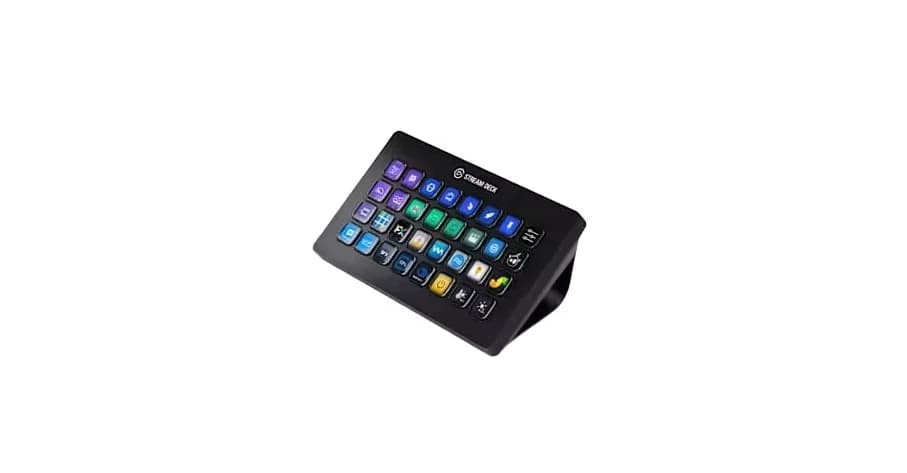
Which Elgato Stream Deck Should You Buy: Mini, MK.2, Plus or XL
A clear model-by-model guide to every Elgato Stream Deck — Mini, MK.2, Plus, XL and Pedal — with specs, ports and which one fits your desk.
Updated November 26, 2026Read
Best USB-C Keyboards and Mice 2026: Mac, Windows and iPad
Logitech's MX Keys S and MX Master 4 are the best USB-C rechargeable keyboard and mouse for most: three-device switching over Bluetooth or Bolt. Plus Mac picks.
Updated November 26, 2026Read