Skip to content

Plugable

Plugable USB-C Dual 4K HDMI MST Display Adapter (USBC-MSTH2)

A driver-free USB-C to dual HDMI adapter that uses DisplayPort MST to run two independent extended monitors from one USB-C port on Windows and ChromeOS.

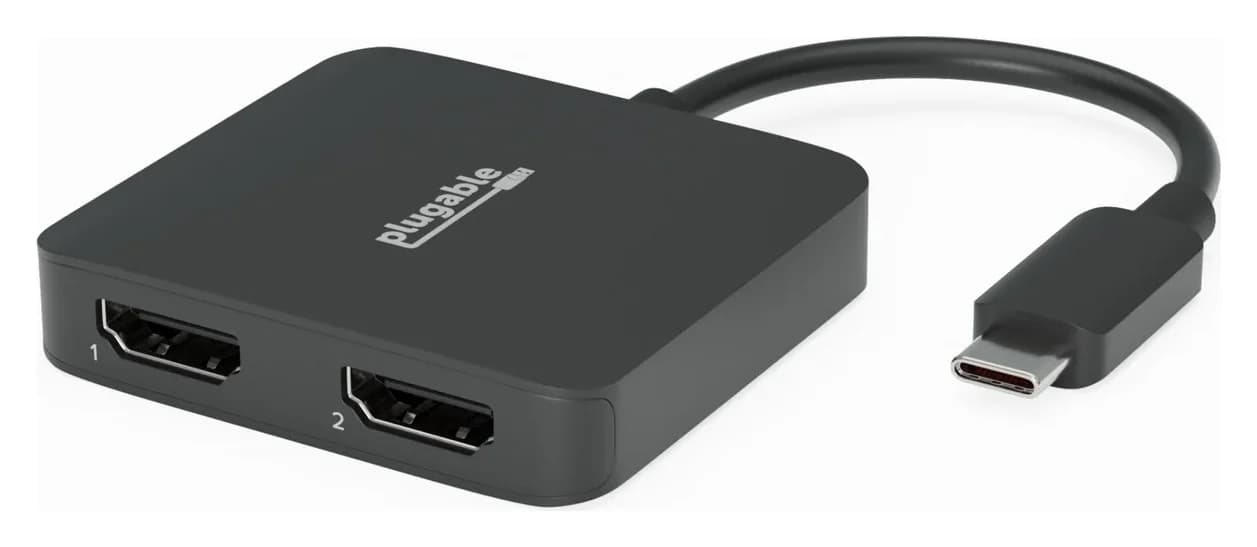
Plugable USBC-MSTH2 USB-C Dual 4K HDMI MST Display Adapter, black, with two numbered HDMI ports and attached USB-C cable
1 / 3 · hero · hover to zoom

Photo: Plugable

Ports & connections

Tap a port to see what it’s for.

Video outputs
2x HDMI 2.0, extended or mirrored; up to 3840x2160@60Hz each when the host supports DisplayPort 1.4 with DSC, dual 1080p@60Hz on DisplayPort 1.2 hosts
Technology
DisplayPort Multi-Stream Transport (MST) over USB-C Alt Mode; uses the computer's own graphics, no DisplayLink
Host connection
Attached 17cm (6.75in) USB-C cable; needs a USB-C, USB4 or Thunderbolt 3/4 port with DisplayPort Alt Mode
Power
Bus-powered from the host port; no charging pass-through
Laptop charging
None (no USB-C PD input)

What the specs mean for you

Display output

4K @ 60Hz

Smooth high-resolution output for a monitor or TV.

Two monitors on a Mac

Mirrored

macOS can’t extend two screens through this kind of hub (MST). Both monitors show the same image on a Mac; Windows can extend them.

Total ports

2

Compact: the essentials for travel or a light setup.

Why people pick it

  • Two independent extended monitors on Chromebooks and Windows laptops, with no driver or DisplayLink software
  • Uses the computer's own GPU, so no extra CPU load and HDCP-protected video plays
  • Up to two 4K@60Hz screens on hosts with DisplayPort 1.4 and DSC
  • Small 44 g bus-powered adapter with an attached cable

Know before you buy

  • Needs a USB-C port with DisplayPort Alt Mode; data-only USB-C ports won't work
  • Hosts with DisplayPort 1.2 drop to two 1080p@60Hz screens
  • Macs and iPads don't support MST, so the second screen mirrors
  • Takes a USB-C port with no charging pass-through or USB ports
  • Only works if the Chromebook itself supports two or more external displays

Full specifications

Video outputs2x HDMI 2.0, extended or mirrored; up to 3840x2160@60Hz each when the host supports DisplayPort 1.4 with DSC, dual 1080p@60Hz on DisplayPort 1.2 hosts
TechnologyDisplayPort Multi-Stream Transport (MST) over USB-C Alt Mode; uses the computer's own graphics, no DisplayLink
Host connectionAttached 17cm (6.75in) USB-C cable; needs a USB-C, USB4 or Thunderbolt 3/4 port with DisplayPort Alt Mode
PowerBus-powered from the host port; no charging pass-through
Laptop chargingNone (no USB-C PD input)
HDCPSupported, so protected streaming video can play
OS supportWindows 10 and 11, ChromeOS 100 or later; not recommended for macOS or Linux
Size / weight1.1 x 5.5 x 5 cm, 44 g

From manufacturer documentation, checked October 19, 2026. Spotted an error? Tell us.

Featured in

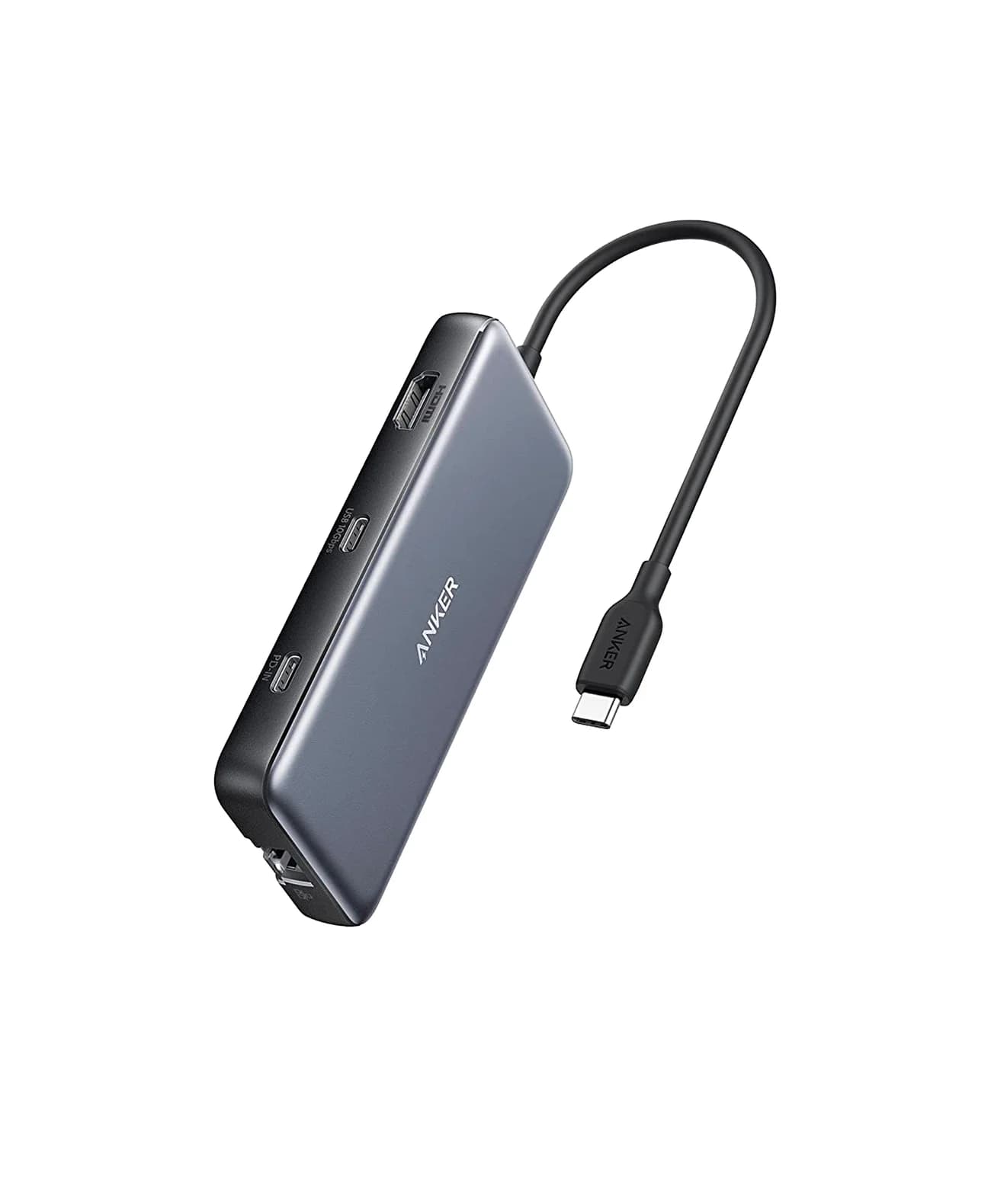
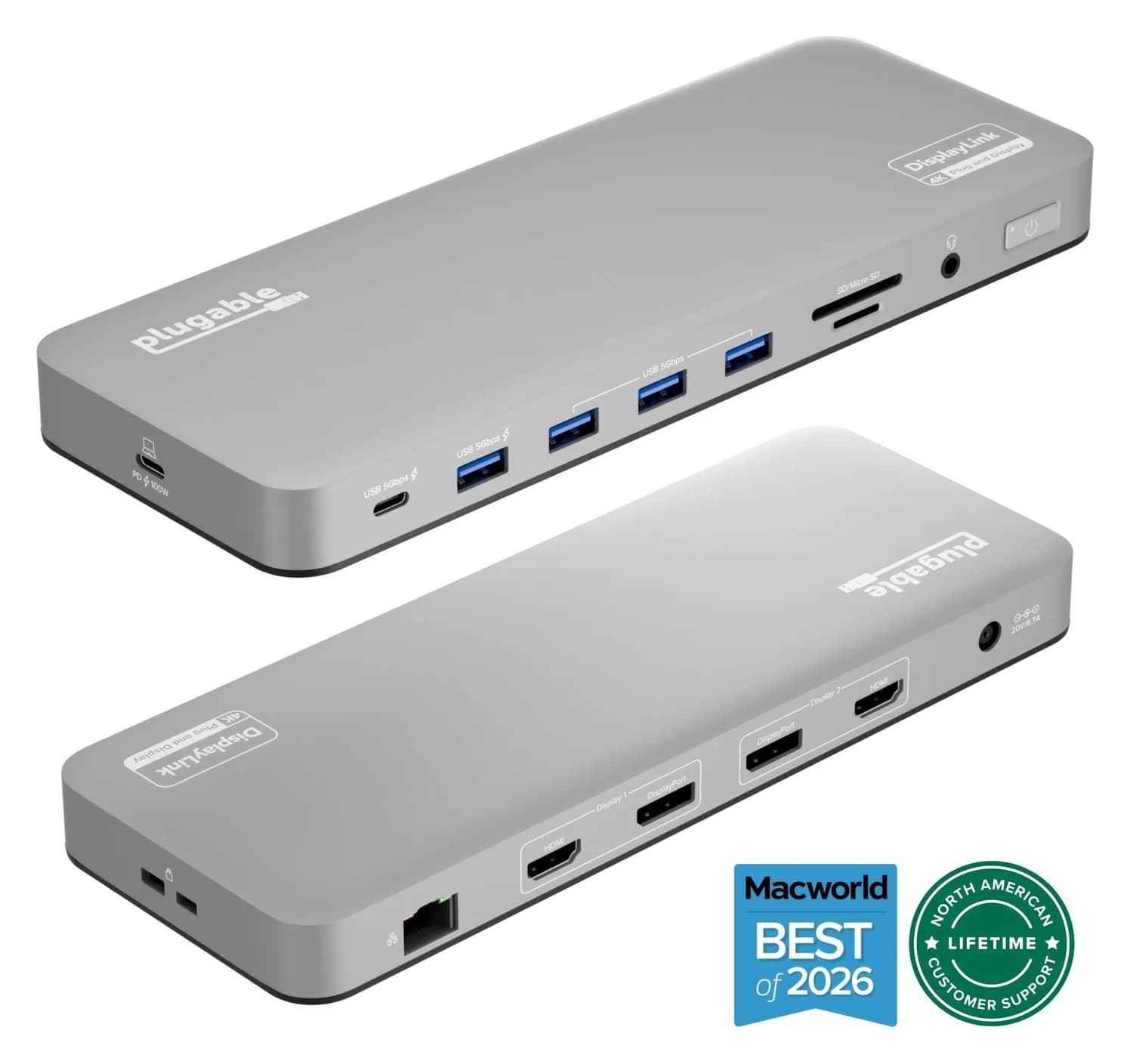
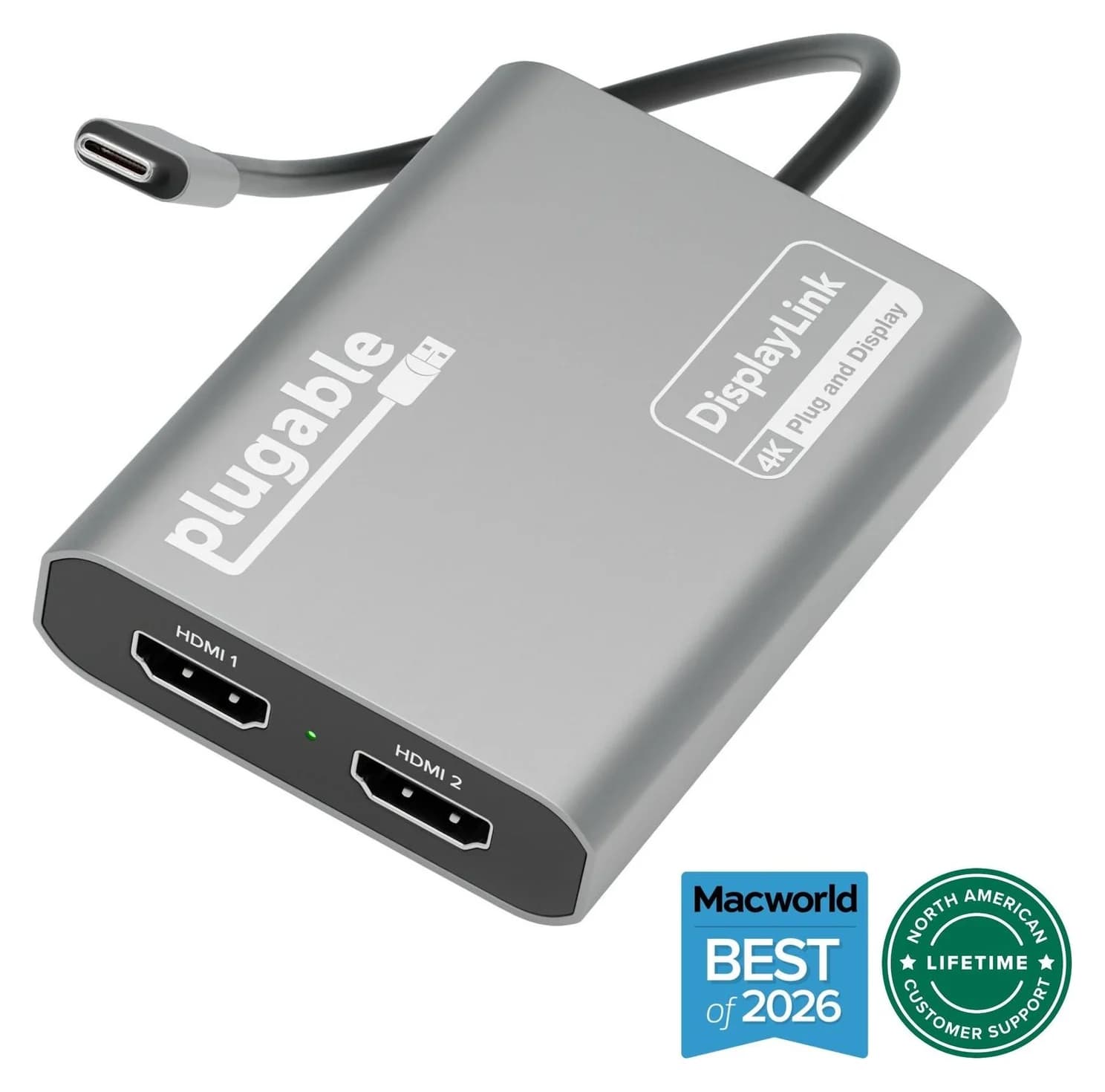
Alternatives to consider