Black Friday: the specs to check before you buy
Comparison
Updated November 5, 2026Baseus PicoGo 5K vs Anker Nano MagGo Slim 5K: Which to Buy?
Short answer
Choose the Anker Nano Power Bank (5K, MagGo, Slim), model A1665, for everyday wireless top-ups on a supported MagSafe iPhone: it offers Qi2-certified 15W wireless charging versus 7.5W for the ultra-slim Baseus PicoGo AM41 5K. Choose Baseus if its narrower, lighter body matters more and you accept the lower wireless ceiling; both advertise 20W USB-C output. For either, check your exact phone and case before buying.
Our picks at a glance
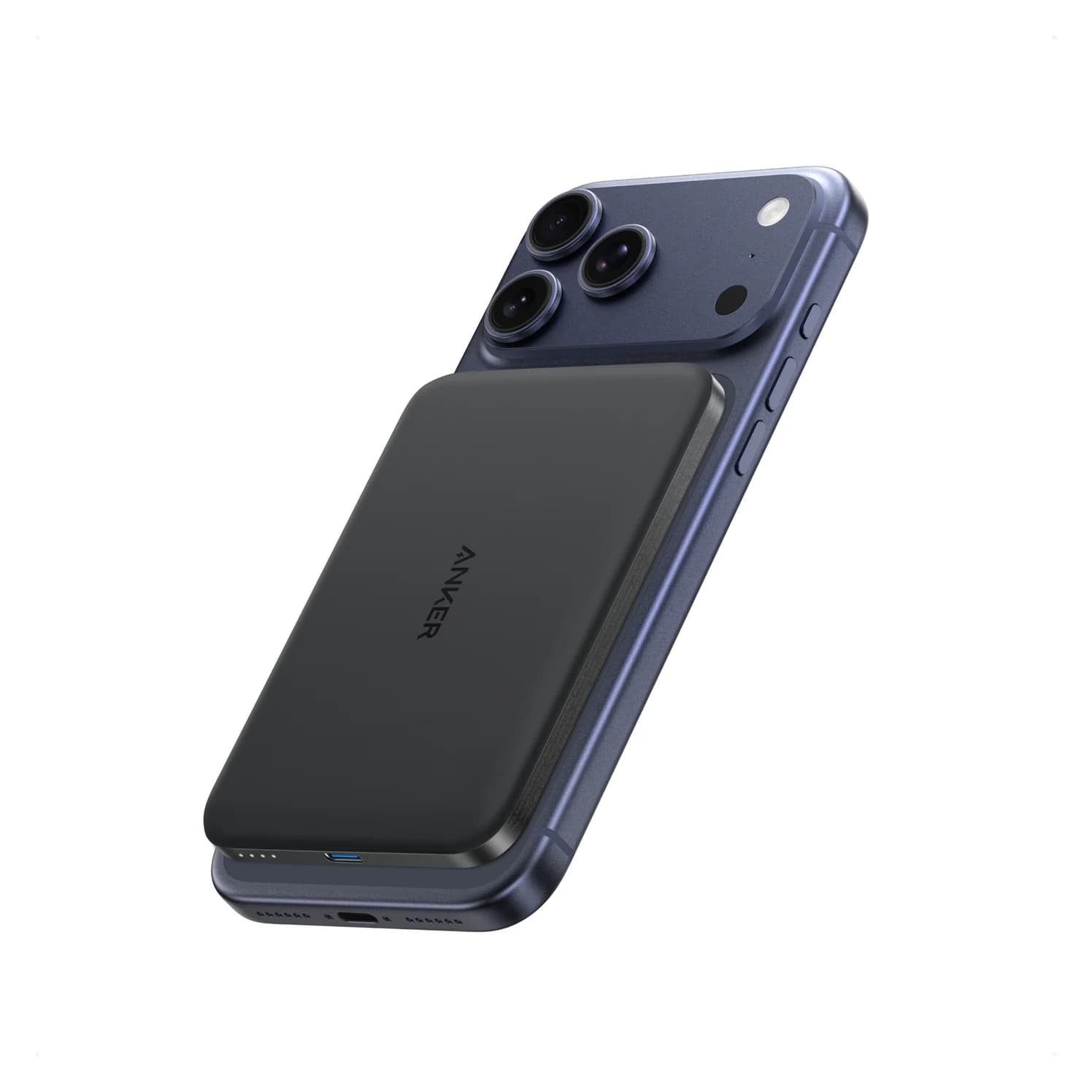
Best for wireless chargingAnker
Anker Nano Power Bank (5K, MagGo, Slim)
- max output
- 20W
- port
- 1
- Choose
- Qi2-certified 15W wireless output, 20W USB-C charging in either direction and pass-through support documented by Anker’s support FAQ at up to 7.5W wireless.
- Limit
- 5,000mAh is a top-up, not a full recharge for large phones
Quick picks
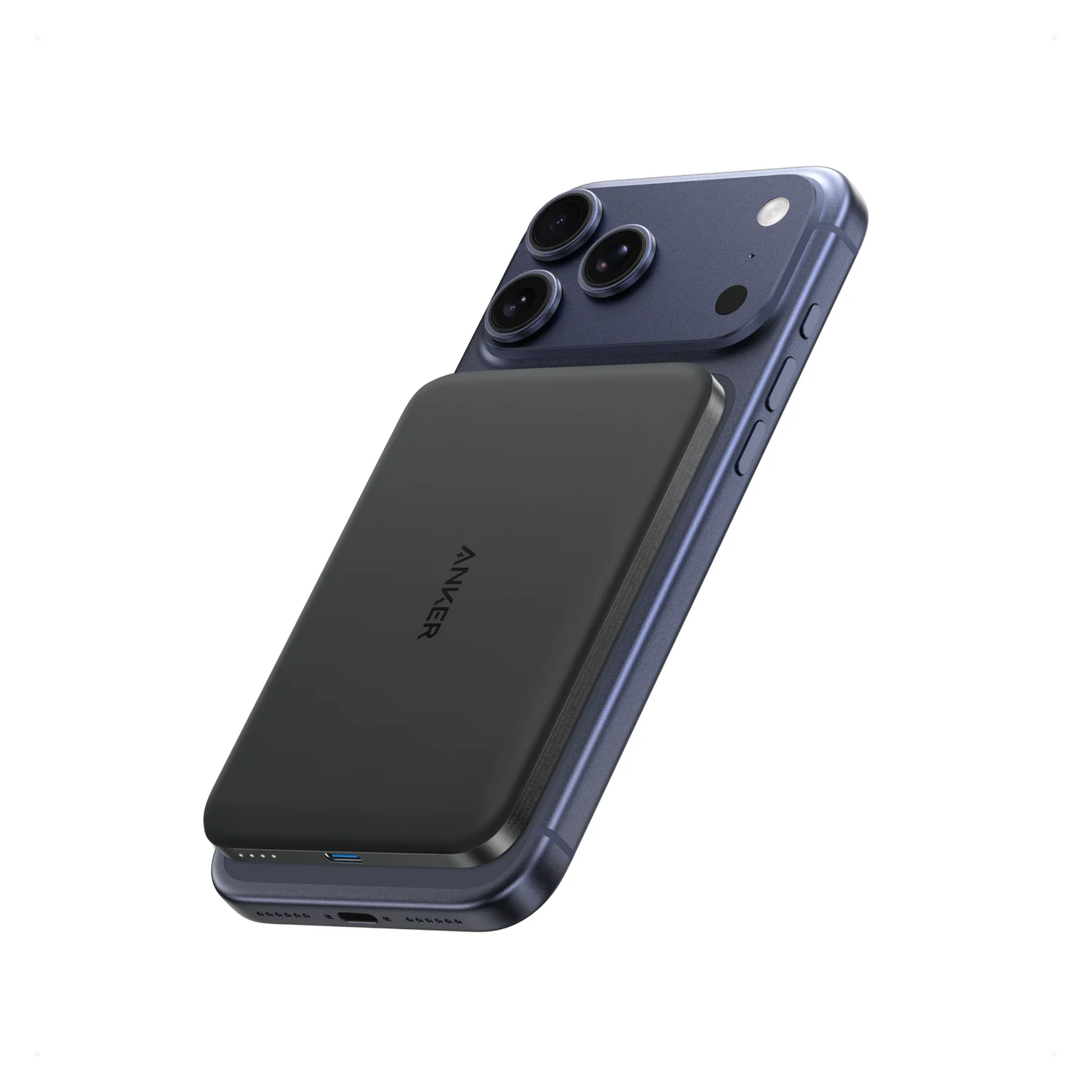
Best for wireless charging: Anker Nano A1665. My default when magnetic charging is the reason to buy; Anker also documents pass-through output.
Best for a narrower carry: Baseus PicoGo AM41 5K. Consider it for occasional top-ups or wired use, especially if the complete kit costs less. The exact reference here is Grey, SKU P1007680C813-00.
If fit is uncertain: confirm camera clearance first. Do not use a low advertised thickness as a substitute for checking the footprint.
Resolve the Baseus version before comparing
A search for “Baseus PicoGo Ultra-Slim Qi2 magnetic power bank” can mix different products. Baseus’s official comparison separates the AM41 5K, rated at 7.5W wireless, from the AM41 10K, listed with Qi2 15W wireless and 27W USB-C output. Its AM31 5K with a kickstand is another Qi2 version. This comparison concerns the ultra-slim AM41 5K, not either of those alternatives.
Baseus AM41 5K vs Anker A1665: the useful differences
| What matters | Baseus PicoGo AM41 5K | Anker Nano A1665 |
|---|---|---|
| Labeled cell capacity | 5,000mAh | 5,000mAh |
| Wireless maximum | 7.5W; the model-specific row does not list Qi2 | Qi2-certified 15W |
| USB-C output, used alone | Up to 20W | Up to 20W |
| USB-C input profiles | 5V/3A or 9V/1.67A | 5V/3A or 9V/2.22A |
| Published dimensions | 99.8 × 66.6 × 9.2 mm in comparison; 10 × 6.7 × 0.9 cm in product table | 102 × 70.6 × 8.6 mm in US specifications |
| Published weight | 110 g in comparison; approximately 112 g in product table | 122 g |
| Pass-through | Listed; mode-specific output unconfirmed | Up to 7.5W wireless while recharging, per Anker’s support FAQ |
| USB-C cable | Not listed by the maker | USB-C-to-USB-C cable listed |
| Full bank recharge | No duration given by the maker | Around 1 hour 54 minutes at 25°C with a 20W-or-higher charger |
Sources: Baseus model comparison, Baseus product specifications, Baseus input profiles, Anker US specifications and Anker support FAQ.
The published wireless ceilings are 7.5W for Baseus and 15W for Anker. They describe maximum output, not sustained charging speed on your phone.
Best for wireless charging: Anker Nano A1665
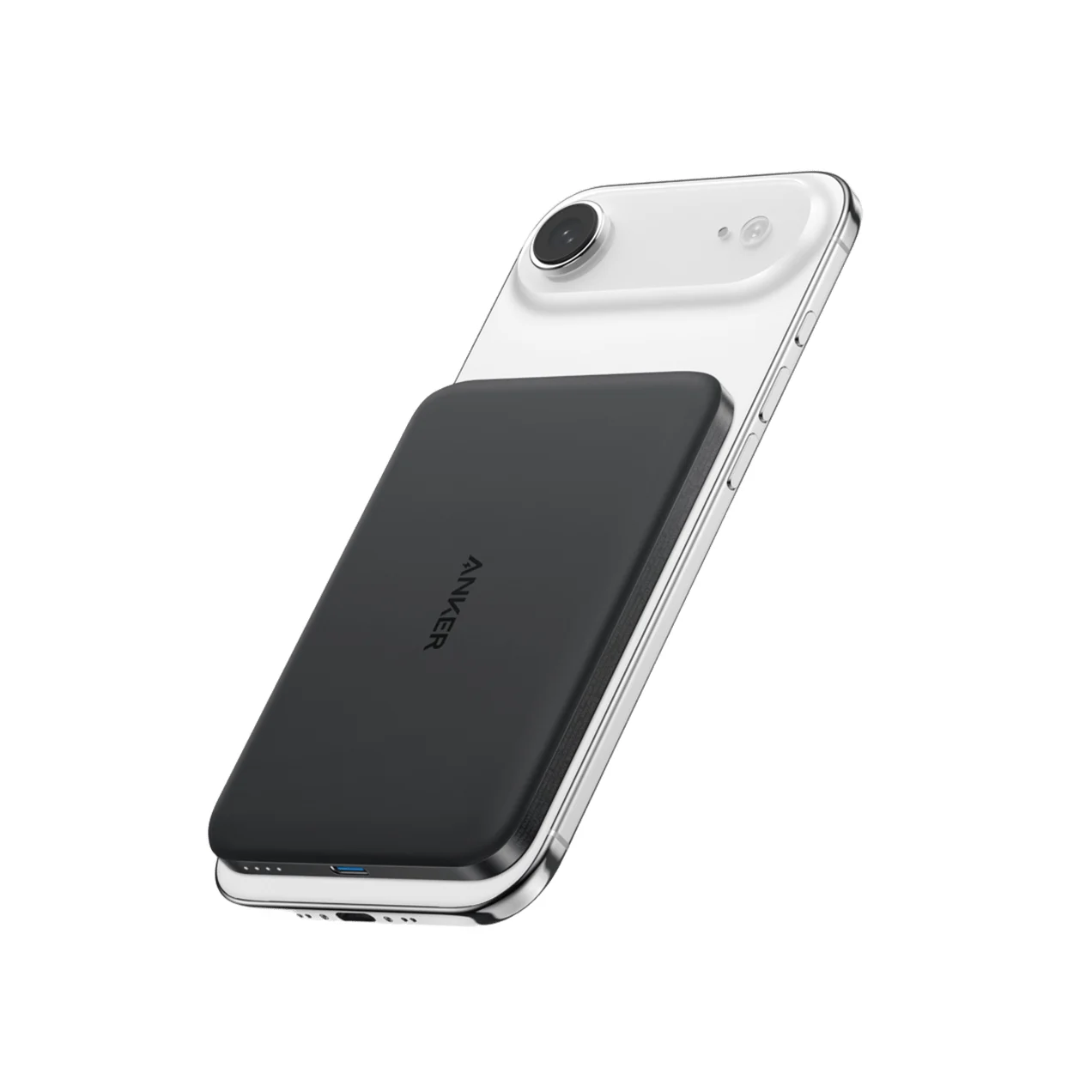
Anker
Anker Nano Power Bank (5K, MagGo, Slim)
An 8.6mm-thin 5,000mAh magnetic power bank with Qi2-certified 15W wireless charging and a 20W USB-C port.
- 20W max output
- 1 port
Buy Anker if you want to leave the cable in your bag most of the time. Its 15W Qi2 ceiling, 20W USB-C input/output, and documented pass-through mode make it the stronger default for that routine. It also lists a USB-C-to-USB-C charging cable, so a compatible USB-C phone has a documented wired fallback in the package.
Charging another device by cable while using the wireless pad changes the specification: Anker lists USB-C at 5V/2.4A maximum plus 5W wireless for combined output. Pass-through is a separate situation: when the bank is plugged in to recharge, its support FAQ allows up to 7.5W wireless. Neither mode preserves the standalone wireless maximum.
The 102 × 70.6 mm footprint is the fit check; the US body thickness is 8.6 mm and weight 122 g. Anker says this model has no kickstand. If the bank will stay attached while you hold the phone, decide whether the larger footprint is comfortable before paying extra for faster wireless output.
Best for a narrower carry: Baseus PicoGo AM41 5K
Baseus is the reasonable alternative when width and weight take priority. Its model comparison lists 99.8 × 66.6 mm and 110 g; the product table rounds the body to 10 × 6.7 cm and lists approximately 112 g. Its model-comparison footprint and weight are below Anker’s published figures; the product table also gives a smaller footprint, but its approximately 112 g weight is closer to Anker’s 122 g. That supports a narrower, lighter choice on paper, without establishing camera clearance on your case.
Its 20W USB-C output matches Anker’s advertised wired ceiling, so the wireless difference matters less if you usually plug in. The 7.5W wireless rating is the tradeoff for cable-free use. Baseus lists pass-through charging, but the retrieved product text gives no mode-specific output or priority rules; do not build an overnight charging plan around assumed full-speed output.
See the exact Grey Baseus model and current bundle.
How we choose
Recommendations use manufacturer specifications, the model-specific Anker manual and support FAQ, and explicit phone/case compatibility limits. No physical testing was performed for this guide. We do not assign measured charging times, magnetic holding strength or usable-energy results to either bank. Conflicting maker figures remain visible rather than being silently combined.
For more options outside this exact pair, see our MagSafe power bank guide. Use our fast-charging cable guide when choosing a spare.
Buying guide: check the phone, case and charging routine
Treat thickness claims cautiously. Baseus promotes 0.3 inches, while its own specification table says 0.9 cm and its model comparison says 9.2 mm. Anker’s UK description says 7.6 mm, but that page’s table and the US table both say 8.6 mm. These are maker conflicts, not evidence of a confirmed different hardware revision. Do not award either a thickness win from the headline alone.
Match the exact phone first. Anker’s manual excludes iPhone 12 mini, 13 mini and 16e from wireless charging compatibility. Anker publishes MagSafe iPhone compatibility for the 15 or 16 series; Baseus’s comparison page says only “iPhone 12 and newer,” so verify your exact phone and case before relying on wireless charging. Anker’s US page also lists the iPhone 17 series and Pixel 10 series, while its compatibility block excludes iPhone 16e and iPhone 12/13 mini; another note still says it is exclusively for MagSafe iPhones from 12 through 16. Verify those newer or Android combinations with Anker instead of treating its mixed wording as universal support.
Keep the same case in the comparison. Anker requires a MagSafe-compatible case and warns against cases thicker than 2.5 mm. It says cards, keys and grips can interfere with charging. Baseus’s comparison page lists only “iPhone 12 and newer”; it does not establish MagSafe, case or camera-clearance requirements for a particular phone. A magnetic attachment by itself is insufficient proof of a flush fit.
Use the published footprints above for a paper-template check before ordering. Align each template with the case’s charging ring, inspect the camera edge, then check the bottom and sides. This screens for obvious overlap; it cannot prove magnetic strength or charging performance.
Match your phone
Confirm the exact model on the maker’s compatibility list.
Compare the footprints
Align paper templates with the case’s charging ring; inspect camera, bottom and side clearance.
Inspect the case
Follow Anker’s magnetic-case limit above and remove interfering attachments.
Pack the right wired cable for fast charging. Apple specifies a USB-C cable for fast charging iPhone 15 or later, and a USB-C-to-Lightning cable for fast charging earlier iPhones. Anker’s package includes a USB-C-to-USB-C charging cable, so you will need a separate USB-C-to-Lightning cable for an earlier Lightning iPhone. Budget the appropriate cable for either bank rather than assuming the package covers your phone. See Apple’s cable requirements.
Capacity and recharge time: what the evidence actually establishes
Both are labeled 5,000mAh. Baseus estimates 2,750–3,250mAh available after conversion losses; Anker’s support FAQ gives 2,750–3,250mAh too. These are manufacturer estimates, not matched measurements of energy delivered to the same phone.
Anker’s product-page overview instead estimates 2,750–3,500mAh, and a later FAQ on that page says roughly 2,700–3,500mAh. The differing ranges do not demonstrate that Anker delivers more usable energy. Without shared voltage, load, temperature and charging-mode conditions, they cannot establish an endurance winner. Plan for backup top-ups rather than a guaranteed complete phone recharge.
Neither maker publishes a labeled Wh figure for its bank; do not turn the cell-capacity label into claimed delivered watt-hours. For recharging, Anker’s FAQ specifies around 1 hour 54 minutes at 25°C, using a 20W-or-higher charger; its manual rounds that to about 2 hours. No verified Baseus recharge duration is available here. Baseus’s published 5V/3A or 9V/1.67A input profile alone cannot establish a full-charge time.
When a cheaper Baseus is worth choosing
Compare complete kits: the exact bank and colour, the charging cable you need, a compatible wall charger, and any replacement magnetic case. Anker lists a USB-C-to-USB-C cable; Baseus does not confirm a cable in the box. Do not assume a wall charger is included with either: verify the selected bundle, and use Anker’s 20W-or-higher charger and 3A cable recommendation as the recharge requirement for A1665.
My buying rule: choose Baseus if the complete kit costs less, its narrower footprint solves your carry problem, and you are content with the lower wireless ceiling. Choose Anker when you expect to use wireless regularly or need its documented pass-through output. If a new case or missing cable erases the saving, reconsider the offer. No current discount or checkout total is assumed.
Verdict
For a supported MagSafe iPhone in a suitable case, the Anker Nano A1665 is the better default: 15W Qi2, 20W USB-C, and clearer pass-through documentation. The Baseus PicoGo AM41 5K is worth choosing for its smaller published footprint and lower weight if 7.5W wireless is enough. Settle the phone/case fit and complete kit first; neither maker’s capacity estimate justifies an endurance win.
Frequently asked questions
Is the Baseus PicoGo Ultra-Slim 5K a Qi2 power bank?
The AM41 ultra-slim 5K compared here is listed at 7.5W wireless in Baseus’s model table. Baseus separates it from the AM41 10K with Qi2 15W and the AM31 5K with a kickstand and Qi2 15W. Check the model, capacity and wireless rating together; a PicoGo family name or a magnetic attachment is insufficient to identify the charging version.
Which is thinner: Baseus PicoGo 5K or Anker Nano Slim?
Anker’s US specifications say 8.6 mm. Baseus’s product table says 0.9 cm, while its model comparison says 9.2 mm and its promotional copy says 0.3 inches. Anker’s UK description also conflicts with its own table: 7.6 versus 8.6 mm. Those inconsistencies prevent a reliable smallest-thickness verdict. Baseus does have the smaller published footprint and lower published weight.
Will Anker A1665 work with an iPhone mini or iPhone 16e?
Anker’s A1665 manual specifically excludes iPhone 12 mini, iPhone 13 mini and iPhone 16e from wireless compatibility. Follow those exceptions rather than the broader series names elsewhere on the product page. Baseus’s broad iPhone compatibility wording does not establish camera clearance on a particular small phone and case. Do not buy either for that fit without model-specific confirmation.
How much usable capacity do these 5K power banks deliver?
Baseus estimates about 2,750–3,250mAh, and Anker’s support FAQ gives the same range. Anker’s product page instead gives 2,750–3,500mAh in its overview and roughly 2,700–3,500mAh in another FAQ. These are manufacturer estimates with insufficient shared test conditions for an endurance comparison. Treat both as top-up banks; neither estimate guarantees a full recharge of your particular phone.
Can I charge an iPhone wirelessly on the Anker A1665 while recharging the power bank?
Anker explicitly supports pass-through charging, with wireless output up to 7.5W while the bank itself recharges. Baseus lists pass-through charging on its product page, but Baseus does not publish that mode’s output or power priority. If overnight charging from a single wall connection matters, Anker supplies the clearer published specification; do not assume its normal 15W wireless maximum applies during pass-through.
Related guides
Baseus PicoGo Qi2 5K vs UGREEN MagFlow 5K: The Honest Answer in 2026
No UGREEN MagFlow 5K exists — the real Qi2 5K showdown is Baseus PicoGo vs Belkin BoostCharge Pro 10K. Here are the picks, specs, and gotchas.
Updated November 5, 2026Read
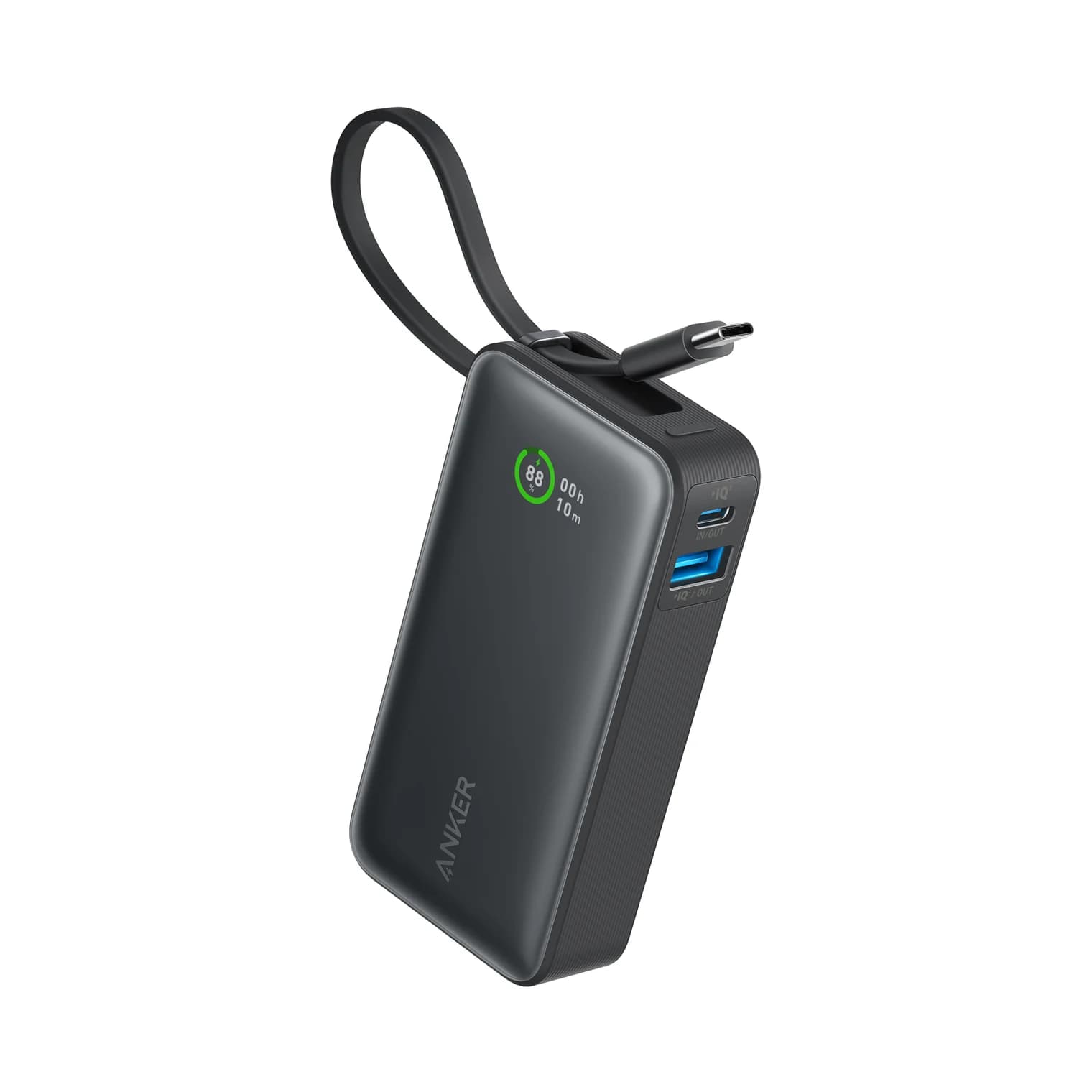
Anker Zolo 10K Power Bank Review: A1688 vs the Nano 10K
Anker Zolo 10K vs Nano 10K: compare built-in cable length, 30W charging, shared output, refill speed and the complete kit, from the makers' own documents.
Updated November 5, 2026Read
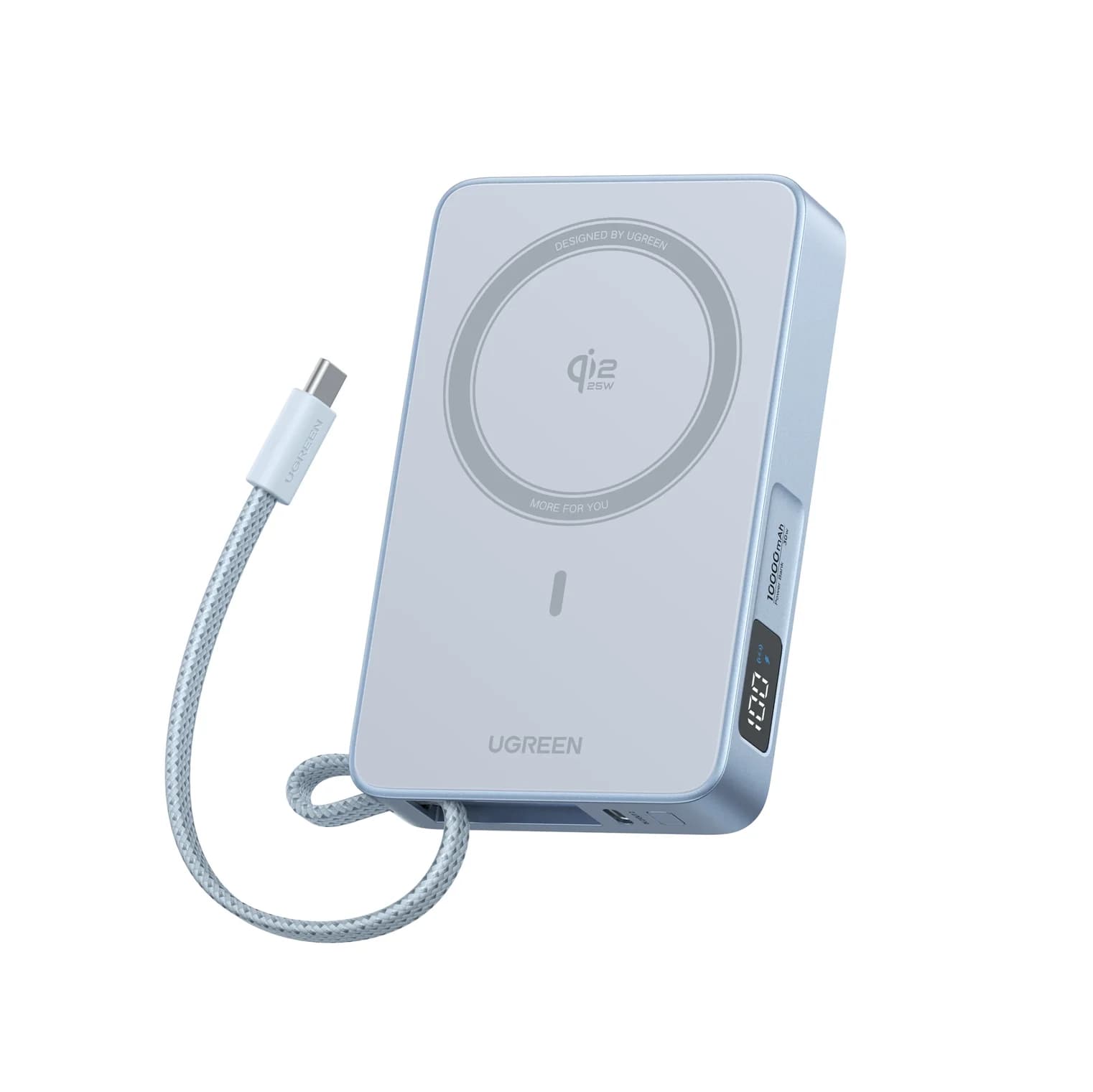
Anker Nano MagGo Slim 5K vs UGREEN MagFlow 10K: Which Magnetic Power Bank?
The Anker MagGo Slim 5K is the 8.6 mm pocket card; the UGREEN MagFlow 10K adds Qi2 25W and a built-in cable. Exact specs, phone fit and honest capacity.
Updated November 5, 2026Read