Black Friday: the specs to check before you buy
Best picks
Updated November 5, 2026Best USB-C Audio Adapters: iPhone, Android and Charging
Short answer
The best USB-C audio adapter for straightforward wired listening on a compatible USB-C iPhone is Apple's USB-C to 3.5 mm Headphone Jack Adapter. Choose StarTech USBCAUDIO2 when documented headset microphone and inline-control support matter most, or Belkin RockStar NPA004 when you need audio and wired charging together. Match the phone, headset functions and exact model before buying: Belkin's similarly named older adapter has materially different microphone and charging specifications.
Our picks at a glance
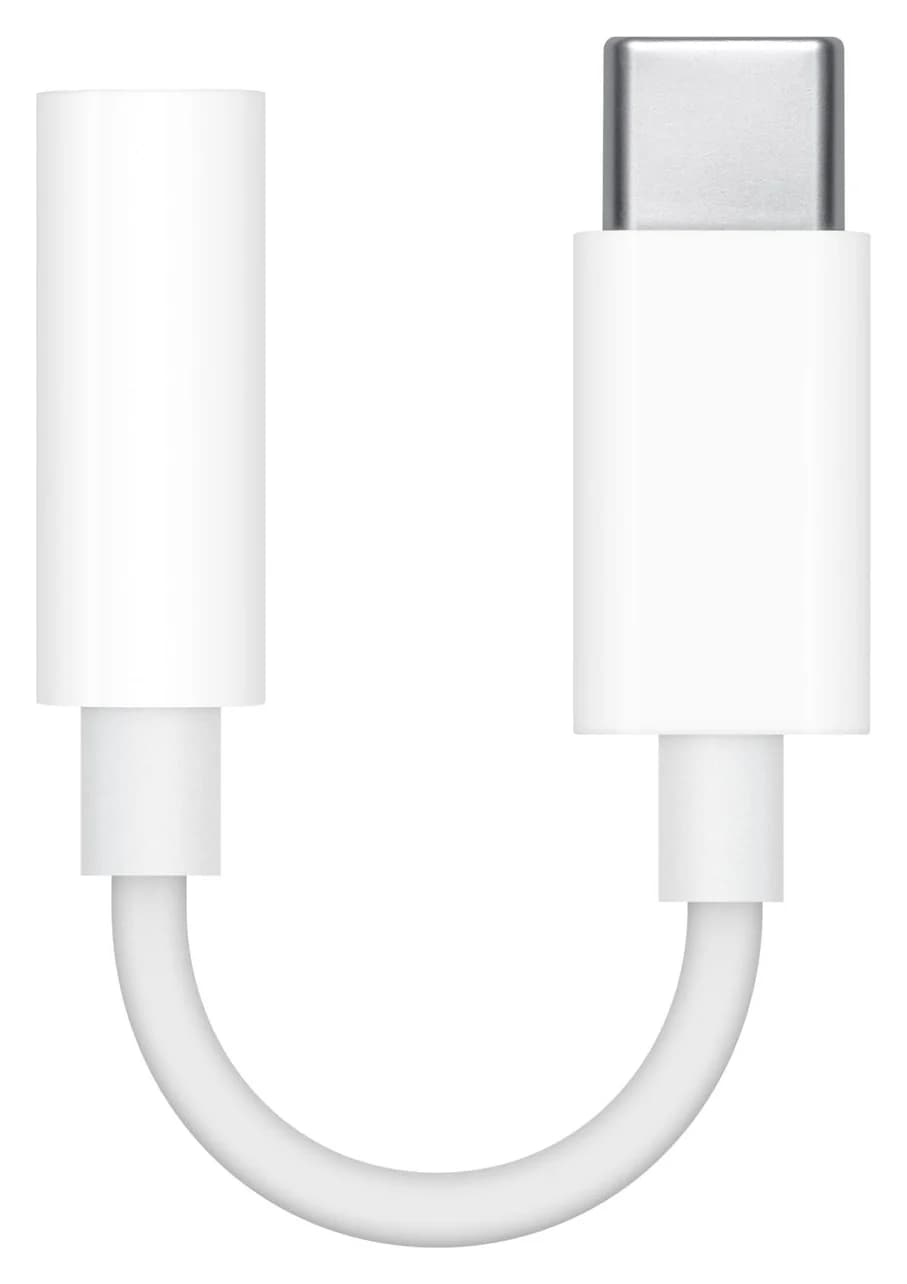
Best simple adapter for USB-C iPhonesApple
Apple USB-C to 3.5 mm Headphone Jack Adapter
- port
- 1
- host link
- USB-C
- Choose
- Apple lists USB-C iPhones, iPads and Macs for its adapter for standard headphone or speaker plugs.
- Limit
- No pass-through charging while in use
Quick audio-adapter picks by phone and headset
| Adapter and our pick | Documented device scope | Microphone and buttons | Wired charging during listening |
|---|---|---|---|
| Apple adapter — simple iPhone pick | Apple-listed USB-C iPhones, iPads and Macs | Not itemized in the cited Apple adapter documentation | No charging input |
| StarTech USBCAUDIO2 — headset pick | Android/iOS phones and tablets; Windows/macOS/Linux computers; no named-phone matrix | TRRS mic input and inline controls documented | No charging input |
| Belkin NPA004btBK — audio plus charging | US page names iPhone 18 Pro/Max and the Pixel 11 family; FAQ also lists Galaxy S21 models | Mic and inline controls explicitly supported | Up to 60W; actual rate depends on phone and charger |
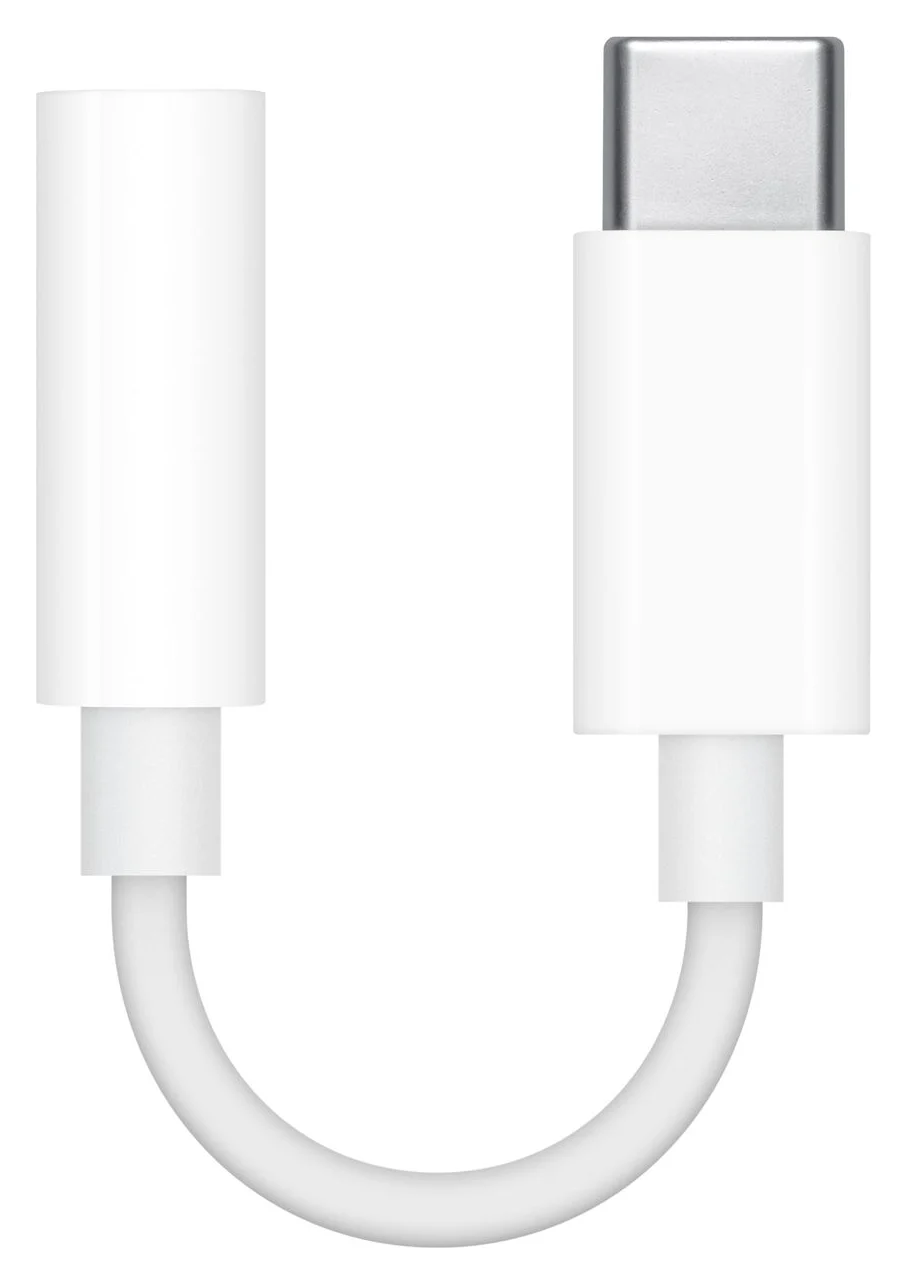
The awards below are based on manufacturer documentation. A compatibility list is the starting point; check the exact headset functions you intend to use.
Best simple iPhone adapter: Apple USB-C to 3.5 mm
Apple
Apple USB-C to 3.5 mm Headphone Jack Adapter
Apple's small adapter for plugging 3.5mm wired headphones or speakers into a USB-C iPhone, iPad or Mac.
- 1 port
Apple is our default for an iPhone owner who wants to keep ordinary wired headphones or connect speakers: its US product page identifies MW2Q3AM/A and lists compatible iPhones, iPads and Macs. That list includes iPhone 15, 16 and 17 models, iPhone 18 Pro and Pro Max, iPhone Air and iPhone Duo.
Apple's connection instructions are simply to connect the adapter to the device's USB-C port, then connect the headphones. The box contains the adapter, and there is no separate charging input. Choose the Belkin below if keeping a wired charger connected is part of the job.
The limitation is documentation: these Apple pages describe headphone/audio-device use without a model-by-model microphone or remote-button matrix, and the product's compatibility list does not name Android phones. For a work headset, verify the mic and every button you need instead of treating playback as confirmation of all functions.
Best documented headset support: StarTech USBCAUDIO2
The USBCAUDIO2 earns this pick because its model-specific datasheet explicitly documents both stereo playback and microphone support through a 3.5mm TRRS jack, alongside support for headset inline controls. StarTech lists driverless operation on Android, iOS, Windows, macOS and Linux. It is an OS-level compatibility claim; the datasheet does not identify individual Galaxy or Pixel models.
The playback and recording specifications are usefully separate: playback reaches 32-bit/384kHz, while the microphone analog-to-digital converter (ADC) is specified at 16-bit/48kHz. Use those numbers to understand the supported signal formats. They are not a reason on their own to expect a better call or a preferred sound.
A flexible TPE lead connects the USB-C plug and headset socket, and the package contains the adapter. There is no charging input. Choose it for documented headset functionality; confirm the exact phone and headset pairing if calls are essential. The unresolved length figures are covered under case clearance below.
See the StarTech USBCAUDIO2 specifications
Best for audio while charging: Belkin RockStar NPA004
Choose the black US NPA004btBK for a phone on Belkin's compatibility list when a wired charger and headset must stay connected together. Its product page documents a built-in DAC, a 3.5mm audio input/output jack and a USB-C charging port with up to 60W Power Delivery. Its FAQ separately confirms microphone and inline-control support.
The current US list names iPhone 18 Pro, iPhone 18 Pro Max, Pixel 11, Pixel 11 Pro, Pixel 11 Pro XL and Pixel 11 Pro Fold. The FAQ lists older devices including Galaxy S21, S21+ and S21 Ultra. For a newer Galaxy, ask Belkin about the exact model before relying on that older list.
The extra USB-C port accepts charging input only; it carries neither data nor USB-C headphone audio. Belkin says the adapter is plug-and-play and should connect directly rather than through a USB-C hub. Its product page mentions notebooks, but its FAQ says it cannot charge a computer; we recommend it here for phone and tablet use.
The package contains the adapter only, so budget for a suitable charger and charging cable if you do not already own them. Belkin specifically asks for a USB-C PD C-to-C cable with iPad mini 6. Our iPhone charger guide covers charger selection.
See the exact Belkin NPA004btBK adapter
How we choose
We compare official product pages, support answers and model-specific datasheets. The priorities are documented phone or OS support, separate playback and microphone paths, headset controls, charging connections and box contents. These are research recommendations; this page provides no listening comparisons, measured output-power results or durability test results. Buyer anecdotes are not used to establish compatibility.
Where a maker gives conflicting specifications, we identify the conflict and avoid treating the uncertain figure as a purchase guarantee. A larger advertised audio format does not receive an automatic buying award.
Buying guide: active DAC versus passive audio
A DAC is a digital-to-analog converter; an active adapter contains the conversion electronics. Samsung's Galaxy support guidance explicitly tells buyers to choose an adapter with a built-in DAC.
A DAC-free lookalike can have a narrower device list: UGREEN's 30632 page says it has no built-in DAC and supports only its listed devices. We are using that model to illustrate the buying trap, not recommending it as a universal alternative. Search the exact model number for both the adapter and phone; a connector match is not a complete compatibility check.
- Yes: Built-in DAC documented: StarTech USBCAUDIO2 and Belkin NPA004
- Partly: DAC-free adapter: use only with explicitly listed devices
- No: Belkin NPA004 USB-C charging socket: no headphone audio or data
Microphones and buttons: compare separate promises
StarTech specifies a four-conductor TRRS headset connection, microphone conversion and inline controls. Belkin confirms a headset microphone and inline controls for NPA004 without enumerating every headset/button combination. Write down the functions you need—calling, recording, play/pause and volume—and verify them for your headset, phone and app. For a separate lavalier microphone or a PC headset with separate headphone and microphone plugs, have the adapter maker confirm the wiring and any required splitter before purchase.
Watch the Belkin model number. Its older F7U080 FAQ says audio input is unsupported and gives a maximum of 36W for USB-PD devices, with 18W for Google Pixel. Those are different specifications from the microphone-capable, up-to-60W NPA004. Do not let a listing's RockStar branding substitute for the exact SKU.
Case clearance and durability: what the evidence establishes
Apple's troubleshooting advice says a case may need removing to obtain a firm connection. Check the case opening around the USB-C plug and the seating of the headphone plug before judging an adapter faulty. Do not force a connector against a case lip.
StarTech describes a flexible TPE lead, but its own length figures conflict: the heading says 5in (12.7cm) and the physical table says 5.5in (14cm). Neither figure tells you whether a particular case opening clears the plug housing. The jacket description also does not establish a lifespan; inspect the lead, connectors and remote for damage, as Apple recommends.
Simultaneous charging changes the whole kit
Belkin's up-to-60W figure is the adapter's stated capability, with actual charging rates dependent on the device and charger. Select the charger for your phone's requirements, then confirm the supported combination. Do not read the adapter ceiling as a promise that your phone receives that power.
Apple and StarTech supply their adapters without a charging input; the Belkin package lists only the audio-and-charge adapter. Check the full kit: adapter, existing headset, charger and USB-C charging cable. Our USB-C cable types guide helps with cable selection.
Samsung and regional SKU checks
Samsung's UK business page identifies EE-UC10JUWEGWW and limits its best-results guidance to Samsung devices supporting USB Type-C earphones. Samsung's US EE-UC10JUWEGUS product page currently leads to the general accessories catalog. That leaves current US availability and microphone/button details unresolved, so it receives no buying award. This is not evidence that the entire family is discontinued.
Check the connection before replacing anything
For an iPhone fault, Apple advises updating and restarting the device, checking for damage, obtaining a firm connection and checking microphone blockage. Use this order to isolate the problem:
Update and restart
Install the latest iOS or iPadOS and restart the device.
Inspect and reseat
Check for damage; remove the case if needed for a firm connection.
Isolate the headset
Check the microphone for blockage and try another pair of headphones.
Final choose-this-adapter table
| Your main requirement | Choose | Verify before buying |
|---|---|---|
| Simple wired listening on a listed USB-C iPhone | Apple MW2Q3AM/A | The Apple compatibility list; any required mic/button behavior |
| Explicit headset mic and control documentation | StarTech USBCAUDIO2 | Your exact phone/headset pairing; no charging input |
| Headset use while charging a listed phone | Belkin NPA004btBK | Exact phone, separate charger/cable, and NPA004 SKU |
Verdict
Choose Apple for simple wired listening on its listed USB-C devices. Choose StarTech USBCAUDIO2 for the clearest documented microphone and inline-control support across Android and iOS. Choose Belkin NPA004btBK when simultaneous wired charging is essential, after matching the phone and exact SKU. For a small gift, start with the recipient's phone and headset; our USB stocking-stuffer guide covers other accessory ideas.
Frequently asked questions
What is the best USB-C audio adapter for an iPhone?
For simple wired listening, choose Apple's USB-C to 3.5 mm Headphone Jack Adapter for an iPhone on Apple's compatibility list. For simultaneous wired charging, choose Belkin NPA004 after matching your phone to Belkin's list. Its current US page explicitly includes iPhone 18 Pro and Pro Max, and its FAQ confirms headset microphones and inline controls.
Does Apple's USB-C headphone adapter work with Android?
Apple's cited product compatibility list covers Apple devices; it does not establish an Android phone pairing. We therefore recommend it here for listed Apple devices. For Android headset use, StarTech USBCAUDIO2 has explicit manufacturer support for Android, microphones and inline controls, although its datasheet does not provide a named-phone compatibility matrix. Confirm your exact phone and headset before purchase.
Can I charge my phone and use wired headphones at the same time?
Yes, with a suitable audio-and-charge adapter. Belkin NPA004 documents simultaneous USB-C charging and audio through its 3.5mm jack, plus headset microphones and inline controls. Its up-to-60W rating is a ceiling; Belkin says charging rates depend on the device and charger. The extra USB-C socket is charging input only, so it cannot also carry USB-C headphone audio or data.
Do I need an active DAC or a passive USB-C audio adapter?
Look for a built-in DAC unless your exact device documentation explicitly supports a DAC-free adapter. Samsung tells Galaxy buyers to use an adapter with a built-in DAC. UGREEN's DAC-free 30632 instead has a restricted device list. A USB-C connector alone is therefore insufficient evidence that an adapter will support your phone, microphone and headset controls.
Why does music play but my headset microphone does not work?
Check microphone support separately from playback. StarTech USBCAUDIO2 explicitly documents a TRRS microphone input, and Belkin confirms microphone support for NPA004. Belkin's older F7U080 FAQ says it has no audio input. For an iPhone connection problem, Apple also recommends checking that the headset has a microphone, checking it for blockage and trying another pair to isolate the fault.
Related guides
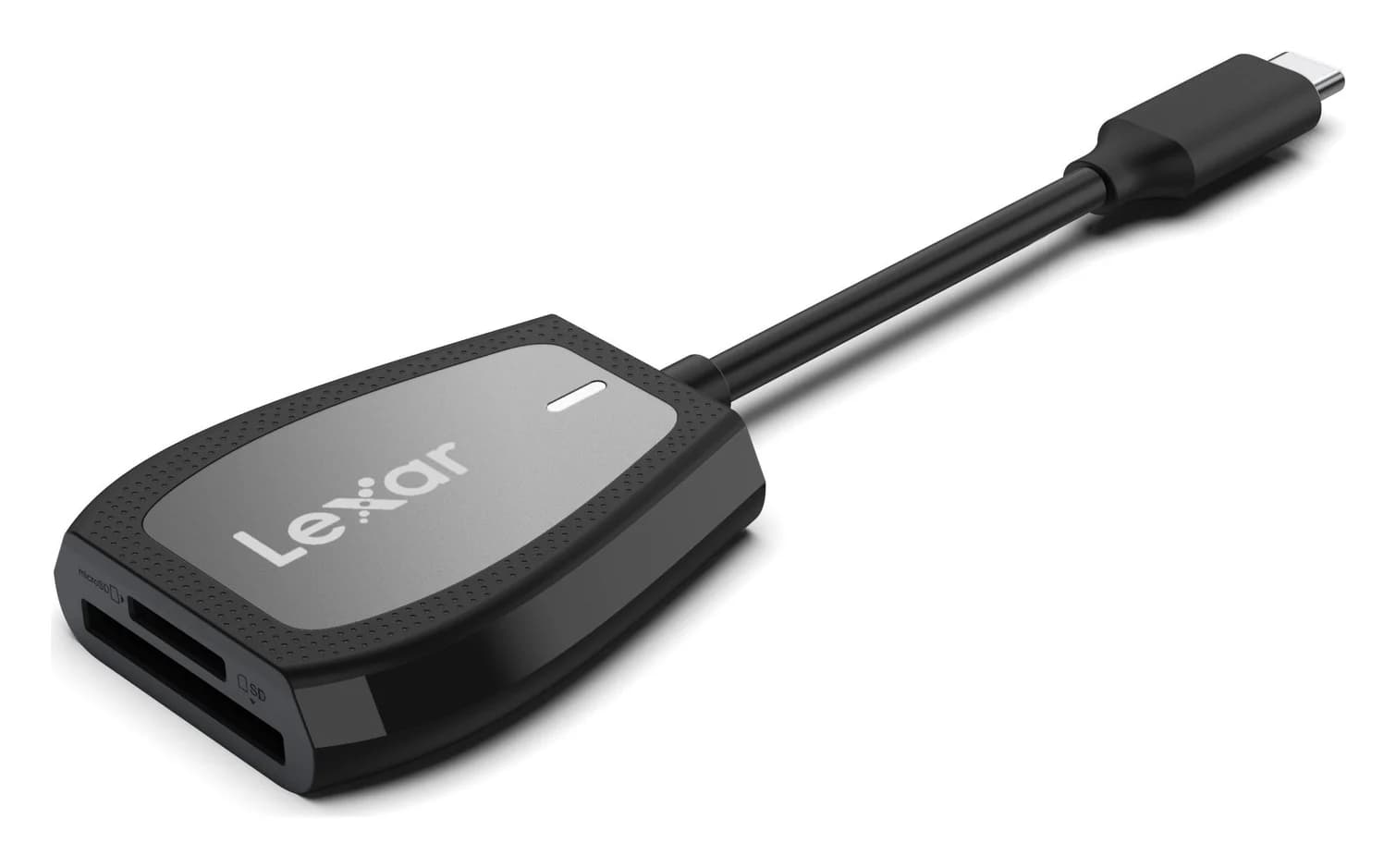
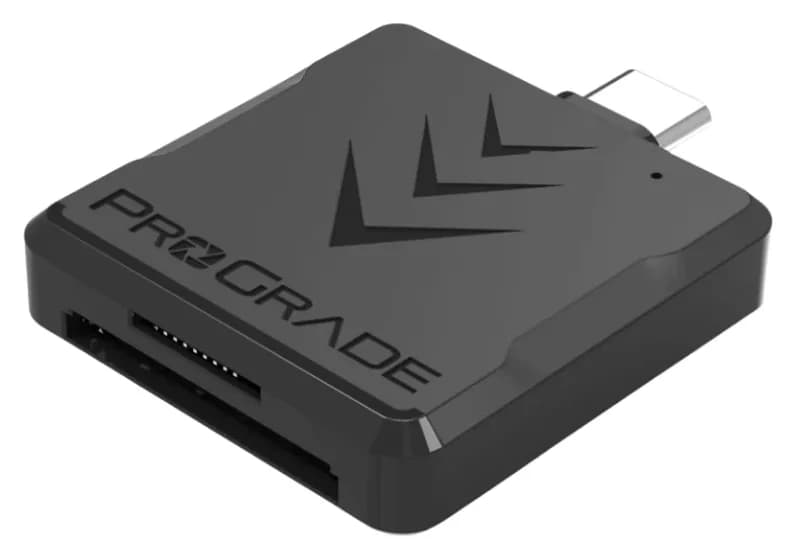
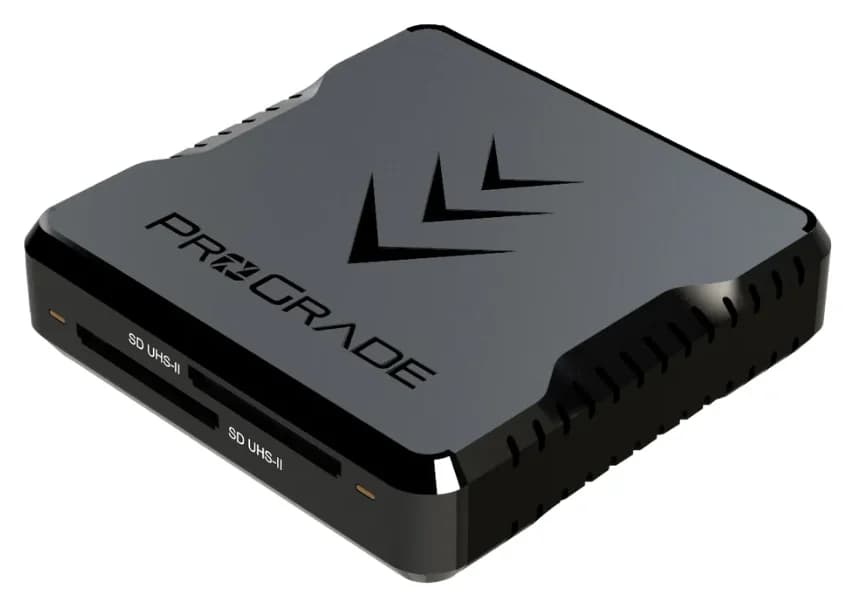
Best SD Card Readers in 2026: USB-C Picks for Every Workflow
The SD card readers worth buying, from makers' spec sheets: UHS-II dual-slot picks from Lexar and ProGrade, Apple's USB-C reader, and an Anker hub that reads cards too.
Updated November 7, 2026Read
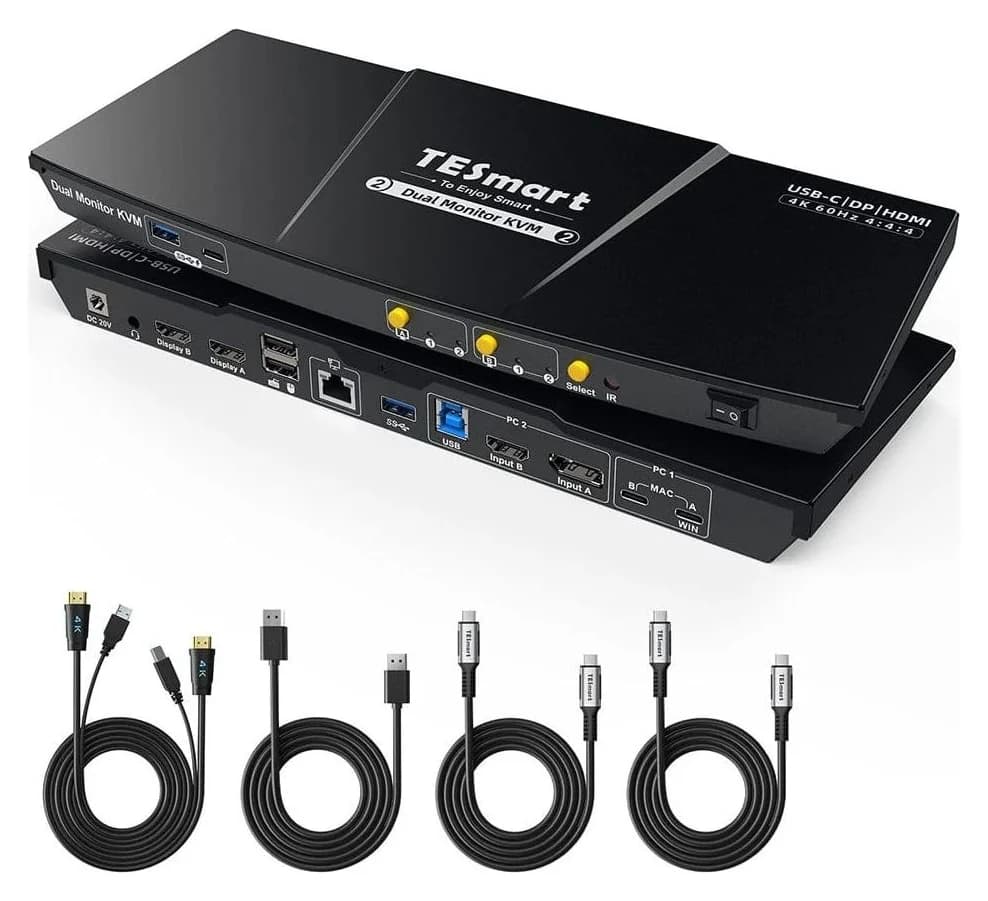
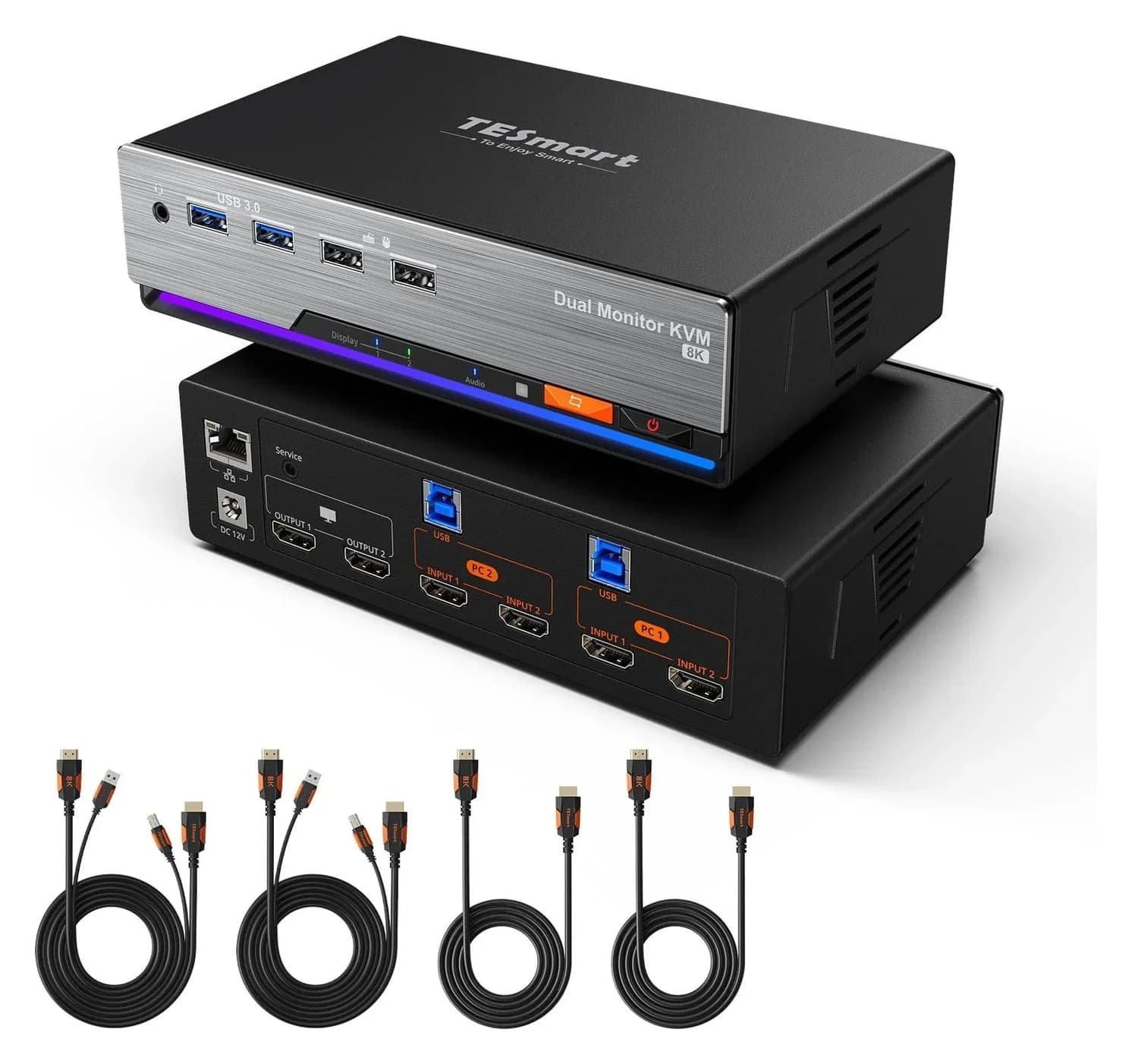
Best KVM Switches: Two Computers, One Keyboard, Mouse and Monitor Set
Pick the right KVM switch for two PCs, laptops, dual monitors, gaming or USB-only sharing. Compare HDMI, DisplayPort and USB-C models, docks and Mac limits.
Updated November 7, 2026Read
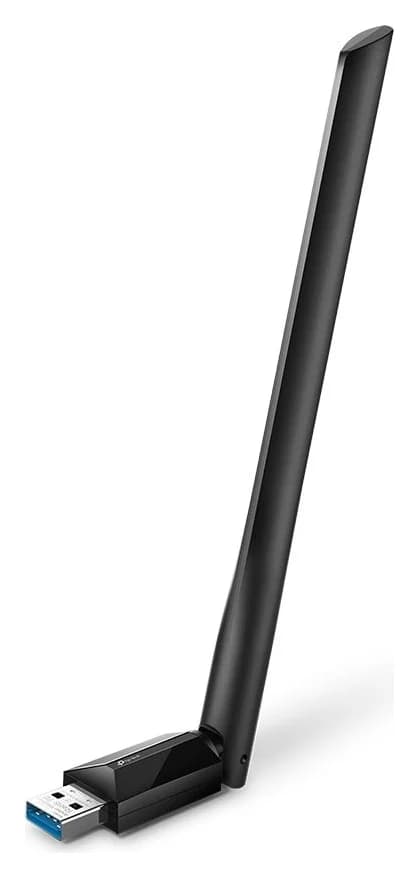
The Best USB Wi-Fi Adapters for Mac (The macOS Compatibility Truth)
Which USB Wi-Fi adapters actually support a Mac? The verified models, the macOS version limits, the USB-C problem on modern Macs, and the Ethernet workaround.
Updated November 10, 2026Read